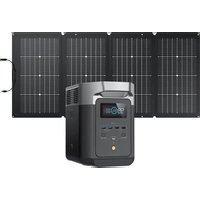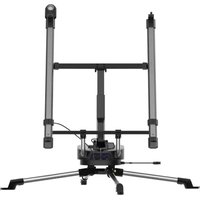
Solar Tracker - Generator ECOFLOW - Free user manual and instructions
Find the device manual for free Solar Tracker ECOFLOW in PDF.


| Product Type | Solar tracker for photovoltaic panels |
| Brand | EcoFlow |
| Model | Solar Tracker |
| Dimensions (unfolded) | 2.5 × 1.5 × 1.5 m |
| Dimensions (folded minimum) | 2.5 × 1.1 × 1.1 m |
| Weight | 25 kg |
| Max load capacity | 25 kg |
| Tilt range | 0° to 85° |
| Rotation range | 0° to 345° (15° dead angle) |
| Built-in battery | Li-ion NCM 5000 mAh, rechargeable via solar panels or USB-C (5-20 V, 1 A) |
| Ingress protection rating | IP54 |
| Wind resistance | Class 6 (strong wind); stow beyond class 8 |
| Operating temperature | -10 °C to 40 °C (optimum 25 °C) |
| Battery lifespan | >80% capacity after 500 cycles |
| Battery shelf life | 1 year after full charge |
| Panel compatibility | Foldable or rigid solar panels (MC4 connectors) |
| Operating modes | Standby, light search, solar tracking, manual mode, emergency stop |
| LED indicators | Status indicator (on/standby/charging) and battery level (4 LEDs) |
| Mobile app | Compatible (monitoring and control) |
| Maintenance | Recharge battery to 30-50% every 3 months if not in use |
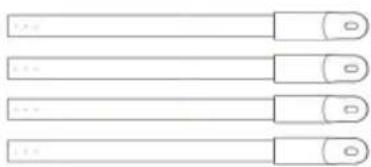
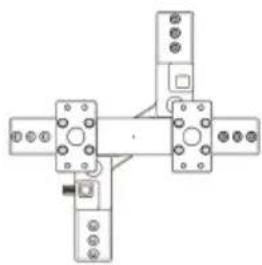
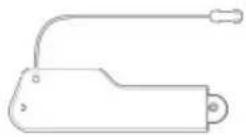
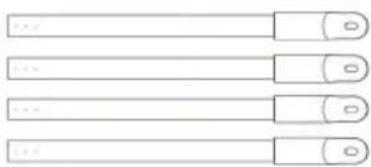
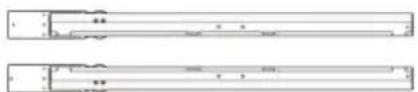
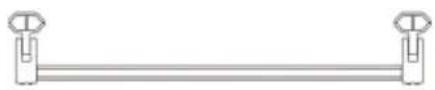
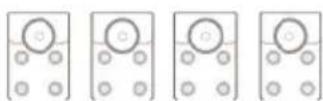
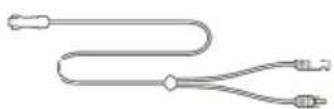
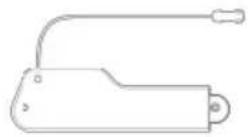
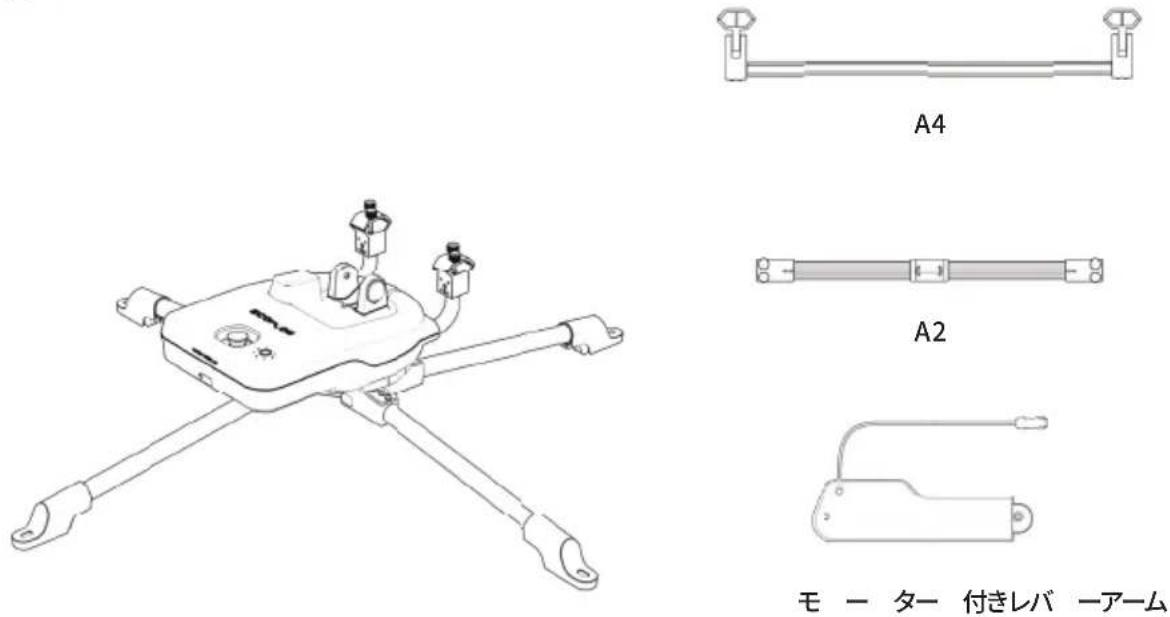
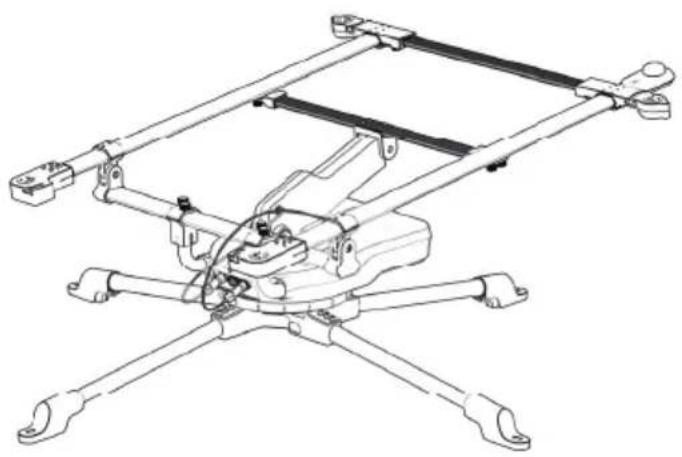
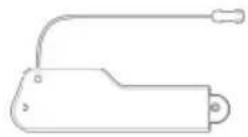
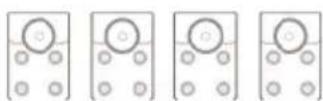
| Box contents | Control module, light sensor, motorized arm, brackets (A1, A3), legs, screws |
Frequently Asked Questions - Solar Tracker ECOFLOW
User questions about Solar Tracker ECOFLOW
0 question about this device. Answer the ones you know or ask your own.
Ask a new question about this device
Download the instructions for your Generator in PDF format for free! Find your manual Solar Tracker - ECOFLOW and take your electronic device back in hand. On this page are published all the documents necessary for the use of your device. Solar Tracker by ECOFLOW.
USER MANUAL Solar Tracker ECOFLOW
EcoFlow Solar Tracker | User Manual
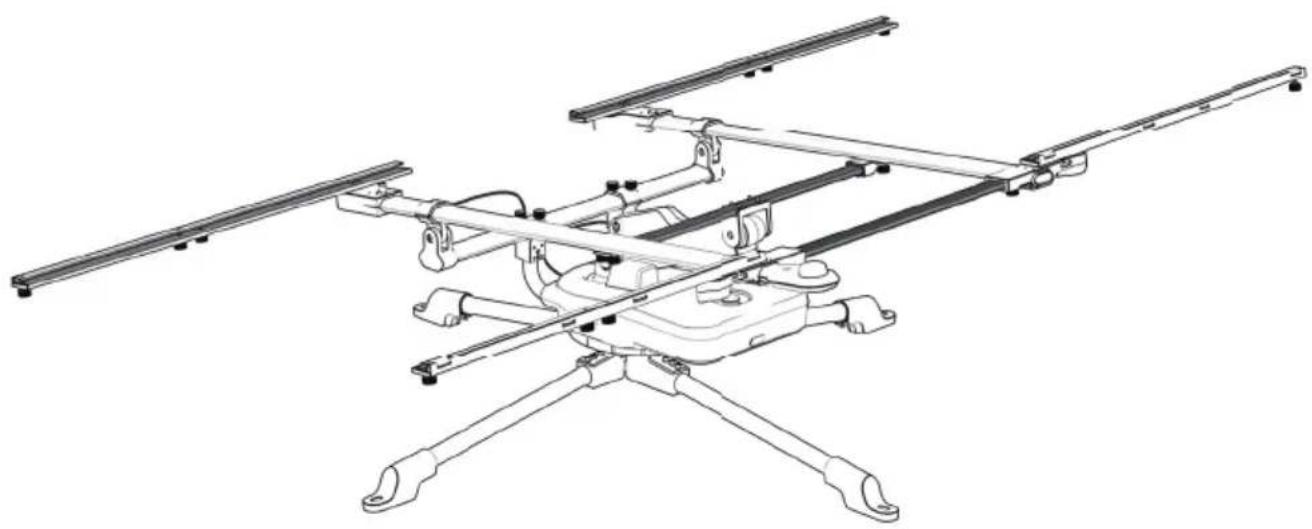
natural_image
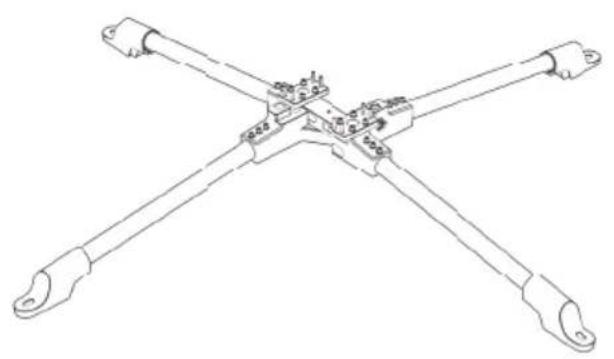
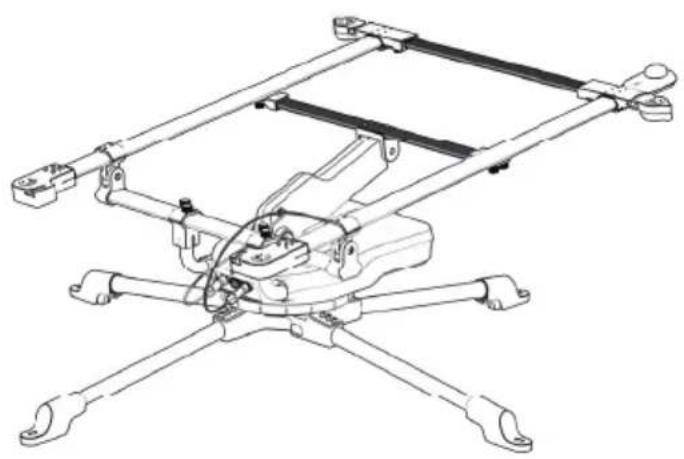
Technical line drawing of a multi-rotor aircraft with extended wings and mounting feet (no text or symbols)DISCLAIMER
Read all safety tips, warning messages, terms of use, and disclaimers carefully. Refer to the terms of use and disclaimer at https://ecoflow.com/pages/terms-of-use and stickers on the product before use. Users take full responsibility for all usage and operations. Familiarize yourself with the related regulations in your area. You are solely responsible for being aware of all relevant regulations and using EcoFlow products in a way that is compliant.
CONTENTS
1. Assembly Instructions 1
1.1 What's in the box 1
1.2 Installation 2
--1.2.1 Solar Tracker Installation 2
--1.2.2 Using foldable solar panels 6
--1.2.3 Using rigid solar panels 8
1.3 Disassembly 11
1.4 Transportation 12
1.5 Using The Solar Tracker 13
--1.5.1 Positioning the Solar Tracker 13
--1.5.2 Turning on and off 14
--1.5.3 Emergency stop button 14
--1.5.4 Operation Modes 14
2. Specifications 15
2.1 Specifications 15
2.2 Built-in battery 15
3. Precautions 15
4. Light Indicators 16
4.1 Power Status Indicator 16
4.2 Battery Level Indicator 16
5. Maintenance 16
1. Assembly Instructions
1.1 What's in the box
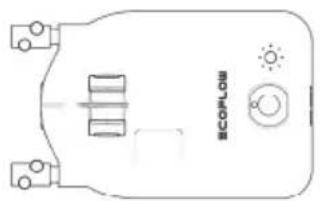
natural_image
Pure electrical circuit lines without any symbols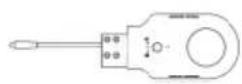
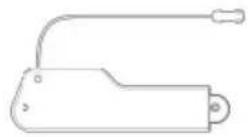
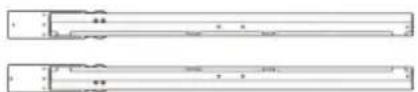
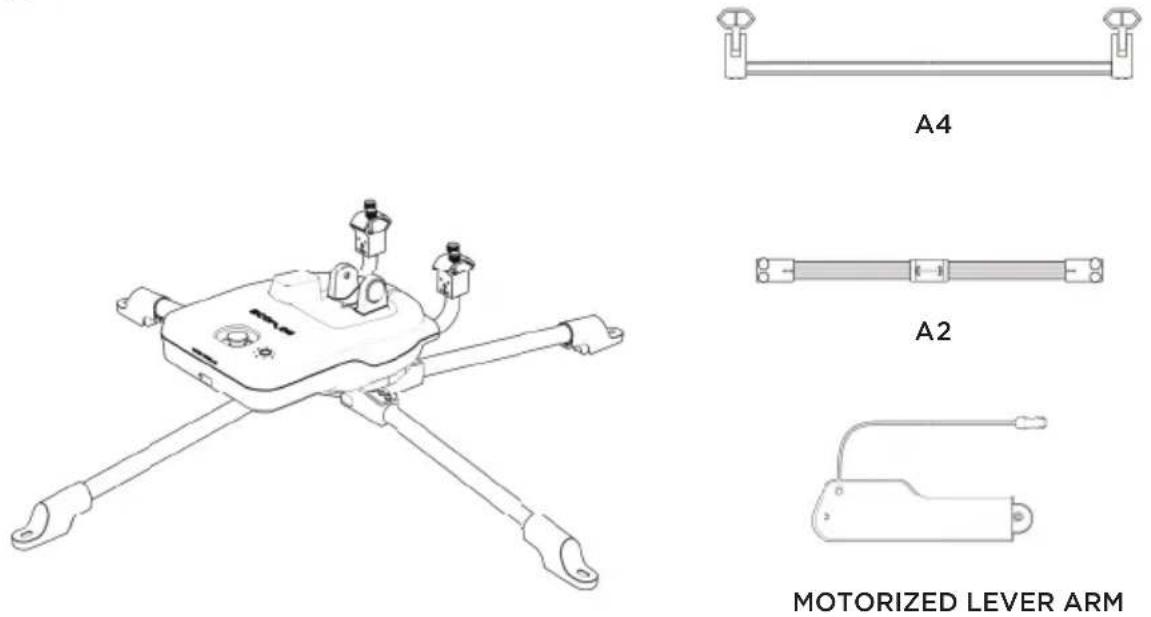
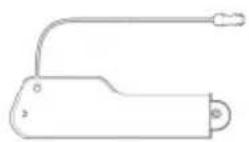
CONTROL MODULE LIGHT SENSOR MOTORIZED LEVER ARM
natural_image
Pure electrical circuit lines without any symbols
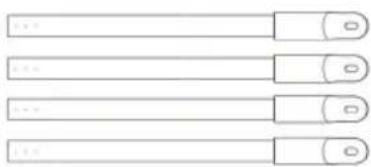
L-FEMALE L-MALE B-LEFT B-RIGHT


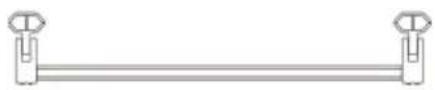
A2
natural_image
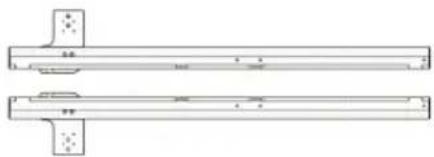
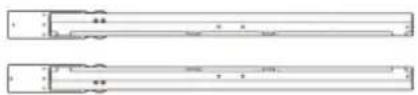
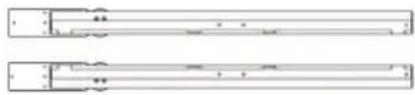
Pure technical line drawing of two parallel mechanical components with mounting holes (no text or symbols)A3-LEFT A3-RIGHT
A4 A5
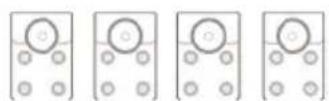
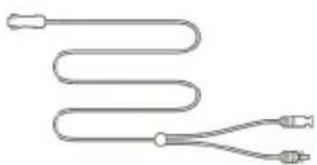
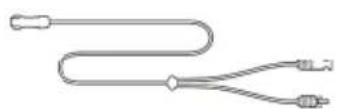
SOLAR CHARGING CABLE FOR SOLAR PANEL (0.92ft)
natural_image
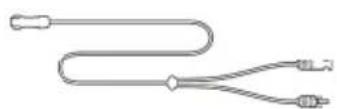
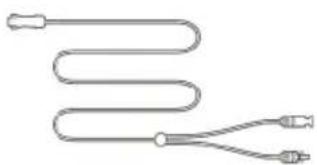
Pure diagram of a coiled tube with two connectors (no text or symbols)SOLAR CHARGING CABLE FOR ECOFLOW UNITS (9.84ft)
1.2 Installation
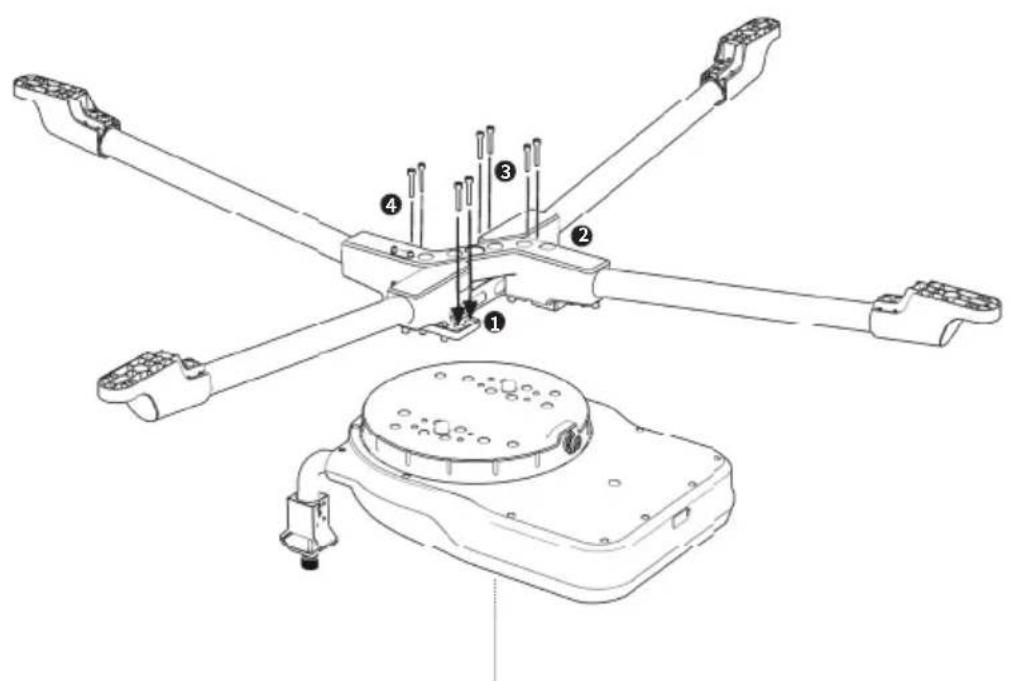
1.2.1 Solar Tracker Installation
1
natural_image
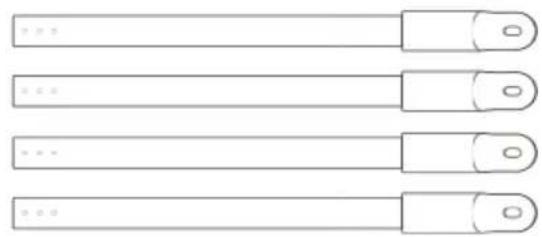
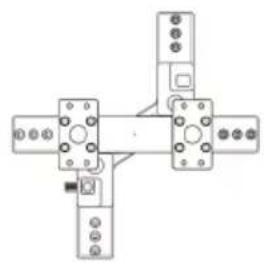
Four horizontal cylindrical objects with circular end caps, arranged horizontally (no text or symbols)L-FEMALE L-MALE
natural_image
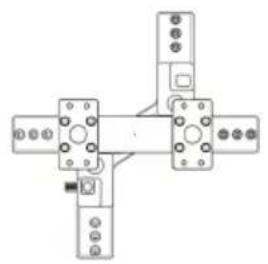
Pure mechanical assembly diagram with four components and mounting holes (no text or symbols)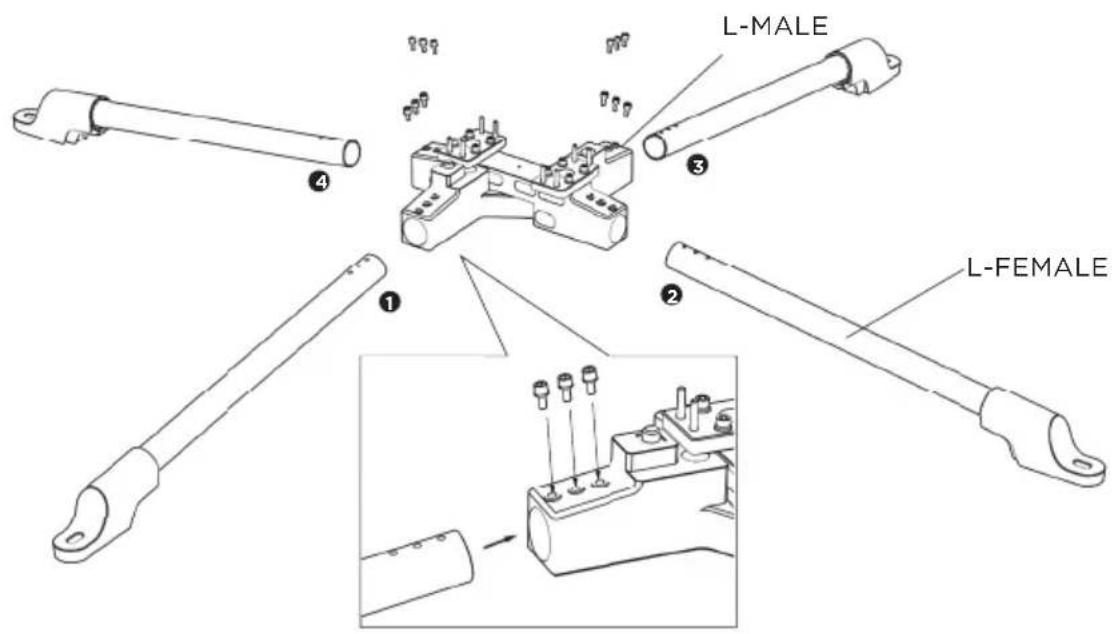
2
natural_image
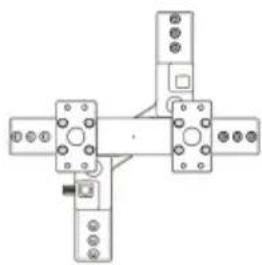
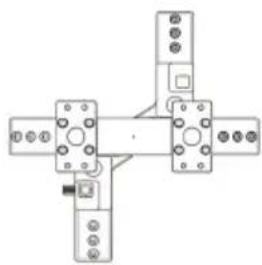
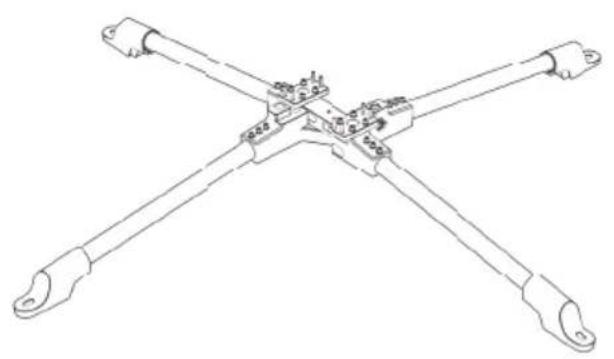
Line drawing of a four-way mechanical linkage or connector assembly (no text or symbols)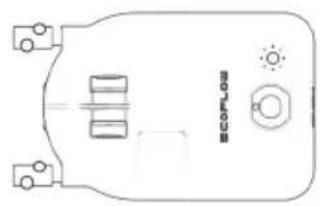
natural_image
Pure technical diagram of a mechanical component with no text, numbers, or symbolsCONTROL MODULE
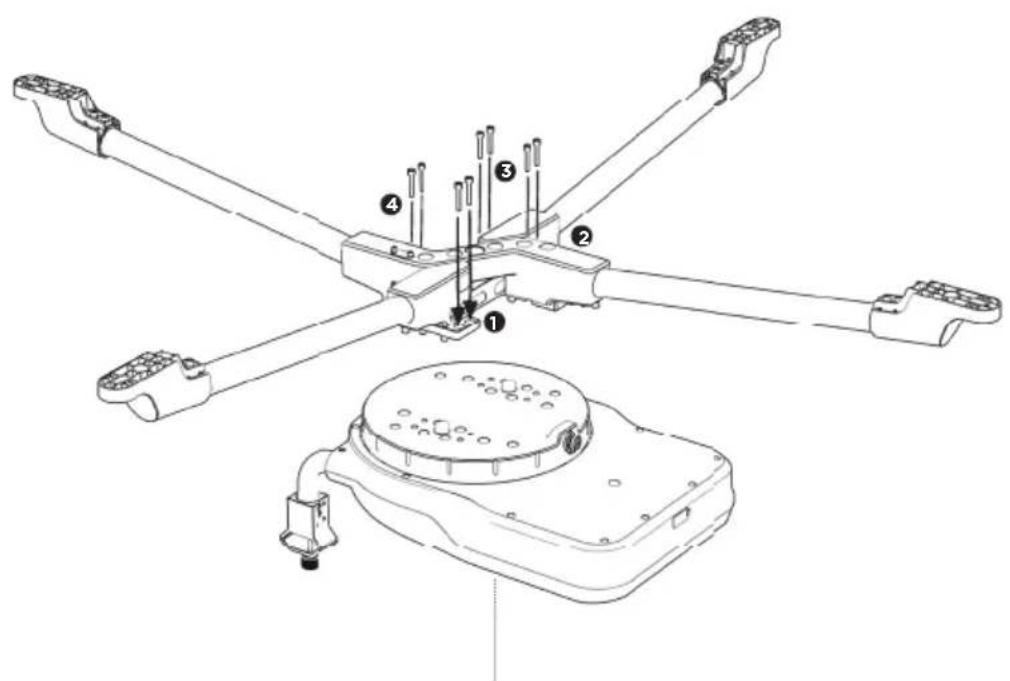
CONTROL MODULE
3
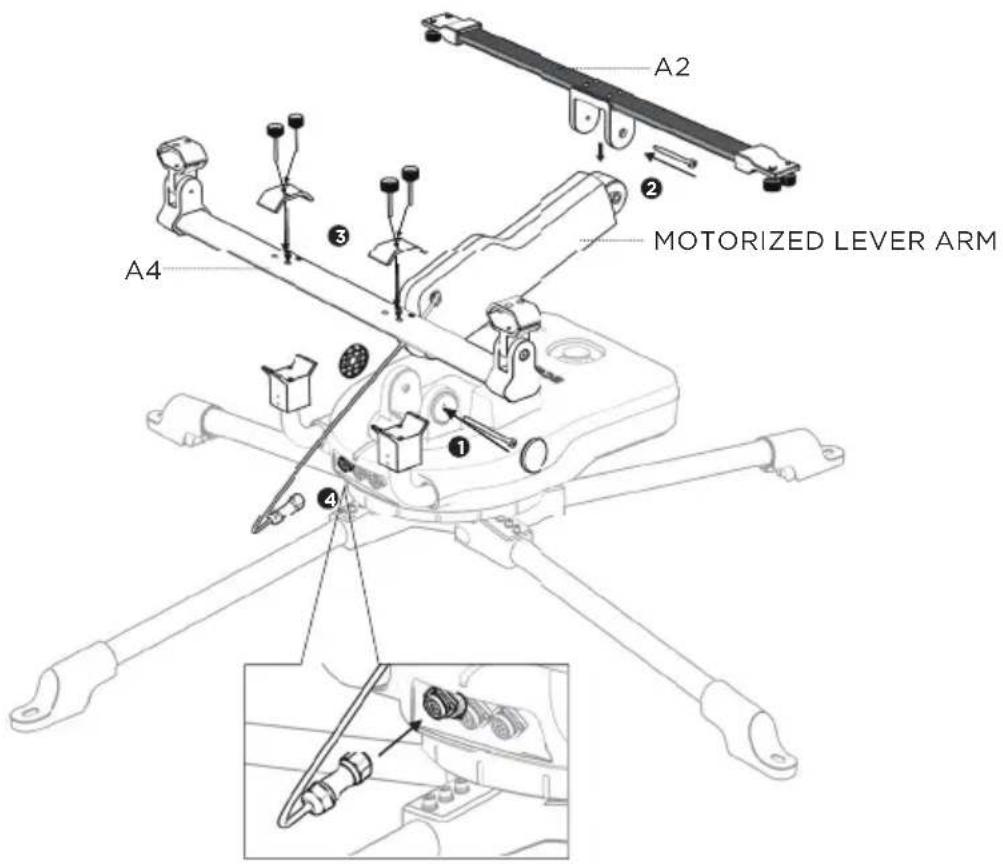
4

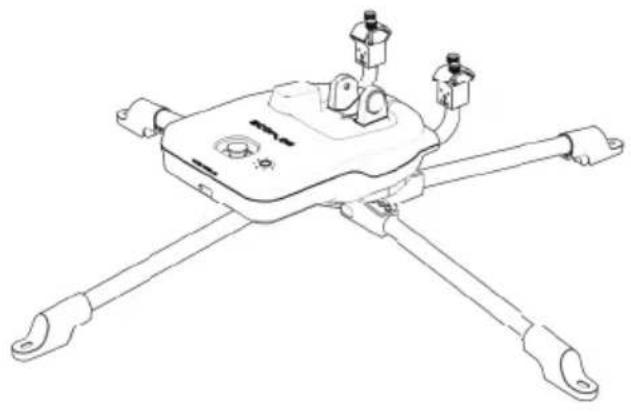
natural_image
Technical line drawing of a mechanical device with four arms and mounting brackets (no text or symbols)
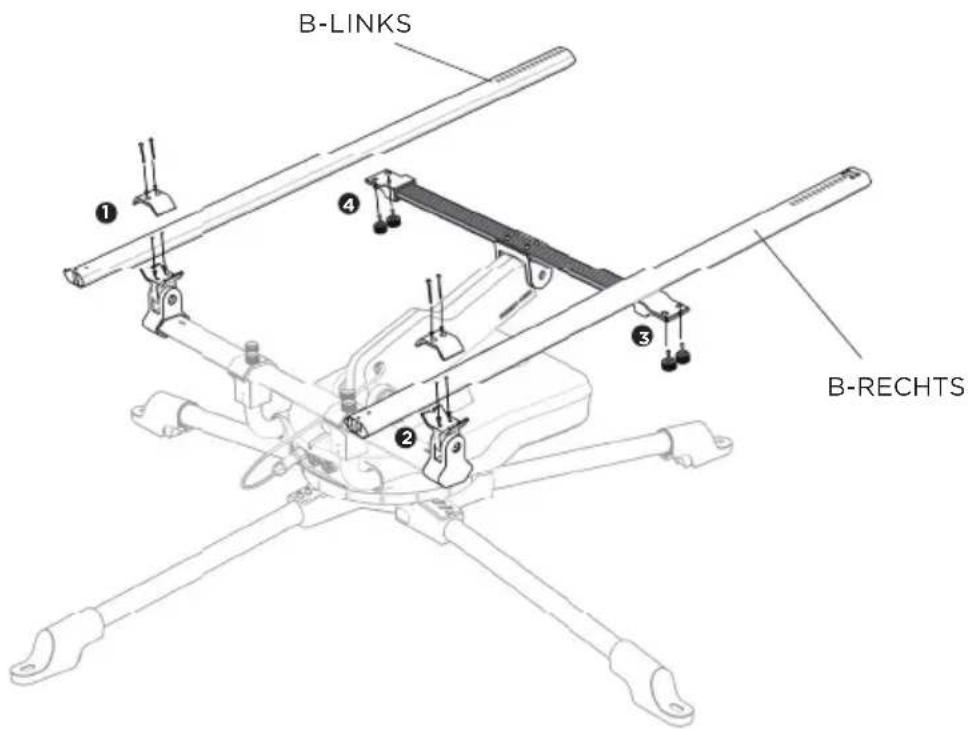
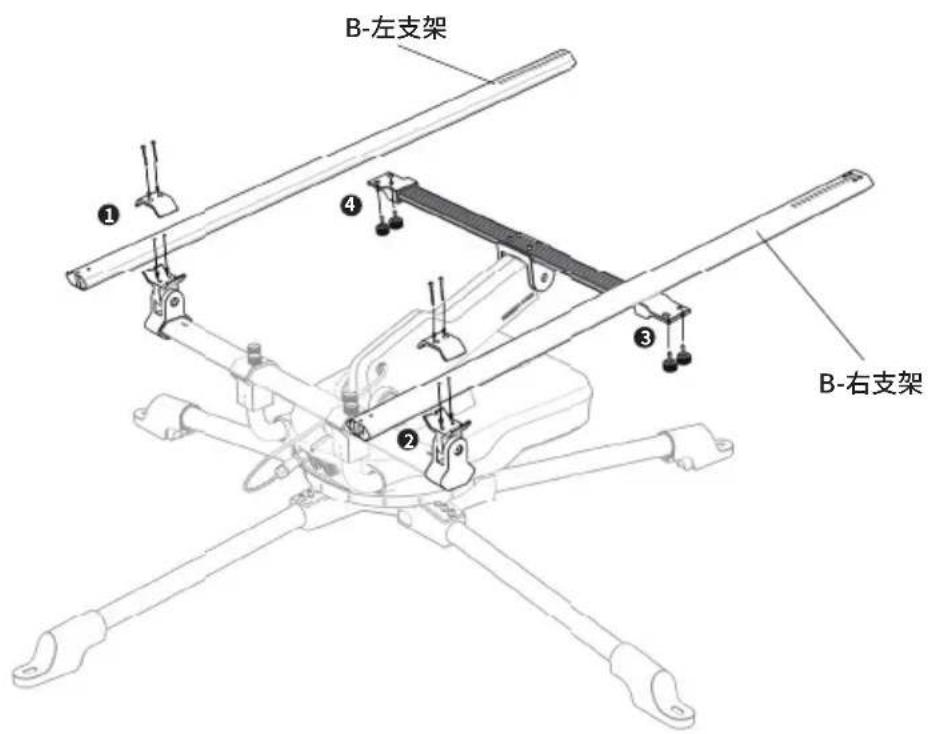
B-LEFT B-RIGHT
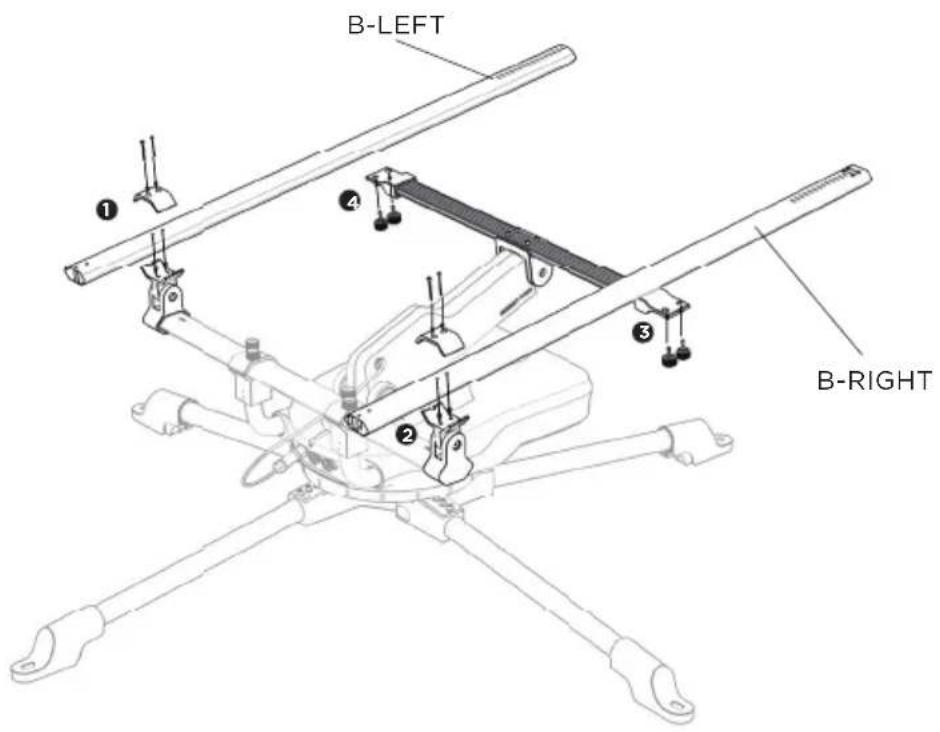
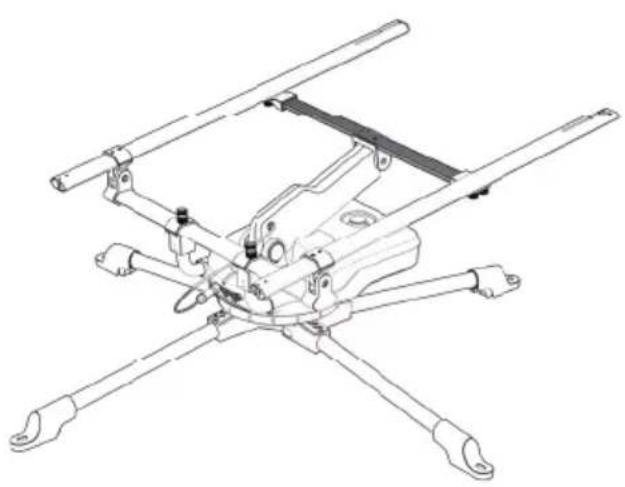
1.2.2 Using foldable solar panels
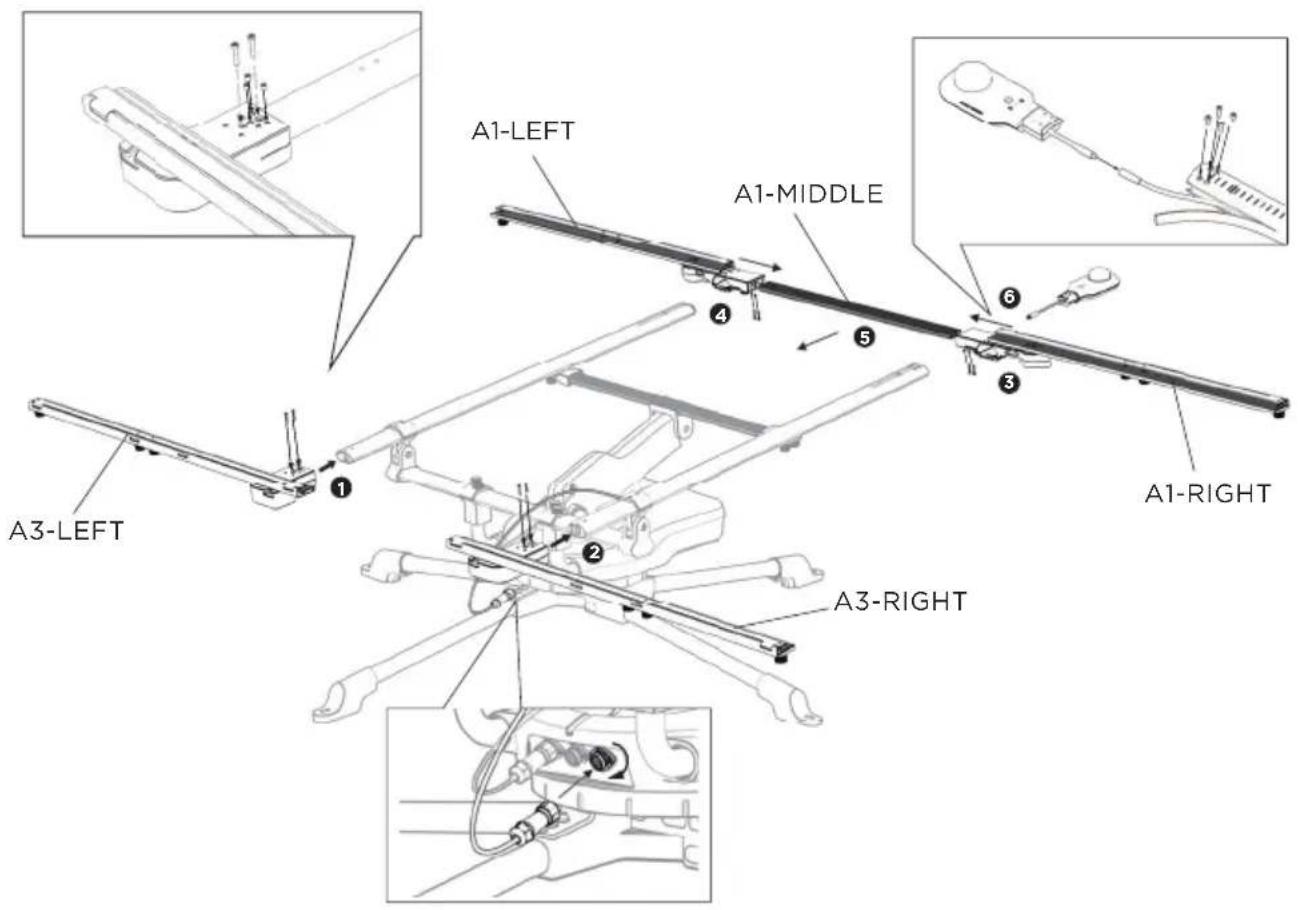
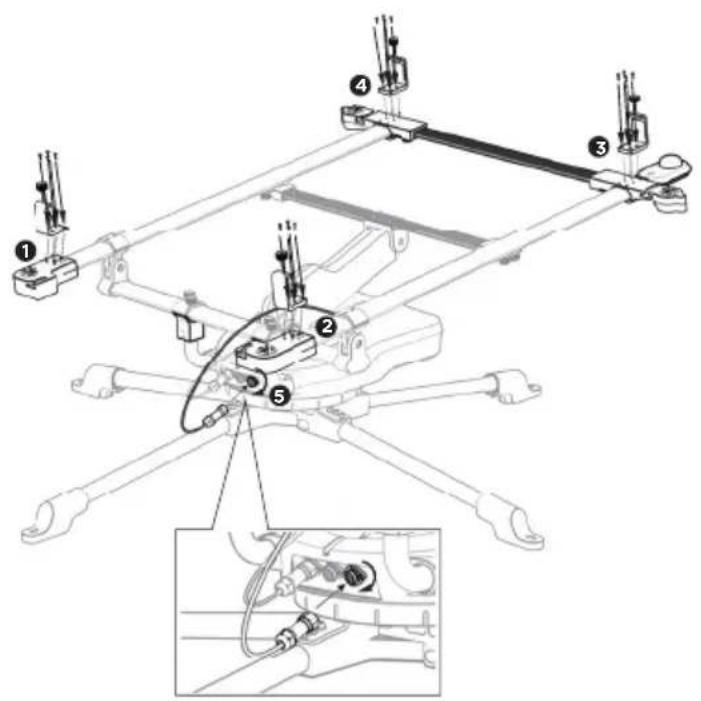
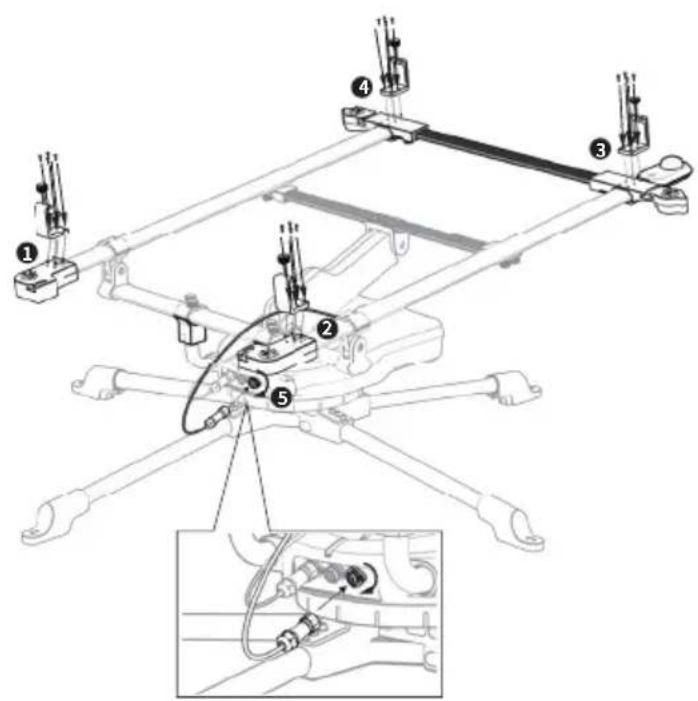
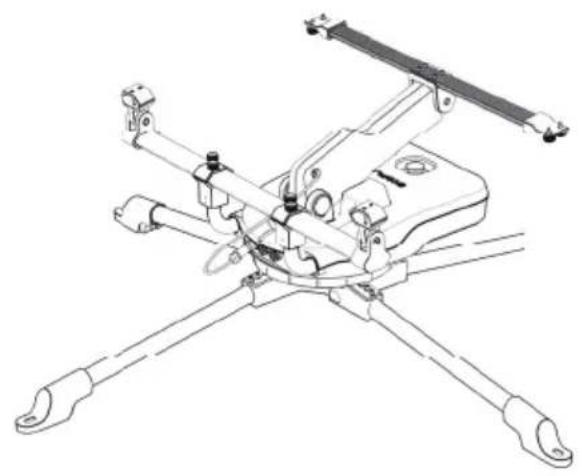
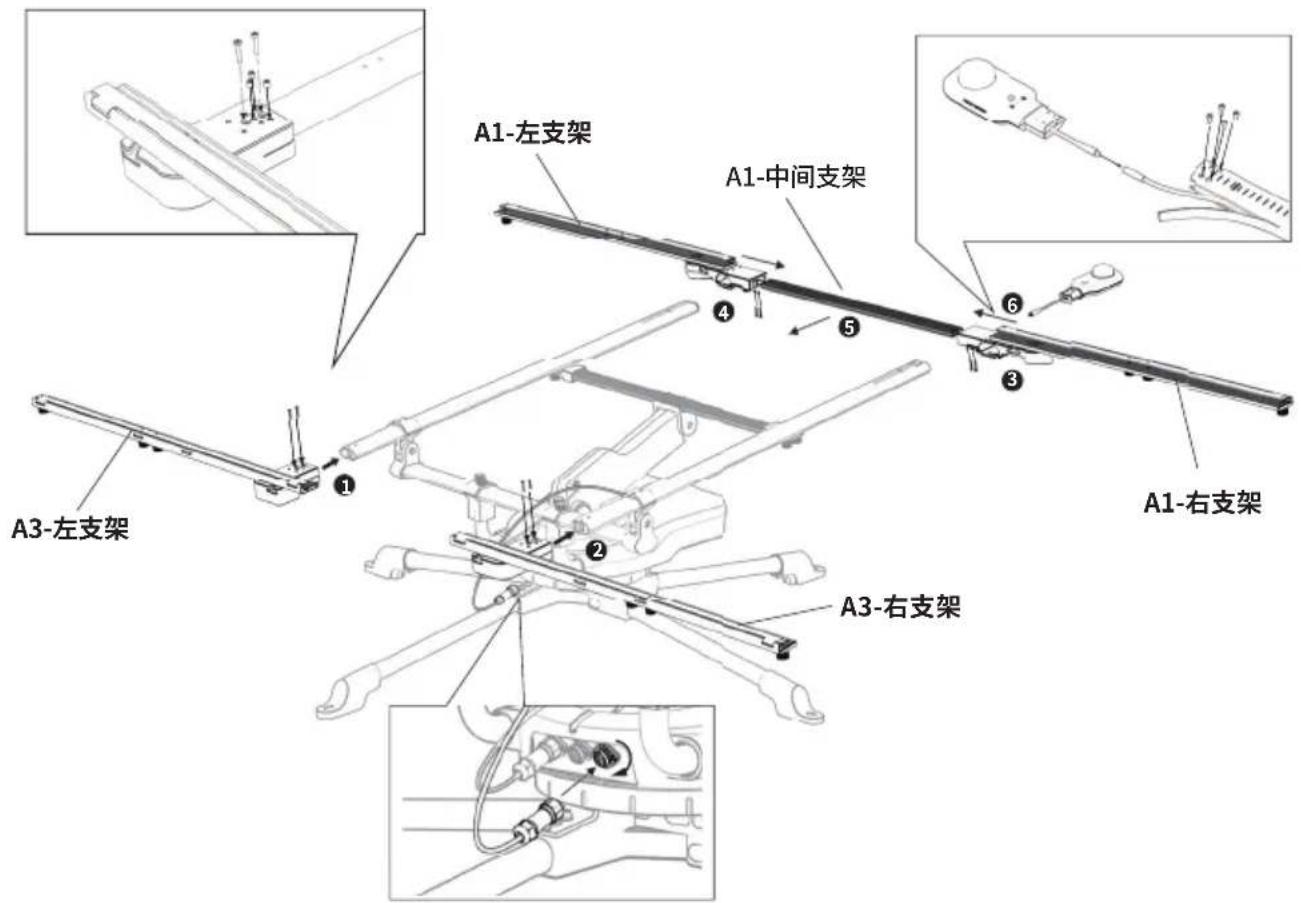
*If you plan to use foldable solar panels, please continue with step 5 to 7 to finish installation.
5
natural_image
Technical line drawing of a mechanical assembly with four arms and mounting feet (no text or symbols)
A1-MIDDLE
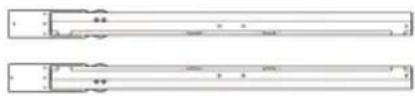
natural_image
Two horizontal rectangular panels with internal cutouts and no visible text or symbolsA1-LEFT A1-RIGHT
natural_image
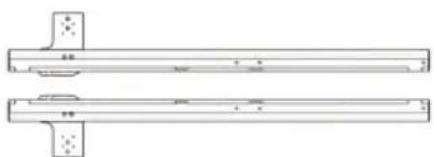
Technical line drawing of two mechanical components with mounting holes (no text or symbols)A3-LEFT A3-RIGHT
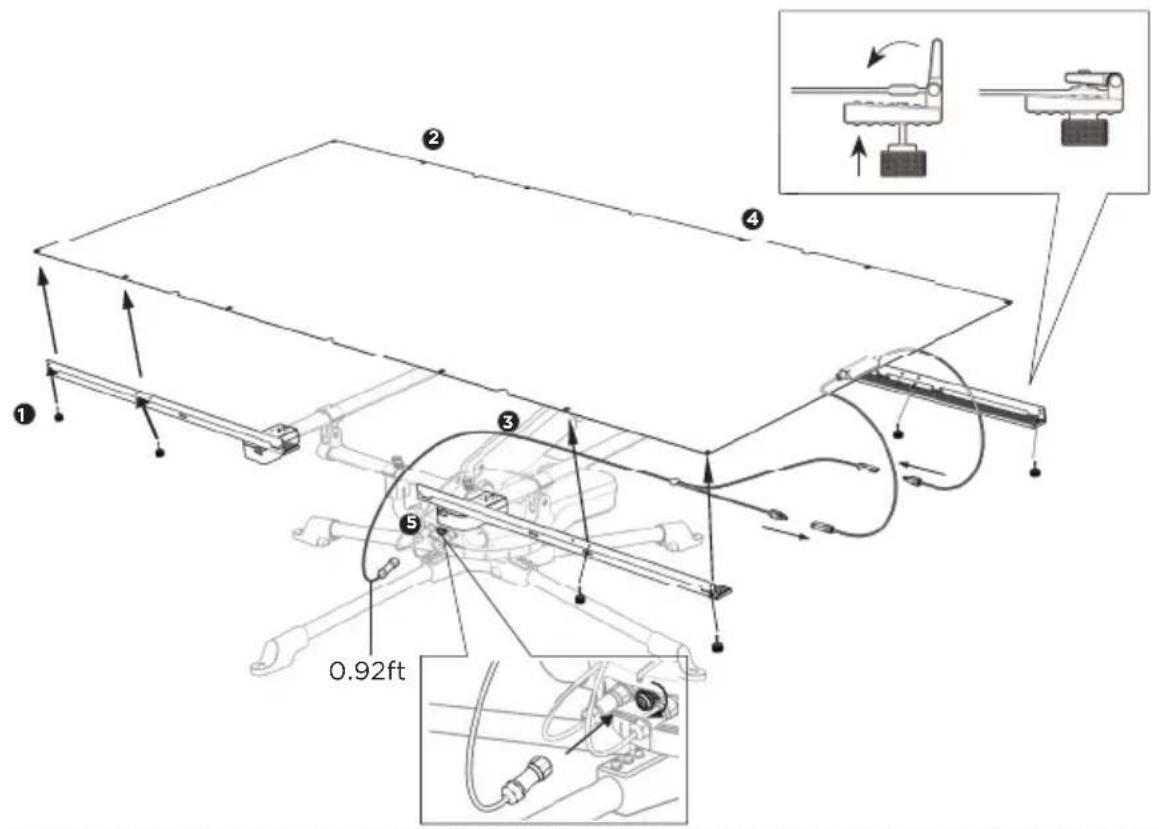
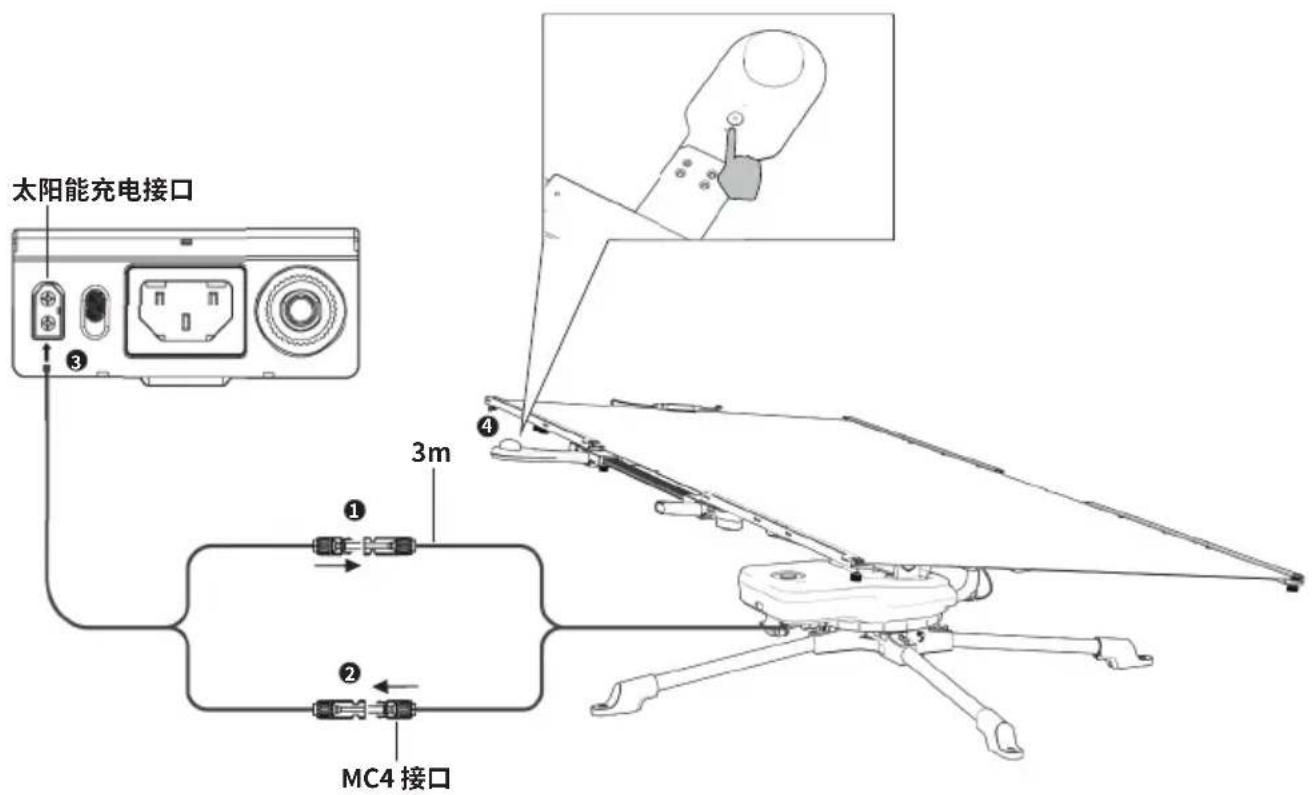
6 Attach the foldable solar panel.
7
NOTE
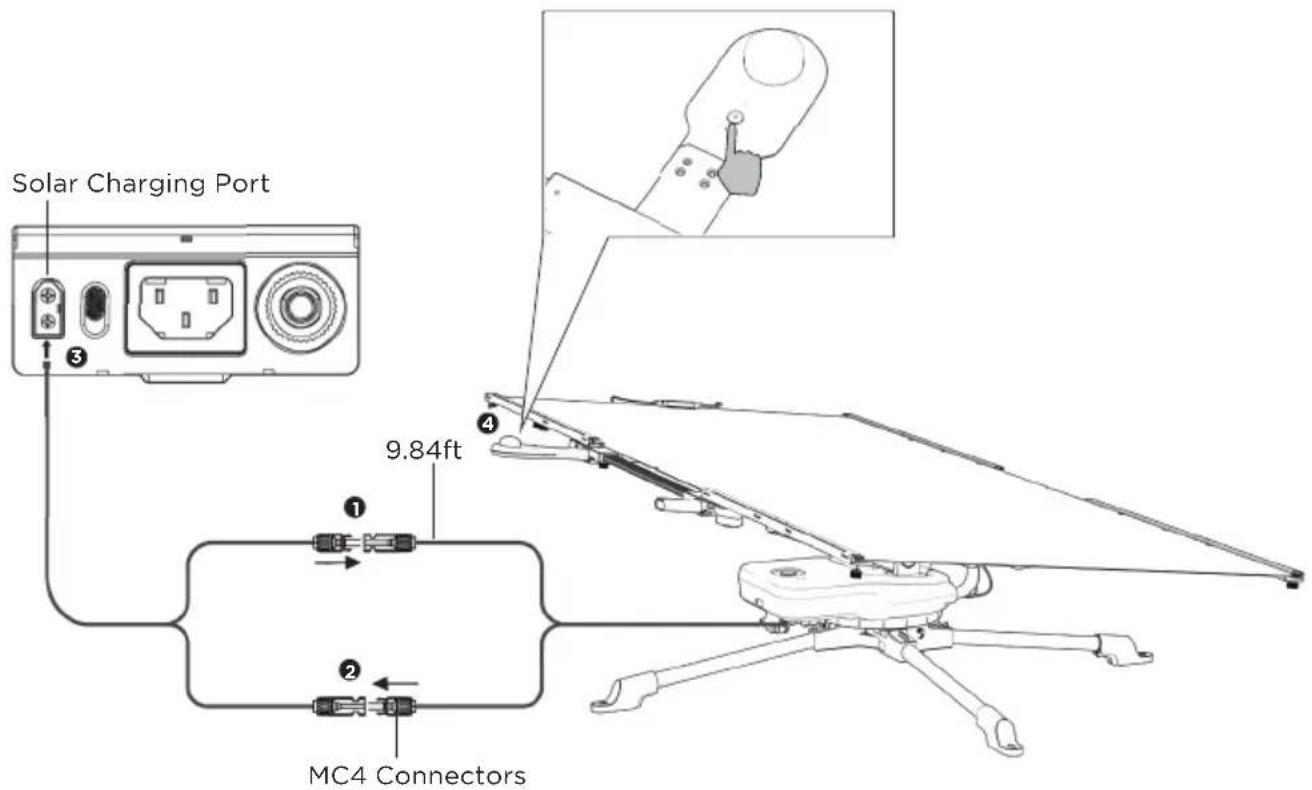
Long press the power button. The indicator light will turn on. The solar tracker will begin rotating according to the lighting conditions.
1.2.3 Using rigid solar panels
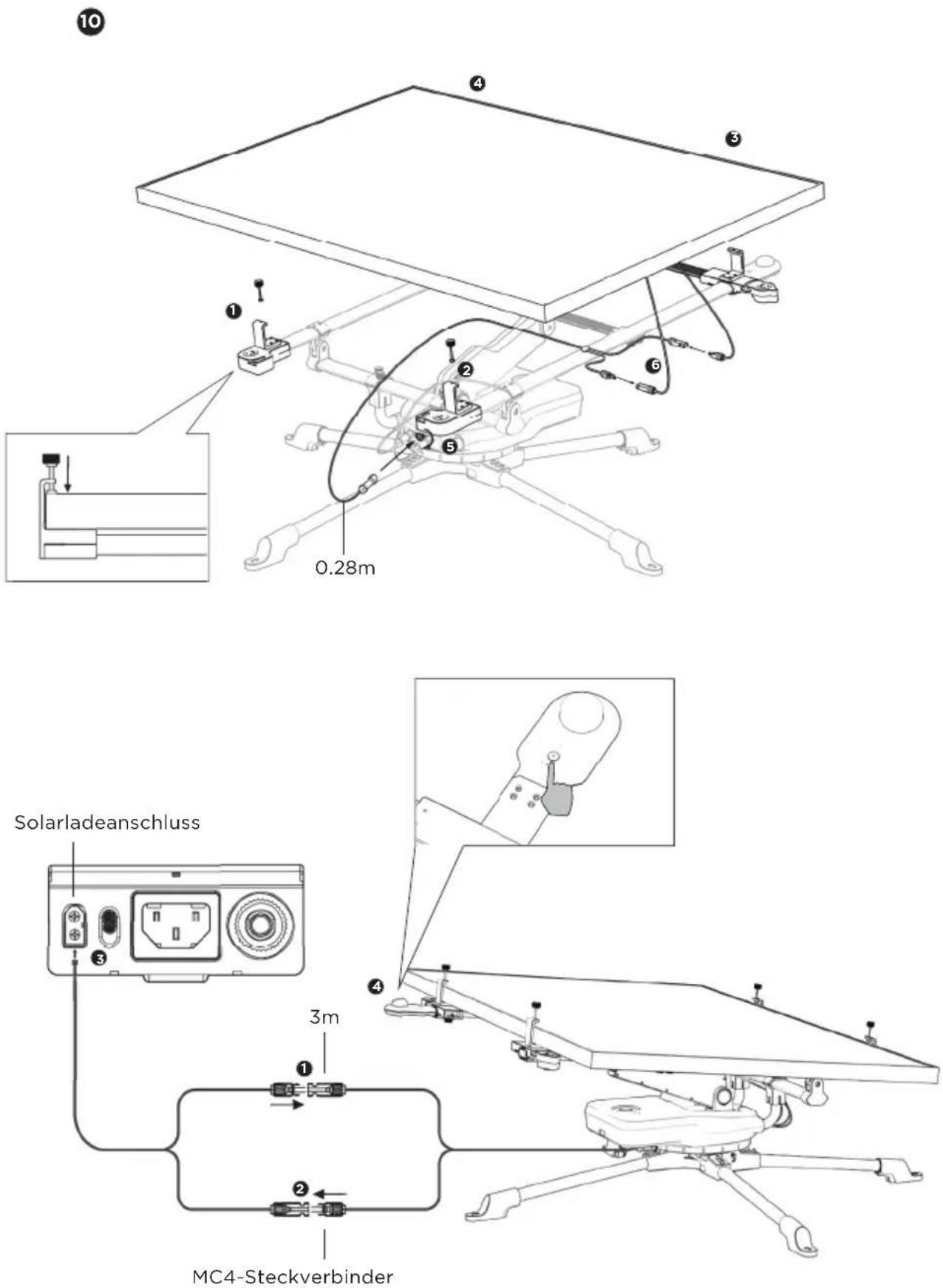
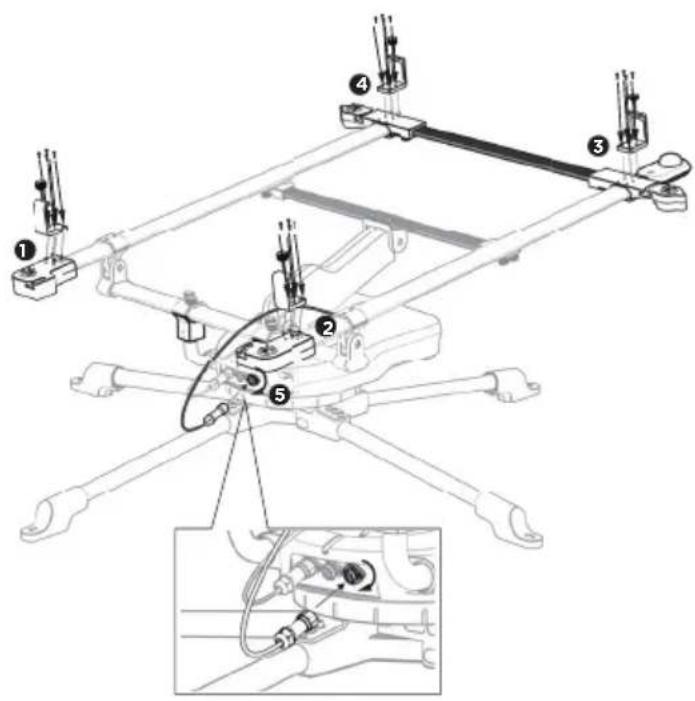
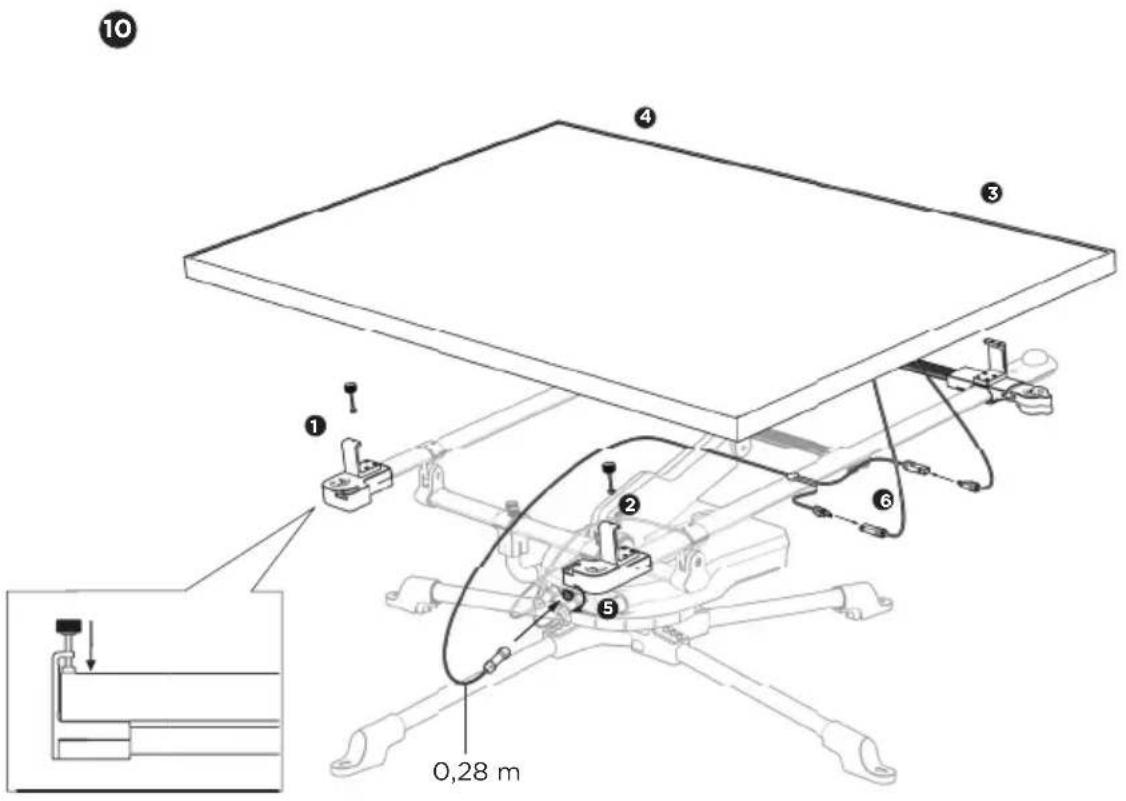
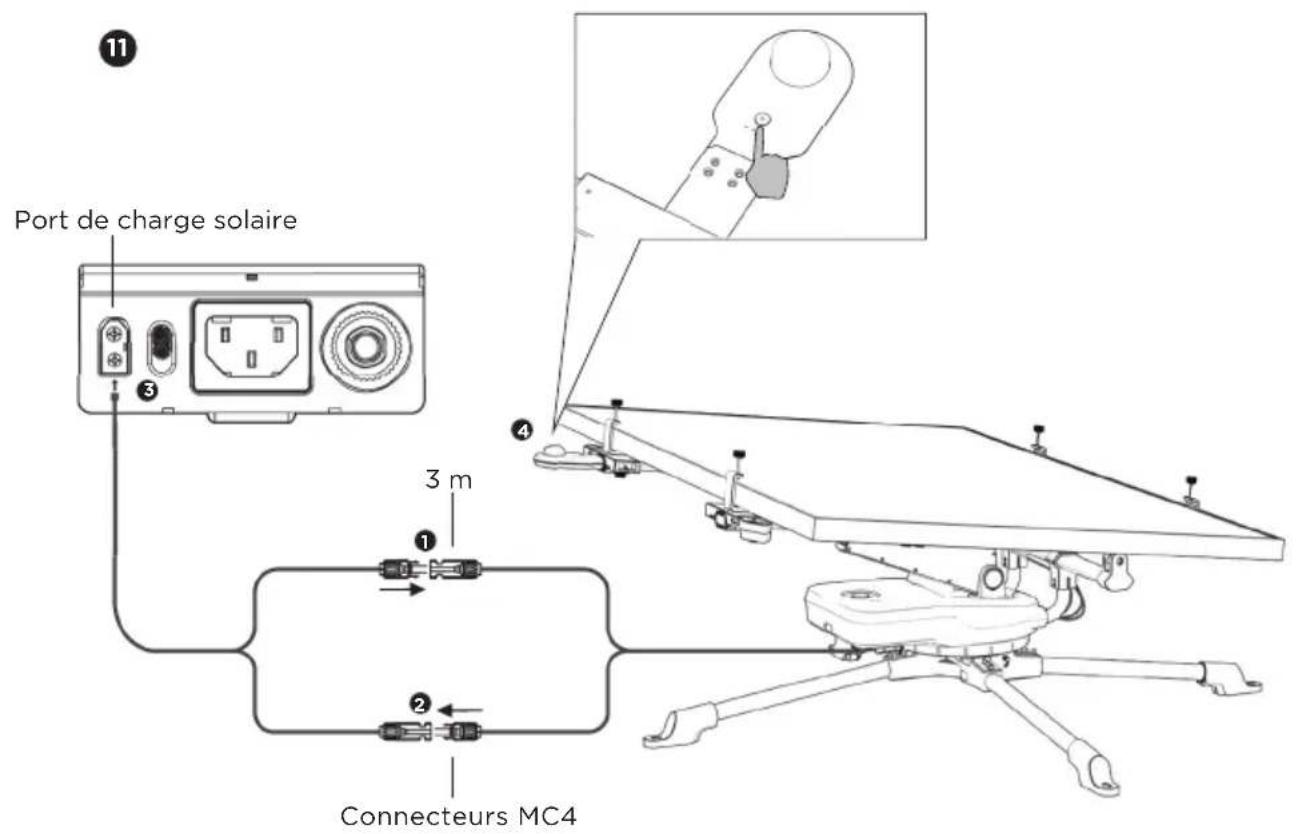
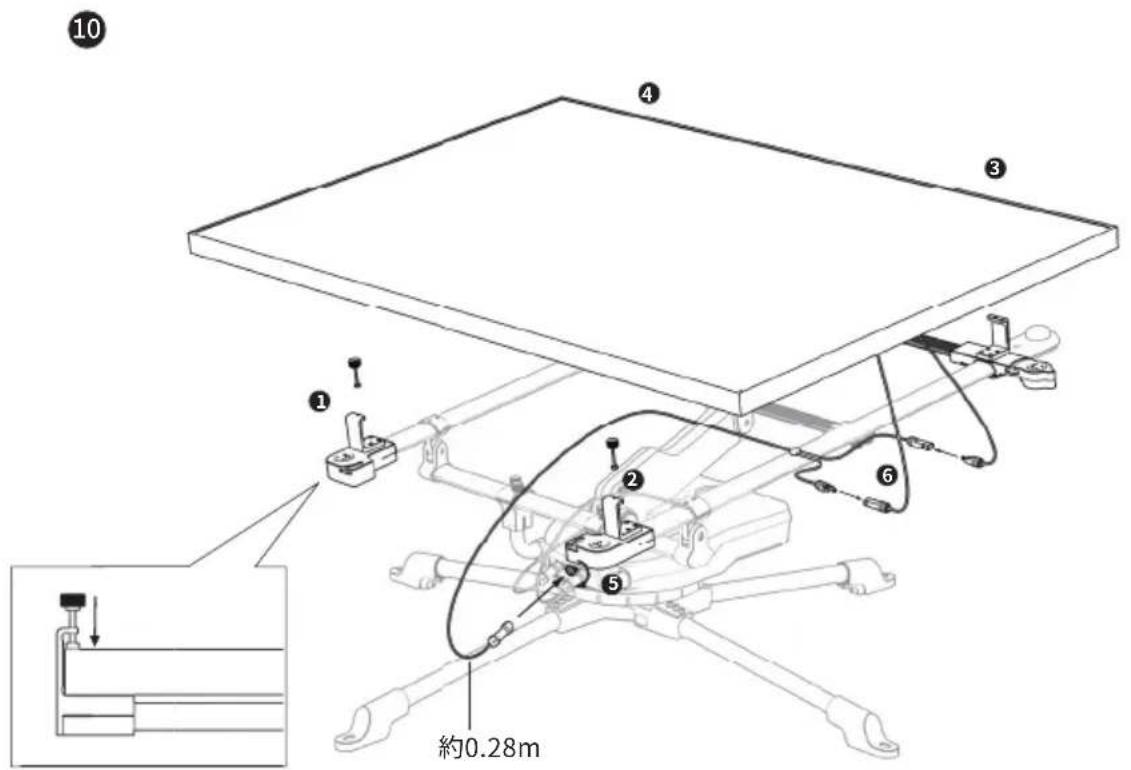
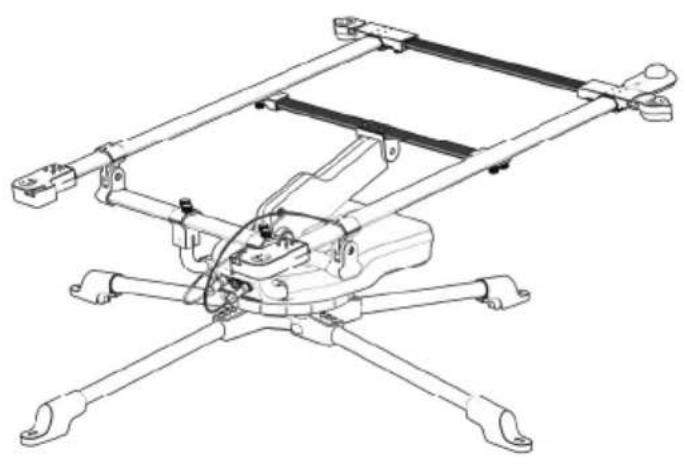
*If you plan to use the rigid solar panels, please continue with step 8 to 11 to detach the folding bars and finish installation.
8
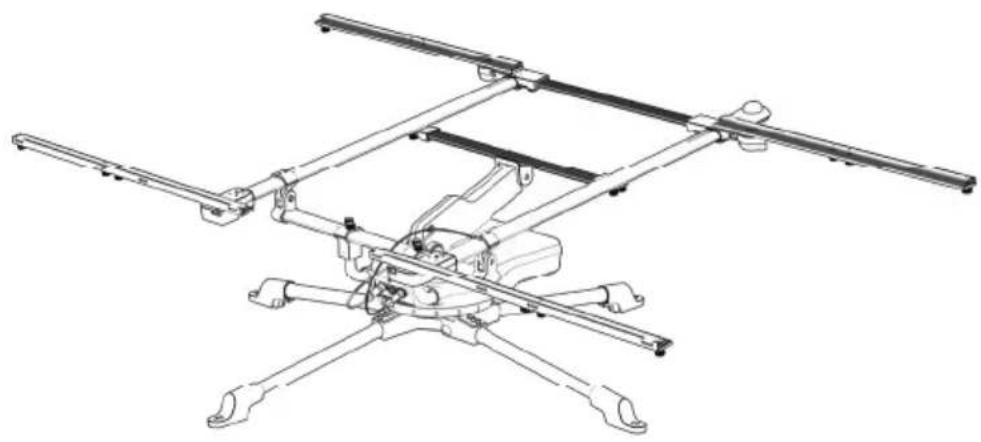
natural_image
Technical line drawing of a mechanical assembly with four arms and central components (no text or symbols)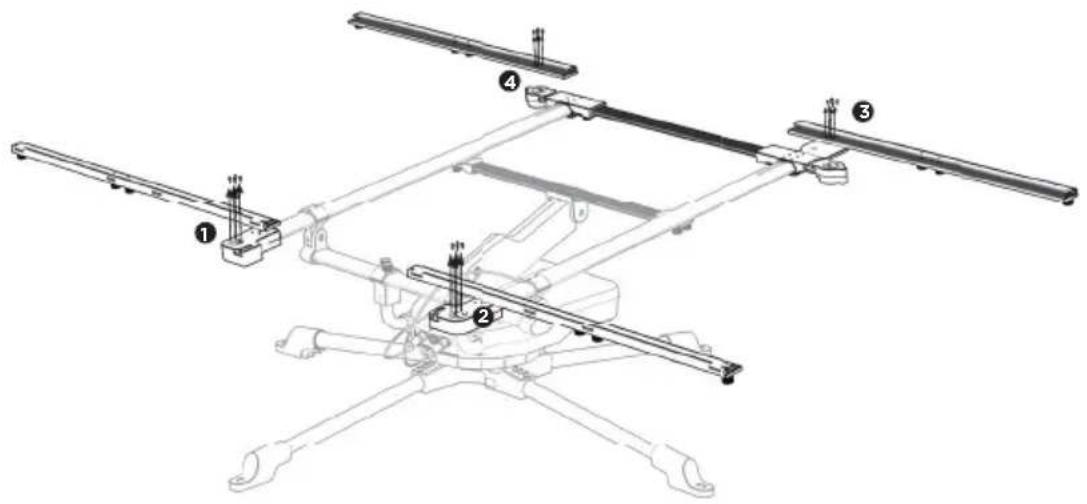
9
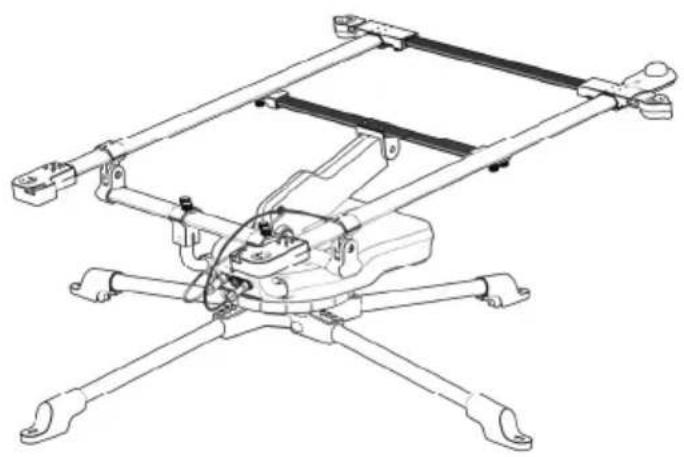
natural_image
Technical line drawing of a mechanical assembly with four legs and a central frame (no text or symbols)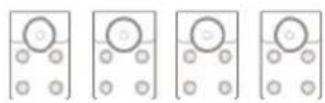
A5
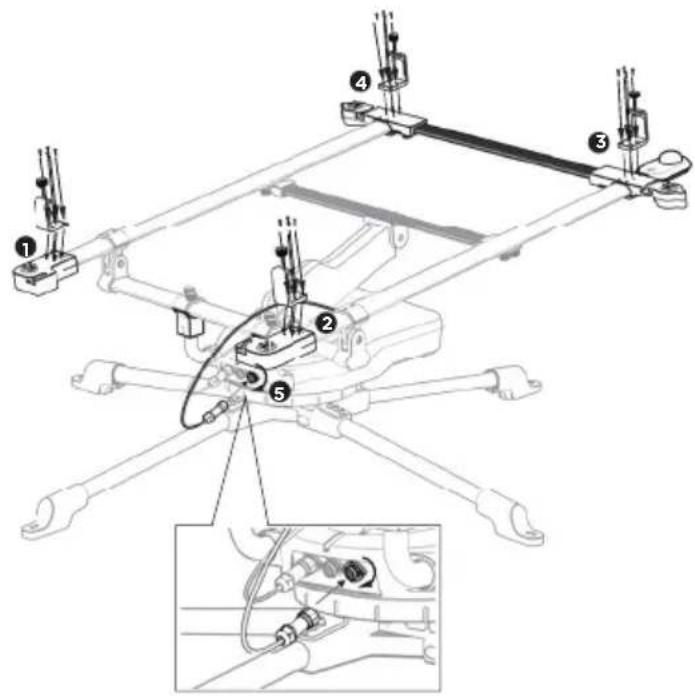
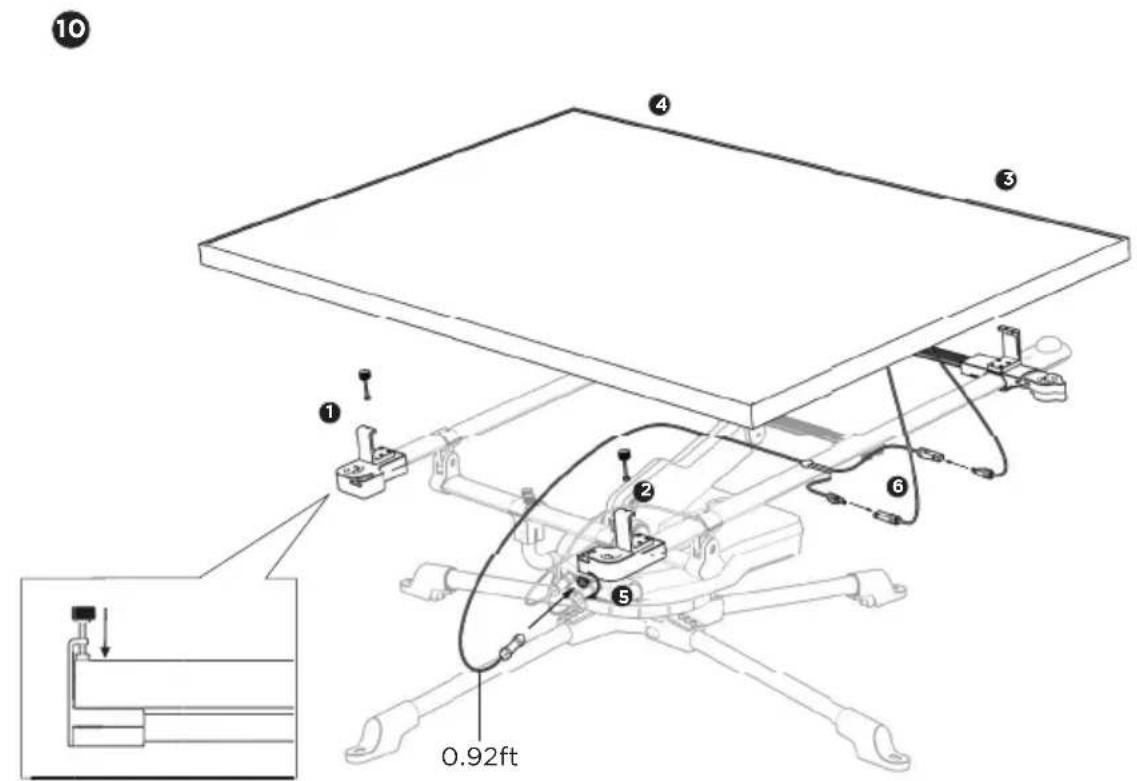
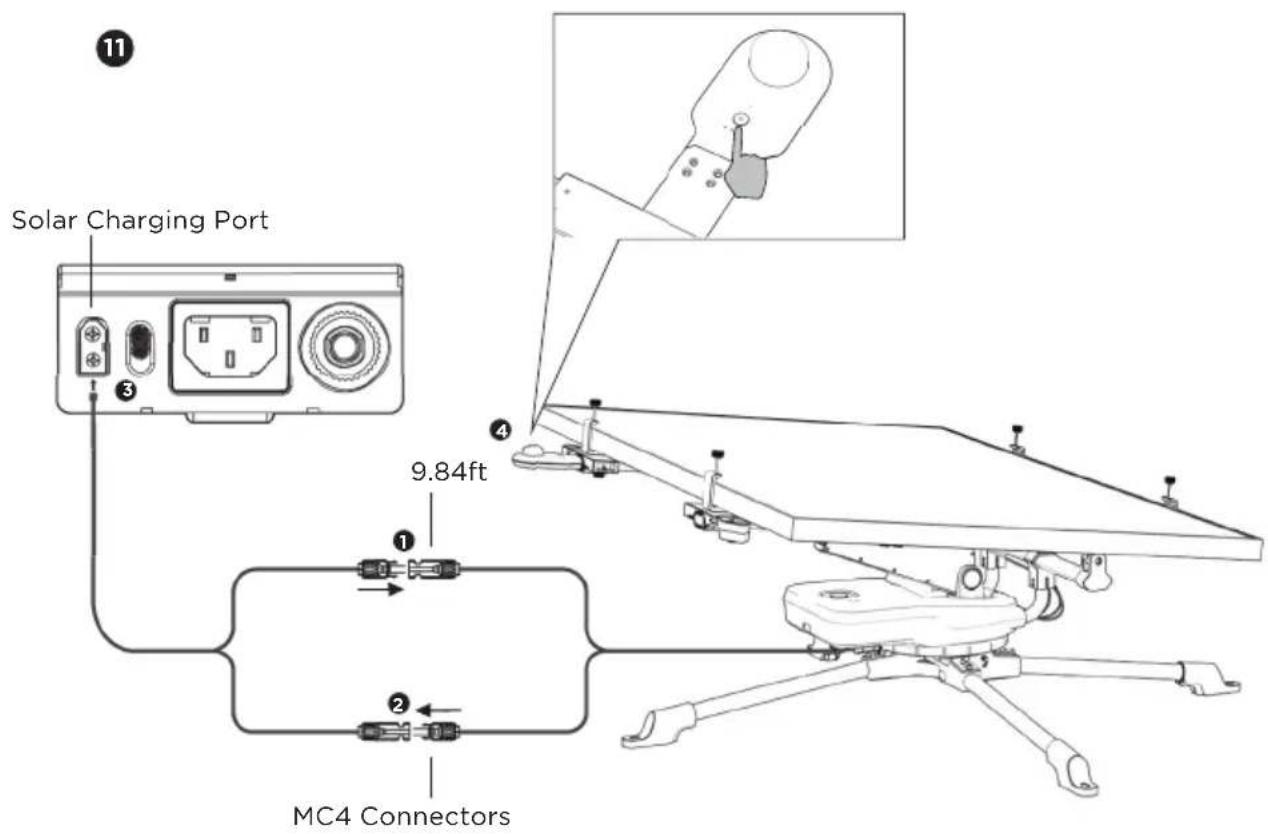
NOTE
Long press the power button; The indicator light will turn on. The solar tracker will begin rotating according to the lighting conditions.
1.3 Disassembly
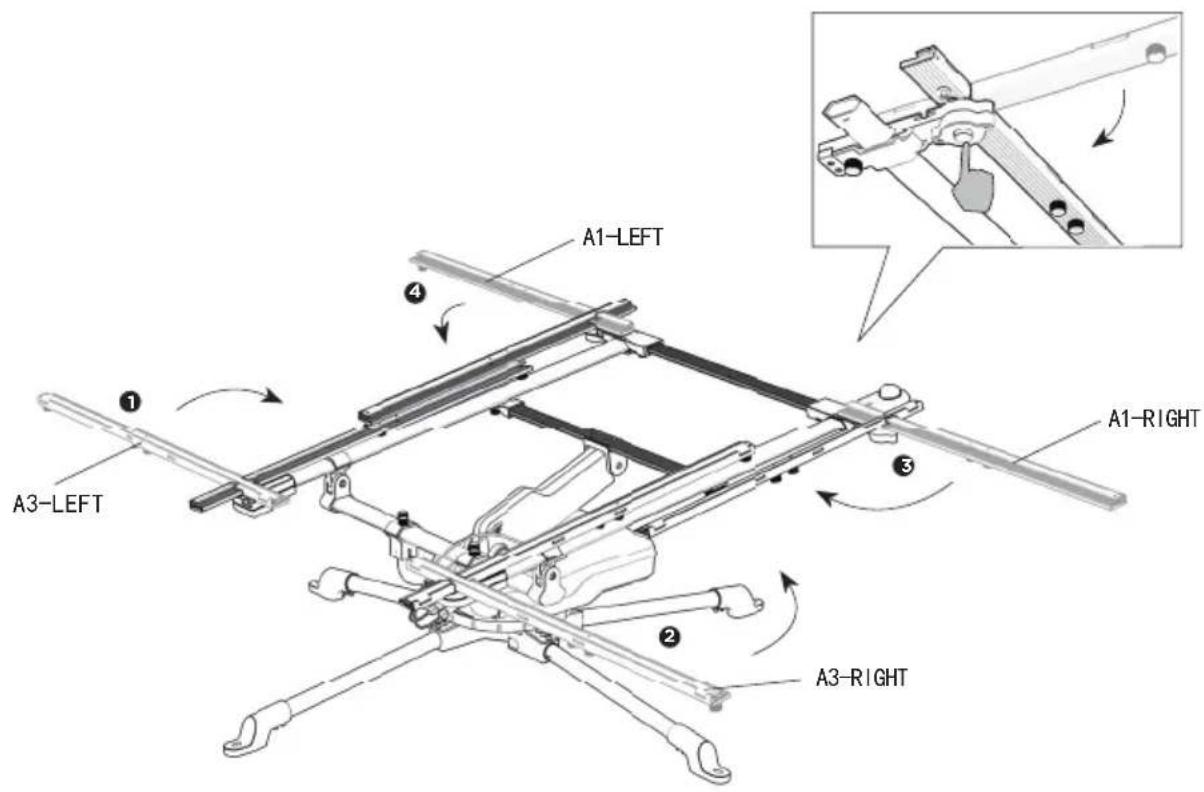
NOTE
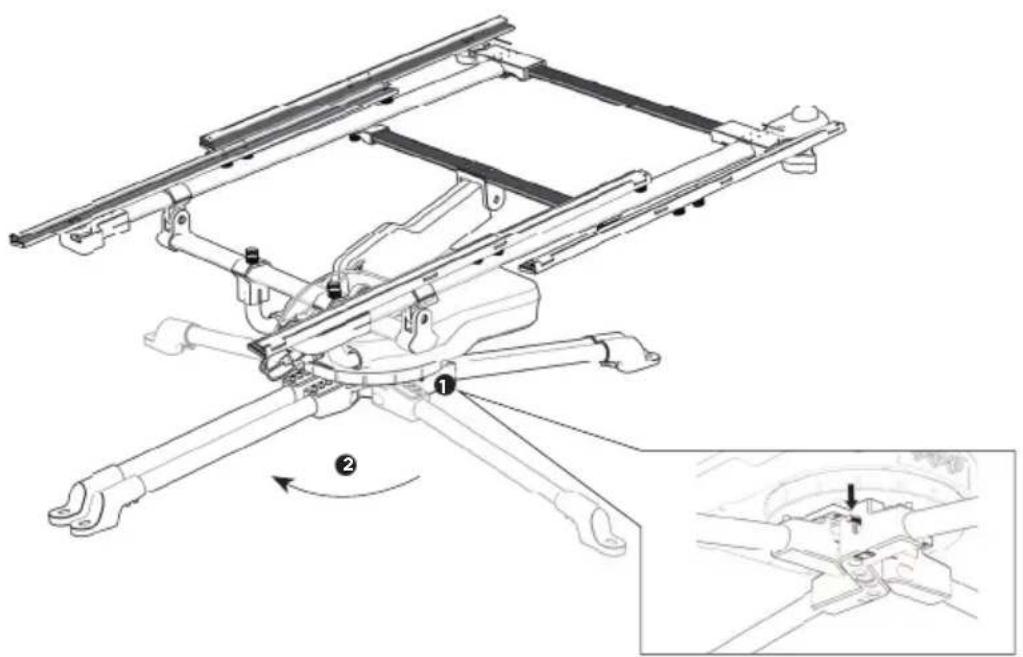
Please fold A3-LEFT and A3-RIGHT first, and then fold A1-LEFT and A1-RIGHT.
2 Detach the control module from the base stand. Fold the legs of the base.
natural_image
Technical line drawing of a mechanical assembly with labeled components (1 and 2), showing no readable text or symbols.1.4 Transportation
natural_image
Two figures shaking hands around a vehicle chassis with a vehicle chassis frame (no text or symbols visible)
natural_image
Line drawing of two figures pulling a drone with a target symbol (no text or labels)1.5 Using The Solar Tracker
1.5.1 Positioning the Solar Tracker
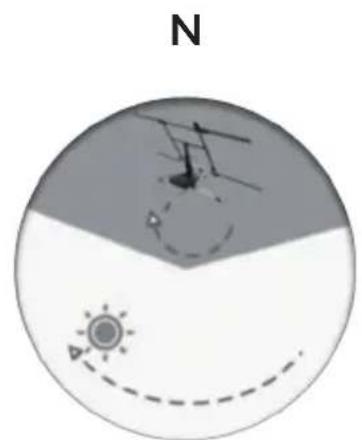
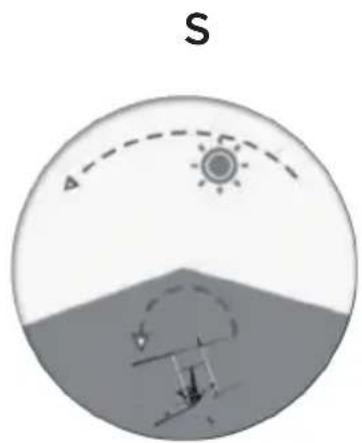
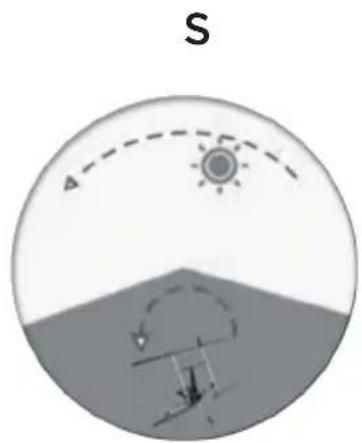
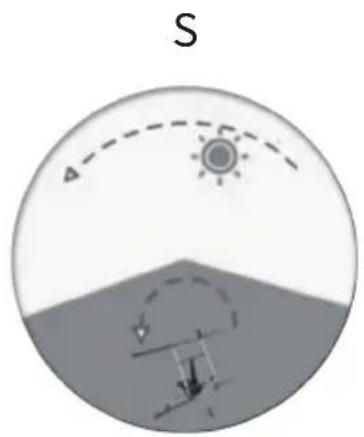
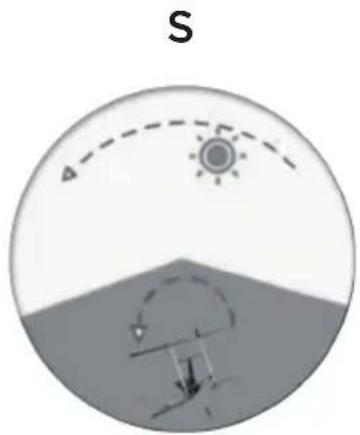
The Solar Tracker can rotate 345^ therefore it has a 15^ blind spot. That means if you're in the northern hemisphere, you should position the front of the solar tracker to the east with a slight northern tilt. If you're in the southern hemisphere, you should position the front of the solar tracker to the east with a slight southern tilt.
natural_image
Diagram showing a sun and wind turbine in a circular field with a north arrow, no text or symbols present.Northern hemisphere
natural_image
Diagram showing a sun partially covered by a curved dashed arc above a shaded landscape with a small figure below (no text or symbols)Southern hemisphere
NOTE
Please place the compass flat when positioning the Solar Tracker or use the compass on your phone to guide the direction.
1.5.2 Turning on and off
Turn on the tracker by pressing the power button for 3 seconds. A long beep indicates that it is powered on.
Turn off the tracker by pressing the power button for 3 seconds. A long beep indicates that it is powered off. The stand will rotate back to its starting position, and then shut down automatically.
NOTE
Please note that the Solar Tracker won't be powered off if the solar panel is still connected and getting solar power.
1.5.3 Emergency stop button
The emergency stop button is the red button located on the top of the control module. Pressing it will stop the motor immediately and you will hear the beep sound.
1.5.4 Operation Modes
1 Mode changes
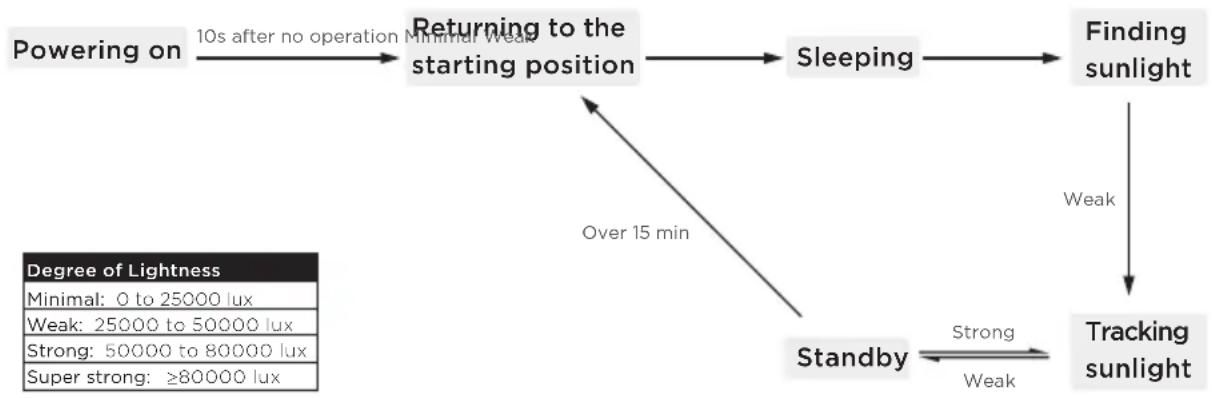
flowchart
graph TD
    A["Powering on"] -->|10s after no operation Minimal Weak| B["Returning to the starting position"]
    B --> C["Sleeping"]
    C --> D["Finding sunlight"]
    D --> E["Tracking sunlight"]
    E --> F["Standby"]
    F -->|Strong/Weak| E
    G["Degree of Lightness\nMinimal: 0 to 25000 lux\nWeak: 25000 to 50000 lux\nStrong: 50000 to 80000 lux\nSuper strong: ≥80000 lux"] --> F
    B -->|Over 15 min| F
2 Sound indicator
Power on: Beeps (increasing speed) for 10 seconds
Return to starting position: Beeps once per second
Sleeping mode: Quiet
Searching for light: Beeps once per second
Standby: Quiet
Low light: Quiet
Strong light: Quiet
Manual: Beeps once per second
Shut down: Long beep, then beeps once per second
Emergency stop: Beeps five times per second
2. Specifications
2.1 Specifications
| Weight | 25KG |
| Load capacity | 25KG |
| Pitch axis range | 0-85° |
| Yaw axis range | 0-345° |
| Size | 2.5 × 1.5 × 1.5m (Minimum 2.5 × 1.1 ×1.1m) |
| APP | Supported |
| Built-in battery capacity | 5000mAh |
| Waterproof | IP54 |
| Wind resistance | 6 Strong Breeze |
2.2 Built-in battery *
| Battery chemistry | NCM |
| Shelf life | 1 year(after full charge) |
| Lifespan | 500 cycles to 80% capacity |
| Operating temperature | -10°C~40°C (optimal: 25°C) |
*The built-in battery can be recharged from solar power. If the Solar Tracker is not in use for a long time, you can recharge the unit from the USB-C port (5 to 20V, 1A) port at the back of the Control Module.
3. Precautions
- Do not let the tracker become submerged.
- It is recommended that the tracker be stored when the wind force exceeds 6.
- Do not leave the tracker outside for wind forces over 8.
- Do not let children under 12 operate the tracker alone, and inform them about the emergency stop button.
- Do not place heavy objects other than solar panels on the tracker.
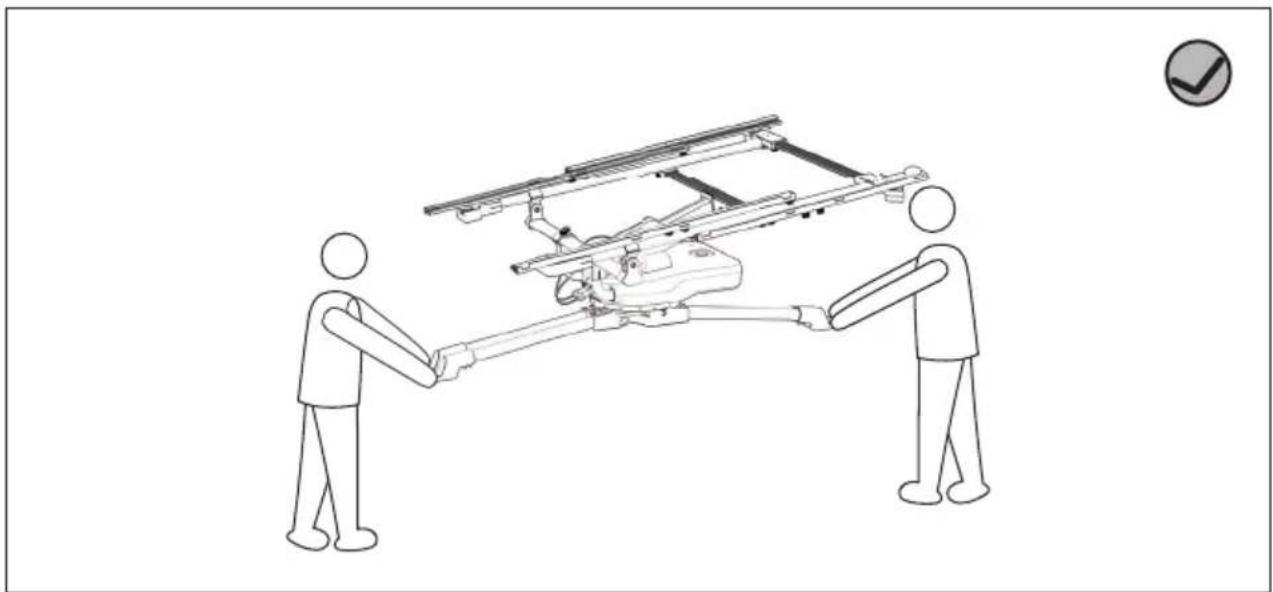
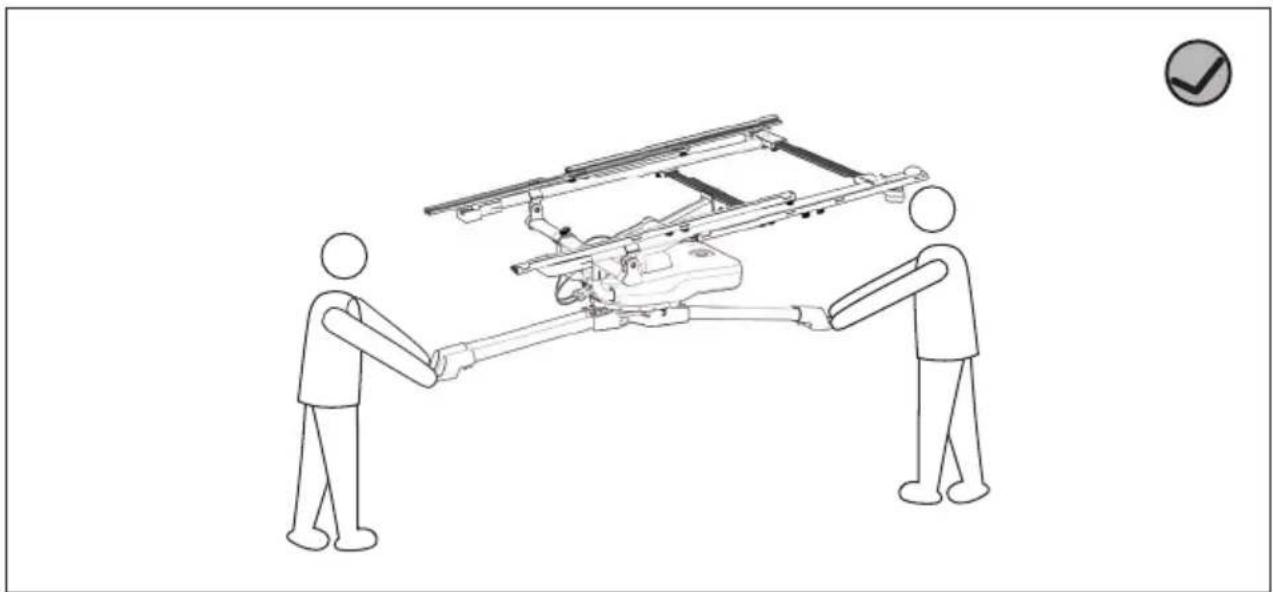
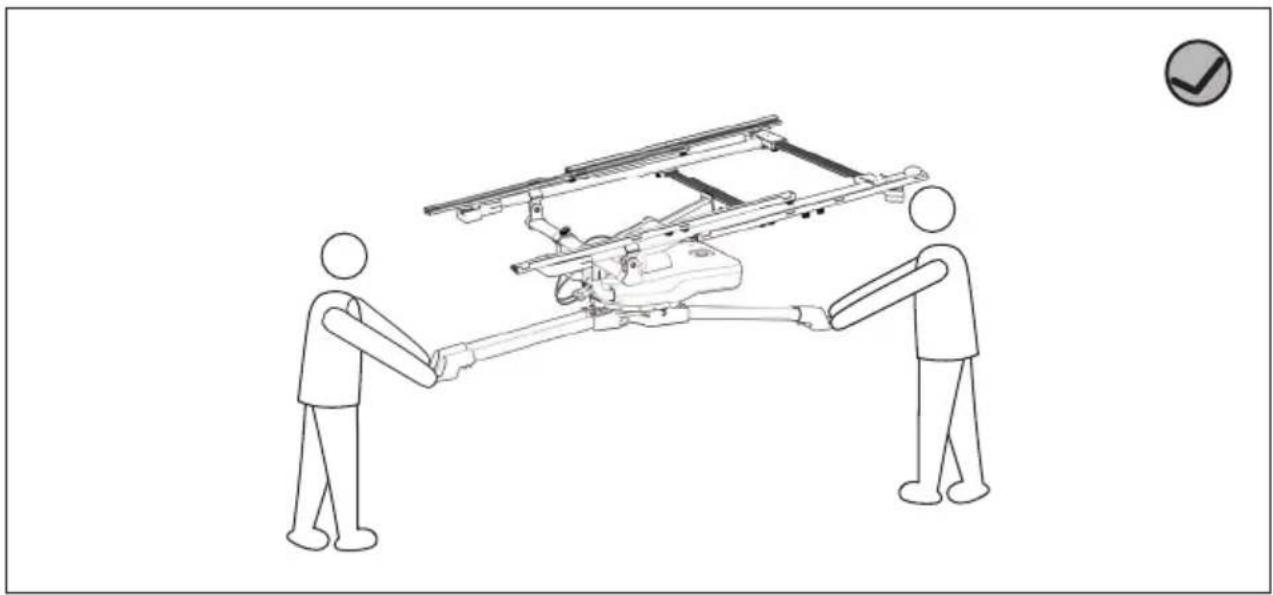
- Do not carry the tracker while it is in use.
4. Light Indicators
4.1 Power Status Indicator
Power on: Fast flashing (flash for 0.1s every 0.2s)
Working: Slow flashing (flash for 0.5s every 1s)
Sleep: Always on
NOTE
Please note that the Solar Tracker won't be powered off if the solar panel is still connected and getting solar power. The light indicator will keep short flashing (flash for 1s every 0.1s).
4.2 Battery Level Indicator
| LED1Battery level | LED2 LED3 | ||
| 0 | ○ | ○ | ○ |
| 0~25% | ○ | ○ | ○ |
| 25~40% | ○ | ○ | ● |
| 40~55% | ○ | ○ | ● |
| 55-70% | ○ | ● | ● |
| 70-85% | ○ | ● | ● |
| >85% | ● | ● | ● |
NOTE
Light indicator status:

Off OnFlashing

5. Maintenance
If the Solar Tracker has not been used for a long time, please recharge the battery to 30-50% every 3 months. You can check the battery level from the battery level indicator or on the App.
ECOFLOW
natural_image
Technical line drawing of a multi-rotor aircraft with extended wings and mounting feet (no text or symbols)HAFTUNGSAUSSCHLUSS
natural_image
Pure technical diagram of a device casing with no text, numbers, or symbols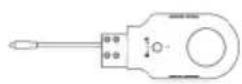
STEUERGERÄT LICHTSENSOR MOTORISIERTER HEBELARM
flowchart
graph TD
    A["第一步"] --> B["第二步"]
    B --> C["第三步"]
    C --> D["第四步"]

natural_image
Pure electrical circuit lines without any symbols
L-BUCHSE L-STECKER B-LINKS B-RECHTS


A2
natural_image
Technical line drawing of two parallel mechanical components with mounting holes (no text or symbols)A3-LINKS A3-RECHTS
A4 A5
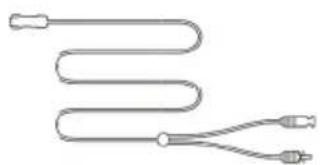
SOLAR-LADEKABEL FÜR SOLAR-
MODUL (0,28 m)
natural_image
Pure diagram of a coiled tube with two connectors (no text or symbols)natural_image
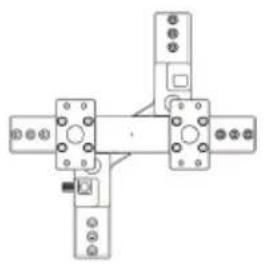
Four horizontal cylindrical objects with circular ends, each containing a small oval (no text or symbols)L-BUCHSE L-STECKER
natural_image
Pure mechanical assembly diagram with four components and mounting holes (no text or symbols)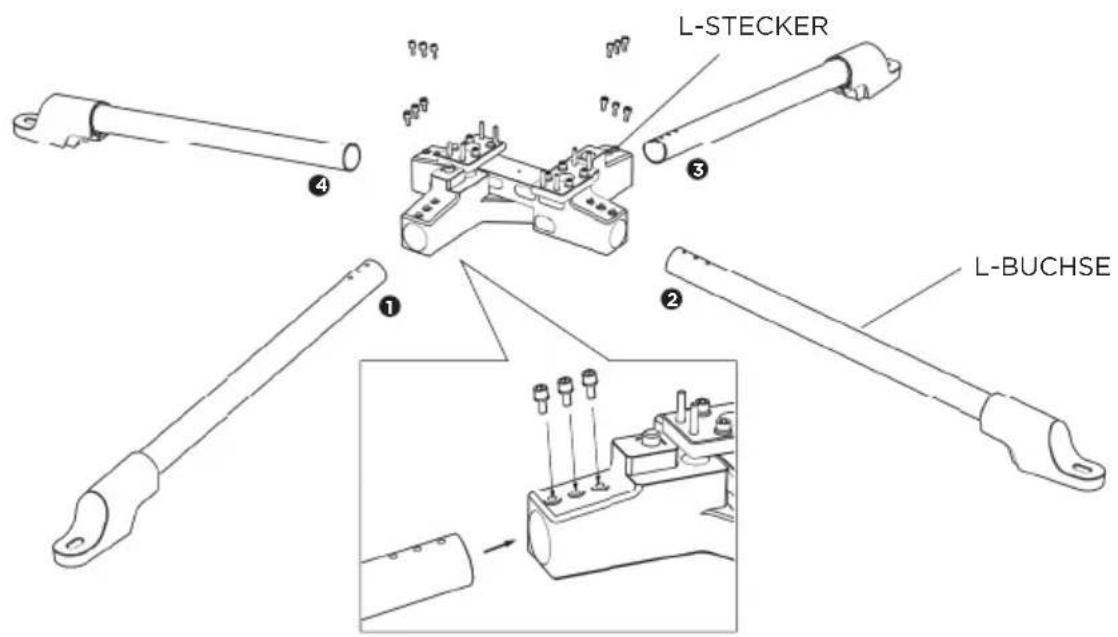
2
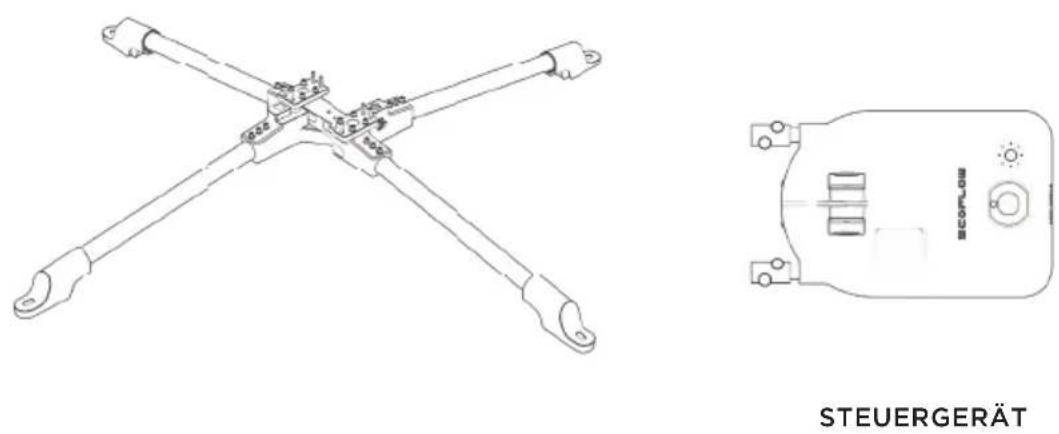
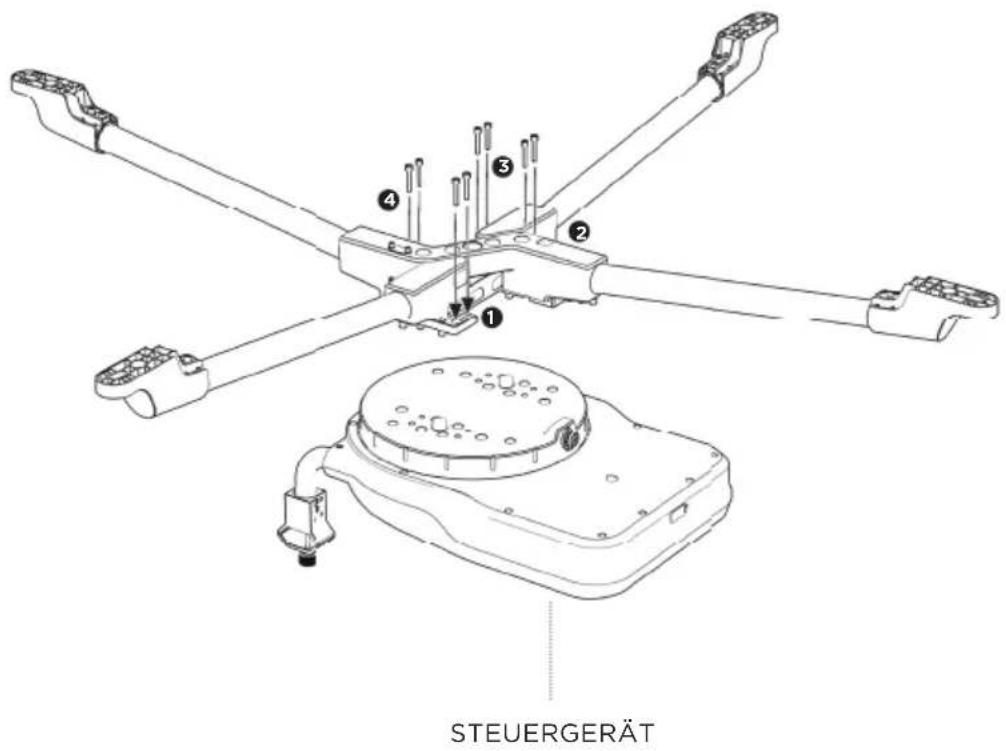
3
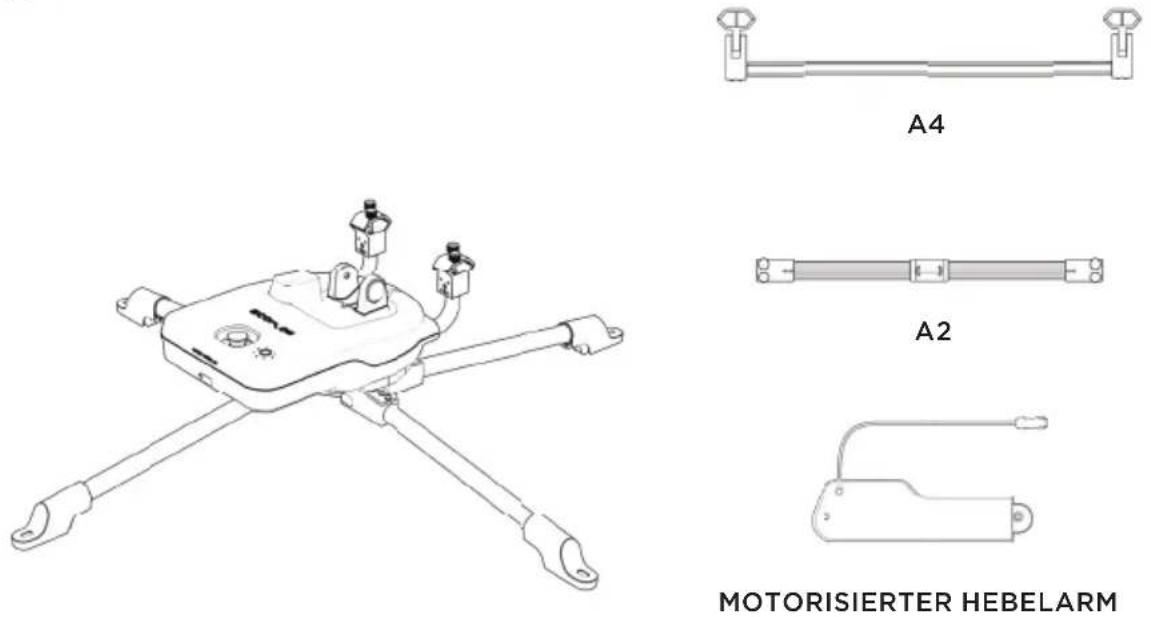
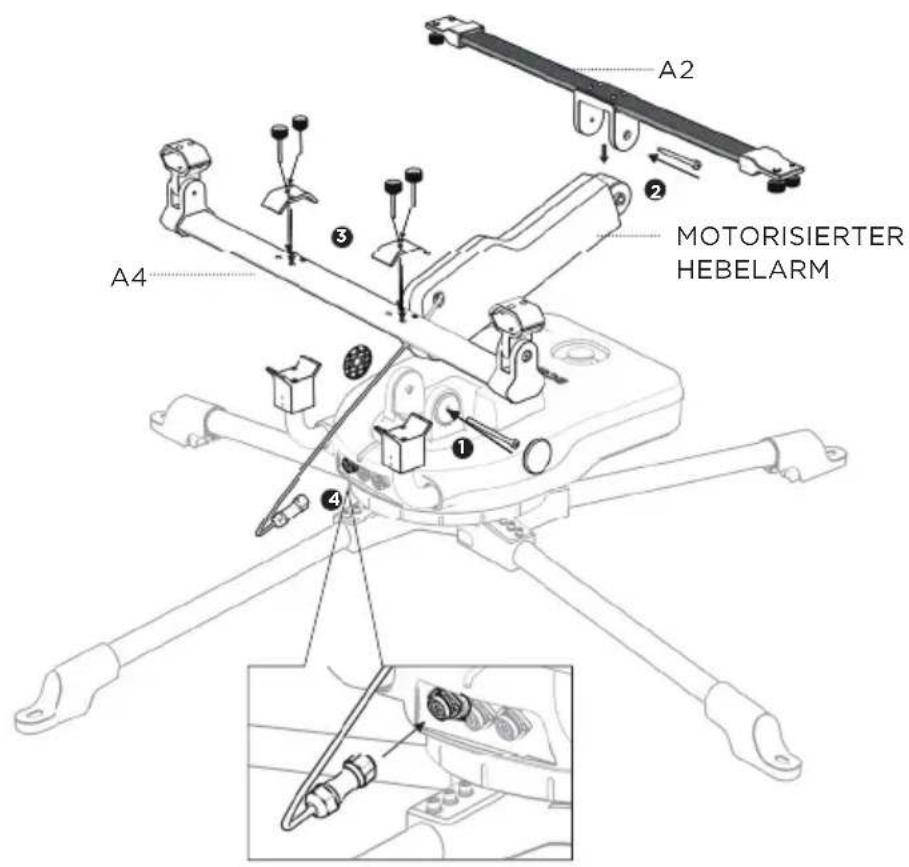
4
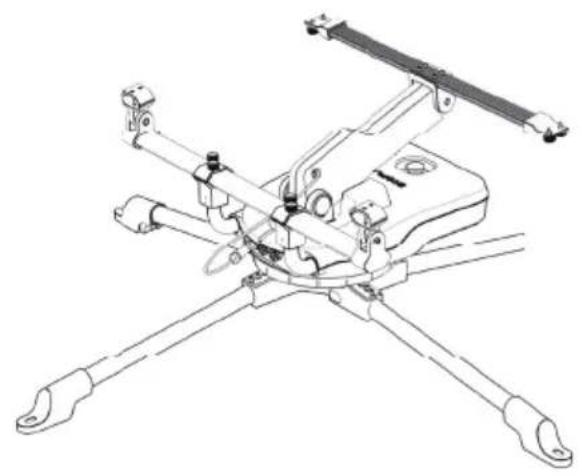
natural_image
Technical line drawing of a mechanical device with four arms and mounting brackets (no text or symbols)
B-LINKS B-RECHTS
natural_image
Technical line drawing of a mechanical assembly with four arms and mounting feet (no text or symbols)
A1-MITTE


A1-LINKS A1-RECHTS


A3-LINKS A3-RECHTS
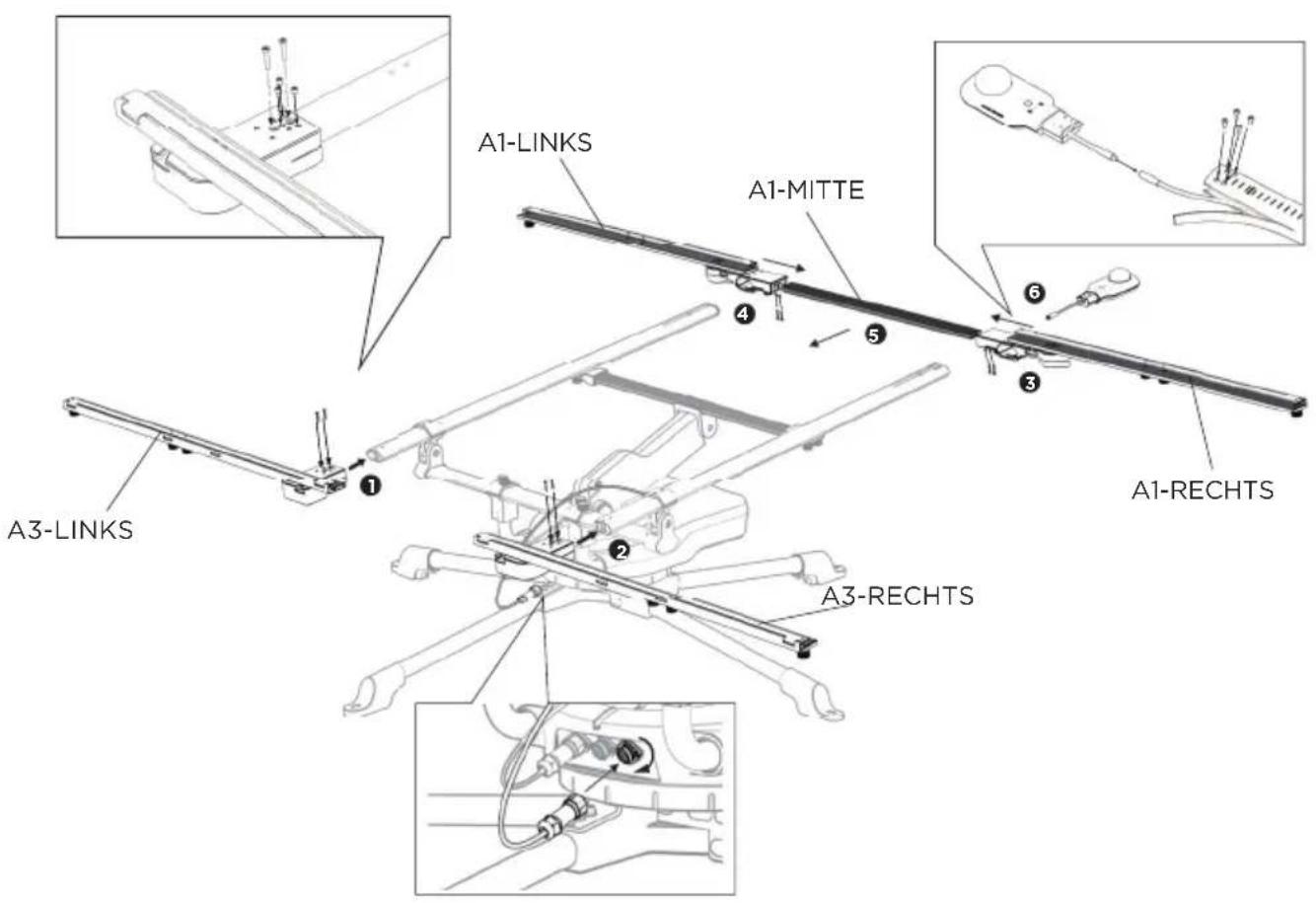
7
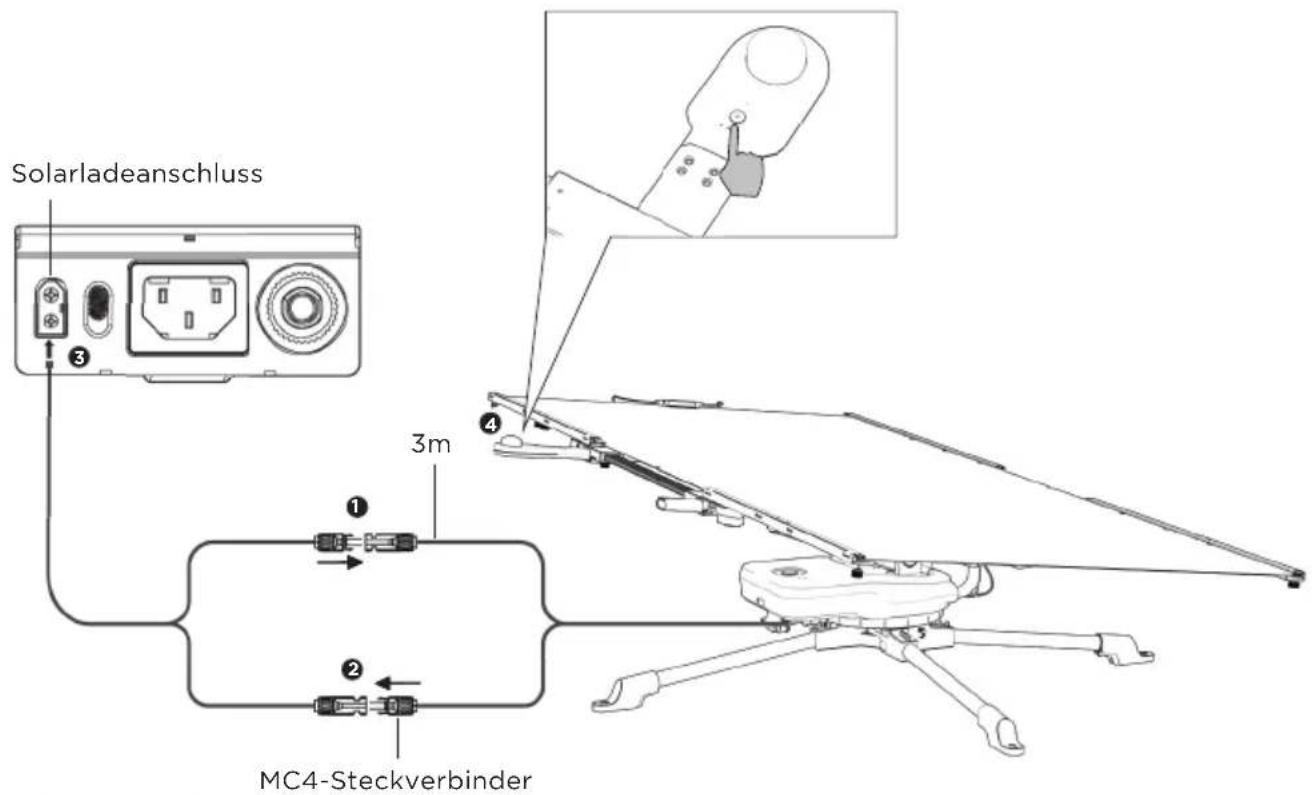
natural_image
Technical line drawing of a mechanical assembly with four arms and central components (no text or symbols)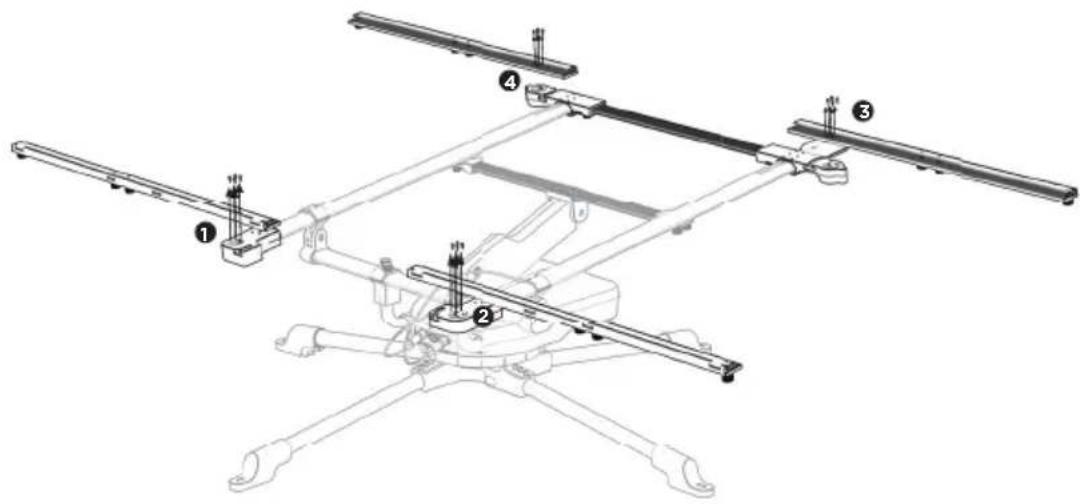
9
natural_image
Technical line drawing of a mechanical linkage assembly (no text or symbols)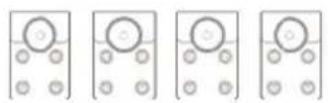
A5
HINWEIS
natural_image
Technical line drawing of a mechanical assembly with labeled components (1 and 2), showing structural elements and motion indicators (no text or symbols beyond labels)1.4 Transport
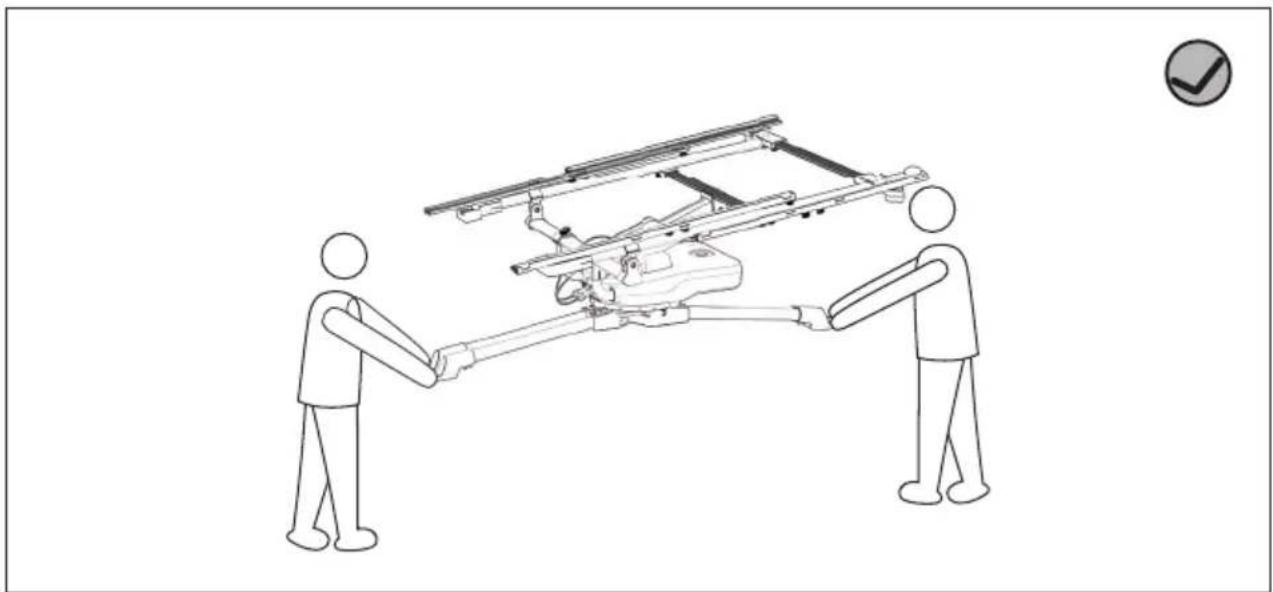
natural_image
Two figures shaking hands around a vehicle chassis with a checkmark icon (no text or symbols on diagram)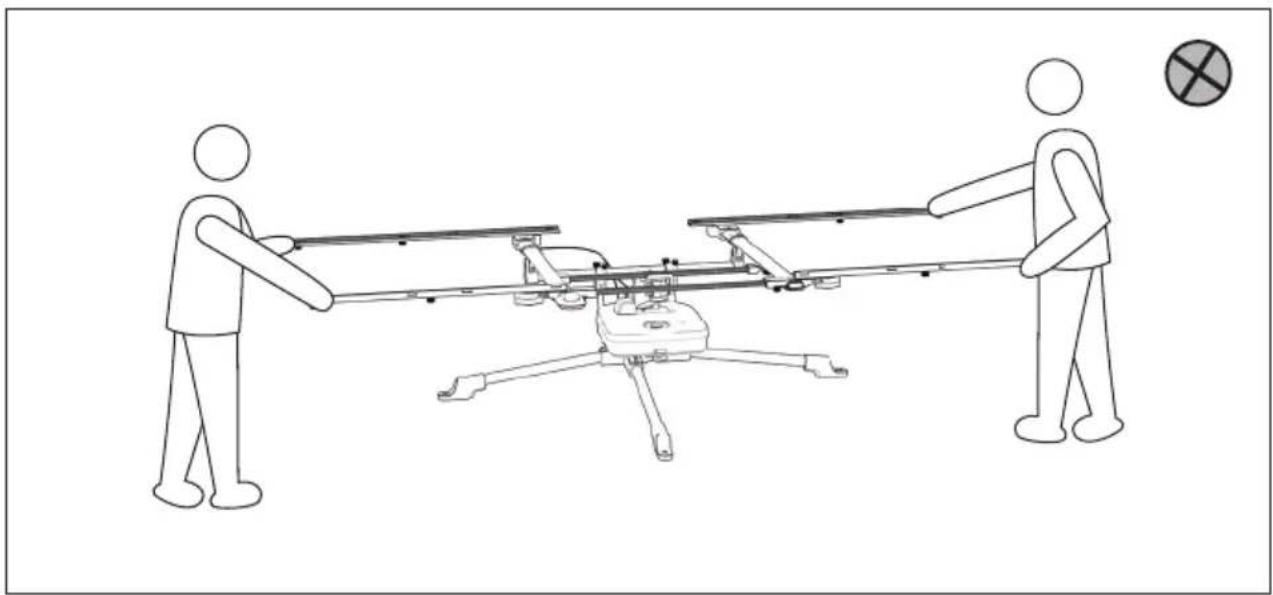
natural_image
Line drawing of two figures pulling a drone with a target symbol (no text or labels)natural_image
Technical line drawing of a multi-rotor aircraft with extended wings and landing gear (no text or symbols)CLAUSE DE NON-RESPONSABILITÉ
natural_image
Pure electrical circuit lines without any symbols
L-FEMELLE L-MÂLE B-GAUCHE B-DROIT

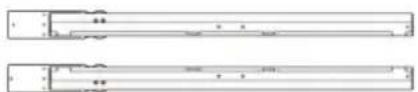

A2
A1-CENTRE A1-GAUCHE A1-DROIT
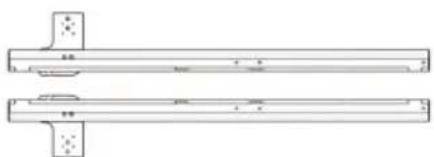
natural_image
Technical line drawing of two parallel mechanical components with mounting holes (no text or symbols)A3-GAUCHE A3-DROIT
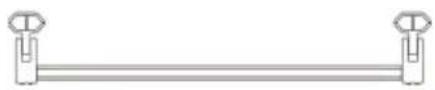
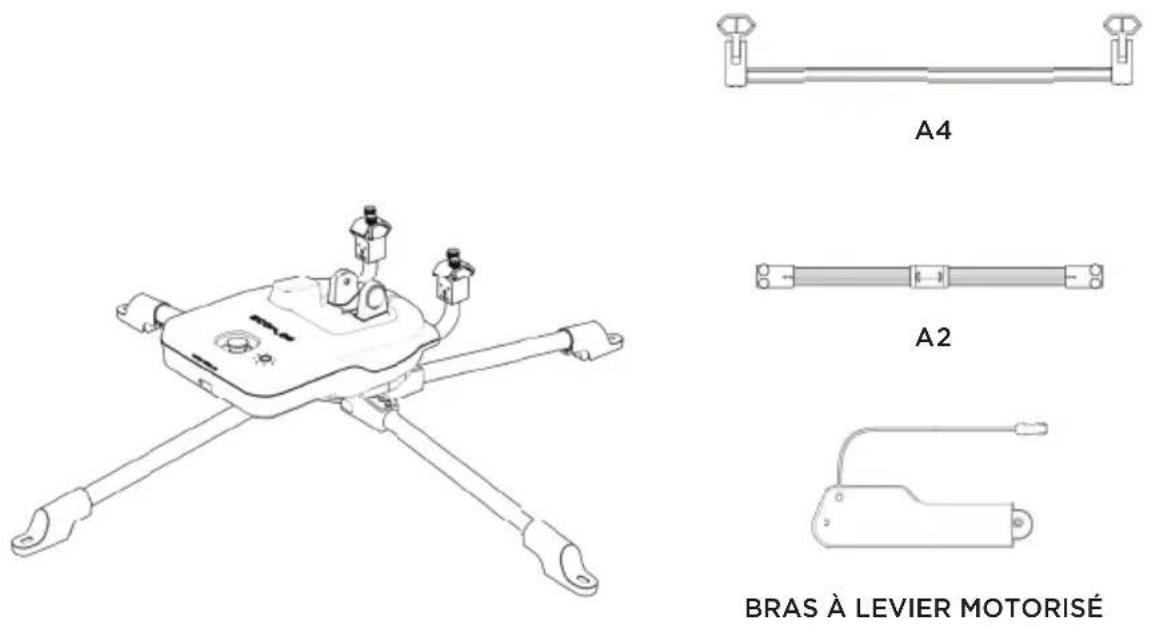
A4 A5
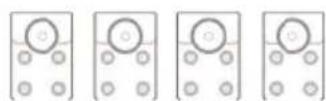
natural_image
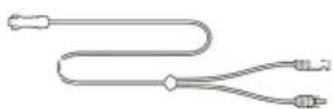
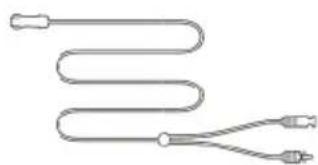
Pure diagram of a coiled tube with two connectors, no text or symbols presentCÂBLE DE RECHARGE SOLAIRE À CONNECTER AU PANNEAU SOLAIRE (0,28 m)
CÂBLE DE RECHARGE SOLAIRE
À CONNECTER À LA STATION DE
CHARGE ECOFLOW (3 m)
1.2 Installation
natural_image
Four horizontal cylindrical objects with circular ends, each containing a small circular symbol (no text or labels)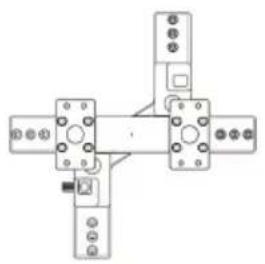
natural_image
Pure mechanical assembly diagram with no text, numbers, or symbolsL-FEMELLE L-MÂLE
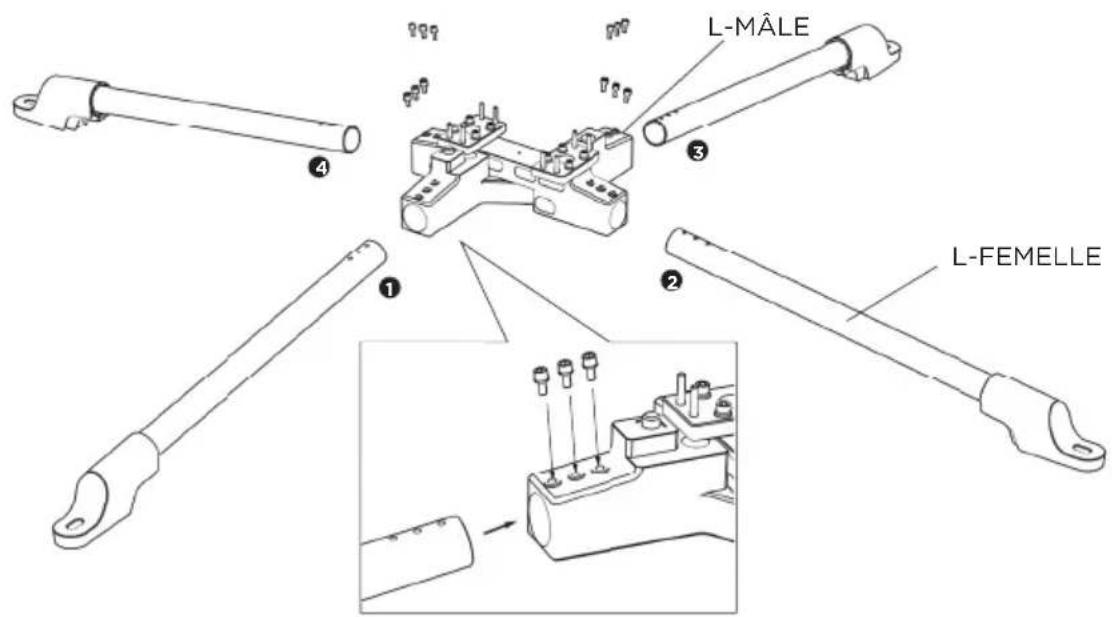
2
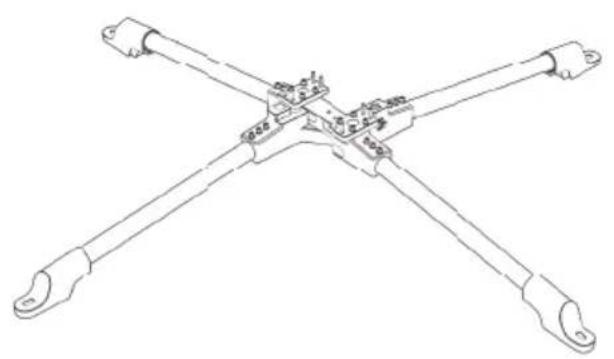
natural_image
Technical line drawing of a four-way mechanical linkage or connector assembly (no text or symbols)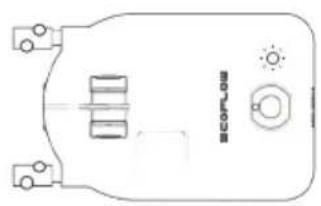
natural_image
Pure technical diagram of a device casing with ports and control buttons (no text or symbols)MODULE DE CONTRÔLE
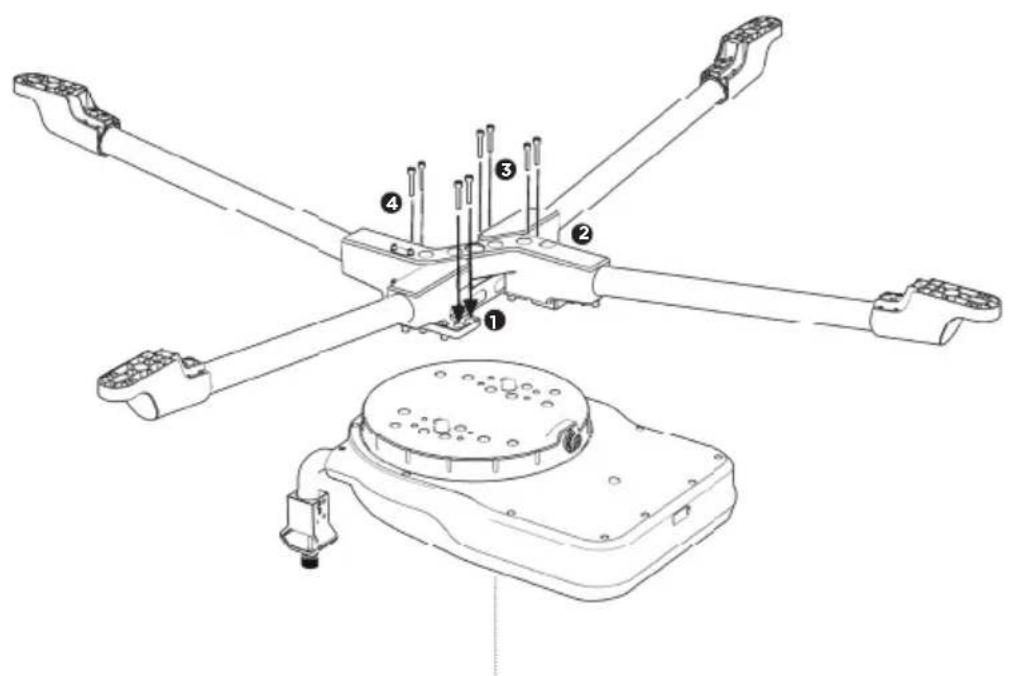
MODULE DE CONTRÔLE
3
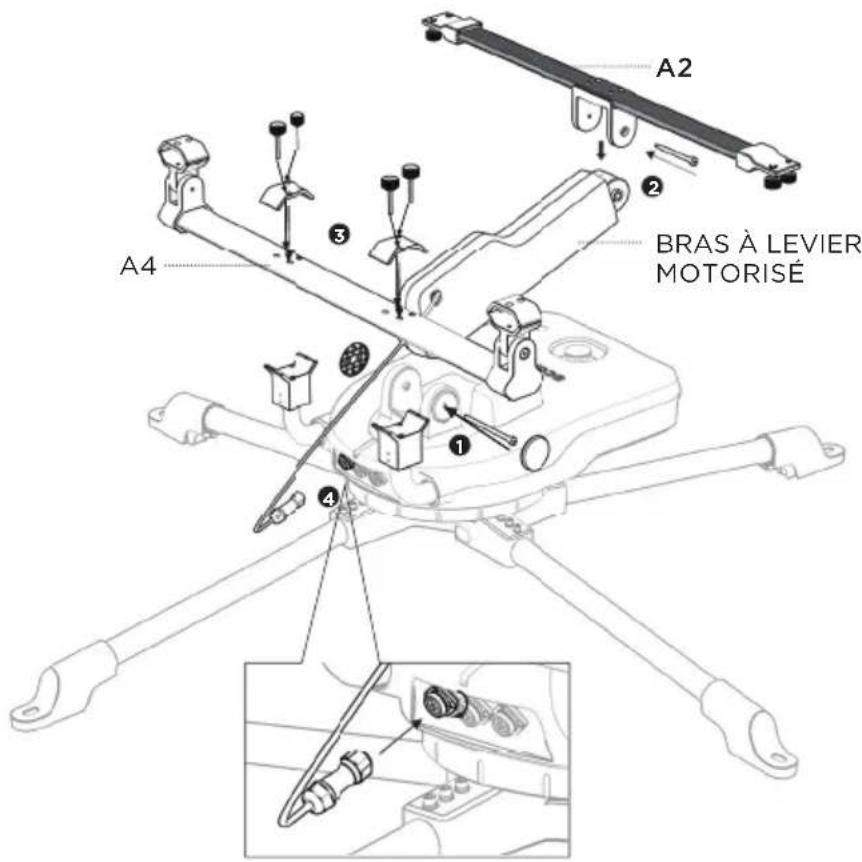
4
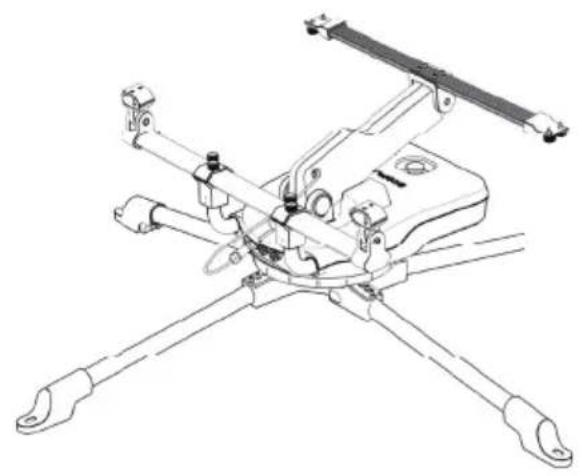
natural_image
Technical line drawing of a mechanical device with four arms and mounting brackets (no text or symbols)
B-GAUCHE B-DROIT
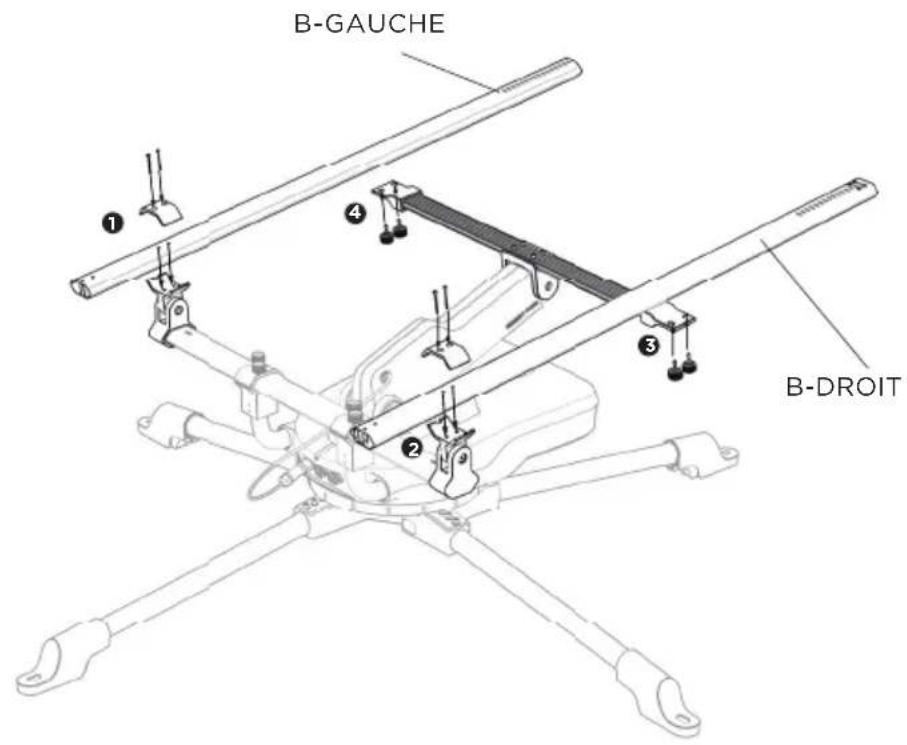
natural_image
Technical line drawing of a mechanical assembly with four arms and central components (no text or symbols)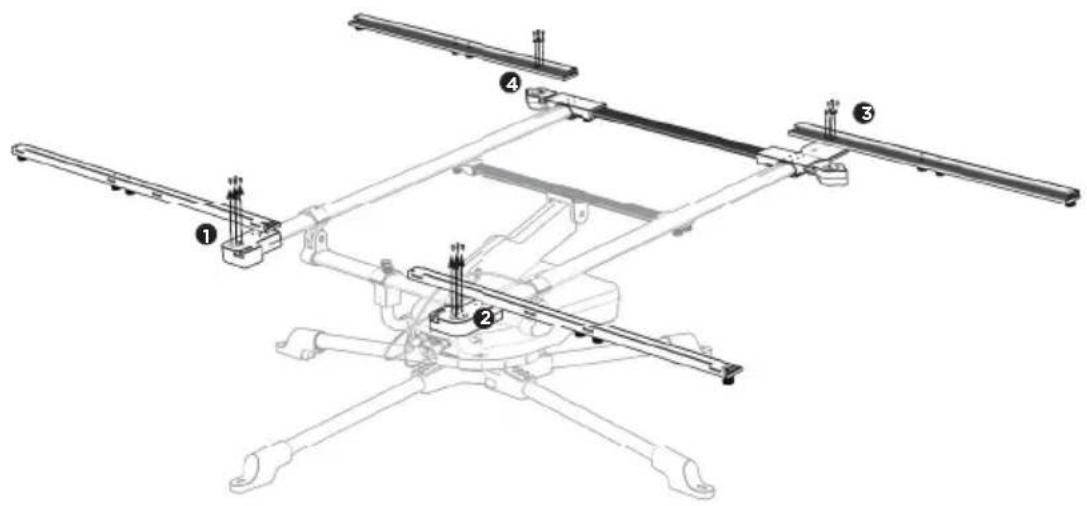
9
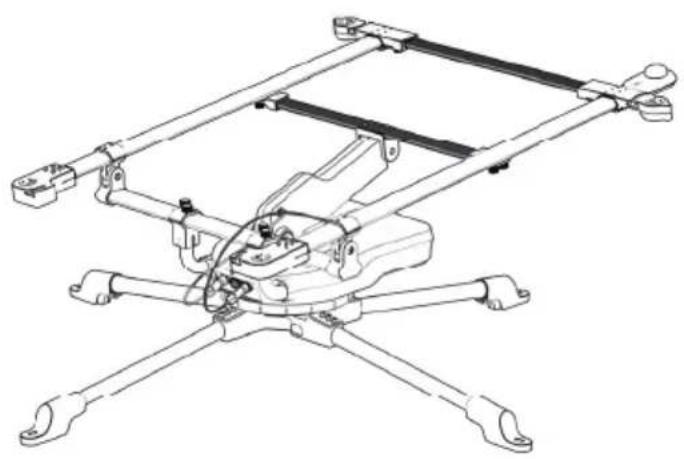
natural_image
Technical line drawing of a mechanical linkage assembly (no text or symbols)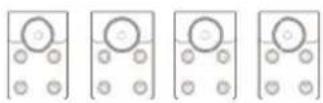
A5
natural_image
Technical line drawing of a mechanical assembly with labeled components and an inset showing a close-up view of a component (no text or symbols present)1.4 Transport
natural_image
Two figures shaking hands around a vehicle chassis with a checkmark icon (no text or symbols on diagram)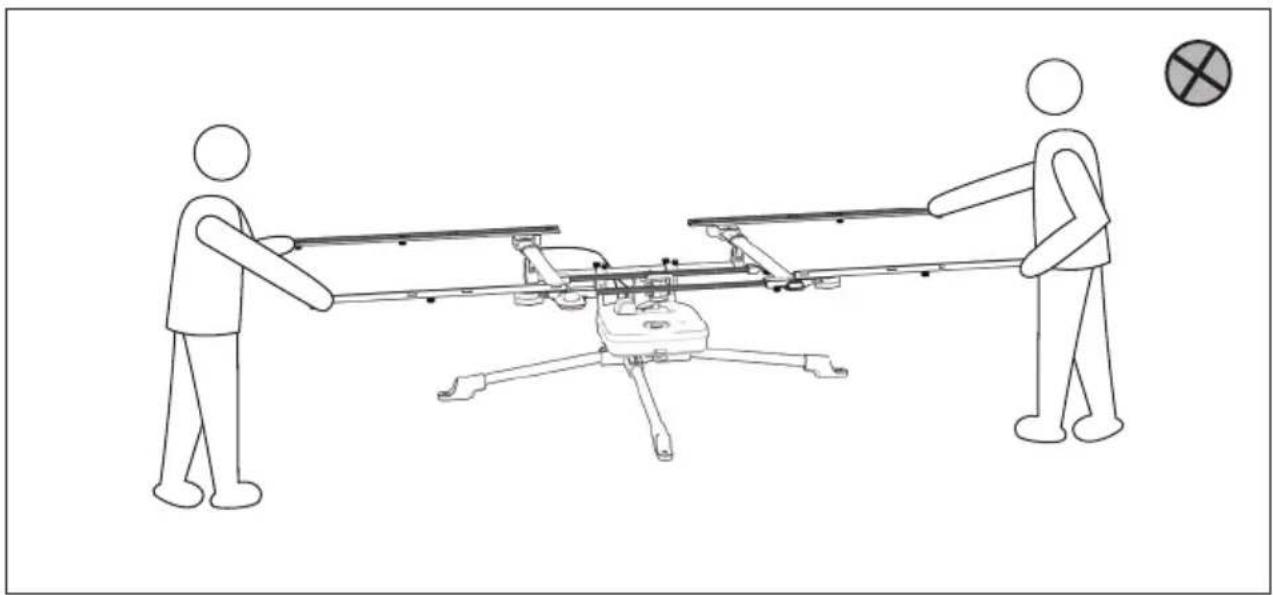
natural_image
Line drawing of two figures pulling a drone with a target symbol (no text or labels)natural_image
Diagram showing a satellite orbiting Earth with solar system and Earth's shadow (no text or labels)Hémisphère nord
natural_image
Diagram showing a sun above a curved horizon with a small figure below, labeled 'S' at top (no text or symbols on the diagram itself)Hémisphère sud
REMARQUE
natural_image
Technical line drawing of a multi-rotor aircraft with extended wings and mounting feet (no text or symbols)免責事項
natural_image
Pure technical diagram of a device casing with no text, numbers, or symbols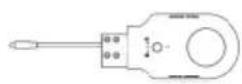
natural_image
Pure mechanical assembly diagram with four components and mounting holes (no text or symbols)
L-メス L-オス B-左 B-右


A2
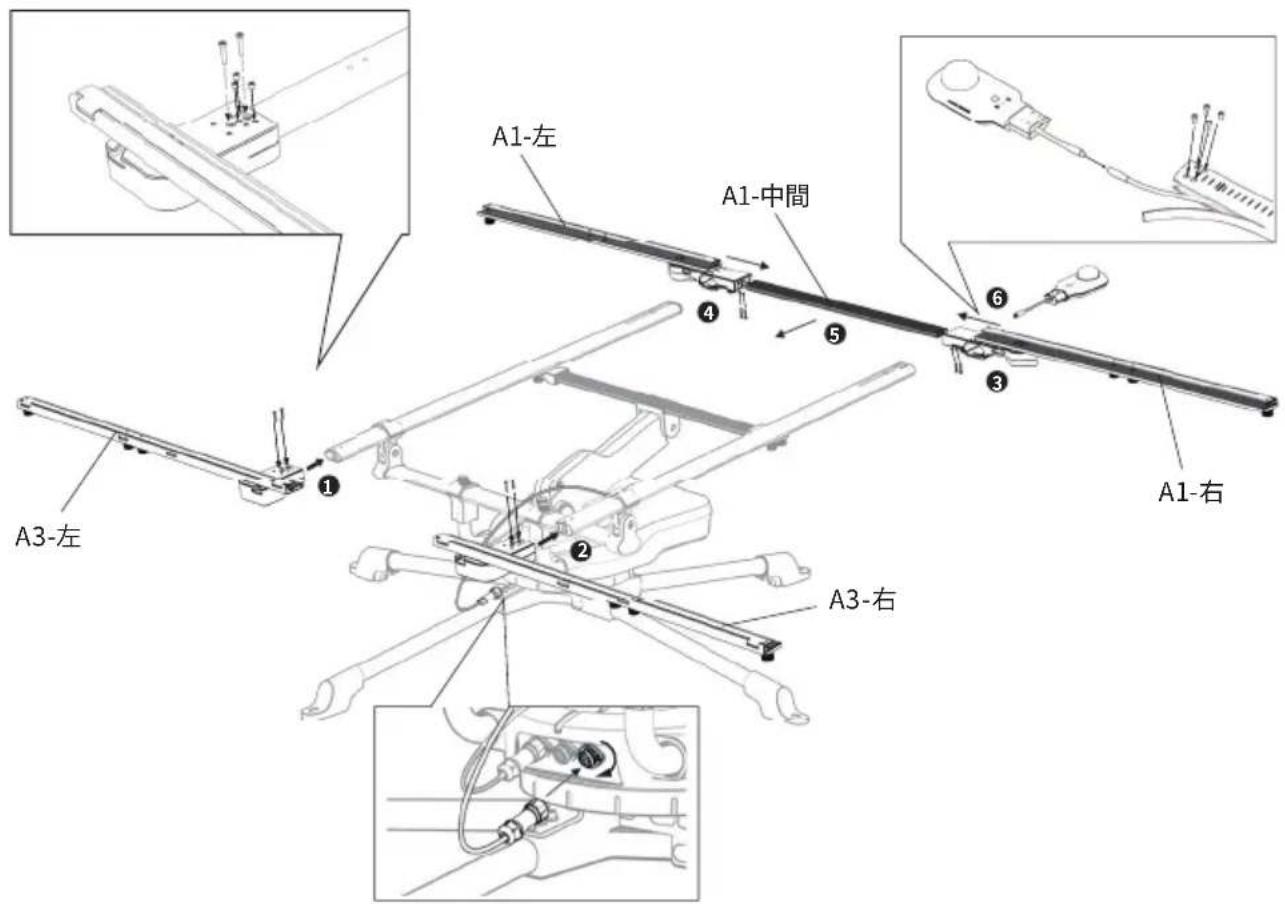
A1-中間 A1-左 A1-右
natural_image
Pure technical line drawing of two parallel mechanical components with mounting holes (no text or symbols)
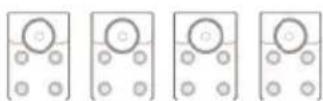
A3-左 A3-右
A4 A5
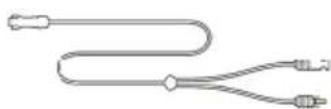
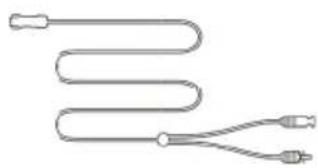
natural_image
Pure diagram of a coiled tube with two connectors (no text or symbols)natural_image
Pure mechanical assembly diagram with no text, numbers, or symbols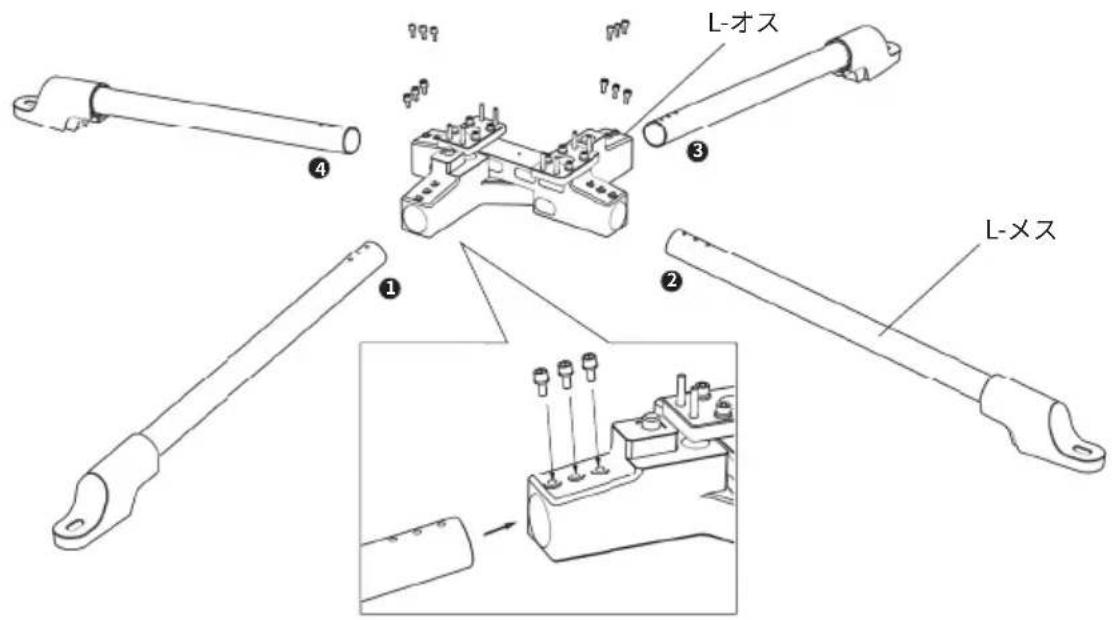
natural_image
Technical line drawing of a four-angle mechanical linkage component (no text or symbols)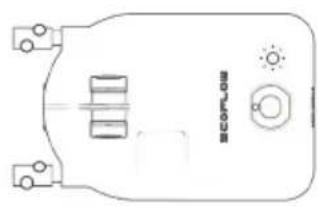
natural_image
Pure technical diagram of a device casing with no text, numbers, or symbolsコントロールモジュール
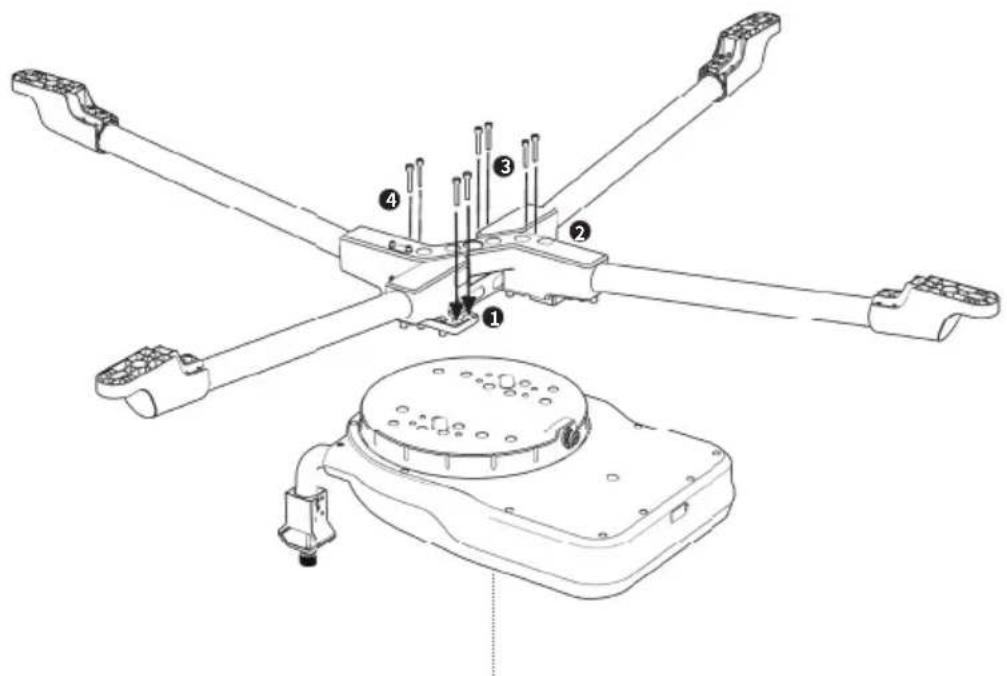
コントロールモジュール
3
natural_image
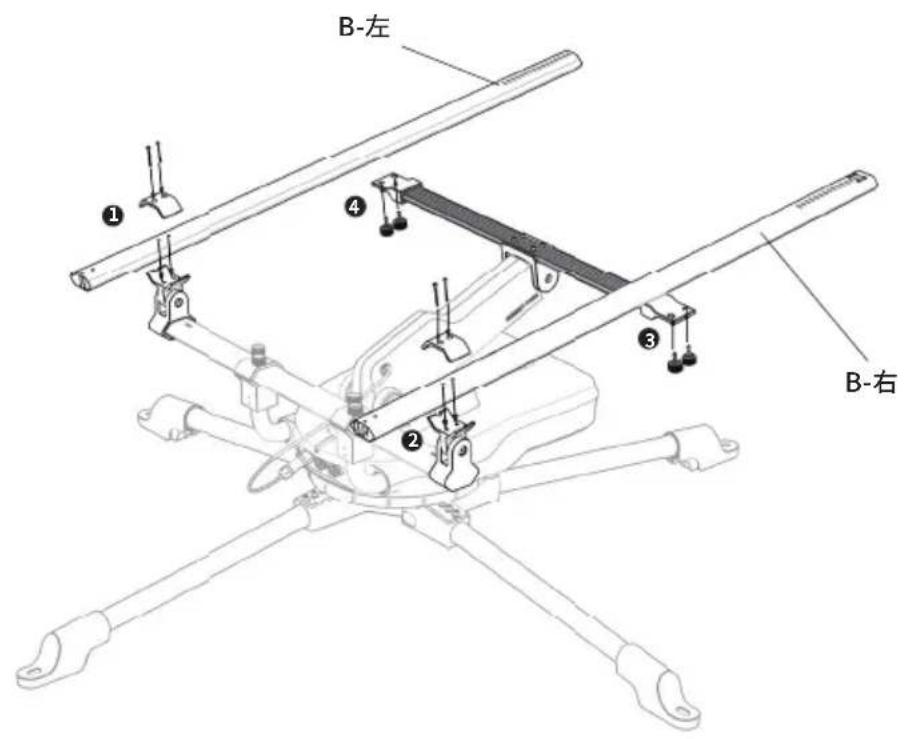
Technical line drawing of a mechanical device with four arms and mounting brackets (no text or symbols)
B-左 B-右
natural_image
Technical line drawing of a mechanical assembly with four arms and mounting feet (no text or symbols)
A1-中間
natural_image
Two horizontal rectangular panels with internal geometric lines and no visible text or symbolsA1-左 A1-右
natural_image
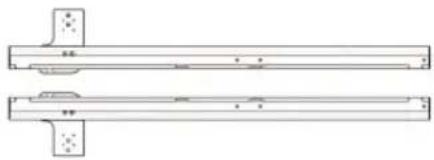
Technical line drawing of a mechanical component with two parallel plates and mounting holes (no text or symbols)A3-左 A3-右
natural_image
Technical line drawing of a mechanical assembly with four arms and central components (no text or symbols)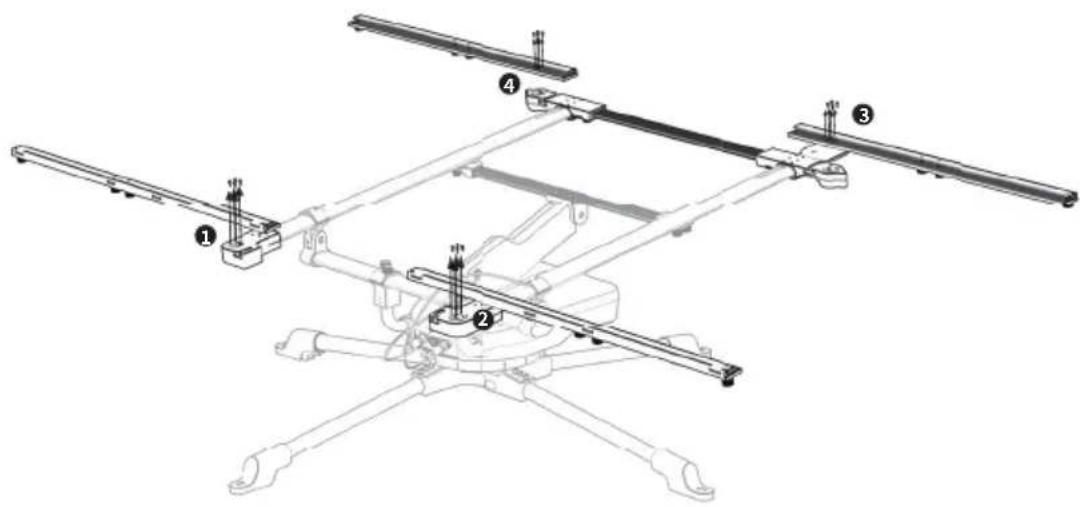
9
natural_image
Technical line drawing of a mechanical linkage assembly (no text or symbols)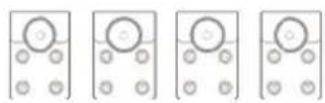
A5
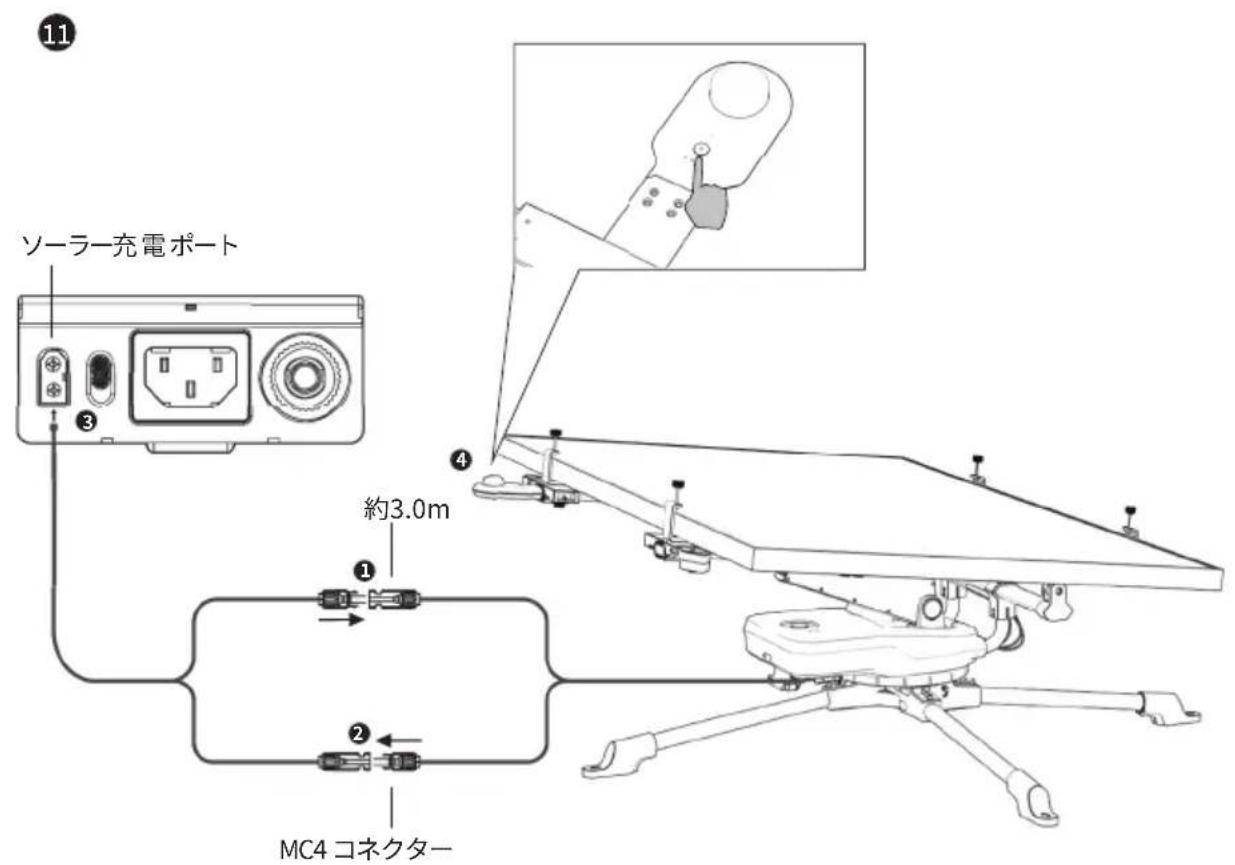
注意点
natural_image
Technical line drawing of a mechanical assembly with labeled components and an inset showing a close-up of a component (no text or symbols present)1.4 輸送
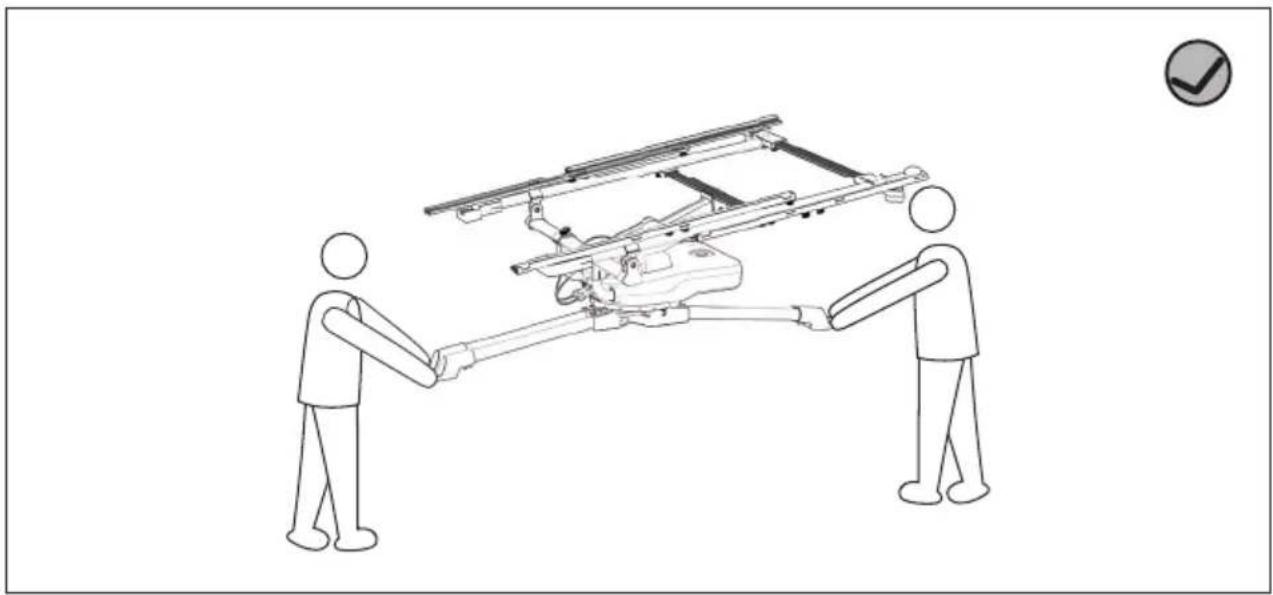
natural_image
Two stick figures shaking hands around a vehicle chassis with railings (no text or symbols visible)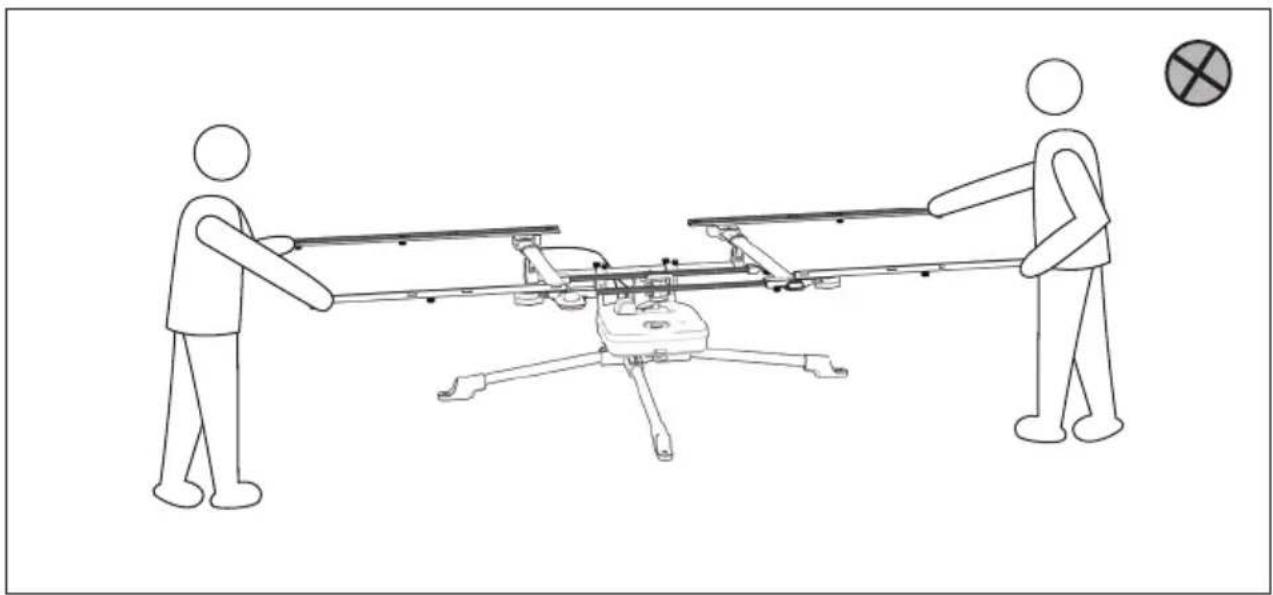
natural_image
Line drawing of two figures pulling a drone with a target symbol (no text or labels)1.5 ソーラートラッカーの使用
1.5.1 ソーラートラッカーの配置
natural_image
Diagram showing a sun and wind turbine in a circular field with a north arrow, no text or symbols present北半球
natural_image
Diagram showing a sun in the sky above a mountain with a small boat below, labeled 'S' at top (no text or symbols on diagram itself)南半球
注意点
natural_image
Technical line drawing of a multi-rotor aircraft with extended wings and mounting feet (no text or symbols)免责声明
natural_image
Pure electrical circuit lines without any symbols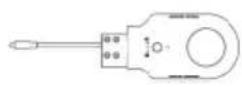
控制模块 光传感器 电动推杆
flowchart
graph TD
    A["第一步"] --> B["第二步"]
    B --> C["第三步"]
natural_image
Pure electrical circuit lines without any symbols
natural_image
Pure technical line drawing of two parallel mechanical components with mounting holes (no text or symbols)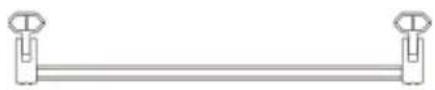
A4支架 A5固定块
A3-左支架 A3-右支架
natural_image
Pure diagram of a coiled tube with two connectors (no text or symbols)natural_image
Four horizontal cylindrical objects with circular ends, arranged horizontally (no text or symbols)L-公支架 L-母支架
natural_image
Pure mechanical assembly diagram with four components and mounting holes (no text or symbols)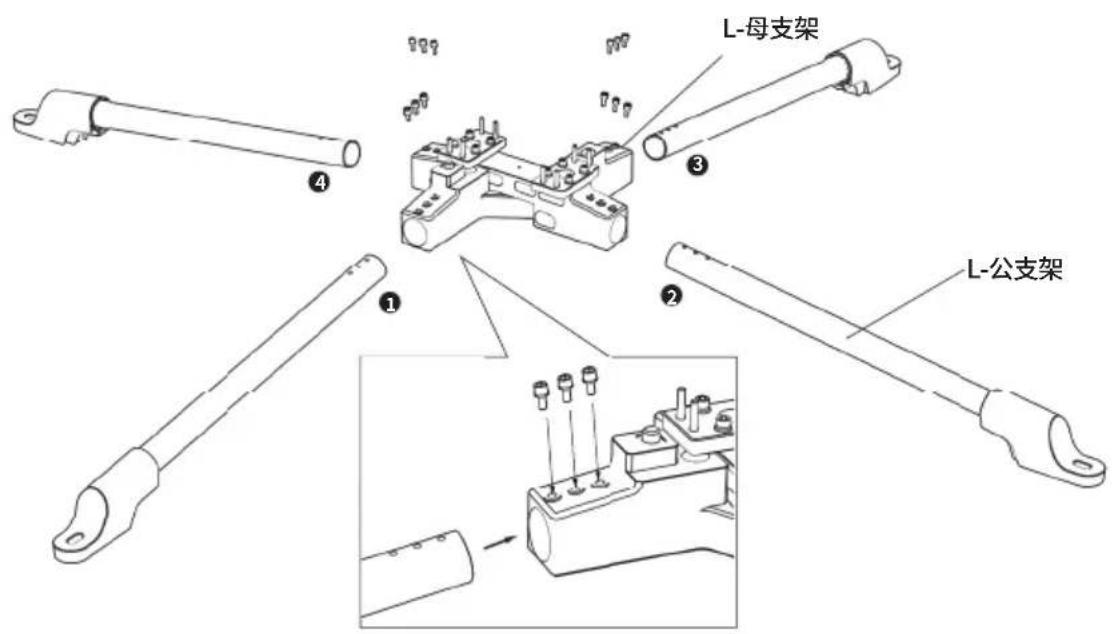
2
natural_image
Line drawing of a four-way mechanical linkage or connector assembly (no text or symbols)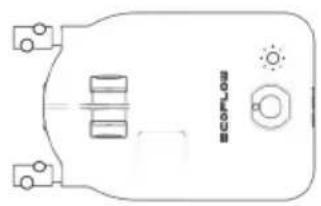
natural_image
Pure technical diagram of a mechanical component with no text, numbers, or symbols控制模块
控制模块
3

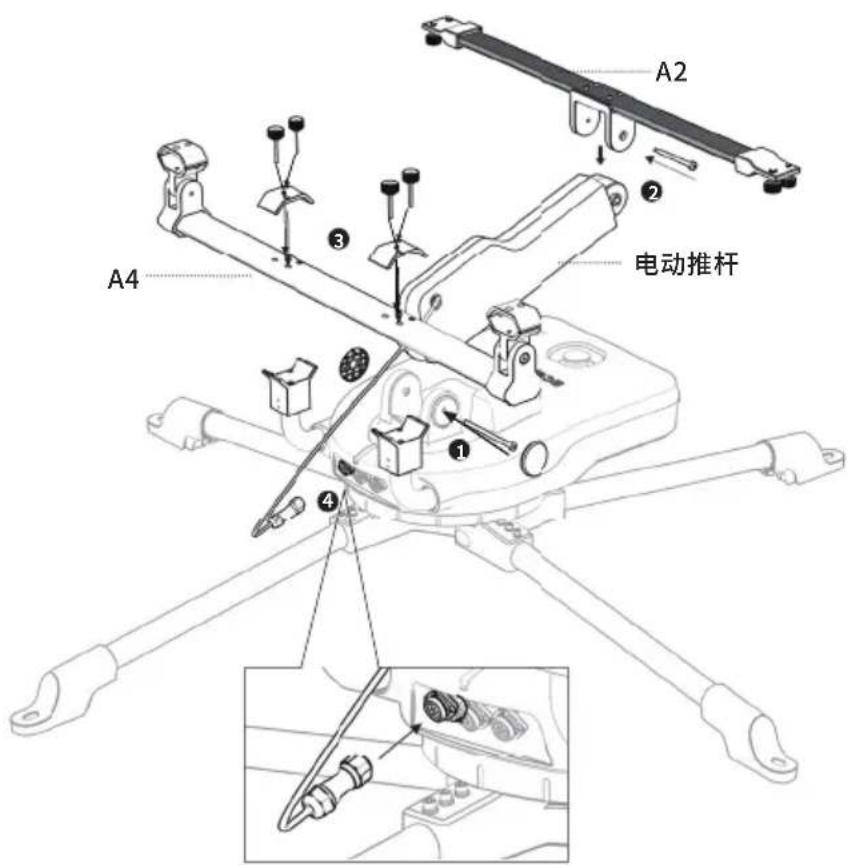
A4 支架
natural_image
Line drawing of a four-legged robotic device with no visible text or symbols
A2 支架
电动推杆
4
natural_image
Technical line drawing of a mechanical device with four arms and mounting brackets (no text or symbols)
B-左支架 B-右支架
1.2.2 使用折叠式太阳能板
natural_image
Technical line drawing of a mechanical assembly with four arms and mounting feet (no text or symbols)
A1-中间支架
A1-左支架 A1-右支架
natural_image
Technical line drawing of two mechanical components with mounting holes (no text or symbols)A3-左支架 A3-右支架
7
natural_image
Technical line drawing of a mechanical assembly with four arms and central components (no text or symbols)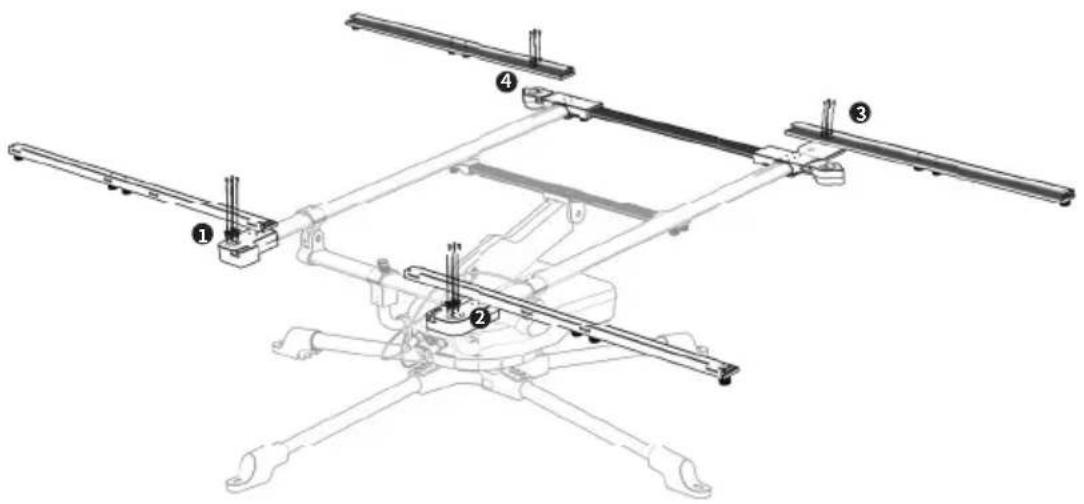
9
natural_image
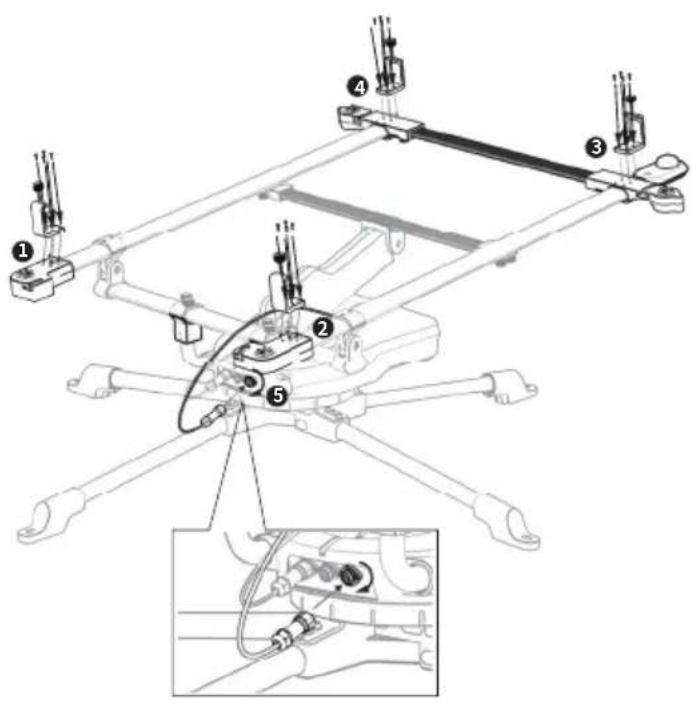
Technical line drawing of a mechanical linkage assembly (no text or symbols)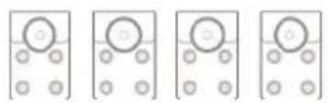
A5
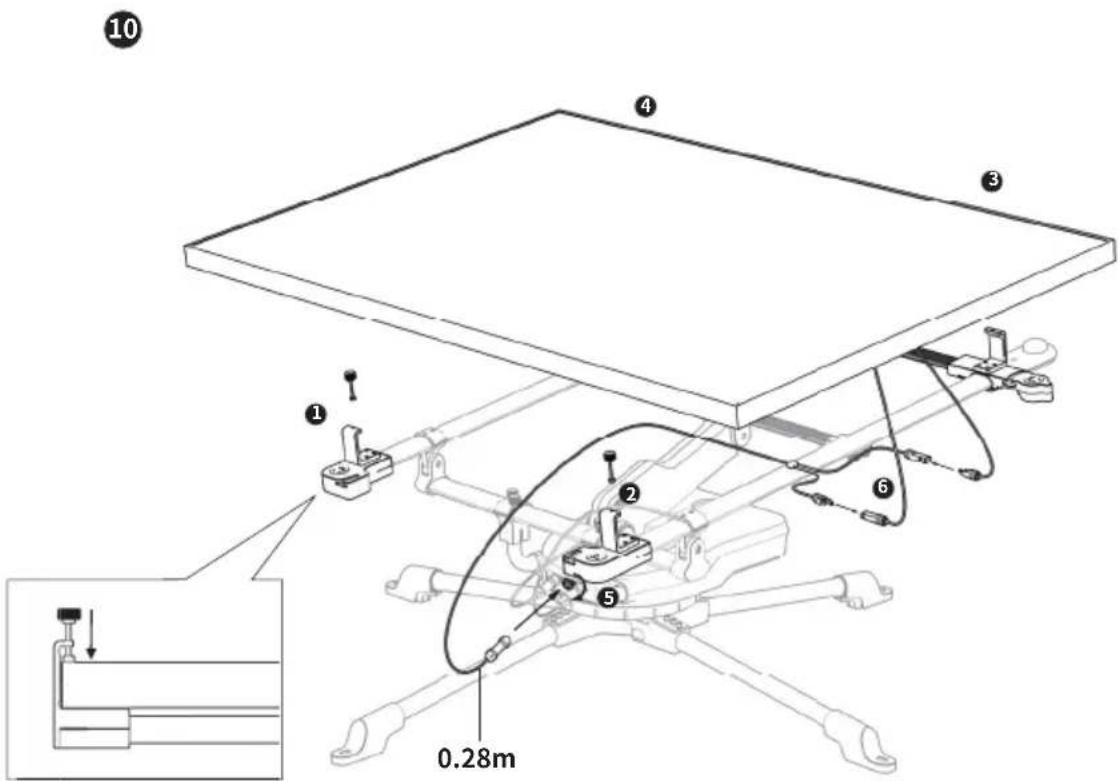
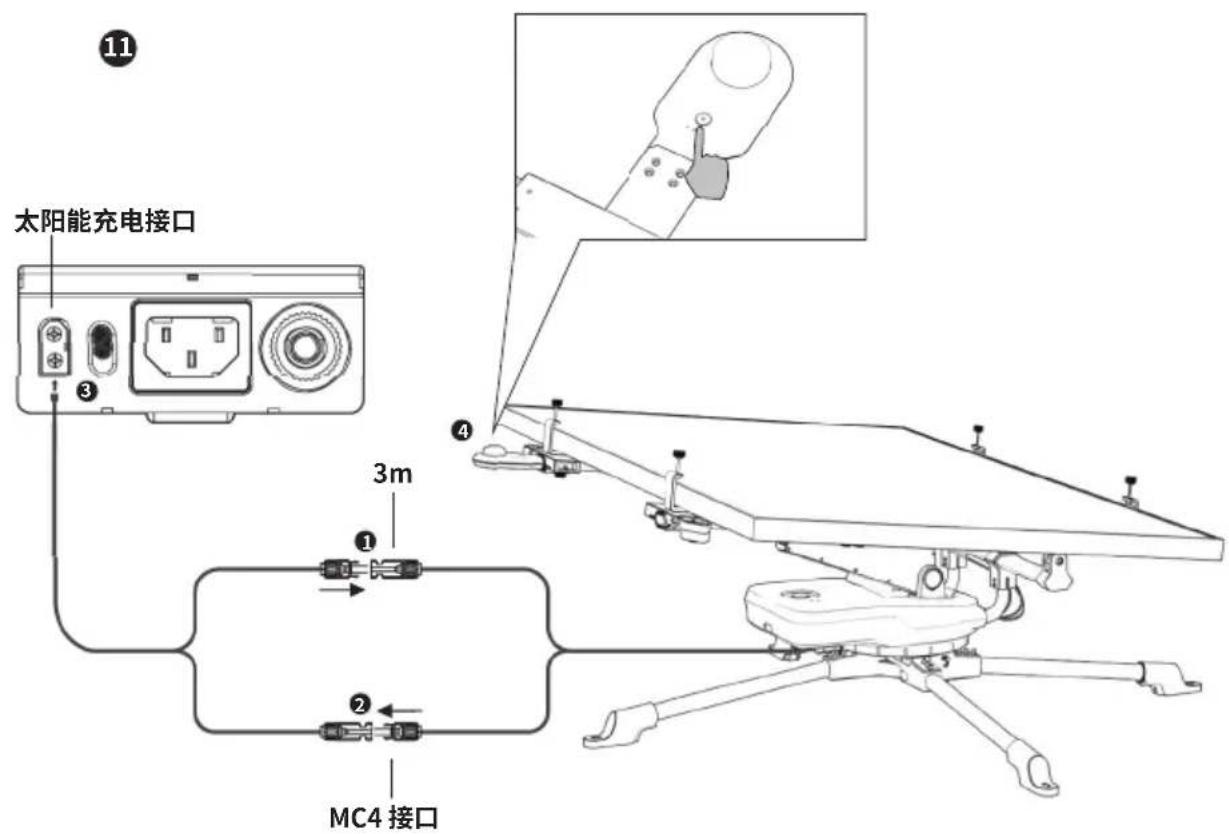
natural_image
Technical line drawing of a mechanical assembly with labeled components and an inset showing a close-up of a component (no text or symbols present)1.4 运输
natural_image
Two figures shaking hands around a vehicle chassis with railings, no text or symbols present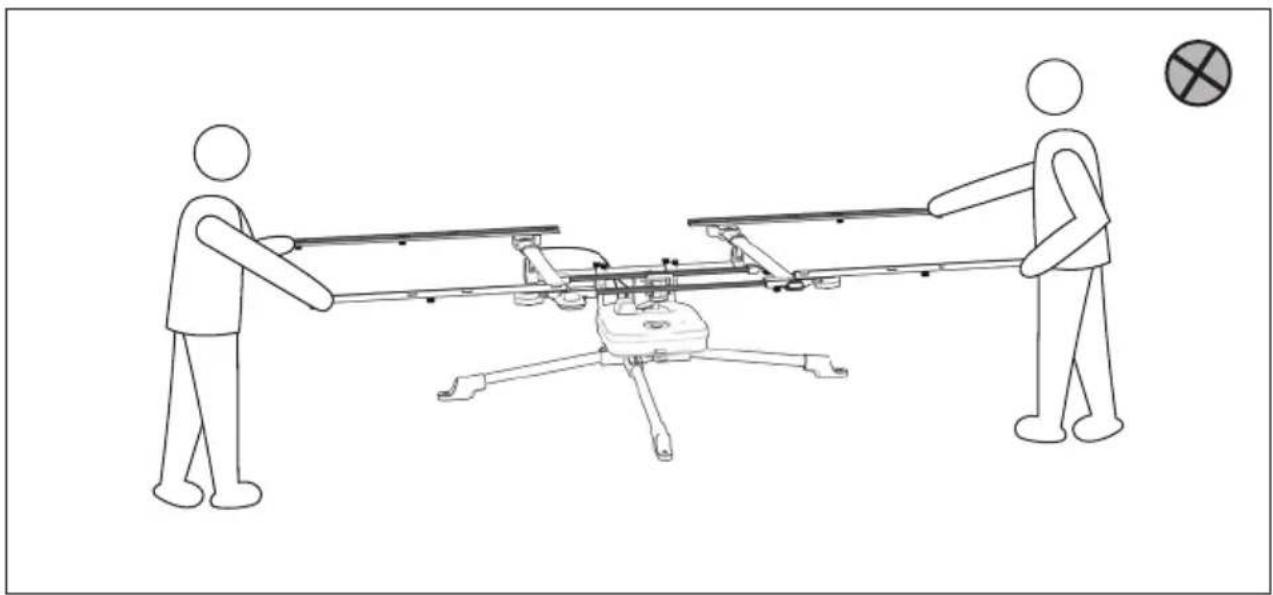
natural_image
Line drawing of two figures pulling a drone with a plane, no text or symbols present1.5 使用太阳能追踪器
1.5.1 放置太阳能追踪器
natural_image
Diagram showing a satellite orbiting Earth with solar system and Earth's shadow (no text or labels)北半球
natural_image
Diagram showing a sun orbiting a landscape with a curved trajectory and directional arrows (no text or symbols)南半球