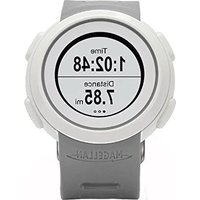
Echo - GPS device MAGELLAN - Free user manual and instructions
Find the device manual for free Echo MAGELLAN in PDF.



| Product Type | GPS connected watch |
| Brand | Magellan |
| Model | Echo |
| Power | CR2032 3V battery |
| Estimated battery life | 10 months (12 hours/day without exercise + 1 hour of exercise) |
| Compatibility | iOS and Android with Bluetooth Smart |
| Screen | Touch |
| Buttons | Power, Music, Stopwatch, Record |
| Main functions | Activity tracking, stopwatch, music control, activity recording, date/time display |
| Connectivity | Bluetooth Smart |
| Water resistance | IPX7: immersion up to 1 meter for 30 minutes |
| Operating temperature | -20°C to 55°C |
| Replaceable battery | Yes, user-replaceable (CR2032) |
| Warranty | 2 years (1 year in the UK and Ireland) |
| Certifications | CE, WEEE |
Frequently Asked Questions - Echo MAGELLAN
User questions about Echo MAGELLAN
0 question about this device. Answer the ones you know or ask your own.
Ask a new question about this device
Download the instructions for your GPS device in PDF format for free! Find your manual Echo - MAGELLAN and take your electronic device back in hand. On this page are published all the documents necessary for the use of your device. Echo by MAGELLAN.
USER MANUAL Echo MAGELLAN
Thank you for purchasing a Magellan Echo watch. To get started, visit: magellanGPS.com/start/echo
Fundamentals
Using the Watch
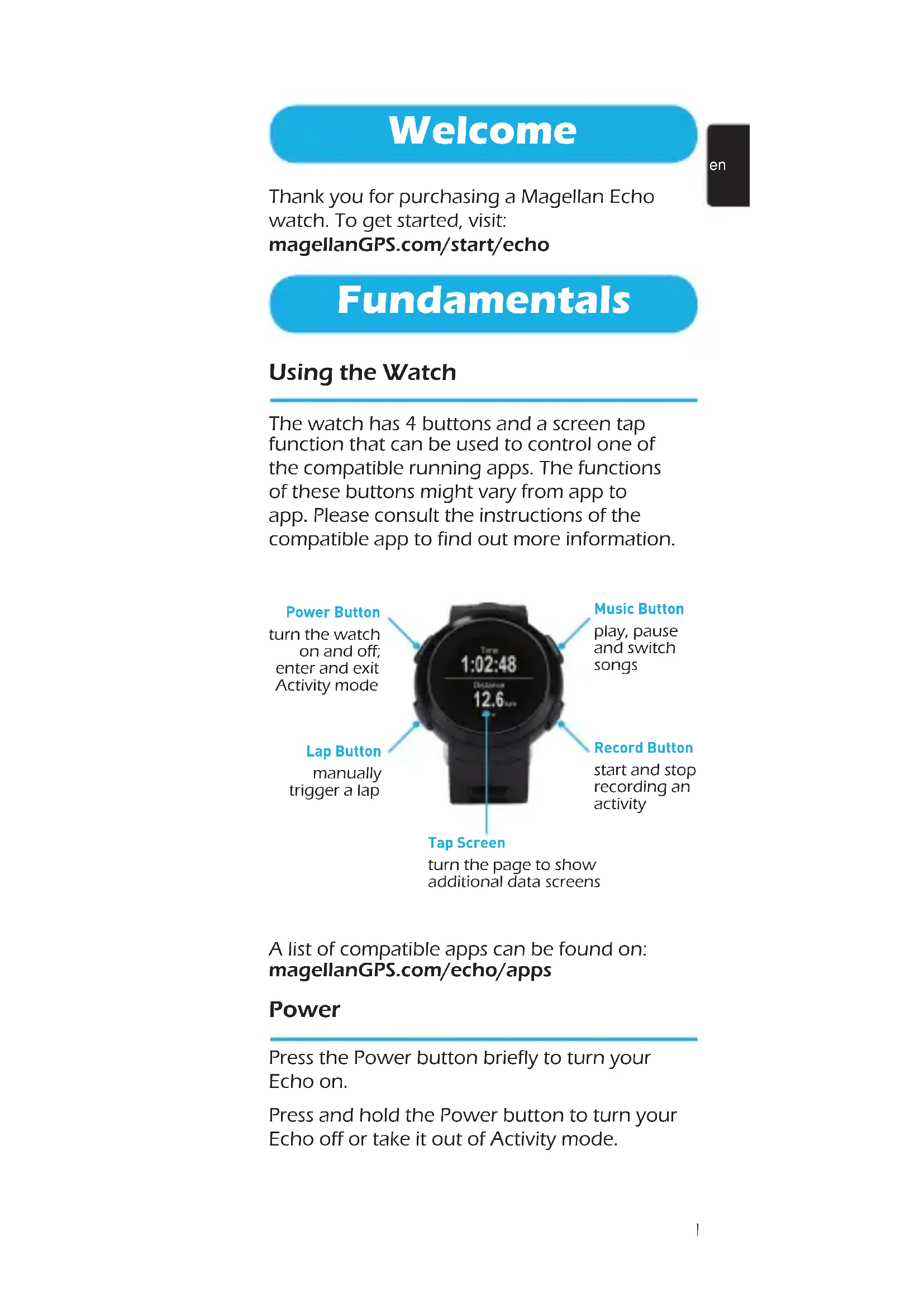
The watch has 4 buttons and a screen tap function that can be used to control one of the compatible running apps. The functions of these buttons might vary from app to app. Please consult the instructions of the compatible app to find out more information.

A list of compatible apps can be found on: magellanGPS.com/echo/apps
Power
Press the Power button briefly to turn your Echo on.
Press and hold the Power button to turn your Echo off or take it out of Activity mode.
Connecting Your Watch
en
The Magellan Echo watch can be connected with iOS and Android devices (smartphones/tablets) which have Bluetooth Smart. Please visit magellanGPS.com/echo/devices for a list of the latest compatible devices.
Press and hold the Power button on the watch for 2 seconds to enter the search mode.

Turn on the Bluetooth function on your device for your Echo to communicate with your device using Bluetooth Smart.
Go to magellanGPS.com/start/echo for compatible apps and connection instructions.
Note: Echo does NOT pair and connect with your device's operating system, so do NOT attempt to pair your device with Echo after turning on your device's Bluetooth function. The same is true for other Bluetooth Smart sensors such as a Heart Rate Monitor.
Battery
The Echo watch works on a CR2032 3V battery and has an estimated battery lifetime of 10 months.
Note: The battery lifetime depends on usage of the Echo watch (calculations have been done on 12h non connected usage + 1h/day workout).
The watch will alert you when the battery is running low.
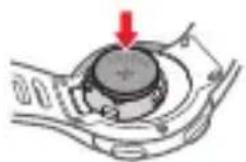
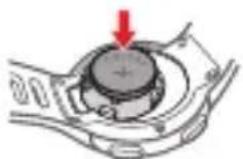
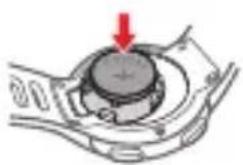
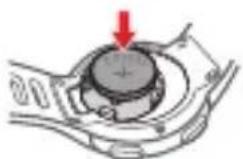
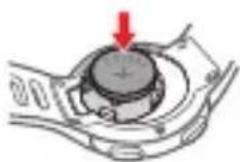
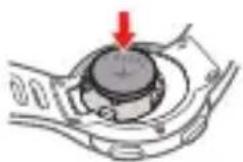
To replace the CR2032 battery, simply open the battery lid at the back of the watch.
Replace the battery with the POSITIVE side up and place the battery lid back in place.
Note: After replacing the battery, make sure that the O-ring is seated properly into the groove before closing the battery lid.

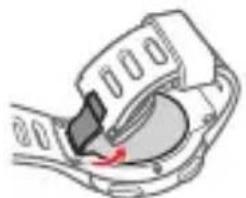

Note: When closing the battery lid, make sure that the lid fits properly on all corners and then press to lock the lid in place with a click sound.
Echo Settings
The settings of the watch can be changed using the Magellan Echo Utility App.
Please download the Magellan Echo Utility App on your device to change the settings of the watch and to customise the screens.
The app allows you to:
- Set the time and date notation.
• Automatically set the watch time and date. - Choose watch face (analog or digital).
Updates
By connecting the watch with the Magellan Echo Utility App, the watch will automatically set to the correct time and date (depending on your device's time zone). Software updates will be offered automatically when available.
It is recommended that you connect the watch to the Magellan Echo Utility App regularly.
Safety
Use only Magellan accessories; the use of non-Magellan accessories (other than compatible Bluetooth Smart® wireless accessories) may severely degrade performance or damage the device, and will void the warranty.
Lithium-ion battery: Never store the device or the battery in a high temperature location. Do not disassemble, puncture or incinerate the battery. Please contact Magellan Technical Center for issues related to the battery.
Do not use the device outside of the following temperature range: -4°F to 131°F ( -20°C to 55°C ).
The information provided in this document is subject to change without notice. Improvements and enhancements to the product may occur without any formal notification. Check the Magellan website
en
(magellanGPS.com/echo/learn) for product updates and additional information.
The IEC 60529/IPX7 is a European system of test specification standards for classifying the degrees of protection provided by the enclosures of electrical equipment. An IPX7 designation means that the unit withstands immersion in one meter (approx 3ft) of still water for up to 30 minutes. Magellan guarantees this grade provided the battery door and all jack covers are properly and securely closed. This device is not IPX8 grade; water-pressure such as washing the unit with running water may cause damage to the unit and voids warranty.
Declaration of conformity
Note: For regulatory identification purposes, Echo is assigned a model number of N448.
CE

Hereby, Magellan declares that this N448 is in compliance with the essential requirements and other relevant provisions of Directive 1999/5/EC.
WEEE
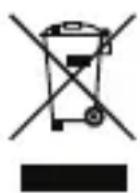
This product must not be disposed of as normal household waste, in accordance with the EU directive for waste electrical and electronic equipment (WEEE - 2002/96/EC). Instead, it should be disposed of by returning it to the point of sale, or to a municipal recycling collection point.
Warranty
This Two-Year Limited Warranty applies to Hardware Products (except USB cable) manufactured or distributed by MiTAC Digital Corp. ("Magellan") under the Magellan brand name. Magellan offers, at no additional charge, to repair or replace defective parts with new parts during the two-year warranty period in Europe (excluding United Kingdom and Ireland*), Australia and New Zealand.
The warranty period for refurbished Hardware Products (except USB cable) is one year after the date of original purchase.
* One-year limited warranty applies.
Magellan's obligations with respect to Software distributed by Magellan under the Magellan brand name are set forth in the applicable end-user license agreement. Non-Magellan Hardware and Software Products are provided on an as is basis. However, non-Magellan manufacturers, suppliers, or publishers may provide their own warranties.
Terms of the Warranty
Magellan warrants that the Hardware Product you have purchased from Magellan or from a Magellan authorized reseller is free from defects in materials or workmanship under normal use during the warranty period. The warranty period commences on the date of purchase. Your sales receipt is your proof of the date of purchase. This warranty extends only to you, the original Purchaser. It is nontransferable. It excludes expendable parts.
During the warranty period, Magellan will, at no additional charge, repair or replace defective parts with new parts or, at the option of Magellan, serviceable used parts that are equivalent or superior to new parts in performance.
All exchanged parts and Products replaced under this warranty will become the property of Magellan. This Limited Warranty extends only to Products purchased from Magellan or from a Magellan authorized reseller.
This Limited Warranty also does not extend to any Product that has been damaged or rendered defective (a) as a result of accident, misuse, or abuse; (b) as a result of an act of God; (c) by operation outside the usage parameters stated in the Product's User's Manual; (d) by the use of parts not manufactured or sold by Magellan; (e) by modification of the Product; or (f) as a result of service by anyone other than Magellan, a Magellan authorized reseller, or a Magellan authorized service provider. Magellan is not responsible for damage to or loss of any programs or data. Contact your local Magellan authorized service provider for geographic restrictions, proof-of-purchase requirements, response time commitments and other specific on-site service requirements.
EXCEPT AS EXPRESSLY SET FORTH IN THIS WARRANTY, MAGELLAN MAKES NO OTHER WARRANTIES, EXPRESSED OR IMPLIED, INCLUDING ANY IMPLIED WARRANTIES OF MERCHANTABILITY AND FITNESS FOR A PARTICULAR PURPOSE. MAGELLAN EXPRESSLY DISCLAIMS ALL WARRANTIES NOT STATED IN THIS

Limitation of Remedy
Magellan is not liable for any damages caused by the Product or the failure of the Product to perform, including any lost profits, lost savings, incidental damages, or consequential damages. Magellan is not liable for any claim made by a third party or made by you for a third party.
This limitation applies whether damages are sought, or a claim made, under this warranty or as a tort claim (including negligence and strict product liability), a contract claim, or any other claim. This limitation cannot be waived or amended by any person. This limitation of liability will be effective even if Magellan or an authorized representative of Magellan has been advised by you of the possibility of any such damages. This limitation of liability, however, will not apply to claims for personal injury.
Vítejte
da
Echo-indstillinger
Urets indstillinger kan ændres vha. Magellan Echo Utility app.

fr
Echo-innstillinger
pl
pt
Brand : MAGELLAN
Model : Echo
Category : GPS device