WCL8040 - Camera DENVER - Free user manual and instructions
Find the device manual for free WCL8040 DENVER in PDF.



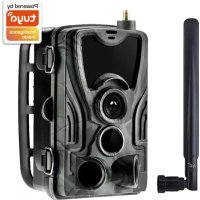
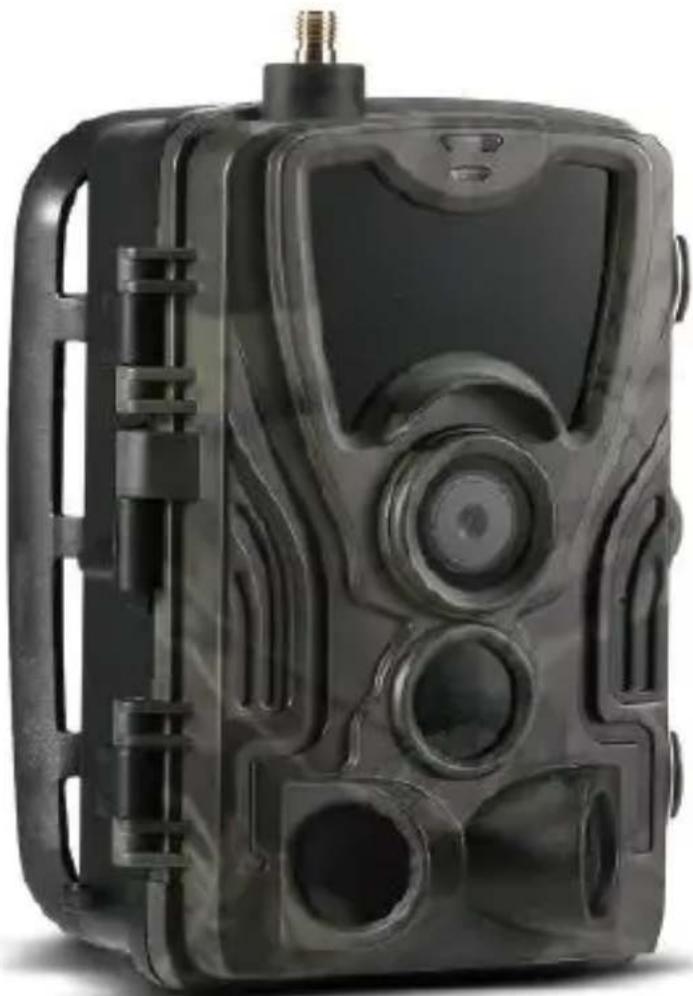
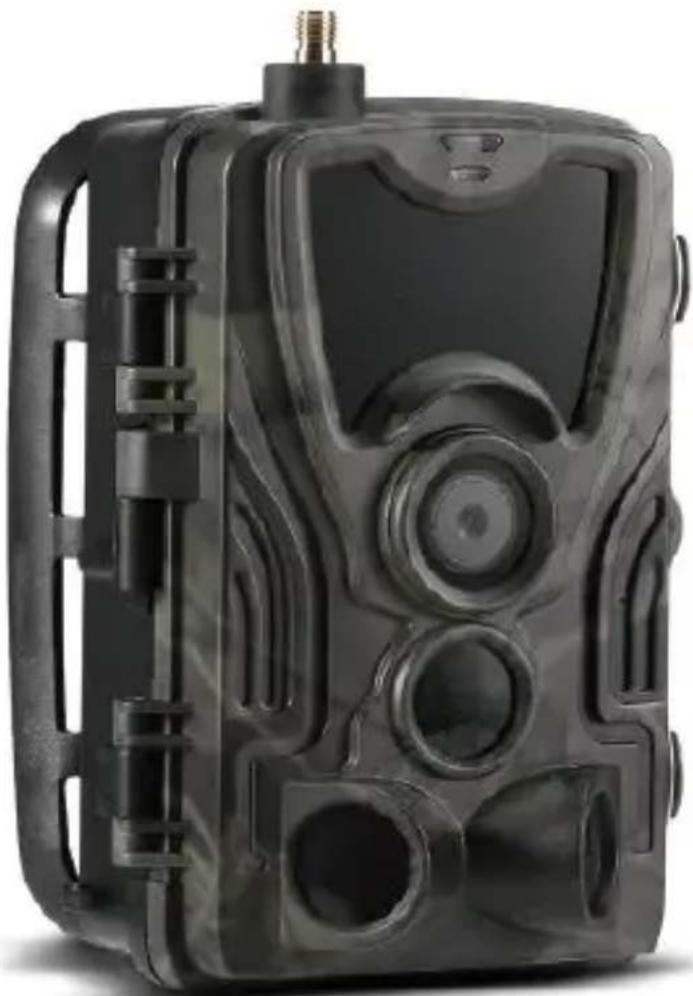
| Product type | Hunting camera / 4G surveillance camera |
| Brand | Denver |
| Model | WCL8040 |
| Dimensions | 138 x 90 x 86 mm |
| Weight | 0.38 kg |
| Screen | Color 2.0 inches |
| Photo resolution | 30 MP / 24 MP / 20 MP / 16 MP |
| Video resolution | 2K at 30 fps (H.265), 1080P, 720P, VGA |
| Infrared LED | 6 x 3 W, 940 nm (invisible light) |
| Detection angle | Up to 120° |
| Waterproof rating | IP65 (water and dust resistant) |
| Trigger speed | 0.3 seconds |
| Power supply | 8 AA batteries or external 9-12 V DC adapter |
| Standby time | Up to 3 months |
| Storage | MicroSD card up to 256 GB (FAT32 format) |
| Connectivity | 4G (standard SIM card), Tuya Smart app |
| Photo/video transmission | Yes, via mobile network |
| Time stamp | Yes |
| Supported formats | Photo: JPEG, Video: AVI |
| Included accessories | Antenna, strap, USB cable, clips |
| Maintenance | Clean with a dry cloth, avoid excessive moisture |
| Safety | Use batteries of the same type, do not expose to extreme temperatures |
| General information | Manufactured by Denver A/S, Denmark. Compliant with RED directive 2014/53/EU. |
Frequently Asked Questions - WCL8040 DENVER
User questions about WCL8040 DENVER
0 question about this device. Answer the ones you know or ask your own.
Ask a new question about this device
Download the instructions for your Camera in PDF format for free! Find your manual WCL8040 - DENVER and take your electronic device back in hand. On this page are published all the documents necessary for the use of your device. WCL8040 by DENVER.
USER MANUAL WCL8040 DENVER
natural_image
Abstract geometric logo with a stylized letter 'D' inside a hexagonal shape (no text or symbols)denver
natural_image
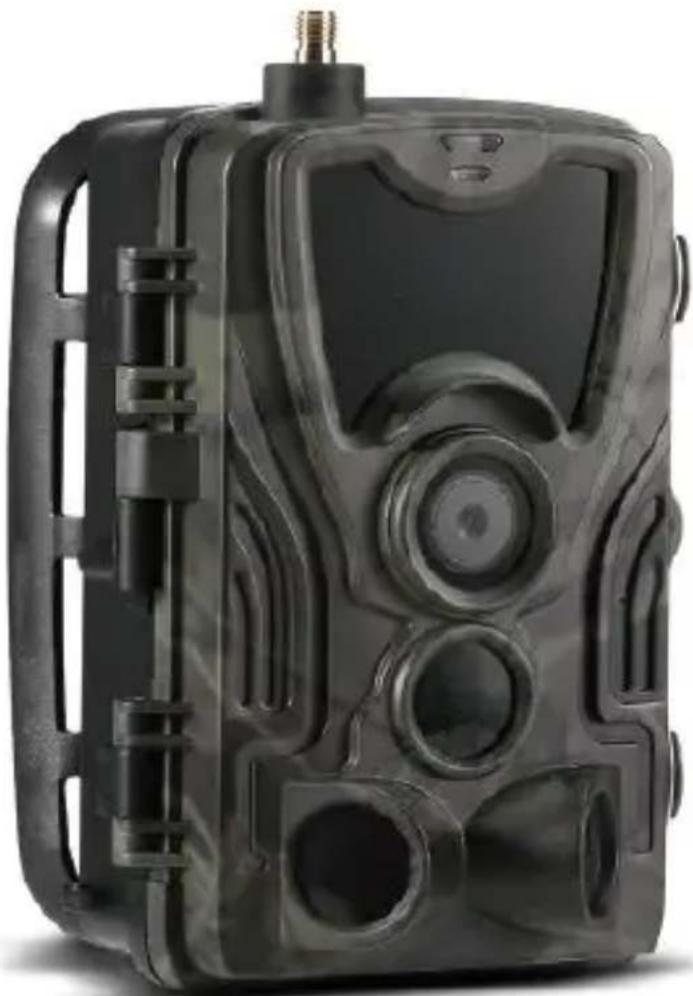
Black camouflage video camera with visible lens, buttons, and control panel (no text or symbols)WCL-8040
denver.eu
01-12-2022

FR
Please read the safety instructions carefully before using the product for the first time and keep the instructions for future reference.
- This product is not a toy. Keep it out of reach of children.
- Keep product out of the reach of children and pets to avoid chewing and swallowing.
- Never use old and new batteries or different types of batteries together in main unit. Remove the batteries when you are not using the device for a longer period of time. Check the polarity (+/-) of the batteries when inserting them in the product. Wrong positioning can cause an explosion. Batteries are not included.
- Product operating and storage temperature is from -20 degrees Celsius to 40 degrees Celsius. Under and over this temperature might affect the function.
- Never open the product. Do not touch the inside electronics, or you may get an electric shock. Repairs or service should only be performed by qualified personnel.
- Do not expose to heat or direct sunlight!
- Do not use non-original accessories together with the product as this can make the product functionality abnormal.
Technische Daten
natural_image
Exterior view of a black electronic device with a door open, showing internal components and a curved arrow indicating rotation (no text or symbols)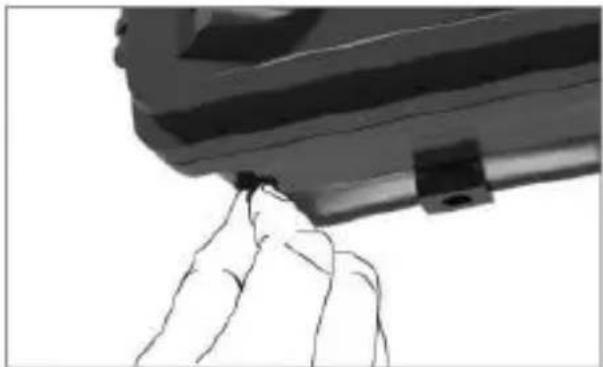
natural_image
Close-up of a hand holding a small object near a cylindrical object (no visible text or symbols)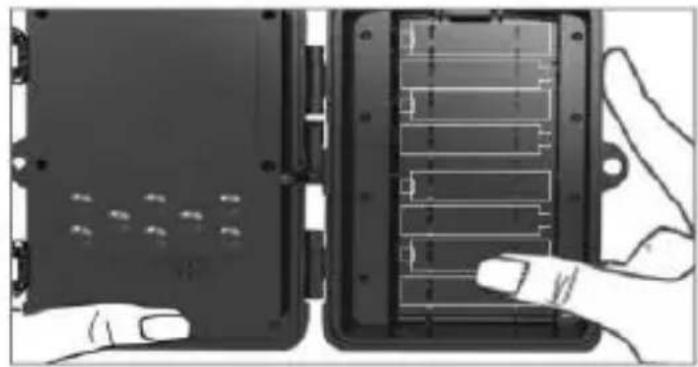
natural_image
Two views of a device showing internal components and a hand interacting with it (no visible text or symbols)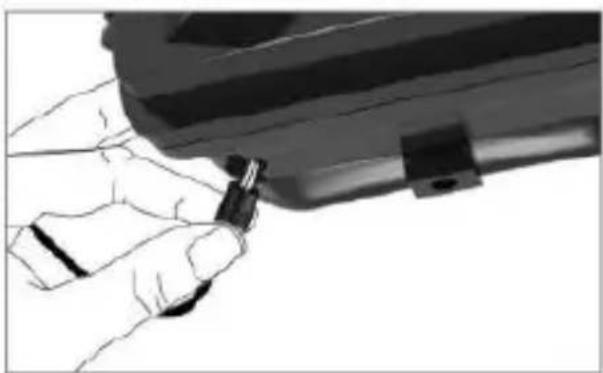
natural_image
Close-up of hands holding a small mechanical component (no visible text or symbols)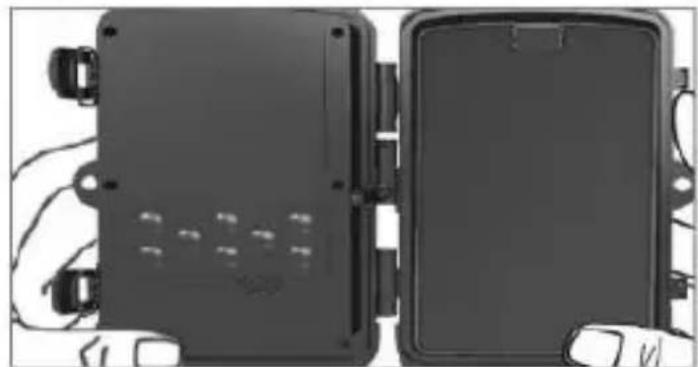
natural_image
Two black electronic device modules with visible wiring and connectors, no text or symbols present.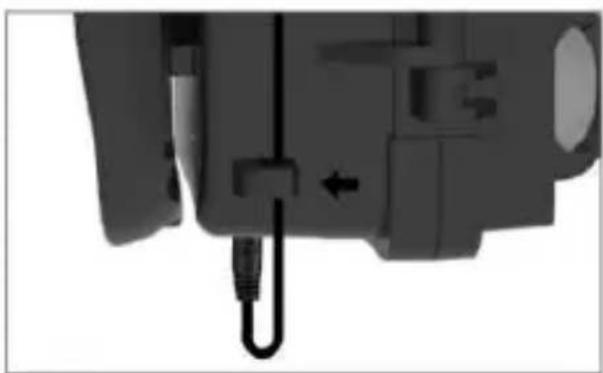
natural_image
Close-up of a mechanical component with a black cable and arrow indicating a connection point (no visible text or symbols)App herunterladen
text_image
QR code with central red logo containing stylized 't' and signal icontext_image
tuya Log In Sign Up Try now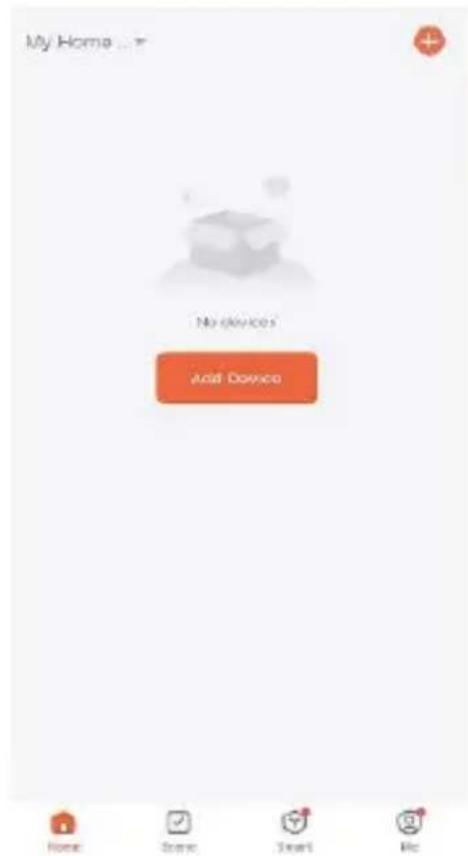
text_image
My Home... No devices Add Devices Home Scene Start RecGerät hinzufügen
text_image
My Home No devices Add Device Electrical Helmet Inflator Lighting Positioning Sensors GPS Vehicle Tracker (LTE Cat.1) Anti-lost (BLE) Burglar Alarm (GPRS) Large Home Ap... Small Home Appliances Tracker (NB- IoT) Locator (GPRS) Kitchen Appliances Exercise & Health Car-carried-devices Camera & Lock Gateway Control WiFi driving recorder (with screen) Outdoor Travel Energy Entertainment 4G Camera Industry & Agriculture 4G Camera Home Scene Smart Metext_image
MENU SHOT REPLAY OK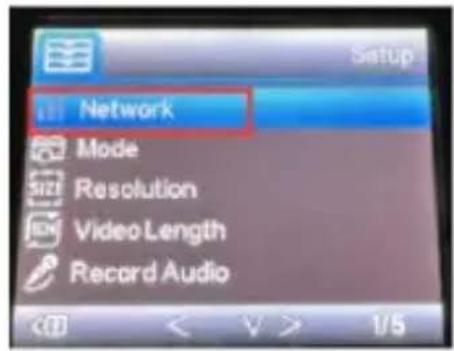
text_image
Network Mode Resolution Video Length Record Audio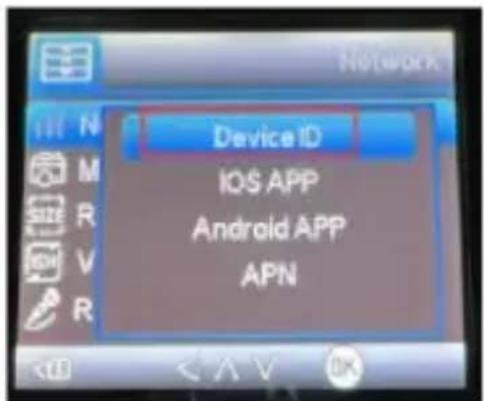
text_image
Device ID IOS APP Android APP APN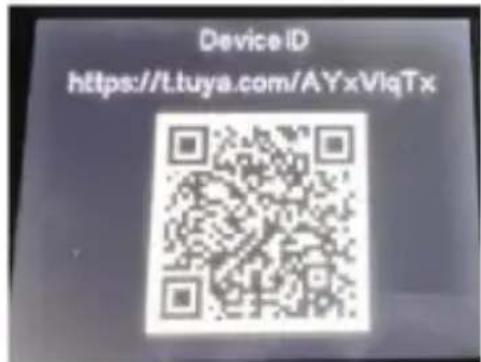
text_image
Device ID https://t.tuya.com/AYxVlqTxtext_image
Add Device Done 1 device(s) added successfully Trail camera Added successfullyEinstellungen
text_image
Trail camera Signal: 50% + 130 %


text_image
Setting Trail camera Device Information "One-click execution" and "Automation" Basic settings Basic function settings:advanced settings
Detection alarm settings
Power management settings
Storage
Store settings
(1) 2017-04-26
Purchase of value-added services
Collaborar extrapolation
Offline reminder
Other
text_image
Basic function settings Mode Photo > video length 103 > Video Resolution 720P > Record Audio Image Size 30M > Interval Instant > TimeLapse 6MIN > Multi Shot 1 > Transfer frequency


natural_image
Symbol of a trash bin crossed with a diagonal line, representing no waste or discharge (no text or labels)
natural_image
Abstract geometric logo with a stylized letter 'D' inside a hexagonal shape (no text or symbols)denver
natural_image
Black camouflage video camera with visible lens, buttons, and control panel (no text or symbols)WCL-8040
denver.eu
01-12-2022

FR
Please read the safety instructions carefully before using the product for the first time and keep the instructions for future reference.
- This product is not a toy. Keep it out of reach of children.
- Keep product out of the reach of children and pets to avoid chewing and swallowing.
- Never use old and new batteries or different types of batteries together in main unit. Remove the batteries when you are not using the device for a longer period of time. Check the polarity (+/-) of the batteries when inserting them in the product. Wrong positioning can cause an explosion. Batteries are not included.
- Product operating and storage temperature is from -20 degrees Celsius to 40 degrees Celsius. Under and over this temperature might affect the function.
- Never open the product. Do not touch the inside electronics, or you may get an electric shock. Repairs or service should only be performed by qualified personnel.
- Do not expose to heat or direct sunlight!
- Do not use non-original accessories together with the product as this can make the product functionality abnormal.
Specifications
| Photo Resolution | 30MP/24MP/20MP/16MP |
| Video Resolution | 2K/30fps (H.265), 1080P/720P/VGA |
| LED | 6*3W High Power LED, 940nm |
| Trigger Time | 0.3s |
| Waterproof | IP65 |
| Detection Angle | Up to 120° |
| Photo Transmission | Yes |
| Video Transmission | Yes |
| Date&Time Stamp | Yes |
| Power Supply Type | Battery/External |
| Battery Type | AA Battery |
| Working Voltage | DC 9V-12V |
| Memory | MicroSD card up to 256GB |
| Standby Time | Up to 3 months |
| Photo Format | JPEG |
| Video Format | AVI |
| Screen Size | 2.0 inches |
| Dimensions | 138 x 90 x 86 mm |
| Weight | 0.38 kg |
| Accessories | Antenna, Belt, USB Cable, Tweezers |
text_image
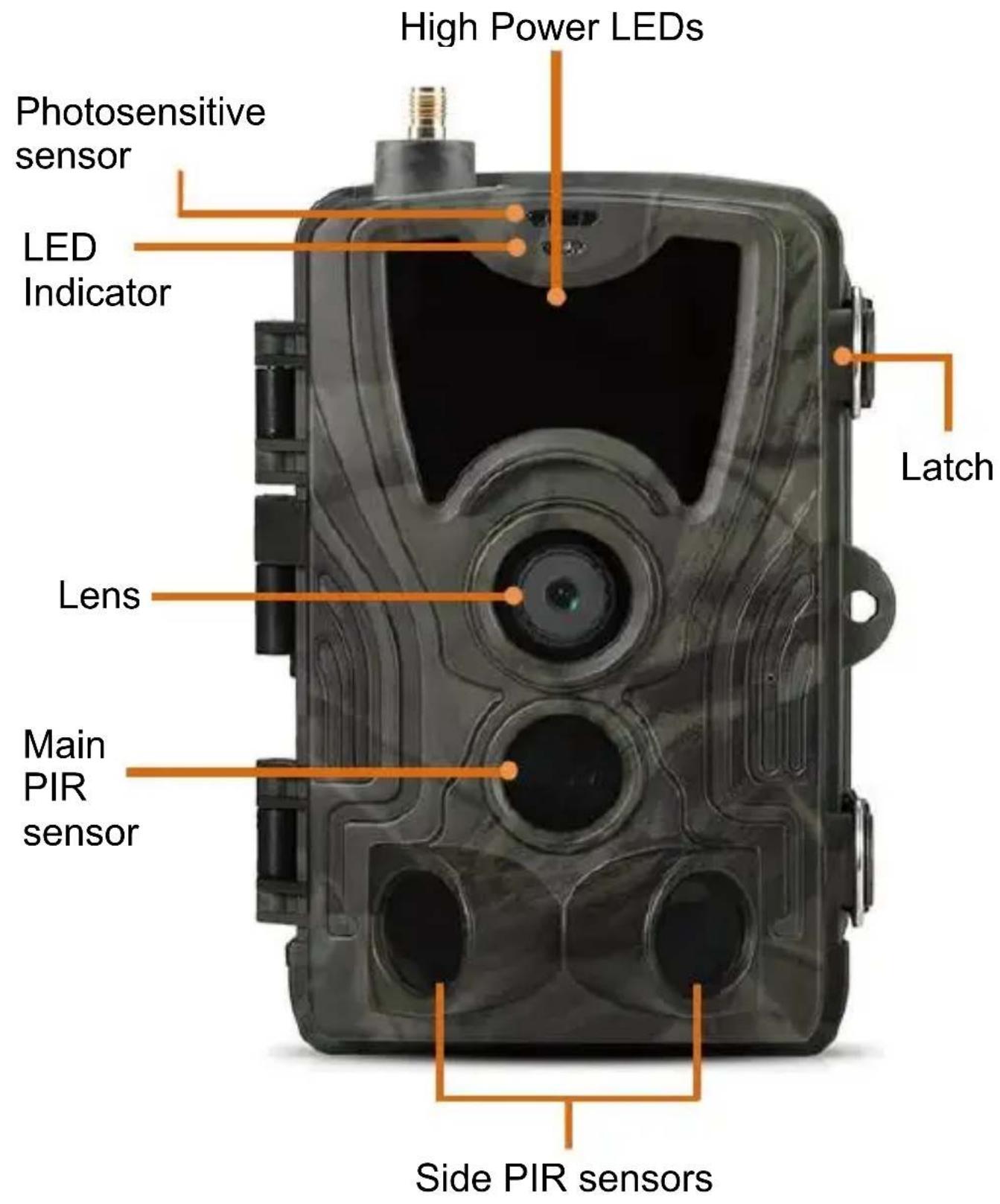
High Power LEDs Photosensitive sensor LED Indicator Lens Main PIR sensor Latch Side PIR sensorsENG 3
text_image
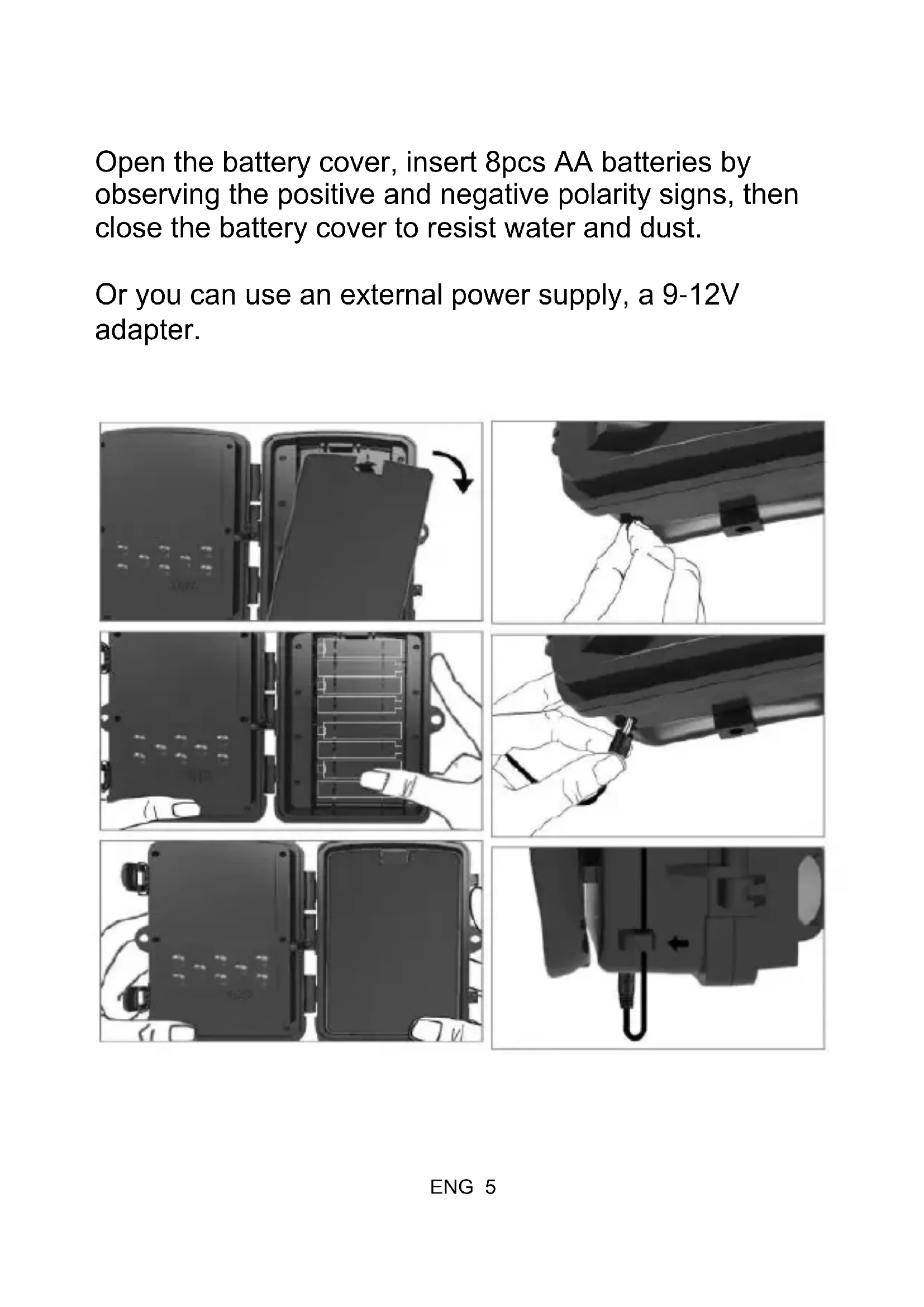
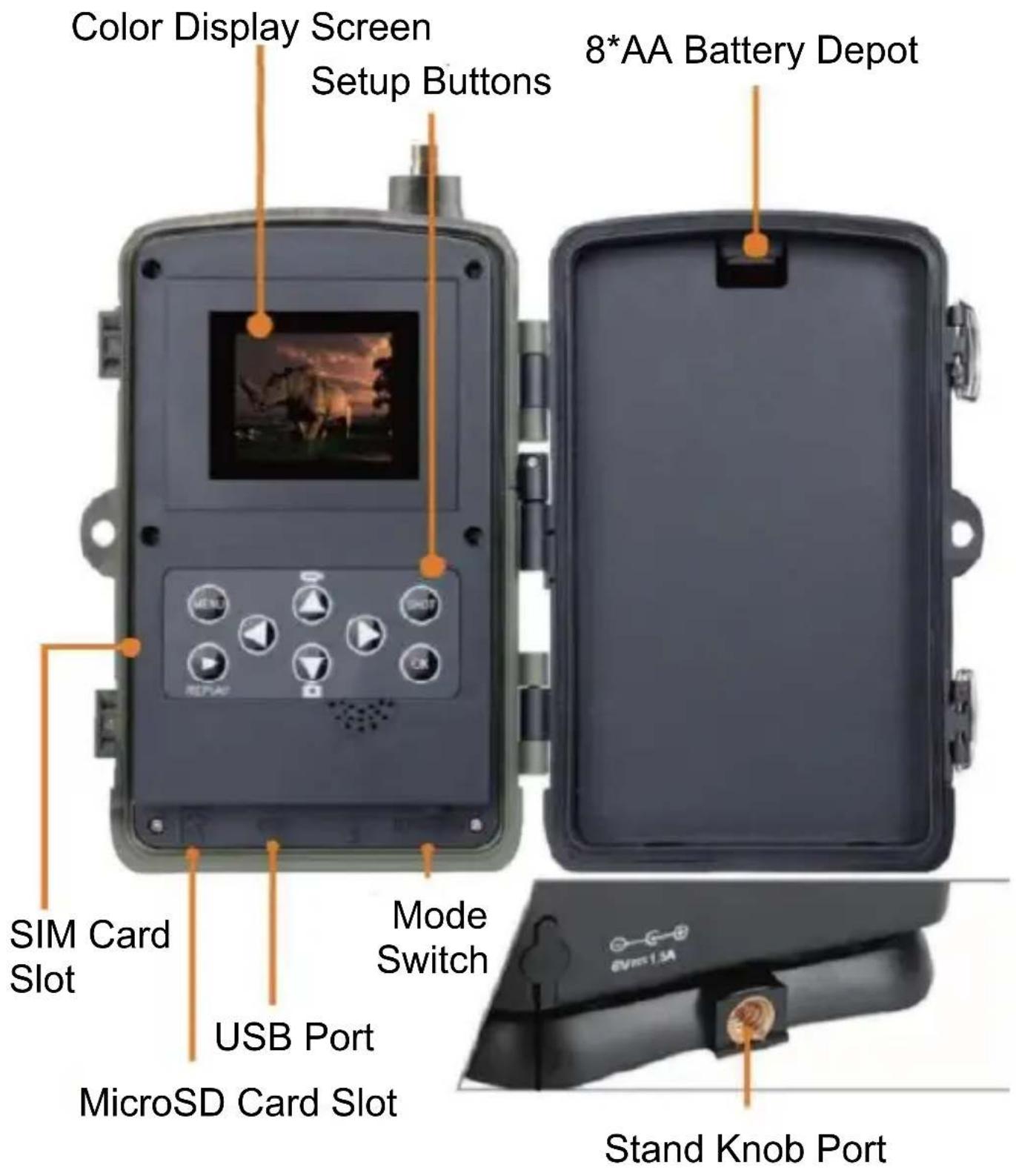
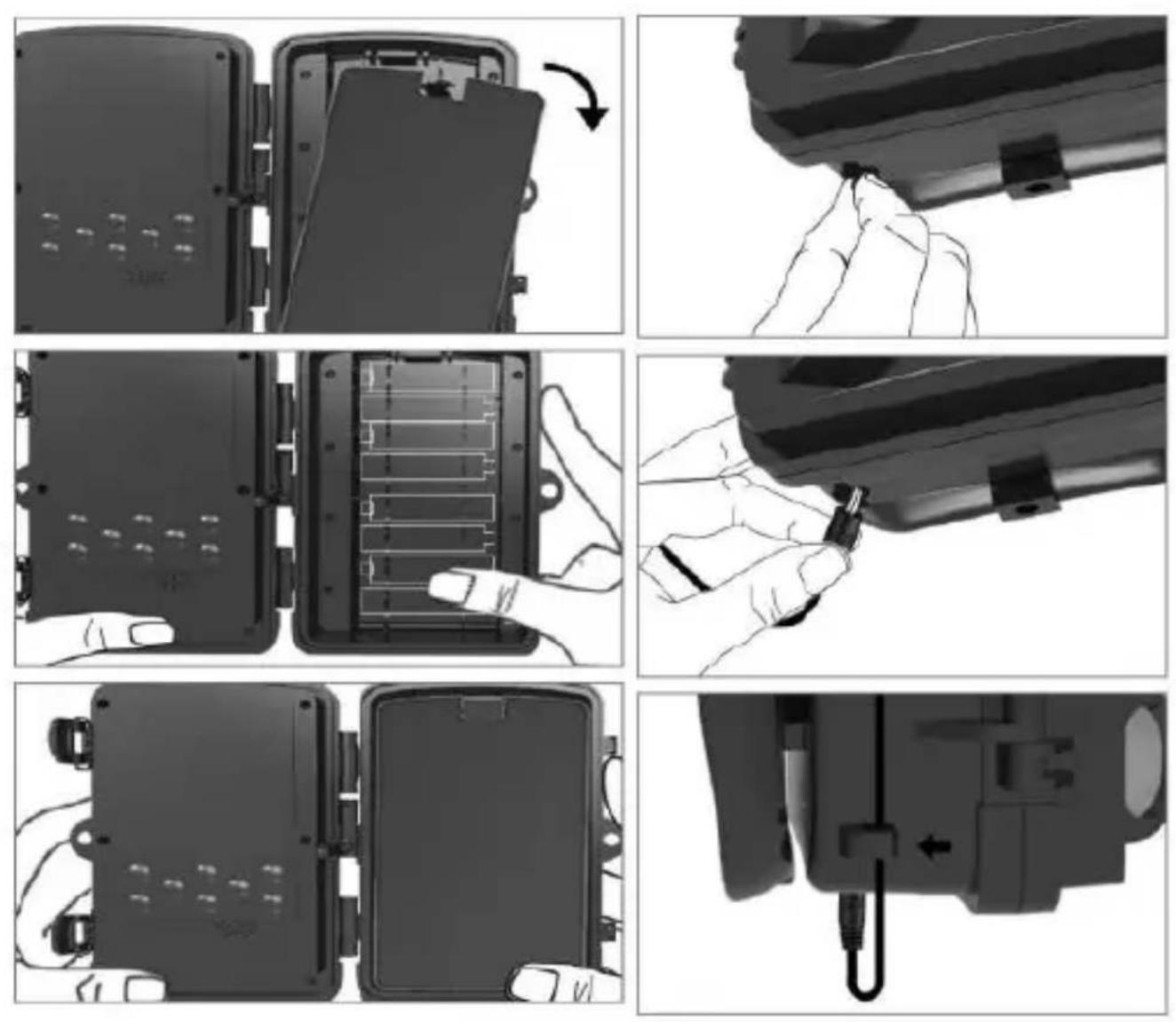
Color Display Screen Setup Buttons 8*AA Battery Depot SIM Card Slot USB Port MicroSD Card Slot Mode Switch Stand Knob PortOpen the battery cover, insert 8pcs AA batteries by observing the positive and negative polarity signs, then close the battery cover to resist water and dust.
Or you can use an external power supply, a 9-12V adapter.
APP Download
- Scan the QR code to download the APP.

text_image
QR code with central red logo containing stylized 't' and signal waves- Searching for TUYA Smart in App Store for iOS and Google Play for Android.
Register and log in
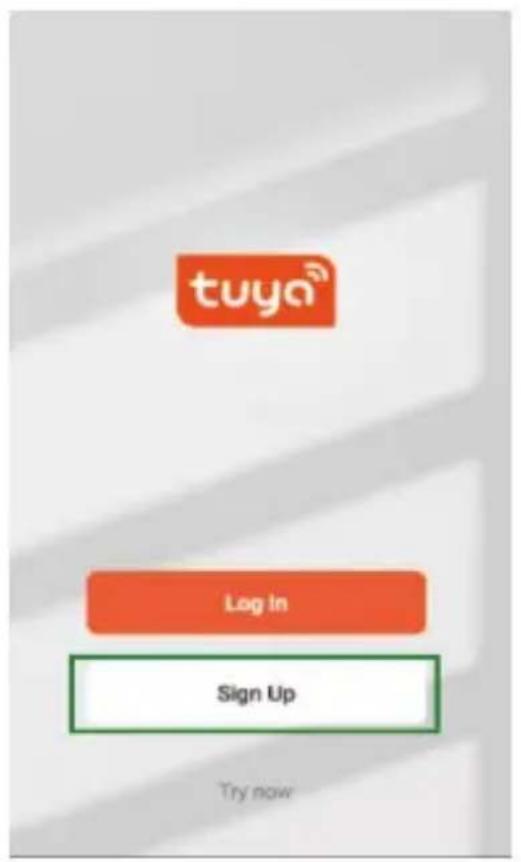
Open the APP and create an account by clicking on “Sign Up”, enter the registration screen and fill out the requested information such as phone number or email. Complete the registration and log in to the APP.
text_image
tuya® Log In Sign Up Try now
text_image
My Home No Devices Add Device None Done Start HelpAdd device
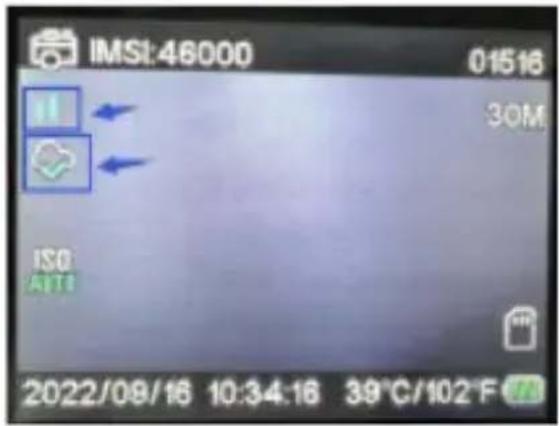
Before adding the device make sure to turn on the product and set it to “test” mode. Thereafter, insert a SIM card and SD card before entering the connection stage in the APP. The Camera will be ready to be added when “Cloud” and “signal” icons appear on the screen as shown in the picture below.
text_image
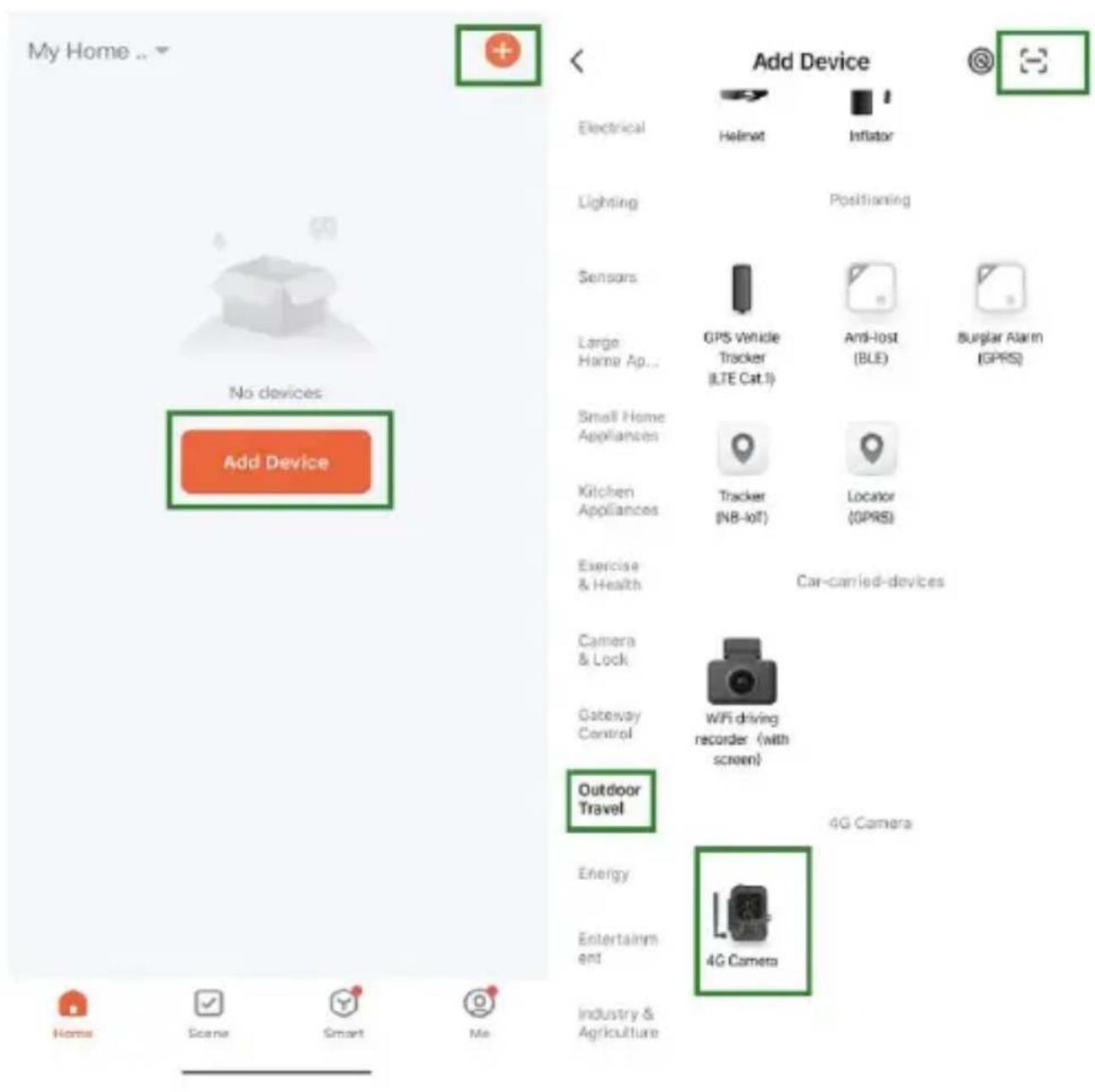
IMSI:46000 01516 30M ISO AIT1 2022/08/16 10:34:16 39°C/102°FIn the Tuya app tap Add Device or the + button in upper right corner. Then go to Outdoor Travel and find the 4G Camera or tap the Scan icon in top right corner.
text_image
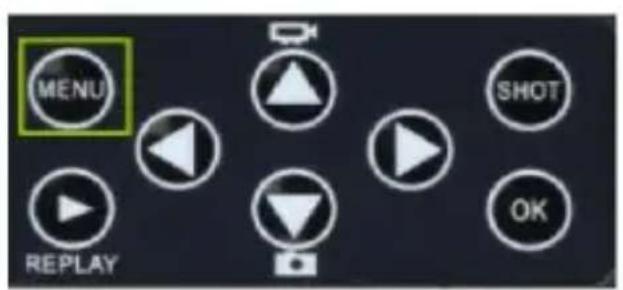
My Home ... No devices Add Device Electrical Lighting Sensors Large Home Ap... Small Home Appliances Kitchen Appliances Exercise & Health Camera & Lock Gateway Control Outdoor Travel Energy Entertainment Industry & Agriculture Add Device Helnet Inflator Positioning GPS Vehicle Tracker (LTE Cat.1) Anti-lost (BLE) Burglar Alarm (GPRS) Tracker (NB-IOT) Locator (GPRS) Car-carried-devices WiFi driving recorder (with screen) 4G Camera 4G CameraOn your camera, press the menu button and enter "Network". Choose "Device ID" and a QR code will appear. Scan the QR code with the Tuya Smart App, and the product will connect.
text_image
MENU SHOT REPLAY OK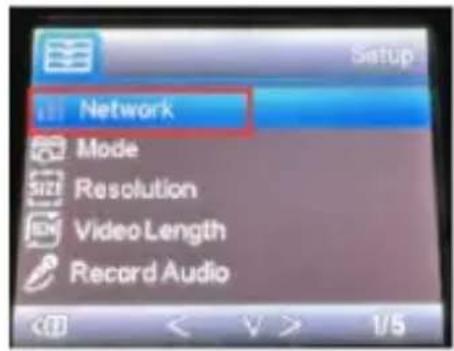
text_image
Network Mode Resolution Video Length Record Audio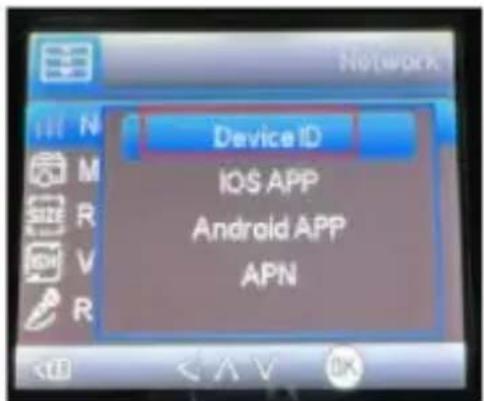
text_image
Device ID IOS APP Android APP APN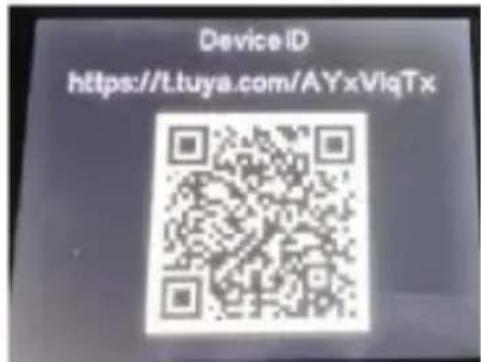
text_image
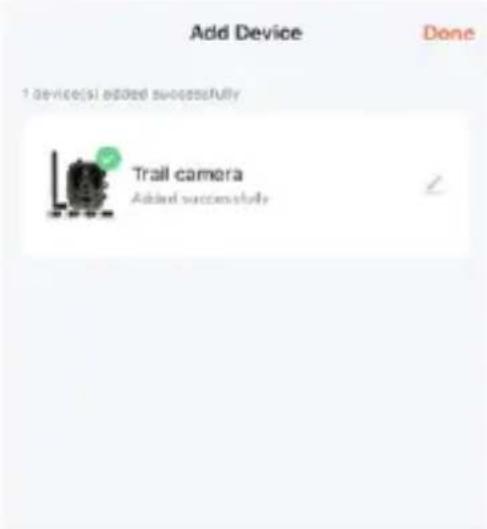
Device ID https://t.tuya.com/AYxVlqTxWhen the product is connected you will see “Added successfully” as shown in the picture below. Afterwards set the camera from “test” mode to “on” mode and the camera is ready for use.
text_image
Add Device Done 1 device(s) added successfully Trail camera Added successfullySetting
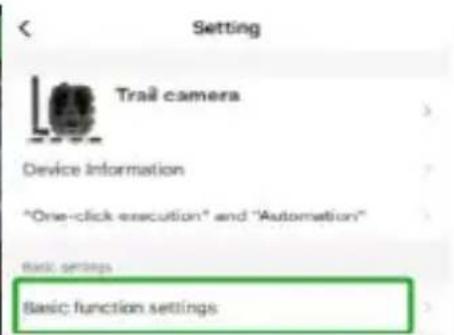
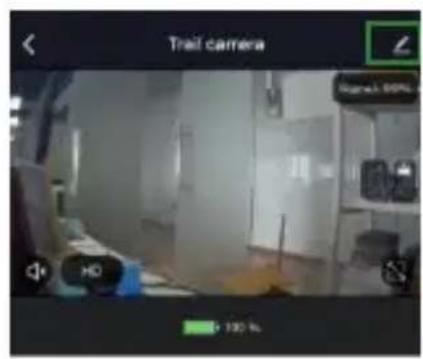
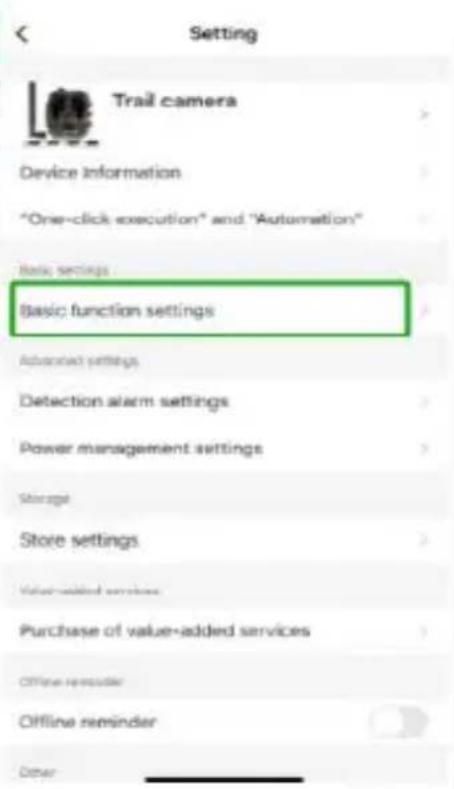
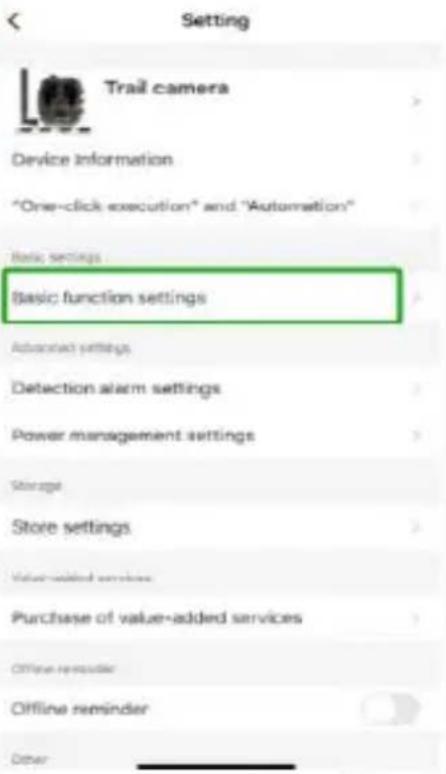
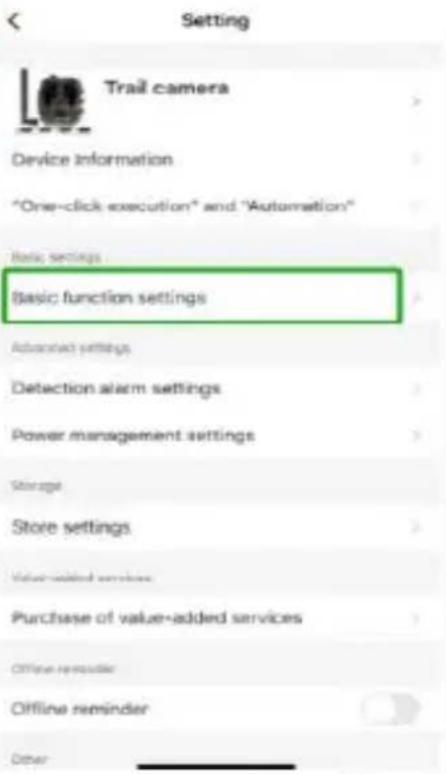
In the Tuya APP, click on the device and enter the camera control/preview interface to see the settings. Here you have 5 main settings in the setting menu which will be described below.
text_image
Trail camera Signal: 50% + 100 %
Screened

Period

Photo album

Global architecture

Playback:

Aliann
text_image
Setting Trail camera Device information "One-click execution" and "Automation" Basic settings Basic function settings Advanced settings Detection alarm settings Power management settings Storage Store settings Value-added services Purchase of value-added services Offline reminder Offline reminder Other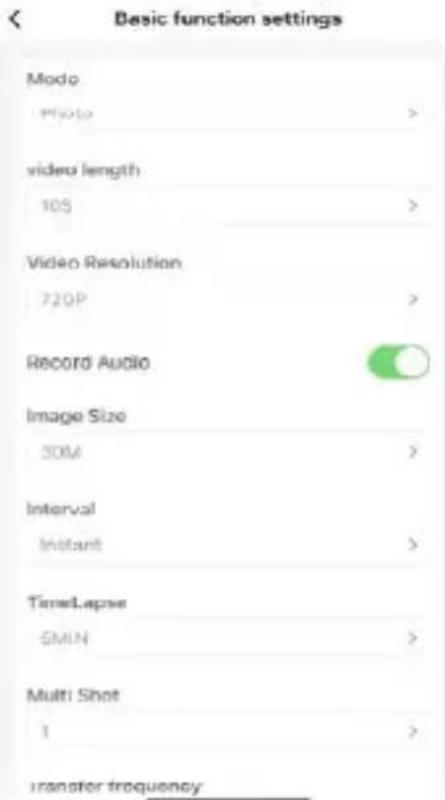
text_image
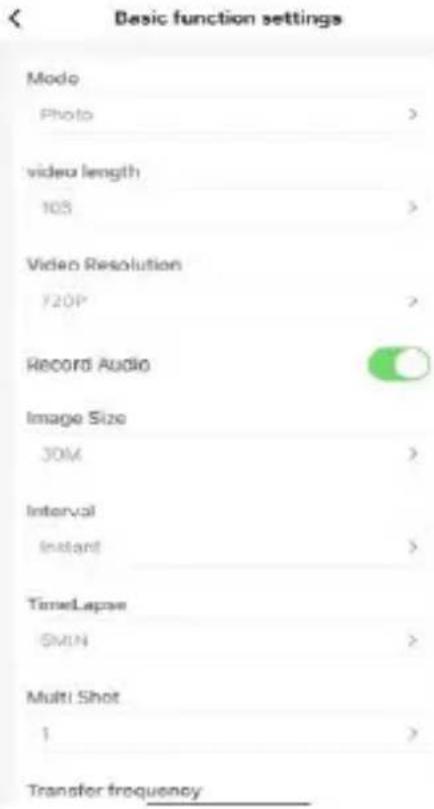
Basic function settings Mode Photo > video length 105 > Video Resolution 720P > Record Audio Image Size SOM > Interval Instant > TimeLapse -6MIN > Multi Shot 1 > transfer frequencyBasic function settings
Set up the camera's basic functions according to your preference. These settings are available: "Mode", "Video length", "Video resolution", "Audio recording", "Image size", "interval", "time lapse", "multi shot" and "transfer frequency".
Detection alarm settings
For setting up the alarm functions you have these settings: “Motion detection alarm” ON/OF and “alarm sensitivity level” where you can adjust the sensitivity for the camera.
Power management
Information about battery level.
Storage
Information about internal SD card storage capacity.
Purchase of value-added services
Ability to buy cloud storage.
Video and pictures
Playback function
Will show you video recording when motion is detected depending on mode setting.
Pictures
When the camera is activated and “Mode” setting is set for taking pictures, go to Tuya smart app home page and tap the “Me” icon and “Message center” thereafter. Then pictures will be shown.
Notifications
When the camera is activated, you will receive notifications that it has been activated and either video or picture will be available.
SIM and SD cards
To get the full use of the camera both SIM card and SD card are needed.
SIM card
For using the product you need a standard size (the large one) 4G SIM card. Make sure there is no PIN code on the SIM card.
SD card
The camera supports microSD cards up to 256GB. It needs to be formatted in FAT32.
Please notice - All products are subject to change without any notice. We take reservations for errors and omissions in the manual.
ALL RIGHTS RESERVED, COPYRIGHT DENVER A/S

text_image
denverdenver.eu

text_image
C E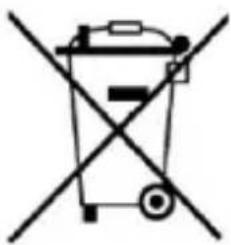
natural_image
Symbol of a trash bin crossed with a diagonal line, representing no waste or discharge (no text or labels)
Electric and electronic equipment contains materials, components and substances that can be hazardous to your health and the environment, if the waste material (discarded electric and electronic equipment) is not handled correctly.
Electric and electronic equipment is marked with the crossed out trash can symbol, seen above. This symbol signifies that electric and electronic equipment should not be disposed of with other household waste, but should be disposed of separately.
All cities have established collection points, where electric and electronic equipment can either be submitted free of charge at recycling stations and other collection sites, or be collected from the households. Additional information is available at the technical department of your city.
Hereby, Denver A/S declares that the radio equipment type WCL-8040 is in compliance with Directive 2014/53/EU. The full text of the EU declaration of conformity is available at the following internet address: denver.eu and then click the search ICON on topline of website. Write model number: WCL-8040. Now enter product page, and RED directive is found under downloads/other downloads. Operating Frequency Range:
Max Output Power:
DENVER A/S
Omega 5A, Soeften
DK-8382 Hinnerup
Denmark
www.facebook.com/denver.eu

natural_image
Abstract geometric logo with a stylized letter 'D' inside a hexagonal shape (no text or symbols)denver
natural_image
Black camouflage video camera with visible lens, buttons, and control panel (no text or symbols)WCL-8040
denver.eu
01-12-2022

FR
Please read the safety instructions carefully before using the product for the first time and keep the instructions for future reference.
- This product is not a toy. Keep it out of reach of children.
- Keep product out of the reach of children and pets to avoid chewing and swallowing.
- Never use old and new batteries or different types of batteries together in main unit. Remove the batteries when you are not using the device for a longer period of time. Check the polarity (+/-) of the batteries when inserting them in the product. Wrong positioning can cause an explosion. Batteries are not included.
- Product operating and storage temperature is from -20 degrees Celsius to 40 degrees Celsius. Under and over this temperature might affect the function.
- Never open the product. Do not touch the inside electronics, or you may get an electric shock. Repairs or service should only be performed by qualified personnel.
- Do not expose to heat or direct sunlight!
- Do not use non-original accessories together with the product as this can make the product functionality abnormal.
Caractéristiques
text_image
QR code with central red logo containing stylized 't' and signal icontext_image
tuya® Log In Sign Up Try now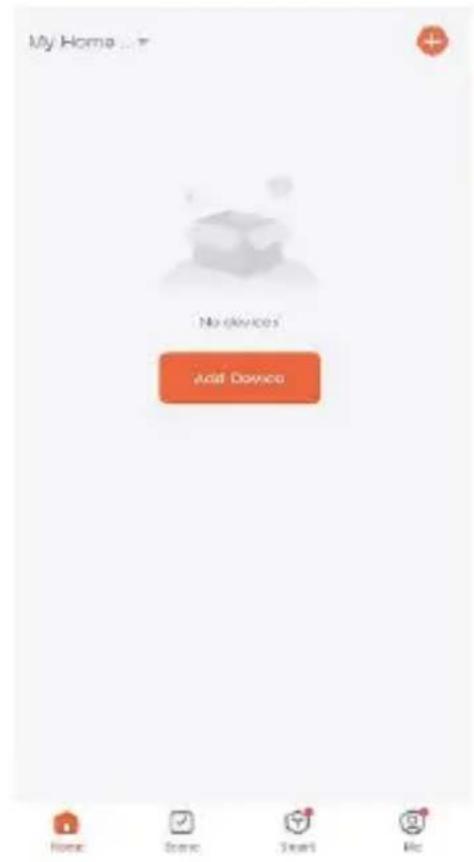
text_image
My Home ... No devices Add Devices Home Store Start HelpAjouter un appareil
text_image
My Home No devices Add Device Electrical Helmet Inflator Lighting Positioning Sensors GPS Vehicle Tracker (LTE Cat.1) Anti-lost (BLE) Burglar Alarm (GPRS) Large Home Ap... Small Home Appliances Tracker (NB- IoT) Locator (GPRS) Kitchen Appliances Exercise & Health Car-carried-devices Camera & Lock Gateway Control WiFi driving recorder (with screen) Outdoor Travel Energy Entertainment 4G Camera Industry & Agriculture 4G Camera Home Scene Smart Metext_image
MENU SHOT REPLAY OK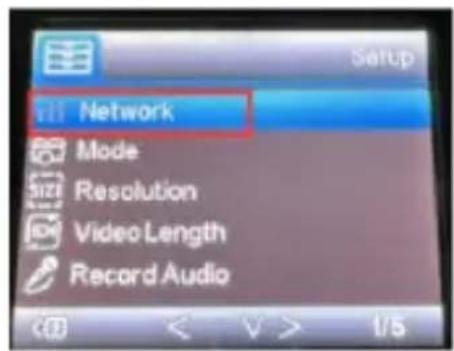
text_image
Network Mode Resolution Video Length Record Audio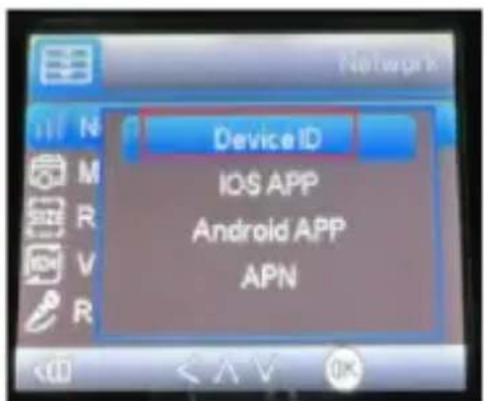
text_image
Device ID IOS APP Android APP APN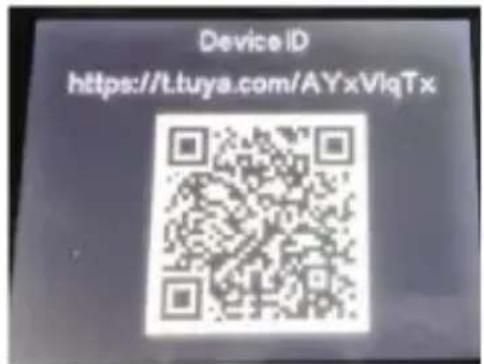
text_image
Device ID https://t.tuya.com/AYxVlqTxtext_image
Add Device Done 1 device started added successfully Trail camera Added successfullyFRA10
Réglage
text_image
Trail camera Signal: 90% + 130 %
Screened

Period

Photo album

Global architecture

Playback:

Aliann
text_image
Setting Trail camera Device information "One-click execution" and "Automation" Basic settings Basic function settings Advanced settings Detection alarm settings Power management settings Storage Store settings Value-added services Purchase of value-added services Offline reminder Offline reminder Other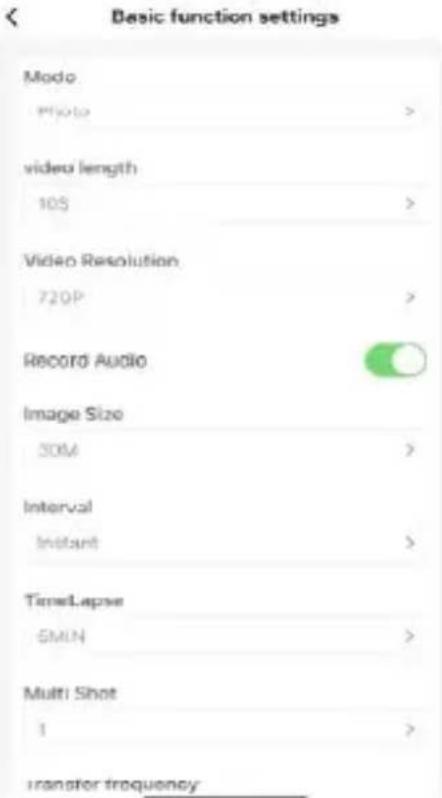
text_image
Basic function settings Modo Photo > video length 105 > Video Resolution 720P > Record Audio Image Size 50M > Interval Instant > TimeLapse 6MIN > Multi Shot 1 > transfer frequencySupports de stockage
natural_image
Abstract geometric logo with a stylized letter 'D' inside a hexagonal shape (no text or symbols)denver
natural_image
Black camouflage video camera with visible lens, buttons, and control panel (no text or symbols)WCL-8040
denver.eu
01-12-2022

FR
Please read the safety instructions carefully before using the product for the first time and keep the instructions for future reference.
- This product is not a toy. Keep it out of reach of children.
- Keep product out of the reach of children and pets to avoid chewing and swallowing.
- Never use old and new batteries or different types of batteries together in main unit. Remove the batteries when you are not using the device for a longer period of time. Check the polarity (+/-) of the batteries when inserting them in the product. Wrong positioning can cause an explosion. Batteries are not included.
- Product operating and storage temperature is from -20 degrees Celsius to 40 degrees Celsius. Under and over this temperature might affect the function.
- Never open the product. Do not touch the inside electronics, or you may get an electric shock. Repairs or service should only be performed by qualified personnel.
- Do not expose to heat or direct sunlight!
- Do not use non-original accessories together with the product as this can make the product functionality abnormal.
Specifiche
natural_image
Interior view of a device showing a closed panel with a scroll and a directional arrow indicating rotation (no text or symbols visible)
natural_image
Close-up of a hand holding a small black object near a dark rectangular object (no text or symbols visible)
natural_image
Two views of a device casing showing internal components and a hand interacting with it (no text or symbols visible)
natural_image
Close-up of hands adjusting a mechanical component (no visible text or symbols)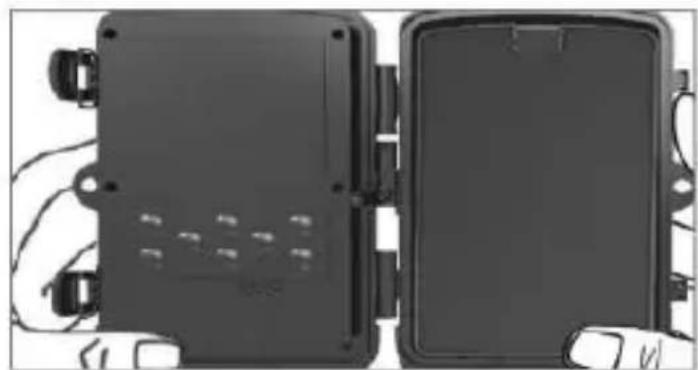
natural_image
Two black electronic device enclosures with visible wiring and mounting points (no text or symbols)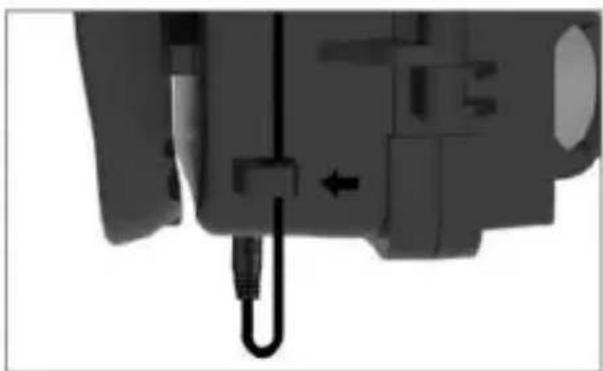
natural_image
Close-up of a mechanical component with a black cable and arrow indicating a connection point (no visible text or symbols)Download dell'app
text_image
QR code with central red logo containing stylized 't' and signal wavestext_image
tuya Log In Sign Up Try now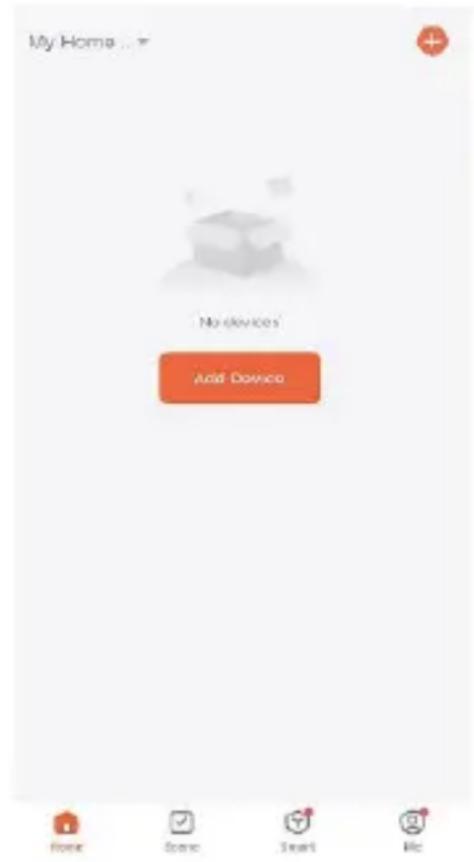
text_image
My Home ... No devices Add Devices Home Done Start Helptext_image
My Home ... No devices Add Device Electrical Helmet Inflator Lighting Positioning Sensors GPS Vehicle Tracker (LTE Cat.1) Anti-lost (BLE) Burglar Alarm (GPRS) Large Home Ap... Small Home Appliances Tracker (NB-IoT) Locator (GPRS) Kitchen Appliances Exercise & Health Car-carried-devices Camera & Lock Gateway Control WiFi driving recorder (with screen) Outdoor Travel Energy Entertainment 4G Camera Industry & Agriculture Home Scene Smart Me 4G Cameratext_image
MENU SHOT REPLAY OK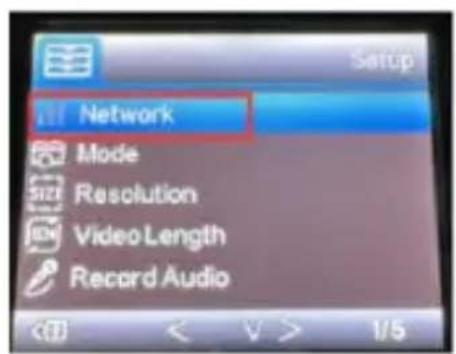
text_image
Network Mode Resolution Video Length Record Audio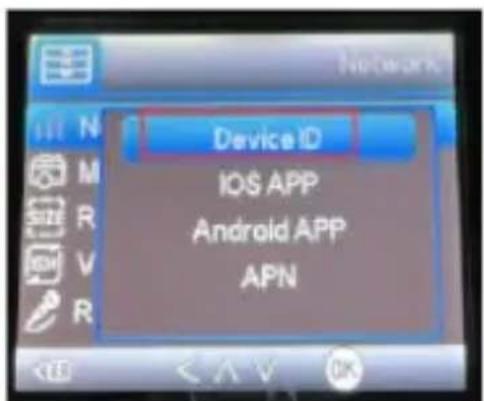
text_image
Device ID IOS APP Android APP APN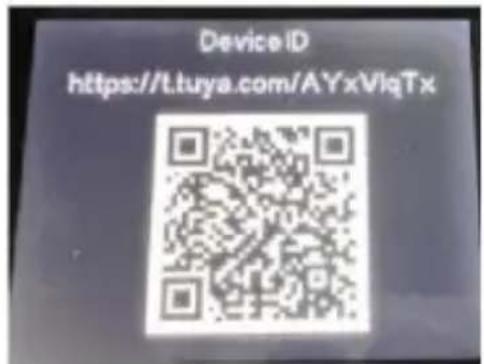
text_image
Device ID https://t.tuya.com/AYxVlqTxtext_image
Add Device Done 1 device(s) added successfully Trail camera Added successfullyImpostazione
text_image
Trail camera 100%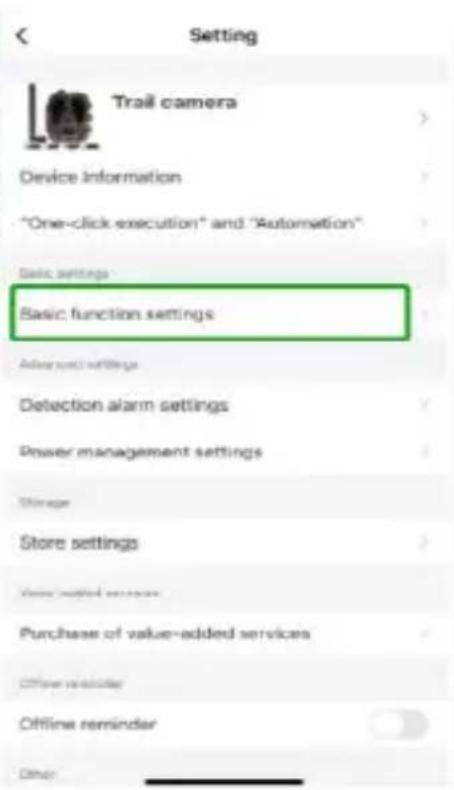
text_image
Setting Trail camera Device information "One-click execution" and "Automation" Basic settings Basic function settings Advanced settings Detection alarm settings Power management settings Storage Store settings View installed services Purchase of value-added services Officer reminder Offline reminder Other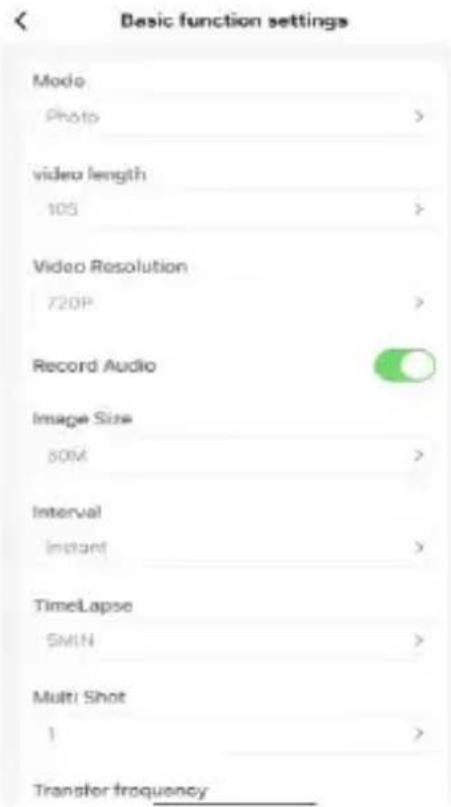
text_image
Basic function settings Modo Photo > video length 105 > Video Resolution 720P > Record Audio Image Size 80M > Interval Instant > TimeLapse SMIN > Multi Shot 1 > Transfer frequencynatural_image
Abstract geometric logo with a stylized letter 'D' inside a hexagonal shape (no text or symbols)denver
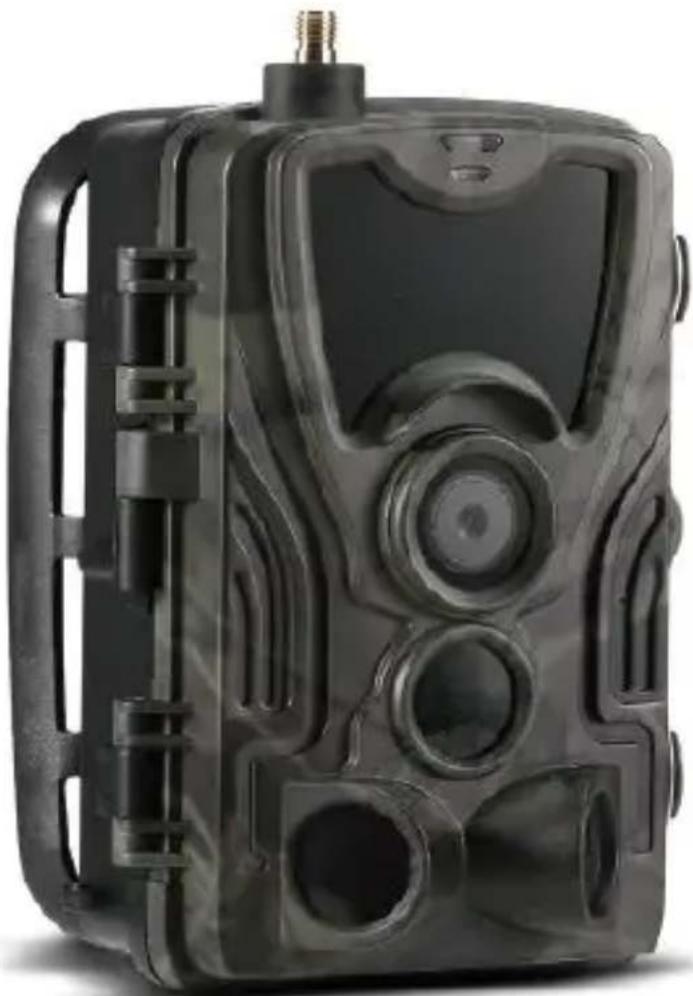
natural_image
Black camouflage video camera with visible lens, buttons, and control panel (no text or symbols)WCL-8040
denver.eu
01-12-2022

FR
Please read the safety instructions carefully before using the product for the first time and keep the instructions for future reference.
- This product is not a toy. Keep it out of reach of children.
- Keep product out of the reach of children and pets to avoid chewing and swallowing.
- Never use old and new batteries or different types of batteries together in main unit. Remove the batteries when you are not using the device for a longer period of time. Check the polarity (+/-) of the batteries when inserting them in the product. Wrong positioning can cause an explosion. Batteries are not included.
- Product operating and storage temperature is from -20 degrees Celsius to 40 degrees Celsius. Under and over this temperature might affect the function.
- Never open the product. Do not touch the inside electronics, or you may get an electric shock. Repairs or service should only be performed by qualified personnel.
- Do not expose to heat or direct sunlight!
- Do not use non-original accessories together with the product as this can make the product functionality abnormal.
Specifications
text_image
QR code with central red logo containing stylized 't' and signal wavestext_image
tuya Log In Sign Up Try now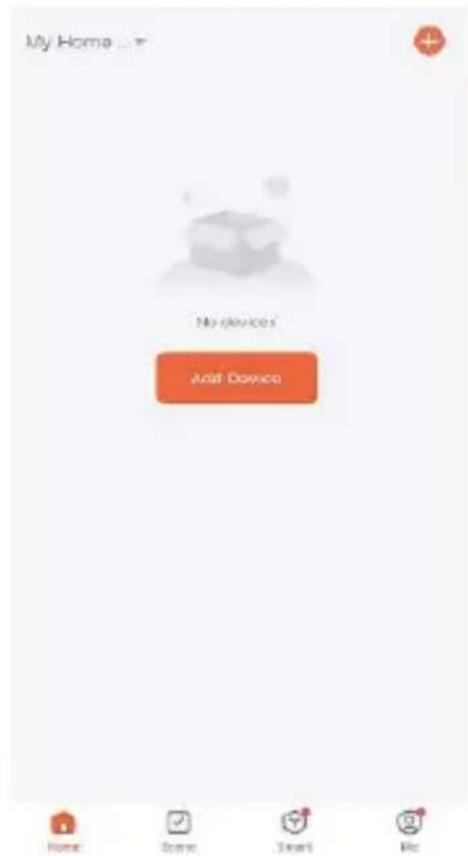
text_image
My Home... No devices Add Devices Home Scene Start RecApparaat toevoegen
text_image
My Home ... No devices Add Device Electrical Lighting Sensors Large Home Ap... Small Home Appliances Kitchen Appliances Exercise & Health Camera & Lock Gateway Control Outdoor Travel Energy Entertainment Industry & Agriculture Add Device Helmet Inflator Positioning GPS Vehicle Tracker (LTE Cat.1) Anti-lost (BLE) Burglar Alarm (GPRS) Tracker (NB-IOT) Locator (GPRS) Car-carried-devices WiFi driving recorder (with screen) 4G Camera 4G Cameratext_image
MENU SHOT REPLAY OK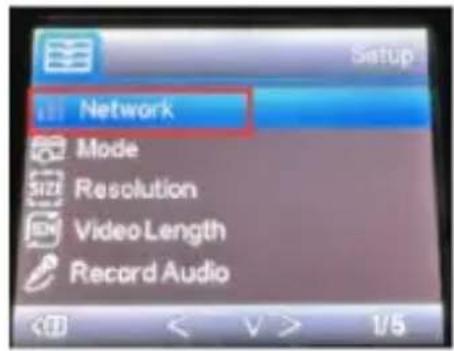
text_image
Network Mode Resolution VideoLength Record Audio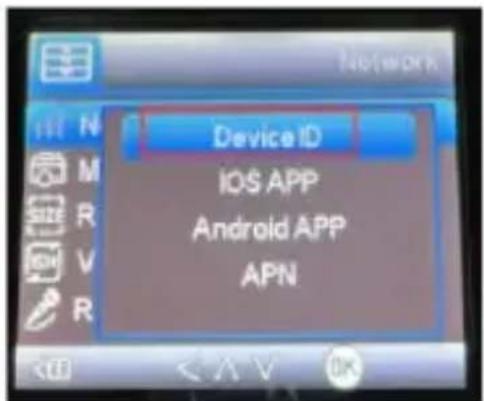
text_image
Device ID IOS APP Android APP APN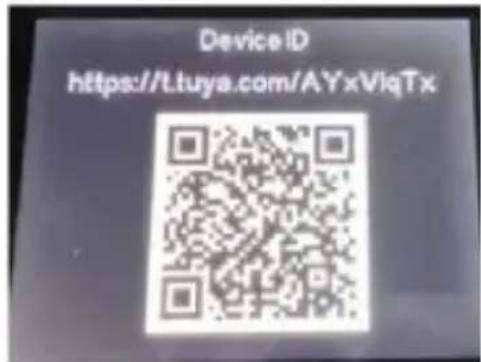
text_image
Device ID https://t.tuya.com/AYxViqTxtext_image
Add Device Done 1 percent each successfully Trail camera Added successfullyInstelling
text_image
Trail camera Signal: 90% + 130 %
Screened

Period

Photo album

Global architecture

Playback:

Aliann
text_image
Setting Trail camera Device information "One-click execution" and "Automation" Basic settings Basic function settings Advanced settings Detection alarm settings Power management settings Storage Store settings Value-added services Purchase of value-added services Offline reminder Offline reminder Other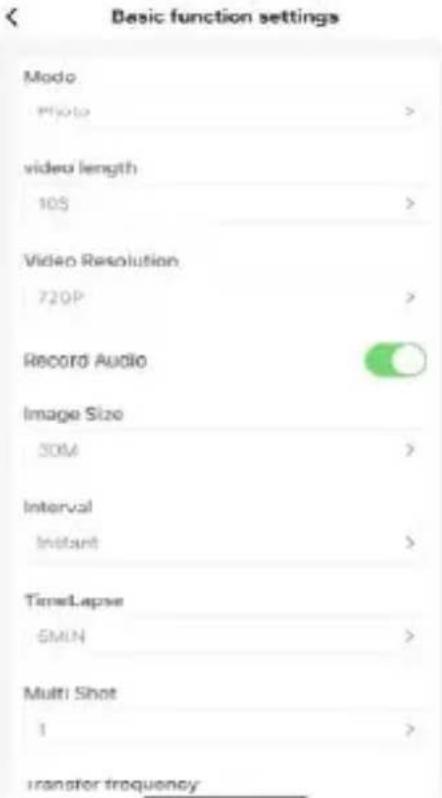
text_image
Basic function settings Modo Photo > video length 105 > Video Resolution 720P > Record Audio Image Size 50M > Interval Instant > TimeLapse 6MIN > Multi Shot 1 > transfer frequencynatural_image
Symbol of a trash bin crossed out by a diagonal line, representing no waste or discharge (no text or labels)