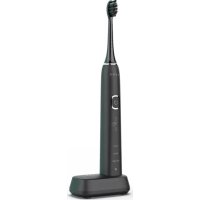
DB4 - Toothbrush AENO - Free user manual and instructions
Find the device manual for free DB4 AENO in PDF.

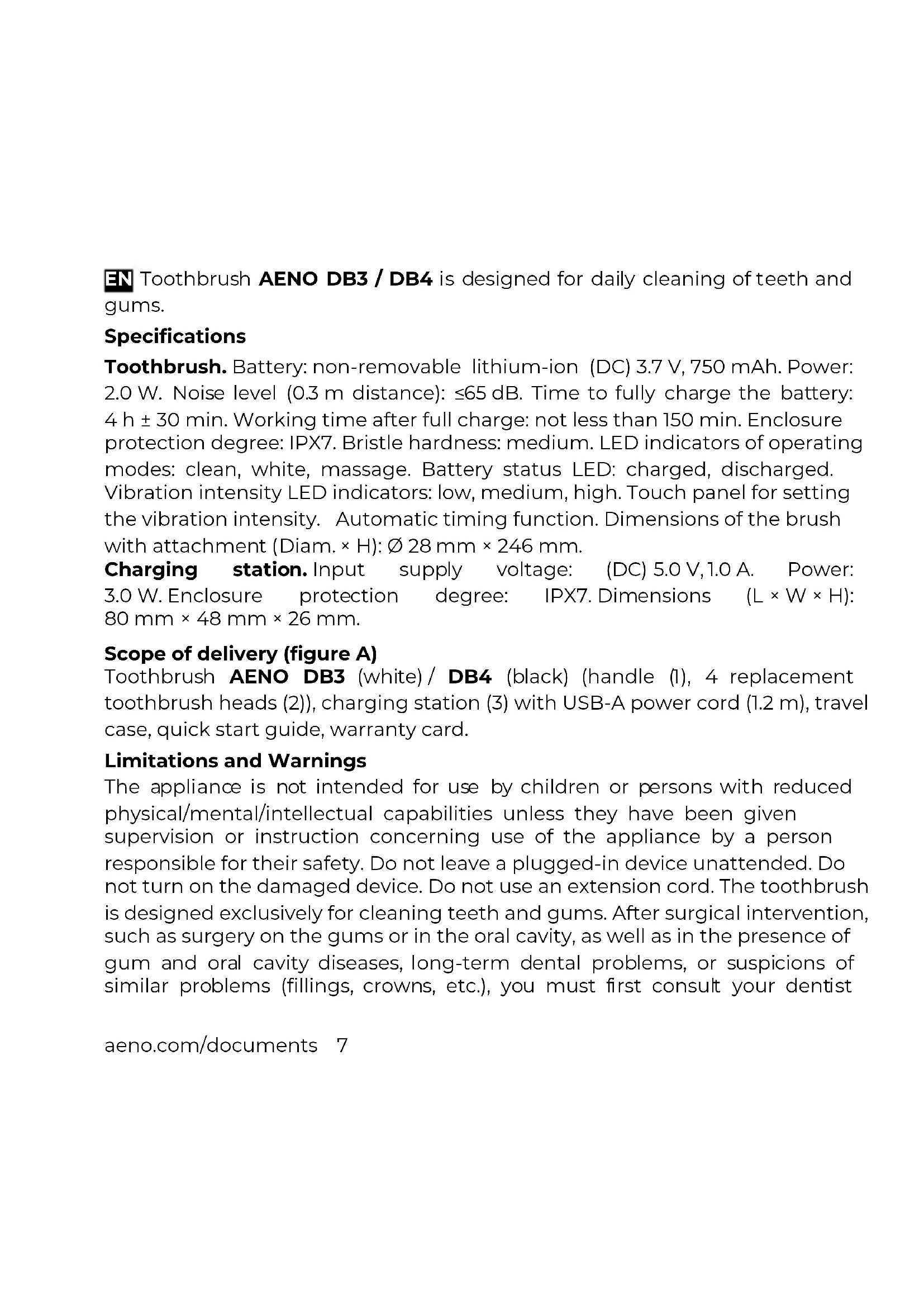


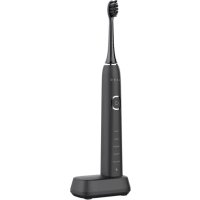
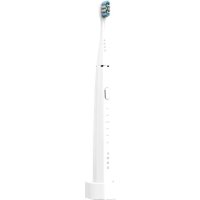
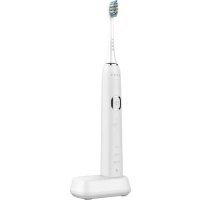
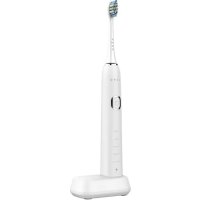
| Product type | Rechargeable electric toothbrush |
| Model | AENO DB4 |
| Handle dimensions | ∅ 28 mm × 246 mm |
| Charging station dimensions | 80 mm × 48 mm × 26 mm |
| Battery | Lithium-ion 3.7 V, 750 mAh, non-removable |
| Battery life | Approximately 150 minutes (up to 40 days with 2 brushings of 2 min per day) |
| Charging time | 4 h ±30 min |
| Station power supply | DC 5.0 V, 1.0 A (power adapter not included) |
| Protection rating | IPX7 (handle and station) |
| Brushing modes | Clean, White, Massage |
| Intensity adjustment | Low, medium, high via touch panel |
| LED indicators | Current mode, intensity level, battery status |
| Auto-off | After 2 minutes of brushing |
| Package contents | Handle, 4 brush heads, charging station with USB-A cable, travel case, quick start guide, warranty card |
| Head replacement frequency | Every 3 months maximum |
| Care and cleaning | Rinse the head under running water; wipe the handle and station with a damp cloth; do not fully immerse or wash in dishwasher |
| Safety | Do not use if damaged; unplug before cleaning; do not leave plugged in unattended |
| Warranty | 2 years from purchase date |
Frequently Asked Questions - DB4 AENO
User questions about DB4 AENO
0 question about this device. Answer the ones you know or ask your own.
Ask a new question about this device
Download the instructions for your Toothbrush in PDF format for free! Find your manual DB4 - AENO and take your electronic device back in hand. On this page are published all the documents necessary for the use of your device. DB4 by AENO.
USER MANUAL DB4 AENO


d)

EN Toothbrush AENO DB3 / DB4 is designed for daily cleaning of teeth and gums.
Specifications
Toothbrush. Battery: non-removable lithium-ion (DC) 3.7 V, 750 mAh. Power: 2.0 W. Noise level (0.3 m distance): ≤65 dB. Time to fully charge the battery: 4 h ± 30 min. Working time after full charge: not less than 150 min. Enclosure protection degree: IPX7. Bristle hardness: medium. LED indicators of operating modes: clean, white, massage. Battery status LED: charged, discharged. Vibration intensity LED indicators: low, medium, high. Touch panel for setting the vibration intensity. Automatic timing function. Dimensions of the brush with attachment (Diam. × H): ∅ 28 mm × 246 mm.
Charging station. Input supply voltage: (DC) 5.0 V, 1.0 A. Power: 3.0 W. Enclosure protection degree: IPX7. Dimensions (L × W × H): 80 mm × 48 mm × 26 mm.
Scope of delivery (figure A)
Toothbrush AENO DB3 (white) / DB4 (black) (handle (1), 4 replacement toothbrush heads (2)), charging station (3) with USB-A power cord (1.2 m), travel case, quick start guide, warranty card.
Limitations and Warnings
The appliance is not intended for use by children or persons with reduced physical/mental/intellectual capabilities unless they have been given supervision or instruction concerning use of the appliance by a person responsible for their safety. Do not leave a plugged-in device unattended. Do not turn on the damaged device. Do not use an extension cord. The toothbrush is designed exclusively for cleaning teeth and gums. After surgical intervention, such as surgery on the gums or in the oral cavity, as well as in the presence of gum and oral cavity diseases, long-term dental problems, or suspicions of similar problems (fillings, crowns, etc.), you must first consult your dentist
about the possibility of using the device. If your gums begin to bleed after using the device and the bleeding continues for more than seven (7) days, contact your dentist immediately. Charge your toothbrush only on the original charging cradle, placed on a level and stable surface. If the charging cradle accidentally falls into water, you must first unplug it from the mains and only then remove it from the water and dry it thoroughly. The area where the mains cable of the charging cradle and the USB cable are located must be dry. Each family member should use their own brush head. Replace the brush head at least once every three months, depending on the degree of wear. Use only original replacement tips.
ATTENTION! Do not wash the device or any part of it in the dishwasher.
Preparing the device for use
Unpack the device and place the charging station (3) on a stable horizontal surface. Connect the charging station to the mains using a USB cable and an AC adapter (not supplied). Place the device on the charging station. The charging LED (4) will turn red. When the LED indicator (4) turns green, the battery is fully charged, and the device is ready for use.
ATTENTION! The AC adapter is not included in the package. You can use the AC adapter from your phone, tablet, or other device, if it provides power options (DC) 5.0 V, 1.0 A.
To extend battery life, charge your device for at least 24 hours before using it for the first time. It is recommended to wait until the battery is completely discharged before recharging. At the end of charging, you must unplug the charging station from the outlet. When the battery is fully charged, the operating time of the device is about 150 minutes. If you brush your teeth twice a day for 2 minutes, the device will work without charging for up to 40 days. When the battery is discharged, the charge indicator (4) flashes red and starts flashing slowly.
8 aeno.com/documents
Operation of the device
Install the replaceable toothbrush head (2) onto the handle (1) as shown in figure b. Apply some dentifrice to the brush bristles. Press the power button (10). One of the indicators showing the operating mode of the device will light up. The device will operate in the specified mode. To turn off the device, press the button (10) again.
The device has three modes of vibration intensity (8): low, medium, high. To change the mode, switch the device off and on again with the button (10). Then quickly slide your finger down or up on the touchpad (9) to adjust the vibration intensity up or down. 5 seconds after turning on the device, the touch panel will be locked.
A vibration signal is triggered every 30 seconds, reminding you of the opportunity to switch the operating mode. To change the mode, switch the device off and on again with the button (10). Then quickly press the button (10) several times in succession, selecting the desired mode. Each time you press, the mode changes to the next. The last used mode remains in the device's memory. This mode will be automatically selected the next time the device is turned on.
Guide the brush head at a 40^ angle to the surface of the teeth, as shown in Figure c. In this position, the toothbrush head works most efficiently.
Device operating modes table
| Индикатор (figure a) | Режим | Описание |
| 5 | «Clean» | Daily standard cleaning mode |
| 6 | «White» | Teeth polishing and whitening mode. Recommended for smokers and frequent coffee drinkers |
| 7 | «Massage» | Intensive gum massage. Recommended for healthy gums after standard cleaning |
Auto power off mode
After 2 minutes of operation, the device automatically turns off. You can turn on the device again by pressing the button (10).
Maintenance
Replaceable toothbrush head should be washed in running water at a comfortable temperature for you, as shown in Figure d. Try not to completely submerge the toothbrush head in water. Do not use aggressive or cleaning agents when washing the toothbrush head. It is allowed to treat the bristles of the toothbrush head with a mouthwash from time to time. Any dirt on the handle of the device and the charging station should be removed with a damp cloth, as shown in figure d. After cleaning, wipe the surface thoroughly with a dry cloth. For stubborn dirt, apply dishwashing liquid to a cloth to clean the handle of the device. Remove any remaining moisture with a towel after washing.
NOTE. Perform maintenance on the device and its components only after switching off the device and disconnecting the charging station from the mains.
Elimination of possible malfunctions
- The toothbrush does not turn on. Possible cause: The device battery is low. Solution: charge the device for at least 4 hours.
- The device placed in the charging station does not charge. Possible reasons: damage to the cord of the charging base, incorrect parameters of the power adapter. Solution: Make sure the cord is intact and that the outlet is working. Check if the AC adapter has (DC) 5.0V, 1.0A output.
- The brush head vibrates very weakly. Possible Cause: The attachment is too tight on the handle of the device. Solution to the problem: make sure that there is a small gap at the mating point (11), about 0.5 mm.
10 aeno.com/documents
- Short working time after fully charged. Possible cause: The device has not been used for more than 6 months, so the battery may not hold a charge well. Solution: contact the service center and replace the device battery.
ATTENTION! If none of the possible remedies resolves your problem, contact your supplier or service center. Do not disassemble the device or try to repair it yourself.
Recycling information
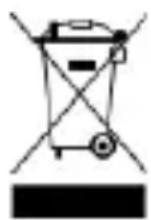
These symbols indicate that you must follow the Waste Electrical and Electronic Equipment (WEEE) and Waste Battery and Battery Regulations when disposing of the device, its batteries and accumulators, and its electrical and electronic accessories.

According to the rules, this equipment must be disposed of separately at the end of its service life. Do not dispose of the device, its batteries and accumulators, or its electrical and electronic accessories together with unsorted municipal waste, as this will harm the environment.
To dispose of this equipment, it must be returned to the point of sale or turned in to a local recycling facility.
You should contact your local household waste disposal service for details.
ASBISc reserves the right to modify the device and to make edits and changes to this document without prior notice to users.
The warranty period and service life shall be 2 years as from the date of purchase of the device. Manufacturer: ASBISc Enterprises PLC, Iapetou, 1, Agios Athanasios, 4101 Limassol, Cyprus. Made in China. For current information and details on the device description and specification, as well as connection process, certificates, warranty, and quality issues, see relevant Installation and Operation Manuals available for downloading at aeno.com/documents. All trademarks and names herein are the property of their respective owners.
aeno.com/documents 11
natural_image
Two identical line diagrams showing a trash bin with circular wheels and diagonal lines crossing it, no text or symbols present.natural_image
Two identical line diagrams showing a device with wheels and crossbars, no text or symbols present.natural_image
Pure electrical circuit lines without any symbolsnatural_image
Pure electrical circuit lines without any symbolsOvaj simbol znači da prilikom odlaganja uređaja, njegovih baterija i akumulatora te njegovog električnog i elektroničkog pribora morate slijediti propise o zbrinjavanja otpada električne i elektroničke opreme (WEEE) te o zbrinjavanju otpadnih baterija i akumulatora. Prema propisima, ova oprema podliježe posebnom prikupljanju na kraju radnog vijeka.
Uređaj, njegove baterije i akumulatori te njegov električni i elektronički pribor ne smiju se odlagati skupa s nerazvrstanim komunalnim otpadom jer to nanosi štetu okolišu.
U svrhu urednog odlaganja ovakve opreme, morate je vratiti na prodajno mjesto ili u vaš lokalni centar za reciklažu. Za detaljne informacije obratite se lokalnoj službi za zbrinjavanje komunalnog otpada.
□mhymdonmdou gjlsmyosos
natural_image
Two identical line diagrams showing a trash bin and a trash bin with crossed lines, no text or symbols present.natural_image
Pure electrical circuit lines without any symbolsnatural_image
Pure electrical circuit lines without any symbolsnatural_image
Pure electrical circuit lines without any symbolsnatural_image
Two identical line diagrams showing a vehicle with cross-airs, one above and one below, both without any text or symbols.
Brand : AENO
Model : DB4
Category : Toothbrush