EasyManual
ActiviT Partner - Scale TERRAILLON - Free user manual and instructions
Find the device manual for free ActiviT Partner TERRAILLON in PDF.



User questions about ActiviT Partner TERRAILLON
0 question about this device. Answer the ones you know or ask your own.
Ask a new question about this device
Download the instructions for your Scale in PDF format for free! Find your manual ActiviT Partner - TERRAILLON and take your electronic device back in hand. On this page are published all the documents necessary for the use of your device. ActiviT Partner by TERRAILLON.
USER MANUAL ActiviT Partner TERRAILLON
word mark and logos are registered trademarks owned by Bluetooth SIG, Inc. Other trademarks and trade names are those of their respective owners. Made for / Compatibilité Smartphones Android 4.3 & + iPhone
Touch 5th generation iPad
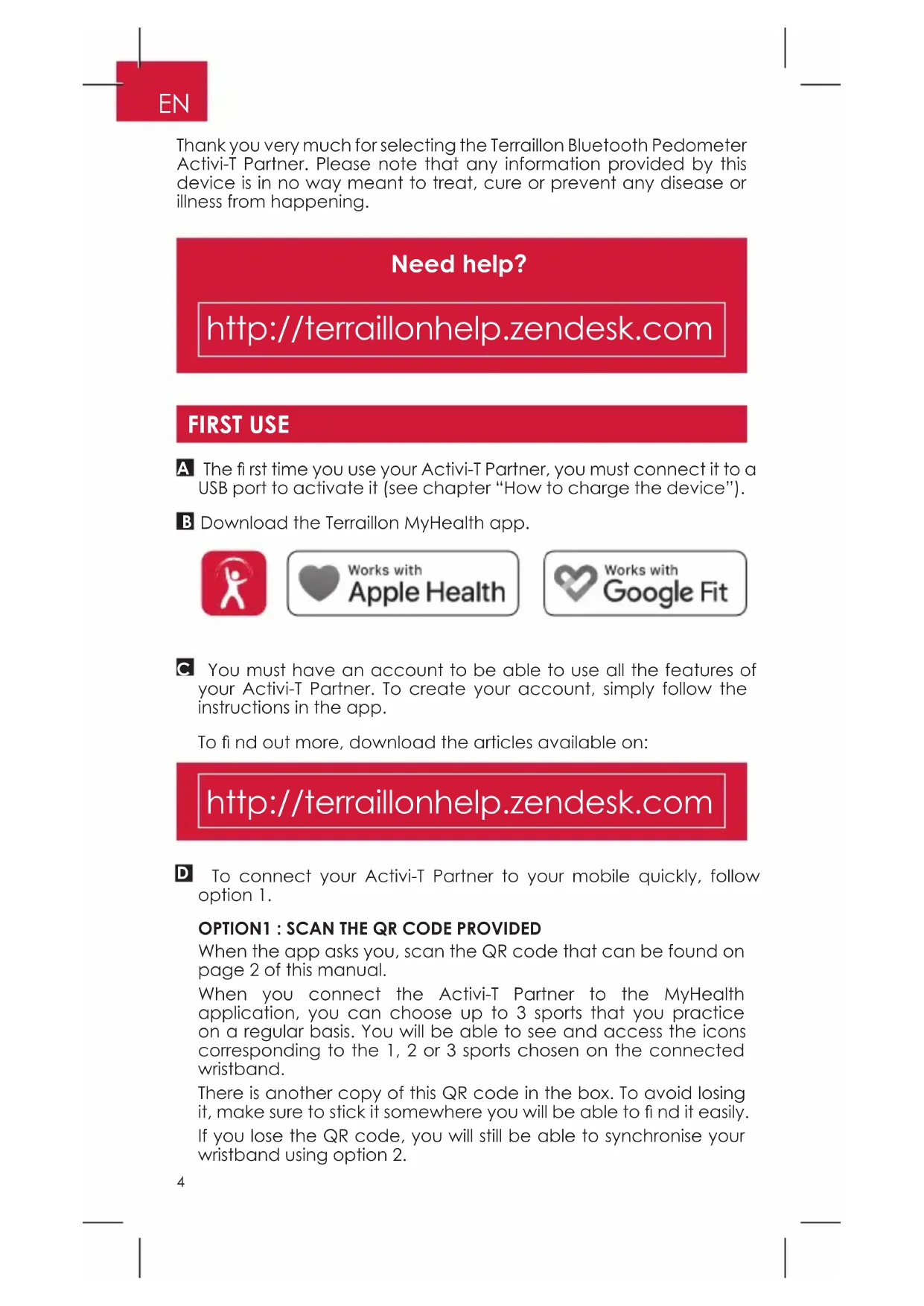
Need help? http://terraillonhelp.zendesk.com FIRST USE Thank you very much for selecting the Terraillon Bluetooth Pedometer Activi-T Partner. Please note that any information provided by this device is in no way meant to treat, cure or prevent any disease or illness from happening.
The fi rst time you use your Activi-T Partner, you must connect it to a USB port to activate it (see chapter “How to charge the device”).
To connect your Activi-T Partner to your mobile quickly, follow option 1.
OPTION1 : SCAN THE QR CODE PROVIDED
When the app asks you, scan the QR code that can be found on page 2 of this manual. When you connect the Activi-T Partner to the MyHealth application, you can choose up to 3 sports that you practice on a regular basis. You will be able to see and access the icons corresponding to the 1, 2 or 3 sports chosen on the connected wristband. There is another copy of this QR code in the box. To avoid losing it, make sure to stick it somewhere you will be able to fi nd it easily. If you lose the QR code, you will still be able to synchronise your wristband using option 2.
You must have an account to be able to use all the features of your Activi-T Partner. To create your account, simply follow the instructions in the app. To fi nd out more, download the articles available on: http://terraillonhelp.zendesk.com5
Activate the Bluetooth function on your smartphone (Settings > Bluetooth > ON). When you connect the Activi-T Partner to the MyHealth application, you can choose up to 3 sports that you practice on a regular basis. You will be able to see and access the icons corresponding to the 1, 2 or 3 sports chosen on the connected wristband. During the creation of your ac- count, and when the application invites you to do so, select the Activity Tracker to start the pairing procedure. Notes: if you are connected with a pre-existing account, press the button as indicated, then “associate a new device”. When the application invites you to do so, select the Activity Tracker to start the pairing procedure. Follow the instructions on the mo- bile application.
9:41 AM 100%GS Which band do you want to pair ? Activi-T Partner Activi-T Smart Activi-T Band6
1. Insert each part of the wristband onto the
two ends of the pedometer. The Activi-T Partner enables you to track your performance by analysing your calories burned, distance travelled and heart rate for a given activity. This connected wristband also allows you to analyse the quality of your sleep.
- On your wristband, you can choose the sport you are practising by pressing the corresponding icon; this will launch exercise tracking. If you want to change any of your 3 sports, open the MyHealth app and follow the configuration steps that follow.
- To analyse your sleep cycles, wear your Activi-T Partner on your wrist overnight. The wristband automatically detects that you are lying down and will analyse your sleep. When you wake up, the Activi-T Partner automatically senses your movements and ends night mode.
HOW TO CONFIGURE YOUR ACTIVI-T PARTNER
1. To set up your Activi-T Partner, open the MyHealth app, log in
and press “Devices”. Your Activi-T Partner will appear in the list of devices.
“, then “Settings”. You will now be able to change the settings for the alarm, 3 most practised sports, heart rate alerts and inactivity alerts, screen notifications and screen colour preferences.
2. Place the Activi-T Partner around your wrist
and adjust the size.
3. Make sure the heart rate monitor, located
on the back of the wristband, is in contact with your skin. There should be a space of about 2 cm (the space of a finger) between the wristband and your wrist. Close to the skin ≥ 2 cm7
When the battery is almost or completely empty, insert the USB part of the device into a USB port (computer or other device with a USB port). Connect it the right way round (gold contacts) so that the battery icon starts flashing on the screen. Your Activi-T Partner wristband conforms to the IP68 standard. This means that it is dust resistant and you can wear it in the shower or at the swimming pool. The Activi-T Partner can withstand prolonged immersion up to a depth of 30 metres. This product is guaranteed for 2 years against material and manufacturing defects. During this period, such defects will be repaired free of charge (proof of purchase must be presented if the wristband is under warranty). This warranty does not cover damage resulting from accidents, improper use or negligence. If you have a complaint please contact the store where you purchased the pedometer first. Waste electrical products should not be disposed of with household waste. Please recycle where facilities exist. Check with your local authority or retailer for recycling advice. Battery is charging Battery fully charged
DECLARATION OF CONFORMITY
Hereby, Terraillon SAS declares that ACTIVI-T PARTNER complies with the essential health and safety conditions. This product meets the essential requirements and other relevant provisions of the directive RED 2014/53/ UE. The complete declaration of conformity is available on https:// terraillonhelp. zendesk.com/hc/en-us (Declaration of Conformity section). E.I.R.P : 0.71 mW8
SPECIFICATIONS Product Name Activi-T Partner Dimension Whole size: Approx. 241 mm x 19.2 mm x 12.5 mm (including the wristband) Weight Approx. 22 g (including the wristband) Display TFT colour screens V.A.:
Steps 0-120000 steps, division 1 step Calories 0-12000.0 kcal, division 0.1 kcal Distance 60.00 km Heart rate Range: 30 beat/min~200 beat/min, division 1 beat /min Exercise Time 0-23 hours and 59 minutes, division 1 minute Battery Grade 0%-100% grade, division 1% Running hour When the battery is fully charged, it can be used about 5 days (heart rate function is open), or about 30 days (heart rate function is closed). Power Source 3.7V / 4.2V 80mAH polymer lithium battery Working Environment Temperature: 0°C to 40°C Relative Humidity: ≤90% RH Atmospheric Pressure: 80 kPa ~ 106 kPa Storage Environment Temperature: -20°C to 60°C Relative Humidity: ≤90% RH Protection against ingress of water IP68 Accessories 1. One Wrist Band
9:41 AM 100%GS Which band do you want to pair ? Activi-T Partner Activi-T Smart Activi-T Band26
9:41 AM 100%GS Which band do you want to pair ? Activi-T Partner Activi-T Smart Activi-T Band31
9:41 AM 100%GS Which band do you want to pair ? Activi-T Partner Activi-T Smart Activi-T Band36