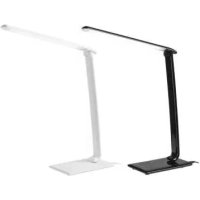
IAN 113977 - Lighting Livarno Lux - Free user manual and instructions
Find the device manual for free IAN 113977 Livarno Lux in PDF.



User questions about IAN 113977 Livarno Lux
0 question about this device. Answer the ones you know or ask your own.
Ask a new question about this device
Download the instructions for your Lighting in PDF format for free! Find your manual IAN 113977 - Livarno Lux and take your electronic device back in hand. On this page are published all the documents necessary for the use of your device. IAN 113977 by Livarno Lux.
USER MANUAL IAN 113977 Livarno Lux
Operation and Safety Notes
NL BE
LED-TAFELLAMP
Before reading, unfold the page containing the illustrations and familiarise yourself with all functions of the device.
FR BE
GB/IEOperation and Safety NotesPage 15
Proper use. Page 16
Scope of delivery.. Page 16
Description of parts.. 16
Technical Data . Page 17
Safety . Page 17
Safety instructions.. Page 17
Start-up Page 19
Installing the light.. Page 19
Adjusting the lamp.. Page 20
Switching the lamp on/off.. Page 20
Selecting the light colour.. Page 20
Dimming. Page 21
USB port Page 21
Maintenance and Cleaning
Disposal
Information/Warranty.. Page 22
Warranty . Page 22
Manufacturer/Service.. Page 22
Declaration of conformity.. Page 23
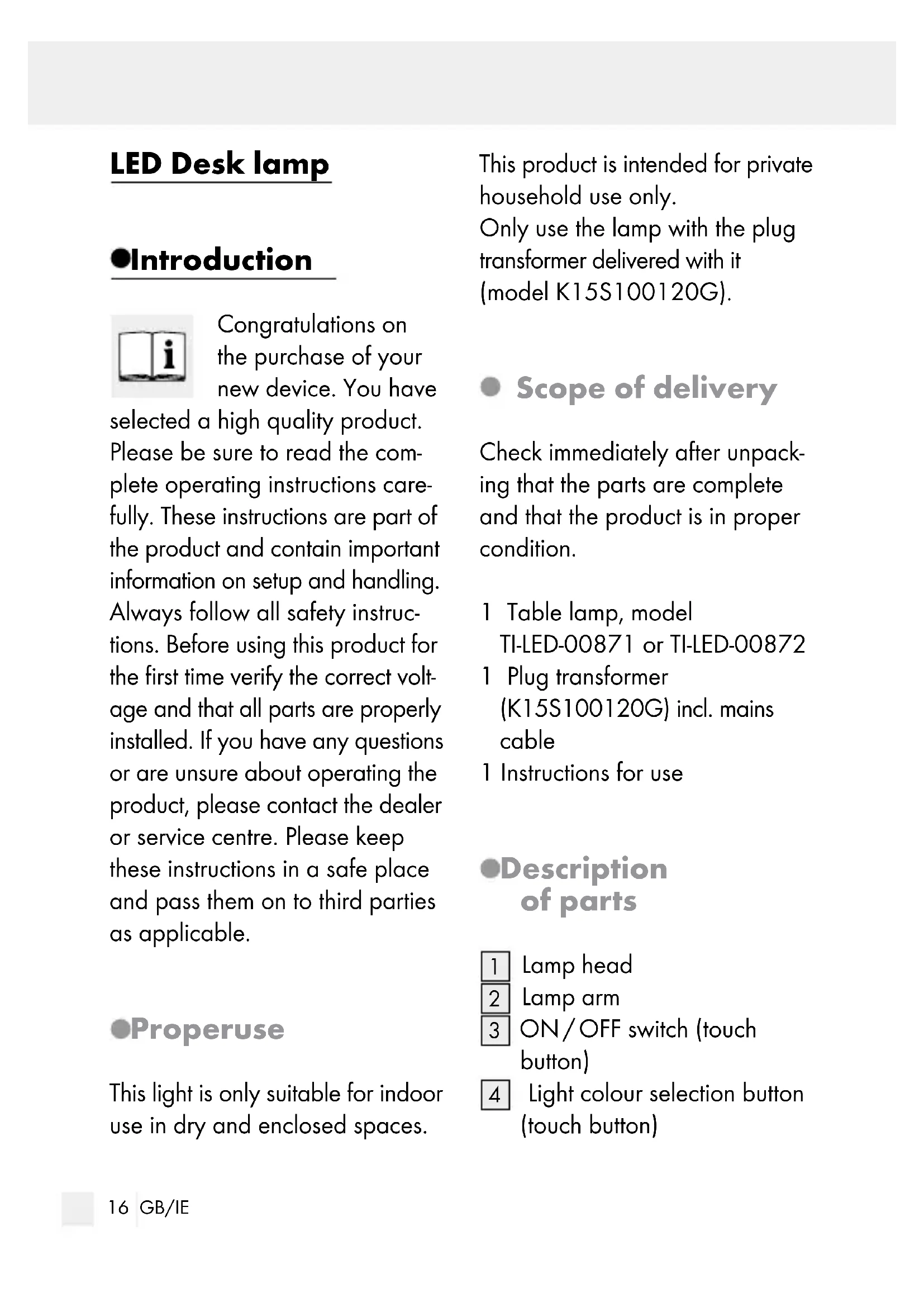
LED Desk lamp
Introduction

Congratulations on the purchase of your new device. You have
selected a high quality product. Please be sure to read the complete operating instructions carefully. These instructions are part of the product and contain important information on setup and handling. Always follow all safety instructions. Before using this product for the first time verify the correct voltage and that all parts are properly installed. If you have any questions or are unsure about operating the product, please contact the dealer or service centre. Please keep these instructions in a safe place and pass them on to third parties as applicable.
- Properuse
This light is only suitable for indoor use in dry and enclosed spaces.
This product is intended for private household use only. Only use the lamp with the plug transformer delivered with it (model K15S100120G).
- Scope of delivery
Check immediately after unpacking that the parts are complete and that the product is in proper condition.
1 Table lamp, model TI-LED-00871 or TI-LED-00872
1 Plug transformer (K15S100120G) incl. mains cable
1 Instructions for use
Description of parts
Lamp head
2 Lamp arm
3 ON/OFF switch (touch button)
4 Light colour selection button (touch button)
Dimmer selection button (touch button)
6 Lamp base
7 Mains plug connection socket
USB port (1000mA)
Plug transformer with mains plug
Technical Data
Model no.: TI-LED-00871 or TI-LED-00872
Lamp:
Voltage:220-240V (with the delivered plug transformer K15S100120G)
Illuminant:72SMD-LED, approx. 0.1 watts each (LED not replaceable)
Power: max. 12 watts (LED 7.2 watts)
USB port: 1000mA
Total height: approx. 64.5 cm with arm stretched out
Protection class: II/

Plug transformer:
Model: K15S100120G
Input
voltage: 220-240V\~, 50/60Hz
Output
voltage: 10V
Output current: 1200mA
Protection class: II/
Safety

Safety instructions
Damage due to failure to comply with these operating instructions will invalidate the warranty! We assume no liability for consequential damages! We assume no liability for material damage or personal injury due to improper handling or failure to comply with the safety instructions!




DANGER TO
LIFE AND RISK
OF ACCIDENT FOR INFANTS AND CHILDREN!
Never leave children unsupervised with the packaging material. The packaging material represents a danger of suffocation. Children frequently underestimate the dangers. Please keep the product out of reach of children at all times. This product is not a toy.
This device may be used by children age 8 years and up, as well as by persons with reduced physical, sensory or mental capacities, or lacking experience and/or knowledge, provided they are supervised or instructed in the safe use of the device and understand the associated risks. Do not allow children to play with the device. Cleaning and user maintenance should not be performed by children without supervision.

Avoid the risk of fatal injury from electric shock
Check the lamp for possible damage before every use. Never use the light if it shows any signs of damage.
CAUTION! A damaged light can lead to death by electric shock. In the event of damage, repairs or other problems with the light, please contact the service centre or an electrician.
To avoid hazards, if the external flexible lead on this lamp is damaged it must be replaced by the manufacturer, their service representatives or an equivalent professional!
Before use, ensure that the available mains voltage is the same as the voltage required for operating the lamp (220 - 240V 50 / 60Hz)
Ensure that the light does not come into contact with water or other liquids under any circumstances. Always unplug the light from the plug trans
former prior to assembly, disassembly, cleaning or if the light will not be used for extended periods.
- Never open any of the components of the electrical equipment or insert any objects into these components. This will pose a risk of fatal injury from electric shock.
The illuminant is not replaceable.
This light is not suitable for dimmer or electronic switches.
Only use the lamp with the plug transformer delivered with it (model K15S100120G).

How to prevent fire and injury
Do not look directly in to the light source (lamp, LED, etc.).
To prevent burns, ensure that the light is switched off and has cooled down before touching it. Lamps become very hot.
Do not cover the light or the mains plug with objects. Excessive heat can result in a fire.
Do not operate the lamp unattended.

Safe working
Mount the light so that it is protected from moisture and dirt.
Always be attentive! Always pay attention to what you are doing and use common sense.
Never assemble the lamp whilst unfocused or feeling unwell.
- Start-up
Remove all of the protective foil from the LED table lamp.
- Installing the light
Place the LED table lamp on a flat surface with its back side facing you.
Insert the mains adapter plug into the connection socket on the back of the lamp.
Plug the mains plug into a properly installed socket.
Your lamp is now ready for use.
Adjusting the lamp
Note: Only change the alignment of the lamp when it is switched off. You can adjust the LED table lamp to the lighting conditions you require. To do so, use the 4 joints:
- Turning joint with lamp base 6: the lamp arm 2 can be turned approx. 22.5^ in both directions from the midpoint.
- Lower tilt joint: with this you can move the lamp arm 2 approx. 90^ upwards or downwards.
- Upper tilt joint: with this you can move the lamp head 1 approx. 135^ upwards or downwards.
- Turning joint in the lamp head 1: with this you can turn the
lamp head 1 90^ in both directions.
Switchingthe lamp on/off
Switch the lamp on or off using the ON/OFF switch 3 on the lamp base 6 All you need to do here is press it with your finger (touch button).
Selectingthe light colour
You can set the colour of the light in 5 stages from warm-white 2700K to cold-white 6500K .
Touch the light colour selection button 4 for this. When you switch the lamp on, it will automatically be set to the last light colour to have been used.
Dimming
The light has 7 dimmer settings. To dim the light, simply touch the Dim 5 button on the base 6.
Select the small sun at the left end of the bar with your finger to select low / dimmed light.
For high / bright light, touch the large sun at the right end of the bar. The 5 different length lines in the bar represent the various brightnesses.
You may also run your finger along the bar. Simply stop when you reach the desired brightness.
USB port
You can find the USB port 8 on the back of the lamp. You can charge mobile phones, tablets and other such devices here.
- Maintenance and Cleaning
WARNING! RISK OF ELECTRIC SHOCK! First unplug the mains plug 9 from the socket.
CAUTION! RISK OF BURNS! Allow the lamp to cool down completely.
WARNING! RISK OF ELECTRIC SHOCK! In the interest of electrical safety, never clean the light with water or other liquids, or immerse it in water.
Do not use solvents, benzene or similar substances. They could damage the light.
Only use a dry, lint-free cloth for cleaning.
Disposal

The package and packaging materials consist entirely of environmentally friendly materials. They can be
disposed of at your local recycling facility.
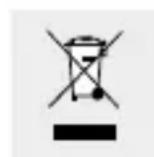
The symbol of the wheelie bin with the line through it means
that, in the European Union, the product has to be disposed of in a separate refuse collection. This applies to the product and to all components bearing this symbol. Do not dispose of products bearing this symbol in your normal household waste, instead they must be taken for recycling to a collection site for electrical and electronic appliances. Recycling helps to reduce the consumption of raw materials and protects the environment.
Information/Warranty
Warranty
You have a 36 month warranty on this product, valid from the date of purchase. The appliance has been carefully produced under
strict quality control. Within the warranty period we shall rectify all material and manufacturing defects free of charge. In the event of a defect arising during the warranty period, please send the appliance to the listed Service Centre address, making reference to the following article number: TI-LED-00871 / TI-LED-00872.
Wear parts and damage caused by improper handling, non-observance of the operating instructions or unauthorised interference are not covered by the warranty. The performance of services under the warranty does not extend or renew the warranty period.
Manufacturer/Service
Action GmbH
Im Langel 6
59872 Meschede
Germany
Tel.: +49 (0) 2903 / 449 555
Fax: +49 (0) 2903 / 449 48410
Email:
Please have your receipt and the item number (IAN 276365) ready as your proof of purchase when enquiring about your product.
Declarationof conformity C
This product meets the requirements of applicable European and national regulations (electromagnetic compliance 2014/30/EU, low voltage regulations 2014/35/EU, eco design regulations 2009/125/EG, RoHS regulations 2011/65/EU). Conformity has been demonstrated. The relevant declaration and documents are held by the manufacturer.
Introduction
candeeiro arrefecer completeness.