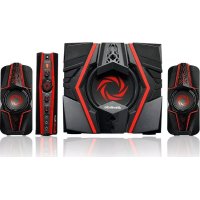
Ballista Trinity GS315 - Loudspeaker AVERMEDIA - Free user manual and instructions
Find the device manual for free Ballista Trinity GS315 AVERMEDIA in PDF.



| Product Type | 2.1 speaker (satellites + subwoofer) |
| Brand | AVerMedia |
| Model | Ballista Trinity GS315 |
| Power Supply | Mains (AC-IN socket) |
| Connectivity | Line input (Line IN), auxiliary input (AUX), microphone input (MIC), headphone output (PHONES), microphone output (MIC OUT), left/right audio input (L/R), left/right speaker output (L/R OUT), subwoofer output (SUB OUT) |
| Controls | Power on/off button, source selector, volume/treble/bass knobs, Assassin mode button |
| Special Mode | Assassin Mode: enhanced sound effects, crisp treble and deep bass even at low volume |
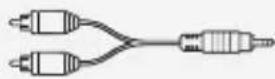
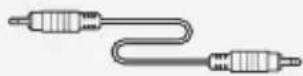
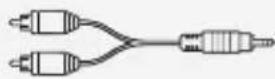
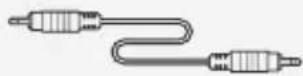
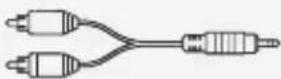
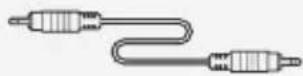
| Box Contents | 2 satellites, subwoofer, control box, RCA to 3.5mm jack cable, 3.5mm cable, rubber feet, documentation |
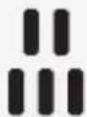
| Placement | Control box can be placed flat with the included rubber feet (stick to the corners of the right panel) |
| Precautions | Lower the volume and turn off all devices before connecting to avoid damaging the speakers |
Frequently Asked Questions - Ballista Trinity GS315 AVERMEDIA
User questions about Ballista Trinity GS315 AVERMEDIA
0 question about this device. Answer the ones you know or ask your own.
Ask a new question about this device
Download the instructions for your Loudspeaker in PDF format for free! Find your manual Ballista Trinity GS315 - AVERMEDIA and take your electronic device back in hand. On this page are published all the documents necessary for the use of your device. Ballista Trinity GS315 by AVERMEDIA.
USER MANUAL Ballista Trinity GS315 AVERMEDIA
natural_image
Four black and red ARXAM devices with spiral design, displayed against a blue abstract background (no text or symbols visible on devices)All pictures in this documentation are example images only. The images may vary depending on the product and software version. Information presented in this documentation has been carefully checked for reliability; however, no responsibility is assumed for inaccuracies. Information contained in this manual is subject to change without notice.
Copyright and Trademark Information
© 2015 by AVerMedia Technologies, Inc. All rights reserved.
No part of this publication, in whole or in part, may be reproduced, transmitted, transcribed, altered or translated into any language in any form by any means without the written permission of AVerMedia Technologies, Inc. Product specifications and information contained in this manual are subject to change without notice, and do not represent a commitment on the part of AVerMedia Technologies, Inc. For the latest information on our products, visit www.avermedia.com.
AVerMedia, Ballista™ and Trinity™ are trademarks of AVerMedia Technologies, Inc.
Headquarters
Address No.135, Jian 1st Rd., Zhonghe Dist., New Taipei City 23585, Taiwan
Website www.avermedia.com
Support www.avermedia.com/support
Telephone +886-2-2226-3630
Edition: 1.1
Date: 09/16/2015
免責聲明
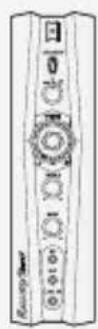
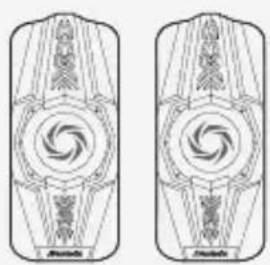
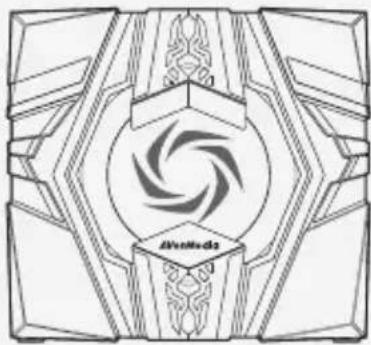
Check that all these items are included.
natural_image
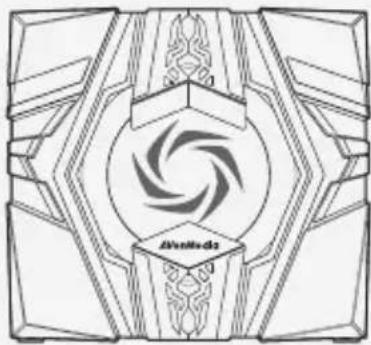
Two identical abstract geometric patterns with symmetrical swirls and central shapes, no text or symbols present.SatellitesControl Box
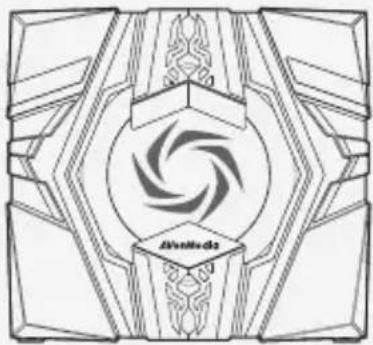
natural_image
Symmetrical geometric decorative pattern with central swirling design and no text or symbolsSubwoofer

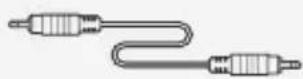
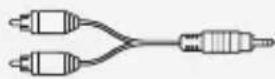
RCA to 3.5 mm Cable
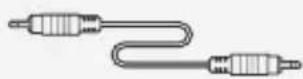
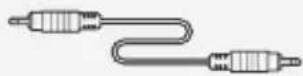
3.5 mm Audio Cable
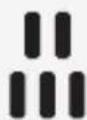
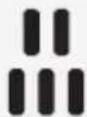
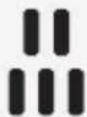
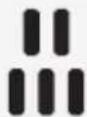
Rubber Feet

Info Packet
Attaching The Rubber Feet
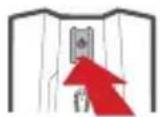
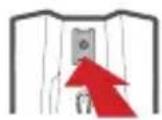
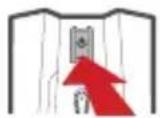
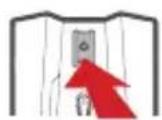
If you want to lay the Control Box flat, we recommend using the supplied Rubber Feet for better stability. Peel off the tape and attach a Rubber Foot to each corner on the Right Panel of the Control Box.
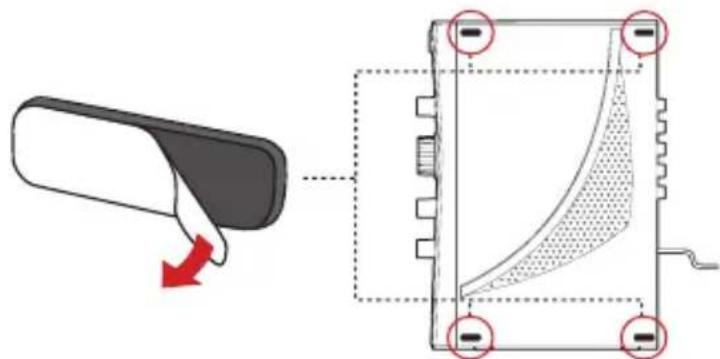
Right Panel
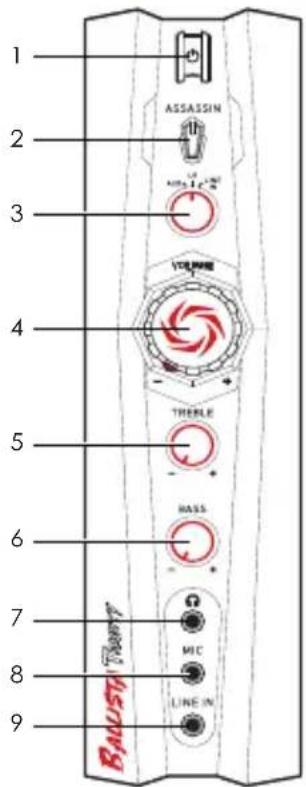
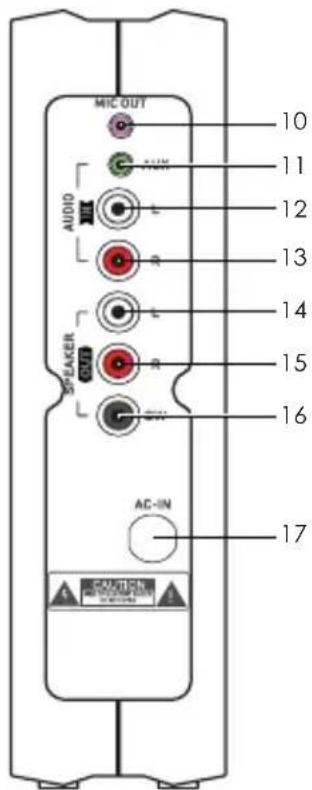
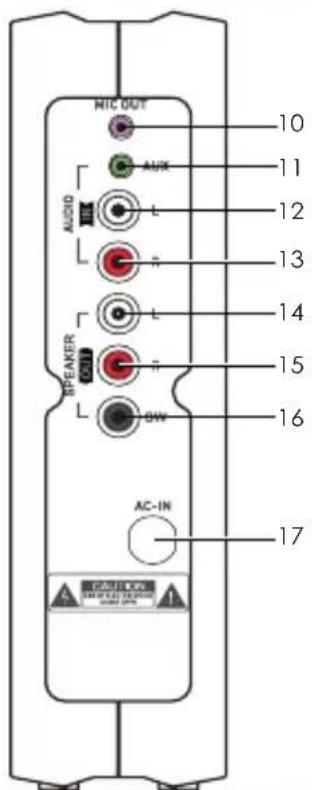
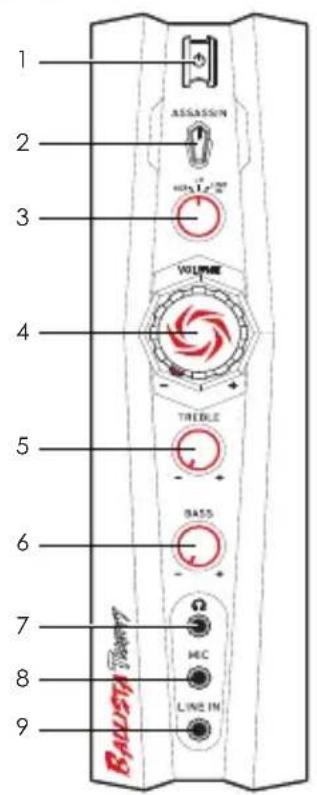
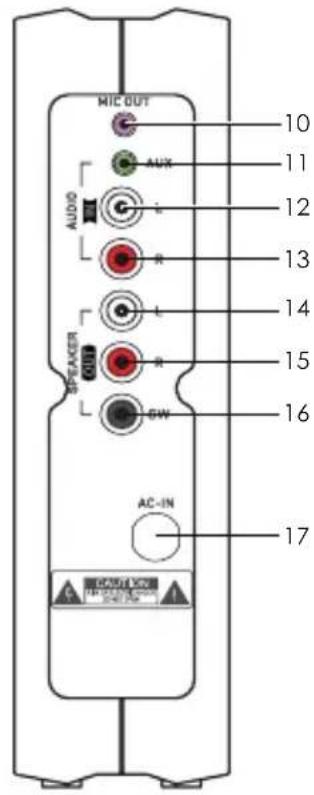
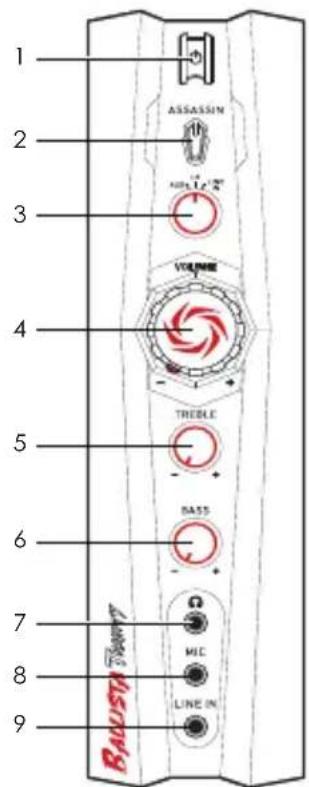
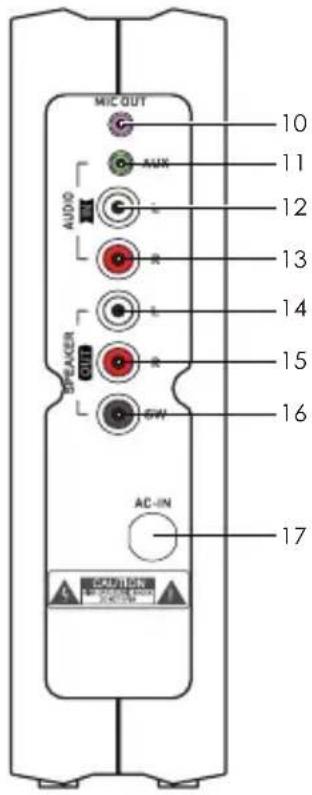
Control Box Overview
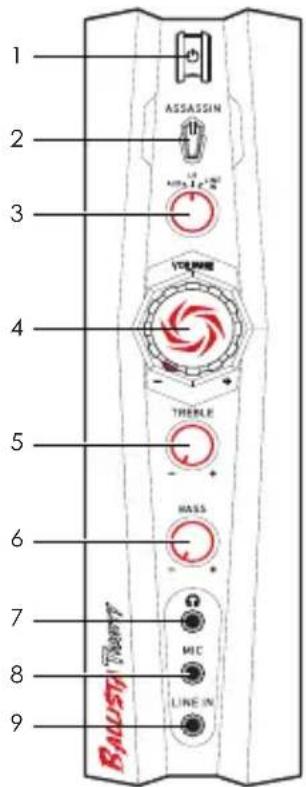
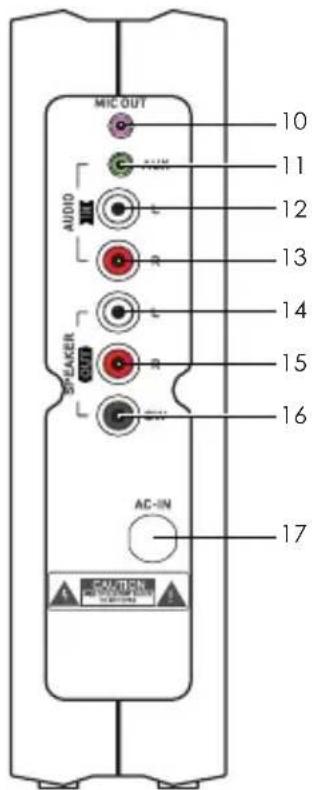
1 Power Button 10 Microphone Output
2 Assassin Mode Button 11 Auxiliary Input
3 Source Switch 12 Left Audio Input
4 Volume Knob 13 Right Audio Input
5 Treble Knob 14 Left Satellite Output
6 Bass Knob 15 Right Satellite Output
7 Headphone Output 16 Subwoofer Output
8 Microphone Input 17 AC Power Input
9 Line Input
》 CONNECTION
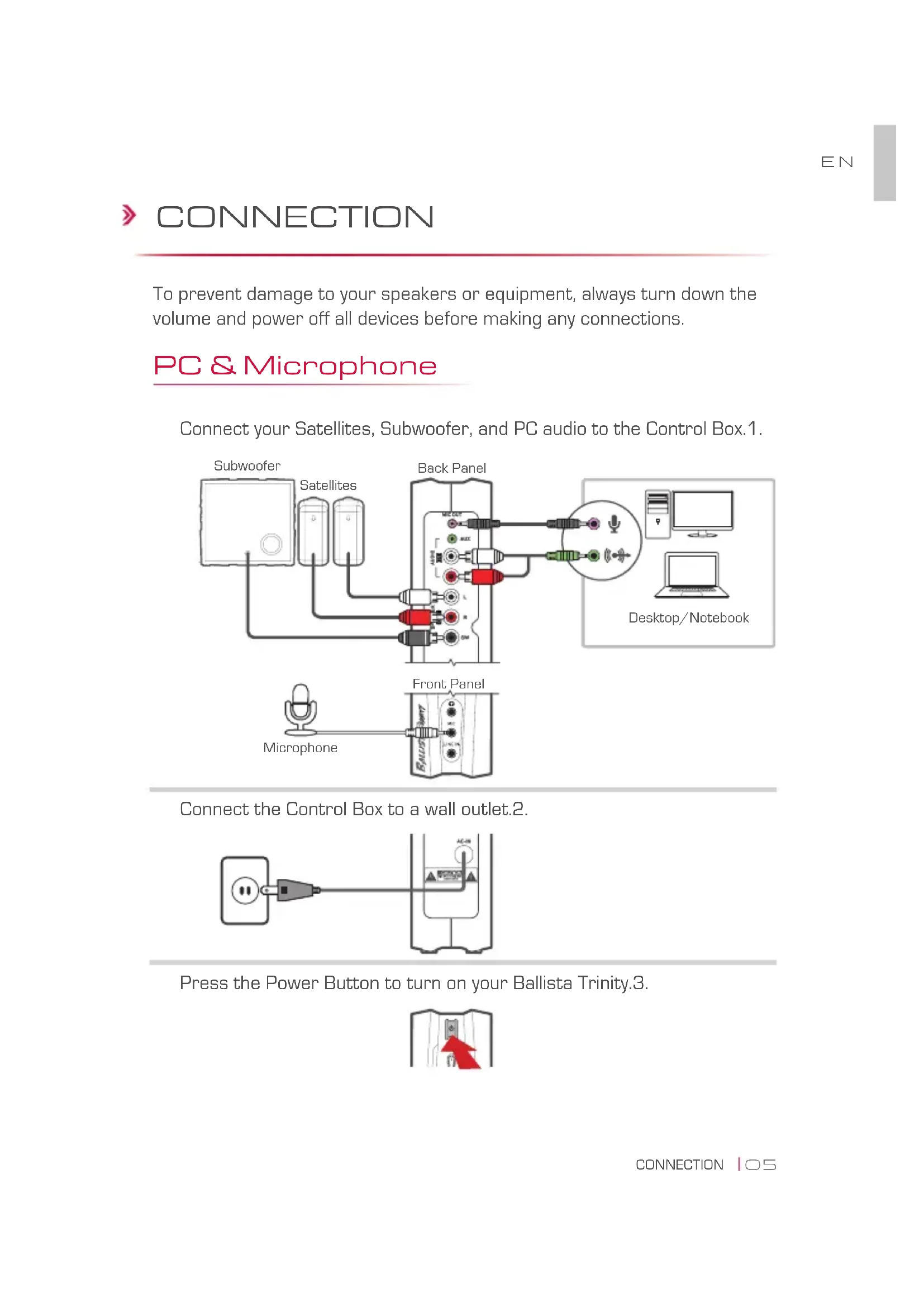
To prevent damage to your speakers or equipment, always turn down the volume and power off all devices before making any connections.
PC & Microphone
Connect your Satellites, Subwoofer, and PC audio to the Control Box.1.
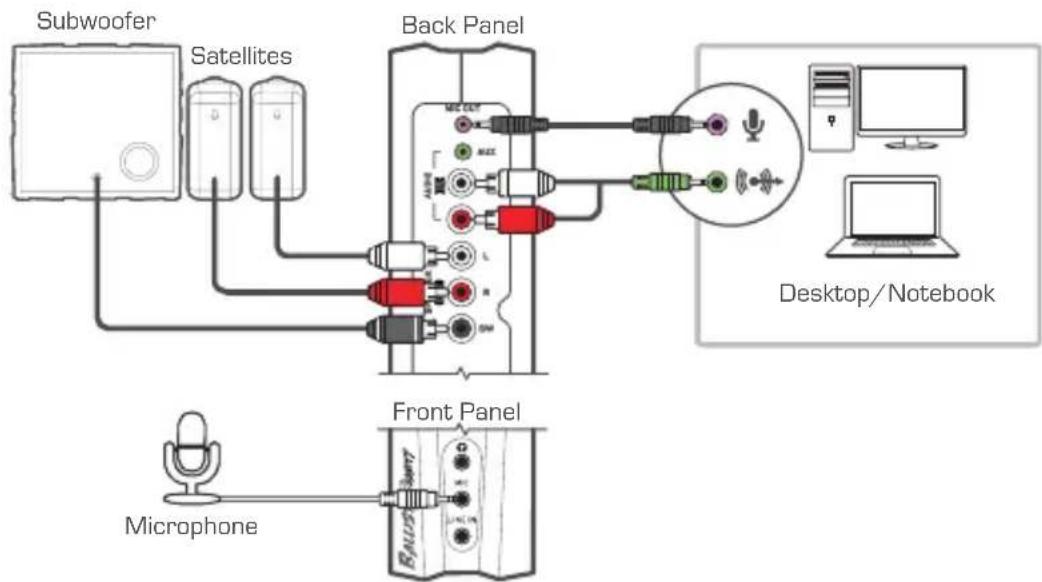
flowchart
graph TD
    A["Microphone"] --> B["Front Panel"]
    C["Subwoofer"] --> D["Satellites"]
    D --> E["Back Panel"]
    E --> F["Desktop/Notebook"]
    G["Radio Station"] --> H["Back Panel"]
    I["Mobile Device"] --> J["Desktop/Notebook"]
Connect the Control Box to a wall outlet.2.
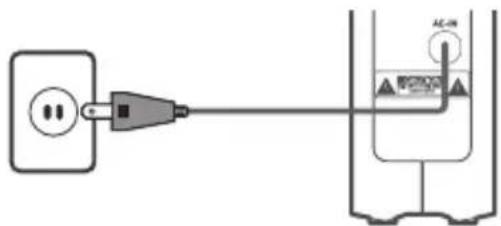
Press the Power Button to turn on your Ballista Trinity.3.
Console & Other Sources
Connect your Satellites, Subwoofer, game console and other audio 1. sources to the Control Box.
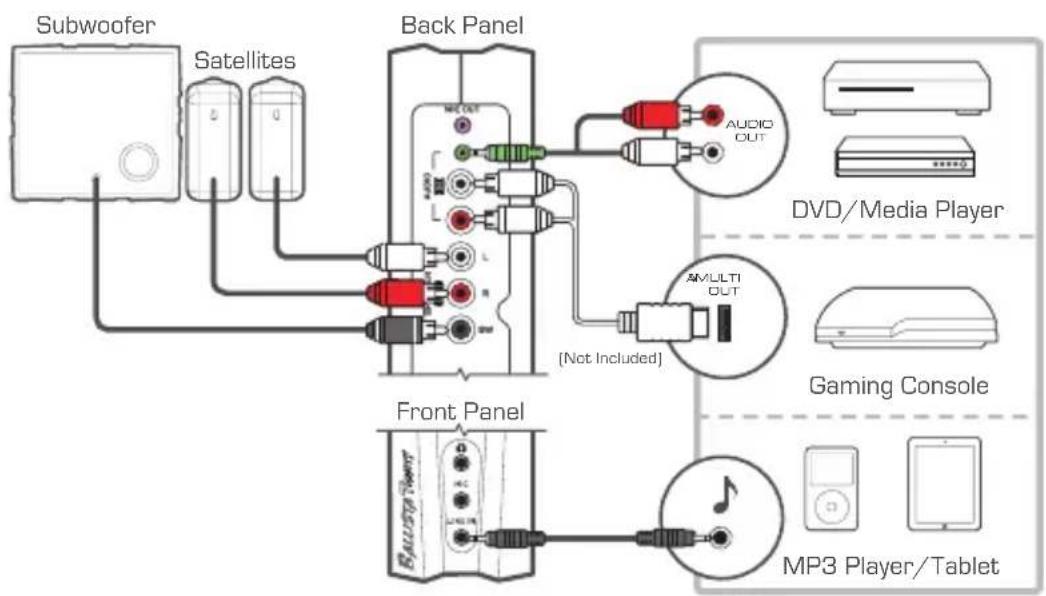
flowchart
graph TD
    A["Subwoofer"] --> B["Satellites"]
    B --> C["Back Panel"]
    C --> D["Front Panel"]
    D --> E["MP3 Player/Tablet"]
    C --> F["DVD/Media Player"]
    C --> G["Gaming Console"]
    C --> H["Audio OUT"]
    C --> I["AMULTI OUT (Not Included)"]
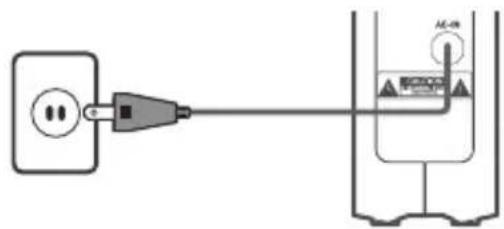
Connect the Control Box to a wall outlet.2.
Press the Power Button to turn on your Ballista Trinity.3.
OPERATION
Switching Audio Sources
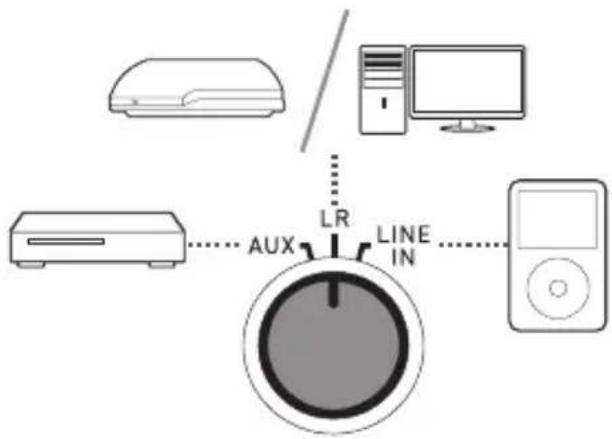
Turn the Source Switch to select among your audio sources.
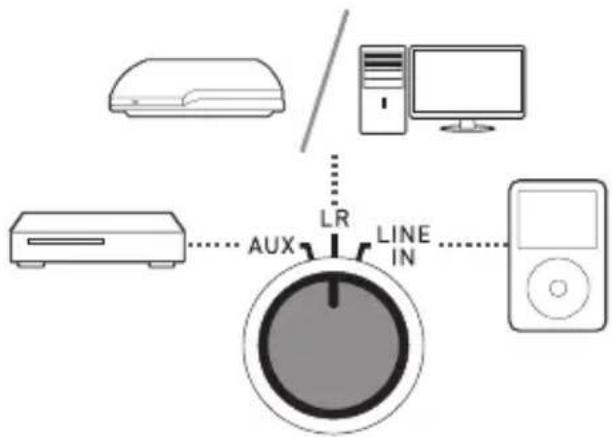
flowchart
graph TD
    A["Air Conditioner"] --> B["Computer"]
    C["Power Supply Unit"] --> D["Line IN"]
    E["Aux"] --> F["Central Control Unit"]
    style A fill:#f9f,stroke:#333
    style C fill:#f9f,stroke:#333
    style E fill:#f9f,stroke:#333
    style F fill:#ccf,stroke:#333
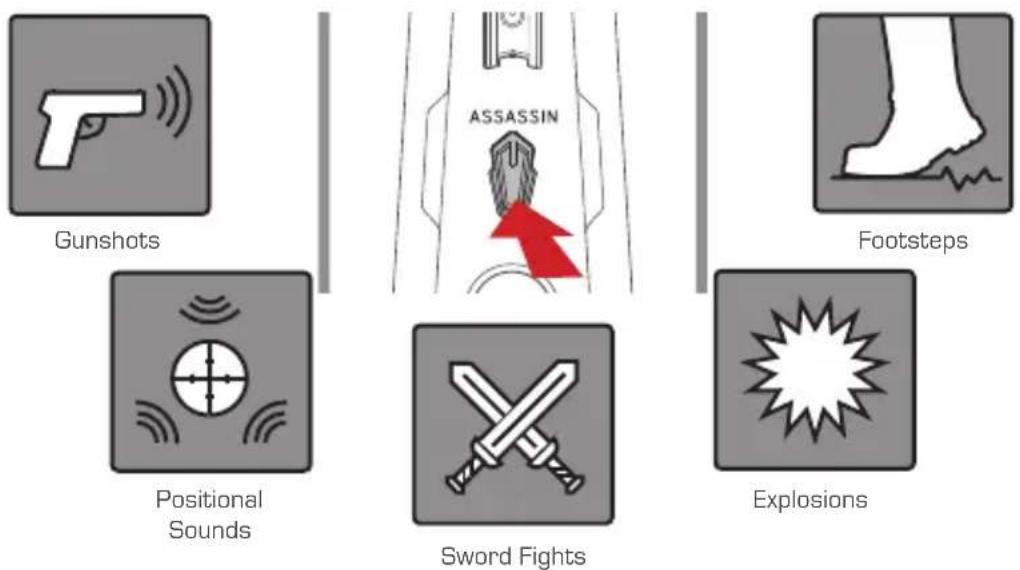
Assassin Mode
Activate Assassin Mode to enhance a wide range of sound effects. This mode also allows crisp treble and strong bass even at low volume.
》 ERSTE SCHRITTE
Paketinhalt
natural_image
Two identical abstract geometric patterns with spiral and symmetrical design (no text or symbols)SatellitenSteuerbox
natural_image
Symmetrical geometric decorative pattern with central swirling design and no text or symbolsSubwoofer
Rechtes Panel
natural_image
Symmetrical geometric decorative pattern with central circular motif and symmetrical border (no text or symbols)natural_image
Two identical abstract geometric patterns with spiral and concentric shapes, no text or symbols present.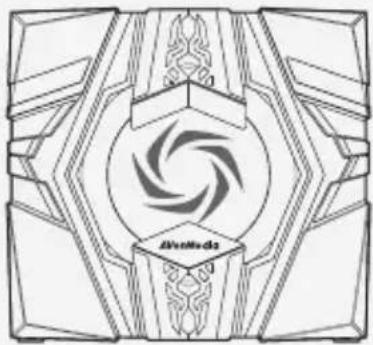
natural_image
Symmetrical geometric decorative pattern with central circular motif and symmetrical border (no text or symbols)natural_image
Two identical abstract geometric patterns with spiral and symmetrical design (no text or symbols)natural_image
Symmetrical geometric decorative pattern with central circular motif and symmetrical border (no text or symbols)Subwoofer

Cavo da RCA a 3.5 mm
Cavo da 3.5 mm
Piedini in gomma
natural_image
Two identical abstract geometric patterns with spiral center and symmetrical design (no text or symbols)SatélitesCaja de control
natural_image
Symmetrical geometric decorative pattern with central circular motif and symmetrical border (no text or symbols)Subwoofer
Cable RCA a 3,5 mm
Cable de 3,5 mm
Pies de goma
natural_image
Two identical abstract geometric patterns with symmetrical swirls and central circles, no text or symbols present.natural_image
Symmetrical geometric decorative pattern with central circular motif and symmetrical border (no text or symbols)Subwoofer
natural_image
Two identical abstract geometric patterns with spiral and symmetrical design (no text or symbols)SpeakersPainel de Controle
natural_image
Symmetrical geometric decorative pattern with central circular motif and symmetrical border (no text or symbols)Subwoofer
natural_image
Two identical abstract geometric patterns with spiral and symmetrical design (no text or symbols)natural_image
Symmetrical geometric decorative pattern with central circular motif and symmetrical border (no text or symbols)Сабвуфер
3.5 мм RCA кабель
3.5 мм аудио кабель
Резиновые
ножки
Режим Ассассин
natural_image
Two identical abstract geometric patterns with symmetrical swirls and central circles, no text or symbols present.natural_image
Symmetrical geometric decorative pattern with central swirling design and no text or symbolsSubwoofer
Kabel RCA - 3,5mm
Kabel audio 3,5mm
Gumowe nóżki
Prawa ścianka
natural_image
Two identical symmetrical geometric patterns with central spiral design (no text or symbols)natural_image
Symmetrical geometric decorative pattern with central spiral motif and symmetrical border (no text or symbols)Subwoofer
natural_image
Two identical abstract geometric patterns with symmetrical swirls and central circles, no text or symbols present.natural_image
Symmetrical geometric decorative pattern with central swirling design and no text or symbolsMély hangláda
natural_image
Symmetrical decorative emblem with a central swirling pattern and the word 'AfinNledo' at the bottom (no readable text or symbols beyond the label)重低音喇叭
RCA 轉 3.5 mm 音源線
3.5 mm 音源線
腳墊

用戶資訊手冊
黏貼腳墊
控制盒右侧
控制盒簡介
按下電源鍵開啟您的 Ballista Trinity.
遊戲主機與其他音源
按下電源鍵開啟您的 Ballista Trinity.
》操作
音源切换
轉動音源切換旋鈕來選擇您的音源。
flowchart
graph TD
    A["Air Conditioner"] --> B["Central Control Unit"]
    C["Desktop Computer"] --> B
    D["Monitor"] --> B
    E["Aux"] --> B
    F["LINE IN"] --> B
    G["LR"] -.-> B
    style B fill:#999,stroke:#333
暗殺模式
natural_image
Two identical symmetrical geometric patterns with central swirl design (no text or symbols)卫星音箱
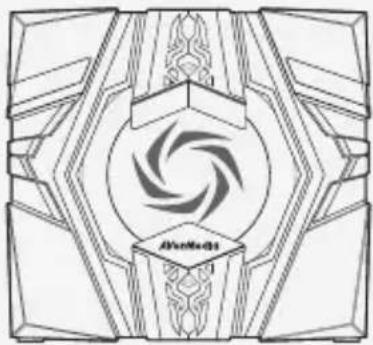
natural_image
Symmetrical geometric decorative pattern with central spiral motif and symmetrical border (no text or symbols)低音炮
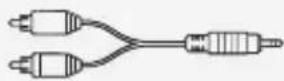
RCA 转 3.5 mm 音频线
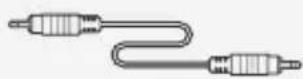
3.5 mm 音频线
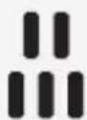
脚垫

用户资讯手册
黏贴脚垫
功放盒右侧
功放盒简介
SC
按下电源键就可以开始使用了。3.
游戏主机与其他音频
SC
按下电源键就可以开始使用了。3.
》操作
音频切换
转动音频切换旋钮来选择您的音频。
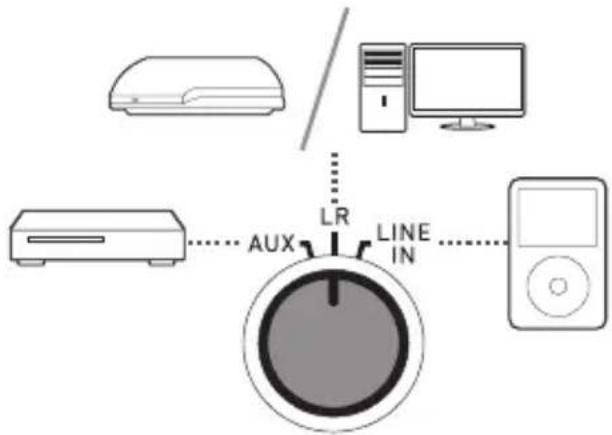
暗杀模式
Important Safety Instructions
Read these instructions.1.
Keep these instructions.2.
Follow all instructions.3.
Heed all warnings.4.
Do not use the apparatus on uneven or unstable surfaces.5.
Do not use this apparatus in a wet environment or near water.6.
The apparatus shall not be exposed to dripping or splashing and that no objects filled with 7. liquids, such as vases, shall be placed on the apparatus.
Unplug the apparatus before cleaning. Clean only with a dry cloth.8.
Use in a well ventilated environment. Do not block any ventilation openings.9.
Use the apparatus within the specified temperature range.10.
Use power sources within the specified voltage range.11.
Do not place heavy objects on the apparatus.12.
Do not install near heat sources such as radiators or stoves.13.
Do not defeat the safety purposes of the polarized or grounding-type plug. 14.
- Protect the power cord from being walked on or pinched, particularly where the cord connects with plugs or adapters.
- The MAINS plug is used as the disconnect device, the disconnect device shall remain readily operable.
- Only use the attachments and accessories specified by the manufacturer.
- Unplug this apparatus during lightning storms or when unused for prolonged periods of time.
- Do not modify or disassemble the apparatus in any way.
- Refer all servicing to qualified personnel.
- Do not dispose the apparatus as general household waste. Dispose in accordance with local environmental laws.
重要安全說明
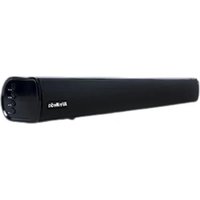
- Copyright and Trademark Information
- Headquarters
- 免責聲明
- Attaching The Rubber Feet
- Control Box Overview
- 》 CONNECTION
- PC & Microphone
- Console & Other Sources
- OPERATION
- Switching Audio Sources
- Assassin Mode
- 》 ERSTE SCHRITTE
- Paketinhalt
- Режим Ассассин
- 黏貼腳墊
- 遊戲主機與其他音源
- 》操作
- 音源切换
- 暗殺模式
- 黏贴脚垫
- 功放盒简介
- 游戏主机与其他音频
- 音频切换
- 暗杀模式
- Important Safety Instructions
- 重要安全說明
Brand : AVERMEDIA
Model : Ballista Trinity GS315
Category : Loudspeaker