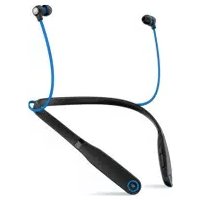
Moto Surround - Headphones MOTOROLA - Free user manual and instructions
Find the device manual for free Moto Surround MOTOROLA in PDF.



| Product type | Wireless earbuds |
| Brand | Motorola |
| Model | Moto Surround |
| Connectivity | Bluetooth 4.0 (estimated) |
| Power | Rechargeable lithium-ion battery (built-in) |
| Talk time | Approximately 6 hours (estimated) |
| Standby time | Approximately 150 hours (estimated) |
| Charging time | Approximately 2 hours (estimated) |
| LED indicators | Status light (blue, red, green) for charging, connection, and low battery |
| Main functions | Calls (answer/hang up/reject), music play/pause, volume control, next/previous track, voice command, equalizer |
| Compatibility | Android 4.3+ devices (via Motorola Connect), other Bluetooth devices |
| Weight (per earbud) | Approximately 10 grams (estimated) |
| Dimensions (per earbud) | Approximately 3 x 2 x 1.5 cm (estimated) |
| Care and cleaning | Wipe with a soft, dry cloth. Do not use abrasive products or solvents. |
| Safety | Contains magnets. Keep away from magnetic media (credit cards, etc.). |
| Spare parts and repairability | The battery is built-in and should only be removed by a recycling center. Accessories available at www.motorola.com/products. |
| General information | Bluetooth ID: D023372. Manual reference: 68017957003-B. |
| Warranty | Standard manufacturer warranty (not specified in the manual) |
Frequently Asked Questions - Moto Surround MOTOROLA
User questions about Moto Surround MOTOROLA
0 question about this device. Answer the ones you know or ask your own.
Ask a new question about this device
Download the instructions for your Headphones in PDF format for free! Find your manual Moto Surround - MOTOROLA and take your electronic device back in hand. On this page are published all the documents necessary for the use of your device. Moto Surround by MOTOROLA.
USER MANUAL Moto Surround MOTOROLA
natural_image
Abstract black circular logo with a white stylized 'M' shape (no text or symbols)moto surround
read me
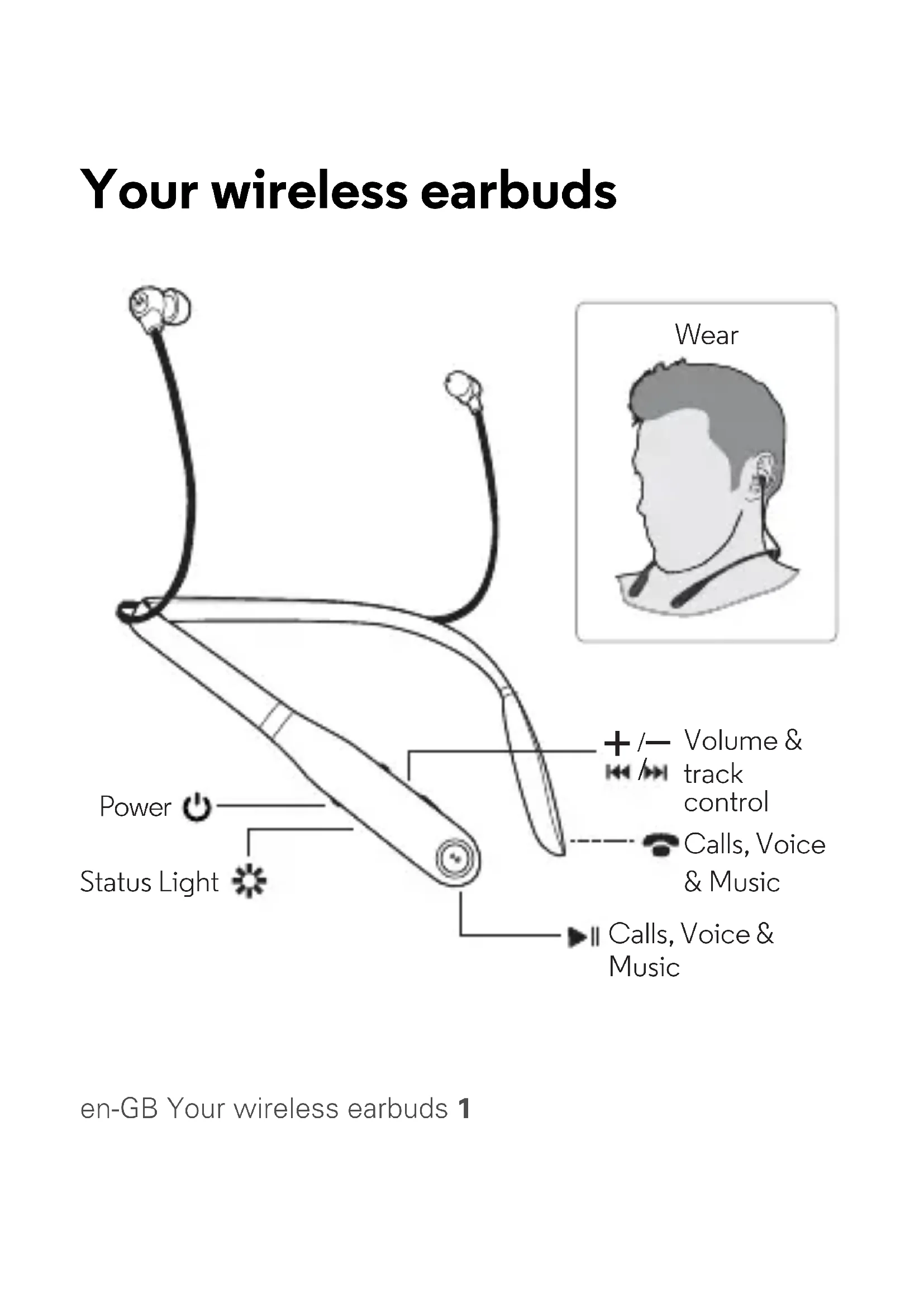
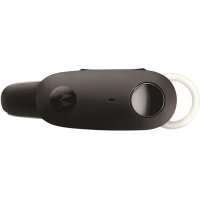
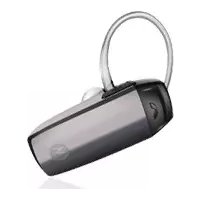
Your wireless earbuds

en-GB Your wireless earbuds 1
Step 1: charge up & power on
Note: before use, charge until the status light turns green.
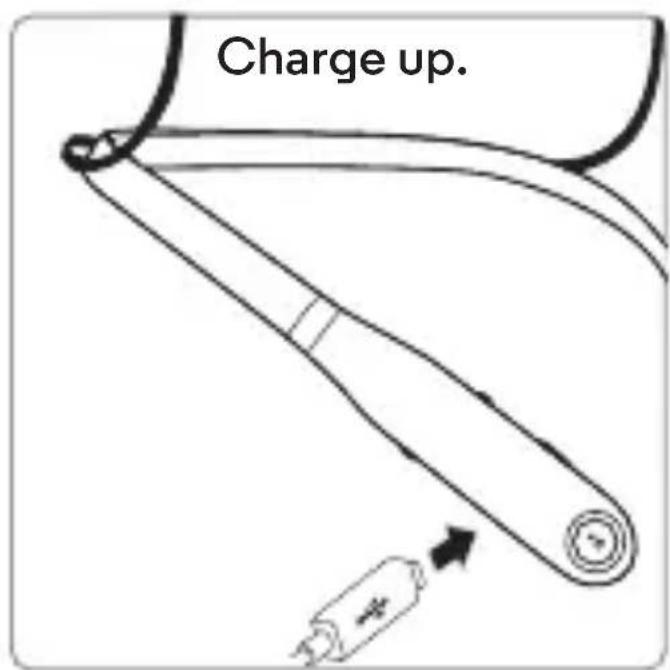
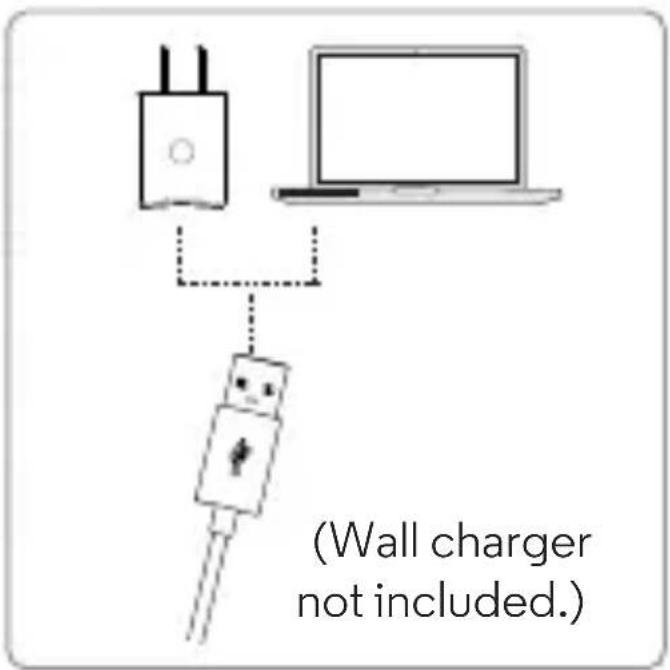
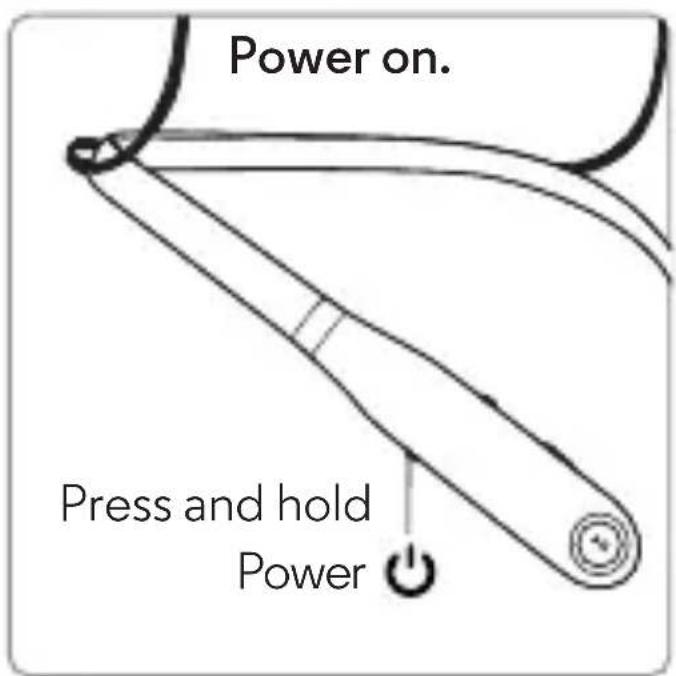
2Step 1: charge up & power on en-GB
Step 2: pair your earbuds
Pair with Motorola Connect
Note: you can use this app on most devices with Android 4.3 or later. If your device is not compatible with Motorola Connect, follow the steps in "Pair with Bluetooth™" on page 4.
1 Download the free Motorola Connect app from the Google Play™.
2 Turn on your wireless earbuds.
3 Open Motorola Connect, touch + and select MotoSurround from the list of devices.
Tip: you can also use Motorola Connect to check your battery, see the last known location where you connected or get more help.
Pair with Bluetooth™
Pair without the Motorola Connect app.
1
Turn on Bluetooth on your device.
2
natural_image
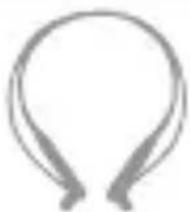
Simple line drawing of a stylized open-loop ear (no text or symbols)Turn on your wireless earbuds.
Light blinks blue.
3
On your device, go to the Bluetooth menu to pair & connect. Enter 0000 if prompted.
4

When the device and earbuds connect, you'll hear a tone.
Light is solid blue.
Calls, Voice & Music Control
The buttons at the ends of your earbuds perform the same functions. Press either button to control calls, voice commands and music.
Note: voice control may not work on some devices or in all languages.
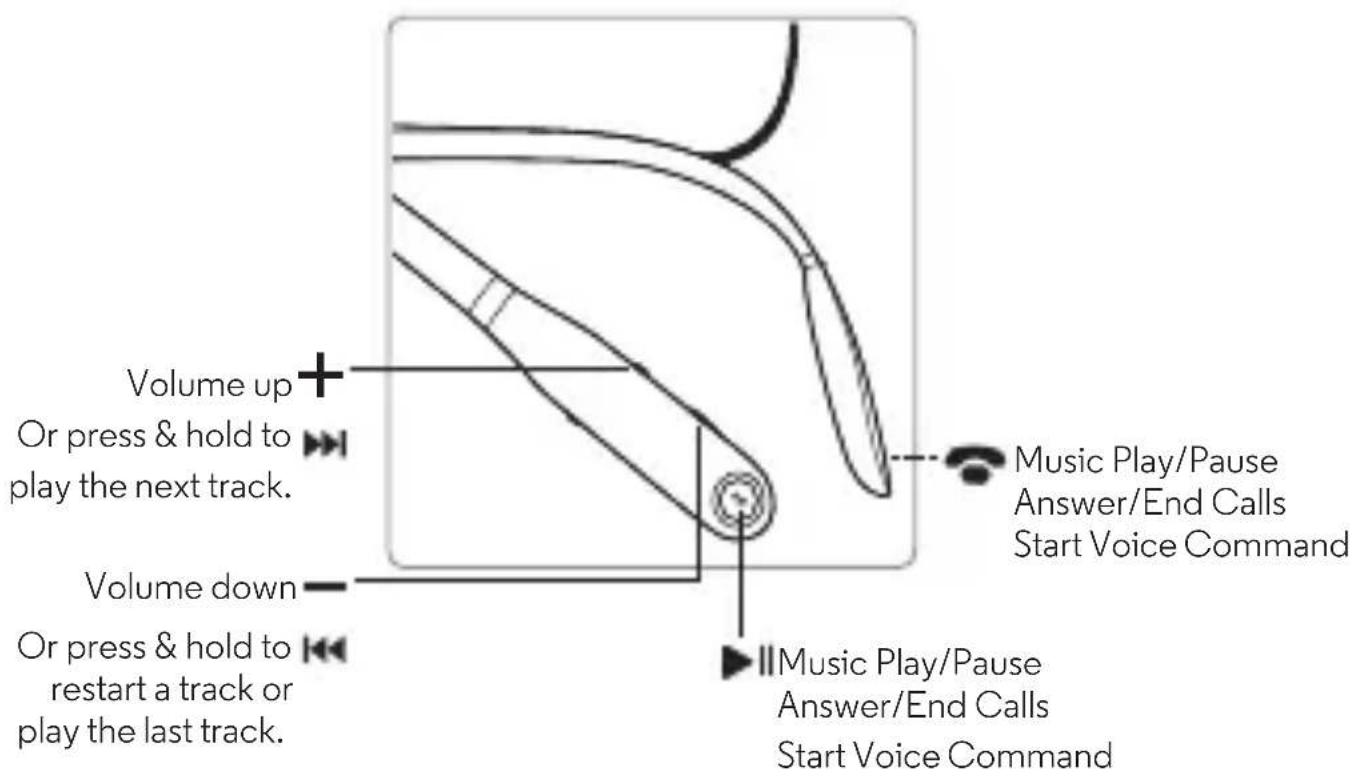
Note: some features are phone/network dependent.
en-GB Calls, Voice & Music Control 5
| Music | |
| play/pause press | ▶ or 📋 |
| volume down/up press | ◀ – or +▶▶ |
| next/previous track press and hold Note: depends on your phone's music controls. | ◀ – or +▶▶ |
| change EQ settings press at the and+▶▶same time to go to the next sound profile | |
| Calls | |
| answer/end call press | ▶ or 📋 |
| mute during call press | ◀ – and+▶▶ |
| reject a call press and hold | ◀ – or +▶▶ |
| Voice | |
| To issue a voice command | press and hold ▶ or 📞 then say a command |
Advanced
Status Lights
Pairing mode blinking blue
Connected steady blue
Low battery blinking red
Charging steady red
Full charge steady green
Charge level check steady green for two seconds
Power off fading in/out blue
Charge Level Check
Note: not available on all models.
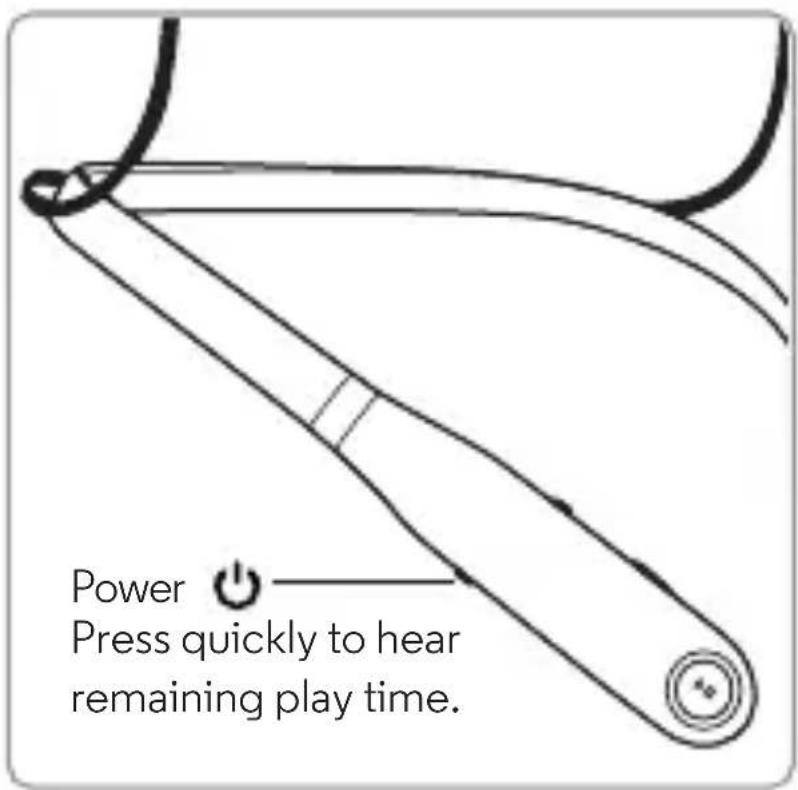
Note: your battery is designed to last for the life of the product. It should only be removed by a recycling facility. Any attempt to remove or replace your battery may damage the product and void your warranty.
Reset
Turn off Bluetooth for all connected devices. Turn on the wireless earbuds, then press and hold ▶ or 📋 and both Volume buttons until the status light shows alternating red and blue. You'll hear a tone.
Note: this product contains exposed magnets and may damage magnetic information, such as credit card strips and ID cards.
Second device
Do you use a phone and a tablet? Or two phones? Connect with both of them at the same time.
1 Pair with your first device using the steps in "Pair with Bluetooth™" on page 4.
2 Turn off Bluetooth on your first device (your phone, tablet or computer).
3 Turn off the wireless earbuds. Then turn them back on.
4 Pair with your second device using the steps in "Pair with Bluetooth™" on page 4.
5 On your first device, turn Bluetooth back on to connect to it simultaneously. You'll hear a tone when the first device connects.
Tip: to switch and play audio from the second connected device, pause the current music device, then press play on the second device.
Help & more
- Get help: visit www.motorola.com/support.
- Accessories: find more accessories at www.motorola.com/products.
MOTOROLA and the Stylised M Logo are trademarks or registered trademarks of Motorola Trademark Holdings, LLC. All other product or service names are the property of their respective owners.
© 2015 Motorola Mobility LLC. All rights reserved.
Caution: Motorola does not take responsibility for changes/modification to the transceiver.
Bluetooth ID: D023372
Product ID: Motorola SF520
Manual Number: 68017957003-B
12Help & more en-GB
fr

natural_image
Abstract black circular logo with a white stylized 'M' shape (no text or symbols)moto surround
lisez-moi
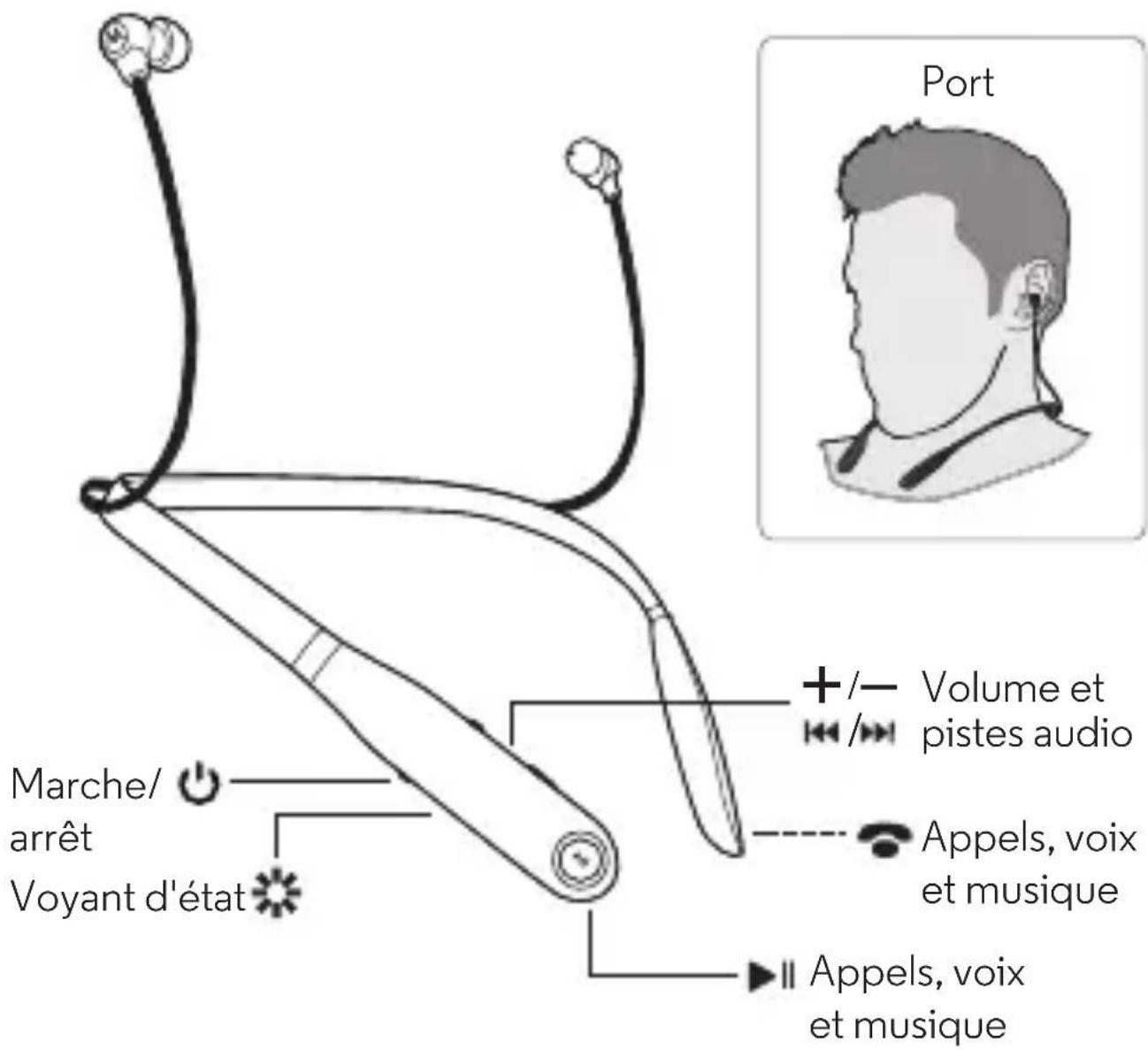
Vos oreillettes sans fil
natural_image
Simple line drawing of a stylized open-loop ear (no text or symbols)natural_image
Abstract black circular logo with a white stylized 'M' shape (no text or symbols)moto surround
leggete
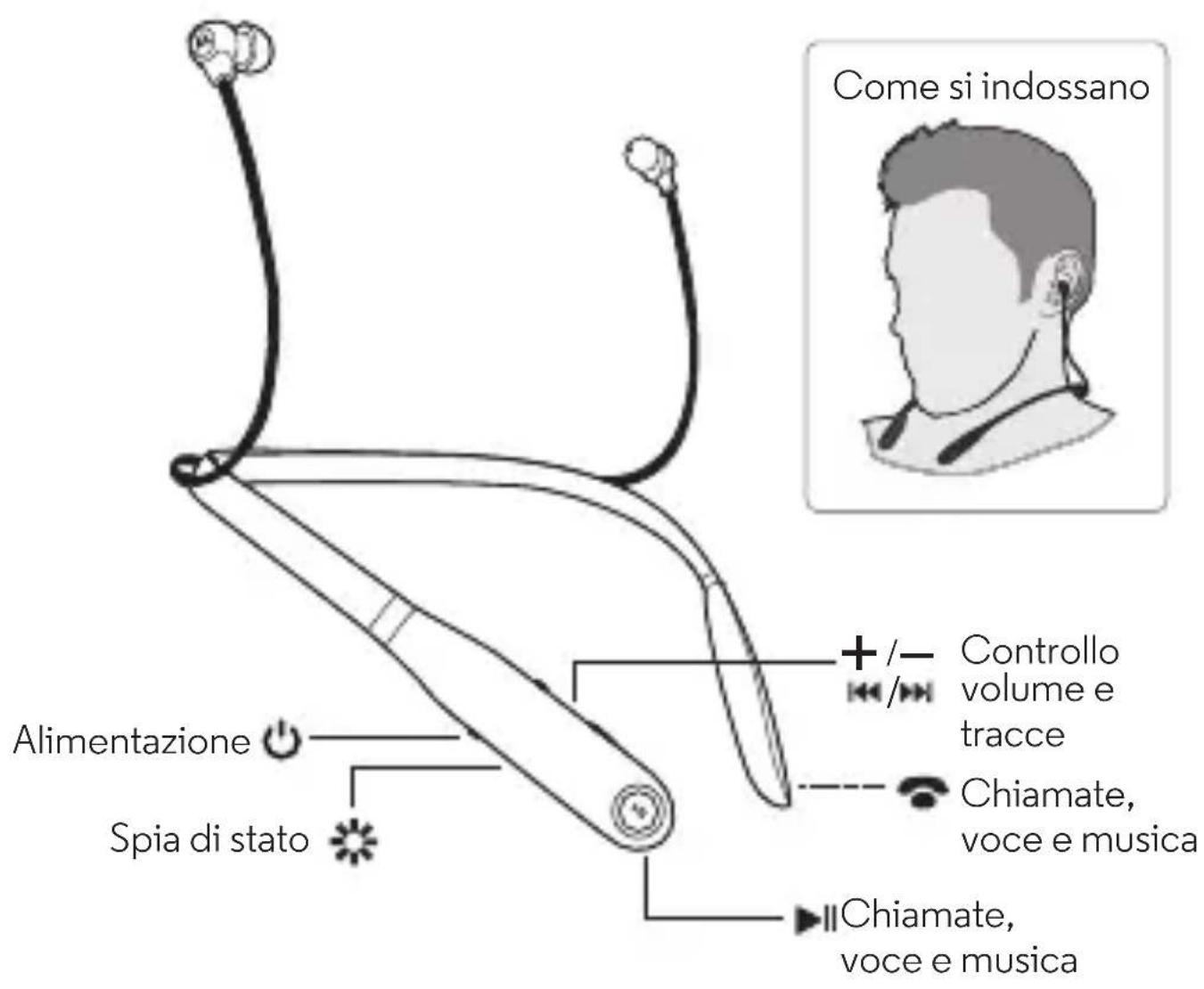
I vostri microauricolari interni wireless
natural_image
Simple line drawing of a stylized open-loop ear (no text or symbols)Accendete i vostri microauricolari interni wireless.
natural_image
Abstract black and white logo with a stylized white 'M' shape on a dark circular background (no text or symbols)moto surround
read me
natural_image
Simple line drawing of a symmetrical abstract shape resembling a stylized letter or symbol (no text or symbols present)natural_image
Abstract black circular logo with a white stylized letter 'M' (no text or symbols)moto surround
leáme
natural_image
Simple line drawing of a stylized open-loop ear (no text or symbols)Chineham Business Park
Basingstoke
RG24 8WQ
REINO UNIDO
Mike Roper
natural_image
Abstract black circular logo with white stylized letter M (no text or symbols)motorola.com




- moto surround
- read me
- Your wireless earbuds
- Step 1: charge up & power on
- Step 2: pair your earbuds
- Pair with Motorola Connect
- Pair with Bluetooth™
- Calls, Voice & Music Control
- Advanced
- Status Lights
- Charge Level Check
- Reset
- Second device
- Help & more
- lisez-moi
- Vos oreillettes sans fil
- leggete
- I vostri microauricolari interni wireless
- leáme
Brand : MOTOROLA
Model : Moto Surround
Category : Headphones