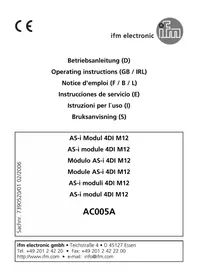
AC005A - Electronic module IFM - Free user manual and instructions
Find the device manual for free AC005A IFM in PDF.

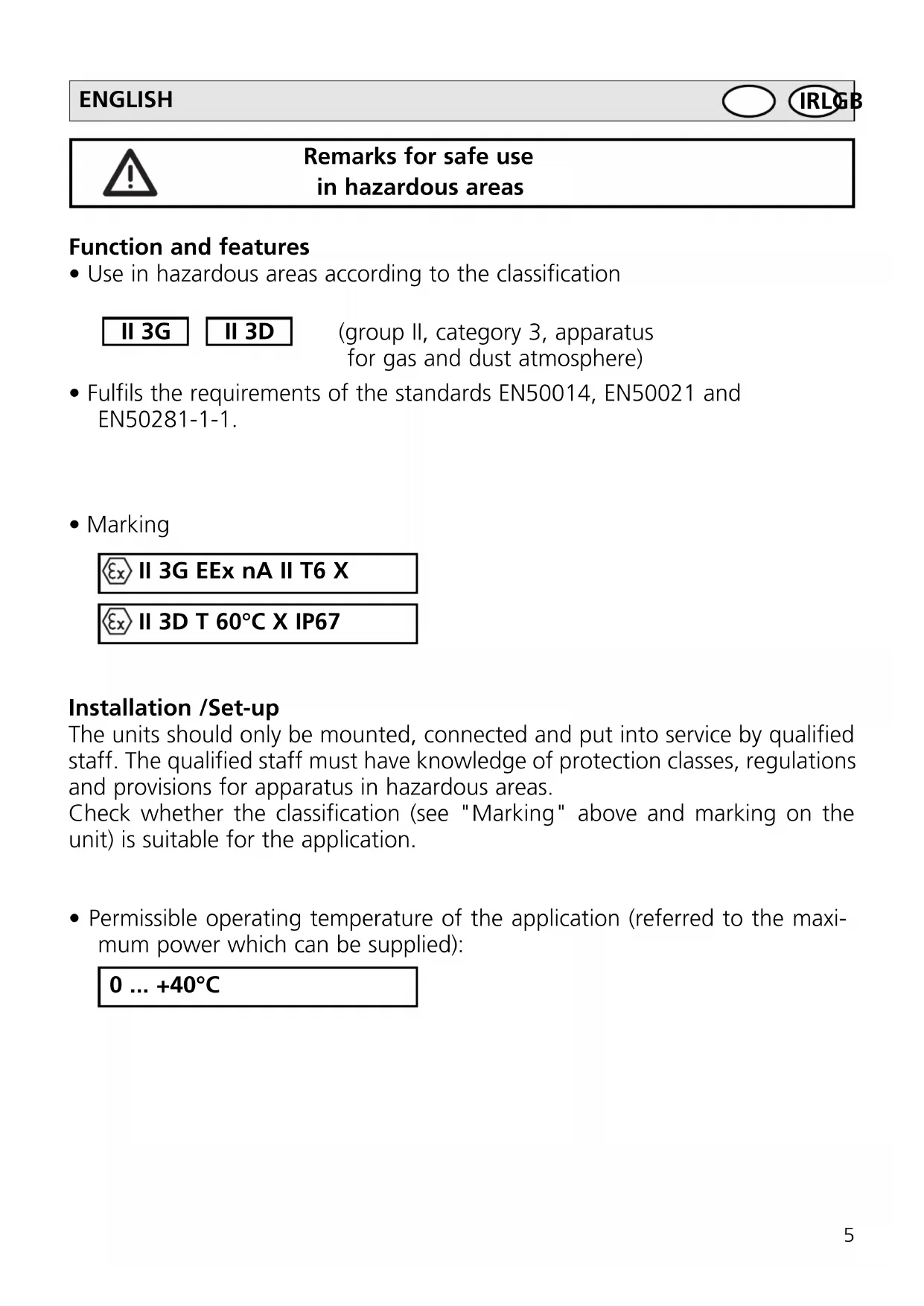


| Product type | Electronic module |
| Brand | IFM |
| Model | AC005A |
| ATEX zone | II 3G (gas) and II 3D (dust) |
| Ambient temperature | 0 to +40°C |
| Protection rating | IP67 |
| Housing material | Plastic |
| Mounting | On 35 mm profiled rail or mounting plate |
| Connection | Socket for yellow flat cable AC4000, M12 connectors |
| Tightening torque | 0.8 Nm (screws, plugs, M12 connectors) |
| Power supply | Via the connection socket (voltage not specified) |
| Main functions | Switching and signal transmission in explosive areas |
| Maintenance and cleaning | Clean with a damp cloth, avoid electrostatic charges |
| Safety | Use in compliance with ATEX, installation by competent personnel, do not separate under voltage |
| Spare parts and repairability | No repair possible, contact the manufacturer |
| Supplied accessories | Socket, gaskets, plugs AC3004 |
| Required cable | Yellow flat cable AC4000 only |
| Special conditions | Avoid electrostatic charges, direct UV radiation, dust flow |
| ATEX marking | II 3G EEx nA II T6 X / II 3D T 60°C X IP67 |
Frequently Asked Questions - AC005A IFM
User questions about AC005A IFM
0 question about this device. Answer the ones you know or ask your own.
Ask a new question about this device
Download the instructions for your Electronic module in PDF format for free! Find your manual AC005A - IFM and take your electronic device back in hand. On this page are published all the documents necessary for the use of your device. AC005A by IFM.
USER MANUAL AC005A IFM
- According to the ATEX directive 94/9/EC (ATEX) the original operating instructions and a translation of these operating instructions into the language or languages of the EU user country must be provided when a unit or protective system is put into operation within the member countries of the European Union (EU).
- If no operating instructions or EC declaration of conformity is supplied with this product in the language of the EU user country, these can be requested from your dealer (see delivery note) or manufacturer (see cover sheet / back).
- Only qualified personnel is allowed to set up the product. Furthermore, we expressly point out that any liability is excluded resulting from putting the unit into operation without the corresponding operating instructions in the language of the EU user country.
ESEspañol
Remarks for safe use in hazardous areas
Function and features
- Use in hazardous areas according to the classification
II 3G
II 3D
(group II, category 3, apparatus for gas and dust atmosphere)
- Fulfils the requirements of the standards EN50014, EN50021 and EN50281-1-1.
- Marking

II 3G EEx nA II T6 X

II 3D T 60°C X IP67
Installation /Set-up
The units should only be mounted, connected and put into service by qualified staff. The qualified staff must have knowledge of protection classes, regulations and provisions for apparatus in hazardous areas.
Check whether the classification (see "Marking" above and marking on the unit) is suitable for the application.
- Permissible operating temperature of the application (referred to the maximum power which can be supplied):
0 ... +40°C
Installation remarks/Mounting
- Adhere to the relevant national regulations and provisions.
- Mount the module onto a wired FC lower part and then onto a 35mm rail or fasten it onto a suitable mounting surface.
- To observe the specified protection class, the 4 screws of the upper part must be tightened evenly crosswise with 0.8 Nm. When mounting the module ensure that the seal is carefully inserted. Only use the supplied lower part and supplied seals. Only use the yellow AS-i flat cable AC4000.
- During installation and laying the bending radii of the cables must be such that neither the cable entries nor the seals are subjected to mechanical stress.
Special conditions for safe operation
- Avoid electrostatic charging on plastic units and cables.
- Do not mount the module in the dust flow.
- Avoid dust deposits on the module.
- Avoid electrostatic charging, only clean the unit with a damp cloth. In principle, rubbing with non-conductive materials must be avoided.
- Avoid direct radiation with high UV components (sunlight), mount the unit at a protected place.
- The unit is rated for a low impact energy (EN50021, table 13, 2joules). Protect the unit and cable against destruction.
- Insert the blanking seals in the supplied module lower part if the module is connected at the end of the cable line. The end of the flat cable must be located inside the module.
- Cover any unused sockets with protective caps (AC3004), tightening torque 0.8 Nm.
- Do not separate the module upper part from the FC lower part while live.
- Do not disconnect the M12 connections while live.
- Use M12 connectors with hexagon nuts, tightening torque 0.8 Nm.
- Check the tightening torque of the screws two weeks after mounting and retighten them, if necessary.
- Protective caps, housing upper / lower part and M12 nuts may only be opened or closed in a sufficiently clean environment.
-
Using an FC lower part with addressing socket is not permitted.
-
For use in hazardous areas according to the indication compliance with the protection rating is essential. Therefore appropriate care must be taken when mounting the housing and the seals, see installation instructions / mounting.
- Only use the supplied lower part and supplied seals.
Maintenance /Repair
The unit must not be modified nor can it be repaired. In case of a fault please contact the manufacturer.

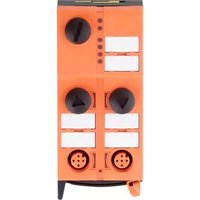
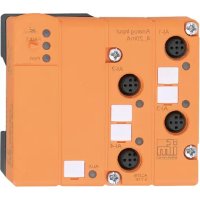
Brand : IFM
Model : AC005A
Category : Electronic module