AC2505 - Electronic module IFM - Free user manual and instructions
Find the device manual for free AC2505 IFM in PDF.



| Product type | AS-i electronic module (Actuator-Sensor Interface) |
| Brand | IFM |
| Model | AC2505 |
| AS-i Profile | S-0.0.E |
| AS-interface version | 2.1 |
| Maximum number of modules per master | 31 |
| Number of inputs | 4 (M12 connectors) |
| Power supply | Via AS-i network (30 V DC) |
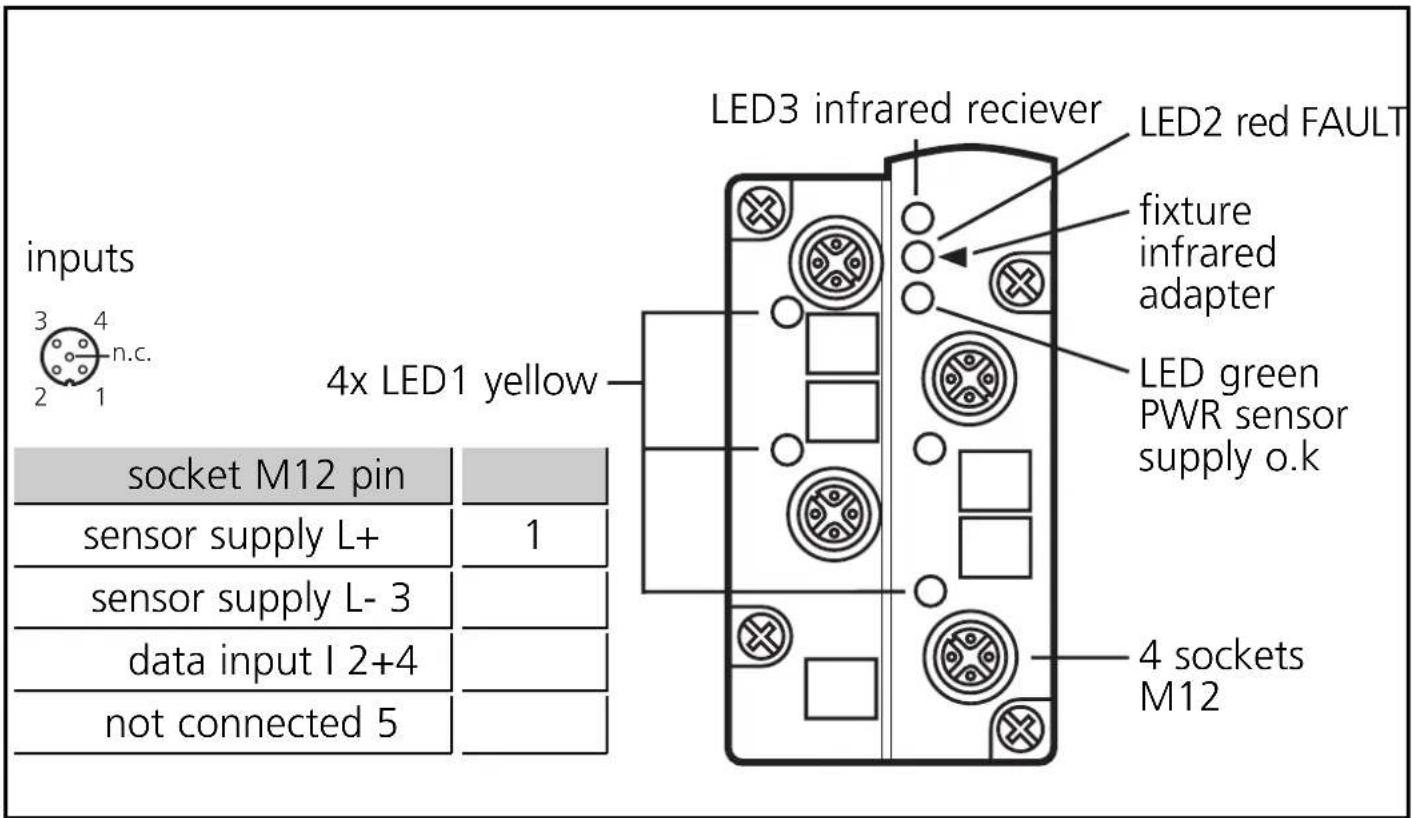
| LED indication | 4 yellow (inputs), 1 green (sensor supply OK), 1 red (communication error/peripheral fault), 1 infrared |
| Protection | IP67 (with caps on unused connectors) |
| Mounting | On wiring base, tightening torque 0.8 Nm |
| Addressing | Address 1 to 31 (default 0), via AC1144 unit or infrared |
| Main functions | AS-i interface for sensors, infrared addressing, peripheral fault detection (overload/short circuit) |
| Maintenance and cleaning | Clean with a dry cloth, do not use solvents |
| Safety | Do not connect inputs to an external potential; do not remove the addressing plug under voltage; disconnect the master during infrared addressing |
| Spare parts and repairability | Protective caps AC3004, bases AC5010/AC5000, addressing cable E70213/E70211 |
| General information | AS-i version 2.1, profile S-0.0.E, compatible with standard AS-i masters |
Frequently Asked Questions - AC2505 IFM
User questions about AC2505 IFM
0 question about this device. Answer the ones you know or ask your own.
Ask a new question about this device
Download the instructions for your Electronic module in PDF format for free! Find your manual AC2505 - IFM and take your electronic device back in hand. On this page are published all the documents necessary for the use of your device. AC2505 by IFM.
USER MANUAL AC2505 IFM
natural_image
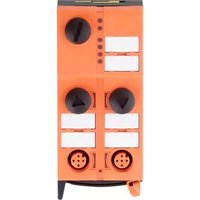
Diagram of a device panel with circular components and square indicators, no text or symbols presentFunction and features
- AS-i profile: S-0.0.E
• maximum number of modules per master: 31 - AS-interface version 2.1
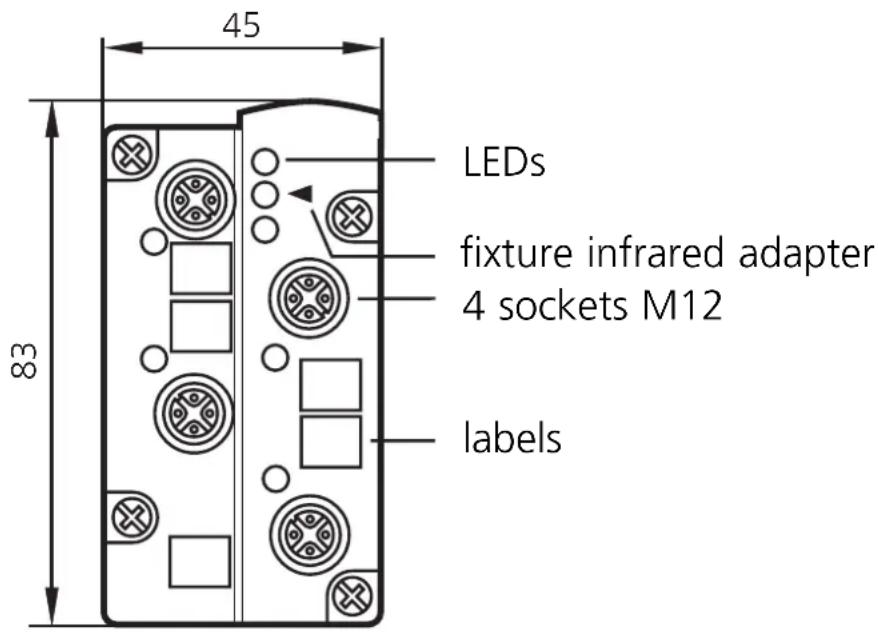
Operating and display elements
Mounting
Mount the module onto the wired module lower part of the AS-i network, tightening torque 0.8Nm.
Technical data
You can download the data sheet from the Internet address www.ifm-electronic.com if required.
Electrical connection

Connect the sensors to the M12 sockets. The sensor supply via the AS-i network.
Do not connect the inputs with an external potential.
Cover the sockets not used with the protective caps (AC3004) to guarantee protection rating IP67.
Addressing
Assign a free address between 1 and 31. At the factory the address is set to 0.
Addressing with the addressing unit AC1144
If the mounted and wired module is used with the FC lower part AC5010 (with addressing socket), it can be addressed via the addressing cable (E70213).
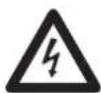
Do not remove the addressing plug while live.
If it is used with the FC lower part AC5000 (without addressing socket) the module must first be addressed via the addressing unit AC1144 and then mounted onto the lower part.
Infrared addressing
The AS-i module also offers the option of infrared addressing with the addressing unit AC1144.

The AS-i communication (yellow cable) must be switched off during the infrared addressing. To do so, disconnect the master.
Supply the slaves with voltage via the AS-i power supply. Addressing is carried out via the IR addressing cable E70211.
When the ifm AS-i power supplies SL are used the communication can be deactivated via a plug on the power supply.
Operation
Check the safe functioning of the unit. Display by LEDs:
• LED 1 yellow: input switched
• LED green: voltage supply o.k.
- LED 2 red is lit: AS-i communication error, slave does not participate in the “normal” data exchange, e. g. slave address 0
- LED 2 red flashing: peripheral fault, e.g. overload or short circuit of the sensor supply
• LED 3: infrared receiver

Overload and short circuit of the input supply are signalled to the AS-i master (version 2.1) via the "peripheral fault" flag in the status register.
Brand : IFM
Model : AC2505
Category : Electronic module