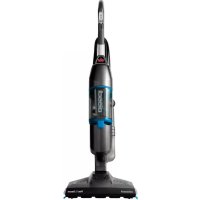
Vac & Steam 1977N - Vacuum Cleaner BISSELL - Free user manual and instructions
Find the device manual for free Vac & Steam 1977N BISSELL in PDF.



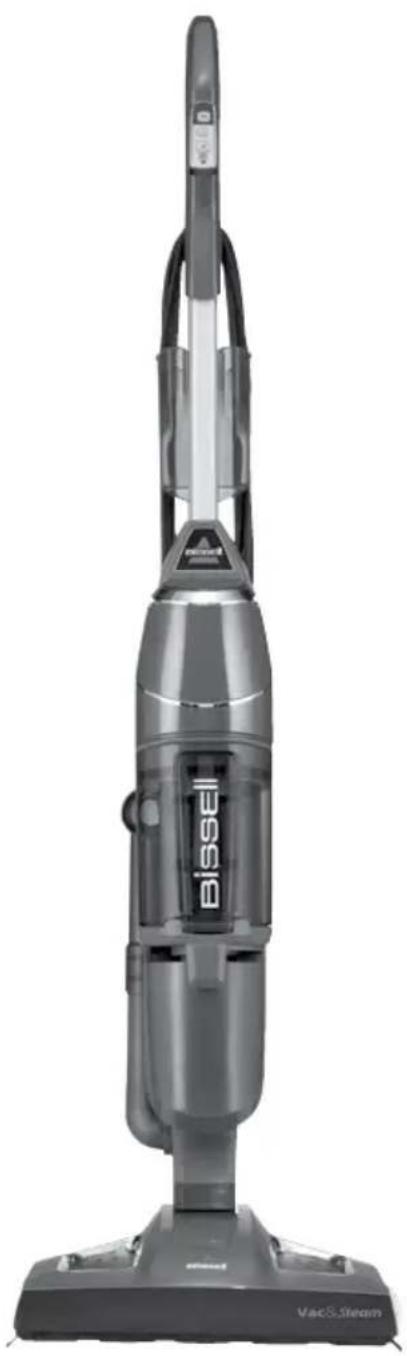
| Product Type | Hard floor cleaner with vacuum and steam |
| Brand | Bissell |
| Model | Vac & Steam 1977N |
| Dimensions (approx.) | 30 x 22 x 115 cm |
| Weight (approx.) | 4.5 kg |
| Power Supply | 220-240 V, 50-60 Hz |
| Power Consumption | 1600 W (estimated) |
| Compatible Floor Types | Tile, vinyl, marble, stone, varnished parquet floors |
| Water Tank Capacity | 384 ml |
| Steam Runtime | Approximately 15 minutes |
| Power Cord Length | 7.6 m |
| Steam Levels | Low (LO) and High (HI) |
| Functions | Vacuum only, steam only, or vacuum + steam simultaneously |
| Digital Touch Controls | Steam LO/HI and vacuum On/Off |
| Dust Cup Dumping System | Drop-IT bottom release |
| Vacuum Filter | Washable, pleated |
| Water Filter | Replaceable, change indicator (green beads turn blue) |
| Included Accessories | Reusable microfiber pads (white for delicate floors, striped for caked-on dirt), water cup |
| Safety | Double insulation, thermal protection, motor shut-off in case of overheating |
| Warranty | 2 years limited |
| Use | Household use only |
| Recommended Maintenance | Clean the filter after each use, use distilled water, descale regularly |
Frequently Asked Questions - Vac & Steam 1977N BISSELL
User questions about Vac & Steam 1977N BISSELL
0 question about this device. Answer the ones you know or ask your own.
Ask a new question about this device
Download the instructions for your Vacuum Cleaner in PDF format for free! Find your manual Vac & Steam 1977N - BISSELL and take your electronic device back in hand. On this page are published all the documents necessary for the use of your device. Vac & Steam 1977N by BISSELL.
USER MANUAL Vac & Steam 1977N BISSELL
natural_image
Top-down view of a Bissell vacuum cleaner with attached VACS stream device (no visible text or symbols on body)IMPORTANT SAFETY INSTRUCTIONS
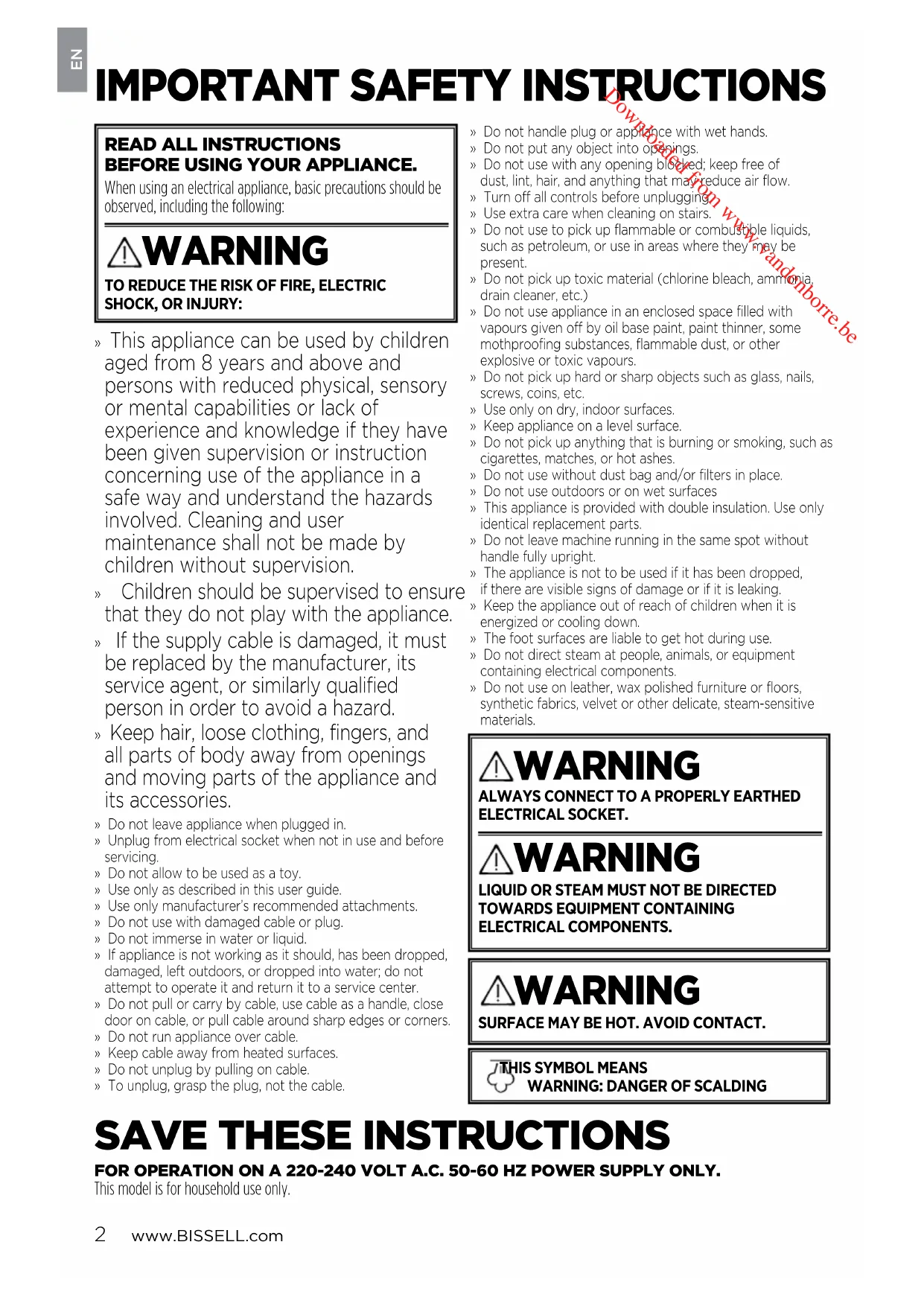
READ ALL INSTRUCTIONS BEFORE USING YOUR APPLIANCE.
When using an electrical appliance, basic precautions should be observed, including the following:

WARNING
TO REDUCE THE RISK OF FIRE, ELECTRIC SHOCK, OR INJURY:
» This appliance can be used by children aged from 8 years and above and persons with reduced physical, sensory or mental capabilities or lack of experience and knowledge if they have been given supervision or instruction concerning use of the appliance in a safe way and understand the hazards involved. Cleaning and user maintenance shall not be made by children without supervision.
» Children should be supervised to ensure that they do not play with the appliance.
» If the supply cable is damaged, it must be replaced by the manufacturer, its service agent, or similarly qualified person in order to avoid a hazard.
» Keep hair, loose clothing, fingers, and all parts of body away from openings and moving parts of the appliance and its accessories.
» Do not leave appliance when plugged in.
» Unplug from electrical socket when not in use and before servicing.
» Do not allow to be used as a toy.
» Use only as described in this user guide.
» Use only manufacturer's recommended attachments.
» Do not use with damaged cable or plug.
» Do not immerse in water or liquid.
» If appliance is not working as it should, has been dropped, damaged, left outdoors, or dropped into water; do not attempt to operate it and return it to a service center.
» Do not pull or carry by cable, use cable as a handle, close door on cable, or pull cable around sharp edges or corners.
» Do not run appliance over cable.
» Keep cable away from heated surfaces.
» Do not unplug by pulling on cable.
» To unplug, grasp the plug, not the cable.
» Do not handle plug or appliance with wet hands.
» Do not put any object into openings.
» Do not use with any opening blocked; keep free of dust, lint, hair, and anything that may reduce air flow.
» Turn off all controls before unplugging
» Use extra care when cleaning on stairs.
» Do not use to pick up flammable or combustible liquids, such as petroleum, or use in areas where they may be present.
» Do not pick up toxic material (chlorine bleach, ammonia, drain cleaner, etc.)
» Do not use appliance in an enclosed space filled with vapours given off by oil base paint, paint thinner, some mothproofing substances, flammable dust, or other explosive or toxic vapours.
» Do not pick up hard or sharp objects such as glass, nails, screws, coins, etc.
» Use only on dry, indoor surfaces.
» Keep appliance on a level surface.
» Do not pick up anything that is burning or smoking, such as cigarettes, matches, or hot ashes.
» Do not use without dust bag and/or filters in place.
» Do not use outdoors or on wet surfaces
» This appliance is provided with double insulation. Use only identical replacement parts.
» Do not leave machine running in the same spot without handle fully upright.
» The appliance is not to be used if it has been dropped, if there are visible signs of damage or if it is leaking.
» Keep the appliance out of reach of children when it is energized or cooling down.
» The foot surfaces are liable to get hot during use.
» Do not direct steam at people, animals, or equipment containing electrical components.
» Do not use on leather, wax polished furniture or floors, synthetic fabrics, velvet or other delicate, steam-sensitive materials.

WARNING
ALWAYS CONNECT TO A PROPERLY EARTHED ELECTRICAL SOCKET.

WARNING
LIQUID OR STEAM MUST NOT BE DIRECTED TOWARDS EQUIPMENT CONTAINING ELECTRICAL COMPONENTS.

WARNING
SURFACE MAY BE HOT. AVOID CONTACT.

S SYMBOL MEANS WARNING: DANGER OF SCALDING
SAVE THESE INSTRUCTIONS
FOR OPERATION ON A 220-240 VOLT A.C. 50-60 HZ POWER SUPPLY ONLY.
This model is for household use only.
Thanks for buying a BISSELL hard floor cleaner
We're glad you purchased a BISSELL hard floor cleaner. Everything we know about floor care went into the design and construction of this complete, high-tech home cleaning system.
Your BISSELL hard floor cleaner is well made, and we back it with a limited two-year warranty. We also stand behind it with a knowledgeable, dedicated Consumer Care department, so, should you ever have a problem, you'll receive fast, considerate assistance.
My great-grandfather invented the floor sweeper in 1876. Today, BISSELL is a global leader in the design, manufacture, and service of high quality homecare products like your BISSELL hard floor cleaner.
Thanks again, from all of us at BISSELL.
man 1.7 mmol
Mark J. Bissell
Chairman & CEO
Safety Instructions....2
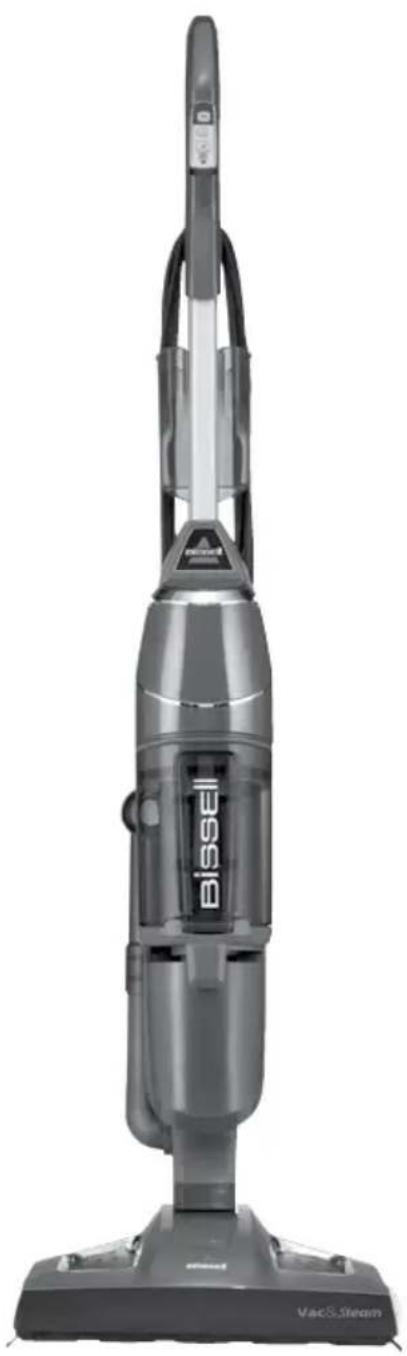
Product View....4
Assembly 5
Operations 6-7
Maintenance & Care ..... 8-10
Guarantee 11
Consumer Care....11
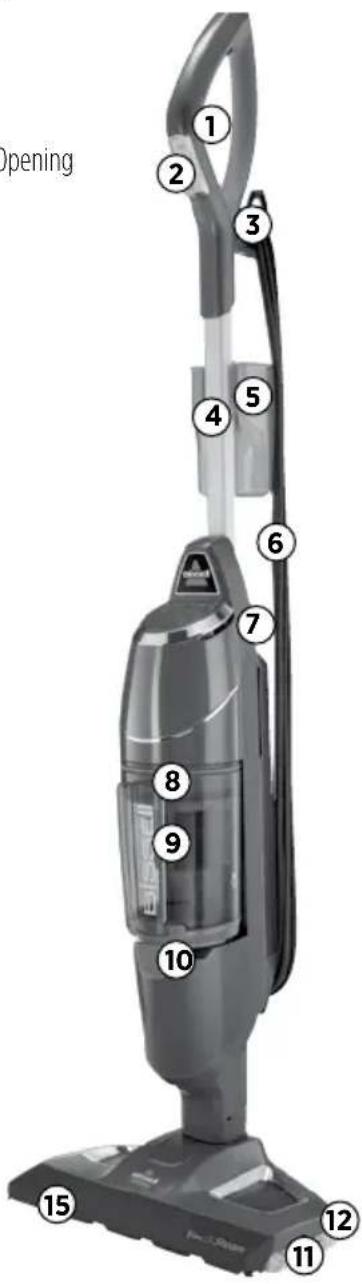
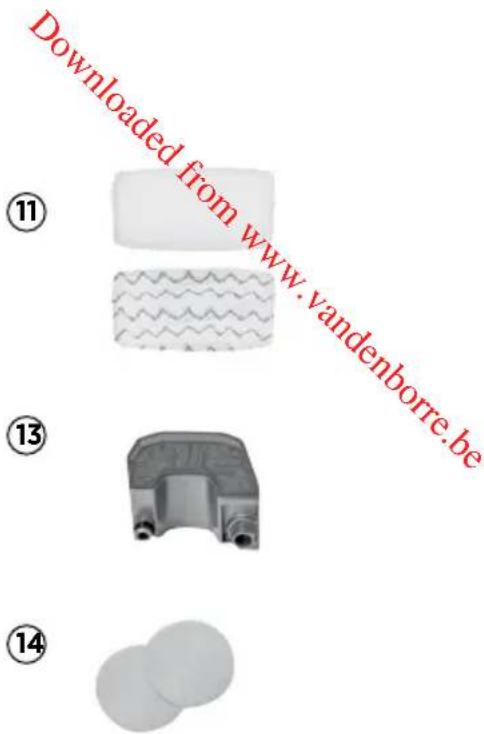
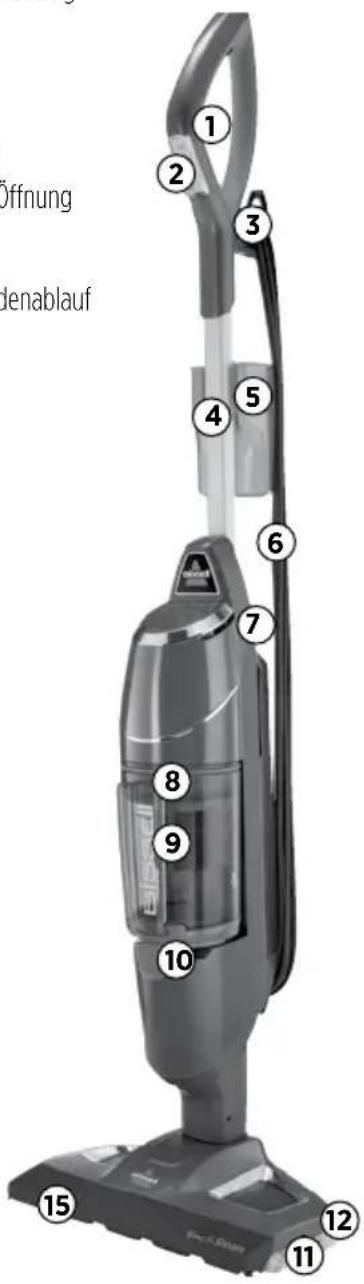
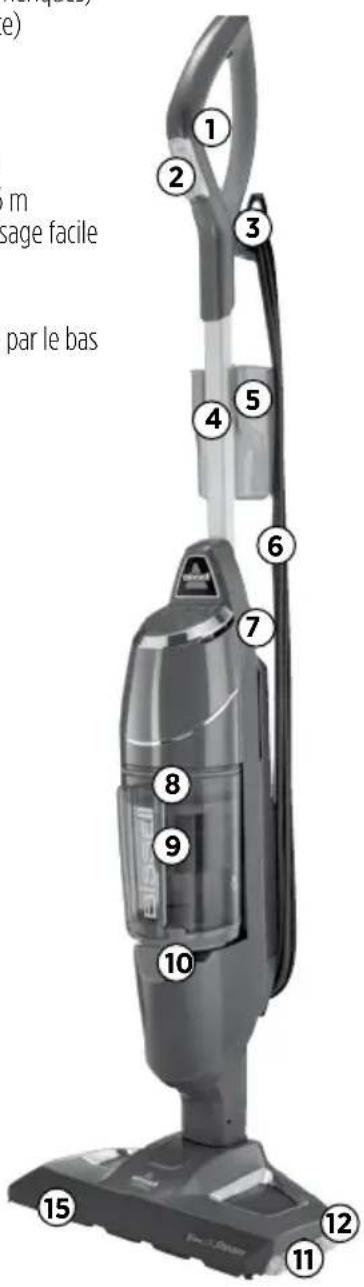
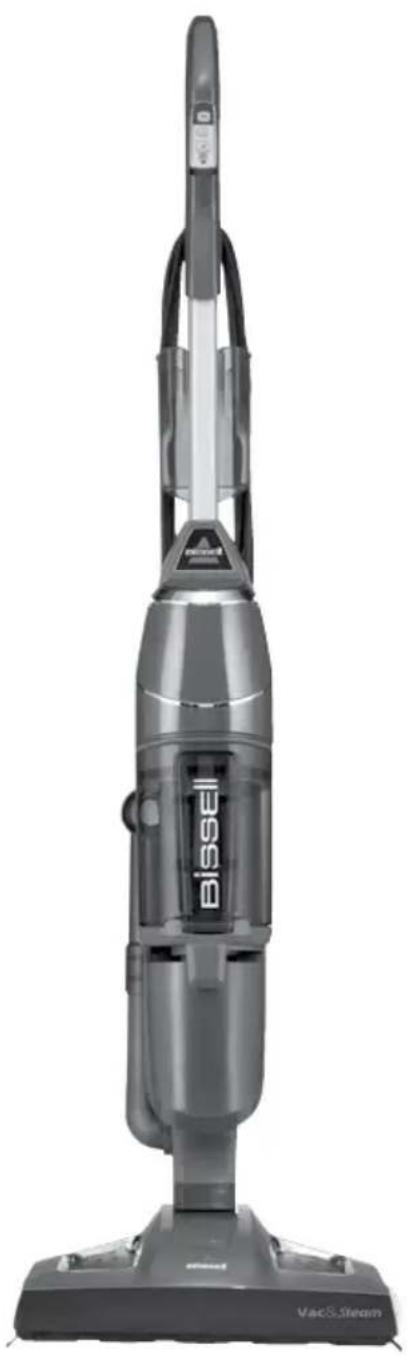
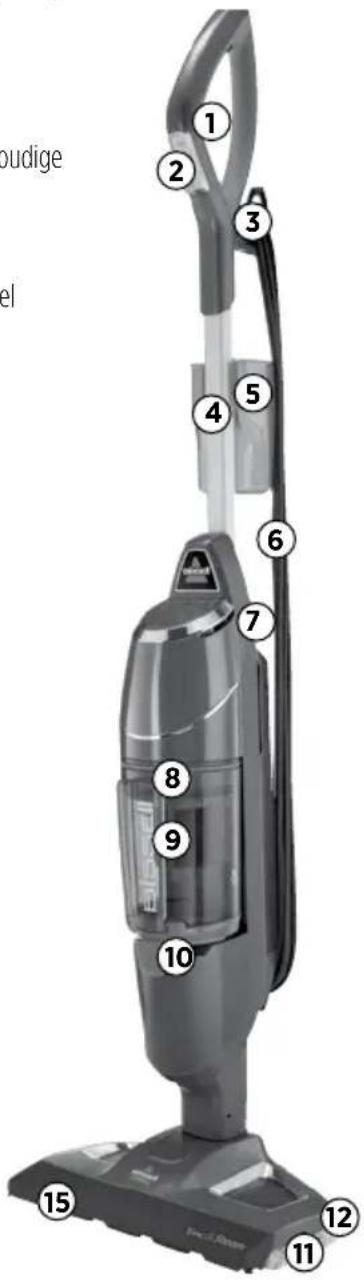
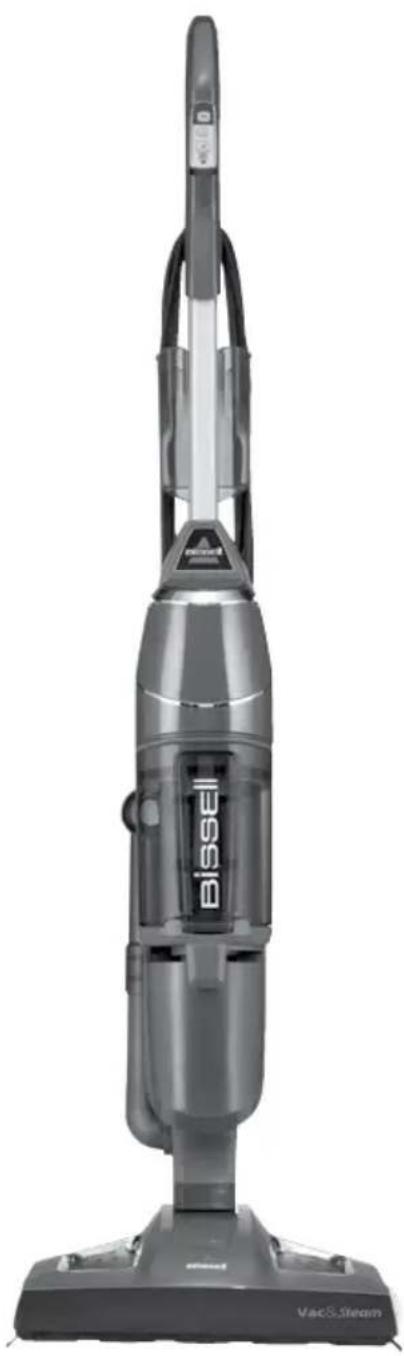
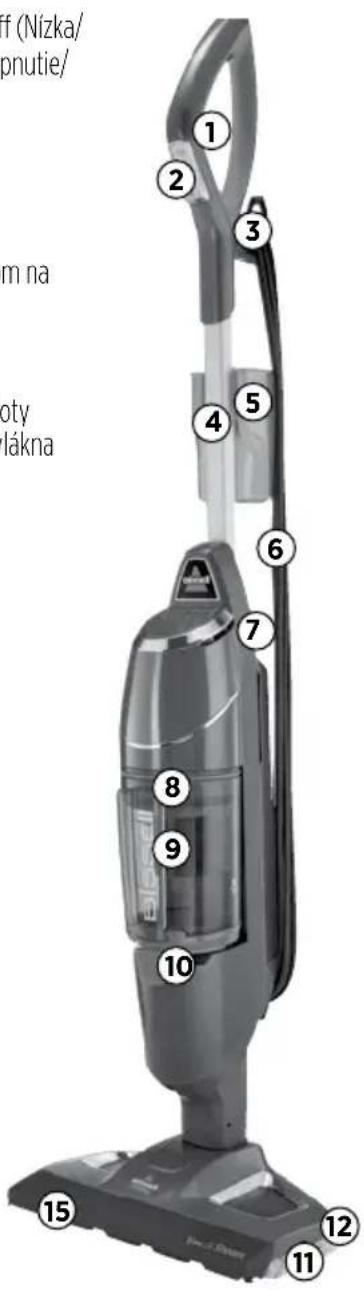
Product View
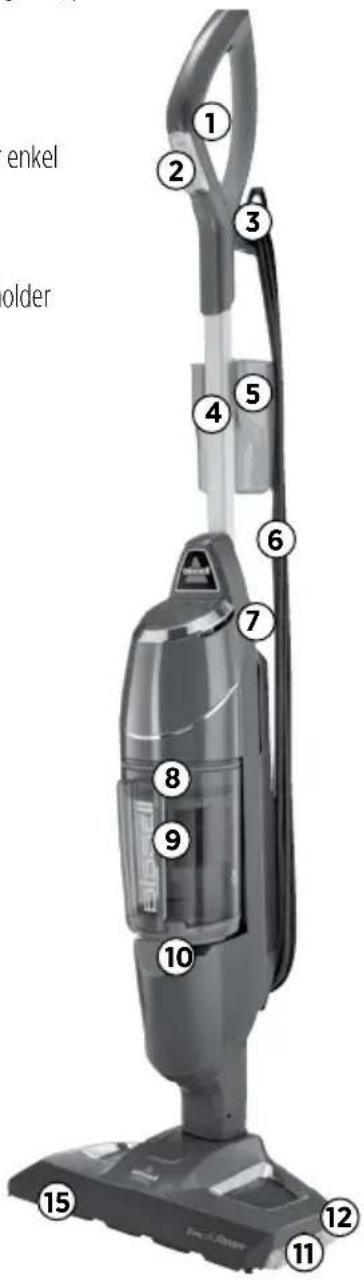
1SteamTrigger
2 Easy Touch Digital Controls-LO/HI Steam & Vac On/Off
3 Cord Clip
4 Handle
5 Water Cup
6 25' Power Cord
7 Water Tank with Easy Fill Opening
8 Vacuum Filter
9 Drop-IT System
10 Bottom Empty Dirt Bin
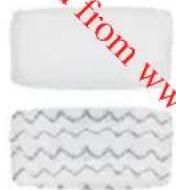
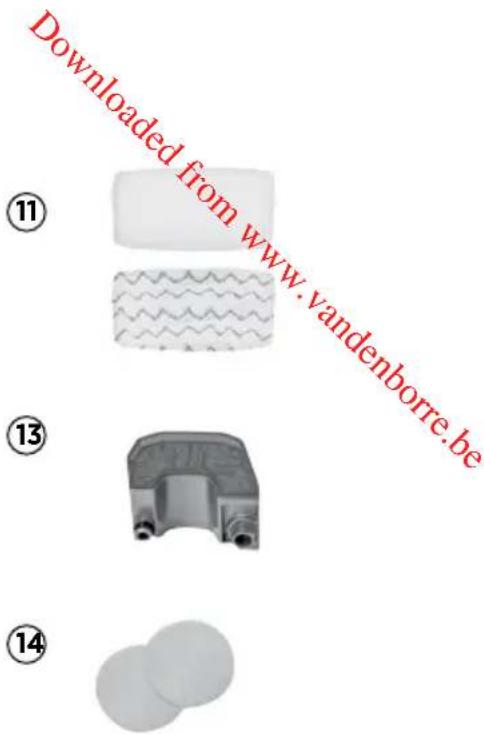
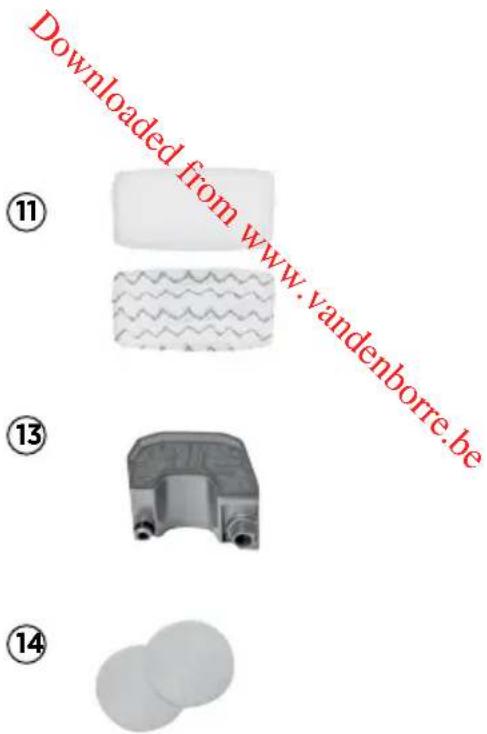
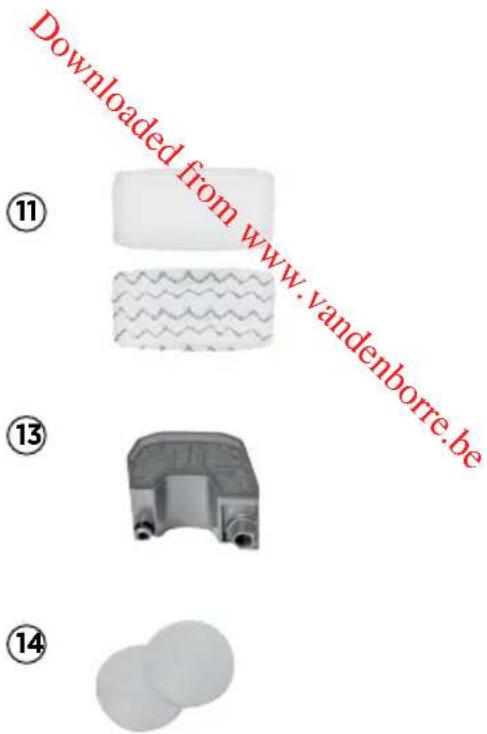
11 Microfibre Mop Pads
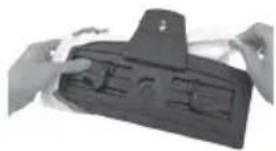
12 Quick Release Pad Tray
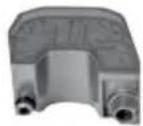
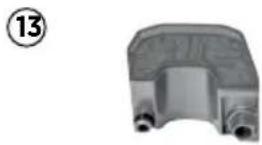
13 Water Filter
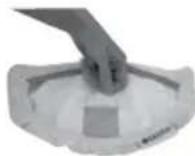
14 Scent Disk
15 Vacuum Nozzle

WARNING
Plastic film can be dangerous. To avoid danger of suffocation, keep away from babies and children.

WARNING
Do not plug in your hard floor cleaner until you are familiar with all instructions and operating procedures.

WARNING
To reduce the risk of electric shock, turn power switch off and disconnect polarized plug from electrical outlet before performing maintenance.
Assembly
Your hard floor cleaner assembles quickly and easily, no tools required.
Assemble Your Vac & Steam™
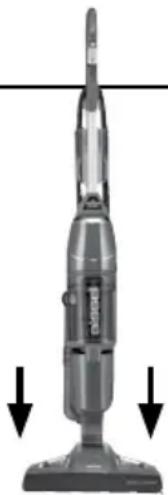
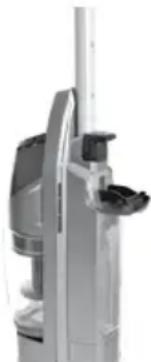
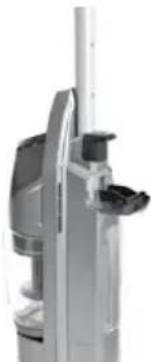
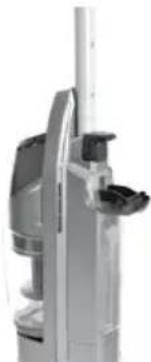
Insert the body into the foot until you hear the locking tab click. Insert the handle into the body of the unit until you hear a locking tab click.
natural_image
Illustration of a vacuum cleaner with three downward arrows indicating motion (no text or symbols)Special Features
Easy Touch Digital Controls
The fingertip power controls are located on the front of the handle. Settings include:
(HI) - High Steam Use for durable floors or on sticky messes. To turn steam on, press once. Click again to turn steam off. Can be used simultaneously with the vacuum function or separately as a steam mop only.
(LO) - Low Steam Use on delicate floors or for light, everyday cleaning. To turn steam on, click once. Click again to turn steam off. Can be used simultaneously with the vacuum function or separately as a steam mop only.
NOTE: You must select a steam setting first and then hold down the hand trigger to produce steam.
(VAC) - Vacuum On/off switch. Can be used simultaneously with either steam function or separately as a stick vacuum only.
NOTE: All settings can be used alone or either steam setting can be used simultaneously with the vacuum setting.
Microfibre Mop Pads
Reusable microfibre mop pads are machine washable and safe for virtually all hard floor surfaces. The white microfibre pad is best for everyday use on delicate flooring like sealed hardwoods and laminate. The gray and white striped pad can be used for scrubbing heavily soiled floors and cleaning tougher messes.
WARNING
Do not plug in your hard floor cleaner until you are familiar with all instructions and operating procedures.
WARNING
Exercise extreme care when using the Vac & Steam™ on hardwood floors. Prolonged application of steam in one area increases the risk of damage to the surface treatment on timber floors. Test steam mop in an inconspicuous area before mopping a large area. The steam mop generates hot steam, so move the unit continuously when depressing the trigger. The trigger does not need to be depressed at all times. Regular foot traffic and direct sunlight will wear down timber floor surface treatment, making it more susceptible to steam damage. Check with your timber floor treatment and application specialist prior to steam mop operation.
WARNING
Appliance will not pick up crayons, marbles and other large objects.
Tip
» Do not attempt to use your hard floor cleaner on the steam setting without water in the tank. You may hear a knocking sound indicating there is no water.
WARNING
Be sure to turn off vacuum mode if you encounter liquid on the floor.
Operations
Getting Ready
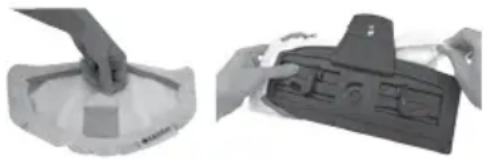
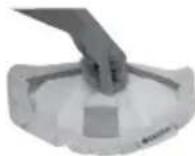
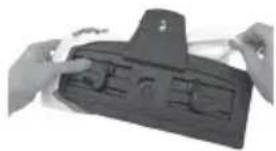
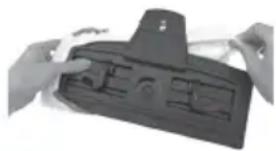
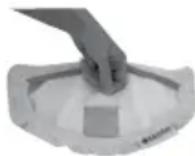
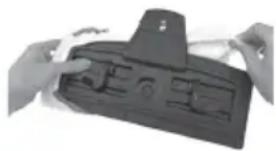
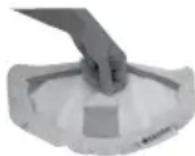
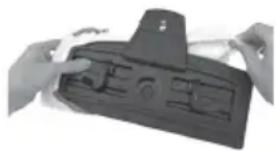
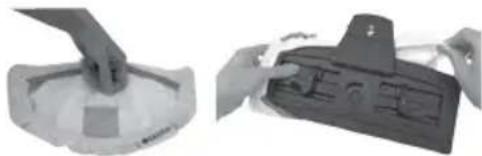
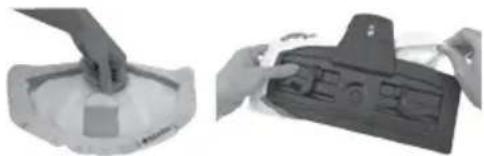
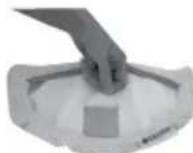
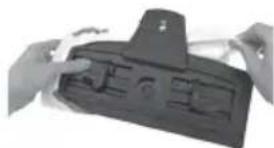
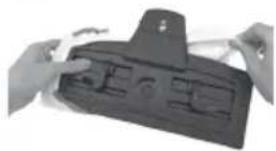
The mop pad may have already come attached to the mop pad tray on the foot of the unit. If not, please follow step 1 below.
For Microfibre Mop pads, please follow these steps:
- Attach mop pad.
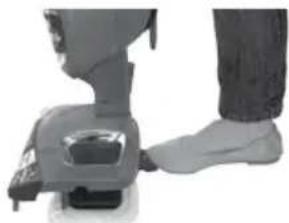
a. Step on foot release for mop pad tray and lift unit off tray.
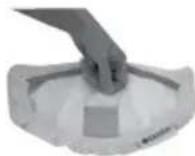
b. Some units may come with freshening discs. Add Freshening Disc in the mesh pocket in the mop pad. Use the whole disc for a refreshing scent or cut in half for a lighter scent.
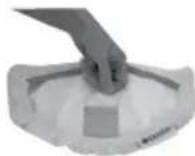
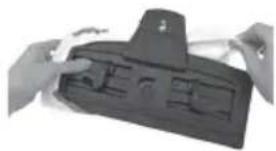
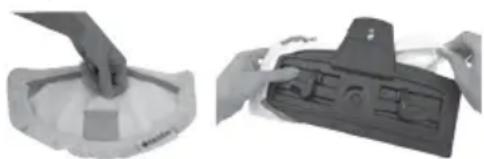
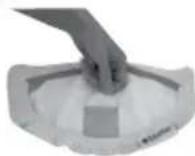
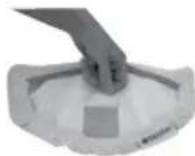
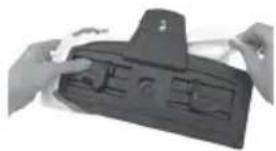
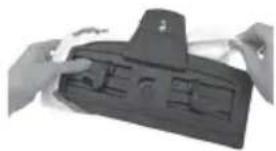
c. Wrap mop pad around the bottom of the tray, making sure the gray stitching is in the front and the quick release tab is in the back.
d. Put the mop pad tray back down on the floor and set the unit back on top. It will click into place.
- Fill the water tank.
a. On the back of the unit, open the Easy Fill opening of the water tank and use the included water cup to fill the water tank with water. Don't overfill or water may spill from the tank. For best results, water should be at room temperature.
b. Close the Easy Fill opening.
c. The water tank holds 384 mL and will last approximately 15 minutes depending on the amount of the steam used during cleaning.
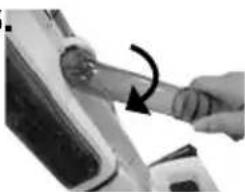
- Pull and twist the Quick Release cord wrap clockwise to unwrap the power cord completely and plug into an outlet as described on the Important Safety Instructions on page 2.
NOTE: Upon the first use of the Vac & Steam ^™ or first use after refilling the water tank, the pump may make a ‘knocking’ sound. This is normal and could last up to 30 seconds.
Tip
Use of distilled water is recommended to prolong the life of your hard floor cleaner.
Microfibre Mop Pad
1a.

natural_image
Close-up of a person's foot wearing a white pants and dark jacket, interacting with a small mechanical device (no visible text or symbols)1b. 1c.
natural_image
Two views of a device with hands holding parts, one showing a handle and the other a tray (no visible text or symbols)2.
natural_image
Close-up of a white industrial vacuum cleaner with a metallic handle and control knob (no visible text or symbols)
WARNING
Do not operate appliance with damp or wet filters or without all filters in place.

WARNING
Tinted plates on foot may get hot while steam mop is in use. Do not touch while hot.

WARNING
Never put descaling, alcoholic, or detergent products into the steam cleaner, as this may damage it or make it unsafe for use.
Operations
Using Your Hard Floor Vacuum and Steam Mop
The hard floor cleaner can be used as a stick vacuum and a steam mop at the same time or separately. For best results and time savings, use the powerful vacuum to clear floor of dust and small debris as you steam mop.
Your hard floor cleaner is designed to clean hard flooring, such as ceramic tile, vinyl, marble, stone and sealed hard wood floors. Use on waxed or some unwaxed floors may result in a diminished glossiness. The hard floor cleaner is not for use on unsealed wood floors. For best results, test in an inconspicuous area and check the care instructions from your flooring manufacturer.
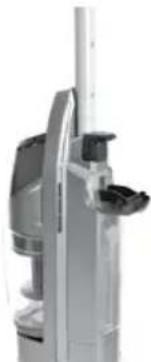
- Fill the unit with water and then plug the unit in and wait 30 seconds for it to heat up. Choose the level of steam to clean your floor:
HI (for durable floors or sticky messes) or LO (for delicate floors or every day cleaning).
-
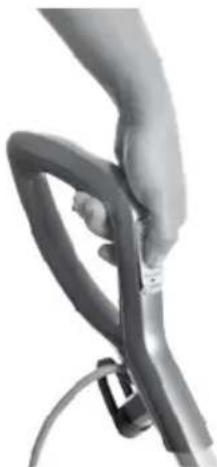
Press steam trigger on the underside of the handle to actuate steam.
-
Push the VAC switch down to turn on the cyclonic vacuum.
-
Begin cleaning by slowly moving the unit over the floor surface while pressing the steam trigger on the underside of the handle. Moisture on the floor is normal when using in steam mode.
-
When the hard floor cleaner stops emitting steam, turn the unit off (both steam mop and vacuum functions) and unplug. Open the Easy Fill opening of the water tank and use the water cup to add more water to the tank. For best results, water should be at room temperature. Then close the Easy Fill opening, turn the unit back on and continue cleaning.
NOTE: To be sure to sanitize an area of your floor, use the microfibre cloth pads and slowly and evenly stroke your steam mop back and forth at least three times over the area using continuous steam. For best results, remove the pad and wash after use.
WARNING
To reduce the risk of electric shock, turn power switch off and disconnect polarized plug from electrical outlet before performing maintenance or troubleshooting checks.
1.
natural_image
Close-up of a hand holding a flexible hose with a cable (no visible text or symbols)2.
natural_image
Close-up of a hand holding a flexible hose with a cable (no text or symbols visible)Maintenance & Care
Removing All Mop Pads
- Unplug hard floor cleaner from electrical outlet.
- Step on foot release for mop pad tray and lift unit off tray.
- Carefully remove mop pad from the mop pad tray using the Quick Release Tab. The mop pad and tray may be hot.
- Put the mop pad tray back down on the floor and set the unit back on top. It will click into place.
- The microfibre mop pad can be machine washed in warm water. Use only liquid detergents. Do not use fabric softeners or bleach. For best results, air dry.
WARNING
To reduce the risk of electric shock, turn power switch off and disconnect polarized plug from electrical outlet before performing maintenance or troubleshooting checks.
CAUTION
Upright storage of the cleaner with a wet mop pad may result in the formation of white marks on your floor. To remove the white marks, clean area with vinegar.
2.
natural_image
Close-up of a person's leg and foot wearing a small mechanical device (no visible text or symbols)Empty Dirt Tank
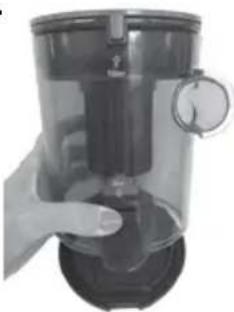
The dirt tank needs to be emptied when the dirt reaches the 'Full' line on the side of the tank.
- Unplug hard floor cleaner from electrical outlet.
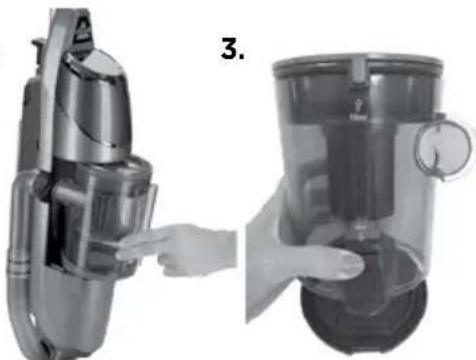
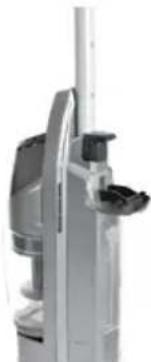
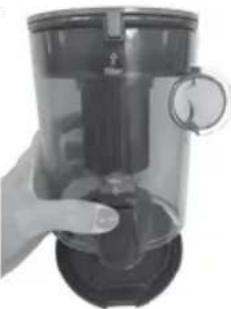
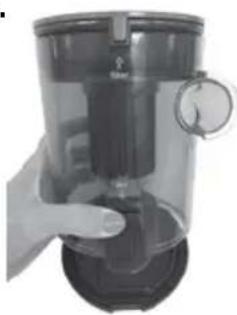
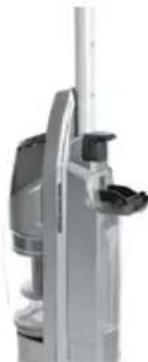
- Remove the Easy Empty dirt tank from the unit by moving the lock button on the front of the unit to the left.
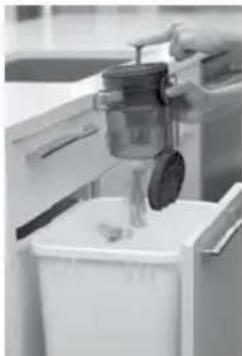
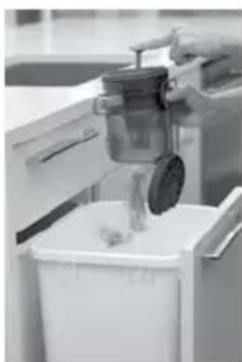
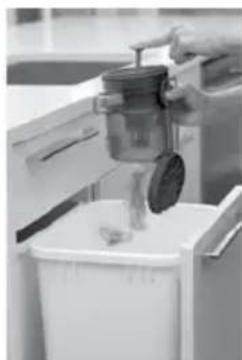
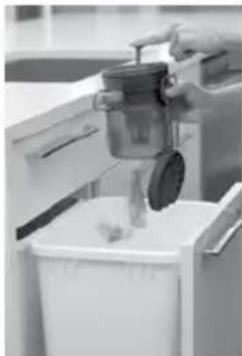
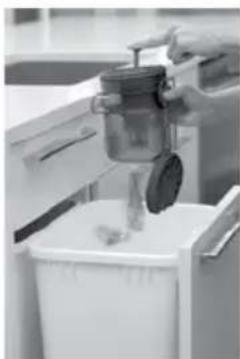
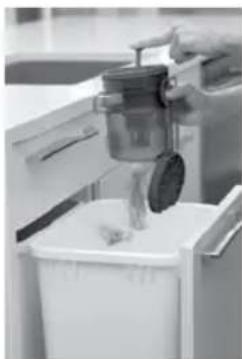
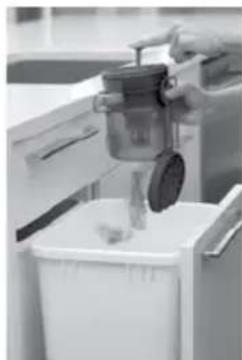
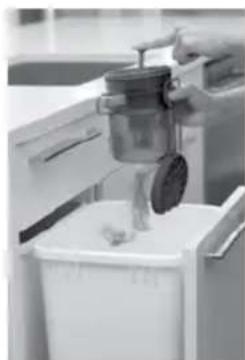
- Press the bottom lid release button on the back of the dirt tank to empty dirt.
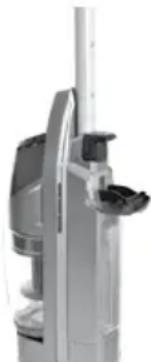
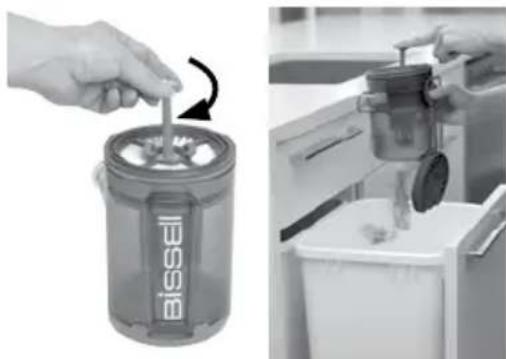
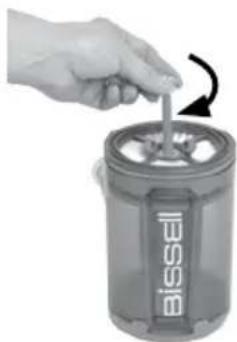
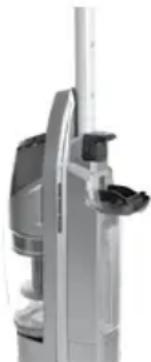
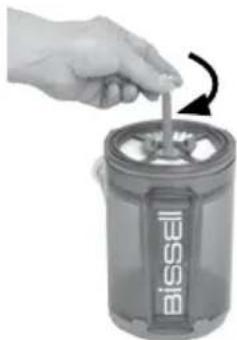
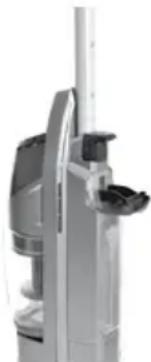
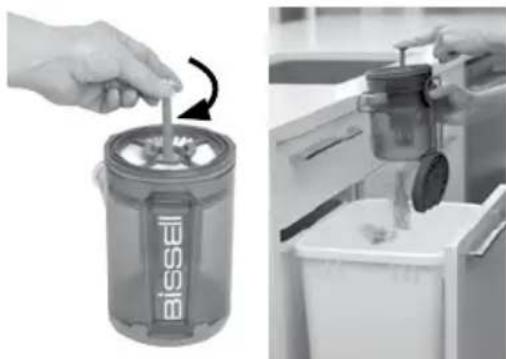
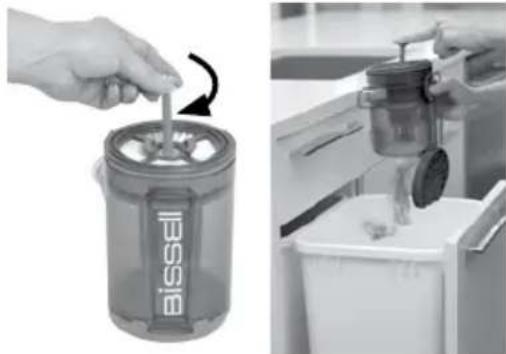
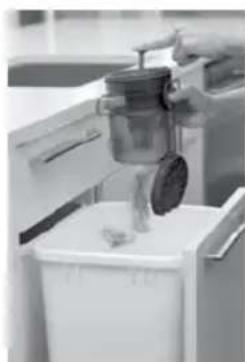
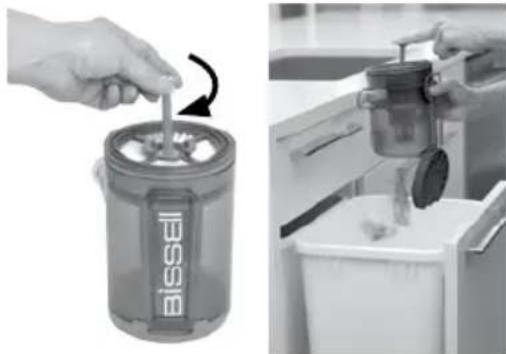
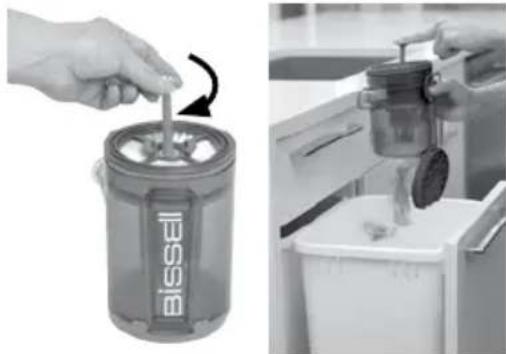
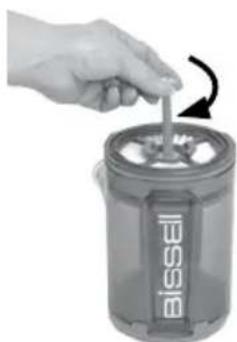
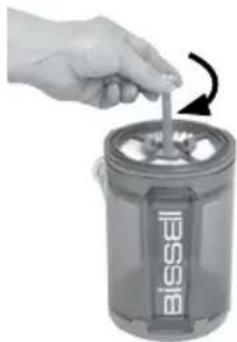
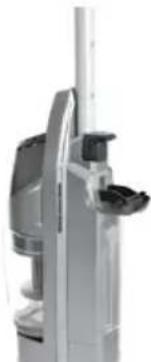
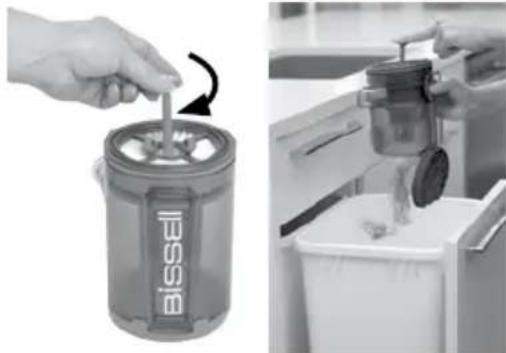
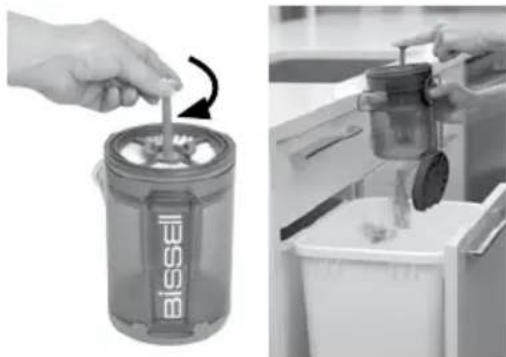
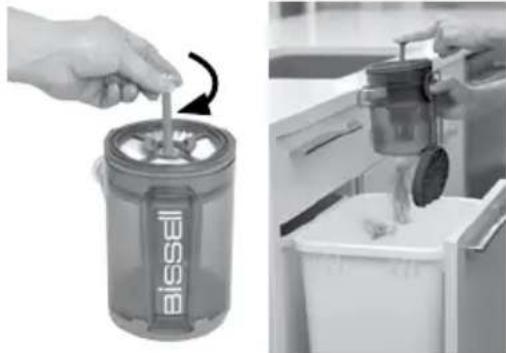
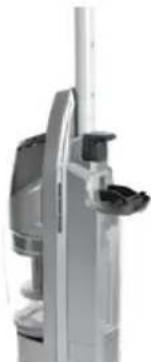
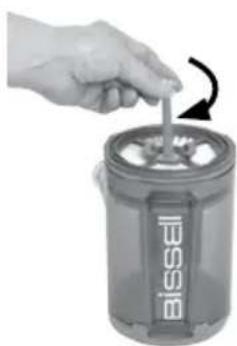
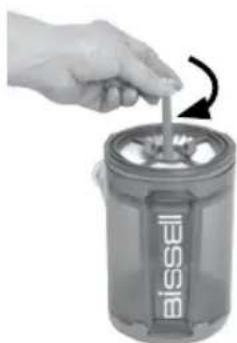
- The dirt tank also has a built in Drop-IT system for easy debris emptying.
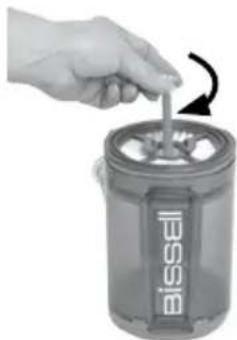
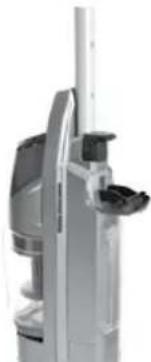
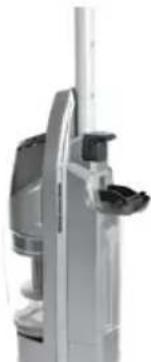
a. In the middle of the vacuum filter attached to the top of the dirt tank locate the color rod
b.Pull the rod up and lock the rod in place by turning it clockwise
c.Push down on the lever to force out stuck debris
d. When done, rotate the color rod counter-clock wise and push it down to return it to its original position
5. Close the bottom lid and mount the Easy Empty dirt tank back on the vacuum base and push the lock button to the right until it is centered on the front of the unit.
NOTE: The dirt tank may be washed in warm water with a mild detergent. Make sure it is completely dry before replacing.
2.
natural_image
Two views of a vacuum cleaner device: one with handle, the other with hand, both showing mechanical components (no text or symbols visible)4b.
natural_image
Hand using a Bissell-branded waste bin to add material (no text or symbols visible)4c.
natural_image
Person pouring liquid into a white recycling bin (no visible text or symbols)Maintenance & Care
Cleaning or Replacing the Vacuum Filter
The key to maximum performance is having a clean filter. Cleaning the filter after each use will help your vacuum operate at peak efficiency.
To clean filter:
- Turn power off and unplug unit.
- Remove the dirt container from the unit, as directed above.
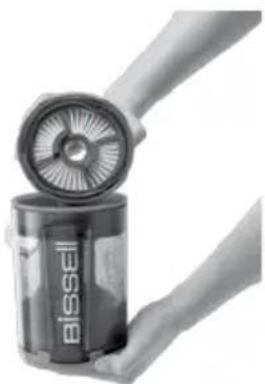
- Remove filter and tap firmly against the inside of a waste container, removing any visible dirt.
- Replace filter back into the dirt container and attach dirt container to the base of the unit. Slide the lever to your right to lock.
NOTE:
After heavy usage, you may clean the pleated filter by washing it gently by hand.
Thermal Protector
An internal thermal protector has been designed into your vacuum to protect it from overheating. When the thermal protector activates, the vacuum motor will stop operating. If this happens:
- Turn the cleaner OFF and unplug from electrical outlet.
- Empty dirt container, check filters and air passages for dirt accumulation.
- The thermal protector automatically resets after approximately 2 hours. If the thermal protector does not reset.
Replacing the Water Filter
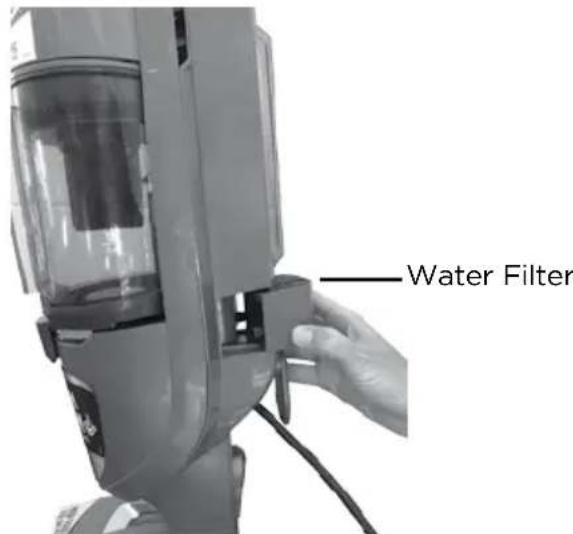
It is recommended to fill your unit with distilled water only. Periodically check your water filter. When the green grains turn blue, change your water filter.
If the filter is not changed at the appropriate time, calcium deposits may accumulate on the heater, causing damage or reduced performance.
To replace the filter:
- Using the grips on the side of the filter, pull filter out of the unit.
- Push filter firmly into the machine until it's flush.
WARNING
To reduce the risk of electric shock, turn off machine and disconnect polarized plug from electrical outlet before performing maintenance or troubleshooting checks.
2.
natural_image
Close-up of a hand holding a Bissell-branded cylindrical container with a fan blade (no text or symbols visible on the container itself)WARNING
To reduce the risk of electric shock, turn power switch off and disconnect polarized plug from electrical outlet before performing maintenance or troubleshooting checks.
Maintenance & Care
Cleaning Hose Tube
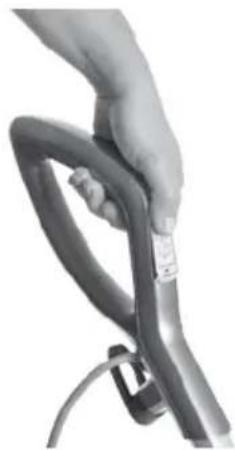
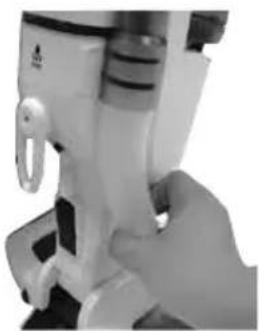
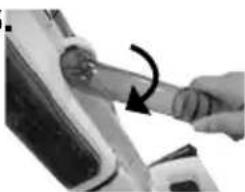
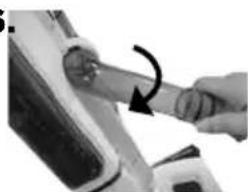
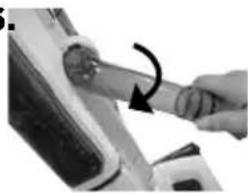
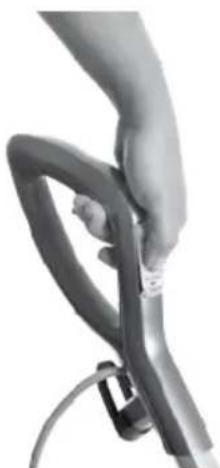
- Grab bottom end of the hose and pull lower portion away from the body.
- Seperate the hose into two pieces.
- Wash hose and wait for it to dry.
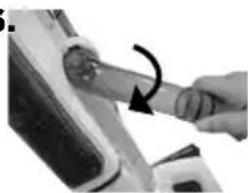
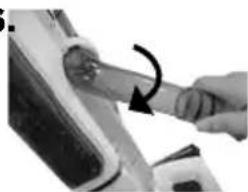
- Align the top of the hose to the groves on the hose opening of the unit.
- Twist hose down to insert lower portion of hose to the unit.
- Make sure hose fits tightly into the unit.
WARNING
To reduce the risk of electric shock, turn power switch off and disconnect polarized plug from electrical outlet before performing maintenance or troubleshooting checks.
natural_image
Close-up of a hand operating a mechanical device with a loop handle (no visible text or symbols)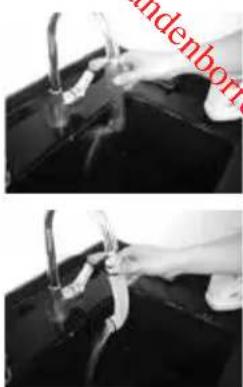
natural_image
Two-panel black-and-white photo showing hands using pliers to handle a dark object, with no visible text or symbols.5.6
natural_image
Close-up of a hand holding a tool with an arrow indicating rotation (no visible text or symbols)
Cleaning Foot of Unit
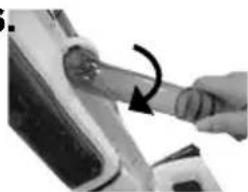
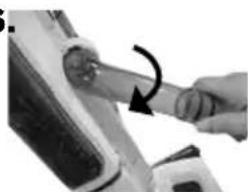
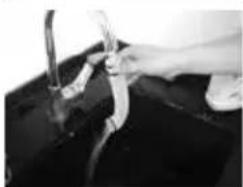
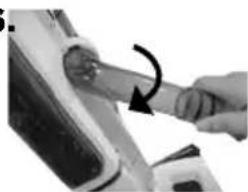
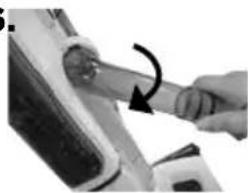
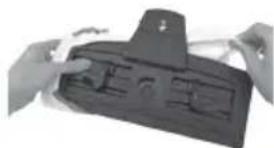
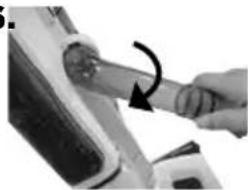
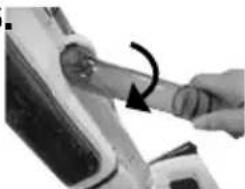
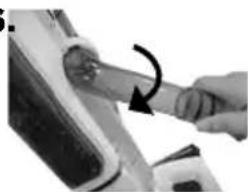
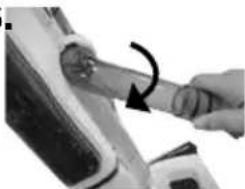
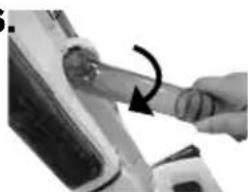
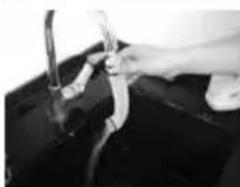
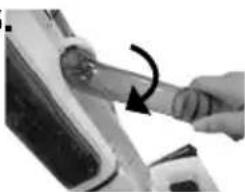
- To clean the foot and bristles, push the release button on the back of the pivot joint and pull the foot to release it from the appliance.
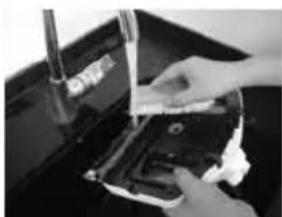
- Wash bottom of foot and bristles with cold water.
- Look for any clogging in the steam nozzle. To clean, run water over steam nozzle.
NOTE: Make sure foot and bristles are dry before attaching the foot to the appliance.
-
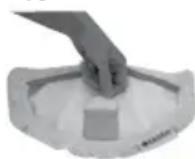
To re-attach the foot to the appliance: place the foot on the floor, push the appliance down into the foot and then listen for the click that sounds when properly attached.
-
natural_image
Close-up of hands using a tool to adjust or install a physical component on a dark surface (no visible text or symbols)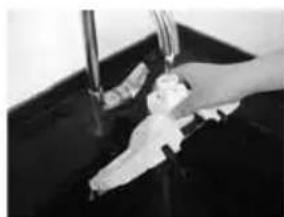
natural_image
Close-up of hands cleaning a dark surface with a water tap (no visible text or symbols)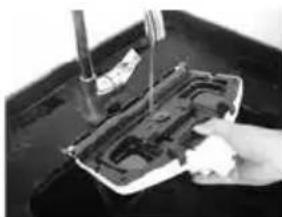
natural_image
Close-up of a hand pressing down on a mechanical component with a tool, no visible text or symbolsConsumer Guarantee
This Guarantee only applies outside of the USA and Canada. It is provided by BISSELL International Trading Company BV (“BISSELL”). This Guarantee is provided by BISSELL. It gives you specific rights. It is offered as an additional benefit to your rights under law. You also have other rights under law which may vary from country to country. You can find out about your legal rights and remedies by contacting your local consumer advice service. Nothing in this Guarantee will replace or lessen any of your legal rights or remedies. If you need additional instruction regarding this Guarantee or have questions regarding what it may cover, please contact BISSELL Consumer Care or contact your local distributor.
This Guarantee is given to the original purchaser of the product from new and is not transferable. You must be able to evidence the date of purchase in order to claim under this Guarantee.
Limited 2 Year Guarantee from the date of purchase by original purchaser
Subject to the *EXCEPTIONS AND EXCLUSIONS identified below, BISSELL will repair or replace (with new or remanufactured components or products), at BISSELL's option, free of charge, any defective or malfunctioning part or product.
BISSELL recommends that the original packaging and evidence of the date of purchase be kept for the duration of the Guarantee period in case the need arises within the period to claim on the Guarantee. Keeping the original packaging will assist with any necessary re-packaging and transportation but is not a condition of the Guarantee.
If for your product is replaced by BISSELL under this Guarantee, the new item will benefit from the remainder of the term of this Guarantee (calculated from the date of the original purchase). The period of this Guarantee shall not be extended whether or not your product is repaired or replaced.
\*EXCEPTIONS AND EXCLUSIONS FROM THE TERMS OF THE GUARANTEE
This Guarantee applies to products used for personal domestic use and not commercial or hire purposes. Consumable components such as filters, belts and mop pads, which must be replaced or serviced by the user from time to time, are not covered by this Guarantee.
This Guarantee does not apply to any defect arising from fair wear and tear. Damage or malfunction caused by the user or any third party whether as a result of accident, negligence, abuse, neglect, or any other use not in accordance with the User Guide is not covered by this Guarantee.
An unauthorised repair (or attempted repair) may void this Guarantee whether or not damage has been caused by that repair/attempt. Removing or tampering with the Product Rating Label on the product or rendering it illegible will void this Guarantee.
SAVE AS SET OUT BELOW BISSELL AND ITS DISTRIBUTORS ARE NOT LIABLE FOR ANY LOSS OR DAMAGE THAT IS NOT FORESEEABLE OR FOR INCIDENTAL OR CONSEQUENTIAL DAMAGES OF ANY NATURE ASSOCIATED WITH THE USE OF THIS PRODUCT INCLUDING WITHOUT LIMITATION LOSS OF PROFIT, LOSS OF BUSINESS, BUSINESS INTERRUPTION, LOSS OF OPPORTUNITY, DISTRESS, INCONVENIENCE OR DISAPPOINTMENT. SAVE AS SET OUT BELOW BISSELL'S LIABILITY WILL NOT EXCEED THE PURCHASE PRICE OF THE PRODUCT.
BISSELL DOES NOT EXCLUDE OR LIMIT IN ANY WAY ITS LIABILITY FOR (A) DEATH OR PERSONAL INJURY CAUSED BY OUR NEGLIGENCE OR THE NEGLIGENCE OF OUR EMPLOYEES, AGENTS OR SUBCONTRACTORS; (B) FRAUD OR FRAUDULENT MISREPRESENTATION; (C) OR FOR ANY OTHER MATTER WHICH CANNOT BE EXCLUDED OR LIMITED UNDER LAW.
Consumer Care
If your BISSELL product should require service or to claim under our limited guarantee, please contact us as follows:
Website:
www.BISSELL.com
Email:
Customers.Bitco@bissell.com
Write:
BISSELL International Trading Company B.V.
Stadhouderskade 55
1072 AB Amsterdam
The Netherlands
Visit the BISSELL website: www.BISSELL.com
When contacting BISSELL, have model number of cleaner available.
Please record your Model Number: ____ Please record your Purchase Date: ____
NOTE: Please keep your original sales receipt. It provides proof of the date of purchase in the event of a Guarantee claim. See Guarantee for details.

©2016 BISSELL Homecare, Inc
Grand Rapids, Michigan
All rights reserved. Printed in China
Part Number 160-9926 12/16 RevC
Visit our website at: www.BISSELL.com
Downloaded from w.
VAC & STEAM ^N

natural_image
Top-down view of a Bissell vacuum cleaner with attached VACS stream device (no visible text or symbols on body)DŮLEŽITÉ BEZPEČNOSTNÍ POKYNY
PŘED POUŽITÍM SPOTŘEBIČE SI PŘEČTĚTE VEŠKERÉ POKYNY.
USCHOVEJTE TYTO POKYNY
PROVOZ PŘI NAPĚTÍ 220-240 V STŘ. JE MOŽNÝ POUZE V SÍTI S FREKVENCÍ 50-60 HZ.
12 Quick Release Pad Tray
13Vodnífiltr
14Kotoučs vůní
15Vysávacíhubice

11
13
14

⚠️VAROVÁNÍ
natural_image
Exterior view of a vacuum cleaner with three downward arrows indicating mechanical components (no text or symbols)Speciální funkce
Easy Touch Digital Controls
natural_image
Close-up of a person's foot wearing a gray athletic cleat and boots, no visible text or symbols1b. 1c.
natural_image
Close-up of hands holding a black plastic object with internal compartments (no visible text or symbols)2.
natural_image
Close-up of a white industrial vacuum cleaner with a metallic handle and control knob (no visible text or symbols)⚠️VAROVÁNÍ
natural_image
Close-up of a hand holding a flexible hose with a cable (no visible text or symbols)2.

natural_image
Close-up of a hand gripping a flexible, curved mechanical component (no text or symbols visible)Údržba a péče
natural_image
Close-up of a person's foot wearing a gray safety belt device (no visible text or symbols)natural_image
Two views of a hand holding a vacuum cleaner device, showing internal components and a close-up view (no text or symbols visible)3b.
natural_image
Two-panel image showing a hand inserting a Bissel into a waste bin, and a close-up of a hand pouring liquid into a kitchen (no text or symbols visible)3.
natural_image
Hand holding a black industrial container with a dial indicator (no visible text or symbols)3c.
CZ
Údržba a péče
natural_image
Close-up of hands holding a Bissell-branded cylindrical device with a fan blade (no visible text or symbols on the device itself)⚠️VAROVÁNÍ
natural_image
Close-up of a hand operating a mechanical device with no visible text or symbols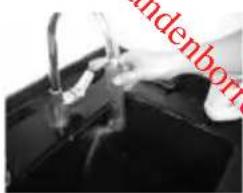
natural_image
Close-up of hands cleaning a black surface with a pipe (no visible text or symbols)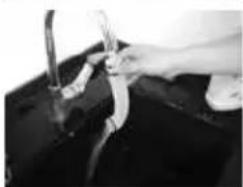
natural_image
Close-up of hands washing a dark surface with a tool (no visible text or symbols)5.6
natural_image
Close-up of a hand holding a tool with an arrow indicating rotation (no visible text or symbols)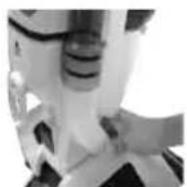
natural_image
Close-up of hands using a tool to adjust or install a black electronic device (no visible text or symbols)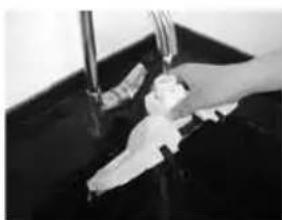
natural_image
Hand washing a baby bottle in a dark basin (no text or symbols visible)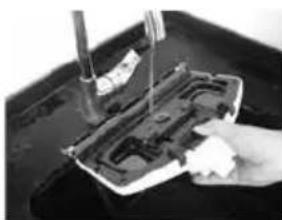
natural_image
Close-up of a hand using a tool to press or install a mechanical component on a dark surface (no visible text or symbols)Grand Rapids, Michigan, USA
natural_image
Top-down view of a Bissell vacuum cleaner with attached VACS stream device (no visible text or symbols on body)VIGTIGE SIKKERHEDSANVISNINGER
LÆS ALLE ANVISNINGER, INDEN DU BRUGER DIT APPARAT.
12 Quick Release Pad Tray
13Vandfilter
14Duftskive
ADVARSEL
natural_image
Exterior view of a vacuum cleaner (no text or symbols visible)Specialfunktioner
Easy Touch Digital Controls
natural_image
Close-up of a person's foot wearing a small mechanical device (no visible text or symbols)1b 1c
natural_image
Close-up of hands holding a black plastic device with internal compartments (no visible text or symbols)2.
natural_image
Close-up of a white industrial vacuum cleaner with a metallic handle and control knob (no visible text or symbols)
ADVARSEL
natural_image
Close-up of a hand holding a flexible hose with a cable (no visible text or symbols)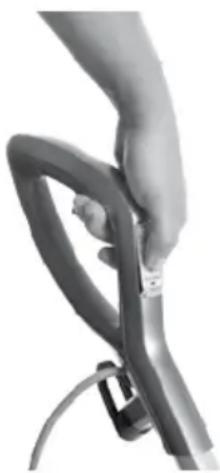
natural_image
Close-up of a hand holding a metallic cable or connector (no visible text or symbols)natural_image
Close-up of a person's lower body and foot wearing a gray safety belt (no text or symbols visible)natural_image
Two views of a hand holding a vacuum cleaner device, showing the left and side views (no text or symbols visible)3.
natural_image
Hand holding a transparent cylindrical device with a dial indicator (no visible text or symbols)3b
natural_image
Hand using a Bissell-branded waste bin to add material (no text or symbols visible)3c
natural_image
Person pouring liquid into a trash bin with a jar (no visible text or symbols)natural_image
Close-up of a hand holding a Bissell-branded battery with a fan blade (no text or symbols visible)ADVARSEL
natural_image
Close-up of a hand holding a small white mechanical device with a loop handle (no visible text or symbols)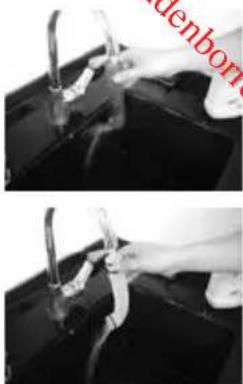
natural_image
Two black-and-white photos showing hands using pliers to clean or repair a surface, with no visible text or symbols.5.6
natural_image
Close-up of hands using a tool to adjust or install a component, no visible text or symbols
natural_image
Close-up of a hand using a tool to clean or store items on a dark surface (no visible text or symbols)
natural_image
Close-up of hands cleaning a dark surface with a faucet (no visible text or symbols)
natural_image
Close-up of a hand holding a small white object over a damaged mechanical component (no visible text or symbols)Forbrugergaranti
Denne garanti dækker kun uden for USA og Canada. Denne garanti leveres af BISSELL International Trading Company BV ("BISSELL").
Grand Rapids, Michigan
Alle rettigheder forbeholdes. Trykt i Kina
Delnummer 160-9926 12/16 RevC
natural_image
Top-down view of a vacuum cleaner with visible brand logo and control buttons (no text or symbols on body)12 Quick Release Pad Tray
13Wasserfilter
14Duftpads
15Saugdüse

14

⚠️ WARNING
natural_image
Exterior view of a vacuum cleaner (no text or symbols visible)natural_image
Close-up of a person's foot and ankle using a small mechanical device (no visible text or symbols)1b. 1c.
natural_image
Close-up of hands holding a black plastic device with internal compartments (no visible text or symbols)2.
natural_image
Close-up of a white industrial vacuum cleaner with attached mechanical components (no visible text or symbols)
WARNUNG
natural_image
Close-up of a hand holding a flexible hose with a cable (no visible text or symbols)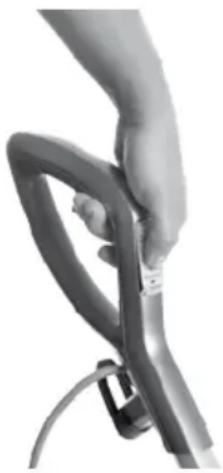
natural_image
Close-up of a hand holding a flexible hose and cable (no text or symbols visible)Wartung und Pflege
natural_image
Close-up of a person's foot wearing a small mechanical device (no visible text or symbols)DE
natural_image
Close-up of a hand inserting a component into a metallic cylindrical device (no visible text or symbols)3.
natural_image
Hand holding a transparent cylindrical device with a dial indicator (no visible text or symbols)3b.
natural_image
Hand placing a small object into a Bissell-branded container with a curved arrow indicating rotation (no text or symbols on the object itself)3c.
natural_image
Person pouring liquid into a trash bin in a kitchen (no visible text or symbols)Wartung und Pflege
natural_image
Close-up of a hand holding a Bissell-branded waste bin with a fan blade (no text or symbols visible)⚠️ WARNING
natural_image
Close-up of a hand holding a small mechanical device with a loop handle (no visible text or symbols)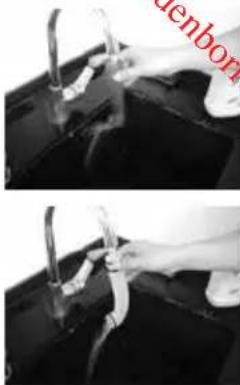
natural_image
Two-panel black-and-white photo showing hands using a tool to clean or wash liquid; no visible text or symbols.5.6
natural_image
Close-up of a hand holding a pen or tool with an arrow indicating rotation (no visible text or symbols)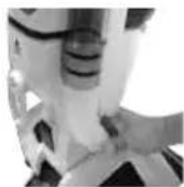
Gerätefuß reinigen
natural_image
Close-up of a hand holding a hard drive next to a black plastic case (no visible text or symbols)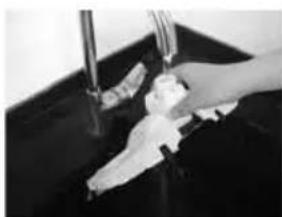
natural_image
Close-up of a hand washing a baby bottle in a dark sink (no visible text or symbols)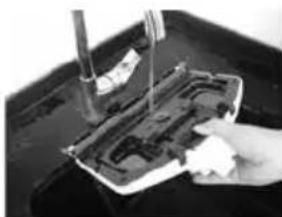
natural_image
Close-up of a hand using a tool to clean or repair electronic components on a dark surface (no visible text or symbols)Kundengarantie
Grand Rapids, Michigan
natural_image
Top-down view of a Bissell vacuum cleaner with attached VACs steam hood (no text or symbols visible)natural_image
Exterior view of a vacuum cleaner (no text or symbols visible)natural_image
Close-up of a person's foot wearing a small mechanical device (no visible text or symbols)1b. 1c.
natural_image
Close-up of hands holding a black plastic device with control panel (no visible text or symbols)2.
natural_image
Close-up of a white industrial vacuum cleaner with a metallic handle and control knob (no visible text or symbols)
ADVERTENCIA
natural_image
Close-up of a hand holding a flexible hose with a cable (no visible text or symbols)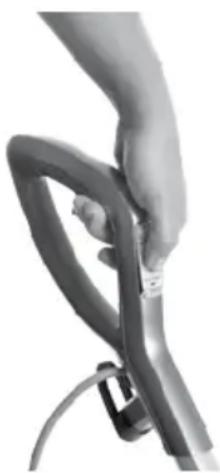
natural_image
Close-up of a hand holding a flexible hose with a cable (no text or symbols visible)natural_image
Close-up of a person's lower body and foot wearing a seatbelt (no visible text or symbols)natural_image
Two views of a hand holding a vacuum cleaner device, showing the left and side views (no text or symbols visible)3b.
natural_image
Two grayscale photos showing a hand placing a Bissell-branded waste bin into a recycling bin, with no visible text or symbols.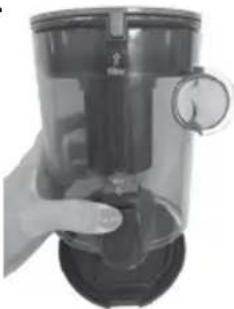
natural_image
Hand holding a black cylindrical device with a dial indicator (no visible text or symbols)3c.
natural_image
Close-up of a Bissell-branded battery with a handle and spout, no visible text or symbols on the device itself.
ADVERTENCIA
natural_image
Close-up of a hand operating a handheld device with a loop handle (no visible text or symbols)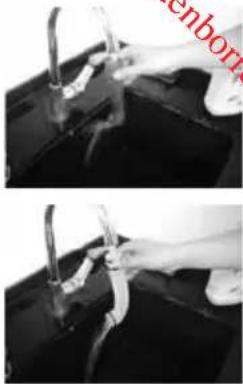
natural_image
Two black-and-white photos showing hands holding a tool over a surface, no visible text or symbols5.6
natural_image
Close-up of a hand holding a tool with an arrow indicating rotation (no visible text or symbols)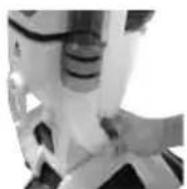
natural_image
Close-up of hands cleaning a hard disk with a pen on top (no visible text or symbols)
natural_image
Close-up of hands cleaning a dark surface with a tool (no visible text or symbols)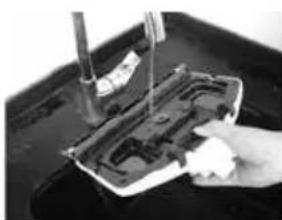
natural_image
Close-up of a hand using a screwdriver to adjust or install electronic components on a black surface (no visible text or symbols)natural_image
Top-down view of a vacuum cleaner with visible brand logo and control buttons (no text or symbols on body)⚠️VAROITUS
natural_image
Close-up of a person's foot and legs wearing a small mechanical device (no visible text or symbols)1b. 1c.
natural_image
Two views of a mechanical component, one showing a handle and the other a handle with internal components (no visible text or symbols)2.
natural_image
Close-up of a white industrial vacuum cleaner with a metallic handle and control knob (no visible text or symbols)
VAROITUS
natural_image
Close-up of a hand holding a flexible hose with a cable, no visible text or symbols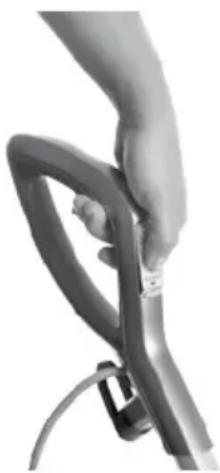
natural_image
Close-up of a hand holding a flexible hose with a cable (no text or symbols visible)Huelto ja hoito
natural_image
Close-up of a person's lower body and foot wearing a small mechanical device (no visible text or symbols)π
natural_image
Two views of a vacuum cleaner: one with handle and arm, the other with hand holding a lid (no text or symbols visible)3b.
natural_image
Two-panel image showing a hand inserting a Bissell-branded waste into a Bissell bins, with no visible text or symbols.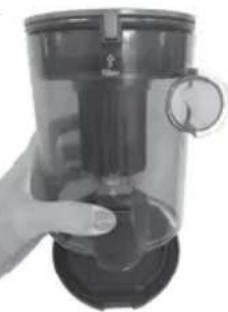
natural_image
Hand holding a transparent cylindrical device with a dial indicator (no visible text or symbols)3c.
Huelto ja hoito
natural_image
Close-up of a hand holding a Bissell-branded beverage can with a fan blade (no text or symbols visible)⚠️VAROITUS
natural_image
Close-up of a hand operating a mechanical device with no visible text or symbols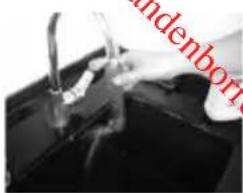
natural_image
Close-up of hands washing a black appliance with a water tap (no visible text or symbols)π
natural_image
Close-up of hands using a tool to lift or lift a black object (no visible text or symbols)5.6
natural_image
Close-up of a hand holding a tool with an arrow indicating rotation (no visible text or symbols)
natural_image
Close-up of hands cleaning a black electronic device with a tool (no visible text or symbols)
natural_image
Close-up of hands cleaning a dark surface with a tool (no visible text or symbols)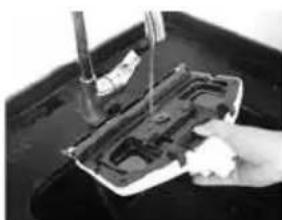
natural_image
Close-up of a hand using a tool to clean or repair electronic components on a dark surface (no visible text or symbols)Kuluttajatakou
Grand Rapids, Michigan
natural_image
Top-down view of a Bissell vacuum cleaner with attached VACs steam hood (no text or symbols visible)INSTRUCTIONS DE SÉCURITÉ IMPORTANTES
LISEZ ATTENTIVEMENT TOUTES LES INSTRUCTIONS AVANT D'UTILISER VOTRE APPAREIL.
12 Quick Release Pad Tray
13 Filtre à eau
14Disqueparfumé
15Suceur


AVERTISSEMENT
natural_image
Exterior view of a vacuum cleaner (no text or symbols visible)natural_image
Close-up of a person's foot and legs wearing a small mechanical device (no visible text or symbols)1b. 1c.
natural_image
Close-up of hands holding a black plastic object with internal compartments (no visible text or symbols)2.
natural_image
Close-up of a metallic mechanical device with a vertical shaft and handle (no visible text or symbols)
AVERTISSEMENT
natural_image
Close-up of a hand holding a flexible hose with a cable, no visible text or symbols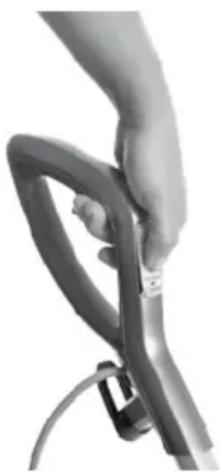
natural_image
Close-up of a hand holding a flexible hose with a cable (no text or symbols visible)Entretien
natural_image
Close-up of a person's foot wearing a gray safety belt device (no visible text or symbols)natural_image
Hand placing a small stick into a Bissell-branded coffee jar with a curved arrow indicating rotation (no text or symbols on the object itself)3c.
natural_image
Person using a hand mixer into a trash bin (no visible text or symbols)Entretien
natural_image
Close-up of a hand holding a Bissell-branded beverage can with a fan blade (no text or symbols visible)
AVERTISSEMENT
natural_image
Close-up of a hand operating a white mechanical device with a loop handle (no visible text or symbols)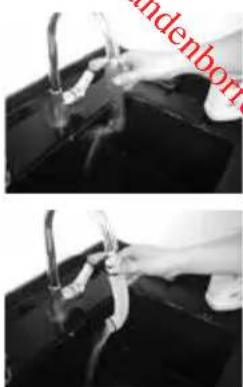
natural_image
Two-panel black-and-white photo showing hands using pliers to clean or repair a dark object (no visible text or symbols)5.6
natural_image
Close-up of a hand holding a tool near a mechanical component, with an arrow indicating rotation (no visible text or symbols)
natural_image
Close-up of hands using a tool to adjust or install a CD drive into a memory compartment (no visible text or symbols)
natural_image
Close-up of a hand cleaning a dark surface with a water tap (no visible text or symbols)
natural_image
Close-up of a hand pressing down on a mechanical component with a tool (no visible text or symbols)\*EXCEPTIONS ET EXCLUSIONS DES CONDITIONS DE LA GARANTIE
Downloaded from w. w. Bissell®
VAC & STEAM ^N
natural_image
Top-down view of a Bissell vacuum cleaner with attached VACs steam hood (no text or symbols visible)VAŽNE SIGURNOSNE UPUTE
PROČITAJTE SVE UPUTE PRIJE UPOTREBE SVOJEG UREĐAJA.
Kad upotrebljavate električne uređaje morate se pridržavati osnovnih mjera opreza uključujući sljedeće:
⚠ UPOZORENJE
KAKO BISTE SMANJILI RIZIK OD POŽARA, ELEKTRIČNOG UDARA ILI OZLJEDE:
» Ovaj uređaj smiju upotrebljavati djeca starija od 8 godina i osobe sa smanjenim tjelesnim, osjetilnim ili mentalnim sposobnostima ili nedostatkom iskustva i znanja ako su pod nadzorom ili su dobili upute o upotrebi uređaja na sigurni način te ako razumiju moguće rizike. Čišćenje i održavanje uređaja koje vrši korisnik ne smiju obavljati djeca bez nadzora.
» Djeca trebaju biti pod nadzorom kako bi se osiguralo da se ne igraju uređajem.
» Ako je kabel za napajanje oštećen, mora ga zamijeniti proizvođač, servisni zastupnik ili odgovarajuće osposobljena osoba kako bi se izbjegao rizik.
» Držite kosu, široku odjeću, prste i sve dijelove tijela dalje od otvora i pokretnih dijelova uređaja i njegovih dodataka.
» Nemojte napuštati uređaj dok je uključen u električnu utičnicu.
» Kada nije u upotrebi i prije servisiranja, isključite uređaj iz električne utičnice.
» Nemojte dopustiti da se uređaj upotrebljava kao igračka.
» Uređaj upotrebljavajte samo u svrhe koje su opisane u ovom korisničkom vodiču.
» Upotrebljavajte samo dodatke koje preporučuje proizvođač.
» Ne upotrebljavajte uređaj s oštećenim kabelom ili utikačem.
» Nemojte uranjati uređaj u vodu ili tekućinu.
» Ako uređaj ne radi ispravno, ako vam je ispao, ako je oštećen, ostavljen na otvorenom ili je pao u vodu, ne pokušavajte pokrenuti i vratite ga u servisni centar.
» Ne povlačite ga niti nosite za kabel, ne upotrebljavajte kabel kao ručku, ne zatvarajte vrata preko kabela niti povlačite kabel preko oštrih rubova ili kutova.
» Ne prelazite uređajem preko kabela.
» Držite kabel dalje od vrućih površina.
» Ne isključujte uređaj iz električne utičnice povlačenjem kabela.
» Kako biste uređaj isključili iz električne utičnice, uhvatite utikač, a ne kabel.
» Utikačem ili uređajem nemojte rukovati mokrim rukama.
» Nemojte stavljati nikakve predmete u otvore.
natural_image
Illustration of a vacuum cleaner with two downward arrows indicating motion (no text or symbols)Posebne značajke
Easy Touch Digital Controls
natural_image
Close-up of a person's foot wearing a small mechanical device (no visible text or symbols)1b. 1c.

natural_image
Close-up of hands holding a black plastic device with internal compartments (no visible text or symbols)2.
natural_image
Close-up of a white industrial vacuum cleaner with a vertical shaft and handle (no visible text or symbols)工万

UPOZORENJE
natural_image
Close-up of a hand holding a flexible hose with a cable (no visible text or symbols)2.
natural_image
Close-up of a hand holding a gray ergonomic device with a strap (no visible text or symbols)Održavanje i imjega
natural_image
Close-up of a person's lower back and foot, showing the seat and leg (no text or symbols visible)Pražnjenje spremnika za prljavštinu
Spremnik za prljavštinu mora se isprazniti kada količina prljavštine dosegne oznaku "Puno" na bočnoj strani spremnika.
- Izvucite kabel za napajanje čistača za tvrde podove iz električne utičnice.
- Pomaknite ulijevo gumb za blokadu na prednjoj strani uređaja i uklonite spremnik za pražnjenje prljavštine od uređaja.
- Spremnik za prljavštinu ima ugrađen sustav Drop-IT za lakše pražnjenje ostataka.
natural_image
Two views of a hand holding a vacuum cleaner device, shown from front and side (no text or symbols visible)3b.
natural_image
Two-panel image showing a hand inserting a Bissel brush into a Bissel jar and a cleaning machine (no text or symbols visible)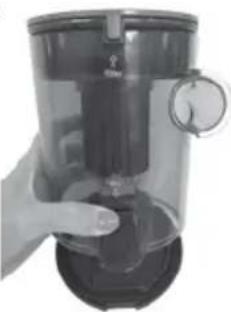
natural_image
Hand holding a black industrial blender with a handle and lid (no visible text or symbols)3c.
Održavanje i imjega
Čišćenje ili mijenjanje filtra za usisavanje
natural_image
Close-up of a hand holding a Bissell-branded battery with a fan blade (no text or symbols visible)⚠️ UPOZORENJE
natural_image
Close-up of a hand holding a white laboratory instrument with a loop handle (no visible text or symbols)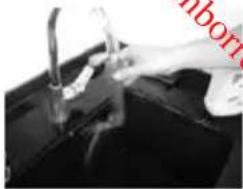
natural_image
Close-up of a hand cleaning a black surface with a pipe and lever (no visible text or symbols)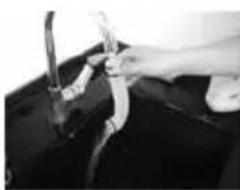
natural_image
Close-up of hands using a tool to handle a dark object, possibly a container or machine (no visible text or symbols)5.6
natural_image
Close-up of hands using a tool to cut or mark a surface, with an arrow indicating the process (no visible text or symbols)
工力
natural_image
Close-up of hands using a tool to clean or store electronic components on a dark surface (no visible text or symbols)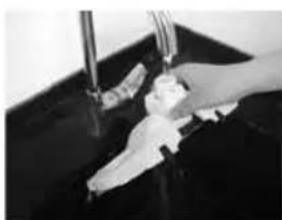
natural_image
Close-up of a hand washing a small white object in a dark basin (no visible text or symbols)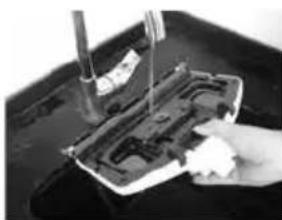
natural_image
Close-up of a hand pressing down on a mechanical component with a tool (no visible text or symbols)Korisničko jamstvo
Ovo se jamstvo primjenjuje samo izvan SAD-a i Kanade. Izdaje ga BISSELL International Trading Company BV ("BISSELL").
Grand Rapids, Michigan
Sva prava pridržana. Tiskano u Kini
Broj dijela 160-9926 12/16 RevC
Posjetite naše web-mjesto na: www.BISSELL.com
Downloaded from w. w. Bissell®
VAC & STEAM ^N
natural_image
Top-down view of a Bissell vacuum cleaner with attached VACs steam hood (no text or symbols visible)FONTOS BIZTONSÁGI ELŐÍRÁSOK
! FIGYELMEZTETÉS
natural_image
Exterior view of a vacuum cleaner (no text or symbols visible)Speciális jellemzők
Easy Touch Digital Controls
natural_image
Close-up of a person's lower legs and foot wearing a small mechanical device (no visible text or symbols)1b. 1c.
natural_image
Two views of a device with a handle and internal components, no visible text or symbols2.
natural_image
Close-up of a metallic mechanical device with a vertical shaft and handle (no visible text or symbols)
FIGYELMEZTETÉS
natural_image
Close-up of a hand holding a flexible hose with a cable, no visible text or symbols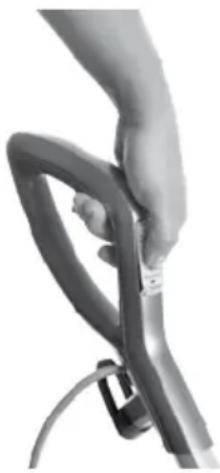
natural_image
Close-up of a hand holding a flexible hose and cable (no text or symbols visible)natural_image
Close-up of a person's foot wearing a small electronic device (no visible text or symbols)NH
A porgyújtő ürítése
natural_image
Two views of a vacuum cleaner device, one with handle and one with handle (no text or symbols visible)3b.
natural_image
Two-step food preparation: one showing hand holding a Bissel container, the other showing hand pouring liquid into a trash bin (no text or symbols visible)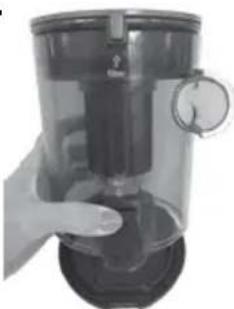
natural_image
Hand holding a transparent cylindrical device with a dial indicator (no visible text or symbols)3c.
natural_image
Close-up of a hand holding a Bissell-branded battery with a fan blade (no text or symbols visible)
⚠️ FIGYELMEZTETÉS
natural_image
Close-up of a hand holding a white mechanical device with a loop handle (no visible text or symbols)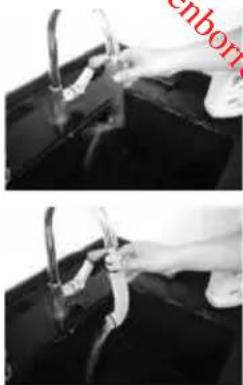
natural_image
Two-panel black-and-white photo showing hands using pliers to handle a surface, no visible text or symbols5.6
natural_image
Close-up of hands using a tool to adjust or install a mechanical component (no visible text or symbols)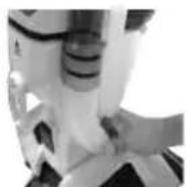
natural_image
Close-up of hands using a tool to adjust or install a physical component on a dark surface (no visible text or symbols)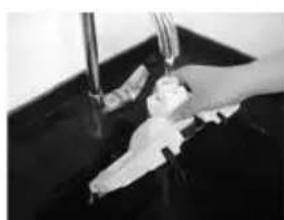
natural_image
Close-up of hands cleaning a dark surface with a tool (no visible text or symbols)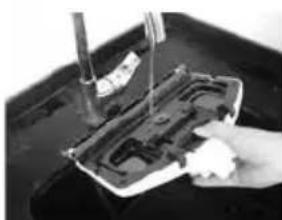
natural_image
Close-up of a hand using a tool to clean or repair electronic components on a dark surface (no visible text or symbols)Fogyasztói garancia
natural_image
Top-down view of a Bissell vacuum cleaner with attached VACs steam hood (no text or symbols visible)ISTRUZIONI IMPORTANTI PER LA SICUREZZA
LEGGI TUTTE LE ISTRUZIONI PRIMA DI UTILIZZARE IL TUO APPARECCHIO.


AVVERTENZA
natural_image
Exterior view of a vacuum cleaner with mounting base and downward arrows indicating motion (no text or symbols)natural_image
Close-up of a person's lower legs and foot wearing a small mechanical device (no visible text or symbols)1b. 1c.
natural_image
Close-up of hands holding a black plastic object with internal compartments (no visible text or symbols)2.
natural_image
Close-up of a metallic mechanical device with a vertical shaft and handle (no visible text or symbols)三

AVVERTENZA
natural_image
Close-up of a hand holding a flexible hose with a cable (no visible text or symbols)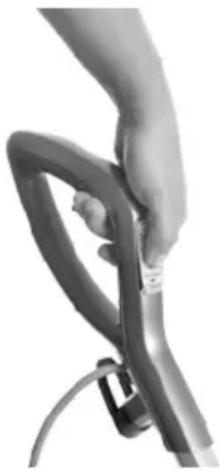
natural_image
Close-up of a hand holding a flexible hose and cable (no text or symbols visible)Manutenzione e cura
natural_image
Close-up of a person's lower body and foot wearing a gray medical device (no visible text or symbols)natural_image
Two-step diagram showing a hand inserting a component into a vacuum cleaner's housing (no text or symbols present)3b.
natural_image
Hand placing a straw into a Bissell-branded coffee can with a curved arrow indicating rotation (no text or symbols on the can itself)3c.
natural_image
Person pouring liquid into a white trash bin with a lid, no visible text or symbolsManutenzione e cura
natural_image
Close-up of a Bissell-branded battery with a handle, no visible text or symbols on the device itself.AVVERTENZA
natural_image
Close-up of a hand holding a white mechanical device with a loop handle (no visible text or symbols)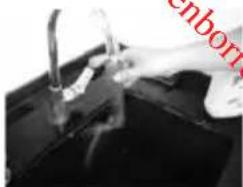
natural_image
Close-up of a hand cleaning a dark surface with a fork (no visible text or symbols)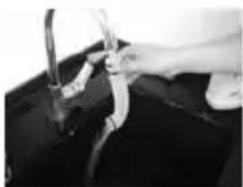
natural_image
Close-up of a hand holding a tool over a dark object, possibly a container or machine (no visible text or symbols)5.6
natural_image
Close-up of a hand using a tool to adjust or install a mechanical component (no visible text or symbols)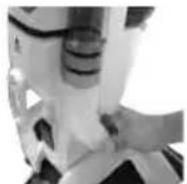
natural_image
Close-up of hands using a tool to clean or store electronic components on a dark surface (no visible text or symbols)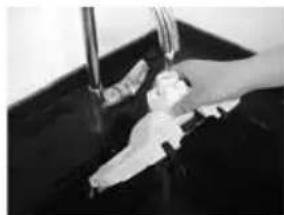
natural_image
Close-up of hands cleaning a dark surface with a tool (no visible text or symbols)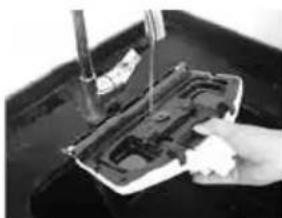
natural_image
Close-up of a hand holding a small electronic device with a screwdriver inserted (no visible text or symbols)Grand Rapids, Michigan
natural_image
Top-down view of a Bissell vacuum cleaner with attached VACs steam hood (no text or symbols visible)BELANGRIJKE VEILIGHEIDSINSTRUCTIES
LEES ALLE INSTRUCTIES GRONDIG DOOR VOORDAT U UW APPRAAT GEBRUIKT.
Klantenservice....121
Productweergave
1Stoomknop
12 Quick Release Pad Tray
13Waterfilter
14Geurschijf
15Stofzuigmondstuk

WAARSCHUWING
natural_image
Illustration of a vacuum cleaner with labeled parts (no text or symbols on the device itself)Speciale functies
Easy Touch Digital Controls
natural_image
Close-up of a person's foot wearing a small mechanical device (no visible text or symbols)1b. 1c.
natural_image
Close-up of hands holding a black plastic object with internal compartments (no visible text or symbols)2.
natural_image
Close-up of a white industrial vacuum cleaner with a metallic handle and control panel (no visible text or symbols)
WAARSCHUWING
natural_image
Close-up of a hand holding a flexible hose with a cable (no visible text or symbols)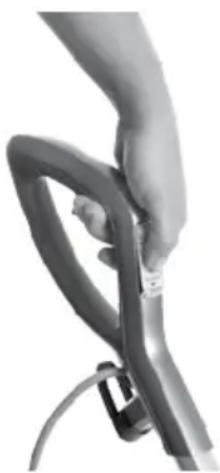
natural_image
Close-up of a hand holding a flexible hose and cable (no text or symbols visible)natural_image
Close-up of a person's foot wearing a small electronic device (no visible text or symbols)natural_image
Two views of a vacuum cleaner device: one with a handle, the other showing its interior and side view (no text or symbols visible)3b.
natural_image
Hand placing a glass bottle into a Bissell jar with a curved arrow indicating rotation (no text or symbols on the jar itself)3c.
natural_image
Person using a binoculars to generate waste from a trash bin (no visible text or symbols)natural_image
Close-up of a Bissell electric shaver with handle and fan blade (no text or symbols visible)⚠ WAARSCHUWING
natural_image
Close-up of a hand holding a small mechanical device with a loop handle (no visible text or symbols)
natural_image
Close-up of a hand washing a black sink with a water tap (no visible text or symbols)
natural_image
Close-up of hands cleaning a dark surface with a tool (no visible text or symbols)5.6
natural_image
Close-up of a hand holding a pen or tool with an arrow indicating rotation (no visible text or symbols)
Z
natural_image
Close-up of hands using a handheld device to clean or store electronic components (no visible text or symbols)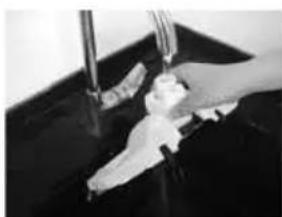
natural_image
Close-up of hands cleaning a dark surface with a water bottle (no visible text or symbols)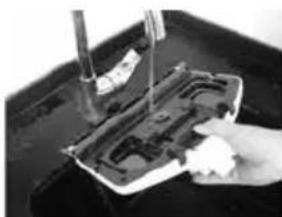
natural_image
Close-up of a hand using a tool to clean or repair electronic components on a dark surface (no visible text or symbols)natural_image
Top-down view of a Bissell vacuum cleaner with attached VACs steam hood (no text or symbols visible)VIKTIGE SIKKERHETSREGLER
LES ALLE REGLENE F∅R DU BRUKER APPARATET.
12 Quick Release Pad Tray
13Vannfilter
14Duftskive
15Vakuumdyse

ADVARSEL
natural_image
Exterior view of a vacuum cleaner (no text or symbols visible)natural_image
Close-up of a person's foot wearing a small electronic device (no visible text or symbols)1b. 1c.
natural_image
Close-up of hands holding a black plastic object with internal compartments (no visible text or symbols)2.
natural_image
Close-up of a white industrial vacuum cleaner with a cylindrical component and handle (no visible text or symbols)
ADVARSEL
natural_image
Close-up of a hand holding a black rubber strap and cable (no text or symbols visible)2.

natural_image
Close-up of a hand holding a baby bottle with a coiled tube (no text or symbols visible)natural_image
Close-up of a person's foot wearing a small mechanical device (no visible text or symbols)Tøm avfallsbeholderen
natural_image
Two views of a vacuum cleaner device: one with handle, the other with hand, both showing mechanical components (no text or symbols visible)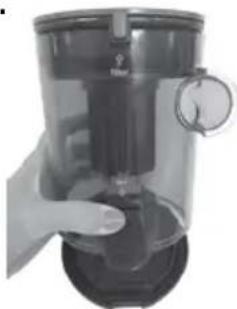
natural_image
Hand holding a transparent cylindrical device with a dial indicator (no visible text or symbols)3b.
natural_image
Two grayscale photos showing a hand placing a waste bin labeled 'BISSEI' into a clean bin, and a close-up of a hand pouring liquid from a container into a kitchen (no text or symbols visible)natural_image
Close-up of a hand holding a Bissell-branded battery with a fan blade (no text or symbols visible)ADVARSEL
natural_image
Close-up of a hand operating a white mechanical device with a loop handle (no visible text or symbols)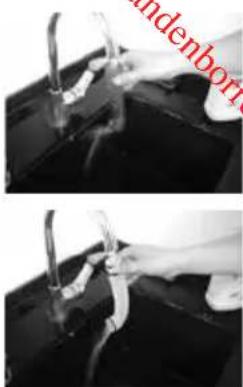
natural_image
Two-panel black-and-white photo showing hands using pliers to clean or repair a dark object, with no visible text or symbols.5.6
natural_image
Close-up of a hand holding a tool with an arrow indicating rotation (no visible text or symbols)
natural_image
Close-up of hands using a tool to adjust or install a CD drive into a memory card (no visible text or symbols)
natural_image
Close-up of a hand washing a baby bottle in a dark basin (no visible text or symbols)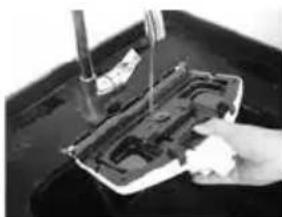
natural_image
Close-up of a hand holding a small object over a dark, glossy surface (no visible text or symbols)Forbrokergaranti
Grand Rapids, Michigan
Med enerett. Trykt i Kina.
Delenummer 160-9926 12/16 RevC
natural_image
Top-down view of a vacuum cleaner with visible brand logo and control buttons (no text or symbols on body)WAŻNE INFORMACJE O BEZPIECZEŃSTWIE
PRZED SKORZYSTANIEM Z URZĄDZENIA PRZECZYTAĆ WSZYSTKIE INSTRUKCJE DOTYCZĄCE JEGO OBSŁUGI.
1Spustpary
natural_image
Exterior view of a vacuum cleaner (no text or symbols visible)natural_image
Close-up of a person's foot wearing a small mechanical device (no visible text or symbols)1b. 1c.
natural_image
Close-up of hands holding a black plastic object with internal compartments (no visible text or symbols)2.

natural_image
Close-up of a white handheld vacuum cleaner with a metallic blade and handle (no visible text or symbols)
OSTRZEŻENIE
natural_image
Close-up of a hand holding a flexible hose with a cable (no visible text or symbols)2.
natural_image
Close-up of a hand gripping a metallic mechanical component (no visible text or symbols)natural_image
Close-up of a person's foot wearing a gray safety belt device (no visible text or symbols)natural_image
Two views of a vacuum cleaner device, one with handle and label '3.', showing mechanical components and a close-up view (no text or symbols on device itself)3b.
natural_image
Two grayscale photos showing a hand placing a small object into a Bissel waste bin and a hand pouring liquid into a trash bin (no text or symbols visible)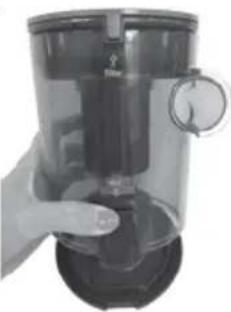
natural_image
Hand holding a transparent cylindrical device with a circular dial indicator (no visible text or symbols)3c.
natural_image
Close-up of a hand holding a Bissell-branded battery with a fan blade (no text or symbols visible on the device itself)OSTRZEŻENIE
natural_image
Close-up of a hand holding a white mechanical device with a loop handle (no visible text or symbols)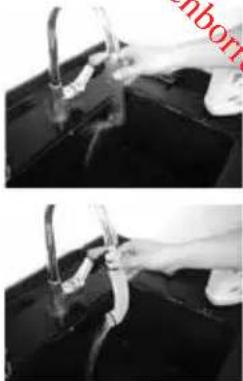
natural_image
Two-panel black-and-white photo showing hands holding a tool near a surface, no visible text or symbols5.6
natural_image
Close-up of a hand holding a tool near a mechanical component, with an arrow indicating rotation (no visible text or symbols)
natural_image
Close-up of a hand using a tool to clean or store electronic components on a dark surface (no visible text or symbols)
natural_image
Close-up of hands washing a baby bottle in a dark sink (no text or symbols visible)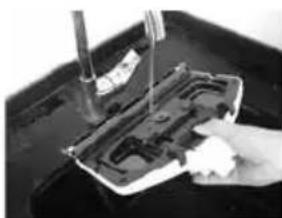
natural_image
Close-up of a hand using a tool to clean or repair a plastic component on a dark surface (no visible text or symbols)Gwarancja Klienta
Grand Rapids, Michigan
Downloaded from w _w w _w Bissell®
VAC & STEAM ^N
natural_image
Top-down view of a Bissell vacuum cleaner with attached VACS stream device (no visible text or symbols on body)INSTRUÇÕES DE SEGURANÇA IMPORTANTES
LEIA TODAS AS INSTRUÇÕES ANTES DE UTILIZAR O SEU APARELHO.


ADVERTÊNCIA
As películas de plástico podem ser perigosas. Para evitar o risco de asfixia, manter fora do alcance de bebés e crianças.

ADVERTÊNCIA
natural_image
Exterior view of a vacuum cleaner (no text or symbols visible)natural_image
Close-up of a person's foot wearing a gray athletic cleat and white shoes, no visible text or symbols1b. 1c.
natural_image
Two hands holding a device with a grid pattern, one open and one closed (no visible text or symbols)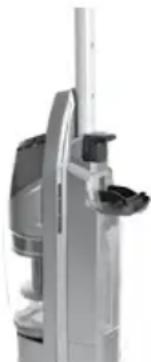
natural_image
Close-up of a white industrial vacuum cleaner with a black handle (no visible text or symbols)
ADVERTÊNCIA
natural_image
Close-up of a hand holding a flexible hose with a cable, no visible text or symbols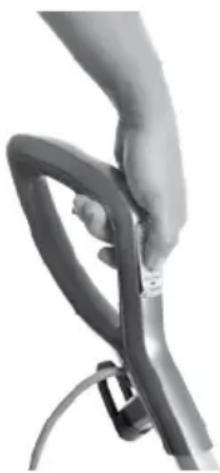
natural_image
Close-up of a hand holding a flexible hose and cable (no text or symbols visible)natural_image
Close-up of a person's foot wearing a small mechanical device (no visible text or symbols)natural_image
Two views of a hand holding a vacuum cleaner device, showing the left and side views (no text or symbols visible)3b.
natural_image
Two grayscale photos showing a hand placing a waste bin labeled 'WISSIB' into a clean bin, and a close-up of a hand pouring liquid into a kitchen (no text or symbols visible)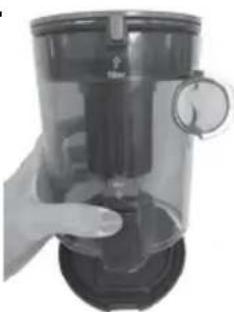
natural_image
Hand holding a transparent cylindrical device with a dial indicator (no visible text or symbols)3c.
natural_image
Person pouring liquid into a white trash bin (no visible text or symbols)natural_image
Close-up of a Bissell electric shaver with open lid and handle, no visible text or symbols on bodyADVERTÊNCIA
natural_image
Close-up of a hand operating a white mechanical device with a loop handle (no visible text or symbols)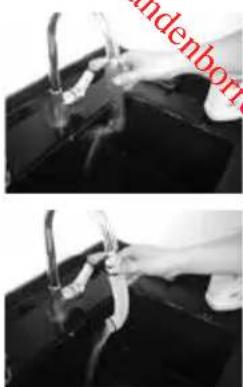
natural_image
Two-panel black-and-white photo showing hands using pliers to clean or repair a dark object (no visible text or symbols)5.6
natural_image
Close-up of a hand holding a tool with an arrow indicating rotation (no visible text or symbols)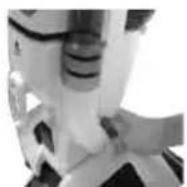
natural_image
Close-up of hands using a handheld device to clean or store electronic components (no visible text or symbols)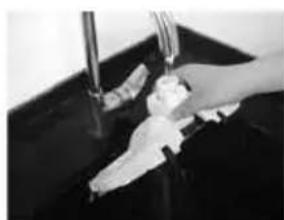
natural_image
Close-up of hands cleaning a dark surface with a faucet (no visible text or symbols)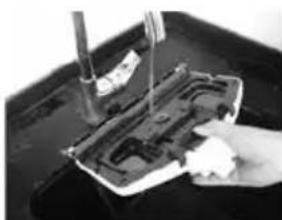
natural_image
Close-up of a hand using a tool to press or install electronic components on a dark surface (no visible text or symbols)Garitia do clsumidor
Grand Rapids, Michigan
Downloaded from w _w w _w Bissell®
VAC & STEAM ^N
natural_image
Top-down view of a Bissell vacuum cleaner (no visible text or symbols on body)⚠️ ОСТОРОЖНО
natural_image
Illustration of a vacuum cleaner with three downward arrows indicating mechanical components (no text or symbols)Особенности прибора
natural_image
Close-up of a person's foot wearing a gray athletic cleat and white shoes, with no visible text or symbols.- 1B.
1B.
natural_image
Close-up of hands holding a black plastic object with internal compartments (no visible text or symbols)2.
natural_image
Close-up of a white handheld device with a vertical pole and mechanical lever (no visible text or symbols)
ОСТОРОЖНО
natural_image
Close-up of a hand holding a flexible hose with a cable, no visible text or symbols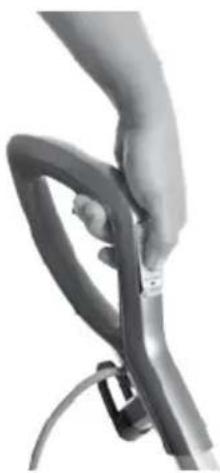
natural_image
Close-up of a hand holding a black rubber hose with a cable (no text or symbols visible)natural_image
Close-up of a person's foot wearing a gray safety belt device (no visible text or symbols)Очистка контейнера
natural_image
Two views of a hand inserting a vacuum cleaner into a cylindrical device (no text or symbols visible)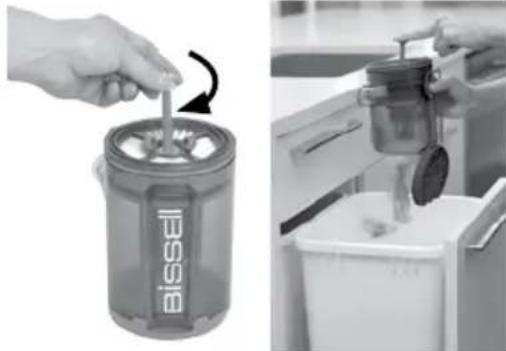
natural_image
Two-panel image showing a hand inserting a Bissel brush into a Bissel container, and a close-up of hands pouring liquid into a kitchen appliance (no text or symbols visible)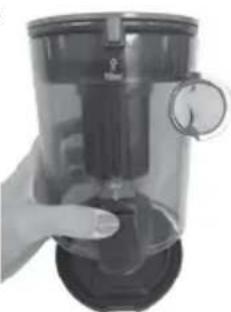
natural_image
Hand holding a transparent cylindrical device with a dial indicator (no visible text or symbols)3B.
natural_image
Close-up of a Bissell vacuum cleaner with hands extending its tip (no visible text or symbols)Защита от перегрева
natural_image
Close-up of a hand operating a white mechanical device with a loop handle (no visible text or symbols)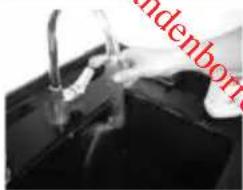
natural_image
Close-up of hands cleaning a dark surface with a pipe and faucet (no visible text or symbols)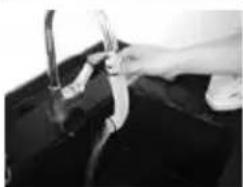
natural_image
Close-up of hands washing clothes in a dark garment (no visible text or symbols)5.6.

natural_image
Close-up of a hand holding a tool with an arrow indicating rotation (no visible text or symbols)6.
natural_image
Close-up of a hand using a tool to clean or store electronic components on a dark surface (no visible text or symbols)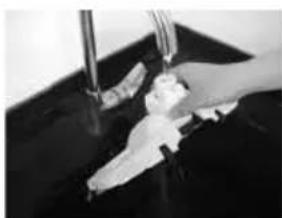
natural_image
Close-up of hands cleaning a dark surface with a tool (no visible text or symbols)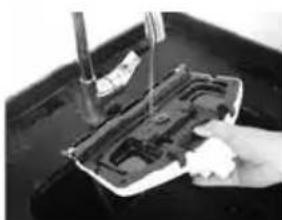
natural_image
Close-up of a hand holding a small electronic component with a tool, no visible text or symbolsDownloaded from w _w w _w Bissell®
VAC & STEAM ^N
natural_image
Top-down view of a Bissell vacuum cleaner with attached VACs steam hood (no text or symbols visible)DÔLEŽITÉ BEZPEČNOSTNÉ POKYNY
PRED POUŽITÍM SPOTREBIČA SI PREČÍTAJTE VŠETKY POKYNY.
12 Quick Release Pad Tray
13Vodnýfilter
14Vonnýdisk
15Vysávaciatryska
⚠️ VÝSTRAHA
natural_image
Exterior view of a vacuum cleaner (no text or symbols visible)Špeciálne funkcie
Digitálne dotykové ovládače Easy Touch Digital Controls
natural_image
Close-up of a person's foot and ankle wearing a small mechanical device (no visible text or symbols)1b. 1c.
natural_image
Close-up of hands holding a black plastic object with internal compartments (no visible text or symbols)2.
natural_image
Close-up of a white industrial vacuum cleaner with a vertical shaft and control knob (no visible text or symbols)
VÝSTRAHA
natural_image
Close-up of a hand holding a flexible hose with a strap (no text or symbols visible)2.
natural_image
Close-up of a hand gripping a black cable with a strap (no text or symbols visible)natural_image
Close-up of a person's foot wearing a gray mechanical device (no visible text or symbols)natural_image
Two views of a hand inserting a component into a vacuum cleaner's air filter (no text or symbols visible)3b.
natural_image
Hand placing a small object into a Bissell-branded waste bin with a curved arrow indicating rotation (no text or symbols on the object itself)3c.
natural_image
Person using a hand mixer machine to generate waste from a white bin (no text or symbols visible)natural_image
Close-up of a Bissell-branded battery with open lid and handle, no visible text or symbols on body⚠️ VÝSTRAHA
natural_image
Close-up of a hand holding a white mechanical device with a hook handle (no visible text or symbols)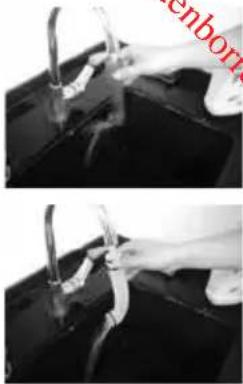
natural_image
Two-panel black-and-white photo showing hands holding a tool near a surface, with no visible text or symbols.5.6
natural_image
Close-up of a hand using a tool to adjust or install a component, with no visible text or symbols.
natural_image
Close-up of a hand using a tool to cut a hard disk into a container (no visible text or symbols)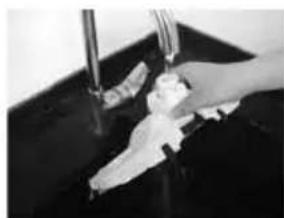
natural_image
Hand washing a baby bottle in a dark basin (no text or symbols visible)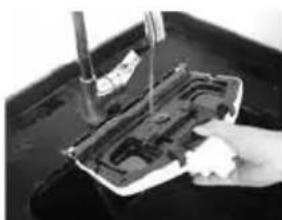
natural_image
Close-up of a hand using a tool to press or install electronic components on a dark surface (no visible text or symbols)natural_image
Top-down view of a vacuum cleaner with visible brand logo and control buttons (no text or symbols on body)VIKTIGA SÄKERHETSANVISNINGAR
LÄS ALLA ANVISNINGAR INNAN DU ANVÄNDER APPARATEN.
12 Quick Release Pad Tray
13Vattenfilter
14Doftskiva
WARNING
natural_image
Exterior view of a vacuum cleaner (no text or symbols visible)Specialfunktioner
Easy Touch Digital Controls
natural_image
Close-up of a person's foot wearing a small electronic device (no visible text or symbols)1b. 1c.
natural_image
Close-up of hands holding a black plastic object with internal compartments (no visible text or symbols)2.
natural_image
Close-up of a white industrial vacuum cleaner with a cylindrical component and handle (no visible text or symbols)⚠️ WARNING
natural_image
Close-up of a hand holding a flexible hose with a cable, no visible text or symbols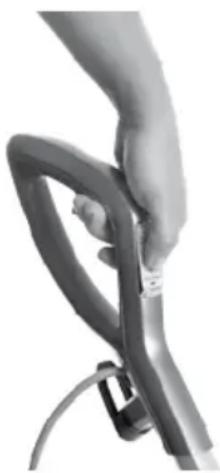
natural_image
Close-up of a hand holding a flexible hose with a cable (no text or symbols visible)natural_image
Close-up of a person's foot wearing a small mechanical device (no visible text or symbols)Töm smutsbehållaren
natural_image
Close-up of a metallic industrial device with a hand interacting with it (no visible text or symbols)3.

natural_image
Hand holding a transparent cylindrical device with a dial indicator (no visible text or symbols)3b.
natural_image
Hand placing a small object into a Bissell container with a curved arrow indicating rotation (no text or symbols on the object itself)3c.
natural_image
Person pouring liquid into a white recycling bin (no visible text or symbols)natural_image
Close-up of a hand holding a Bissell-branded cylindrical device with a fan blade (no visible text or symbols on the device itself)⚠️ WARNING
natural_image
Close-up of a hand operating a mechanical device with no visible text or symbols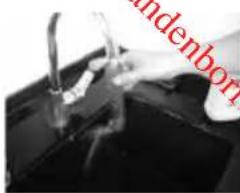
natural_image
Close-up of hands cleaning a dark surface with visible tool tips (no text or symbols)5.6
natural_image
Close-up of a hand holding a tool with an arrow indicating rotation (no visible text or symbols)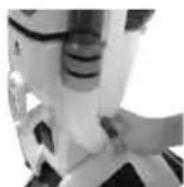
natural_image
Close-up of a hand using a tool to cut or mark a device component on a dark surface (no visible text or symbols)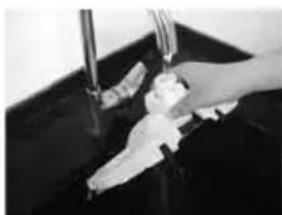
natural_image
Close-up of hands washing a sink with water and a small object on the surface (no visible text or symbols)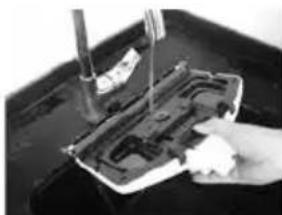
natural_image
Close-up of a hand using a tool to press or install electronic components on a dark surface (no visible text or symbols)Konsumentgaranti
Grand Rapids, Michigan
Downloaded from www.vandenborre.be
- IMPORTANT SAFETY INSTRUCTIONS
- READ ALL INSTRUCTIONS BEFORE USING YOUR APPLIANCE.
- WARNING
- SAVE THESE INSTRUCTIONS
- Thanks for buying a BISSELL hard floor cleaner
- Product View
- 1SteamTrigger
- Assembly
- Assemble Your Vac & Steam™
- Special Features
- Easy Touch Digital Controls
- NOTE: You must select a steam setting first and then hold down the hand trigger to produce steam.
- Microfibre Mop Pads
- Operations
- Getting Ready
- For Microfibre Mop pads, please follow these steps:
- Microfibre Mop Pad
- Using Your Hard Floor Vacuum and Steam Mop
- 1.
- 2.
- Maintenance & Care
- Removing All Mop Pads
- CAUTION
- Empty Dirt Tank
- Cleaning or Replacing the Vacuum Filter
- To clean filter:
- NOTE:
- Thermal Protector
- Replacing the Water Filter
- To replace the filter:
- Cleaning Hose Tube
- Cleaning Foot of Unit
- NOTE: Make sure foot and bristles are dry before attaching the foot to the appliance.
- Consumer Guarantee
- Limited 2 Year Guarantee from the date of purchase by original purchaser
- \*EXCEPTIONS AND EXCLUSIONS FROM THE TERMS OF THE GUARANTEE
- Consumer Care
- If your BISSELL product should require service or to claim under our limited guarantee, please contact us as follows:
- Website:
- Email:
- Write:
- Visit the BISSELL website: www.BISSELL.com
- Downloaded from w.
- VAC & STEAM N
- DŮLEŽITÉ BEZPEČNOSTNÍ POKYNY
- PŘED POUŽITÍM SPOTŘEBIČE SI PŘEČTĚTE VEŠKERÉ POKYNY.
- USCHOVEJTE TYTO POKYNY
- 13Vodnífiltr
- ⚠️VAROVÁNÍ
- Speciální funkce
- Údržba a péče
- VIGTIGE SIKKERHEDSANVISNINGER
- LÆS ALLE ANVISNINGER, INDEN DU BRUGER DIT APPARAT.
- ADVARSEL
- Specialfunktioner
- Forbrugergaranti
- ⚠️ WARNING
- WARNUNG
- Wartung und Pflege
- Gerätefuß reinigen
- Kundengarantie
- ADVERTENCIA
- ⚠️VAROITUS
- VAROITUS
- Huelto ja hoito
- Kuluttajatakou
- INSTRUCTIONS DE SÉCURITÉ IMPORTANTES
- LISEZ ATTENTIVEMENT TOUTES LES INSTRUCTIONS AVANT D'UTILISER VOTRE APPAREIL.
- AVERTISSEMENT
- Entretien
- \*EXCEPTIONS ET EXCLUSIONS DES CONDITIONS DE LA GARANTIE
- Downloaded from w. w. Bissell®
- VAŽNE SIGURNOSNE UPUTE
- PROČITAJTE SVE UPUTE PRIJE UPOTREBE SVOJEG UREĐAJA.
- ⚠ UPOZORENJE
- Posebne značajke
- UPOZORENJE
- Održavanje i imjega
- Pražnjenje spremnika za prljavštinu
- Čišćenje ili mijenjanje filtra za usisavanje
- ⚠️ UPOZORENJE
- Korisničko jamstvo
- FONTOS BIZTONSÁGI ELŐÍRÁSOK
- ! FIGYELMEZTETÉS
- Speciális jellemzők
- FIGYELMEZTETÉS
- NH
- A porgyújtő ürítése
- ⚠️ FIGYELMEZTETÉS
- Fogyasztói garancia
- ISTRUZIONI IMPORTANTI PER LA SICUREZZA
- LEGGI TUTTE LE ISTRUZIONI PRIMA DI UTILIZZARE IL TUO APPARECCHIO.
- AVVERTENZA
- Manutenzione e cura
- BELANGRIJKE VEILIGHEIDSINSTRUCTIES
- LEES ALLE INSTRUCTIES GRONDIG DOOR VOORDAT U UW APPRAAT GEBRUIKT.
- Productweergave
- WAARSCHUWING
- Speciale functies
- ⚠ WAARSCHUWING
- Z
- VIKTIGE SIKKERHETSREGLER
- LES ALLE REGLENE F∅R DU BRUKER APPARATET.
- Tøm avfallsbeholderen
- Forbrokergaranti
- WAŻNE INFORMACJE O BEZPIECZEŃSTWIE
- PRZED SKORZYSTANIEM Z URZĄDZENIA PRZECZYTAĆ WSZYSTKIE INSTRUKCJE DOTYCZĄCE JEGO OBSŁUGI.
- 1Spustpary
- OSTRZEŻENIE
- Gwarancja Klienta
- Downloaded from w _w w _w Bissell®
- INSTRUÇÕES DE SEGURANÇA IMPORTANTES
- LEIA TODAS AS INSTRUÇÕES ANTES DE UTILIZAR O SEU APARELHO.
- ADVERTÊNCIA
- Garitia do clsumidor
- ⚠️ ОСТОРОЖНО
- Особенности прибора
- ОСТОРОЖНО
- Очистка контейнера
- Защита от перегрева
- DÔLEŽITÉ BEZPEČNOSTNÉ POKYNY
- PRED POUŽITÍM SPOTREBIČA SI PREČÍTAJTE VŠETKY POKYNY.
- ⚠️ VÝSTRAHA
- Špeciálne funkcie
- Digitálne dotykové ovládače Easy Touch Digital Controls
- VÝSTRAHA
- VIKTIGA SÄKERHETSANVISNINGAR
- LÄS ALLA ANVISNINGAR INNAN DU ANVÄNDER APPARATEN.
- Töm smutsbehållaren
- Konsumentgaranti
Brand : BISSELL
Model : Vac & Steam 1977N
Category : Vacuum Cleaner