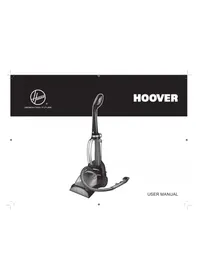
USER MANUAL SteamJet SSW1700 011 HOOVER


GENERAL FUTURE
HOOVER
SteamJet
STEAM & SWEEP

RUMETIONALYSIS: 0.24-0.65








GB
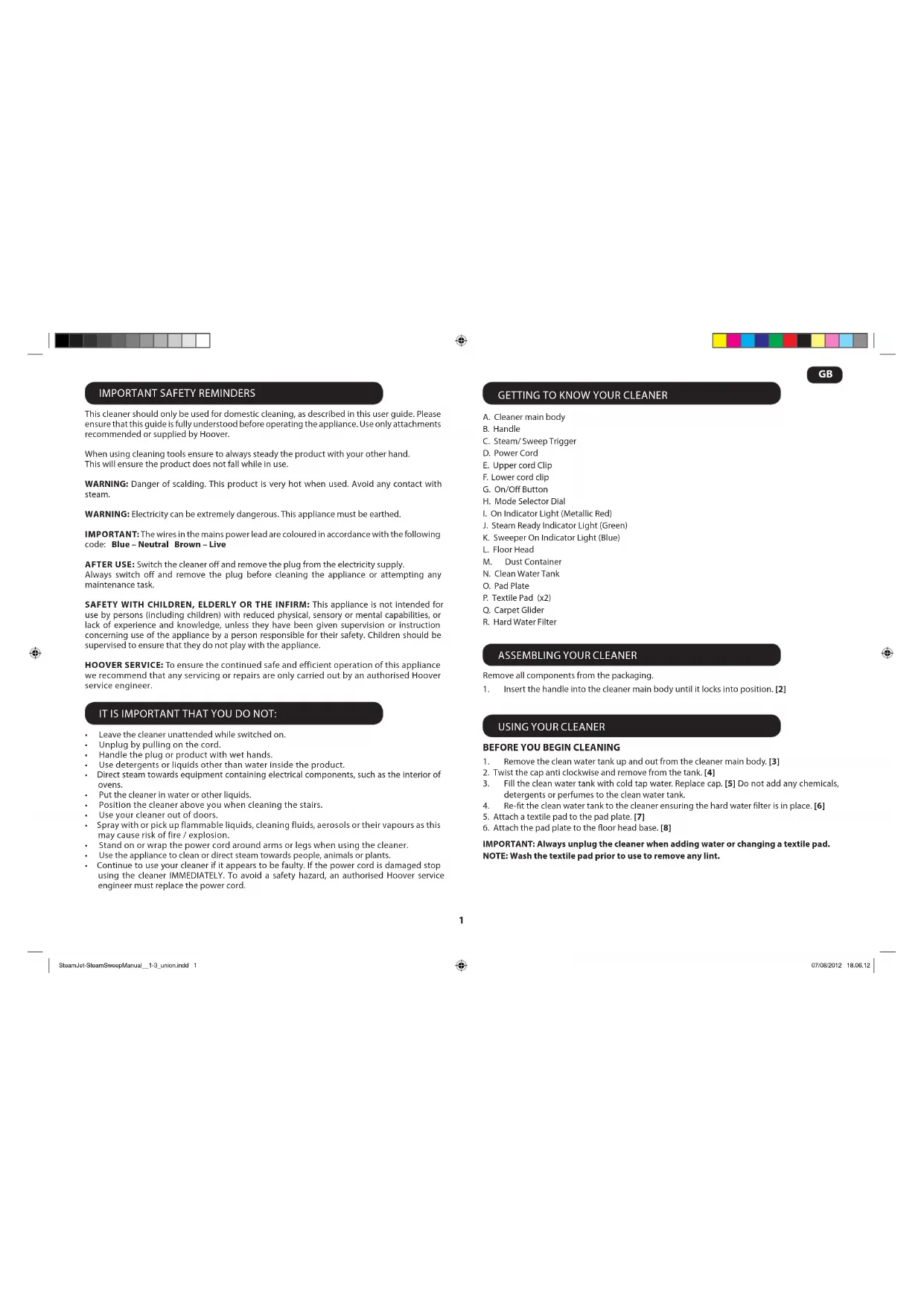
IMPORTANT SAFETY REMINDERS
This cleaner should only be used for domestic cleaning, as described in this user guide. Please ensure that this guide is fully understood before operating the appliance. Use only attachments recommended or supplied by Hoover.
When using cleaning tools, always steady the product with your other hand. This will ensure the product does not fall while in use.
WARNING: Danger of scalding. This product is very hot when used. Avoid any contact with steam.
WARNING: Electricity can be extremely dangerous. This appliance must be earthed.
IMPORTANT: The wires in the mains power lead are coloured in accordance with the following code: Blue – Neutral, Brown – Live.
AFTER USE: Switch the cleaner off and remove the plug from the electricity supply. Always switch off and remove the plug before cleaning the appliance or attempting any maintenance task.
SAFETY WITH CHILDREN, ELDERLY OR THE INFIRM: This appliance is not intended for use by persons (including children) with reduced physical, sensory or mental capabilities, or lack of experience and knowledge, unless they have been given supervision or instruction concerning use of the appliance by a person responsible for their safety. Children should be supervised to ensure that they do not play with the appliance.
HOOVER SERVICE: To ensure the continued safe and efficient operation of this appliance, we recommend that any servicing or repairs are only carried out by an authorised Hoover service engineer.
IT IS IMPORTANT THAT YOU DO NOT:
• Leave the cleaner unattended while switched on. • Unplug by pulling on the cord. • Handle the plug or product with wet hands. • Use detergents or liquids other than water inside the product. • Direct steam towards equipment containing electrical components, such as the interior of ovens. • Put the cleaner in water or other liquids. • Position the cleaner above you when cleaning the stairs. • Use your cleaner out of doors. • Spray with or pick up flammable liquids, cleaning fluids, aerosols or their vapours as this may cause risk of fire / explosion. • Stand on or wrap the power cord around arms or legs when using the cleaner. • Use the appliance to clean or direct steam towards people, animals or plants. • Continue to use your cleaner if it appears to be faulty. If the power cord is damaged stop using the cleaner IMMEDIATELY. To avoid a safety hazard, an authorised Hoover service engineer must replace the power cord.
GETTING TO KNOW YOUR CLEANER
A. Cleaner main body B. Handle C. Steam/ Sweep Trigger D. Power Cord E. Upper cord Clip F. Lower cord clip G. On/Off Button H. Mode Selector Dial I. On Indicator Light (Metallic Red) J. Steam Ready Indicator Light (Green) K. Sweeper On Indicator Light (Blue) L. Floor Head M. Dust Container N. Clean Water Tank O. Pad Plate P. Textile Pad (x2) Q. Carpet Glider R. Hard Water Filter
ASSEMBLING YOUR CLEANER
Remove all components from the packaging.
- Insert the handle into the cleaner main body until it locks into position. [2]
USING YOUR CLEANER
- Remove the clean water tank up and out from the cleaner main body. [3]
- Twist the cap anti clockwise and remove from the tank. [4]
- Fill the clean water tank with cold tap water. Replace cap. [5] Do not add any chemicals, detergents or perfumes to the clean water tank.
- Re-fit the clean water tank to the cleaner ensuring the hard water filter is in place. [6]
- Attach a textile pad to the pad plate. [7]
- Attach the pad plate to the floor head base. [8]
IMPORTANT: Always unplug the cleaner when adding water or changing a textile pad.
NOTE: Wash the textile pad prior to use to remove any lint.
1



GB
Sweeping floors
The sweep mode allows you to clear the floor of any small debris before steam cleaning.
IMPORTANT: Ensure the carpet glider, textile pad and pad plate are removed from the floor head.
- Plug the steam cleaner into the main power and switch on the cleaner. The red on light will illuminate.
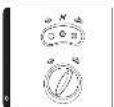
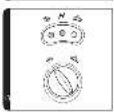
- Turn the mode selector dial to sweep mode the blue sweep light will illuminate. [9]
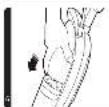
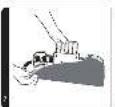
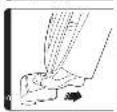
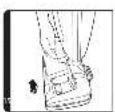
- Recline the cleaner by placing a foot on the floor head and lowering the main body towards the floor. [10]
- To start sweeping press the steam / sweep trigger. [11]
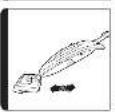
- Move the cleaner slowly backwards and forwards paying particular attention to high traffic areas. [12]
Steam cleaning hard floors
NOTE: Always sweep the floor prior to use to remove any loose dirt or debris.
IMPORTANT: Do not use the cleaner without a textile pad and plate attached to the floor head.
NOTE: Do not use the carpet glider when cleaning hard floors.
- Plug the steam cleaner into the main power and switch on the cleaner. The red on light will illuminate.
- Turn the mode selector dial to steam mode. [13]
- After a few seconds the green Steam Ready light will illuminate indicating the cleaner is ready for use.
- Recline the cleaner by placing a foot on the floor head and lowering the main body towards the floor. [10]
- To produce steam press the steam / sweep trigger button. [11]
- Move the cleaner slowly backwards and forwards paying particular attention to high traffic areas. [12]
Refreshing carpets
NOTE: Always sweep the floor prior to use to remove any loose dirt or debris.
IMPORTANT: Do not use the cleaner without a textile pad and plate attached to the floor head.
- Attach the carpet glider to the floor head. [14]
- Plug the steam cleaner into the main power and switch on the cleaner. The red on light will illuminate.
- Turn the mode selector dial to steam mode. [13]
- After a few seconds the green Steam Ready light will illuminate indicating the cleaner is ready for use.
- Recline the cleaner by placing a foot on the floor head and lowering the main body towards the floor. [10]
- To produce steam press the steam / sweep trigger button. [11]
- Move the cleaner slowly backwards and forwards paying particular attention to high traffic areas. [12]
CLEANER MAINTENANCE
IMPORTANT: ALWAYS ENSURE THE CLEANER HAS FULLY COOLED DOWN BEFORE PERFORMING ANY MAINTENANCE TASKS.
Empty the dust container
Note: Empty the dust container after each use.
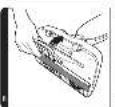
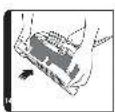
- Lift the dust container out of the floor head. [15]
- Empty the dust container and return to the floor head.
Empty the water tank
- Unplug the cleaner from the main power and ensure the unit has cooled.
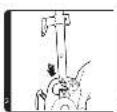
- Remove the clean water tank from the main body of the cleaner. [4]
- Twist the cap anti-clockwise and remove. [5]
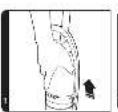
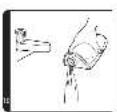
- Empty any excess water from the tank. [16] Replace the cap and return to the cleaner.
Removing and cleaning the textile pad
- Unplug the cleaner from the main power and ensure the unit has cooled.
- If necessary remove the carpet glider.
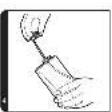
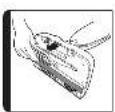
- Press the release pedal at the rear and remove the pad plate from the floor head. [17]
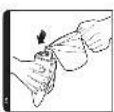
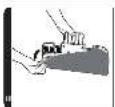
- Peel the textile pad from the pad plate. [18]
- Wash the textile pad in a washing machine with a mild detergent at a maximum temperature of 40°C.
IMPORTANT: Do not use bleach or fabric softener when washing the textile pad.
Replacing the hard water filter
The cleaner is fitted with a hard water filter. If you live in an area of hard water, the filter will discolor over time. Depending on the water hardness and frequency of use, the filter should be changed every 6 months.
- Unplug the cleaner from the main power supply and ensure the unit has cooled down.
- Remove the clean water tank from the main body of the cleaner. [5]
- Lift the hard water filter out of the cleaner. [19] Replace with a new filter.
- Reassemble the clean water tank to your cleaner.
Note: The condition of the filter will affect the cleaner's performance.



TROUBLESHOOTING
Should you have a problem with the product, complete this simple user checklist before calling your local Hoover service.
The steam stick will not switch on.
• Check the unit is plugged in. - Check the power cord. The steam stick is not producing steam. • There may be no water in the clean water tank. • The tank may not be fitted correctly. The textile pad won't pick up dirt. - The cleaning pad may already be saturated with dirt and needs to be washed. Refer to the Maintenance section.
CLEANING FAQs
When is steamjet ready? In approximately 30 seconds.
Can I use steamjet on all floor surfaces? On all hard floors like marble, ceramic, stone, linoleum, sealed hardwood floors and parquet.
Does steamjet emit steam automatically? No, to produce steam you should press the steam/sweep trigger button under the handle.
Can I use it vertically? No, steamjet can be used only on horizontal floor surfaces.
Can I put detergents or other chemicals inside the tank? No, you would damage the product.
What if in the city where I live the water is very hard? You can use filtered water or you will have to change the filter cassette more often. If you find very weak steam, check steam orifice, you can descale it by inserting small tools into steam orifice if necessary.
When is it time to change the filter cassette? How do you notice it? It depends on the water hardness. Normally 6 months. You will notice that the colour of yellow resin inside the filter cassette becomes a bit dull.
How long will one tank of water last before needing to be refilled? Approximately 20 minutes if you press continuously the trigger.
Is the mop washable? Yes, it can be washed by hand or in the washing machine with a mild detergent at max temperature 40°C. Do not use bleach or fabric softener.
How often should I replace the mop? It depends on different factors above all how hard the floor is. The best way to understand when to change the mop is when the mop is still dirty after having washed it or if you notice that it doesn't perform like before.
What does the sweeper function do? The sweep mode is on the model ssw1700 and allows you to clear the floor of any small debris before steam cleaning. Ensure the carpet glider, textile pad and pad plate are removed from the floor head.
Hoover spares and Consumables
Always replace parts with genuine Hoover spares. These are available from your local Hoover dealer or direct from Hoover. When ordering parts always quote your model number.
Consumables
Textile Pad: 35601334
Filter:
35601335
Hoover Service
Should you require service at any time, please contact your local Hoover Service Office.
Quality
Hoover's factories have been independently assessed for quality. Our products are made using a quality system which meets the requirements of ISO 9001.
The Environment:
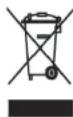
This appliance is marked according to the European Directive 2002/96/EC on Waste Electrical and Electronic Equipment (WEEE). By ensuring this product is disposed of correctly you will help prevent potential negative consequences for the environment and human health, which could otherwise be caused by inappropriate waste handling of this product.
The symbol on the product indicates that this product may not be treated as household waste. Instead it shall be handed over to the appliance collection point for recycling of electrical and electronic equipment. Disposal must be carried out in accordance with the local environmental regulations for waste disposal. For more detailed information about treatment, recovery and recycling of this product, please contact your local city office, your household waste disposal service or the shop where you purchased the product.
Your Guarantee
The guarantee conditions for this appliance are as defined by our representative in the country in which it is sold. Details regarding these conditions can be obtained from the dealer from whom the appliance was purchased. The bill of sale or receipt must be produced when making any claim under the terms of this guarantee.
Subject to change without notice.
3




FR
IMPORTANT SAFETY REMINDERS



IT
When is the steam jet ready? In about 30 seconds.
Your warranty
MAINTENANCE OF THE VACUUM CLEANER
IMPORTANT: ALWAYS MAKE SURE THAT NO MAINTENANCE IS PERFORMED BEFORE THE CLEANER HAS COMPLETELY COOLED DOWN.
BEFORE YOU START CLEANING