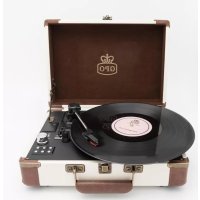
Ambassador - Turntable GPO - Free user manual and instructions
Find the device manual for free Ambassador GPO in PDF.



User questions about Ambassador GPO
0 question about this device. Answer the ones you know or ask your own.
Ask a new question about this device
Download the instructions for your Turntable in PDF format for free! Find your manual Ambassador - GPO and take your electronic device back in hand. On this page are published all the documents necessary for the use of your device. Ambassador by GPO.
USER MANUAL Ambassador GPO
Thanks for purchasing the Ambassador turntable player from GPO. This retro-themed unit adds a touch of classic style to any room, while still providing amazing audio quality through the built in speakers. To get the most from your new turntable player, please read these instructions carefully before use, and keep them in a safe place for future reference.
Unpacking
This package contains:
1x SW-196F Ambassador
1x Turntable Needle (fitted)
1x Turntable Slip Mat (placed on the turntable)
1x Blank USB Stick
1x DC Power Cable
1x Aux-in Cable
1x Manual
Carefully remove all of the contents from the packaging.
Make sure you retain and store this manual for future reference.
When choosing a location for the unit, avoid inclines, direct sunlight or sources of heat and moisture.
Keep all of the ventilation holes clear, and do not place any equipment on top of the unit as this can lead to damage. Only remove the stylus guard from the stylus assembly during use. Leaving the guard in place during storage will protect your stylus from damage.
Features
Your Ambassador turntable unit has the following features:
- 3-speed turntable (33, 45 or 78 RPM)
- Belt drive and semi-automatic play tone arm
- Ceramic stereo cartridge and jewel stylus
- Built-in 45 RPM adapter
- Aux-in and Aux-out functions
- Built-in stereo speakers
- Rechargeable battery
- Bluetooth functionality
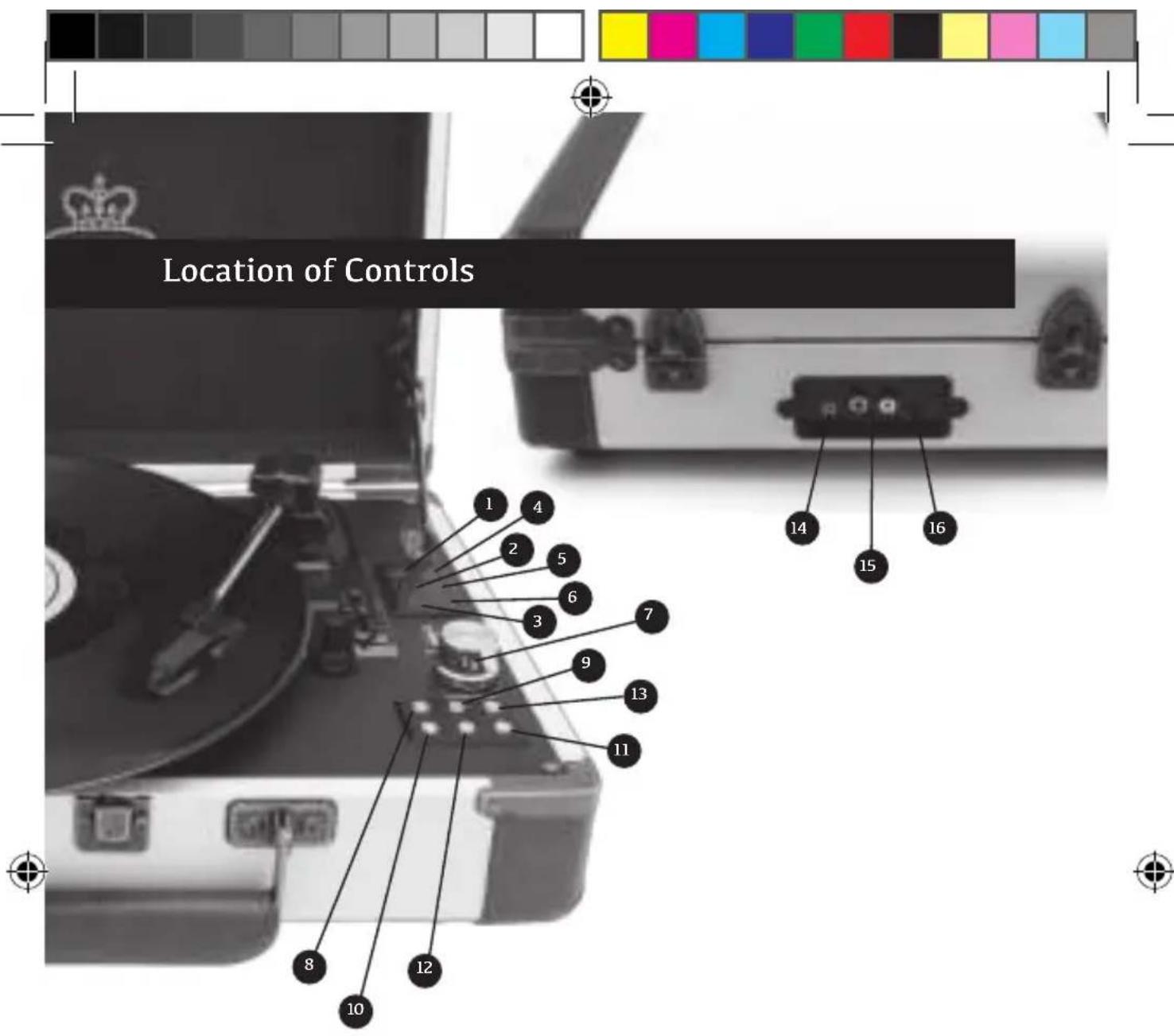
- Turntable Indicator Light
- Aux-in Indicator Light
- USB Indicator Light
- Bluetooth Indicator Light
- Battery Power Indicator Light
- Recording Indicator Light
- Power On/Off and Volume
-
Mode Select
-
Stop
- Record
- Fast Forward
- Rewind
- Play/Pause
- Aux-in Jack
- Aux-out Jack
- DC Power Jack
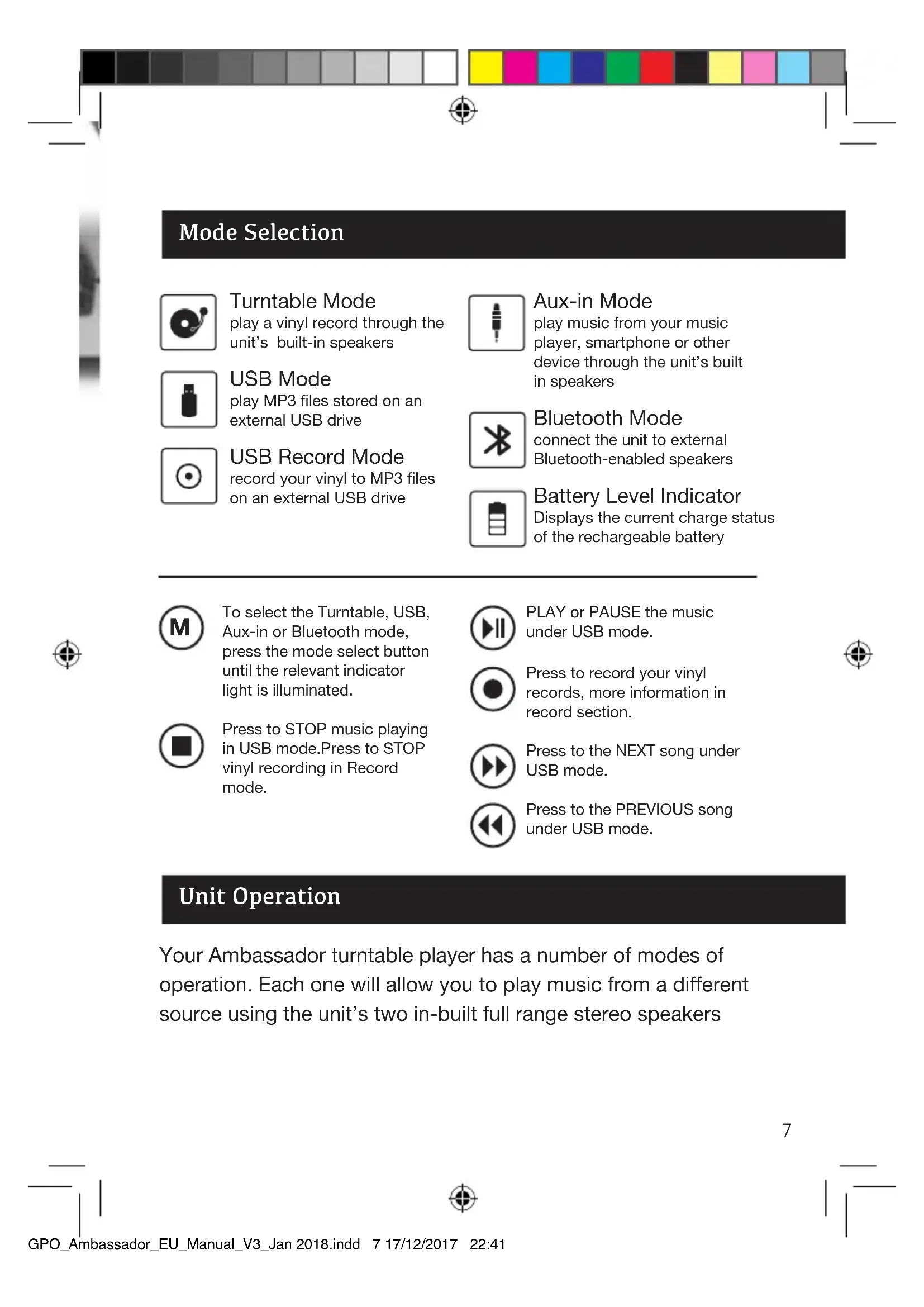
Mode Selection

Turntable Mode play a vinyl record through the unit's built-in speakers
USB Mode play MP3 files stored on an external USB drive

USB Record Mode record your vinyl to MP3 files on an external USB drive

Aux-in Mode play music from your music player, smartphone or other device through the unit's built in speakers
Bluetooth Mode connect the unit to external Bluetooth-enabled speakers
Battery Level Indicator Displays the current charge status of the rechargeable battery

To select the Turntable, USB, Aux-in or Bluetooth mode, press the mode select button until the relevant indicator light is illuminated.

Press to STOP music playing in USB mode. Press to STOP vinyl recording in Record mode.

PLAY or PAUSE the music under USB mode.

Press to record your vinyl records, more information in record section.

Press to the NEXT song under USB mode.

Press to the PREVIOUS song under USB mode.
Unit Operation
Your Ambassador turntable player has a number of modes of operation. Each one will allow you to play music from a different source using the unit's two in-built full range stereo speakers
Turntable Mode
- Turn on the unit power
- Select Turntable mode using the mode select button
- Choose the correct speed setting, using the 45RPM adapter if needed, and place the vinyl record onto the turntable
- Place the tone arm into the correct position to begin playback
- The turntable will stop automatically when the recording has finished.
- Use the volume controls to set the desired sound levels
AUX-IN Play Mode
- Turn on the unit power
- Select Aux-in mode using the mode select button
- Connect your chosen device to the unit's aux-in jack using the cable provided
- Press the play/pause button to begin playback
- Use the volume controls to set the desired sound levels
USB Play Mode
- Turn on the unit power
- Select USB mode using the mode select button
- Connect your USB device to the unit using the USB slot
- Press the play/pause button to begin playback
- Use the volume controls to set the desired sound levels
- To record from vinyl to your device, select USB record mode
- Press record to begin recording
- Press stop to cancel recording
Bluetooth Mode
The Ambassador's Bluetooth mode allows you to stream your vinyl to any Bluetooth enabled speaker or headphones.
- Turn on the unit power
- Select Bluetooth mode by holding the mode button down for three seconds while in turntable, USB or Aux-in mode
- The Bluetooth indicator light will flash rapidly as the unit searches for nearby Bluetooth-enabled devices.
- When paired the blue light will flash shortly with a three second interval
- If the devices fail to sync, please repeat points 1-4.
- Use the volume controls to set the desired sound levels
- Hold down the stop button for three seconds to turn off Bluetooth mode and move straight to turntable mode
Please note: When pairing the Ambassador to your Bluetooth speaker or headphones, please ensure that the device you wish to stream vinyl to is set to pairing mode. This will allow them to sync.
Vinyl Record Mode
- Press the mode button until the red LED light next to Turntbale is illuminated.
- Insert a blank USB stick into the slot
- Place the desired vinyl onto the turntabled and begin playing.
- Press the record button on the control panel, the red light next to record will begin to flash. Press the record button once to record the vinyl in one track, press the record button twice to split the tracks.
Charging the Battery
The battery level indicator displays the current charge status of the unit's rechargeable battery.
While operating on mains power via the DC cable and jack, the unit will automatically begin to charge the inbuilt battery. The battery indicator light will indicate how the charging is progressing:
Red: The unit needs to be charged
Green: The unit is charging
Blue: The unit has fully charged
Line Out
To use your Ambassador turntable with external speakers, connect your speakers to the unit's Aux-out jack.
Headphones Out
Headphones can be connected using the Aux-out jack.
RCA Audio Out
An RCA cable is included with you GPO Ambassador, you will require this cable to connect to extra speakers.
Replace Stylus
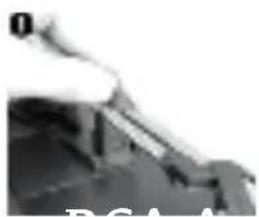
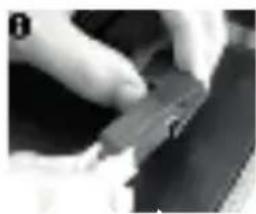
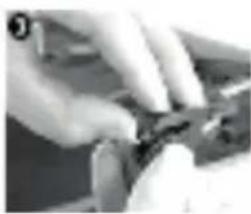
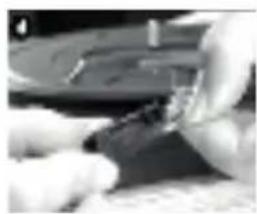
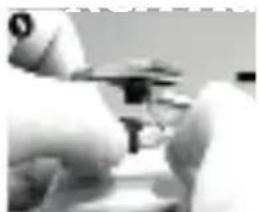
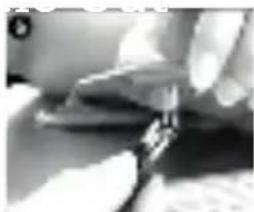
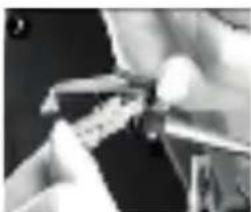
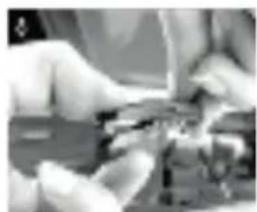
The unit's stylus will need replacing regularly.
To replace the stylus:
- Push the arm lock to release the tone arm
- Remove the cap from the cartridge to expose the needle
- Carefully remove the cartridge from the socket
- Completely remove the stylus needle from the cartridge
- Carefully place a new stylus needle into the cartridge
- Place the cartridge back into the socket
- Put the cartridge cap back in place
- Re-engage the arm lock
The turntable's stylus needs to be replaced every 3-4 months for best performance. To buy a replacement stylus, go to www.gporetro.com or visit one of our stockists.
Tips for Better Performance
To get the best possible performance from your turntable, please ensure that you:
- Always handle the unit carefully, and take care to lift it from the centre or both edges.
- Do not touch the stylus tip with your finger, and avoid bumping it onto the turntable mat or the edge of a record.
- Regularly clean the stylus tip using a soft brush in a back-to-front motion.
- Never use harsh chemicals or solvents on any part of the turntable system.
- Ensure that the unit is unplugged and the tone arm is secured before moving.
Product Care
Your SW-196F Ambassador record player will provide you with years of listening pleasure, as long as it is properly cared for. To ensure that the unit remains in working condition, please take care to:
- Keep the unit clean, dry, and away from any potential sources of splashing or dripping, such as vases.
- Avoid areas with high levels of humidity – such as kitchens and bathrooms, and those with extreme temperatures of 35^ or higher.
- Do not let any loose items fall into the unit. If this happens, unplug the unit and call our support team for advice.
Always unplug the unit before cleaning. - Take care when cleaning and wiping the unit's plastic parts and finish, and use only a dry dust cloth. The front panel can be cleaned gently with a damp cloth and mild soap.
- Store the unit horizontally. If placed on an incline, the unit's playback may be affected.
- Avoid condensation. If the unit is moved from a cold to a warmer location, please wait 30 minutes before operation.
- Disconnect the power supply after use.
Product Support
For more advice or assistance, please visit www.gporetro.com, or call our support team on 0845 521 4095.
Please note, for your personal safety you SHOULD NOT attempt to open the unit's casing. Opening the casing voids your warranty, and no user serviceable parts are contained inside
Einleitung
Hereby ProtelX, declares that this equipment (GPO Ambassador) is in compliance with the essential requirements and other relevant provisions of Directive, you can access a copy of this certificate on www.gporetro.com/Certificate-of-Conformity
DE
ProTelX Ltd, Unit 6, Park 17 Industrial Estate, Moss Lane, Whitefield, Manchester, M45 8FJ UK