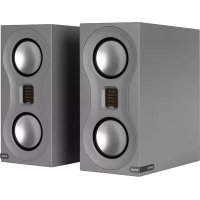
Studio - Loudspeaker MONITOR AUDIO - Free user manual and instructions
Find the device manual for free Studio MONITOR AUDIO in PDF.



| Product Type | Speaker |
| Brand | Monitor Audio |
| Model | Studio |
| System Configuration | 2-way - 3 drivers |
| Frequency Response | 48 Hz - 60 kHz |
| Sensitivity (1 W @ 1 m) | 86 dB |
| Nominal Impedance | 4 Ohm (2.9 Ohm min @ 3.5 Hz) |
| Maximum SPL (per pair, in room) | 110 dBA |
| Nominal Power (RMS) | 120 W |
| Recommended Amplifier Power (4 Ohms RMS) | 40 to 120 W |
| Crossover Frequency (Mid to High) | 2.7 kHz |
| Drivers | 2 x 10.16 cm RDT II bass/midrange drivers, 1 x MPD high-frequency transducer |
| Technologies | MPD, C-CAM, RDT II, HiVe II, through-bolt fixing |
| Loading Type | Dual bass-reflex with HiVe II port |
| Dimensions (H x W x D) | 340 x 156.2 x 361 mm |
| Weight | 7.58 kg |
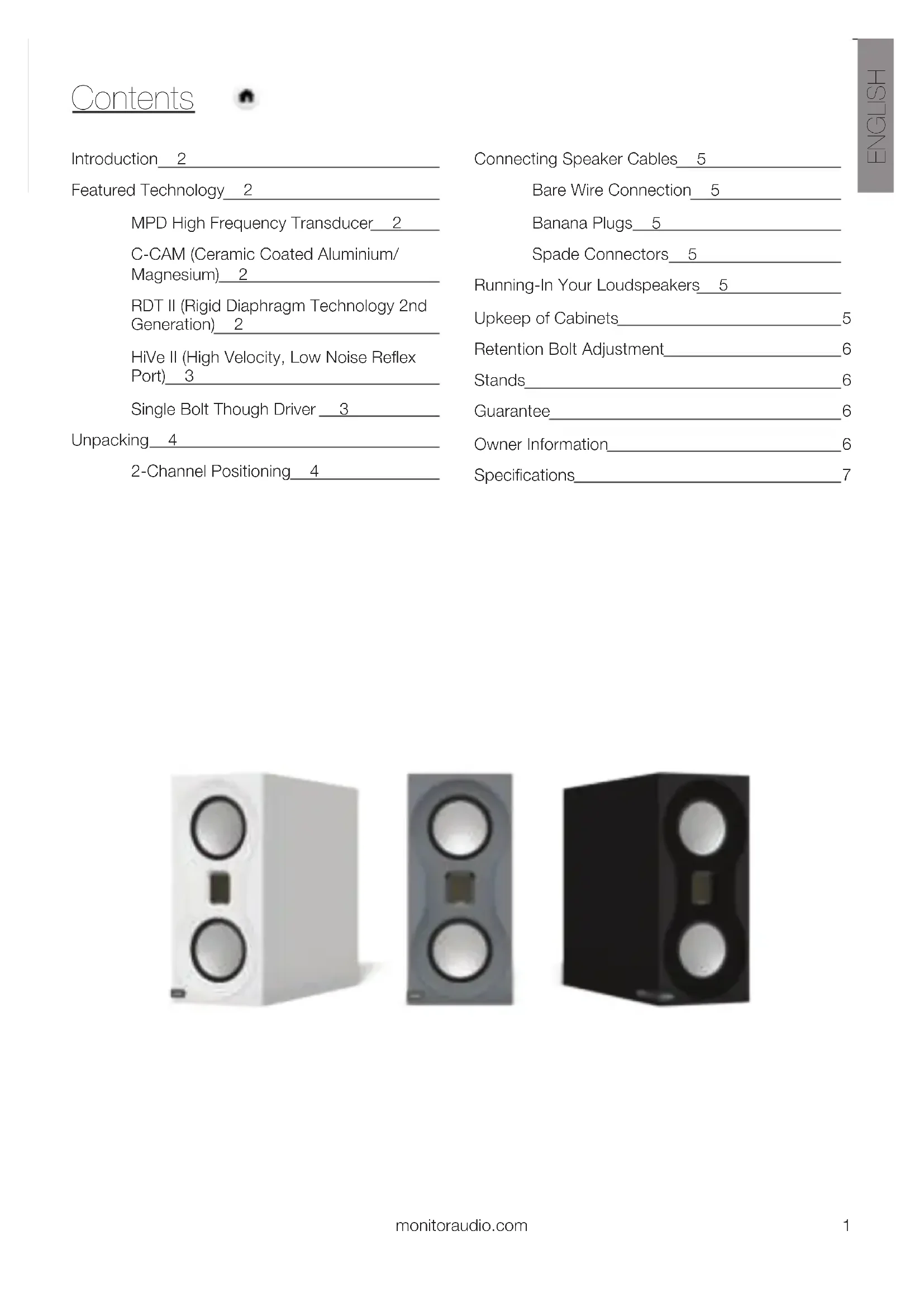
| Available Finishes | Black, White, Grey High Gloss Lacquer |
| Warranty | 5 years (manufacturing defects) |
| Maintenance | Regular dusting with microfiber cloth; cleaning drivers with damp cloth; avoid solvents and harsh chemicals |
Frequently Asked Questions - Studio MONITOR AUDIO
User questions about Studio MONITOR AUDIO
0 question about this device. Answer the ones you know or ask your own.
Ask a new question about this device
Download the instructions for your Loudspeaker in PDF format for free! Find your manual Studio - MONITOR AUDIO and take your electronic device back in hand. On this page are published all the documents necessary for the use of your device. Studio by MONITOR AUDIO.
USER MANUAL Studio MONITOR AUDIO
Featured Technology 2
MPD High Frequency Transducer 2
C-CAM (Ceramic Coated Aluminium/Magnesium) 2
RDT II (Rigid Diaphragm Technology 2nd Generation) 2
HiVe II (High Velocity, Low Noise Reflex Port) 3
Single Bolt Though Driver 3
Unpacking 4
2-Channel Positioning 4
Connecting Speaker Cables 5
Bare Wire Connection 5
Banana Plugs 5
Spade Connectors 5
Running-In Your Loudspeakers 5
Upkeep of Cabinets 5
Retention Bolt Adjustment 6
Stands 6
Guarantee 6
Owner Information 6
Specifications 7
Introduction
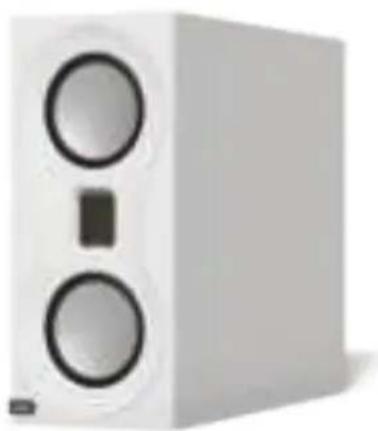
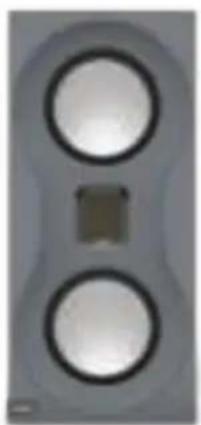
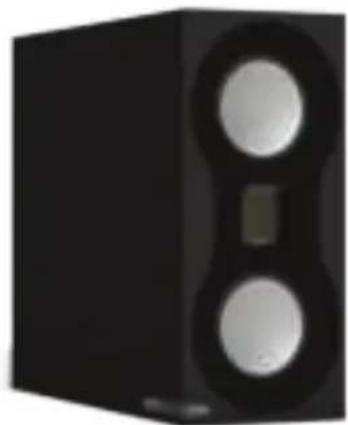
Studio is a high-performance loudspeaker system for music enthusiasts looking for absolute performance in a compact, affordable package. The uncompromising design ethos primarily embraces trickle down driver technology from the flagship Platinum II series.
Every detail of the signal chain has been considered to achieve neutrality, which required our design team to think in a very uncompromising fashion. The grille-less design, for example, ensures the speaker always performs at its optimum level and without concession. Bespoke floor stands have been created for the best possible foundation, matching design and performance impeccably.
Featured Technology
MPD High Frequency Transducer
An MPD (Micro Pleated Diaphragm) high frequency transducer has been designed in to provide incredible articulation due to the low mass diaphragm. The MPD transducer works by rapidly squeezing the pleats to produce a smooth, wide, naturally fast response way into the ultra-sonic band. As a result, the sound is more lifelike, releasing the high harmonic spectrum of every note without the distortion that blurs definition.
C-CAM (Ceramic Coated Aluminium/Magnesium)
C-CAM is an innovative alloy material originally developed by the aerospace industry. It exhibits ideal qualities for use as loudspeaker cones, being extremely rigid, yet light enough to yield high overall efficiency. C-CAM is formed from an alloy of aluminium and magnesium, which undergoes stress-relieving processes in manufacturing to avoid surface deformation and molecular weakness. A layer of pure ceramic (alumina) is deposited onto the surfaces to produce a completely rigid exterior. C-CAM cones are designed to have high resistance to bending stress. When formed into a cone, C-CAM material provides increased clarity and reduced distortion compared to conventional cone materials.
RDT II (Rigid Diaphragm Technology 2nd Generation)
RDT II is a composite 'sandwich' structure made from ultra-thin low-mass skins, bonded to a honeycomb NomexR core material. The overall thickness of the RDT II diaphragm is only 2mm, yet it exhibits 150 times the strength of a conventional loudspeaker cone. RDT II is a unique, innovative development conceived by Monitor Audio engineers for the new Platinum II series. It uses two skin materials with dissimilar mechanical properties. C-CAM is used for the front skin, while the rear skin is made from a woven carbon fibre. This combination is able to reduce distortion by over 8dB above 300Hz, which equates to a 60% reduction in the energy of harmonic components, making RDT II the lowest distortion cone technology in Monitor Audio's history.
The dual 4" RDT II drivers used in Studio are developed from the PL500 II, modified in this case to produce bass, as well as mid-range. The DCF 'Dynamic Coupling Filter' technology is also incorporated to optimise and reduce high-frequency cone break-up and increase the critical voice coil circumferential rigidity. As with Platinum II, Studio drivers are designed to be incredibly low in distortion and use the same magnetic design principles.
HiVe II (High Velocity, Low Noise Reflex Port)
Monitor Audio's port technology uses a straight rifled design to accelerate air flow and reduce turbulence. HiVe II technology has the ability to move air in and out much quicker than a conventional port, the result is fast powerful bass coupled with superior transient response.
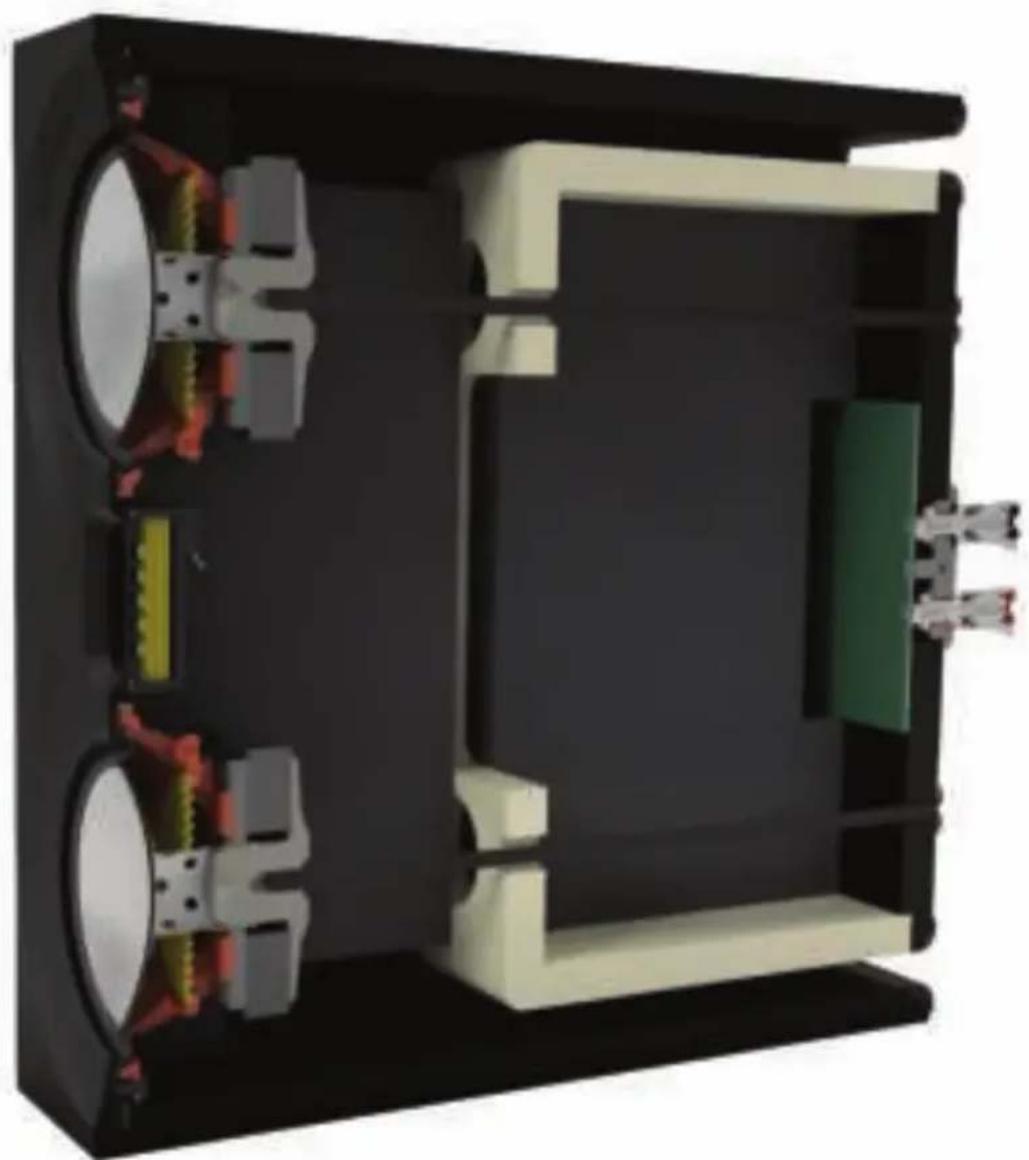
The super slim Studio cabinet is tuned using two rear mounted HiVe II ports mounted at the top and bottom of the cabinet, this is to ensure the pressure inside the cabinet is balanced symmetrically. The large port surface area also ensures there is no turbulence and resulting air noise, which can be a problem in small cabinets.
Single Bolt Though Driver
Studio features our unique single bolt-through driver system, coupled from the rear of the cabinet. Tightened to a specific torque setting, it serves to provide the driver with an equal clamping force around the periphery, whilst ensuring the motor system is braced. Since this is effectively an additional form of bracing, the cabinet system with drivers installed becomes even more rigid.
Unpacking
Please ensure to allow sufficient clear floor area, and follow all pictorial guides on the product carton. Cut the tape sealing the carton, taking care not to cut deeper than the tape, fold back the top folds of the cardboard to expose the polystyrene and remove any accessories, but leaving the polystyrene in place. With the carton the right way up and opened, turn it over so the polystyrene end cap is now in contact with the floor. Lift carton up to reveal speaker/s, then lift speaker clear of packaging and remove protective bag.
Setting Up
2-Channel Positioning
When arranging a 2-channel system, the listening position and the loudspeakers should form an equilateral triangle. The speakers should be positioned approximately 6 - 10 feet (1.8 - 3m) apart. The ideal distance from the rear wall varies depending on tastes and room acoustics, however, the speakers need to be a minimum of 3 feet (91cm) from the side walls. They should be sited 8 - 18" from the rear wall depending on how the bass reacts to the room and your personal tastes.
When setting up the speakers, experimentation is strongly advised, as environmental acoustics and personal preference differ with every installation. If there is insufficient bass present for example, try moving your speakers closer to a wall. The opposite approach is recommended if there is excessive bass. If stereo imaging is being lost, try 'toeing-in' the speakers slightly. The sound should appear to originate from the centre point between the speakers, not the speakers themselves.
Connecting Speaker Cables
Bare Wire Connection
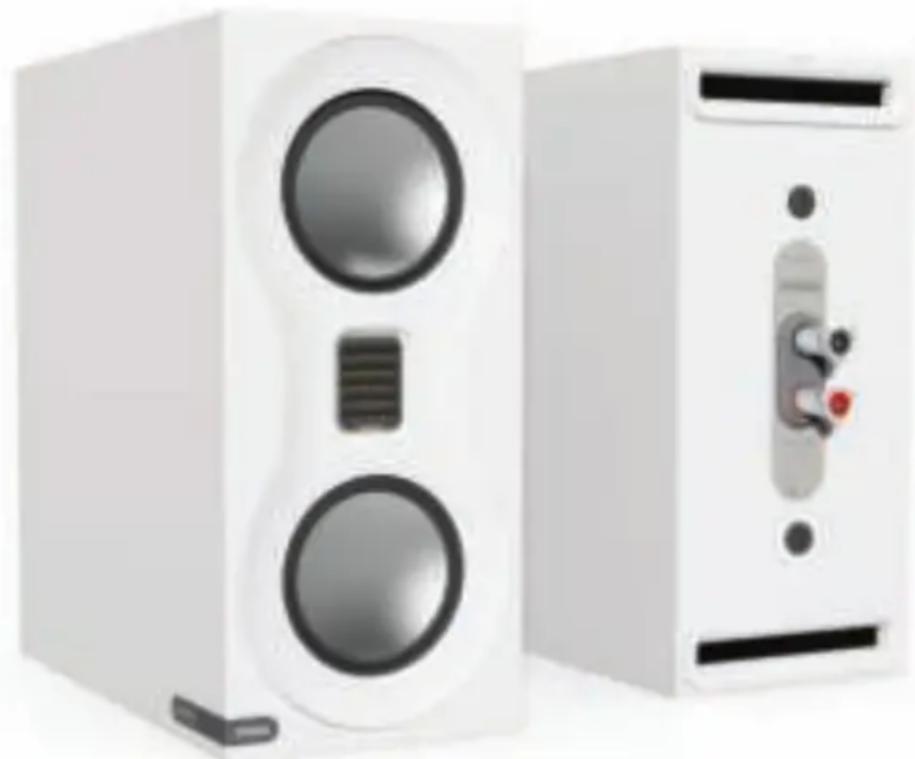
Unscrew each binding post, and pass the bare wire through the exposed hole, and re-tighten.
Banana Plugs
Remove the red and black plastic plugs from the terminals, using pliers as necessary, and insert the banana plugs into the standard 4mm holes exposed.
Spade Connectors
Unscrew each binding post, and place the spade connector around the exposed thread, and re-tighten.
Running-In Your Loudspeakers
Run your speakers in by playing normal music or a running-in CD at low-mid listening levels for approximately 50-70 hours play time. Sound quality may improve further still after 70 hours. This can be done naturally over time: like a fine wine the performance will improve with age.
Alternatively if you wish to run the speakers continuously on loop you can decrease the audible volume/ presence by placing the speakers face-to-face so that the drivers/tweeters are directly aligned and as close as possible. Then connect the amplifier to your speakers so that one is as normal (in phase): positive to positive and negative to negative (red to red and black to black), and the other speaker out of phase: positive to negative and negative to positive inputs on the speaker.
Upkeep of Cabinets
The finish of the cabinet can be maintained by regular dusting using a soft micro fibre cloth. The drive units should only be cleaned with a damp cloth if more than normal dusting is required.
Never use solvents or aggressive cleaning/polishing agents on your Studio Loudspeakers. When in doubt, test the cleaning product on an inconspicuous area on the cabinet and let it sit for several days before committing to its use on visible portions of the cabinet.
Retention Bolt Adjustment
The Studio loudspeaker has a bolt-through driver fixing to reduce cabinet colouration. Each bolt acts as a rigid brace, but also removes the need for conventional driver fixings as well, effectively decoupling the driver and front baffle to eliminate a further source of resonance.

NOTE: Should this bolt become loose over time, or has worked loose during transit, then please use the supplied hex key to tighten the bolt back up. This only needs to be after turn after the strain has been taken by the bolt.
Stands
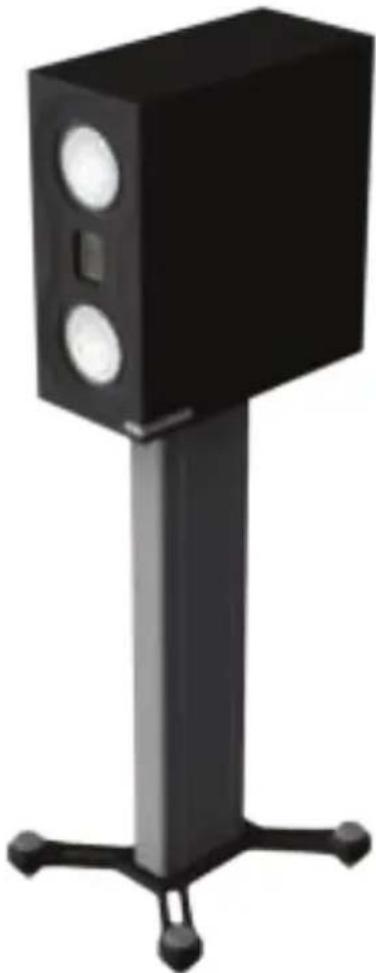
New dedicated stands are available, to perfectly compliment both aesthetically and acoustically with the Studio loudspeakers. They feature sturdy 'no ring' construction to add safe support and isolate the speakers from resonant frequencies. The new stands' height has again been optimised for listening, aligning the speakers tweeters at ideal ear height within a seated listening position. For more information please visit our website: www.monitoraudio.com
Guarantee
Both the craftsmanship and the performance of this product is guaranteed against manufacturing defects for the period of five years from the date of purchase (see conditions in the Important Safety Instructions booklet), provided that the product was supplied by an authorised Monitor Audio retailer under the consumer sale agreement.
To help us find your warranty details within our customer database, should the need arise, please take a few minutes to register your product(s) online at: monitoraudio.com.
Owner Information
Product Details
Product Serial No:
Date of Purchase:
Dealer Details
Dealer Name:
Address:
Post code:
E-mail address:
| Studio | |
| System Configuration | 2 Way - 3 driver |
| Frequency Response. | 48Hz - 60KHz |
| Sensitivity (1W@1M). | 86dB |
| Nominal Impedance | 4 Ohm (2.9 Ohm Min @ 3.5kHz) |
| Maximum SPL (per pair, in room) | 110dBA |
| Power Handling (RMS) | 120W |
| Recommended amplifier power into 4 Ohms (RMS) | 40-120W |
| System Alignments | Dual slot bass reflex - HiVe II port system |
| Mid - H.F Crossover Frequency | 2.7kHz |
| Drive Unit Complement | 2 x 4" RDT II bass/mid-range driver 1 x MPD high frequency transducer |
| External Dimensions (Including Terminals) (H x W x D) | 340 x 156.2 x 361mm 13 3/8 x 6 1/8 x 141 3/16 inch |
| Product Weight | 7.58Kg (16lb 9oz) |
| Finishes Available | Satin lacquer finish in black, white and grey |
Monitor Audio reserves the right to alter specifications without notice.
STUDIO
Manuel utiliseur
Table des matieres

Introduction 10
Technologies 10
C-CAM (Ceramic Coated Aluminium/Magnesium) 18
RDT II (Rigid Diaphragm Technology 2nd Generation) 18
C-CAM (Ceramic Coated Aluminium/Magnesium)
RDT II (Rigid Diaphragm Technology 2nd Generation)
HiVe II (High Velocity, Low-Noise-Reflex-Port) 27
HiVe II (High Velocity, Low-Noise-Reflex-Port)
BbICOKOaCTOTbI MPD-npeo6pa3OBaTeIb_66
C-CAM (Ceramic Coated Aluminium/Magnesium) 66
RDT II (Rigid Diaphragm Technology Btoporo nokolenia) 66
HiVe II (High Velocity, npot faoonHbepTopa)67
KpeHJIeHneIINHaMnKaOJHIM6oTOM 67
PacnaKOBka 68
HacrtpoiKa 68
Pa3MeueHne B CtepeocnteMe 68
IopKluHueHne akyctnuecknx Ka6eJe 69
IopknHoueHne ka6eJb63 pa3bema 69
Pa3bEmbl Tnna 6aHaH 69
Pa3bEmbl Tnna «IOnaTka> 69
Pnpap60tKa akyctnuecknx cnCTem 69
UxoI 3a Kopnycom 69
PerynilpoBka 6oIta 70
CtoiKu 70
TapaHTn70
HOpMauny DnBvAdelbua 70
TexHnueckne xapaKtepcntKN 71
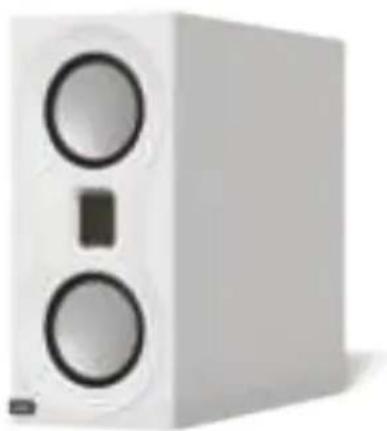
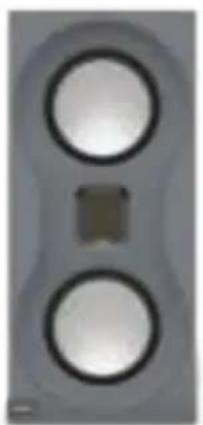
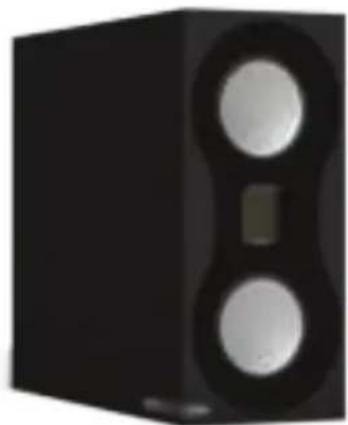
В级以上
Studio -北京市KOKO3ΦΦeKTHBHaAkyCTnuecka CNTemaIJIHbnteJeMy3bIKN, COUeTaHOuaJcOBepHECTBO 3ByuHnC KOMNaKTHOCTbIO n pa3yMHOI cEHOJ. KOHCTpyKzIgKOLOHOK BKJIHOaET 3JIeMeHTbI N TexHNUeCKne peSeHn, NO3aIMCTBOBaHHbIe y MoDeJIe FJIarMaHcKoI cepNI Platinum II.
OCTNUKHeHNAOTNIMALbHO KaueCTBa 3ByaHnI NOTpe6oBaIoo OT HaWeI rpynnbl pa3pa6oTuNKOB Oco6oRo
Noxoda.B NTore, HApPmep, OTCyTCTBne rpnIa Heu3MeHNO rapaHTnpyeT MaKcIMaJIbHO 0f0fKeTINBHyO pa6Oty
akCTNuCeCKo CNTeMbI. PpaBnJIbHOe p3MaSeHne KOLOHOK oBeCneuBaHOT cNeuaJIbHO pa3pa6oTaHHbIE
HaONbHbIE CTOnKIn, OTLIuHaOnueScra COBepseHCTBOM KOHCTpyKcinn
N 3ΦfKeTINBHOCTbIO B 3KcPnyataun.
TexHOLOΓN
BbICOKOaCTOTHbIMPDP-mpe06pa3OBaTeJIb
Фирмньи пeo6baTeь bIbICOKx uactOT, nolyuBshn ha3BaHne MPD (JeHTouHaДnaΦparMa C MnkpoKlaJaKaM), DeIaet 3ByuaHne HeBepoTHO ToUHbIM, 6IarOapra MaIoN Maoc ENaΦpaRmbi. OH obecneuBAHOT poBHyIO n shpOKyIO amPnITyIDHO-actOTHyIO xapaKTepnCTky, rapaHTnpyIbICTpyIO peakuHO Ha IopdaBaemble cngHaJIbI B cBepXIIpOKoi nIoCe UactOT. PezIbTAT - peaJIncTHNoE 3ByuaHne, co cNeKTpOM BbICnx rapMOHk B kaxdoH Hote N 6e3 pa3MbIBaOHux nCKaxeHni.
C-CAM (Ceramic Coated Aluminium/Magnesium)
a a a a a a a a a a a a a a a a a a a a a a a a a a a a a a a a a a a a a a
gdu y Jkuy 1yIg aauill go gaiyy loo dao oclu Jzil Jgauu
Ouaio duoo
MPD 11 11c 10
aIbll JgJ LdI I y 1sLl Jy Jy Bj j gJ (r sGglo 5t) MPD b Dgjo dRill lgl aIbll JgO O .aagall qg Jgolll glbi ggsu g n Jc Aysw ggyg Aasw agy Aasw agy Jy Ldl Bx o MPD b Dgjoll ll Cgogogogogogogogogogogogogogogogogogogogogogogogogogogogogogogogogogogogogogogogogogogogogogogogogogogogogogogogogogogogogogogogogogogogogogogogogogogog
.
Email: info@monitororaudio.co.uk
Web: www.monitoraudio.com
Designed & Engineered in the United Kingdom Made in China
Version 1. 2018
- Introduction
- Featured Technology
- MPD High Frequency Transducer
- C-CAM (Ceramic Coated Aluminium/Magnesium)
- RDT II (Rigid Diaphragm Technology 2nd Generation)
- HiVe II (High Velocity, Low Noise Reflex Port)
- Single Bolt Though Driver
- Unpacking
- Setting Up
- 2-Channel Positioning
- Connecting Speaker Cables
- Bare Wire Connection
- Banana Plugs
- Spade Connectors
- Running-In Your Loudspeakers
- Upkeep of Cabinets
- Retention Bolt Adjustment
- Stands
- Guarantee
- Owner Information
- Product Details
- Dealer Details
- STUDIO
- Table des matieres
- HiVe II (High Velocity, Low-Noise-Reflex-Port)
- В级以上
- TexHOLOΓN
- BbICOKOaCTOTHbIMPDP-mpe06pa3OBaTeJIb
Brand : MONITOR AUDIO
Model : Studio
Category : Loudspeaker