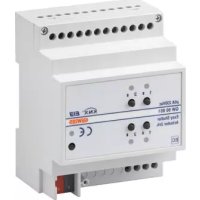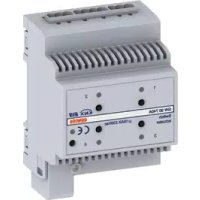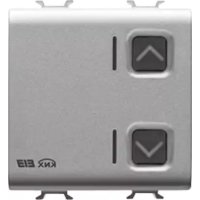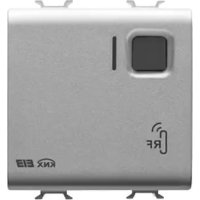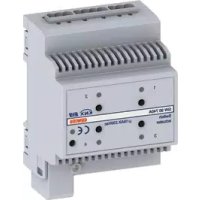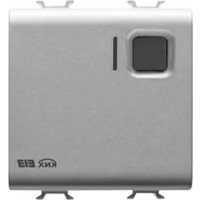
GW12796 - Smart Home Gewiss - Free user manual and instructions
Find the device manual for free GW12796 Gewiss in PDF.



| Product type | 1-channel 16 A KNX flush-mounted actuator |
| Brand | Gewiss |
| Model | GW12796 |
| Category | Smart home |
| Power supply | KNX bus (max 5 mA current consumption) |
| Output contact | 1 NO/NC contact 16 A (AC1) / 10 A (AC15) - 250 V~ |
| Control elements | 1 miniature push button for physical address programming, 1 local relay control button |
| Display | Red LED (programming), green LED (output status), amber LED (night location) |
| Operating temperature | -5 to +45 °C |
| Storage temperature | -25 to +70 °C |
| Relative humidity | Max. 93% (non-condensing) |
| Protection rating | IP20 |
| Dimensions | 2 Chorus modules (width ~36 mm) |
| Standards | EN50428, EN50090-2-2 |
| Certifications | KNX/EIB |
| Main functions | Switching, staircase timer, scenarios (up to 8), priority controls, blocking command, logical functions AND/OR/NOR/XOR, periodic monitoring |
| Installation | By qualified personnel, in a Chorus support, connection to KNX bus and load |
| Connections | Bus: 2-pin plug terminal Ø 1 mm; Output: screw terminals, max cross-section 4 mm² |
| Compatible load types | Resistive 16 A, incandescent 10 A, non-phase-shifted fluorescent 4 A, with electronic ballasts 4 A, motors 10 A |
Frequently Asked Questions - GW12796 Gewiss
User questions about GW12796 Gewiss
0 question about this device. Answer the ones you know or ask your own.
Ask a new question about this device
Download the instructions for your Smart Home in PDF format for free! Find your manual GW12796 - Gewiss and take your electronic device back in hand. On this page are published all the documents necessary for the use of your device. GW12796 by Gewiss.
USER MANUAL GW12796 Gewiss
PROGRAMMING WITH ETS SOFTWARE 16
TECHNICAL DATA 17
GENERAL DESCRIPTION
The KNX 1 channel 16 A Actuator - flush-mounted, allows you to activate/deactivate an electrical load using 1 16 A relay fitted with 1 output exchange contact (1 NO/NC). The relay switching command can be given by Building Automation control or sensor devices using the KNX/EIB bus, or they can be generated locally using the front button. The actuator is powered by the bus line and is fitted with a green LED which indicates the output status and an amber LED for night localisation. This device sends to the bus information on the relay status (ON = NO contact closed, 0FF = NO contact open) at the ignition, at the reception of a command and when it is commanded via the local button.

WARNING: the local command buttons are enabled only when the BUS power is available.
Functions
The actuator is configured by the ETS software to achieve one of the functions listed below.
Switching:
- Timing of stairway lights with option to set the length of the time via bus
- timing of stairway lights with off prewarning function
- activation/deactivation delay
- flashing
Scenes:
- Memorising and activation of 8 scenes (value 0-63)
- Enabling/disabling memorising of scenes via bus
Priority controls:
- Setting of output relay value parameters at the end of an override
Block command:
- Setting of the blocked object value and the output relay value at the end of the block
Logic functions:
- AND/NAND/OR/NOR logic operations with command object and logic operation result
- AND/NAND/OR/NOR/XOR/XNOR logic operations up to 4 logic inputs
Output status:
- Sending to bus with settable parameters
GENERAL DESCRIPTION
Safety functions:
- Periodic monitoring of input object
Other functions:
- Output behaviour setting during bus blackout/reinstatement
- Local command button behaviour settings
- Priority settings for input objects
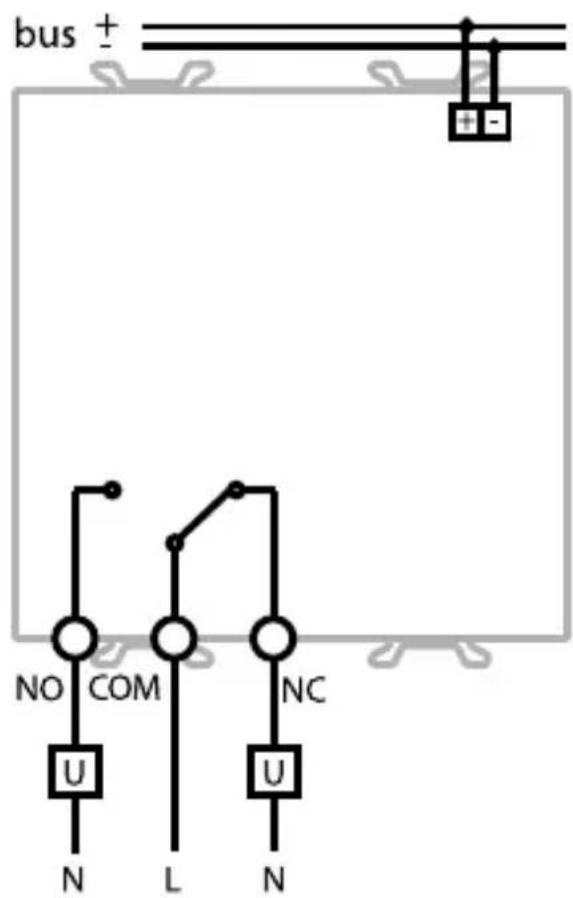
Connection diagram
INSTALLATION

WARNING: only qualified personnel are permitted to install this device, according to the regulations in force and guidelines provided for KNX/EIB installation in the Technical Manual.
Electrical connections
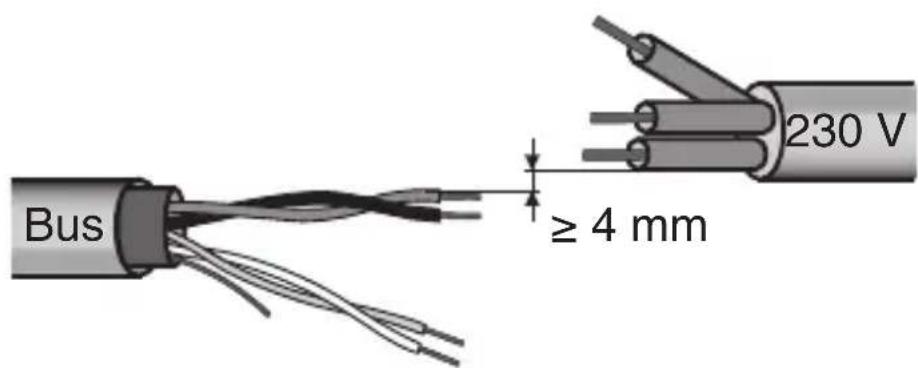
Minimum bus distance - electrical power line
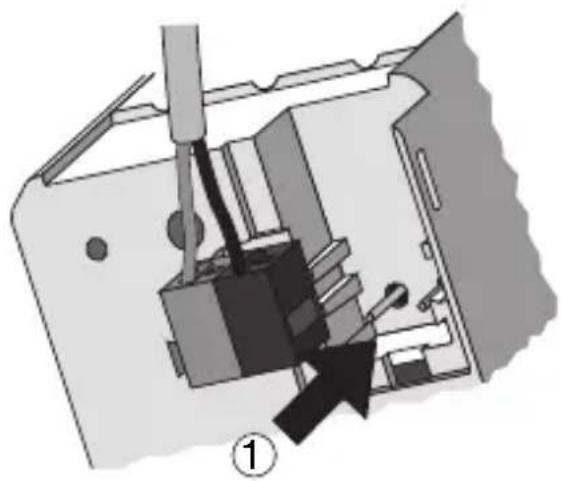
Slot in terminal fixing
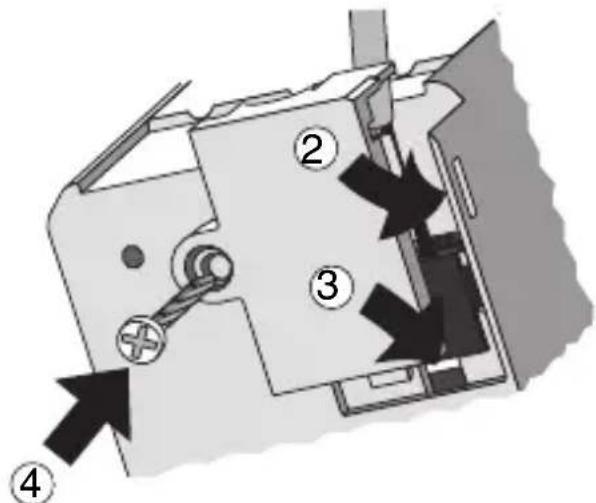
INSTALLATION
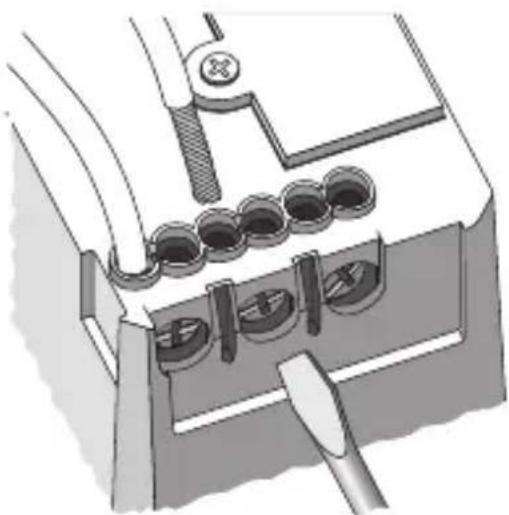
Loads connection
Completing installation
Insert the devices into a Chorus support, making sure the local command button is at the top.
Complete the installation with other Chorus devices or hole covers and fix it to the relative container (flush-mounted box, wall-mounted box etc).
Apply the finish plate.
PROGRAMMING WITH ETS SOFTWARE
This device must be configured using the ETS software.
Detailed information on the configuration parameters and their values can be found in the
Technical Manual.
TECHNICAL DATA
Communication KNX/EIB Bus
Power Supply By KNX/EIB Bus, 29 V dc SELV
Bus cable KNX/EIB TP1
Bus current consumption 5 mA max
Control elements 1 mini physical address programming key,
1 relay local command buttons
Display elements 1 red physical address programming LED,
1 green output status indicator LED,
1 amber LED for night localisation
Actuator element 1 NO/NC 16 A relay with potential free contact
Output contact 1 NO/NC 16 A (AC1) / 10 A (AC15)
Max current per load type Resistive load: 16 A
Incandescent lamps: 10 A
Uncompensated fluorescent lamps: 4 A
Fluorescent lamps with electronic transformers: 4 A
Not suitable for compensated fluorescent lamps
and discharge lamps; please use an auxiliary relay to control such lamps
Motors and reduction units: 10 A
Ambit of use Indoors, dry places
Operating temperature -5 ÷ +45 °C
Storage temperature -25 ÷ +70 °C
Relative humidity
Max 93% (no condensation)
Bus connection
Slot in terminal, 2 pin 1 mm
Electrical connections
Screw terminals, max cable width: 4mm^2
Protection rating
IP20
Dimensions
2 Chorus modules
Reference standards Low Voltage Standard 2006/95/CE
Electromagnetic Compatibility Standard
2004/108/CE
EN50428, EN50090-2-2
Certifications
KNX/EIB
SOMMAIRE
page
DESCRIPTION GENERALE 20
INSTALLATION 22
PROGRAMMATION AVEC LOGICIEL ETS 24
PROGRAMMATION AVEC LOGICIEL ETS
Communication Bus KNX/EIB
Alimentation Avec bus KNX/EIB, 29 V cc SELV
Cable bus KNX/EIB TP1
Cable bus KNX/EIB TP1
According to article 9 paragraph 2 of the European Directive 2004/108/EC and to article R2 paragraph 6 of the Decision 768/2008/EC, the responsible for placing the apparatus on the Community market is:
Gewiss S.p.A Via A. Volta, 1-24069 Cenate Sotto (BG) Italy Tel: +39 035 946 111 Fax: +39 035 945 270 E-mail: qualitymarks@gewiss.com


+39 035 946 111
8.30 - 12.30 / 14.00 - 18.00
lunedi ÷ venerdi - monday ÷ friday
+39 035 946 260