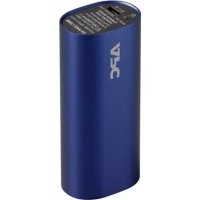
M3BL - Power bank APC - Free user manual and instructions
Find the device manual for free M3BL APC in PDF.



| Brand | APC |
| Model | M3BL |
| Product type | Portable battery (Power Pack) |
| Battery technology | Lithium-ion |
| Battery capacity | 3000 mAh, 3.7 V |
| Input voltage | 5 V |
| Input current (maximum) | 1 A |
| USB output current | 1 A maximum |
| Charging time (5 V/1 A) | 3 h 30 |
| Operating temperature | 0 °C to 40 °C |
| Main functions | Charging mobile devices via USB port, direct charging mode |
| Maintenance and cleaning | Keep the USB output port and micro-USB input port clean and unobstructed |
| Safety | Do not short-circuit, do not heat, do not throw into fire, do not drop, avoid high temperatures and humidity |
| Repairability | Not user-serviceable; contact APC for technical support |
| Warranty | Contact your local APC dealer or APC by Schneider Electric customer support |
| Recycling | Dispose of used batteries at an appropriate recycling center |
Frequently Asked Questions - M3BL APC
User questions about M3BL APC
0 question about this device. Answer the ones you know or ask your own.
Ask a new question about this device
Download the instructions for your Power bank in PDF format for free! Find your manual M3BL - APC and take your electronic device back in hand. On this page are published all the documents necessary for the use of your device. M3BL by APC.
USER MANUAL M3BL APC
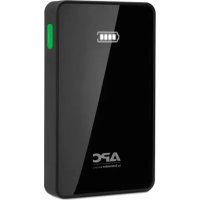
Mobile Power Pack M3
User Manual
Installationshandbuch
Guide d'utilisation
Manuale dell'utente
PykoBoDCTBO NOIb3OBaTeJIa
Kullanma Kilavuzu
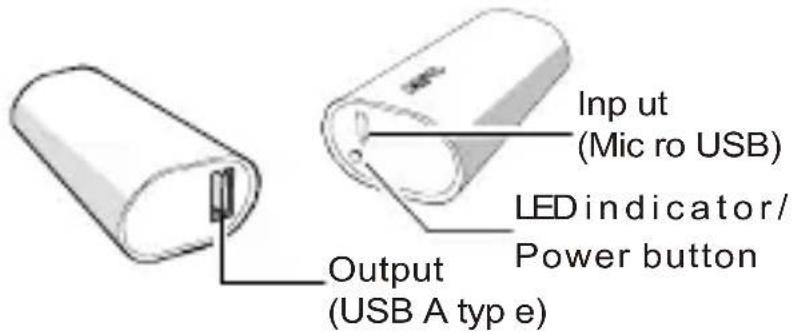
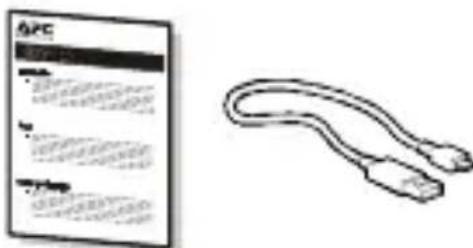
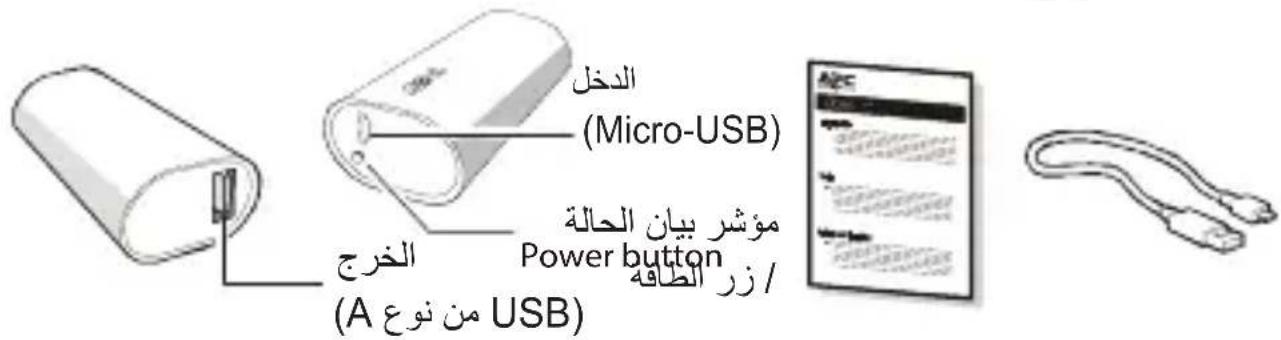
Inventory
Safety and General Information

Read this user manual carefully before using the product, and keep it for future reference.
- Do not short circuit this device. To avoid short circuit, keep the device away from any metal objects (e.g., hair clips and keys).
- This unit is not user repairable; contact APC for tech support related issues.
- Do not heat this device or throw it into a fire.
- Do not drop or place the unit under a heavy object.
- Keep this device away from high temperature, wet, or dusty environments.
- During normal usage keep the device out in the open to allow excess heat to dissipate.
- Charge the mobile power pack for 3.5 hours before initial use.
- Keep the USB output port and micro-USB input port clean and free of obstruction.
Failure to follow these instructions can result in equipment damage
Operation
Charging USB based devices (smartphones, portable media players and tablets)
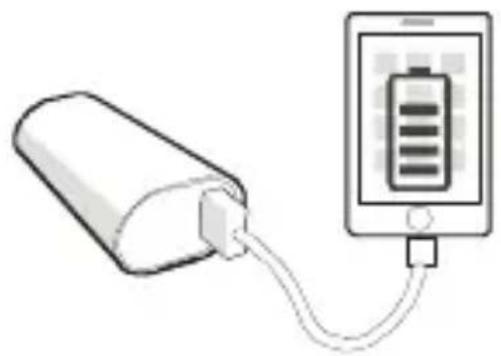
Charge devices using the USB cable that came with the unit, or another USB charging cable.
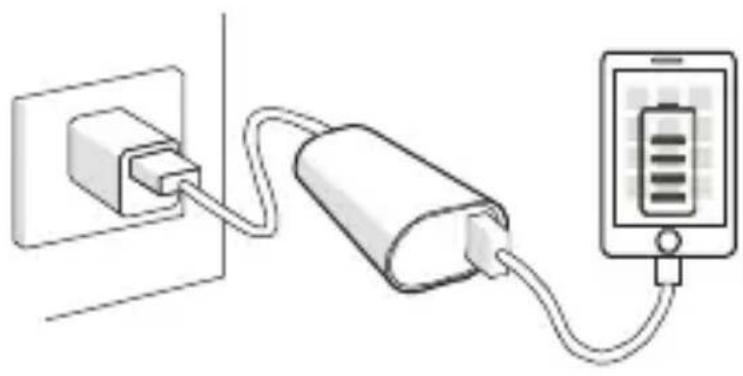
Properly connect the mobile power pack with the device to be charged.
a. Charge a mobile device via the M3 power pack.
b.Pass through charging mode will charge the mobile device first, then charge the M3 power pack.
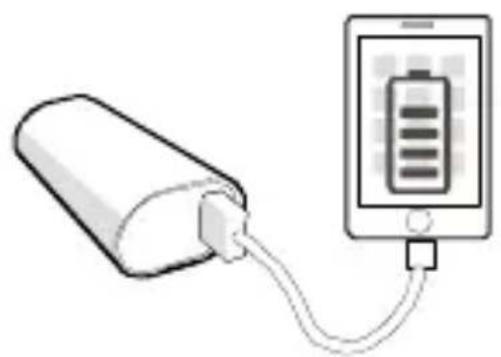
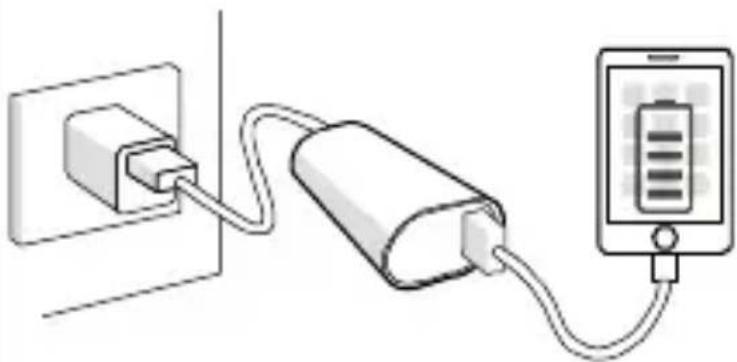
Charging the M3 Power Pack
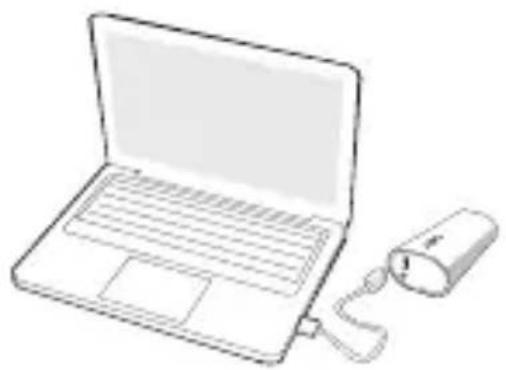
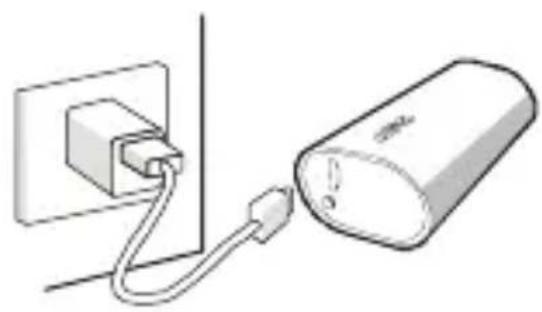
Charge via USB charger or computer
Connect the M3 power pack to a USB charger or to a USB port of a computer. (Note: computer must be in active mode.)
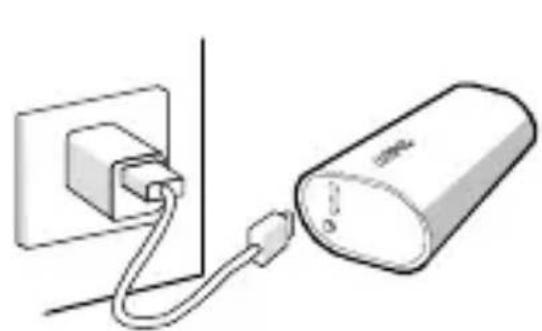
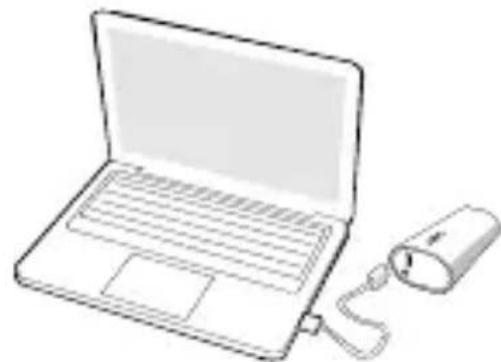
Status Indicators
| LED Indication Status | |
| Flashing alternately Green / Orange | Power Pack is being charged |
| Solid Green Fully charged | |
| Solid Orange Power Pack is charging a device | |
| Flashing Orange Overload condition |
Specifications
| Battery cell | Li-ion 3000mAh, 3.7V |
| Input current (maximum) | 1A |
| Rated input voltage | 5V |
| Output current | USB 1A maximum |
| Charge time at 5V/1A | *3.5 hours |
| Operating temperature | 0°C~40°C (32°F ~ 104°F) |
- The charging time will be longer under pass through charging mode.
Battery Recycling Information

Always dispose of used or spent batteries properly.
Return the spent battery to an appropriate facility for proper disposal and recycling.
Warranty
Contact your local APC by Schneider Electric dealer, an authorized APC by Schneider Electric service agency, or APC by Schneider Electric Customer Support.
Troubleshooting
| Problem / Possible Cause Solution | |
| The mobile power pack cannot be charged | |
| USB charger may be malfunctioning or the computer is in sleep mode. | Try another USB charger or wake the computer from sleep mode. |
| The micro USB cable and connector contacts have worn out. | Try a new micro USB connector |
| The mobile power pack cannot charge some devices. | |
| The mobile power pack may have failed to recognize and detect the devices connected to it. | Some after market USB cables may not work well with the M3 battery pack. To resolve this issue, press the power button on the M3 to start charging the device. If the battery pack still won't charge your device, replace the after market cable with the original cable that came with your device. |
| An overload condition has occurred and the M3 Orange LED is flashing. | The M3 is charging a device and its USB output current exceeds the specified range. Detach the device being charged from the M3 power pack. |
| The life of the mobile power pack has expired or a fault has occurred in it. | In case of a system fault, contact your local APC by Schneider Electric dealer or authorized APC by Schneider Electric service agency. |
APC by Schneider Electric IT Customer Support Worldwide
For country specific customer support, go to the APC by Schneider Electric Web site, www.apc.com.
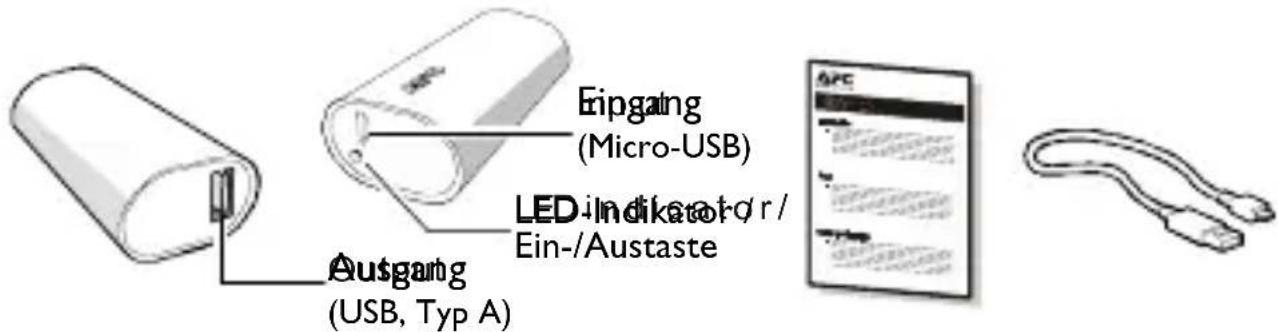
Lieferumfang
Bcecbitna cny6a IT-niTpumkn KniEHTIB komnai APC by Schneider Electric
IIo6 oTrpMaTH IIITrpMky B BaIiN KpaHi, IpeeNITb Ha Be6-ctOpIHky kOMnAHII APC by Schneider Electric 3a IocnlaHnMy www.apc.com.
© APC by Schneider Electric, 2015 p. APC ta lorotni APC c BlaacHicTIO kOMnaii Schneider Electric Industries S.A.S. a6o ii IouipHix KOMnaii. Yci iHsi TOBapHi 3HaKn c BlaacHicTIO BiIIOBIDHNX BlaacHKNiB.
UK 990-5593
01/2015
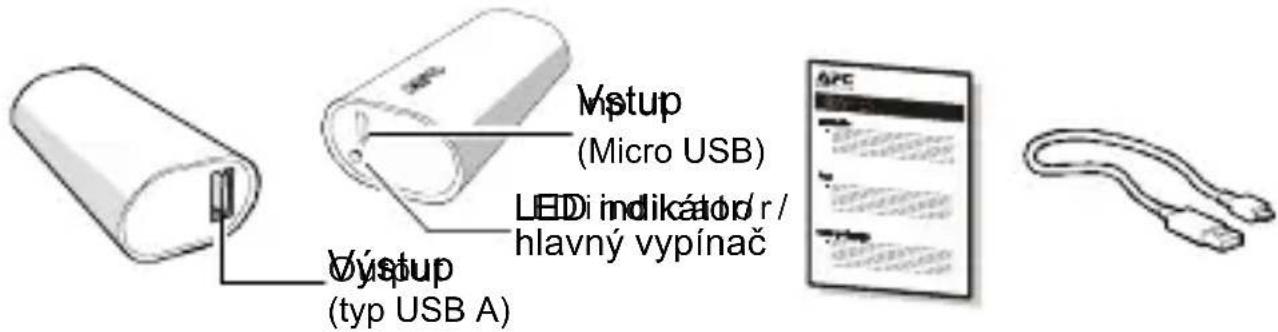
Súcasti
APC by Schneider Electric Global IT-kundsupport
a a a a a a a a a a a a a a a a a a a a a a a a

Jaa
Ae 111111111111111111111111111111111111111111

aagaaal baiagaiyiaag aaii gai) USB jia JxJn oJzjI 1
UBS JSLGJLSSUBS JSLP
Jn Jn Jn Jn Jn Jn Jn Jn Jn Jn Jn Jn Jn Jn Jn Jn Jn Jn Jn Jn Jn Jn Jn Jn Jn Jn Jn Jn Jn
algall gll 1-1 M3 aill j
M3
J 1 J USB
a) USB 3 aJg
aalll lalglallg d
a

i
(2)
JAPC 1
auii j0g 1 g jxjj
Jll 1
Jgww Jw g jglg w
jlll llll g aagggl g aagall jalal
= 1
JgI golzul Jcclw 0-1n aal jgs
.0
. j 1J micro-USB 2 USB
jlll l 11111111111
Mobile Power Pack M3
J
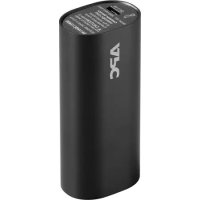
- Mobile Power Pack M3
- Inventory
- Safety and General Information
- Read this user manual carefully before using the product, and keep it for future reference.
- Operation
- Charging USB based devices (smartphones, portable media players and tablets)
- Charging the M3 Power Pack
- Charge via USB charger or computer
- Status Indicators
- Specifications
- Battery Recycling Information
- Warranty
- Troubleshooting
- APC by Schneider Electric IT Customer Support Worldwide
- Lieferumfang
- Bcecbitna cny6a IT-niTpumkn KniEHTIB komnai APC by Schneider Electric
- Súcasti
- APC by Schneider Electric Global IT-kundsupport
Brand : APC
Model : M3BL
Category : Power bank