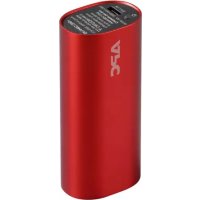
M3RD - Power bank APC - Free user manual and instructions
Find the device manual for free M3RD APC in PDF.

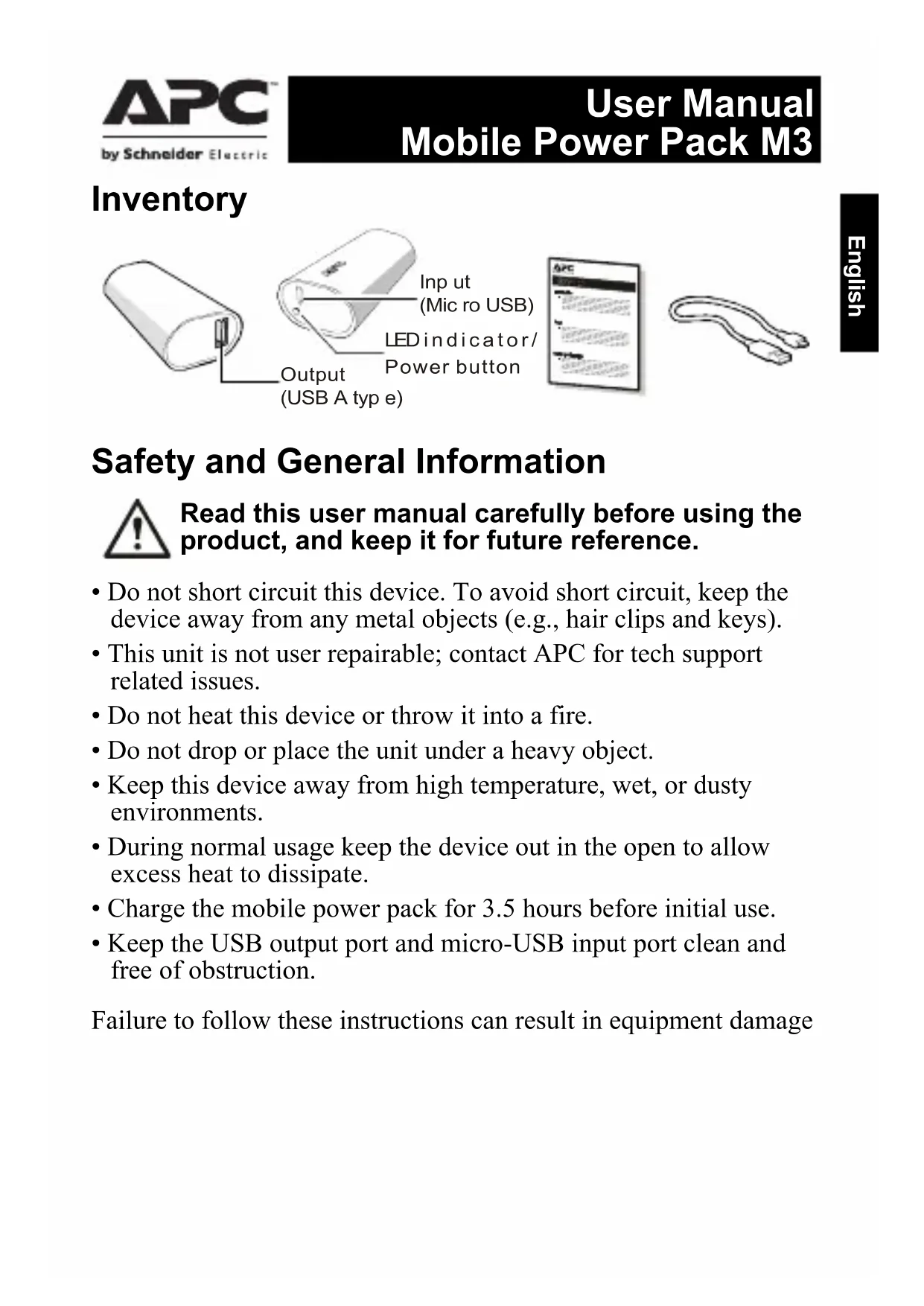


| Brand | APC |
| Model | M3RD |
| Product type | Portable battery (Power Pack) |
| Battery capacity | 3000 mAh (Lithium-ion) |
| Nominal voltage | 3.7 V |
| Input voltage | 5 V |
| Max input current | 1 A |
| Max output current (USB) | 1 A |
| Charging time | Approximately 3h30 (with 5V/1A charger) |
| Ports | 1 x micro USB input, 1 x USB type A output |
| LED indicator | Green/orange for charging and discharging status |
| Dimensions | Approximately 95 x 30 x 20 mm (estimated) |
| Weight | Approximately 80 g (estimated) |
| Operating temperature | 0 °C to 40 °C |
| Main functions | Charging USB devices (smartphones, tablets, etc.) on the go |
| Safety | Protection against short circuits, overcharge, excessive temperature |
| Maintenance and cleaning | Clean with a dry cloth; keep ports clean and unobstructed |
| Recycling | Do not dispose of with household waste; recycle via an approved center |
| Warranty | Contact local APC dealer or customer service |
| Repairability | Not user-repairable; contact APC for assistance |
Frequently Asked Questions - M3RD APC
User questions about M3RD APC
0 question about this device. Answer the ones you know or ask your own.
Ask a new question about this device
Download the instructions for your Power bank in PDF format for free! Find your manual M3RD - APC and take your electronic device back in hand. On this page are published all the documents necessary for the use of your device. M3RD by APC.
USER MANUAL M3RD APC
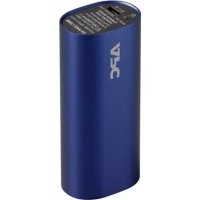
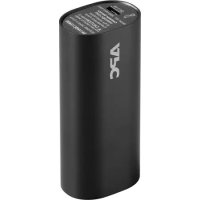
Mobile Power Pack M3
User Manual
Installationshandbuch
Guide d'utilisation
Manuale dell'utente
Safety and General Information

Read this user manual carefully before using the product, and keep it for future reference.
- Do not short circuit this device. To avoid short circuit, keep the device away from any metal objects (e.g., hair clips and keys).
- This unit is not user repairable; contact APC for tech support related issues.
- Do not heat this device or throw it into a fire.
- Do not drop or place the unit under a heavy object.
- Keep this device away from high temperature, wet, or dusty environments.
- During normal usage keep the device out in the open to allow excess heat to dissipate.
- Charge the mobile power pack for 3.5 hours before initial use.
- Keep the USB output port and micro-USB input port clean and free of obstruction.
Failure to follow these instructions can result in equipment damage
Operation
Charging USB based devices (smartphones, portable media players and tablets)
Charge devices using the USB cable that came with the unit, or another USB charging cable.
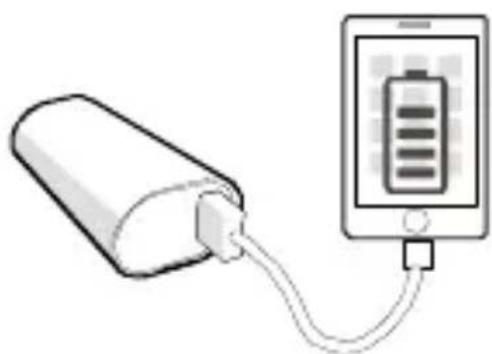
Properly connect the mobile power pack with the device to be charged.
a. Charge a mobile device via the M3 power pack.
b. Pass through charging mode will charge the mobile device first, then charge the M3 power pack.
natural_image
Illustration of a battery connected to an electronic device (no text or symbols visible)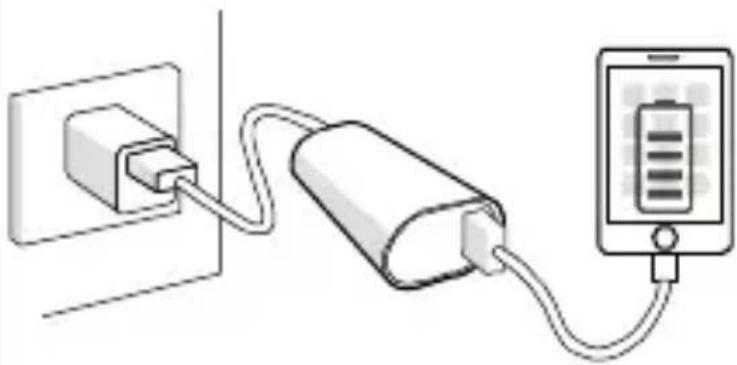
natural_image
Diagram showing a power plug connected to a battery and a smartphone (no text or symbols present)Charging the M3 Power Pack
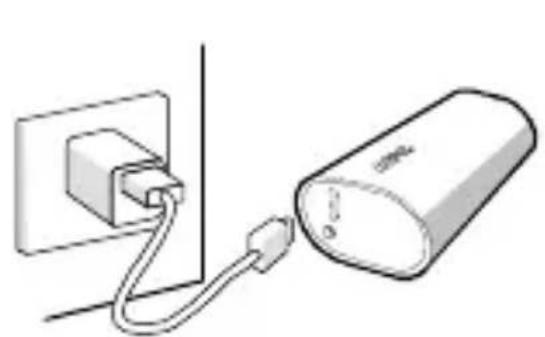
Charge via USB charger or computer
Connect the M3 power pack to a USB charger or to a USB port of a computer. (Note: computer must be in active mode.)
natural_image
Simple line drawing of a wall socket connected to a cylindrical device (no text or symbols)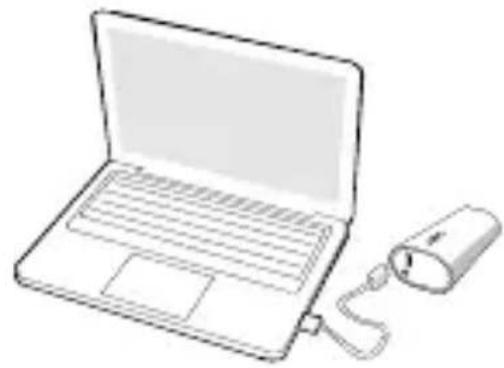
natural_image
Line drawing of a laptop connected to a power bank plug (no text or symbols)Status Indicators
| LED Indication Status | |
| Flashing alternately Green / Orange | Power Pack is being charged |
| Solid Green Fully charged | |
| Solid Orange Power Pack is charging a device | |
| Flashing Orange Overload condition | |
Specifications
| Battery cell | Li-ion 3000mAh, 3.7V |
| Input current (maximum) | 1A |
| Rated input voltage | 5V |
| Output current | USB 1A maximum |
| Charge time at 5V/1A | *3.5 hours |
| Operating temperature | 0°C~40°C (32°F ~ 104°F) |
*The charging time will be longer under pass through charging mode.
Battery Recycling Information

Always dispose of used or spent batteries properly.
Return the spent battery to an appropriate facility for proper disposal and recycling.
Warranty
Contact your local APC by Schneider Electric dealer, an authorized APC by Schneider Electric service agency, or APC by Schneider Electric Customer Support.
Troubleshooting
| Problem / Possible Cause Solution | |
| The mobile power pack cannot be charged | |
| USB charger may be malfunctioning or the computer is in sleep mode. | Try another USB charger or wake the computer from sleep mode. |
| The micro USB cable and connector contacts have worn out. | Try a new micro USB connector |
| The mobile power pack cannot charge some devices. | |
| The mobile power pack may have failed to recognize and detect the devices connected to it. | Some after market USB cables may not work well with the M3 battery pack. To resolve this issue, press the power button on the M3 to start charging the device. If the battery pack still won't charge your device, replace the after market cable with the original cable that came with your device. |
| An overload condition has occurred and the M3 Orange LED is flashing. | The M3 is charging a device and its USB output current exceeds the specified range. Detach the device being charged from the M3 power pack. |
| The life of the mobile power pack has expired or a fault has occurred in it. | In case of a system fault, contact your local APC by Schneider Electric dealer or authorized APC by Schneider Electric service agency. |
APC by Schneider Electric IT Customer Support Worldwide
For country specific customer support, go to the APC by Schneider Electric Web site, www.apc.com.
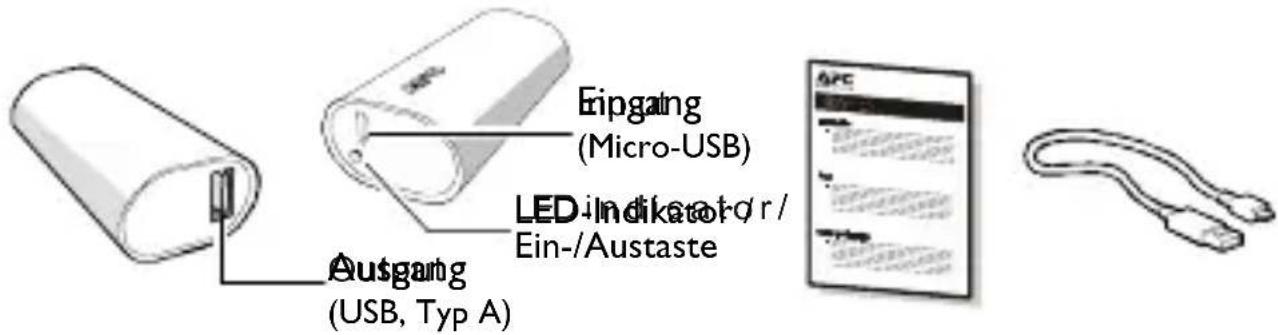
Lieferumfang
natural_image
Illustration of a battery connected to an electronic device showing a battery symbol (no text or labels present)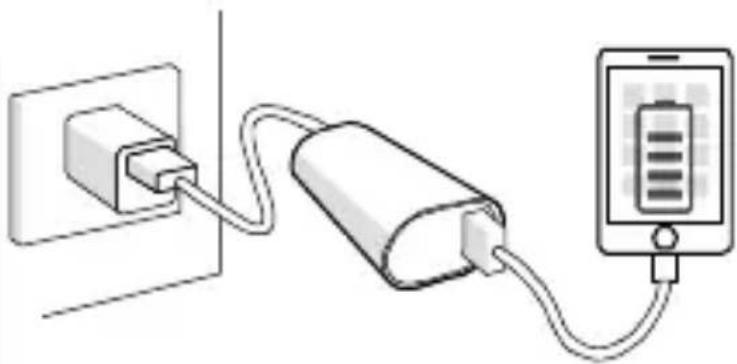
natural_image
Diagram showing a power plug connected to a battery and a smartphone (no text or symbols present)natural_image
Simple line drawing of a wall socket connected to a cylindrical battery (no text or symbols)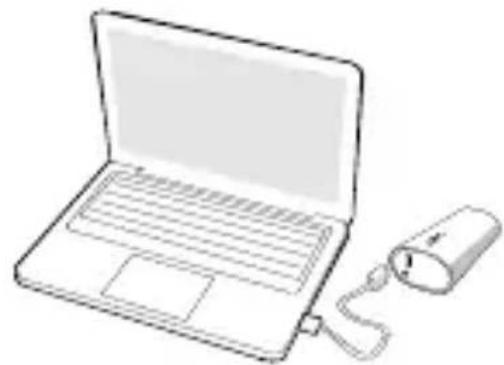
natural_image
Line drawing of a laptop with a battery connected to its side (no text or symbols)Statusanzeigen
natural_image
Illustration of a battery connected to a smartphone displaying a battery symbol (no text or labels)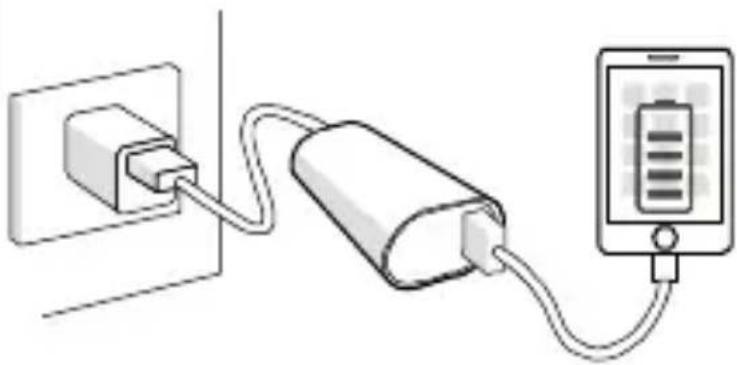
natural_image
Diagram showing a power plug connected to a battery and a smartphone (no text or symbols present)natural_image
Simple line drawing of a plug inserted into a wall connected to a cylindrical battery (no text or symbols)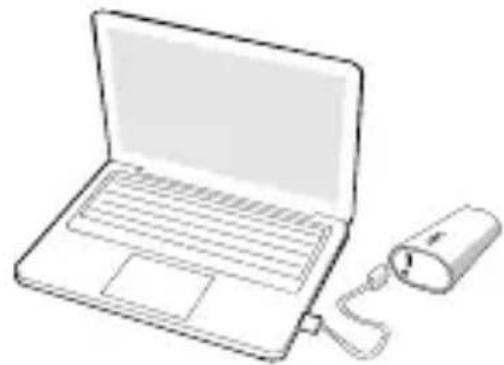
natural_image
Line drawing of a laptop with a connected power cord (no text or symbols)Voyants d'état
natural_image
Illustration of a battery connected to an electronic device (no text or symbols visible)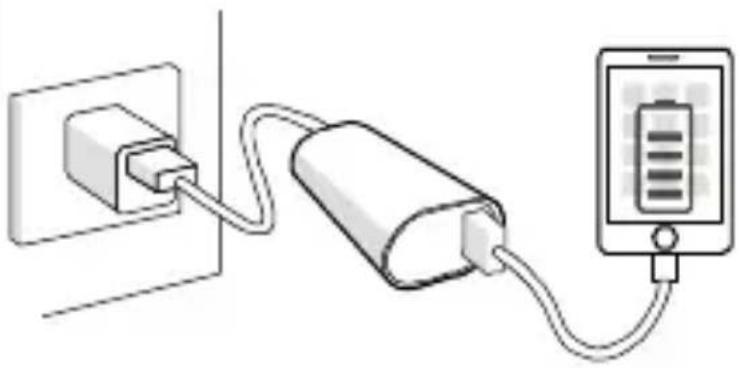
natural_image
Diagram showing a power strip connected to a battery and a smartphone (no text or symbols present)Carica del power pack M3
natural_image
Simple line drawing of a wall socket connected to a cylindrical battery (no text or symbols)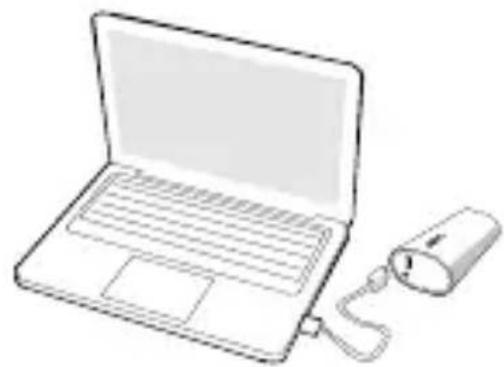
natural_image
Line drawing of a laptop connected to a power cord (no text or symbols)Indicatori di stato
natural_image
Illustration of a battery connected to a smartphone displaying a battery symbol (no text or labels)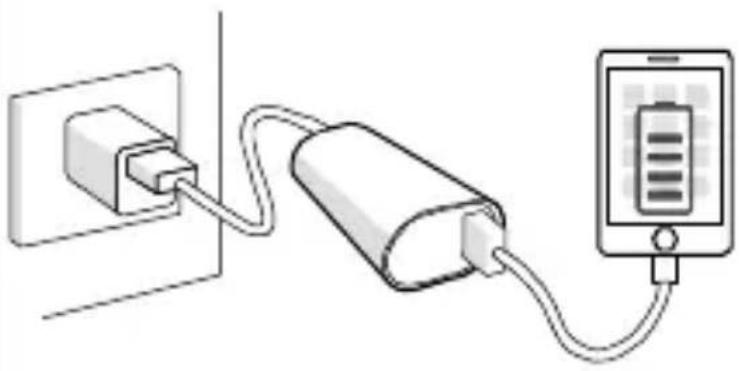
natural_image
Diagram showing a power plug connected to a battery and a smartphone (no text or symbols present)natural_image
Simple line drawing of a wall socket connected to a cylindrical battery (no text or symbols)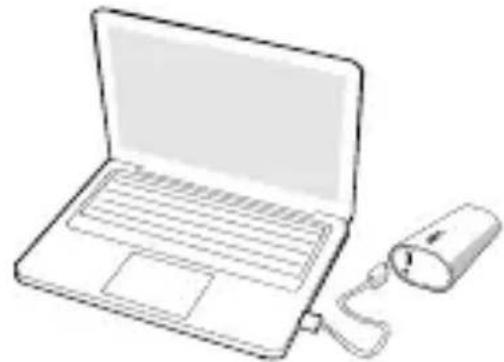
natural_image
Line drawing of a laptop with a connected mouse (no text or symbols)Indikátory stavu
natural_image
Illustration of a battery connected to an electronic device (no text or symbols visible)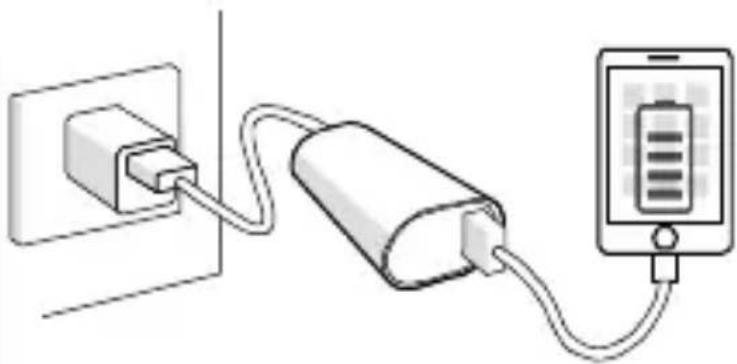
natural_image
Diagram showing a power plug connected to a battery and a smartphone (no text or symbols present)natural_image
Illustration of a battery connected to an ATM device (no text or symbols present)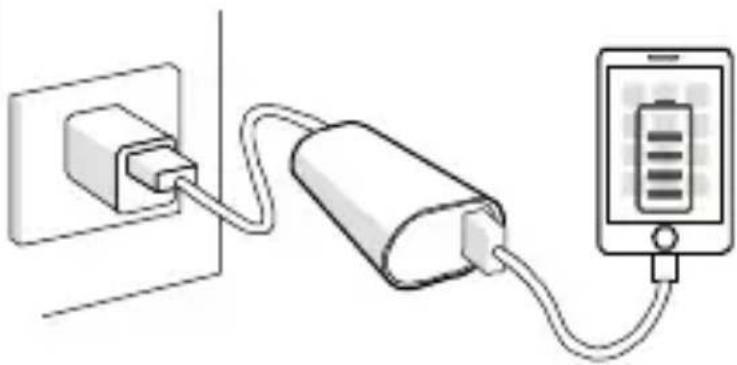
natural_image
Diagram showing a power plug connected to a battery and a smartphone (no text or symbols present)natural_image
Illustration of a power adapter connected to a battery and a laptop via cable (no text or symbols)Állapotjelzők
natural_image
Illustration of a battery connected to a smartphone displaying a battery symbol (no text or labels)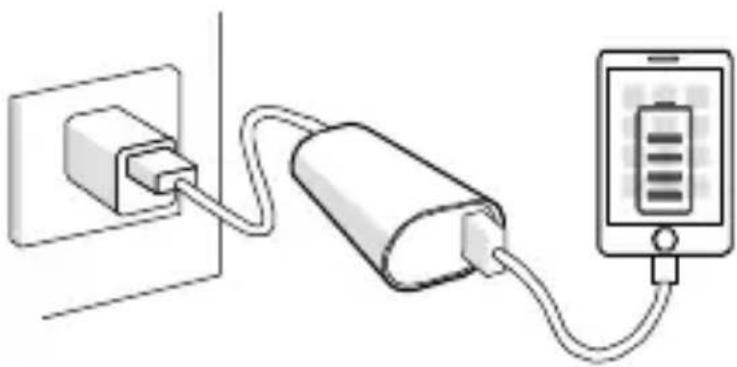
natural_image
Diagram showing a power strip connected to a battery and a smartphone (no text or symbols present)М3 куат блогын зарядтау
natural_image
Simple line drawing of a wall socket connected to a cylindrical device with a cable (no text or symbols)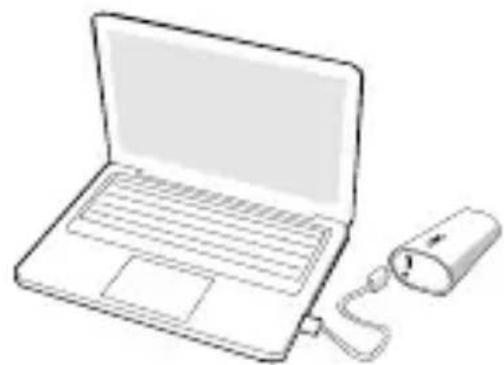
natural_image
Line drawing of a laptop with a connected mouse (no text or symbols)Күй көрсеткіштері
natural_image
Illustration of a battery connected to a smartphone (no text or symbols)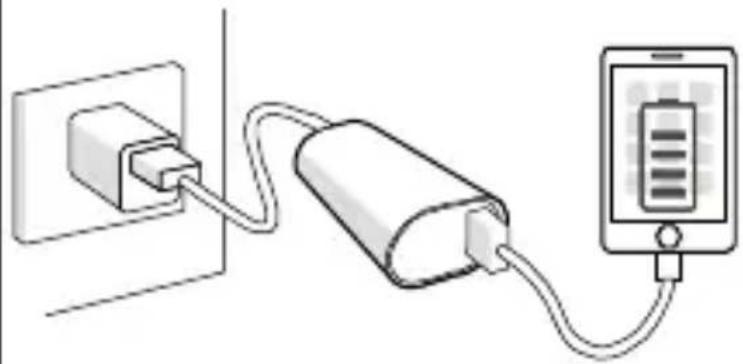
natural_image
Diagram showing a power plug connected to a battery and a smartphone (no text or symbols present)natural_image
Simple line drawing of a wall socket connected to a cylindrical battery (no text or symbols)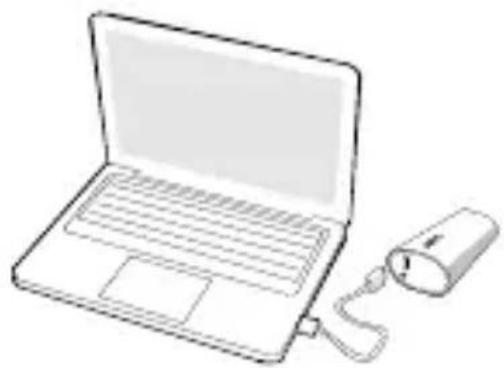
natural_image
Line drawing of a laptop with a connected USB cable (no text or symbols)natural_image
Illustration of a battery connected to a smartphone displaying a battery symbol (no text or labels)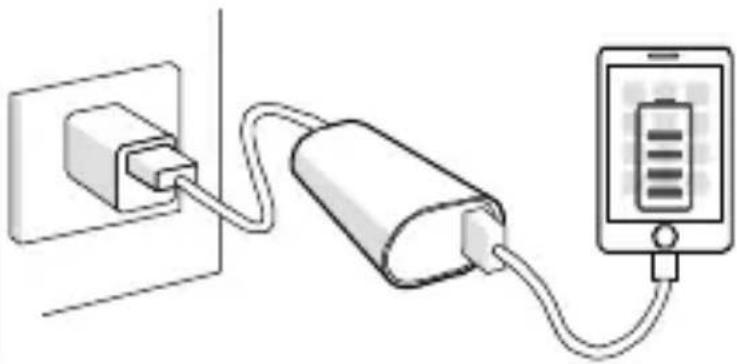
natural_image
Diagram showing a power strip connected to a battery and a smartphone (no text or symbols present)natural_image
Simple line drawing of a wall socket connected to a cylindrical device with a cable (no text or symbols)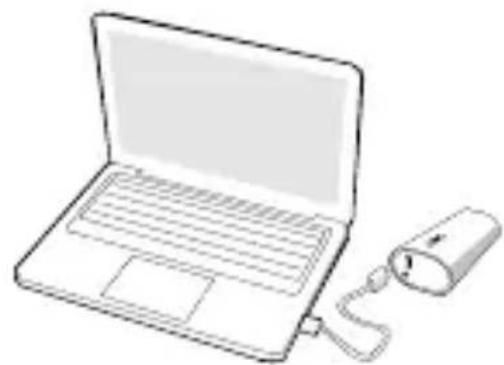
natural_image
Line drawing of a laptop with a connected USB cable (no text or symbols)Kontrolki
natural_image
Illustration of a battery connected to a smartphone displaying a battery symbol (no text or labels)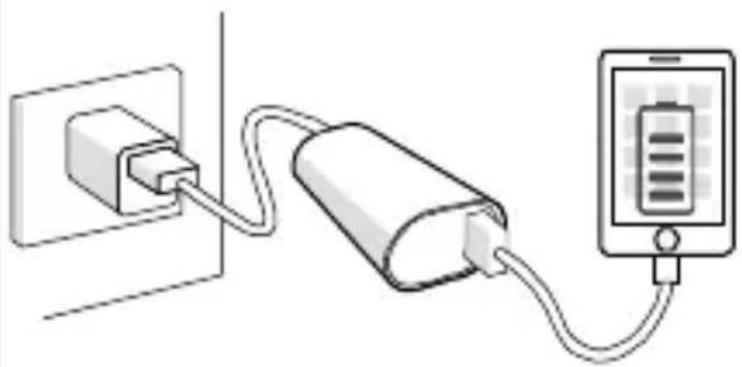
natural_image
Diagram showing a power plug connected to a battery and a smartphone (no text or symbols present)natural_image
Simple line drawing of a wall socket connected to a cylindrical battery (no text or symbols)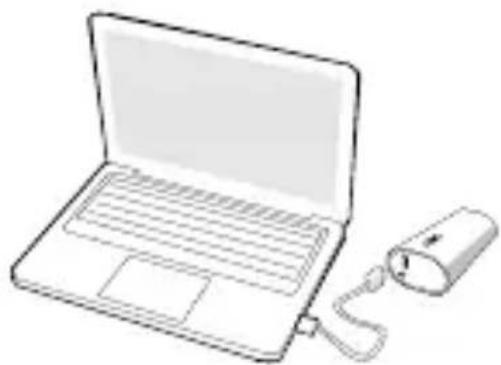
natural_image
Line drawing of a laptop with a connected USB drive (no text or symbols)natural_image
Illustration of a battery connected to an electronic device (no text or symbols visible)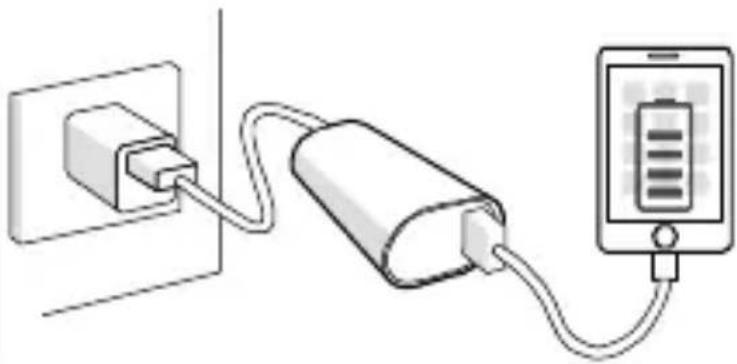
natural_image
Diagram showing a power strip connected to a battery and a smartphone (no text or symbols present)natural_image
Simple line drawing of a wall socket connected to a cylindrical device with a cable (no text or symbols)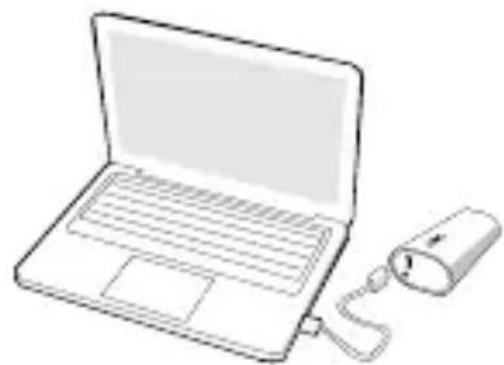
natural_image
Line drawing of a laptop with a connected mouse (no text or symbols)Індикатори стану
natural_image
Illustration of a battery connected to an electronic device (no text or symbols present)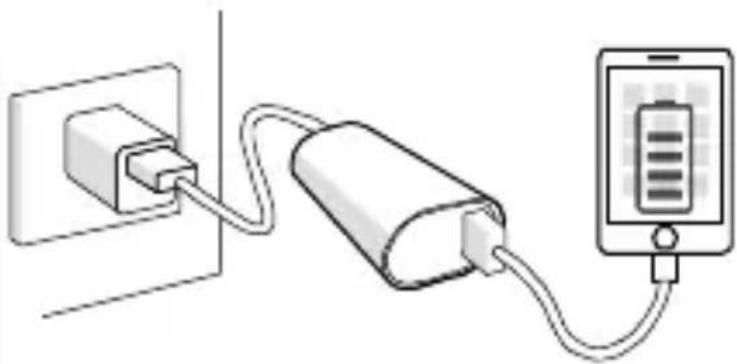
natural_image
Simple line drawing of a power strip connected to a battery and a mobile device (no text or symbols)natural_image
Simple line drawing of a wall socket connected to a cylindrical battery (no text or symbols)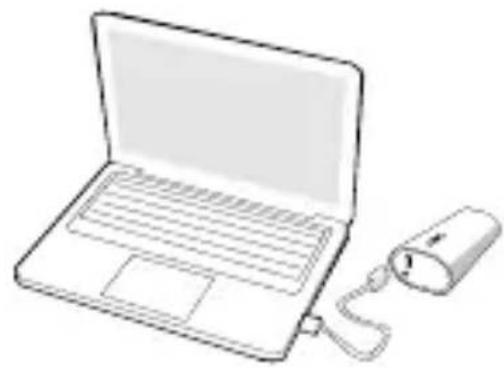
natural_image
Line drawing of a laptop with a connected power cord (no text or symbols)Stavové indikátory
Činnost' LED indikátora Stay
natural_image
Illustration of a battery connected to a smartphone displaying a battery symbol (no text or labels)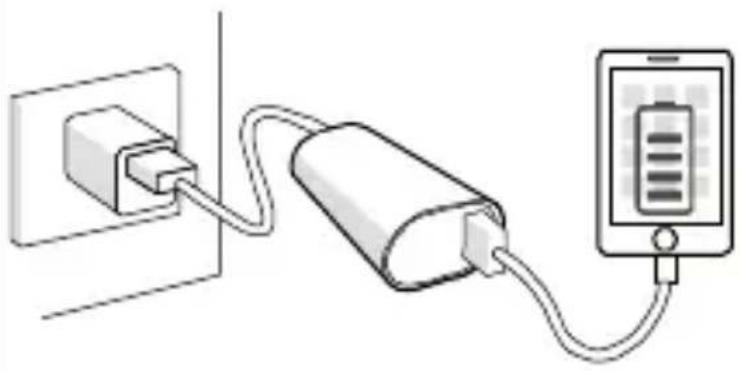
natural_image
Diagram showing a power plug connected to a battery and a smartphone (no text or symbols present)Ladda M3 powerpacket
Ladda via USB-laddare eller dator
natural_image
Simple line drawing of a wall socket connected to a cylindrical battery (no text or symbols)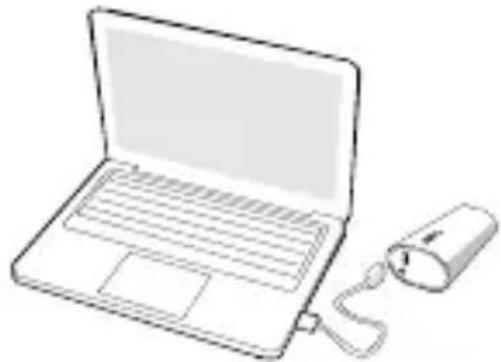
natural_image
Line drawing of a laptop with a connected USB cable (no text or symbols)Statusindikatorer
| LED-indikation Status | |
| Blinkar växelvis grön/orange Powerpacket laddas | |
| Fast grönt sken Fulladdat | |
| Fast orange sken Powerpacket laddar en enhet | |
| Blinkar orange Överbelastningstillstånd | |
Specifikationer
APC by Schneider Electric Global IT-kundsupport
natural_image
Illustration of a cylindrical device connected to a smartphone displaying a battery (no text or symbols)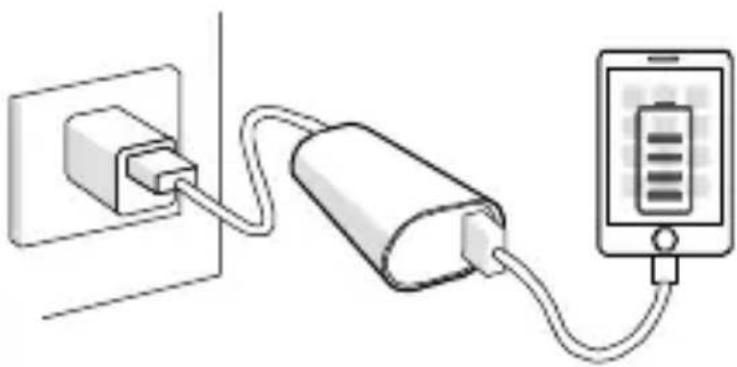
natural_image
Diagram showing a power strip connected to a battery and a smartphone (no text or symbols present)natural_image
Illustration of a power adapter connected to a battery and connected to a laptop via cable (no text or symbols)natural_image
Illustration of a cylindrical device connected to a smartphone displaying a battery (no text or symbols)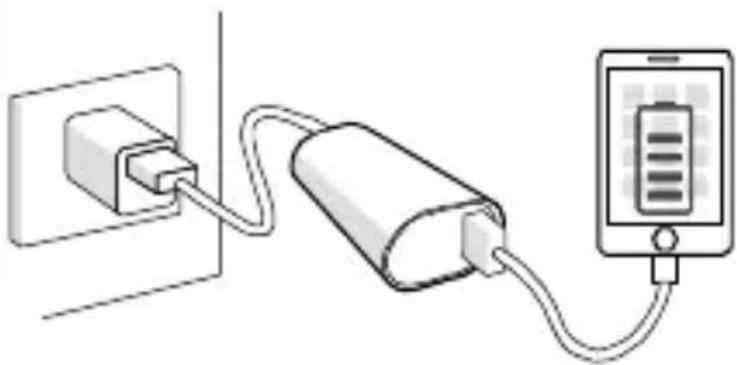
natural_image
Diagram showing a power plug connected to a battery and a smartphone (no text or symbols present)natural_image
Simple line drawing of a wall socket connected to a cylindrical battery (no text or symbols)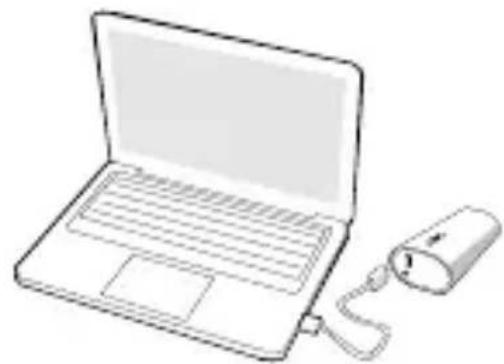
natural_image
Line drawing of a laptop computer with a USB cable beside it (no text or symbols)Durum Göstergeleri
natural_image
Diagram showing a power strip connected to a battery and a smartphone (no text or symbols present)natural_image
Illustration of a battery connected to a smartphone (no text or symbols)M3 شحن حزمة الطقة
natural_image
Line drawing of a laptop with a connected USB cable (no text or symbols)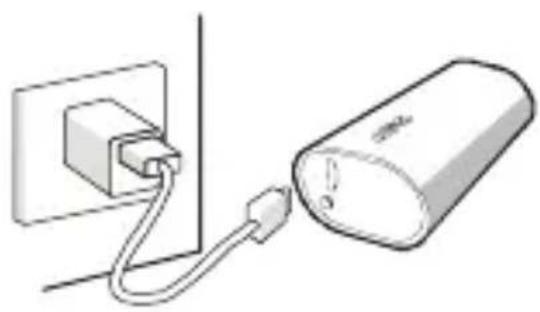
natural_image
Simple line drawing of a plug inserted into a wall connected to a cylindrical device (no text or symbols)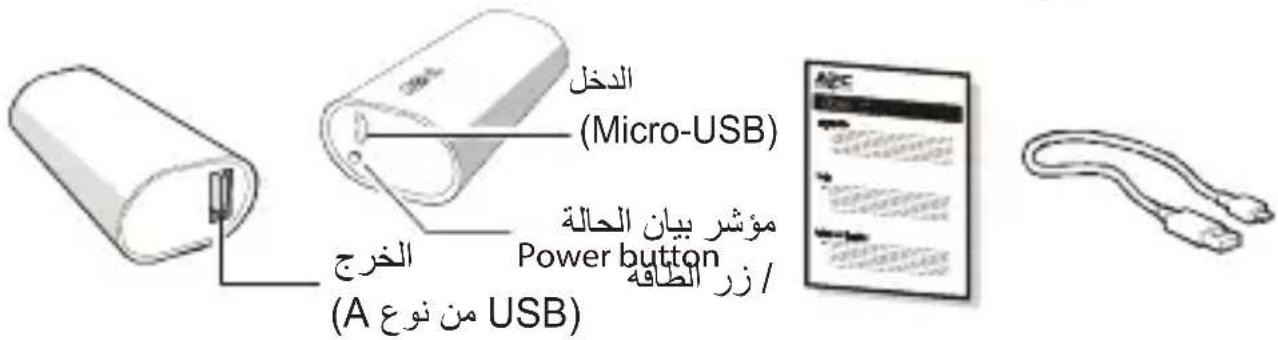
- Mobile Power Pack M3
- Safety and General Information
- Read this user manual carefully before using the product, and keep it for future reference.
- Operation
- Charging USB based devices (smartphones, portable media players and tablets)
- Charging the M3 Power Pack
- Charge via USB charger or computer
- Status Indicators
- Specifications
- Battery Recycling Information
- Warranty
- Troubleshooting
- APC by Schneider Electric IT Customer Support Worldwide
- Lieferumfang
- Statusanzeigen
- Voyants d'état
- Carica del power pack M3
- Indicatori di stato
- Indikátory stavu
- Állapotjelzők
- М3 куат блогын зарядтау
- Күй көрсеткіштері
- Kontrolki
- Індикатори стану
- Stavové indikátory
- Ladda M3 powerpacket
- Ladda via USB-laddare eller dator
- Statusindikatorer
- Specifikationer
- APC by Schneider Electric Global IT-kundsupport
- Durum Göstergeleri
Brand : APC
Model : M3RD
Category : Power bank