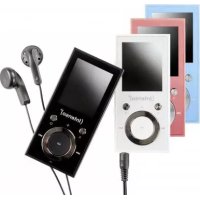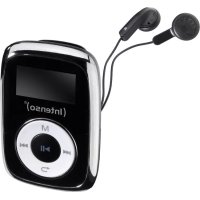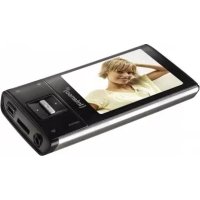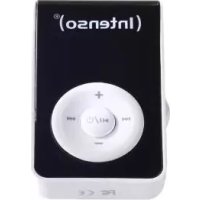
Music Dancer - Mp3 player INTENSO - Free user manual and instructions
Find the device manual for free Music Dancer INTENSO in PDF.



User questions about Music Dancer INTENSO
0 question about this device. Answer the ones you know or ask your own.
Ask a new question about this device
Download the instructions for your Mp3 player in PDF format for free! Find your manual Music Dancer - INTENSO and take your electronic device back in hand. On this page are published all the documents necessary for the use of your device. Music Dancer by INTENSO.
USER MANUAL Music Dancer INTENSO
natural_image
Black oval-shaped electronic device with four gold dot patterns on its surface (no text or symbols visible)Intenso Music Dancer
natural_image
Warning symbol with a stylized ear inside a triangle (no text or numbers)text_image
Exploded view diagram of a smart home device with numbered parts for identificationnatural_image
Diagram showing a device connected to a laptop via cable (no text or symbols present)natural_image
Symbol of a trash bin crossed with no text or labels, representing waste sorting or disposal (no text present)a. Connecng to a device 4
b. Disconnecng the device 4
- Rechargeable Baery 4
- Operaon 5
a. On/O....5
b. Play / Pause 5
c. Volume – Sengs...... 5
d. Song – Selecon .... 5
e. Buon lock 5
f. Micro SD Card Reader 5
- Technical Data 6
Notes
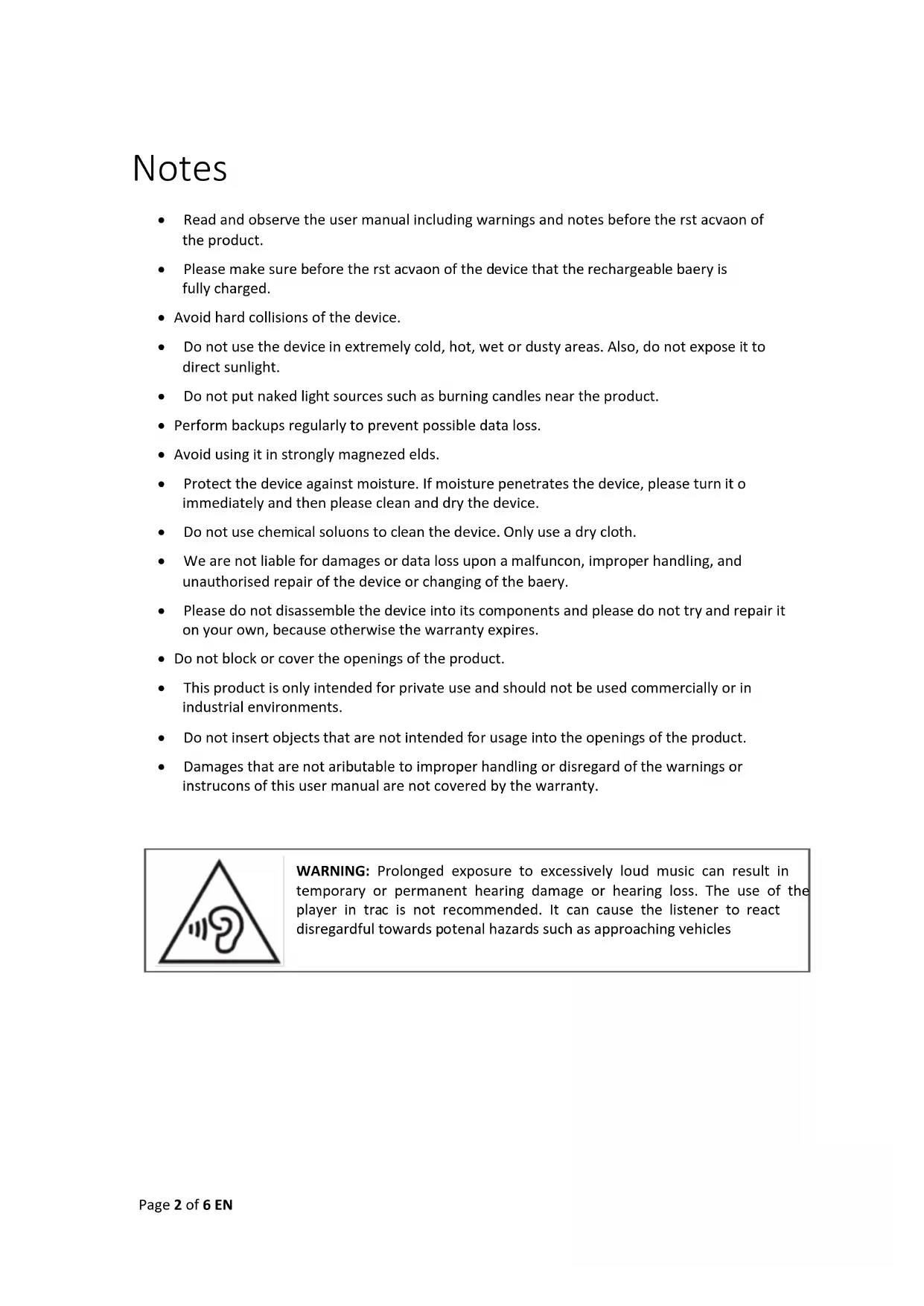
- Read and observe the user manual including warnings and notes before the rst acvaon of the product.
- Please make sure before the rst acvaon of the device that the rechargeable baery is fully charged.
- Avoid hard collisions of the device.
- Do not use the device in extremely cold, hot, wet or dusty areas. Also, do not expose it to direct sunlight.
- Do not put naked light sources such as burning candles near the product.
- Perform backups regularly to prevent possible data loss.
- Avoid using it in strongly magnezed elds.
- Protect the device against moisture. If moisture penetrates the device, please turn it immediately and then please clean and dry the device.
- Do not use chemical soluons to clean the device. Only use a dry cloth.
- We are not liable for damages or data loss upon a malfuncon, improper handling, and unauthorised repair of the device or changing of the baery.
- Please do not disassemble the device into its components and please do not try and repair it on your own, because otherwise the warranty expires.
- Do not block or cover the openings of the product.
- This product is only intended for private use and should not be used commercially or in industrial environments.
- Do not insert objects that are not intended for usage into the openings of the product.
- Damages that are not atributable to improper handling or disregard of the warnings or instrucons of this user manual are not covered by the warranty.
natural_image
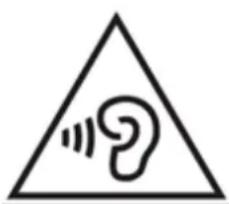
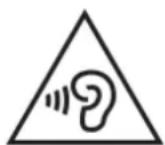
Warning symbol with a triangle containing a stylized ear icon (no text or numbers present)WARNING: Prolonged exposure to excessively loud music can result in temporary or permanent hearing damage or hearing loss. The use of the player in trac is not recommended. It can cause the listener to react disregardful towards potenal hazards such as approaching vehicles
1. Device Overview
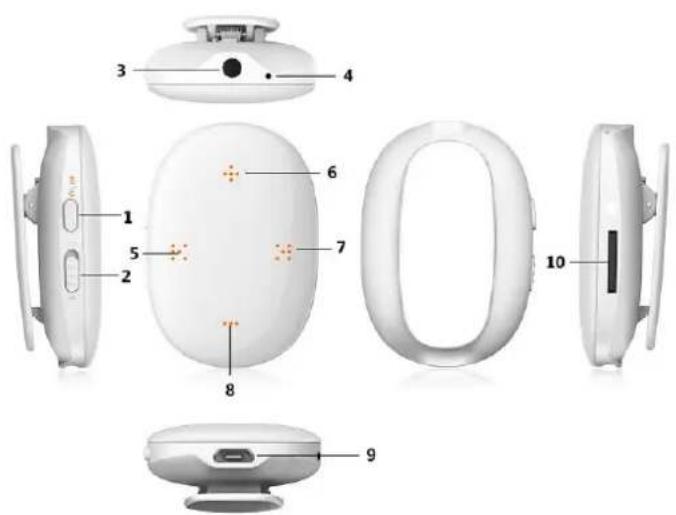
text_image
Exploded view diagram of a smart home device with numbered parts for identification- ON/OFF, Play/Pause buon
- Random mode switch
- Headphone jack
- LED
- Back buon
- Increase volume buon
- Forward buon
- Decrease volume buon
- Mini-USB jack
- Micro-SD jack
2. Package Content
Please check the package content for completeness
- Intenso MP3 player
- Stereo headphones
- Micro SD card
- USB cable
- User manual
3. Connecng to a computer
In order to exchange les between your player and a computer, you can simply connect your player to the computer using the provided USB cable.
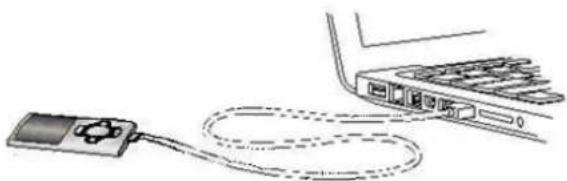
natural_image
Diagram showing a music player connected to a laptop via cable (no text or symbols present)a. Connecng to a device
In order to connect the player to the computer, insert the USB 2.0 port of the USB cable with a free USB port of the acvated computer and connect the Mini USB port of the cable with the player. It is now recognised as removable medium and is ready for data transfer with the computer.
Now you can simply transfer the les from your computer to your player or vice versa using "Drag and Drop" or by "Copy and Paste".
b. Disconnecng the device
Before removing the USB cable you must make sure that the data conncon between the devices is separated!
If you are using a Windows PC (XP or higher version), the player can also be disconnected via the computer. To do that, click on the “Remove hardware safely” symbol in the Windows taskbar. Now select the Music Dancer and follow your computer’s instrucons, unl it conrms the successful process.
If you are using a Mac you can simply disconnect the player by dragging the player icon onto the trash symbol.
The USB cable can now be separated safely from the player and computer.
Note: Do not remove the player from the computer if the transfer of les between the devices is not nished. This can result in data loss and damage the medium.
4. Rechargeable Baery
The player has a rechargeable baery xed into its casing. Before the device is used for the rst me, make sure that the rechargeable baery has been completely recharged. This process normally takes up to 2 hours.
The rechargeable baery is recharged through the USB conncon with your PC. To recharge the baery, connect the device with the PC using the USB cable. The recharging process will start automacally.
While the player is recharging, the built-in LED will light. It will turn o as soon as the rechargeable baery has been completely recharged.
Note: For ideal performance, the rechargeable baer must be used periodically. If that is not the case, the rechargeable baery should be completely recharged at least one per month.
5. Operaon
a. On/Off
To acvate the device, press the ON/OFF buon for 2-3 seconds. The built-in LED will start to light.
To deacvate the player, repeat this process. The built-in LED will turn o.
b. Play / Pause
Briey press the ON/OFF buon in order to start or pause playback.
During playback, the LED will blink. When paused, the LED will be connuously lit.
c. Volume – Sengs
Briey press the “+” or “-” buons to increase or reduce the volume in steps. Keeping the respective buon pressed will adjust the volume seamlessly.
In compliance with the legal guidelines, this device has a protective function against the playback of loud music.
Increase the volume using the “+” buon. A beep will sound once a volume level has been reached that has been set in the factory. You will then have to press the Play/Pause Taste buon immediately and then press the “+” buon immediately aer that to reach the desired volume level. If the sequence of buons was not performed quickly enough, mulple beeps will sound.
Simply repeat the process in this case and reduce the me between the individual Entries.
d. Song – Selecon
To return to a song or change it, press the ▶ forward or back buons. To jump forwards or backward within a song, simply keep the buon pressed.
e. Buon lock
To prevent undesired entries, the player has a buon lock. Simply press the “-” buon and the Play/Pause buon simultaneously for 2-3 seconds to acvate it. The built-in LED will begin to blink quickly to conrm this and the buons will then be locked. To unlock them, perform these instrucons again. With the buon lock acvated, the device will only react to entries by blinking the LED quickly. All other funcons will be ignored.
f. Micro SD Card Reader
Inserng the memory card: place the included micro SD card or another compatible one with the impression towards the clip and the contacts pointed forwards into the card jack on the MP3 player, unl they lock into place.
Removing the memory card: Carefully press the inserted memory card deeper into the player until you feel a slight resistance and then release the card. The built-in spring will eject the card.
6. Technical Data
| Dimensions | 46 mm (H) x 32 mm (W) x 16mm (D) | |
| Weight | ~ 12g | |
| PC conncon | USB 2.0 (PC) | micro USB port (Player) | |
| Baery | Rechargeable Li-Polymer battery, capacity: 100mAh | |
| Music playback: ~ 8 hours (MP3 Music) | ||
| Audio | Frequency range | 20Hz - 20000Hz |
| SNR | >70dB | |
| Music formats | MP3/WMA | 32Kbps – 320kbps |
| Operang temperature | 0 to 40 ° Celsius | |
| Operang system | Windows XP / Vista / Win7 / Win8 / Win8.1, Mac 10.4 or above,Linux Kernel 2.4 or above | |
Exclusion of liability
Changes to the rmware and / or hardware can be made at any me without prior nocaon. For this reason it is possible that parts of the manual, technical data and images in this documentaon may deviate slightly from the product in your hand. All products described in this manual are only for the purpose of claricaon and must not necessarily match any certain situaon. No claims can be made based on this manual.
Disposal of used electric devices
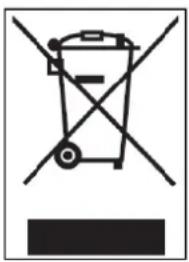
natural_image
Symbol of a trash bin crossed with no text or labels, representing waste sorting or disposal (no text present)Devices marked with this symbol are subject to the European Directive 002/96/EC. All electric and used electric devices must be separated from the household waste and disposed of at the provided public locaons.
With proper disposal of used electric devices you avoid damaging the environment.
(Intenso)®
49377 Vechta
Germany
www.intenso.de

Intenso – warranty conditions
Dear Intenso customer,
Thank you for deciding for the premium Intenso product. All Intenso products are subject to constant quality checks and naturally, the legal warranty period applies as of the purchasing date. Therefore, please keep the receipt as proof of purchase.
Warranty conditions
The warranty only applies to material and production errors. Intenso GmbH is not liable for loss of data on returned devices. The free warranty applies to the repair or the exchange of defective parts. Please understand that we cannot provide guarantees for e.g.:
■ Incorrect or improper handling, installation or usage
■ Damages, scratches or wear
■ Changes, intrusions or repairs by third parties
■ Damages due to force majeure or transport
Your Intenso GmbH
Complaint process
In case of a complaint, please proceed as follows:
- Returns are only accepted with all accessories and the receipt.
- Furthermore, a RMA number is mandatory for returns. You can request this RMA number via email or the service hotline.
- Please pack the product safely, including the all accessories and the receipt. The package must be sufficiently stamped.
- Please attach the RMA number clearly on the outside of the package.
Please send it to the following address:
INTENSO GMBH
Service Centre (your RMA No.)
(0.39 € / min. from German landlines.
Wireless prices may deviate.)
Email: support@intenso.de
natural_image
Warning symbol with a sine wave inside a triangle (no text or numbers)text_image
Exploded view diagram of a smart device with numbered parts for identificationnatural_image
Diagram showing a device connected to a laptop via cable (no text or symbols present)natural_image
Symbol of a trash bin crossed with no text or numbers, representing waste sorting or disposal (no text present)natural_image
Warning symbol with a triangle containing a stylized ear icon (no text or numbers)text_image
Exploded view diagram of a smart home device with numbered parts for identificationnatural_image
Line drawing of a device connected to a cable, showing internal components (no text or symbols)natural_image
Symbol of a trash bin crossed with no text or labels, representing waste sorting or recycling (no text present)Cher client Intenso,