DeCon XL - Bluetooth speaker GENEVA - Free user manual and instructions
Find the device manual for free DeCon XL GENEVA in PDF.


| Product Type | Bluetooth Speaker |
| Brand | Geneva |
| Model | DeCon XL |
| Wireless Technology | Bluetooth, range up to 30 m |
| Audio Inputs | Optical (Toslink), line (AUX), HDMI ARC |
| Audio Outputs | Active Subwoofer Out (Active Sub Out) |
| Power Consumption | 100 W |
| Power Supply | Mains 220-240 V, 60 Hz |
| Remote Control | Bluetooth, 2 AAA batteries, range 30 m |
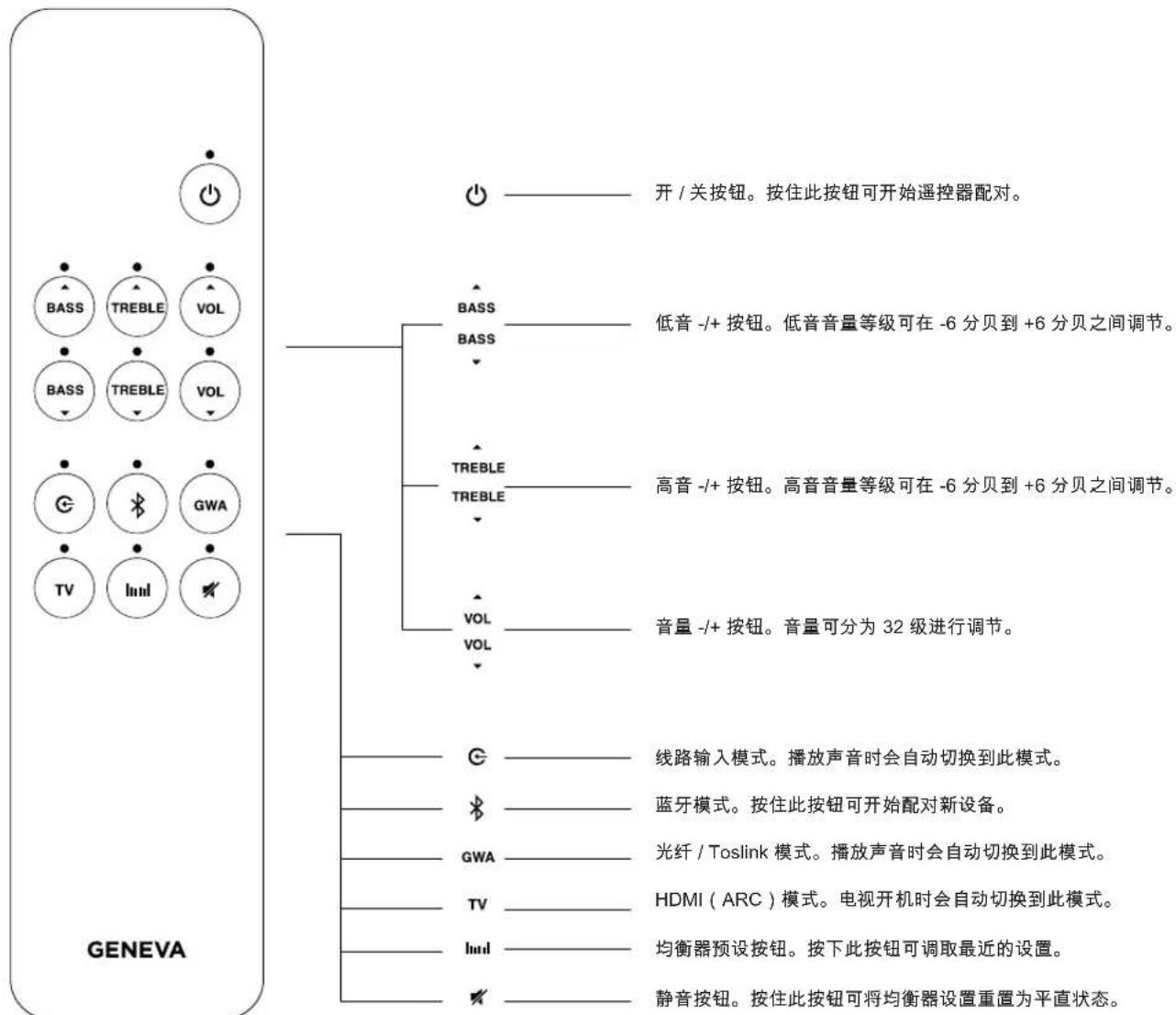
| Audio Adjustments | Bass (-6 to +6 dB), treble (-6 to +6 dB), volume (32 levels) |
| Equalizer | Memorizable EQ presets, resettable |
| Connectivity | Power connector C6, USB charging port, service port |
| TV Compatibility | HDMI ARC with CEC |
| Operating Temperature | 5°C to 35°C |
| Cleaning | Dry cloth, unplug before cleaning |
| Safety | Do not expose to water, do not open, repair by qualified personnel |
| Recycling | Do not dispose with household waste, recycle at collection point |
| Compliance | CE, Bluetooth SIG standards |
| Manufacturer | G-Lab GmbH, Zug, Switzerland |
| Warranty | Consult retailer or manufacturer website |
Frequently Asked Questions - DeCon XL GENEVA
User questions about DeCon XL GENEVA
0 question about this device. Answer the ones you know or ask your own.
Ask a new question about this device
Download the instructions for your Bluetooth speaker in PDF format for free! Find your manual DeCon XL - GENEVA and take your electronic device back in hand. On this page are published all the documents necessary for the use of your device. DeCon XL by GENEVA.
USER MANUAL DeCon XL GENEVA
Declaration of Conformity.
This device complies with all applicable regulations regarding safety, electromagnetic compatibility, and environmental standards in the markets where it is distributed. For more details on compliance, refer to the full documentation on our website.
text_image
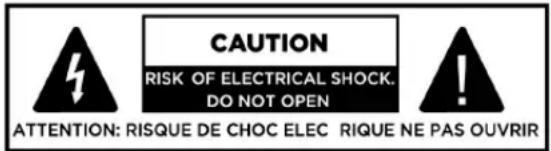
CAUTION RISK OF ELECTRICAL SHOCK. DO NOT OPEN ATTENTION: RISQUE DE CHOC ELEC RIQUE NE PAS OUVRIRThis lightning flash with arrowhead symbol within an equilateral triangle is intended to alert the user to the presence of non-insulated “dangerous voltage” within the product’s enclosure that may be of sufficient magnitude to constitute a risk of electric shock.
WARNING: To reduce the risk of electric shock, do not remove cover (or back) as there are no user-serviceable parts inside. Refer servicing to qualified personnel.
The exclamation point within an equilateral triangle is intended to alert the user to the presence of important operating and maintenance instructions in the literature accompanying the appliance.

Protective earthing terminal. The apparatus should be connected to a mains socket outlet with a protective earthing connection.
Safety Warnings.
- Please store this instruction manual for future reference.
• WARNING: To reduce the risk of fire or electric shock, do not expose this apparatus to rain or moisture.
• The apparatus shall not be exposed to dripping or splashing, and objects filled with liquids, such as vases, shall not be placed on it. - No naked flame sources, such as lighted candles, should be placed on the apparatus.
- WARNING: The direct plug-in adapter is used as the disconnect device, and it shall remain readily operable.
- WARNING: To reduce the risk of electric shock, do not remove the cover (or back) as there are no user-serviceable parts inside. Refer servicing to qualified personnel.
• To prevent risk of fire or electric shock, avoid overloading wall outlets, extension cords, or built-in convenience receptacles. - Do not let objects or liquids enter the product.
- Use proper power sources. Plug the product into a proper power source as described in the operating instructions or as marked on the product.
- Do not use this product near water or moisture.
- Protect the power cord from being walked on or pinched, particularly at plugs and where it exits from the product.
- Clean only with a dry cloth, and unplug the product from the wall outlet before cleaning.
- Place the unit on a solid surface. Do not put it in a closed bookcase or cabinet that may restrict airflow through its ventilation openings.
- Do not install near any heat sources, such as radiators, heat registers, stoves, or other appliances that produce heat.
- Ensure no metallic or magnetic objects are placed between the device and the charging surface during operation to prevent overheating or damage.
- Operating Temperature: 5^ to 35^ (41°F to 95°F). Do not use the product outside this range.
Correct Disposal of This Product.
This marking indicates that this product should not be disposed of with other household waste within the EU. To prevent harm to the environment or human health from uncontrolled waste disposal, recycle this product responsibly to promote the sustainable reuse of material resources.
- To return your used device, please use the return and collection systems or contact the retailer where the product was purchased. They can take this product for environmentally safe recycling.
- Recycling: This product can be recycled. Products bearing this symbol must NOT be thrown away with normal household waste. At the end of the product's life, take it to a collection point designated for recycling electrical and electronic devices. Learn more about collection points through your local authority.
Bluetooth Compliance.
This device is equipped with Bluetooth® wireless technology and complies with Bluetooth SIG standards. The Bluetooth wordmark and logos are registered trademarks owned by Bluetooth SIG, Inc., and any use of such marks by G-Lab GmbH is under license. Other trademarks and trade names are those of their respective owners.
Conformity.
- Label Location: Product labels and safety-related markings are located on the backside of the product.
- CE Conformity: G-Lab GmbH declares that the product complies with the essential requirements and other relevant provisions of Directive 2014/53/EU.
- The declaration of conformity may be consulted upon request to G-Lab GmbH, Zug, Switzerland, or at genevalab.com.

Turn On, Play, Enjoy.
DeCon/XL/XXL/XXXL is a high-performance sound system engineered to deliver an unforgettable audio experience.
Its advanced architecture operates on six independent channels, enabling state-of-the-art sound reproduction with exceptional clarity and depth.
When paired with the Geneva Wireless Adapter, DeCon/XL/XXL/XXXL reaches its full potential, offering seamless connectivity and enhanced functionality for the most demanding listeners.
text_image
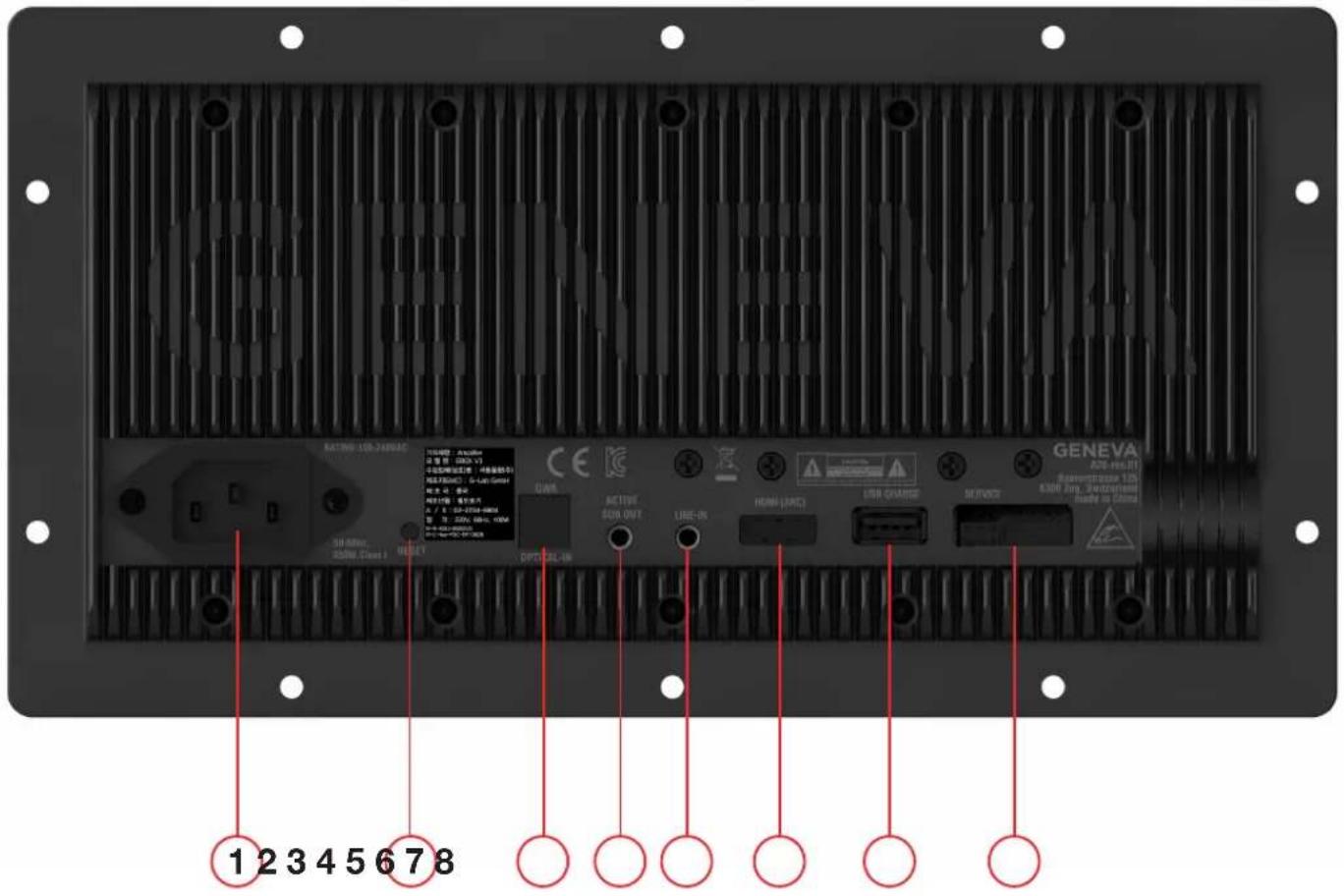
GENEVA 1 2 3 4 5 6 7 8 GENEVA USB-Net-10 Sewerstrasse 100 6300 AND SWITCHER Made in ChinaConnectors.
- AC CONNECTOR, C6 cable included.
- RESET button. Press 3 seconds with the tip of a pen to reset to Factory Reset
- Optical IN - Toslink
- ACTIVE SUB OUT
- LINE-IN
- HDMI (ARC)
- USB CHARGE
- SERVICE PORT
Remote Control Overview.
The DeCon/XL/XXL/XXXL remote control is a Bluetooth remote designed to operate the main functions of the device from up to 30 meters away in an open environment.
Before use, the remote control must be paired with the unit. Please follow these steps:
- Connect the AC cable to the power socket on the product.
- Remove the magnetic battery cover from the remote.
- Insert 2 AAA batteries into the remote.
- Close the battery cover securely.
- The LED on the remote will begin blinking above the following buttons:
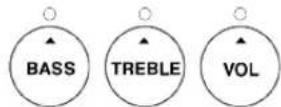
- Press the ON/OFF button to power on the DeCon/XL/XXL/XXXL.
- To force remote pairing again, press and hold the ON/OFF button for 3 seconds. The LED on the remote will start blinking above the following buttons:
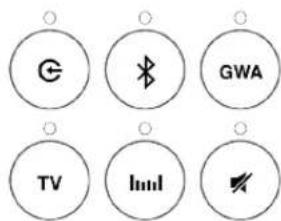
text_image
G Bluetooth GWA TV Inmill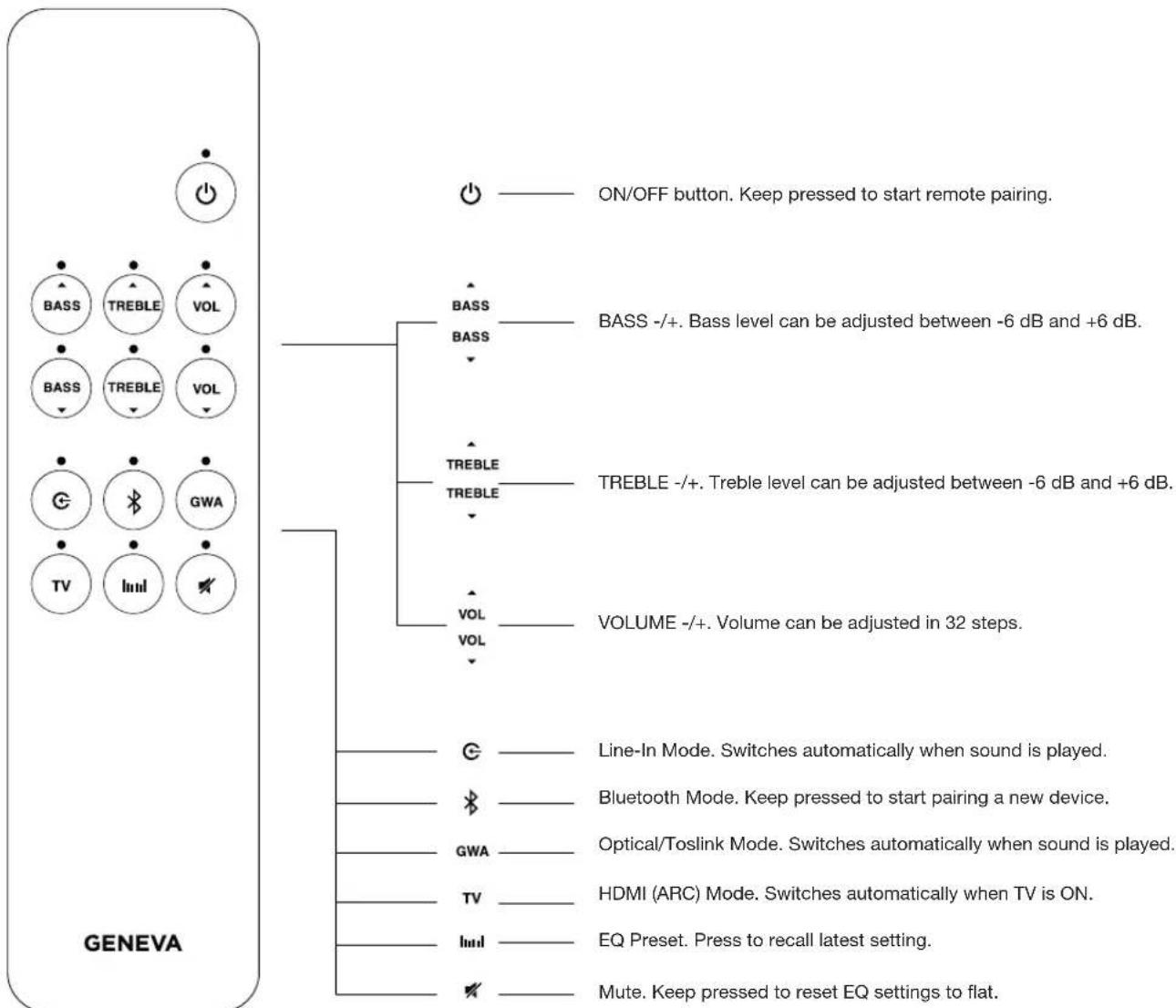
text_image
ON/OFF button. Keep pressed to start remote pairing. BASS BASS BASS -/+. Bass level can be adjusted between -6 dB and +6 dB. TREBLE TREBLE -/+. Treble level can be adjusted between -6 dB and +6 dB. VOLUME -/+. Volume can be adjusted in 32 steps. Line-In Mode. Switches automatically when sound is played. Bluetooth Mode. Keep pressed to start pairing a new device. Optical/Toslink Mode. Switches automatically when sound is played. HDMI (ARC) Mode. Switches automatically when TV is ON. EQ Preset. Press to recall latest setting. Mute. Keep pressed to reset EQ settings to flat. GENEVAOperating with the Remote Control.
- Every time a button is pressed, the LED above the button blinks once.
- When a button is held down, the LED above the button blinks rapidly until the button is released.
- When adjusting bass, treble, or volume, the LED on the DeCon/XL/XXL/XXXL becomes brighter or dimmer depending on the value.
- When bass or treble reach -6 or +6 dB, or volume reaches 0 or 100, the LED on the DeCon/XL/XXL/XXXL blinks rapidly.
- The LED on the DeCon/XL/XXL/XXXL remains white in all modes except Bluetooth.
- In all modes, after a button is pressed, the LED on the DeCon/XL/XXL/XXXL dims after 3 seconds (idle mode).
- After pressing the volume button, the LED on the DeCon/XL/XXL/XXXL dims after 1 second (idle mode).
Bluetooth Mode.
- Press the Bluetooth button to select Bluetooth mode.
- The LED on the DeCon/XL/XXL/XXXL will blink blue to indicate pairing mode.
- On your smartphone or device, select "DeCon/XL/XXL/XXXL" from the list of available Bluetooth devices. Once paired, the LED will turn solid blue, then dim after 5 seconds (idle mode).
- To pair a new device, press and hold the Bluetooth button on the remote for 5 seconds. The LED on the product will begin blinking blue again to indicate it is in pairing mode.
GWA mode (optical).
-
Press the GWA button to select optical-in source.
-
GWA is now ready to play
IMPORTANT: If GWA or any other source is actively playing, it is not possible to turn the product off. In this case, the LED on the product will flash for 3 seconds.
The Optical/Toslink connector can be used to connect any digital audio source to DeCon/XL/XXL/XXXL.
Line-In mode.
- Press the Line-In button to select Line-In source.
- Line-In is now ready to play
IMPORTANT: If GWA or any other source is actively playing, it is not possible to turn the product off. In this case, the LED on the product will flash for 3 seconds.
The Line-In (AUX) connector can be used to connect any analog source to DeCon/XL/XXL/XXXL
TV mode.
By connecting a compatible HDMI (ARC) TV to DeCon/XL/XXL/XXXL, the product will automatically power on when the TV is turned on.
Please refer to your TV's audio settings to enable HDMI ARC and ensure CEC (Consumer Electronics Control) is activated for proper functionality.
EQ settings button.
- Press and hold the EQ button for 5 seconds to store the current bass and treble settings.
- Press the EQ button once to recall the stored EQ settings.
- Press and hold the Mute button for 5 seconds to reset bass and treble to 0 dB and delete stored EQ settings. The LED on the product will blink three times to confirm the reset.
Active Sub Out
DeCon/XL/XXL/XXXL can be connected to an active subwoofer.
The subwoofer output is automatically activated upon connection.
Please refer to your active subwoofer's user manual to configure the optimal settings.
text_image
GENEVA 120-Rev.11 GENEVA 120 630V 270. 240000000 Mode as 200mA 1 2 3 4 5 6 7 8Anschlüsse.
text_image
G GWA TV ImmI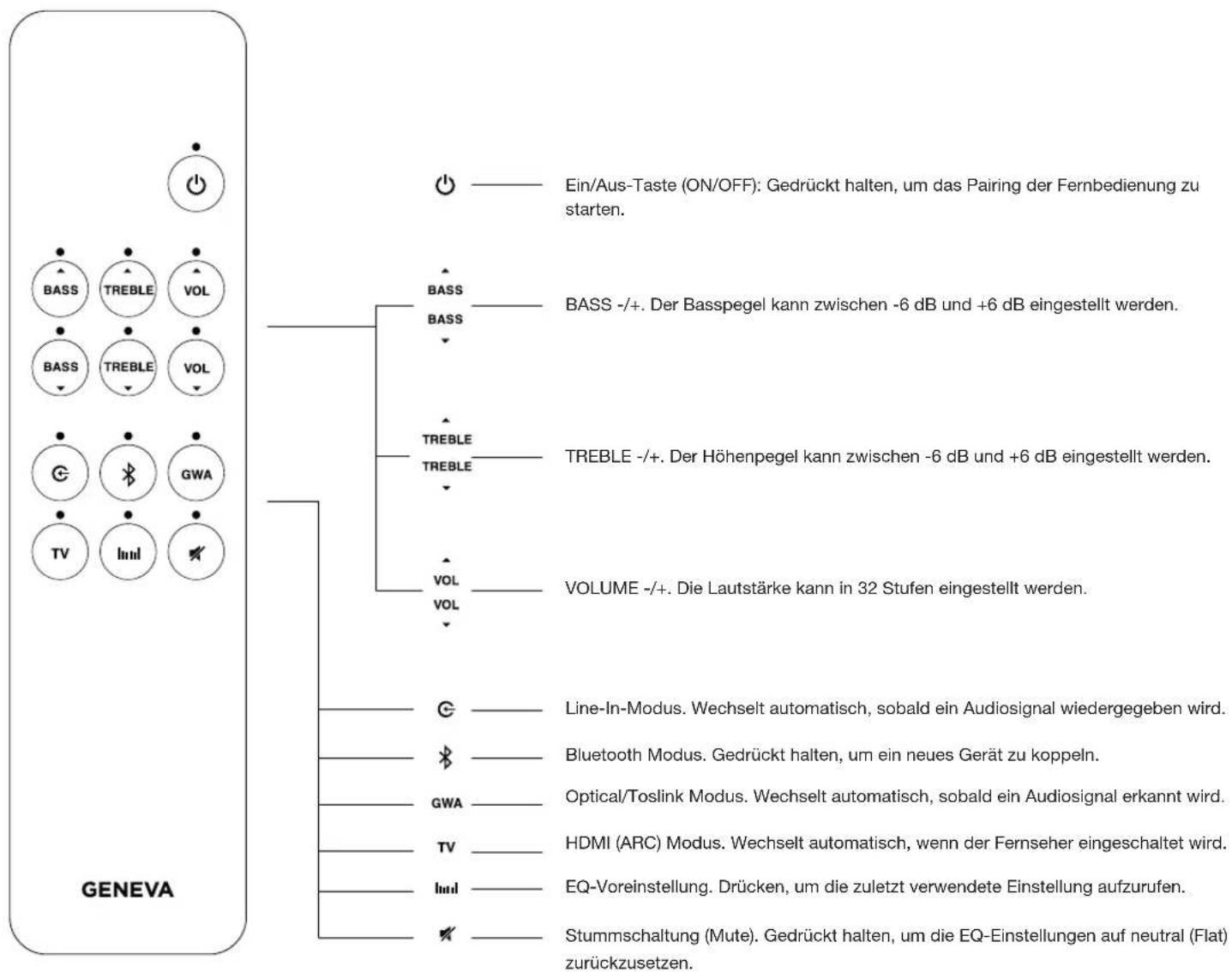
text_image
G GWA TV Imsl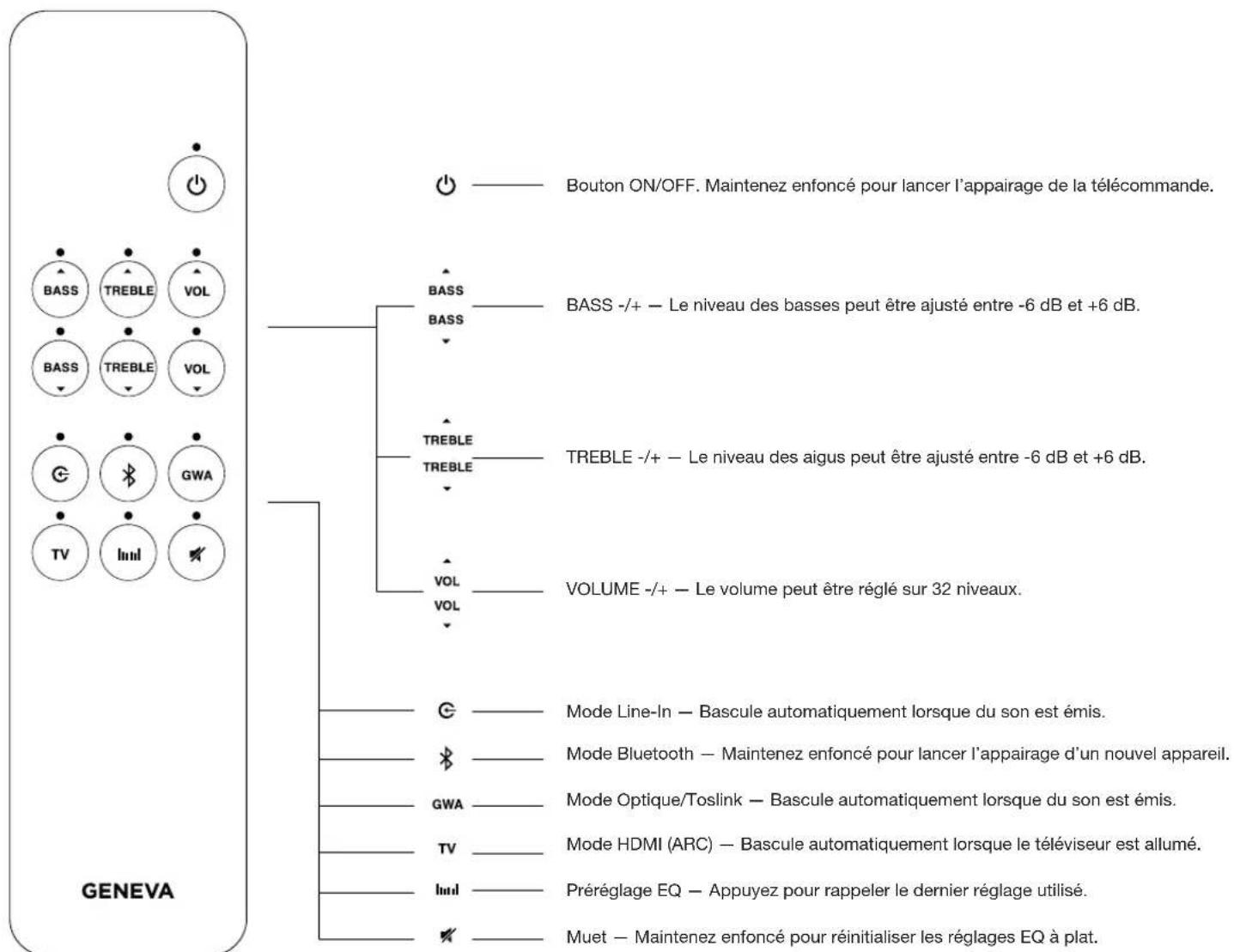
text_image
G Bluetooth GWA TV Line1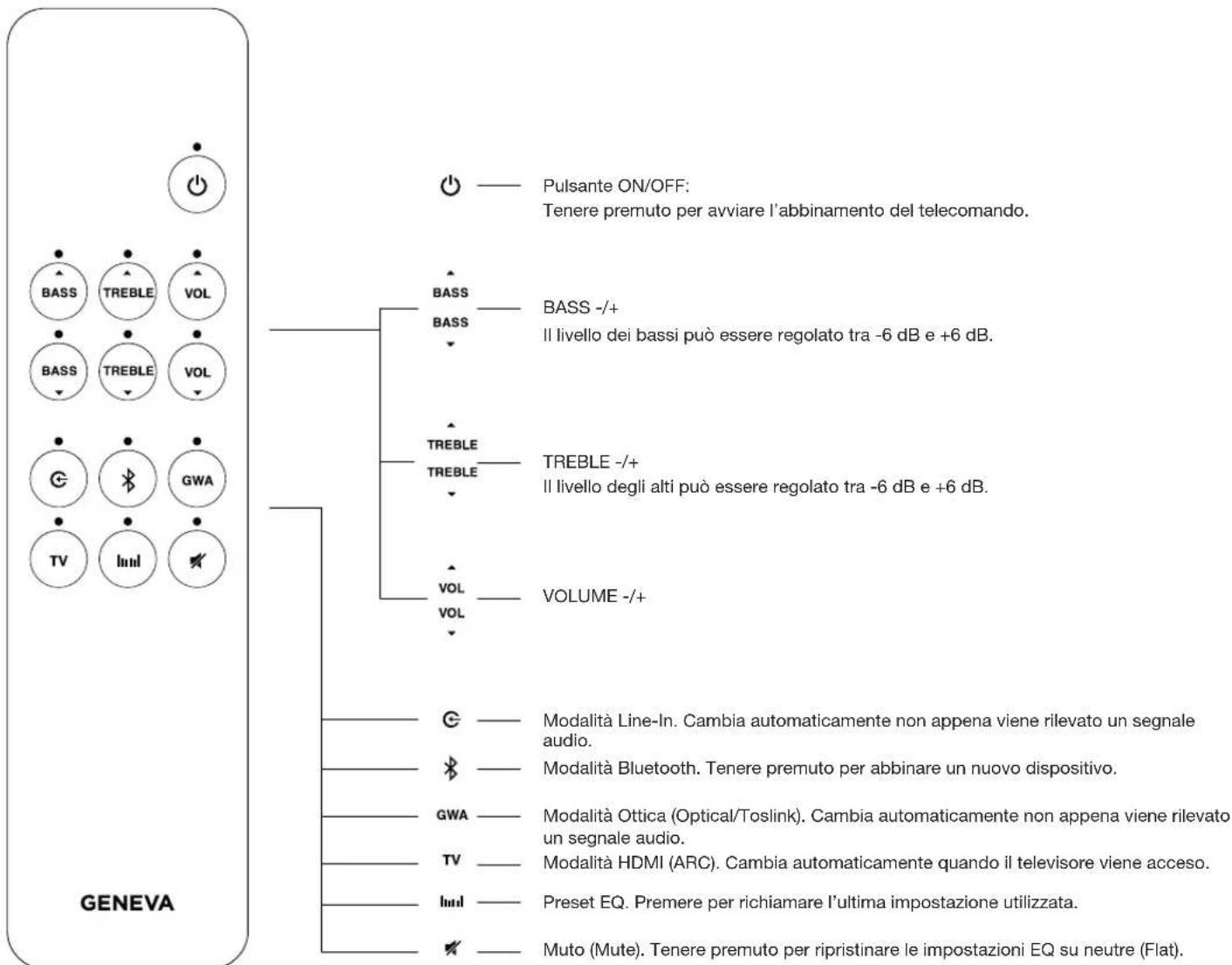
text_image
G Bluetooth GWA TV Imm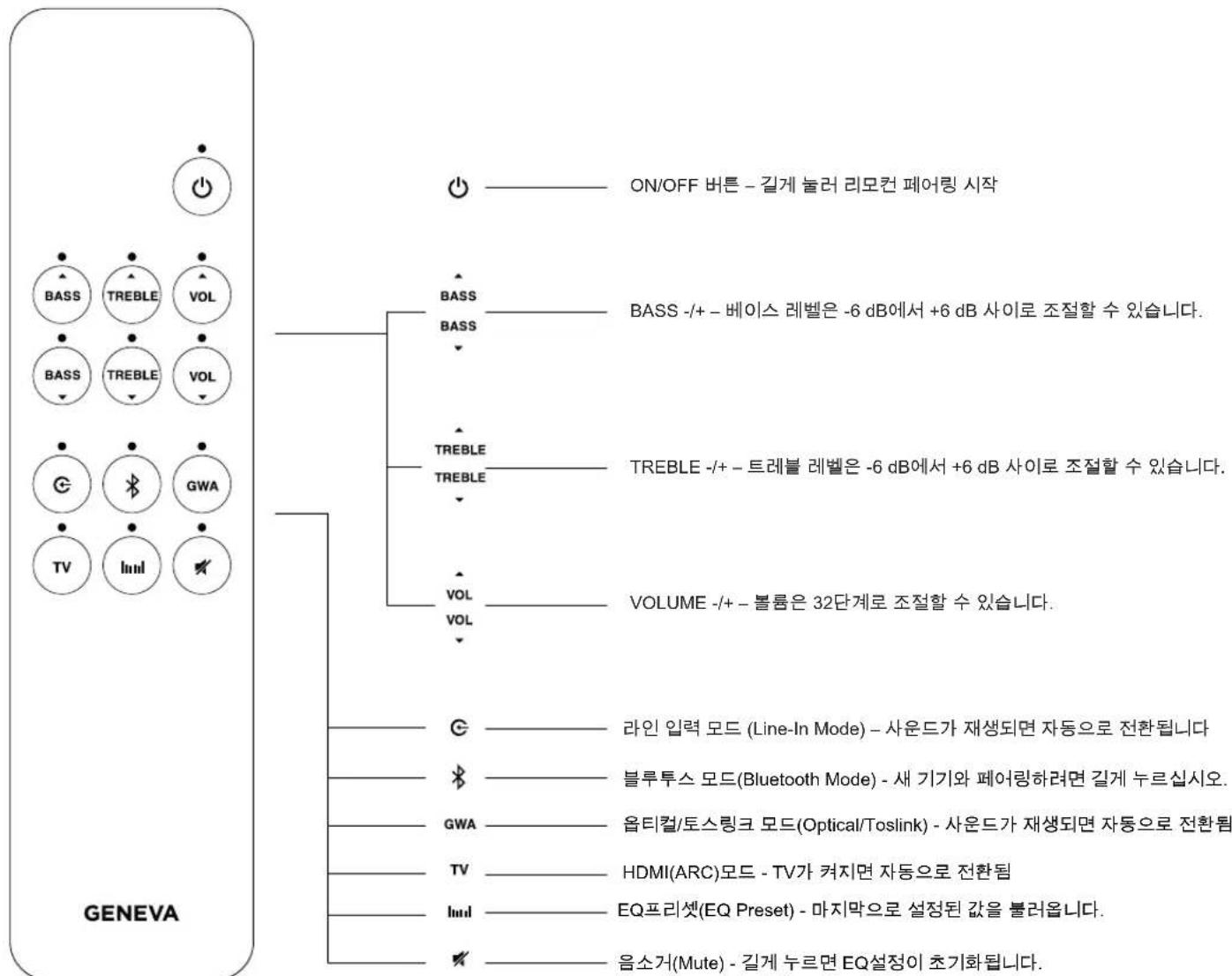
text_image
G GWA TV Iml