
HT-W01 - Measuring equipment Vevor - Free user manual and instructions
Find the device manual for free HT-W01 Vevor in PDF.
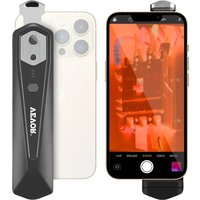


| Product Type | Infrared thermal camera for smartphone |
| Model | HT-W01 |
| Brand | Vevor |
| Infrared resolution | 256×192 pixels |
| Detector | Uncooled vanadium oxide, focal plane array |
| Field of view | 56° (H) × 42° (V) |
| Temperature measurement range | -20°C to 500°C |
| Measurement accuracy | ±2°C or ±2% (depending on range) |
| Frame rate | ≤25 Hz |
| Connection | Wi-Fi (SSID: HT-W01-*, password: 12345678) |
| Power supply | Lithium battery 1000 mAh, USB Type-C 5V charging |
| Battery life | ≥2 hours |
| Dimensions | 152 × 35 × 35 mm |
| Weight | 210 g |
| Protection rating | IP54 |
| Color palettes | 10 (White hot, Sepia, Ironbow, Rainbow, Night, Aurora, Red hot, Jungle, Medical, Black hot) |
| Main functions | Spot, line, regional measurement; photo/video capture; hot spot tracking; image fusion |
| Available languages | Chinese, English |
| Maintenance and cleaning | Do not expose to sunlight, do not touch the lens, clean with a soft cloth |
| Safety | Avoid static electricity, do not use with wet hands, do not disassemble |
| Repairability | Contact Vevor support for professional repair |
Frequently Asked Questions - HT-W01 Vevor
User questions about HT-W01 Vevor
0 question about this device. Answer the ones you know or ask your own.
Ask a new question about this device
Download the instructions for your Measuring equipment in PDF format for free! Find your manual HT-W01 - Vevor and take your electronic device back in hand. On this page are published all the documents necessary for the use of your device. HT-W01 by Vevor.
USER MANUAL HT-W01 Vevor
Technical Support and E-Warranty Certificate www.vevor.com/support
Thermal Image Camera
MODEL: HT-W01
We continue to be committed to provide you tools with competitive price.
"Save Half", "Half Price" or any other similar expressions used by us only represents an estimate of savings you might benefit from buying certain tools with us compared to the major top brands and does not necessarily mean to cover all categories of tools offered by us.
You are kindly reminded to verify carefully when you are placing an order with us if you are actually saving half in comparison with the top major brands.
VEVOR®
TOUGH TOOLS, HALF PRICE
Thermal Image Camera
MODEL: HT-W01
NEED HELP? CONTACT US!
Have product questions? Need technical support? Please feel free to contact us:
Technical Support and E-Warranty Certificate www.vevor.com/support
This is the original instruction, please read all manual instructions carefully before operating. VEVOR reserves a clear interpretation of our user manual. The appearance of the product shall be subject to the product you received. Please forgive us that we won't inform you again if there are any technology or software updates on our product.
Content
- Cautions
- Product Summary ---- 1 2.1 Application Scenes ---- 1 2.2 Major Functions ---- 2
- Product Structures ---- 3 3.1 Structure Introduction ---- 3 3.2 Description of Indicators ---- 3
- Product Application ---- 4 4.1 Equipment Power On ---- 4 4.2 Equipment Power Off ---- 4 4.3 Equipment Charging ---- 4 4.4 Equipment Connection ---- 4
- Software Operation ---- 6 5.1 Software Interface ---- 6 5.2 Library, Photography and Video Recording ---- 7 5.3 Shutter Refreshing ---- 7 5.4 Temperature Measurement Analysis ---- 8 5.5 Color Palette ---- 10 5.6 Temperature Measurement Setting ---- 12 5.7 Setting ---- 12
- Technical Parameters ---- 13
1. Precautions
Please read all the following information before using your device to protect you and others from injury or damage to your device.
(1) Do not expose the product to the sun or other high-intensity radiation sources. (2) Do not touch or collide the detector window and lens with hands or other objects. (3) Do not touch the device and USB interface with wet hands. (4) Do not scrub your equipment with thinner. (5) Please pay attention to preventing static electricity. (6) Do not disassemble the equipment. If there is any fault, please contact our company for repair by professional personnel.
2. Product Summary
2.1 Application Scenes
To use this mobile phone infrared thermal imager, you need to download and install the mobile phone infrared thermal imager "HT-W01 Wireless WIFI Mobile Thermal Imager" APP. Through this APP, you can achieve infrared observation and temperature measurement functions.

Scan QR code to download the App
2.2 Major Functions
The following functions are to be achieved:
(1) Open the applied software for the mobile phone infrared thermal imager to achieve infrared observation and measurement; (2) perform infrared temperature measurement and temperature analysis; (3) take photos and record videos; (4) control motion and set parameters for your mobile phone infrared thermal imager.
3. Product structures
3.1 Structure introduction
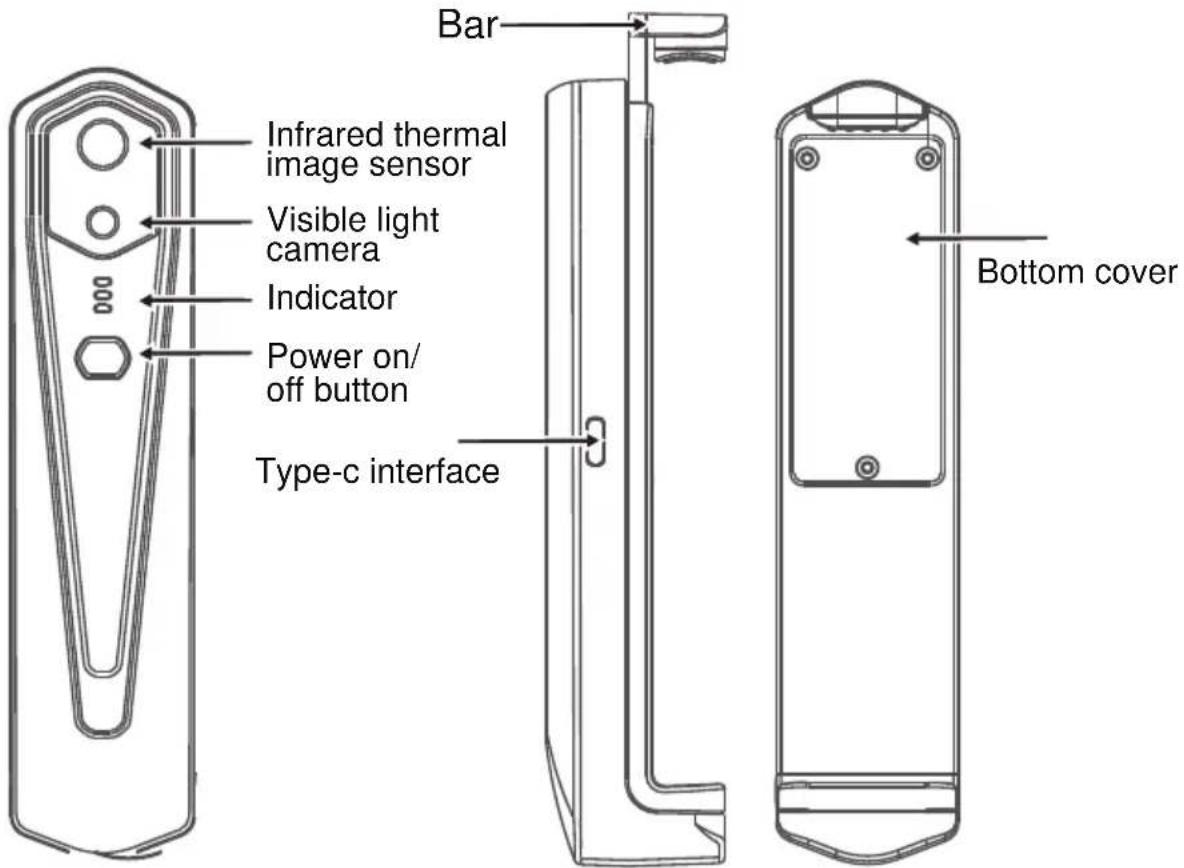
3.2 Description of indicators

Status indicator: blue light

Power on indicator: green light

Charging indicator: red
4. Product application
4.1 Device power on
Long press the Power on/off button for 1 second, and the device is powered on. The power on indicator is normally on.
After the device is powered on for 15 seconds, you can search WIFI
4.2 Device power off
Long press the power on/off button for more than 2 seconds, and all indicators will be out.
Long press the power button for more than 6 seconds in the power on state to for forcible power off, and all indicators will be out.
4.3 Device charging
Use TYPE-C interface data cords for charging. The charging indicator is normally on. After it is fully charged, the charging indicator is not on.
4.4 Device connection
Connecting WIFI
(1) Open your mobile phone WIFI connection screen, and find the WIFI name prefixed with HT-W01-; (2) Enter WIFI password 12345678 and connect it;
(3) After WIFI connection becomes successful, go to the APP, and click on the "[IMAGE]" button to start connecting the device.
Play button: After it is clicked, it starts to play images, and you can perform related operations.
- After WIFI connection is successful, and when the device is disconnected, click to connect the device;
- After successful connection, "Play" and "Disconnect" will disappear;
- The device fails to connect your mobile phone, and the status indicator flashes in a low frequency (on for 1s, and out for 1s). After the device connects your mobile phone, the status indicator flashes in a high frequency (on for 0.5s, and out for 0.5s).
5. Software operation
5.1 Software interface
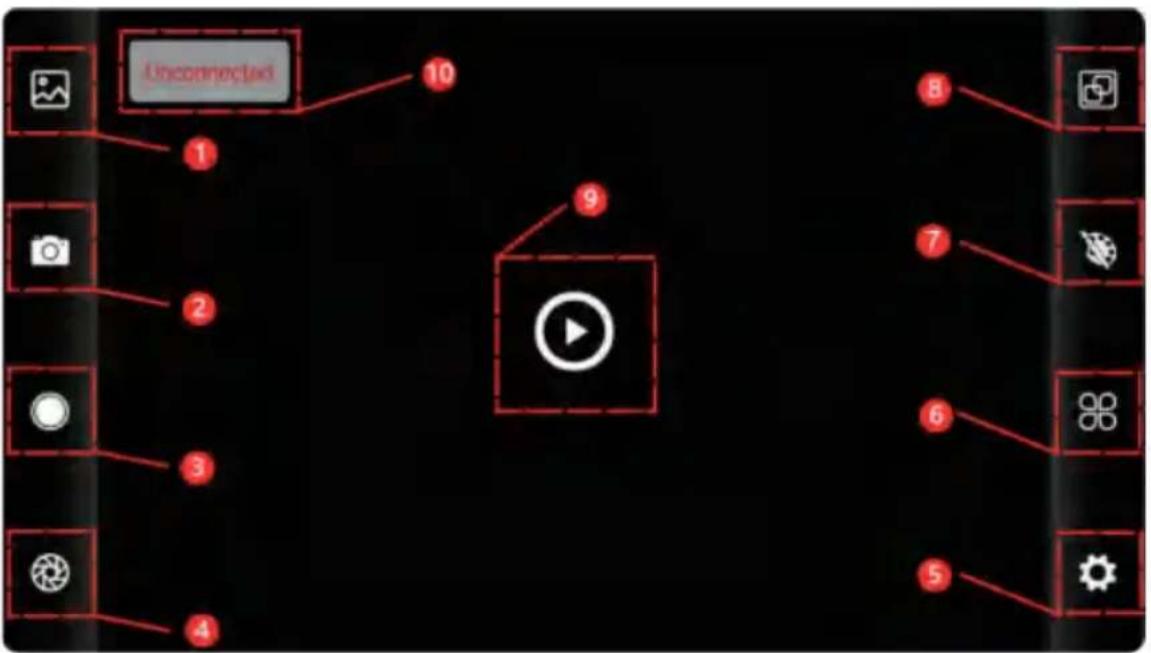
| 1 | Library button | 6 | Temperature setting button |
| 2 | Image capture button | 7 | Color palette allocation button |
| 3 | Video recording button | 8 | Temperature measurement button |
| 4 | Shutter refreshing button | 9 | Playback button |
| 5 | Setting button | 10 | Status of device failure to connect |
5.2 Library, shooting and video recording
(1) "[●]" library: Click to view images and videos;
Enter the image list page
- Long press the image or click the icon in the upper right corner to delete image files.
- Click on an image to preview it individually; you can swipe left or right to view the previous or next image.
- When previewing a single image, spread or pinch two fingers to zoom in or out, and long press to view detailed information about the image.
Enter the video list page
- Long press the video or click the icon in the upper right corner to delete video files.
- Click on a video to play it.
(2) "[O]" shooting: saves the current screen.
Photo saving location: open the images you need in the library to view where the image is stored.
(4) "" video recording: click to start recording, click again to stop; videos are saved in the same location as images.
5.3 Shutter refresh image.
"" shutter refresh: click to refresh the baffle.
5.4 Temperature Measurement Analysis
Click "☐" to bring up the temperature measurement options.
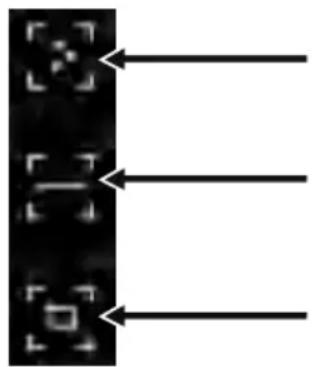
Point temperature measurement
Line temperature measurement analysis
Regional temperature measurement analysis
(1) Point temperature measurement: click the point temperature measurement button, and the screen will display the temperature information of three points, namely the central temperature point, the highest temperature point and the lowest temperature point. Click the screen at this time, and the temperature information of the user-defined point will be added. (2) Line temperature measurement analysis: drag with your fingers and draw a horizontal line on the screen. It will automatically analyze the maximum temperature and minimum temperature of the horizontal line, and identify relevant information.
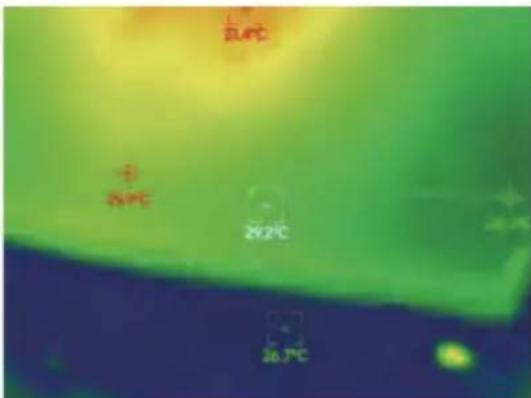
Line temperature measurement analysis
(3) Regional temperature measurement analysis: drag with your fingers and draw a rectangle on the screen. It will automatically analyze the maximum temperature and minimum temperature in the rectangular area, and identify relevant information, as shown in the following figure:
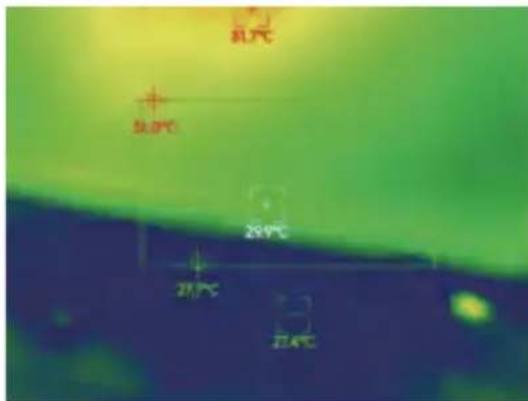
Regional temperature measurement analysis
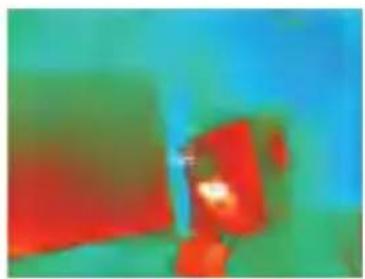
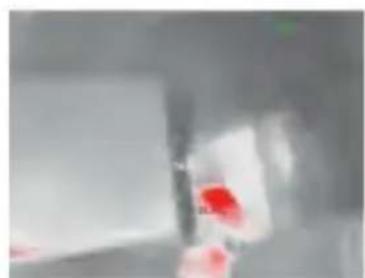
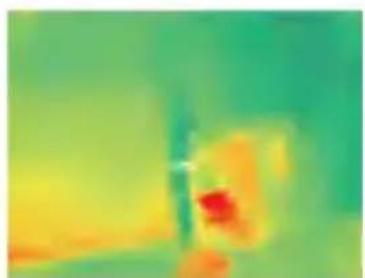
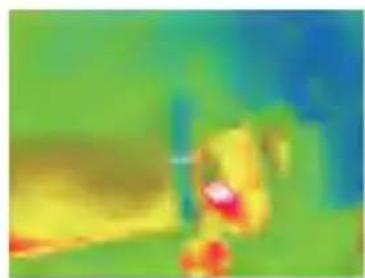
5.5 Color palettes
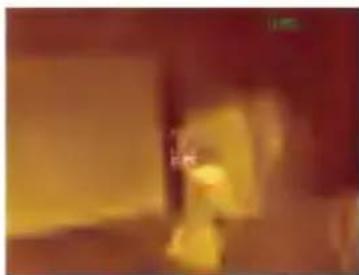
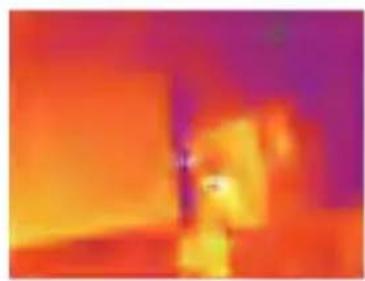
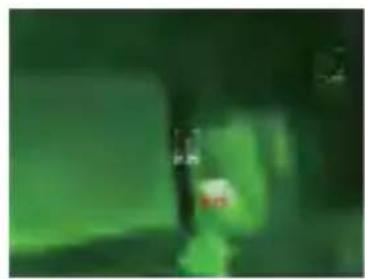
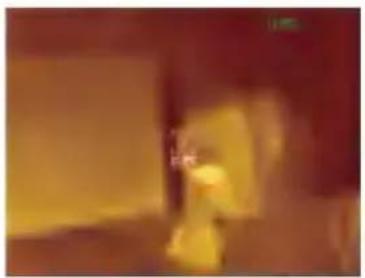
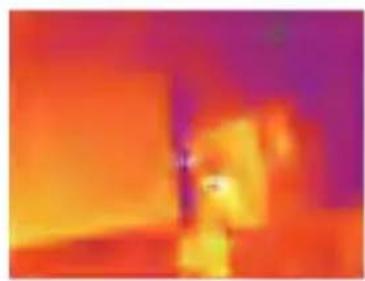
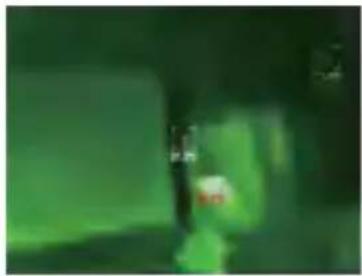
Click on “ [icon] ” to pop up the color palette interface. You can switch among 10 color palettes such as white heat, glowing gold, iron red, rainbow, shimmer, aurora, red heat, jungle, medical, and black heat, as shown in the figure below.
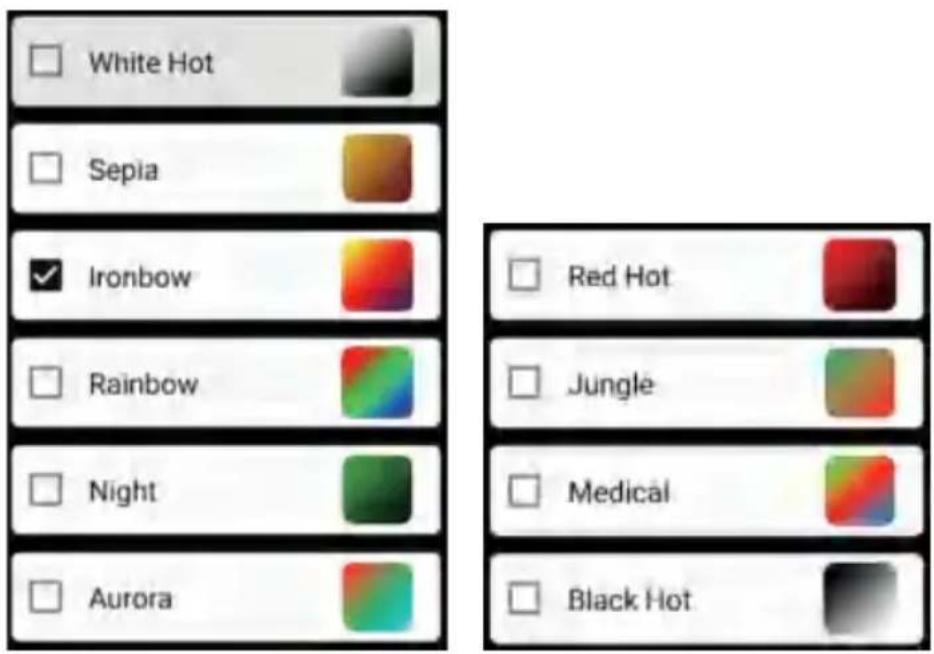
The display effects of 10 color palettes is shown as follows:
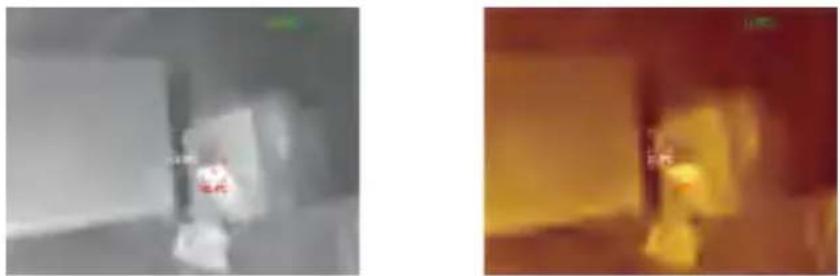
White hot Sepia
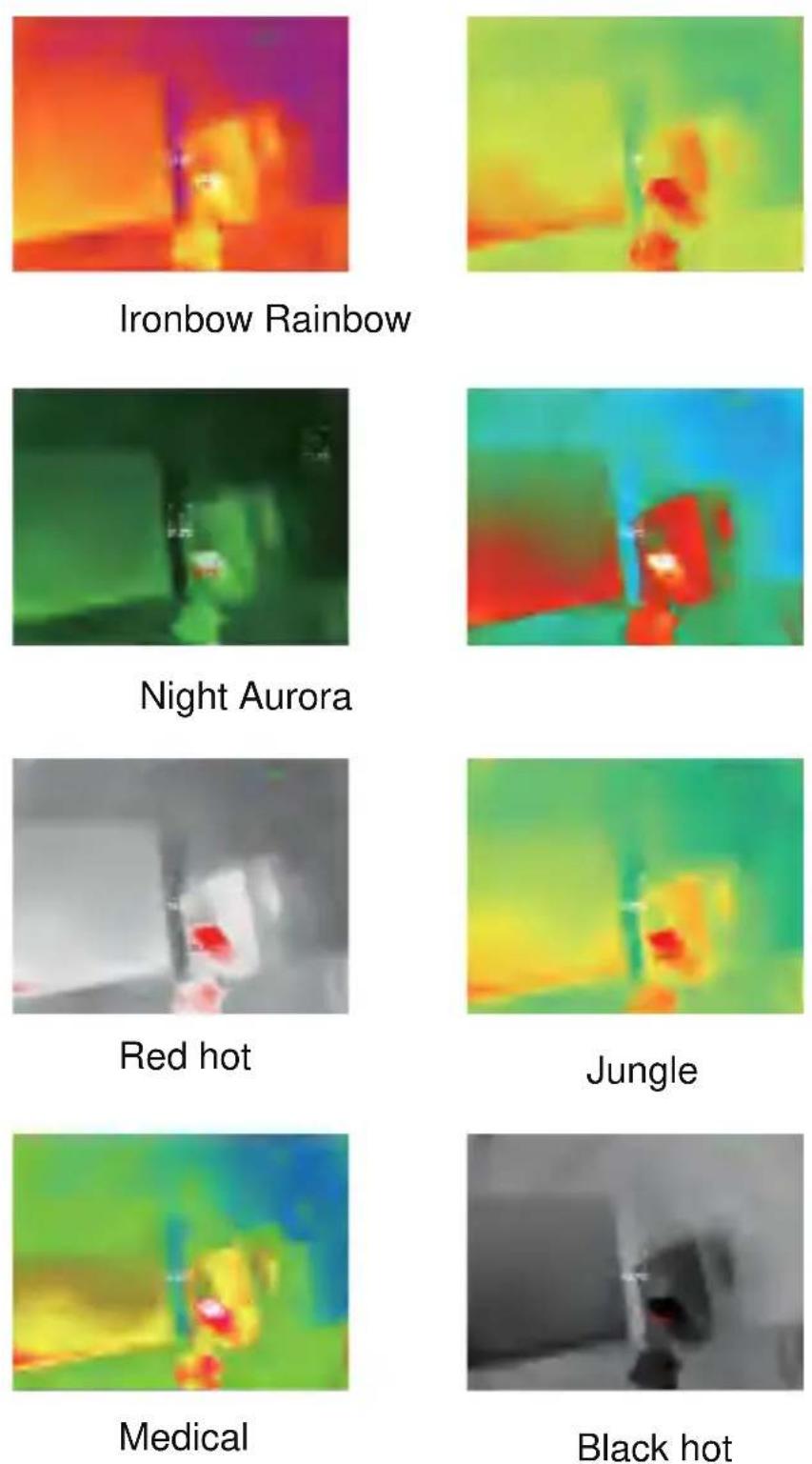
5.6 Temperature measurement setting
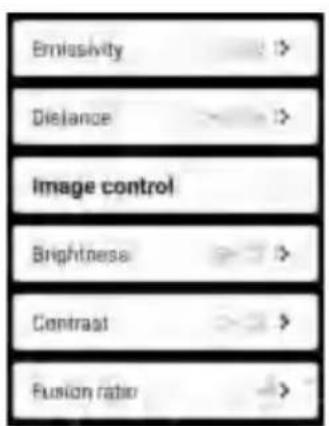
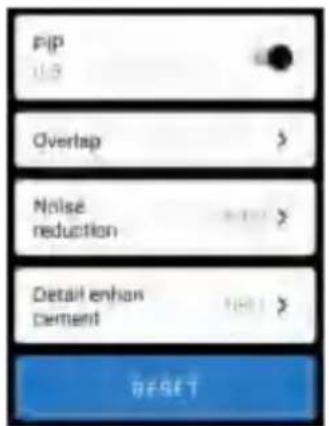
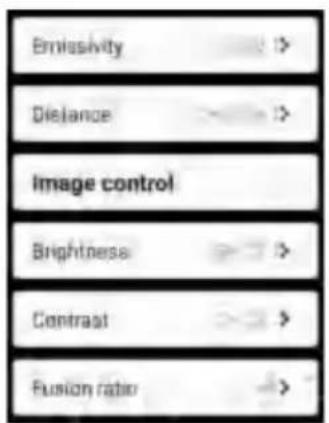
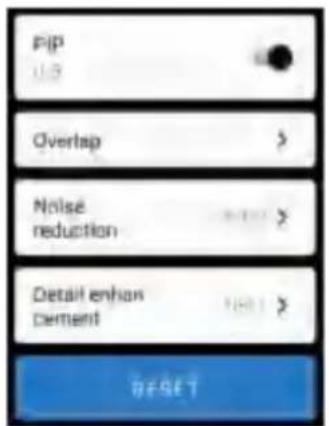
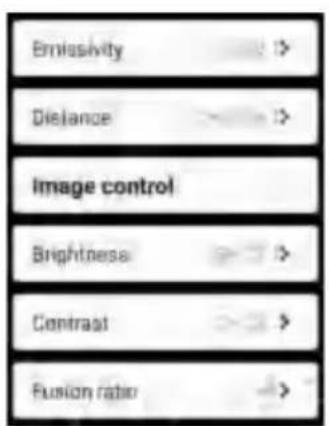
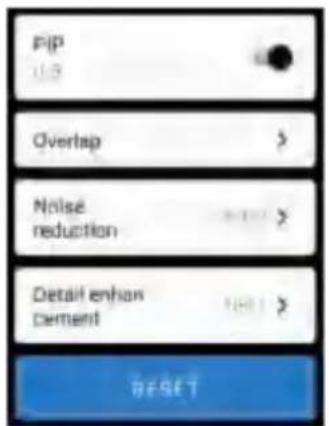
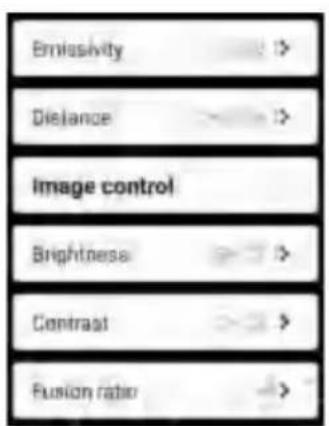
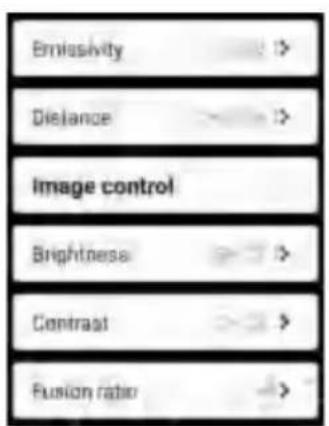
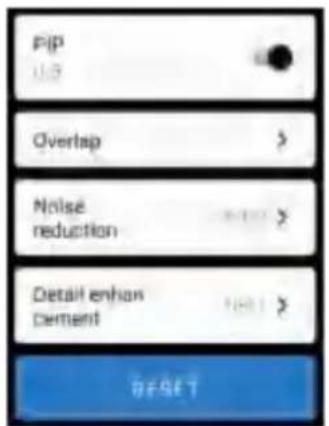
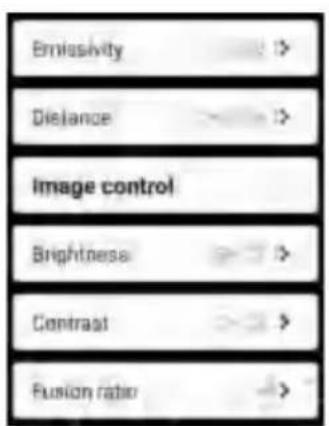
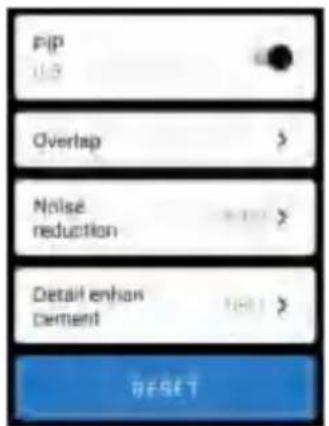
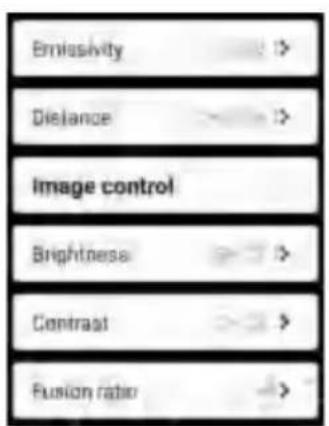
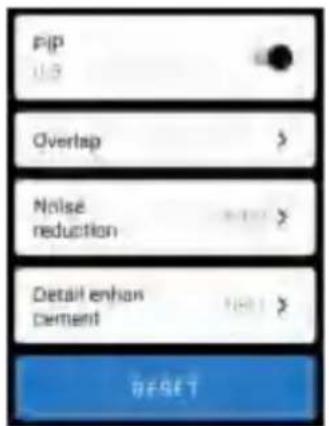
Click on “ [icon] ” to pop up the setting interface. You can set temperature unit, temperature measurement range, emissivity, temperature measurement distance, brightness, contrast, fusion, picture in picture, overlap, time-domain noise reduction, spatial noise reduction, and detail enhancement, or reset all parameters, as shown in the figure below:
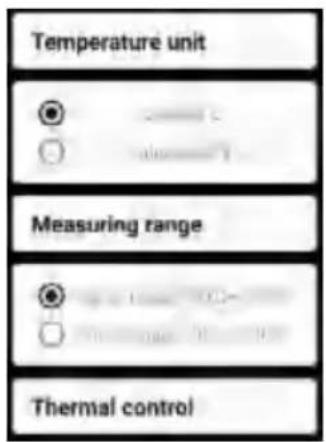
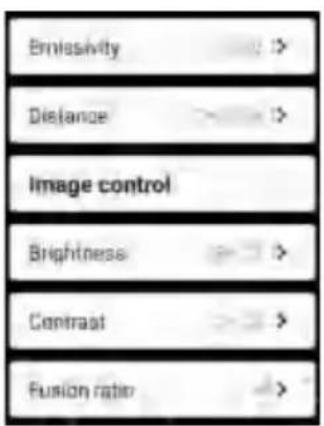
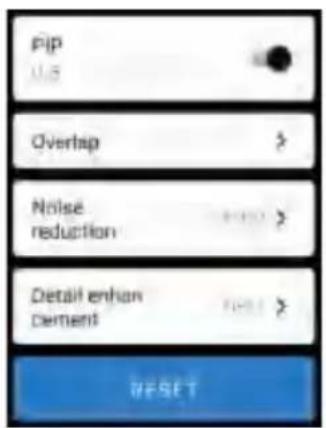
5.7 Setting
Click on “ ” to pop up the setting interface for language selection. For languages, Chinese or English can be selected, as shown in the figure below.
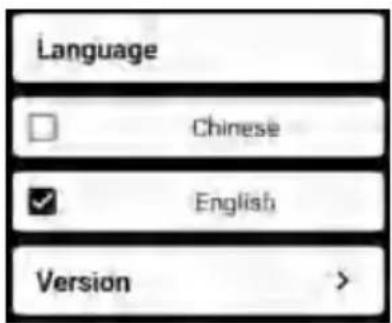
- Technical parameters
| Model | HT-W01 |
| Infrared | |
| Detector type | Vanadium Oxide Uncooled Infrared Focal Plane |
| Infrared image resolution | 256×192 |
| Pixel spacing | 12μm |
| Focal length | 3.2mm |
| Angle of view | 56°(H)×42°(V) |
| IFOV | 3.75mrad |
| Working band | 8~14μm |
| NETD | ≤ 50mk@25°C,@F/1.0 |
| Image frame rate | ≤25Hz |
| Focusing mode | Free Focus |
| Display | |
| Brightness adjustment | Supported |
| Contrast adjustment | Supported |
| Image fusion degree | Supported |
| Picture in pictures | Supported |
| Pseudo color mode | White hot, sepia, Ironbow, rainbow, night, aurora, red hot, jungle, medical, and black hot |
| Hot spot tracking | Supported |
| Temperature measurement function | |
| Temperature measurement mode | point, line and regional temperature measurement |
| Temperature measurement range | -20°C~120°C, 120°C~500°C |
| Temperature measuring distance | 0.25m~30m |
| Temperature measurement accuracy | 300°C-500°C:±4% -15°C-300°C:±2°C or ±2% -20°C-15°C:±4°C |
| System function | |
| Camera/video | Supported |
| Picture /Video format | JPG/MP4 |
| Language | Chinese and English |
| Overall power consumption | ≤1.5W |
| Endurance time | ≥2H |
| External interface | USB Type-C, DC5V power supply |
| WIFI Supported | |
| Protection level | IP54 |
| 1000mAh chargeable lithium battery Power supply | |
| Working/storage environments | |
| Working temperature | -10°C ~ +50°C |
| Storage temperature | -20°C ~ +70°C |
| Size/Weight | |
| Product size | 152x35x35mm |
| Product weight | 210g |
CORRECT DISPOSAL

This product is subject to the provisions of European Directive 2012/19/EU.
The symbol showing a wheelie bin crossed through indicates that the product requires separate refuse collection in the European Union.
This applies to the product and all accessories marked with this symbol. Products marked as such may not be discarded with normal domestic waste, but must be taken to a collection point for recycling electrical and electronic devices.
This applies to the product and all accessories marked with this symbol. Products marked as such may not be discarded with normal domestic waste, but must be taken to a collection point for recycling electrical and electronic devices.
CAUTION: Changes or modifications not expressly approved by the party responsible for compliance could void the user's authority to operate the equipment!
CAUTION: Changes or modifications not expressly approved by the party responsible for compliance could void the user's authority to operate the equipment!
This device complies with Part 15 of the FCC Rules. Operation is subject to the following two conditions:
1) This product may cause harmful interference. 2) This product must accept any interference received, including interference that may cause undesired operation.
WARNING: Changes or modifications to this product not expressly approved by the party.
responsible for compliance could void the user's authority to operate the product.
Note: This product has been tested and found to comply with the limits for a Class B digital device pursuant to Part 15 of the FCC Rules. These limits are designed to provide reasonable protection against harmful interference in a residential installation.
This product generates, uses, and can radiate radio frequency energy. If it is not installed and used in accordance with the instructions, it may cause harmful interference to radio communications. However, there is no guarantee that interference will not occur in a particular installation. If this product does cause harmful interference to radio or television reception, which can be determined by turning the product off and on, the user is encouraged to try to correct the interference by one or more of the following measures.
- Reorient or relocate the receiving antenna.
- Increase the distance between the product and receiver.
- Connect the product to an outlet on a circuit different from that to which the receiver is connected.
- Consult the dealer or an experienced radio/TV technician for assistance.
Imported to USA: Sanven Technology Ltd., Suite 250, 9166 Anaheim Place, Rancho Cucamonga, CA 91730
Manufacturer: Shanghaimuxinmuyeyouxiangongsi
Address: Baoshanqu Shuangchenglu 803long 11hao 1602A-1609 shi Shanghai
| UK | REP |
Pooledas Group Ltd
Unit 5 Albert Edward House, The
Pavilions Preston, United Kingdom
pooledas123@gmail.com
01772418127
| EC | REP |
SHUNSHUN GmbH
Römeräcker 9 Z2021,76351
Technical Support and E-Warranty Certificate
www.vevor.com/support
VEVOR®
TOUGH TOOLS, HALF PRICE
NEED HELP? CONTACT US!
warm white
Sepia
Iron arc

Rainbow
Night
Dawn
warm red

Jungle
Medical
warm black
5.7 Adjustment
NEED HELP? CONTACT US!
warm white
Sepia
Iron arch

Rainbow
Night
Aurora
Red glow
Jungle
Medical
Black hot
5.7 Setting
Ltd Unit 5 Albert Edward House,
NEED HELP? CONTACT US!
2.1 Application scene
warm white
Sepia
Iron arch

Rainbow
Night
Dawn
Warm red
Jungle
Medical
Warm black
5.7 Setting
6. Technical parameters
The REP Pavilions Preston,
United Kingdom
pooledas123@gmail.com 01772418127
| CE | RAPPRESENTANTE |
SHUNSHUN
GmbH Römeräcker 9
Z2021, 76351 Linkenheim-
Hochstetten, Germany
euagent@gmail.com +49 1727041930
Made in China
VEVOR®
TOUGH TOOLS, HALF PRICE
Hot White
Sepia
Iron Arch

Rainbow
Night
Aurora
Red Hot
Jungle
Medical
White hot

5.7 Configuration
The REP Pavilions Preston, United
Kingdom
pooledas123@gmail.com 01772418127
| CE | REPS |
SHUNSHUN
GmbH Römeräcker 9
Z2021,76351 Linkenheim-
NEED HELP? CONTACT US!
White hot
Sepia
Iron bow

Te cza
Night
Aurora borealis
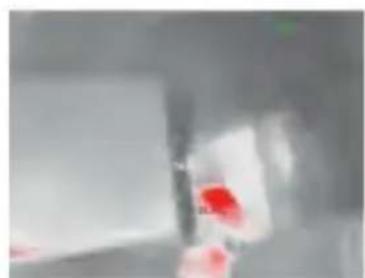
Red hot
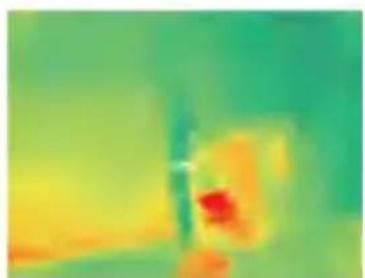
Jungle
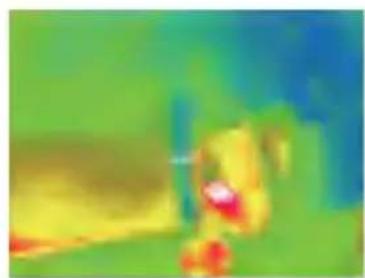
Medical
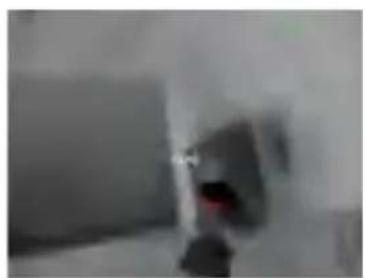
Black hot
5.7 Setting
Ltd Unit 5 Albert Edward House,
NEED HELP? CONTACT US!
Scan the QR code to download the app
White hot
Sepia
Ironbow
Rainbow
Night
Aurora
Red glow
Jungle
Medical
Black hot
5.7 Settings
- Technical parameters
Ltd Unit 5 Albert Edward House,
NEED HELP? CONTACT US!
Spot temperature measurement
White hot
Sepia
Ironbow

Rainbow
Night
Aurora
Glowing hot

Jungle
Medical
Black hot
5.7 Settings
- Technical parameters
- THERMAL IMAGE CAMERA
- MODEL: HT-W
- VEVOR®
- TOUGH TOOLS, HALF PRICE
- NEED HELP? CONTACT US
- CONTENT
- PRECAUTIONS
- PRODUCT SUMMARY
- APPLICATION SCENES
- MAJOR FUNCTIONS
- PRODUCT STRUCTURES
- STRUCTURE INTRODUCTION
- DESCRIPTION OF INDICATORS
- PRODUCT APPLICATION
- DEVICE POWER ON
- DEVICE POWER OFF
- DEVICE CHARGING
- DEVICE CONNECTION
- CONNECTING WIFI
- PLAY BUTTON: AFTER IT IS CLICKED, IT STARTS TO PLAY IMAGES, AND YOU CAN PERFORM RELATED OPERATIONS
- SOFTWARE OPERATION
- SOFTWARE INTERFACE
- LIBRARY, SHOOTING AND VIDEO RECORDING
- ENTER THE IMAGE LIST PAGE
- ENTER THE VIDEO LIST PAGE
- SHUTTER REFRESH IMAGE
- TEMPERATURE MEASUREMENT ANALYSIS
- COLOR PALETTES
- TEMPERATURE MEASUREMENT SETTING
- SETTING
- CORRECT DISPOSAL
- CAUTION: CHANGES OR MODIFICATIONS NOT EXPRESSLY APPROVED BY THE PARTY RESPONSIBLE FOR COMPLIANCE COULD VOID THE USER'S AUTHORITY TO OPERATE THE EQUIPMENT
- ADJUSTMENT
- APPLICATION SCENE
- CONFIGURATION
- SETTINGS
Brand : Vevor
Model : HT-W01
Category : Measuring equipment