
CM04 - Laser level Vevor - Free user manual and instructions
Find the device manual for free CM04 Vevor in PDF.
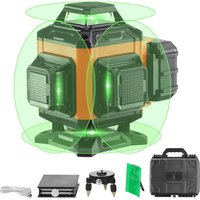


| Brand | Vevor |
| Model | CM04 |
| Product type | Cross line laser |
| Number of laser lines | 4 lines (2 horizontal, 2 vertical) at 360° |
| Laser class | Class 2 (≤ 1 mW @ 630-670 nm) |
| Accuracy | ±3 mm / 10 m |
| Working range (without detector) | 30 m |
| Working range (with detector) | 50 m |
| Self-leveling range | 3° ± 1° |
| Leveling time | 3 seconds |
| Power supply | Li-ion battery 3.7 V / 5200 mAh |
| Charger | 5 V / 1 A |
| Operating time | 6 hours (CM04) |
| Operating temperature | -10 °C to 40 °C |
| Storage temperature | -20 °C to 60 °C |
| Operating modes | Self-leveling, manual, pulse, brightness adjustment |
| Dimensions (approx.) | 12 x 10 x 15 cm |
| Weight (approx.) | 0.8 kg (with battery) |
| Housing material | Durable plastic |
| Maintenance | Clean with a damp cloth, no solvents |
| Safety | Do not look directly into the beam, use protective goggles if provided |
| Included accessories | Charger, battery, storage case, goggles (depending on kit) |
| Warranty | Technical support and electronic warranty certificate at www.vevor.com/support |
Frequently Asked Questions - CM04 Vevor
User questions about CM04 Vevor
0 question about this device. Answer the ones you know or ask your own.
Ask a new question about this device
Download the instructions for your Laser level in PDF format for free! Find your manual CM04 - Vevor and take your electronic device back in hand. On this page are published all the documents necessary for the use of your device. CM04 by Vevor.
USER MANUAL CM04 Vevor
Technical Support and E-Warranty Certificate www.vevor.com/support
CROSS LINE LASER
MODEL:CM03/04
We continue to be committed to providing you with tools at competitive prices. "Save Half", "Half Price", or any other similar expressions used by us only represent an estimate of savings you might benefit from buying certain tools with us compared to top brands, and do not necessarily mean to cover all categories of tools offered. We kindly remind you to verify carefully when placing an order with us whether you are actually saving half in comparison with the top major brands.
VEVOR®
TOUGH TOOLS, HALF PRICE
CROSS LINE LASER
MODEL:CM03/04
NEED HELP? CONTACT US!
Have product questions? Need technical support? Please feel free to contact us:

CustomerService@vevor.com
This is the original instruction. Please read all manual instructions carefully before operating. VEVOR reserves a clear interpretation of the user manual. The appearance of the product shall be subject to the product you received. Please forgive us that we won't inform you of any technology or software updates on our product.
 | Warning-To reduce the risk of injury, users must read instr manual carefully. |
 | Warning- Be sure to wear eye protectors when using this |
 | This symbol, placed before a safety comment, indicates a precaution, warning, or danger. Ignoring this warning may le accident. To reduce the risk of injury, fire, or electrocu , please follow the recommendation below. |
 | FCC statement:This device complies with Part 15 of the FCC Rules. Op subject to the following two conditions:(1)This device may n harmful interference, and (2)this device must accept any inte received, including interference that may cause undesired op |
Contents
- Safety • Product Overview • Operation Modes & LED Indications
- Applications
- User Guide, Maintenance and Care
- Specifications
- Warranty
Safety
WARNING:
- Read the Safety Instructions and User Manual thoroughly before using this product. All users must fully understand and adhere to these instructions.
CAUTION:
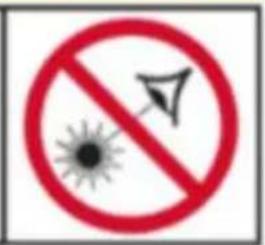
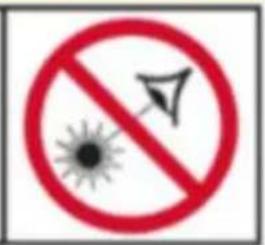
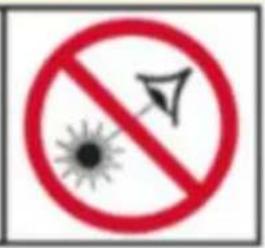
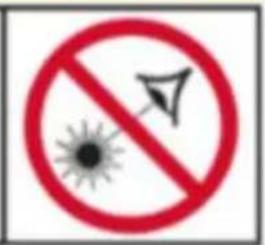
- While the product operates, avoid exposing your eyes to the emitting laser. Exposure to a laser beam for an extended time may be hazardous to your eyes.
CAUTION:
- Glasses may be supplied in some of the laser tool kits. However, these are certified safety glasses. These glasses are ONLY used to enhance the beam's visibility in brighter environments or at greater distances from a laser source.
WARNING:
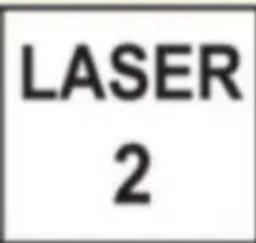
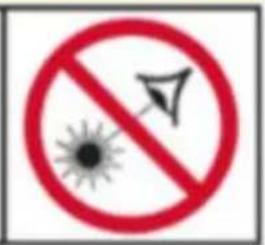
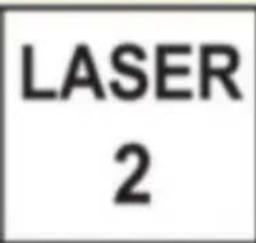
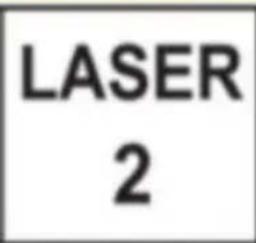
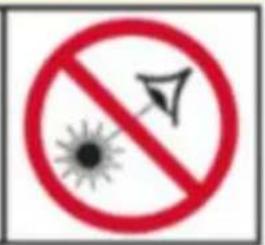
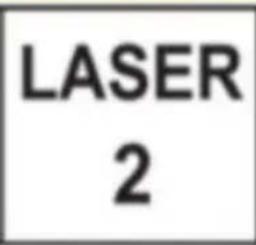
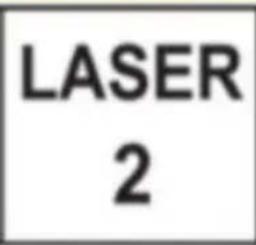
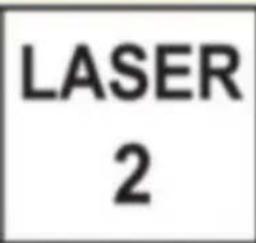
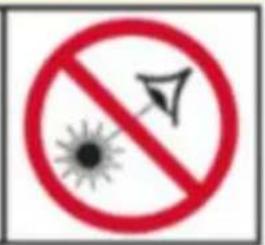
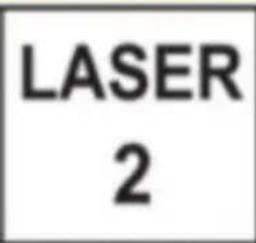
- The following label/print samples are placed on the product to inform of the class for your convenience and safety.
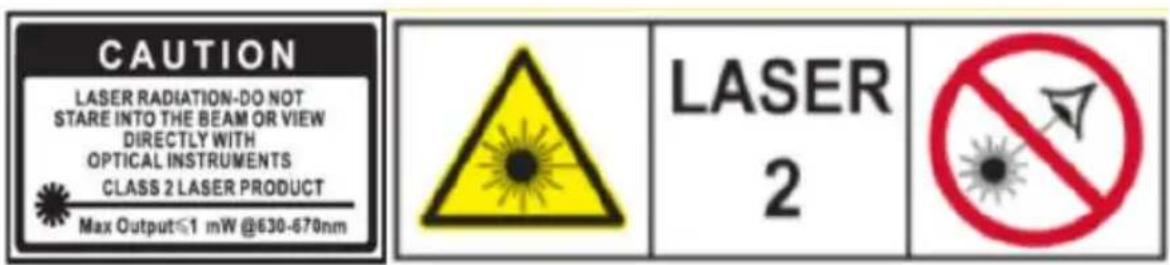
- Do not stare directly into the beam or view with optical instruments, or use laser at eye level.
- Do not disassemble the laser tool. There are no user-serviceable parts inside.
- Do not modify the laser in any way. Modifying the tool may result in hazard, Laser Radiation Exposure.
- Do not operate the laser around children or allow children to operate it. Serious eye injury may result.
An exposure to the beam of a Class 2 laser is considered safe for a maximum of 0.25 seconds. Eyelid reflexes will normally provide adequate protection.
Function
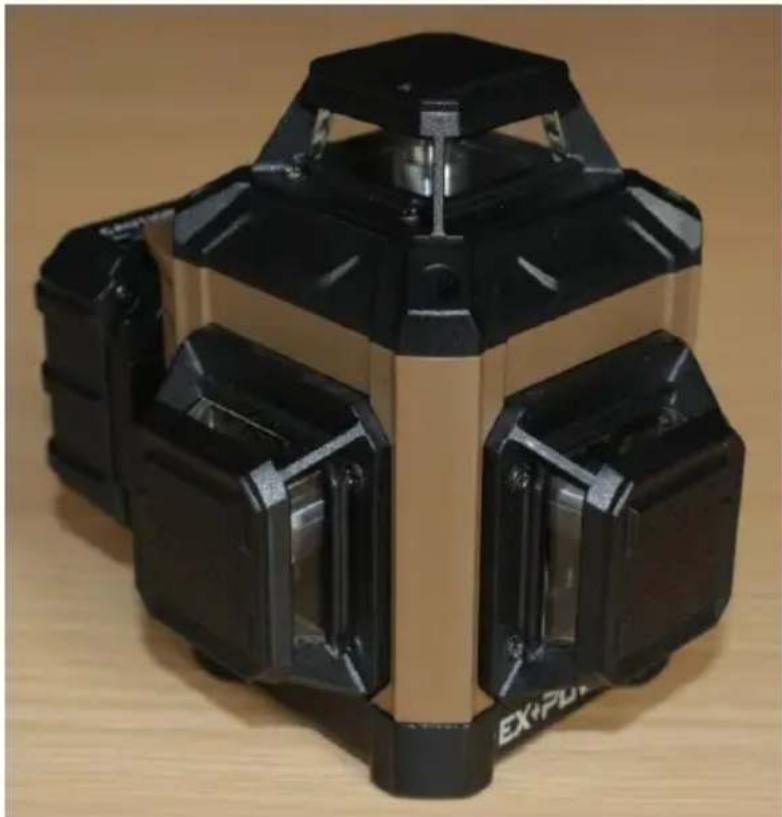
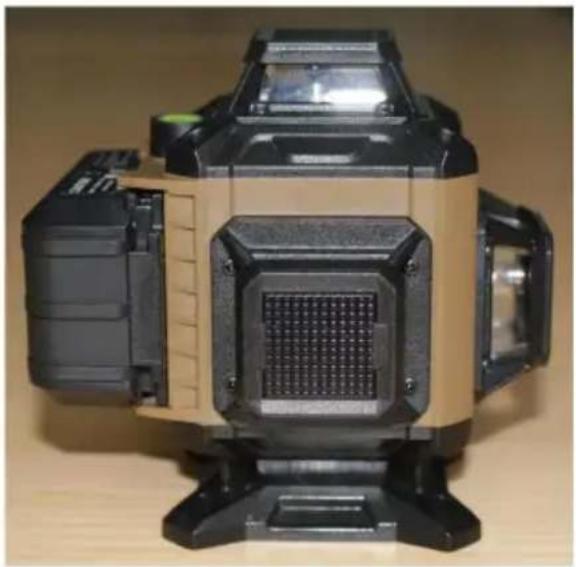
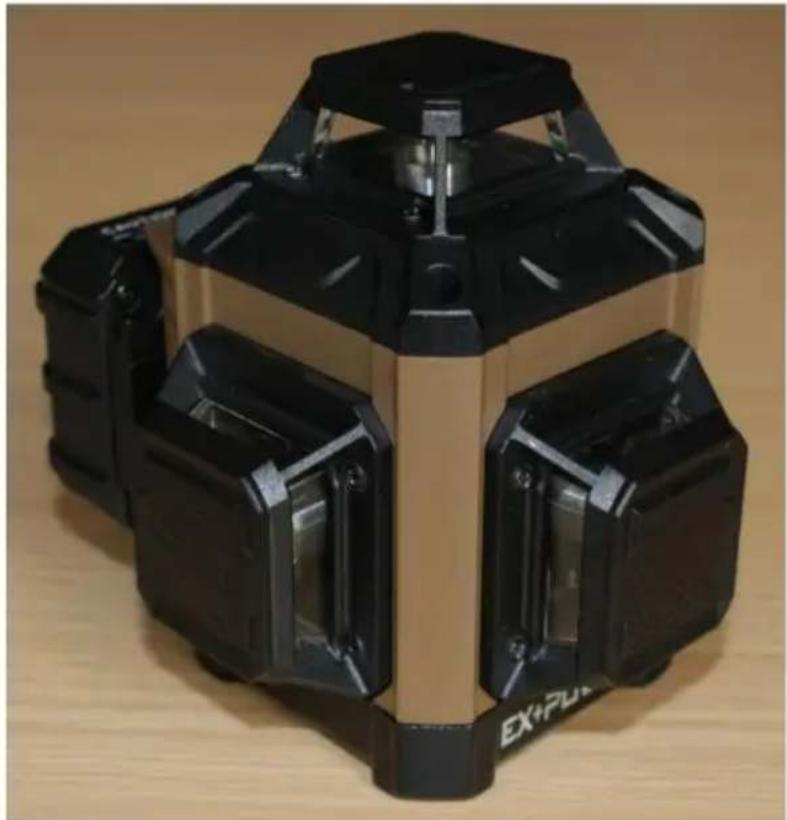
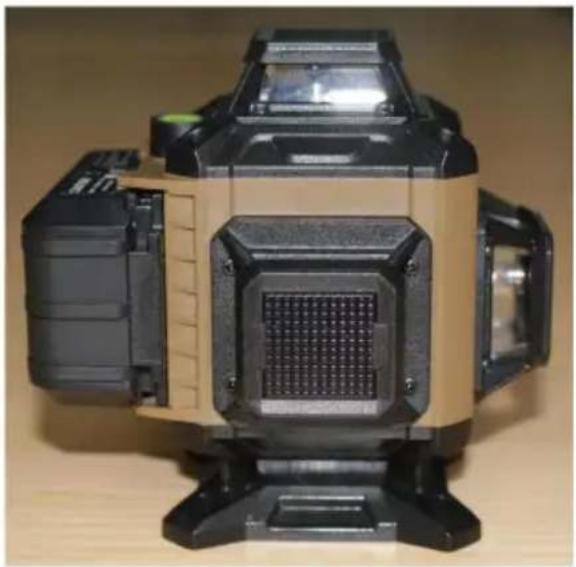
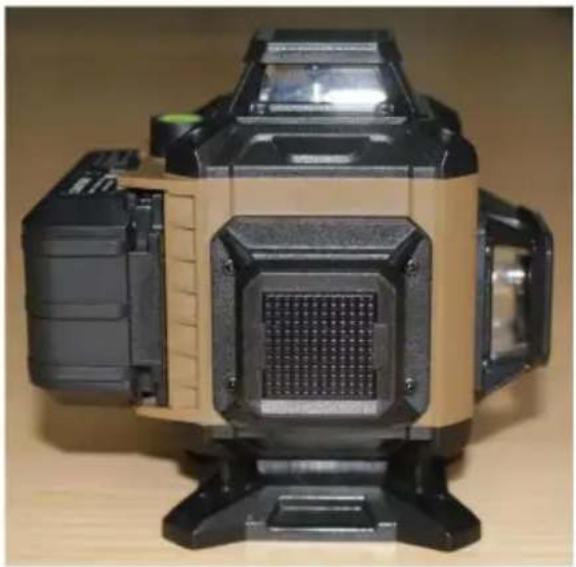
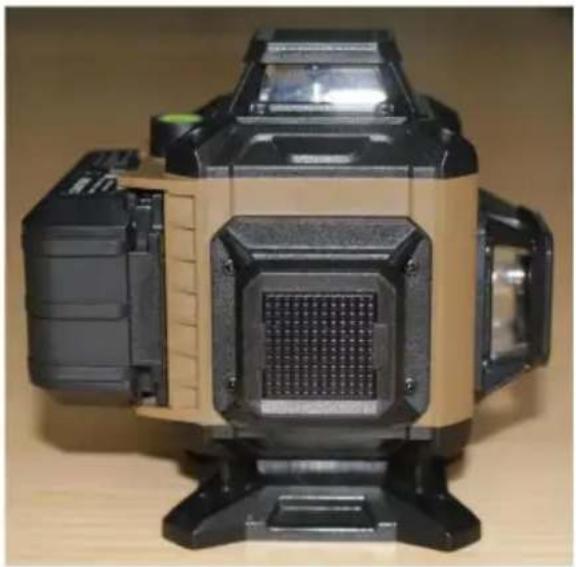
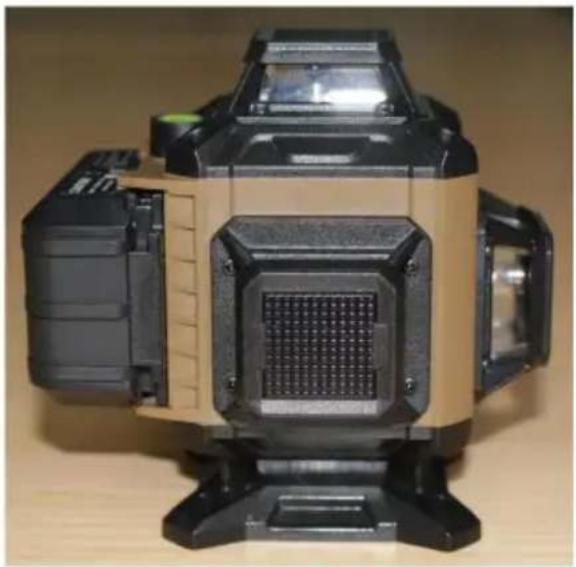
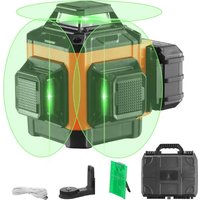
CM03 can emit three 360° laser lines, one horizontal and two vertical.
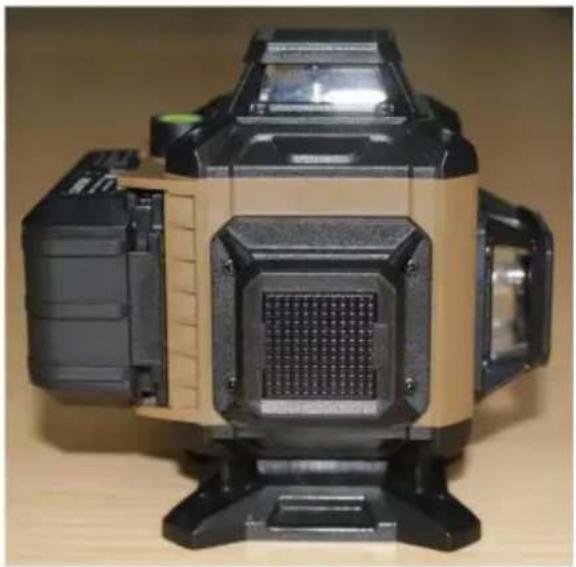
CM04 can emit four 360° laser lines, two horizontal and two vertical.
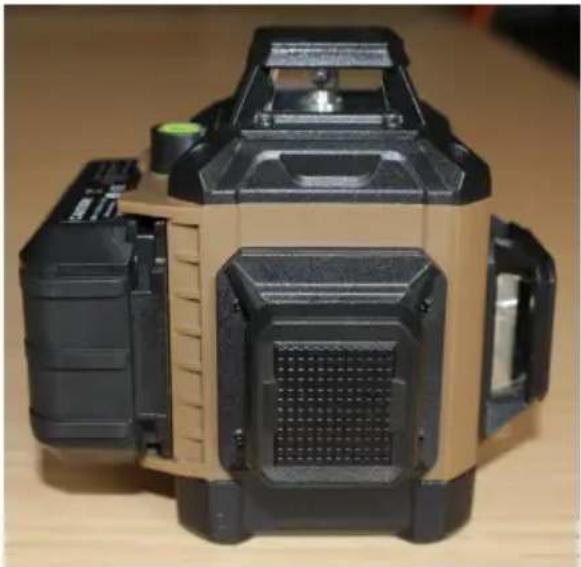
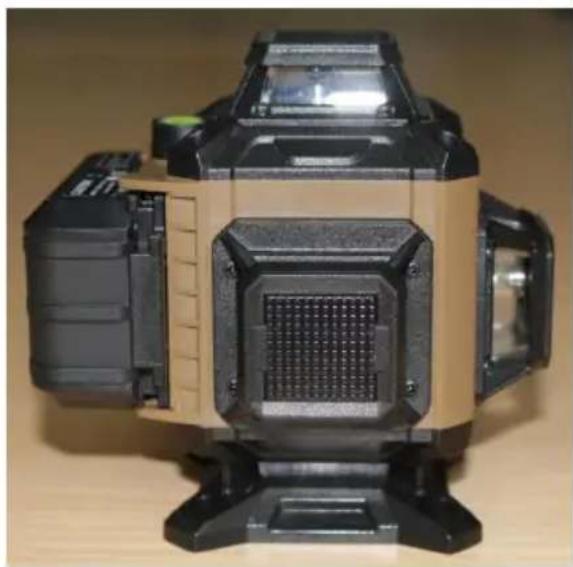
CM03 CM04
Self-leveling Mode
Slide the lock switch to the unlocked position and horizontal lines turned on. Short press H can turn ON/OFF the horizontal laser line, and a quick press turn ON/OFF the vertical laser line. (The horizontal and vertical laser lines can work singly and simultaneously.)
When the laser level is in Self-leveling mode, it can work within 3° ± 1°. If the level is out of working range, the unit will flash rapidly and laser tool will be alarm.
Pulse Mode
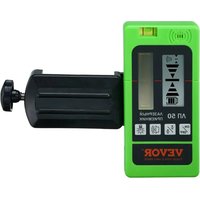
A short press “M” on the keypad to activate the Pulse Mode. The beams with dim and it can work with the laser receiver in this mode.
Manual Mode
Long press “M” to turn on/off manual mode. The laser level doesn’t flash or beep if it’s out of the leveling range. In this mode, the customer can have the
Brightness Adjustment Mode
Hold the "H" button and all the beams turn dimmer until the lines can't be Hold the "V" button and all the beams turn more bright until brightest. This operation can work both in the self-leveling mode and the manual mode.
User Guide, Maintenance and Care
- The laser tool is sealed and calibrated at the plant for specified accuracy.
- It is recommended to carry out an accuracy check before its first use and checks during future use, especially for precise layouts.
- When not in use, please power OFF the tool and place the pendulum lock in its locked position.
- In Manual Mode, self-leveling is OFF. The accuracy of the beam is not level.
- Do not short any battery terminals, charge alkaline batteries, or dispose of batteries in a fire.
- Do not mix old and new batteries. Instead, replace all of them simultaneously with new batteries of the same brand and type.
- Keep batteries out of reach of children.
- Remove batteries if the tool will not be used for several months.
- Do not store the laser tool in direct sunlight or expose it to high temperatures. The housing and some internal parts are made of plastics and may deform at high temperatures.
- Exterior plastic parts may be cleaned with a damp cloth. Although these parts are solvent resistant, NEVER use solvents. Use a soft, dry cloth to remove moisture from the tool before storage.
- Store the tool in its case when not in use. If storing for an extended time, remove batteries before storage to prevent possible damage.
- Do not dispose of this product with household waste. Always dispose of batteries per local code.
- Please recycle in line with local provisions for the collection and disposal of electrical and electronic waste under the WEEE Directive.
Specifications
| Laser Wavelength | 520±10nm |
| Laser Class | Class 2 |
| Line Accuracy | ±3mm/10m |
| Working Range | 30m |
| Working Range (With Laser Detecto) | 50m |
| Leveling Range | 3°±1° |
| Leveling Time | 3s |
| Li-Ion Battery | 3.7V 5200mAh |
| Charger Output | 5V1A |
| Working Time | 8h(3CM) / 6h(4CM) |
| Working Temperature | -10°C~40°C |
| Storage Temperature | -20°C~60°C |
NOTE:
- The customer is responsible for the correct use and care of the tool. Moreover, the customer is completely responsible for periodically checking the accuracy of the laser, and therefore for the calibration of the tool.
Made In China
VEVOR®
TOUGH TOOLS, HALF PRICE
Technical Support and E-Warranty Certificate www.vevor.com/support
VEVOR®
TOUGH TOOLS, HALF PRICE
NEED HELP? CONTACT US!
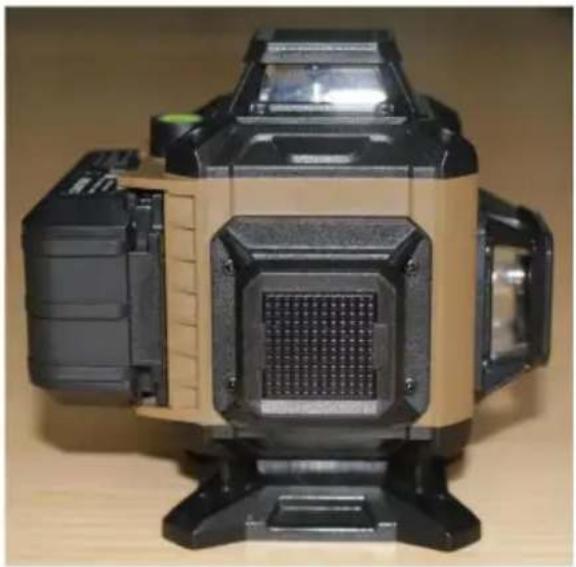
CM04 CM03
Kundenservice@vevor.com
CM04CM03
CROSS LINE LASER
MODEL: CM03/04
CROSS LINE LASER
MODEL: CM03/04
CM04CM03
CM03 CM04
NEED HELP? CONTACT US!
CM03 CM04
NEED HELP? CONTACT US!
Klantenservice@vevor.com
CM04CM03
Self-leveling mode
NEED HELP? CONTACT US!
CM04CM03
Brand : Vevor
Model : CM04
Category : Laser level