
C260 - Measuring equipment Vevor - Free user manual and instructions
Find the device manual for free C260 Vevor in PDF.
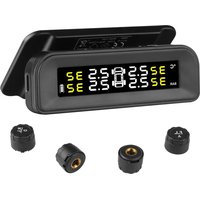


| Product Type | Tire Pressure Monitoring System (TPMS) |
| Brand | Vevor |
| Model | C260 |
| Frequency | 315 MHz |
| Display Power Supply | 3.7 V (rechargeable battery) |
| Sensor Power Supply | 2.0 ~ 3.6 V (internal battery) |
| Operating Current (display) | ≤ 15 mA |
| Standby Current (display) | ≤ 50 µA |
| Static Current (sensors) | ≤ 1 µA |
| Dynamic Current (sensors) | ≤ 15 mA |
| Operating Temperature (display) | -20 °C ~ +70 °C |
| Operating Temperature (internal sensors) | -40 °C ~ +120 °C |
| Operating Temperature (external sensors) | -20 °C ~ +85 °C |
| Default HI Pressure | 3.30 bar |
| Default LO Pressure | 1.70 bar |
| Pressure Adjustment Range | 2.60 ~ 6.00 bar |
| Default HI Temperature | 80 °C |
| Temperature Adjustment Range | 70 ~ 90 °C |
| Number of Sensors | 6 |
| Sensor Installation | External or Internal |
| Main Functions | Pressure and temperature monitoring, HI/LO alarm, pairing, tire exchange |
| Maintenance and Cleaning | Clean with a soft dry cloth. Do not use abrasive products. |
| Safety | Do not use while driving. Stop the vehicle in case of alarm. Does not detect sudden damage. |
| Spare Parts and Repairability | Sensors, anti-theft nuts, data cable. Technical support via www.vevor.com/support |
| General Information | Imported by Sanven Technology Ltd. (USA). Electronic warranty available online. |
Frequently Asked Questions - C260 Vevor
User questions about C260 Vevor
0 question about this device. Answer the ones you know or ask your own.
Ask a new question about this device
Download the instructions for your Measuring equipment in PDF format for free! Find your manual C260 - Vevor and take your electronic device back in hand. On this page are published all the documents necessary for the use of your device. C260 by Vevor.
USER MANUAL C260 Vevor
Technical Support and E-Warranty Certificate www.vevor.com/support
TPMS
MODEL: C260
We continue to be committed to providing you with tools at competitive prices. "Save Half", "Half Price", or any other similar expressions used by us only reflect an estimate of savings you might benefit from buying certain tools with us compared to top brands, and does not necessarily mean to cover all categories of tools offered. We kindly remind you to verify carefully when placing an order with us whether you are actually saving half in comparison with the top major brands.
MODEL: C260
NEED HELP? CONTACT US!
Have product questions? Need technical support? Please feel free to contact us:
Technical Support and E-Warranty Certificate www.vevor.com/support
This is the original instruction. Please read all manual instructions carefully before operating. VEVOR reserves the right to interpret the user manual. The appearance of the product shall be subject to the product you received. Please forgive us that we won't inform you of any technology or software updates on our product.
PART LIST
| Name | Quantity |
| wrench | 1 |
| Anti-theft nut | 1 |
| Data cable | 1 |
| 3M sticker | 1 |
| Host machine | 4 |
Display Instruction
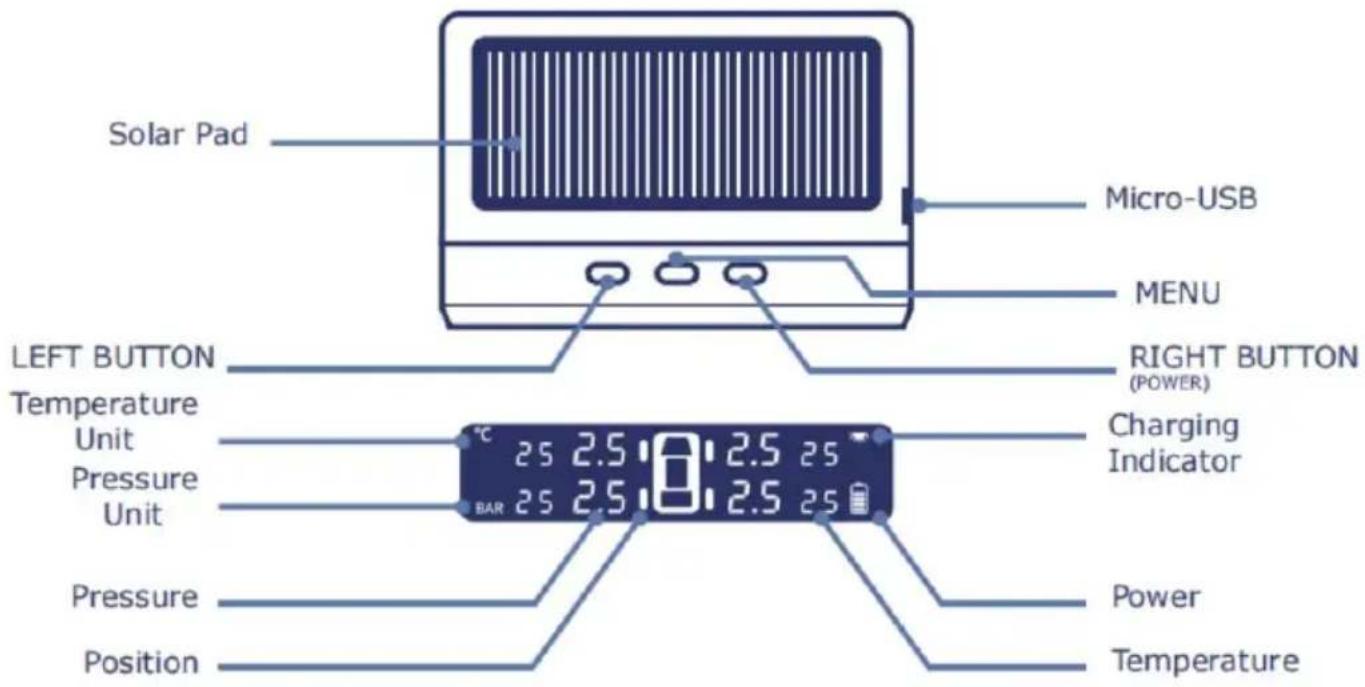
Component: Display 1; Sensors 6; User Manual 1; Nut Wrench 1

Power On: Press and hold the RIGHT button for 3 seconds
Power Off: Press and hold the RIGHT button for 3 seconds

Sensors will be activated when speed reaches 25 km/h, and the display updates real-time data automatically
Set Up

When finished setting, press and hold the Menu button to save and exit.
1. Enter setup mode
Press and hold the MENU button for 4 seconds to enter setup mode, and press the MENU button to select. (pressure unit -> temperature unit -> pressure Hi/Lo limit -> temperature limit)
2. Pressure Unit Setting
Select Pressure Unit, press LEFT/RIGHT button to choose BAR/PSI, press MENU button to save and get into next step.
3. Pressure Setting
Select pressure HI/LO, press LEFT/RIGHT button to adjust data, and press MENU button to save and get into next step.
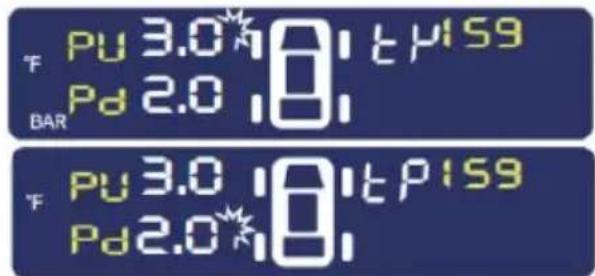
Default Pressure HI setting: 3.30Bar
Default Pressure LO setting: 1.70Bar
Adjustable Setting Range: 2.60~6.00 Bar
4. Temperature Setting
Select Temperature HI, press LEFT/RIGHT button to adjust data, and press MENU button to save and get into next step.
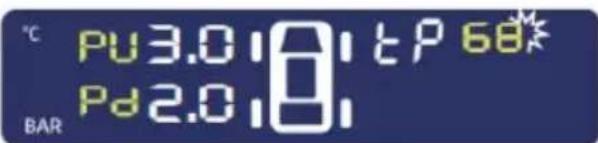
Default Temperature HI setting: 80°C
Adjustable Setting Range: 70~90°C
5. Save & Exit
When finished setting, press and hold the Menu button for 4 seconds to save and exit.
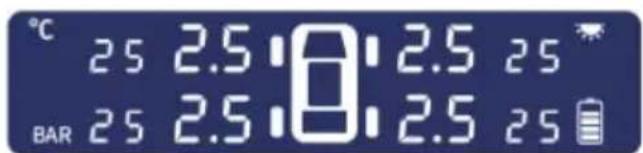
TIP: The system will exit to normal mode after 3 minutes if no operations are performed during setup mode.
TPMS Sensor Pairing
Inflation and Pairing
Press the "+" button 8 times to enter pairing mode after a "beep". The left front tire icon will flash. Press "+" or "-" to select a tire. The tire icon and pressure will keep flashing. Then inflate the selected tire (external sensors will be added on the air nozzle). The pressure value will be displayed. Then press "+" or "-" to select another tire to set. After all tires have been set, hold the "SET" button for 3 seconds and release; a beep will sound to save the data. (Pairing mode will quit automatically if no action is taken for a few minutes.)
Tire Exchange
When you exchange tires, you should pay attention to the tire shown on the monitor and keep tires on the same position on both the monitor and the actual location. This function is simple and useful. Please do it as follows (for example, left rear tire and right rear tire exchange):
1. Enter Tire Exchange Interface
Press the "-" button 8 times quickly to enter the tire exchange interface. The left rear tire icon starts to flash. Then press "-" to select the first tire you want to exchange (for example, left rear tire).

- Press "SET" to confirm the first tire you want to exchange. Press "+" to select the second tire you want to exchange (for example, right rear tire). Now the left and right rear tire icons flash at the same time.
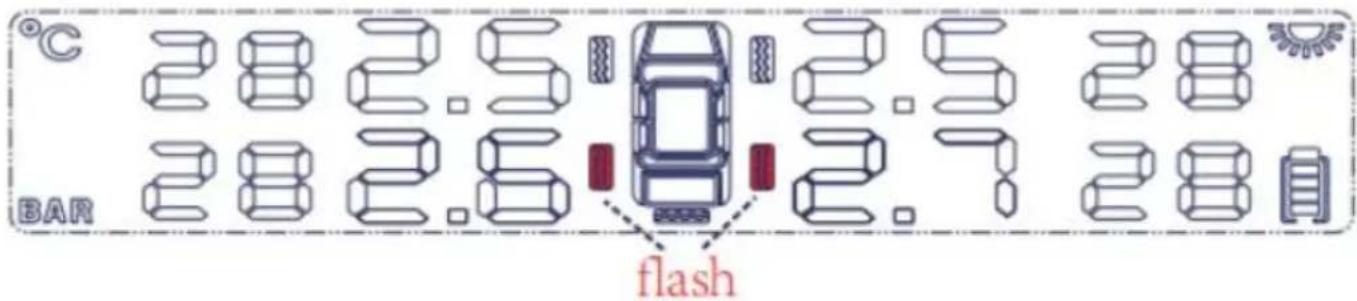
- Hold "SET" to confirm the exchange and save the data. The system will exit the exchange mode and return to normal display as shown below.

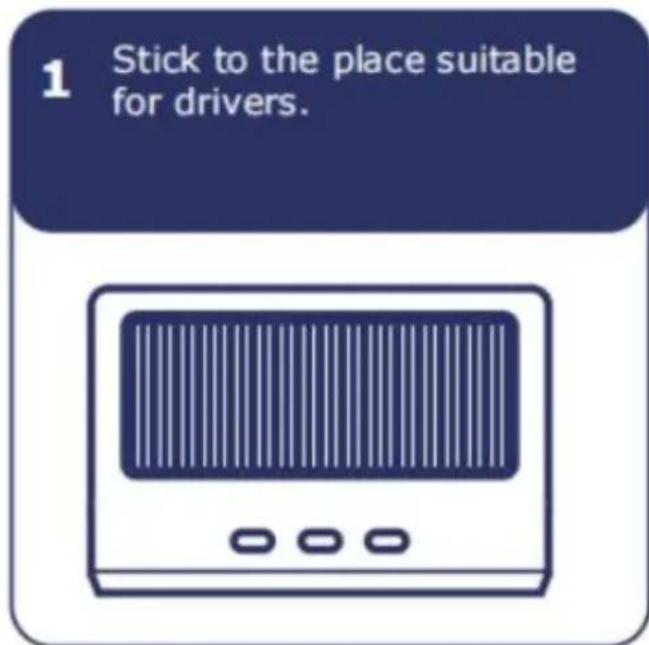
Display Installation
Alarm Instruction
When an alarm beeps, the corresponding icon on the display will flash.
1 Leakage Alarm

Slow Leak: Bi--Bi--Bi--
Fast Leak: Bi-Bi-Bi-
BAR
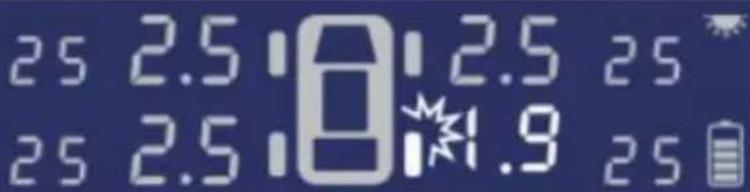
Check if caused by nail or aging tire valve.
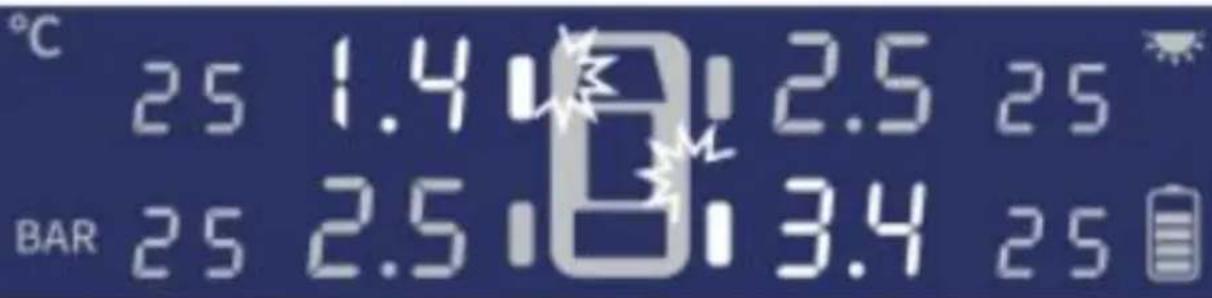
2 High/Low Pressure Alarm

Bi-Bi-Bi--
Alarm when Pressure Exceeds HI Limit. (Default setting 3.3B) Alarm when Pressure Exceeds LO Limit. (Default setting 1.7E)
3 High Temperature Alarm

Bi-Bi-Bi---
Alarm when Temperature Exceeds HI Limit (Default setting 80
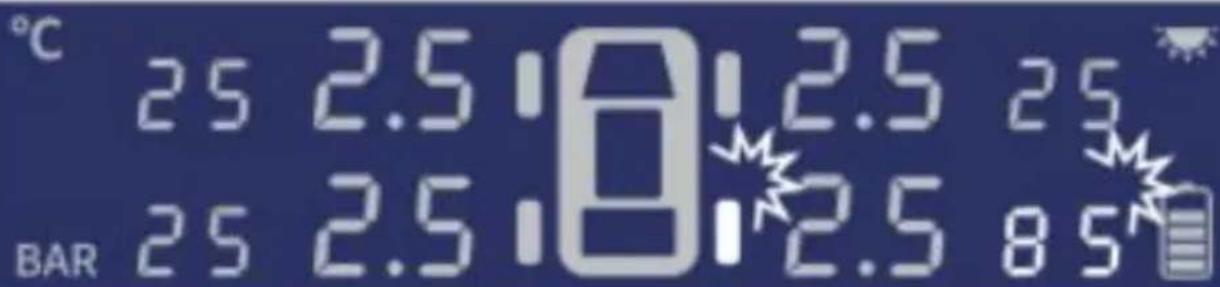
4 Display Low power Alarm
When battery icon flashes, power will run out soon. Please charge by Micro-USB if rainy/cloudy weather.
Specification
Display
Frequency: 315MHz Voltage: 3.7V
Current: working ≤15mA; standby ≤50uA
Working Environment: -20°C ~ +70°C
Sensors
Frequency: 315MHz Voltage: 2.0~3.6V
Current: static ≤1 uA, dynamic ≤15 mA
Working Environment: Internal: -40°C ~ +120°C External: -20°C ~ +85°C
Monitoring
Range: pressure 0~8.0Bar Accuracy: pressure ±0.1Bar
External Sensor Installation
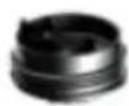
Cover
Battery
Anti-dismantling gasket
Main
Body
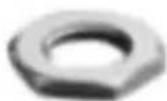
Hex Nuts
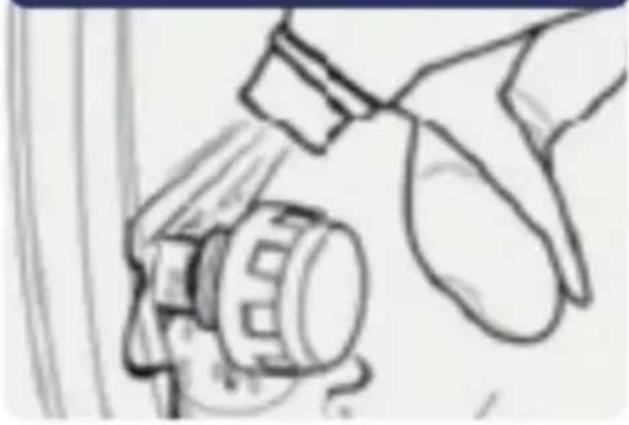
1. Screw out the tire valve dust cap.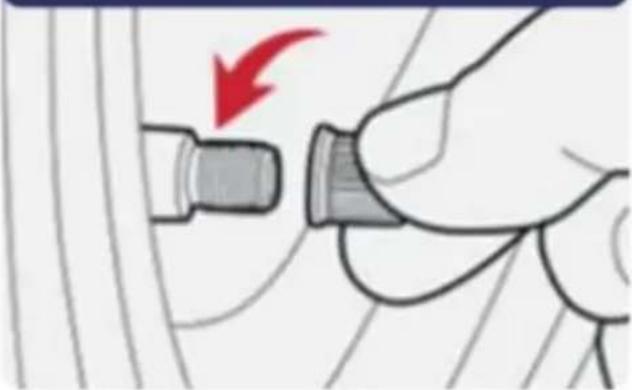
2. Insert anti-dismantling gasket.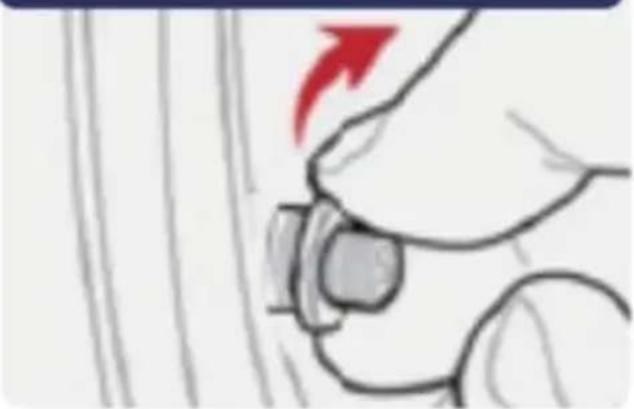
3. Position it accordingly.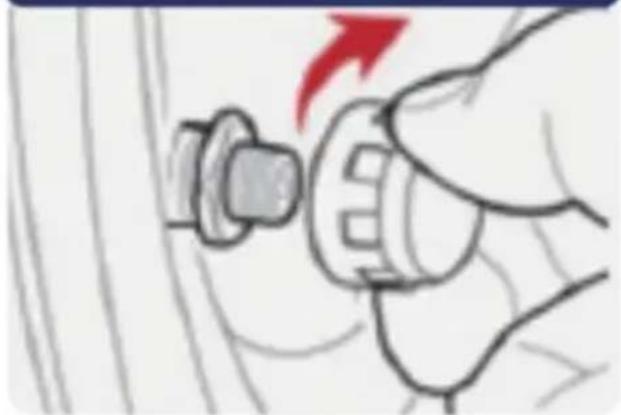
4. Tighten with a nut wrench.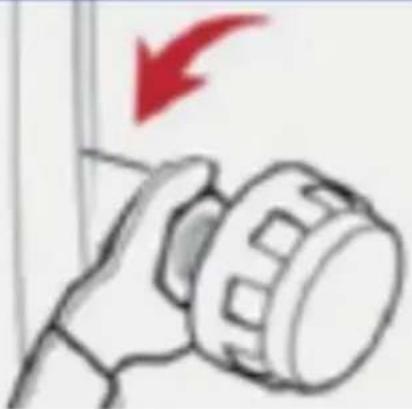
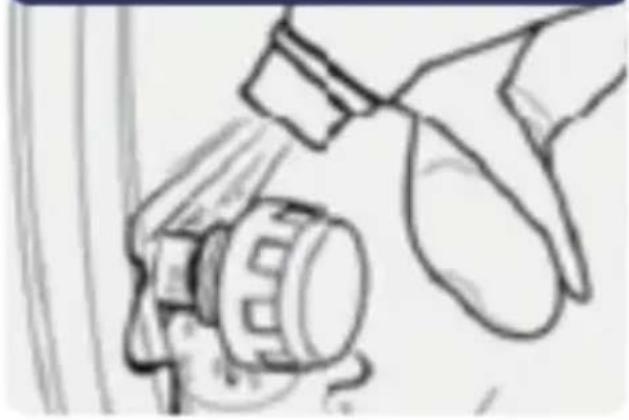
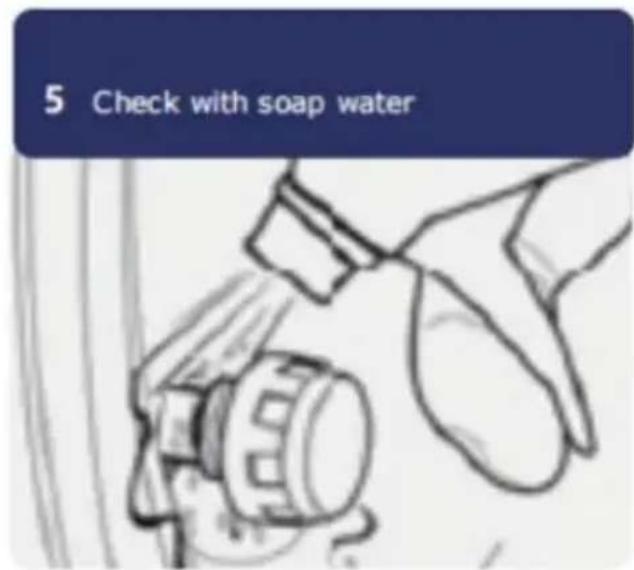
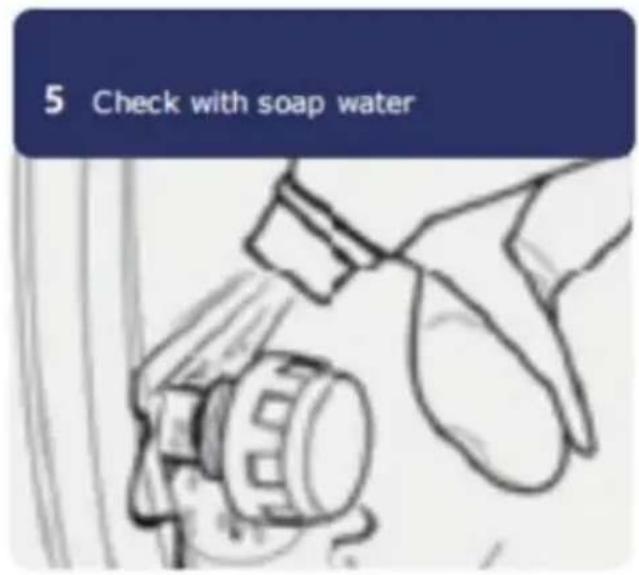
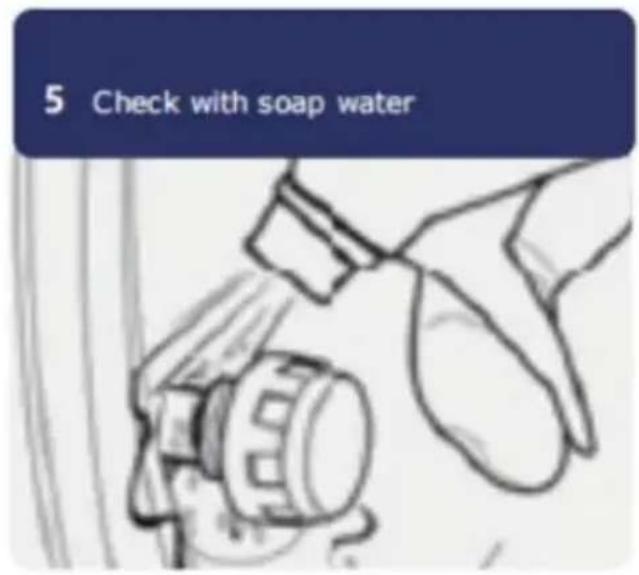
5. Check with soapy water.
Reset
Press the left and right buttons simultaneously to reset all data to factory settings.
Internal Sensor Installation
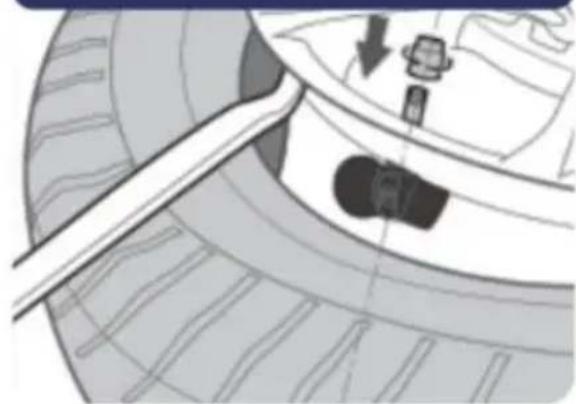
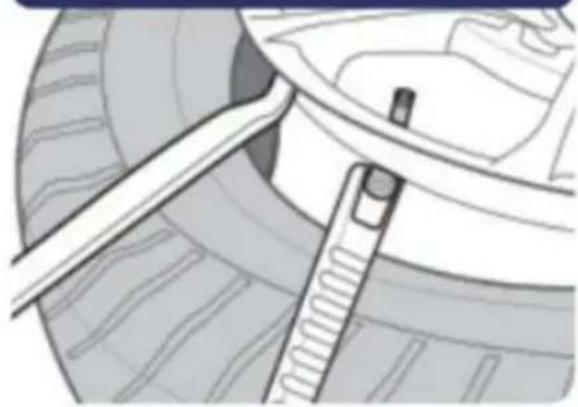
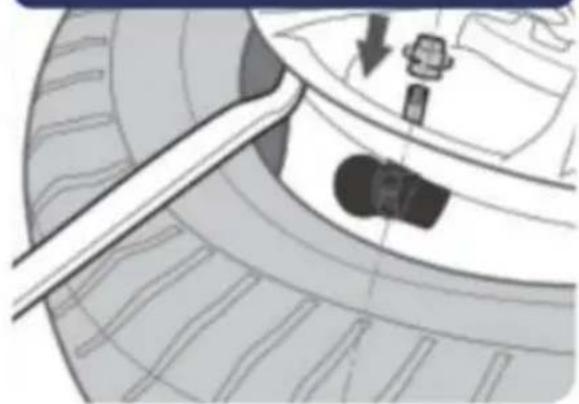
1. Remove the original tire valve.
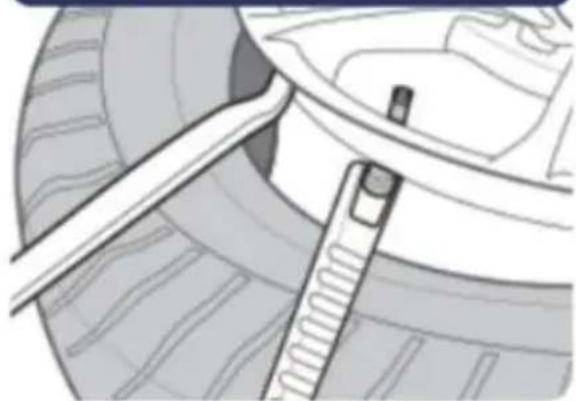
2. Install the tire sensor.
Notice & Statement
Install sensors after the monitor is turned on.
This device is compatible with cars that are not factory-equipped with TPMS and have a maximum tire pressure of 3.50 Bar.
(Best with a 12V battery)
Stop the vehicle safely when alarm is beeping.
This device cannot detect sudden tire damage.
Do not operate the device while driving.
Battery life of sensors will depend on vehicle mileage.
Please park the vehicle in a safe place. If any theft happens to the device, we take no responsibility. Tire temperature and pressure will increase (0.1~0.3 Bar)
when driving.
WARNING
Please stick the Warning Label beside the valve to remind that the sensor has been installed and prevent damage when disassembly happens.
Sensor battery Disassembly
1 Anti-slip gasket
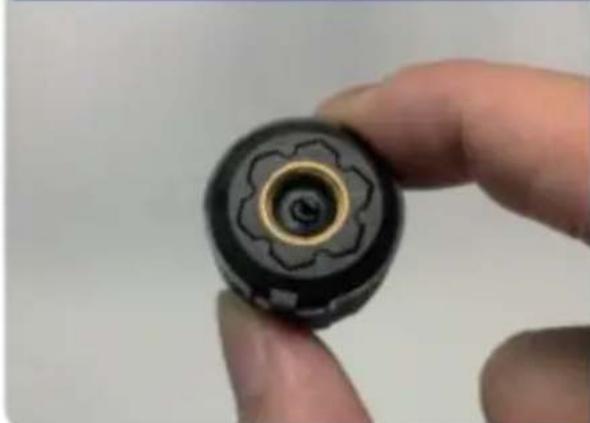
3 Use wrench to open
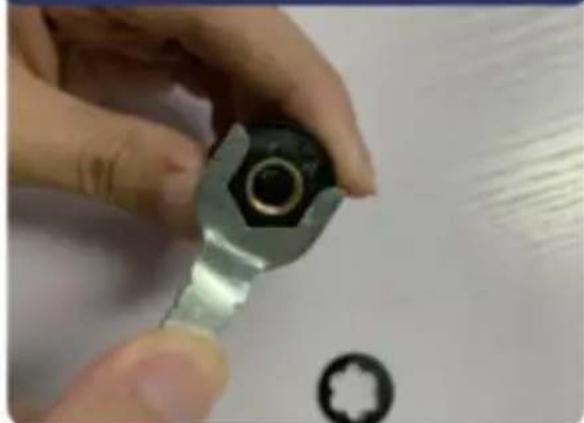
Testing
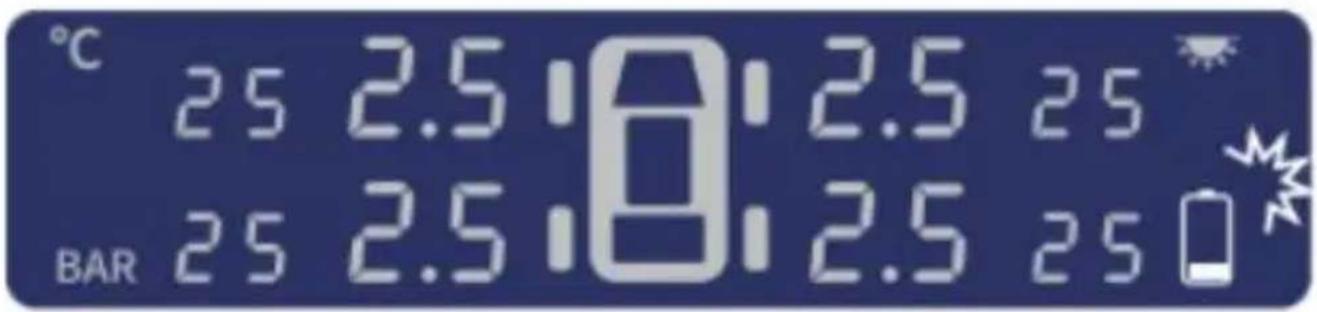
2 Installation is completed when 4 wheels' temperature and pressure data has been detected.
If no shock is detected, the display enters Auto Sleep Mode.
Manufacturer: Shanghai Xinmu Ye You Xiang Gong Si
Address: Room 1602A-1609, No. 11, Lane 803, Shuangcheng Road, Baoshan District, Shanghai 200000, CN.
Imported to AUS: SIHAO PTY LTD. 1 ROKEVA STREET, EASTWOOD NSW 2 Australia
Imported to USA: Sanven Technology Ltd. Suite 250, 9166 Anaheim Place, Rancho Cucamonga, CA 91730

YH CONSULTING LIMITED.
C/O YH Consulting Limited Office 147,
Centurion House, London Road,
Staines-upon-Thames, Surrey, TW18 4AX

E-CrossStu GmbH
Mainzer Landstr.69,
60329 Frankfurt am Main.
VEVOR®
TOUGH TOOLS, HALF PRICE
Technical Support and E-Warranty Certificate
www.vevor.com/support
VEVOR
TOUGH TOOLS, HALF PRICE
Technical support and electronic warranty certificate www.vevor.com/support
TPMS
MODEL: C260
1 Stick to the place suitable for drivers.

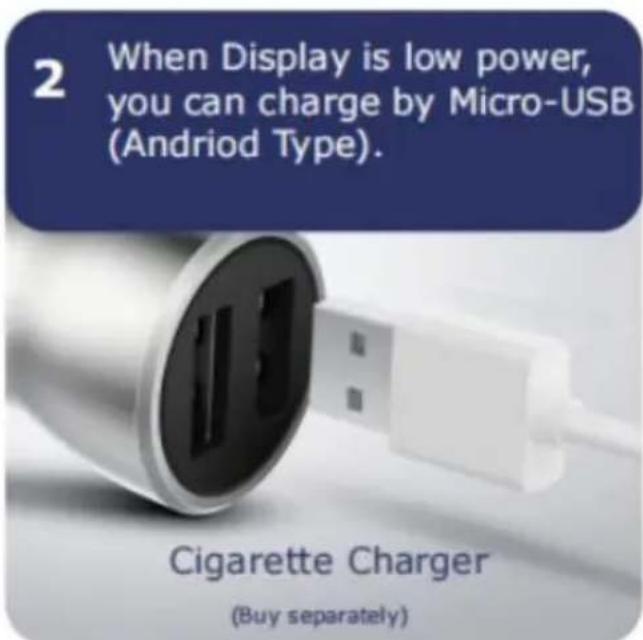
2 When Display is low power, you can charge by Micro-USB (Android Type).
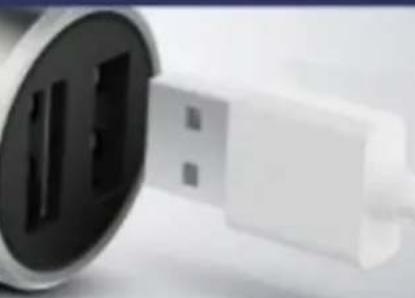
Cigarette Charger (Buy separately)
Alarm Instruction

When alarm beeps, the corresponding icon on display will flash.
1 Leakage Alarm

Slow Leak: Bi--Bi--Bi--
Fast Leak: Bi-Bi-Bi-
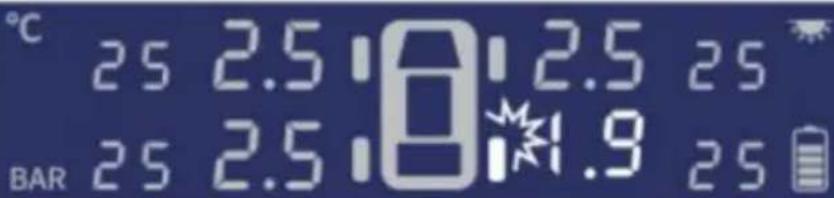
2 High/Low Pressure Alarm

Bi-Bi-Bi- - -
3 High Temperature Alarm

Bi-Bi-Bi- - -
Range: pressure 0 ~ 8.0 Bar
Precision: pressure ±0.1 Bar
1. Screw out the tire valve dust cap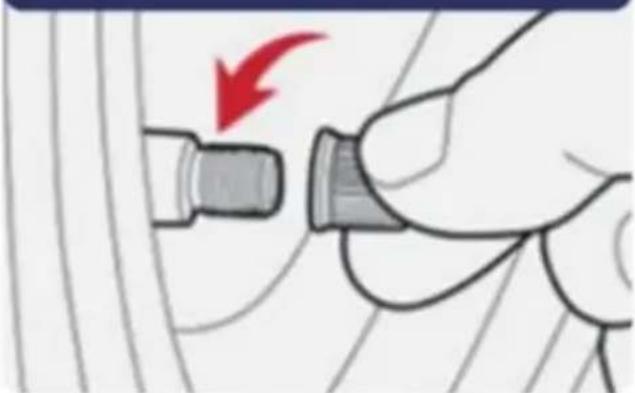
2. Insert anti-dismantling gasket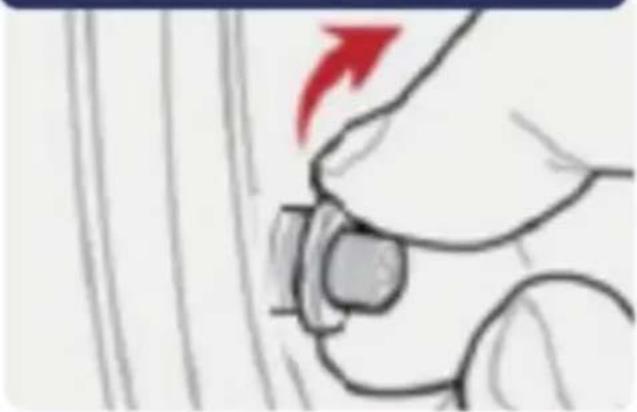
3. Screw in the sensor cover to corresponding position.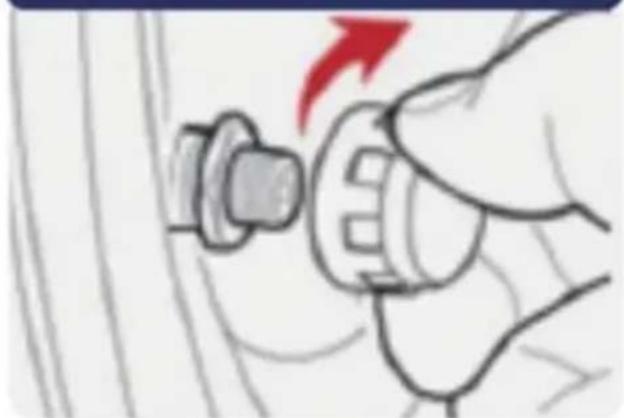
4. Screw tight with nut wrench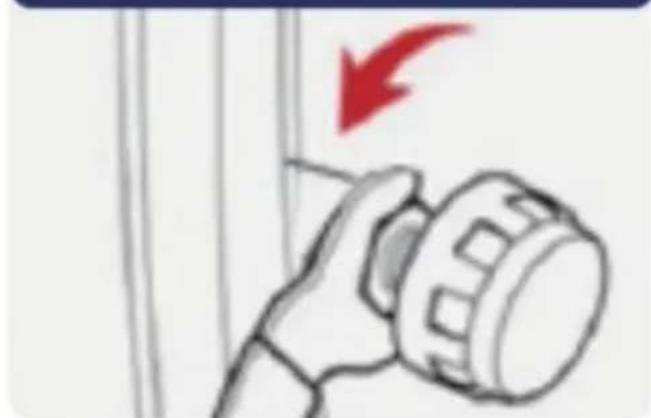
Reset: Press left and right button at the same time, all data will be reset to factory settings
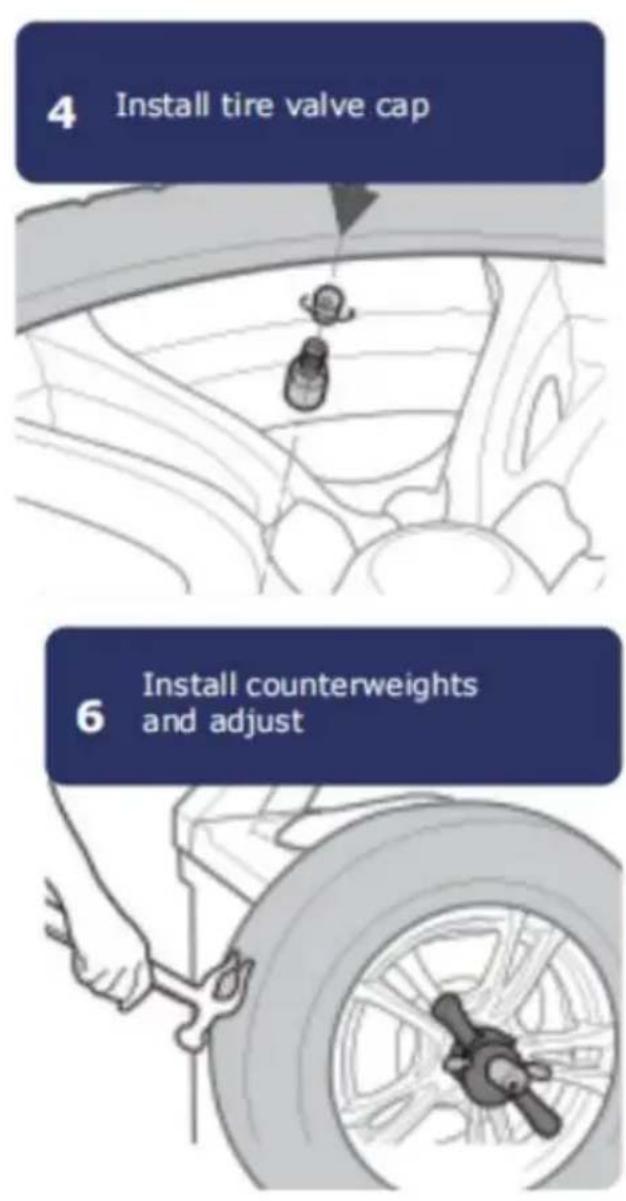
4. Install tire valve cap
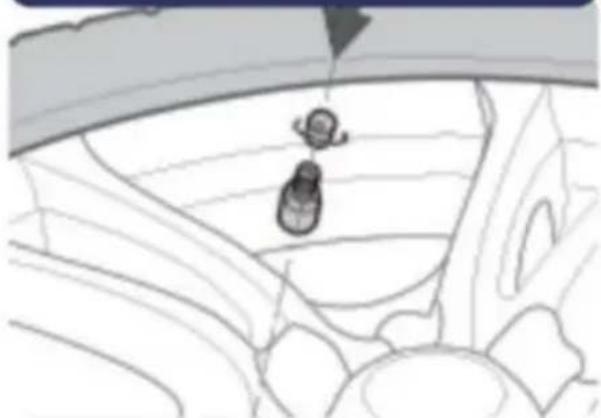
5. Test Dynamic balancer
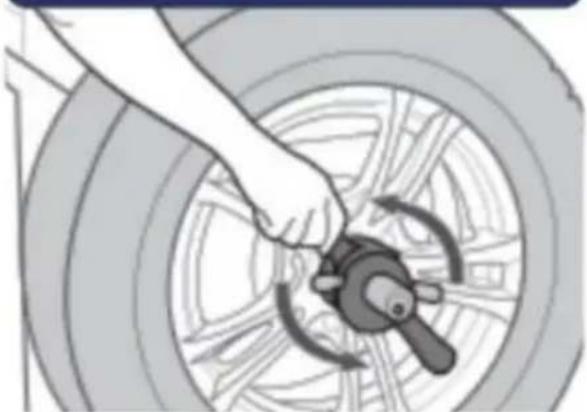
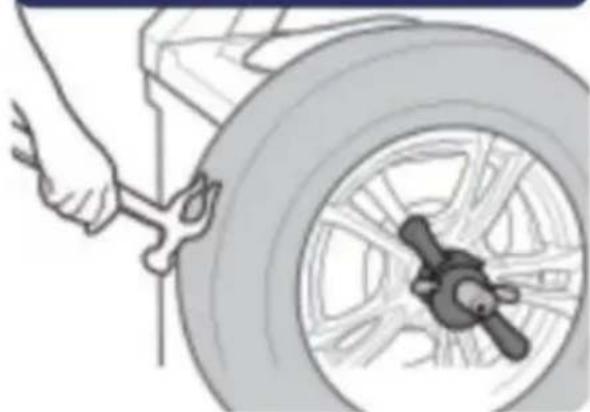
6. and adjust
Notice and declaration
3. Use wrench to open
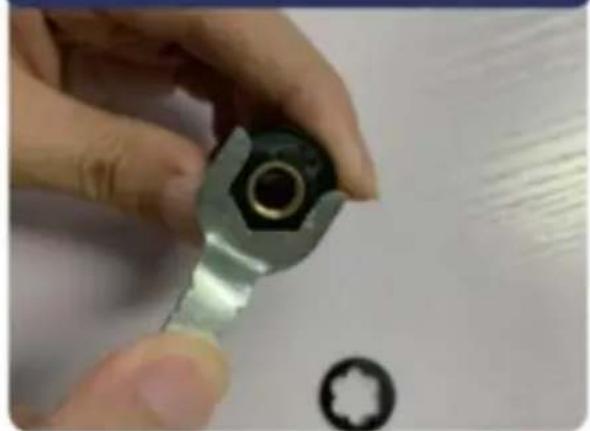
Testing
Installation is completed when the temperature and pressure data of all 4 wheels has been detected.
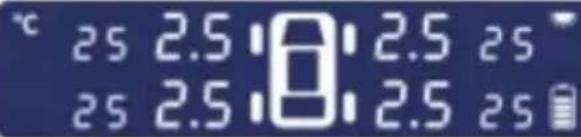
If no shock is detected, the display enters Auto Sleep Mode.
1. Stick to a place suitable for the driver.

2. When the display is low on power, you can charge it via Micro-USB (Android type).
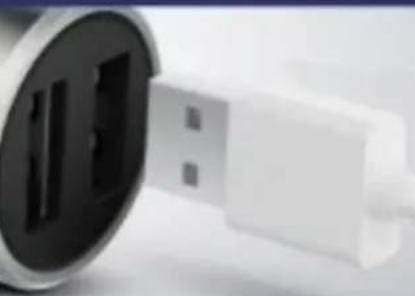
Cigarette charger (sold separately).
Alarm Instructions

When the alarm beeps, the corresponding icon on the display will flash.
1 Leakage Alarm

Slow Leak: Bi--Bi--Bi--
Fast Leak: Bi-Bi-Bi-
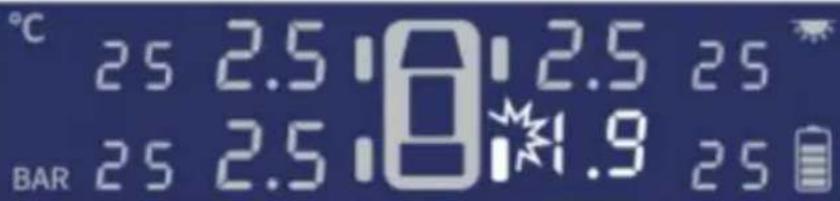
2 High/Low Pressure Alarm

Bi-Bi-Bi- - -
3 High Temperature Alarm

Bi-Bi-Bi- - -
Anti-dismantling gasket

Main Body
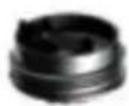
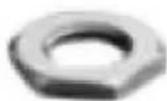
Hex Nuts
1 Screw out the tire valve dust cap
2 Insert anti-dismantling gasket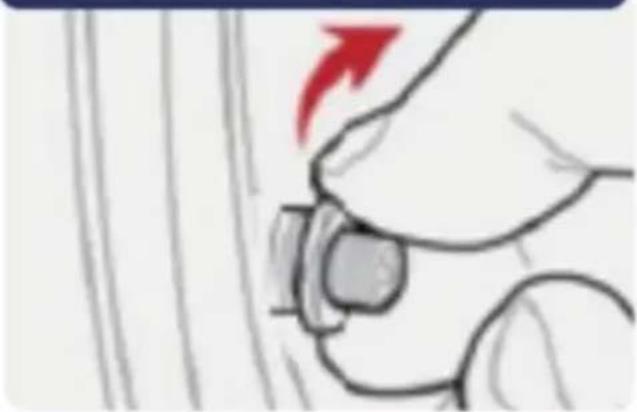
3 to corresponding position.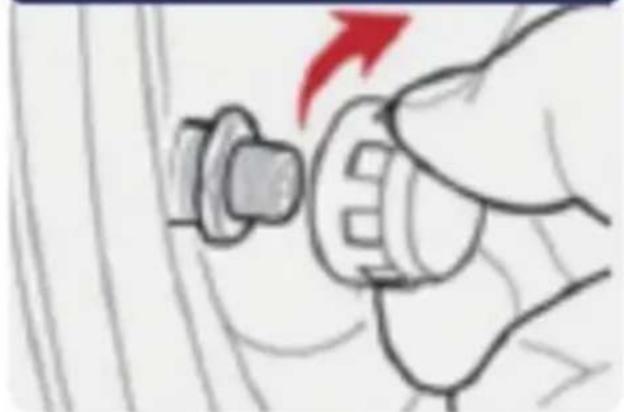
4 Screw tight with nut wrench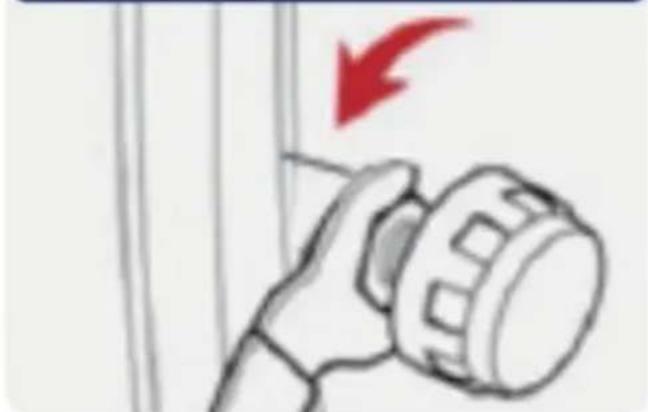
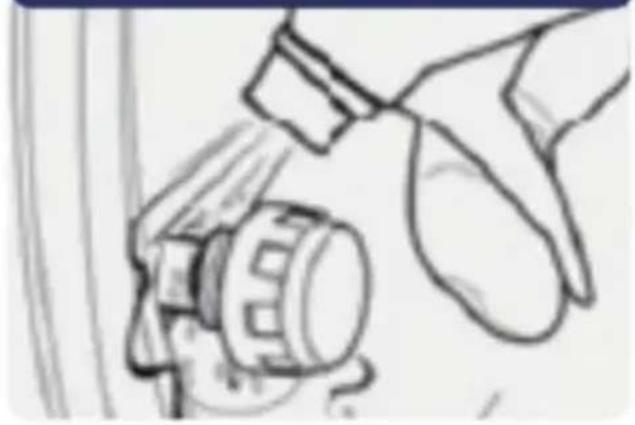
5 Check with soap water
Reset
Press left and right button at the same time, all data will be reset to factory settings
Internal sensor installation
1. Remove the original tire valve
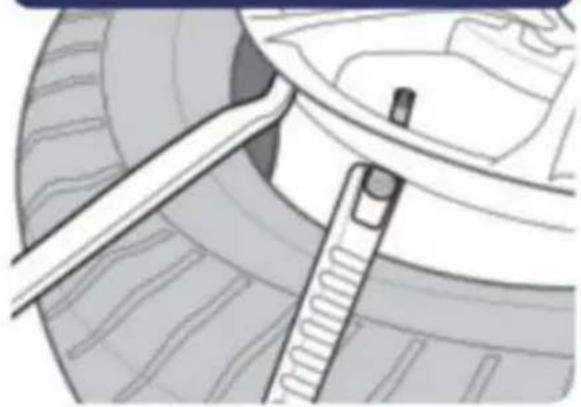
2. Install tire sensor
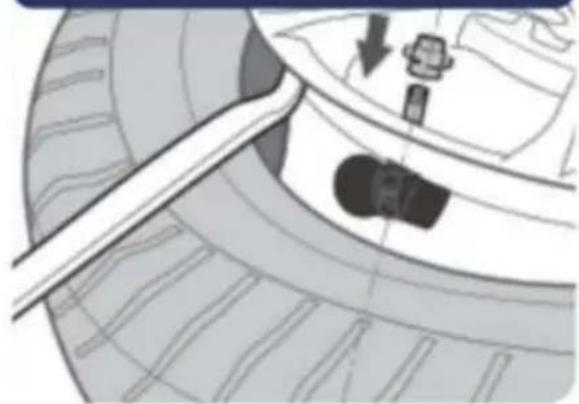
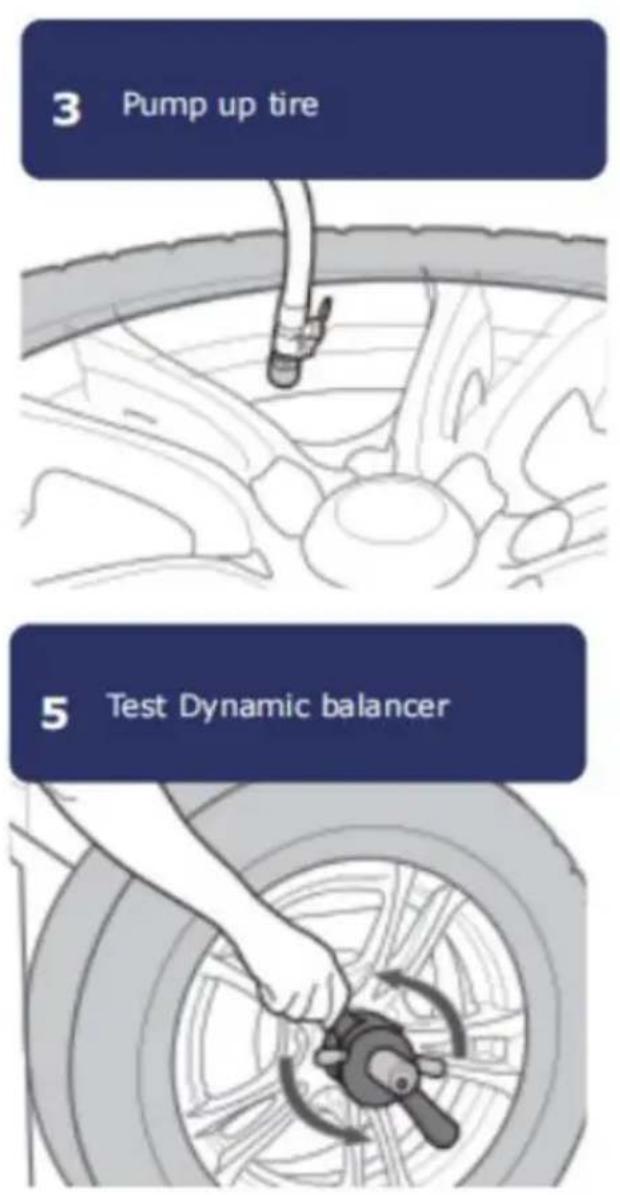
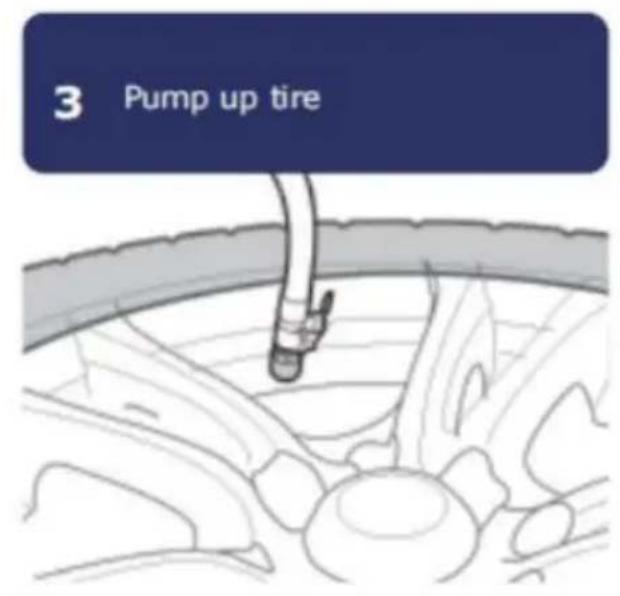
3. Pump up tire
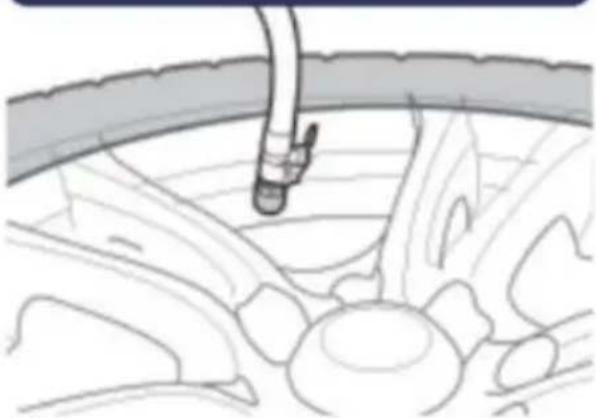
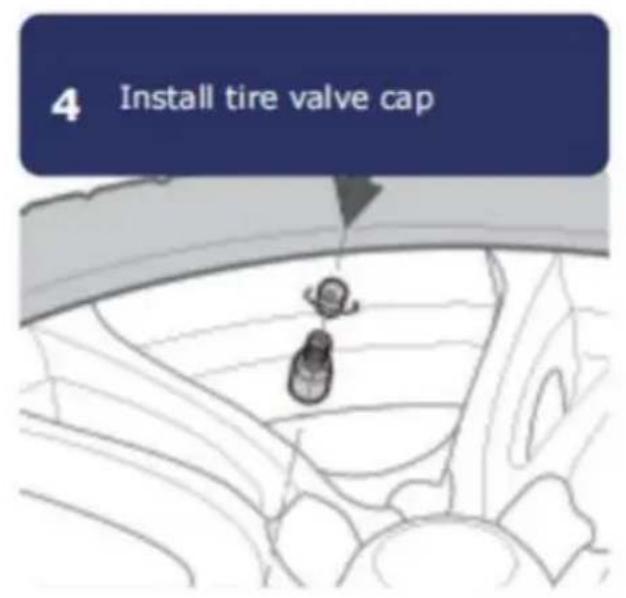
4. Install tire valve cap
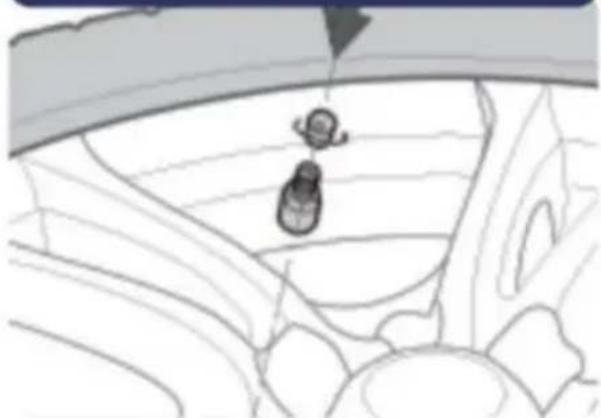
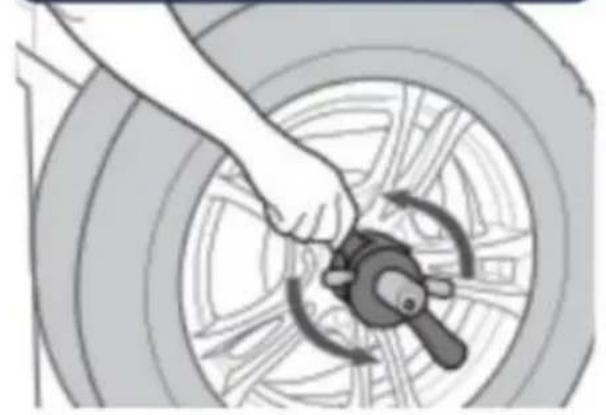
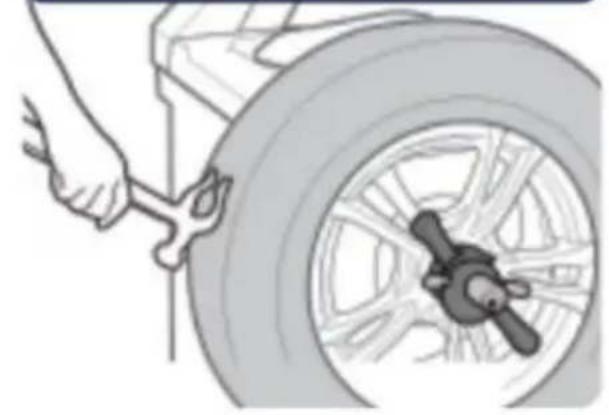
5. Test dynamic balancer
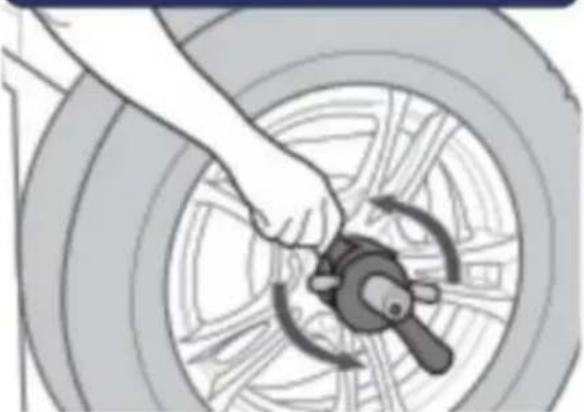
6. and adjust
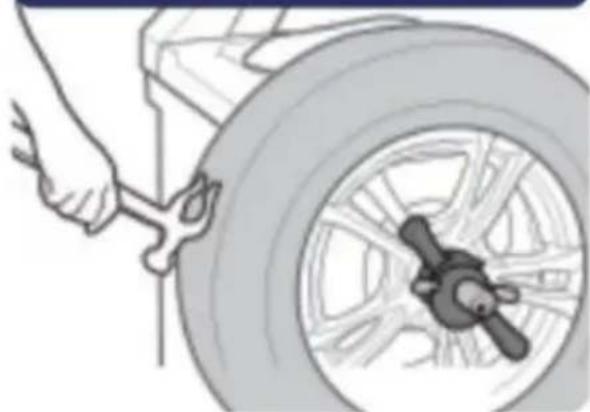
Note & explanation
3. Use wrench to open

Testing
2. Installation is completed when 4 wheels' temperature and pressure data has been detected.
25 2.5 8:2.5 25 25 2.5 8:2.5 25
If no shock has been detected, display gets into auto sleep mode.
Manufacturer: Shanghaiuxinmuyeyouxiangonsi
Address: Shuangchenglu 803nong11hao1602A-1609shi, Baoshanqu, Shanghai 200000 CN.
Imported into AU: SIHAO PTY LTD. 1 ROKEVA STREETEASTWOOD NSW 2122 Australia
Imported into USA: Sanven Technology Ltd. Suite 250, 9166 Anaheim Place, Rancho Cucamonga, CA 91730

YH CONSULTING LIMITED.
C/O YH Consulting Limited Office 147,
Centurion House, London Road,
Staines-upon-Thames, Surrey, TW18 4AX
E-CrossStu GmbH
Mainzer Landstr.69,
60329 Frankfurt am Main.
VEVOR
TOUGH TOOLS, HALF PRICE
www.vevor.com/support
VEVOR®
TOUGH TOOLS, HALF PRICE
1 Stick to the place suitable for drivers.

2 When Display is low power, you can charge by Micro-USB (Android Type).
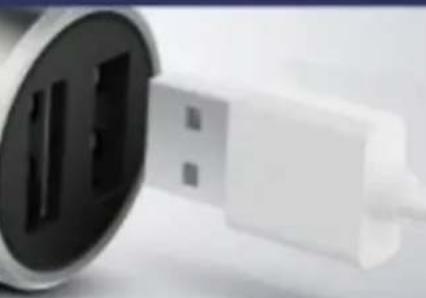
Cigarette Charger (Buy separately)
Alarm Instruction

When alarm beeps, the corresponding icon on display will flash.

Anti-dismantling gasket

Main Body
Hex Nuts
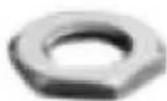
1 Screw out the tire valve dust cap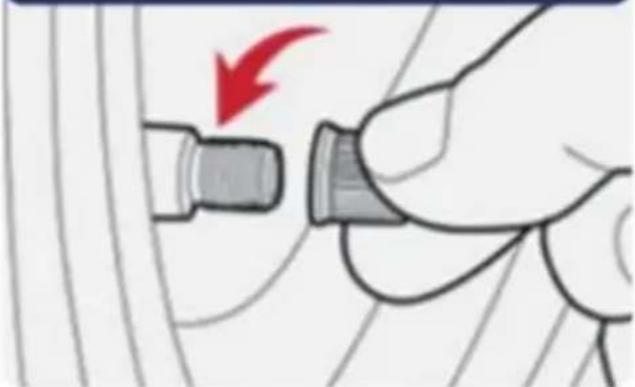
2 Insert anti-dismantling gasket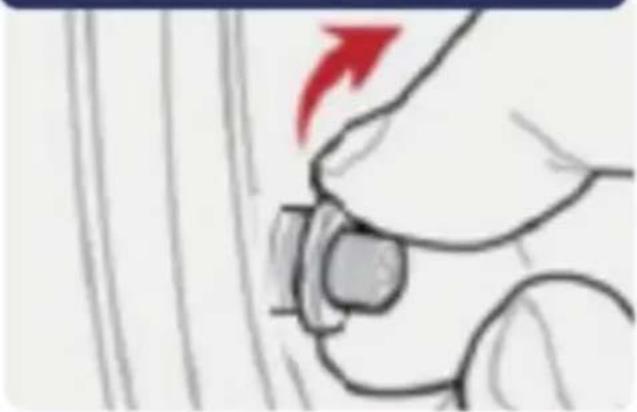
3 to corresponding position.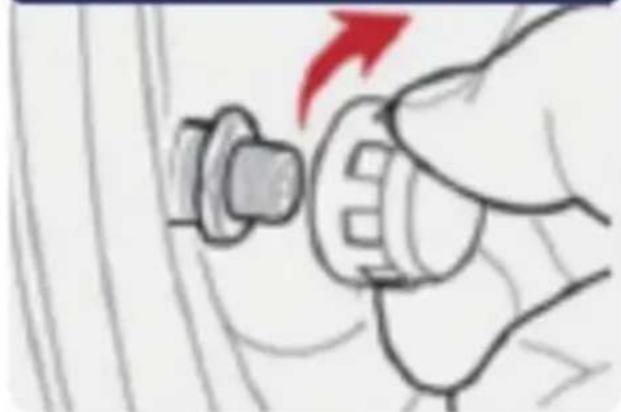
4 Screw tight with nut wrench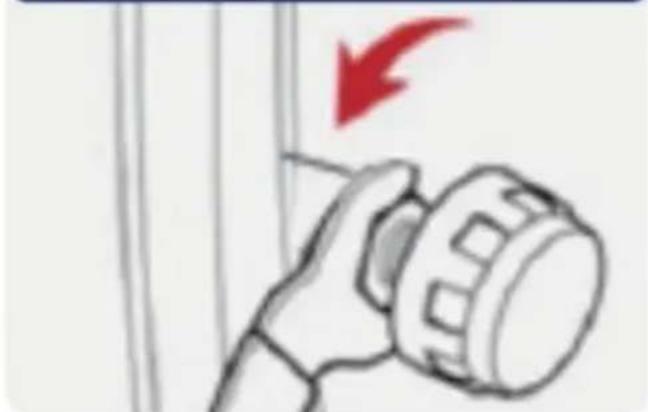
Reset: Press left and right button at the same time, all data will be reset to factory settings
4 Install tire valve cap
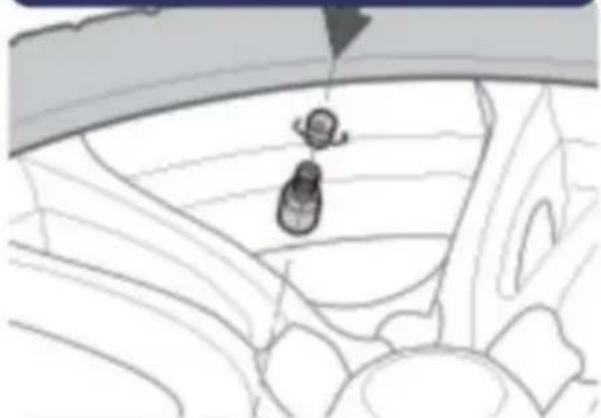
5 Test Dynamic balancer
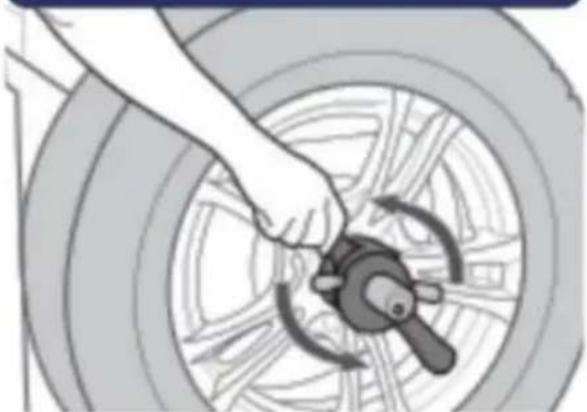
6 and adjust
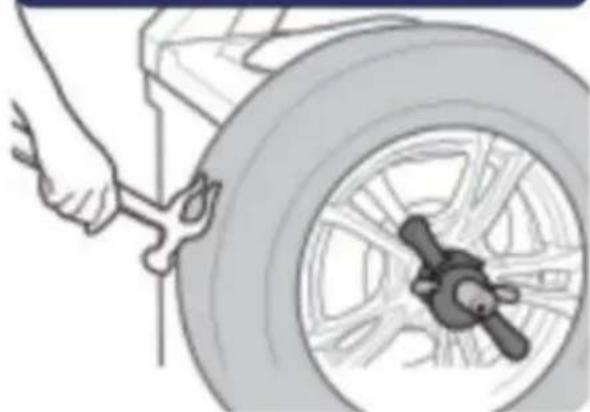
3 Use wrench to open
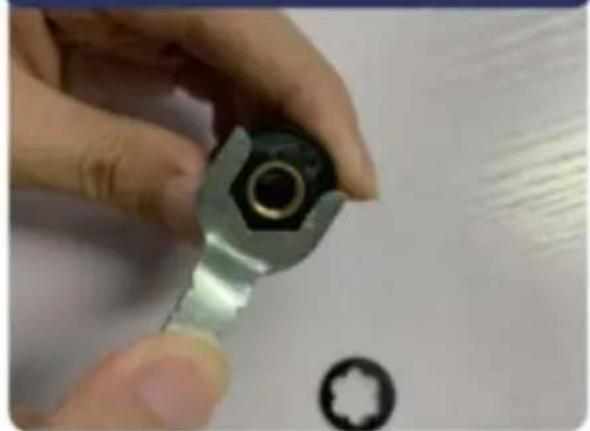
Testing
2 Installation is completed when 4 wheels' temperature and pressure data has been detected.
If no shock has been detected, the display enters Auto Sleep Mode.
Producer: Shanghai Xinmuye Youxiangongsi
Address: Shuangchenglu 803nong11hao1602A-1609shi, Baoshanqu, Shanghai 200000 NC.
Imported into AUS: SIHAO PTY LTD. 1 ROKEVA STREET EASTWOOD NSW 2122 Australia
C/O YH Consulting Limited Office 147,
Casa del Centurione, London Road,
Staines-upon-Thames, Surrey, TW18 4AX

E-CrossStu GmbH
Mainzer Landstr.69,
60329 Frankfurt am Main.
VEVOR
TOUGH TOOLS, HALF PRICE
1 Stick to the place suitable for drivers.

2 When Display is low power, you can charge by Micro-USB (Android Type).
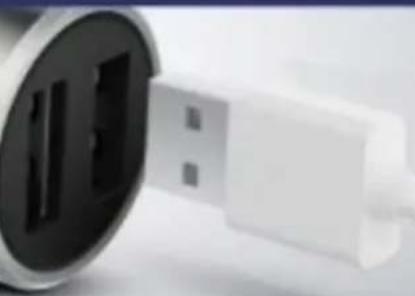
Cigarette Charger (Buy separately)
Alarm Instruction

When alarm beeps, the corresponding icon on display will flash.
1 Leakage Alarm

Slow Leak: Bi--Bi--Bi--
Fast Leak: Bi-Bi-Bi-
BAR
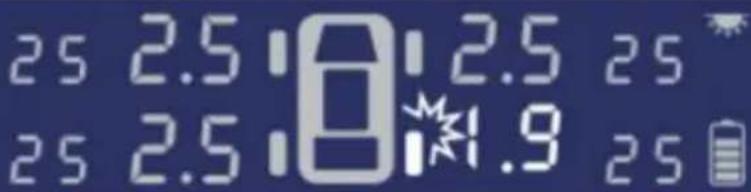
2 High/Low Pressure Alarm

Bi-Bi-Bi- - -
3 High Temperature Alarm

1. Screw out the tire valve dust cap.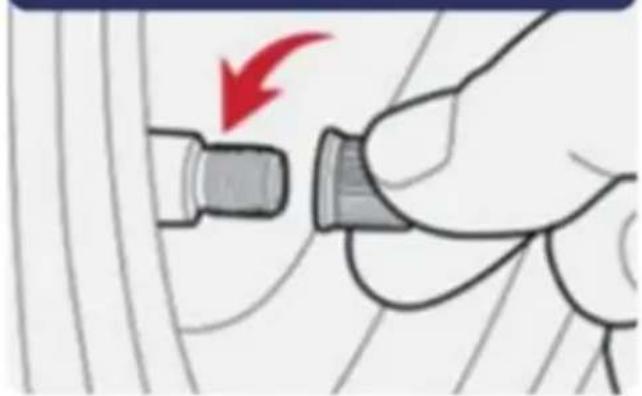
2. Insert the anti-dismantling gasket.
3. Screw in the sensor cover to the corresponding position.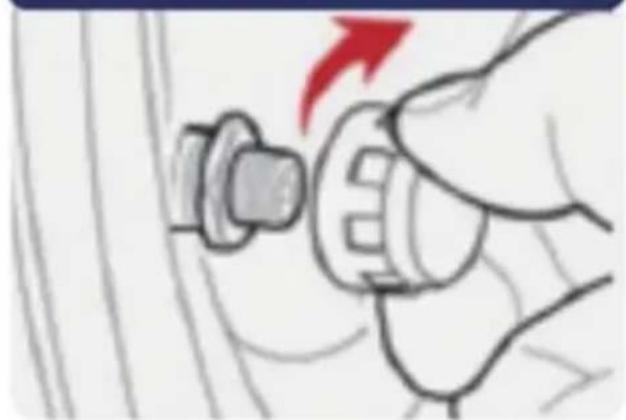
4. Screw tight with a nut wrench.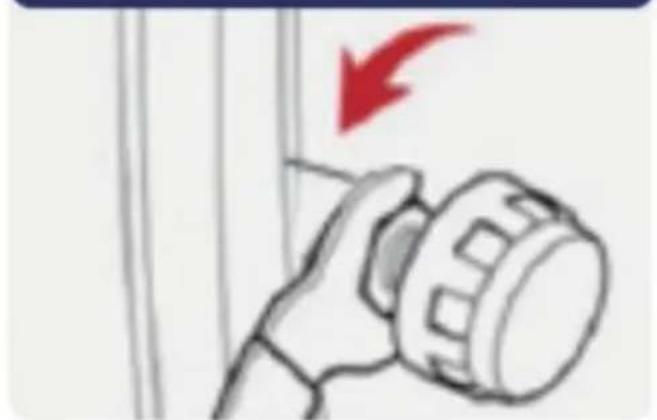
Reset: Press the left and right buttons at the same time; all data will be reset to factory settings.
4. Install the tire valve cap.

5. Test the dynamic balancer.
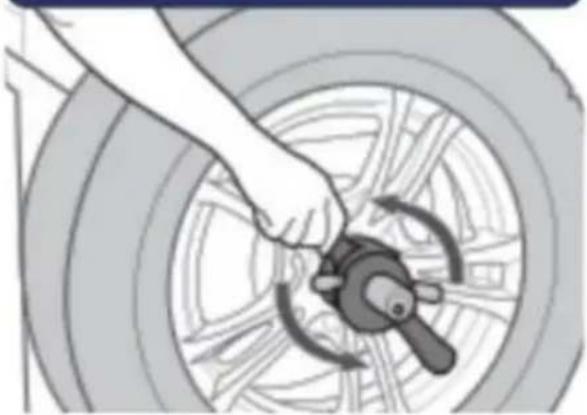
6. And adjust.
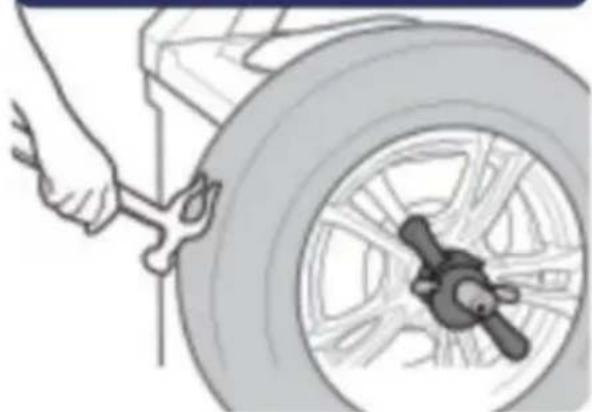
Notice and declaration
C/O YH Consulting Limited, Office 147, Casa Centurion, London Road, Staines upon Thames, Surrey, TW18 4A
E-CrossStu GmbH, Mainzer Landstr. 69, 60329 Frankfurt am Main.
VEVOR
TOUGH TOOLS, HALF PRICE
Technical support and electronic warranty certificate: www.vevor.com/support
VEVOR
TOUGH TOOLS, HALF PRICE
1 Stick to the place suitable for drivers.

2 When Display is low power, you can charge by Micro-USB (Andriod Type).
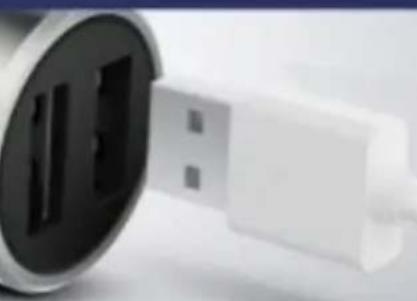
Cigarette Charger (Buy separately)
Alarm Instruction

When alarm beeps, the corresponding icon on display will flash.
1 Leakage Alarm

Slow Leak: Bi--Bi--Bi--
Fast Leak: Bi-Bi-Bi-
BAR
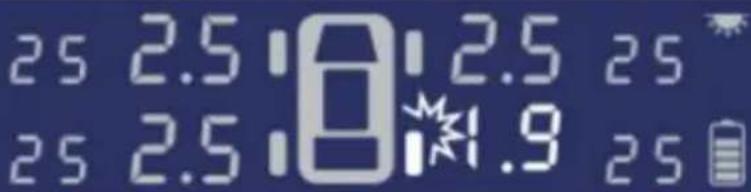
Check if it is
2 High/Low Pressure Alarm

Bi-Bi-Bi- - -
3 High Temperature Alarm

1. Screw out the tire valve dust cap.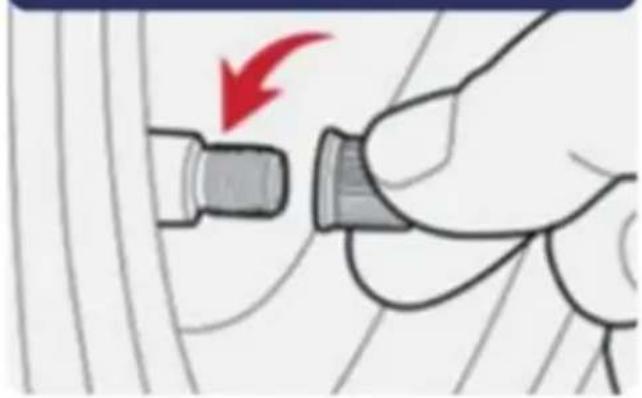
2. Insert anti-dismantling gasket.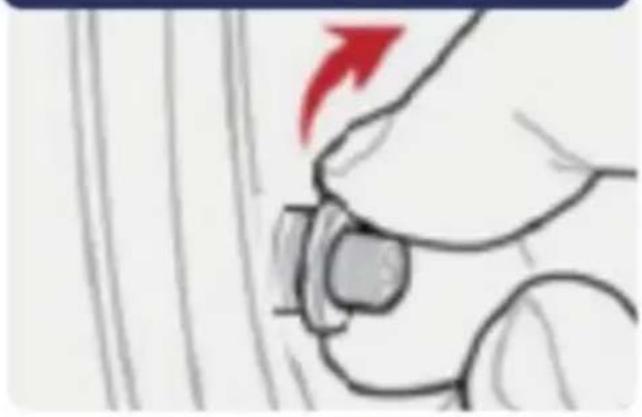
3. Screw in the sensor cover to the corresponding position.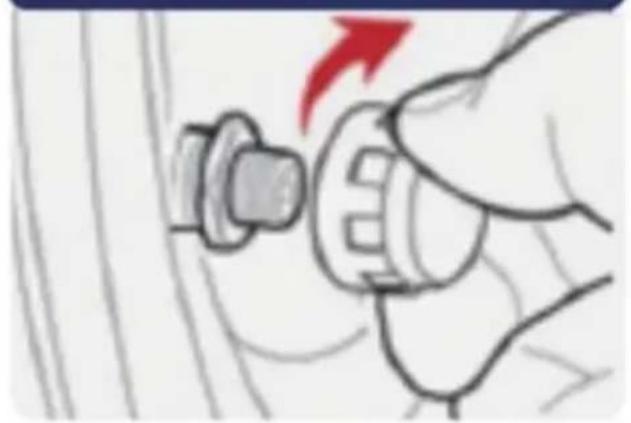
4. Screw tight with a nut wrench.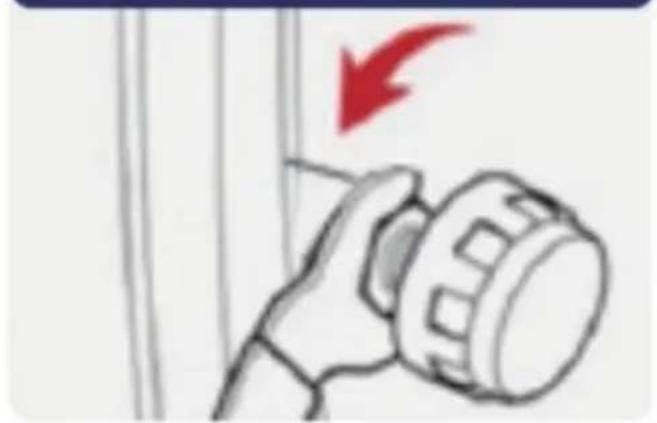
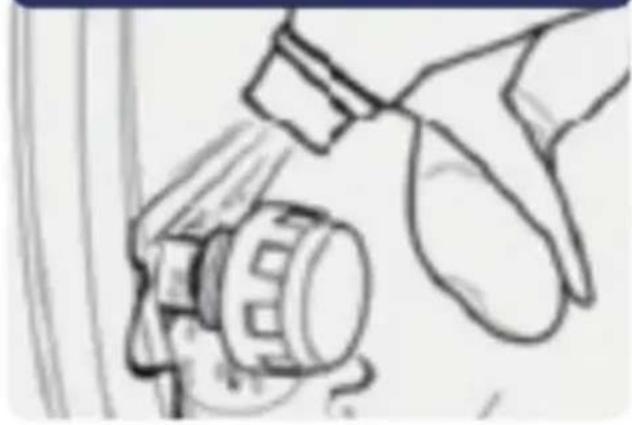
5. Check with soapy water.
Reset
Press the left and right buttons at the same time; all data will be reset to factory settings.
1. Remove the original tire valve.
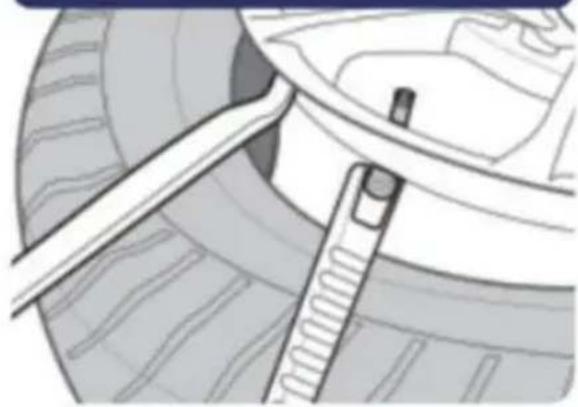
2. Install the tire sensor.
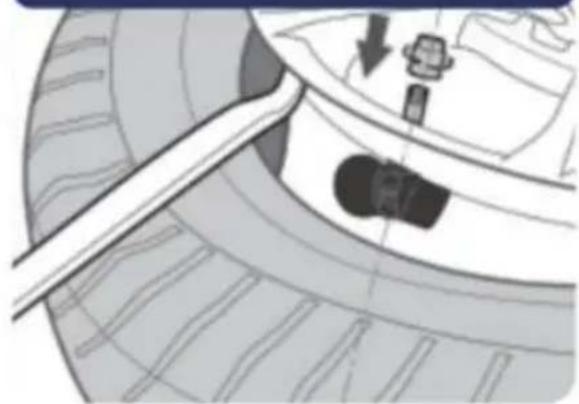
3. Pump up the tire.
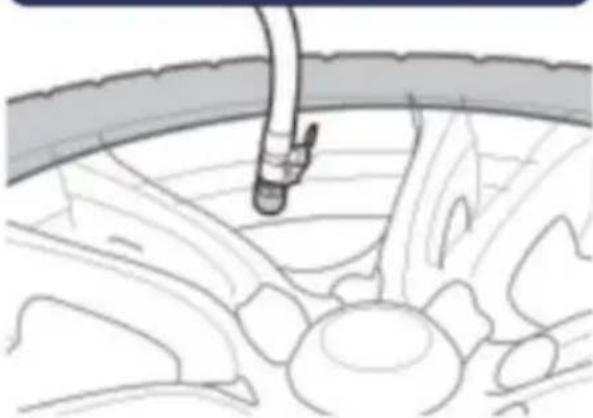
4. Install the tire valve cap.
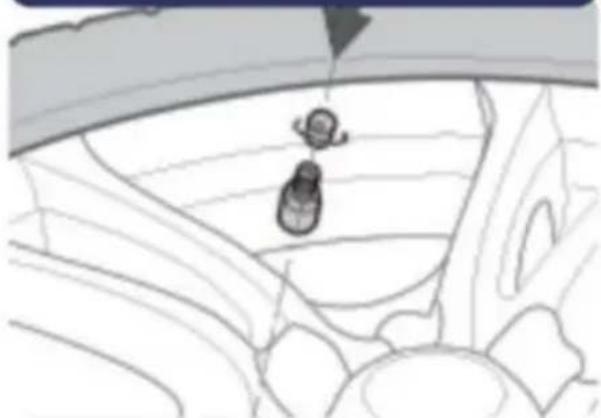
5. Test with a dynamic balancer.
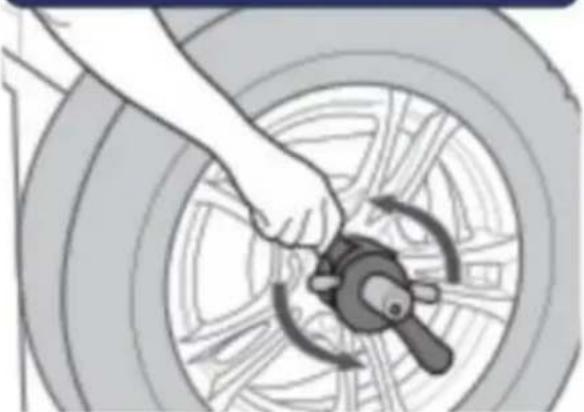
6. And adjust.
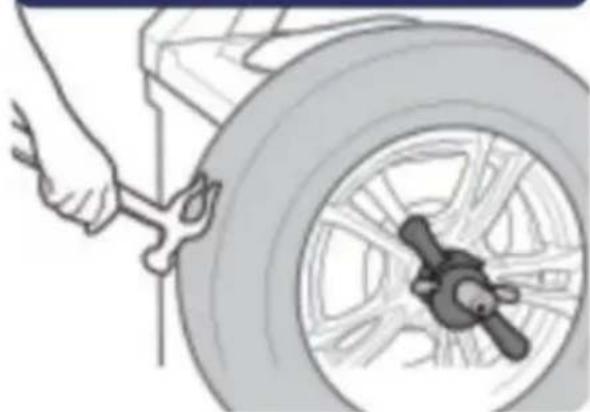
3. Use a wrench to open.
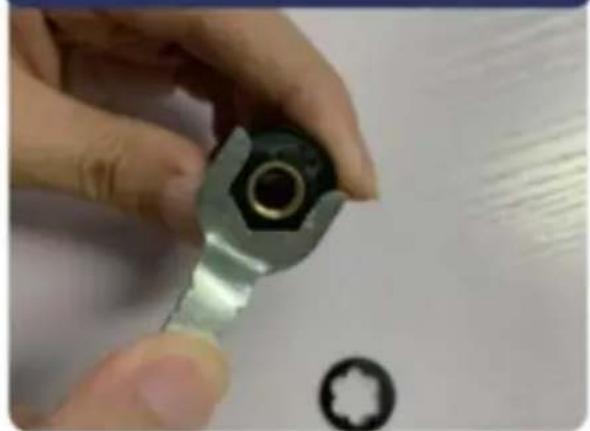
Testing
2 Installation is completed when 4 wheels' temperature and pressure data has been detected.
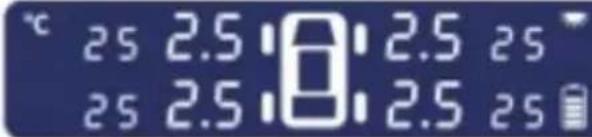
If no shock has been detected, Display gets into Auto Sleep Mode.
Manufacturer: Shanghai Uxin Muye Youxiang Gongsi
Address: Shuangchenglu 803nong11hao1602A-1609shi, Baoshanqu, Shanghai 200000 CN.
Importer in Australia: SIHAO PTY LTD. 1 ROKEVA STREET EASTWOOD NSW 2122 Australia
Importer in USA: Sanven Technology Ltd. Suite 250, 9166 Anaheim Place, Rancho Cucamonga, CA 91730
YH CONSULTING SPOLKA Z OGRANICZONA ODPOWIEDZIALNOSCIA.
C/O YH Consulting Limited Office 147, Centurion House, London Road, Staines-upon-Thames, Surrey, TW18 4A
E-CrossStu GmbH Mainzer Landstr.69, 60329 Frankfurt am Main.
VEVOR
TOUGH TOOLS, HALF PRICE
www.vevor.com/support
VEVOR
TOUGH TOOLS, HALF PRICE
Technical support and e-warranty certificate www.vevor.com/support
TPMS
MODEL: C260
NEED HELP? CONTACT US!
1. Stick to the place suitable for drivers.

2. When the display is low on power, you can charge it via Micro-USB (Android Type).
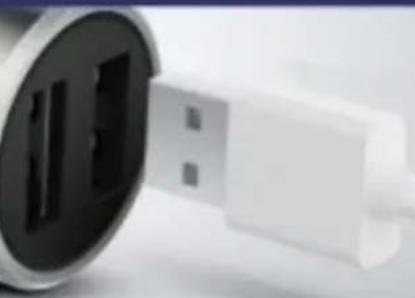
Cigarette Charger (sold separately)
Alarm Instructions

When the alarm beeps, the corresponding icon on the display will flash.
1. Leakage Alarm

Slow Leak: Bi--Bi--Bi--
Fast Leak: Bi-Bi-Bi-
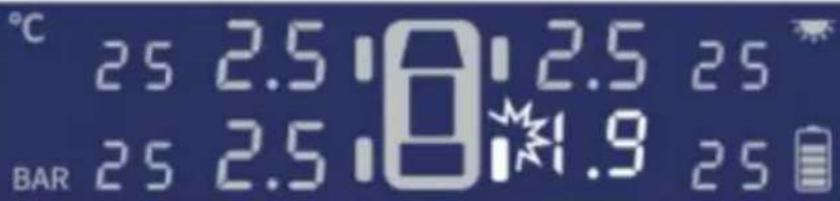
2. High/Low Pressure Alarm

Bi-Bi-Bi- - -
3. High Temperature Alarm

Reset: Press left and right button at the same time, all data will be reset to factory settings
4 Install tire valve cap
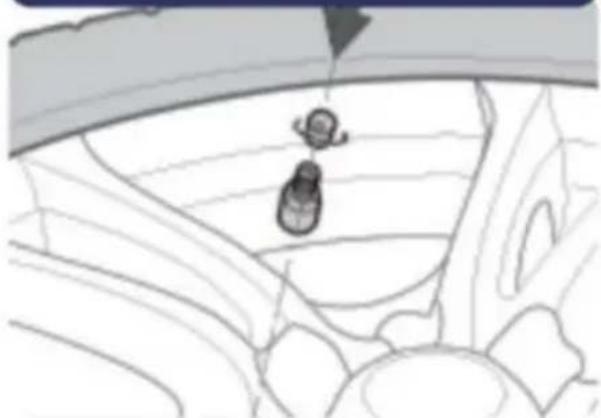
5 Test Dynamic balancer
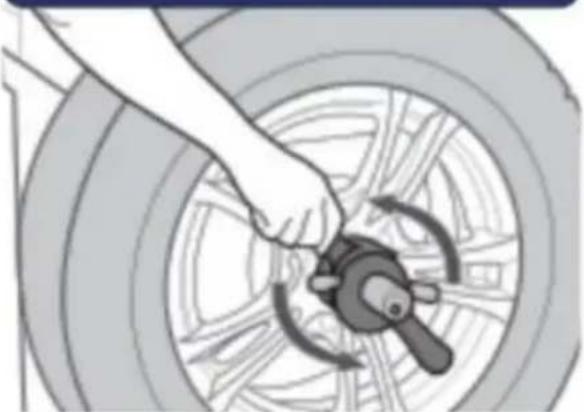
6 and adjust
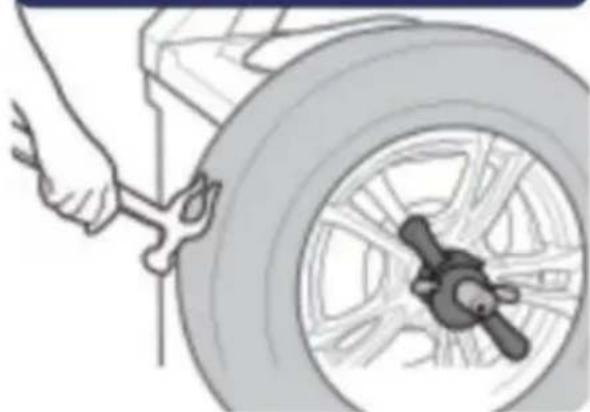
Notice and declaration
Install sensors after the monitor is turned on
3 Use wrench to open
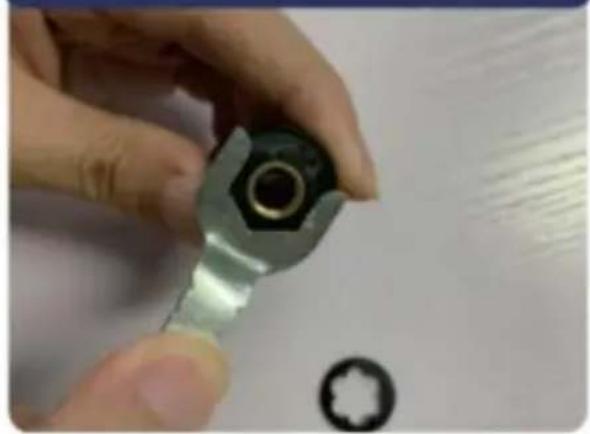
Testing
2 Installation is completed when 4 wheels' temperature and pressure data has been detected.
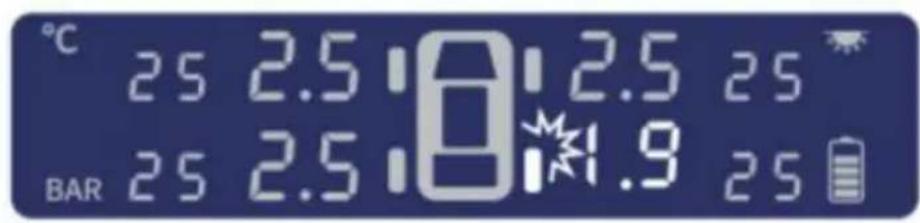
25 2.5 0:2.5 25 25 2.5 0:2.5 25
If no shock is detected, the display enters Auto Sleep Mode.
Manufacturer: Shanghaiixinmuyeyouxianggsi
Address: Shuangchenglu 803nong11hao1602A-1609shi, baoshanqu, shanghai 200.000 CN.
Imported to AUS: SIHAO PTY LTD. 1 ROKEVA STREETEASTWOOD NSW 2122 Australia
Imported by: Sanven Technology Ltd. Suite 250, 9166 Anaheim Place, Rancho Cucamonga, CA 91730
YH CONSULTING LIMITED.
C/O YH Consulting Limited Office 147,
Centurion House, London Road,
Staines-upon-Thames, Surrey, TW18 4AX
E-CrossStu GmbH
Mainzer Landstr.69,
60329 Frankfurt am Main.
VEVOR
TOUGH TOOLS, HALF PRICE
Warranty certificate www.vevor.com/support
VEVOR
TOUGH TOOLS, HALF PRICE
Standard setting for pressure: 1.70Bar
Adjustable setting range: 2.60~6.00 Bar
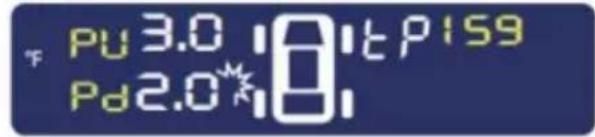
1 Stick to the place suitable for drivers.

2 When Display is low power, you can charge by Micro-USB (Android Type).
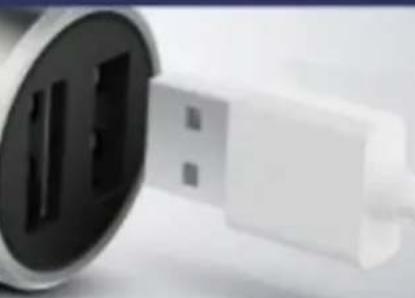
Cigarette Charger (Buy separately)
Alarm Instruction

When alarm beeps, the corresponding icon on display will flash.
1 Leakage Alarm

Slow Leak: Bi--Bi--Bi--
Fast Leak: Bi-Bi-Bi-
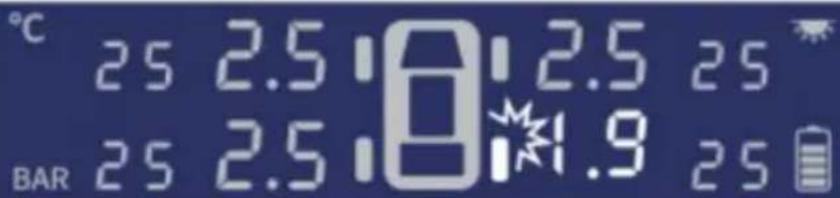
Check if it is caused by a nail or aging tire valve.
2 High/Low Pressure Alarm

Bi-Bi-Bi- - -
3 High Temperature Alarm

Bi-Bi-Bi- - -
External sensor installation


Main Body
Hex Nuts

1. Screw out the tire valve dust cap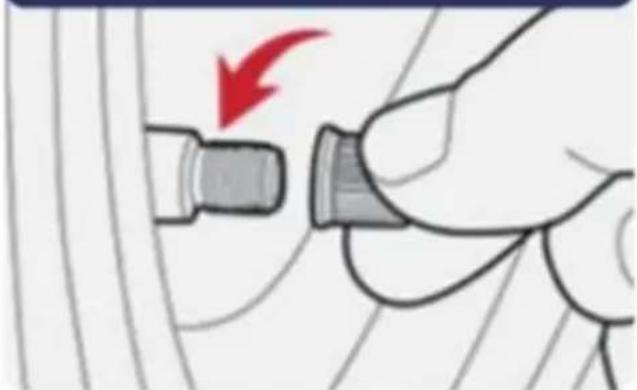
2. Insert anti-dismantling gasket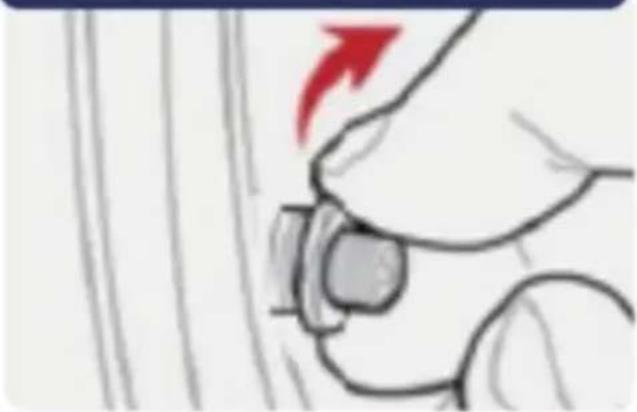
3. To corresponding position.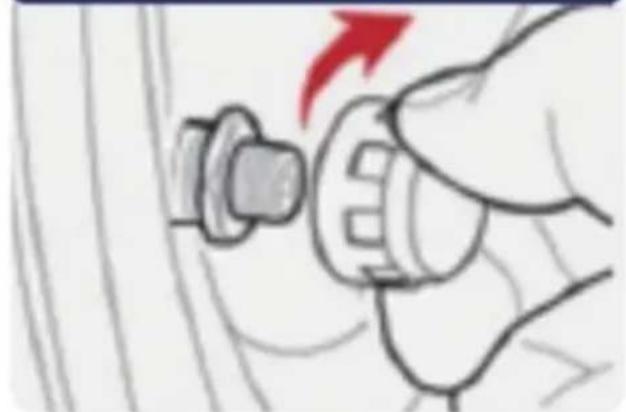
4. Screw tight with nut wrench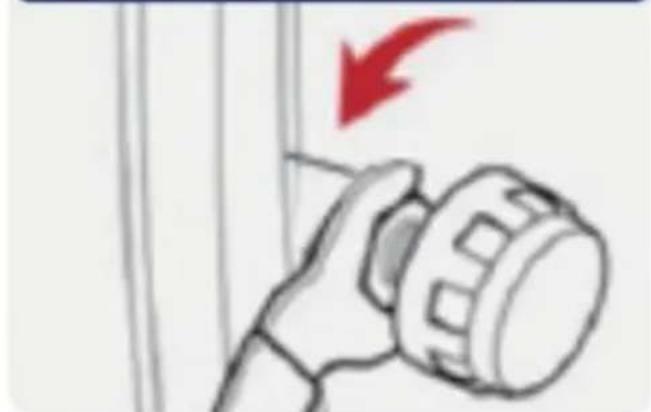
5. Check with soap water
Reset
Press left and right button at the same time, all data will be reset to factory settings
Internal sensor installation
1. Remove the original tire valve
2. Install tire sensor

3. Use wrench to open
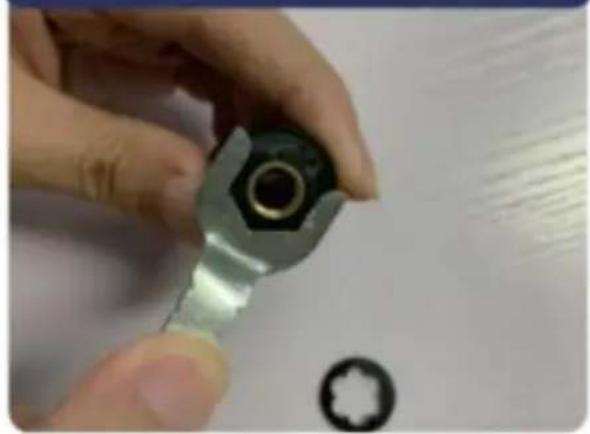
Testing
2. Installation is completed when 4 wheels' temperature and pressure data has been detected.
If no shock has been detected, the display enters Auto Sleep Mode.
Manufacturer: Shanghaiixinmuyeyouxiangongsi
Address: Shuangchenglu 803nong11hao1602A-1609shi, baoshanqu, shanghai 200 000 CN.
Imported to AUS: SIHAO PTY LTD. 1 ROKEVA STREETEASTWOOD NSW 2122 Australia
Imported to USA: Sanven Technology Ltd. Suite 250, 9166 Anaheim Place, Rancho Cucamonga, CA 91730

YH CONSULTING LIMITED.
C/O YH Consulting Limited Office 147,
Centurion House, London Road,
Staines-upon-Thames, Surrey, TW18 4AX

E-CrossStu GmbH
Mainzer Landstr.69,
60329 Frankfurt am Main.
VEVOR
TOUGH TOOLS, HALF PRICE
www.vevor.com/support
- TPMS
- MODEL: C
- NEED HELP? CONTACT US
- PART LIST
- DISPLAY INSTRUCTION
- SET UP
- ENTER SETUP MODE
- PRESSURE UNIT SETTING
- PRESSURE SETTING
- TEMPERATURE SETTING
- SAVE & EXIT
- TPMS SENSOR PAIRING
- INFLATION AND PAIRING
- TIRE EXCHANGE
- ENTER TIRE EXCHANGE INTERFACE
- DISPLAY INSTALLATION
- DISPLAY LOW POWER ALARM
- SPECIFICATION
- DISPLAY
- SENSORS
- MONITORING
- EXTERNAL SENSOR INSTALLATION
- CHECK WITH SOAPY WATER
- RESET
- INTERNAL SENSOR INSTALLATION
- REMOVE THE ORIGINAL TIRE VALVE
- INSTALL THE TIRE SENSOR
- NOTICE & STATEMENT
- WARNING
- SENSOR BATTERY DISASSEMBLY
- VEVOR®
- VEVOR
- TOUGH TOOLS, HALF PRICE
- INSTALL TIRE VALVE CAP
- TEST DYNAMIC BALANCER
- AND ADJUST
- NOTICE AND DECLARATION
- TESTING
- CHECK WITH SOAP WATER
- INSTALL TIRE SENSOR
- PUMP UP TIRE
- NOTE & EXPLANATION
- INSTALL THE TIRE VALVE CAP
- TEST THE DYNAMIC BALANCER
- PUMP UP THE TIRE
- TEST WITH A DYNAMIC BALANCER
Brand : Vevor
Model : C260
Category : Measuring equipment