
SS-8160 - Earphones Sogo - Free user manual and instructions
Find the device manual for free SS-8160 Sogo in PDF.
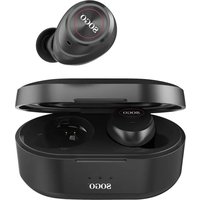


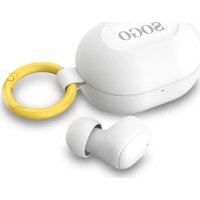
| Product Type | True Wireless Earbuds (TWS) |
| Brand | Sogo |
| Model | SS-8160 |
| Bluetooth Version | 5.0 |
| Range | 10 meters |
| Music Autonomy | Up to 8 hours (earbuds) + 25 hours with case |
| Charging Time | 1.5 hours |
| Earbud Battery | 75 mAh (Li-Polymer) per earbud |
| Case Battery | 500 mAh (Li-Polymer) |
| Earbud Dimensions | 23 x 19 x 13 mm |
| Case Dimensions | 65 x 40 x 31 mm |
| Earbud Weight | 5 g (per earbud) |
| Total Weight | 70 g (with case) |
| Charging Type | Micro-USB, 5V / 900 mA (case), 50 mA (earbuds) |
| Drivers | Dynamic 6mm graphene |
| Impedance | 32 Ω |
| Frequency Response | 50 Hz - 20 kHz |
| Sensitivity | 96 dB (±3 dB) |
| Supported Codecs | SBC, AAC |
| Control | Touch (play/pause, calls, track, voice assistant) |
| Microphone | Built-in, sensitivity +42 dB |
| Compatibility | iOS 8+, Android 4.3+ |
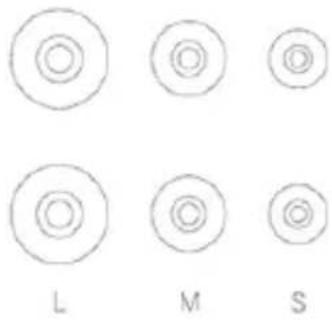
| Ear tips included | Silicone, sizes S/M/L |
| Operating Temperature | -10°C to 40°C |
| Maintenance | Clean with a soft dry cloth. Do not use chemical products. |
| Safety | Do not modify, repair, or disassemble. Keep out of reach of children. |
| Repairability | Built-in battery non-replaceable. Contact customer service in case of failure. |
Frequently Asked Questions - SS-8160 Sogo
User questions about SS-8160 Sogo
0 question about this device. Answer the ones you know or ask your own.
Ask a new question about this device
Download the instructions for your Earphones in PDF format for free! Find your manual SS-8160 - Sogo and take your electronic device back in hand. On this page are published all the documents necessary for the use of your device. SS-8160 by Sogo.
USER MANUAL SS-8160 Sogo
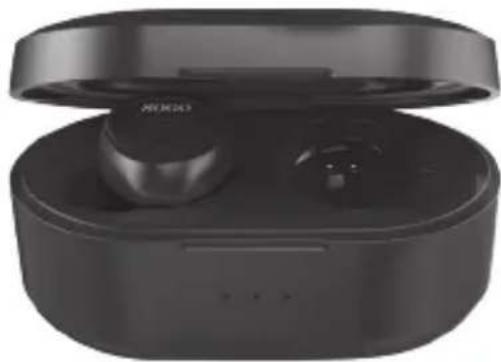
SMART WIRELESS EARBUDS TRUE WIRELESS EARBUDS CASQUE SANS FIL INTELLIGENT INTELLIGENTE KABELLOSE KOPFHÖRER AURICOLARE SENZA FILI INTELLIGENTE FONES DE OUVIDO SEM FIO INTELIGENTES
Caution: please read and preserve these important instructions
ref. SS-8160


Safety rules
Charging case
Ear tips
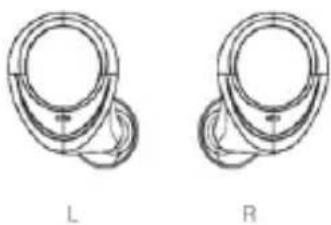
Earbuds
USB charging cable
IOS
Apple iOS
ANDROID
START LISTENING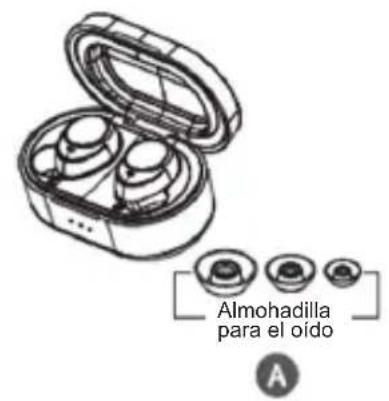
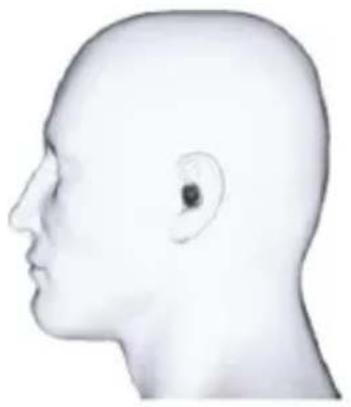
Pause/Play/Answer
1) Please follow the rules depicted in this manual closely to ensure your safety. Before using this TWS Stereo Headphone, we would strongly encourage you to read through this user manual. 2) Be more wary of any edges, uneven surfaces, metal parts, accessories and its packaging so as to prevent any possible injury or damage. 3) Do not modify, repair or dismantle this TWS Stereo Headsets. Doing so may result in fire, electric shocks, complete breakdown of this TWS Stereo Headsets, etc. All of which, are not covered under warranty. 4) Do not use any diluents or volatile liquid to clean the TWS Stereo Headsets. 5) Do not use the TWS Stereo Headsets in a hazardous location.
Service and Support
If your device is not performing as it should, please take it to your local service providers or dealer for service.
Technical Specification:
Earphone Type: TWS Earbuds
Bluetooth Version: V5.0
Bluetooth Chipset: RealTek 8763BFR
Bluetooth Profile: HSP, HFP, A2DP, AVRCP
Support Decoder: SBC, AAC
Auto ON/OFF: Yes by magnetic switch
Auto Pairing: Yes, take out from case
Stereo: Talk & Music
Touch Sensor: Yes
Operating range: 10 M
Frequency Range: 2.4GHz – 2.48GHz
Pairing code: 0000 (if device requests)
Frequency response: 50Hz 20KHz
Driver: Dynamic 6mm graphene driver
Speaker Impedance: 32 15%
Rated Power: 3mW
THD+N: = 1%, @ 200Hz - 3KHz
Sensitivity: 96dB (+-3dB) @ 1KHz, 126mV
Battery: Li-Polymer 500mAh charging case + 75mAh x 2 earbuds
Battery cycle: >300 cycles
Talk time: Up to 8 hours* + 25 hours with charging case
Music playing time: up to 8 hours* + 25 hours with charging case
Standby time: up to 100 hours*
Mic. Sensitivity: +42dB +- 3dB (0dB=1V/Pa @ 1 KHz)
Mic. THD+N: <2%
Ear earplugs: Hybrid Silicone Bullet Type L, M, S size
Working voltage: 3.7V
Charging Voltage: 5V for charging case
Charging Current: 900mA for Charging case, 50 mAh for earbuds
Charging port: Micro-USB
Charging time: 1.5 hours fully charged the case
N.W.: 5g / earbud, 70g including charging case
Earbud Dimensions: 23*19*13mm
Charging Case Dimensions: 65*40*31mm (HWD)
Operation: -10°C – 40°C, 90% Relative Humidity
Packing Contents: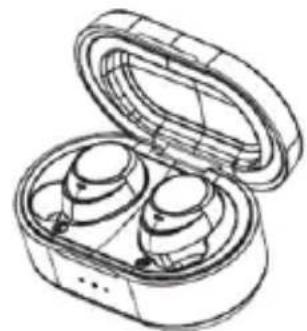
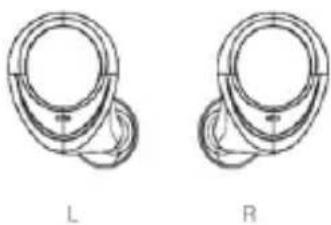
Charging Case Earbuds





L M S
L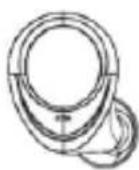
R Eartips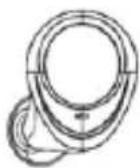
USB Charge Cable
POWER ON & PAIRING
Option 1: AUTO ON & PAIRING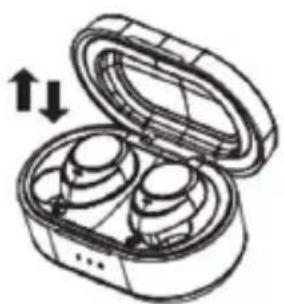
With the two headsets in the case and the lid open, they will power ON automatically.
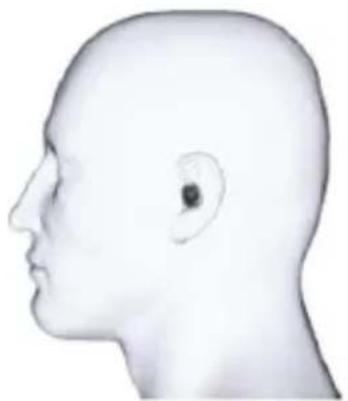
Take out the headsets and wait about 10 seconds until the LEFT & RIGHT earbuds are AUTO paired.
Option 2: Manually ON & PAIRING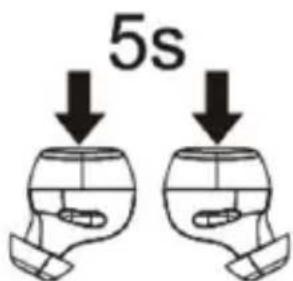
Pick up the headset from the charging case, long press the L&R earbuds for 3-5 seconds until they power OFF (the indicator of each earbud will flash RED three times). After a while (5 seconds), long press the L&R earbuds for 3-5 seconds until the indicator of each earbud flashes GREEN three times (meaning Power ON), and keep pressing for 3 seconds to enter pairing mode (the GREEN indicator flashes rapidly). When L&R pairing is successfully done, the R earbud is working as Master (the GREEN AND RED indicator is alternately flashing). The L is working as Slave (the GREEN indicator flashes once after 5 seconds). Check your device's Bluetooth menu, find and select the SS-8160.
TURN ON BLUETOOTH
Turn on Bluetooth on your device (IOS/ANDROID/OTHERS)
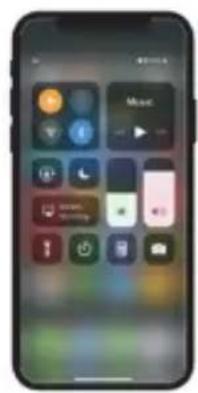
IOS
Apple iOS
Go to Settings > Bluetooth. Move the Bluetooth slider to On. A list of Bluetooth devices will appear. Tap SS-8160 in the list to connect.
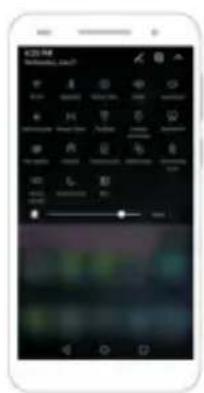
ANDROID
Go to Settings > Wireless & Networks > Bluetooth settings. Check the box next to Bluetooth to turn Bluetooth on. A list of Bluetooth devices will appear. Tap SS-8160 in the list to connect.
Full Operation Guidelines
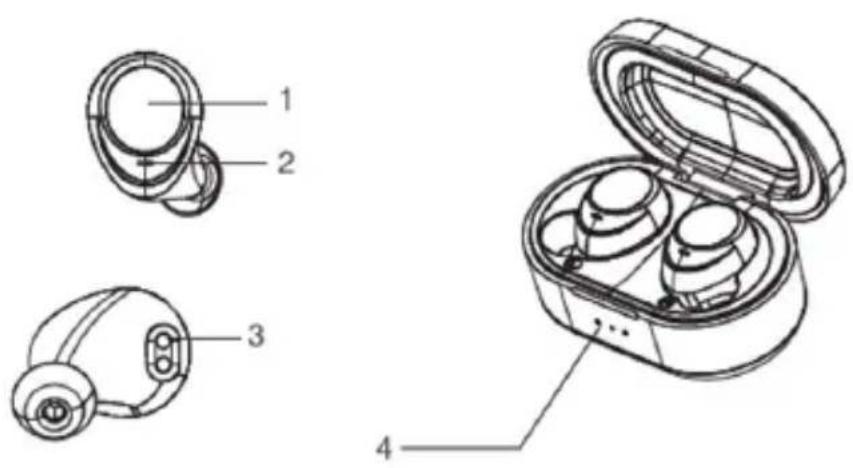
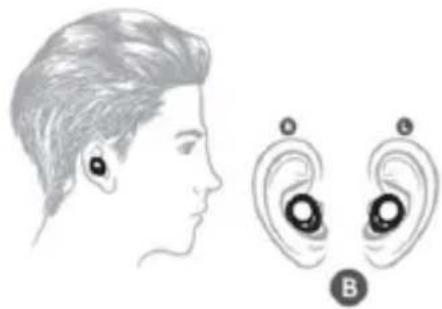
1) Touch control area 2) Mic 3) Charging interface 4) Charging case battery indicator
Start Listening Tap Control Instructions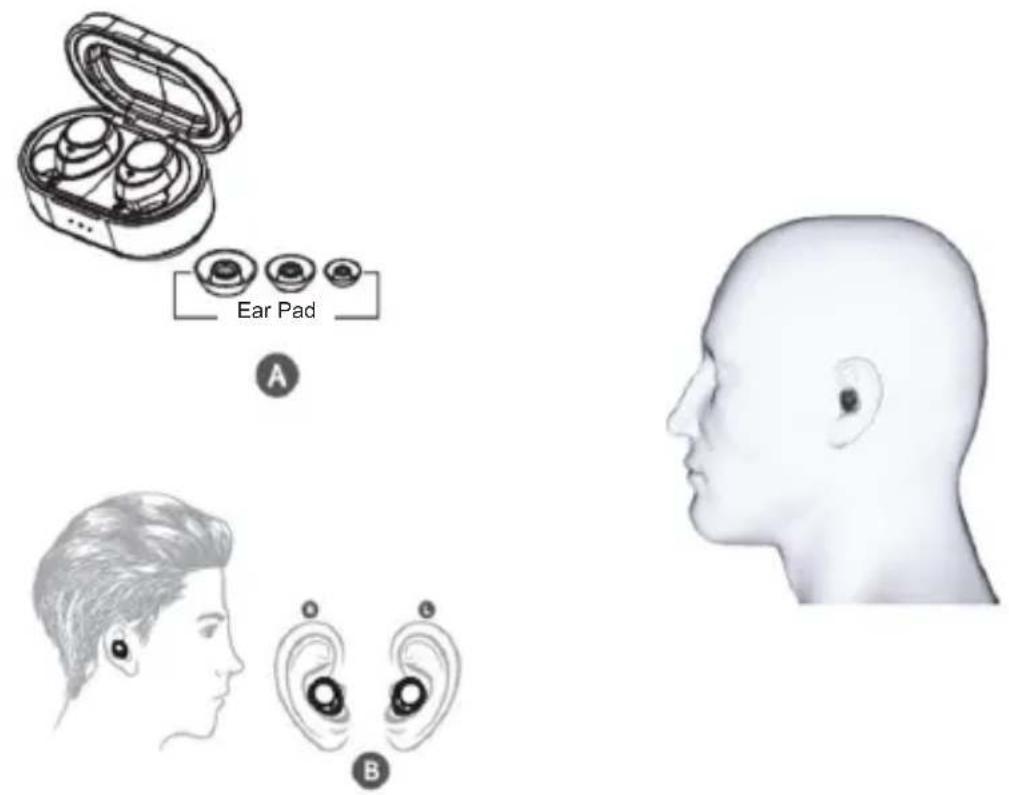
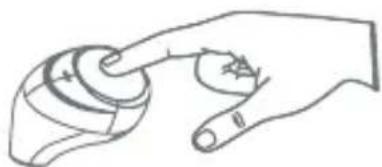
Pause/Play/Answer Previous/Next
| Power ON | EARBUDS OFF | Take out from charging case or Long tap for 3 seconds manually |
| Pairing | EARBUDS OFF | Long tap for 5 seconds manually |
| Activator ON | STAND BY MODE | Long Tap 2 Sec. L Earbud to active Siri or Google Assistant |
| Activator OFF | STAND BY MODE | Long Tap 2 Sec. L Earbud to OFF Siri or Google Assistant |
| Answer Call | INCOMING CALL | Sigle tap L or R Earbud |
| End Call | ON CALL | Sigle tap L or R Earbud |
| Reject Call | INCOMING CALL | Long tap L or R Earbud for 2 seconds |
| Hold Call | ON CALL | Long tap L or R Earbud for 2 seconds |
| Play Music | CONNECTED & MUSIC ON | Single tap L or R Earbud |
| Pause Music | MUSIC PLAYING | Single tap L or R Earbud |
| Pre. Track | MUSIC PLAYING | Double tap L Earbud |
| Next Track | MUSIC PLAYING | Double tap R Earbud |
| Power OFF | EARBUDS ON | Put earbuds into charging case or Long tap for 8 seconds manually |
| AUTO OFF | EARBUDS ON | Disconnected over 5 minutes |
Charging by the charging case
A. Charging ways of Headsets
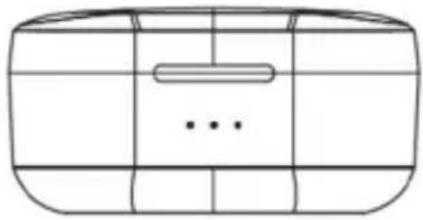
The indicator light of the headset is red when being charged and will turn off automatically after being fully charged.
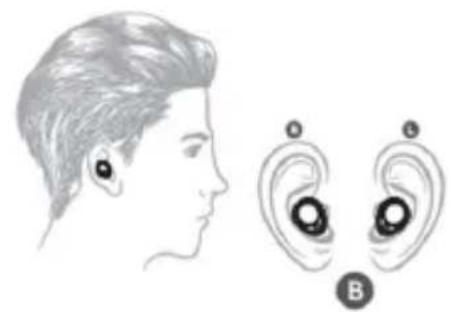
Put the headset (L)(R) to the corresponding position in the bottom of the charging base, close the charging base tightly.
B. Charging ways of charging base
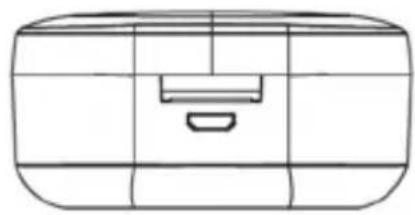
Use the USB charging cable to charge. The indicator light of the charging base is red when being charged and will turn green automatically after being fully charged.
Charging case
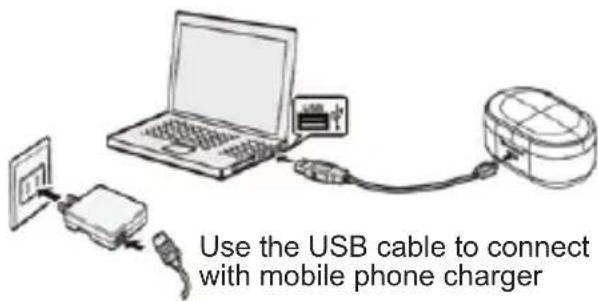
Use the USB cable to connect with computer
Warning:
You must select a qualified charger from a regular manufacturer. (Charging Voltage: 5V, Charging Current: 500mAh for charging case, 75mAh for earbuds). A fully charged earbud will lose its power automatically if left unused. It is recommended to charge the headset every three months. Do not leave the headset in a too hot or too cold condition (best between -10°C and 40°C) which may affect the headset's operations although it is fully charged. Please take out the headsets from the charging base and store them separately if not to be used for a long time. Do not dispose of the earbuds into fire or water.
FAQ
SOGO earbuds cannot pair with cell phone or just connected 1 piece on sound?
Ans: 1. Please check whether your headset is in pairing mode or reconnection mode and check whether the Bluetooth function in your cell phone is on. Check your device's Bluetooth menu and delete/forget the headset and reconnect the headset again.
Or,
2. Pick up the headset from the charging case, long tap the L&R earbuds for 3-5 seconds until they power OFF (The indicator of each earbud will flash RED three times). After a while (5 seconds), long tap the L&R earbuds for 3-5 seconds until the indicator of each earbud flashes BLUE three times (means Power ON), and keep tapping for 3 seconds to enter into pairing mode (The BLUE indicator flashes rapidly). When L&R pairing is successfully done, the R earbud is working as Master (the blue indicator is alternately flashing). The L is working as Slave (the blue indicator flashes once after 5 seconds). Check your device's Bluetooth menu, find and select the SS-8160 again.
SOGO headset cannot be switched on?
Answer: Please check the battery status of your headset as well as the charging case's battery. Don't forget to remove the seal sticker from each earbud on the first use.
Can I change the battery for the headset?
Answer: No, this headset uses a built-in non-detachable Li-Polymer battery, it cannot be removed.
SOGO headset has disconnected with your cell phone within 10 meters?
Answer: Please check if there is metal or other material within a relatively close range which may interfere with the Bluetooth connection. Bluetooth is a radio technology which is sensitive to objects between the headset and the connected device.
I cannot hear a sound from your computer or cell phone?
Answer: Please check whether the output channel of your computer is Bluetooth, that the Audio Device and Bluetooth function of your computer supports A2DP profile, and please check that the volume on your headset/computer/cell phone is turned up.
Why could not charge the charging case and earbuds?
Answer: Check if the terminal plugged tight or not and try to use another new charging cable. Check if the seal sticker on earbuds charging pins had been removed.
Why the earbuds power off automatically?
Answer: After Powered ON without any connection with phone or devices for 5 minutes, the earbuds will AUTO OFF. Please reconnect earbuds.
Why the touch sensor doesn't work as the instructions?
Answer: Volume recommend to operate SOGO SS-8160 TWS under IOS8 & Android
4.3 or above. And please check that the volume on your headset/computer/cell phone is turned up.
Load case
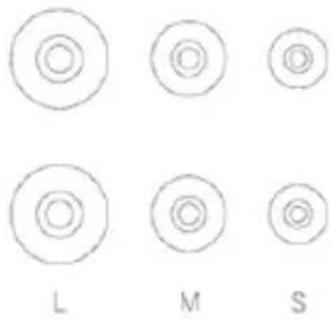
Plugs
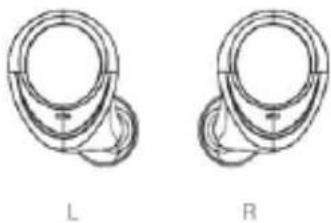
Earbuds
USB charging cable
POWER ON & PAIRING
Option 1: AUTO ON & PAIRING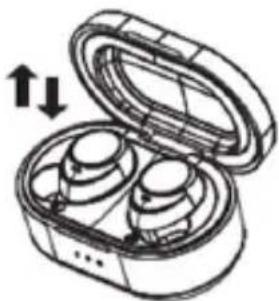
IOS
Apple iOS
ANDROID
Start listening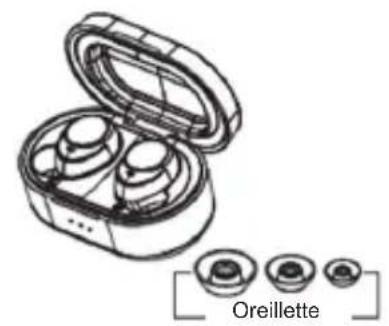
A
Plugs
Earbuds
USB charging cable
POWER ON AND PAIR
IOS
Apple iOS
ANDROID
Start listening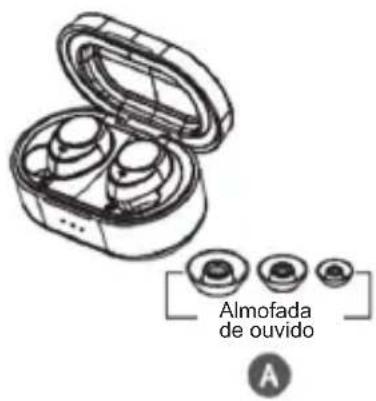
Pause / Play / Answer
Previous / Next
THD + N: = 1% @200 Hz - 3 kHz
Charging case
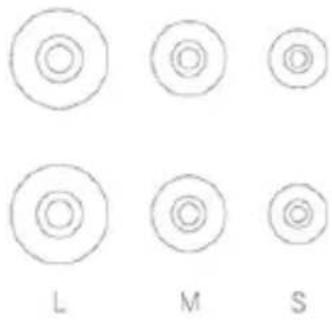
Ear tips
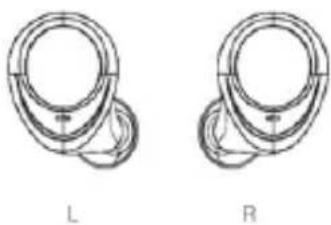
Earphones
USB charging cable
IOS
Apple iOS
ANDROID
A
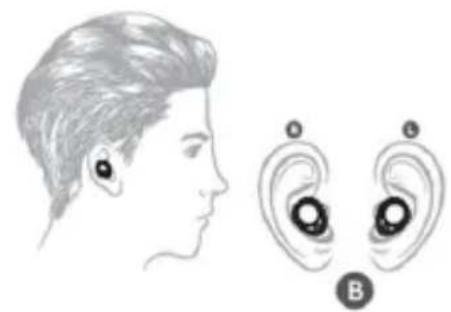
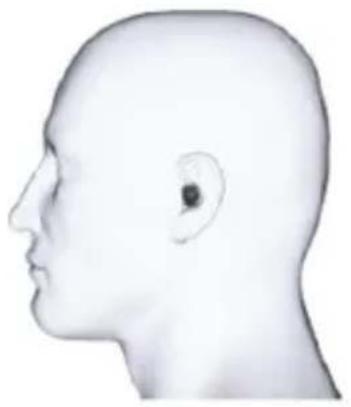
THD + N: = 1%, @ 200Hz - 3KHz
Caps
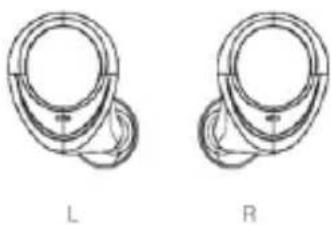
Headphones
IOS
Apple iOS
ANDROID
START LISTENING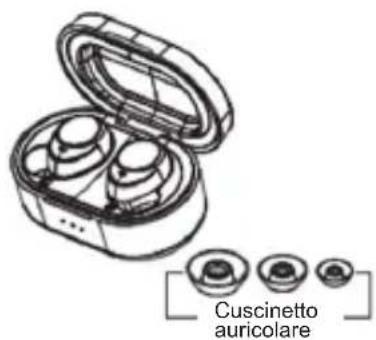
A
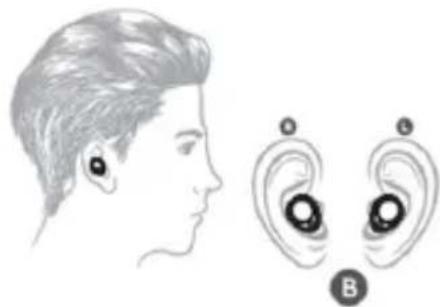
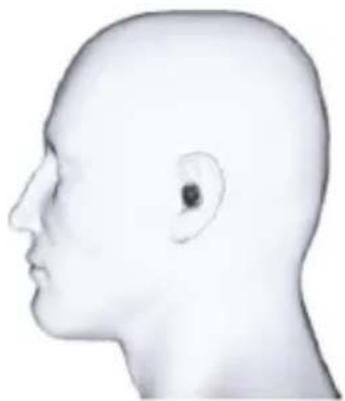
DECLARATION OF CONFORMITY
This device complies with Low Voltage Directive 2014/35/EC, Electromagnetic Compatibility Directive 2014/30/EU, Directive 2015/863/UE on the restriction of the use of certain hazardous substances in electrical and electronic equipment and Directive 2009/125/EC on the eco-design requirements applicable to energy-related products.
DECLARATION OF CONFORMITY
This symbol means that in case you wish to dispose of the product once its working life has ended, take it to an authorised waste agent for the selective collection of waste electrical and electronic equipment (WEEE).

Imported by:
Sanysan Appliances S.L, NIF: B98753056, C/ Barcas 2, 2
46002 Valencia, Spain
Product made in P.R.C. – Designed by SOGO based on the European Quality Standards
Customer Service: www.sogosat.com / sogosat@sogosat.com / 0034 902 222 161
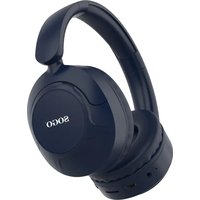
Brand : Sogo
Model : SS-8160
Category : Earphones