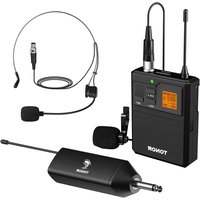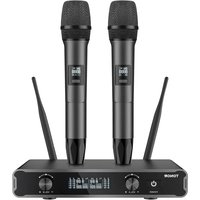
TW450 - Microphone Tonor - Free user manual and instructions
Find the device manual for free TW450 Tonor in PDF.


User questions about TW450 Tonor
0 question about this device. Answer the ones you know or ask your own.
Ask a new question about this device
Download the instructions for your Microphone in PDF format for free! Find your manual TW450 - Tonor and take your electronic device back in hand. On this page are published all the documents necessary for the use of your device. TW450 by Tonor.
USER MANUAL TW450 Tonor
UHF Wireless Microphone
TW450
ABOUT THIS MANUAL
Thank you for purchasing TONOR wireless microphone. This manual is intended to help you understand all about this microphone and how to use it. TONOR always strives for the ultimate user experience. All our knowledge and passion for audio technology are incorporated into building microphones with high performance for you. The TONOR microphone is high quality and easy to use to achieve the best user experience.
Enjoy your microphone!
TONOR Team
CATALOGUE
English 02\~11
Deutsch 12\~18
Français 19\~25
Italiano 26\~31
Español 32\~39
Holenderski 40\~46
Polski 47\~53
Svenska 54\~60
Türkçe 61\~67
English
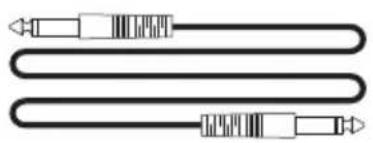
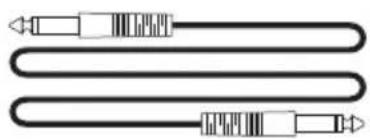
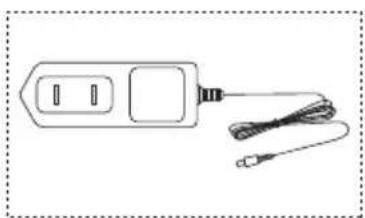
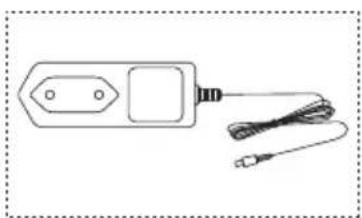
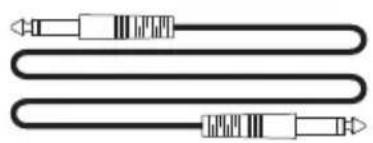
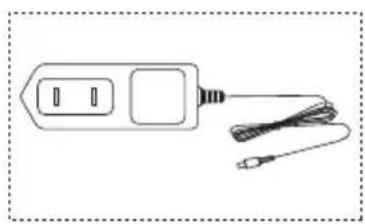
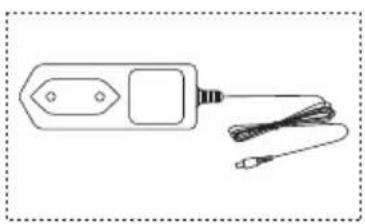
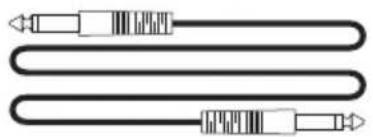
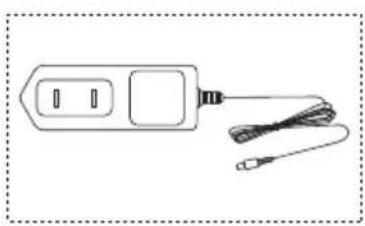
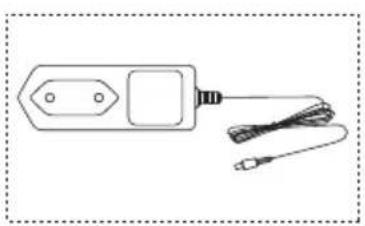
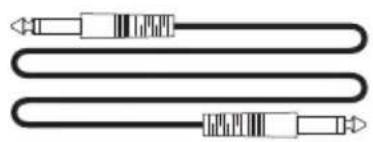
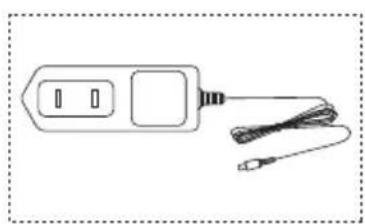
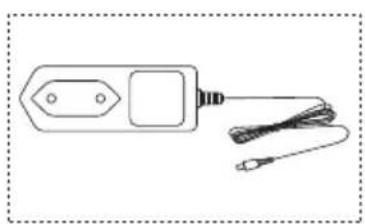
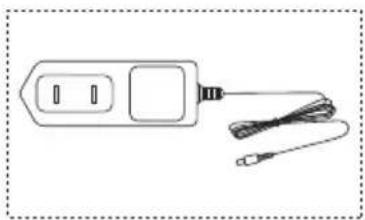
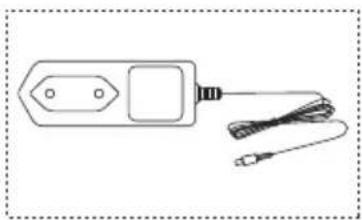
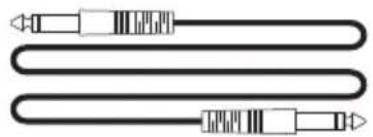
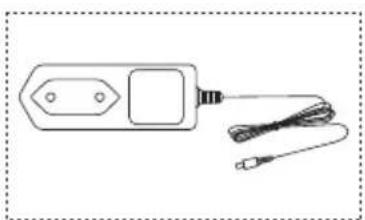
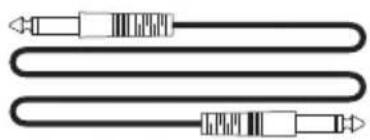
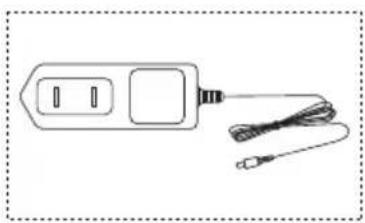
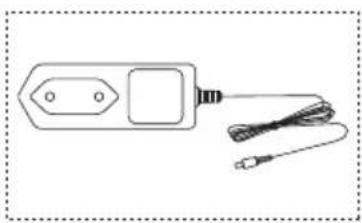
Package Including
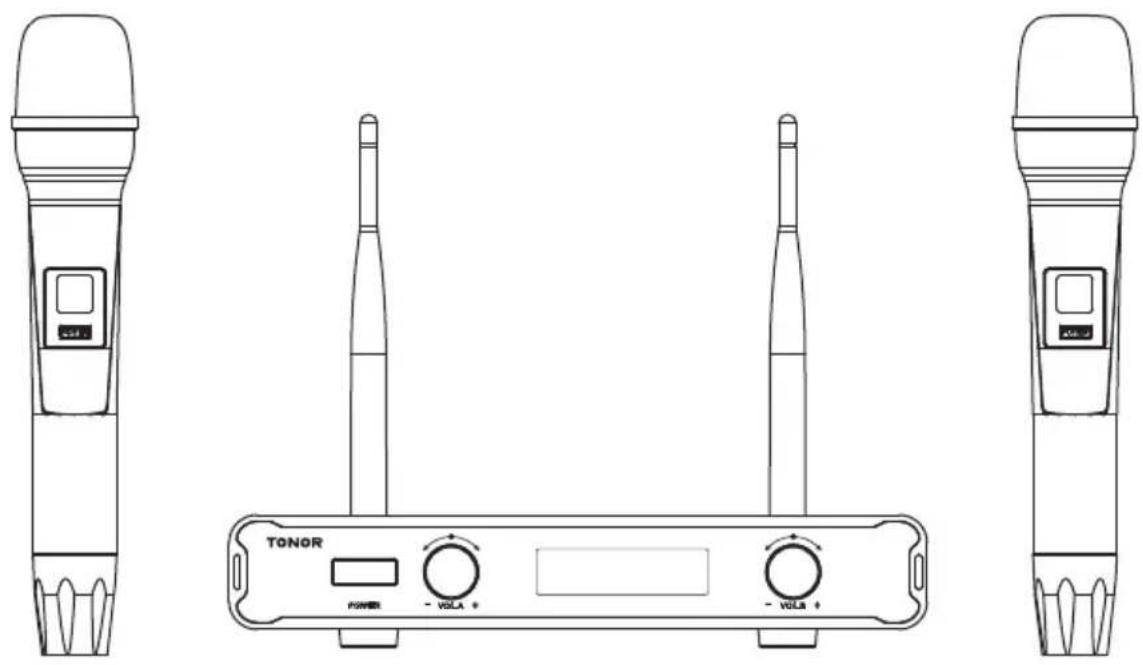
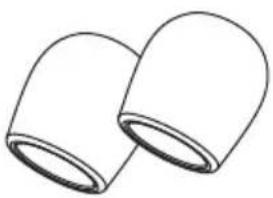
natural_image
Simple line drawing of two overlapping cylindrical objects (no text or symbols)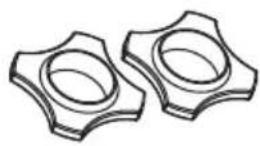
natural_image
Pure electrical circuit lines without any symbols
text_image
TONOR LME Wireless Optics TW450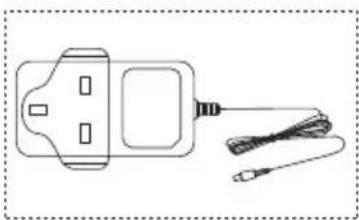
natural_image
Simple line drawing of a handheld device with two connectors and a coiled cable (no text or symbols)or
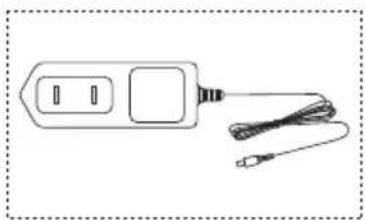
natural_image
Simple line drawing of a handheld device with two ports and a cord, no text or symbols present.or
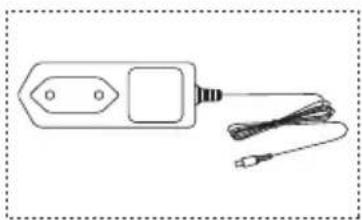
natural_image
Simple line drawing of a handheld device with two ports and a cord, no text or symbols present.OPERATING ENVIRONMENTS & NOTES

When using this device, keep it away from water.

Use the device in ventilated environment, keep it away from fire.

Since it's a wireless device, please keep it away from other interfering sources.

Don't take apart the device.

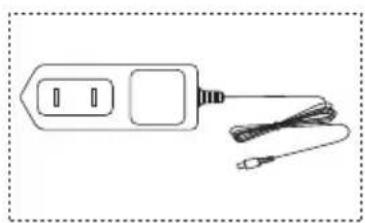
Please use the standard power supply, high voltage may damage the device.

Please place the used batteries into the recycle bin, don't litter them.
SPECIFICATIONS
Frequency Response: 40hz-18khz
Operating Range: Up to 60m
Frequency Stability: ±10ppm
SNR: 96dB
Sound Distortion: 0.03%
Mic Input Sensitivity: -52dB±3dB
RF Sensitivity: -95dBm
Operating Temperature: 0°C to +55°C
As shown in the pictures:
-
Display Screen
-
On/Off Switch
-
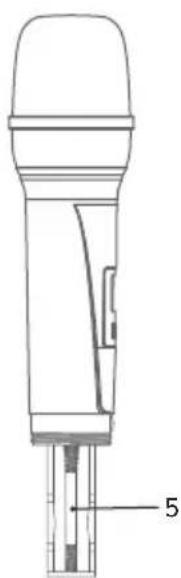
Tail Tube
-
HI-LO Button
-
Battery Compartment
text_image
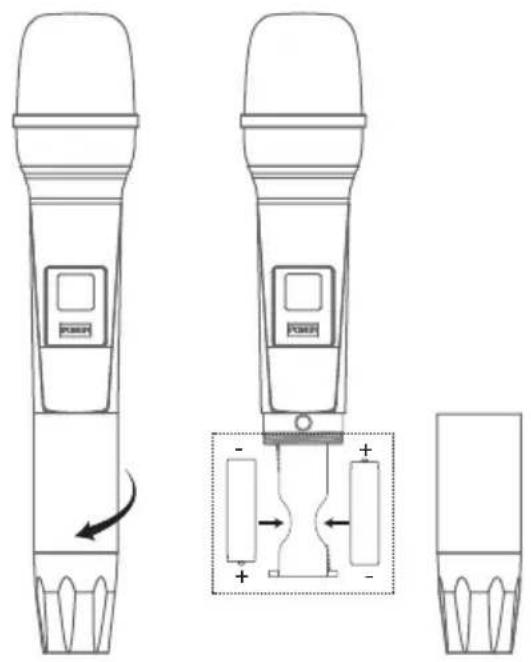
Technical diagram showing two types of electronic devices with labeled buttons and a battery symbol, illustrating a mechanical or electrical setup.Install 2*AA batteries before using the wireless microphone and installing instruction is as follows:
- Take down the tail tube of mic.
- Install the batteries and tighten tail tube of mic.
Note: The positive and negative polarity of battery cannot be reversed.
text_image
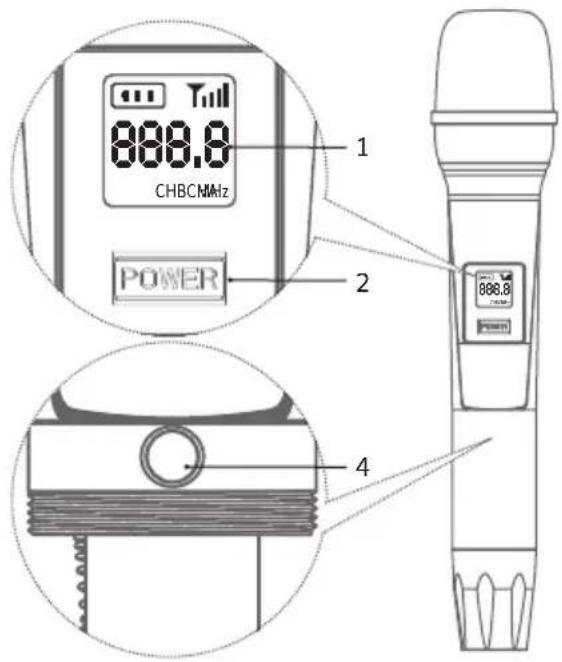
1 CHBCNHz POWER 2 888.8 4Instruction:
- Press button 2 to turn on. Long press for 2 seconds to turn off.
- Press the HI-LO button 4, then the frequency on the screen will be changed.
RECEIVER INSTRUCTION
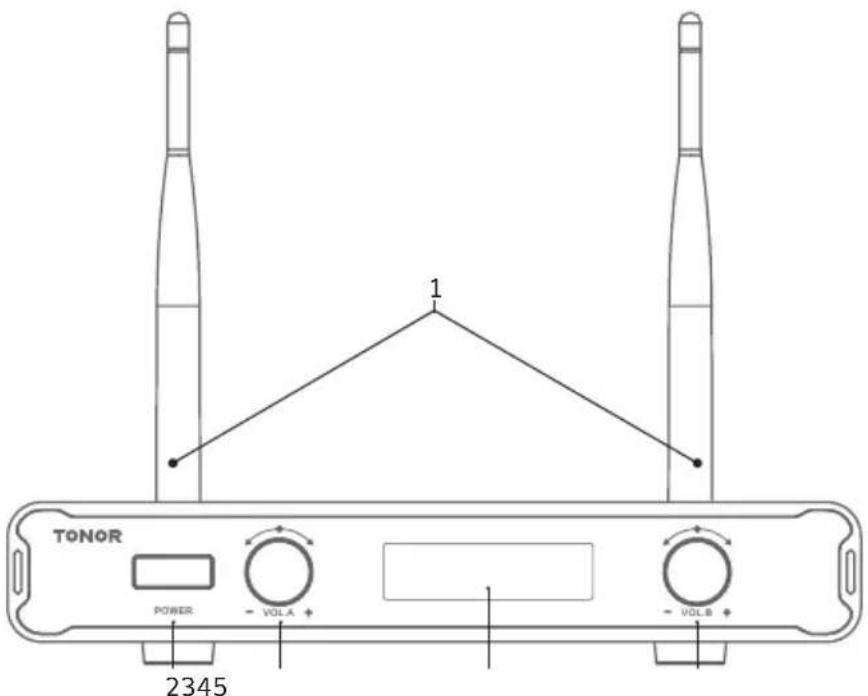
text_image
TONOR POWER VOLA 1 VOLB 2345- Receiving antenna
- Power switch (Long press for 2 seconds to turn on/off)
- Volume adjusting button for microphone A
- LCD display screen for microphone A and B
- Volume adjusting button for microphone B
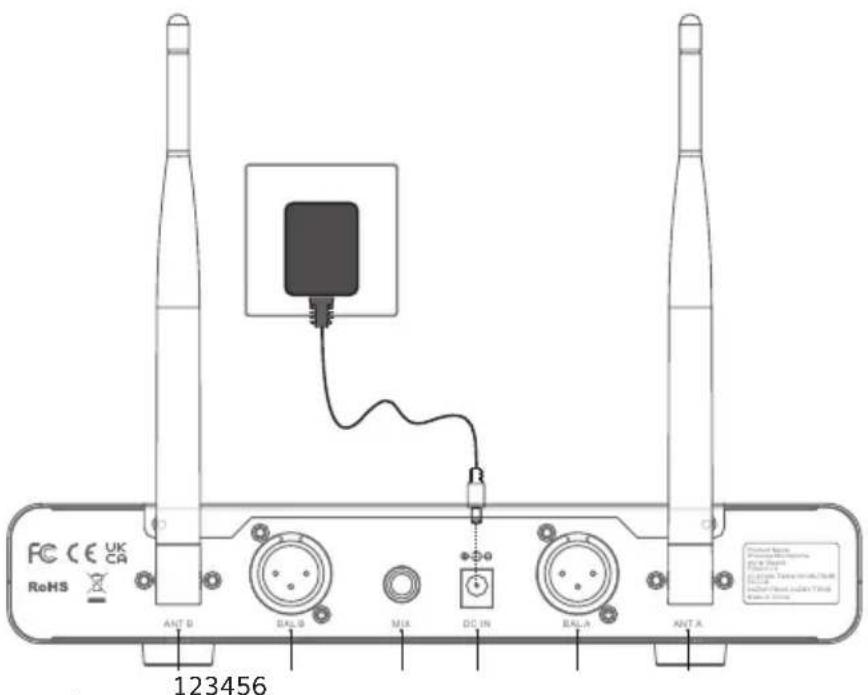
text_image
FC CE UK CA RoHS ANT B BAL B MUX DC IN BAL A ANT A 123456As shown in above pictures:
- ANT B
- BAL B
-
MIX
-
DC IN
- BAL A
- ANT A
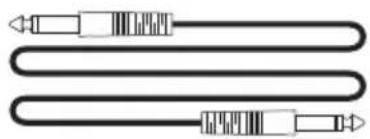
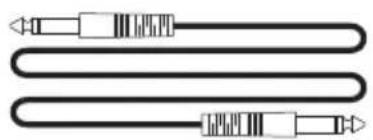
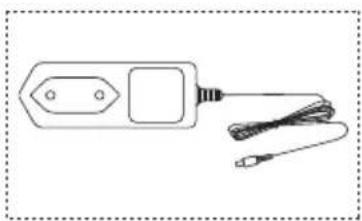
Before using the device, take out the wireless receiver from the package, and connect the following cables: firstly use the 6.35 audio cable to connect the receivers MIX's port and other audio devices (speaker, amplifier, mixer, etc.). Secondly, erect the antenna, and connect the power cable. Thirdly, check if microphone is connected to the receiver successfully after turning on the device.
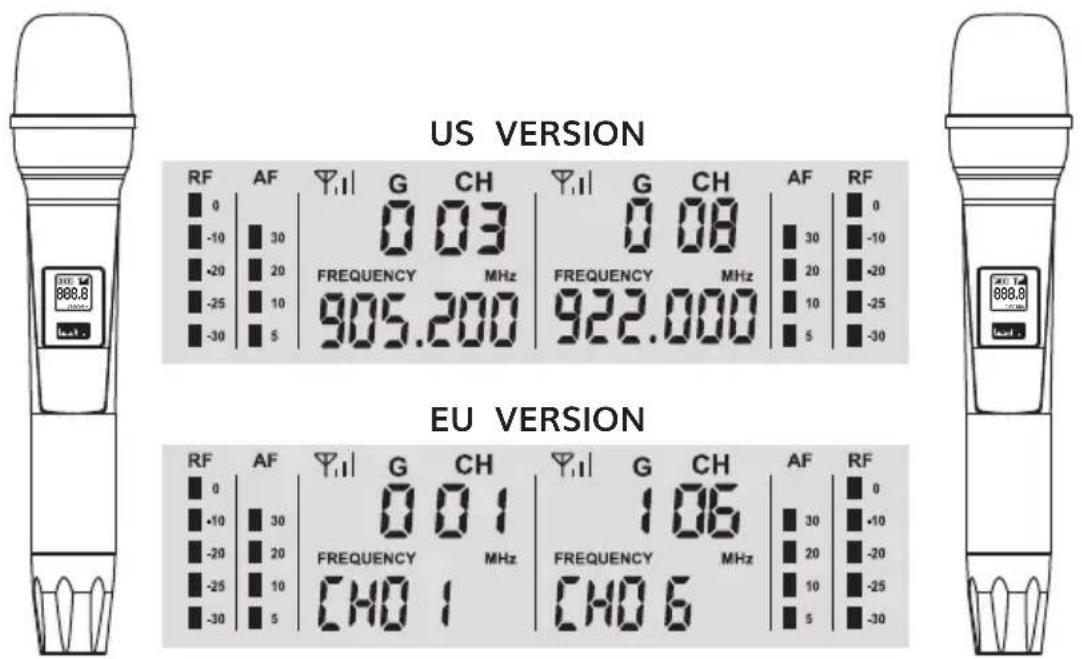
RECEIVER DISPLAY SHOWS
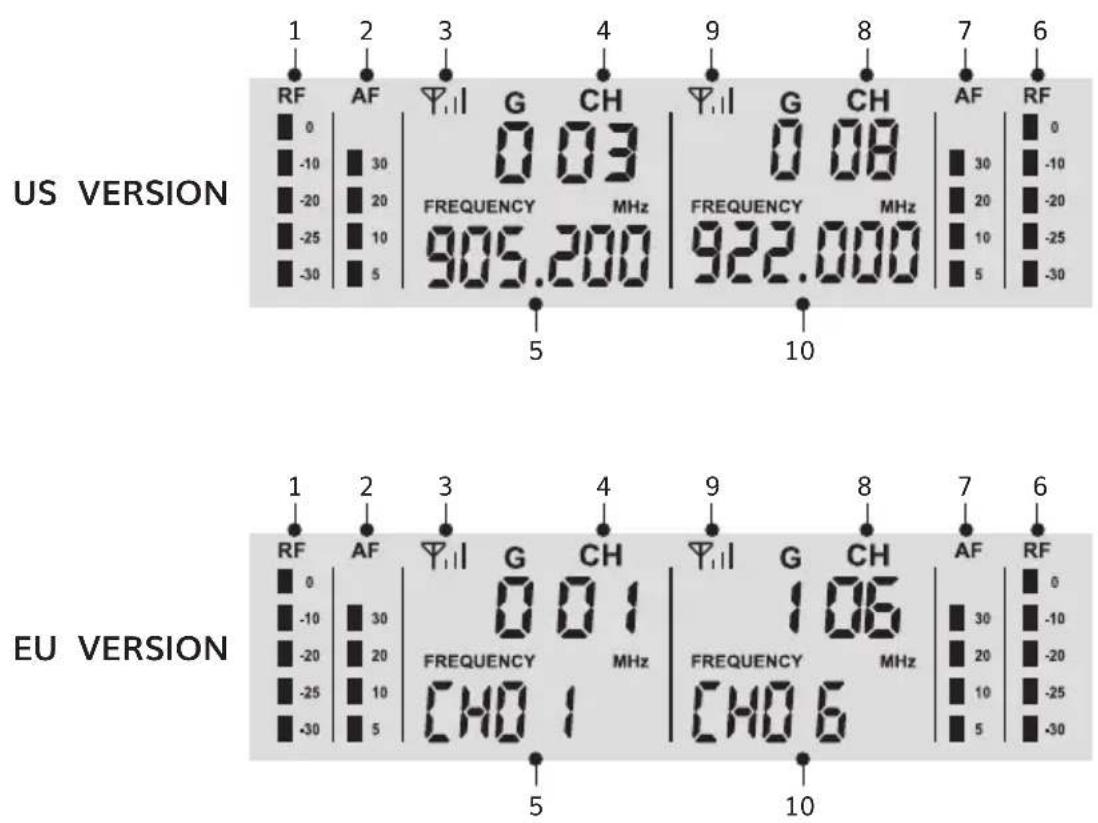
other
| Region | Channel | Frequency (MHz) | Channel Label | | :--- | :--- | :--- | :--- | | US VERSION | RF | 0 | -10 | | US VERSION | AF | 30 | -20 | | US VERSION | G | 0.03 | 905.200 | | US VERSION | CH | 0.08 | 922.000 | | US VERSION | AF | 30 | 10 | | US VERSION | RF | -10 | -20 | | US VERSION | RF | 20 | 10 | | US VERSION | RF | -25 | 5 | | US VERSION | RF | -30 | -30 | | EU VERSION | RF | 0 | -10 | | EU VERSION | AF | 30 | -20 | | EU VERSION | G | 0.01 | 905.200 | | EU VERSION | CH | 1.06 | 922.000 | | EU VERSION | RF | 30 | 10 | | EU VERSION | RF | -10 | -20 | | EU VERSION | RF | 20 | 10 | | EU VERSION | RF | -25 | 5 | | EU VERSION | RF | -30 | -30 | | EU VERSION | CHO | 1.6 | 922.000 | | EU VERSION | CHO | 6 | 922.000 | | EU VERSION | CHO | 10 | 922.000 | | EU VERSION | RF | 0 | -10 | | EU VERSION | RF | -10 | -20 | | EU VERSION | RF | -25 | 10 | | EU VERSION | RF | -30 | -30 | The chart displays the frequency and channel values for each of the two versions of the US version and the EU version. The labels above the charts indicate specific frequency values.As shown in above pictures:
- Signal levels of mic A
- Volume levels of mic A
- Signal receiving of mic A
- Current channel of mic A
-
Current frequency of mic A
-
Signal levels of mic B
- Volume levels of mic B
- Current channel of mic B
- Signal receiving of mic B
- Current frequency of mic B
When the receiver is connected to power supply successfully, but the batteries of microphone are not installed, LCD screen will display as following pictures:
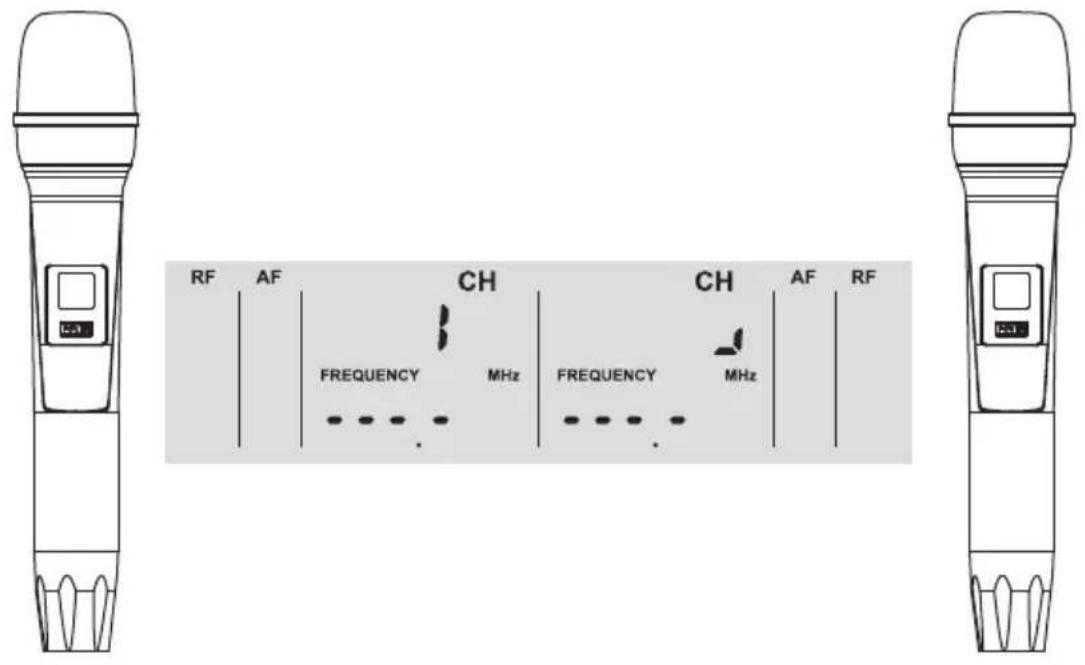
text_image
RF AF CH CH AF RF FREQUENCY MHz FREQUENCY MHz L-1 L-1When the receiver is connected to power supply successfully, and the batteries of microphone are also installed, LCD screen will display as following pictures:
text_image
US VERSION RF AF Y1| G CH Y1| G CH AF RF 0 30 0.03 0.08 30 0 -10 20 FREQUENCY MHz FREQUENCY MHz 20 -10 -20 10 905.200 922.000 10 -20 -25 5 5 5 -25 -30 5 5 5 -30 EU VERSION RF AF Y1| G CH Y1| G CH AF RF 0 30 0.03 0.08 30 0 -10 20 FREQUENCY MHz FREQUENCY MHz 20 -10 -20 10 CH0 1 CH0 6 5 -20 -25 5 5 5 -25 -30 5 5 5 -30TROUBLESHOOTING
No sound (The batteries of microphone have already been installed, but one of the microphone has on sound.)
▶ Please turn off the microphone which can work normally, and you will find that the RF light on the receiver will disappear. Then follow the steps below to pair the microphone (no sound) with the receiver.
- Make sure that the receiver and microphone are turned OFF.
- Unscrew the microphone tail tube and install the batteries into the mic's battery compartment.
- Make sure that the microphone is OFF, press and hold the HI/LO button and the power button simultaneously, do not release them, until the microphone screen flashes quickly, then release two buttons simultaneously.
- Turn on the receiver's power button, wait for 5 seconds or so, then press the HI/LO button (on the microphone) once, until the microphone screen becomes steady and no longer flashes, the RF light on the receiver turns steady, indicating that the pairing is successful.
- Tum off the microphone, then tighten the microphone tail tube. Pairing is now completed.
▶ Received signal with noise or interference
▶ Change to other channels.
▶ Check if receiving distance exceeds the maximum range.
▷ Microphone cannot be turned on
▶ Check if batteries are installed reversely.
▶ Change to new batteries.
WARRANTY
TONOR provides 2 years of after-sales service, free replacement to products that are NOT damaged resulting from accident, alteration, misuse, negligence, or abuse. If exceeding 30 days of Amazon return policy, you can still contact us through our Shopify TONORMIC. We will serve you with full sincerity!
FCC Statement
This equipment has been tested and found to comply with the limits for a Class B digital device, pursuant to part 15 of the FCC Rules. These limits are designed to provide reasonable protection against harmful interference in a residential installation. This equipment generates, uses and can radiate radio frequency energy and, if not installed and used in accordance with the instructions, may cause harmful interference to radio communications. However, there is no guarantee that interference
will not occur in a particular installation. If this equipment does cause harmful interference to radio or television reception, which can be determined by turning the equipment off and on, the user is encouraged to try to correct the interference by one or more of the following measures:
- Reorient or relocate the receiving antenna.
- Increase the separation between the equipment and receiver.
- Connect the equipment into an outlet on a circuit different from that to which the receiver is connected.
- Consult the dealer or an experienced radio/TV technician for help.
Caution: Any changes or modifications to this device not explicitly approved by manufacturer could void your authority to operate this equipment.
This device complies with part 15 of the FCC Rules. Operation is subject to the following two conditions: (1) This device may not cause harmful interference, and (2) this device must accept any interference received, including interference that may cause undesired operation.
RF Exposure Information
This equipment complies with FCC radiation exposure limits set forth for an uncontrolled environment. This equipment should be installed and operated with minimum distance 0 cm between the radiator and your body.
FCC Statement
This device contains licence-exempt transmitter(s)/receiver(s) that comply with Innovation, Science and Economic Development Canada's licence-exempt RSS(s). Operation is subject to the following two conditions:
(1) This device may not cause interference.
(2) This device must accept any interference, including interference that may cause undesired operation of the device.
The digital apparatus complies with Canadian CAN ICES-3 (B)/NMB-3(B).
This device meets the exemption from the routine evaluation limits in section 2.5 of RSS 102 and compliance with RSS 102 RF exposure, users
can obtain Canadian information on RF exposure and compliance.
This equipment complies with Canada radiation exposure limits set forth for an uncontrolled environment.
The device has been evaluated to meet general RF exposure requirement. This equipment should be installed and operated with minimum distance 0mm between the radiator & your body.
natural_image
Simple line drawing of two cylindrical objects with rounded tops (no text or symbols)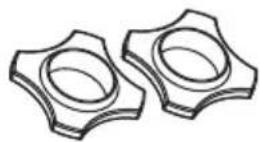
natural_image
Pure diagram of a coiled cable with two connectors and internal bands (no text or symbols)
text_image
TONOR UF Medium Experiences TW/450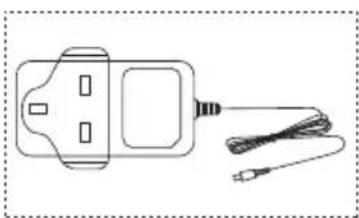
natural_image
Simple line drawing of a handheld device with a coiled cable (no text or symbols)or
natural_image
Simple line drawing of a handheld device with two ports and two cables (no text or symbols)or
natural_image
Line drawing of a handheld electronic device with two ports and a cord, no text or symbols presenttext_image
Technical line drawing of a handheld device with labeled parts and a control panel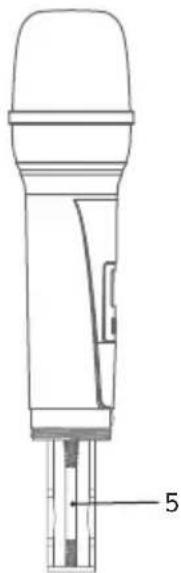
text_image
5natural_image
Technical line drawing of two handheld devices with a battery and directional arrows indicating rotation (no text or symbols)text_image
RF AF CH CH AF RF FREQUENCY MHz FREQUENCY MHznatural_image
Simple line drawing of two overlapping cylindrical objects (no text or symbols)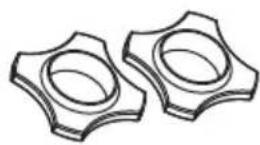
natural_image
Pure electrical circuit lines without any symbols
text_image
TONOR HP Model Europe TW450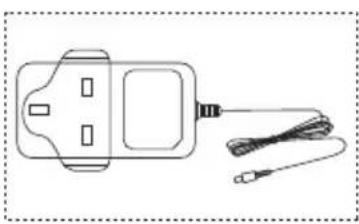
natural_image
Simple line drawing of a handheld device with cable and connector (no text or symbols)or
natural_image
Simple line drawing of a handheld electronic device with two ports and a cord, no text or symbols present.or
natural_image
Simple line drawing of a handheld electronic device with two ports and a cord (no text or symbols)ENVIRONNEMENTS D'UTILISATION ET NOTES

natural_image
Line drawing of a handheld device with labeled parts (no text or symbols)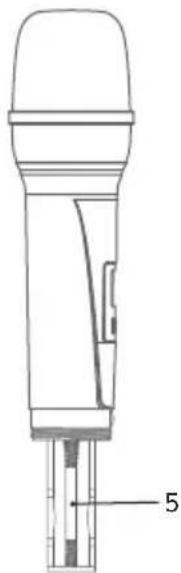
text_image
5text_image
Technical diagram showing two views of a handheld device with labeled buttons and polarity indicatorstext_image
FC CE UK RoHS ✕ ANT B SALS MUX DC IN SALA ANT Atext_image
RF AF CH CH AF RF FREQUENCY MHz FREQUENCY MHznatural_image
Simple line drawing of two cylindrical objects with rounded tops (no text or symbols)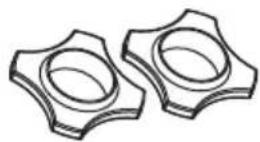
natural_image
Pure electrical circuit lines without any symbols
text_image
TONOR TJF Wireless E-ocipuses TW450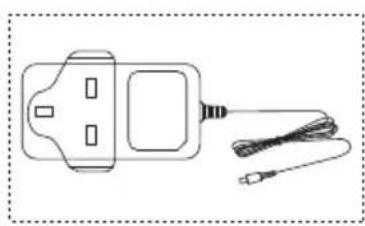
natural_image
Line drawing of a handheld electronic device with a cable and connector (no text or symbols)or
natural_image
Simple line drawing of a handheld device with two ports and a cord, no text or symbols present.or
natural_image
Simple line drawing of a handheld device with two ports and a cord (no text or symbols)AMBIENTI OPERATIVI E AVVERTENZE

natural_image
Line drawing of a handheld device with a labeled component (no text or symbols present)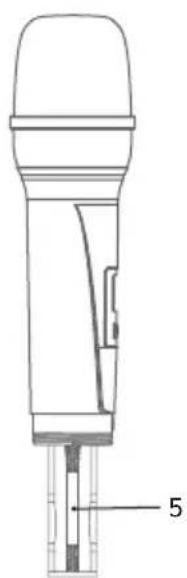
natural_image
Technical line drawing of a handheld device with labeled part '5' (no text or symbols beyond label)text_image
Technical diagram showing two types of microphone devices with labeled buttons and a battery mechanism diagram below.text_image
RF AF CH CH AF RF FREQUENCY MHz FREQUENCY MHznatural_image
Simple line drawing of two identical cylindrical objects with rounded tops (no text or symbols)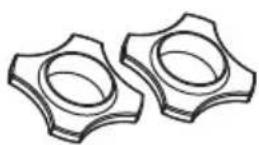
natural_image
Pure electrical circuit lines without any symbols
text_image
TONOR LIF Winding Volumes TW450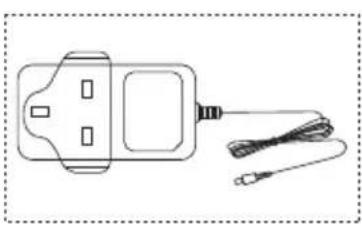
natural_image
Line drawing of a handheld device with two connectors and a cord (no text or symbols)or
natural_image
Line drawing of a handheld electronic device with two ports and a cord, no text or symbols presentor
natural_image
Simple line drawing of a handheld electronic device with two ports and a coiled cable (no text or symbols)natural_image
Line drawing of a handheld device with a control panel and labeled part (no text or symbols beyond the label)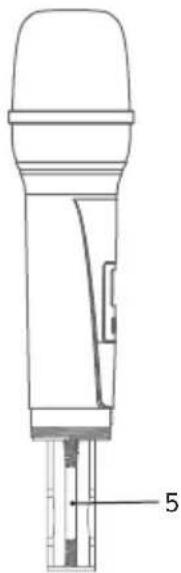
natural_image
Technical line drawing of a handheld device with labeled part '5' (no text or symbols beyond label)natural_image
Technical line drawing of two handheld devices with control buttons and a battery symbol (no text or labels)text_image
RF AF CH CH AF RF FREQUENCY MHz FREQUENCY MHznatural_image
Simple line drawing of two cylindrical objects with rounded tops (no text or symbols)
natural_image
Pure diagram of a coiled cable with two connectors and segmented bands (no text or symbols)
text_image
TONOR LIFE Wireless Volumes TW450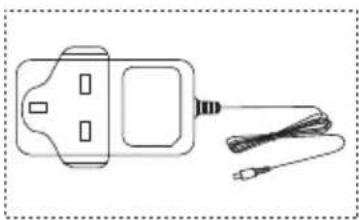
natural_image
Line drawing of a handheld device with a coiled cable extending from its side (no text or symbols)or
natural_image
Simple line drawing of a handheld electronic device with two ports and a cord (no text or symbols)or
natural_image
Simple line drawing of a handheld device with two ports and a cord, no text or symbols present.GEBRUIKSOMGEVING & OPMERKINGEN

natural_image
Line drawing of a handheld device with a labeled component (no text or symbols present)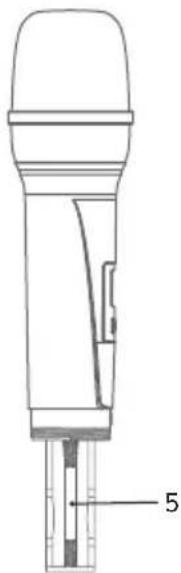
text_image
5text_image
Diagram showing two types of microphone devices with labeled buttons and a battery mechanism diagram illustrating rotation and polarity.text_image
RF AF CH CH AF RF FREQUENCY MHz FREQUENCY MHznatural_image
Simple line drawing of two cylindrical objects with rounded tops (no text or symbols)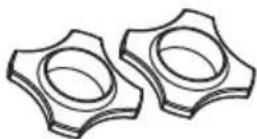
natural_image
Pure diagram of a coiled cable with two connectors and segmented bands (no text or symbols)
text_image
TONOR TIF-Wineer Vectors TW450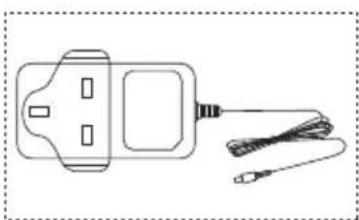
natural_image
Simple line drawing of a handheld device with a cable and connector (no text or symbols)or

natural_image
Line drawing of a handheld electronic device with two ports and a cord, no text or symbols presentor
natural_image
Simple line drawing of a handheld electronic device with a connector and cable (no text or symbols)ŚRODOWISKO PRACY I UWAGI

natural_image
Line drawing of a handheld device with a label pointing to the bottom part (no text or symbols on the device itself)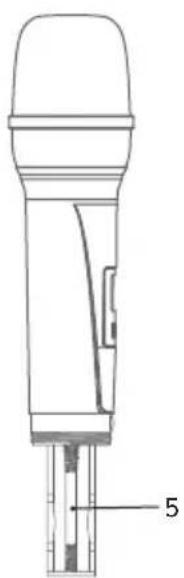
natural_image
Technical line drawing of a handheld device with labeled part '5' (no text or symbols beyond label)text_image
Technical diagram of a handheld device with labeled ports and internal components, showing directional arrows and polarity indicators.text_image
RF AF CH CH AF RF FREQUENCY MHz FREQUENCY MHznatural_image
Simple line drawing of two cylindrical objects with rounded tops (no text or symbols)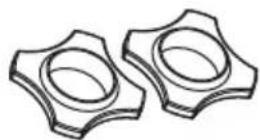
natural_image
Pure electrical circuit lines without any symbols
text_image
TONOR LME-Westing Options 1W450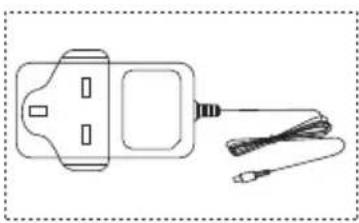
natural_image
Simple line drawing of a handheld device with a coiled cable (no text or symbols)or
natural_image
Simple line drawing of a handheld device with two slots and a cord, no text or symbols present.or
natural_image
Simple line drawing of a handheld device with a rectangular body and cable, no text or symbols present.DRIFTSFÖRHÅLLANDEN & ANTECKNINGAR

text_image
Technical diagram showing two variants of a power level meter with labeled buttons and polarity indicatorsnatural_image
Simple line drawing of two overlapping cylindrical objects with rounded tops (no text or symbols)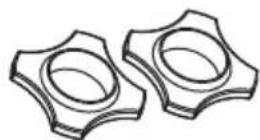
natural_image
Pure electrical circuit lines without any symbols
text_image
TONOR TENOMO Utopics TW450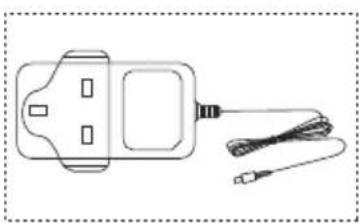
natural_image
Simple line drawing of a handheld device with a cable and connector (no text or symbols)or
natural_image
Simple line drawing of a handheld electronic device with two ports and cables (no text or symbols)or
natural_image
Simple line drawing of a handheld device with two buttons and a cord (no text or symbols)natural_image
Line drawing of a handheld device with labeled parts (no text or symbols present)