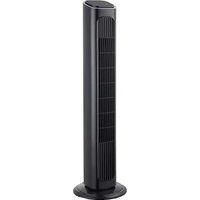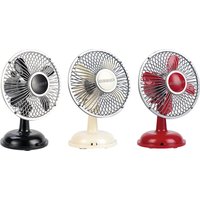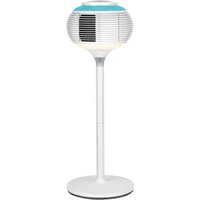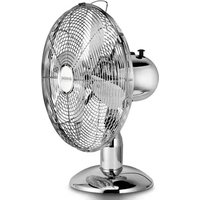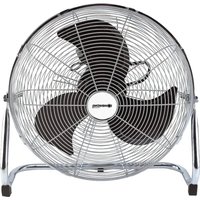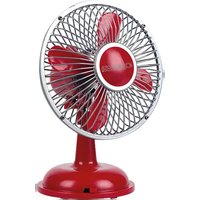
Jova - Fan Sonnenkönig - Free user manual and instructions
Find the device manual for free Jova Sonnenkönig in PDF.


| Product type | Table fan |
| Brand | Sonnenkönig |
| Model | Jova |
| Dimensions (L x W x H) | 237 x 300 x 346 mm |
| Weight | Approximately 2.5 kg |
| Power supply | 220 V~50 Hz |
| Rated power | 24 W |
| Cord length | 1.6 m |
| Number of speeds | 8 (rotary control and remote control) |
| Oscillation | Up-down and left-right, simultaneous |
| Timer | Programmable up to 7 hours (in 1-hour increments) |
| Ventilation modes | Normal, Natural, Sleep |
| LED lighting | 7 colors, automatic mode, manual or off |
| Remote control | Yes, range 4.5 m, angle 30-45° |
| Settings memory | Oscillation memorized, timer not memorized |
| Light display | Indicators for speed, modes, timer |
| Cleaning | Soft damp cloth (no water, no solvent) |
| Maintenance | No lubrication needed, check blade tightening |
| Safety | Protective grille, shutdown in case of overheating, do not immerse |
| Warranty | 24 months from the date of purchase |
| Spare parts | Front grille, blades, screws, remote control |
Frequently Asked Questions - Jova Sonnenkönig
User questions about Jova Sonnenkönig
0 question about this device. Answer the ones you know or ask your own.
Ask a new question about this device
Download the instructions for your Fan in PDF format for free! Find your manual Jova - Sonnenkönig and take your electronic device back in hand. On this page are published all the documents necessary for the use of your device. Jova by Sonnenkönig.
USER MANUAL Jova Sonnenkönig
natural_image
Exterior view of a modern electric fan with visible blades and control buttons (no text or symbols on the fan itself)Inhaltsverzeichnis
natural_image
Hand pressing a circular button with an arrow, no text or symbols visible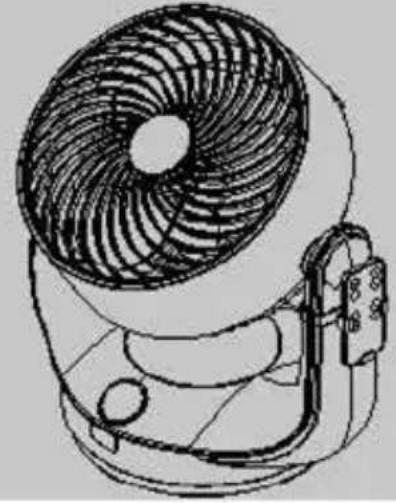
natural_image
Line drawing of a fan with visible blades and handle (no text or symbols)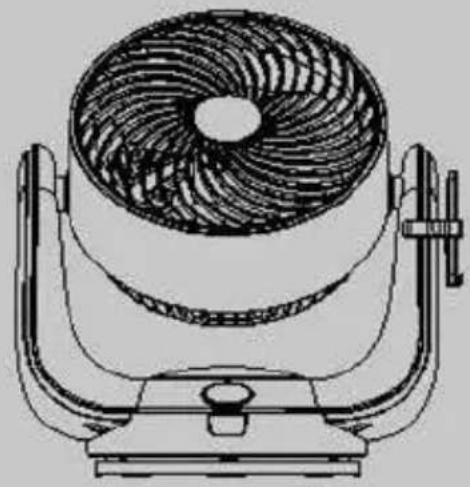
natural_image
Line drawing of a fan-shaped electric fan mounted on a stand (no text or symbols)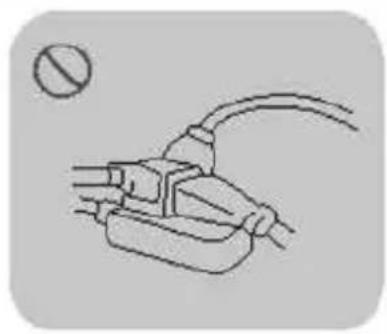
natural_image
Simple line drawing of a plug with wires and a bulb, no text or symbols present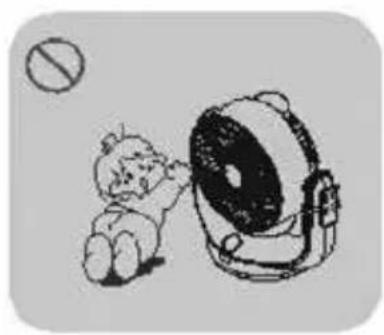
natural_image
Illustration of a cartoon character kicking a large circular object with a cross symbol (no text or labels)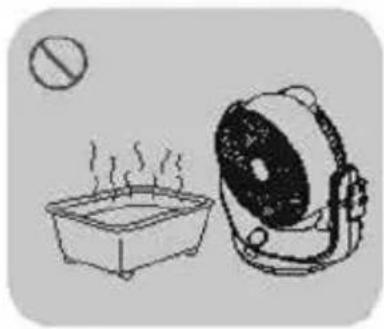
natural_image
Simple line drawing of a heating setup with a square basin and a portable lamp (no text or symbols)
natural_image
Illustration of a lamp emitting sound waves from a wall, with warning symbols and no visible text or labels.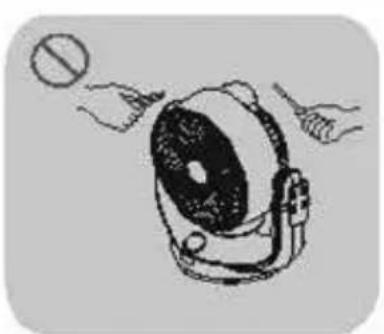
natural_image
Illustration of hands reaching toward a circular object with a handle (no text or symbols)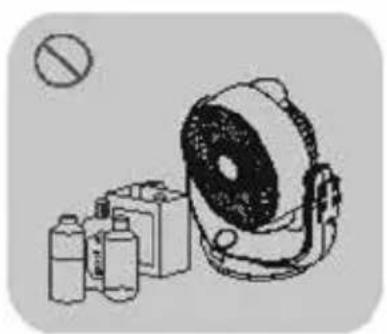
natural_image
Illustration of a portable radio with various devices and a circular button, no text or symbols present.natural_image
Three technical line drawings of a device with arrows indicating motion, no text or symbols presentnatural_image
Illustration of a hand using a power plug to switch electrical outlet (no text or symbols present)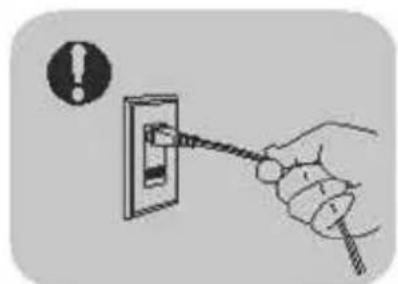
natural_image
Hand holding a cable with warning symbol (no text or labels)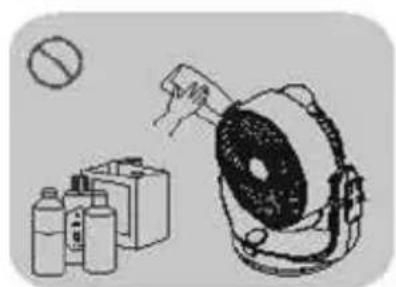
natural_image
Illustration of a portable device with a hand inserting a plug into it, next to two containers and a battery (no text or symbols)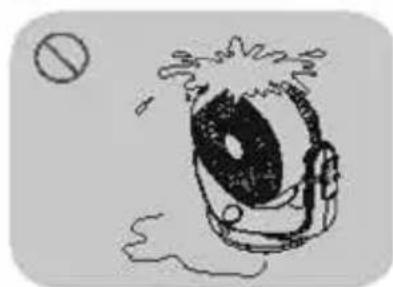
natural_image
Simple line drawing of a cartoon character with a large eye and motion lines, no text or symbols present.7. FEHLERSUCHE
DE
Festnetz 14 Cent/Minute
natural_image
Front view of a white electric fan with black ventilation grille and control buttons (no visible text or symbols)Article-nr. 10501401
Sommaire
natural_image
Hand pointing at two circular buttons with arrows, no text or symbols visible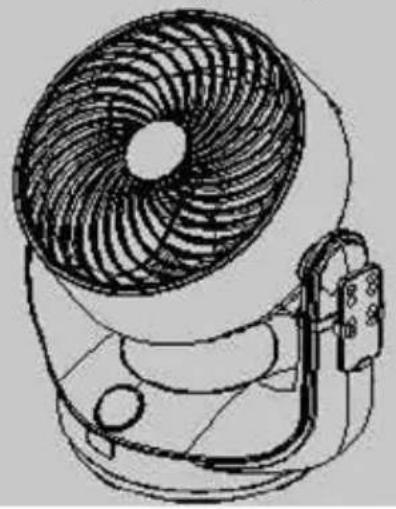
natural_image
Line drawing of a small fan with visible blades and handle (no text or symbols)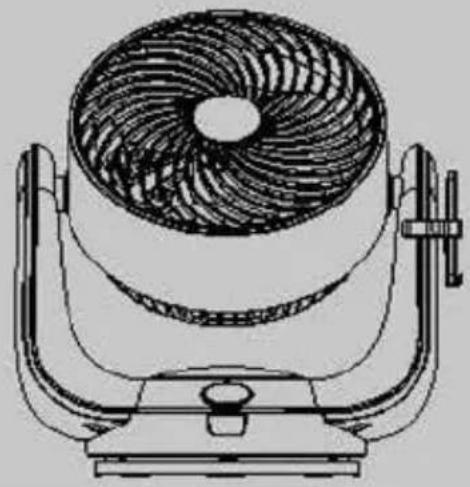
natural_image
Technical line drawing of a fan with internal blades and mounting base (no text or symbols)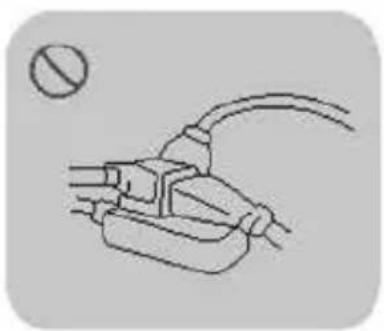
natural_image
Simple line drawing of a plug with wires and a circular symbol (no text or labels)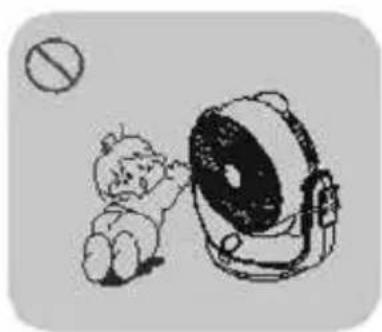
natural_image
Illustration of a child playing with a large screen, no text or symbols present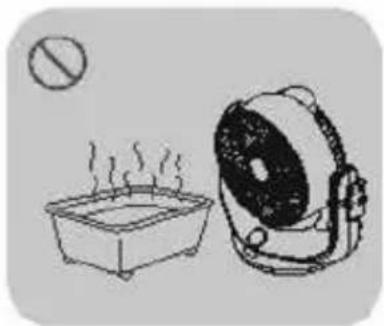
natural_image
Simple line drawing of a steaming pot and a portable lamp (no text or symbols)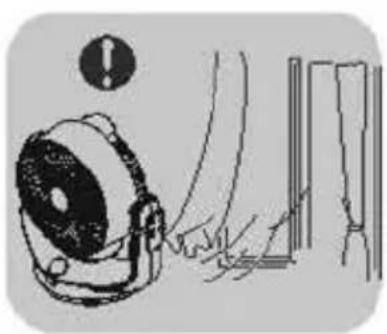
natural_image
Illustration of a hand operating a device with warning symbol (no text or labels)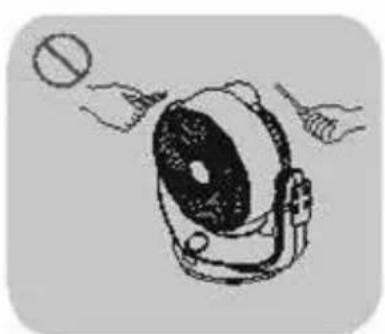
natural_image
Illustration of a hand holding a circular object with a device, no text or symbols present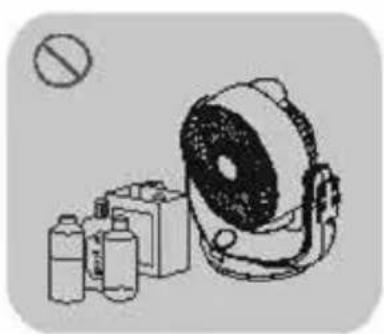
natural_image
Illustration of a portable radio with various devices and a prohibition symbol (no text or labels)2. MODE D'EMPLOI DE L'APPAREIL
natural_image
Three technical line drawings of a device with directional arrows indicating motion (no text or symbols)4. INFORMATIONS POUR L'UTILISATION
FR
natural_image
Hand inserting a plug into an electrical outlet, with a small inset showing a bulb (no text or symbols)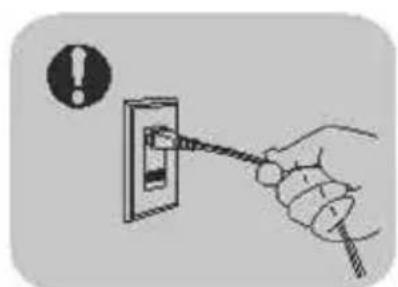
natural_image
Hand holding a cable with warning symbol (no text or labels)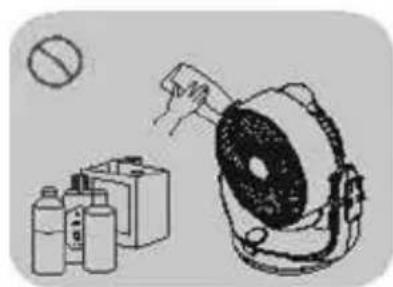
natural_image
Illustration of a portable radio emitting exhaust from a battery, with no visible text or symbols.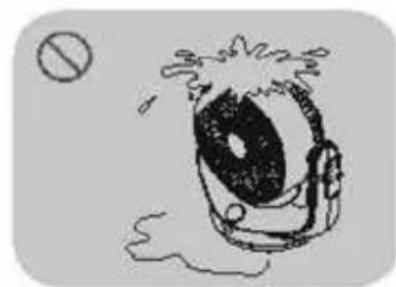
natural_image
Simple line drawing of a cartoon eye with a backpack and splashing lines, partially submerged in water (no text or symbols)7. PANNES
Festnetz 14 Cent/Minute
natural_image
White electric fan with black ventilation grille and control buttons (no visible text or symbols)Nr. articolo: 10501401
IT
Indice
natural_image
Hand holding two circular buttons with arrows, no text or symbols visible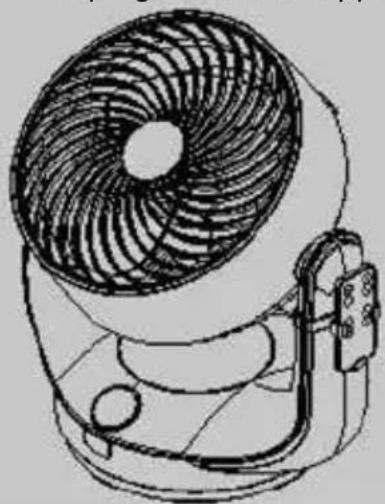
natural_image
Line drawing of a small electric fan with visible blades and handle (no text or symbols)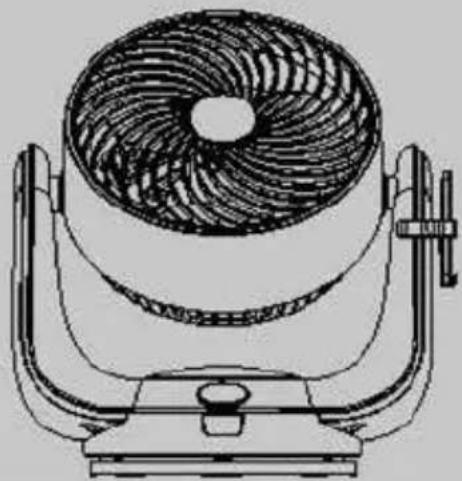
natural_image
Technical line drawing of a fan with internal blades and mounting base (no text or symbols)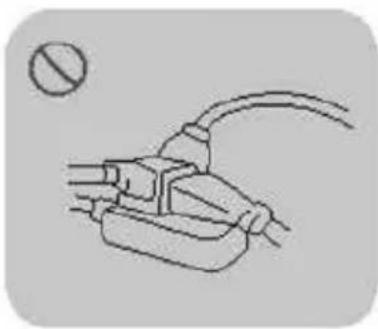
natural_image
Simple line drawing of a plug with a bulb above it (no text or symbols)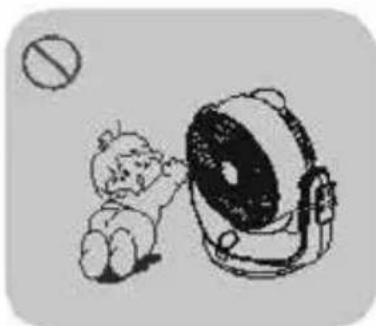
natural_image
Illustration of a child playing with a large screen outdoors (no text or symbols)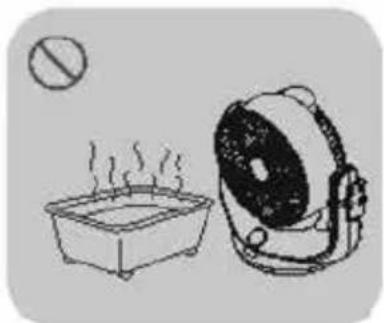
natural_image
Simple line drawing of a steaming pot and a portable lamp (no text or symbols)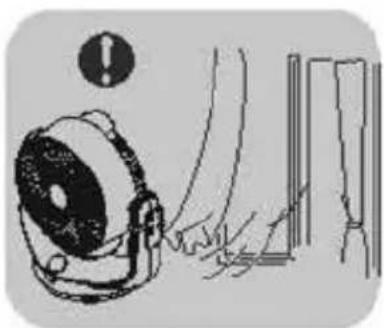
natural_image
Illustration of a hand operating a device next to a wall-mounted panel, with an exclamation mark above (no text or symbols on the diagram itself)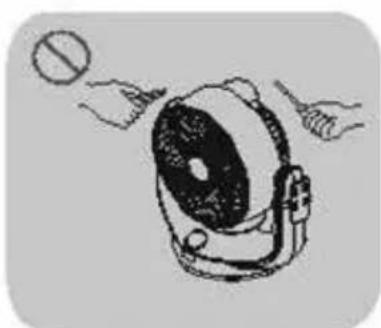
natural_image
Illustration of hands operating a portable radio with a ball (no text or symbols)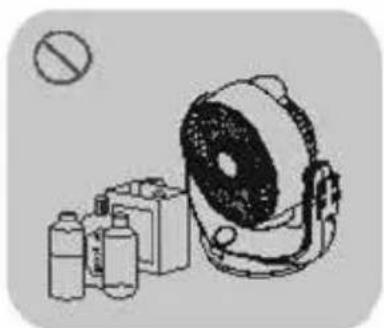
natural_image
Illustration of medical equipment including a radiation dose, pressure monitor, and bottle (no text or symbols)2. ISTRUZIONI DEL PRODOTTO
natural_image
Three technical line drawings of a device with directional arrows indicating motion (no text or symbols)4. ISTRUZIONI OPERATIVE
IT
natural_image
Hand inserting a plug into an electrical outlet (no text or symbols visible)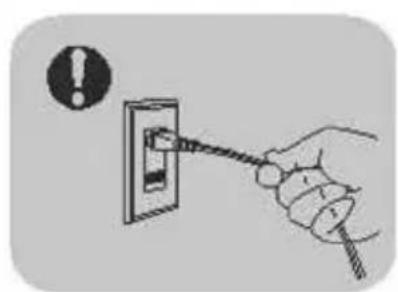
natural_image
Hand holding a cable with a warning symbol (no text or labels present)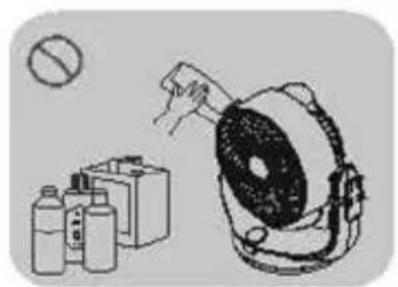
natural_image
Illustration of a portable device with a hand holding a tool, next to a battery pack and bottles (no text or symbols)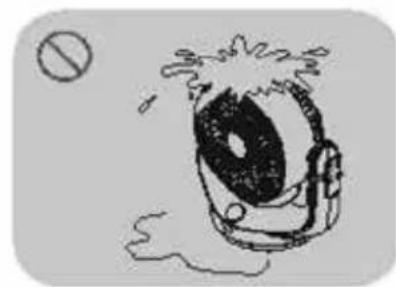
natural_image
Simple line drawing of a cartoon eye with splashing hair and a small circle nearby (no text or symbols)7. RISOLUZIONE DEI PROBLEMI
Festnetz 14 Cent/Minute
natural_image
White electric fan with black grille and control buttons, no visible text or symbols on the fan bodynatural_image
Hand pointing at two circular buttons on a surface (no text or symbols visible)
natural_image
Line drawing of a fan with visible blades and handle (no text or symbols)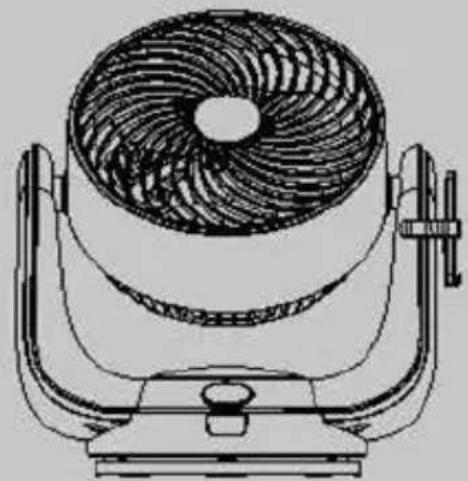
natural_image
Technical line drawing of a fan with a circular top and adjustable base (no text or symbols)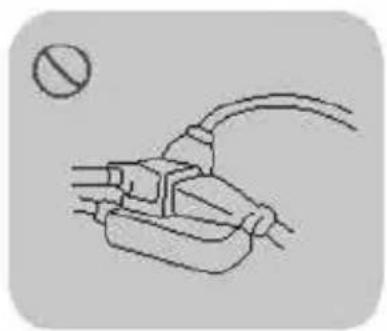
natural_image
Simple line drawing of a plug with wires and a circular symbol (no text or labels)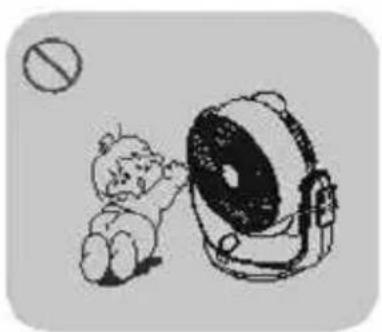
natural_image
Illustration of a baby sitting next to a large telescope with a prohibition symbol (no text or labels)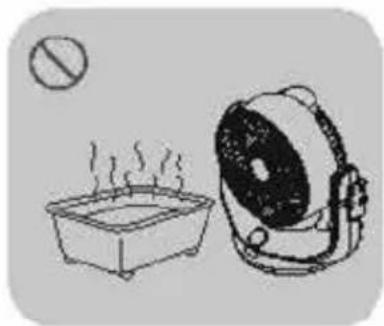
natural_image
Simple line drawing of a steaming pot and a portable lamp (no text or symbols)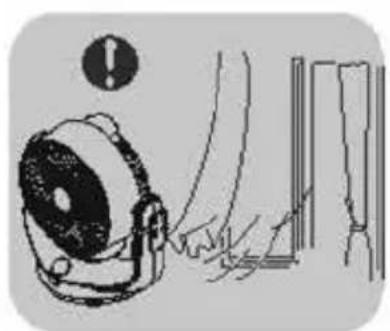
natural_image
Illustration of a device emitting exhaust smoke from a wall, with warning symbol and no visible text or labels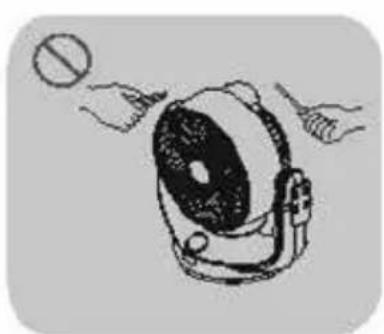
natural_image
Illustration of a hand holding a circular object above a device with a lens (no text or symbols)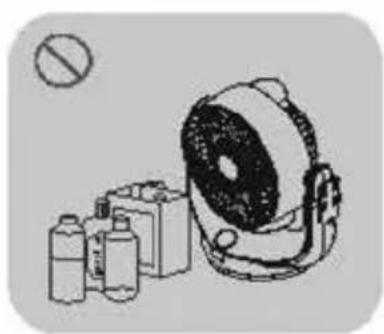
natural_image
Illustration of a portable radio with a speaker and three smaller devices (no text or symbols)natural_image
Three technical line drawings of a device with arrows indicating motion, no text or symbols presentnatural_image
Hand inserting a plug into an electrical outlet, with a small inset showing a fan symbol (no text or labels)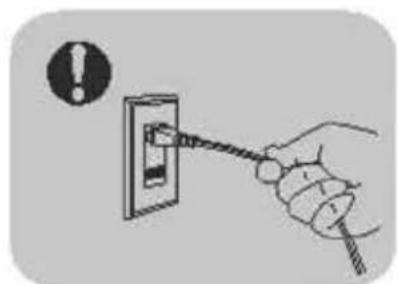
natural_image
Hand holding a cable with warning symbol (no text or labels)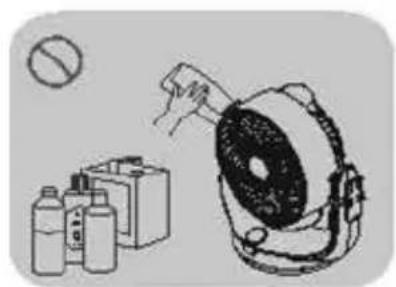
natural_image
Illustration of a portable device with a hand inserting a plug into it, accompanied by containers and a battery (no text or symbols present)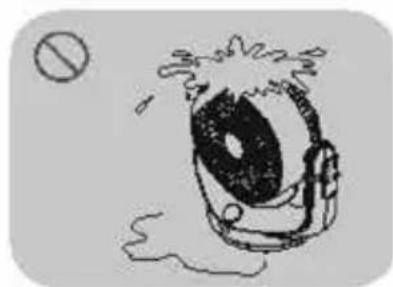
natural_image
Simple line drawing of a cartoon character with a large eye and splashing hair, partially submerged in water (no text or symbols)7. OPLOSSEN VAN PROBLEMEN
Festnetz 14 Cent/Minute
natural_image
Black and white photo of a modern electric fan with visible blades and control buttons (no text or symbols on the fan body)Item number: 10501401
Table of Contents
1 Safety Instructions....55
2 Product instructions ....57
3 Remote Control Instructions....59
4 Operating instructions.... 60
5 Component Disassembly ....61
6 Cleaning and Maintenance....62
7 Troubleshooting....63
8 Technical Specifications....63
9 Warranty / Disposal / Technical change 64
1. SAFETY INSTRUCTIONS
Please read before first commissioning the safety instructions carefully and observe the safety instructions to prevent damage due to misuse, improper operation, and improper environmental conditions to be avoided. Keep these for later reference.
Check the device after removing the packaging for damage. Do not put the unit in case of suspected corruption in operation and consult a specialist. The recyclable packaging material must not be stored or disposed accessible for young children, but must be disposed of properly.
This appliance is only for the purpose for which it was explicitly developed. Any other use is regarded as improper and therefore dangerous. The supplier is not liable for damage to persons and / or property damage due to an improper or incorrect use.
This appliance can be used by children aged from 8 years and above and persons with reduced physical, sensory or mental capabilities or lack of experience and knowledge if they have been given supervision or instruction concerning use of the appliance in a safe way and understand the hazards involved. Children shall not play with the appliance. Cleaning and user maintenance shall not be made by children without supervision. Please make sure to place the device on a suitable and waterproof surfaces, so that spilled liquids can not cause harm.
Repairs to electrical appliances must only be carried out by trained personnel only. Improperly performed repairs and alterations to the equipment can have dangerous consequences for the user according to what the warranty will be rejected.
- Unauthorized individuals without an appropriate professional training should not repair or replace any parts of this product.
- Do not use the product when the cord shows signs of wear, is knotted or the plug is damaged. Such products should be repaired by the manufacturer, an authorized maintenance technician or similar professionals.
- If there are any sparks, smoke or a peculiar smell, the user should immediately unplug the power plug. If maintenance is needed, it must be carried out by a professional technician.
- Please unplug the fan when it is not in use.
- Please do not disassemble this product by yourself.
- Please do not touch or clean the fan with water as the components may get damaged.
- Please turn off the fan before starting any maintenance/repair work.
-
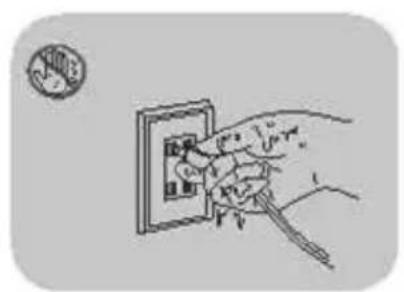
Please do not pull the cord when unplugging the fan from the socket.
-
Please do not place the electric fan on an uneven or unsteady surface.
- Please keep the fan away from children.
- Please do not use this electric fan near flammable or explosive gases.
- Please keep the electric fan away from any heat source such as a stove or direct sunlight.
- Please do not place the electric fan in places with high humidity or in high temperature areas.
Caution: Do not turn the fan forcibly by hand.
When the fan automatically rotates at a certain angle, do not turn it back forcibly by hand or it might damage the internal structure.
natural_image
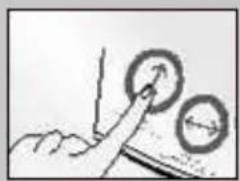
Hand pressing a circular button with an arrow, next to another circular button (no text or symbols visible)To rotate the angle, please press the swing up and down button.
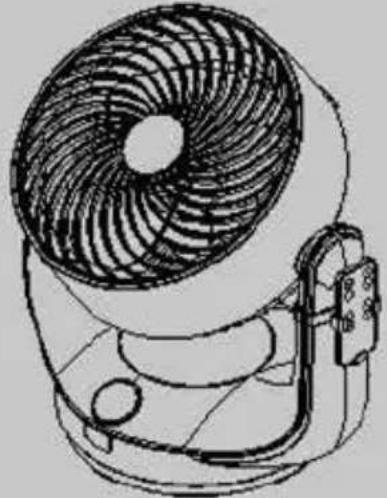
natural_image
Line drawing of a small electric fan with visible blades and mounting base (no text or symbols)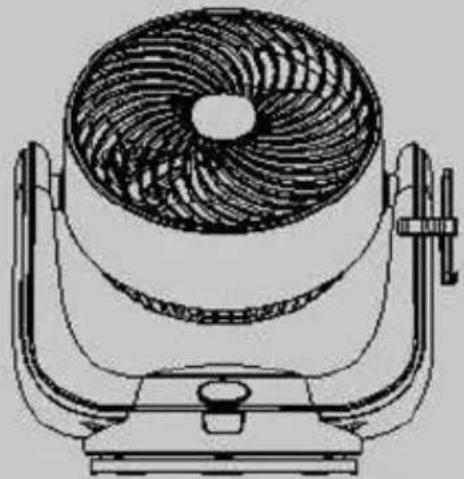
natural_image
Line drawing of a fan-shaped electric fan mounted on a stand (no text or symbols)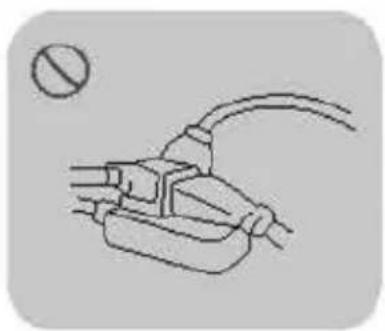
natural_image
Simple line drawing of a plug with a bulb and a circular symbol (no text or labels)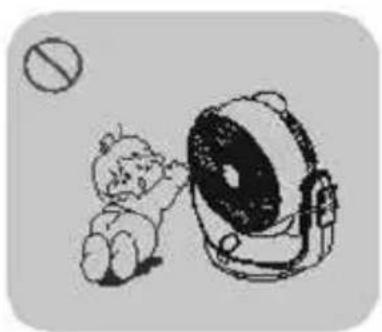
natural_image
Illustration of a cartoon character kicking a large circular device with a prohibition symbol (no text or labels)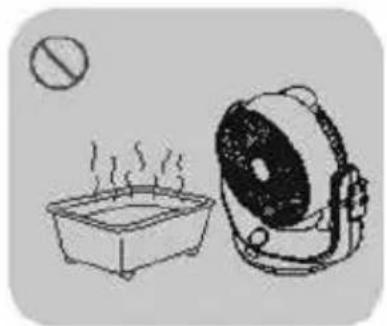
natural_image
Simple line drawing of a steaming pot and a portable lamp (no text or symbols)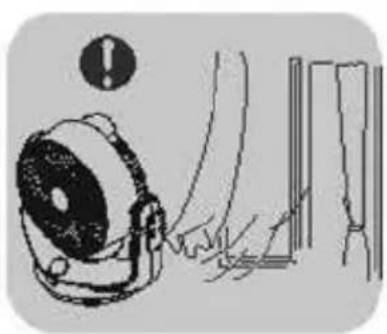
natural_image
Illustration of a megaphone emitting sound waves, with warning symbol and no visible text or labels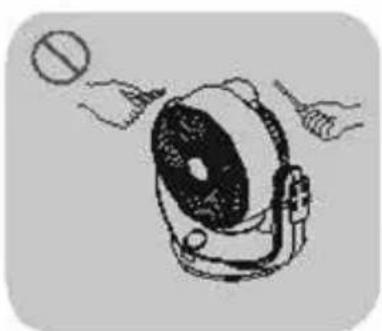
natural_image
Illustration of hands operating a portable radio with a ball (no text or symbols)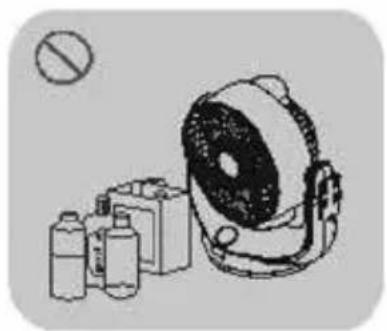
natural_image
Illustration of a portable radio with a speaker and three smaller devices (no text or symbols)2. PRODUCT INSTRUCTIONS
Turning On and Off (in Standby Mode)
- If the device is in standby mode, the motor will begin to run when the power button is pressed.
- The device changes from running mode into standby mode when the power button is pressed.
Speed Control (SPEED)
- Air speed can be controlled by turning the rotary knob on the body of the air circulator fan or by pressing the "+" and "-" buttons on the remote control.
- When the device is in running mode and the rotary knob is turned clockwise, the power of the motor will gradually increase (from level 1, 2, 3 ...) until it reaches its maximum (level 8). If the rotary knob is turned anticlockwise, the power of the motor will gradually decrease (from level 8, 7, 6 ...) until it is in standby mode (OFF).
- When the device is in running mode and the "+" button on the remote control is pressed, the power of the motor will change from a low level to a high level until it reaches its maximum (level 8) without any further changes. If the "-" button on the remote control is pressed, the power of the motor changes from a higher level to a lower level until it reaches its minimum (level 1) without any further changes.
- Corresponding to the selected speed level, the indicator lights of respective level and all the levels below will light up.
For example: At level 1, the indicator light of level 1 is on; at level 8, the indicator lights of levels 1 – 8 are all lit up.
Swing Control (SWING)
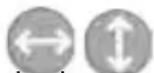
- In running mode, both swinging up and down as well as swinging left and right can be selected if the corresponding buttons on the body of the air circulator fan or the remote control are touched or pressed. Swinging left and right and swinging up and down are available at the same time.
- The swing function is initially turned off. When touching or pressing buttons on the body or the remote control, the user will hear one beep (which means swing function is on) or two beeps (which means swing function is off).
- In running mode, the indicator lights of the buttons are on while in standby mode the lights are off.
- The buttons are designed with a memory effect, i. e. when the motor was in standby mode and is turned back on, the swing function will be the same it had been before the motor was turned off.
Timer Control (TIMER)

- In running mode, the timer can be set if the respective button on the body is touched or the button on the remote control is pressed.
- Hours can be added and set to up to 7 hours (maximum). When the timer has elapsed, the fan will go into standby mode. The time can be set to 1, 2, 3 (1+2), 4, 5 (1+4), 6 (2+4) or 7 (1+2+4) hours with the corresponding indicators lighting up.
- Every time the timer is set, the user will hear a short beep. When the timer has elapsed, the user will hear a long beep.
- The timer function does not have a memory effect.
Mode Control (MODE)

- In running mode, the mode can be selected if the respective button on the body is touched or the button on the remote control is pressed.
- The default mode is normal. Every time the mode button is touched or pressed, there will be a short beep and the mode will change from normal to natural to sleep and back to normal again.
- When the device is running in normal mode, there will be no indicator light. If it is running in natural or sleep mode, the corresponding indicators will light up.
LED Control

- The seven-colour LED can be controlled with the LED button on the remote control.
- Indicator lights can be turned off by pressing this button. The button also allows for the seven-colour LED to change the mode.
- All the lights can be turned on as the related functions are activated.
- When the user presses this button, the mode will change as follows: automatic changing – pause – manual selection (one of the seven colours) – off – automatic changing.
- When pressing this button for at least 3 seconds, all the lights will be turned off with a short beep.
- If the user touches or presses any button after all the lights are off, the lights will turn on again with the current function being activated.
3. REMOTE CONTROL INSTRUCTIONS
- The functions of the remote control are the same as the functions of the touch panel on the product.
- Please remove the insulating material on the battery before use.
- The remote control is effective up to a distance of about 4.5 meters and an angle of about 30 – 45 degrees.
- If the air circulator fan does not respond even if the remote control is close enough, please replace the batteries in the remote control.
-
Incorrect assembly will lead to electric leakage and corrosion which damages the remote control. Please follow the instructions below:
-
Use a new battery when replacing the old one.
- Do not modify, short-circuit or disassemble the battery to avoid any danger.
- Place the battery correctly according to the indicated positive and negative electrodes.
- Remove the battery from the remote control in case of battery leakage or if it will not be used for a while.
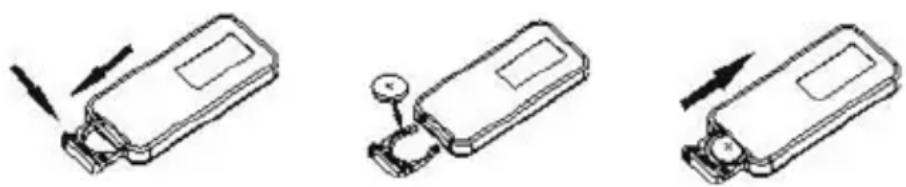
- Instructions on how to replace the battery are shown in the figures.
Note: Please recycle the old battery to avoid polluting the environment.
natural_image
Three technical line drawings of a device with arrows indicating motion, no text or symbols present4. OPERATING INSTRUCTIONS
EN
Pre-operating Instructions
- Please carefully read the instructions in this manual before operating this product.
- Check first if the available voltage is compatible with the rated voltage of this product.
- Place this product in a suitable environment and out of the reach of children.
Operating Instructions
- Please do not use the same socket for this device and other electrical products simultaneously; make sure to keep the power cord plug and the device dry.
- If there are any sparks, smoke or a peculiar smell, immediately unplug the power plug.
- Do not open the front guard of the fan or disassemble this product.
- Do not touch the electric fan with wet hands or wipe it with water to avoid components being damaged by water.
- Do not pour liquid or insert any items such as metal into the electric fan.
- Do not operate the device in areas with high humidity, direct sunlight, heating rooms or other high-temperature places.
- Do not place the electric fan on uneven ground or in an uneven position.
- Pay special attention to children to prevent them from putting a finger or stick into the front guard.
- Do not pull the cord when unplugging the fan from the socket.
- Please make sure to unplug the fan from the electrical socket when not in use.
Caution: If the power cord is damaged, it must be replaced by the manufacturer or a similarly qualified professional to avoid any danger. Unplug the device before disassembling or assembling it. This product is not intended for use by children and persons with weak physical ability, mental retardation or mental disorder unless it is safe to use under the guidance or assistance of a person responsible for their safety. This product must not be soaked with water for cleaning purposes or under any other circumstances.
5. COMPONENT DISASSEMBLY
text_image
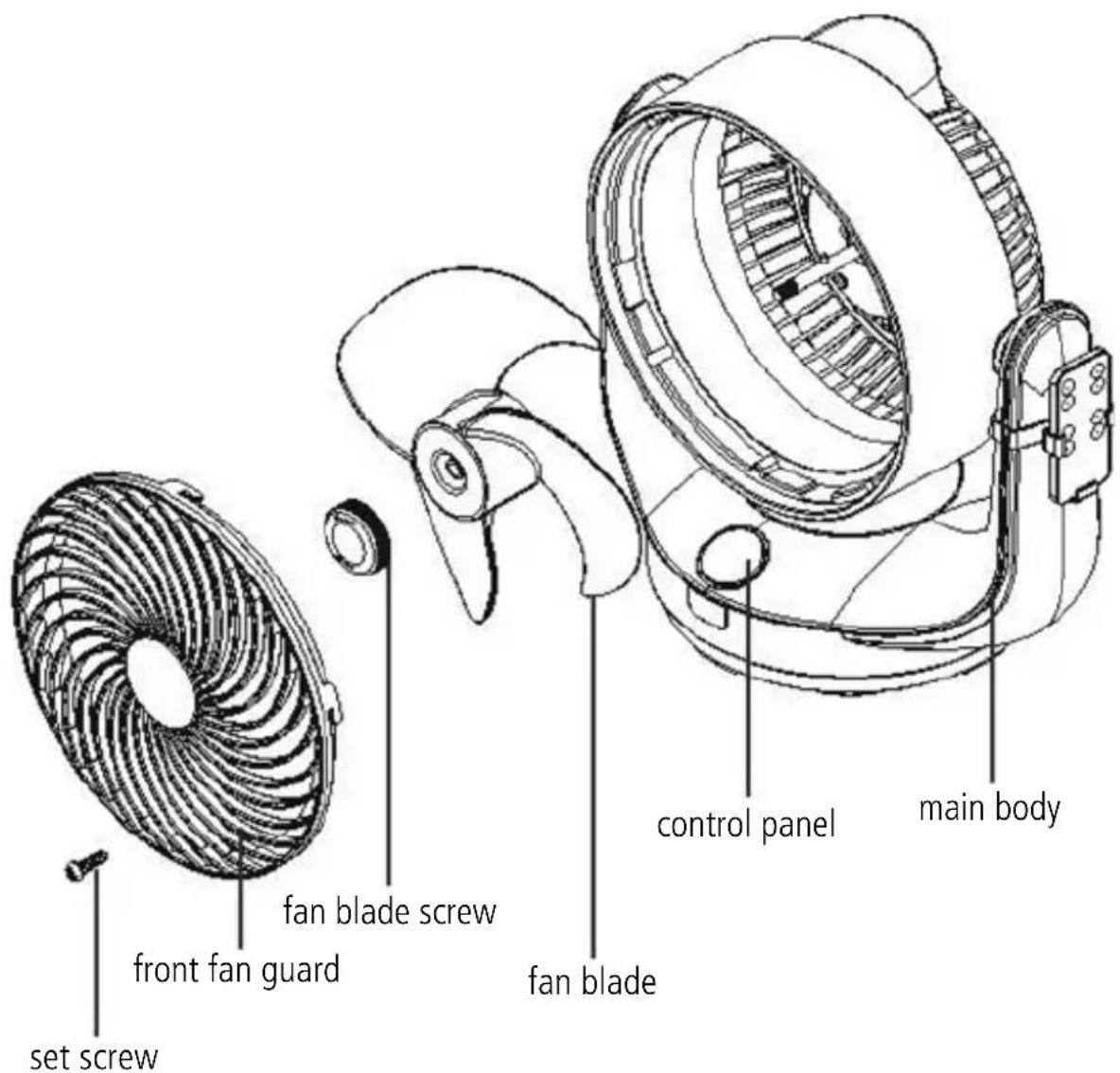
set screw front fan guard fan blade screw fan blade control panel main body- Removing the screw: Use a screwdriver to remove the set screw from the front guard.
- Removing the front guard: After unscrewing, hold the front guard and turn it anticlockwise until it loosens from the main body.
- Removing the fab blade: Turn the screw of the fan blade clockwise and take off the fan blade.
- Clean the components with a soft cloth dampened in water or neutral detergents, then thoroughly wipe them dry with a soft dry cloth.
6. CLEANING AND MAINTENANCE
EN
- Before cleaning and maintaining this product make sure to unplug the cord, and ensure the temperature of the device is safe for handling.
- Do not use toluene, bleach, hard brushes or any chemical solvents to avoid scratches and destroying the colour of the device. If the device is soiled and the dirt does not come off easily, it is recommended to use a neutral detergent specifically designed for tableware to clean the device.
- The fan blade is an important part, which must be handled carefully during installation, disassembly, cleaning or use to prevent deformation.
- The functional switches, buttons and knobs must be operated gently.
- Oil or dust on the electric fan should be cleaned with a neutral detergent. Do not use gasoline or alkaline liquids, so as not to damage the paint on the surface of these parts.
- Do not immerse the device in water.
Attention: The motor shaft does not need any extra oil for maintenance purposes, so please do not spray oil for maintenance without authorisation (for example: derusting oil, anti-rust oil, sewing machine oil, etc.)
natural_image
Hand inserting a plug into an electrical outlet (no text or symbols visible)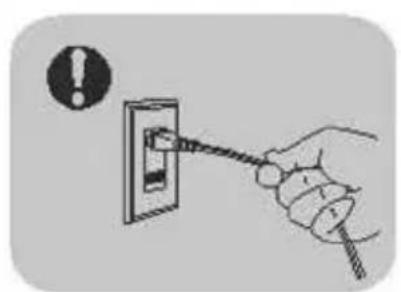
natural_image
Hand holding a cable inserted into an electrical outlet, with an exclamation mark icon nearby (no text or symbols on the diagram itself)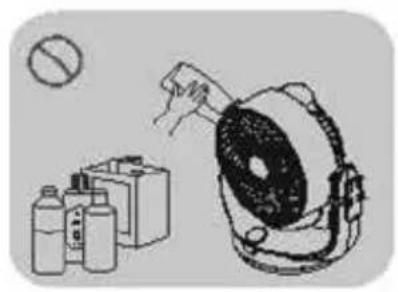
natural_image
Illustration of a medical device with a hand holding a tool, accompanied by two bottles and a circular object (no text or symbols)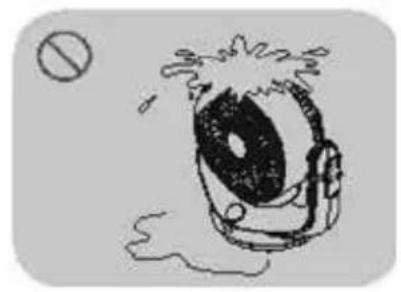
natural_image
Simple line drawing of a large eye with splashing lines and a small circle nearby (no text or symbols)7. TROUBLESHOOTING
If your fan fails to operate, attention must be paid to the following:
- The power cord is disconnected. Plug it in.
- The switch was not turned on.
- If neither of the above listed circumstances applies, please send the fan to the distributor for repair.
If there is an abnormal noise, attention must be paid to the following:
- Ensure the fan blade is placed correctly into the slot of the head axis.
- Ensure the fan blade is not deformed or is knocking against the front guard.
- Ensure the front guard is installed properly.
Please pull out the plug immediately when the fan starts to smoke or catches fire.
8. TECHNICAL SPECIFICATIONS
Model.....JOVA Rated Voltage/Frequency.....220 V\~50 Hz Rated Power.....24 W Dimensions.....237 x 300 x 346 mm Cord Length.....1.6 m
6. WARRANTY / DISPOSAL / TECHNICAL CHANGE
EN
Warranty: The Products are controlled just before delivery. If despite a lack of your product, try trustfully your seller. Please bring your receipt, as this is to be submitted for each warranty. The guarantee period is 24 months from date of purchase.
Disposal: The device must be disposed of properly. The device can be distributed free of charge for disposal at each dealer.
Technical changes: We reserve the right to modify the price, the design and the technical features.
Please save the packaging materials of the unit.
CE declaration of conformity
This device complies with the following standards:
EN 60335-1:2012+A11:2014
EN 60335-2-80:2003+A1:2004+A2:2009
EN 62233:2008
Firma
Armin Schmid
Festnetz 14 Cent/Minute