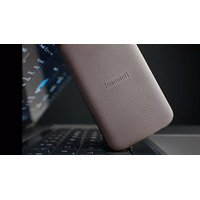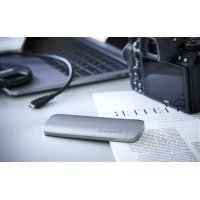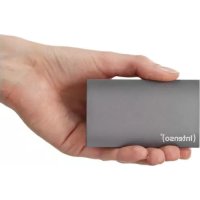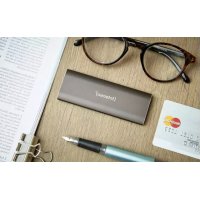
TX100 - Hard Drive INTENSO - Free user manual and instructions
Find the device manual for free TX100 INTENSO in PDF.



| Product type | External SSD drive |
| Interface | USB 3.2 Gen 1x1 (backward compatible with USB 2.0 and 3.0) |
| Dimensions | 91 x 54 x 11 mm |
| Weight | Approximately 50 g |
| Capacity | Available in multiple capacities (e.g., 240 GB, 480 GB, 960 GB) |
| Compatible operating systems | Microsoft Windows 8 or later, Mac OS 10.x or later |
| Maximum transfer rate | 5 Gbit/s (USB 3.2 Gen 1x1) |
| Operating temperature | 5 °C to 40 °C |
| Power supply | USB bus (self-powered, no AC adapter) |
| Package contents | Intenso TX100 external SSD, USB-C to USB-A cable, user manual |
| Main functions | External data storage, fast transfer, cross-platform compatibility, activity LED |
| Safety | Do not expose to water or moisture, avoid shocks, do not open the case |
| Maintenance and cleaning | Wipe with a dry, soft cloth. Disconnect before cleaning. |
| Repairability | Do not repair yourself. Contact customer service for any repairs. |
| Warranty | Legal warranty of conformity. The warranty does not cover data loss. |
| Standards and certifications | CE, RoHS, WEEE directive |
Frequently Asked Questions - TX100 INTENSO
User questions about TX100 INTENSO
0 question about this device. Answer the ones you know or ask your own.
Ask a new question about this device
Download the instructions for your Hard Drive in PDF format for free! Find your manual TX100 - INTENSO and take your electronic device back in hand. On this page are published all the documents necessary for the use of your device. TX100 by INTENSO.
USER MANUAL TX100 INTENSO
Declaration of conformity 2
General 2
Use 3
System requirements 3
Connecting the external SSD 3
Removing the external SSD 3
Safety Instructions 4
Service/Distributor 5
Technical data 5
Disposal 5
Exclusion of liability. 5
OVERVIEW
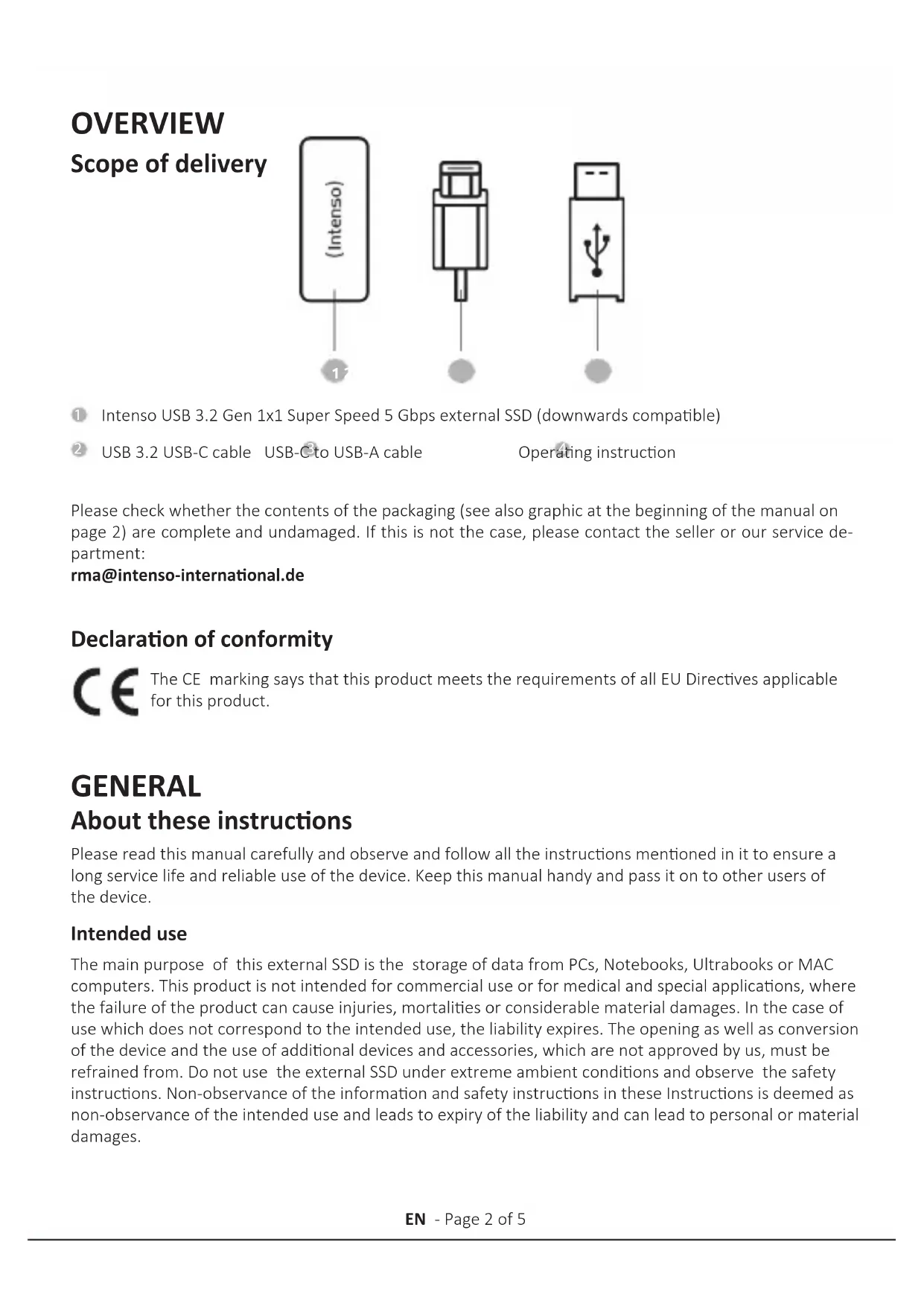
Scope of delivery
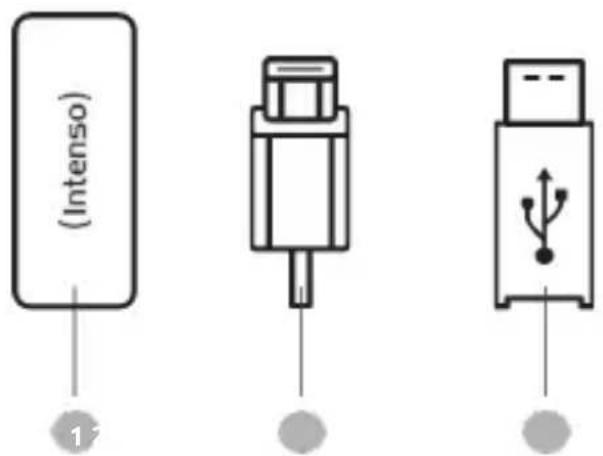
Intenso USB 3.2 Gen 1x1 Super Speed 5 Gbps external SSD (downwards compatible)
2 USB 3.2 USB-C cable USB-C to USB-A cable
Operating instruction
Please check whether the contents of the packaging (see also graphic at the beginning of the manual on page 2) are complete and undamaged. If this is not the case, please contact the seller or our service department:
rma@intenso-international.de
Declaration of conformity
The CE marking says that this product meets the requirements of all EU Directives applicable for this product.
GENERAL
About these instructions
Please read this manual carefully and observe and follow all the instructions mentioned in it to ensure a long service life and reliable use of the device. Keep this manual handy and pass it on to other users of the device.
Intended use
The main purpose of this external SSD is the storage of data from PCs, Notebooks, Ultrabooks or MAC computers. This product is not intended for commercial use or for medical and special applications, where the failure of the product can cause injuries, mortalities or considerable material damages. In the case of use which does not correspond to the intended use, the liability expires. The opening as well as conversion of the device and the use of additional devices and accessories, which are not approved by us, must be refrained from. Do not use the external SSD under extreme ambient conditions and observe the safety instructions. Non-observation of the information and safety instructions in these Instructions is deemed as non-observation of the intended use and leads to expiry of the liability and can lead to personal or material damages.
USE
System requirements
This external SSD is compatible with the operating systems MS Windows 8 or later and Mac OS 10.x or later.
*Trademarks: Windows 8 is registered trademark of Microsoft Corporation. Macintosh and MAC are registered trademarks of Apple Computer. All brands and third party names are the property of the respective user.
Notes:
For the operation of the USB 3.2 Gen. 1x1 an USB 3.2 Gen. 1x1 interface is needed. The external SSD offers a downward compatibility with previous USB standards.
The hardware configuration of your PC and the used operating system can influence the compatibility of the external SSD.
Connecting the external SSD
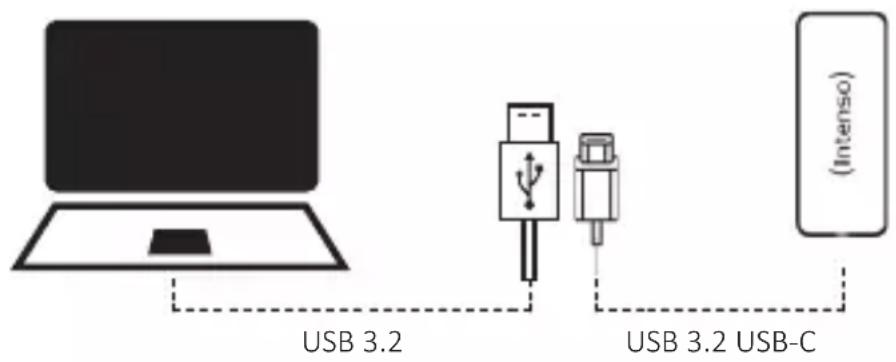
To connect the external SSD to your computer, please only use the supplied USB cable. Connect the USB 3.2 connector to the Intenso SSD and the USB 3.2 connector of the other cable end to your computer.
The computer recognizes the "new hardware" and installs the driver automatically. Wait until the driver installation is completed. In the "workplace" there is now another drive with the designation "Intenso" available.
As soon as the external SSD is connected with the computer, the LED lights up. The LED flashes when a write or read operation is carried out.
Removing the external SSD
Depending on the used operating system, the external SSD must be logged off before the connection to the computer is interrupted. For further details please refer to the Help Section of your operating system provider. The device may not be removed when it is still being accessed (flashing LED). This can lead to damages and/or data loss. Please close all the files located on the external SSD (photos, documents, etc.) before removing the external SSD.
SAFETY INFORMATION
Dangers for children and persons with restricted physical, sensory or mental abilities:
Children often underestimate dangers or do not recognise them at all. This device is not intended to be used by persons (including children) with restricted sensory, physical or mental abilities or lack of experience and/or knowledge, unless they are supervised by a person responsible for their safety or received instructions from the person on how to use the device and they have understood the resultant dangers. Unsupervised children should not have access to the device. Make sure that children do not play with the device.
General safety instructions
The device may not be exposed to spray or dripping water.
Do not place containers filled with liquids (vases, glasses, etc.) on the device or in its immediate vicinity. There is a risk that the container will tip over and the liquid will affect the electrical safety.
Do not operate this appliance with wet hands.
Do not insert any items, which are not intended for its use, into the openings of the device. This could lead to an electrical short-circuit and a resultant fire.
Do not block or cover the openings of the product.
Do not use the device if there is visible damage to the device itself or to the USB cable.
When positioning the device, pay attention that no one can tread on the cable or trip over it. Do not place any objects onto the cable.
Carry out data backups frequently to avoid a possible data loss.
Data recovery is not part of the guarantees and cannot be conducted by our Service Centre!
Keep the device away from any type of moisture and avoid dust, heat and direct sunlight.
Do not open the housing of the device and do not disassemble it into its component parts. Do not try to repair it yourself. The guarantee expires in this case.
Avoid using the device in strongly magnetized areas such as, for example, in the direct proximity of TV sets, loudspeakers, etc. to avoid data loss or other malfunctions.
During operation pay attention to a vibration-free base to avoid damages.
SERVICE / DISTRIBUTOR
INTENSO INTERNATIONAL GMBH | Kopernikusstraße 12-14 | 49377 Vechta
Email (technical support): support@intenso-international.de
Email (RMA number): rma@intenso-international.de
Internet: www.intenso.eu
Telephone (technical support): +49 (0) 4441 - 999 111 (Mon. - Thur. 09:00 - 16:30;
Fri. 09:00 - 14:00)
TECHNICAL DATA
| EXTERNAL SSD USB 3.2 GEN 1x1 SSD | |
| Dimensions: 91 x 54 x 11 mm | |
| Ready for operation: between 5°C and 40°C | |
| Transfer rate: max. 5 GBit/sec (USB 3.2 Gen.1x1) | |
| Capacity calculation: 1 MB = 1,000,000 bytes | 1 GB = 1,000,000,000 bytes |
DISPOSAL
| Disposal of old electronic equipment: The devices marked with this symbol are subject to the European Directive 2012/19/ EC. All electrical appliances and old electrical appliances must be disposed of separate from the municipal waste stream via designated collection facilities appointed by the government or the local authorities. You avoid environmental damage with the proper disposal of old electrical equipment. | |
| Packaging: Packaging is raw material. The packaging material of this product is suitable for recycl- cling and can be re-used. Please pay attention to the local recycling provisions when disposing of any materials. |
EXCLUSION OF LIABILITY
Changes to the firmware and / or hardware can be made at any time without prior notification. For this reason it is possible that parts of the manual, technical data and images in this documentation may deviate slightly from the product in your hand. All products described in this manual are only for the purpose of clarification and must not necessarily match any certain situation. No claims can be made based on this manual.