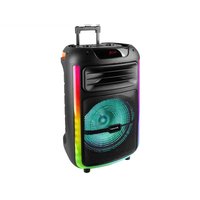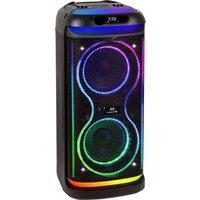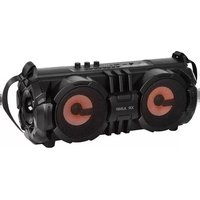
XR 190 BT - Speaker Trevi - Free user manual and instructions
Find the device manual for free XR 190 BT Trevi in PDF.

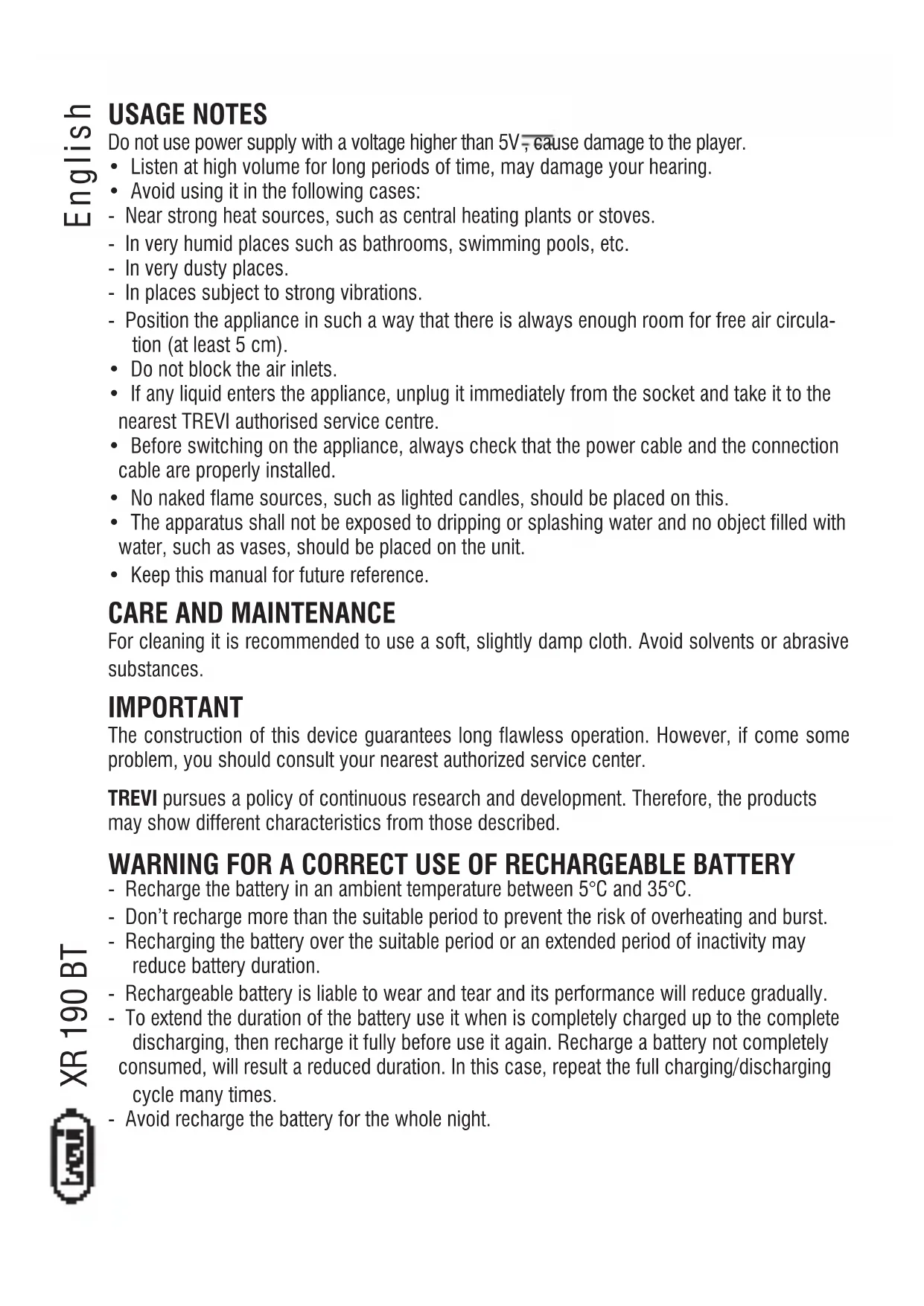


| Product Type | Portable Bluetooth Speaker |
| Brand | Trevi |
| Model | XR 190 BT |
| Power Supply | 5V DC, 1A via micro USB port (charger not included) |
| Battery | Built-in rechargeable; maximum charge 6 hours; charging temperature 5°C to 35°C |
| Bluetooth | Frequency 2.4 GHz (version not specified) |
| Inputs | Micro USB (charge), USB type A, micro SD, AUX IN (3.5mm jack), microphone (6.35mm jack) |
| Functions | Bluetooth, FM radio, micro SD/USB player, AUX, amplified microphone, voice recording, LED lighting |
| Controls | Buttons: MODE, LIGHT, REC, EQ, CH/REP, previous, play/pause, next; potentiometers: master volume, mic volume, echo effect |
| Display | LED: low battery indicator (flashing), charging (solid red while charging, off when done), radio frequency, track number |
| On/Off Switch | Rotary |
| Maintenance | Clean with a slightly damp soft cloth; avoid solvents and abrasives |
| Safety | Do not use charger >5V; do not listen at high volume; avoid magnetic fields, heat sources, humidity, dust, vibrations; charge between 5°C and 35°C; do not charge for more than 6 hours |
| Disposal | Product subject to separate collection; battery must be recycled at an appropriate collection point |
| Included Accessories | Micro USB cable, user manual |
Frequently Asked Questions - XR 190 BT Trevi
User questions about XR 190 BT Trevi
0 question about this device. Answer the ones you know or ask your own.
Ask a new question about this device
Download the instructions for your Speaker in PDF format for free! Find your manual XR 190 BT - Trevi and take your electronic device back in hand. On this page are published all the documents necessary for the use of your device. XR 190 BT by Trevi.
USER MANUAL XR 190 BT Trevi
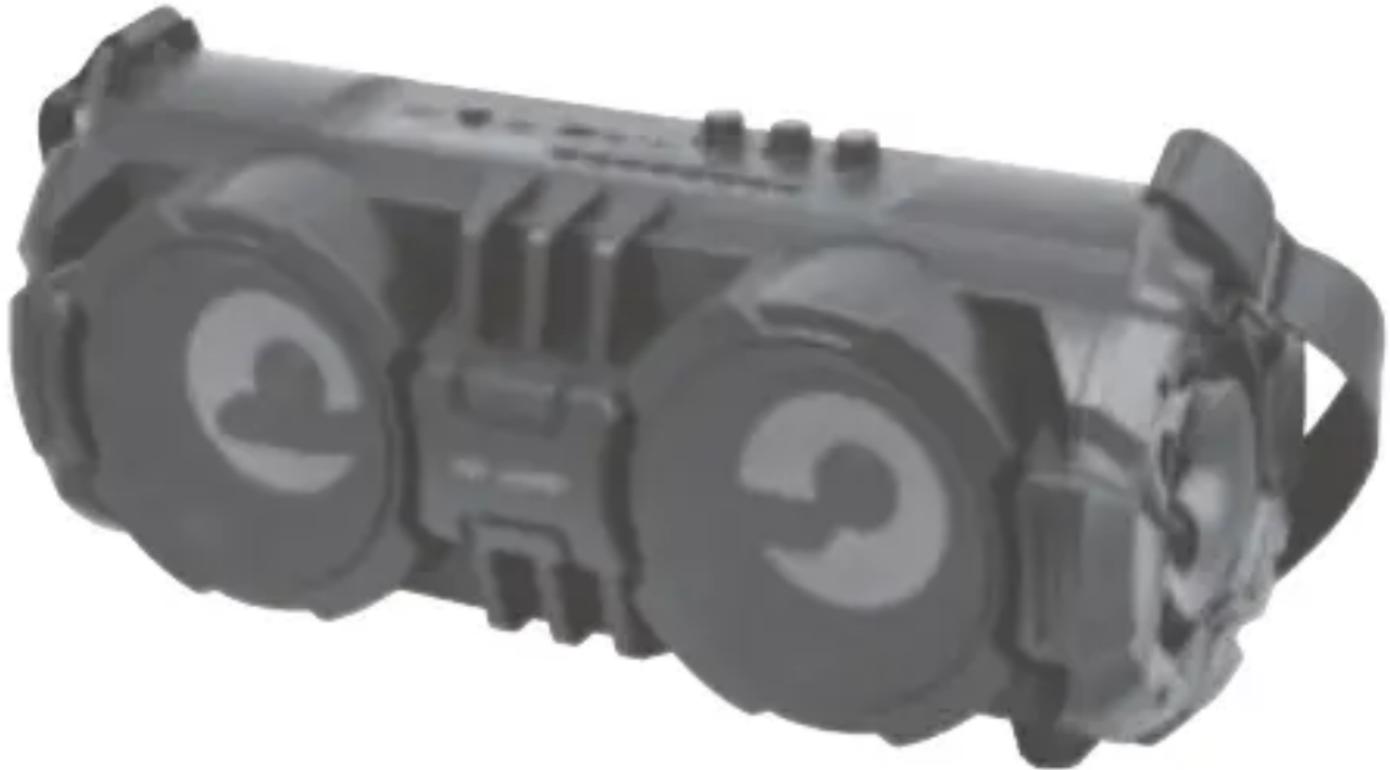
SPEAKER with BLUETOOTH
User Manual
AUX IN
BLUETOOTH CONNECTION
MP3 PLAYER
USB/ MICROSD CARD READER
Do not use power supply with a voltage higher than 5V , cause damage to the player.
- Listen at high volume for long periods of time, may damage your hearing.
- Avoid using it in the following cases:
- Near strong heat sources, such as central heating plants or stoves.
- In very humid places such as bathrooms, swimming pools, etc.
- In very dusty places.
- In places subject to strong vibrations.
- Position the appliance in such a way that there is always enough room for free air circulation (at least 5cm ).
- Do not block the air inlets.
- If any liquid enters the appliance, unplug it immediately from the socket and take it to the nearest TREVI authorised service centre.
- Before switching on the appliance, always check that the power cable and the connection cable are properly installed.
- No naked flame sources, such as lighted candles, should be placed on this.
- The apparatus shall not be exposed to dripping or splashing water and no object filled with water, such as vases, should be placed on the unit.
- Keep this manual for future reference.
CARE AND MAINTENANCE
For cleaning it is recommended to use a soft, slightly damp cloth. Avoid solvents or abrasive substances.
IMPORTANT
The construction of this device guarantees long flawless operation. However, if come some problem, you should consult your nearest authorized service center.
TREVI pursues a policy of continuous research and development. Therefore, the products may show different characteristics from those described.
WARNING FOR A CORRECT USE OF RECHARGEABLE BATTERY
- Recharge the battery in an ambient temperature between 5^ and 35^ .
- Don't recharge more than the suitable period to prevent the risk of overheating and burst.
- Recharging the battery over the suitable period or an extended period of inactivity may reduce battery duration.
- Rechargeable battery is liable to wear and tear and its performance will reduce gradually.
- To extend the duration of the battery use it when is completely charged up to the complete discharging, then recharge it fully before use it again. Recharge a battery not completely consumed, will result a reduced duration. In this case, repeat the full charging/discharging cycle many times.
- Avoid recharge the battery for the whole night.
CONTROLS

10 9 1 2 3 4 5 6 7 8

15 16141312 11 20191817
- MODE key: function selection
- LIGHT key: light effect selection
- REC button: recording function activation
- EQ key: equalization selection
- CH / REP button: REPEAT function / pairing of the BT device / FM selection of frequency channels
- Previous track / previous Radio station
- Play / Pause button and automatic search in Radio mode
-
Next track / next Radio station
-
Display
- Low battery indicator
- Charging led
- Micro USB socket for charging
- On / off switch
- MicroSD memory input
- USB input
- AUX IN socket
- Microphone input
- Microphone volume adjustment
- ECHO effect adjustment
- VOLUME adjustment
CHARGING
The speaker must be recharged in OFF position.
- Using the supplied USB cable, connect the side with the Micro USB socket to the micro USB socket (12) of the speaker and the other end to the USB port of a PC or USB charger (5V, 1A, not included).
- The red Led indicator (11) will light up to indicate the recharging status, when charging is completed it will switch off.
Note: When the battery is low the low battery indicator will flash a few times before the device automatically turns off.
BASIC OPERATION
To turn on the speaker, use the on / off switch (13).
Press the MODE button (1) to choose between:
-Bluetoothmode.
- Micro SD mode, if there is a Micro SD memory in the slot (14) the unit will start playing music automatically.
- USB mode, if there is a USB type memory in the jack (16) the unit will start playing music automatically.
- Radio mode.
-AUX IN mode.
VOLUME ADJUSTMENT
Turn the VOLUME knob (20) to adjust the volume.
BLUETOOTH OPERATION
COUPLING TO THE DEVICES
- Place the speaker near the Bluetooth device to be paired.
- Turn on the speaker and select the Bluetooth mode (the 17 indicator flashes).
- Search for and pair the speaker named "XR 190 BT" and enter the PIN "0000" if required.
- Once paired, a short acoustic signal will sound and you can play the music tracks.
- To disconnect the connected device and connect another one, long press the REP / CH button (2).
Note:
- The Bluetooth speaker works only with one connection at a time, the connection can not be interrupted during normal operation.
- When Bluetooth pairing with external devices fails, delete another one
Bluetooth device in the connection list, restart the Bluetooth speaker and look again for the signal.
COMMANDS AVAILABLE IN BLUETOOTH MODE
- To start music playback, start it from your device.
- Press the (6) key once to move to the previous track, press the (8) key once to move to the next track.
- Press the button (7) to pause, press it again to resume music reproduction. When connected to a telephone, when a call is received, playback is interrupted and then resumed automatically at the end of the conversation.
RADIO OPERATION
- Use the MODE button (1) to select the radio function.
- Long press the button (7) to start scanning and storing radio stations automatically.
- Once the stations have been stored, press the button (6) to select the station previous or the button (8) to select the next station.
- If you want to search for a particular radio frequency, press the REP / CH key (2) until the current frequency appears and then press the keys (6) and (8). To return to the selection of the memorized radios, press the REP / CH button (2) again.
- Turn on the speaker.
- Insert a Micro SD card into the slot (14) keeping the electrical contacts facing to the front of speaker, or insert a USB memory (16).
-Playback will start automatically. - Press the (6) key once to move to the previous track, press the (8) key once to move to the next track.
- Long press the buttons (8) and (6) to fast forward / reverse the playback of the track being played.
- Press the button (7) to pause, press it again to resume playback.
AUX IN OPERATION
- Turn on the speaker.
- Connect a 3.5mm jack cable to the AUX socket (15) and the other end to the external unit.
- Start playback from the external device.
MICROPHONE INPUT
Insert an external microphone (not supplied) into the MIC input (17) to amplify your voice.
Adjust the microphone volume using the adjustment (18).
Adjust the ECHO effect on the voice by adjusting (19).
REC FUNCTION
In SD / USB mode, by long pressing the REC (3) button you can activate the voice recording function on the microphone. When active, music playback is interrupted and the word REC followed by the recording time appears on the display. To stop recording, press the REC key (the display shows the word PAUS). To ascend the
recording you have just made, press the button (7).
Note: it is only possible to record your own amplified voice from the microphone.
To return to music playback press the MODE button (1).
LIGHT FUNCTION
By pressing the LIGHT (2) key you can activate the speaker lighting function. By pressing it several times it is possible to select different lighting effects.
Pressing it for a long time it is possible to deactivate the light function (lighting off).
TECHNICAL FEATURES
Rechargeable Battery: 7.4V 2000mAh
Power supply: 5V=1A
Max Audio Power: 24W
Max transmission power Bluetooth: 0.8mW
Bluetooth transmission frequency: 2.4GHz
Radio Frequency: 87.5-108.0MHz
Dimensions: 430 x 180 x 192 mm
Weight: 2.5 Kg
INFORMATION ON THE REMOVAL AND DISPOSAL OF BATTERIES
Warning: the operation of removal and disposal is reserved to technical personnel!
Whatever type of battery used up, it should never be placed in household waste, fire or water. Each type of used battery must be recycled or disposed of at an appropriate dedicated collection points.
To remove the battery:
- Unscrew the screws on the side plastic panels and remove them.
- Unscrew the screws on the back of the appliance and separate the front part of the unit from the rear part.
- Remove the control panel.
- Remove the plastic protection by unscrewing the screws, locate the battery, remove it and remove it.
NOTES D'EMPLOI
Batterie rechargeable: 7.4V 2000mAh
Alimentation: 5V-1A
Puissance audio max: 24W
Puissance de transmission maximum Bluetooth: 0.8mW
Frequence radio: 87,5-108,0 MHz
Dimensions: 430 x 180 x 192 mm
Poids: 2,5 kg
Precautions for correct disposal of the product.
The symbol shown on the equipment indicates that waste must be disposed of in "separate collection" and so the product must not be disposed of together with urban waste.
The user must take the product to special "separate waste collection centres" provided by local government, or deliver it to the retailer against the purchase of a new product.
Separate collection of waste and subsequent treatment, recycling and disposal operations promotes the production of equipment with recycled materials and limits negative effects on the environment and on health caused by improper handling of waste.
illegal disposal of the product leads to the enforcement of administrative penalties.

EN If you will not find your language on the instruction manual, please go on our website www.trevi.it to find it
https://www.trevi.it/dms/zidi/TREVI/DOCXR190BT.pdf
SIMPLIFIED EU DECLARATION OF CONFORMITY
Hereby TREVI Spa declares that the radio equipment type XR 190 BT is in compliance with directive 2014/53/EU.
The full text of the EU declaration of conformity is available at the following internet address:
https://www.trevi.it/dms/zidi/TREVI/DOCXR190BT.pdf