EasyManual
ET140 - Measuring equipment Klein Tools - Free user manual and instructions
Find the device manual for free ET140 Klein Tools in PDF.



User questions about ET140 Klein Tools
0 question about this device. Answer the ones you know or ask your own.
Ask a new question about this device
Download the instructions for your Measuring equipment in PDF format for free! Find your manual ET140 - Klein Tools and take your electronic device back in hand. On this page are published all the documents necessary for the use of your device. ET140 by Klein Tools.
USER MANUAL ET140 Klein Tools
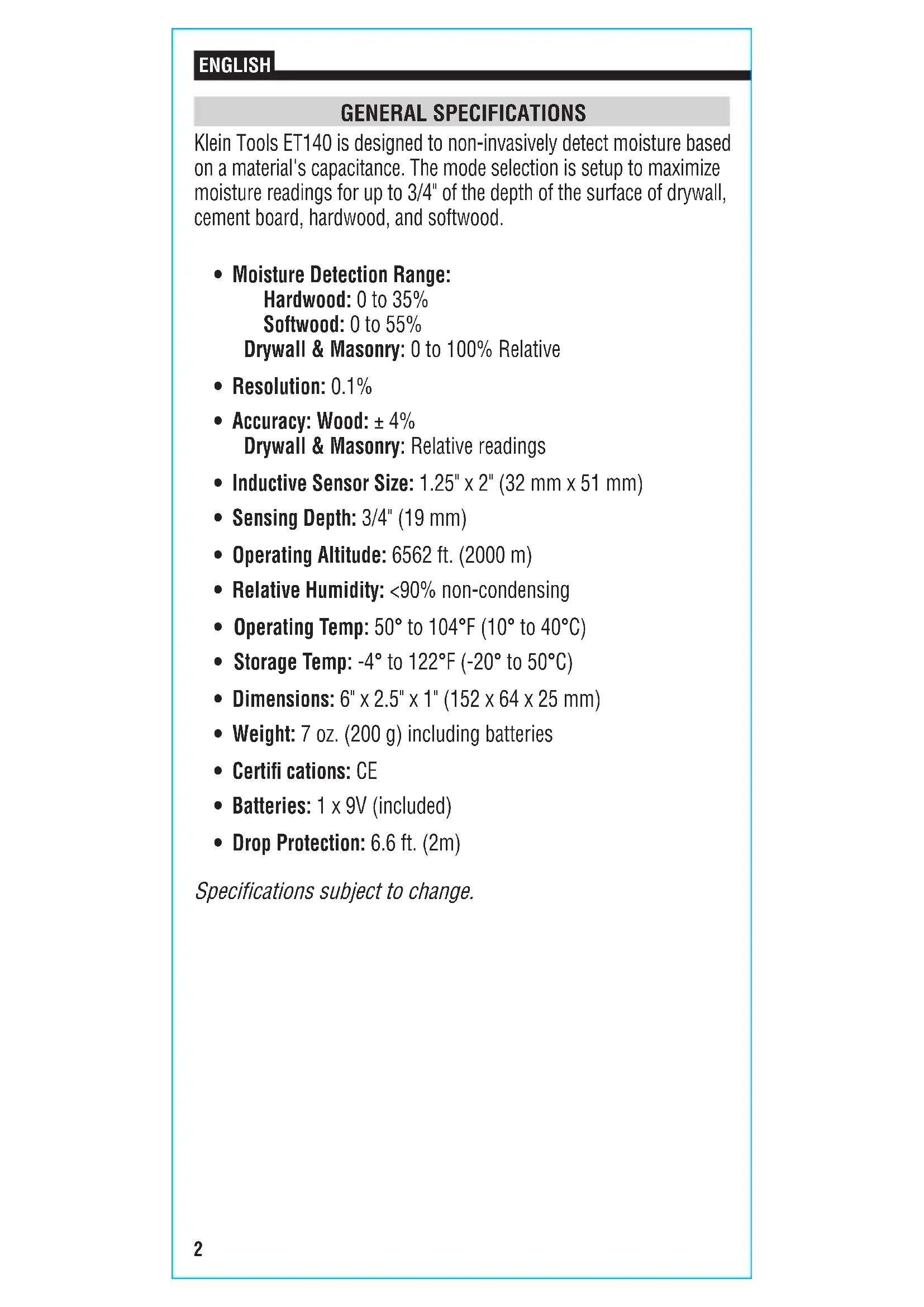
ET1402 GENERAL SPECIFICATIONS Klein Tools ET140 is designed to non-invasively detect moisture based on a material's capacitance. The mode selection is setup to maximize moisture readings for up to 3/4" of the depth of the surface of drywall, cement board, hardwood, and softwood.
- Inductive Sensor Size: 1.25" x 2" (32 mm x 51 mm)
- Sensing Depth: 3/4" (19 mm)
- Operating Altitude: 6562 ft. (2000 m)
- Relative Humidity: <90% non-condensing
- Operating Temp: 50° to 104°F (10° to 40°C)
- Weight: 7 oz. (200 g) including batteries
- Batteries: 1 x 9V (included)
- Drop Protection: 6.6 ft. (2m) Specifications subject to change. ENGLISH3 WARNINGS To ensure safe operation and service of the meter, follow these instructions.
- Read the instructions to ensure safe operation.
- The meter is NOT insulated. Avoid contact with areas where energized conductive elements may be present.
- Always wear approved eye protection.
Warning or Caution Risk of electrical shock Wear approved eye protection Read instructions WEEE - Dispose of properly Battery Polarity Conformité Européenne: Conforms with European Economic Area directives FEATURE DETAILS NOTE: There are no user- serviceable parts inside. LCD FEATURES
Low Battery Indicator
Press the Power On/Off Button to turn the meter on or off. Press and hold the Power On/Off Button for 2 seconds to turn the meter off. NOTE: To conserve battery life, the meter will automatically power off after 10 minutes of inactivity. MODE BUTTON
Repeated presses of the MODE button will toggle through the available material types: Drywall, Masonry, Hardwood, Softwood, in that order. Select the desired material prior to testing. HOLD BUTTON
Press the HOLD button to lock the current reading. The reading will remain on the display until the HOLD button is pressed again, or until the meter automatically powers off. OPERATING INSTRUCTIONS
until the desired material type appears on the display.
3. Scan the material by pressing the sensor
against the material to be tested. To ensure the best accuracy, press the back of the meter against a flat area of the material. The material should be at least 3/4" (19 mm) thick, which is the depth of the sensor penetration. If not, consider stacking the material to be measured. The display will show the percentage of moisture numerically
and segments of the Bar Graph
will illuminate as a visual reference of the level of moisture present in the material per the chart below. NOTE: "OL" will appear on the display if the moisture content detected lies outside the meter's measurement range.
BAR GRAPH MOISTURE INDICATORS
MATERIAL GREEN LEDs YELLOW LEDs RED LEDs DRYWALL 0 to 40% 40 to 70% 70% + MASONRY 0 to 36% 36 to 63% 63% + HARDWOOD 0 to 14% 14 to 24.5% 24.5% + SOFTWOOD 0 to 21% 21 to 39% 39% +5 MAINTENANCE BATTERY REPLACEMENT When the Low Battery indicator is displayed on the LCD, the batteries must be replaced.
1. Loosen screw to remove
2. Remove and recycle
exhausted 9V battery.
3. Install new battery.
4. Replace battery door
and tighten screw. CLEANING Be sure meter is turned off and wipe with a clean, dry lint-free cloth. Do not use abrasive cleaners or solvents. STORAGE Remove the batteries when meter is not in use for a prolonged period of time. Do not expose to high temperatures or humidity. After a period of storage in extreme conditions exceeding the limits mentioned in the General Specifications section, allow the meter to return to normal operating conditions before using. WARRANTY www.kleintools.com/warranty DISPOSAL / RECYCLE Do not place equipment and its accessories in the trash. Items must be properly disposed of in accordance with local regulations. Please see www.epa.gov or www.erecycle.org for additional information. CUSTOMER SERVICE KLEIN TOOLS, INC. 450 Bond Street Lincolnshire, IL 60069 1-877-775-5346 customerservice@kleintools.com www.kleintools.com To avoid risk of electric shock, do not operate meter while battery door is removed. the batteries must be replaced.6 ENGLISH