Pro 10 - Scooter Motus - Free user manual and instructions
Find the device manual for free Pro 10 Motus in PDF.



User questions about Pro 10 Motus
0 question about this device. Answer the ones you know or ask your own.
Ask a new question about this device
Download the instructions for your Scooter in PDF format for free! Find your manual Pro 10 - Motus and take your electronic device back in hand. On this page are published all the documents necessary for the use of your device. Pro 10 by Motus.
USER MANUAL Pro 10 Motus
natural_image
Close-up of a hand holding a black cylindrical object with a scroll wheel, showing a curved orange arrow indicating rotation (no text or symbols visible)1

natural_image
Close-up of a black tripod-mounted device with a handle and lever (no visible text or symbols)2
natural_image
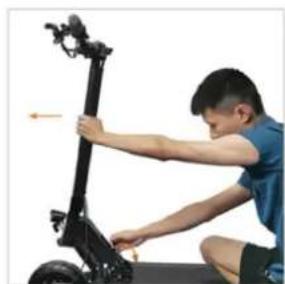
Person using a black electric scooter with a lever mechanism (no visible text or symbols)3
natural_image
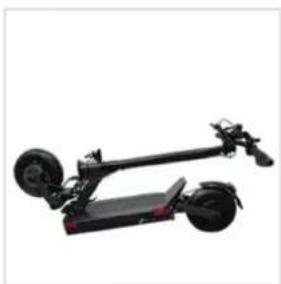
Exterior view of a black electric scooter with two wheels and a flat body (no text or symbols visible)4
natural_image
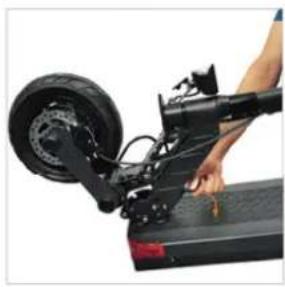
Person using a black electric scooter on a ramp, showing wheel and suspension components (no text or symbols visible)5
natural_image
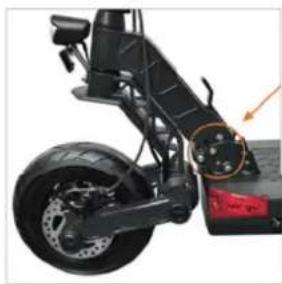
Close-up of a black electric scooter's wheel and suspension components, showing steering wheel and rear suspension (no text or symbols visible)6
natural_image
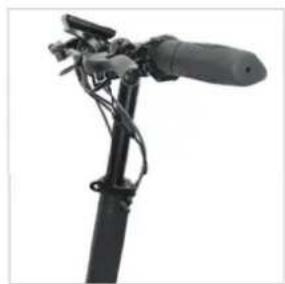
Close-up of a black mechanical device with attached lever and cable (no visible text or symbols)7
natural_image
Exterior view of a modern electric scooter with two wheels and a side-mounted mast (no text or symbols visible)8
natural_image
Close-up of a bicycle seat with cable and bracket, showing a red arrow indicating motion (no text or symbols)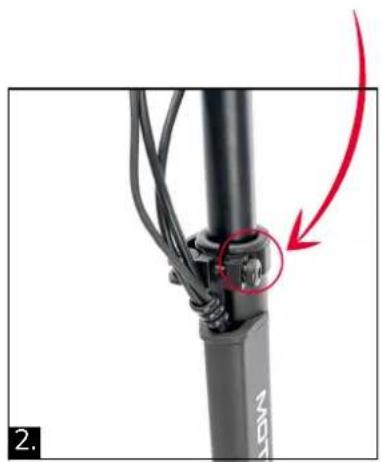
natural_image
Close-up of a black bicycle leg with attached cable and a red arrow pointing to a small component (no text or symbols visible)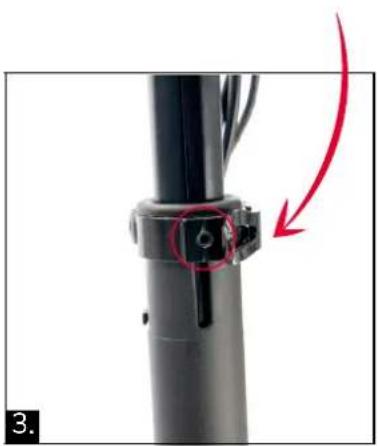
natural_image
Close-up of a black mechanical component with a red arrow indicating a step, no visible text or symbols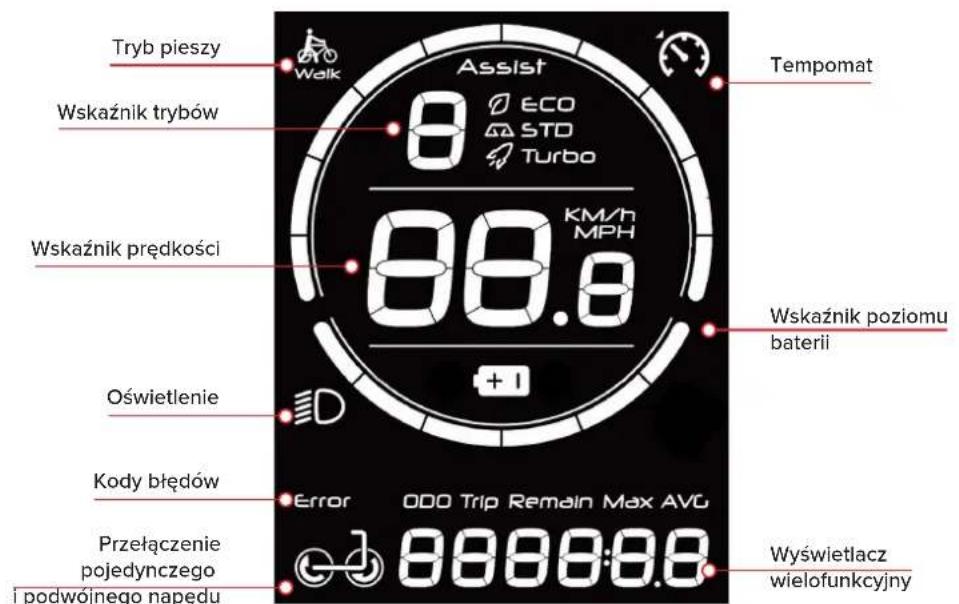
Please read this instruction manual scooter fully!
This instruction manual contains important safety matters!
Do not use the electric scooter until you fully understand the performance of the scooter! Please keep this instruction manual properly!
Contents
Safety Instructions for Use....14
List of Main Components and Parameters of Products .....14
-
Main Components....14
-
Parameter Table 15
Operation instruction ....16
-
Fold and Expand....16
-
Riding operation....19
-
How to charge....20
Product Maintenance....20
After-sales maintenance....20
Safety Instructions for Use
- This product is an electric scooter for adults, is limited to one person, and do not scooterry others at the same time. Minors must use it under the supervision of adults.
- Please wear safety helmets and other protective equipment when riding this product.
- Please do not ride this product in unsafe or illegal places such as motorways.
- Please practice in the open space first, and drive after skill fully controlling.
- Please do not do dangerous actions or ride with one hand while the scooter is driving. Keep your feet on the pedal.
- Do not turn off the power supply while the scooter is driving.
- Please do not try to directly pass through the steps with a gap of over
3 cm, which may overturn the scooter and cause injury to the driver or damage to the scooter. Steps below 3cm should also be avoided as much as possible. - In case of rough or uneven road conditions, please slow down or get off the bus to push.
- Users must adjust the height of the product to the appropriate position to ensure driving safety.
- Do not ride this product on slippery roads with oil or ice on the surface.
- Do not use this product in an environment below-5°C.
- Please do not immerse the product in a depth of more than 3cm of water and put it on hold to avoid damage to the electrical parts of the vehicle due to water inflow.
- Do not ride in bad weather such as rain, snow and strong winds, so as not to cause unnecessary injuries due to unnecessary factors.
- If you do not use this product for a long time, please charge it at least once within 30 days. The charging port must be kept clean and dry.
- Do not expose this product to the sun for a long time. At the same time, outdoor enclosure should be avoided.
- Please use the charger equipped with our company's scooter. Do not
use the charger indiscriminately to avoid safety problems.
- When charging, it is necessary to ensure that someone is on site to manage it.
- Please try to charge in an open place. When the charger temperature is too high, please stop charging.
- Please do not leave it in a severely humid place for a long time.
- Plastic bags are in danger of suffocating babies
List of Main Components and Parameters of Products
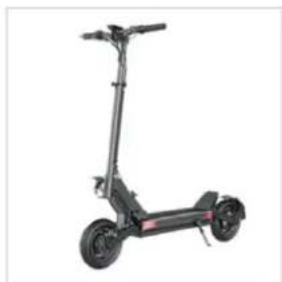
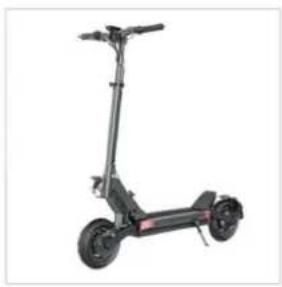
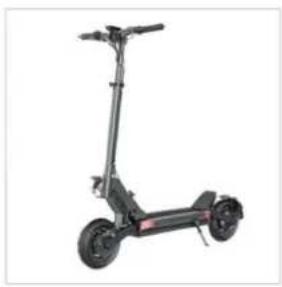
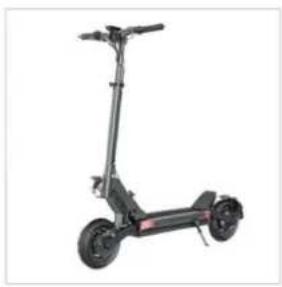
1. Main Components
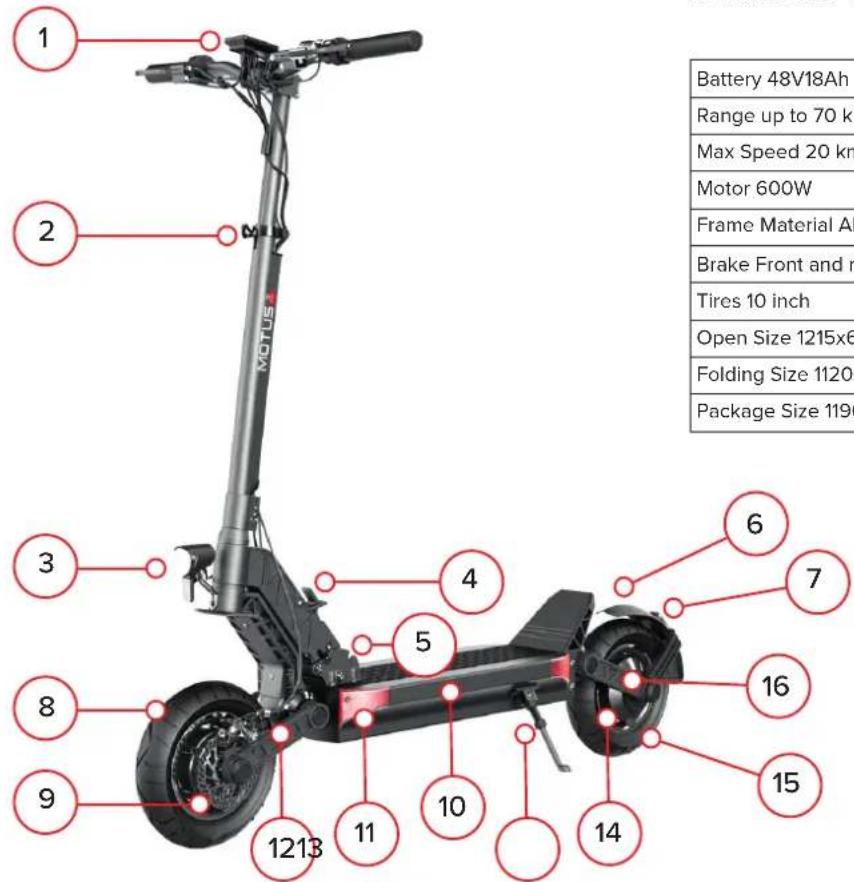
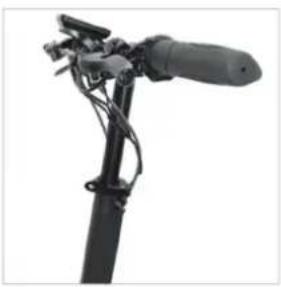
① Display
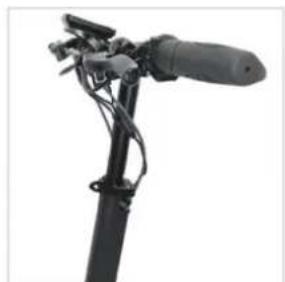
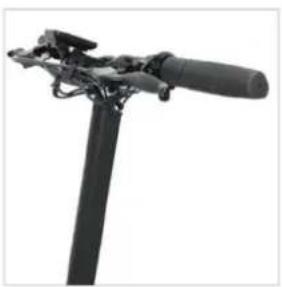
② Quick-release grip
③ Headlamp
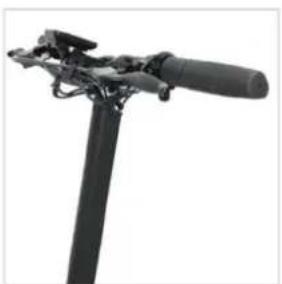
④ Folded handle
⑤ Folded base
⑥ Rear mud block
⑦ Rear tail lamp
⑧ Front wheel
⑨ Front disc brake
⑩ Frame
⑪ Side light
⑫ Front shock absorber
⑬ Kickstand
⑭ Motor
15 Rear wheel
⑯ Rear shock absorber
EN
2. Parameter Table
text_image
Battery 48V18Ah Range up to 70 km Max Speed 20 km Motor 600W Frame Material AI Brake Front and r Tires 10 inch Open Size 1215x6 Folding Size 1120: Package Size 1190| Battery 48V18Ah | |
| Range up to 70 km | |
| Max Speed 20 km/h | |
| Motor 600W | |
| Frame Material Aluminium alloy | |
| Brake Front and rear brake | |
| Tires 10 inch | |
| Open Size 1215x6IOxl230 mm | |
| Folding Size 1120x6IOx525 mm | |
| Package Size 1190x245x510 mm | |
Operation instruction
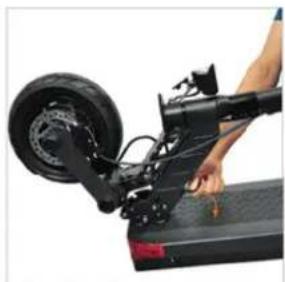
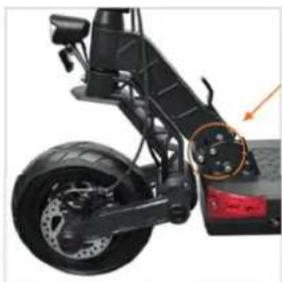
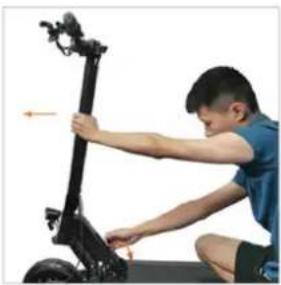
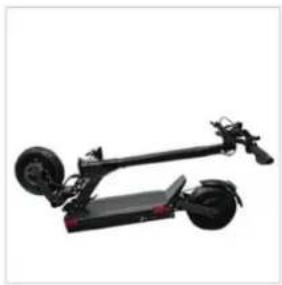
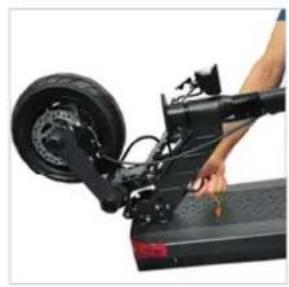
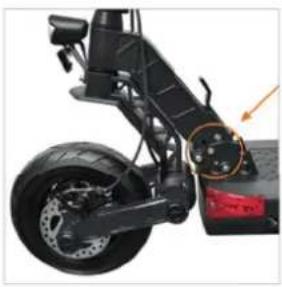
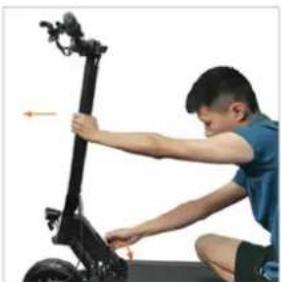
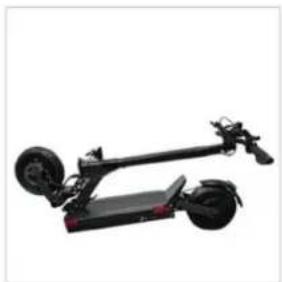
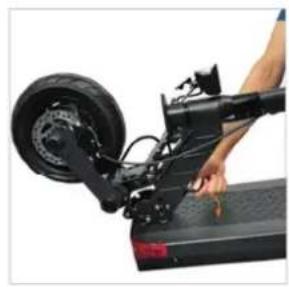
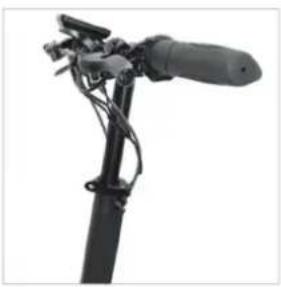
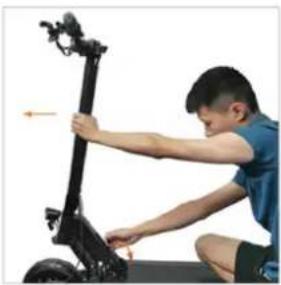
1. Fold and Expand
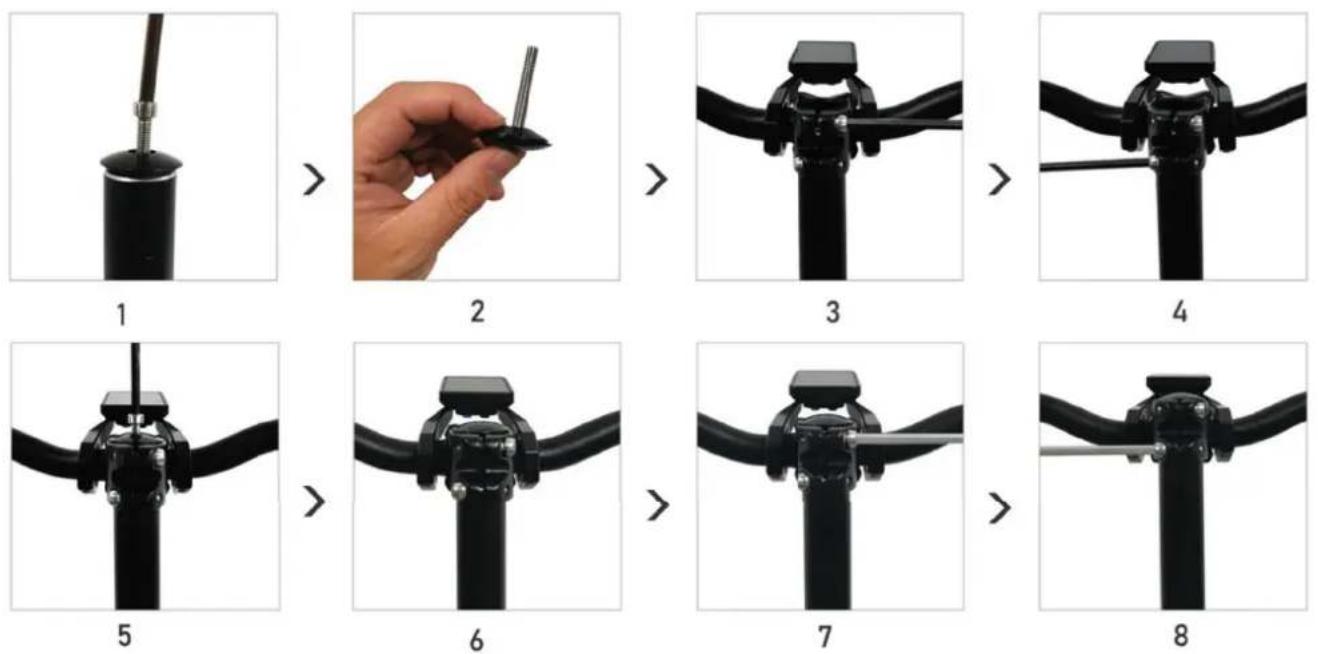
EN
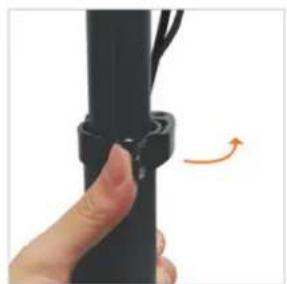
natural_image
Close-up of a hand holding a black cylindrical object with a curved arrow indicating rotation (no text or symbols visible)1
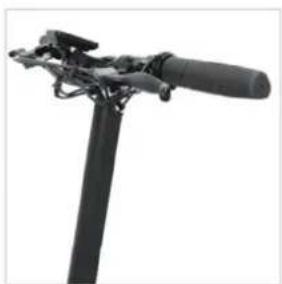
natural_image
Close-up of a black tripod-mounted device with a handle and lever (no visible text or symbols)2
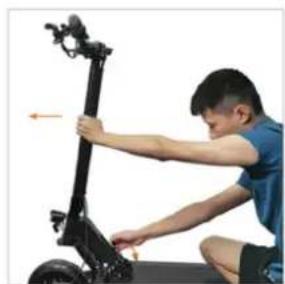
natural_image
Person kneeling beside a black electric scooter with a hand adjusting the seat (no visible text or symbols)3
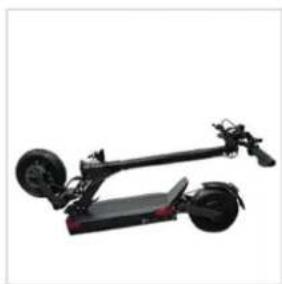
natural_image
Exterior view of a black electric scooter with two wheels and a flat body (no text or symbols visible)4
natural_image
Person using a black electric scooter on a flatboard, no visible text or symbols5
natural_image
Close-up of a black electric scooter's wheel and suspension components, showing steering wheel and rear-mounted sensors (no text or symbols visible)6
natural_image
Close-up of a black handheld device with attached cable and lever (no visible text or symbols)7
natural_image
Exterior view of a modern electric scooter with two wheels and a handle (no text or symbols visible)8
text_image
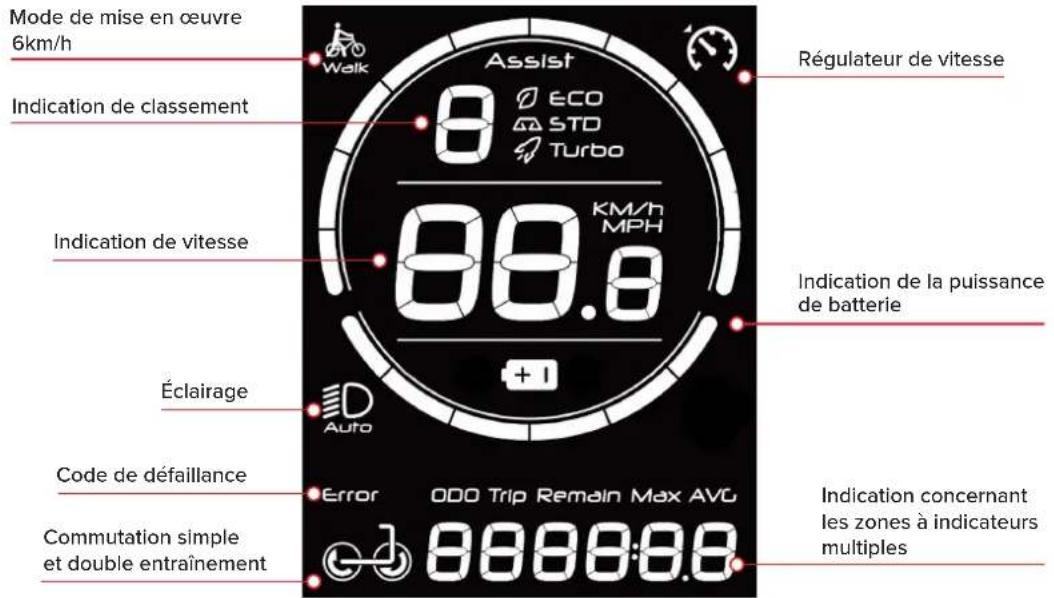
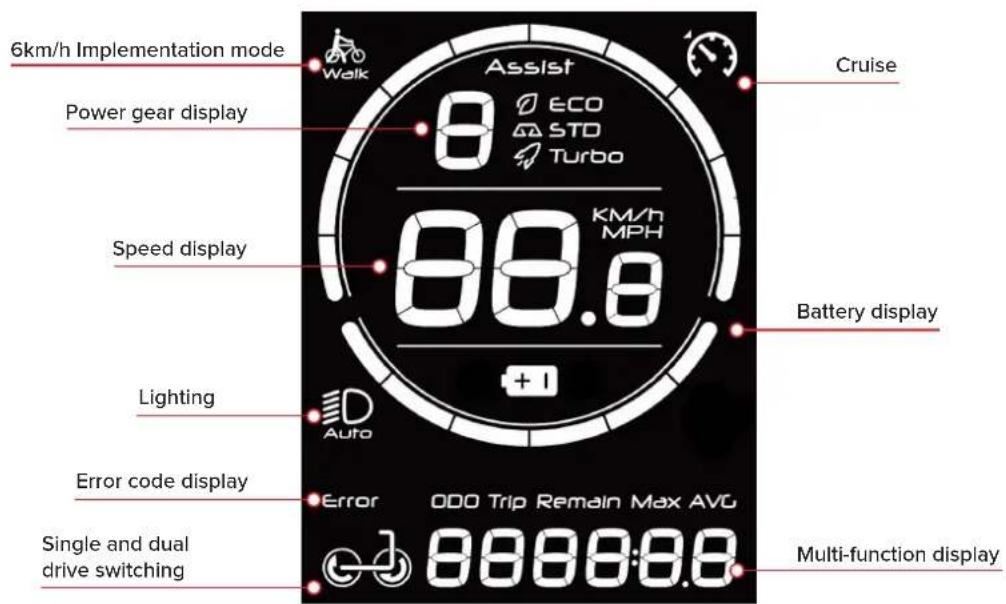
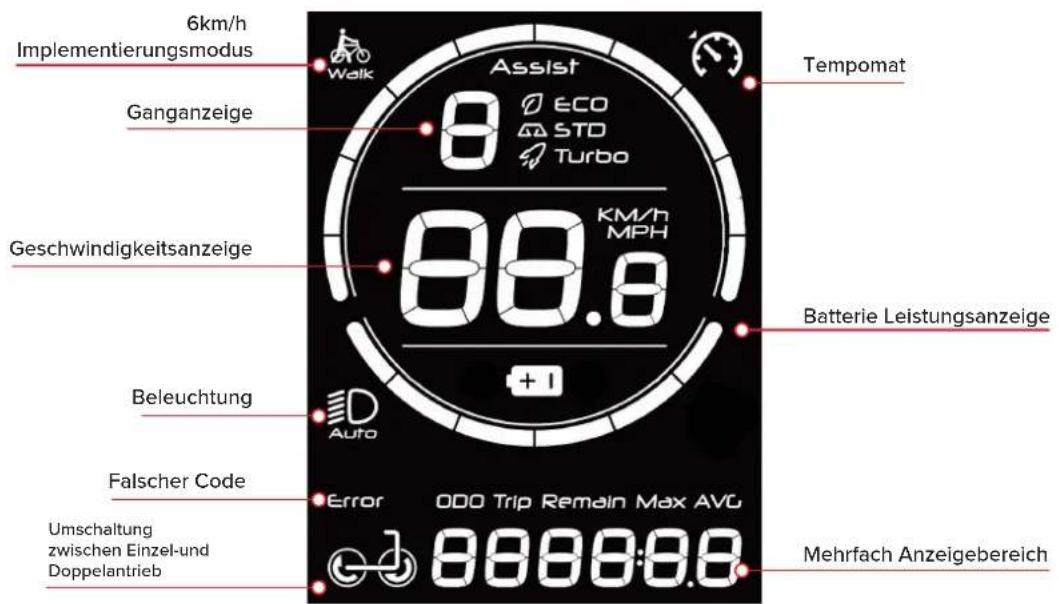
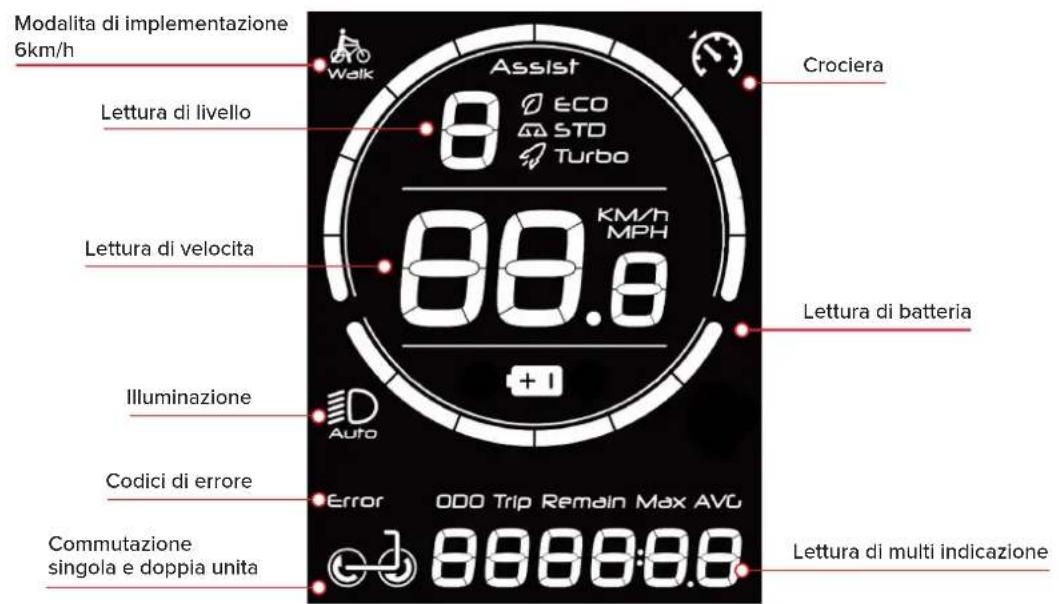
6km/h Implementation mode Walk Assist 8 ECO ASTO Turbo Cruise Power gear display Speed display KM/h MPH Battery display Lighting Auto Error code display Error OOO Trip Remain Max AVG Single and dual drive switching Multi-function display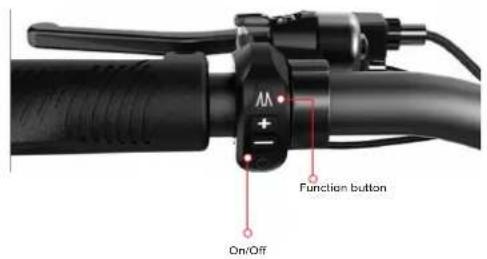
text_image
Function button On/Off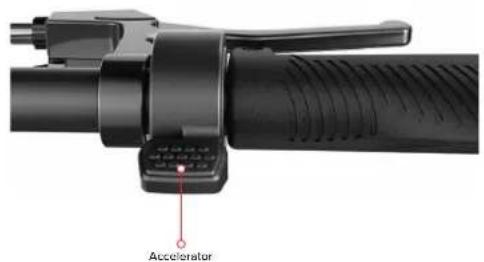
text_image
AcceleratorEN
- Riding operation
| Button Operation Function | ||
 | Long press for 3 seconds | 1. In the main interface, enter the setting menu;2. When setting the interface, return to the main interface; |
| Short press | 1. In the main interface, turn on/off the front wheel drive function;2. When setting the interface, switch the options; | |
 | Long press for 3 seconds | Switching the display between ODO / TRIP / average speed / maximum speed - multifunction display |
| Short press | 1. In the main interface, increase the gear;2. In the password interface, increase the value of the password; | |
 | Long press for 3 seconds 1. In the main interface, start the push function (need 1-3 gears, release the key tocancel) | |
| Short press | 1. In the main interface, reduce the gear;2. In the password interface, reduce the value of the password; | |
 | Long press for 3 seconds 1. At any interface, turn off the computer | |
| Short press | 1. In the off state, power on;2. In the main interface, turn on/ off the headlamp;3. In the password input interface of power on, switch the number of password digits; | |
Press 📂 for 3S, to enter the setting interface or return to the main interface. Short press 📂, to switch setting options. After setting, long press 📂, to return to the main interface.
- Power on password function: After entering the setting interface, press 🔒, to switch to P1, press 🔒 to adjust the value, press , to switch the position, and enter 1159 to enter the system setting. Then press 🔒, to switch to P2: press 🔒 , to select On or Off. The default password of the instrument is 1111, press 🔒 to switch to P3 to change the password.
Note: The system starts up without password by default; If you forget the password, press i for 2s to reset the default password.
- Set zero start: After entering the setting interface, enter 1159 in P1 interface to enter system setting, then press M, to switch to P8: press or ,
to select On or Of.
Note: The system defaults to non-zero startup. After startup, it defaults to gear 0. In order to ride safely, please confirm to start in gear 1. Then press down the acceleration handle while sliding with your feet to start riding.
-
Enable cruise: After entering the setting interface, enter 1159 in P1 interface to enter system setting, then press 📂, to switch to P9: press 🏠 or 📞 to select On or Off. After starting cruise, press the acceleration handle until the cruise icon lights up, At this time, releasing the handle will not stop the assistance; When shifting gears, braking or pressing the acceleration handle again, you will exit cruise.
-
If you encounter someone or obstacles in front of you during riding, please release the throttle first, and brake the left brake handle (rear brake) first and then brake the right brake handle (front brake) next to stop braking or deceleration.
3. How to charge
- Open the charging hole rotation protection sleeve and insert the charger output connector into the charging hole on the body.
- Plug the charger input plug into the supply socket (AC110V-220V).
- The charger indicator light is red, indicating that charging is taking place; when the charger indicator turns green, the battery is fully charged.
- When charging the battery, please place it in a dry and ventilated environment for use.
Product Maintenance
Tire: This product tire uses rubber elastic tire. When the tire present obvious wear or rupture and needs to be replaced in time, please contact the dealer to replace the original tire. Every month, please check a scooter to see if there are any loose screws. If there are loose screws, please tighten them in time.
Brake: This product adopts the braking mode of front disc brake and rear drum brake. Usually, more attention should be paid to check the thickness of brake friction plates. If there is serious wear, it should be replaced in time to prevent adverse consequences caused by braking.
Battery: when you get the electric scooter for the first time, please charge the battery and use it. If the vehicle is not used for a long time, it must be charged at least once a month.
If the state power cannot be charged, please contact the after-sales service as soon as possible.
The battery damaged due to other abnormal factors such as water inflow and collision is not covered by the warranty.
If the intensity and frequency of use of the car is high, you need to check the screws of the car once a month and replace the screws every half a year to avoid bad conditions.
The lithium battery equipped by our company has a charging cycle of at least 500 times, which can generally reach more than 600 times in normal use. When the battery is fully charged and the mileage is only half of the factory mileage, it is recommended to replace the lithium battery.
After-sales maintenance
Please contact your local dealer for after-sales maintenance. During the warranty period, if the following reasons cause faults and damages, they are not within the warranty scope:
- Not properly maintained and repaired in accordance with this manual.
EN
- The electric scooter is used for other purposes to perform dangerous actions such as special effects, resulting in damage or functional failure.
- Any self-disassembly or use of parts outside the original factory.
- Using the scooter body and scooter body accessories damaged by mistake, traffic accident or accidental collision.
- Incomplete labeling, water inflow and mismatched parts numbers.
- Driving on abnormal roads to use damage or functional failure.
- Business rental use or improper non-franchise use.
- Causes of force majeure.
- Exposing this product to the sun for a long time or rain for a long time, thus causing the rapid aging and functional failure of this product.
DE
natural_image
Close-up of a hand holding a black cylindrical object with a small orange arrow indicating rotation (no text or symbols visible)1
natural_image
Close-up of a black tripod-mounted device with a handle and lever (no visible text or symbols)2
natural_image
Person kneeling beside a black electric scooter with a handle, no visible text or symbols3
natural_image
Black electric scooter with two wheels and a flat body (no visible text or symbols)4
natural_image
Person using a black electric scooter with visible wheels and sensor array (no text or symbols)5
natural_image
Close-up of a black electric scooter's wheel and suspension components, showing red brake pads and a highlighted orange circle (no text or symbols visible)6
natural_image
Close-up of a black handheld device with attached sensor and cable (no visible text or symbols)7
natural_image
Exterior view of a modern electric scooter with two wheels and a handle (no text or symbols visible)8
natural_image
Close-up of a hand holding a black cylindrical object with a small orange arrow indicating rotation (no text or symbols visible)1
natural_image
Close-up of a black tripod-mounted device with a handle and lever (no visible text or symbols)2
natural_image
Person using a black electric scooter with a lever, no visible text or symbols3
natural_image
Black electric scooter with two wheels and a flat body (no visible text or symbols)4
natural_image
Person using a black electric scooter with visible wheels and sensor array (no text or symbols)5

natural_image
Close-up of a black electric scooter's wheel and suspension components, showing red brake pads and a highlighted orange circle (no text or symbols visible)6
natural_image
Close-up of a black handheld device with attached lever and cable (no visible text or symbols)7
natural_image
Exterior view of a modern electric scooter with two wheels and a handle (no text or symbols visible)8
natural_image
Close-up of a hand holding a black cylindrical object with a small orange arrow indicating rotation (no text or symbols visible)1
natural_image
Close-up of a black tripod-mounted device with a handle and lever (no visible text or symbols)2
natural_image
Person kneeling beside a black electric scooter with a handle, no visible text or symbols3
natural_image
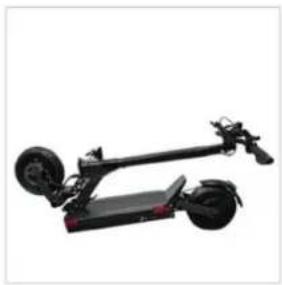
Black electric scooter with two wheels and a flat body (no visible text or symbols)4
natural_image
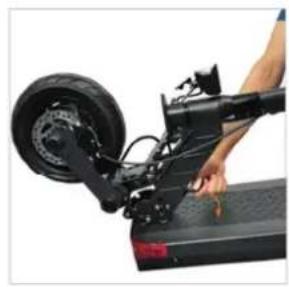
Person using a black electric scooter with visible wheels and sensor array (no text or symbols)5
natural_image
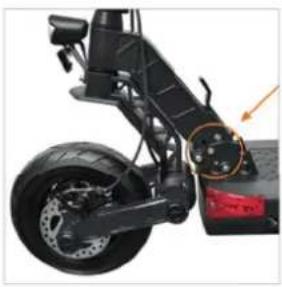
Close-up of a black electric scooter's wheel and suspension components, showing red brake pads and a highlighted orange circle (no text or symbols visible)6
natural_image
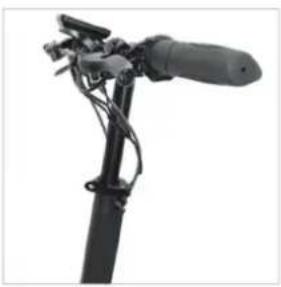
Close-up of a black handheld device with attached lever and cable (no visible text or symbols)7
natural_image
Exterior view of a modern electric scooter with two wheels and a handle (no text or symbols visible)8