20036 - Smart Home Schellenberg - Free user manual and instructions
Find the device manual for free 20036 Schellenberg in PDF.
User questions about 20036 Schellenberg
0 question about this device. Answer the ones you know or ask your own.
Ask a new question about this device
Download the instructions for your Smart Home in PDF format for free! Find your manual 20036 - Schellenberg and take your electronic device back in hand. On this page are published all the documents necessary for the use of your device. 20036 by Schellenberg.
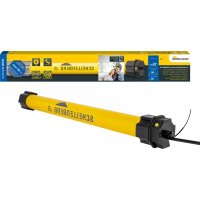
USER MANUAL 20036 Schellenberg
natural_image
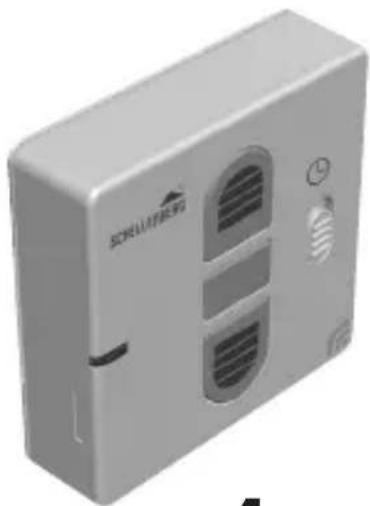
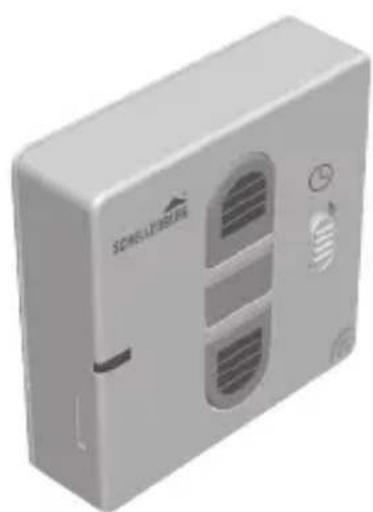
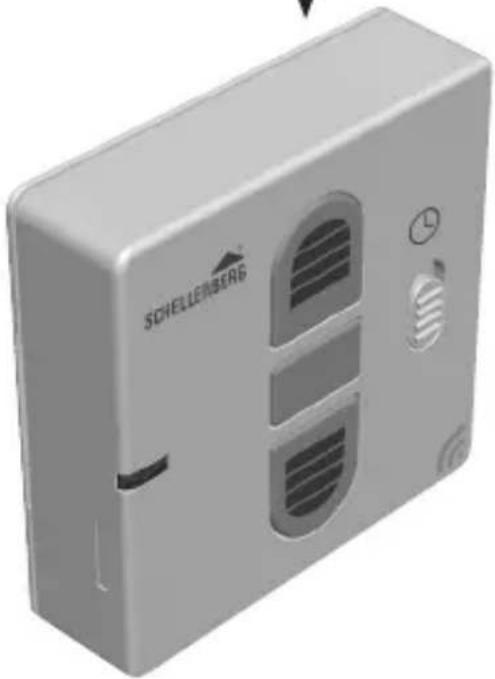
3D rendering of a wall-mounted electrical outlet with ventilation slots and a label 'SCHELLENERG' (no other text or symbols)DE
GB
FR
PL
IT
deutsch 4

english 11

français 18
polski 25

italiano 32
INHALTSVERZEICHNIS
natural_image
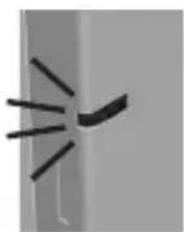
Close-up of a metallic door with a black strap (no visible text or symbols)LED leuchtet

natural_image
Simple line drawing of a curved object with radiating lines, no text or symbols presentLED blinkt
KOPPLUNG SMART HOME SYSTEM
natural_image
Illustration of a refrigerator with wireless signal icons surrounding it (no text or symbols)Art.Nr. 21000

text_image
QR code image containing encoded data, no visible human-readable textnatural_image
White square electronic device with wireless signal icon (no text or symbols)Art.Nr. 26000
ABUS Paulmann Schellenberg Steinel

text_image
QR code image containing encoded data, no visible human-readable textwww.smart-friends.com
TABLE OF CONTENTS
Safety and notices 12
Technical data 15
Legend symbols 16
Pairing with Smart Home System 17
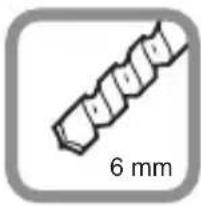
Required tools 39
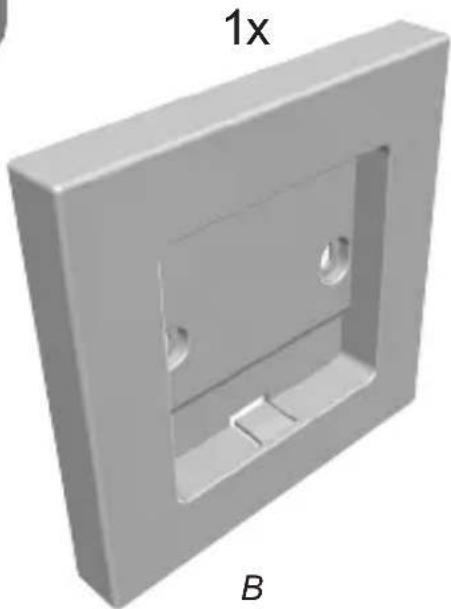
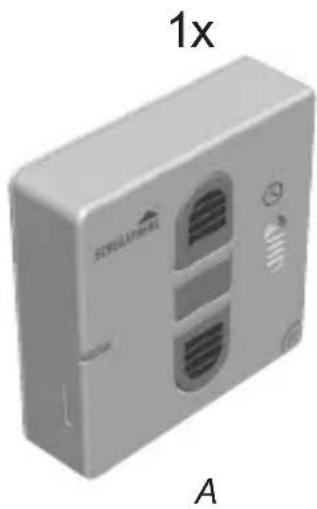
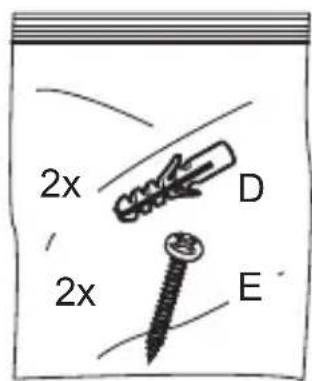
Scope of delivery 39
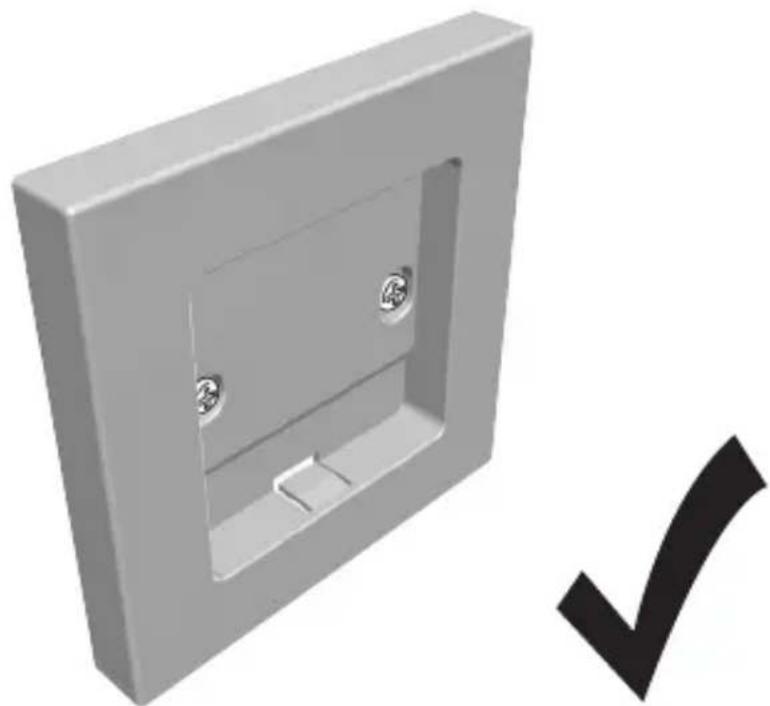
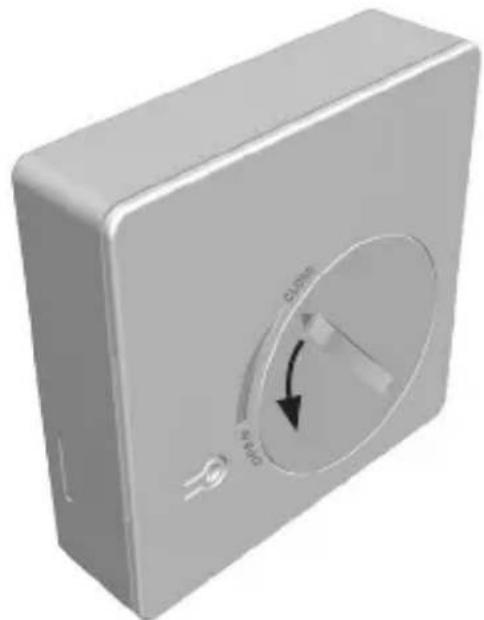
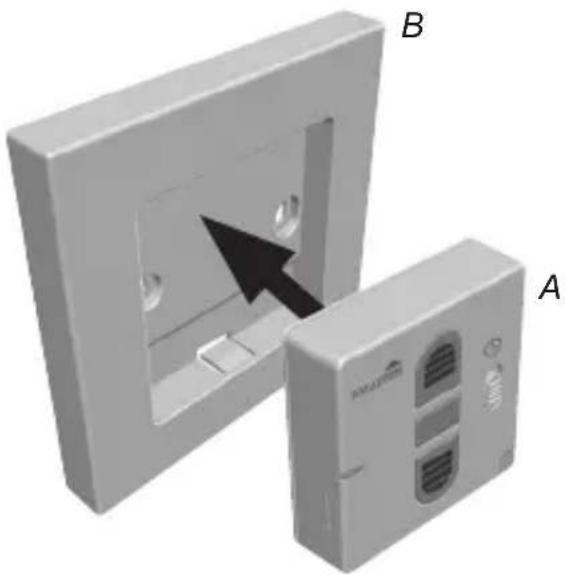
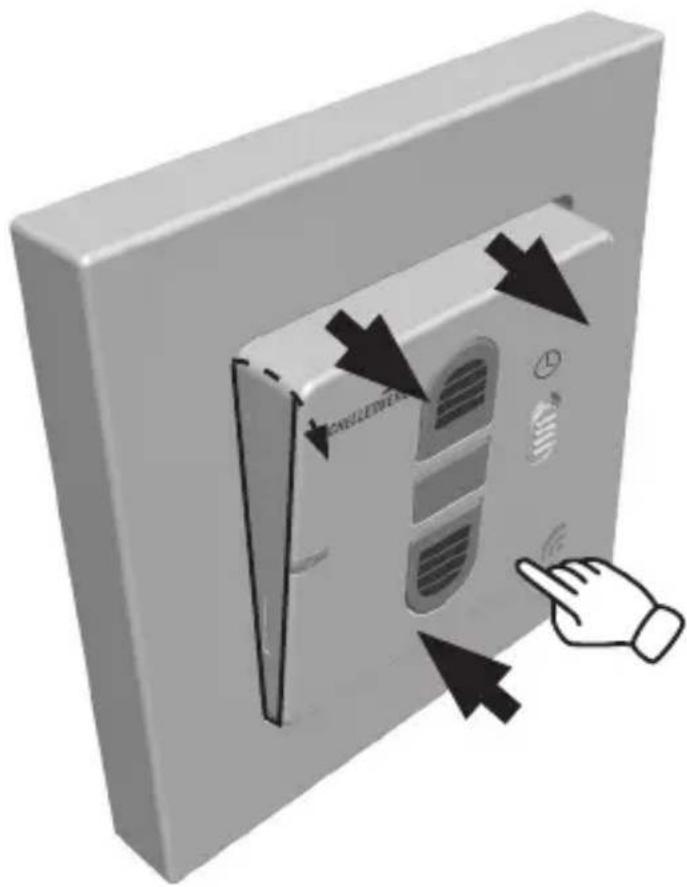
A Installation 40
B Insert the battery 42
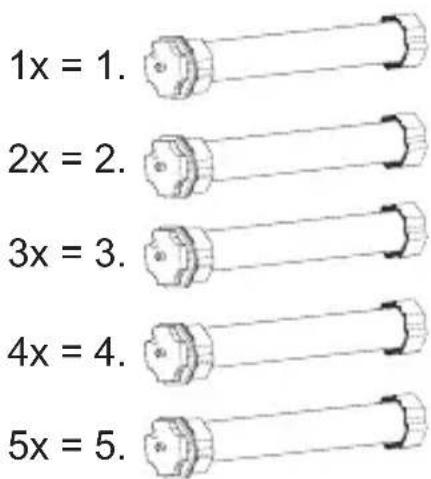
C Tubular motor: Address assignment 45
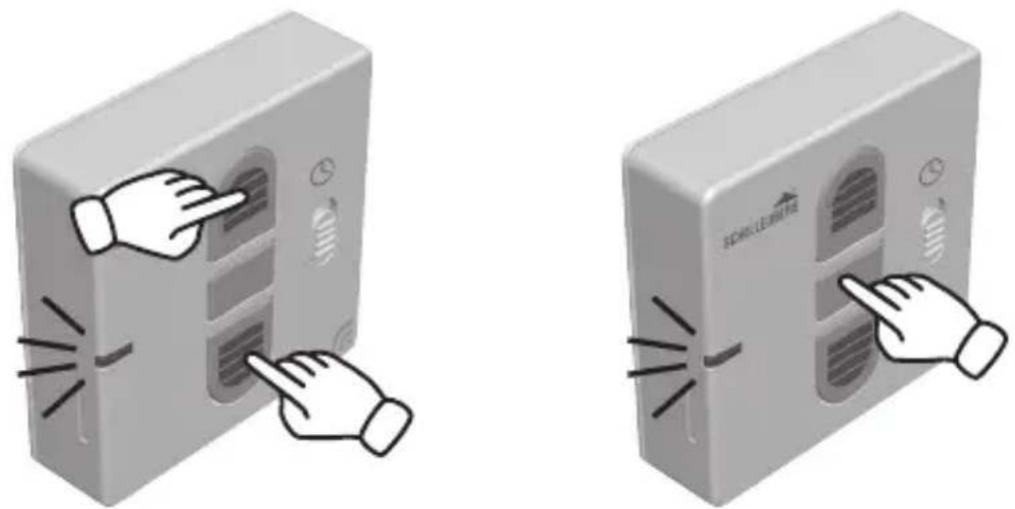
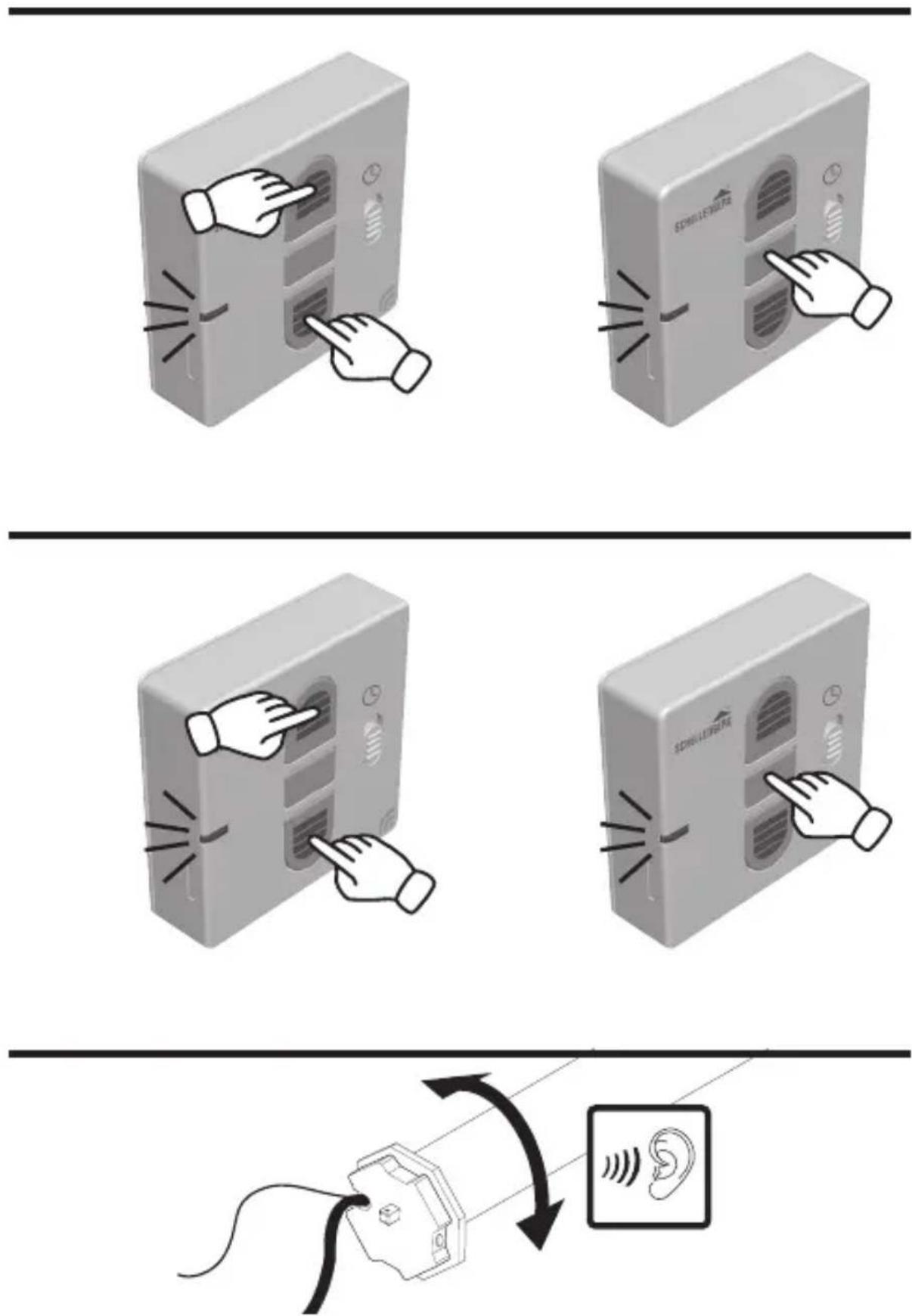
D Programming mode start 47
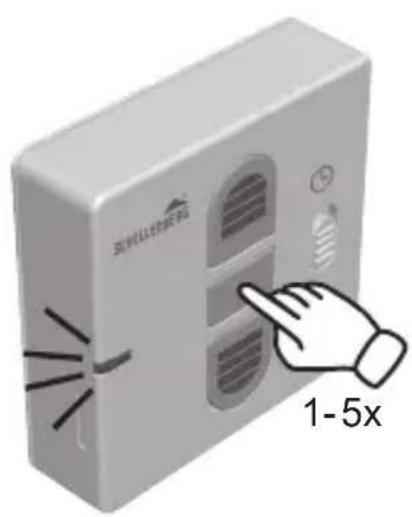
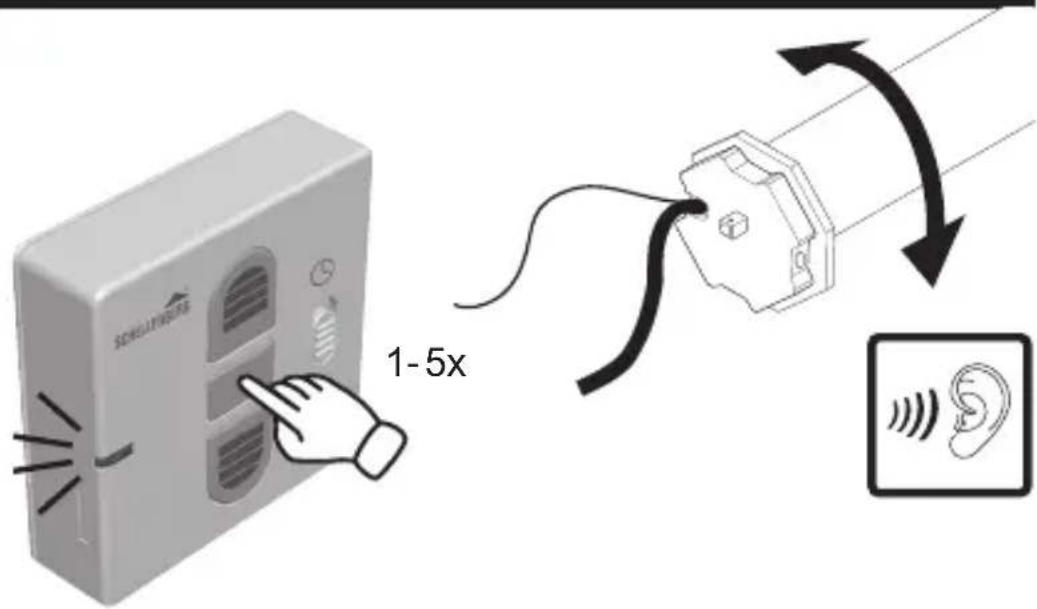
E Pair the wireless timer with the tubular motor 48
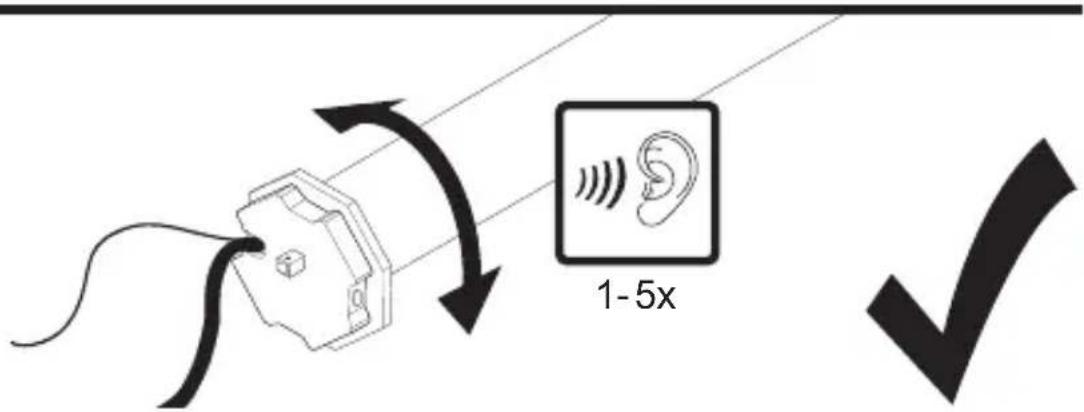
F Tubular motor rotation check 50
G Tubular motor direction change 51
H Setting the upper end position 52
I Setting the lower end position 54
J Concluding the programming mode 56
K End position approach 57
L Pairing of further wireless transmitters 58
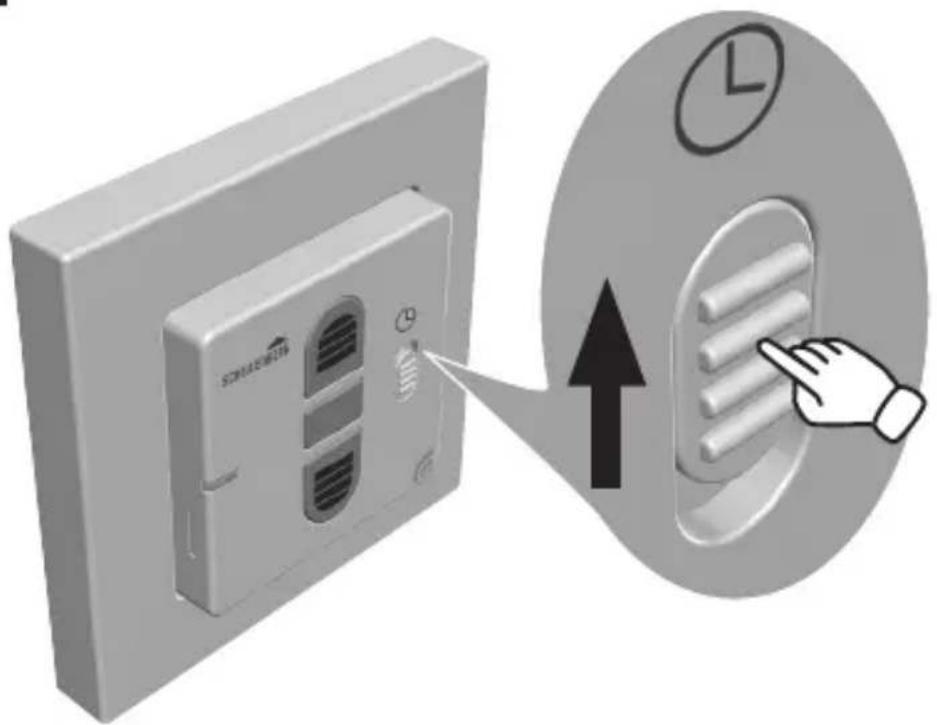
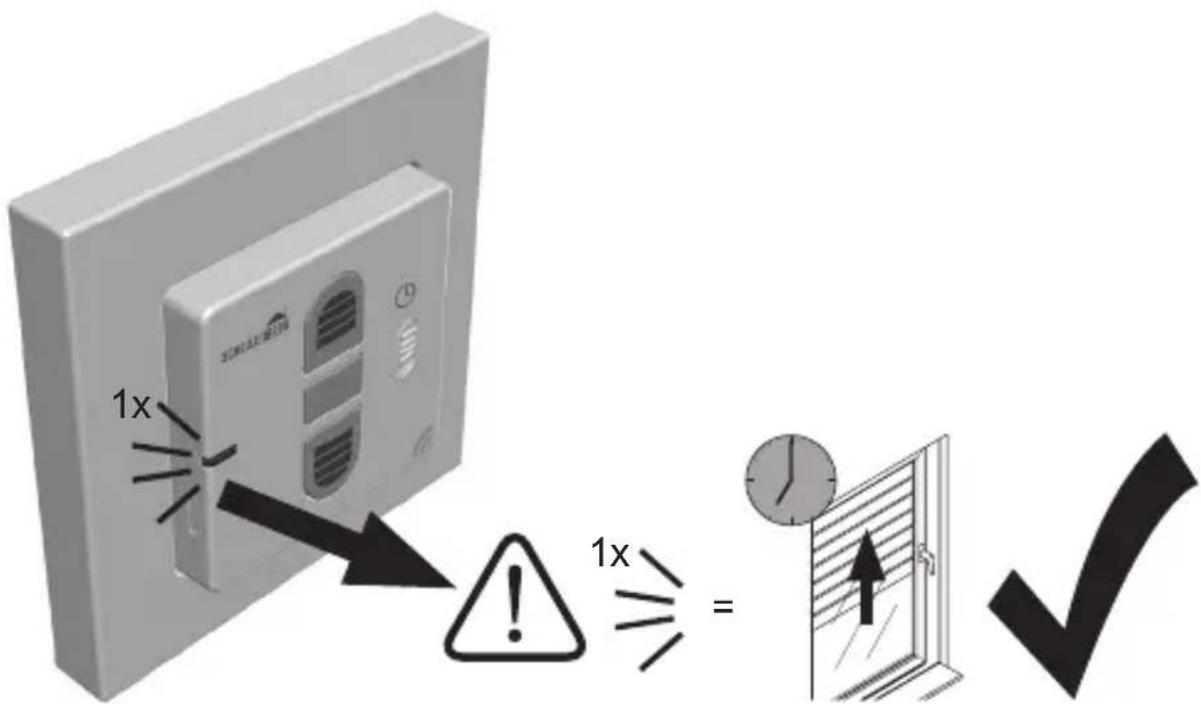
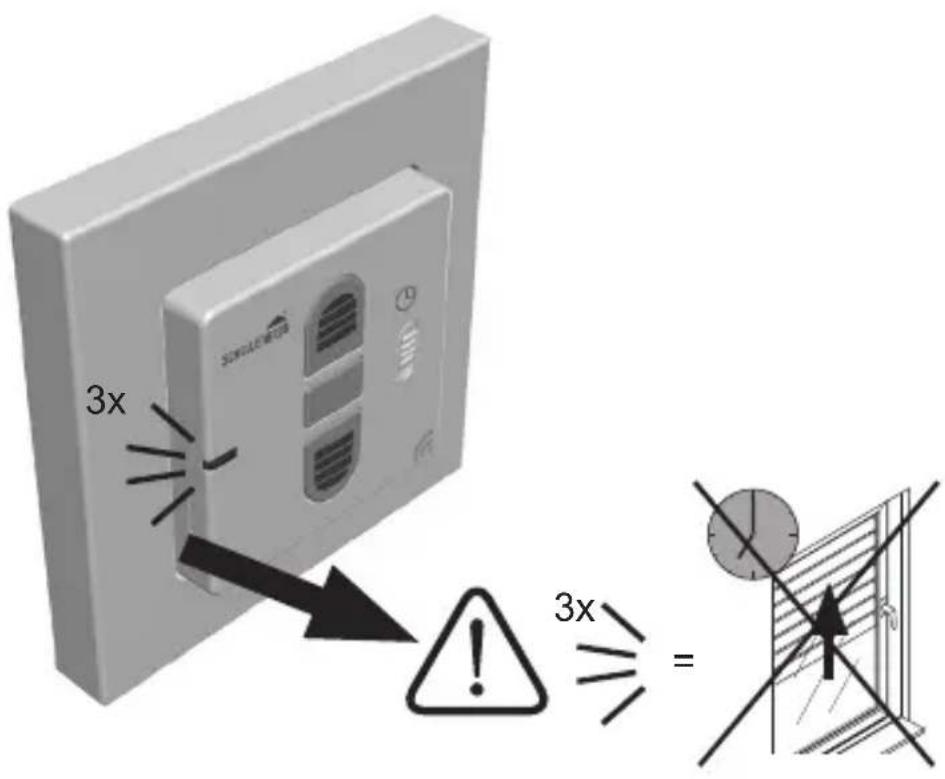
M Automatic timer activation 61
N Automatic timer: programming of the opening and closing times ... 63
Automatic timer: deletion of the opening and closing times .... 65
P Automatic timer deactivation (lock-out protection) 66
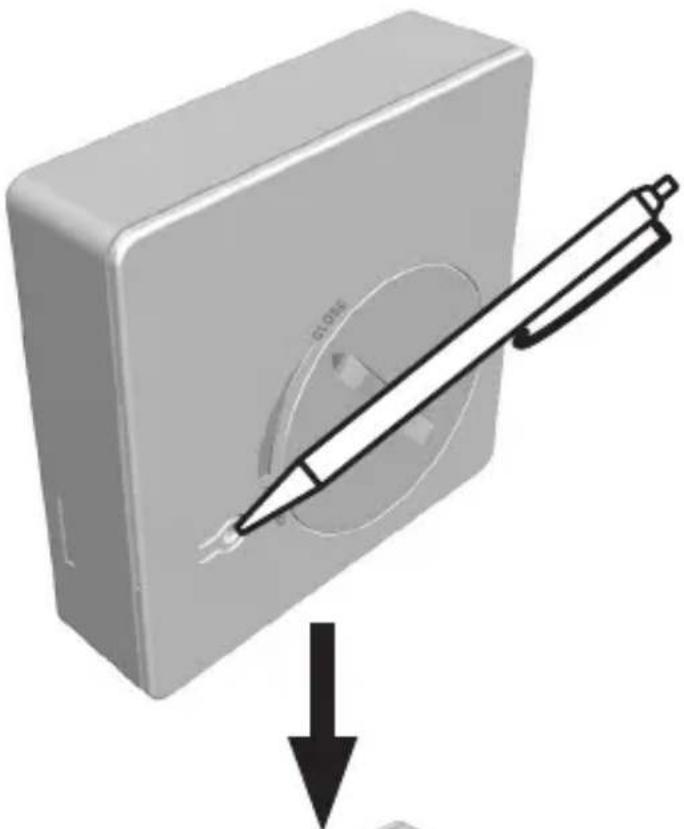
Q Deletion of a paired wireless timer 67
R Factory default reset 71
S Intermediate position setting (optional) 76
T Intermediate position deletion 77
U Intermediate position approach 79
Copyright protected, 2021 Alfred Schellenberg GmbH. All rights reserved. Any use, in particular reproduction, translation, processing or transmission of content into databases or other electronic media and systems beyond the authorization provided by the copyright legislation is strictly prohibited.
SAFETY AND NOTICES
Dear customers,

Please completely read this instruction manual before the installation and commissioning. Observe all safety instructions before you begin to work. Keep the instruction manual stored at hand and advise each user about possible dangers that are related to this product. When ownership to this product changes, hand this instruction manual over to the new owner. In case of damage which is caused by misuse or improper installation the warranty and any warranty claim will be void.
SAFETY INSTRUCTIONS
There is danger to life from electric shock!
Before working on electrical equipment, it must be completely de-energized.
- The product may only be used in dry rooms (IP20).
- The radio-controlled shutter system must be accessible during operation, especially when the roller shutter system is controlled by more than one hand-held wireless remote controller.
- Keep people away from the movement range of the roller shutter system. There is a risk of injury.
- The product and the packaging are not toys. Keep children away from it, since there is a risk of injury or suffocation.
-
When using a wireless timer the country-specific regulations must be observed.
-
Only replace the batteries with the same type, coin battery CR 2450.
- Do not move the tubular motor beyond the end positions. Risk of damage!

INTENDED USE
- Only connect the product (Item No. 20031/20036) with devices that are approved by the manufacturer for the respective use.
- Any other or further utilization beyond the explicitly specified shall be regarded as not intended use.
- The product may not be operated in areas with high risk of interference from third party (e.g. hospitals, airport or similar facilities).
- There is no protection from interference from other properly constructed or operatedradio equipment. Particularly from properly operating systems that utilize the same frequency range.
- The roller shutter systems which are operated with the product must be in a flawless condition.
- Alfred Schellenberg GmbH shall not be liable for any consequential damage, property damage and personal injury due to improper use.
- Le fonctionnement du radioémetteur portatif à proximité d'appareils à rayonnement électromagnétique ou à proximité de surfaces métalliques peut être entravé par des perturbations.
- The range of the product is limited by European regulations and legislative directives.
- The range of the product is approx. 150 meters in the open field, and 20 meters within buildings.
EU DECLARATION OF CONFORMITY
The Wireless timer (item no. DE 20031, 20036) meets the applicable requirements of European and national regulations. Conformity has been demonstrated. The full EU Declaration of Conformity document can be found at: http://www.schellenberg.de (under 'Download-Center', in the 'Service' tab).

Radio Equipment Directive 2014/53/EU (RED) RoHS Directive 2011/65/EU
Do not dispose of together with household waste. The product is recyclable and can be deposited at a recycling center or a collection station for electrical household garbage.
Battery packs/batteries: Never throw battery packs or batteries into the household waste, fire or water. Batteries and battery packs should be collected, recycled or disposed of in an environmentally friendly manner.
TECHNICAL DATA
Transmission frequency 868,4 MHz Schellenberg
Range in the open field up to 150 meters
Range within buildings up to 20 meters
Power supply 3 Volt DC
Battery type CR 2450
Protection class IP 20
Ambient temperature 0° – 50° Celsius

The structural conditions affect the range and function of the wireless timer.
LEGEND SYMBOLS
natural_image
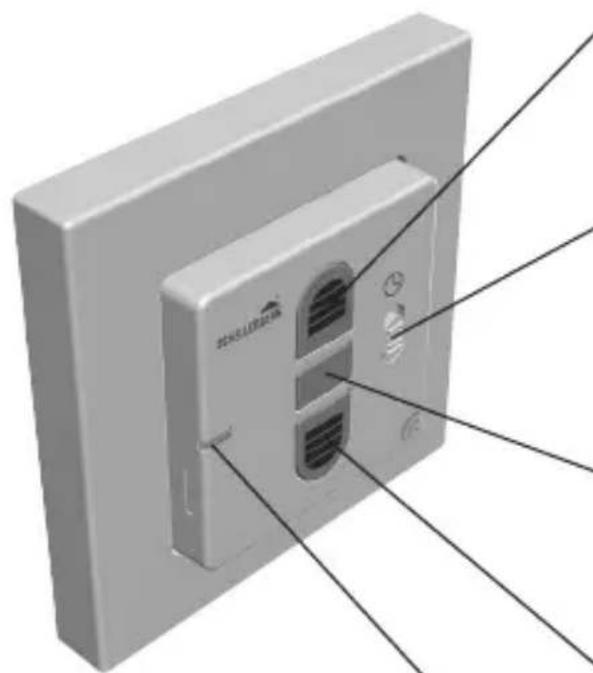
3D diagram of a wall-mounted air conditioner unit with labeled components (no text or symbols on the device itself)Open button
Shutter/awning moves upwards/ extends.
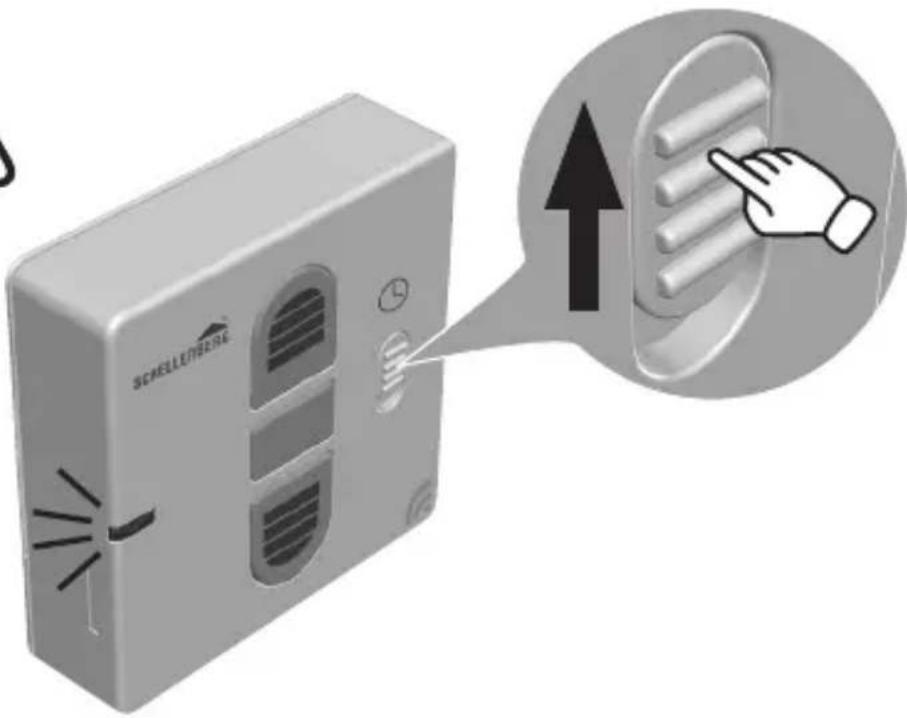
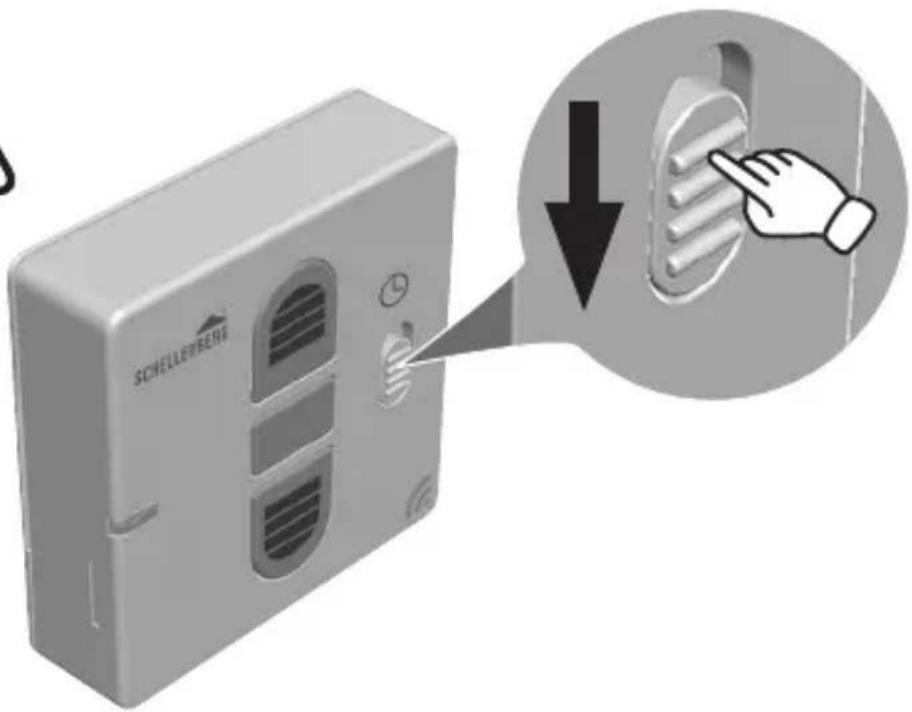
Sliding switch automatic timer
The roller shutter will move during the programmed times or is operated manually.
stop button
Stops the up/down movement of the tubular motor.
Close button
Shutter/awning moves downwards/retracts.
natural_image
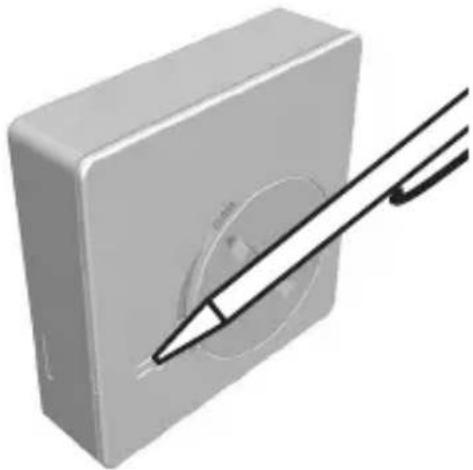
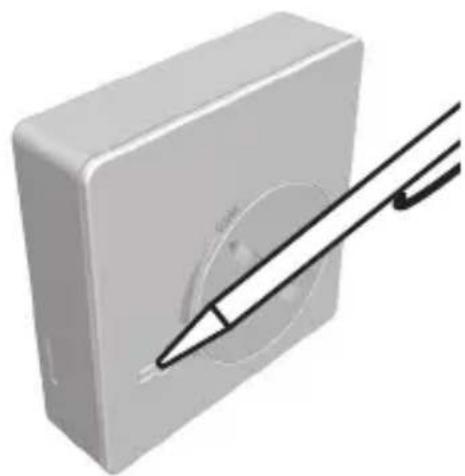
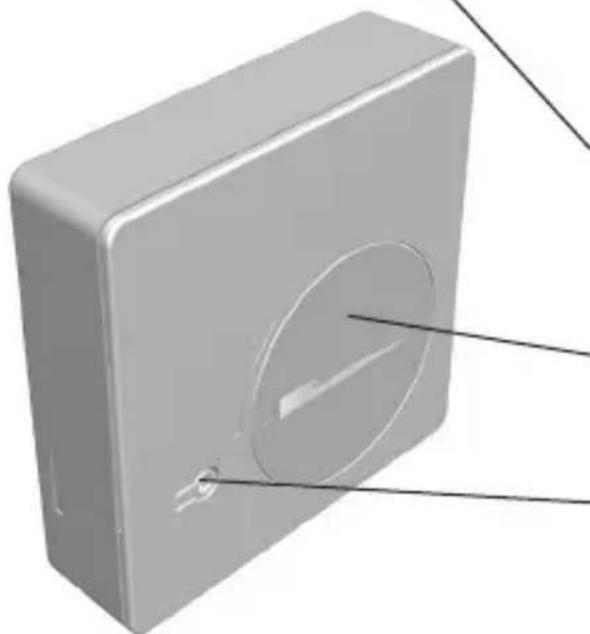
3D rendering of a square electronic device with a circular cutout and two labeled points (no text or symbols visible)LED display
Flashes during the programming.
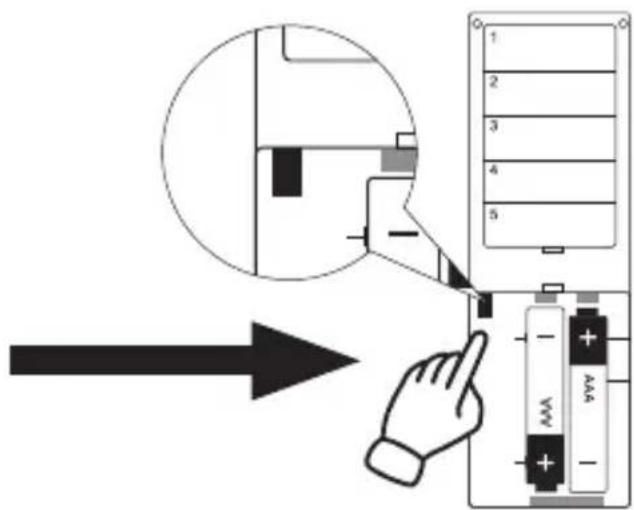
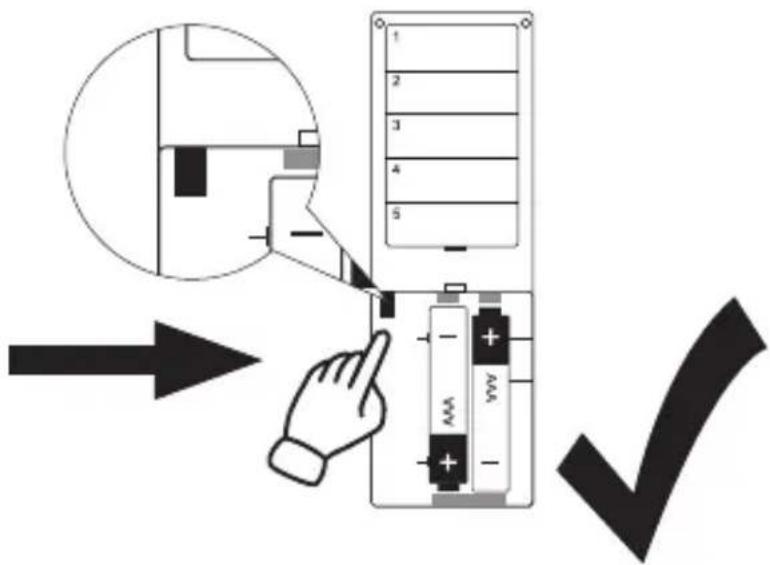
Battery compartment
For battery type CR2450
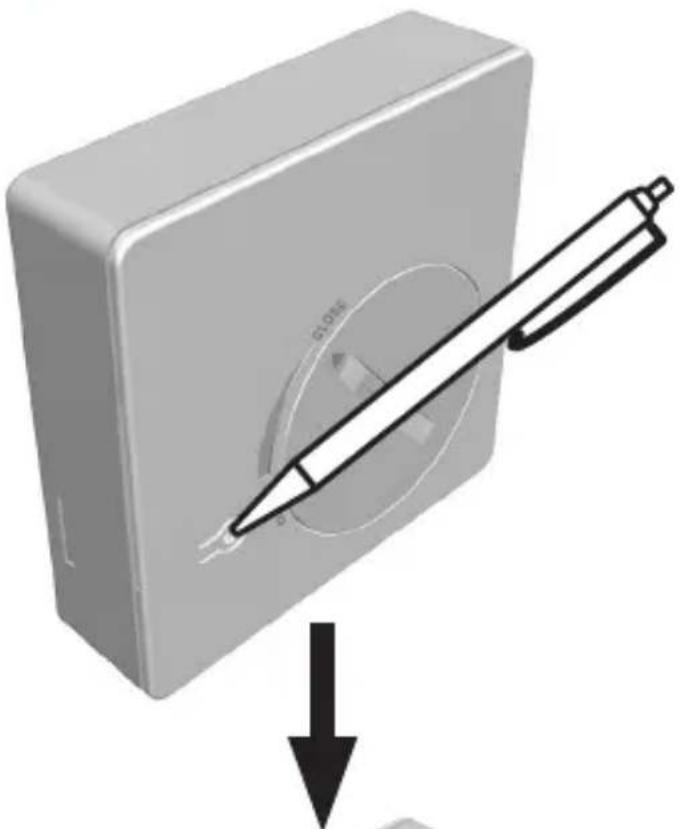
programming button
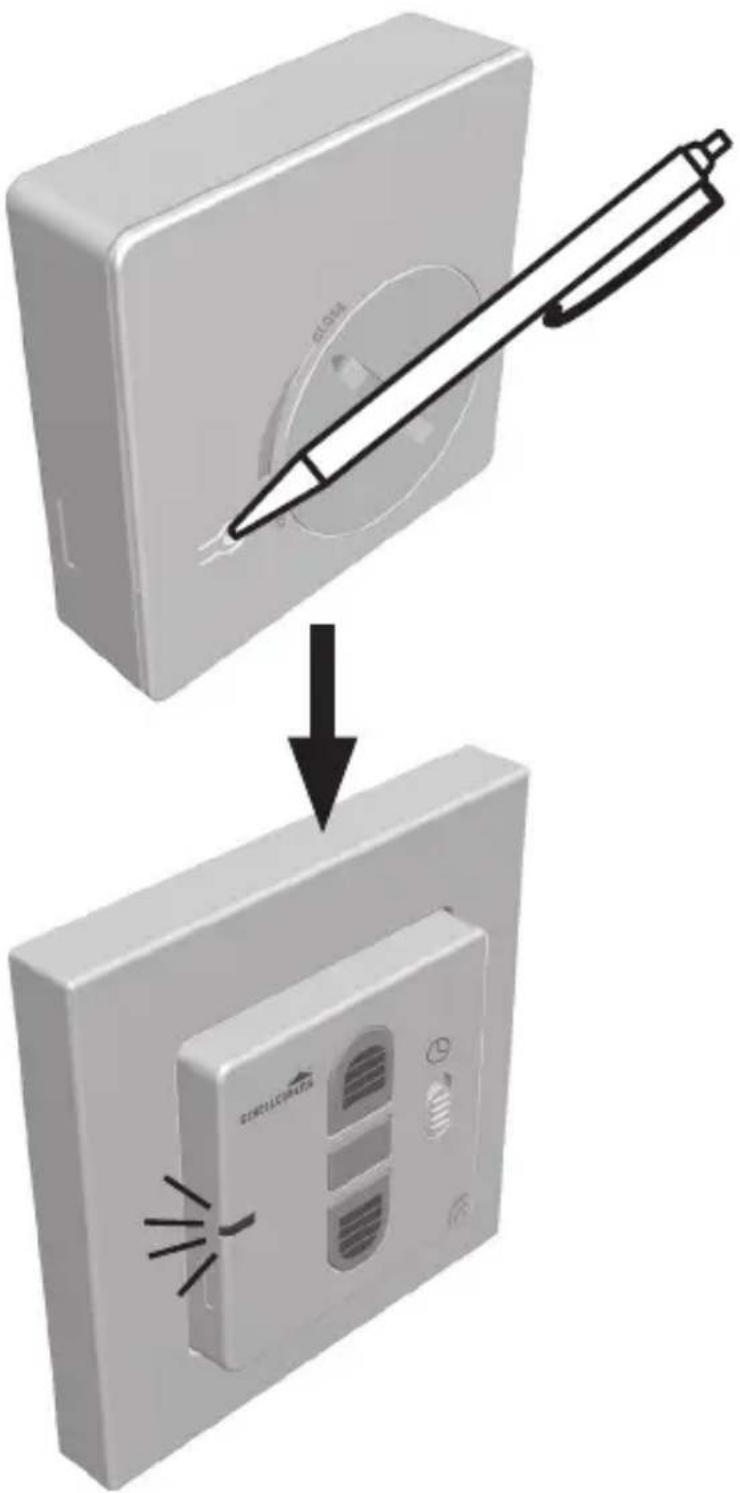
On/off switching of the programming mode.
LED
off
LED
illuminated
natural_image
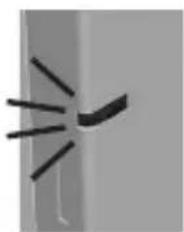
Simple line drawing of a curved object with radiating lines, resembling a stylized lamp or abstract shape (no text or symbols)LED blinks
PAIRING WITH SMART HOME SYSTEM
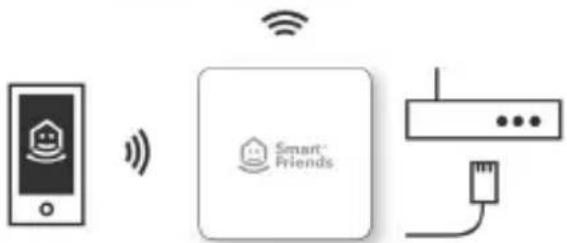
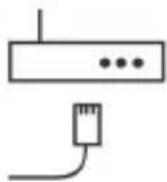
Pair the product with the Smart Friends System, and control all "Ready for Smart Friends" products through the Friends app.

Security Tech Germany

Paulmann




text_image
QR code image containing encoded data, no visible human-readable text


text_image
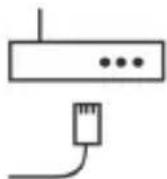
Diagram showing smart home connection with Wi-Fi signal, Smart Friends logo, and network connection via USB cablewww.smart-friends.com
TABLE DES MATIÈRES
Chers clients, chères clientes,

DÉCLARATION DE CONFORMITÉ UE
Radio Equipment Directive 2014/53/EU (RED) RoHS Directive 2011/65/EU

text_image
Technical diagram showing two views of a wall-mounted device with labeled components and annotations in Chinese.Touche Montée
Security Tech Germany

Paulmann
SCHELLENBERG

Intelligent technology


text_image
QR code image containing encoded data, no visible human-readable textwww.smart-friends.com
SPIS TREŚCI
Radio Equipment Directive 2014/53/EU (RED) RoHS Directive 2011/65/EU

natural_image
3D diagram of a wall-mounted air conditioner unit with labeled components (no text or symbols on the device itself)Przycisk podnoszenia
natural_image
3D rendering of a gray rectangular electronic device with a circular cutout and two labeled points (no text or symbols)Wskaźnik LED
natural_image
Simple line drawing of a curved object with radiating lines, resembling a stylized lamp or abstract shape (no text or symbols)LED miga
SPRZEŻENIE Z SYSTEMEM SMART HOME
Security Tech Germany

Paulmann

Intelligent technology


[Non-Text]


text_image
QR code image containing encoded data, no visible human-readable textwww.smart-friends.com
INDICE
Radio Equipment Directive 2014/53/EU (RED) RoHS Directive 2011/65/EU

natural_image
3D diagram of a wall-mounted air conditioner unit with labeled components (no text or symbols)Tasto Salita
natural_image
3D rendering of a rectangular electronic device with a circular cutout and two labeled points (no text or symbols visible)
natural_image
Close-up of a door handle with a clip, no visible text or symbolsLED spento

natural_image
Close-up of a metallic object with a black curved band, possibly part of a door or shelf (no visible text or symbols)LED acceso

natural_image
Simple line drawing of a curved object with radiating lines, resembling a stylized lamp or wave (no text or symbols)LED lampeggiante
ACCOPPIAMENTO SISTEMA SMART HOME
Security Tech Germany

Paulmann


flowchart
graph LR
A["Mobile Phone"] -->|Wireless Signal| B["Smart Friends"]
B --> C["Wireless Interface"]

text_image
QR code image containing encoded data, no visible human-readable text
natural_image
Icon depicting a hammer and wrench with a question mark, symbolizing complexity or inquiry (no text present)
natural_image
Simple line drawing of a screwdriver with a cross mark indicating dislocation (no text or symbols)
natural_image
Simple line drawing of a pen inside a square frame (no text or symbols)
natural_image
Illustration of a hand holding a soldering iron (no text or symbols)
natural_image
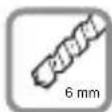
Simple line drawing of a mechanical component with 6 mm scale indicator (no text or symbols on the object itself)
natural_image
Icon of an open box with a downward arrow, no text or symbols present
natural_image
3D model of a rectangular mechanical component with cutouts and labeled dimensions (1x and B), no text or symbols beyond labels.
natural_image
3D rendering of a gray rectangular electronic device with ventilation slots and labeled ports (no readable text or symbols)
text_image
2x 2x D E
text_image
1x + CA
1.


natural_image
3D diagram of a square electrical outlet with internal cavity and labeled point B (no text or symbols beyond label)2.


natural_image
Three diagonal lines with arrowheads at endpoints (no text or symbols)
text_image
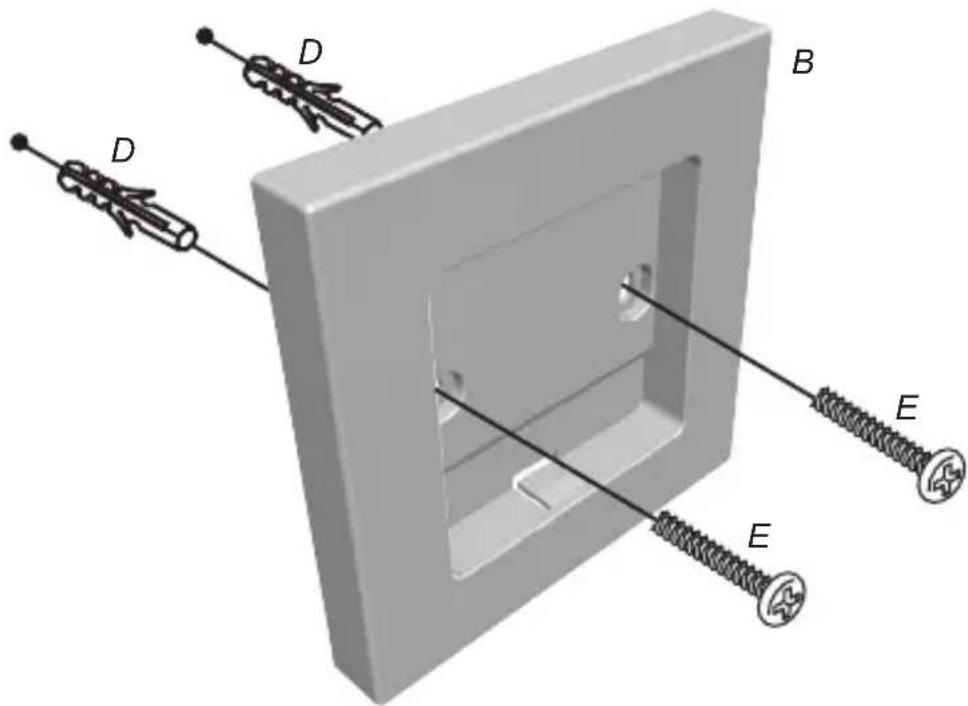
Technical diagram of a mechanical assembly with labeled components D, B, and E4.

natural_image
3D rendered image of a square electrical outlet with a black checkmark indicating selection (no text or symbols)SCHELLENBERG
B
5.


natural_image
3D rendering of a gray rectangular device with a circular dial and directional arrow indicating rotation (no text or symbols)6.

text_image
Diagram showing a device with labeled buttons and a close button, illustrating a process or operation.
natural_image
3D rendering of a gray rectangular device with a circular dial and directional arrow indicator (no text or symbols)natural_image
3D diagram of a wall-mounted device with labeled components A and B, showing internal structure and mounting holes (no text or symbols beyond labels)
natural_image
3D illustration of a white wall-mounted air conditioner unit with ventilation slots and a black checkmark symbol (no text or labels)
text_image
Diagram showing a device with labeled ports and directional arrows, indicating a process or navigation step.
natural_image
3D rendering of a wall-mounted electrical outlet with a black arrow pointing to the internal structure (no text or symbols)
natural_image
Exterior view of a gray electronic device with ventilation slots and ports (no visible text or symbols)C
9.

text_image
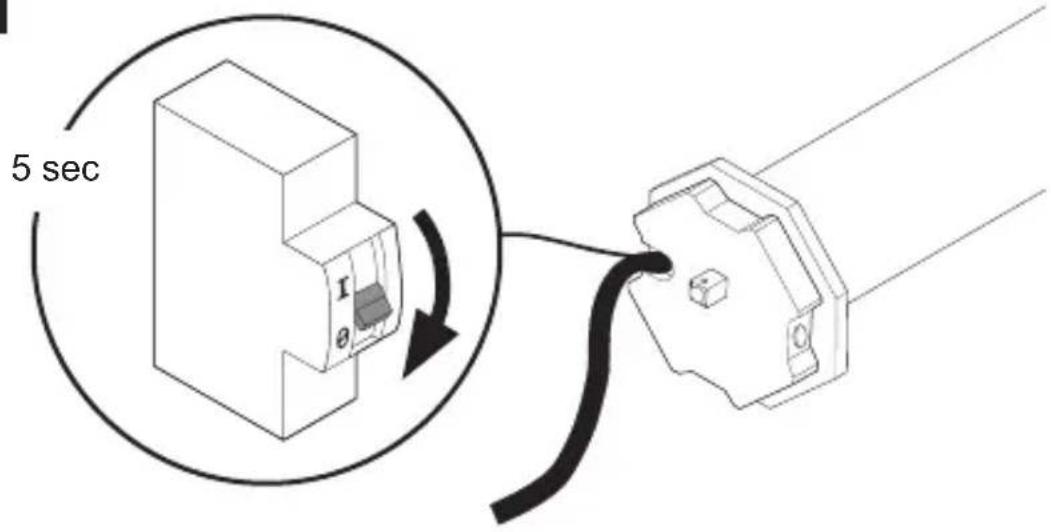
5 sec 1 θ10.

text_image
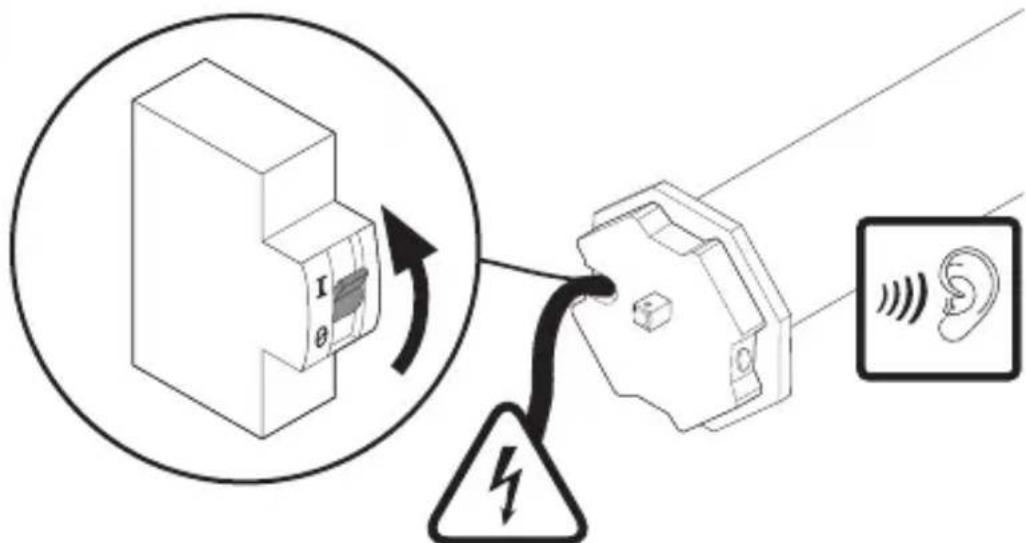
Diagram illustrating the electrical connection between an electronic device and a ear, with warning symbol and 1x frequency label.230 V, 50 Hz
SCHELLENBERG

text_image
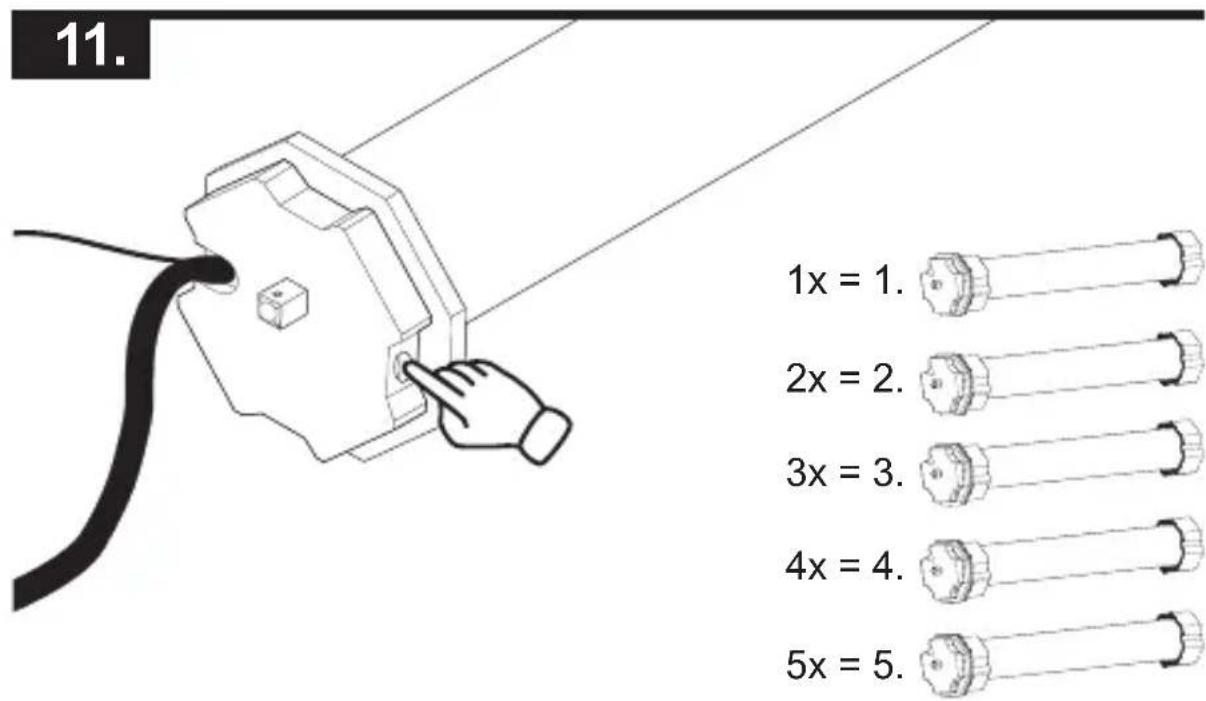
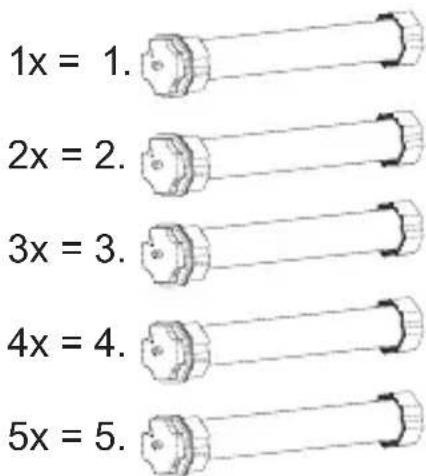
11. 1x = 1. 2x = 2. 3x = 3. 4x = 4. 5x = 5.
text_image
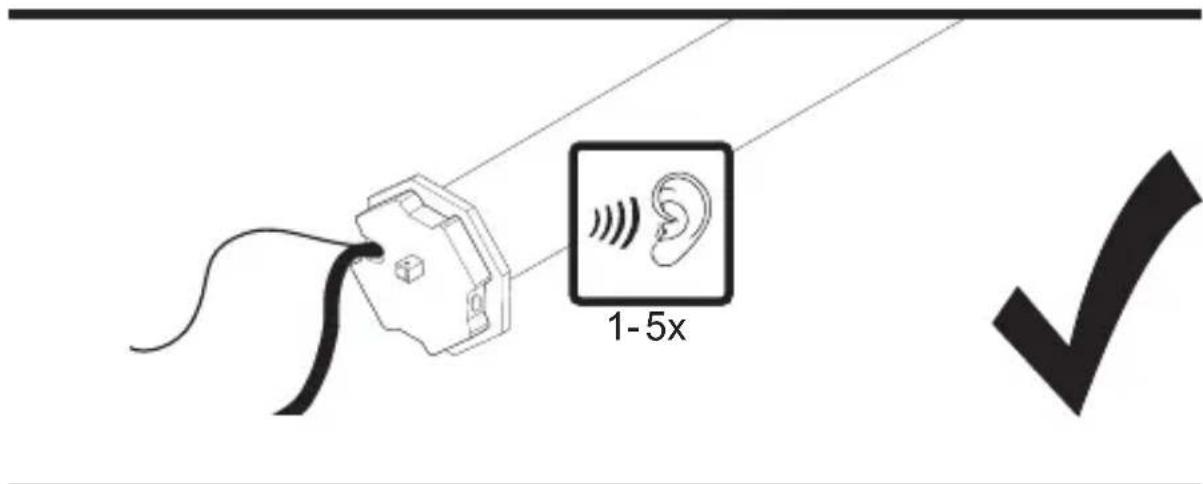
1-5x
text_image
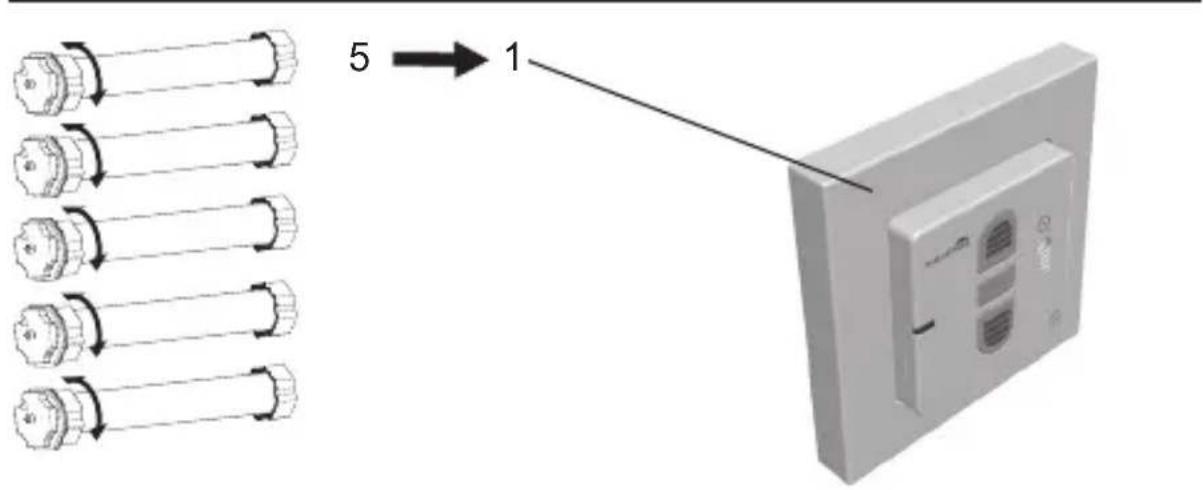
5 → 1D
12.


text_image
Diagram showing a switch or cable installation process with a magnified view of the switch and warning symbol.E
13.

text_image
SCHILLIATRIC 1-5x
text_image
1x = 1. 2x = 2. 3x = 3. 4x = 4. 5x = 5.
text_image
1-5x14.

natural_image
Illustration of two hands pointing at a device panel with sound waves (no text or symbols)
natural_image
Illustration of a device with a pointing hand and sound waves, no text or symbols present.
text_image
Diagram illustrating ear signal transmission with a device and ear icon, alongside a checkmark symbol.F
16.

natural_image
Illustration of a Siemens air conditioner unit with a hand pointing to its vent (no text or symbols on the device itself)

natural_image
Isometric line drawing of a window with horizontal slats and a black arrow pointing upward (no text or symbols)
text_image
22 21
natural_image
Black checkmark symbol on white background (no text or additional symbols)
natural_image
Diagram of a window with horizontal slats and a downward arrow, no text or symbols present
natural_image
Simple line drawing of a hand holding a folded paper or document (no text or symbols)
text_image
XG
17.

natural_image
Illustration of two hands pointing at a device panel with heat lines (no text or symbols)
natural_image
Illustration of a gray electronic device with a pointing hand and sound waves, no text or symbols present.
text_image
Diagram illustrating ear signal transmission with labeled components and signal waveform
natural_image
Simple black checkmark symbol on white background (no text or additional symbols)H
19.

natural_image
Illustration of a computer with a hand pointing at the button (no text or symbols visible)90%

natural_image
Simple line drawing of a door with an upward arrow indicating direction (no text or symbols)
text_image
充电按钮100%

natural_image
Simple line drawing of a door with an arrow pointing upward (no text or symbols)natural_image
Illustration of two hands pointing at a device panel with arrows indicating motion (no text or symbols)
natural_image
Illustration of a showerhead with a hand pointing at the button (no text or symbols on the device itself)
text_image
Diagram illustrating ear signal transmission with a device and ear icon, showing signal direction and checkmark.|
22.

natural_image
Illustration of a Schellenberg industrial device with a hand pointing at its button (no text or symbols on the device itself)
text_image
90%
natural_image
Illustration of a device with a pointing finger and sound waves, no text or symbols present
text_image
100%natural_image
Illustration of two hands pointing at a device panel with sound waves (no text or symbols)
natural_image
Illustration of a school bus with a hand pointing at the button (no text or symbols on the device itself)
text_image
Diagram illustrating ear signal transmission with a device and ear icon, showing signal flow and approval checkSCHELLENBERG
J
25.


text_image
SHELLERBERG SHELLERBERGK
26.

natural_image
Diagram of a window with an upward arrow, showing structural lines and a door handle (no text or symbols)
text_image
SOSUSTRATE 1x
text_image
100%SCHELLENBERG
L
27.


natural_image
3D rendering of a gray rectangular electronic device with ventilation slots and a logo (no readable text or symbols beyond branding)
natural_image
3D rendering of a rectangular electronic component with a pointed tip and a curved line extending from its side (no text or symbols visible)1

natural_image
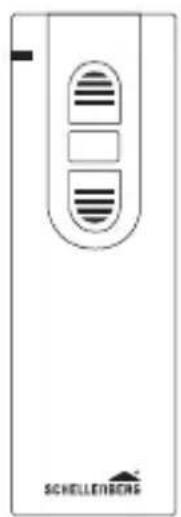
Front view of a device with two buttons and a label 'SHELLERBERG' at the bottom (no other text or symbols visible)
text_image
Diagram showing a hand pointing to a battery panel with labeled components and an inset magnified view of the device's internal structure.2

max.

natural_image
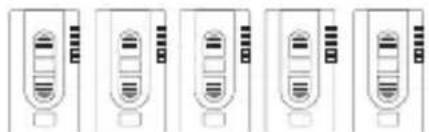
Five identical line drawings of a vertical device with internal components, no text or symbols present.
flowchart
graph TD
A["Schellenberg"] -->|100111...100111...100111...| B["Data Address 1"]
C["Schellenberg"] -->|100110...100110...100110...100110...| D["Data Address 2"]
E["Schellenberg"] -->|100101...100110...100110...100110...| F["Data Address 3"]
G["Schellenberg"] -->|100101...100110...100110...100110...| H["Data Address 4"]
I["Schellenberg"] -->|100101...100110...100110...100110...| J["Data Address 5"]
1
2

text_image
Diagram illustrating ear signal transmission via a device, showing signal flow and ear icon with sound waves1

natural_image
Exterior view of a white electronic device with ventilation slots and a logo (no readable text or symbols beyond branding)
natural_image
3D illustration of a mechanical component with a pointed tool and circular feature (no text or symbols)2

natural_image
Front view of a device with two buttons and a label 'SCHELLENBERG' at the bottom (no other text or symbols visible)
text_image
Diagram showing battery charging process with magnified view and checkmark indicatorM
30.

text_image
Diagram showing a device with ventilation slots and a hand interacting with a circular button labeled 'L' and clock, indicating airflow or status change.
text_image
1x 1x = 1x
text_image
3x 3x =
N
31.


text_image
SCHELLEUßGAL SCHELLEUßGAL

text_image
z.B.
text_image
1x/24 h32.


natural_image
Simple black checkmark symbol on white background (no text or additional symbols)O
33.


text_image
SCHELLEBRE 6
natural_image
Illustration of a door with hand gestures and sound waves, no text or symbols present
text_image
1x/24 hSCHELLENBERG
natural_image
Illustration of a Schellenburg air conditioner unit with two hands pointing at its buttons (no text or symbols on the device itself)
text_image
1x/24 hP
text_image
SCHELLEVENS SCHELLEVENSQ
36.


text_image
Diagram showing a device being inserted into a wall-mounted device, with Chinese text labels indicating the process.SCHELLENBERG
37.

text_image
SCHOLIHOUSE 1-5x38.

natural_image
Two identical 3D illustrations of a device with hand gestures pointing at its side, emitting sound waves (no text or symbols)

natural_image
3D diagram of a device with a pen inserted into a circular opening, showing a downward arrow (no text or symbols)
natural_image
3D rendering of a Schellerberg device with ventilation slots and ventilation ducts (no text or symbols on the device itself)
natural_image
Simple black checkmark symbol on white background (no text or additional symbols)R
text_image
5 sectext_image
Diagram illustrating a warning or electrical hazard symbol with labeled components and an ear icon, including a magnified view of a device with internal components.230 V, 50 Hz


text_image
1-11. 3
natural_image
Abstract black geometric shape with intersecting lines and a rectangular block (no text or symbols)42.


natural_image
3D diagram of a device with a pen and circular component, showing a downward arrow (no text or symbols)
natural_image
3D rendering of a Schellemberg air conditioner unit with ventilation slots and indicator lights (no text or symbols on the device itself)43.

natural_image
Illustration of a device with a pointing hand and sound waves, no text or symbols present
text_image
1x = 1. 2x = 2. 3x = 3. 4x = 4. 5x = 5.
text_image
5x = 5.44.

natural_image
Illustration of two hands pointing at a computer tower with sound waves (no text or symbols)
natural_image
Illustration of a device with a hand pointing at its button (no text or symbols visible)SCHELLENBERG


natural_image
Illustration of two hands inserting a device into a wall socket (no text or symbols)
natural_image
Illustration of a computer monitor with a hand pointing at it (no text or symbols visible)
text_image
2 sec45.


text_image
SCHELLÉMBEIRE
natural_image
Simple black checkmark symbol on white background (no text or additional symbols)SCHELLENBERG
S
46.

natural_image
Illustration of a device with a hand pressing a button, emitting sound waves (no text or symbols)z.B. 60%

natural_image
Diagram of a door with horizontal slats and a downward arrow indicating a drop or compression (no text or symbols)47.

natural_image
Illustration of a gray electronic device with ventilation slots and a hand pointing at it (no text or symbols)
natural_image
Illustration of two hands pointing at a device panel with ventilation slots (no text or symbols)natural_image
Illustration of a device with a hand pointing at its button (no text or symbols visible)
text_image
Diagram showing ear signals and sound waves in a device, with a checkmark indicating cancellation or confirmation.T
natural_image
Illustration of a single electronic device with a hand pointing at its button (no text or symbols visible)
text_image
100%SCHELLENBERG
natural_image
Illustration of two hands pointing at a computer monitor with ventilation slots (no text or symbols)
natural_image
Illustration of a device with a pointing hand and sound waves, no text or symbols present
natural_image
Simple line drawing of a cable being inserted into a connector (no text or symbols)

natural_image
Black checkmark symbol on white background (no text or additional symbols)U
54.

text_image
2x60%

natural_image
Diagram of a window with horizontal slats and a downward arrow indicating a cut or direction (no text or symbols present)
natural_image
Simple black checkmark symbol on white background (no text or additional symbols)
For warranty claims, spare parts requests or questions regarding the proper installation of your product, please contact our Consumer Service Department. service.int@schellenberg.de