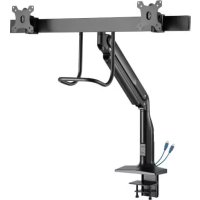
DMPDD1735AM - TV wall mount Tripp Lite - Free user manual and instructions
Find the device manual for free DMPDD1735AM Tripp Lite in PDF.


| Product Type | TV wall mount (desktop clamp for dual monitors) |
| Brand | Tripp Lite |
| Model | DMPDD1735AM |
| Number of screens supported | 2 |
| VESA Compatibility | 75 x 75 mm, 100 x 100 mm |
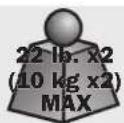
| Maximum load capacity per screen | 10 kg (22 lb) |
| Material | Steel, plastic, handle with antimicrobial tape |
| Built-in ports | 1 x USB 3.0 |
| Mounting type | Desktop clamp (cable pass-through, grommet hole) |
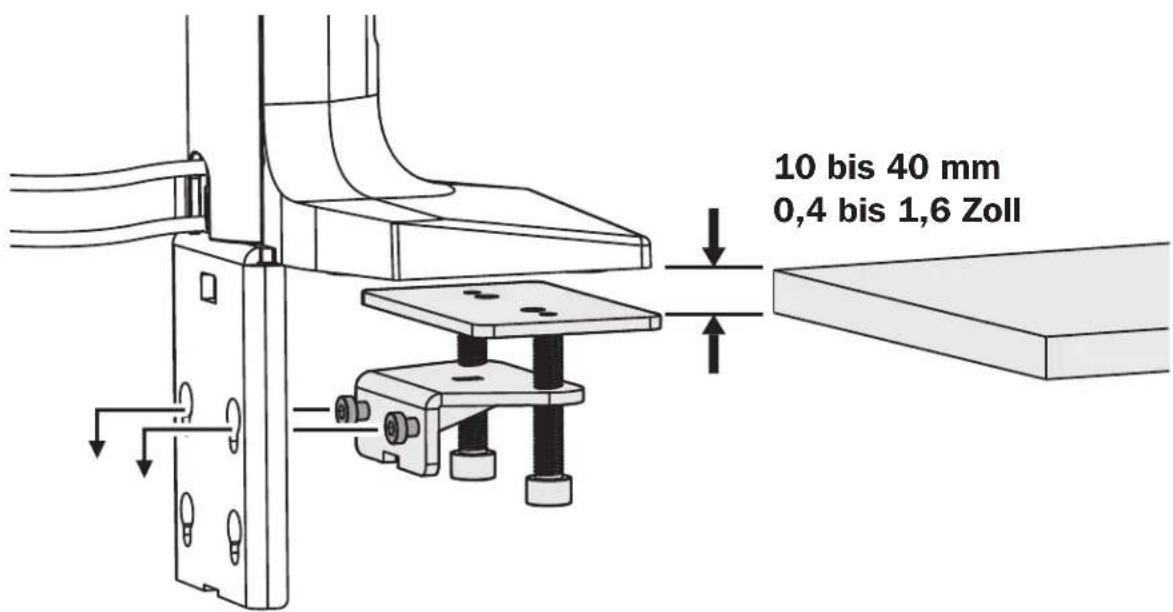
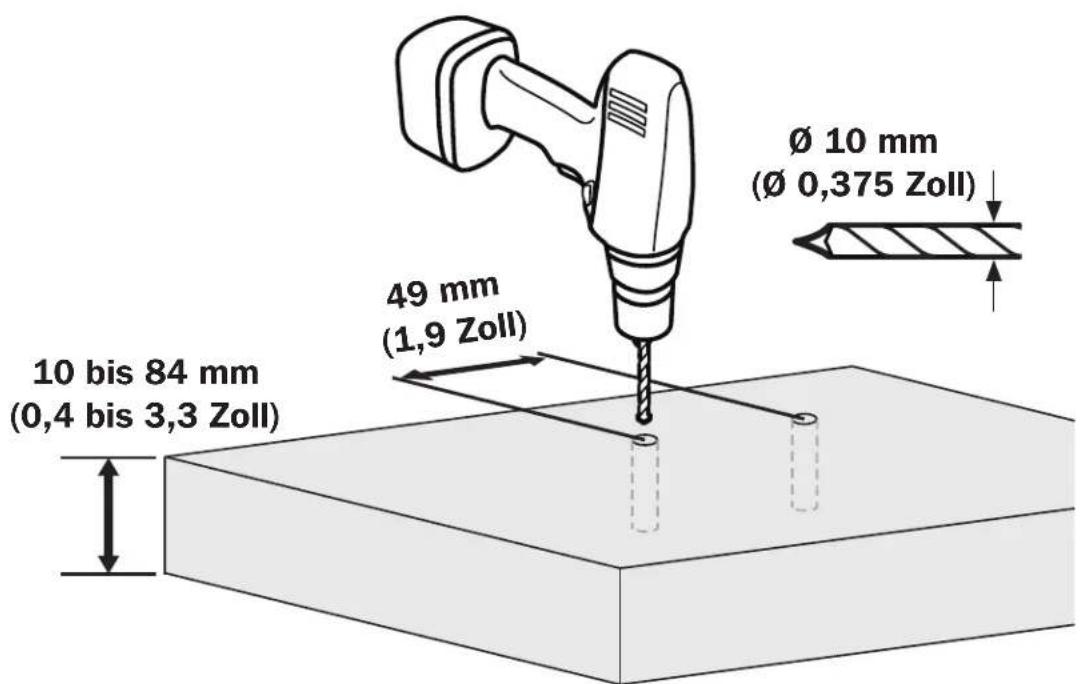
| Compatible desktop thickness | 10 to 84 mm (0.4 to 3.3 in) |
| Adjustments | Height, tilt, swivel, spring balance |
| Antimicrobial tape | Yes, on the handle (prevents growth of bacteria, viruses, fungi) |
| Cable management | Yes, cable management covers included |
| Usage | Indoor only |
| Warranty | 5 years (limited) |
| Dimensions (approx.) | Not provided in manual, estimated 60 x 30 x 15 cm (arm extended) |
| Weight (approx.) | Not provided, estimated 5 kg |
| Package contents | Base, arm, VESA plates, screws, hex key, cable covers, antimicrobial tape |
| Assembly instructions | Included in manual, requires a qualified person |
| Maintenance and cleaning | Wipe with a dry cloth, check mounting regularly (every 3 months) |
| Safety | Do not exceed maximum load, use an assistant for installation, tighten without over-tightening |
Frequently Asked Questions - DMPDD1735AM Tripp Lite
User questions about DMPDD1735AM Tripp Lite
0 question about this device. Answer the ones you know or ask your own.
Ask a new question about this device
Download the instructions for your TV wall mount in PDF format for free! Find your manual DMPDD1735AM - Tripp Lite and take your electronic device back in hand. On this page are published all the documents necessary for the use of your device. DMPDD1735AM by Tripp Lite.
USER MANUAL DMPDD1735AM Tripp Lite
natural_image
Technical line drawing of a robotic arm with articulated joints and base mount (no text or symbols)Precision Placement Dual-Display Desk Clamp with Antimicrobial Tape\*
with USB 3.0 Port
Model: DMPDD1735AM
Español 13 • Français 25 • Русский 37 • Deutsch 49

CAUTION: DO NOT EXCEED MAXIMUM LISTED WEIGHT CAPACITY. SERIOUS INJURY OR PROPERTY DAMAGE MAY OCCUR!

75 x 75 100 x 100
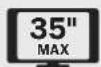

* Antimicrobial tape on handle aids in resisting the growth of bacteria, viruses, fungi, mold and mildew.
WARRANTY REGISTRATION
Register your product today and be automatically entered to win an ISOBAR ^® surge protector in our monthly drawing!
tripplite.com/warranty


1111 W. 35th Street, Chicago, IL 60609 USA • tripplite.com/support
Copyright © 2021 Tripp Lite. All rights reserved.
Safety Instructions
NOTE: Read the entire instruction manual before you start assembly and installation.

WARNING
- Do not begin the installation until you have read and understood the instructions and warnings contained in this manual. If you have any questions regarding any of the instructions or warnings, please visit tripplite.com/support.
- This mount was designed to be installed and utilized ONLY as specified in this manual. Improper installation of this product may cause damage or serious injury.
- This product should only be installed by someone of good mechanical ability, with basic building experience and a full understanding of this instruction manual.
- Ensure the mounting surface can safely support the combined load of the equipment and all attached hardware and components.
- Use an assistant or mechanical lifting equipment to safely lift and position equipment.
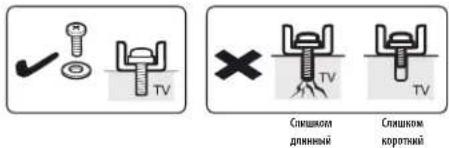
- Tighten screws firmly, but do not over-tighten. Over-tightening screws can damage the unit and greatly reduce the screws' holding power.
- This product is intended for indoor use only. Using this product outdoors could lead to product failure and personal injury.
Warranty and Product Registration
5-Year Limited Warranty
Seller warrants this product, if used in accordance with all applicable instructions, to be free from original defects in material and workmanship for a period of 5 years from the date of initial purchase. If the product should prove defective in material or workmanship within that period, Seller will repair or replace the product, at its sole discretion.
THIS WARRANTY DOES NOT APPLY TO NORMAL WEAR OR TO DAMAGE RESULTING FROM ACCIDENT, MISUSE, ABUSE OR NEGLECT. SELLER MAKES NO EXPRESS WARRANTIES OTHER THAN THE WARRANTY EXPRESSLY SET FORTH HEREIN. EXCEPT TO THE EXTENT PROHIBITED BY APPLICABLE LAW, ALL IMPLIED WARRANTIES, INCLUDING ALL WARRANTIES OF MERCHANTABILITY OR FITNESS, ARE LIMITED IN DURATION TO THE WARRANTY PERIOD SET FORTH ABOVE; AND THIS WARRANTY EXPRESSLY EXCLUDES ALL INCIDENTAL AND CONSEQUENTIAL DAMAGES. (Some states do not allow limitations on how long an implied warranty lasts, and some states do not allow the exclusion or limitation of incidental or consequential damages, so the above limitations or exclusions may not apply to you. This warranty gives you specific legal rights, and you may have other rights which vary from jurisdiction to jurisdiction.)
WARNING: The individual user should take care to determine prior to use whether this device is suitable, adequate or safe for the use intended. Since individual applications are subject to great variation, the manufacturer makes no representation or warranty as to the suitability or fitness of these devices for any specific application.
PRODUCT REGISTRATION
Visit tripplite.com/warranty today to register your new Tripp Lite product. You'll be automatically entered into a drawing for a chance to win a FREE Tripp Lite product!*
* No purchase necessary. Void where prohibited. Some restrictions apply. See website for details.
Tripp Lite has a policy of continuous improvement. Specifications are subject to change without notice. Photos and illustrations may differ slightly from actual products.
Component Checklist
IMPORTANT: Ensure you have received all parts according to the component checklist prior to installing. If any parts are missing or faulty, visit tripplite.com/support for service.
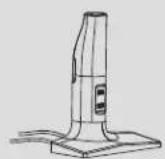
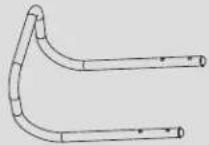
A
(x1)
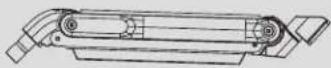
B
(x1)
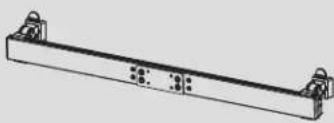
natural_image
Technical line drawing of a mechanical bracket with mounting holes (no text or symbols)I
(x1)
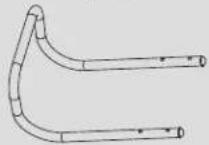
J
(x1)
C
(x1)
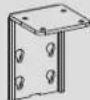
D
(x1)

E
(x1)
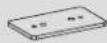
F
(x1)

G
(x1)

K
(x2)
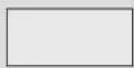
V
(x1)
115x52 mm Antimicrobial
Tape
Package P

H
(x2)
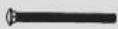
L
(x2)

M
(x2)

N
(x2)

0
(x2)

P
(x4)

Q
(x2)

R
(x4)
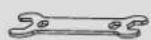
S
(x1)
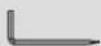
T
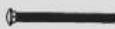
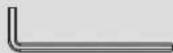
4 mm (x1)
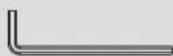
U
6 mm (x1)
Package M (x2)

M-A
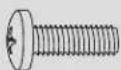
M4x12 (x4)
(8 total)
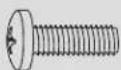
M-B
M5x12 (x4)
(8 total)

M-C
D5 (x4)
(8 total)
Assembly
1
Base Assembly and Desk Installation
1a
Edge Installation
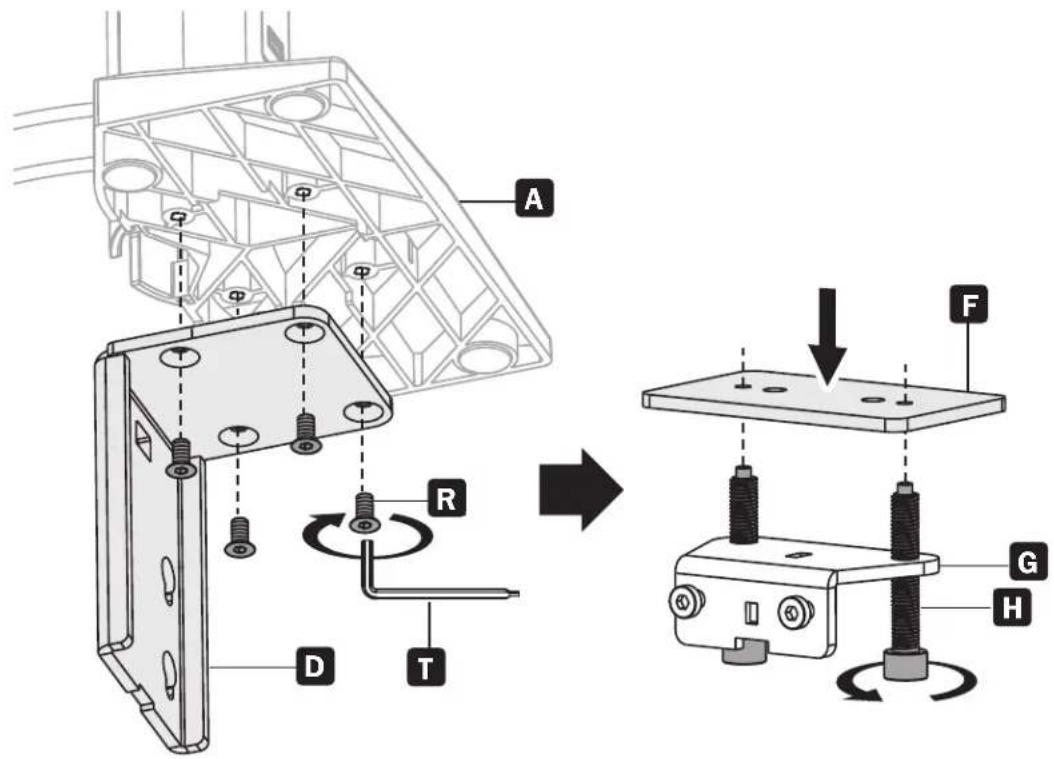
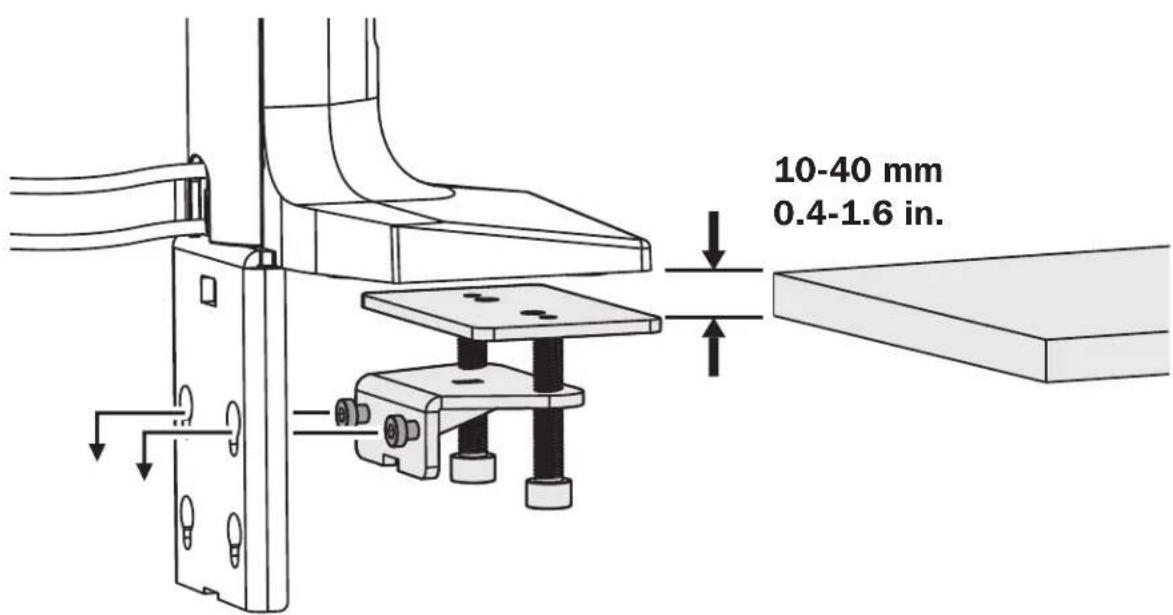
Assembly
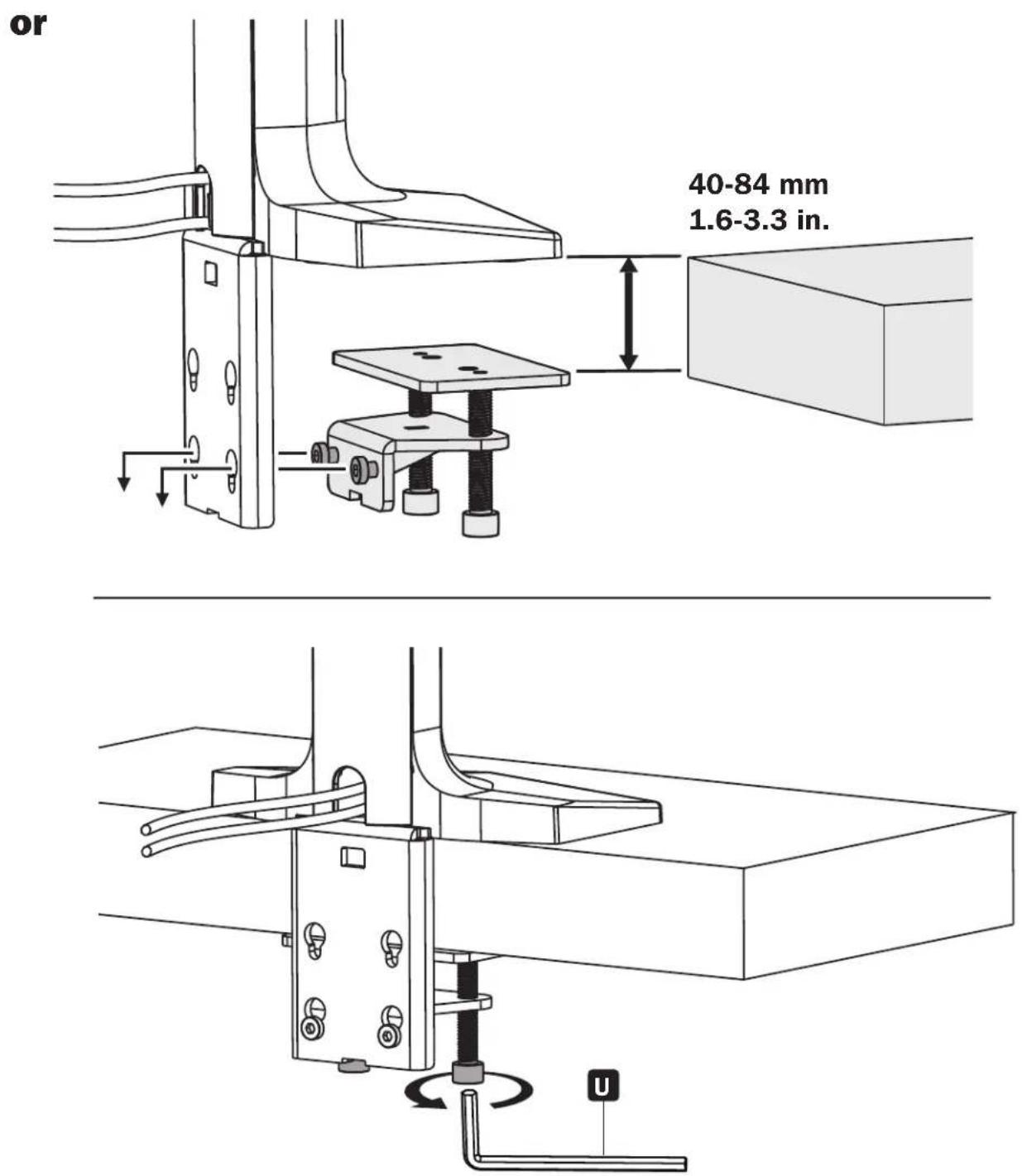
40-84 mm
1.6-3.3 in.
Assembly

Base Assembly and Desk Installation
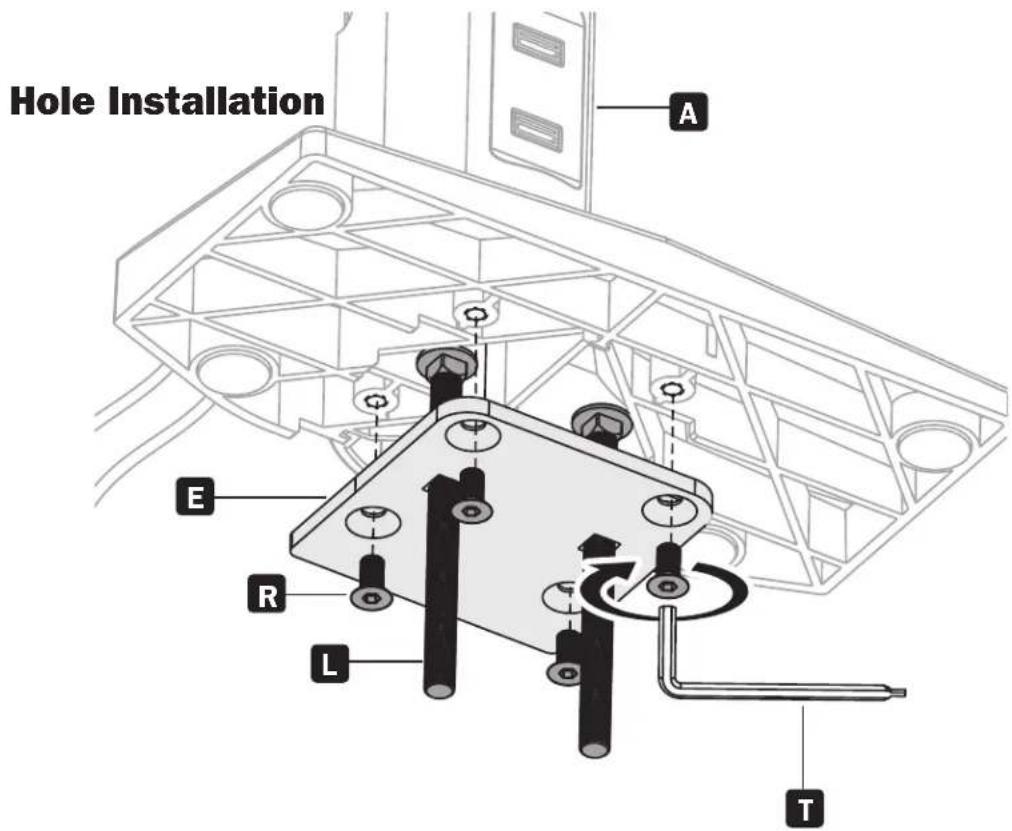
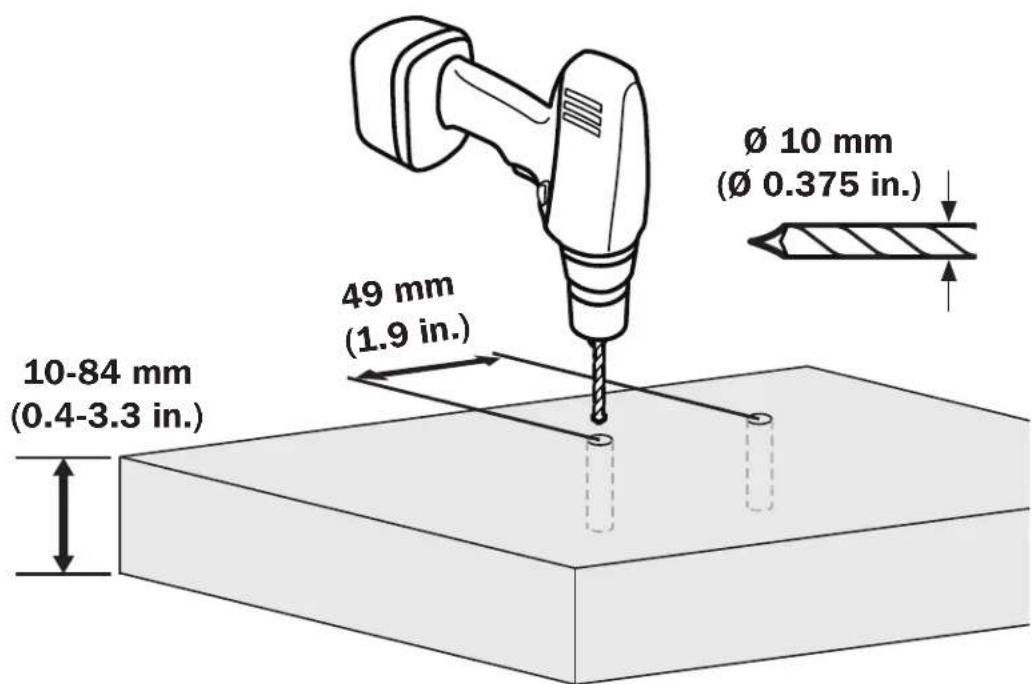
Assembly
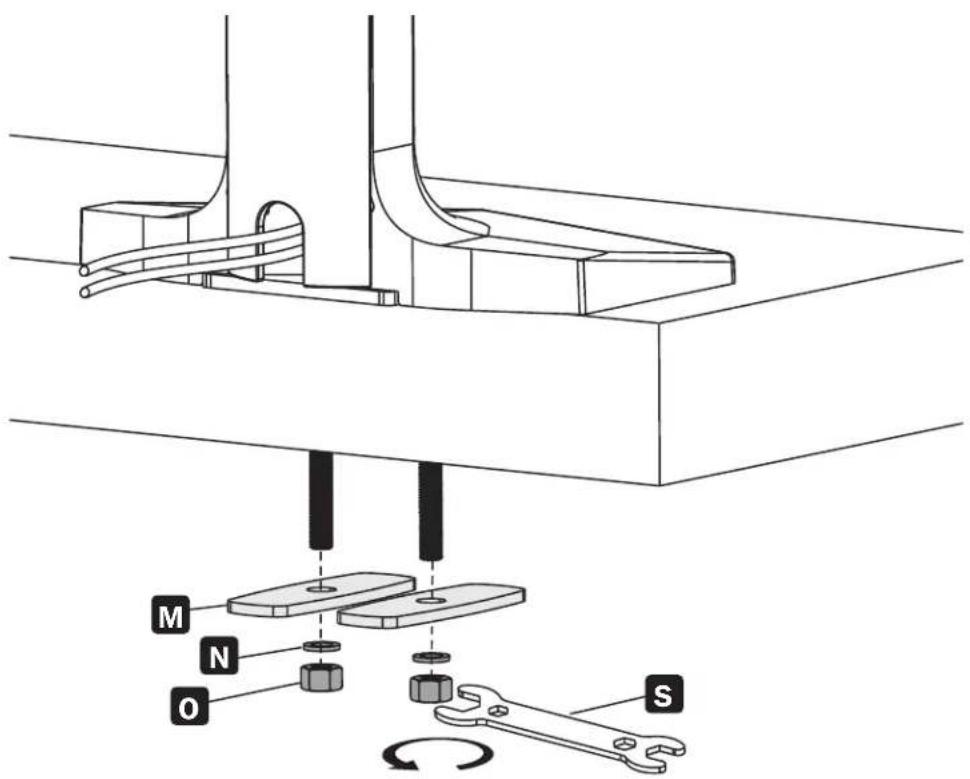
Assembly

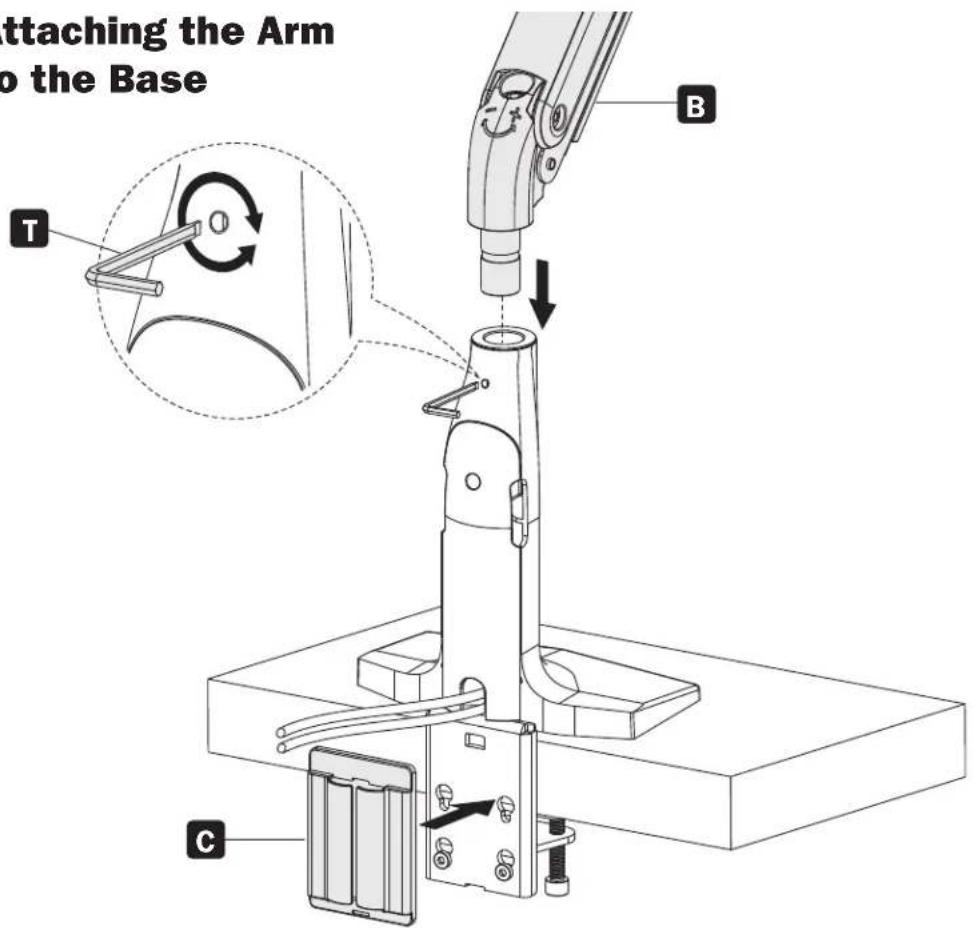

Attaching the Mounting Bracket to the Arm
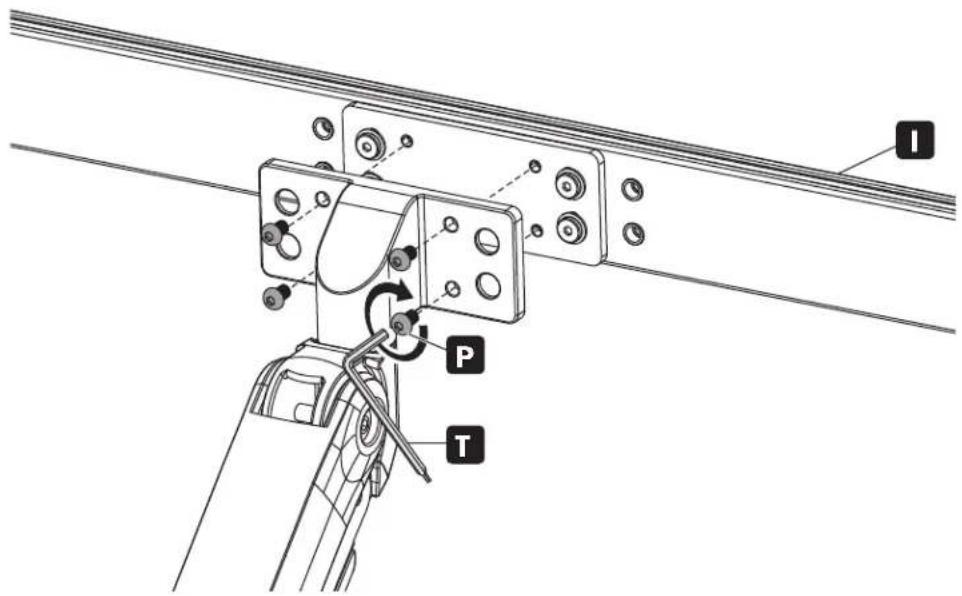
Assembly
4
Attaching the Handle
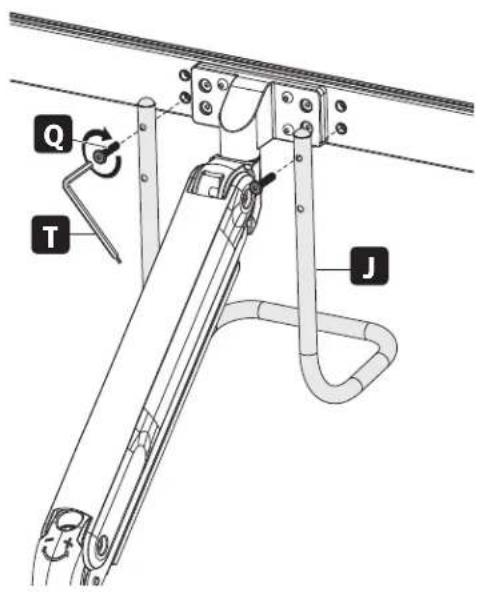
a
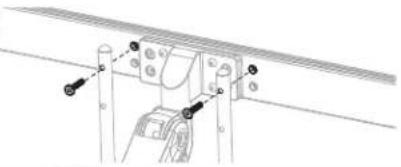
natural_image
Technical line drawing of a mechanical assembly with mounting holes and fasteners (no text or symbols)b
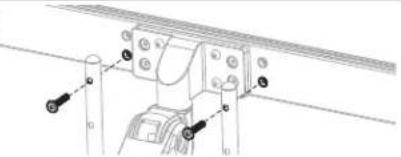
natural_image
Technical line drawing of a mechanical assembly with no visible text or symbolsC
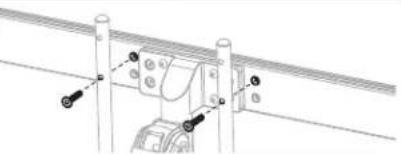
natural_image
Technical line drawing of a mechanical assembly with mounting flanges and a central component (no text or symbols)d
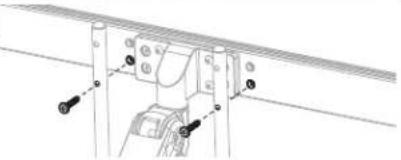
natural_image
Technical line drawing of a mechanical assembly with mounting brackets and fasteners (no text or symbols)5
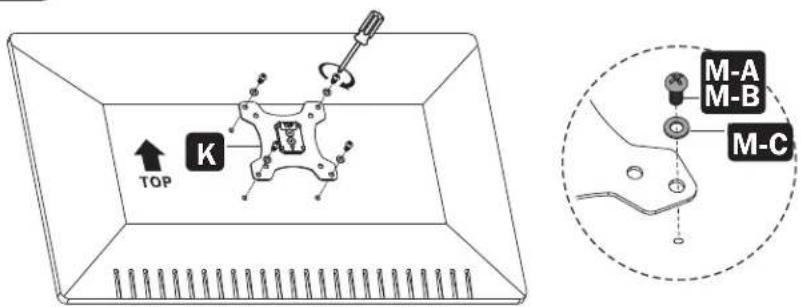
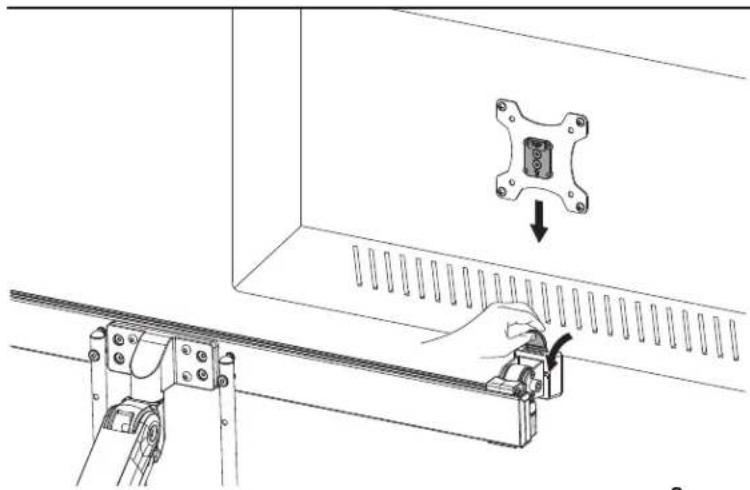
Attaching the Universal Plate to the Mounting Bracket
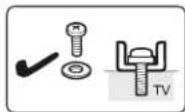
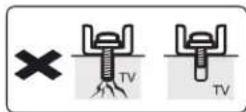
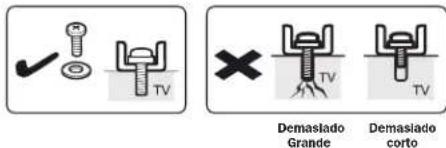
Too Long Too Short

Do not over-tighten screws.
natural_image
Technical diagram showing a mechanical assembly with a hand operating a bracket and a close-up of a component inside a panel (no text or symbols present)

Use an assistant or mechanical lifting equipment when attaching the universal plate to the mounting bracket.
Assembly
6
Balancing the Arm
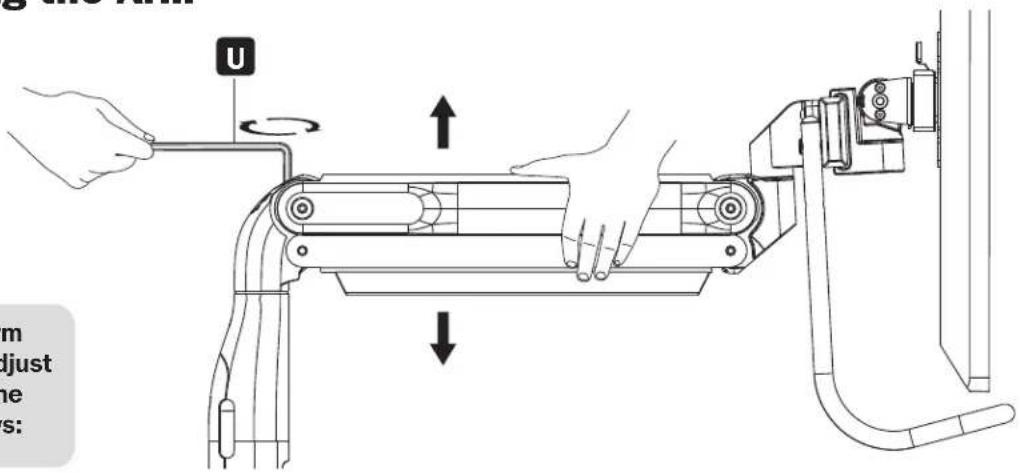
To properly balance the arm with monitors mounted, adjust the spring tension using the supplied hex key as follows:
First, position and firmly hold the arm horizontally as shown. Ask for assistance should you require it.
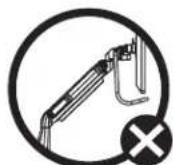
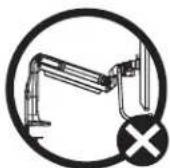
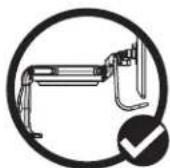

To avoid damage to monitors or mount, always keep the arm in a horizontal position while making adjustments. Ask for assistance should you require it.
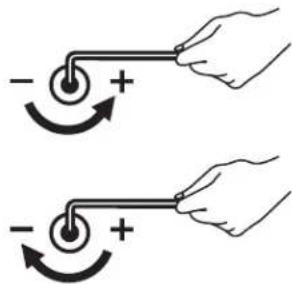
If the arm drops, turn the adjustment screw counterclockwise until it stays in a horizontal position.
If the arm rises, turn the adjustment screw clockwise until it stays in a horizontal position.

Do not over-tighten screws.
7
Securing the Cable Management Covers
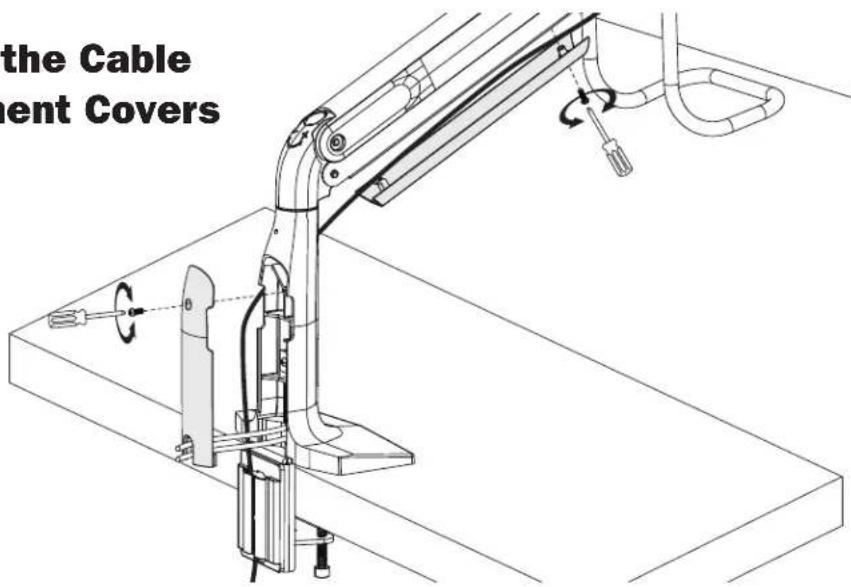
Assembly
8
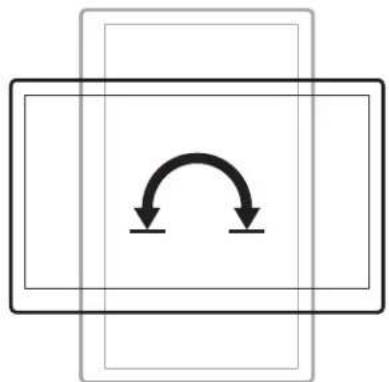
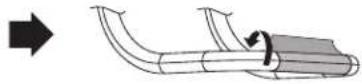
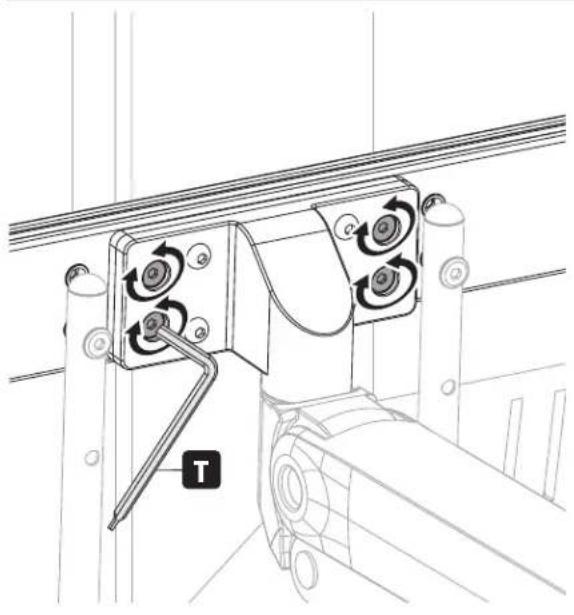
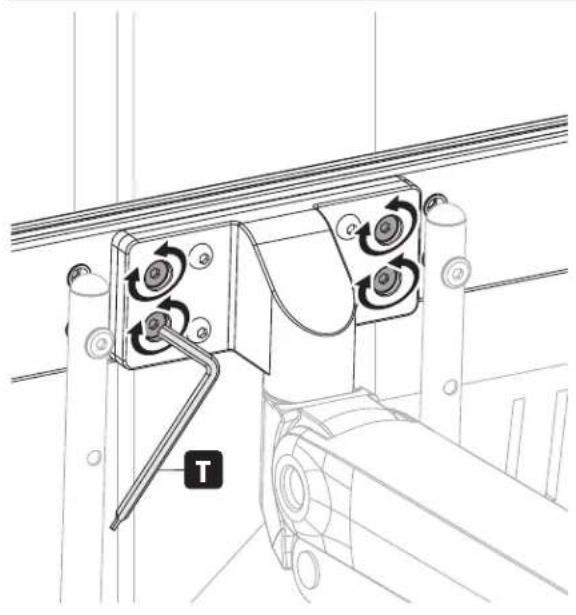
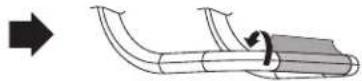
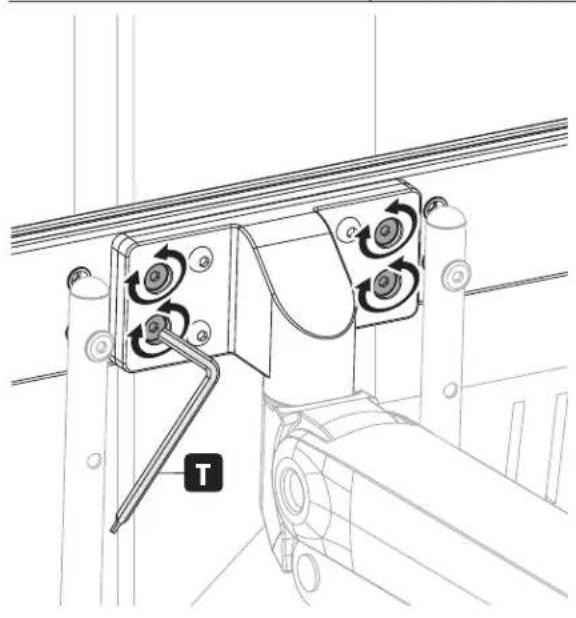
Adjustment and Applying the Antimicrobial Tape
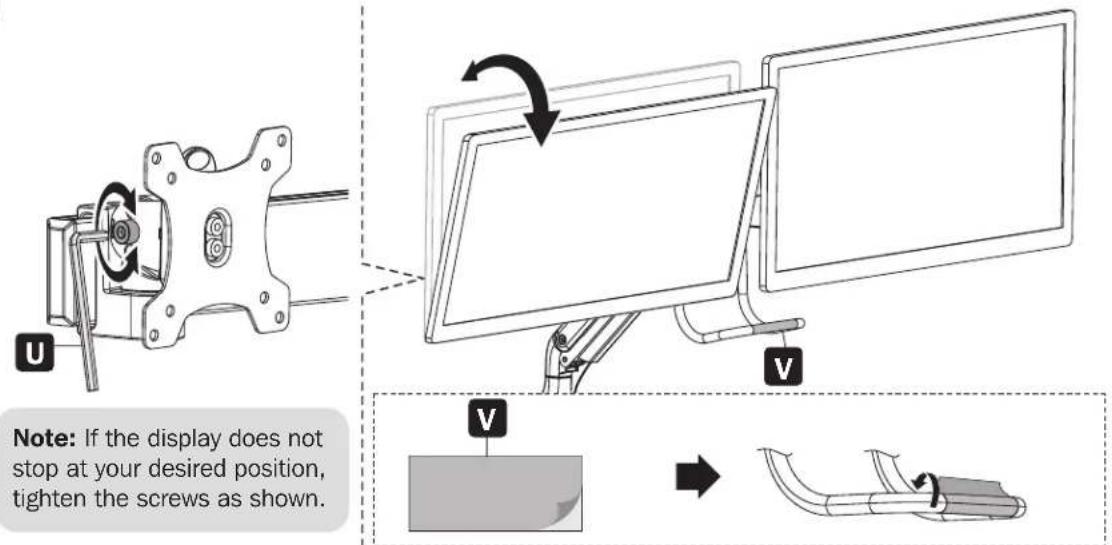
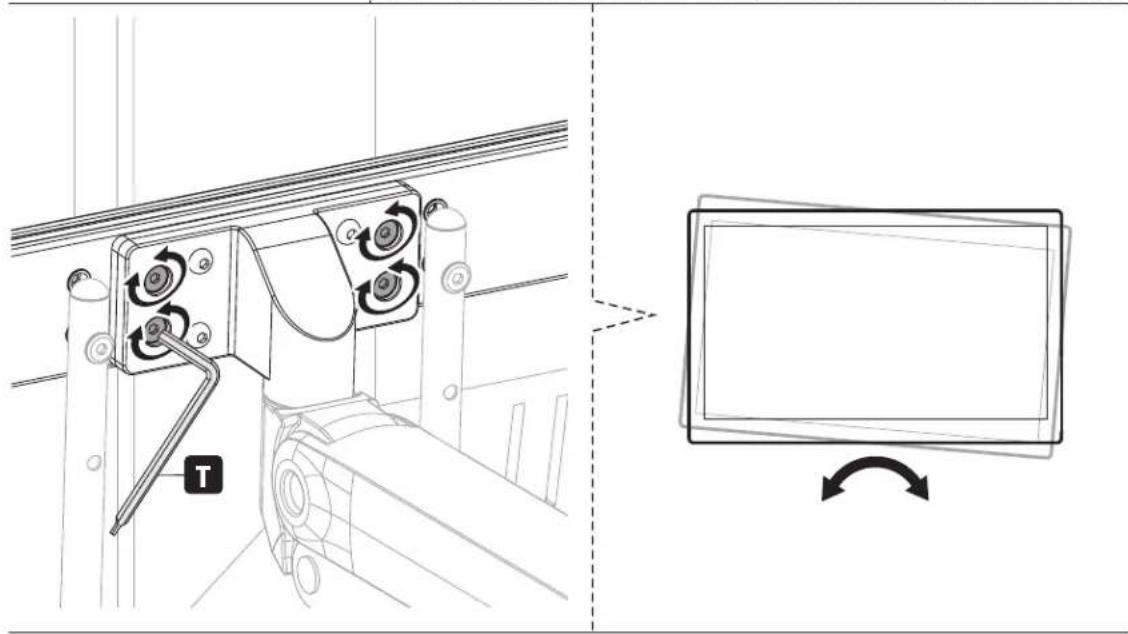
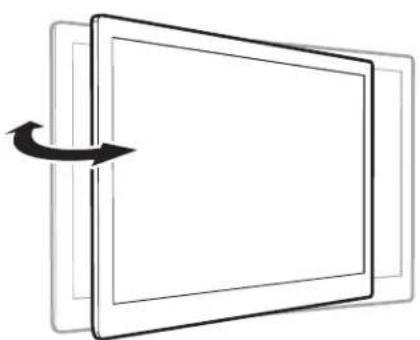
natural_image
Diagram of a rectangular device with an arrow indicating rotation or movement, no text or symbols present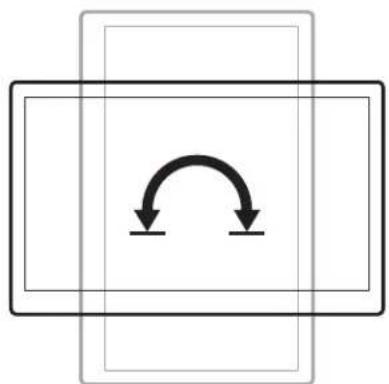
natural_image
Pure diagram of a rectangular frame with two downward arrows indicating rotational or bidirectional motion (no text or symbols)Maintenance
- Check that the bracket is secure and safe to use at regular intervals (at least every three months).
- Please visit tripplite.com/support if you have any questions.
natural_image
Technical line drawing of a robotic arm with articulated joints and base mount (no text or symbols)Safe-IT AntiMICROBIAL PRODUCTS
natural_image
Mechanical beam with mounting flanges and central fasteners (no text or symbols)I
(x1)
J
(x1)
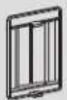
C
(x1)
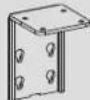
D
(x1)

E
(x1)
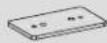
F
(x1)

G
(x1)

K
(x2)
V
(x1)
115×52 mm
Cinta
Antimicrobiana
Paquete P

H
(x2)
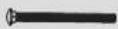
L
(x2)

M
(x2)

N
(x2)

0
(x2)

P
(x4)

Q
(x2)

R
(x4)

s
(x1)

T
4 mm (x1)
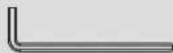
U
6 mm (x1)
Paquete M (x2)

M-A
M4x12 (x4)
(8 en total)
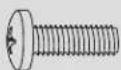
M-B
M5x12 (x4)
(8 en total)

M-C
D5 (x4)
(8 en total)
Ensamble
1

Ensamble
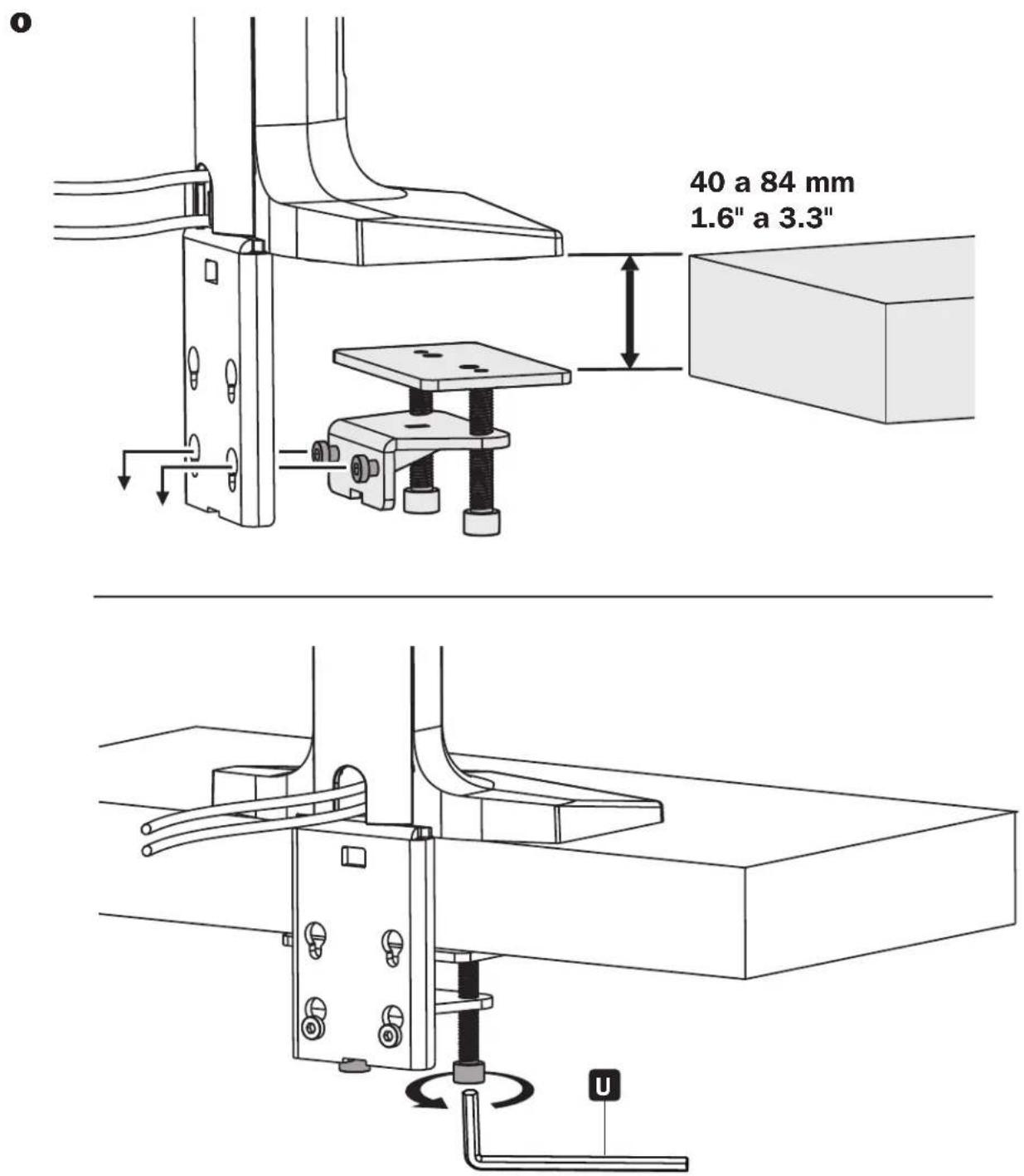
Ensamble
Ensamble
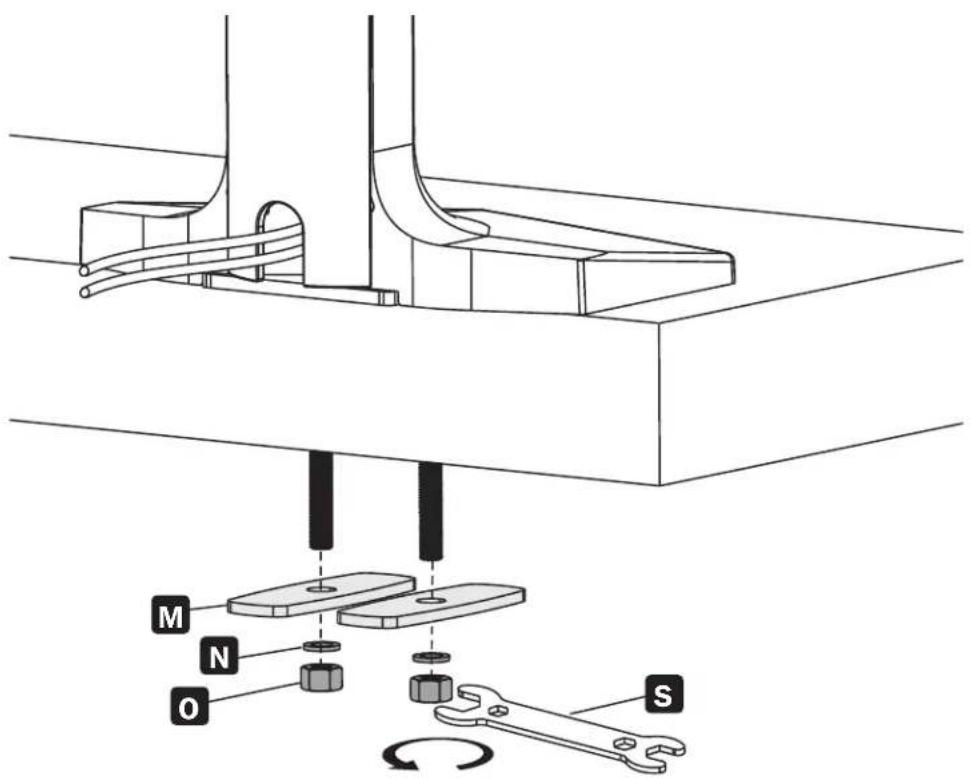
Ensamble

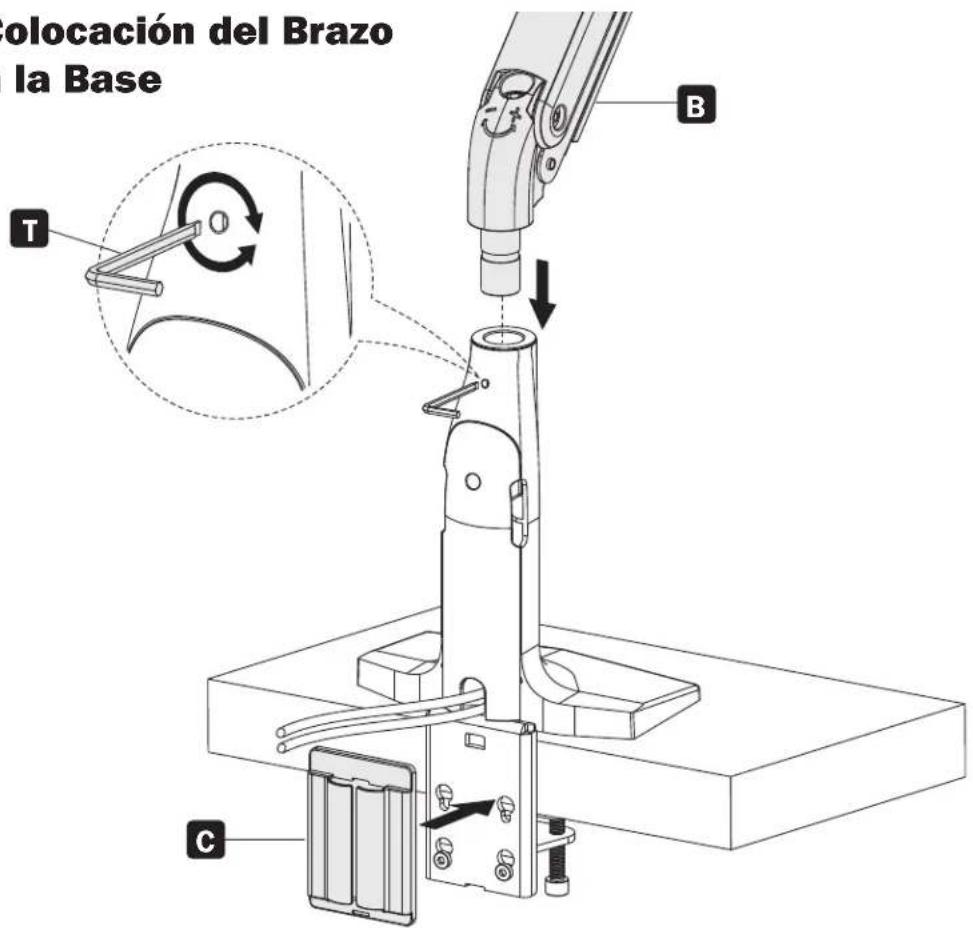
Ensamble
4
natural_image
Technical line drawing of a mechanical assembly with mounting holes and a central component (no text or symbols)b
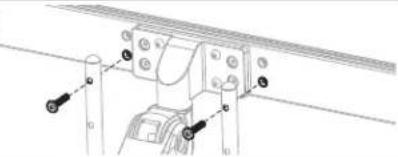
natural_image
Technical diagram of a mechanical assembly with labeled components (no readable text or symbols)©
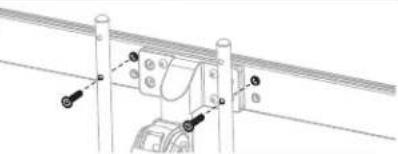
natural_image
Technical line drawing of a mechanical assembly with mounting flanges and a central component (no text or symbols)d
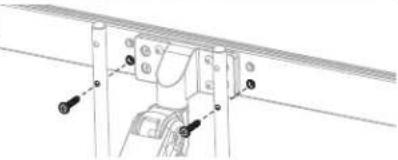
natural_image
Technical line drawing of a mechanical assembly with mounting brackets and bolts (no text or symbols)5
natural_image
Technical diagram showing a mechanical assembly with a hand operating a bracket and a wall-mounted component, no text or symbols present.
natural_image
Hand holding a tool with polarity markings, showing an arrow indicating rotation around a circle (no text or symbols)natural_image
Mechanical assembly diagram showing a rotating component with mounting flanges and a U-shaped base (no text or symbols)natural_image
Diagram of a computer monitor with an arrow indicating rotation, showing front and back views (no text or symbols)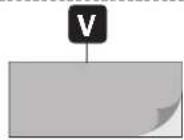
natural_image
Technical line drawing of a mechanical device with rotating components and a labeled component 'T' (no text or symbols beyond label)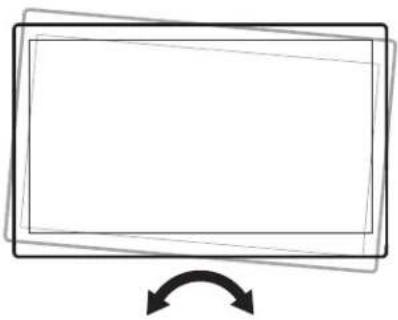
natural_image
Simple line drawing of a rectangular frame with an arrow indicating rotation or change (no text or symbols)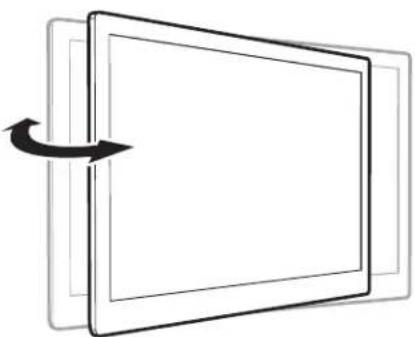
natural_image
Diagram of a rectangular device with an arrow indicating rotation or movement, no text or symbols present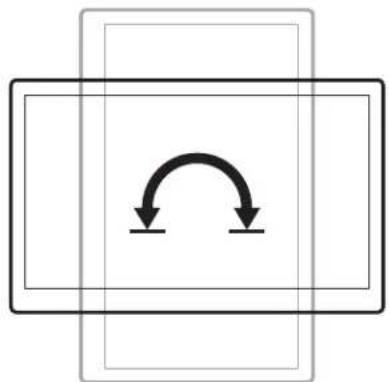
natural_image
Pure diagram of a rectangular frame with two downward arrows indicating rotational or bidirectional motion (no text or symbols)Mantenimiento
natural_image
Technical line drawing of a robotic arm with articulated joints and base mount (no text or symbols)Safe-IT AntiMICROBIAL PRODUCTS
1111 W. 35th Street, Chicago, IL 60609 USA • tripplite.com/support
natural_image
Technical line drawing of a mechanical support bracket with mounting holes (no text or symbols)I
(x1)
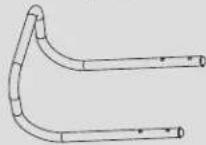
J
(x1)
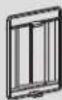
C
(x1)
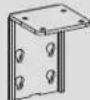
D
(x1)

E
(x1)
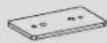
F
(x1)

G
(x1)

K
(x2)
V
(x1)
115 x 52 mm
Ruban
antimicrobien
Emballage P

H
(x2)
L
(x2)

M
(x2)

N
(x2)

0
(x2)

P
(x4)

Q
(x2)

R
(x4)

s
(x1)

T
4 mm (x1)
U
6 mm (x1)
Emballage M (x2)

M-A
M4x12 (x4)
(8 au total)
M-B
M5x12 (x4)
(8 au total)
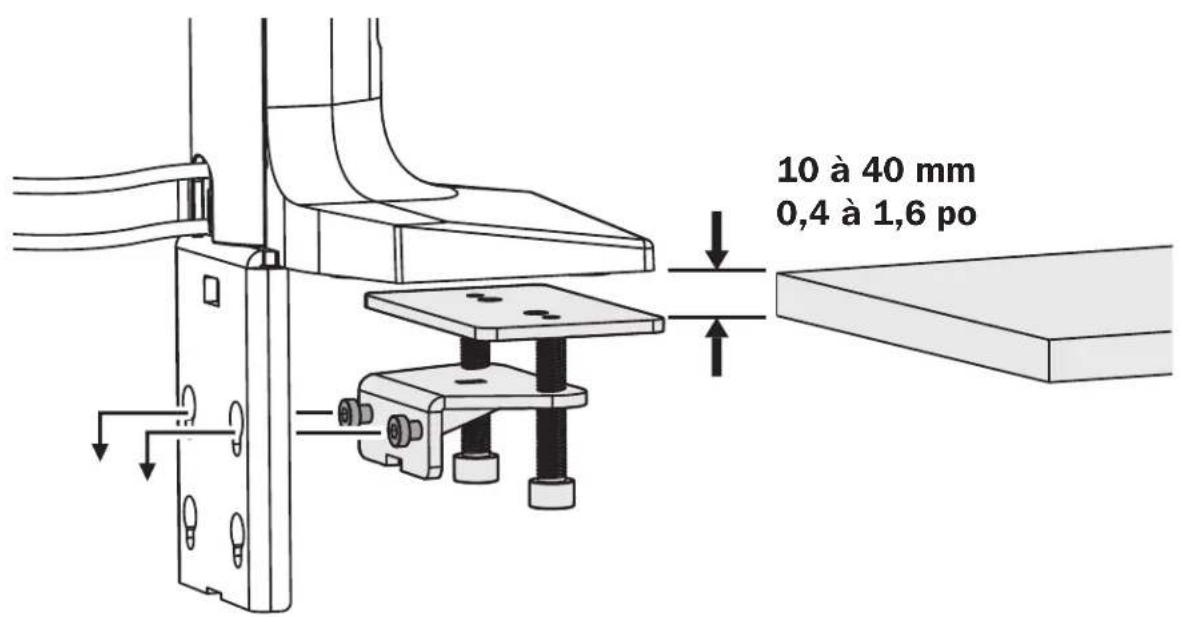
Assemblage

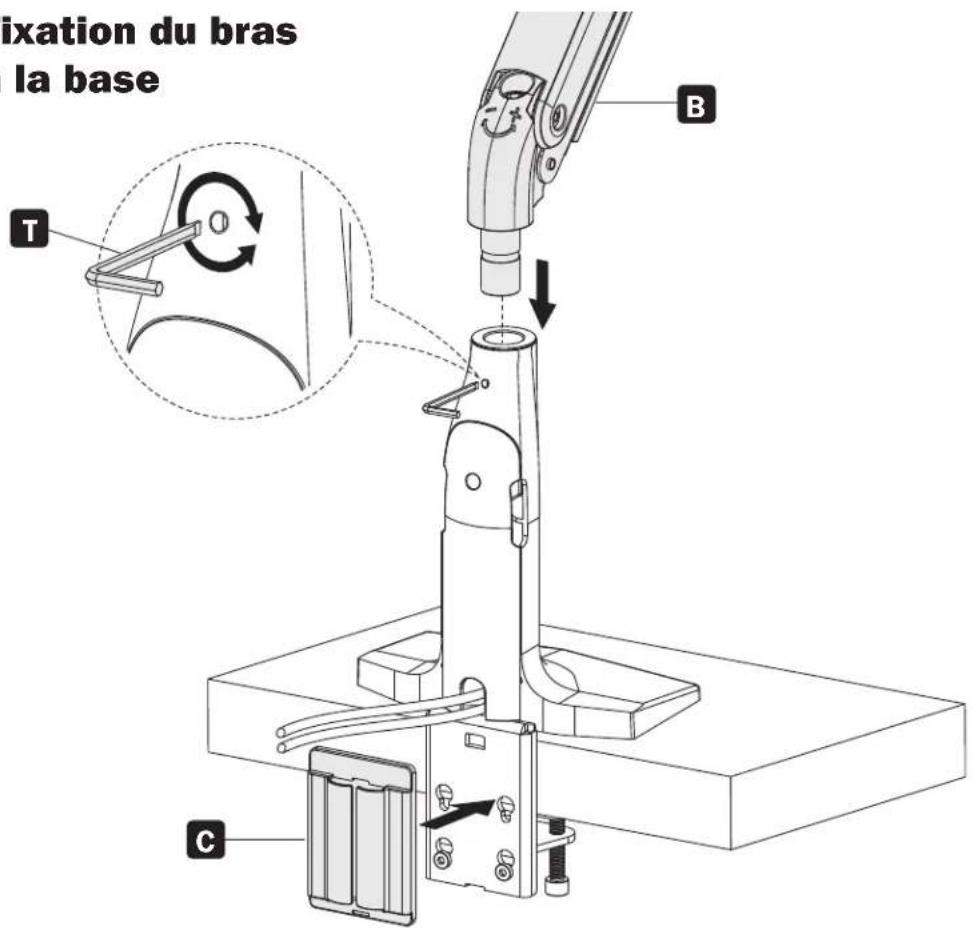

Assemblage
4
natural_image
Technical line drawing of a mechanical assembly with mounting holes and fasteners (no text or symbols)b
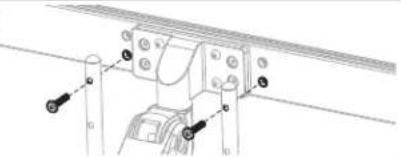
natural_image
Technical line drawing of a mechanical assembly with no visible text or symbolsC
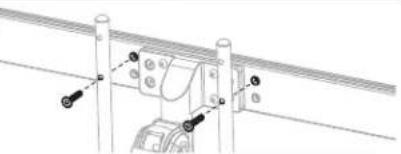
natural_image
Technical line drawing of a mechanical assembly with mounting flanges and a central component (no text or symbols)d
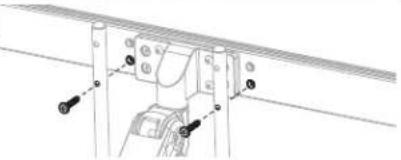
natural_image
Technical line drawing of a mechanical assembly with mounting brackets and a central component (no text or symbols)5
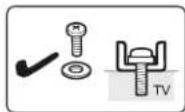
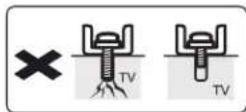
Trop long Trop court
natural_image
Technical diagram showing a hand operating a mechanical clamp on a rail track, with an inset view of a bracket component (no text or symbols present)
natural_image
Mechanical assembly diagram showing a rotating component with mounting flanges and a U-shaped base (no text or symbols)natural_image
Diagram of a computer monitor with an arrow indicating rotation, no text or symbols present

natural_image
Technical line drawing of a mechanical device with rotating components and a labeled component 'T' (no text or symbols beyond label)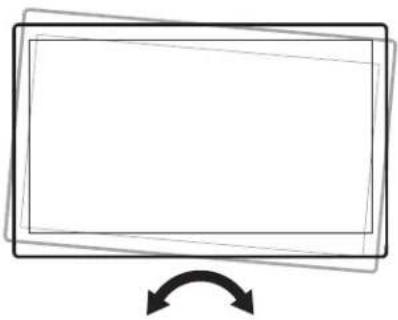
natural_image
Simple line drawing of a rectangular frame with an arrow indicating rotation or change (no text or symbols)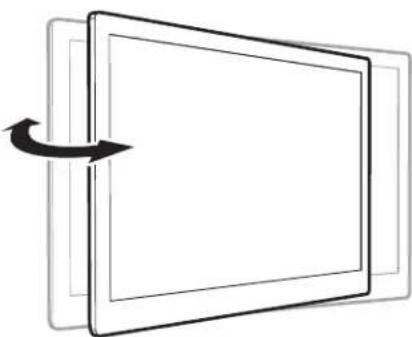
natural_image
Diagram of a rectangular device with an arrow indicating rotation or movement, no text or symbols present.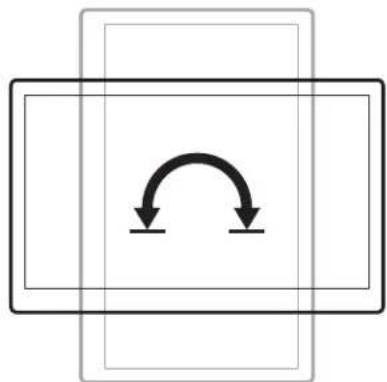
natural_image
Pure diagram of a rectangular frame with two downward arrows indicating rotational or bidirectional motion (no text or symbols)Entretien
natural_image
Technical line drawing of a robotic arm with articulated joints and base mount (no text or symbols)Safe-IT AntiMICROBIAL PRODUCTS
1111 W. 35th Street, Chicago, IL 60609 USA • tripplite.com/support
natural_image
Technical line drawing of a mechanical support bracket with mounting holes (no text or symbols)I
1 шт.
J
1 шт.
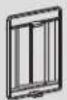
C
1 шт.
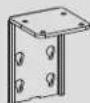
D
1 шт.

E
1 шт.
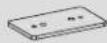
F
1 шт.

G
1 шт.

K
2 шт.
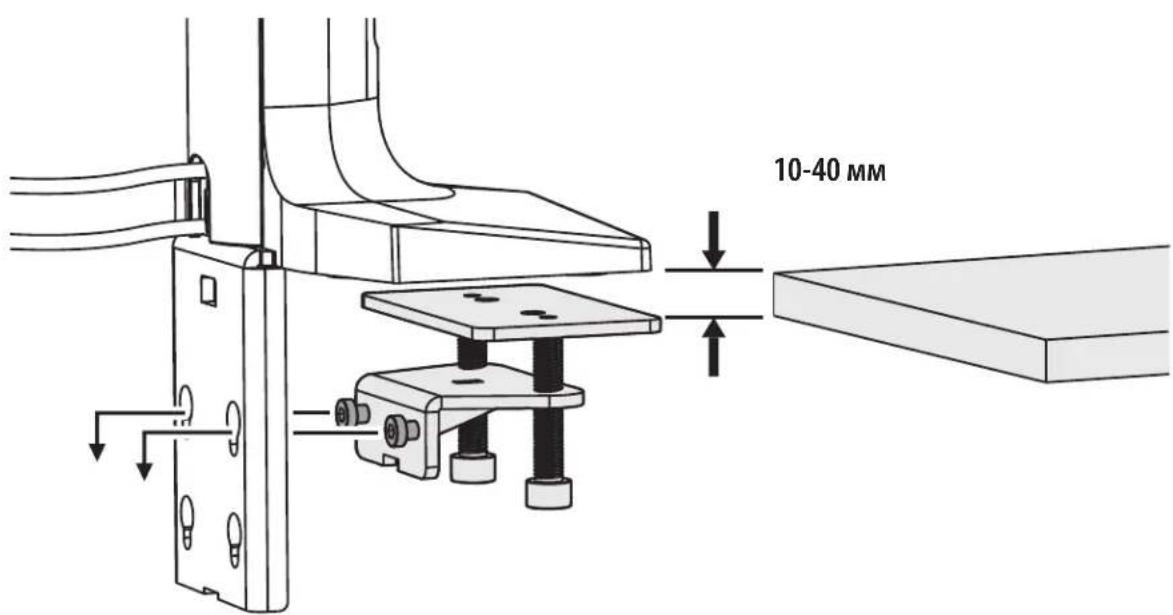
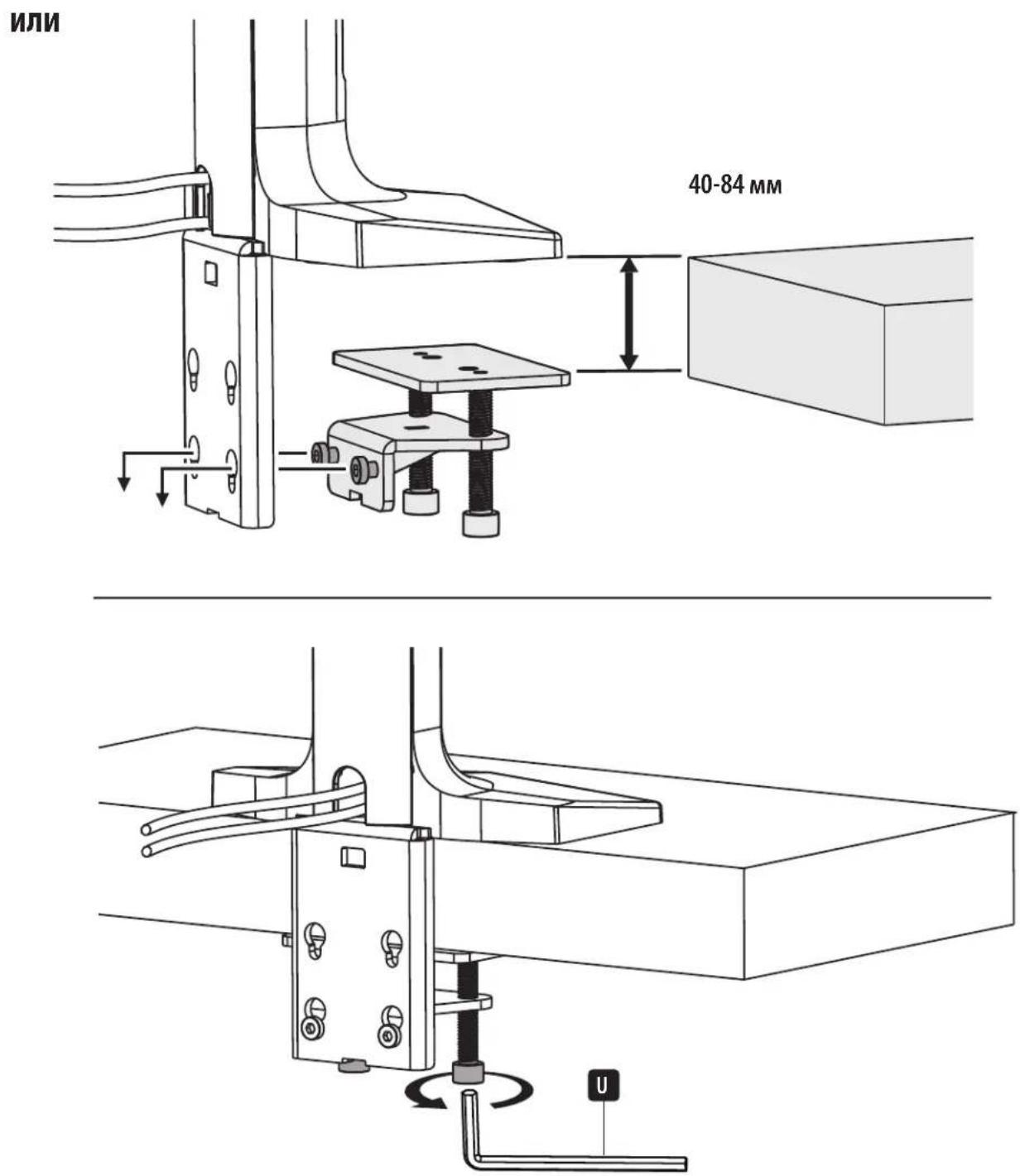
Порядок сборки
2
5
natural_image
Technical diagram showing a hand operating a mechanical clamp on a rail track, with a close-up inset of a bracket component (no text or symbols present)
natural_image
Diagram of a rectangular device with an arrow indicating rotation or movement, no text or symbols present.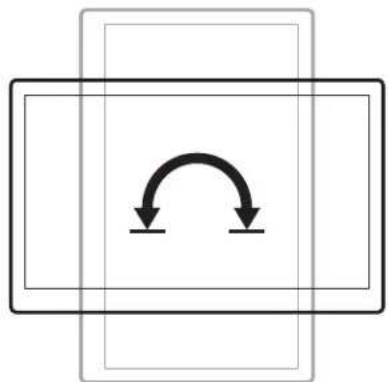
natural_image
Pure diagram of a rectangular frame with two downward arrows indicating rotational or bidirectional motion (no text or symbols)natural_image
Technical line drawing of a robotic arm with articulated joints and base mount (no text or symbols)Safe-IT AntiMICROBIAL PRODUCTS
1111 W. 35th Street, Chicago, IL 60609 USA • tripplite.com/support
natural_image
Technical line drawing of a mechanical support bracket with mounting holes (no text or symbols)I
(x1)
J
(x1)
C
(x1)
D
(x1)

E
(x1)
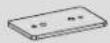
F
(x1)

G
(x1)

K
(x2)
V
(x1)
115x52 mm
antimikrobielles
Klebeband
Paket P

H
(x2)
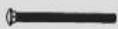
L
(x2)

M
(x2)

N
(x2)

0
(x2)

P
(x4)

Q
(x2)

R
(x4)
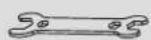
S
(x1)
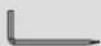
T
4 mm (x1)
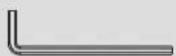
U
6 mm (x1)
Gehäuse M (x2)
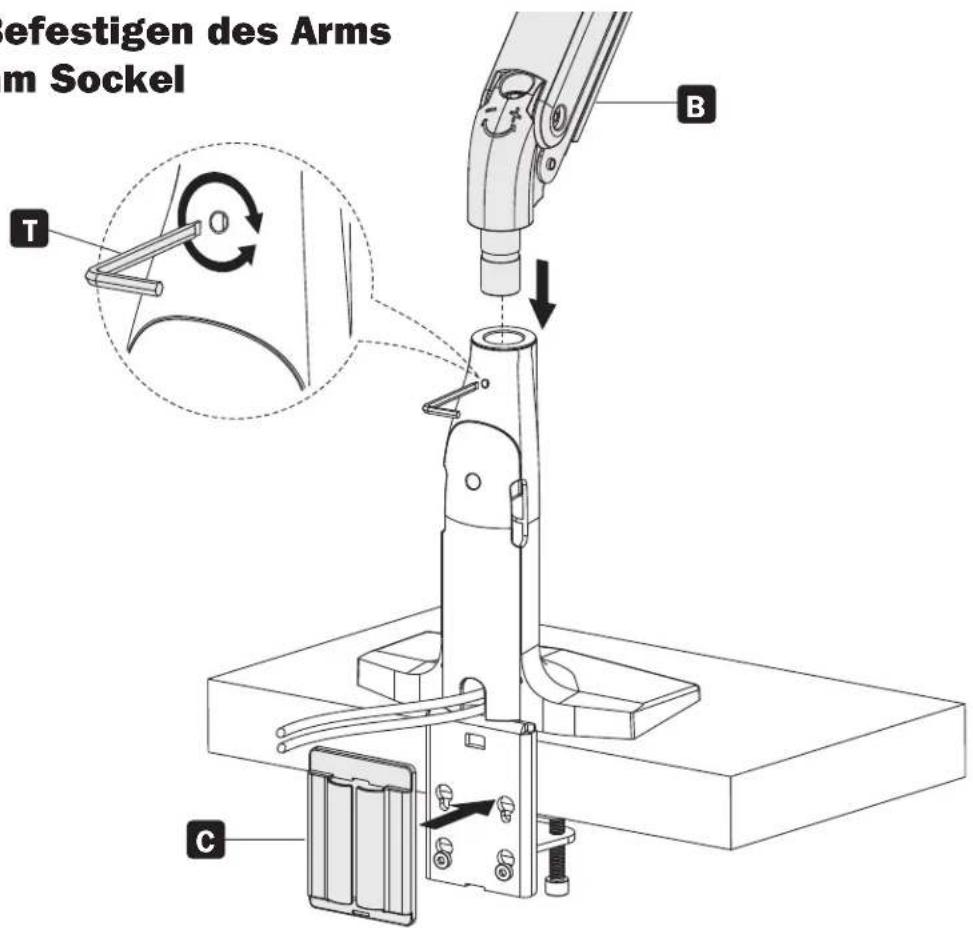
Montage

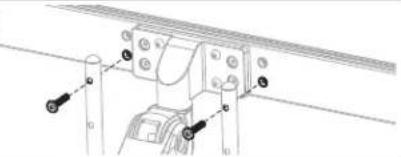
natural_image
Technical line drawing of a mechanical assembly with mounting holes and fasteners (no text or symbols)b
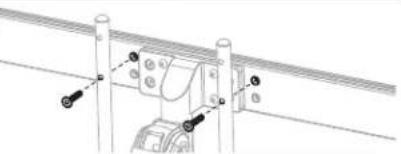
natural_image
Technical line drawing of a mechanical assembly with no visible text or symbolsC
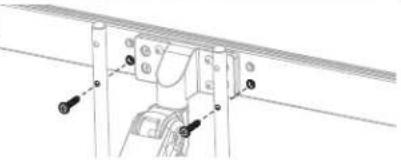
natural_image
Technical line drawing of a mechanical assembly with mounting flanges and a central component (no text or symbols)d
natural_image
Technical line drawing of a mechanical assembly with mounting brackets and a central component (no text or symbols)5
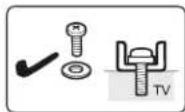
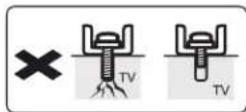
Zu lang Zu kurz
natural_image
Technical diagram showing a hand operating a mechanical clamp inside a panel, with an inset view of a bracket component (no text or symbols present)
natural_image
Mechanical assembly diagram showing a rotating component with mounting flanges and a U-shaped base (no text or symbols)natural_image
Diagram of a computer monitor with an arrow indicating rotation, showing front and back views (no text or symbols)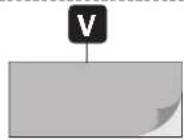
natural_image
Technical line drawing of a mechanical device with rotating components and a labeled component 'T' (no text or symbols beyond label)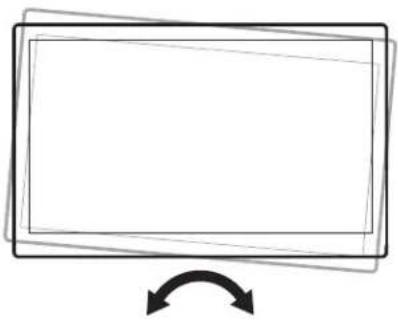
natural_image
Simple line drawing of a rectangular frame with an arrow pointing downward (no text or symbols)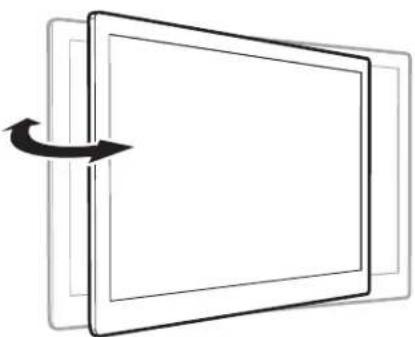
natural_image
Diagram of a rectangular device with an arrow indicating rotation or movement, no text or symbols present.