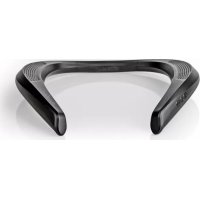
SPBT5010BK - Docking station NEDIS - Free user manual and instructions
Find the device manual for free SPBT5010BK NEDIS in PDF.



User questions about SPBT5010BK NEDIS
0 question about this device. Answer the ones you know or ask your own.
Ask a new question about this device
Download the instructions for your Docking station in PDF format for free! Find your manual SPBT5010BK - NEDIS and take your electronic device back in hand. On this page are published all the documents necessary for the use of your device. SPBT5010BK by NEDIS.
USER MANUAL SPBT5010BK NEDIS
Bluetooth® Neck Speaker for supreme comfort and sound
SPBT5010BK
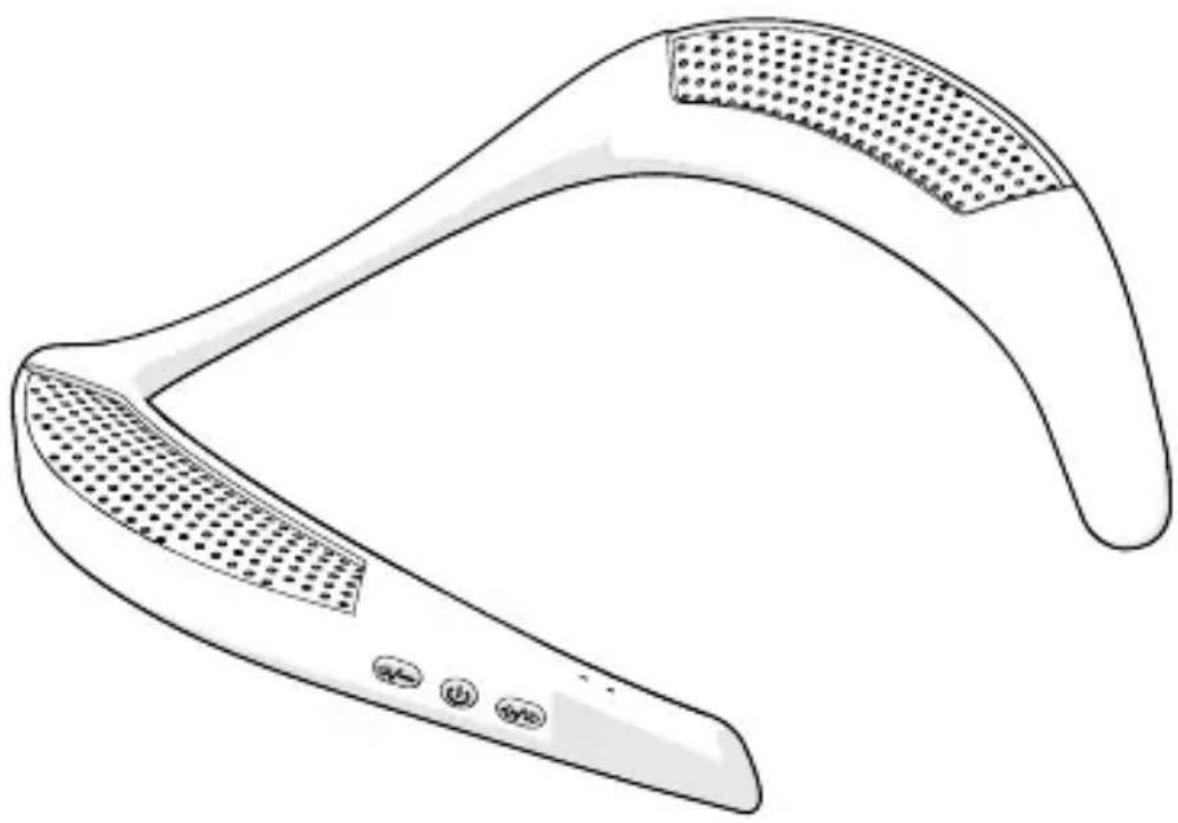
natural_image
Line drawing of a curved, mesh-like device with dotted pattern and control buttons at the base (no text or symbols)EN Quick start guide 4
DE Kurzanleitung 8
FR Guide de démarrage rapide 12
NL Snelstartgids 17
IT Guida rapida all'avvio 21
ES Guía de inicio rápido 26
PT Guia de iniciação rápida 30
SV Snabbstartsguide 34
FI Pika-aloitusopas 38
NO Hurtigguide 42
DA Vejledning til hurtig start 46
HU Gyors beüzemelési útmutató 50
PL Przewodnik Szybki start 54
EL Οδηγός γρήγορης εκκίνησης 59
SK Rýchly návod 63
CS Rychlý návod 67
RO Ghid rapid de inițiere
text_image
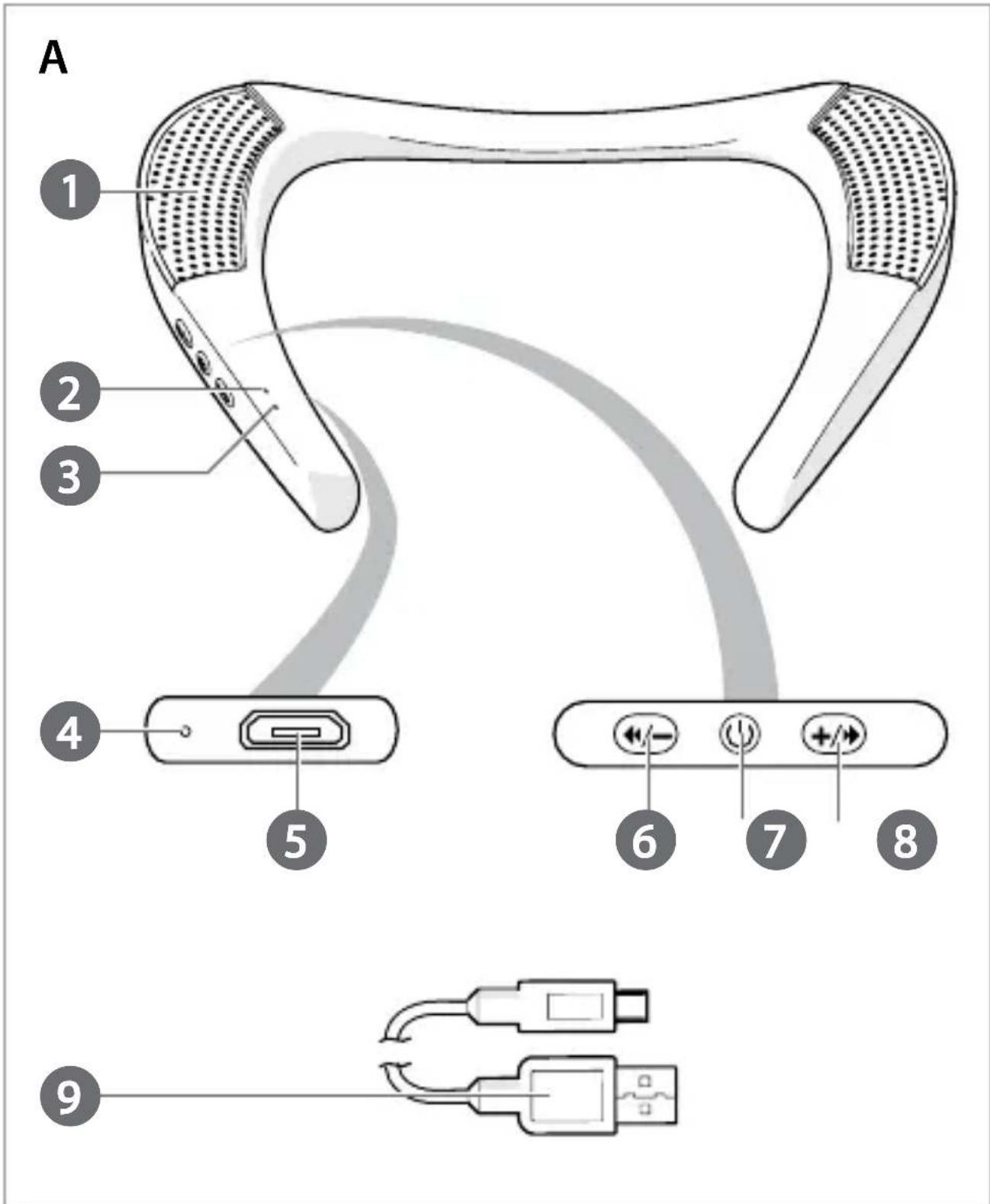
A 1 2 3 4 5 6 7 8 9Bluetooth® Neck Speaker SPBT5010BK

For more information see the extended manual online: ned.is/spbt5010bk
Intended use
The Nedis SPBT5010BK is a Bluetooth neck speaker that plays audio from your media device.
The built-in microphone enables you to make handsfree phonecalls.
Any modification of the product may have consequences for safety, warranty and proper functioning.
Specifications
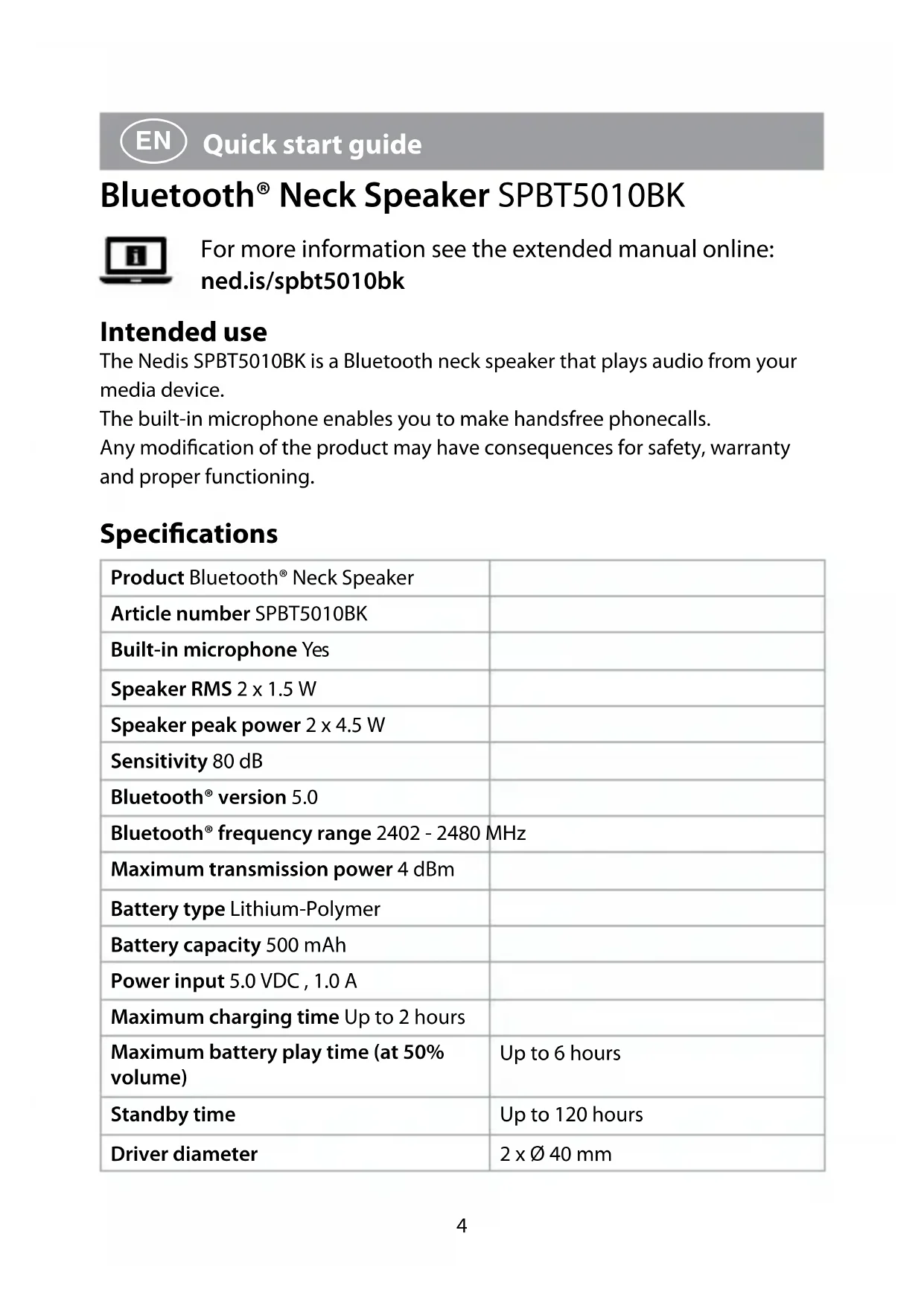
| Product Bluetooth® Neck Speaker | |
| Article number SPBT5010BK | |
| Built-in microphone Yes | |
| Speaker RMS 2 x 1.5 W | |
| Speaker peak power 2 x 4.5 W | |
| Sensitivity 80 dB | |
| Bluetooth® version 5.0 | |
| Bluetooth® frequency range 2402 - 2480 MHz | |
| Maximum transmission power 4 dBm | |
| Battery type Lithium-Polymer | |
| Battery capacity 500 mAh | |
| Power input 5.0 VDC, 1.0 A | |
| Maximum charging time Up to 2 hours | |
| Maximum battery play time (at 50% volume) | Up to 6 hours |
| Standby time | Up to 120 hours |
| Driver diameter | 2 x ∅ 40 mm |
| Impedance 8 Ω | |
| Frequency response 20 Hz - 20 KHz | |
| Connection input Micro USB | |
| Water resistant No |
Main parts (image A)
1 Speaker
2 Bluetooth indicator LED
3 Microphone
4 Charging indicator LED
5 Micro USB port
6 Previous song /
Volume down button
7 On/off / play / pause button
8 Next song / Volume up button
9 Micro USB cable
Safety instructions
WARNING
text_image
Warning sign depicting an ear with sound waves inside a triangleTo prevent possible hearing damage, do not listen at high volume levels for long periods.
- Ensure you have fully read and understood the instructions in this document before you install or use the product. Keep this document for future reference.
- Only use the product as described in this document.
- Do not use the product if a part is damaged or defective. Replace a damaged or defective product immediately.
- Do not drop the product and avoid bumping.
- This product may only be serviced by a qualified technician for maintenance to reduce the risk of electric shock.
- Do not expose the product to water or moisture.
- Charge the battery for at least 2 hours when you use it for the first time.
- Only use the provided USB charging cable.
- Do not overcharge the battery.
-
Do not immerse the product in water.
-
This product is equipped with a non-removable internal battery. Do not attempt to replace the battery yourself.
- Disconnect the product from the power source and other equipment if problems occur.
- Do not leave the battery on prolonged charge when not in use.
- After extended periods of storage, it may be necessary to charge and discharged the cells or batteries several times to obtain maximum performance.
- During charging the product must be placed in a well-ventilated area.
- Some wireless products may interfere with implantable medical devices and other medical equipment, such as pacemakers, cochlear implants and hearing aids. Consult the manufacturer of your medical equipment for more information.
- Do not use the product at locations where the use of wireless devices is prohibited due to potential interference with other electronic devices, which may cause safety hazards.
Pairing the product to Bluetooth audio source
- Press and hold the power button A ⑦ to switch on the product.
The Bluetooth indicator LED A② starts flashing to indicate pairing mode is active.
-
Enable Bluetooth on the device you want to pair the neck speaker with.
-
Select "SPBT5010BK" from the list of available Bluetooth devices on your device.
A② turns blue to indicate pairing is successful.
Hold the product within 1 meter from the Bluetooth source while pairing.
Charging the product
- Plug the micro USB cable A ⑨ into the micro USB port A ⑤.
- Plug the other end of A ⑨ into a computer or power adapter.
- Plug the power adapter into a power outlet.
The charging indicator LED A④ burns red to indicate the product is charging.

switches off when the battery is fully charged.
Switching on the product
- Press and hold A ⑦ to switch the product on or off.
Controlling the music
- Press previous song / volume- button A ⑥ to skip to the previous track.
- Press next song / volume+ button A ⑧ to skip to the next track.
- Press A ⑦ to play or pause the music.
- Press and hold A ⑥ to decrease the volume.
- Press and hold A ⑧ to increase the volume.
Making phone calls
With the product connected to a mobile phone via Bluetooth, phone calls will automatically be directed to the product.
• To answer an incoming call, press A ⑦.
• To reject an incoming call press and hold A ⑦.
• To end a call, press A ⑦.
• To call the previous number, press A ⑦ twice.
This product is designed for private use (normal domestic use) only. Nedis is not responsible for wear, defect and/or damages caused by commercial use of the product.
Declaration of Conformity
We, Nedis B.V. declare as manufacturer that the product SPBT5010BK from our brand Nedis ^® , produced in China, has been tested according to all relevant CE standards and regulations and that all tests have been passed successfully. This includes, but is not limited to the RED 2014/53/EU regulation.
The complete Declaration of Conformity (and the safety datasheet if applicable) can be found and downloaded via:
nedis.com/spbt5010bk#support
For additional information regarding the compliance, contact the customer service:
Web: www.nedis.com
E-mail: service@nedis.com
Nedis B.V., de Tweeling 28
5215 MC 's-Hertogenbosch, the Netherlands
Bluetooth®
SPBT5010BK
text_image
Warning sign with a triangle containing an ear and sound waves, indicating hearing or noise hazard.text_image
Warning sign depicting an ear with sound waves, commonly used for hearing or noisetext_image
Warning sign depicting an ear with sound waves, commonly used for hearing or noisetext_image
Warning sign depicting a human ear with sound waves, commonly used to indicate hearing or noise.text_image
Warning sign depicting an ear with sound waves, commonly used for hearing or noisetext_image
Warning sign with a triangle and ear symbol indicating sound or hearingtext_image
Warning sign depicting an ear with sound waves, commonly used for hearing or noisetext_image
Warning sign depicting a human ear with sound waves, commonly used for hearing or listening to the ear.text_image
Warning sign depicting an ear with sound waves, commonly used for hearing or noisetext_image
Warning symbol for hearing with a sine wave, indicating sound or auditory hazard5215 MC 's-Hertogenbosch, the Netherlands

text_image
Warning sign depicting a human ear with sound waves inside a triangletext_image
Warning sign depicting an ear with sound waves inside a triangletext_image
Warning sign depicting an ear with sound waves inside a triangle5215 MC 's-Hertogenbosch, the Netherlands

Rýchly návod
Reproduktor na krk s funkciou SPBT5010BK Bluetooth®

text_image
Warning symbol for hearing with a sine wave, indicating sound or auditory hazardAby nedošlo k možnému poškodeniu sluchu, nepočúvajte zvuk dlhodobo pri vysokej úrovni hlasitosti.