EasyManual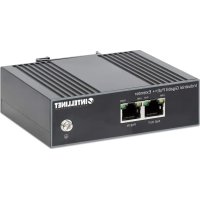
508957 - Network Equipment Intellinet - Free user manual and instructions
Find the device manual for free 508957 Intellinet in PDF.


User questions about 508957 Intellinet
0 question about this device. Answer the ones you know or ask your own.
Ask a new question about this device
Download the instructions for your Network Equipment in PDF format for free! Find your manual 508957 - Intellinet and take your electronic device back in hand. On this page are published all the documents necessary for the use of your device. 508957 by Intellinet.
USER MANUAL 508957 Intellinet
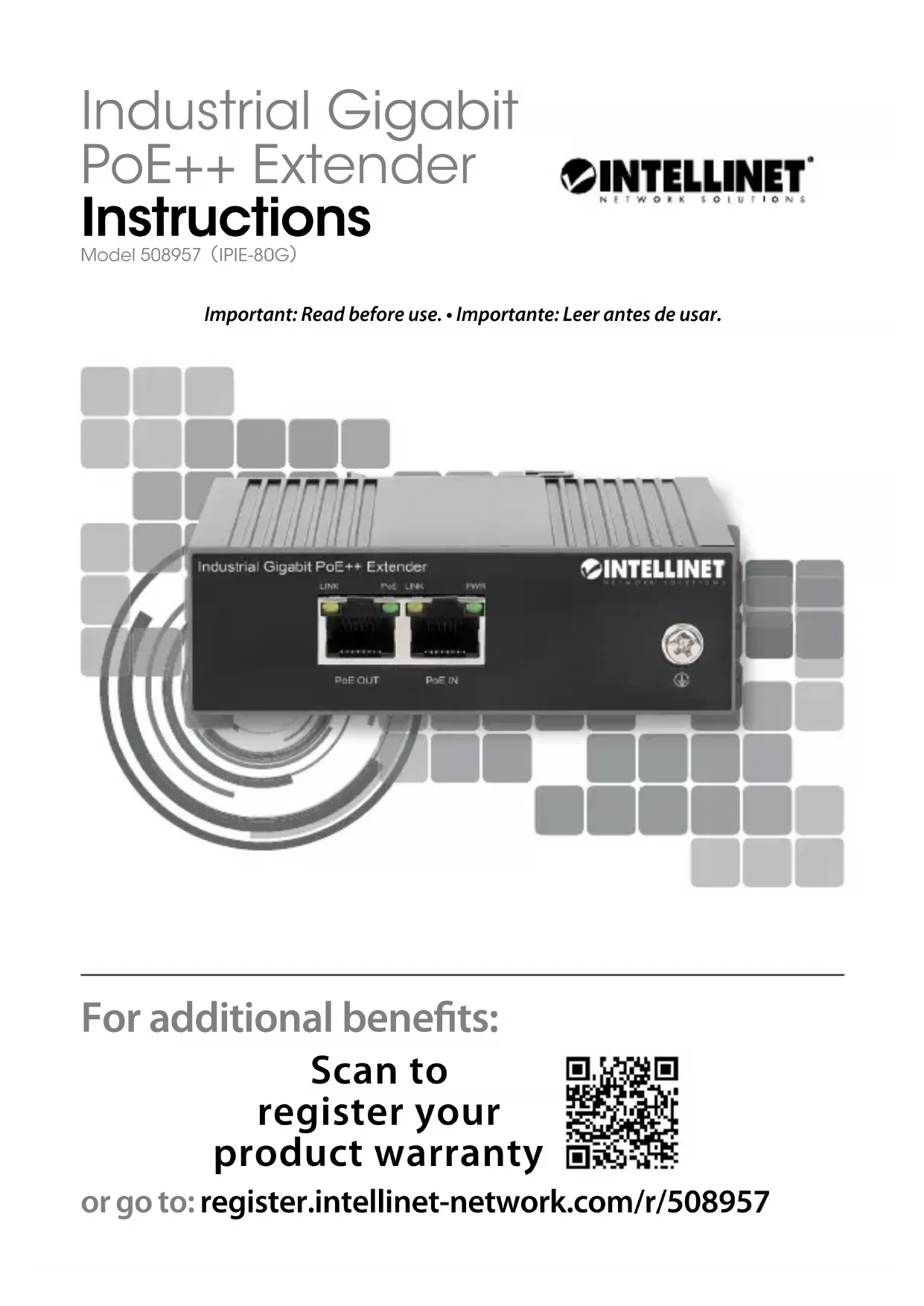
Important: Read before use. • Importante: Leer antes de usar. For additional benets: or go to: register.intellinet-network.com/r/508957 Scan to register your product warranty Industrial Gigabit PoE++ Extender Instructions Model 508957 IPIE-80G
This guide presents the basic steps to set up and operate this device. For specifications, visit intellinetnetwork.com. Register your product at register.intellinet-network.com/r/508957 or scan the QR code on the cover. Connections 1 Wire the grounding terminal to an earth grounding object to protect equipment from external electrical surges. 2 Plug a Cat5e/6 Ethernet cable — up to 100 m (330 ft.) long — from your powered source device (for example, a PoE injector or switch; up to 90.0 W, 50.0 - 57.0 VDC; IEEE 802.3bt/at/af compliant) into the PoE IN connector on the extender. 3 Plug a second Cat5e/6 Ethernet cable — also up to 100 m long (330 ft.) — from the device you want to transmit power (up to 80 W) and data to (for example, a PoE network camera) into the PoE OUT connector on the extender. 4 LEDs (lit): PWR — Extender is powered on; LINK — Valid port connection; PoE — Extender is delivering power. Placement Desktop Installation Prior to use, place/position the device:
- on a level surface that can support its weight and has at least 25 mm (approx. 1”) of clearance for ventilation;
- away from sources of electrical noise: radios, transmitters, broadband amplifiers, etc.;
- within 100 m (approx. 328’) of network devices it’s to be connected to. DIN-Rail Installation 1 Angle spring of mounting clip over top lip of DIN rail. 2 Push device down till clip clicks onto rail. 3 Ensure installation is stable. 35 mm
Printed on recycled paper. intellinetnetwork.com