IAN 290897 - Lighting CRIVIT - Free user manual and instructions
Find the device manual for free IAN 290897 CRIVIT in PDF.



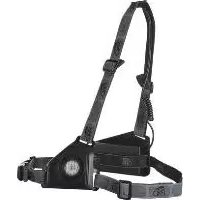
| Product type | Chest lamp (front and rear) |
| Brand | Crivit |
| Model | IAN 290897 |
| Dimensions (W × L) | Approx. 38 × 34 cm |
| Weight | Approx. 200 g |
| Power supply | Rechargeable Li-ion battery 3.7 V, 2500 mAh |
| Power | 3.5 W |
| Max. lighting duration | 5 hours |
| Charging time | Approx. 5 hours |
| Lighting modes | 3 levels: low, medium, high |
| Protection rating | IP44 (splash-proof) |
| Material | Plastic, silicone |
| Battery type | Integrated lithium-ion |
| Charging | Via supplied micro USB cable (5 V) |
| Attachment | Adjustable chest strap |
| Usage | Outdoor, DIY, running (private use) |
| Spare parts | USB cable, battery not replaceable by user |
| Care and cleaning | Clean with a damp cloth, no harsh solvents |
| Safety | Do not charge immediately after use, let cool for 5-10 min. Do not cover while charging. Charge between 5 and 35 °C. |
| Warranty | 3 years (date of purchase on receipt) |
| Approval | Complies with EU directive 1194/2012 (temperatures < -20 °C) |
| Package contents | Front lamp, rear lamp (with batteries), strap, USB cable, manual |
Frequently Asked Questions - IAN 290897 CRIVIT
User questions about IAN 290897 CRIVIT
0 question about this device. Answer the ones you know or ask your own.
Ask a new question about this device
Download the instructions for your Lighting in PDF format for free! Find your manual IAN 290897 - CRIVIT and take your electronic device back in hand. On this page are published all the documents necessary for the use of your device. IAN 290897 by CRIVIT.
USER MANUAL IAN 290897 CRIVIT
Instructions for use
NL BE
BORSTLAMP
Opbouwhandleiding
ES
LINTERNA DE PECHO
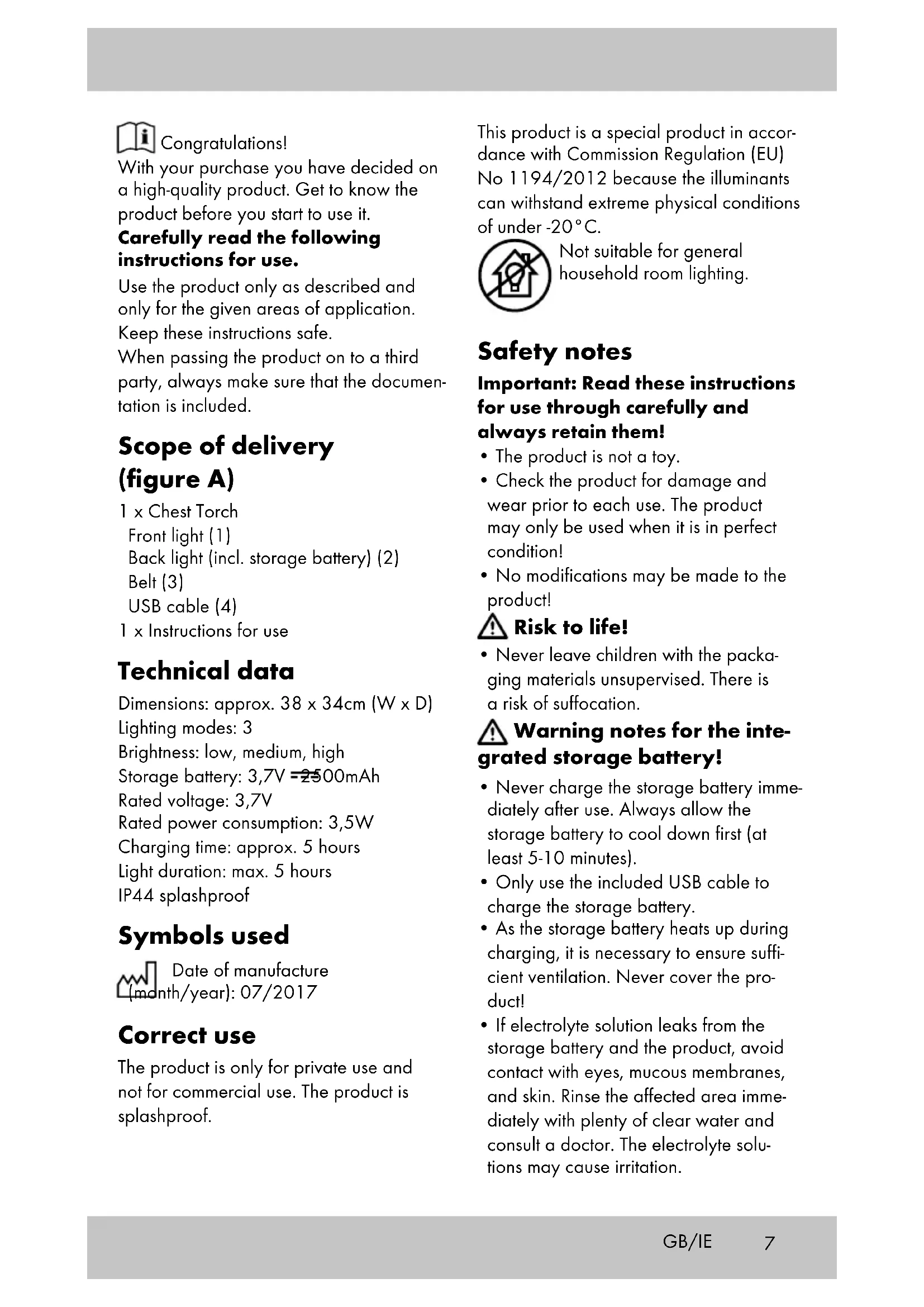
With your purchase you have decided on a high-quality product. Get to know the product before you start to use it.
Carefully read the following instructions for use.
Use the product only as described and only for the given areas of application.
Keep these instructions safe.
When passing the product on to a third party, always make sure that the documentation is included.
Scope of delivery (figure A)
1 x Chest Torch
Front light (1)
Back light (incl. storage battery) (2)
Belt (3)
USB cable (4)
1 x Instructions for use
Technical data
Dimensions: approx. 38 × 34cm (W x D)
Lighting modes: 3
Brightness: low, medium, high
Storage battery: 3,7V = 2500mAh
Rated voltage: 3,7V
Rated power consumption: 3,5W
Charging time: approx. 5 hours
Light duration: max. 5 hours
IP44 splashproof
Symbols used

Date of manufacture
nth/year): 07/2017
Correct use
The product is only for private use and not for commercial use. The product is splashproof.
This product is a special product in accordance with Commission Regulation (EU) No 1194/2012 because the illuminants can withstand extreme physical conditions of under -20^ .

Not suitable for general household room lighting.
Safety notes
Important: Read these instructions for use through carefully and always retain them!
The product is not a toy.
- Check the product for damage and wear prior to each use. The product may only be used when it is in perfect condition!
- No modifications may be made to the product!
Risk to life!
- Never leave children with the packaging materials unsupervised. There is a risk of suffocation.
Warning notes for the integrated storage battery!
- Never charge the storage battery immediately after use. Always allow the storage battery to cool down first (at least 5-10 minutes).
- Only use the included USB cable to charge the storage battery.
- As the storage battery heats up during charging, it is necessary to ensure sufficient ventilation. Never cover the product!
-
If electrolyte solution leaks from the storage battery and the product, avoid contact with eyes, mucous membranes, and skin. Rinse the affected area immediately with plenty of clear water and consult a doctor. The electrolyte solutions may cause irritation.
-
Disconnect the product from the charging cable when it is fully charged.
- The product may only be charged in dry, enclosed, indoor spaces. Never charge and store the product close to large sources of heat or open fire as this could cause the storage battery to explode.
- If the storage battery burns during the charging process then do not extinguish it with water but for example with dry sand.
- Do not leave the product unattended during the charging process and look out for possible overheating.
- Only charge the storage battery at an ambient temperature of 5 - 35^
- The charging contacts on the device may not come into contact with metal objects.
- If the product has been subjected to a strong impact then store it in a very safe place for the next 12 hours (e.g. in a metal box).
- Never try to manipulate, modify, or repair a storage battery or the product.
Initial operation
Charging the storage battery (figure B)
- Connect the micro USB plug (4a) on the USB cable (4) with the storage battery plug connection (2a) on the back light (2).
- Insert the USB plug (4b) on the USB cable (4) in the USB port of an active computer or a charging station with a USB port.
- An LED on the back light (2) flashes. Depending on the charge status one LED will flash first, then the second LED flashes while the first LED lights constantly on. Then the third LED starts flashing while the other lights are on constantly.
Note: The charging time is approx. 5 hours.
4. The LEDs on the back light (2) light constantly as soon as the storage battery is fully charged.
Putting the belt on (figure C)
- Hold the front light (1) with one hand and pull your right arm through the belt loop (3).
- Take the end of the belt (3b) and pull it through under your left arm.
- Close the belt with the ends (3a) (3b).
Switching the light on and off (figure D)
You can choose between three different lighting modes for the front light (1).
Press the on/off button to do this (1a):
Press once: Light on (low brightness level)
Press twice: Light has a moderate brightness level.
Press three times: Light has a high level of brightness.
The back light (2) lights are on constantly on all three lighting modes at the same level of brightness.
Press on the on/off button (1a) for a long while in order to switch the lights off.
Care, storage
Never clean the product with aggressive cleaning agents. Pat dry after use.
Always store the product in clean and dry condition at room temperature.

Disposal
Dispose of the article and the packaging materials in accordance with current local regulations. Packaging materials such as foil bags are not suitable to be given to children. Keep the packaging materials out of the reach of children.
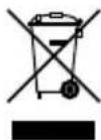
Devices that are marked with the symbol shown here may not be disposed of with domestic waste. You are obliged to dispose of
these kinds of used electrical and electronic devices separately. Ask your local authority about possible methods for regulated disposal.
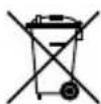
Disposal measures for storage batteries
Please note: Storage batteries are hazardous waste according to law and may not be disposed of with household waste. You can hand in storage batteries at local authority collection points free of charge or return them to your retailer. Special containers are provided for this purpose.
Notes on the guarantee and service handling
The product was produced with great care and under constant supervision. You receive a three-year warranty for this product from the date of purchase. Please retain your receipt.
The warranty applies only to material and workmanship and does not apply to misuse or improper handling. Your statutory rights, especially the warranty rights, are not affected by this warranty.
With regard to complaints, please contact the following service hotline or contact us by e-mail. Our service employees will advise as to the subsequent procedure as quickly as possible. We will be personally available to discuss the situation with you. Any repairs under the warranty, statutory guarantees or through goodwill do not extend the warranty period. This also applies to replaced and repaired parts.
Repairs after the warranty are subject to a charge.
IAN:290897

Service Great Britain
Tel.: 08715000720
(£ 0.10/Min.)
E-Mail: deltasport@lidl.co.uk

Service Ireland
Tel.: 1890 930 034
(0,08 EUR/Min., (peak))
(0,06 EUR/Min., (off peak))
E-Mail: deltasport@lidl.ie

Felicitations!
Tensao admissivel: 3,7V