IAN 297011 - Lighting CRIVIT - Free user manual and instructions
Find the device manual for free IAN 297011 CRIVIT in PDF.



| Brand | Crivit |
| Model | IAN 297011 |
| Category | Lighting |
| Product type | Camping lamp |
| Power supply | 3 LR6 (AA) batteries / 1.5 V (non-rechargeable) |
| Bulb | LED 1 W (fixed, not replaceable) |
| Protection type | IP44 (splash-proof) |
| Dimensions (unfolded) | approx. 13 × 8.5 cm (H × Ø) |
| Dimensions (folded) | approx. 4.9 × 8.5 cm (H × Ø) |
| Weight (with batteries) | approx. 200 g |
| Material | ABS plastic |
| Intended use | Camping and outdoor activities, private use |
| Lighting modes | Full light, dimmed light, flashing (by presses) |
| Usage modes | Flashlight, standing lamp, hanging (with carabiner) |
| Batteries included | Yes, 3 LR6 (AA) batteries |
| Warranty | 3 years |
| Care | Clean with water and a soft cloth; do not use aggressive cleaners |
| Safety | Do not let children play with packaging; follow battery instructions |
| Spare parts | LED bulb not replaceable; batteries replaceable. Spare parts available during warranty period |
| After-sales service | Belgium: 070 270 171 (€0.15/min); email: deltasport@lidl.be |
Frequently Asked Questions - IAN 297011 CRIVIT
User questions about IAN 297011 CRIVIT
0 question about this device. Answer the ones you know or ask your own.
Ask a new question about this device
Download the instructions for your Lighting in PDF format for free! Find your manual IAN 297011 - CRIVIT and take your electronic device back in hand. On this page are published all the documents necessary for the use of your device. IAN 297011 by CRIVIT.
USER MANUAL IAN 297011 CRIVIT
Instructions for use
DK
CAMPINGLAMPE
Brugsvejledning
FR BE
LAMPE DE CAMPING
Changing the batteries 10
Switching the light on and off 10
Expand the article 11
Collapse the article 11
Possible uses 11
Storage, cleaning 11
Disposal 11
Disposefobbariescarefully 12
Notes on the guarantee and service handling 12
DK
Leveringsomfang 13
Tekniske data 13
Tilsigtetbrug 13
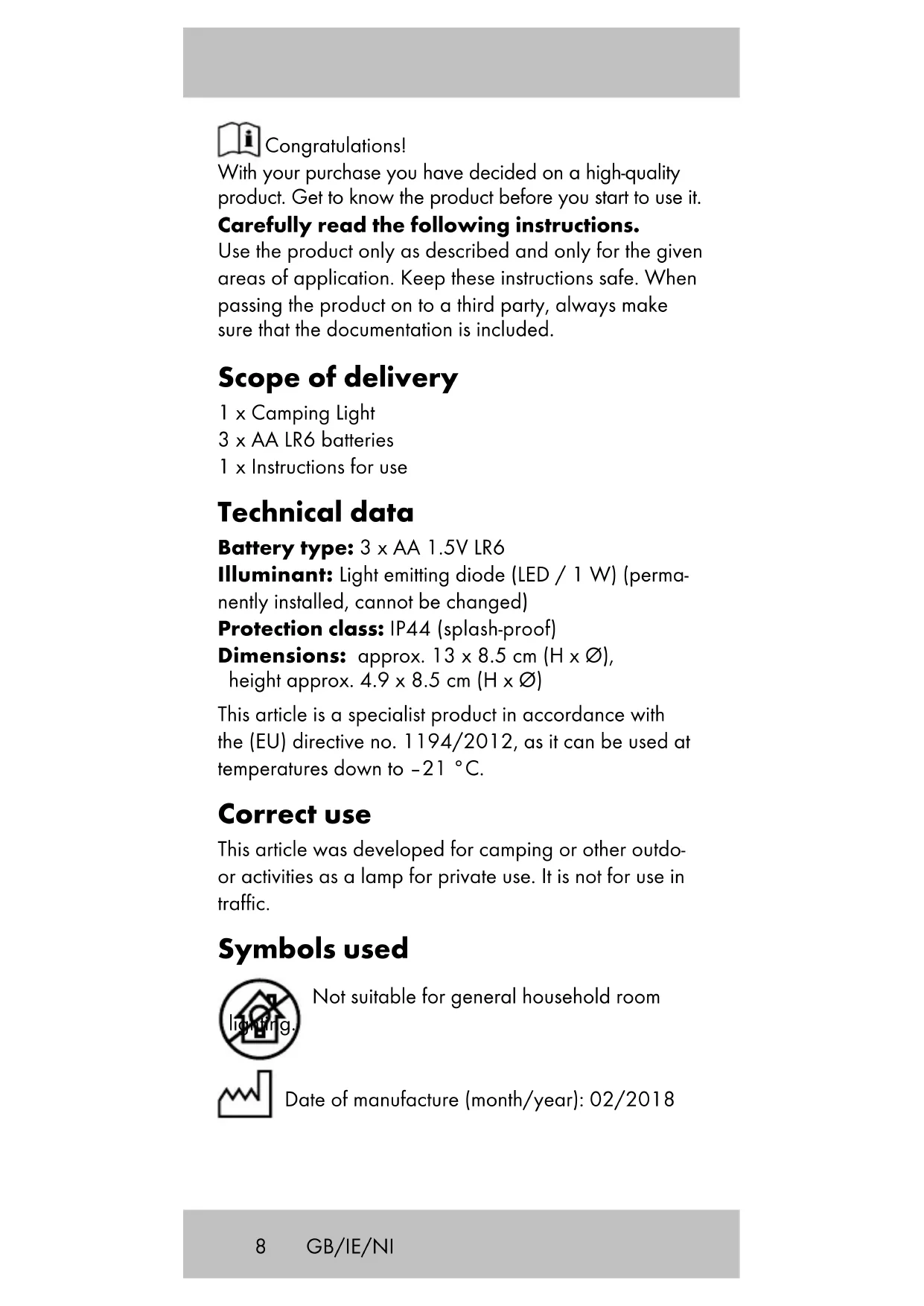
With your purchase you have decided on a high-quality product. Get to know the product before you start to use it.
Carefully read the following instructions.
Use the product only as described and only for the given areas of application. Keep these instructions safe. When passing the product on to a third party, always make sure that the documentation is included.
Scope of delivery
1 x Camping Light
3 × AA LR6 batteries
1 x Instructions for use
Technical data
Battery type: 3 × AA 1.5V LR6
Illuminant: Light emitting diode (LED / 1 W) (permanently installed, cannot be changed)
Protection class: IP44 (splash-proof)
Dimensions: approx. 13 × 8.5 cm ( H × ), height approx. 4.9 × 8.5 cm ( H × )
This article is a specialist product in accordance with the (EU) directive no. 1194/2012, as it can be used at temperatures down to -21^ .
Correct use
This article was developed for camping or other outdoor activities as a lamp for private use. It is not for use in traffic.
Symbols used

Not suitable for general household room

Date of manufacture (month/year): 02/2018
Safety notes
Important: Read these instructions for use through carefully and be sure to retain them.
The article is not a toy.
- The article is not a safety aid and it cannot in any event replace the specific devices that are compulsory in traffic regulations.
- Examine the article for damage or wear before each use. The article may only be used if in perfect condition.
Risk to life!
- Never allow children to play with the packaging material without supervision. There is a risk of suffocation.
Warnings on batteries!
- Remove the batteries if they are empty or if the product is not going to be used for an extended period.
- Do not use different battery types or brands, new and used batteries in combination, or batteries with different capacities, as they leak and can thus cause damage.
- Observe the polarity (+/-) when inserting batteries.
- Change all batteries at the same time and dispose of the old batteries properly.
- Warning! Batteries may not be charged or reactivated in any way. They may not be dismantled, thrown into fire, or short-circuited.
- Always keep batteries out of the reach of children.
- Do not use rechargeable batteries!
- The cleaning and user-maintenance may not be carried out by children without supervision.
- Clean the batteries and the device contacts as necessary and before inserting the batteries.
- Do not expose the batteries to extreme conditions (e.g. radiators or direct sunlight). Otherwise there is an increased risk of leaks.
- Batteries can endanger life if swallowed. Keep batteries out of the reach of small children for this reason. Seek medical help immediately if a battery is swallowed.
Danger!
- Handle a damaged or leaking battery with extreme care and dispose of it properly and immediately. Wear gloves to handle the battery.
- If you come into contact with battery acid then wash the affected area with soap and water. If battery acid gets in your eye rinse it out with water and seek medical help immediately!
- Do not short-circuit the terminals.
Replacing the batteries (figure A) CAUTION! Please follow these instructions in order to avoid mechanical and electrical damage.
- Hold the article firmly in one hand with the lamp pointing downwards.
- Use the other hand to twist off the cover (1a) on the battery compartment in an anti-clockwise direction.
- Insert the batteries into the article as shown in figure A.
Note: Pay attention to the plus and minus poles on the batteries and that they are inserted correctly. The batteries must be located entirely inside the battery compartment.
- Place the battery cover back on the article and tighten it in a clockwise direction.
Changing the batteries
Should the batteries no longer work then you can change them. Proceed as described in the section 'Replacing the batteries (figure A)'.
Switching the light on and off (figure B)
There are various light settings selected by pressing the on and off button (1b):
Press once: light on.
Press twice: light dimmed.
Press 3 times: light flashes.
Press 4 times: light off.
Expand the article (figure C)
- Hold the article in one hand with the lamp pointing upwards.
- Use the other hand to turn the lamp cover (1c) in an anti-clockwise direction in order to unfold the article.
Collapse the article
- Hold the article in one hand with the lamp pointing upwards.
- Use the other hand to push the lamp cover (1c) onto the article in a clockwise direction.
Note: Make sure that the lamp cover is placed straight on the article.
Possible uses
The article can be used in three different ways:
As a torch (figure D)
As a standing lamp (figure E)
As a hanging lamp (figure F)
To use the hanging lamp, fold the suspension device with carabiner function (1d) up out of the item (Fig. F).
Storage, cleaning
Always store the product in clean and dry condition at room temperature. Only use water to clean and wipe it dry with cleaning cloth. IMPORTANT! Never clean the product with aggressive cleaning agents.
Disposal
Dispose of the article and the packaging materials in accordance with current local regulations. Packaging materials such as foil bags are not suitable to be given to children.
Keep the packaging materials out of the reach of children.
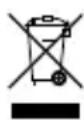
Devices that are marked with the symbol shown here may not be disposed of with domestic waste. You are obliged to dispose of these kinds of used electrical
and electronic devices separately. Ask your local authority about possible methods for regulated disposal. Remove the batteries from the article before disposing of it.
Dispose of batteries carefully

Please note: Batteries are hazardous waste and may not be disposed of with domestic waste by
law. You can hand over used batteries free o charge at local collection points or at retail outlets.
Special containers are provided here for this purpose.
Notes on the guarantee and service handling
The product was produced with great care and under constant supervision. You receive a three-year warranty for this product from the date of purchase. Please retain your receipt. The warranty applies only to material and workmanship and does not apply to misuse or improper handling. Your statutory rights, especially the warranty rights, are not affected by this warranty. With regard to complaints, please contact the following service hotline or contact us by e-mail. Our service employees will advise as to the subsequent procedure as quickly as possible. We will be personally available to discuss the situation with you. Any repairs under the warranty, statutory guarantees or through goodwill do not extend the warranty period. This also applies to replaced and repaired parts. Repairs after the warranty are subject to a charge.
IAN:297011

Service Great Britain
Tel.: 0871 5000 720
(£0.10/Min.)
E-Mail: deltasport@lidl.co.uk

Service Ireland

Tel.: 1890 930 034
(0,08 EUR/Min., (peak))
(0,06 EUR/Min., (off peak))
E-Mail: deltasport@lidl.ie
i Tillykke!
3 × battery, type LR 6 (AA)
1 x brugsanvisning
Tekniske data
Batterity: 3 × LR6 (AA) / 1,5 V