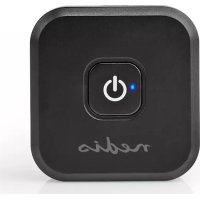
BTTR400BK - Receiver NEDIS - Free user manual and instructions
Find the device manual for free BTTR400BK NEDIS in PDF.

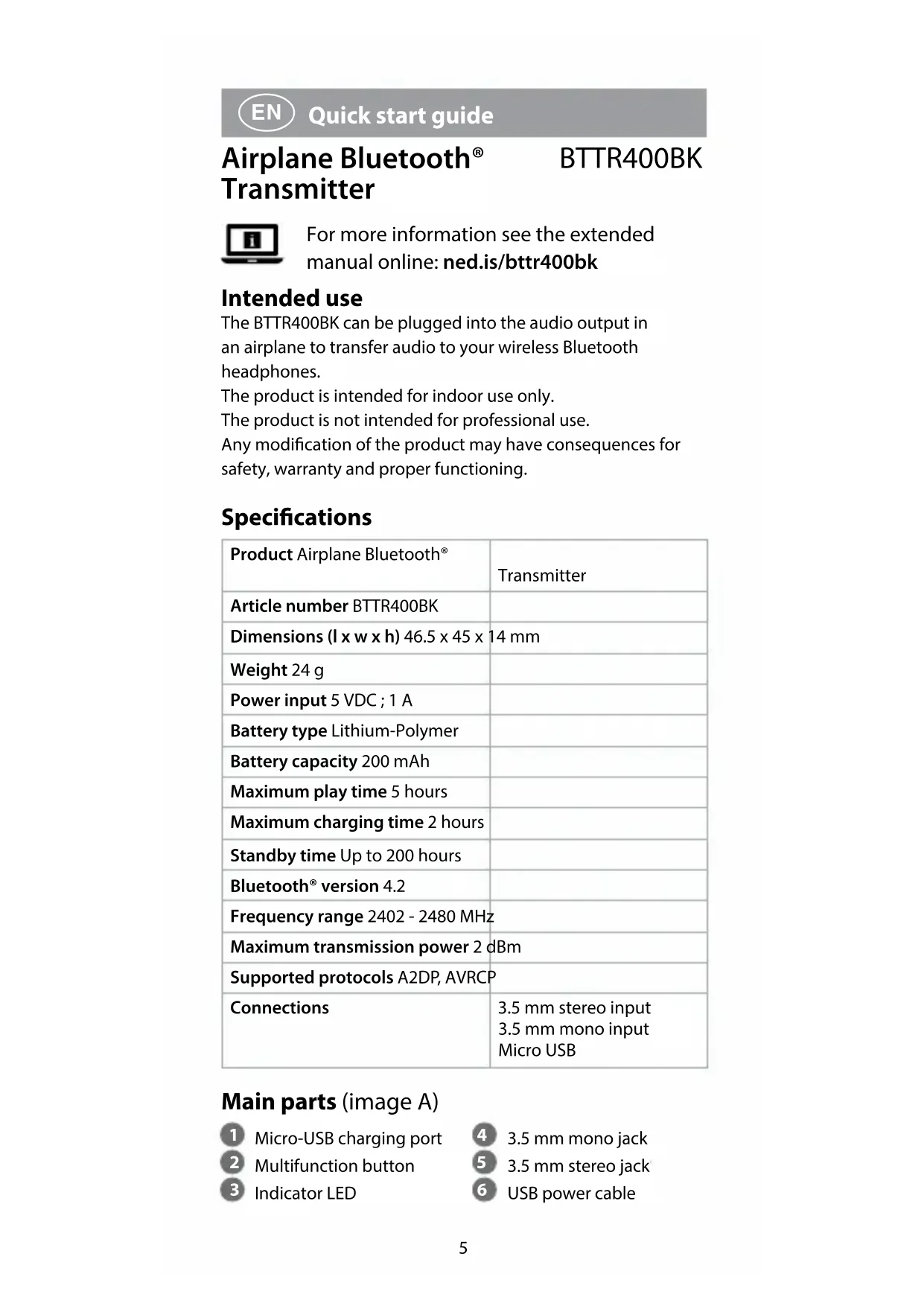


| Product Type | Bluetooth Receiver |
| Brand | Nedis |
| Model | BTTR400BK |
| Dimensions (L x W x H) | 46.5 x 45 x 14 mm |
| Weight | 24 g |
| Power Supply | 5 VDC, 1 A |
| Battery Type | Lithium-Polymer |
| Battery Capacity | 200 mAh |
| Maximum Playback Time | 5 hours |
| Charging Time | 2 hours |
| Standby Time | up to 200 hours |
| Bluetooth Version | 4.2 |
| Frequency Range | 2402 – 2480 MHz |
| Maximum Transmission Power | 2 dBm |
| Supported Protocols | A2DP, AVRCP |
| Connections | 3.5 mm stereo input, 3.5 mm mono input, micro USB |
| Box Contents | BTTR400BK receiver, USB power cable |
| Intended Use | Transfer audio from an airplane to a wireless Bluetooth headset |
| Care and Cleaning | Clean with a dry, soft cloth. Do not use abrasive products. |
| Safety | Do not expose to water or moisture. Do not listen at high volume for long periods. Do not repair yourself. |
| Spare Parts and Repairability | Repair only by a qualified technician. No spare parts available. |
| General Information | Compliant with RED Directive 2014/53/EU. |
Frequently Asked Questions - BTTR400BK NEDIS
User questions about BTTR400BK NEDIS
0 question about this device. Answer the ones you know or ask your own.
Ask a new question about this device
Download the instructions for your Receiver in PDF format for free! Find your manual BTTR400BK - NEDIS and take your electronic device back in hand. On this page are published all the documents necessary for the use of your device. BTTR400BK by NEDIS.
USER MANUAL BTTR400BK NEDIS
to stream audio to your
Bluetooth® headphones
BTTR400BK
EN Quick start guide 5
DE Kurzanleitung 8
The BTTR400BK can be plugged into the audio output in an airplane to transfer audio to your wireless Bluetooth headphones.
The product is intended for indoor use only.
The product is not intended for professional use.
Any modification of the product may have consequences for safety, warranty and proper functioning.
Specifications
| Product Airplane Bluetooth® | Transmitter |
| Article number BTTR400BK | |
| Dimensions (I x w x h) 46.5 x 45 x 14 mm | |
| Weight 24 g | |
| Power input 5 VDC; 1 A | |
| Battery type Lithium-Polymer | |
| Battery capacity 200 mAh | |
| Maximum play time 5 hours | |
| Maximum charging time 2 hours | |
| Standby time Up to 200 hours | |
| Bluetooth® version 4.2 | |
| Frequency range 2402 - 2480 MHz | |
| Maximum transmission power 2 dBm | |
| Supported protocols A2DP, AVRCP | |
| Connections | 3.5 mm stereo input 3.5 mm mono input Micro USB |
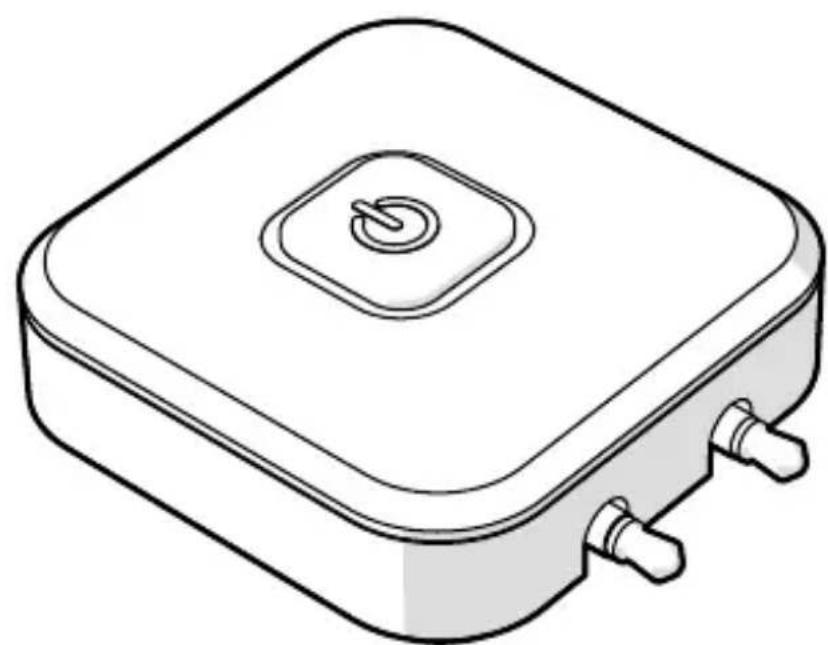
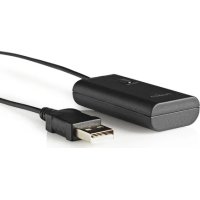
Main parts (image A)
Micro-USB charging port
2 Multifunction button
3 Indicator LED
4 3.5 mm mono jack
5 3.5 mm stereo jack
USB power cable
Safety instructions
WARNING
- Ensure you have fully read and understood the instructions in this document before you install or use the product. Keep this document for future reference.
- Only use the product as described in this document.
- Do not use the product if a part is damaged or defective. Replace a damaged or defective product immediately.
- Do not drop the product and avoid bumping.
- This product may only be serviced by a qualified technician for maintenance to reduce the risk of electric shock.
- Disconnect the product from the power source and other equipment if problems occur.
- Do not expose the product to water or moisture.
- Do not expose cells or batteries to heat or fire. Avoid storage in direct sunlight.
- In the event of a cell leaking, do not allow the liquid to come in contact with the skin or eyes. If contact has been made, wash the affected area with copious amounts of water and seek medical advice.
- Do not leave a battery on prolonged charge when not in use.
- After extended periods of storage, it may be necessary to charge and discharge the cells or batteries several times to obtain maximum performance.
- Read the manual carefully before use. Keep the manual for future reference.
- Disconnect the power supply before making or breaking the connections to the battery.
- During charging, the battery must be placed in a well-ventilated area.
- To prevent possible hearing damage, do not listen at high volume levels for long periods.
Charging the product
Charge the battery completely before first use.
- Plug the USB power cable A ⑥ into the Micro-USB charging port A①.
- Plug the other end of A 6 into a USB power source.
While the product is charging, the indicator LED A ③ lights up red.
When the product is fully charged the indicator LED A ③ is off.
Plugging in the product (image B)
Plug the 3.5mm mono jack A 4 and the 3.5mm stereo jack
A⑤ into an audio source with a double 3.5 mm audio jack output.
Flip up A 4 to plug A 5 into an audio source with a single 3.5mm jack output.
Switching on the product
- Press and hold the multifunction button A ② for 3 seconds to switch on the product.
Press and hold A ② again for 3 seconds to switch off the product.
The product automatically switches off when it is not paired within 5 minutes.
Pairing the product to Bluetooth® device
- Switch on the product to activate pairing mode.
- Enable Bluetooth on the device you want to pair.
A13 blinks blue to indicate the product is in pairing mode.
A lights up blue when pairing is successful.
Disconnecting the paired connection
- Press A 2 to disconnect from the paired device.
- Press A ② again to enter pairing mode.
Cleaning the pairing memory
- Double press A (2) to clear paired devices and enter pairing mode.
Declaration of Conformity
We, Nedis B.V. declare as manufacturer that the product BTTR400BK from our brand Nedis, produced in China, has been tested according to all relevant CE standards and regulations and that all tests have been passed successfully. This includes, but is not limited to the RED 2014/53/EU regulation.
The complete Declaration of Conformity (and the safety datasheet if applicable) can be found and downloaded via webshop.nedis.com/BTTR400BK#support
For additional information regarding the compliance, contact the customer service:
Web: www.nedis.com
E-mail: service@nedis.com
Phone: +31 (0)73-5991055 (during office hours)
Nedis B.V., de Tweeling 28
5215 MC 's-Hertogenbosch, the Netherlands
Brand : NEDIS
Model : BTTR400BK
Category : Receiver