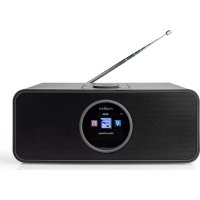
RDIN4000BK - Radio NEDIS - Free user manual and instructions
Find the device manual for free RDIN4000BK NEDIS in PDF.


User questions about RDIN4000BK NEDIS
0 question about this device. Answer the ones you know or ask your own.
Ask a new question about this device
Download the instructions for your Radio in PDF format for free! Find your manual RDIN4000BK - NEDIS and take your electronic device back in hand. On this page are published all the documents necessary for the use of your device. RDIN4000BK by NEDIS.
USER MANUAL RDIN4000BK NEDIS
with FM and Bluetooth®
RDIN4000BK

Quick start guide 6

Kurzanleitung 9

The Nedis RDIN4000BK is a multifunctional internet radio.
The product is intended for indoor use only.
The product is not intended for professional use.
This product can be used by children aged from 8 years and above and persons with reduced physical, sensory or mental capabilities or lack of experience and knowledge if they have been given supervision or instruction concerning use of the product in a safe way and understand the hazards involved. Children shall not play with the product. Cleaning and user maintenance shall not be done by children without supervision.
The product is intended for use in household environments for typical housekeeping functions that may also be used by non-expert users for typical housekeeping functions, such as: shops, offices other similar working environments, farm houses, by clients in hotels, motels and other residential type environments and/or in bed and breakfast type environments.
Any modification of the product may have consequences for safety, warranty and proper functioning.
Specifications
| Product | Internet Radio |
| Article number | RDIN4000BK |
| Wireless connections | Wi-Fi: 802.11 b/g/n Bluetooth® 5.0 |
| Wi-Fi frequency range | 2400 - 2483.5 MHz |
| Wi-Fi radio transmit power | 18.5 dBm |
| Wi-Fi antenna gain | 2 dBi |
| Bluetooth frequency range | 2402 - 2480 MHz |
| Bluetooth® radio transmit power | 4 dBm |
| Bluetooth® antenna gain | 0 dBi |
| Supported Bluetooth® profiles | A2DP, AVRCP, HFP, HID, SPP |
| Radio bands FM | |
| FM frequency range 87.5 - 108 MHz | |
| Speaker (RMS) 2 x 7 W | |
| Speaker peak power 2 x 21 W | |
| Driver size 2 x 2.5" | |
| Display TFT 2.4" | |
| Supported media playback | MP3, WAV, FLAC, AAC, AAC+ |
| Streaming protocols UpnP, DLNA | |
| Saving radio presets > 250 stations | |
| Connection input AUX | |
| USB charging port 5.0 VDC; 1.0 A | |
| Power input 100 - 240 VAC; 50 / 60 Hz | |
| Power consumption in use | 29 W |
| Power consumption standby | 2 W |
| Dimensions (w x h x d) 255 x 105 x 180 mm | |
| Weight 1.4 kg | |
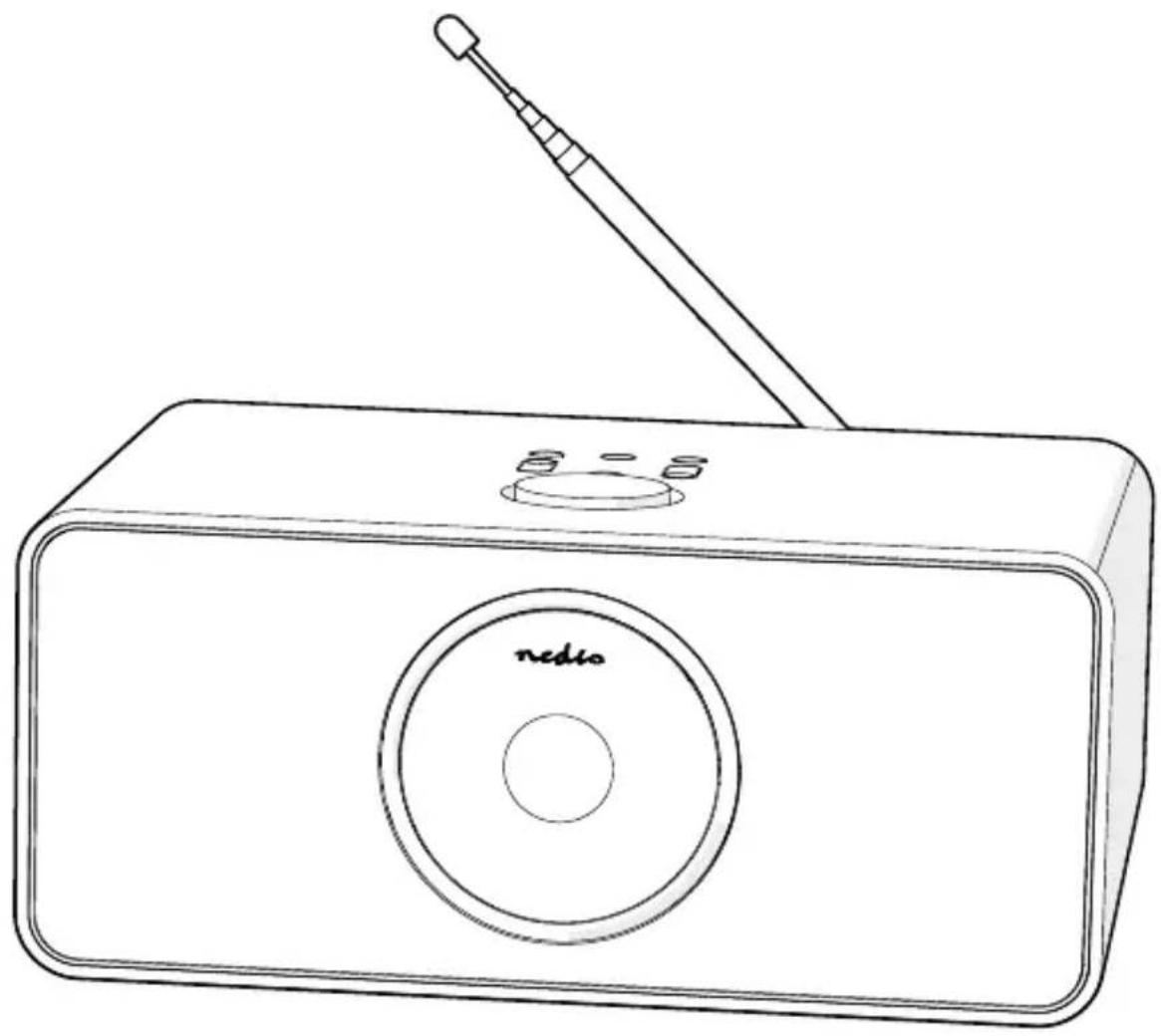
Main parts (image A)
Antenna
2 Display
3 USB charging port
4 3.5 mm headphones output
5 Remote control
6 Power cable
7 Power input
Safety instructions
WARNING
To prevent possible hearing damage, do not listen at high volume levels for long periods.
- Ensure you have fully read and understood the instructions in this document before you install or use the product. Keep this document for future reference.
- Only use the product as described in this document.
- Do not use the product if a part is damaged or defective. Replace a damaged or defective product immediately.
- Do not drop the product and avoid bumping.
- This product may only be serviced by a qualified technician for maintenance to reduce the risk of electric shock.
- Unplug the product from the power source and other equipment if problems occur.
- Only use the provided power cable.
- Do not expose the product to water or moisture.
- Do not use the product where splashing of water might occur, e.g. bathroom, swimming pool or close to a washbowl.
- Do not use this product in a bathtub, shower, or water-filled reservoir.
- Observe the plus (+) and minus (-) marks on the cell, battery and equipment and ensure correct use.
- Do not use any cell or battery that is not designed for use with the product.
- Seek medical advice immediately if a cell or a battery has been swallowed.
- Use only the cell or battery in the application for which it was intended.
- Battery usage by children should be supervised.
- Do not mix cells of different manufacture, capacity, size or type within a product.
- Properly dispose of the empty battery.
- When possible, remove the battery from the product when not in use.
- Protect the eyes against exposure to visible and/or infrared radiation. Take adequate precautions when exposed.
- The product might cause interference with nearby devices.
- Do not use the product at locations where the use of wireless devices is prohibited due to potential interference with other electronic devices, which may cause safety hazards.
-
Place the product on a stable and flat surface.
-
Do not open the product.
- Do not use an extension cable.
- Do not leave the product unattended when switched on.
- Keep the product out of reach from children.
- Listening on high volume for a long time will damage your hearing.
Place the battery
- Place 2 size AAA batteries into A (5).
Make sure to match the (+) and (-) polarity markings.
Connecting the product to a power outlet
- Plug the power adapter A ⑥ into the power input A ⑦.
- Plug the other end of A 6 into a power outlet. Only use the provided power cable.
If you use the product for the first time, the system will ask you to set language and network configurations.
Controls on the radio (image B)
| ① | Left button Press to select the previous radio station, track or menu item. | |
| ② | Preset 1 / STOP button | Internet Radio / FM mode: Press to choose the preset 1 station. Bluetooth mode: Press to stop the current track. |
| ③ | Preset 2 / PLAY button | Internet Radio / FM mode: Press to choose the preset 2 station. Bluetooth mode: Press to resume the current track. |
| ④ | Preset button | FM: Press the button to preset radio stations. Menu mode: Press the button to exit the menu mode. |
| ⑤ | Volume control dial / navigation dial / OK button | Playback mode: Turn the dial to increase or decrease the volume. Menu mode: Turn the dial to navigate through the menu. Press to confirm the selection. |
| ⑥ | On / standby / home button | Switch the product on or off. Playback mode: Press to return to the main menu. |
| ⑦ | Right button Press to select the next radio station, track or menu item. Internet Radio / Bluetooth mode: Press to zoom in or out on an icon. | |
| ⑧ | Preset 3 / Previous button | Internet Radio / FM mode: Press to choose the preset 3 station. Bluetooth mode: Press to play the previous track. |
| ⑨ | Preset 4 / Next button | Internet Radio / FM mode: Press to choose the preset 4 station. Bluetooth mode: Press to play the next track. |
Using the remote (image C)
| ① | Power button | |
| ② | Info button | |
| ③ | Menu button | Press to return to the menu. |
| ④ | Play / pause button | |
| ⑤ | Sleep button | Press to set sleep time. |
| ⑥ | Previous button | |
| ⑦ | Arrow buttons | Navigation. |
| ⑧ | OK button Confirm. | |
| ⑨ | Next button | |
| ⑩ | Digit buttons | Select stored stations. |
| ⑪ | Preset button | Preset radio stations. Enter digits and letters. |
| ⑫ | Mute button | |
| ⑬ | Preset button | Preset radio stations. Enter digits and letters. |
| ⑭ | Mode button | Press to switch between audio sources. |
| ⑮ | Alarm button | Alarm mode. |
| ⑯ | Timer button | Timer function. |
| ⑰ | Volume up button | |
| ⑱ | Volume down button | |
| ⑲ | Equalizer button | Select the sound scenario. |
Declaration of Conformity
We, Nedis B.V. declare as manufacturer that the product RDIN4000BK from our brand Nedis, produced in China, has been tested according to all relevant CE standards and regulations and that all tests have been passed successfully. This includes, but is not limited to the RED 2014/53/EU regulation.
The complete Declaration of Conformity (and the safety datasheet if applicable) can be found and downloaded via: nedis.com/RDIN4000BK#support
For additional information regarding the compliance, contact the customer service:
Web: www.nedis.com
E-mail: service@nedis.com
Nedis B.V., de Tweeling 28
5215 MC's-Hertogenbosch, the Netherlands

Kurzanleitung
Internetradio RDIN4000BK

5215 MC's-Hertogenbosch, the Netherlands
5215 MC's-Hertogenbosch, the Netherlands

Rychly námod
Internetó rádio
RDIN4000BK

Viac informaci najdete
v rozsirenom navode
online:ned.is/rdin4000bk
Urcené použitie
Nedis RDIN4000BK je multifunkné internetové rádio.
Vyrobok je urceny len na pouzitie vo vnutri.
The Netherlands 09/20