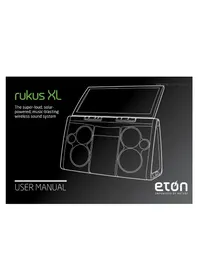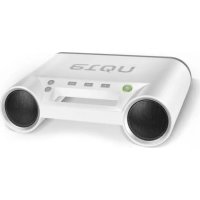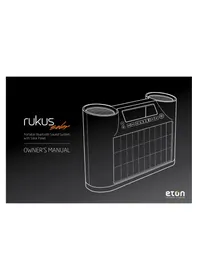
Rukus Solar - Speaker ETON - Free user manual and instructions
Find the device manual for free Rukus Solar ETON in PDF.



User questions about Rukus Solar ETON
0 question about this device. Answer the ones you know or ask your own.
Ask a new question about this device
Download the instructions for your Speaker in PDF format for free! Find your manual Rukus Solar - ETON and take your electronic device back in hand. On this page are published all the documents necessary for the use of your device. Rukus Solar by ETON.
USER MANUAL Rukus Solar ETON
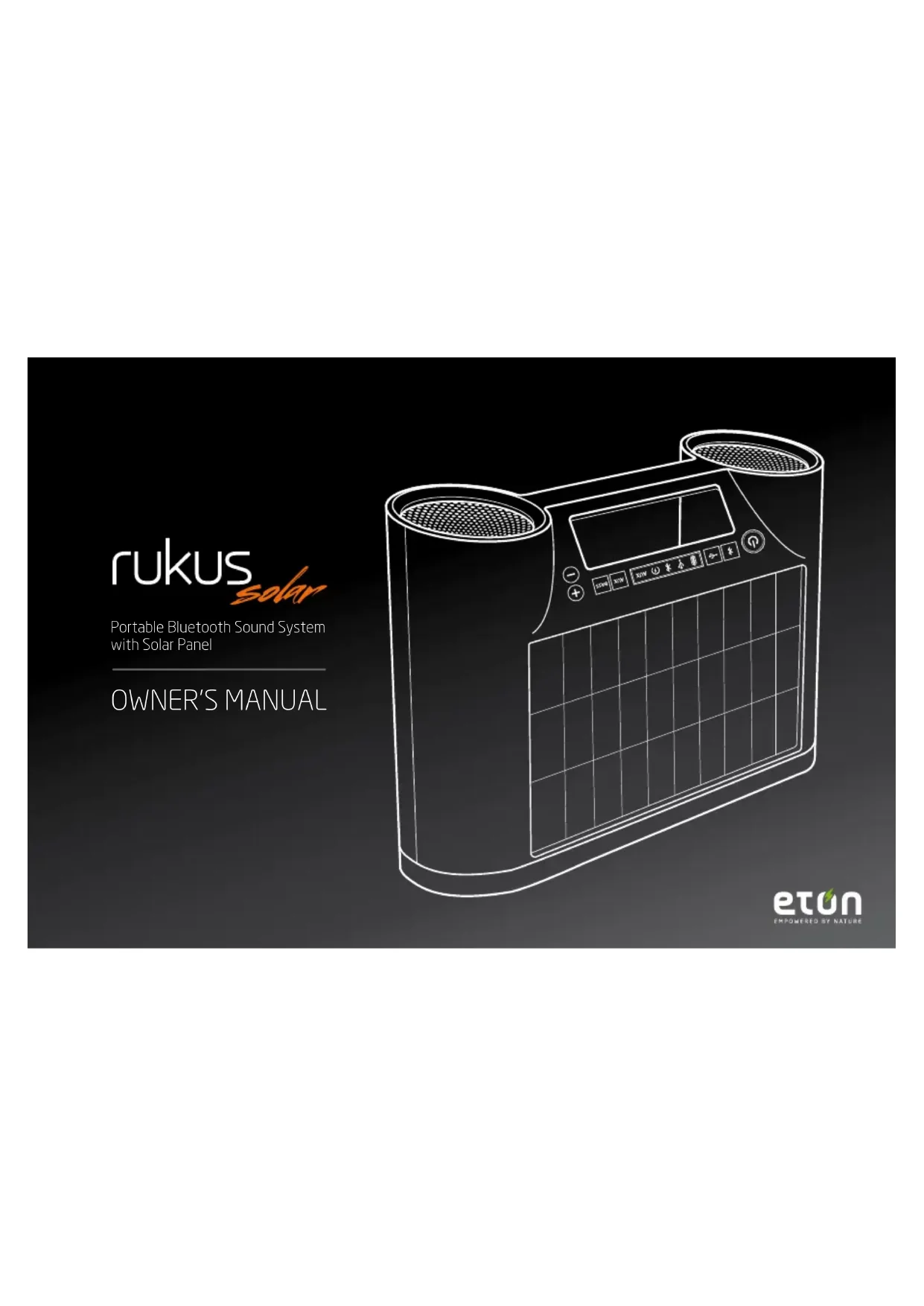
Portable Bluetooth Sound System with Solar Panel
OWNER'S MANUAL
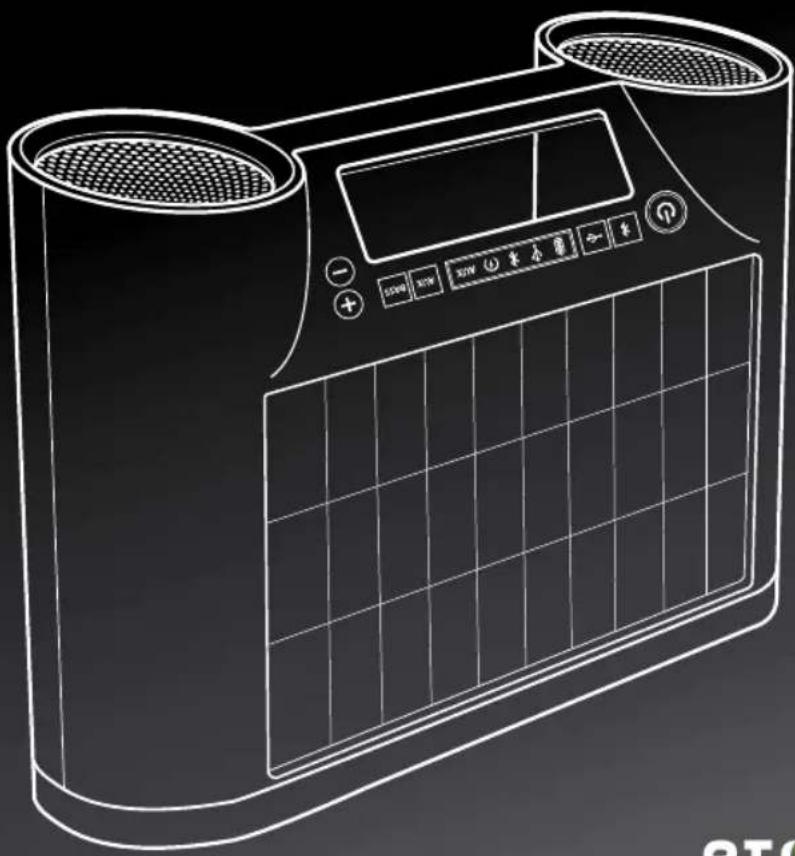
natural_image
Line drawing of a dual-camera air purifier with digital display and control buttons (no text or symbols)etún
EMPOWERED BY NATURE
RUKUS SOLAR OWNER'S MANUAL
Thank you for purchasing the Etón Rukus Solar, a portable Bluetooth high-quality sound system featuring solar charging. The Rukus Solar is powered from the rechargeable Li-ion battery charged by the solar panel or the AC adapter (included). Please read this user manual to get a good understanding of how the Rukus Solar works and how to fully rock out with it!
NEED HELp? CoNTaCT US. ENViRoNMENT
Etón Corporation, 1015 Corporation Way, Palo Alto, CA 94303, USA. 1-800-872-2228 (U.S.); 1-800-637-1648 (Canada); 650-903-3866 (worldwide); M-F, 8:00AM-4:30PM, Pacific Standard Time; www.etoncorp.com.
Warning
Do not expose this appliance to rain or moisture.
Do not submerge or expose for extended period to water.
Protect from high humidity and rain.
Only operate within specified temperature range (0°C to 40°C).
Unplug immediately if liquid has been spilled or any object has fallen into the apparatus.
Clean only with a dry cloth. Do not use detergents or chemical solvents as this might damage the finish.
Unplug and disconnect external antennas during lightning storms.
Do not remove cover [or back].
Refer servicing to qualified service personnel.
DiSpoSaL
According to the European Directive 2002/96/EC all electrical and electronic products must be collected separately by a local collection system.
Please act according to your local rules and do not dispose of your old products with your normal household waste.
Please dispose of all types of batteries per your Government, State or Local rules and/or regulations. If you are unsure, please call the appropriate local authority to find out how to dispose of them safely and help protect the environment.

RUKUS SoLaR FEaTURES
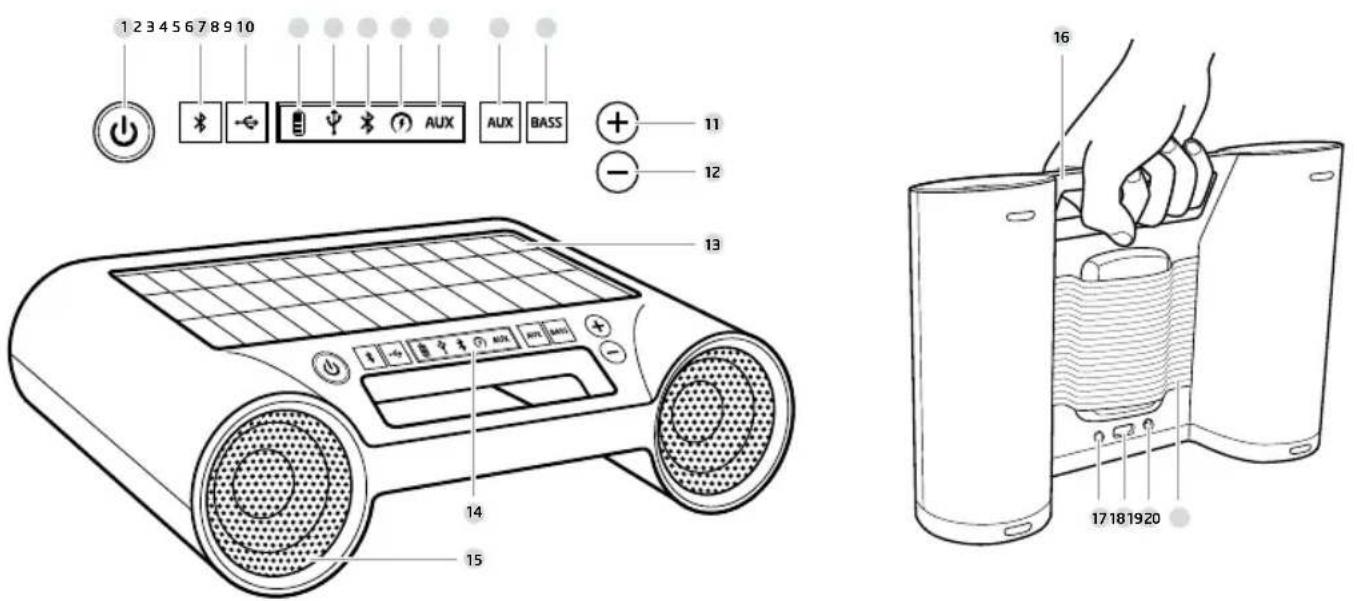
FUNCTioNS
1 Power ON/OFF button
2 Bluetooth button
3 USB port
4 Battery indicator icon
5 USB port icon
6 Bluetooth icon
7 Solar charging icon
8 AUX-nicon
9 AUX in button
10 Bass button
11 Volume up button
12 Volume down button
13 Monocrystal solar panel
14 E Ink display
15 Speakers
16 Integrated carrying handle
17 DC-in jack
18 USB jack
19 AUX-in port
20 Adjustable mobile device storage
pLUGGiNG iN THE aC aDapTER
Connect one end of the AC adapter to the DC jack of the unit and the other end to an electrical outlet.
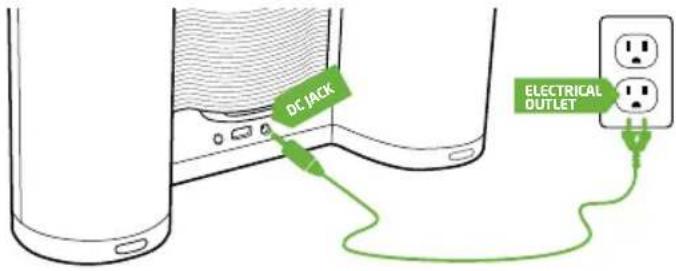
text_image
DC JACK ELECTRICAL OUTLETCHARGiNG THE BUiLT-iN BatterY BY THE aC poWER/SoLaR ENERGY
The unit has a built-in Lithium ion battery for portable power when not using the AC adapter. When the adapter is plugged in or the unit is exposed under the sunshine, the unit will start charging. During charging, the indicator on the display starts blinking.
To fully charge an empty battery:
AC/DC: 3 hours
Solar: 6 hours
BaTTERY LiFE (BUILT iN LiTHiUM ioN BaTTERY)
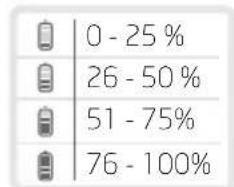
bar
| Category | Value (%) | |---|---| | 0 - 25 | 0 | | 26 - 50 | 26 | | 51 - 75 | 51 | | 76 - 100 | 76 |*Charge times may vary depending on solar conditions.
NoTE: To maximize battery life, charge the unit through the AC adapter for 12 hours prior to first use.
- Press the ON/OFF button to turn on the unit. The power indicator lights up.
- Press the Bluetooth button to switch the sound source to Bluetooth mode. The ✗ indicator appears on the display.
- Hold the button for 3 seconds to place the unit in pairing mode. The indicator starts blinking rapidly. Unit will give off two short beeps.
NoTE: The indicator turns solid after the unit is successfully connected. If the indicator starts to blink slowly after 3 minutes, the pair was unsuccessful.
- Open the Bluetooth settings menu on your Bluetooth-enabled mobile device or computer. Once it is recognized, "rukus solar" will appear on the display of the Bluetooth-enabled device. Select "rukus solar" to pair and connect with your device.
NoTE: On an iPhone or iPad, tap "rukus solar" to select. If prompted for a password, enter "1234".
- Once Bluetooth is connected, select the music and press the ▶II button on your device. The unit will playback music automatically.
NoTE: Playback time on built-in battery is \~8 hours, depending on music level and other factors.
pLaYiNG BaCK Via aUXpLaYiNG BaCK Via BLUETooTH
You can enjoy the sound from an external device such as a portable digital music player. Be sure to turn off the power of the external device before making any connections. For details, refer to the instruction manual of the device to be connected.
-
Connect any device with headphone or line out jack with a 3.5mm line in cable to aUX iN jack on the bottom of the unit.
-
Press the ⏻ button to turn on the unit.
-
Press the AUX button to switch the sound source to AUX mode, if the unit is not in AUX mode.
-
Turn on your external device and press ▶II button.
-
The unit will play back the music from the external device automatically.
USB poRT FoR MoBiLE DEViCE CHaRGiNG (5V, 500MaH)
The USB jack can be used to charge most devices that allow for USB charging (including many mobile phones, smart phones and wireless headsets).
- Connect one end of the USB cord to your device and the other end to the USB jack of the unit.
- Press the button to start charging for your device. Press the button again to stop charging.
NoTE: Use the USB power cord that came with your device to connect to the unit.
Press the + and - buttons to adjust the volume levels.
NoTE: During volume adjustments, if the LED indicator starts to blink, minimum or maximum volume level has been reached.
BaSS BooST
Press the BASS button to turn on bass boost. Press the button again to turn off.
SWITCHiNG E iNK DiSpLaY BaCKGROUND CoLoRS
Press and hold the ⏻ for 5 seconds to toggle between black and white backgrounds on the E Ink display.
aUToMaTiC ENERGY SaViNG
If unit is idle for 10 minutes (no sound output or operation), the unit will turn off automatically.
WARRANTY REGISTRATION
To ensure full warranty coverage or product updates, registration of your product should be completed as soon as possible after purchase or receipt. You may use one of the following options to register your product:
- By visiting our website at www.etoncorp.com.
- Mail in enclosed warranty card.
- Mail your registration card or information to the following address; Include your name, full mailing address, phone number, model purchased, date purchased, retail vendor name and product serial number (typically located in or near the battery compartment):
Etón Corporation
1015 Corporation Way Palo Alto, CA 94303
LIMITED WARRANTY
Retain the warranty information from your warranty card with your proof of purchase or the Limited Warranty information can also be viewed at www.etoncorp.com.
SERVICE FOR YOUR PRODUCT
To obtain service for your product, we recommend first contacting an Etón service representative at 800-872-2228 US, 800-637-1648 Canada or (650) 903-3866 for problem determination and trouble-shooting. If further service is required, the technical staff will instruct how to proceed based on whether the radio is still under warranty or needs non-warranty service.
WARRANTY
If your product is still in warranty and the Etón service representative determines that warranty service is needed, a return authorization will be issued and instructions for shipment to an authorized warranty repair facility.
Do not ship your radio back without obtaining the return authorization number.
NON-WARRANTY
If your product is no longer under warranty and requires service our technical staff will refer you to the nearest repair facility that will be able to best handle the repair.
For service outside of North America, please refer to the distributor information included at time of purchase/receipt.
rukus

natural_image
Line drawing of a dual-camera air purifier with digital display and control buttons (no text or symbols)etun
EMPOWERED BY NATURE
RUKUS SOLAR MANUEL DU PROPRIÉTAIRE
natural_image
Line drawing of a dual-camera air purifier with digital display and control buttons (no text or symbols)etun
EMPOWERED BY NATURE
RUKUS SOLAR MANUAL DE USUARIO
650-903-3866 (worldwide); M-F, 8:00-4:30,
Pacific Standard Time; www.etoncorp.com.
aTENCIÓN
natural_image
Line drawing of a dual-camera air conditioner unit with digital display and control buttons (no text or symbols)etun
EMPOWERED BY NATURE
BESCHRÄNKTE GARANTIE
natural_image
Line drawing of a dual-camera air purifier with digital display and control buttons (no text or symbols)etun
EMPOWERED BY NATURE
RUKUS SOLAR MANUALE DEL PROPRIETARIO
Corporate Headquarters
1015 Corporation Way
Palo Alto, California 94303 USA
tel +1 650-903-3866
tel +1 800-872-2228
fax +1 650-903-3867
Etón Canada
1 Yonge Street, Suite 1801
Toronto, Ontario M5E 1W7
Canada
tel+1 416-214-6885