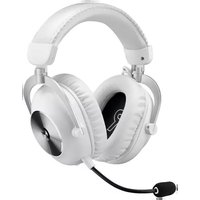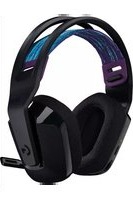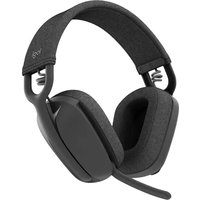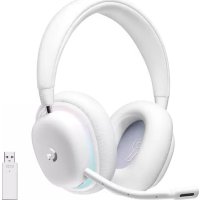
H530 - Headphones LOGITECH - Free user manual and instructions
Find the device manual for free H530 LOGITECH in PDF.



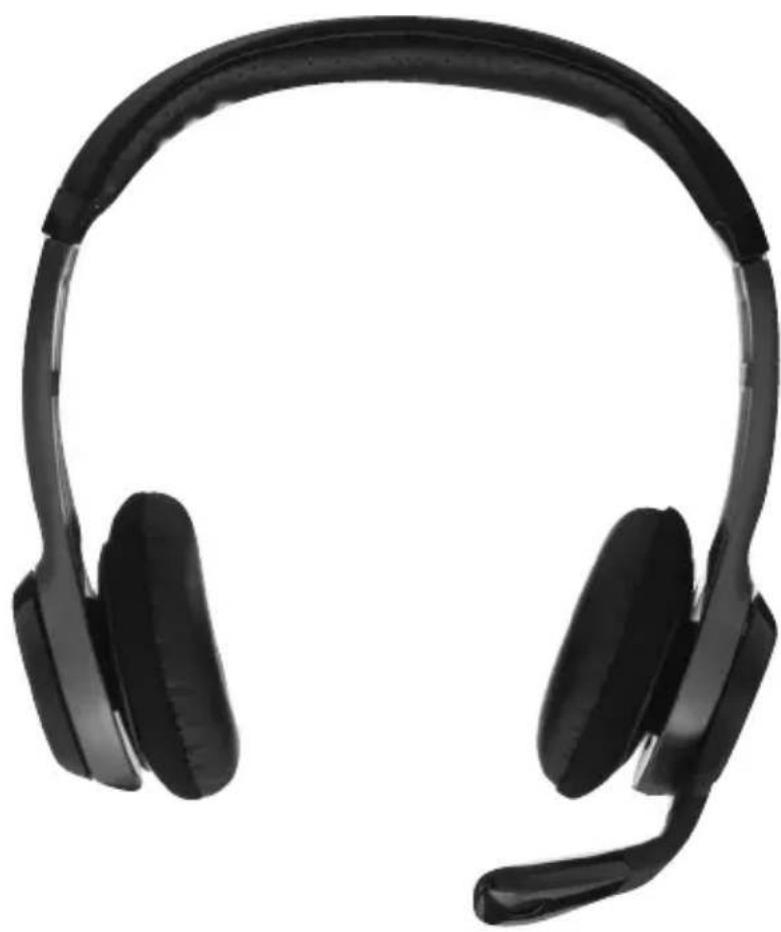
| Product Type | USB stereo headset |
| Brand | Logitech |
| Model | H530 |
| Dimensions (approx.) | 18 x 16 x 6 cm |
| Weight (approx.) | 170 g |
| Power Source | Via computer USB port |
| Cable Length | Approximately 2 m |
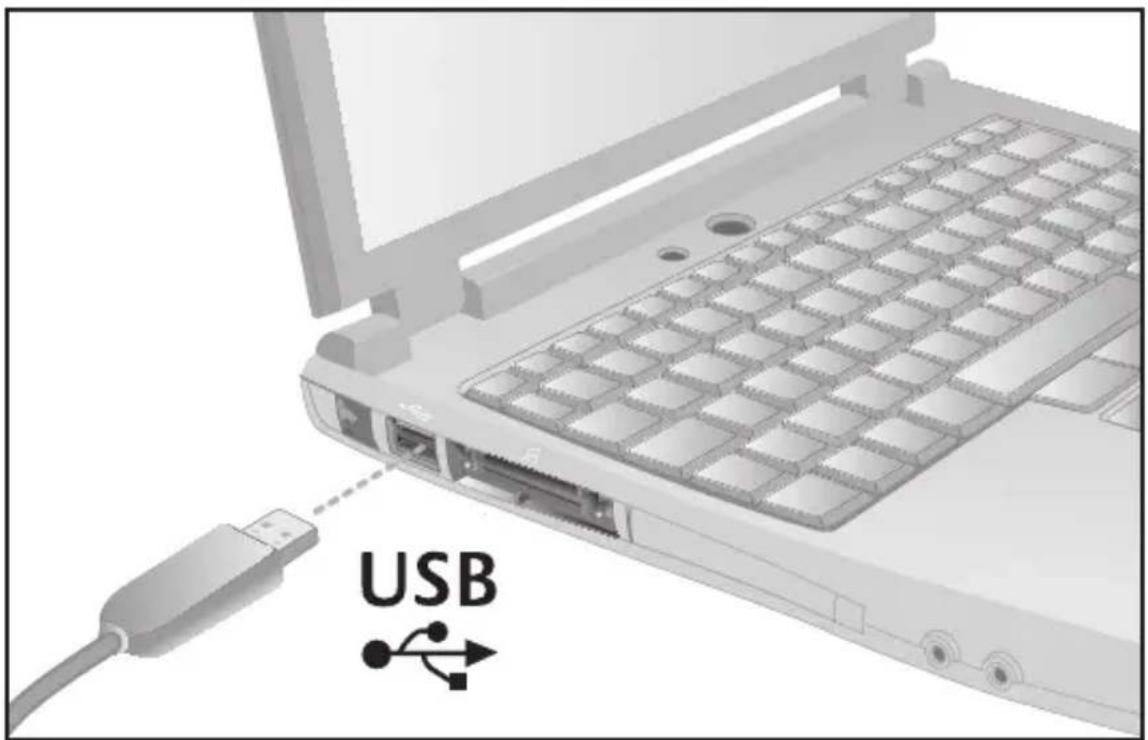
| Connection Type | USB |
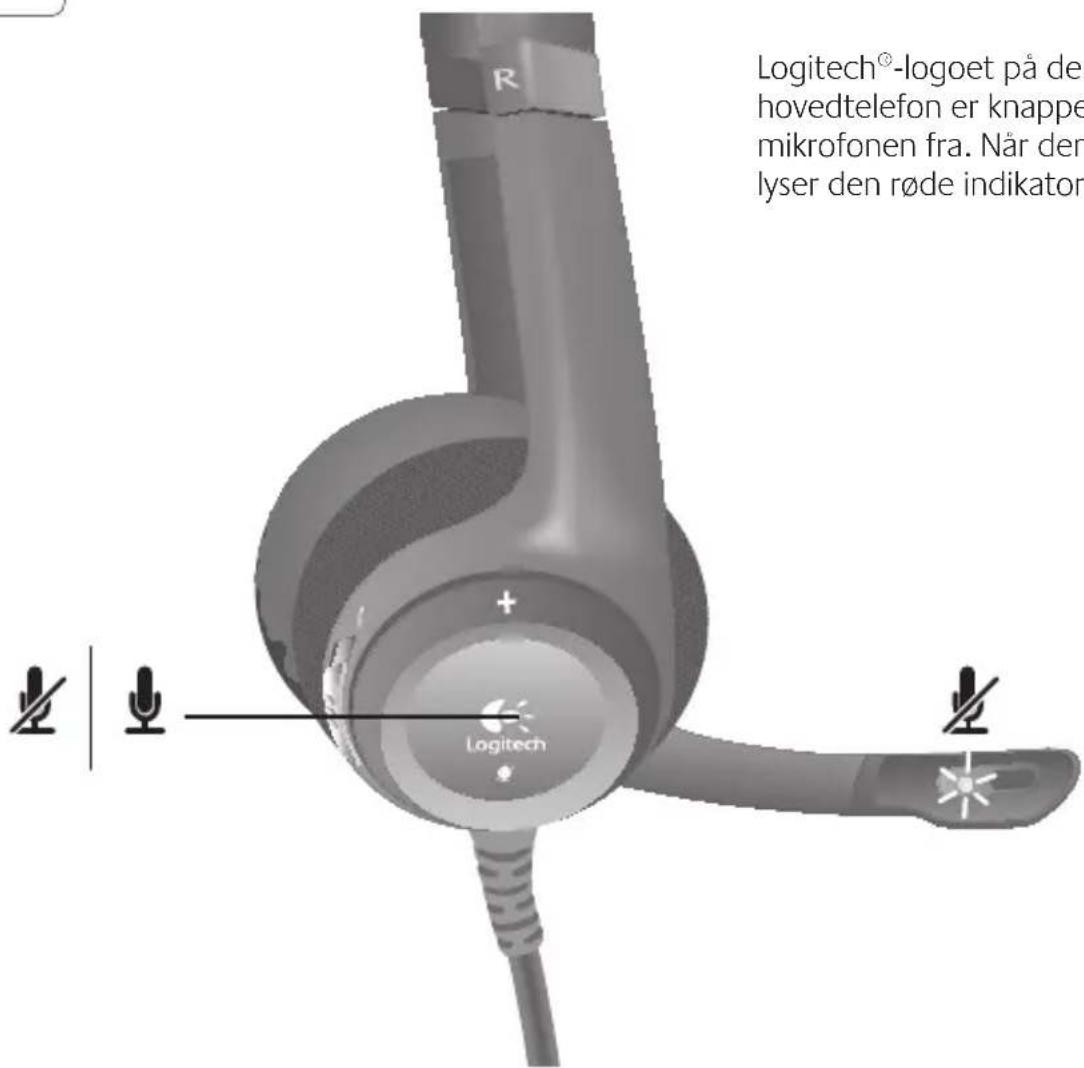
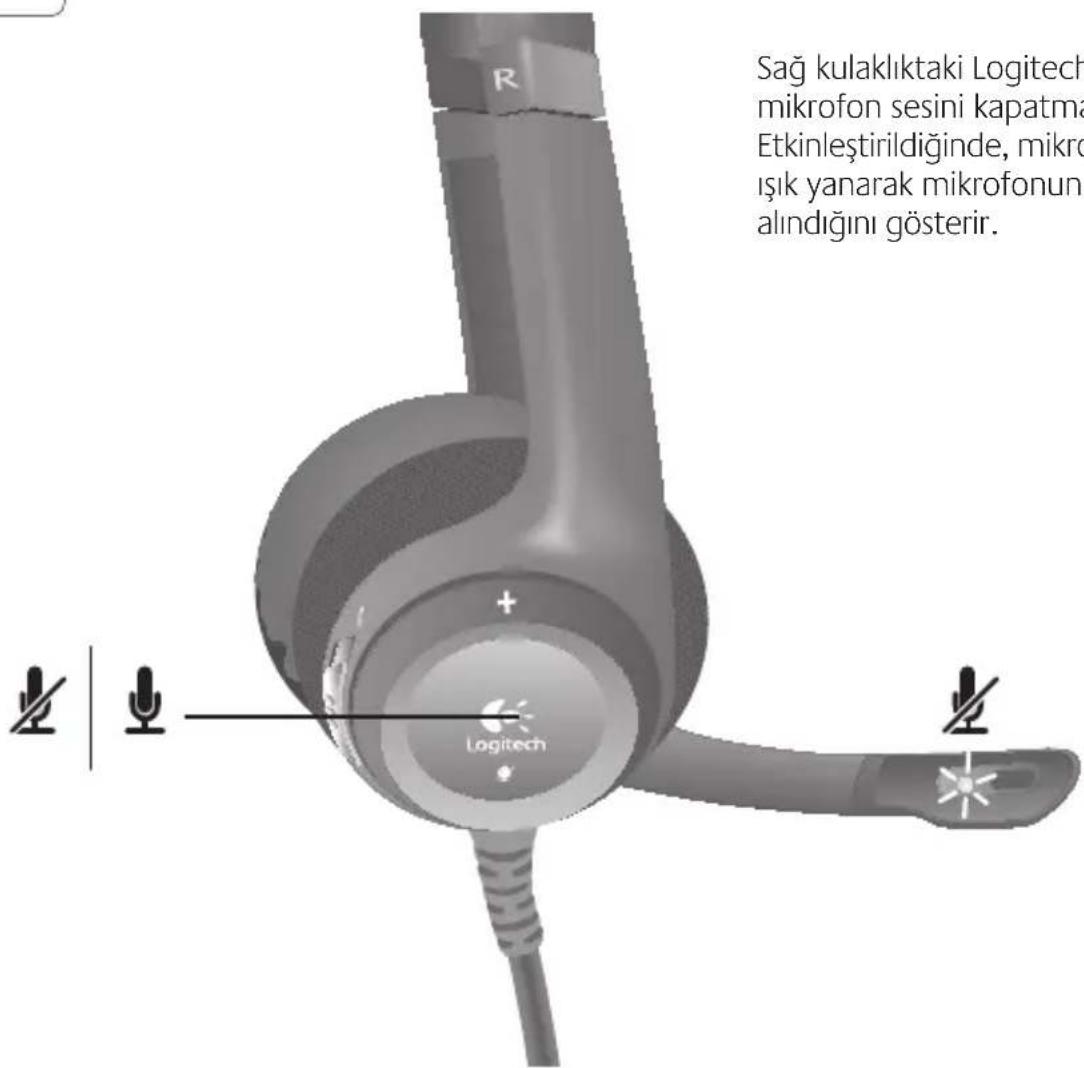
| Mute Button | On the right earcup, with red LED indicator |
| Audio Controls | 3 modes: PC calls, games, music/general use |
| Audio Technology | Super Wideband sound |
| Software Compatibility | Logitech Vid, Skype 4.0+ (Windows), Skype 2.8+ (Mac) |
| Microphone | Built-in, with red mute indicator |
| Supported Operating Systems | Windows, Mac OS X |
| Care and Cleaning | Clean with a soft, dry cloth. Do not use abrasive products. |
| Safety | Use at moderate volume to avoid hearing damage. Disconnect during a thunderstorm. |
| Spare Parts and Repairability | Contact Logitech customer service. No spare parts available at retail. |
| Warranty | 2 years (depending on country) |
| General Information | Plug-and-play USB headset. Ideal for voice communications and entertainment. |
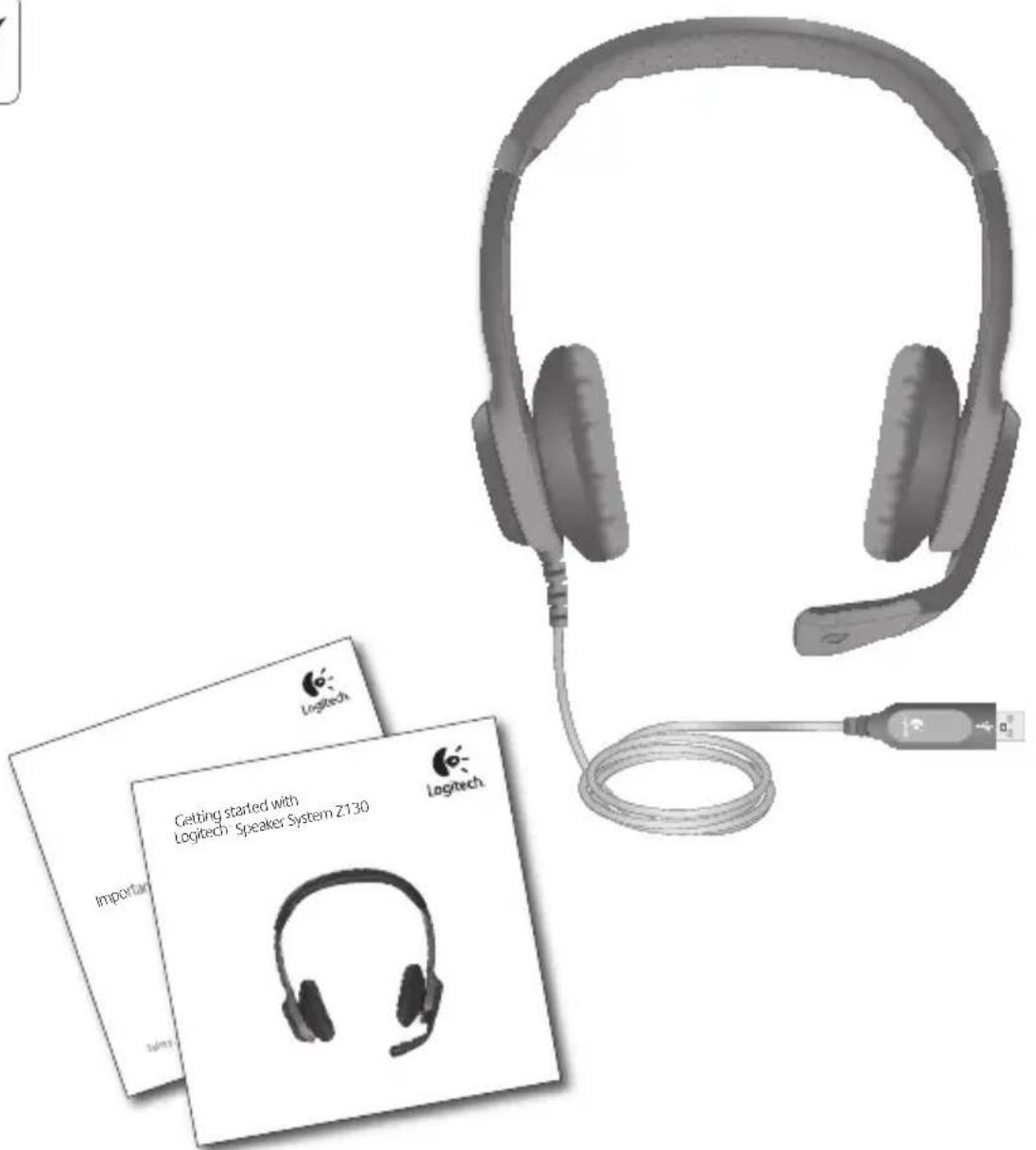
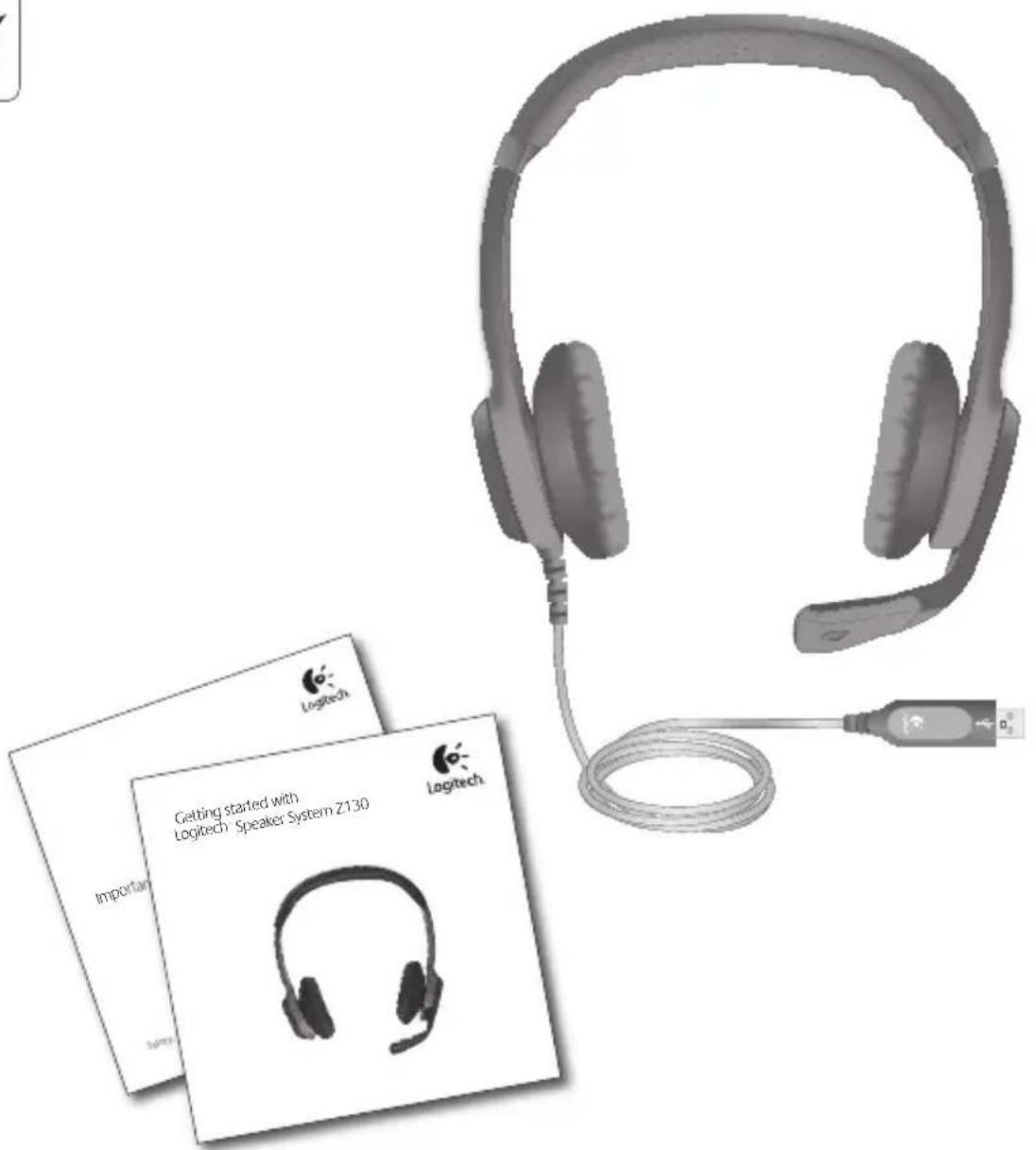
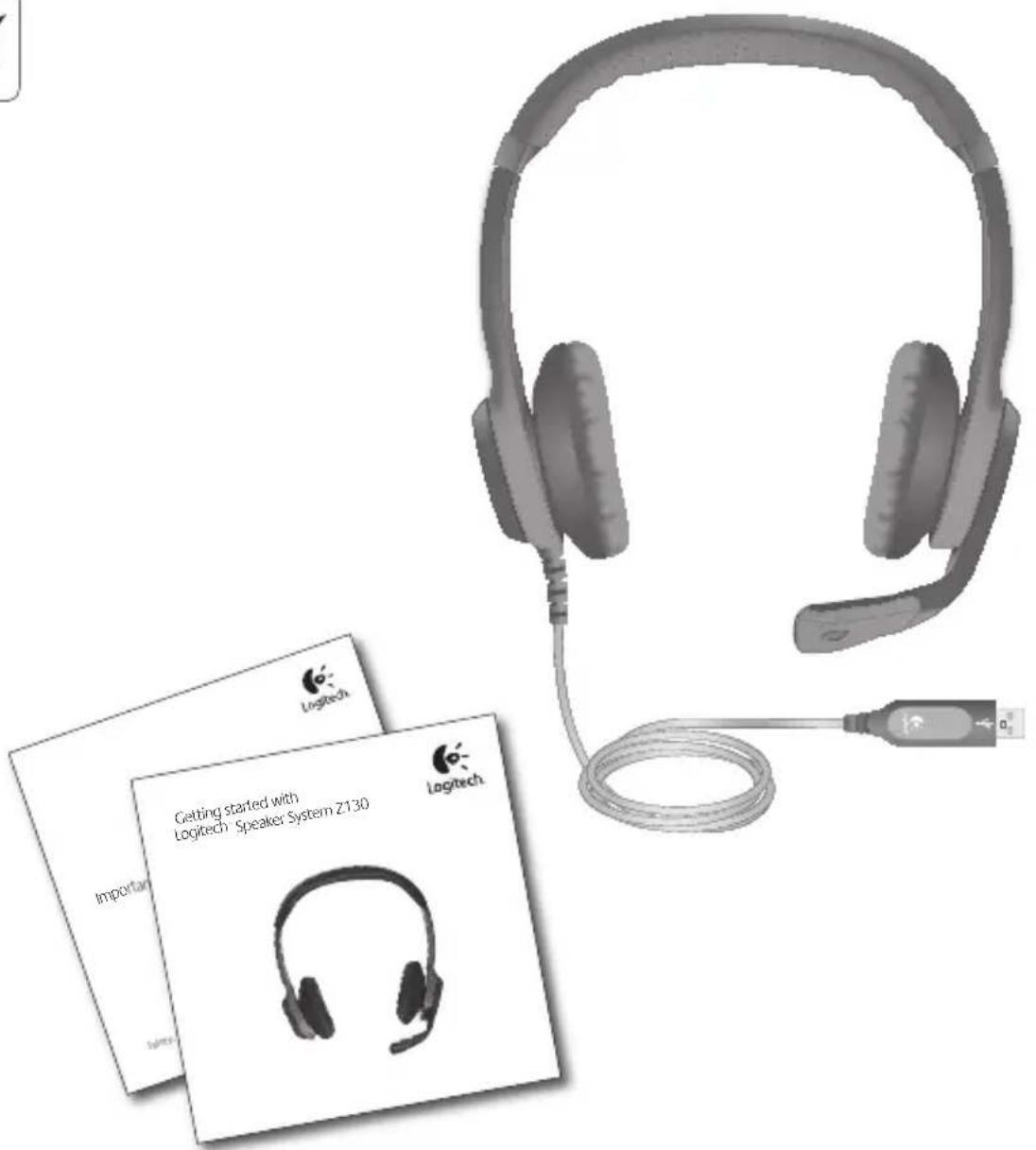
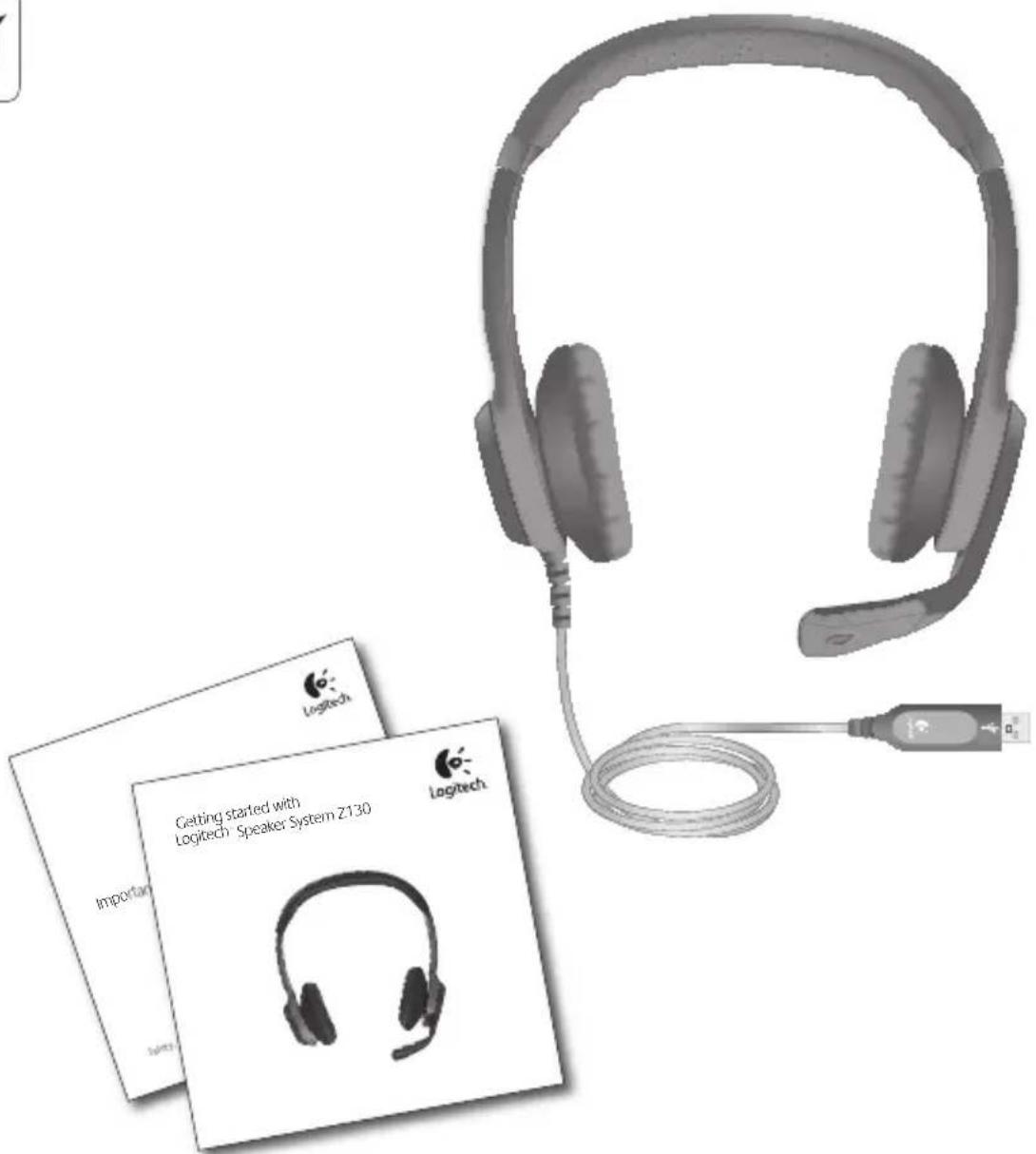
| Package Contents | H530 headset, quick installation guide |
Frequently Asked Questions - H530 LOGITECH
User questions about H530 LOGITECH
0 question about this device. Answer the ones you know or ask your own.
Ask a new question about this device
Download the instructions for your Headphones in PDF format for free! Find your manual H530 - LOGITECH and take your electronic device back in hand. On this page are published all the documents necessary for the use of your device. H530 by LOGITECH.
USER MANUAL H530 LOGITECH
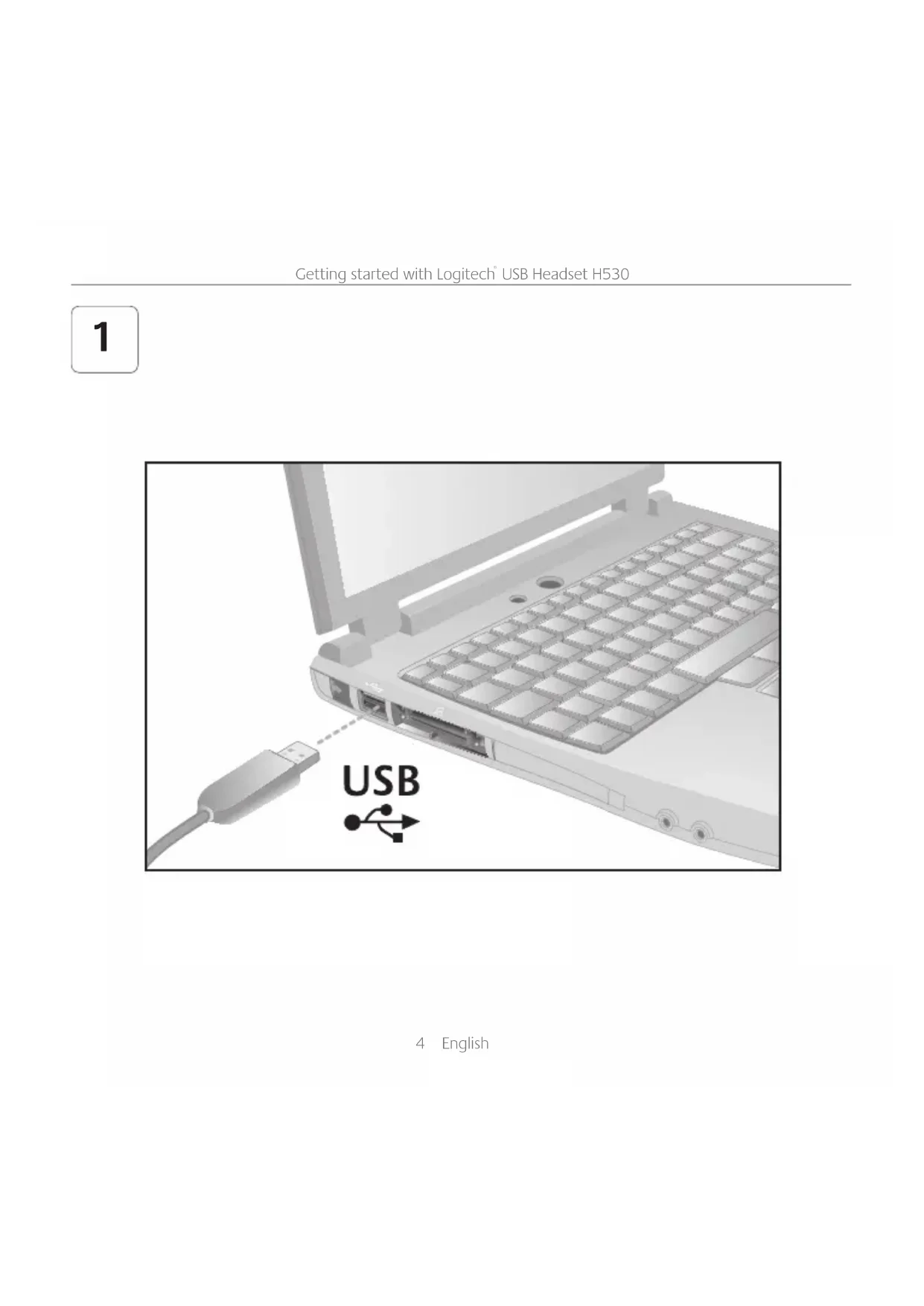
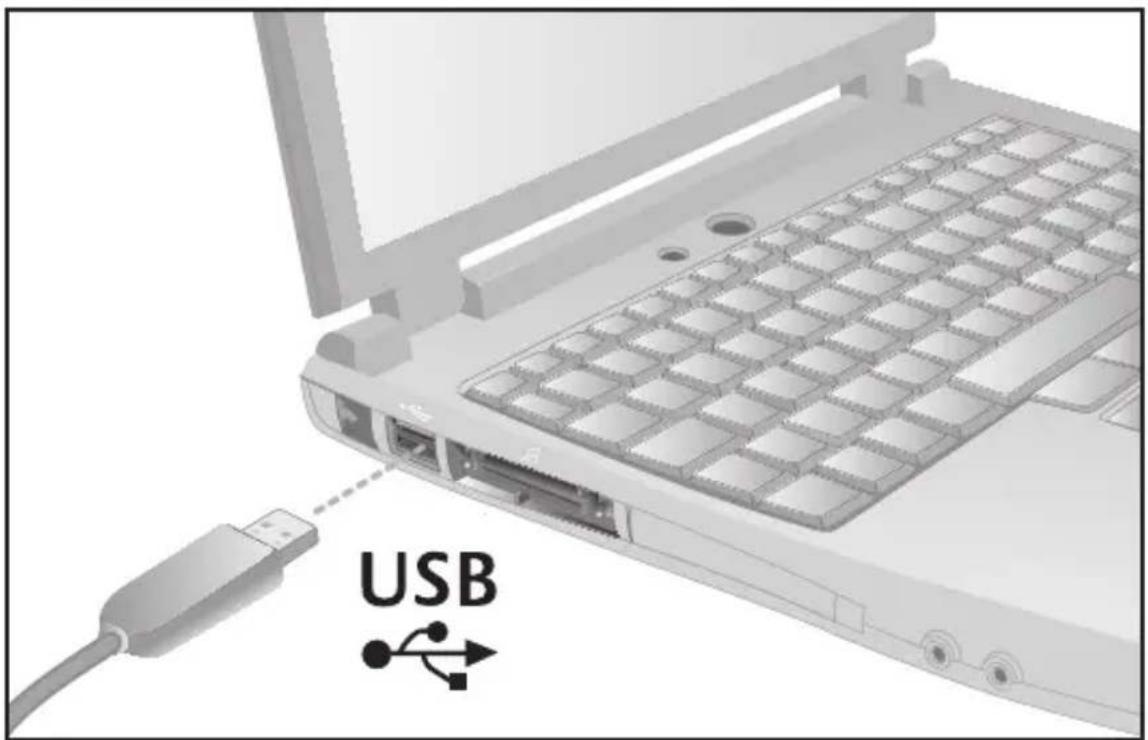
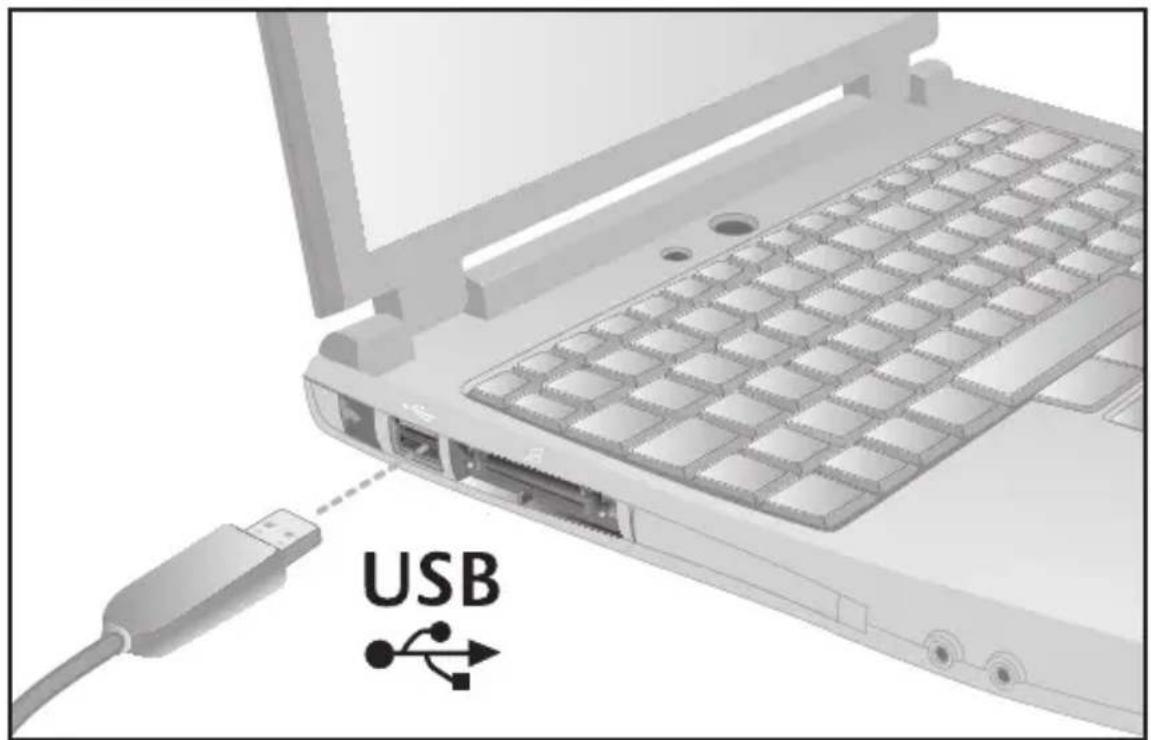
Getting started with Logitech® USB Headset H530

natural_image
Black hard-band headset with earplifier and microphone, isolated on white background (no text or symbols)Contents
| English | 3 | Suomi | 63 | Srpski | 123 |
| Deutsch | 9 | Ελληνικά | 69 | Slovenščina | 129 |
| Français | 15 | По-русски | 75 | Slovenčina | 135 |
| Italiano | 21 | Magyar | 81 | Română | 141 |
| Español | 27 | Česká verze | 87 | Български | 147 |
| Português | 33 | Po polsku | 93 | Українська | 153 |
| Nederlands | 39 | Eesti | 99 | Türkçe | 159 |
| Svenska | 45 | Latviski | 105 | 170 | العربية |
| Dansk | 51 | Lietuvių | 111 | ||
| Norsk | 57 | Hrvatski | 117 |

3 English
1
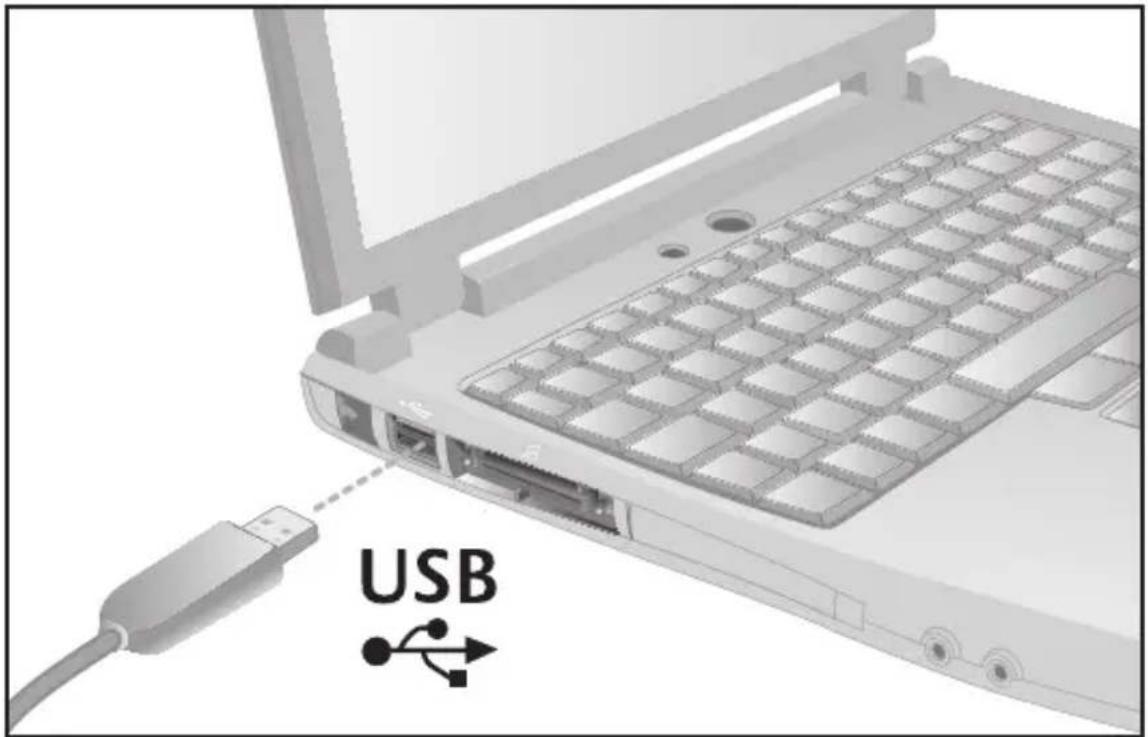
4 English
2
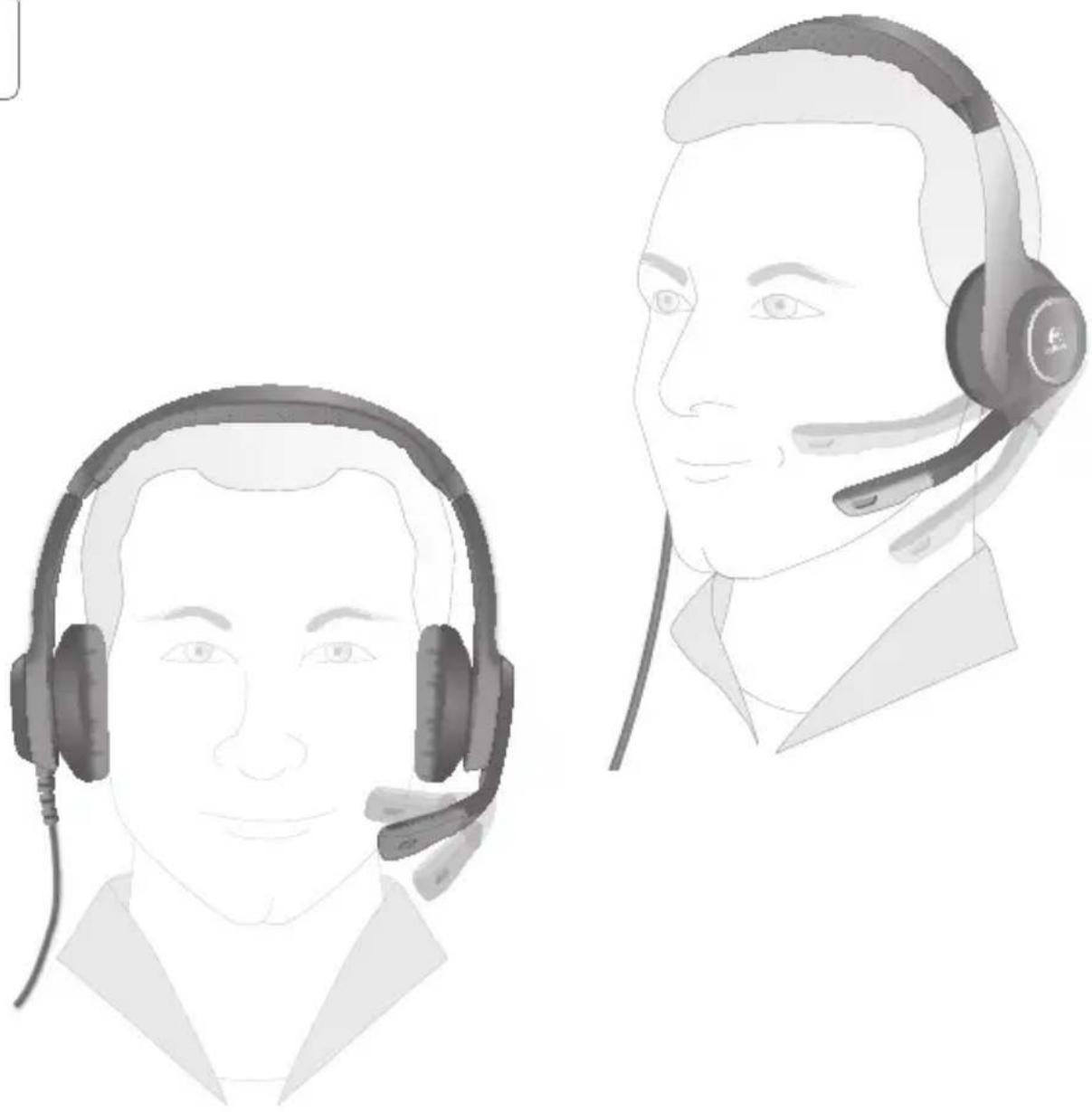
natural_image
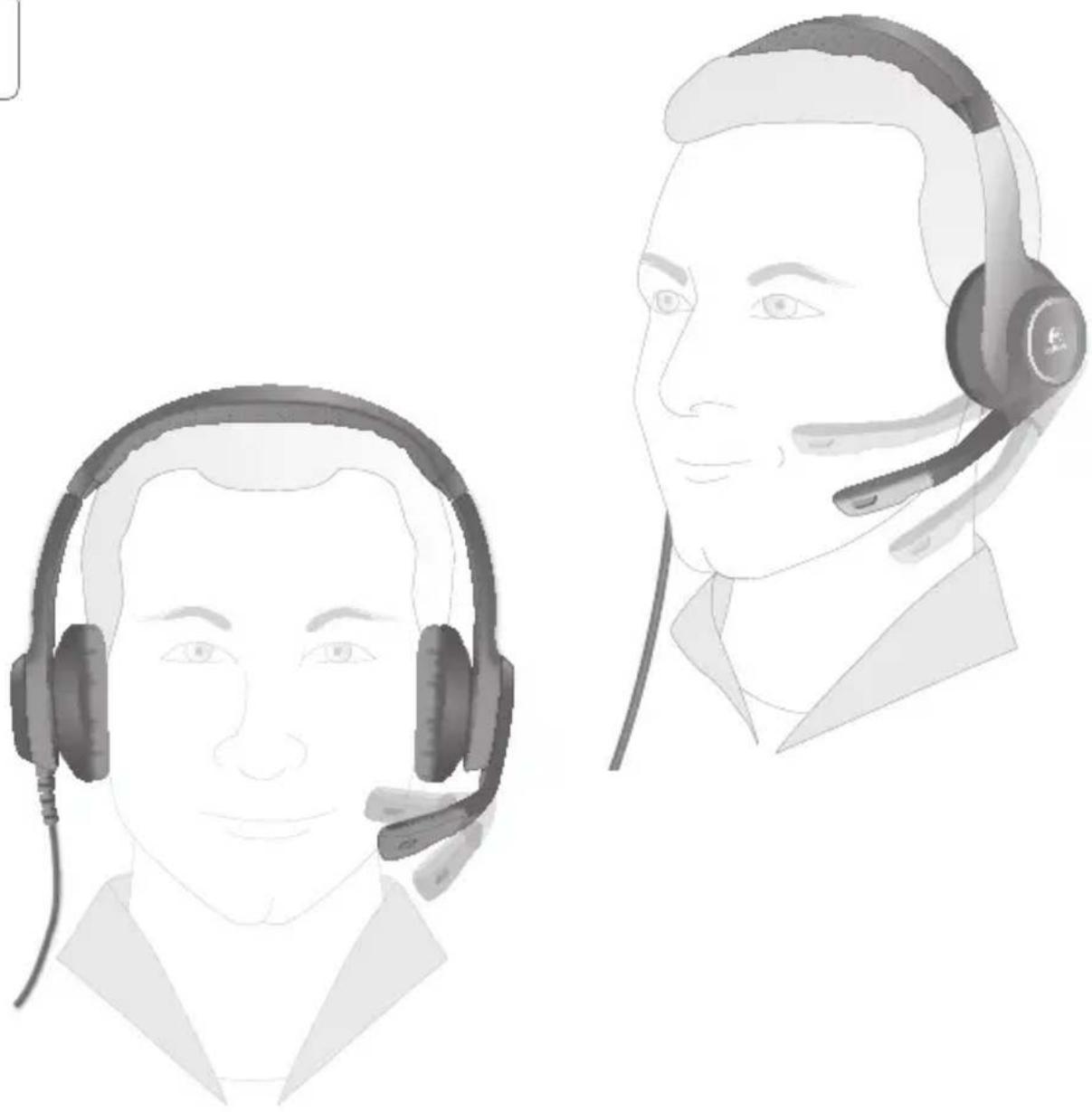
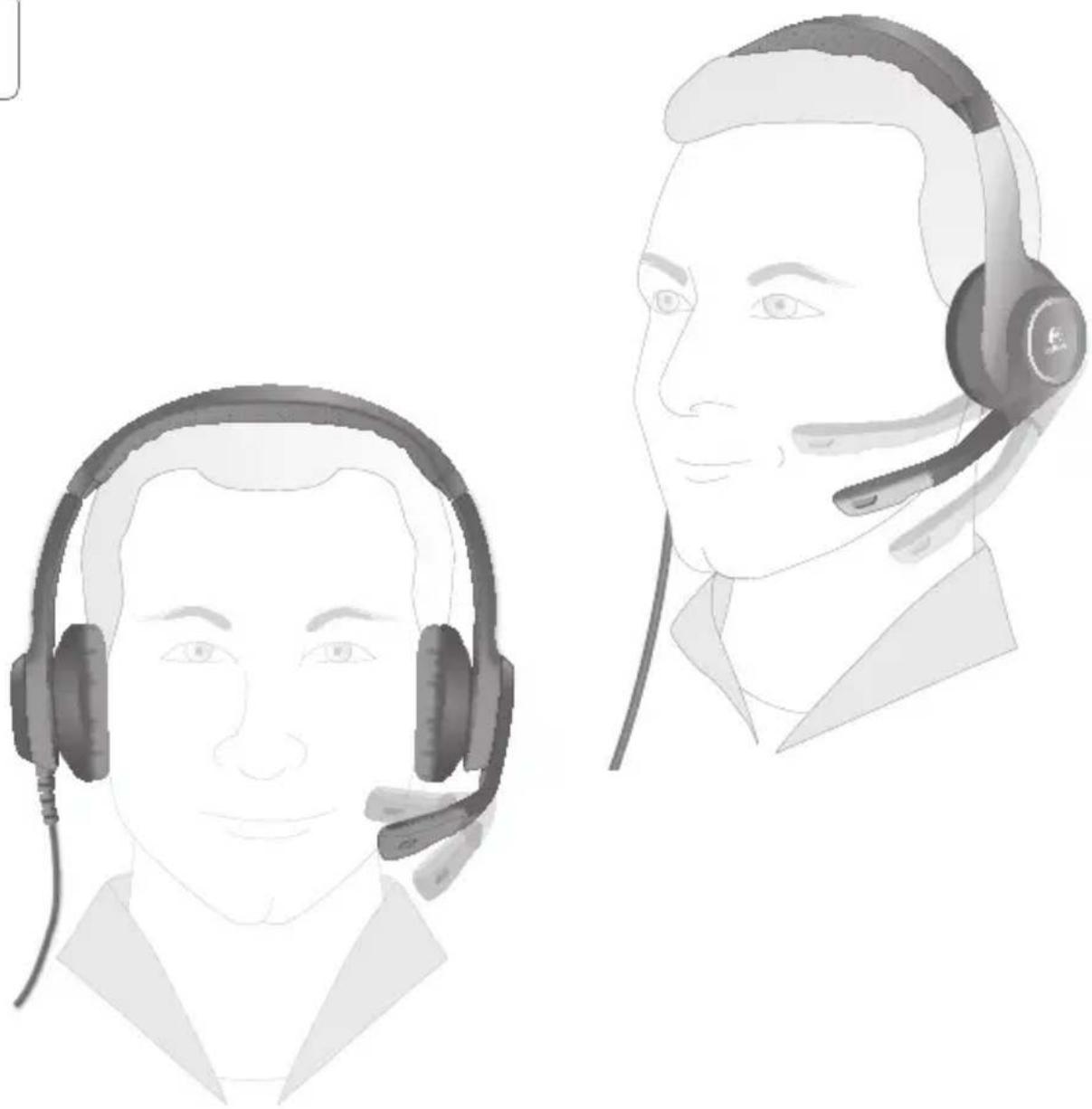
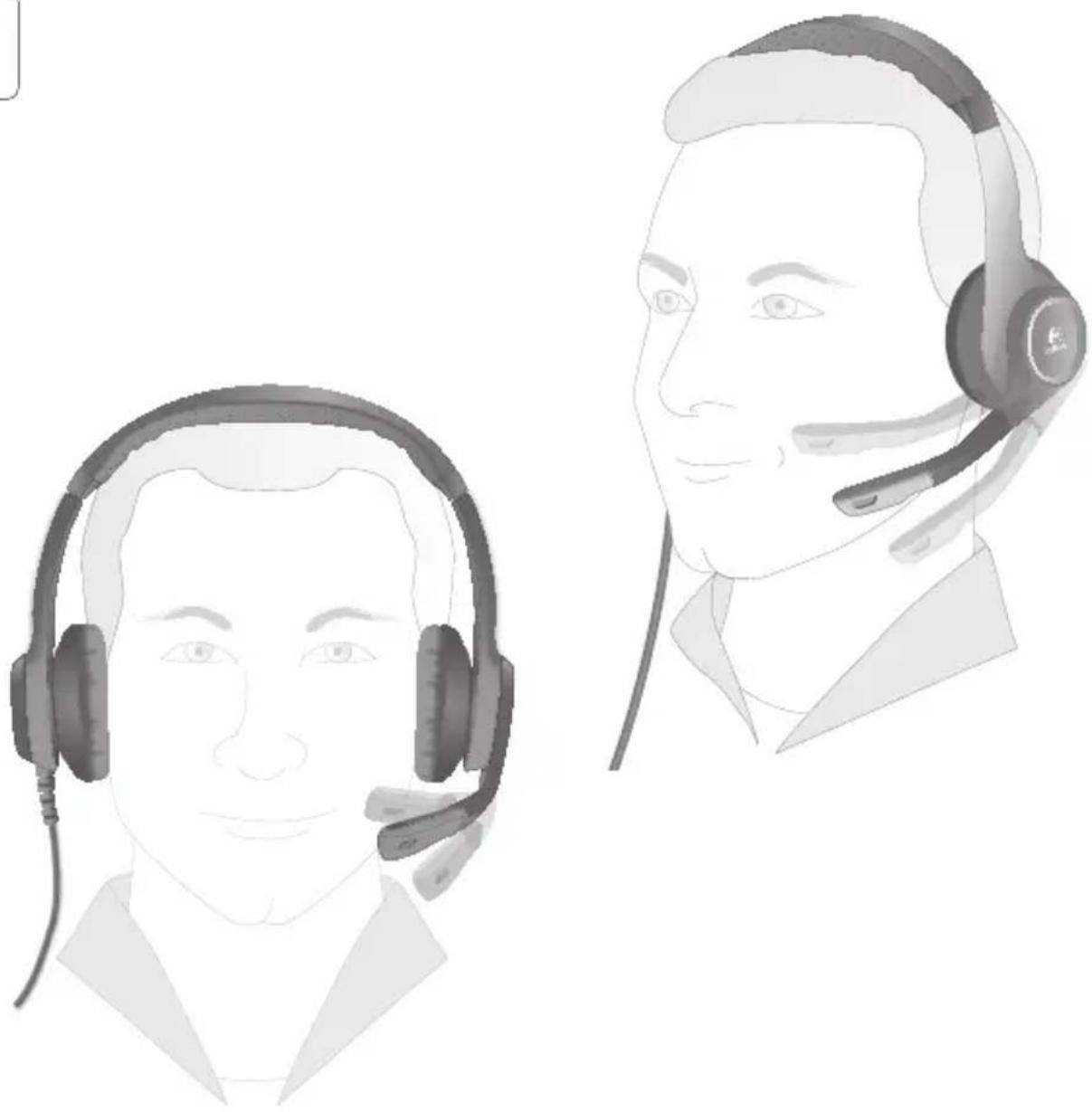
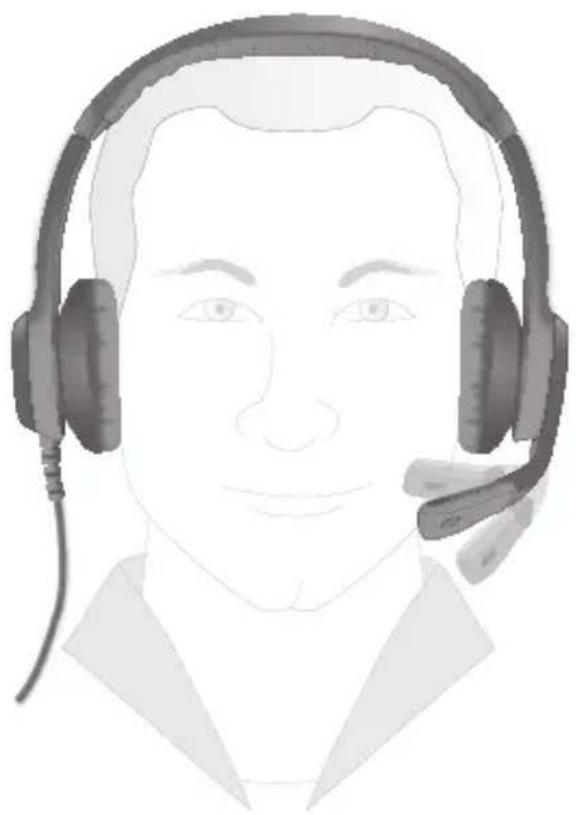
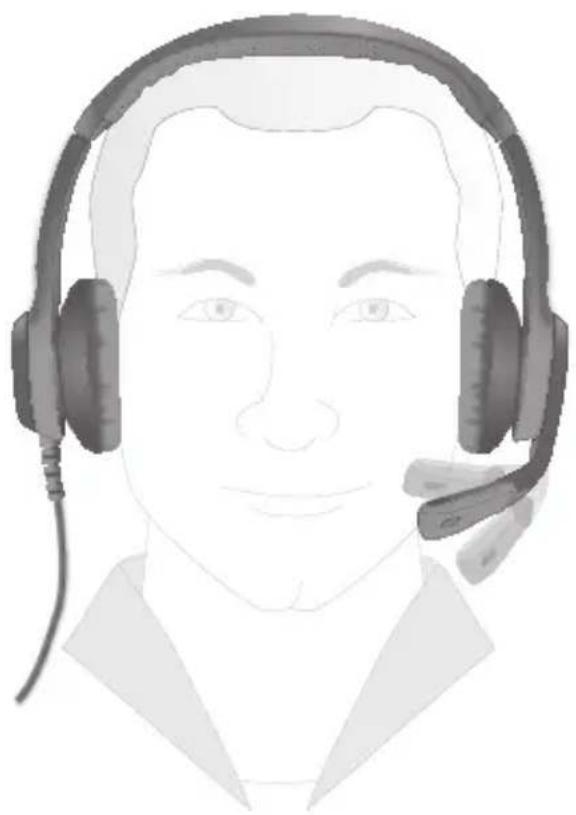
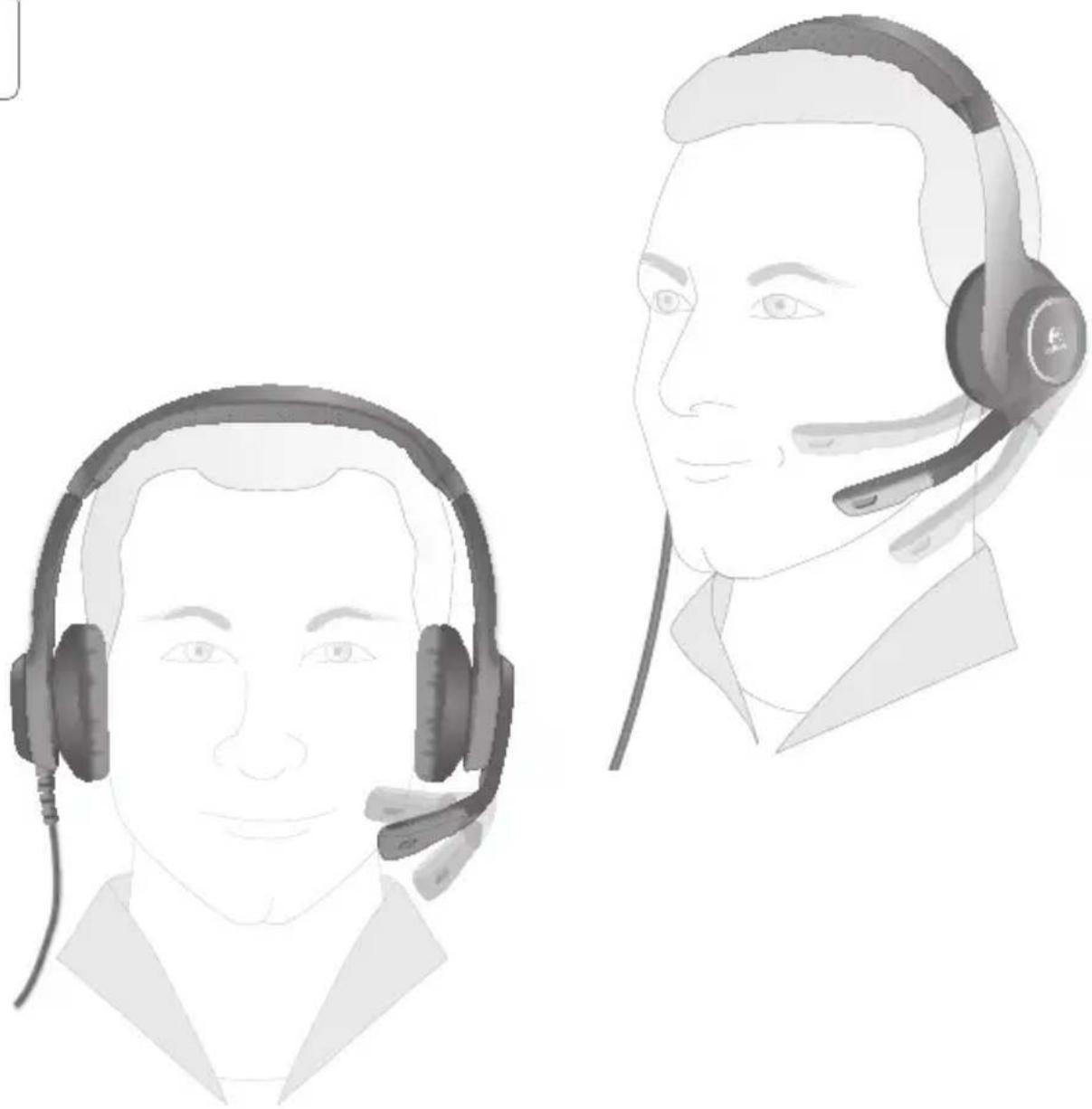
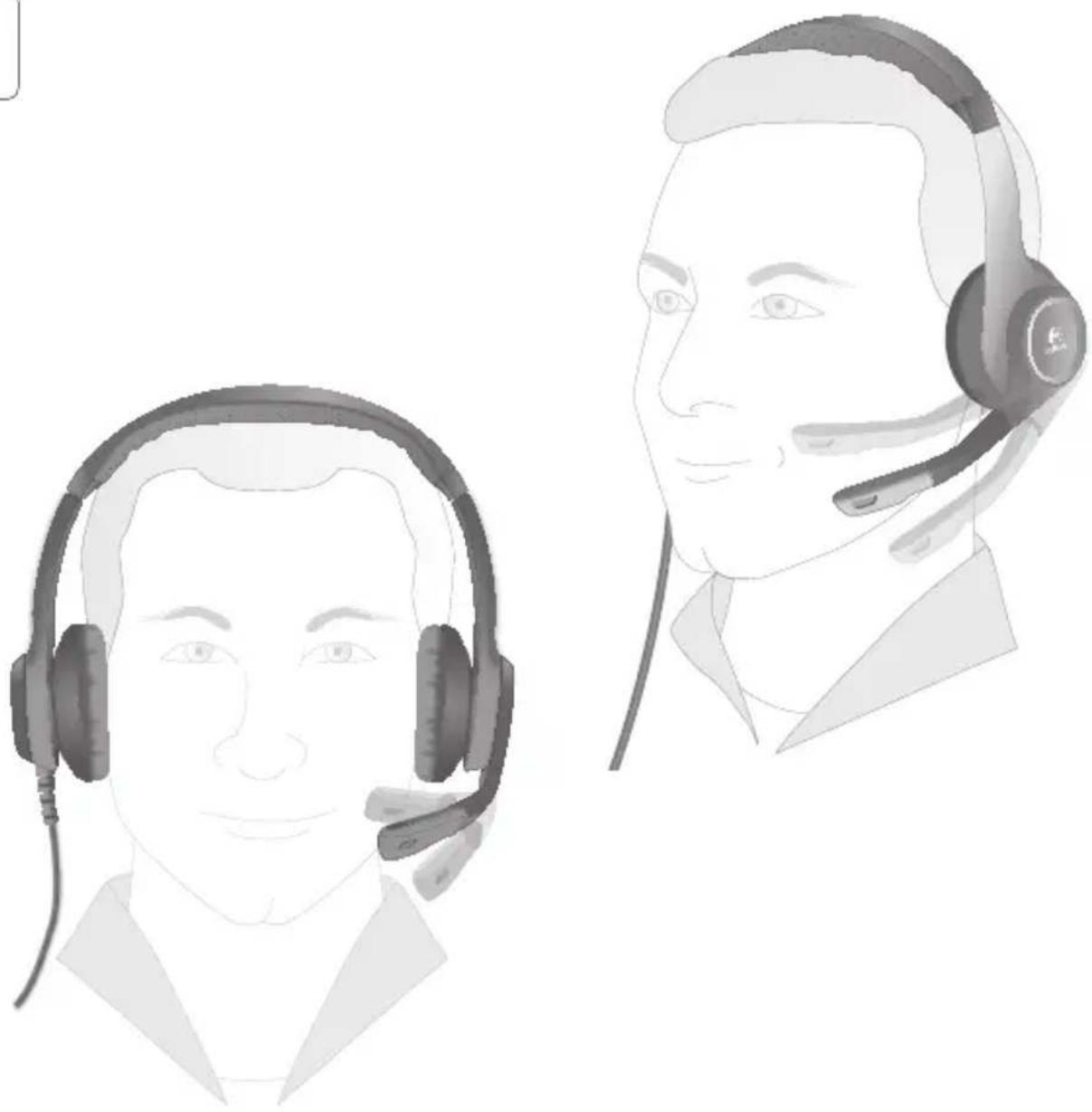
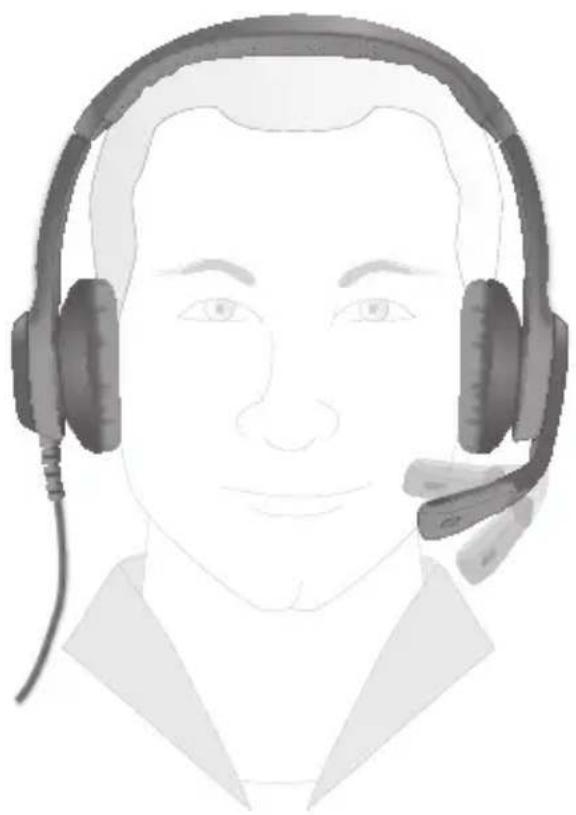
Illustration of two male headsets with earphones, one in foreground and one in profile view (no text or symbols)5 English
3
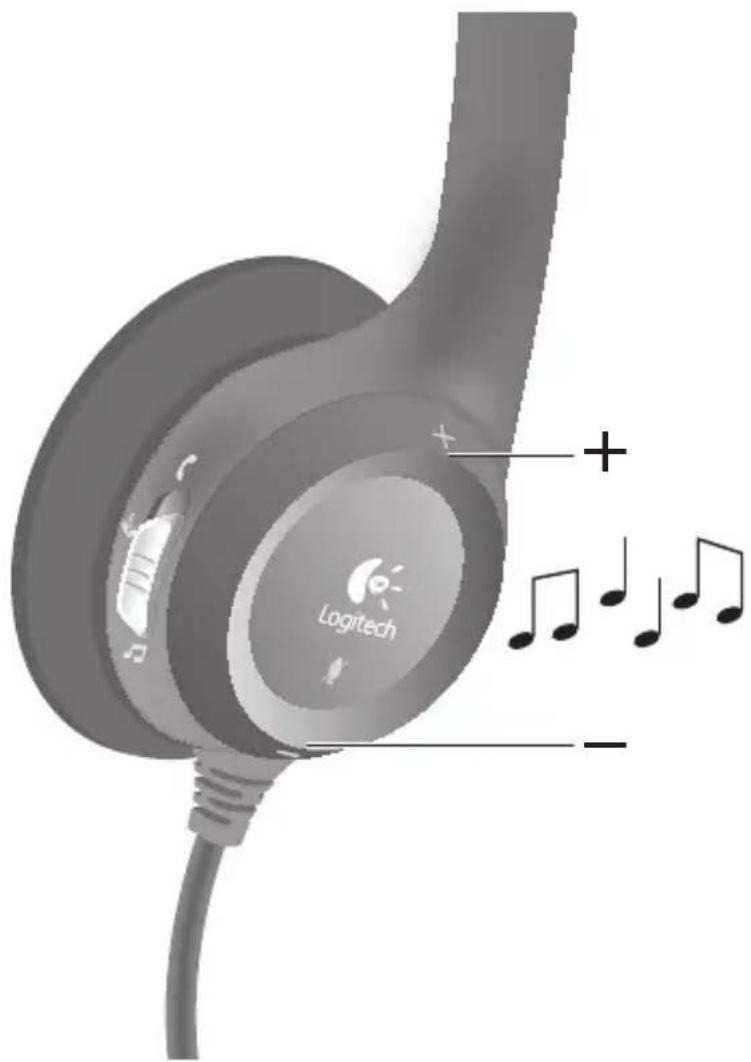
6 English
4
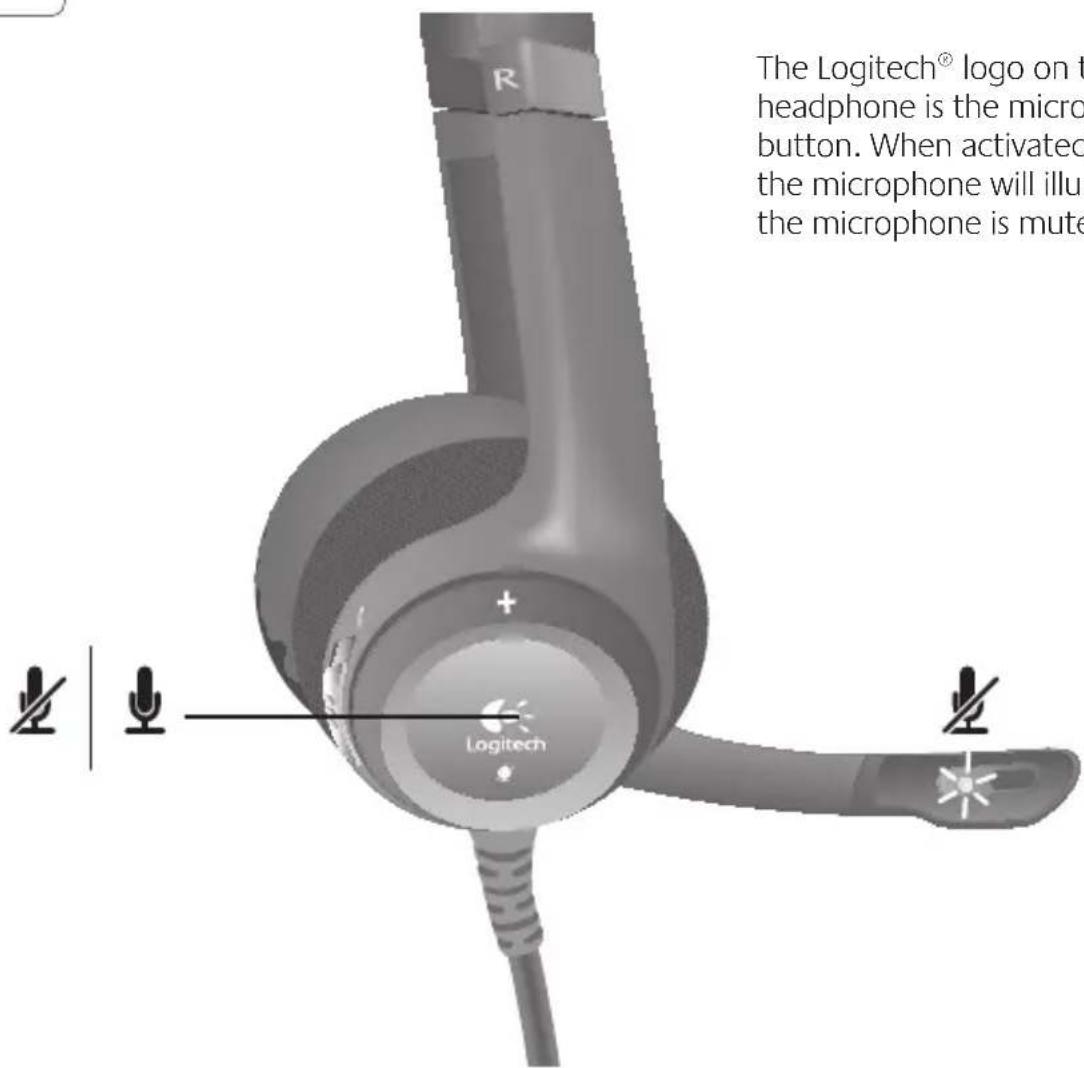
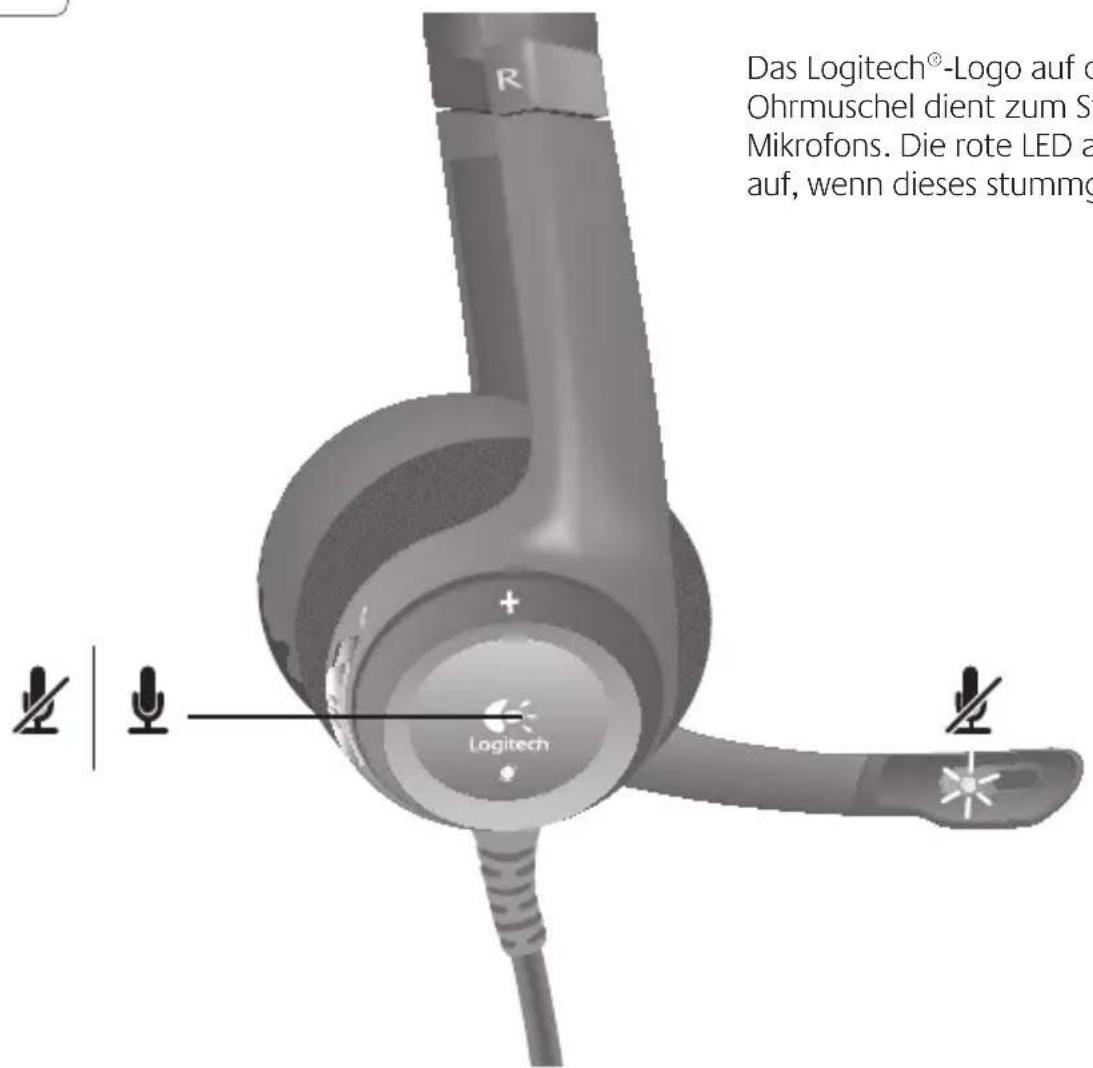
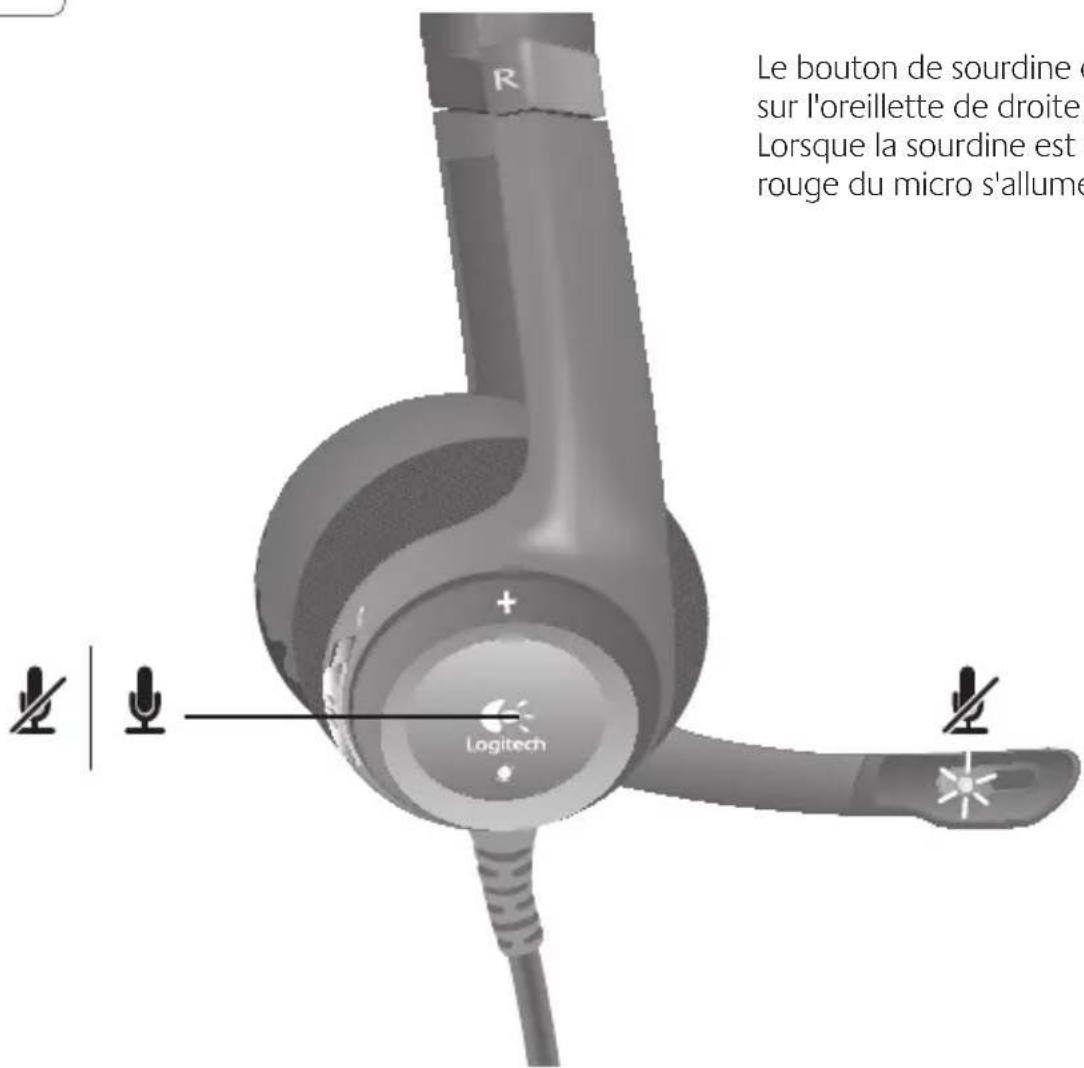
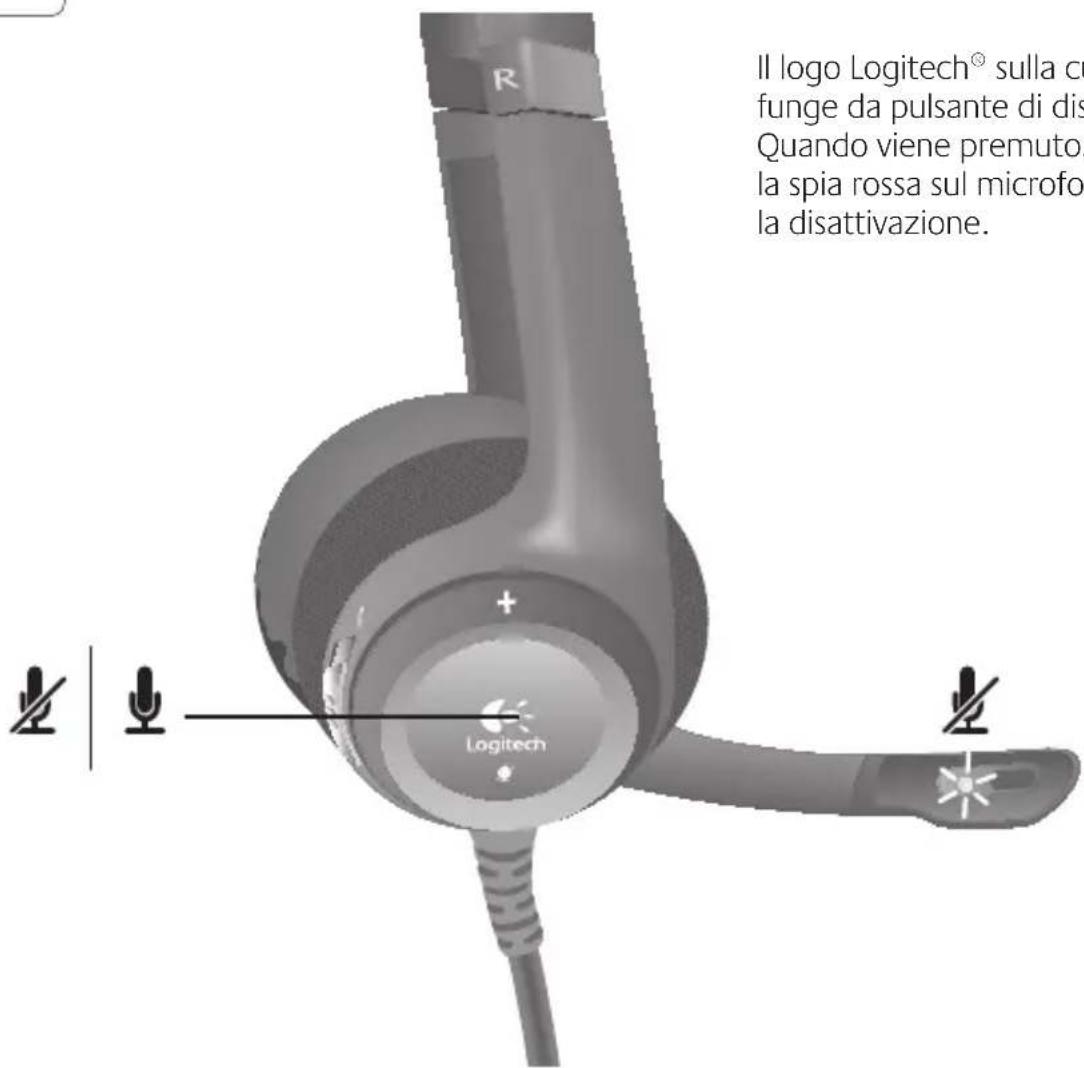
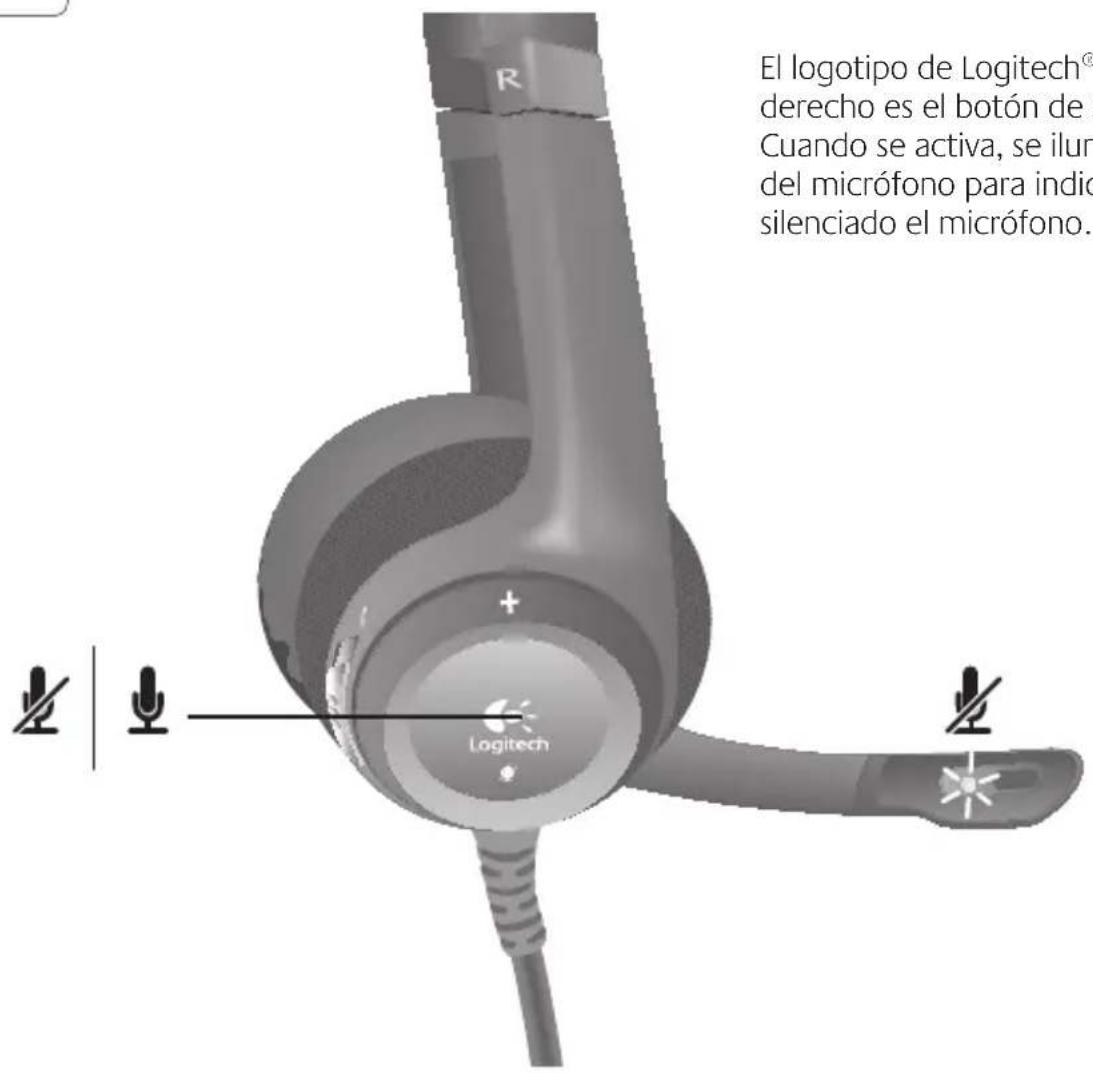
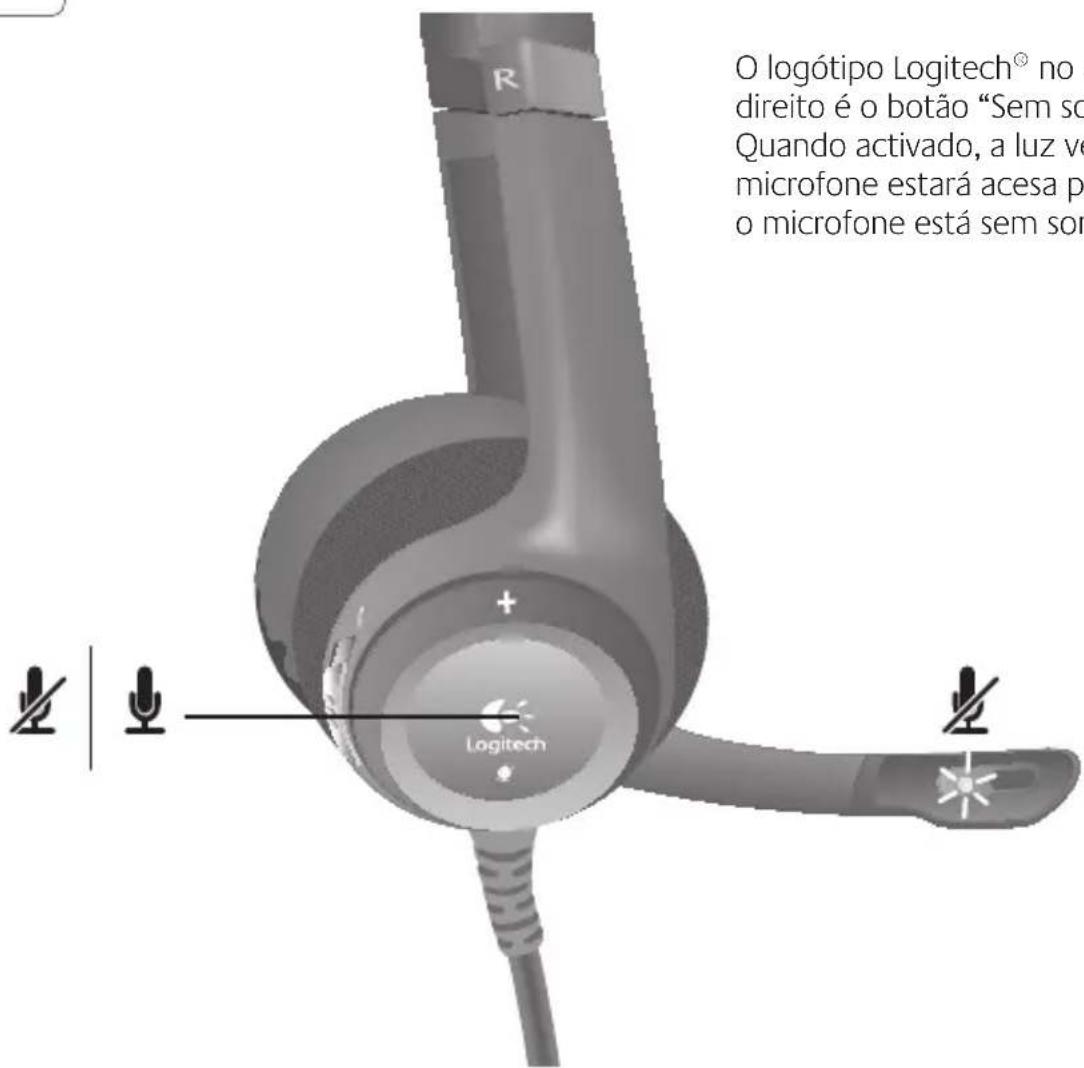
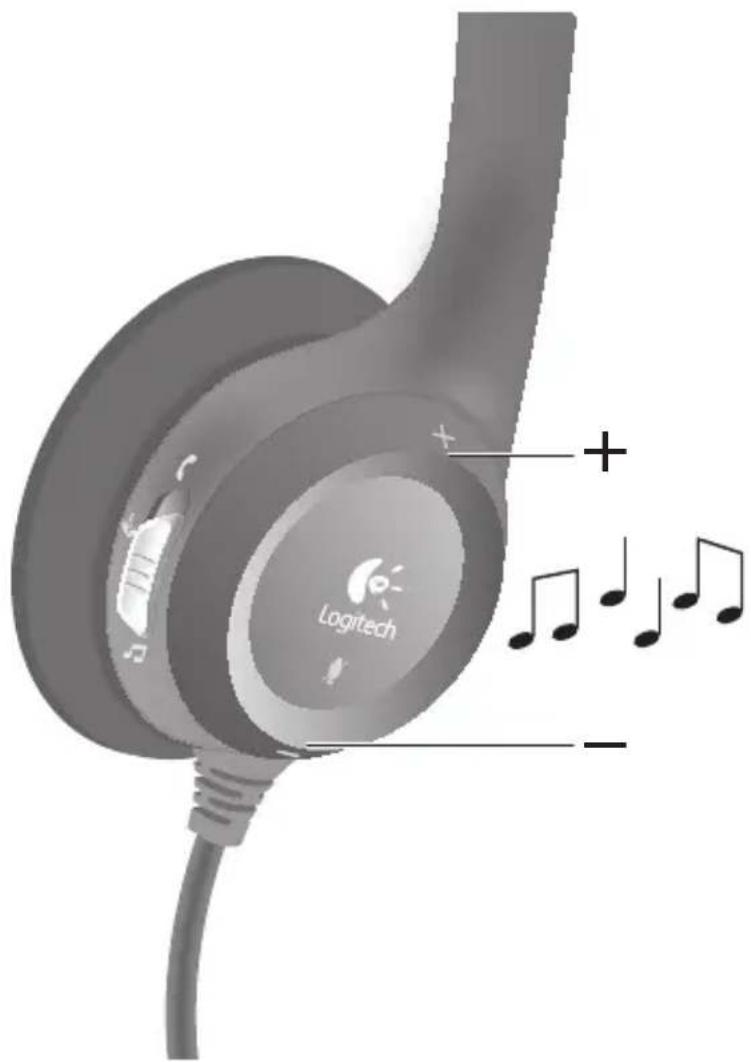
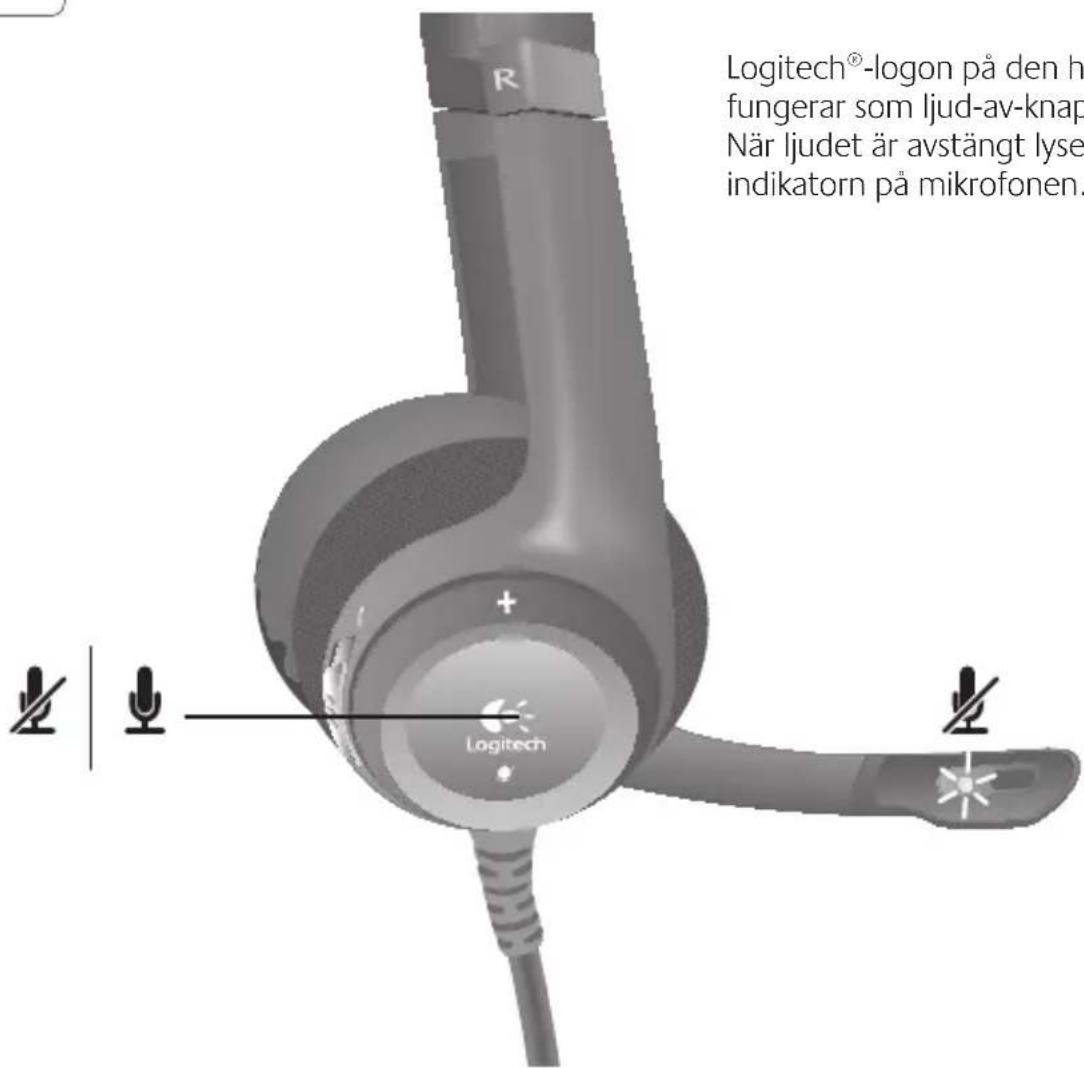
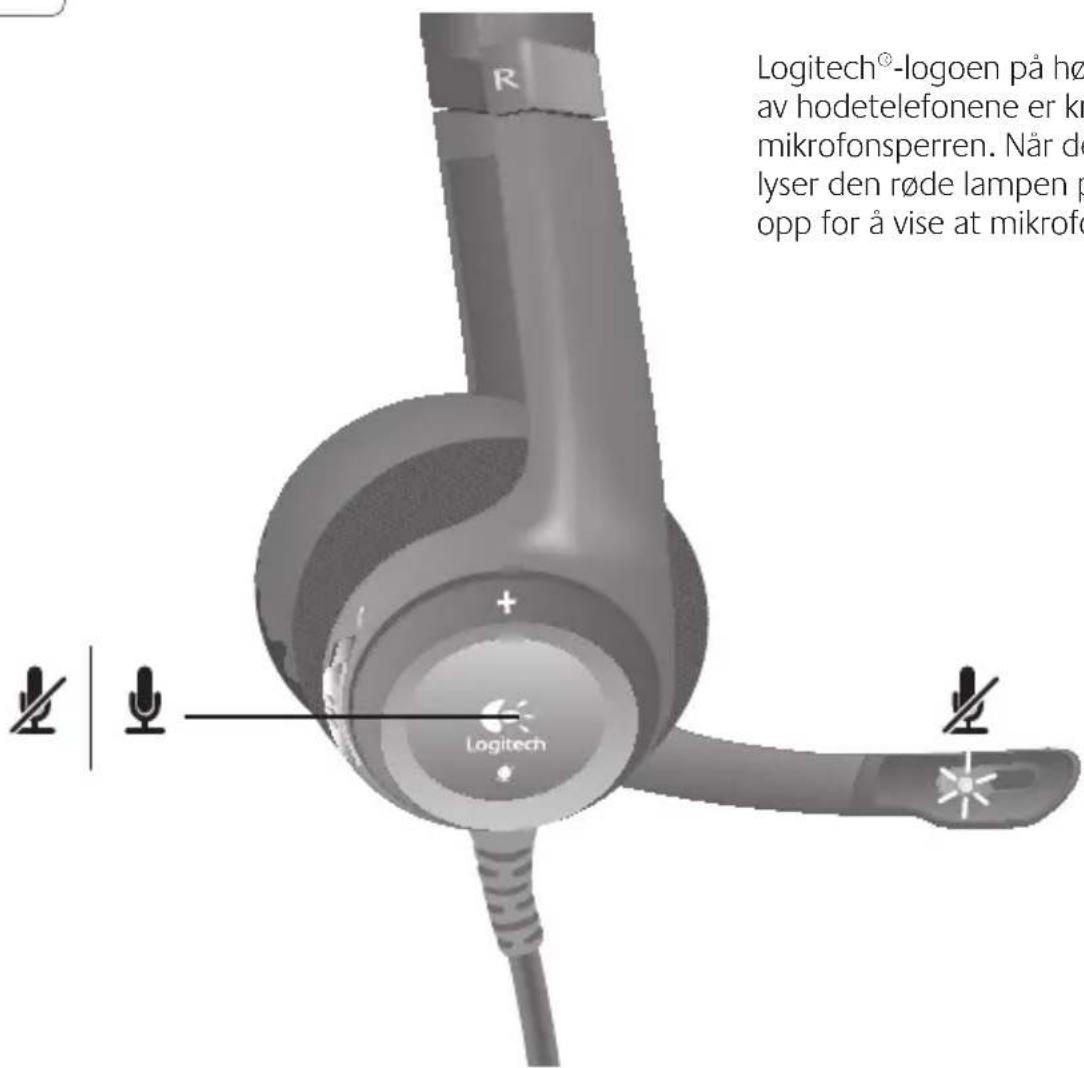
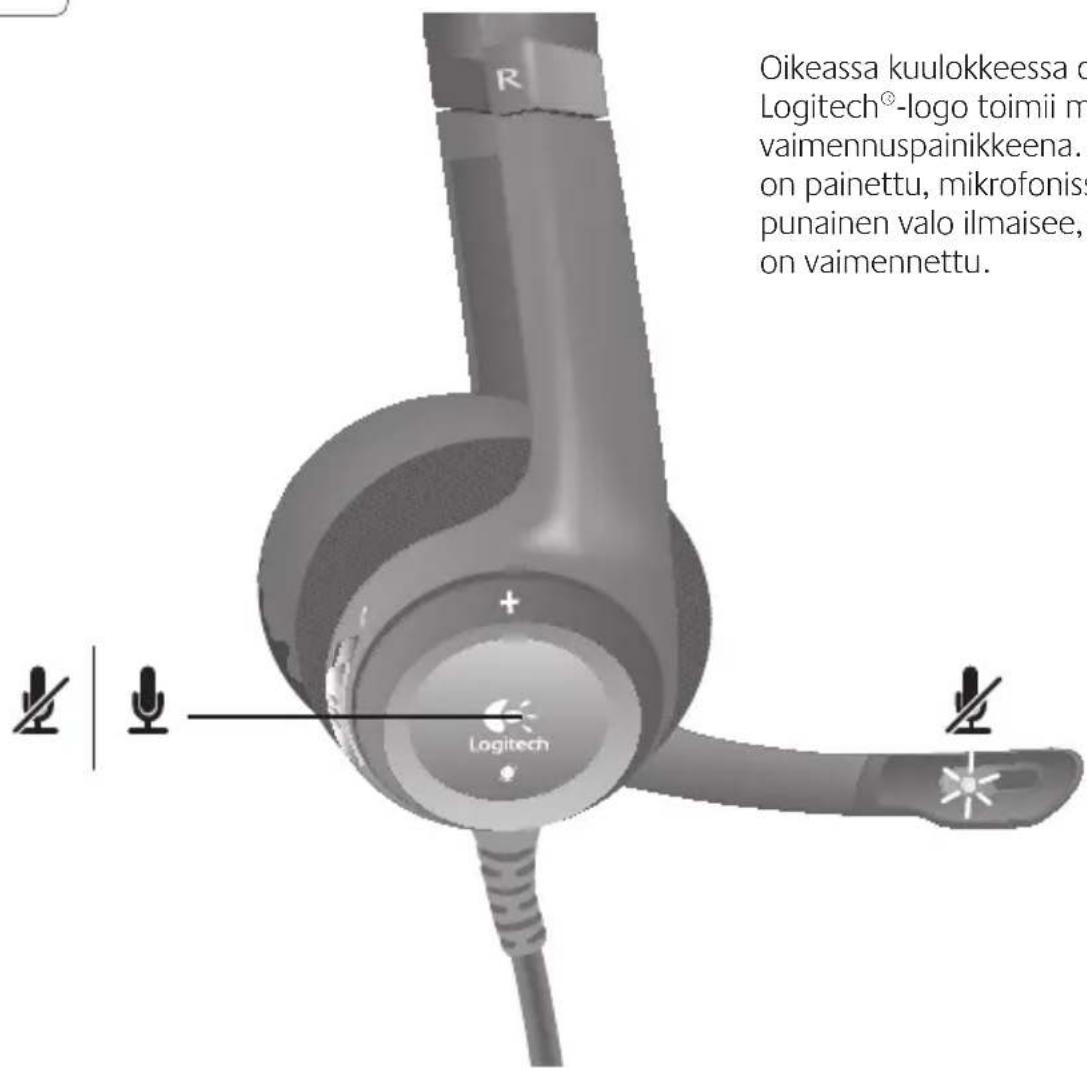
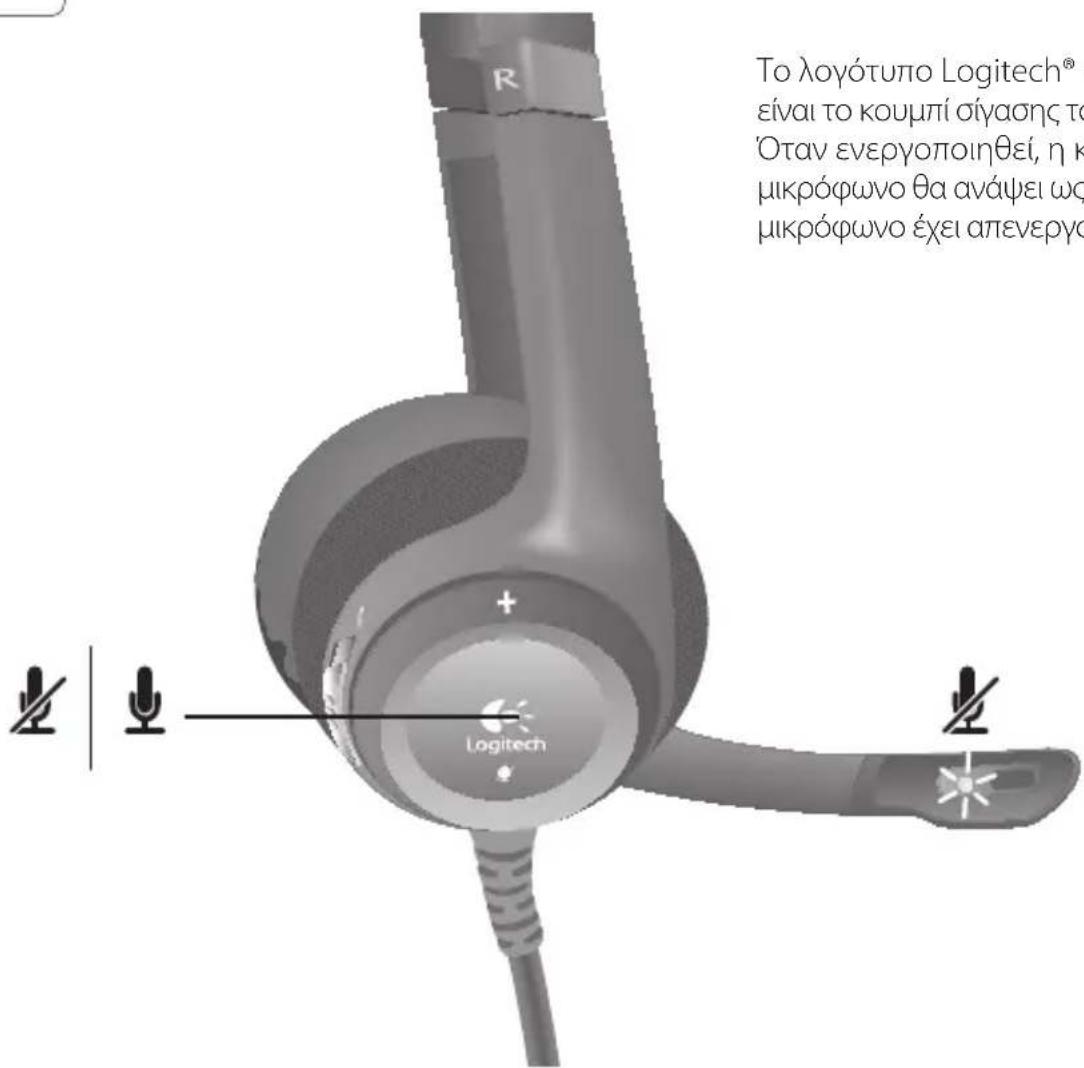
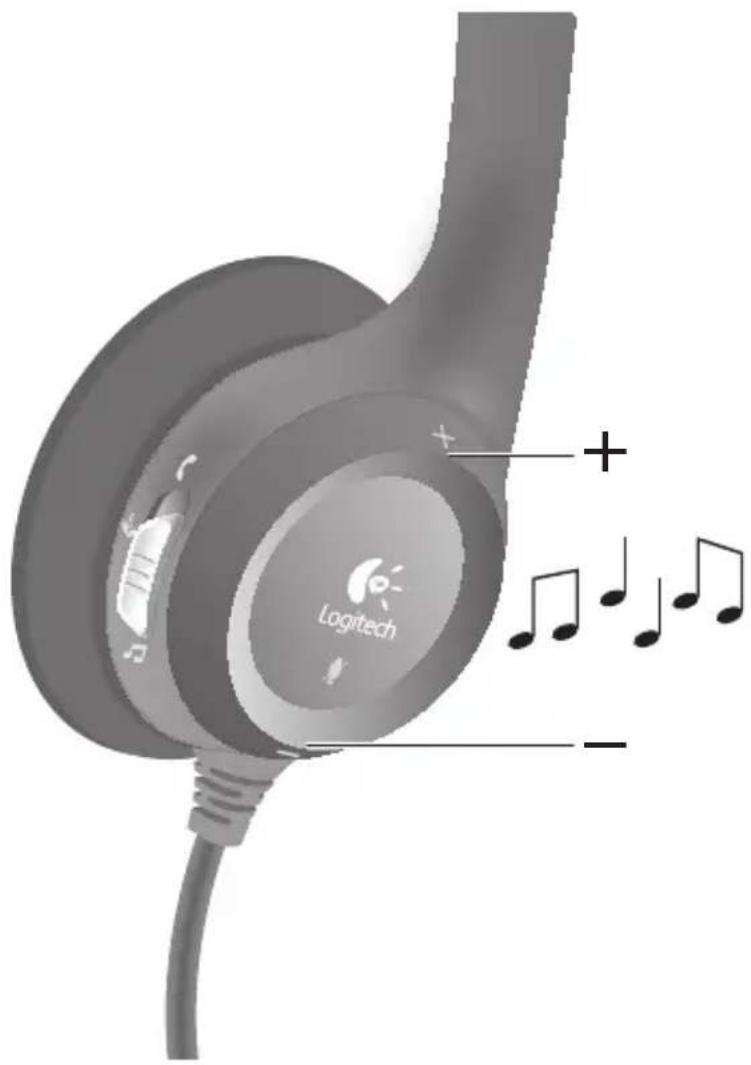
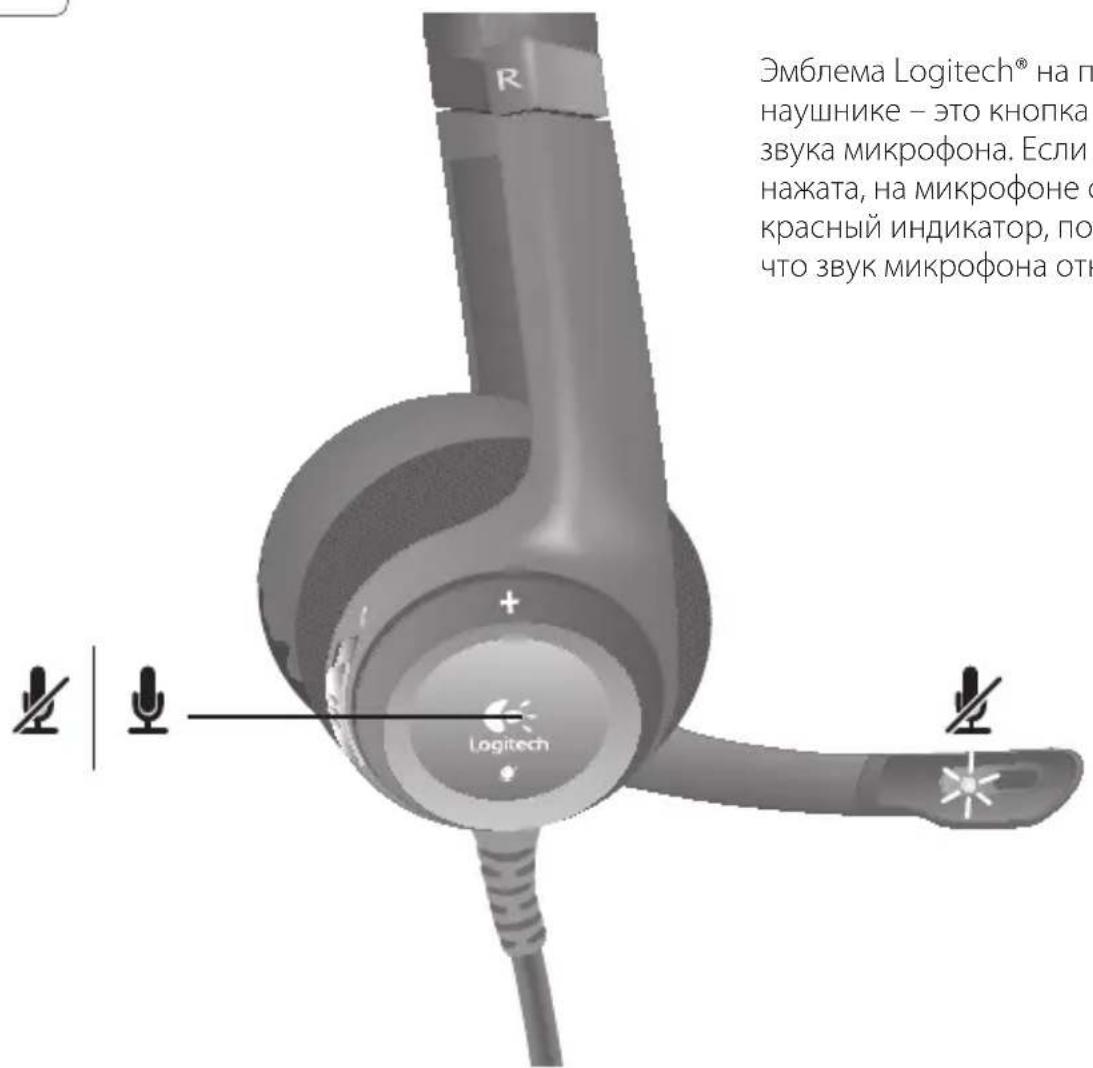
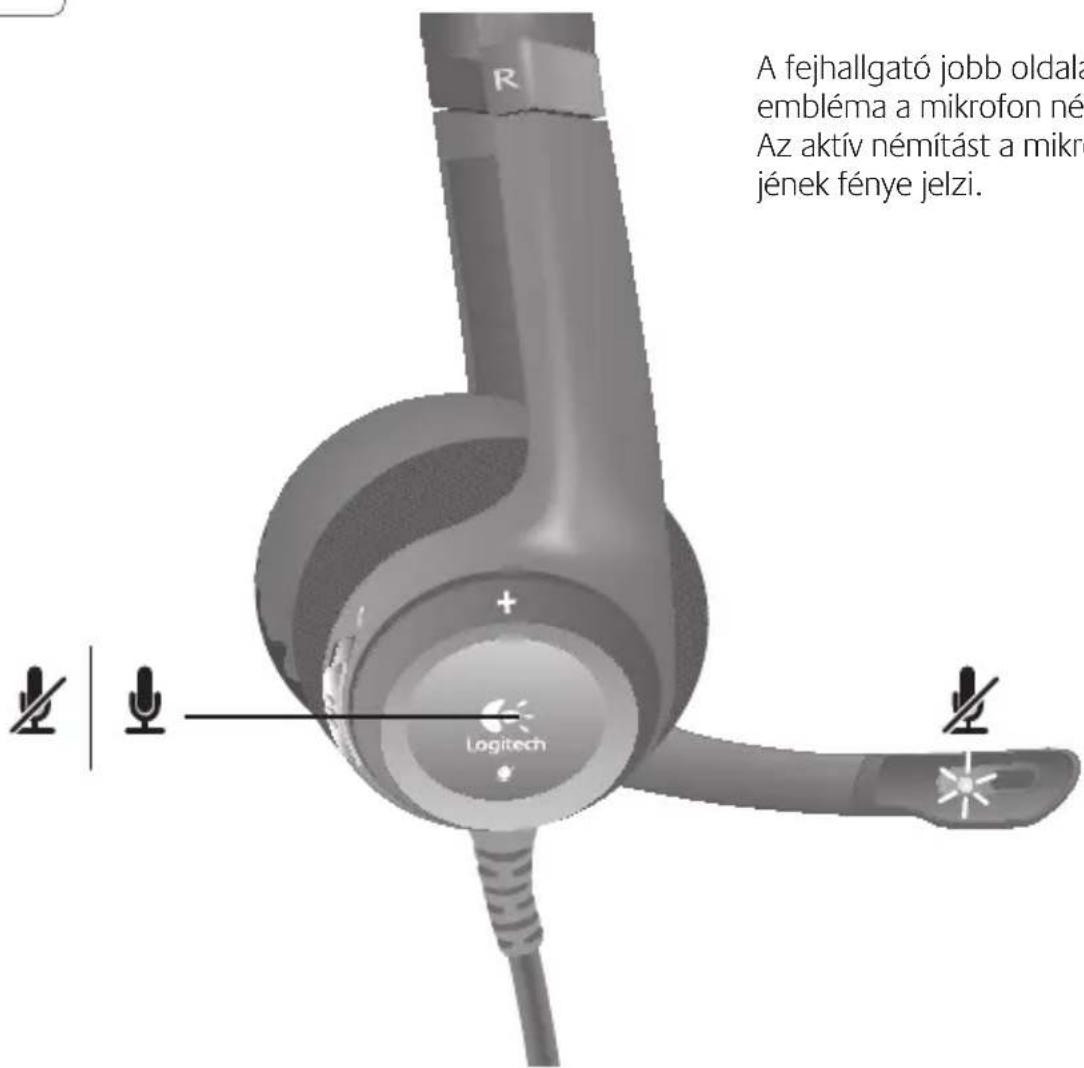
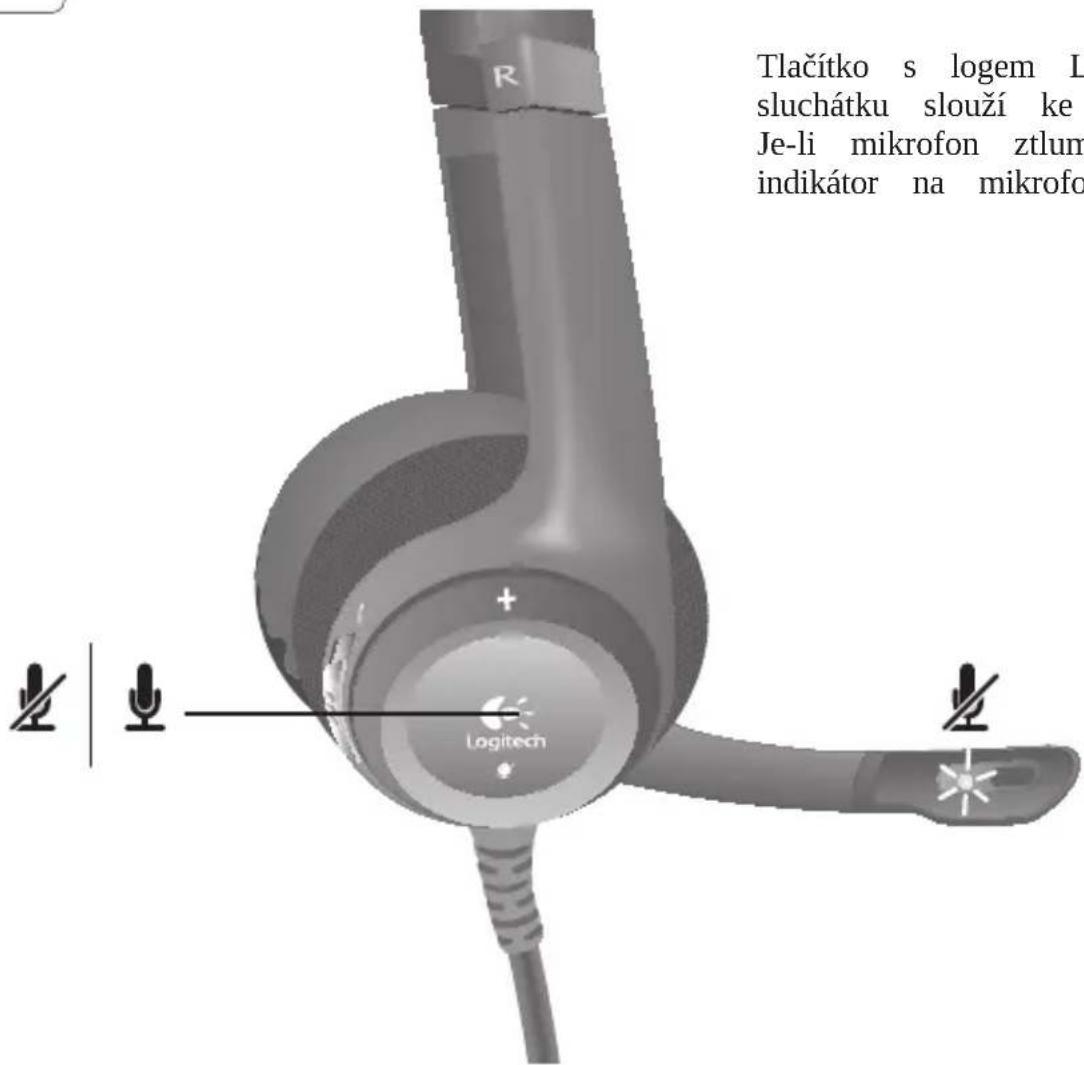
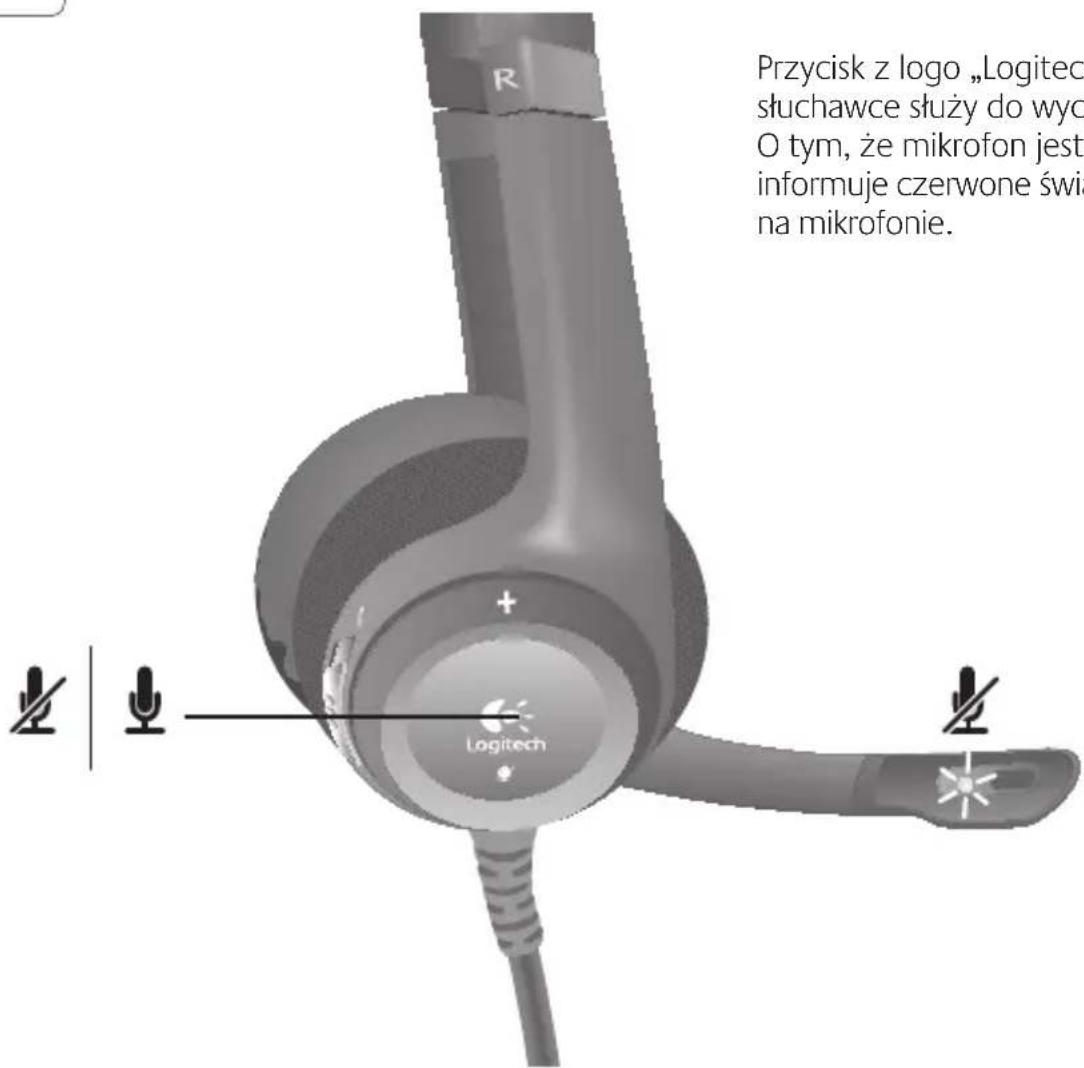
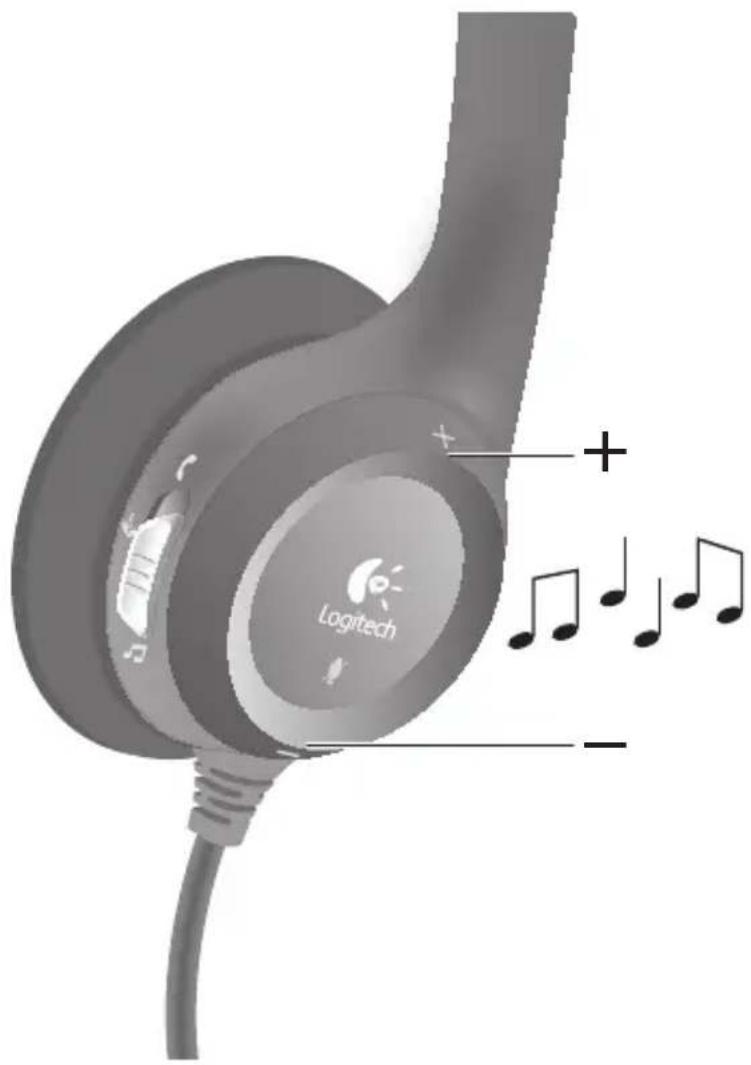
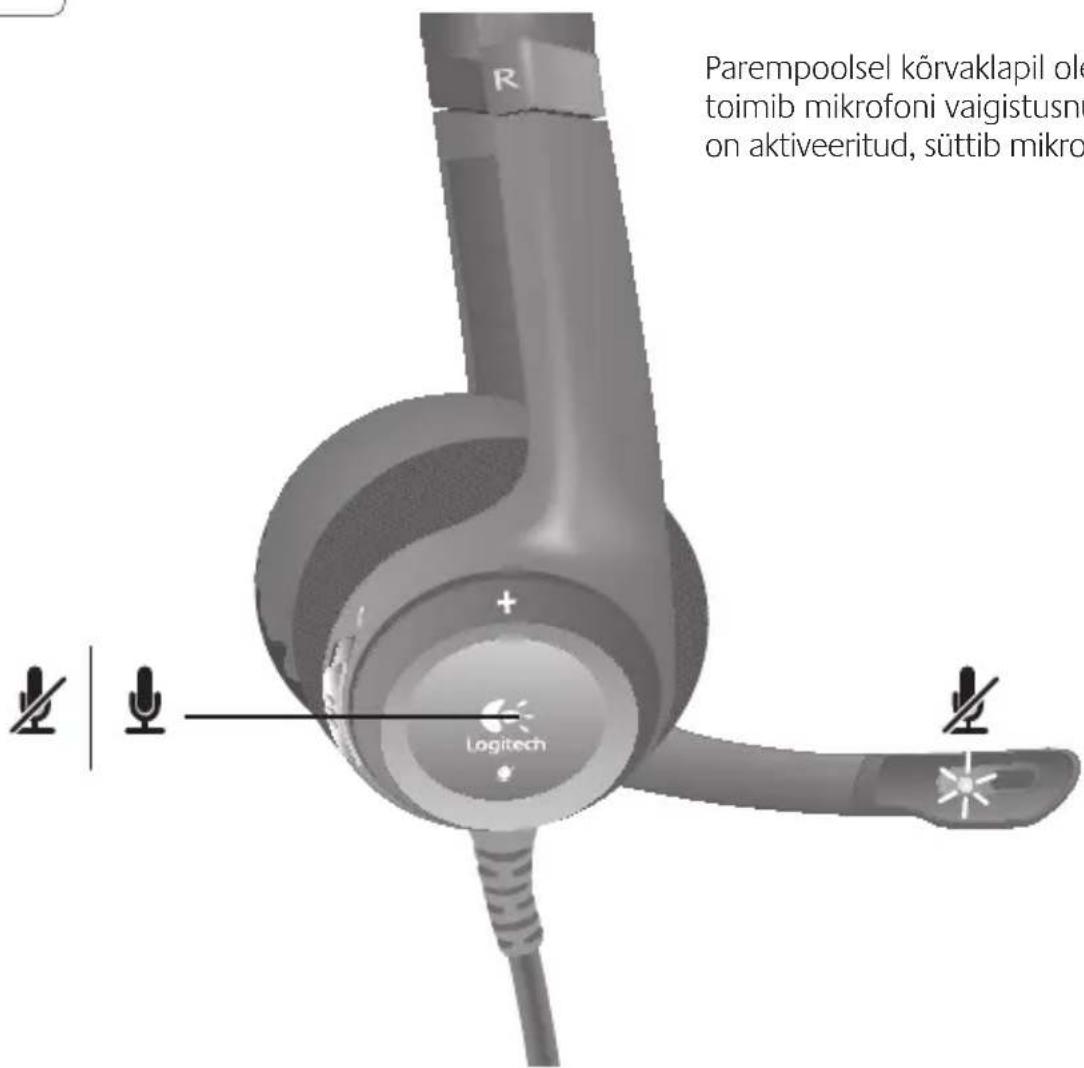
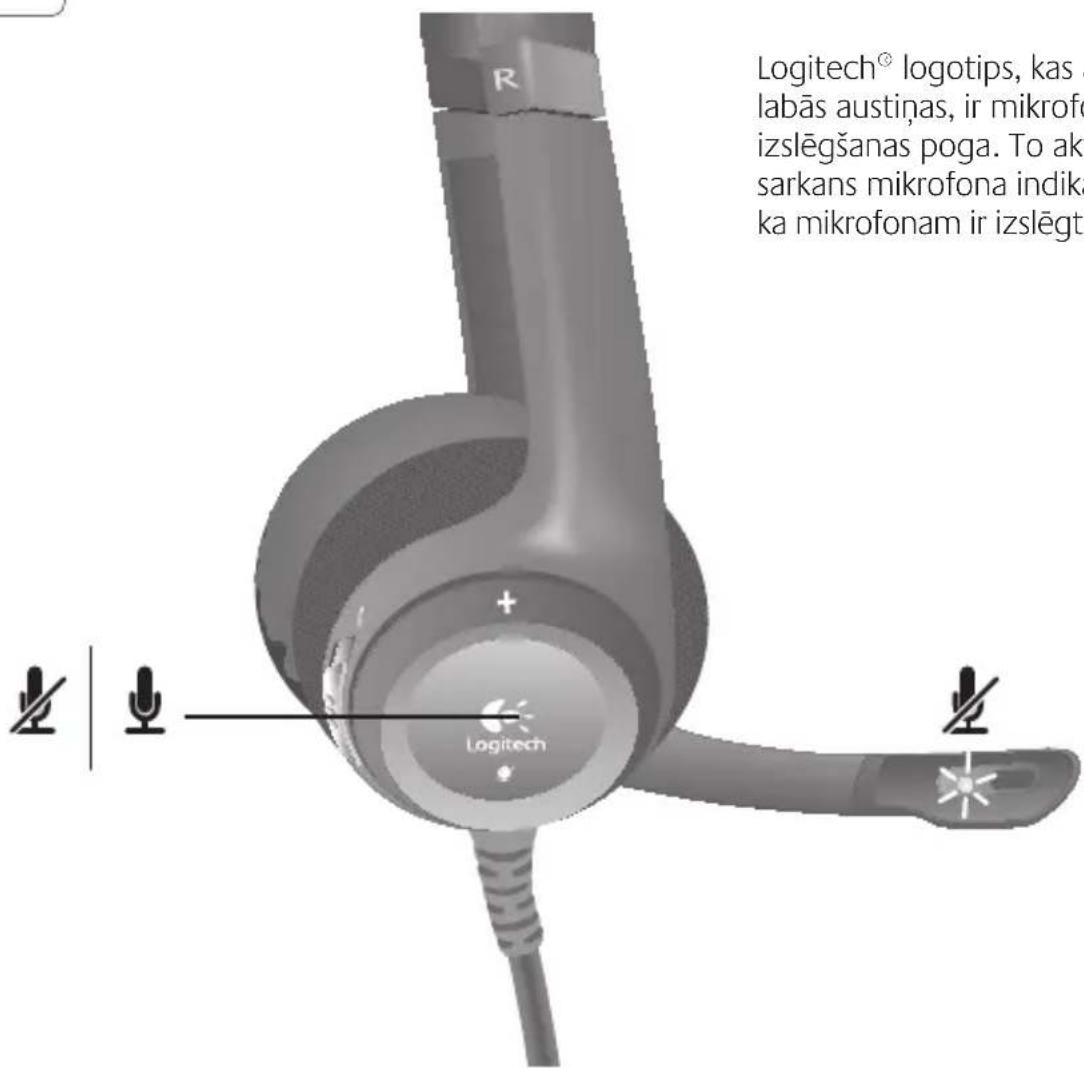
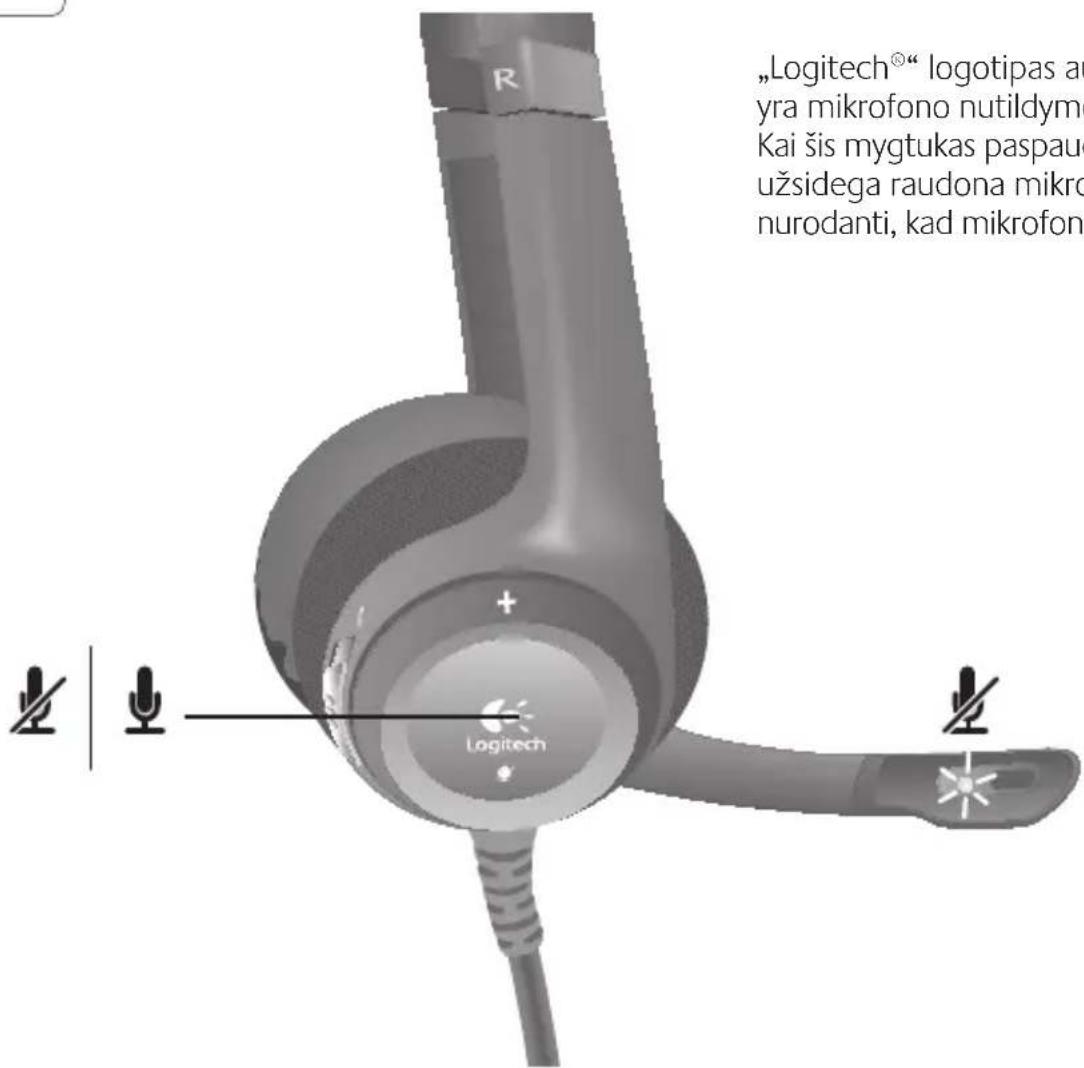
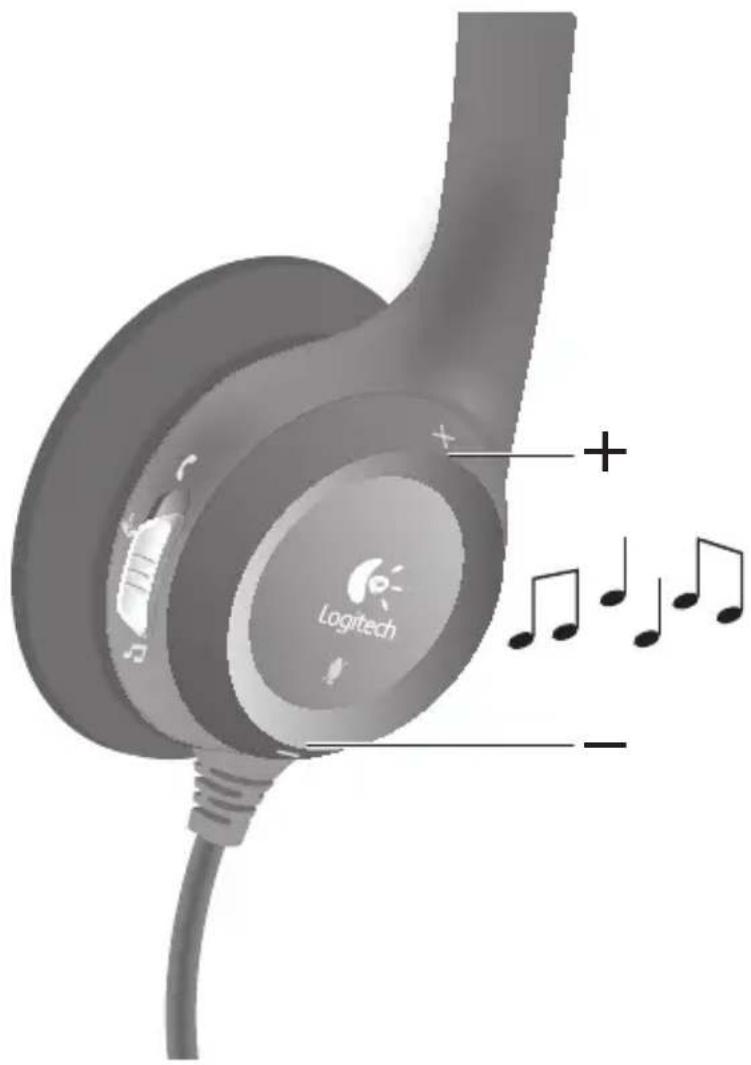
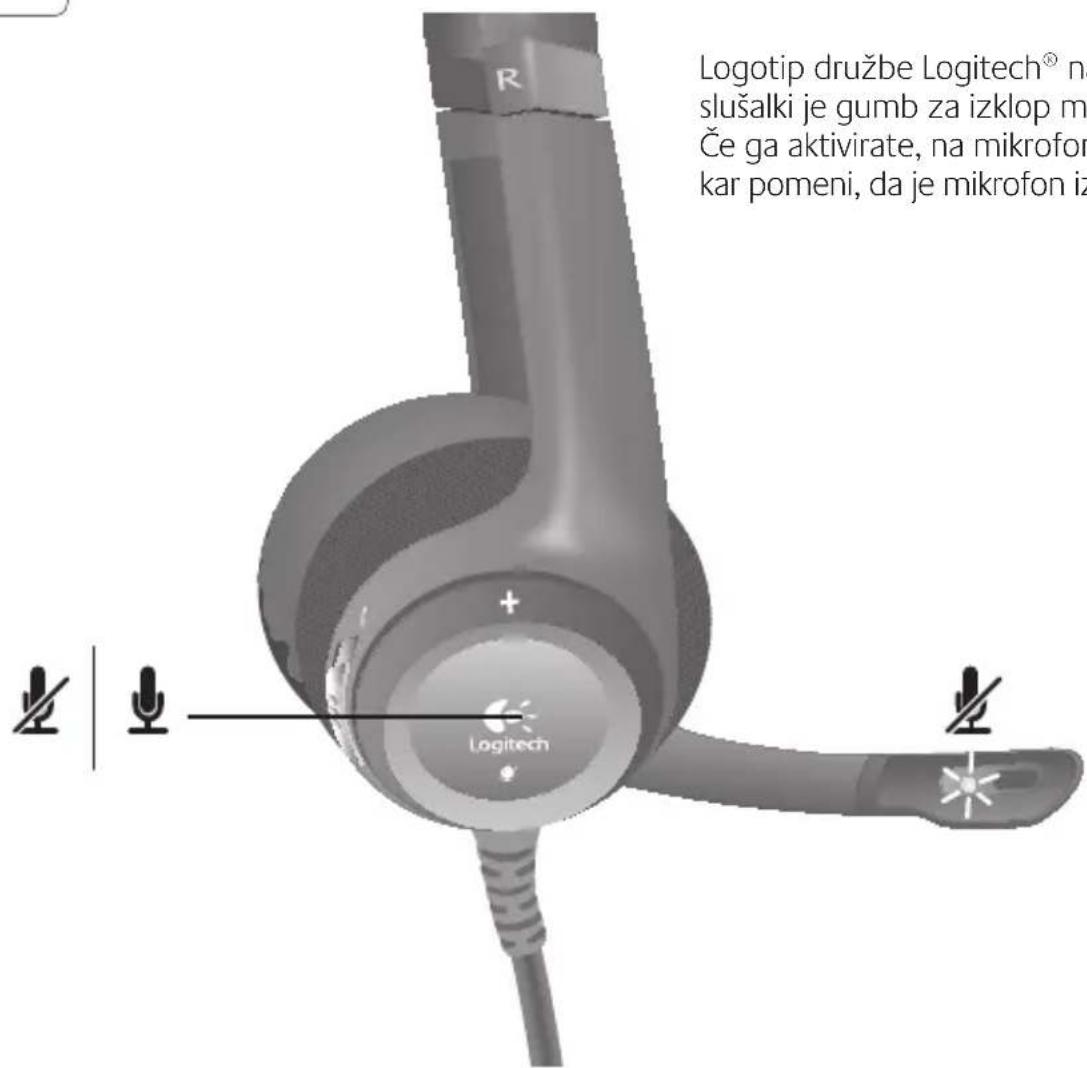
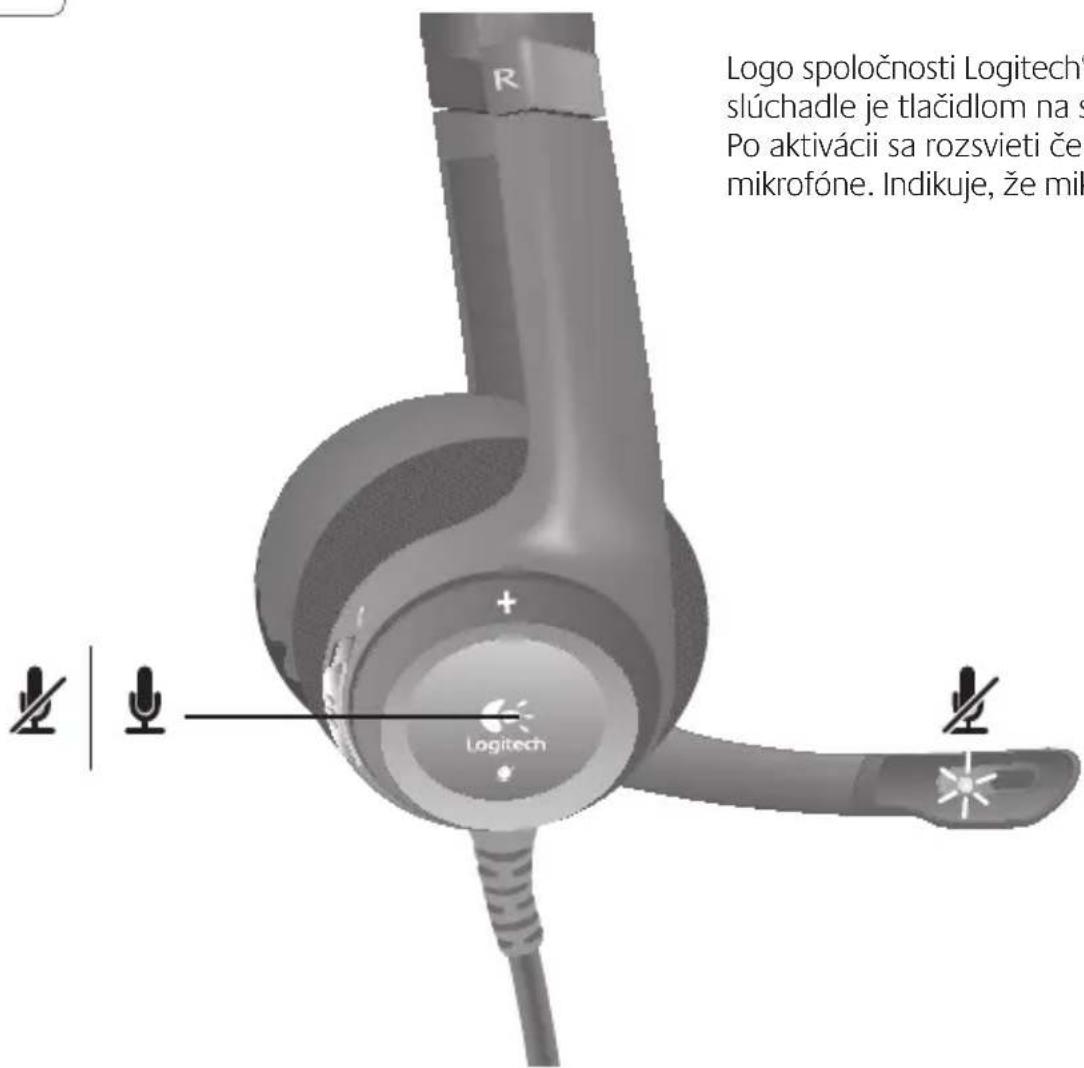
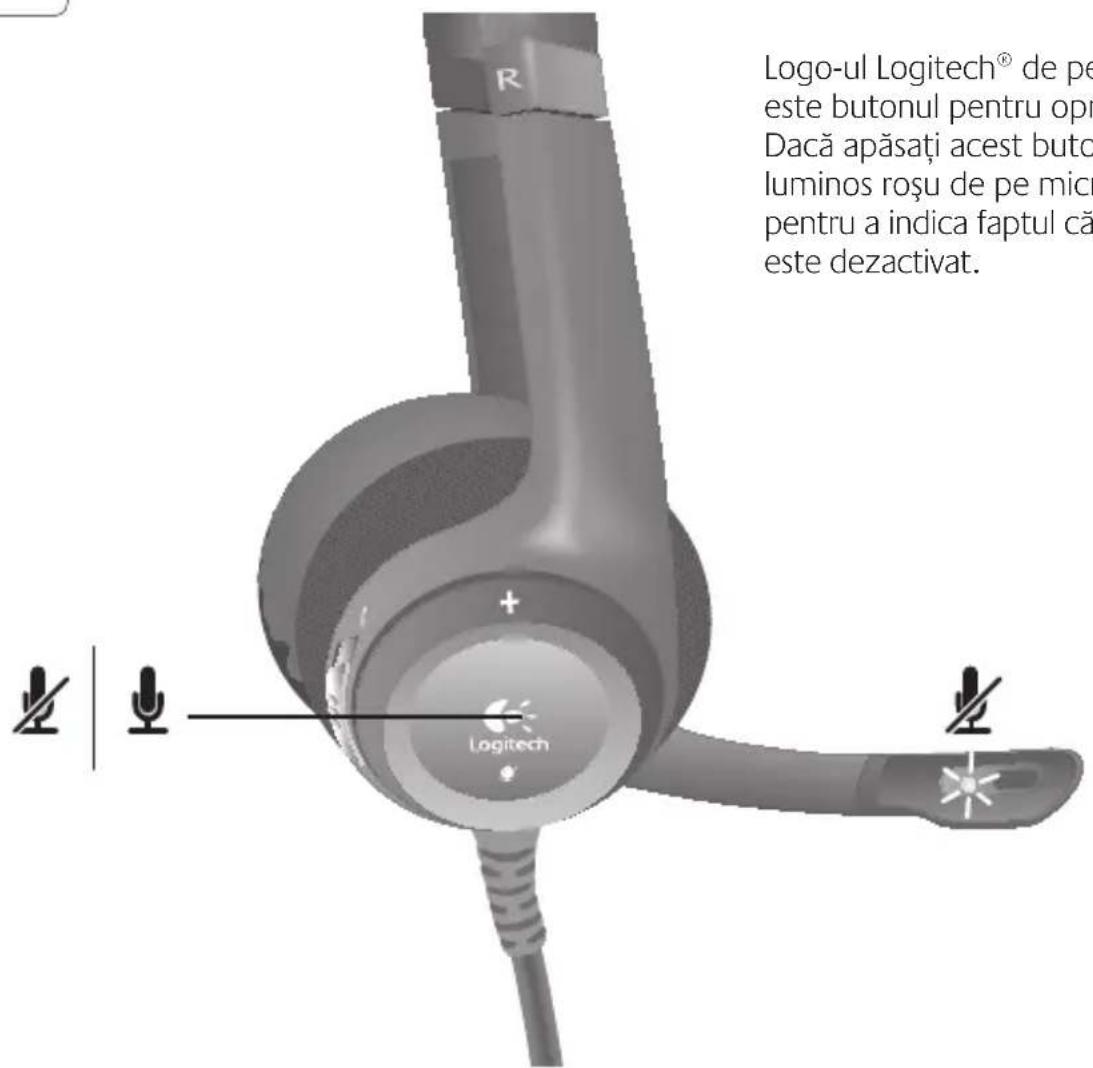
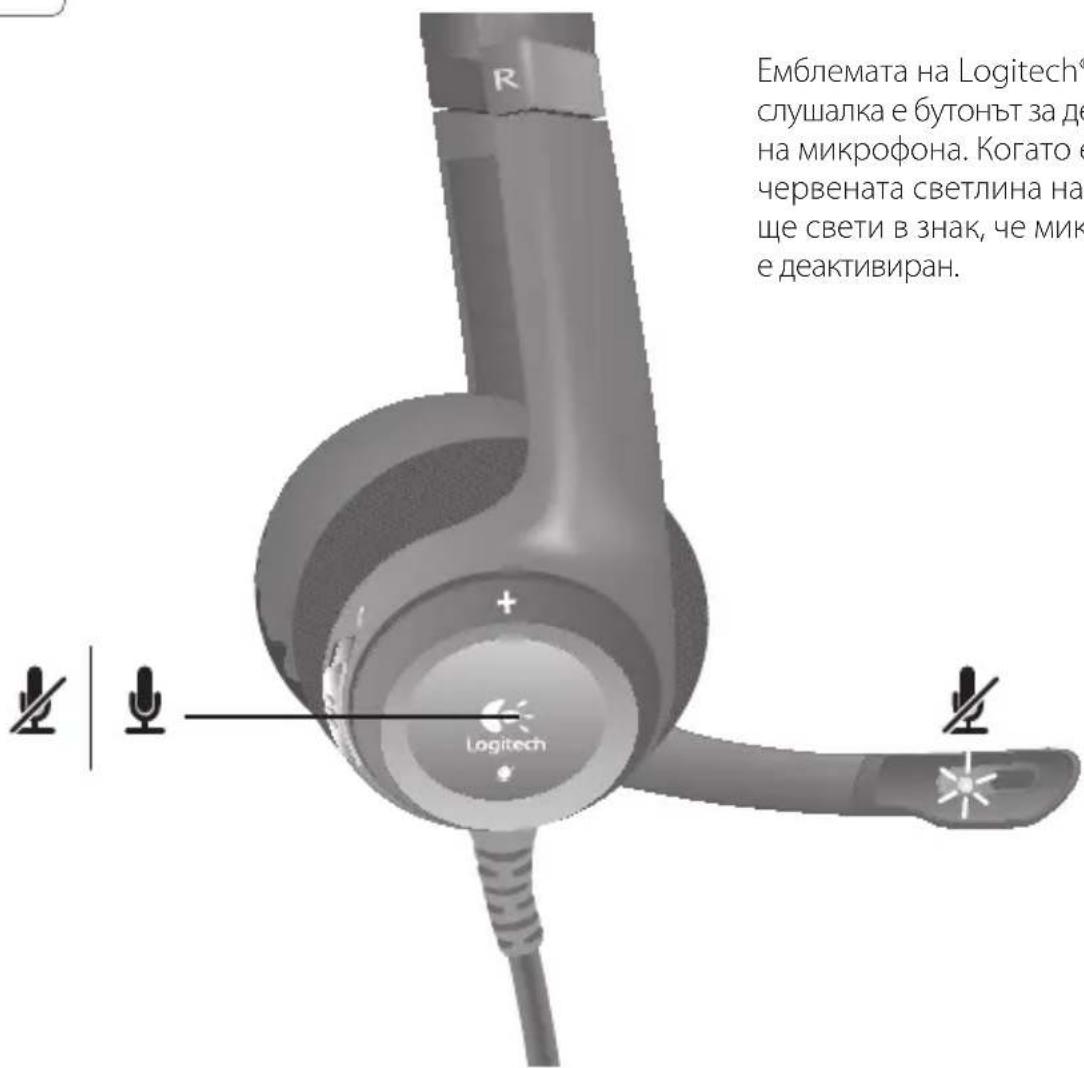
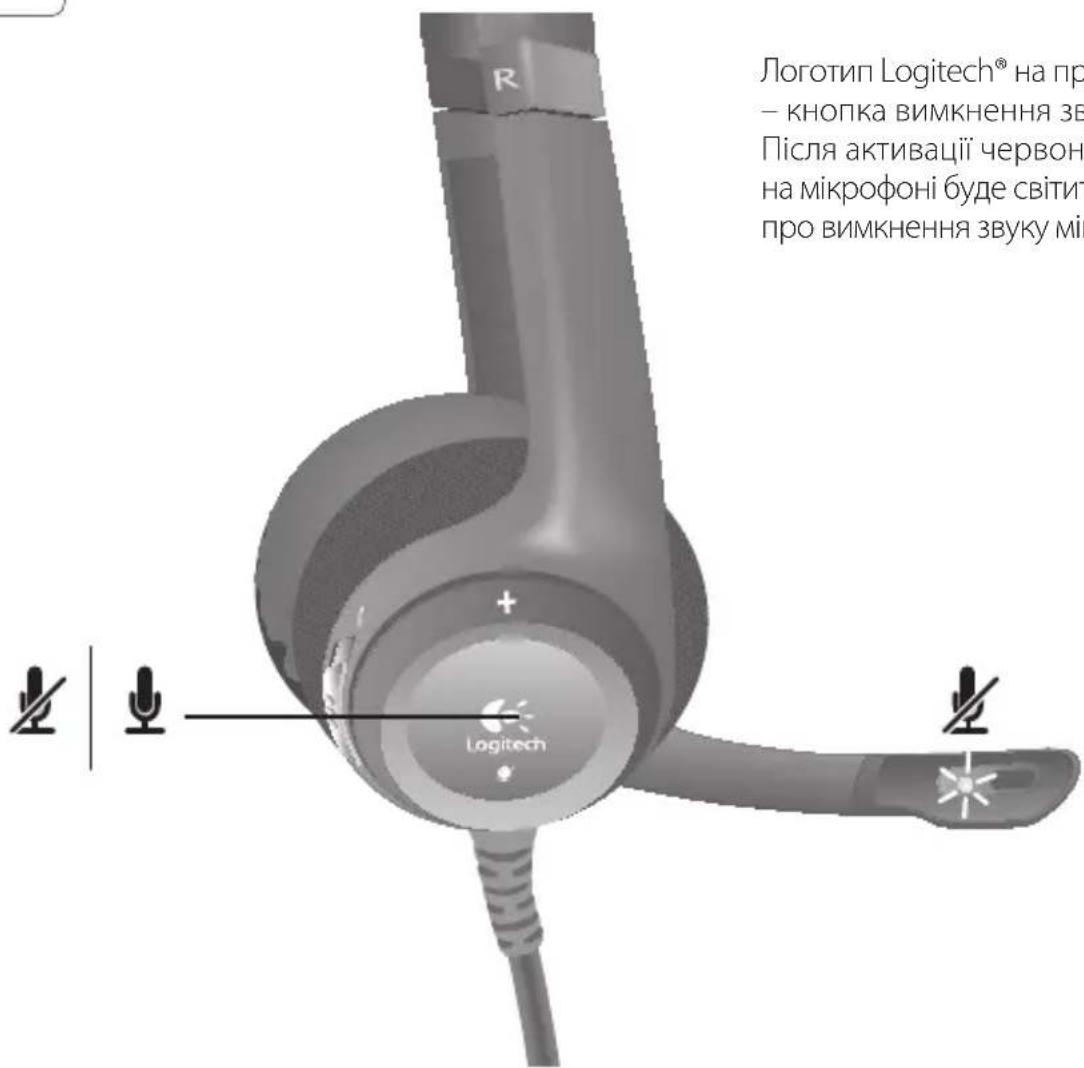
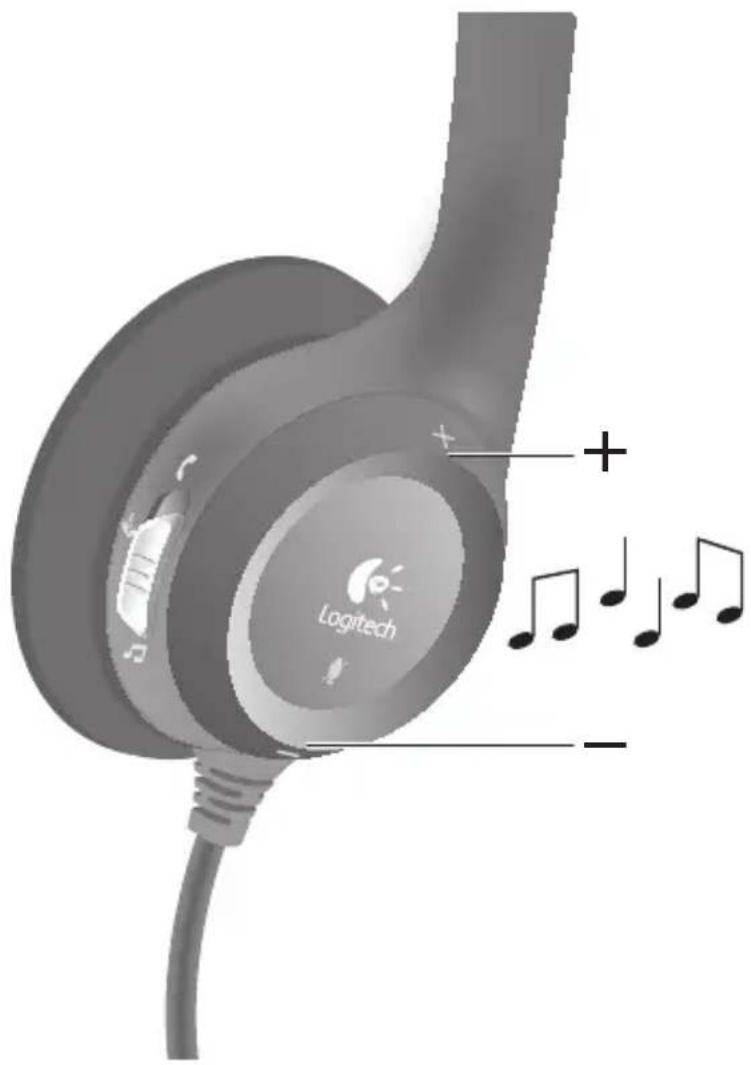
The Logitech ^® logo on the right headphone is the microphone mute button. When activated, the red light on the microphone will illuminate to indicate the microphone is muted.
7 English
5
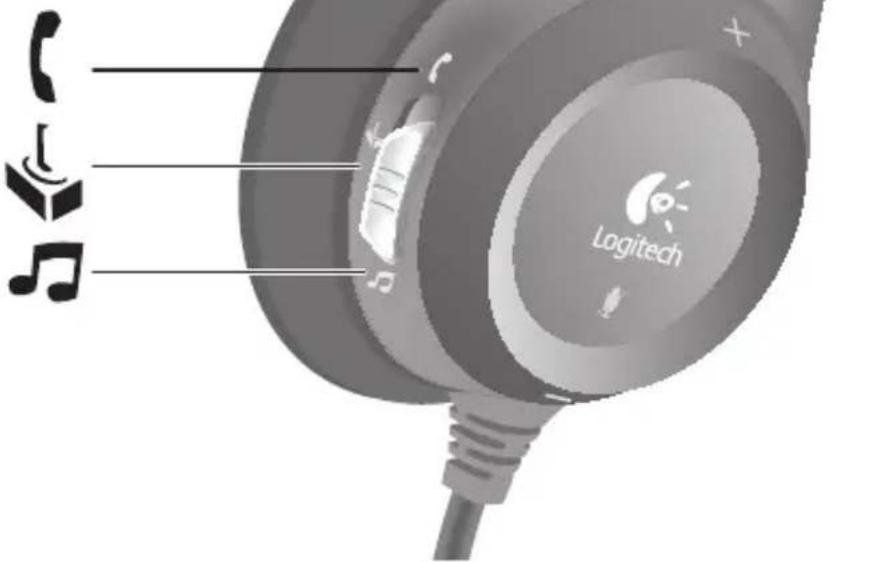
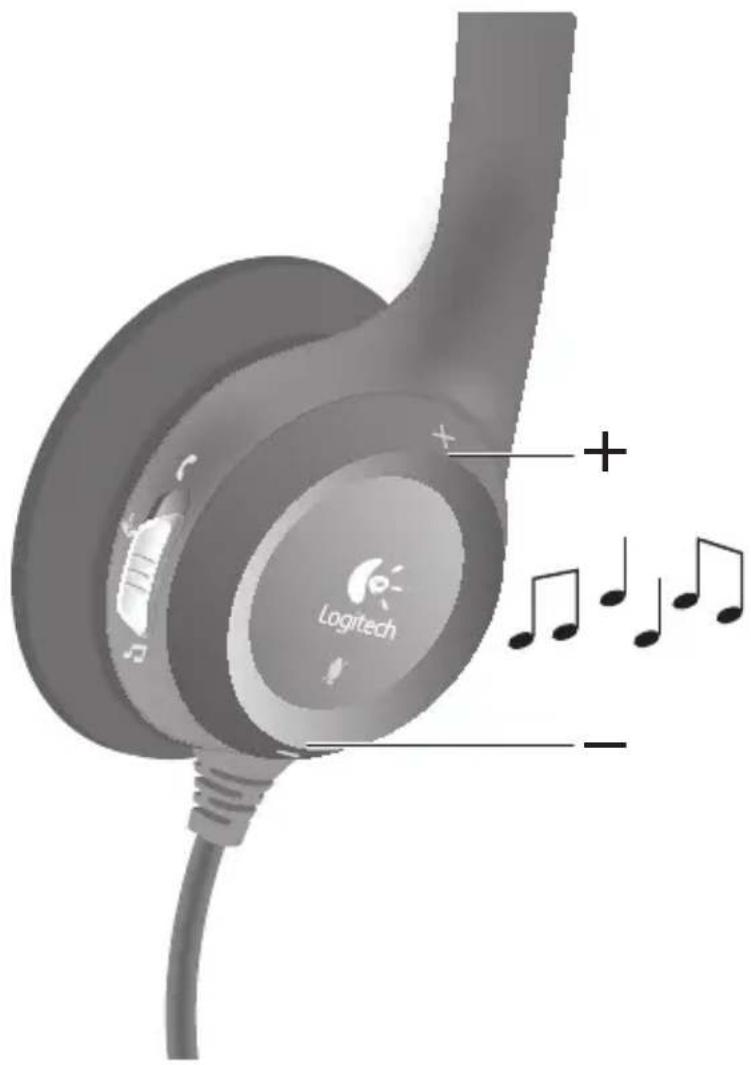
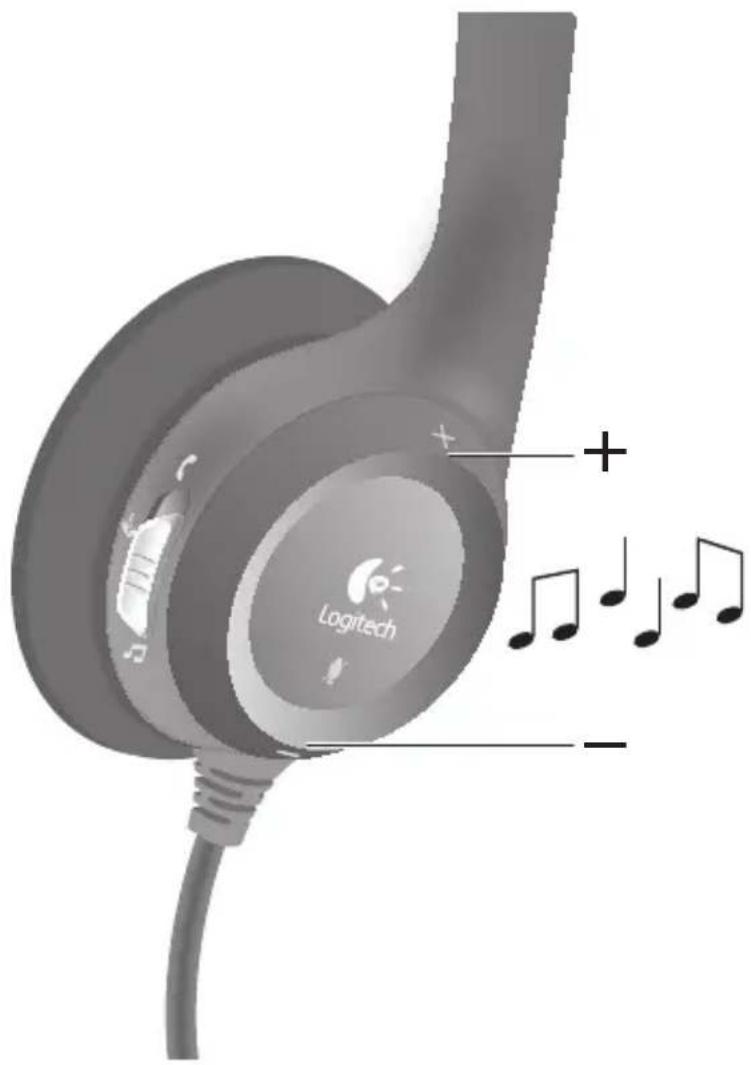
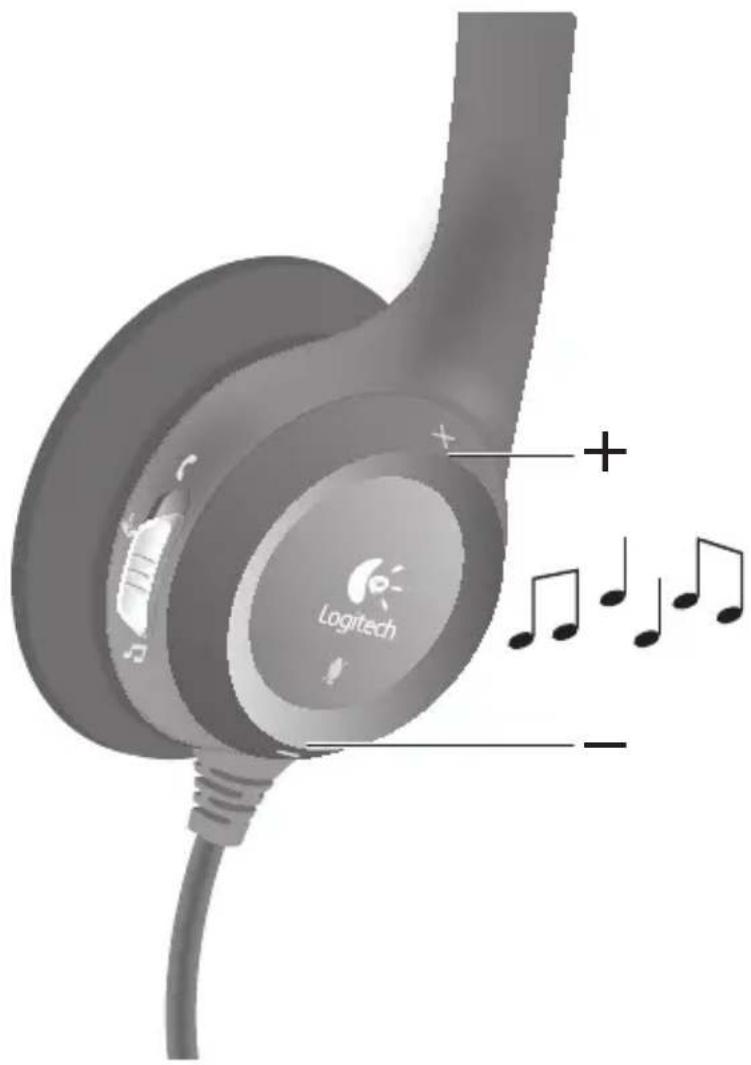
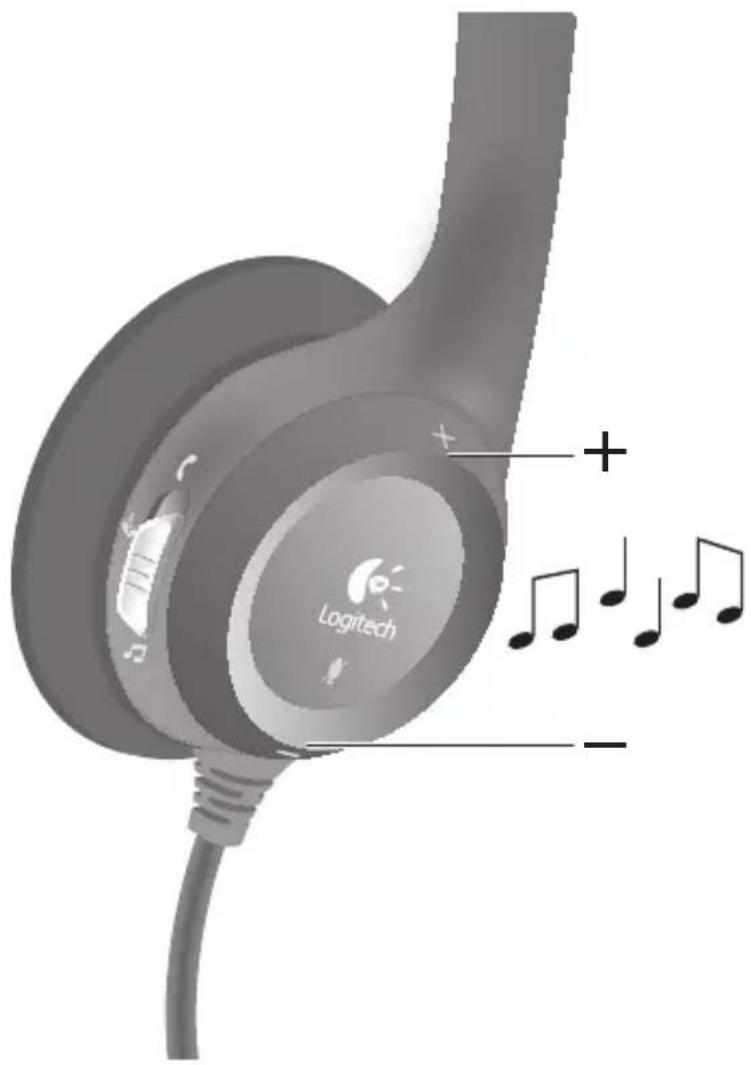
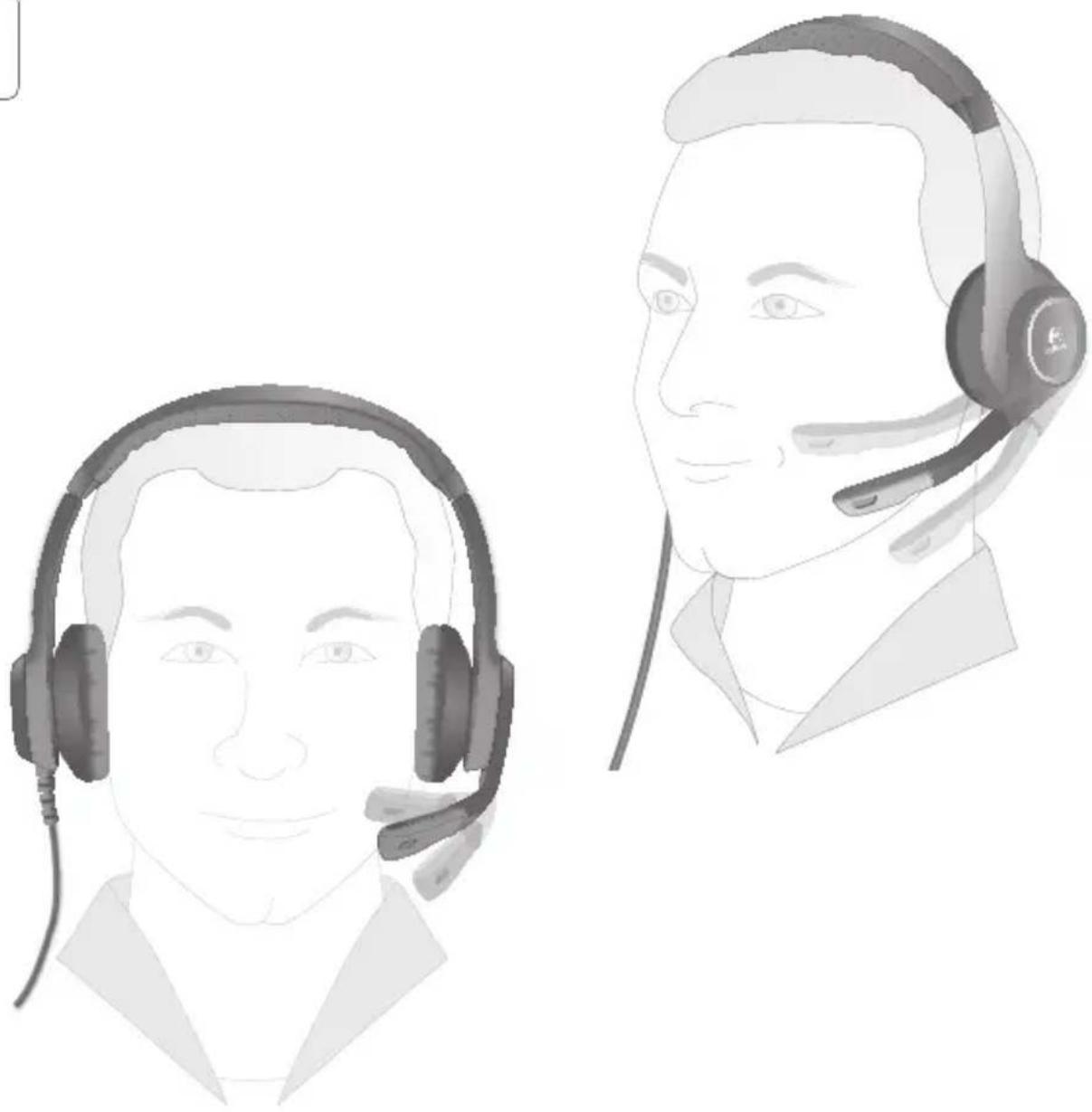
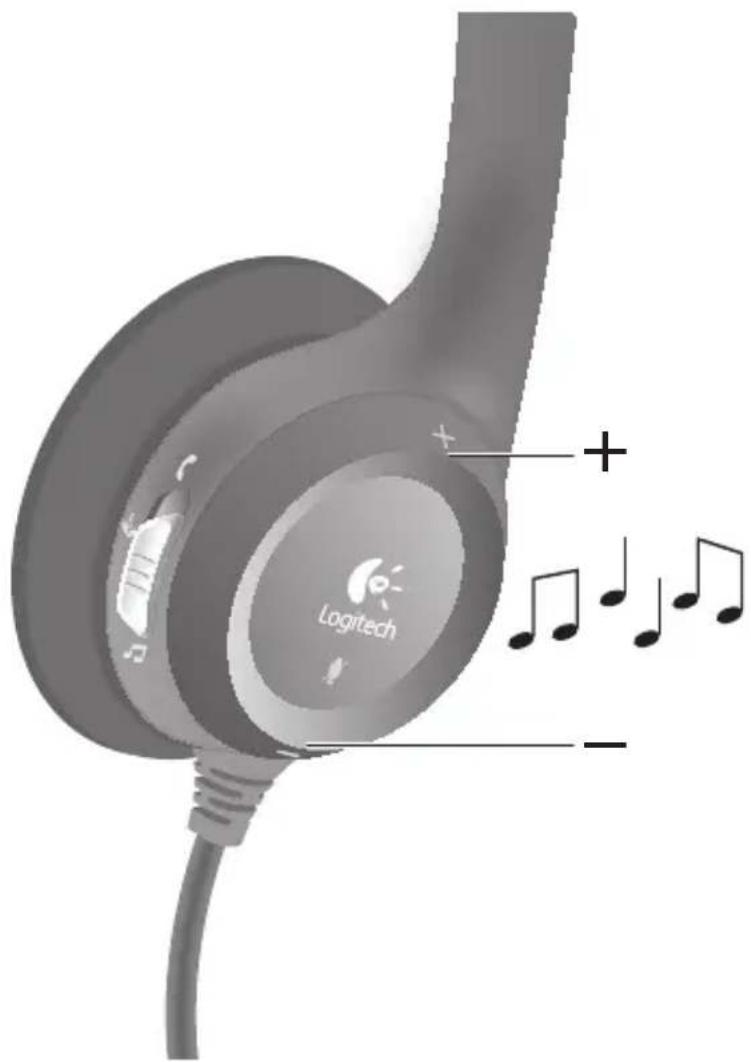
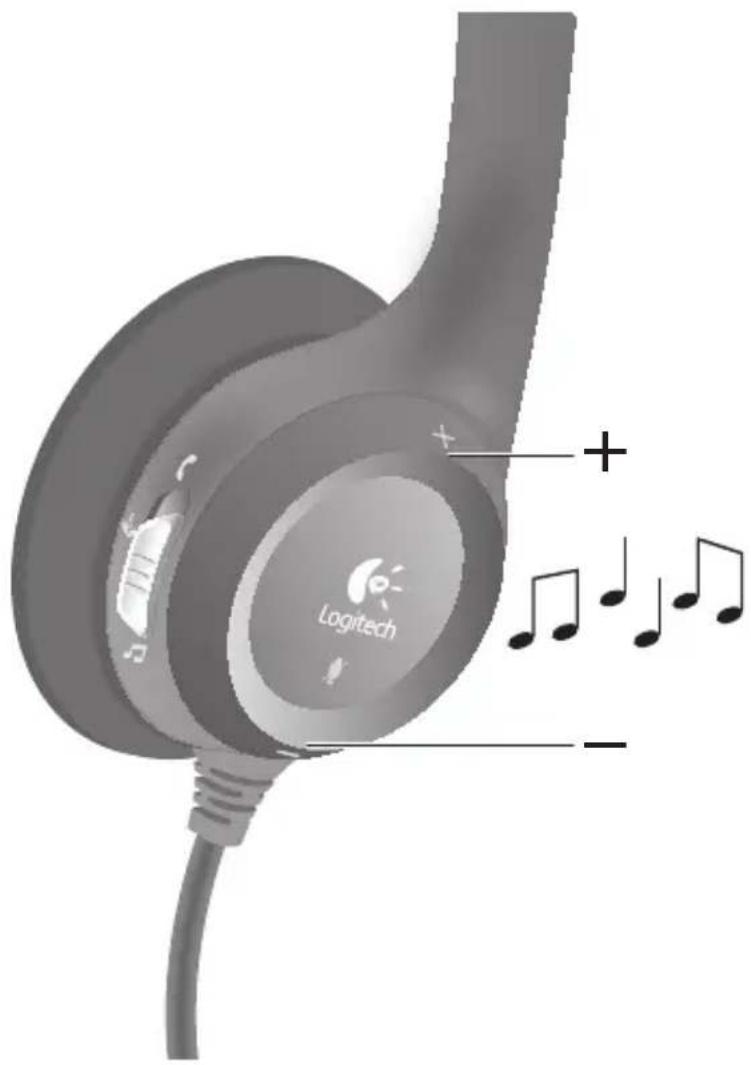
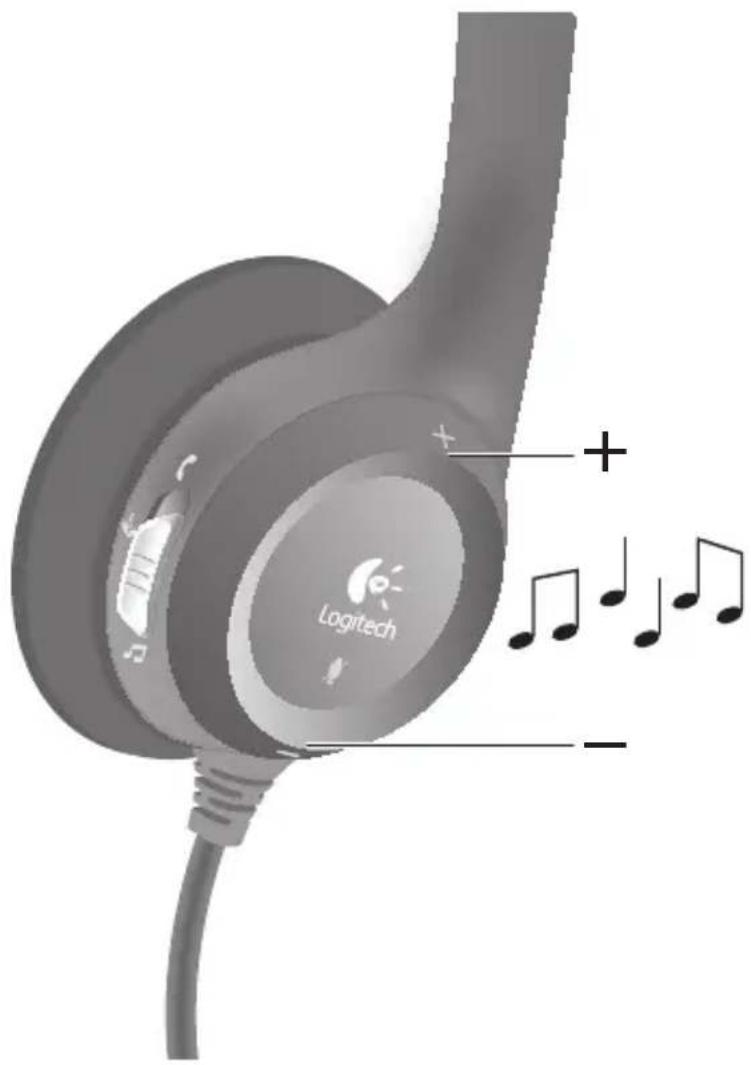
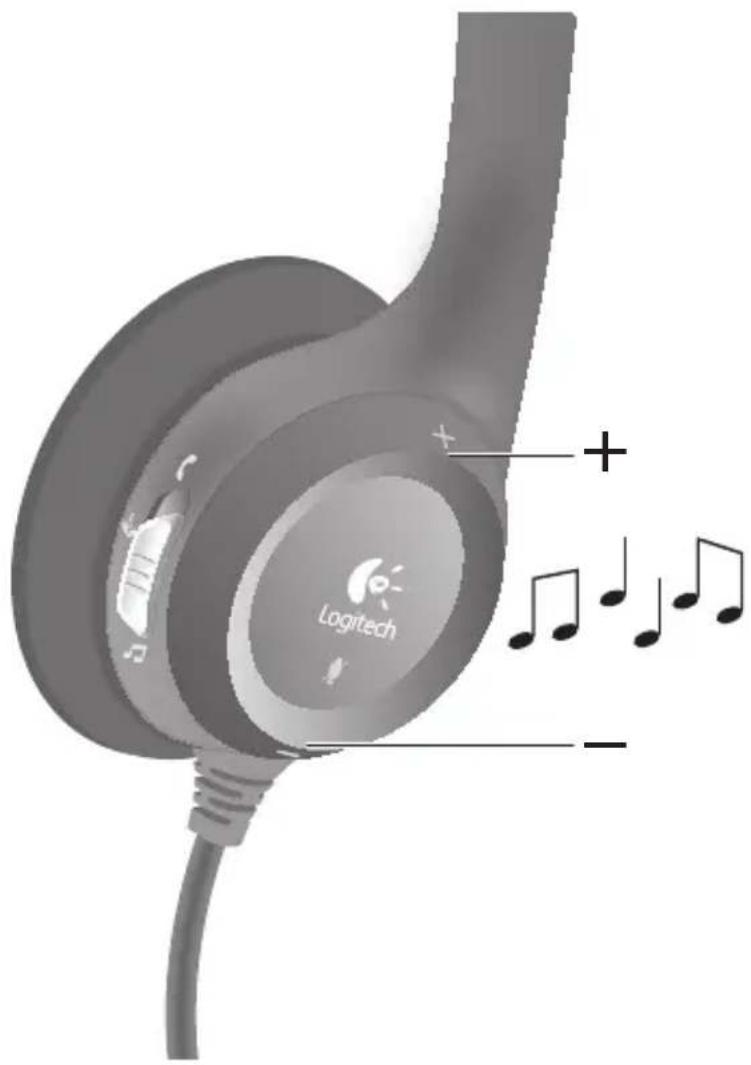
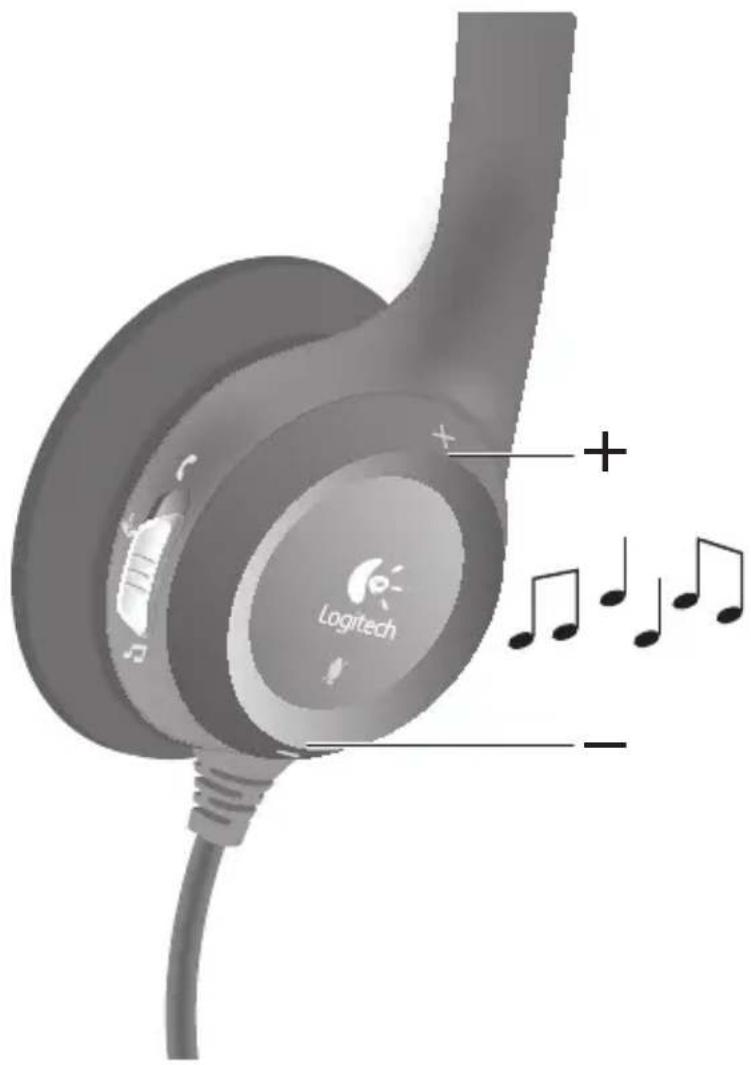
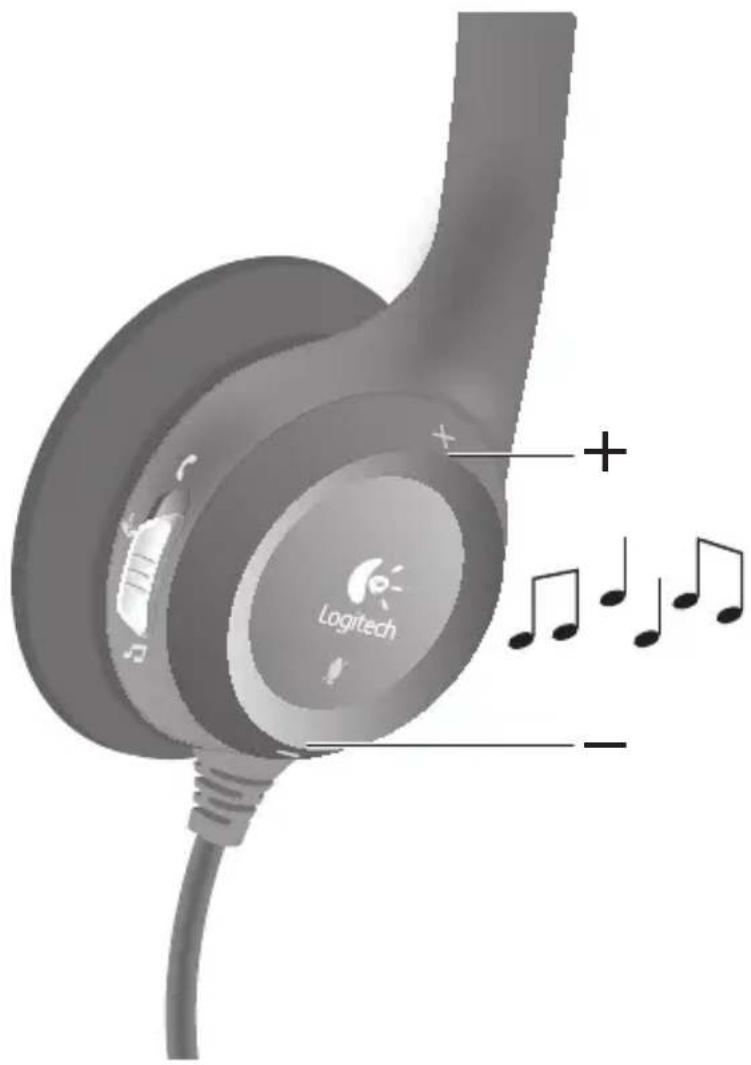
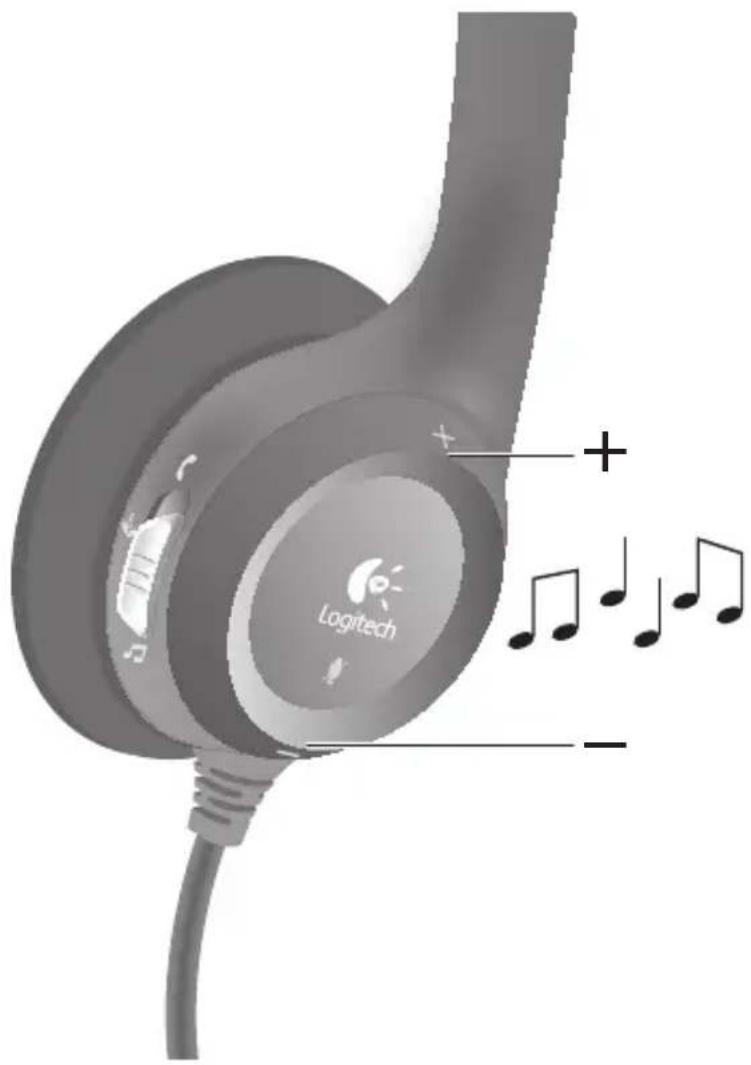
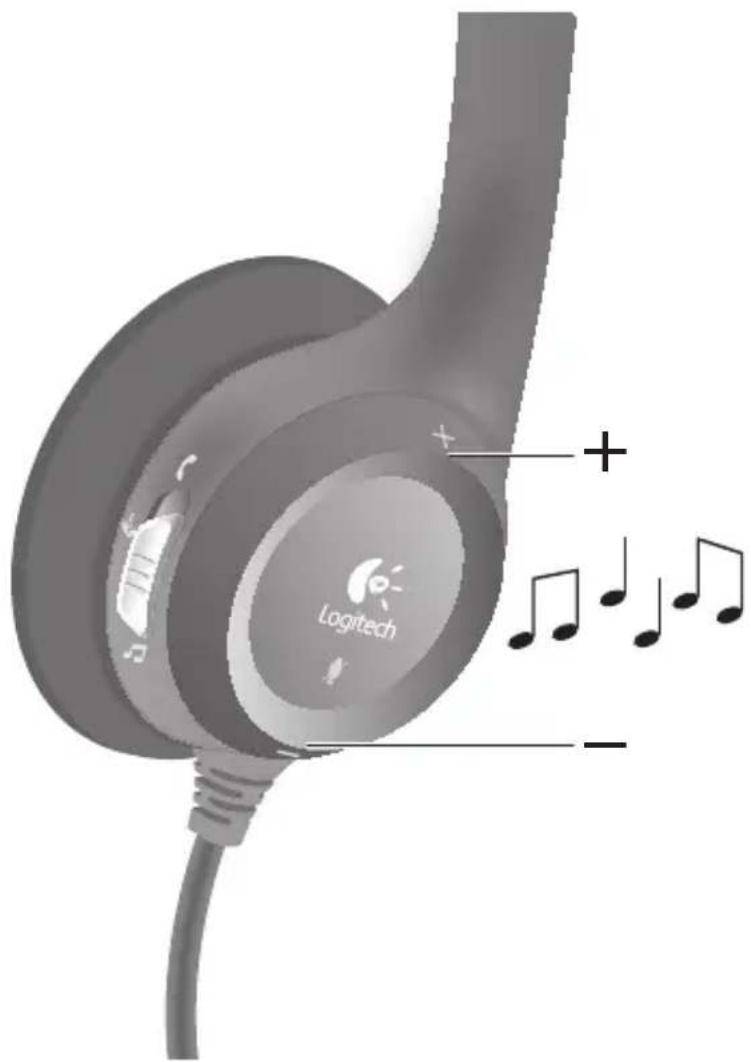
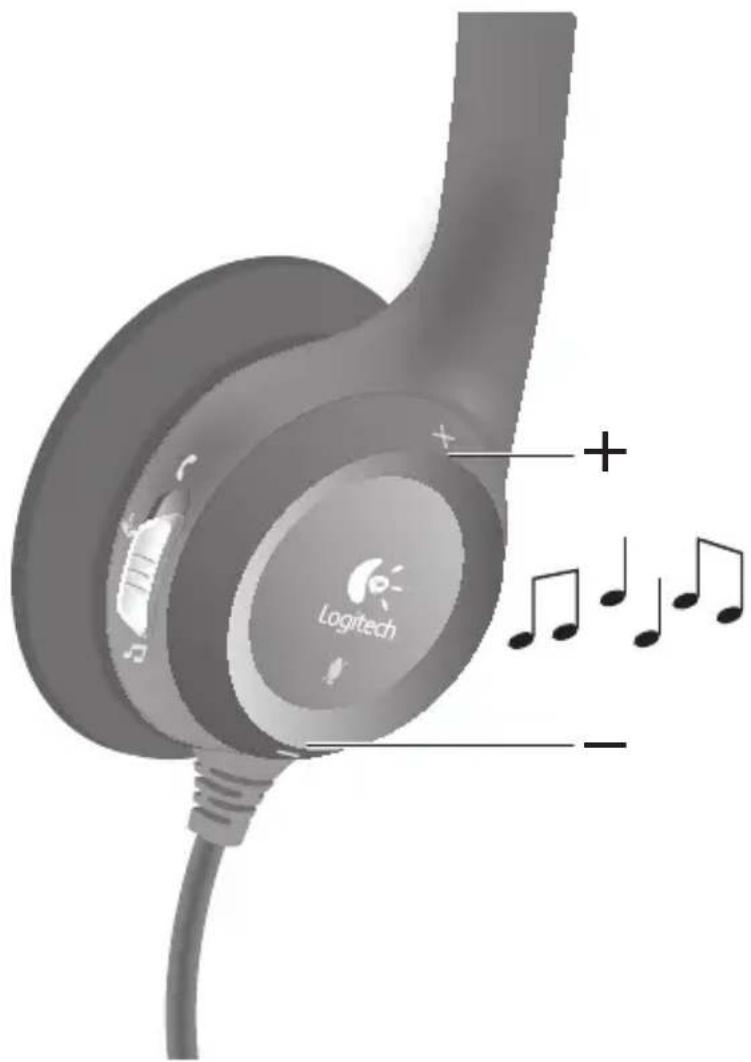
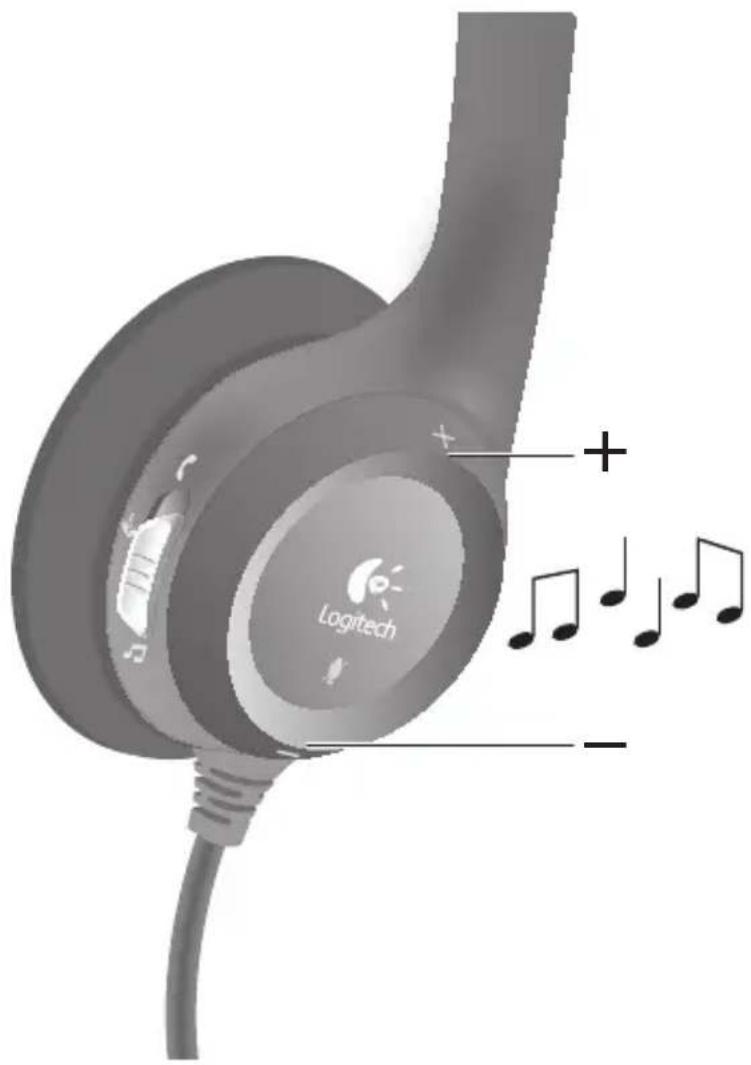
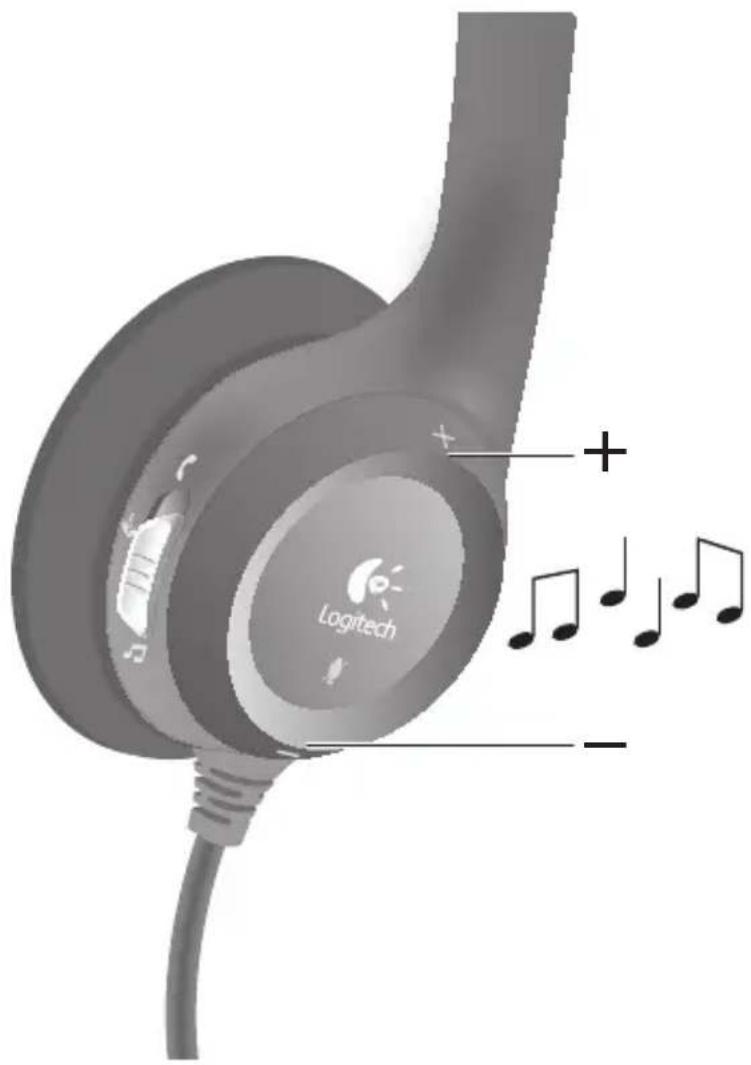
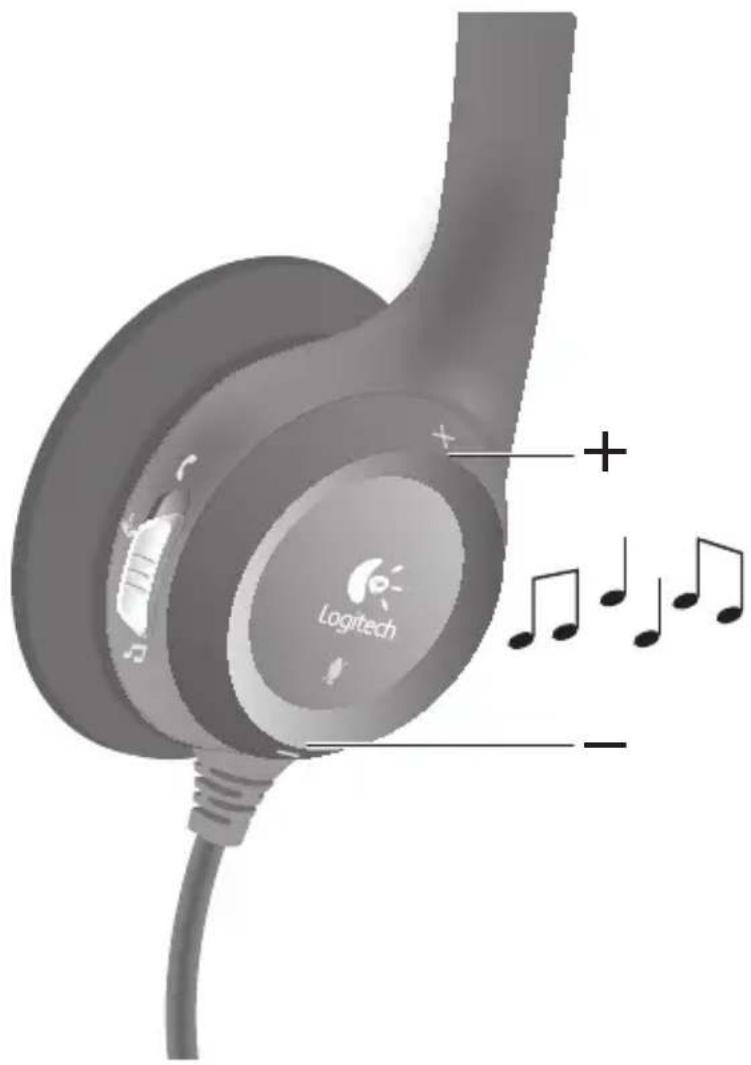
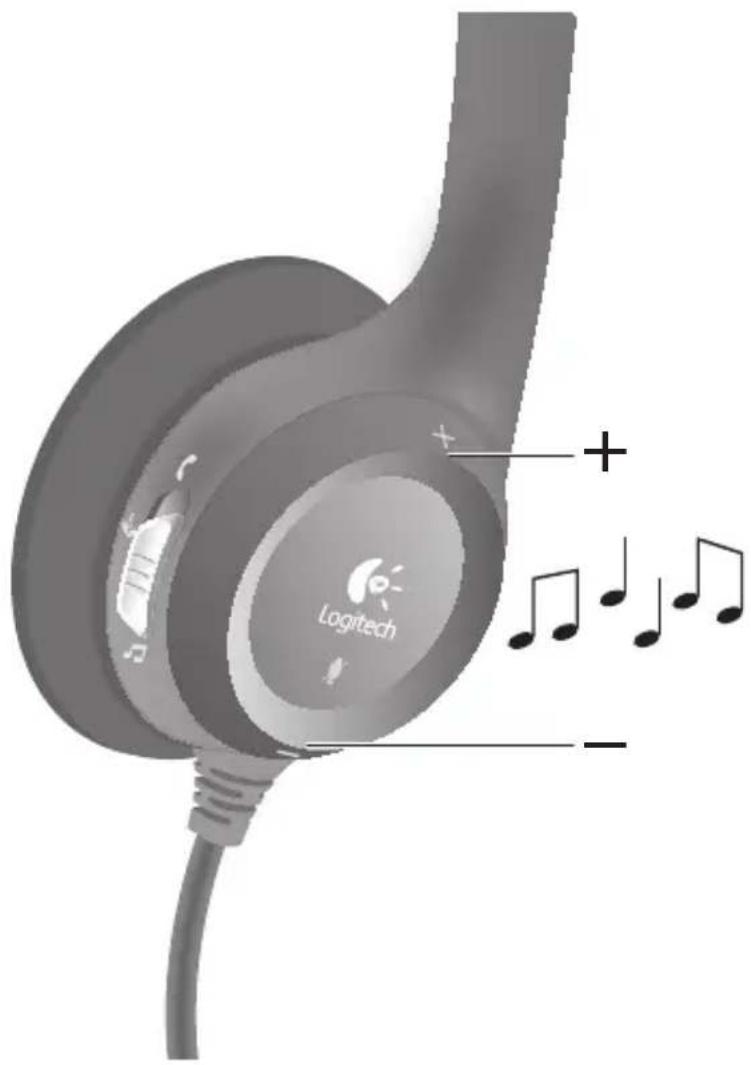
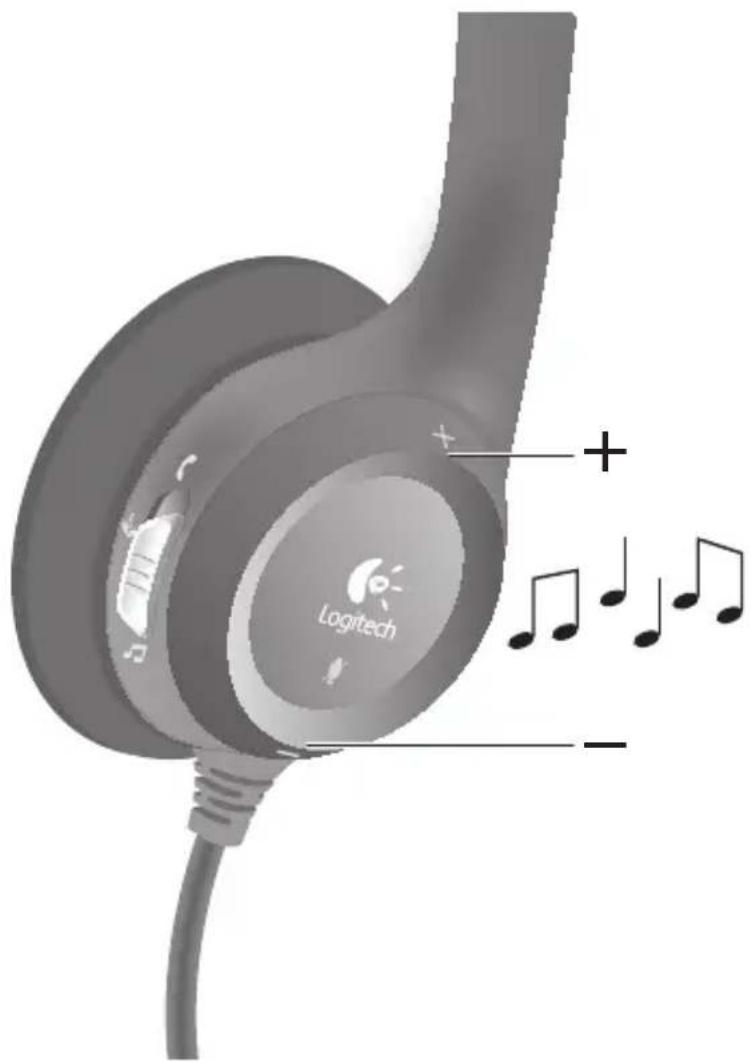
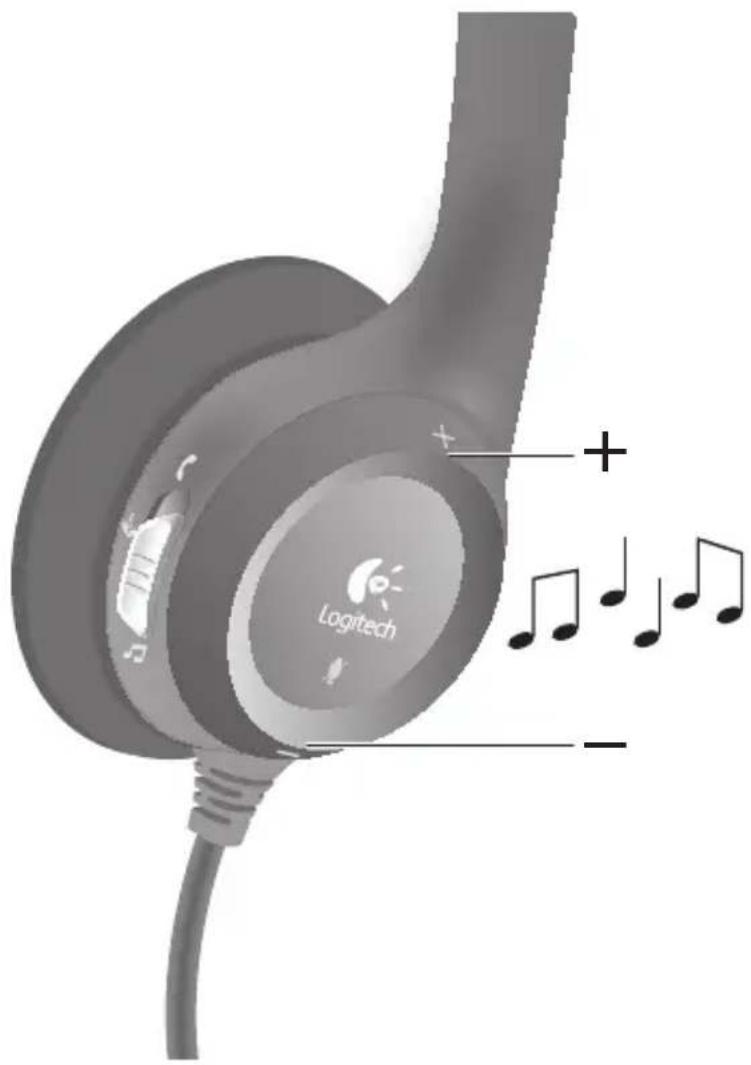
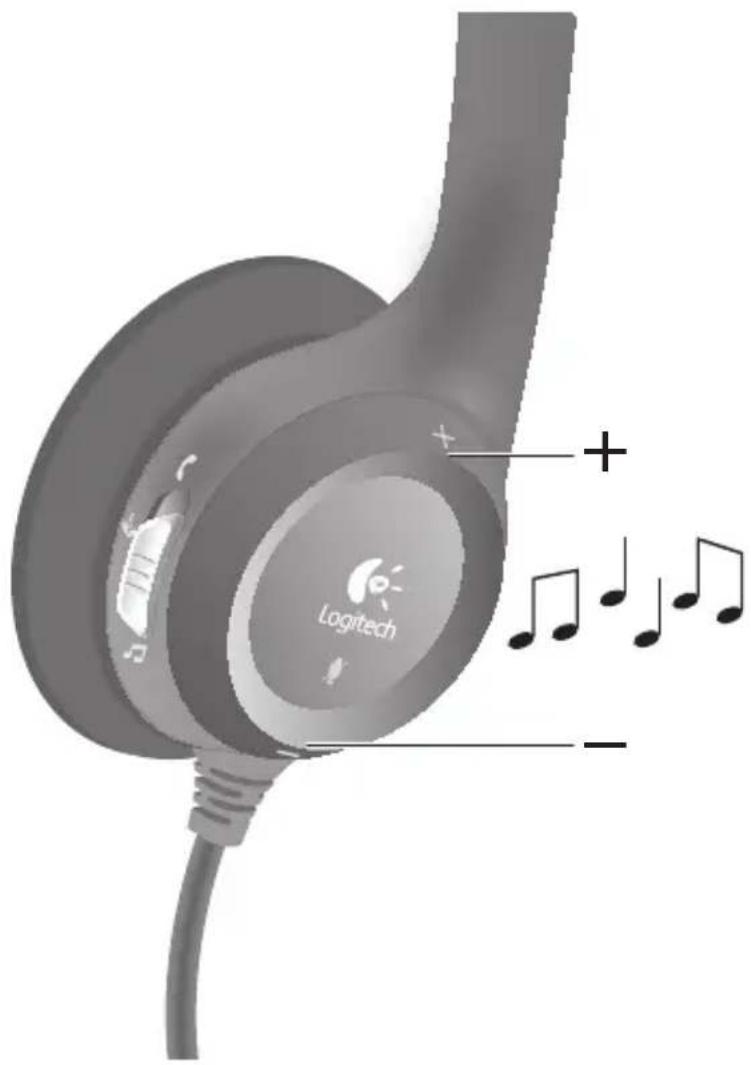
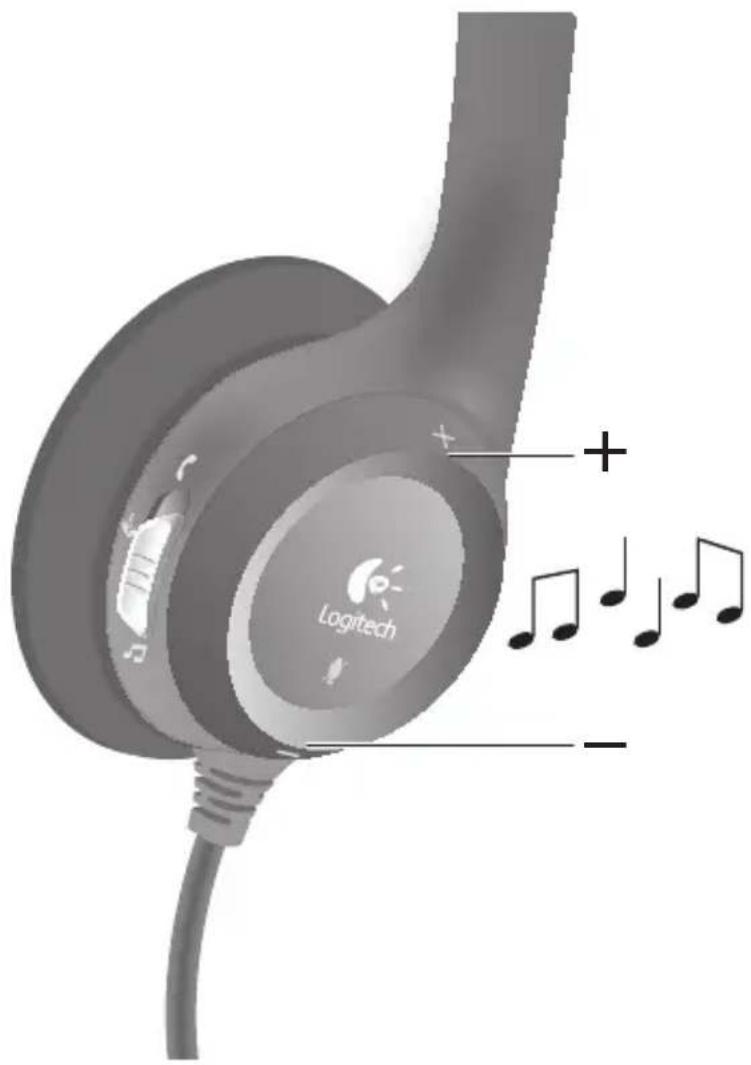
Your headset has three on-ear audio controls that can instantly optimize audio performance for your activity.
PC Calling
Gaming
Music/General Purpose
Help with Setup
Something not sound right? No sound at all?
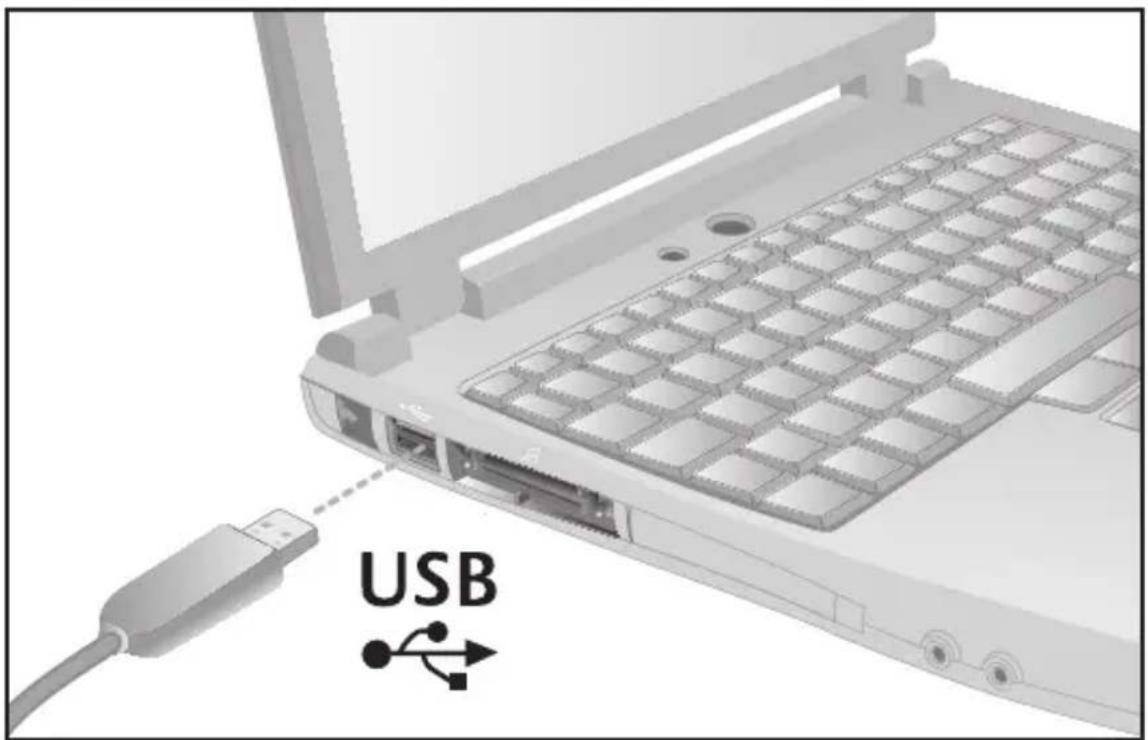
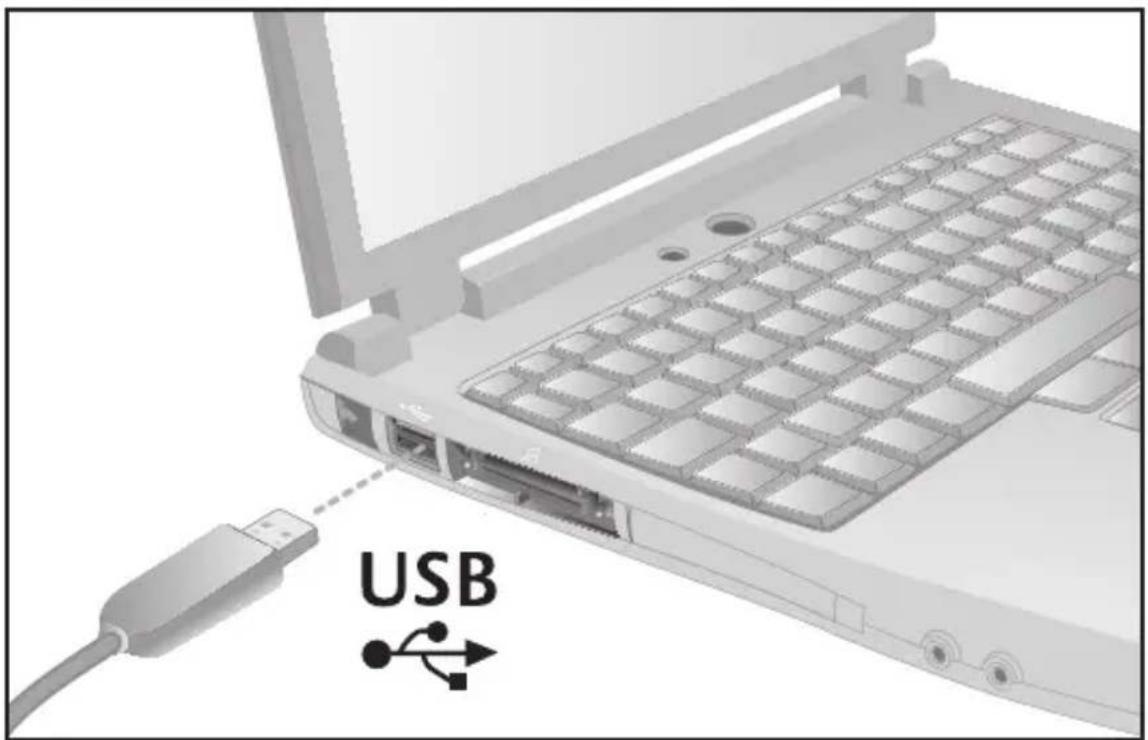
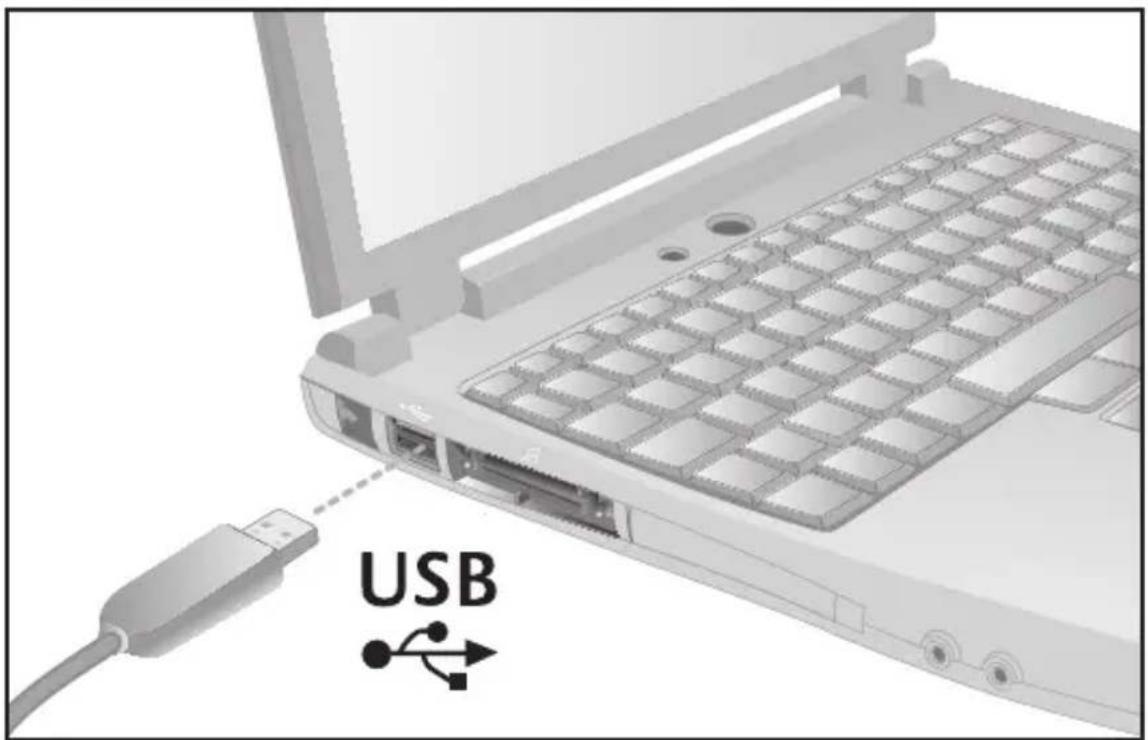
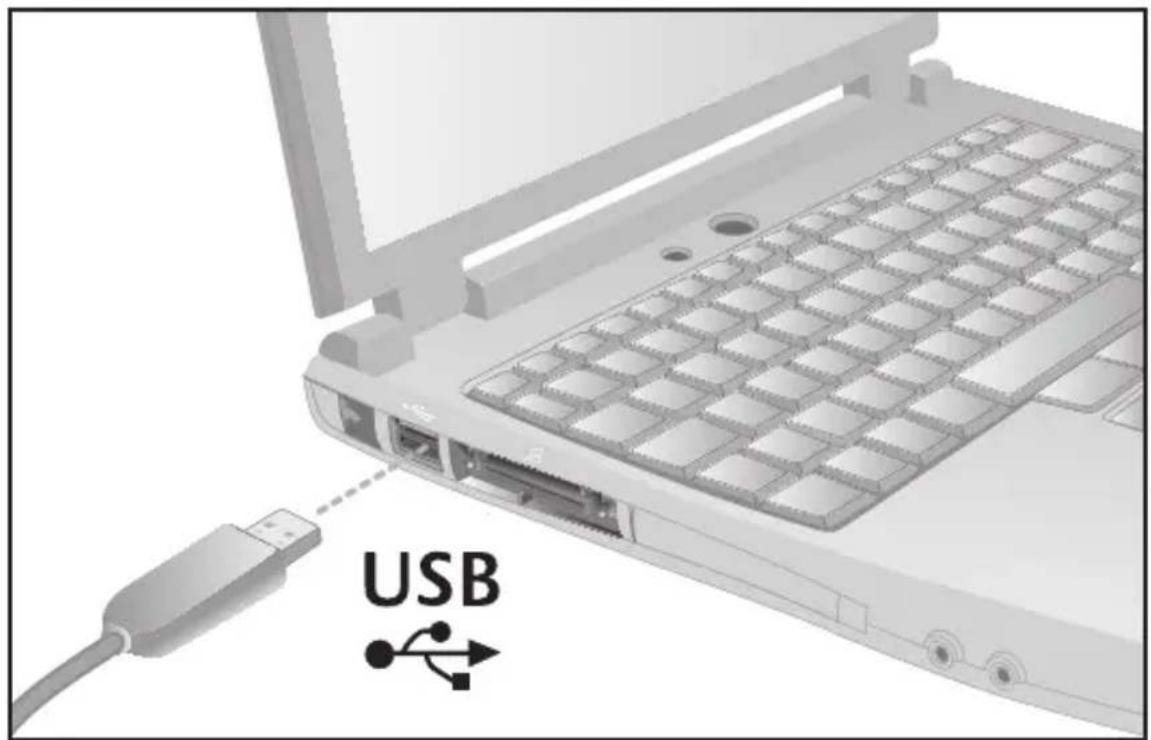
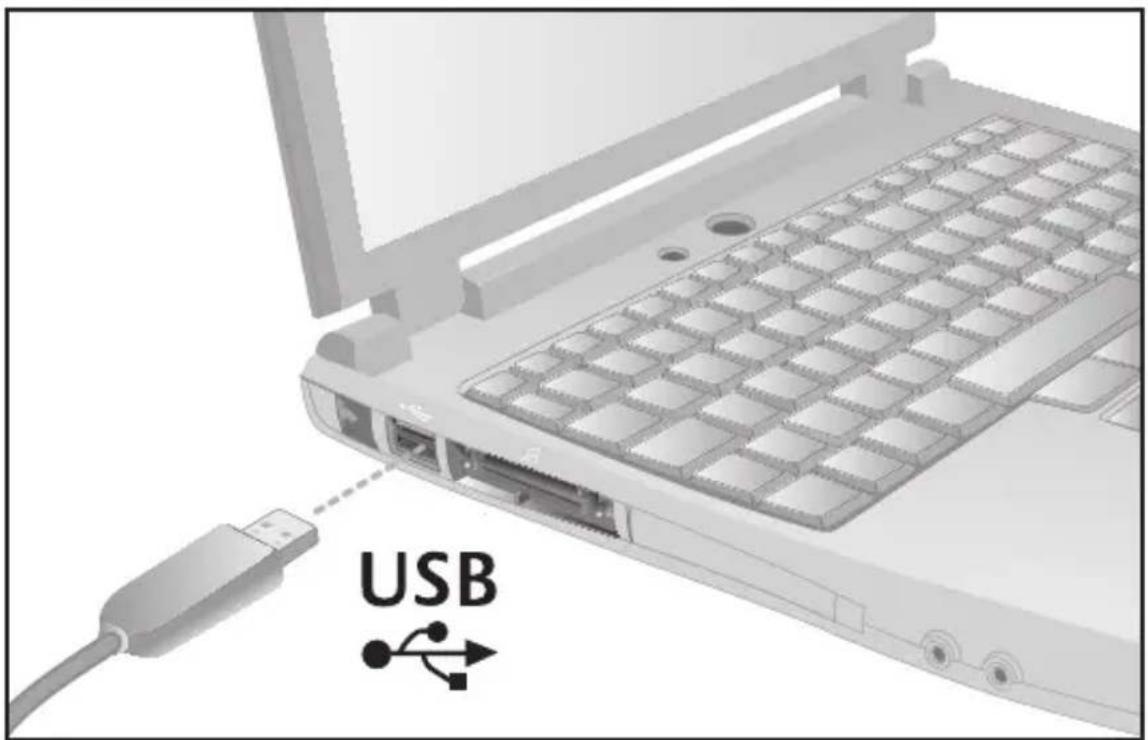
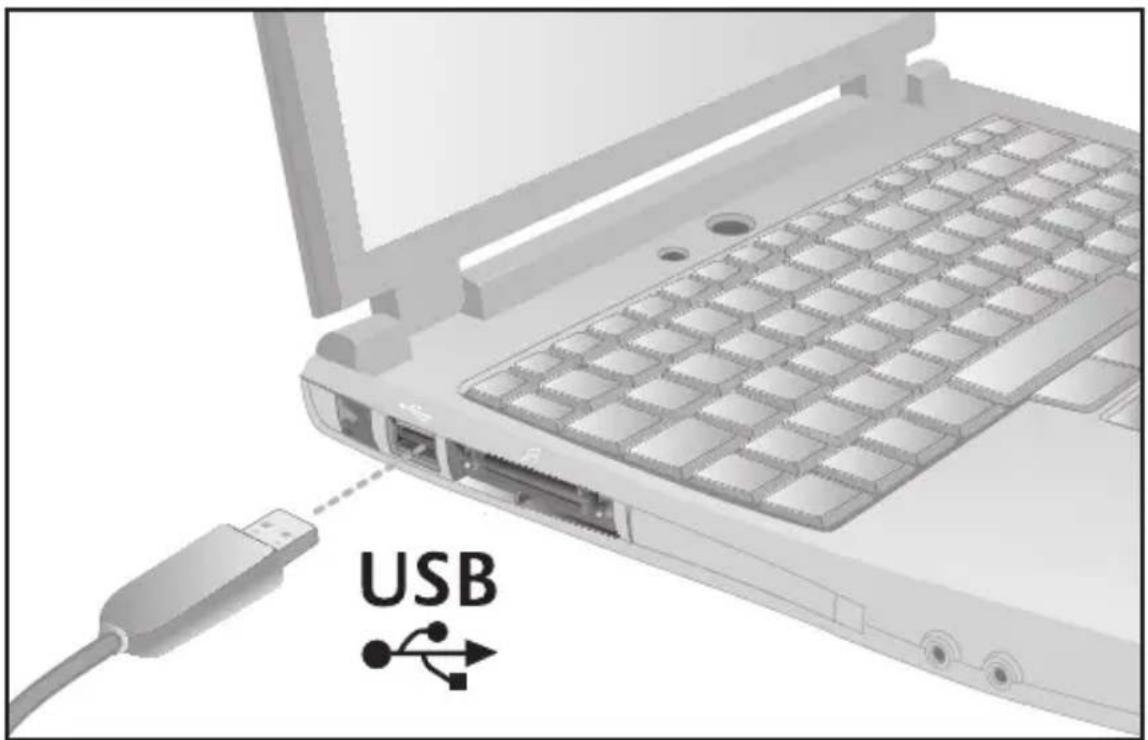
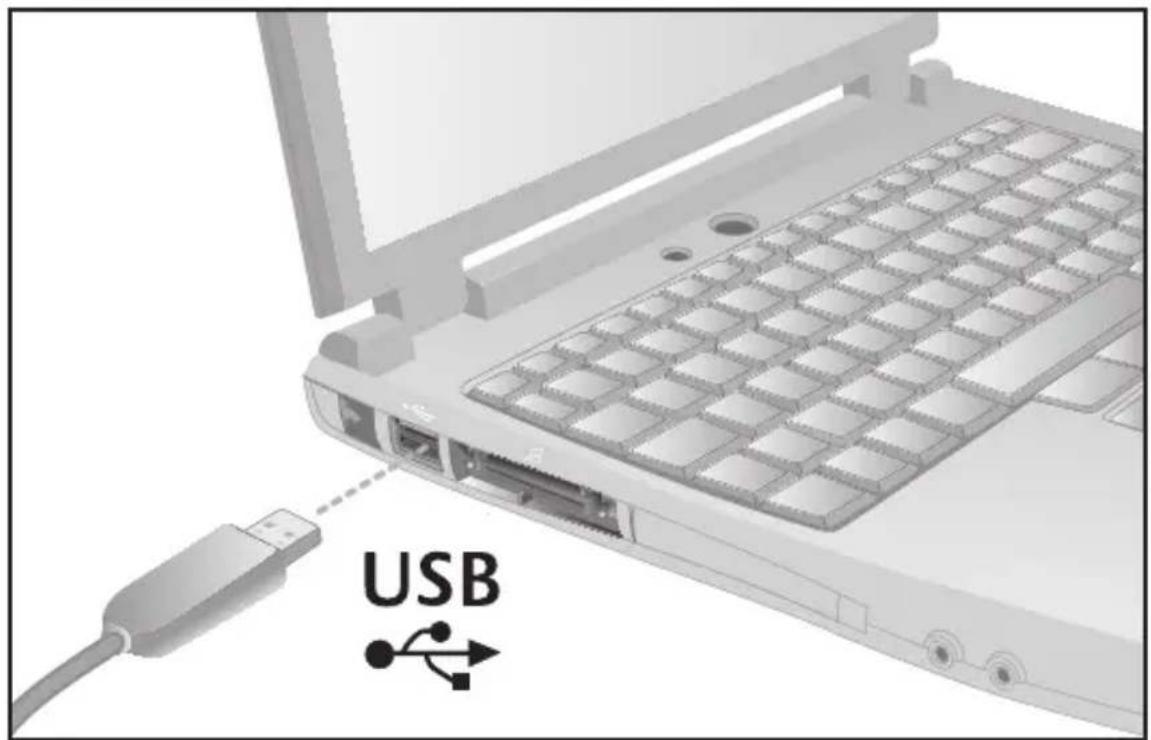
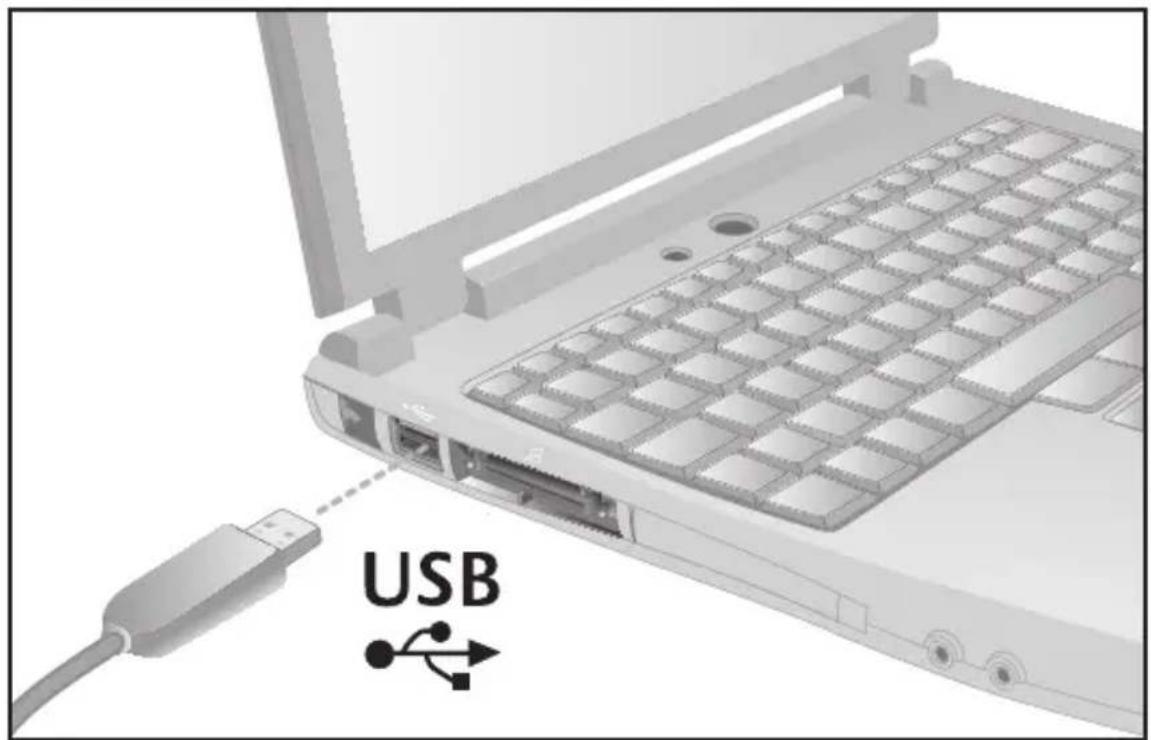
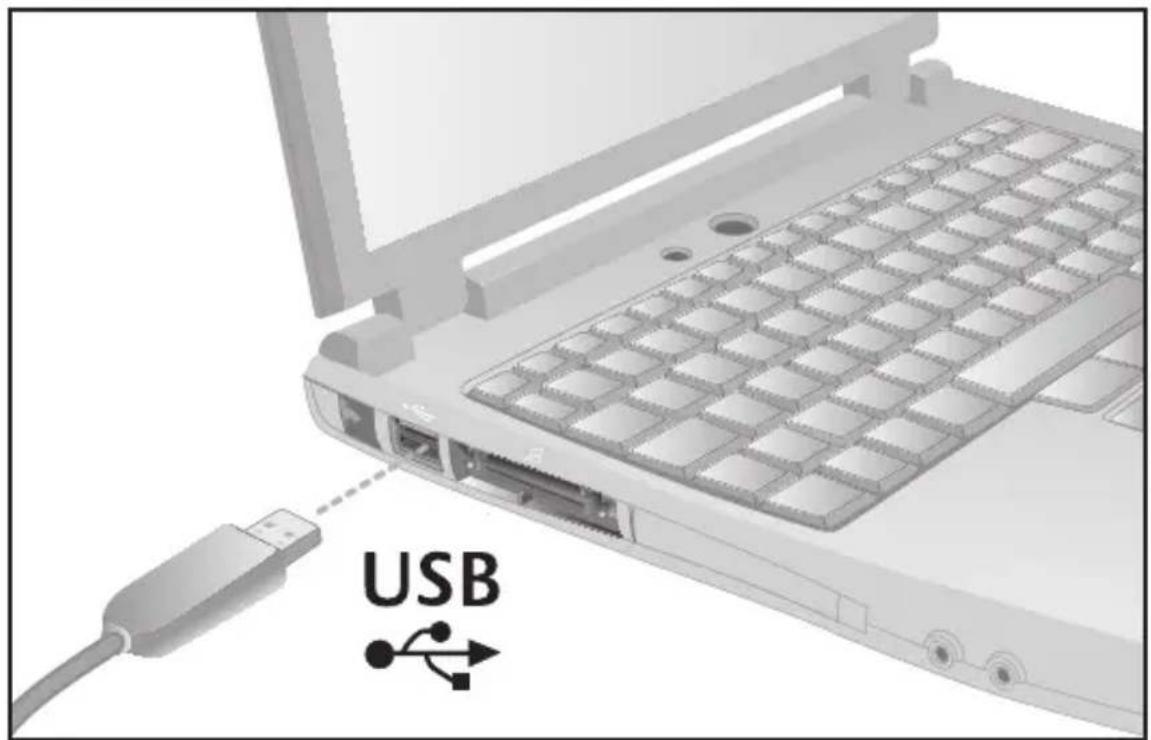
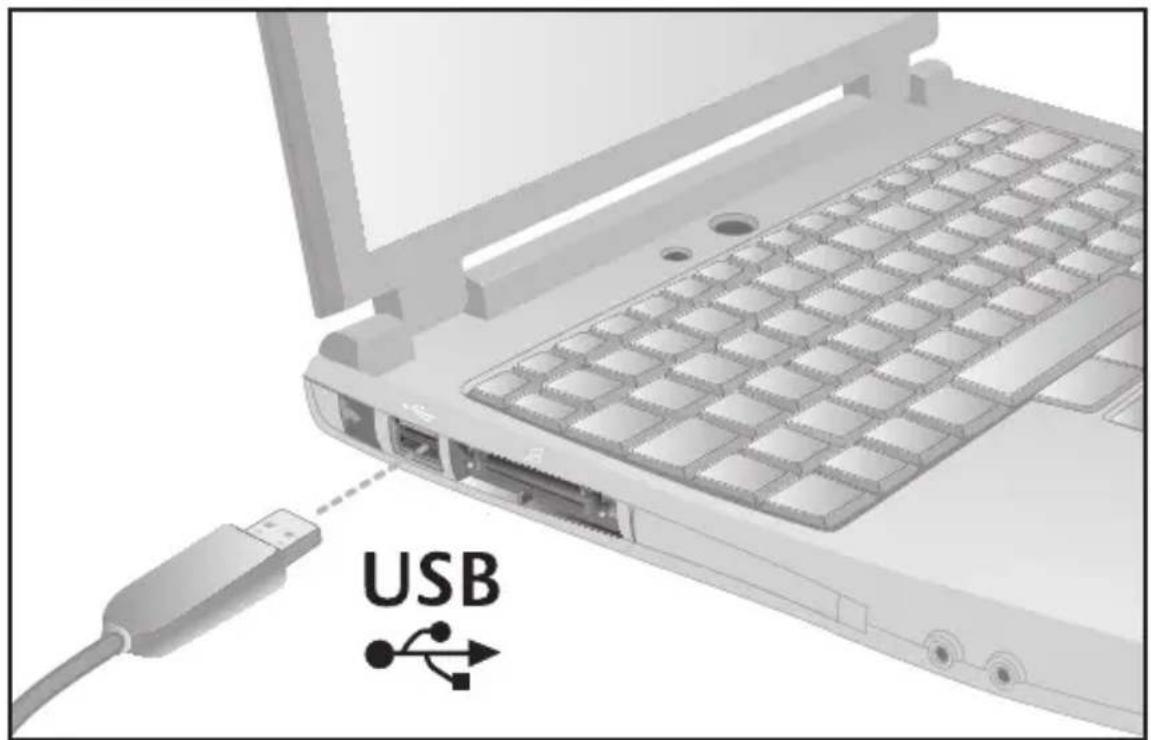
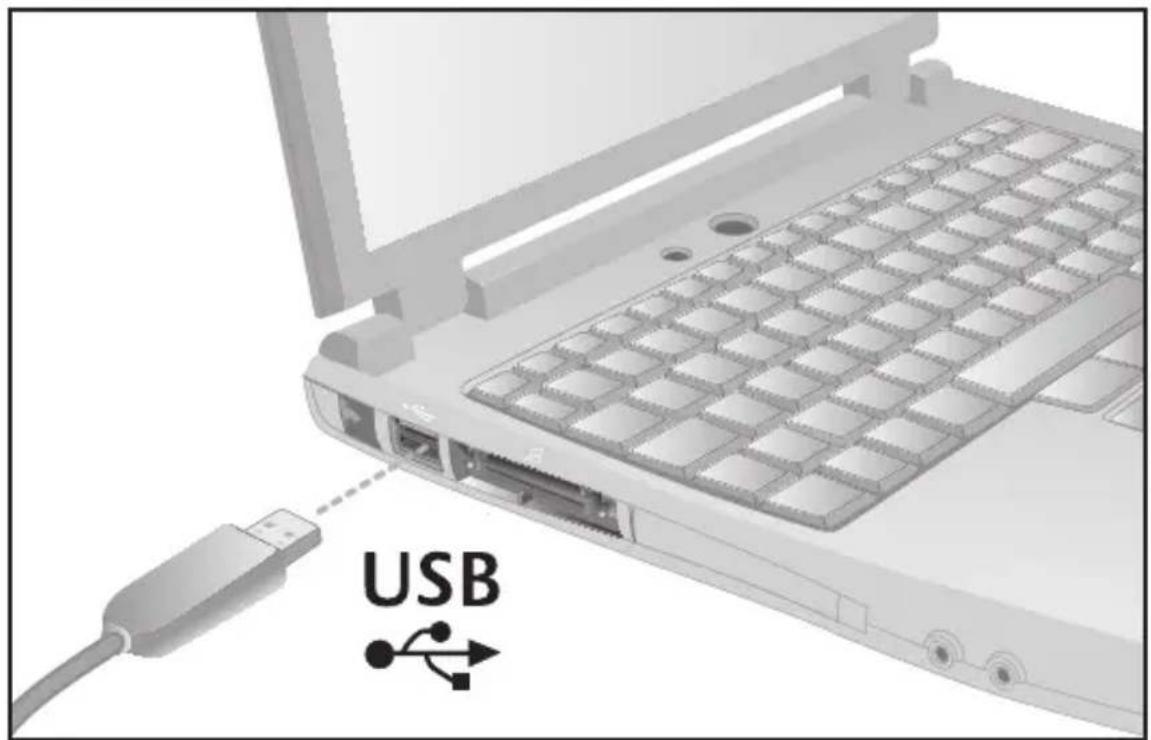
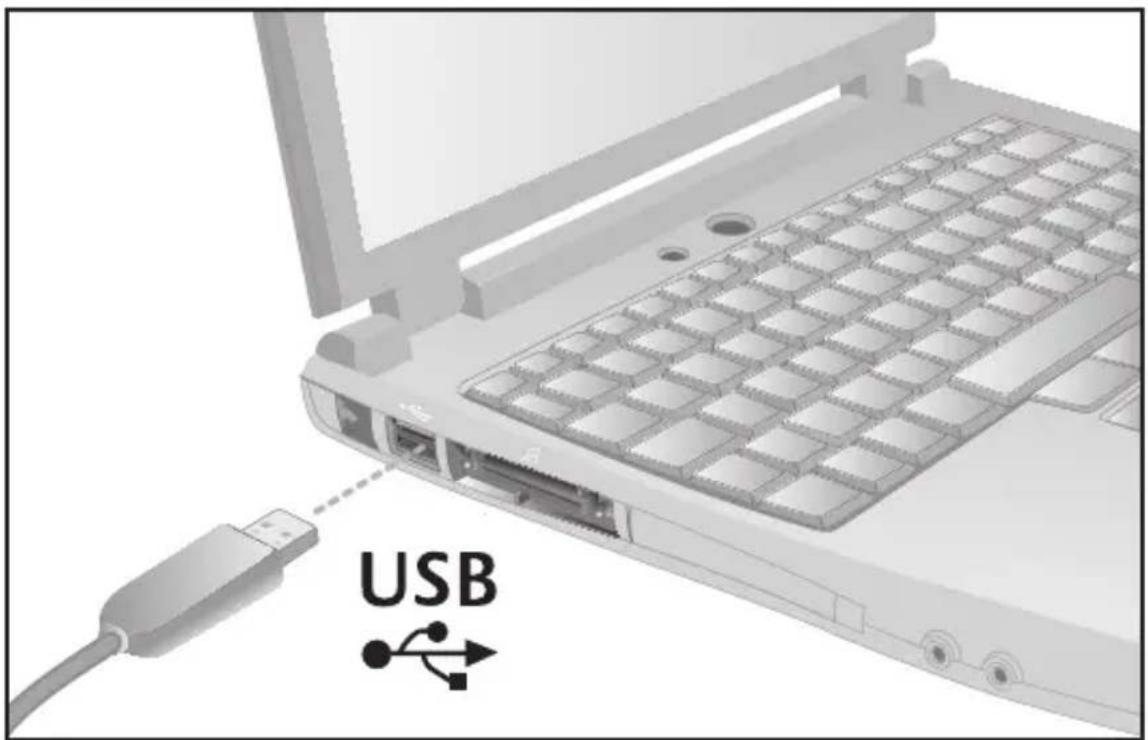
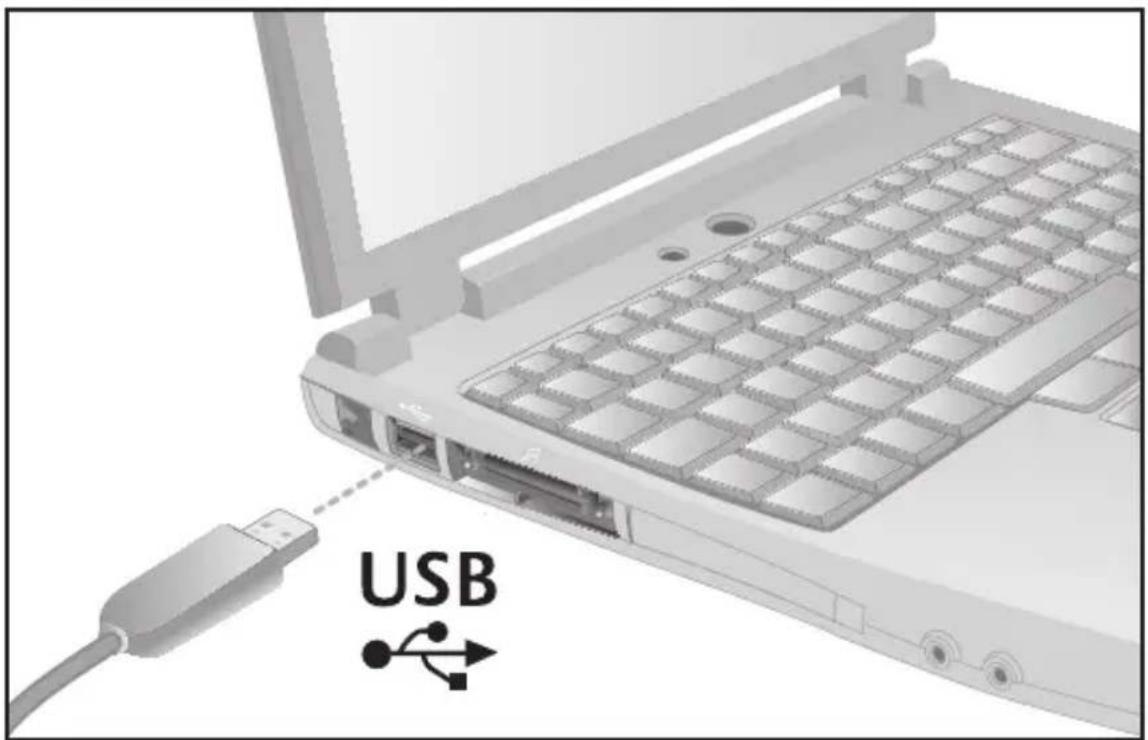
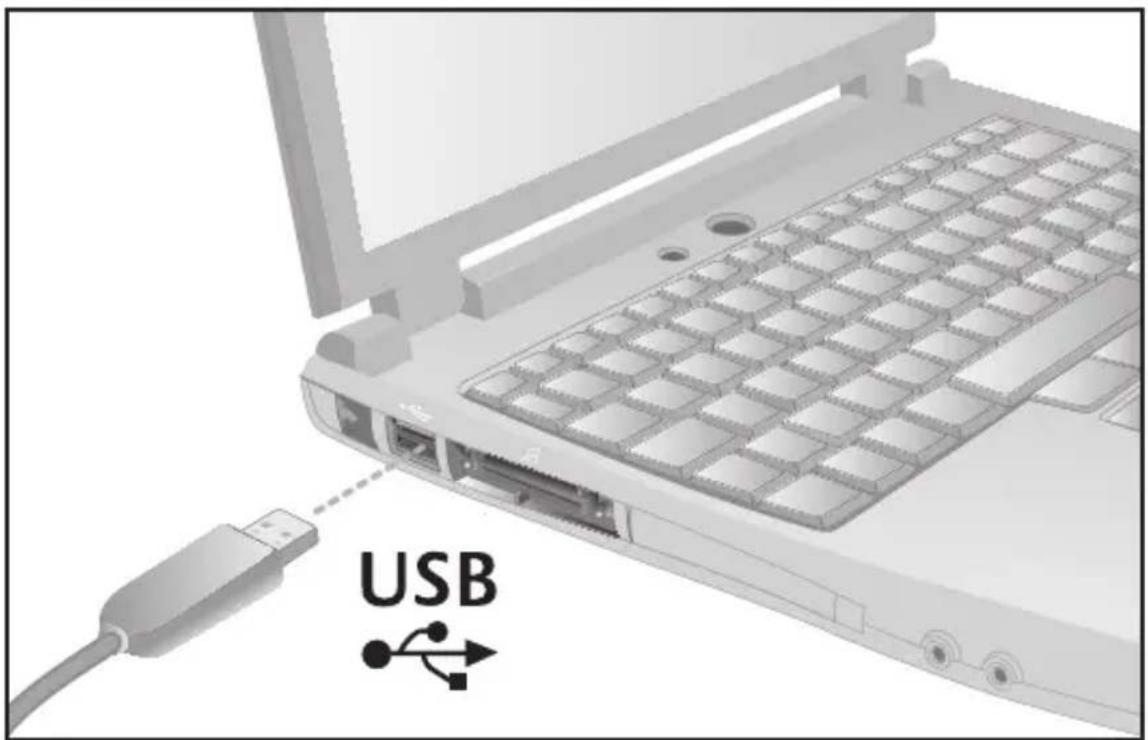
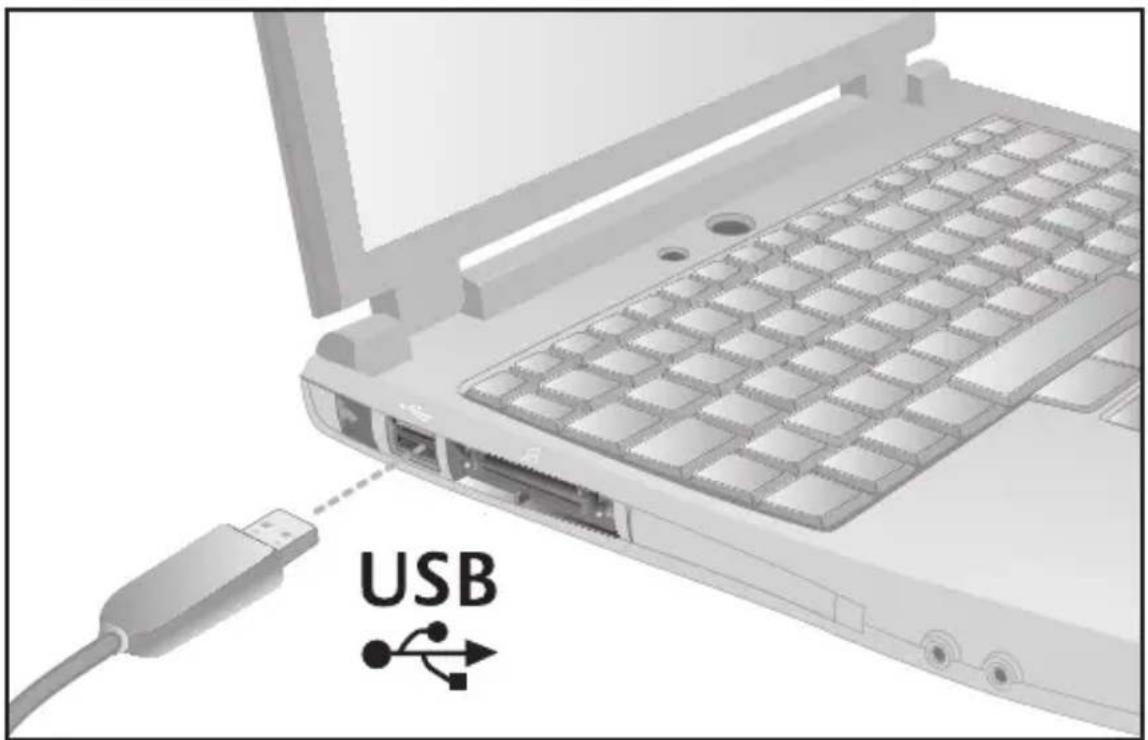
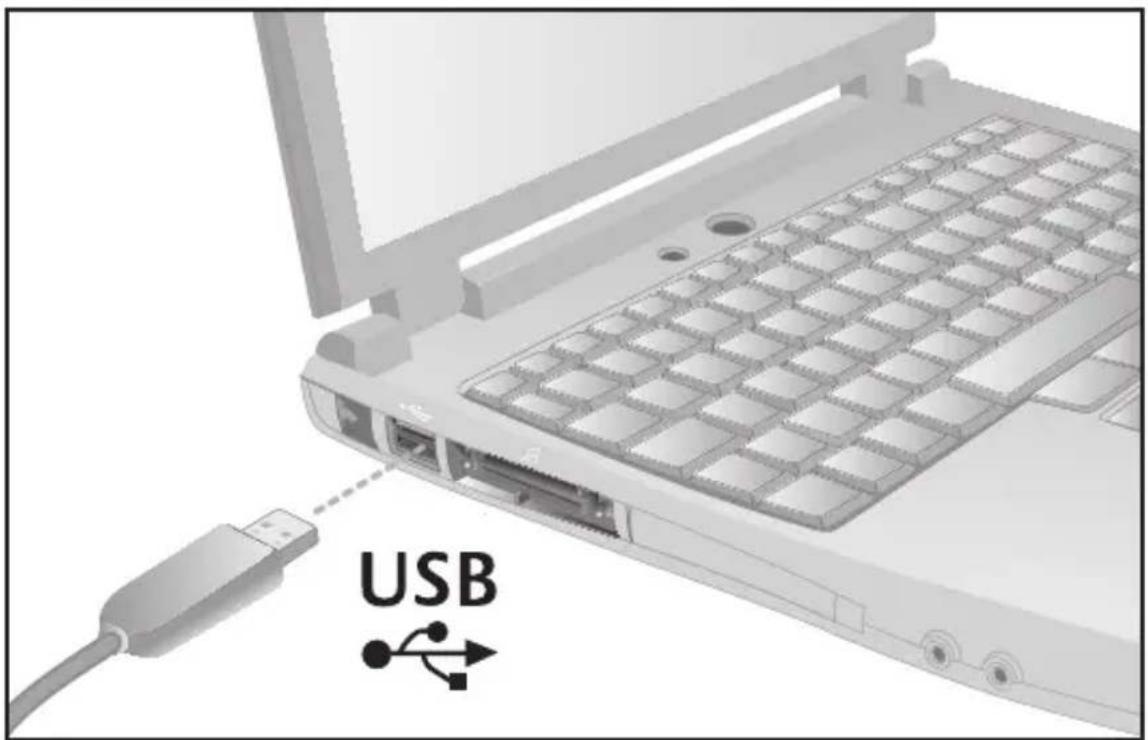
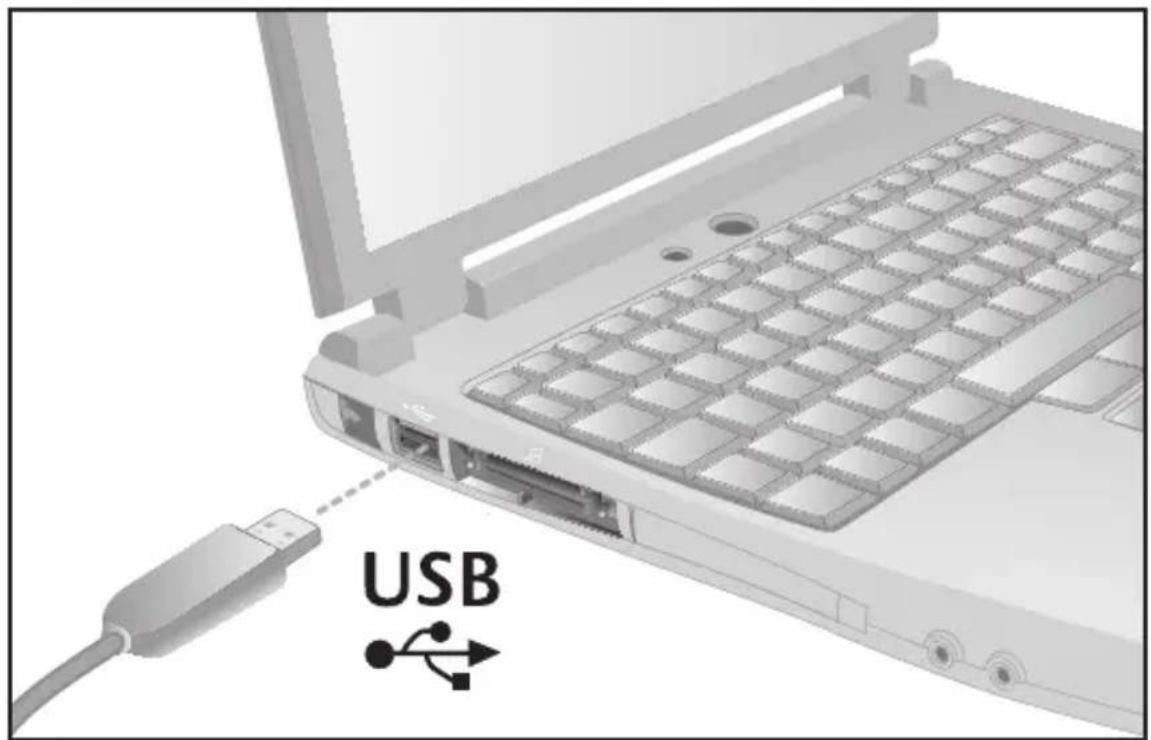
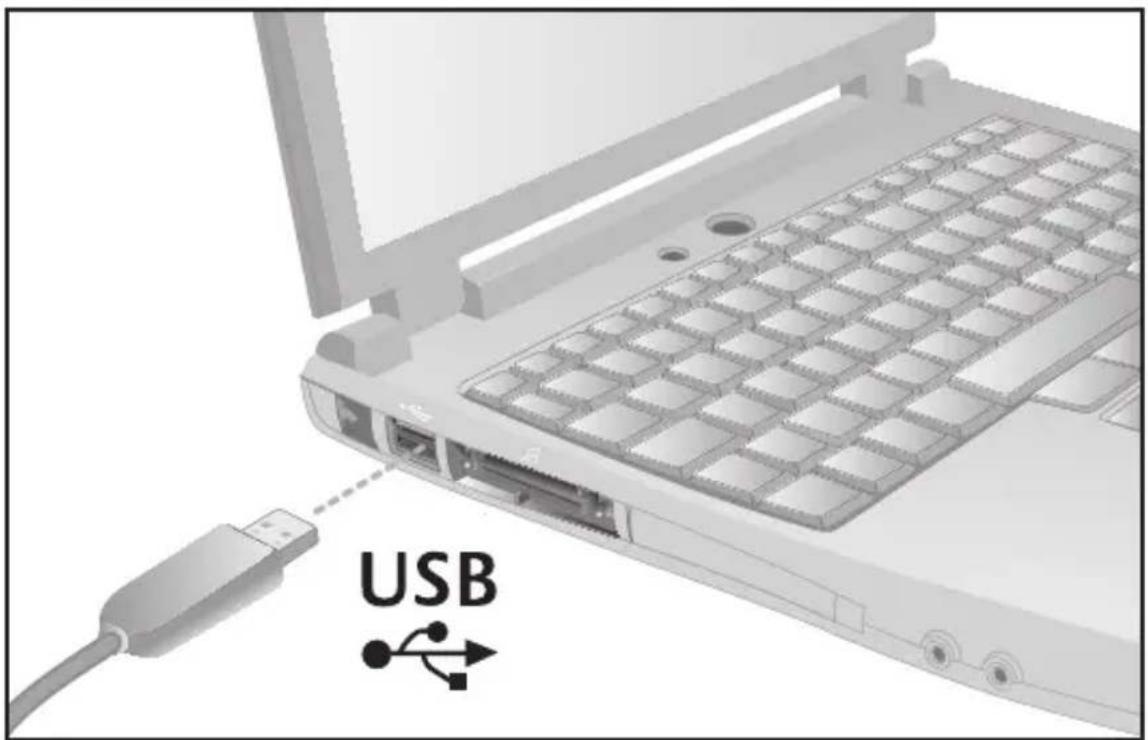
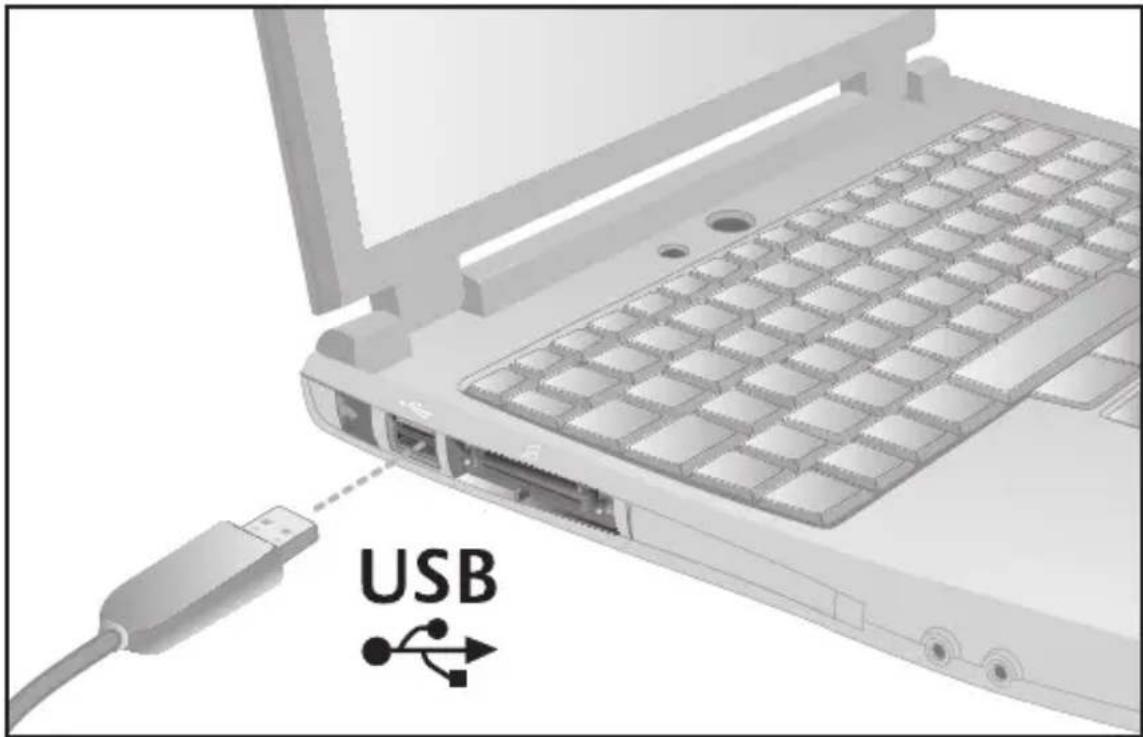
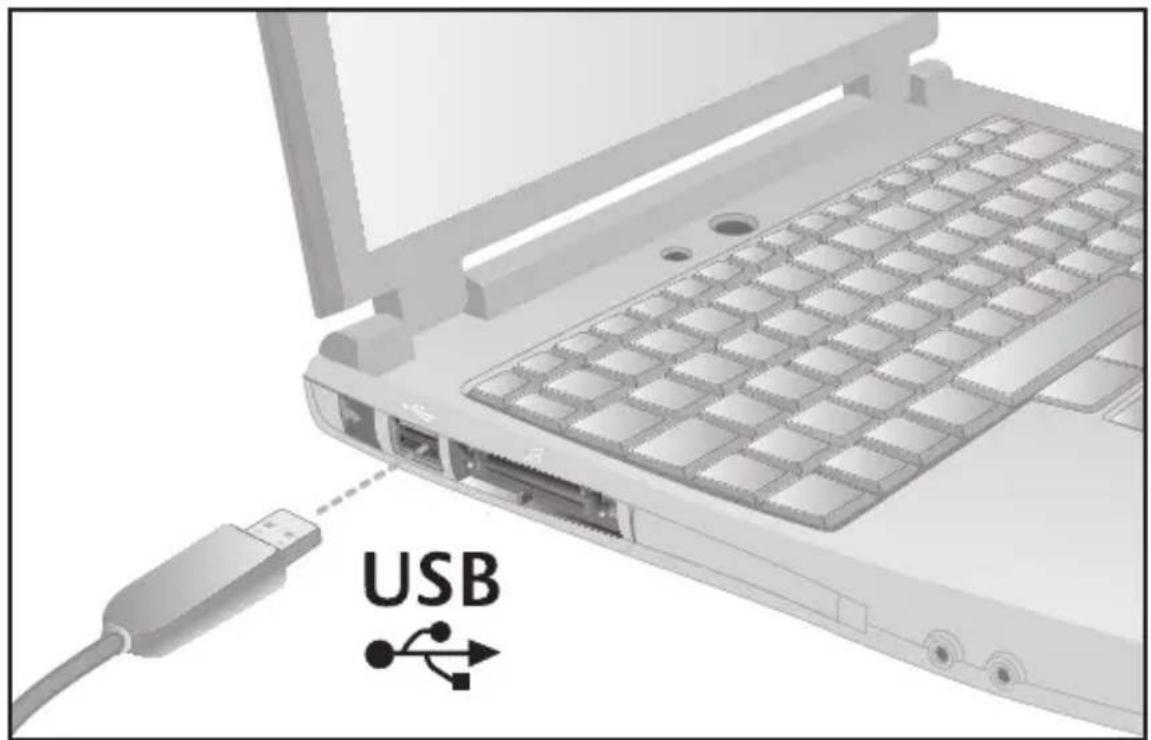
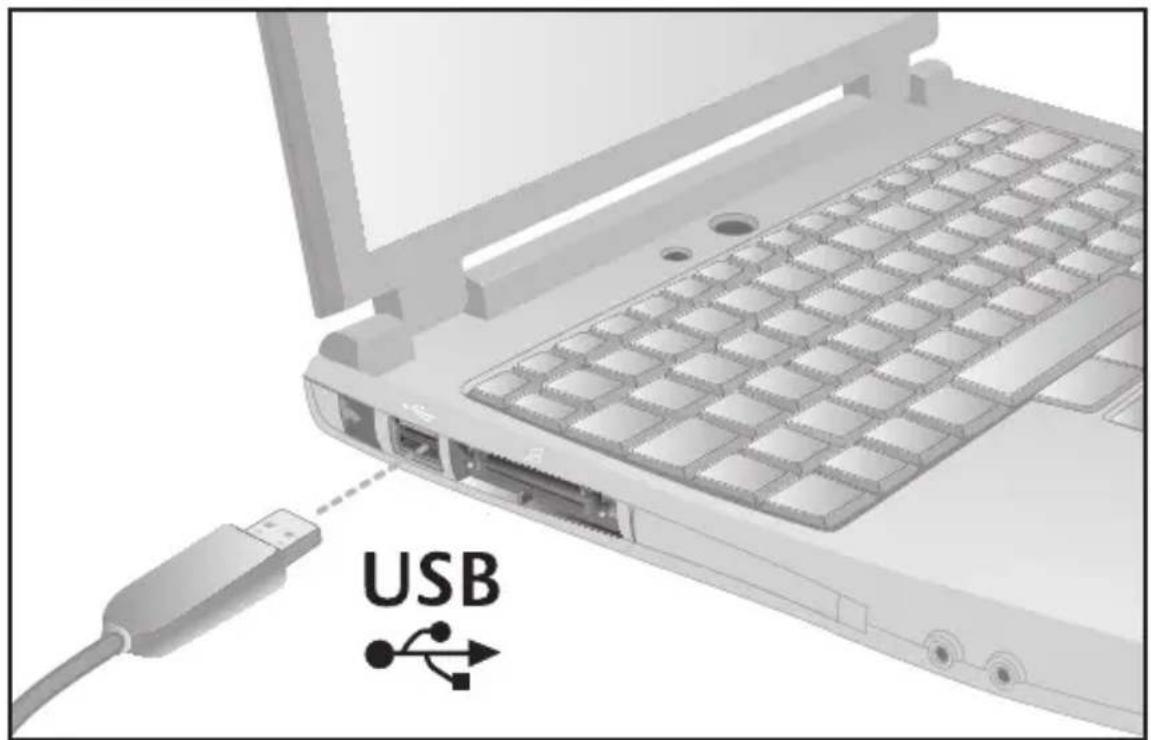
- Is the headset cable inserted fully into the computer's USB port?
- Set the headset as the active audio device in the application. Do the same for the Windows® Control Panel or Mac® OS X System Preferences.
- Adjust volume and microphone settings to an audible level in both the application and operating system.
- Try restarting the application.
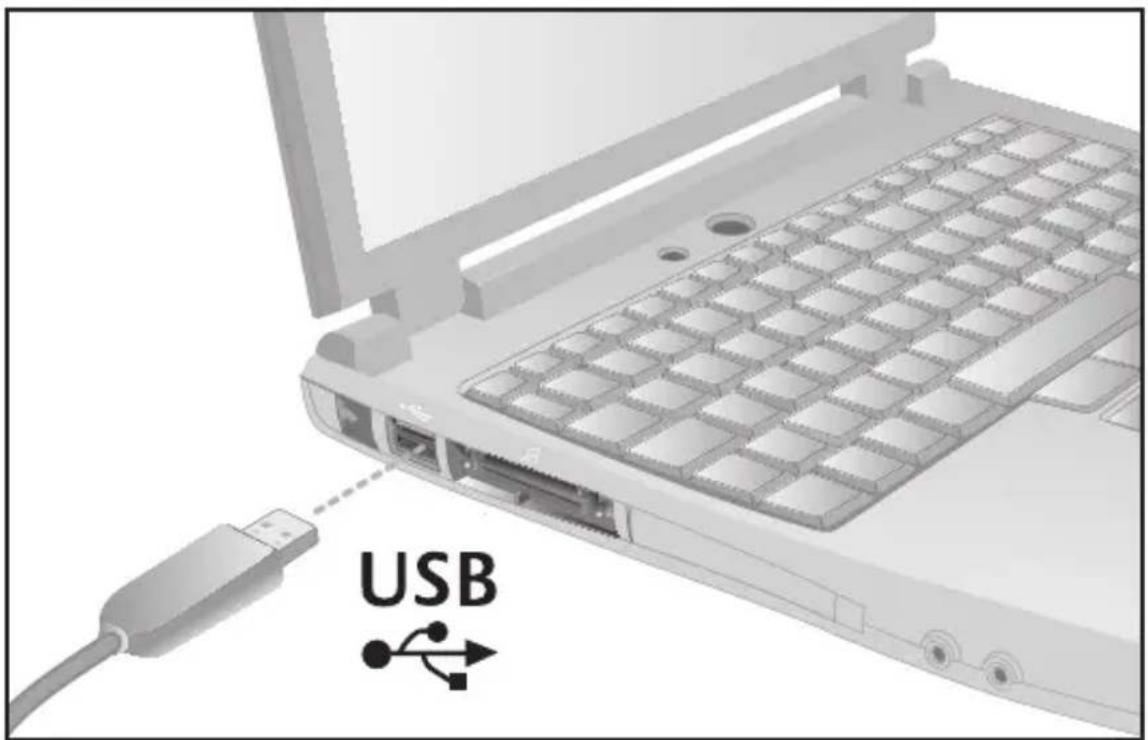
- Using a USB hub may cause degraded headset performance. For the best listening experience, plug the headset directly into a USB port on the computer.
Visit www.logitech.com for more troubleshooting tips.
Note: Your Logitech ^® USB Headset H530 features super wideband audio. To use super wideband audio, you must have the Logitech Vid ^™ , Skype ^® 4.0 for Windows ^® or later, and Skype 2.8 for Mac ^® or later. For more information, visit www.logitech.com/superwidebandaudio.
What do you think?
Please take a minute to tell us. Thank you for purchasing our product.\*
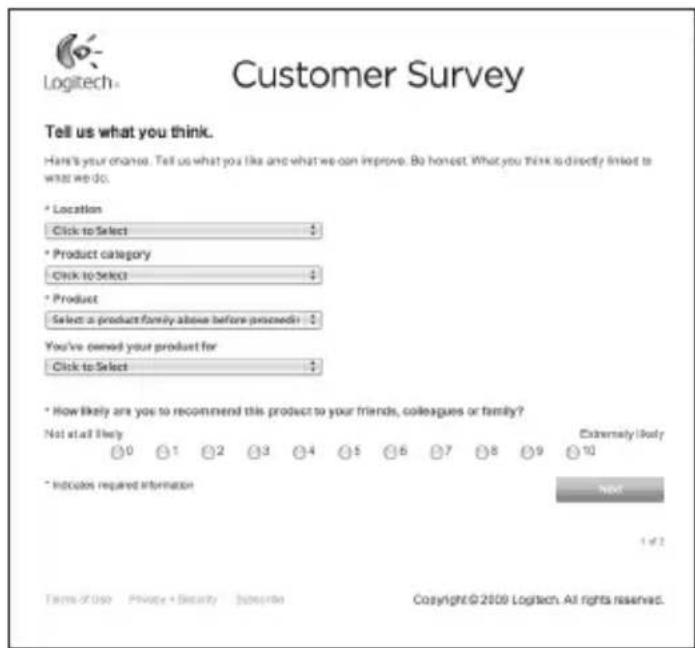
www.logitech.com/ithink
* The sample Customer Survey shown here is in English. Logitech supports many languages on its website.

11 Deutsch
1
12 Deutsch
2
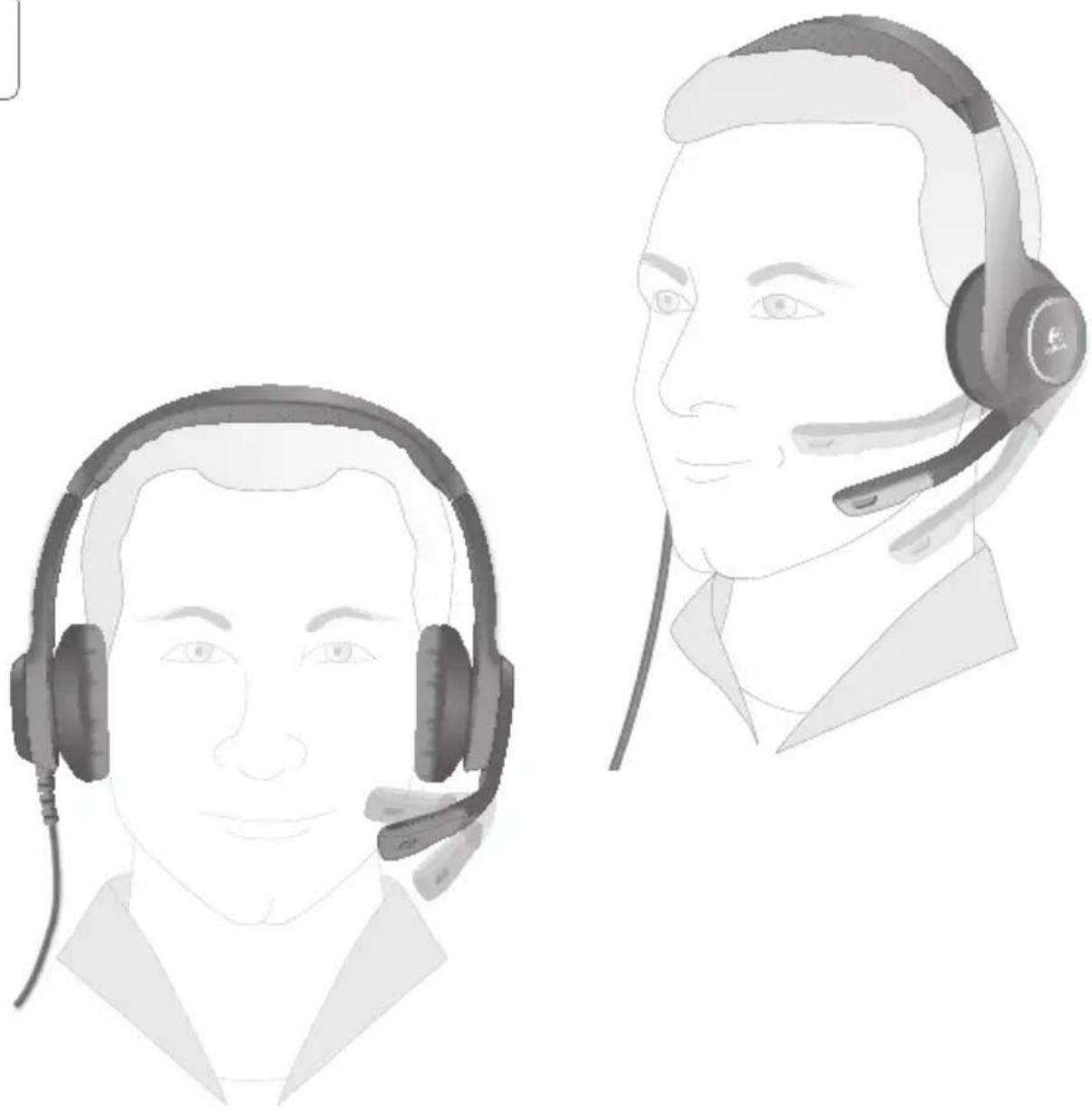
natural_image
Illustration of two male headsets with earphones, one in foreground and one in profile view (no text or symbols)13 Deutsch
3
14 Deutsch
4
www.logitech.com/ithink
1
2
natural_image
Illustration of two male headsets with earphones, one in foreground and one in profile view (no text or symbols)21 Français
3
22 Français
4
www.logitech.com/ithink
1
2
natural_image
Illustration of two male headsets with earphones, one in foreground and one in profile view (no text or symbols)3
30 Italiano
4
www.logitech.com/ithink
1
2
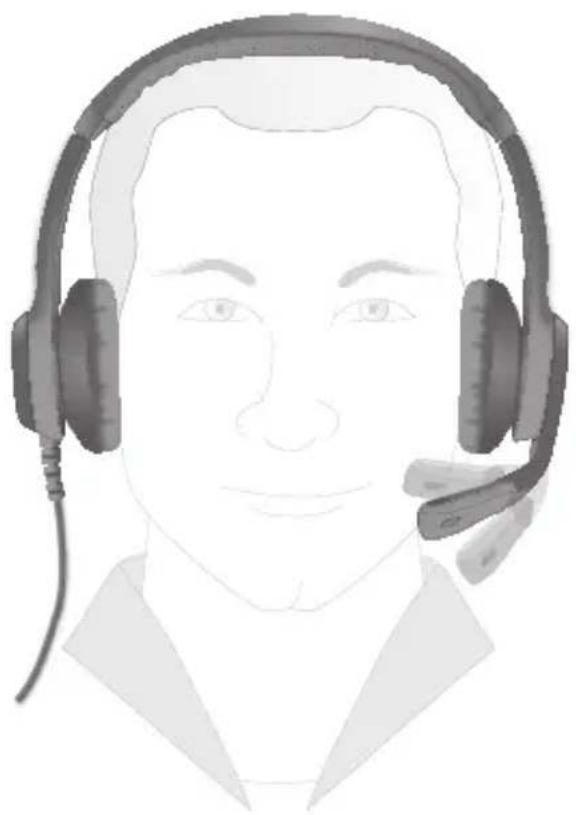
natural_image
Illustration of a person wearing a headset and earpiece (no text or symbols)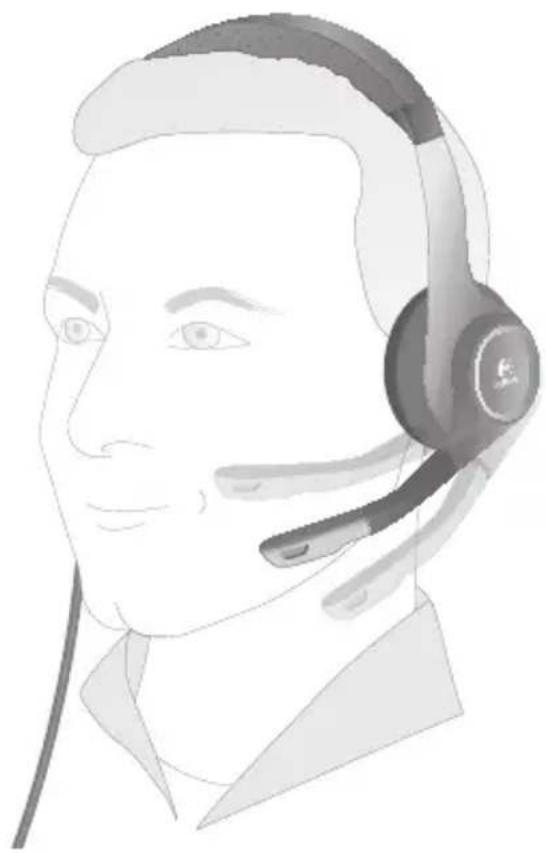
natural_image
Line drawing of a person wearing a headset (no text or symbols)3
38 Español
4
www.logitech.com/ithink
43 Português
1
2
natural_image
Illustration of two male headsets with earphones, one in foreground and one in profile view (no text or symbols)45 Português
3
46 Português
4
www.logitech.com/ithink
natural_image
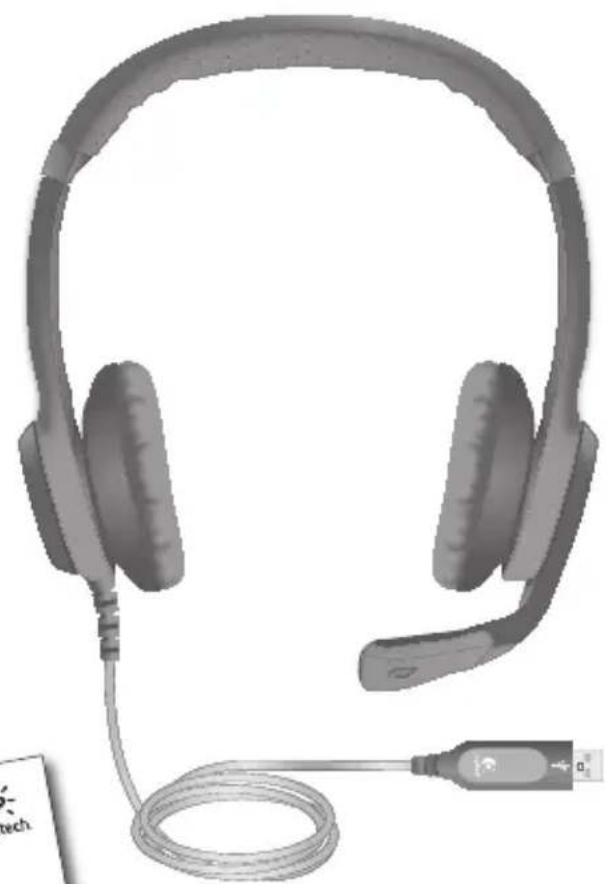
Illustration of a pair of hard headsets with a USB cable, no text or symbols present51 Nederlands
1
52 Nederlands
2
natural_image
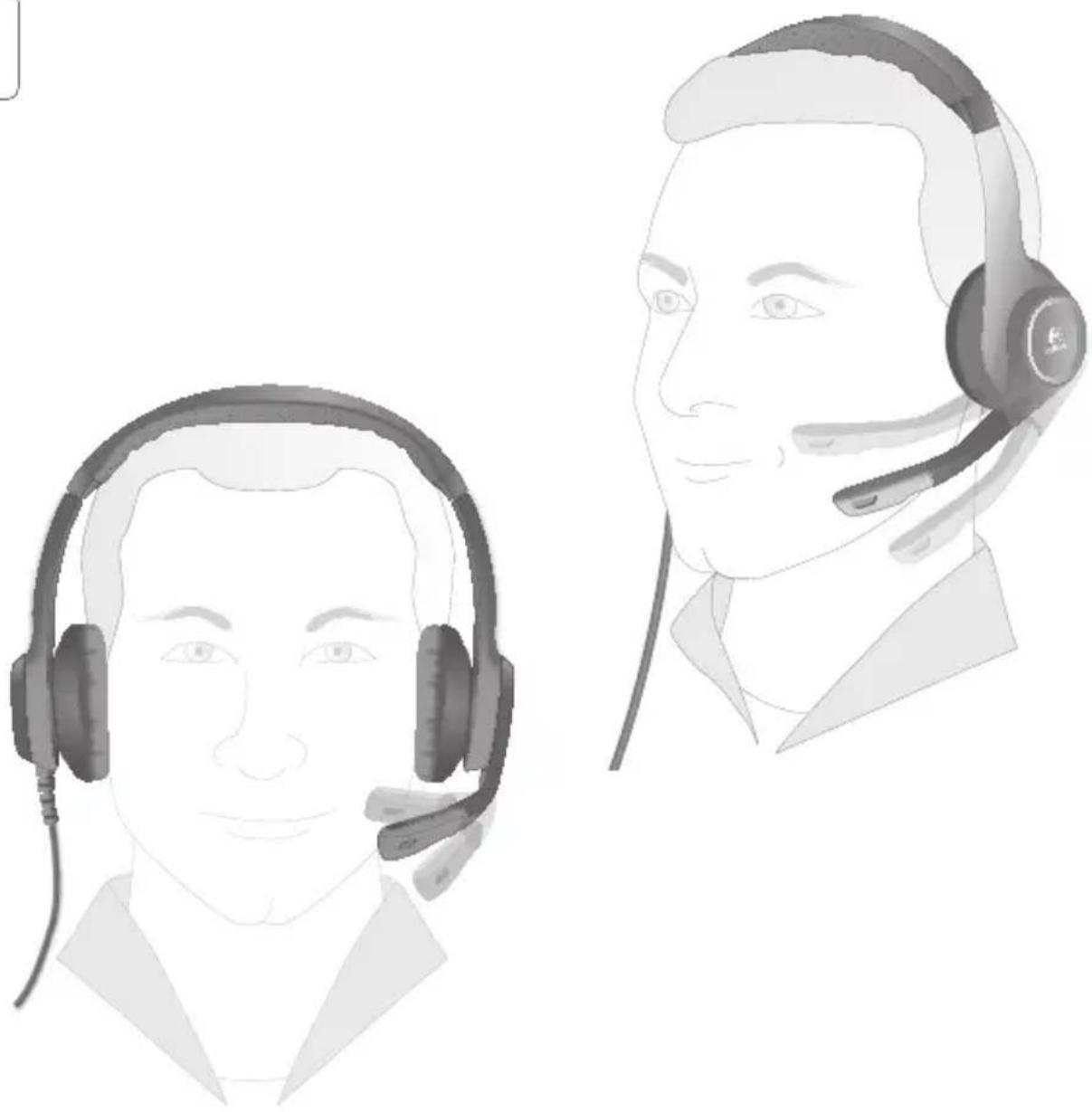
Illustration of two male headsets with earphones, one in foreground and one in profile view (no text or symbols)53 Nederlands
3
54 Nederlands
4
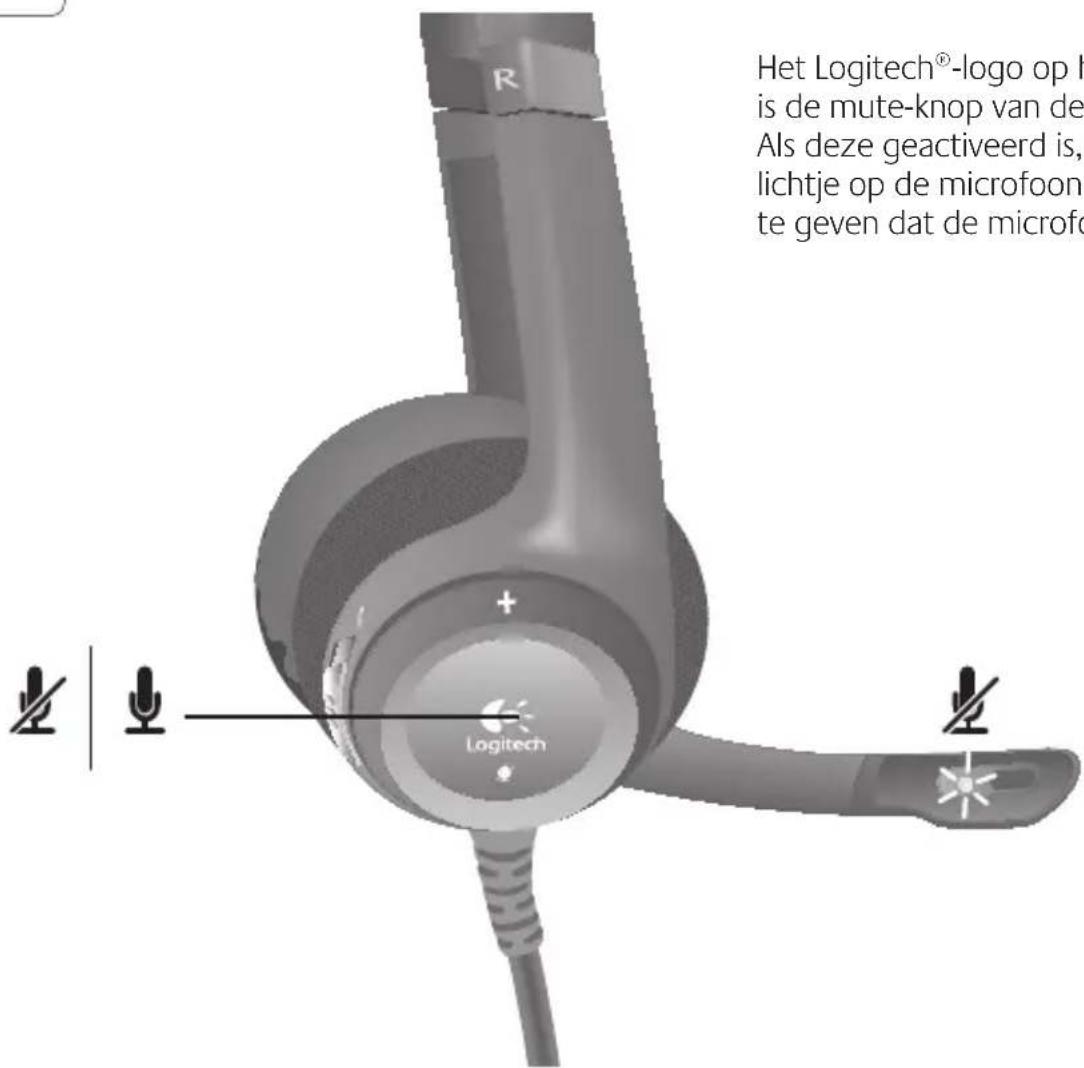
www.logitech.com/ithink
1
natural_image
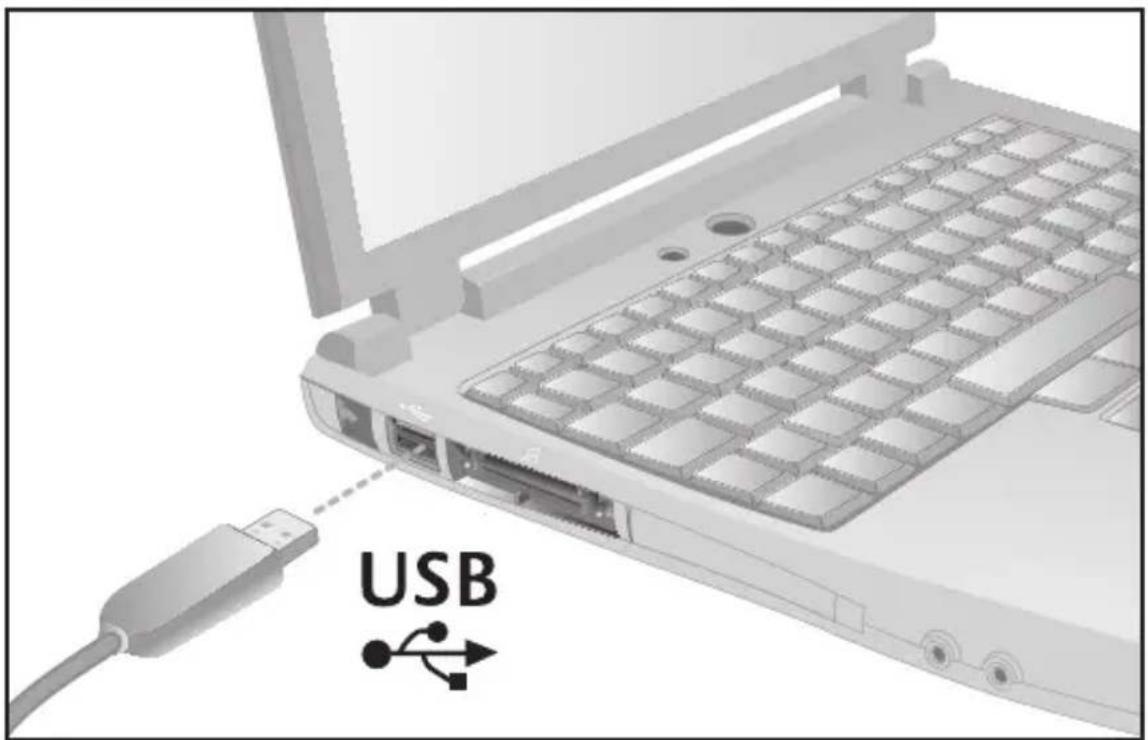
Laptop keyboard with USB port and cable connector, no text or symbols visible2

natural_image
Illustration of a person wearing a headset and earpiece (no text or symbols)
natural_image
Line drawing of a person wearing a headset (no text or symbols)3
4
www.logitech.com/ithink
1
2
natural_image
Illustration of two male headsets with earphones, one in foreground and one in profile view (no text or symbols)3
70 Dansk
4
www.logitech.com/ithink
1
2
natural_image
Illustration of a person wearing a headset and earpiece (no text or symbols)
natural_image
Line drawing of a person wearing a headset (no text or symbols)3
4
www.logitech.com/ithink
* Eksempelet på kundeundersøkelsen er på engelsk. Logitechs webområde finnes på mange språk.

1
2
natural_image
Illustration of two male headsets with earphones, one in foreground and one in profile view (no text or symbols)3
4
www.logitech.com/ithink
1
2
natural_image
Illustration of a person wearing a headset and earpiece (no text or symbols)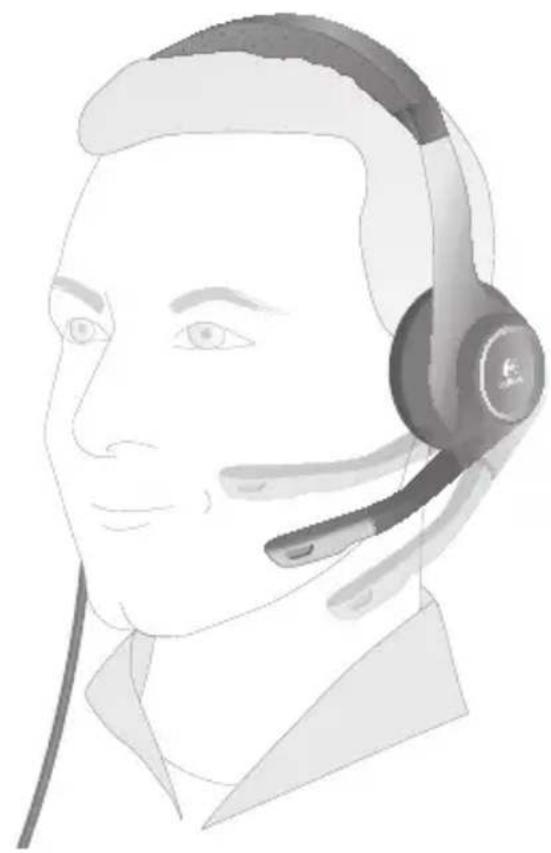
natural_image
Line drawing of a person wearing a headset (no text or symbols)3
4
www.logitech.com/ithink
1
2
natural_image
Illustration of a person wearing a headset (no text or symbols present)
natural_image
Line drawing of a person wearing a headset (no text or symbols)3
102 По-русски
4
www.logitech.com/ithink
1
2
natural_image
Illustration of a person wearing a headset (no text or symbols present)
natural_image
Line drawing of a person wearing a headset (no text or symbols)3
4
www.logitech.com/ithink
1
natural_image
Laptop keyboard with USB port and cable connector, no text or symbols visible2
natural_image
Illustration of a person wearing a headset (no text or symbols present)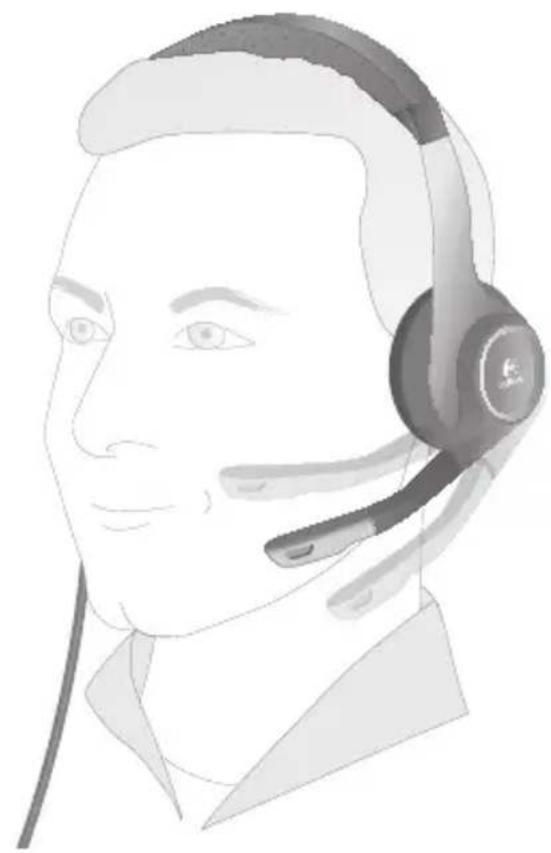
natural_image
Line drawing of a person wearing a headset (no text or symbols)3
4
www.logitech.com/ithink
1
2
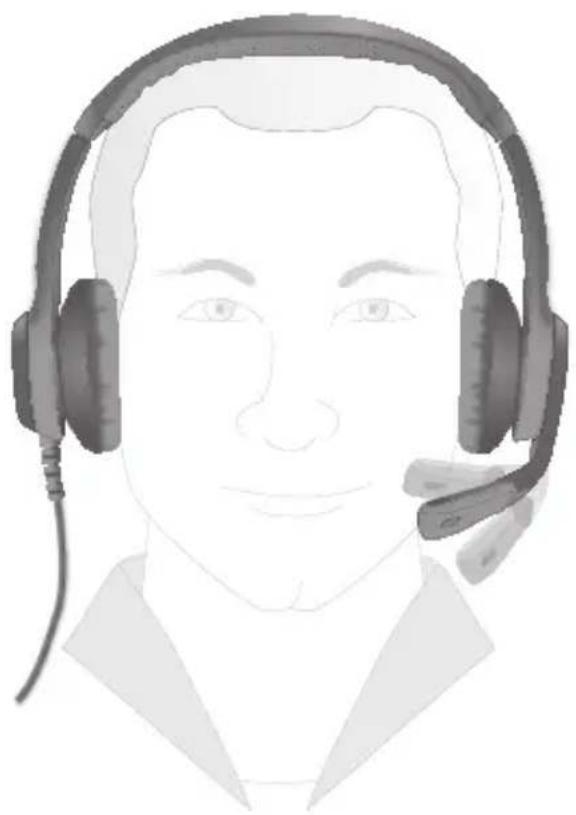
natural_image
Illustration of a person wearing a headset (no text or symbols present)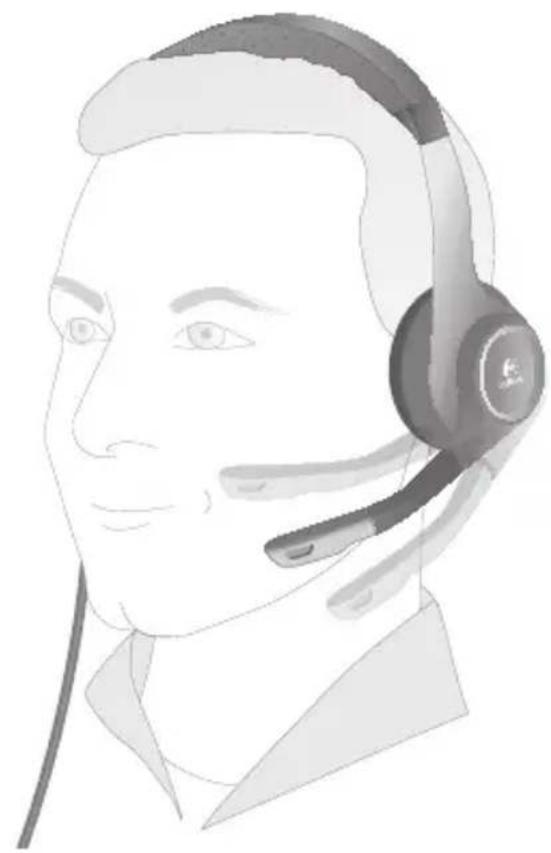
natural_image
Line drawing of a person wearing a headset (no text or symbols)3
4
www.logitech.com/ithink
1
2
natural_image
Illustration of a person wearing a headset (no text or symbols present)
natural_image
Line drawing of a person wearing a headset (no text or symbols)3
134 Eesti
4
www.logitech.com/ithink
1
2
natural_image
Illustration of a person wearing a headset (no text or symbols present)
natural_image
Line drawing of a person wearing a headset (no text or symbols)3
4
www.logitech.com/ithink
1
2
natural_image
Illustration of a person wearing a headset (no text or symbols present)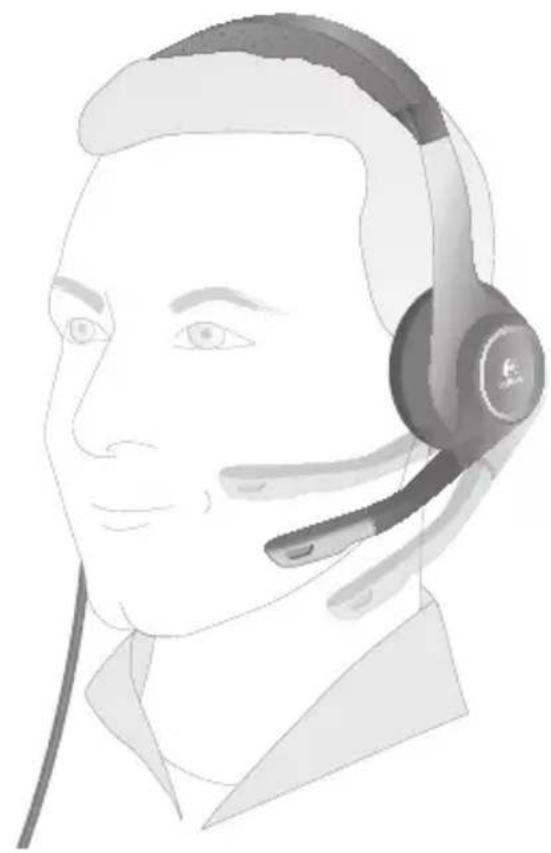
natural_image
Line drawing of a person wearing a headset (no text or symbols)3
150 Lietuvių
4
www.logitech.com/ithink
1
2
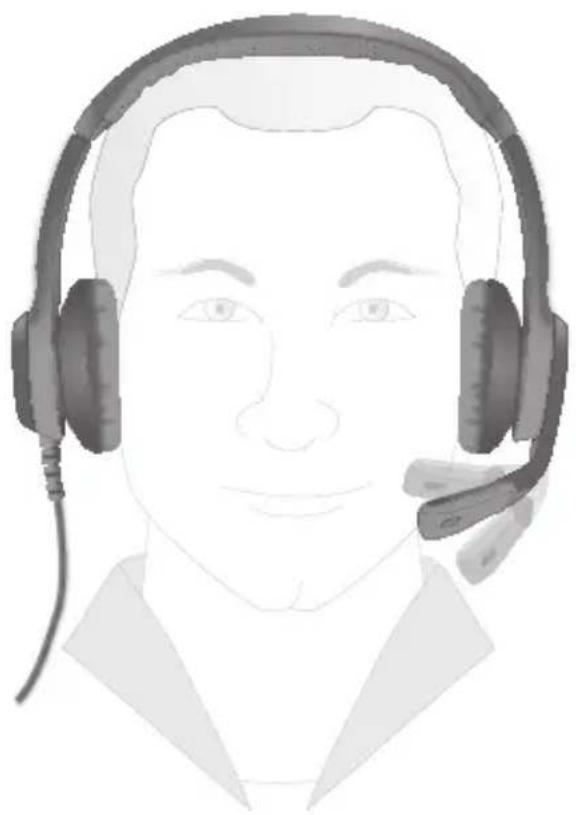
natural_image
Illustration of a person wearing a headset (no text or symbols present)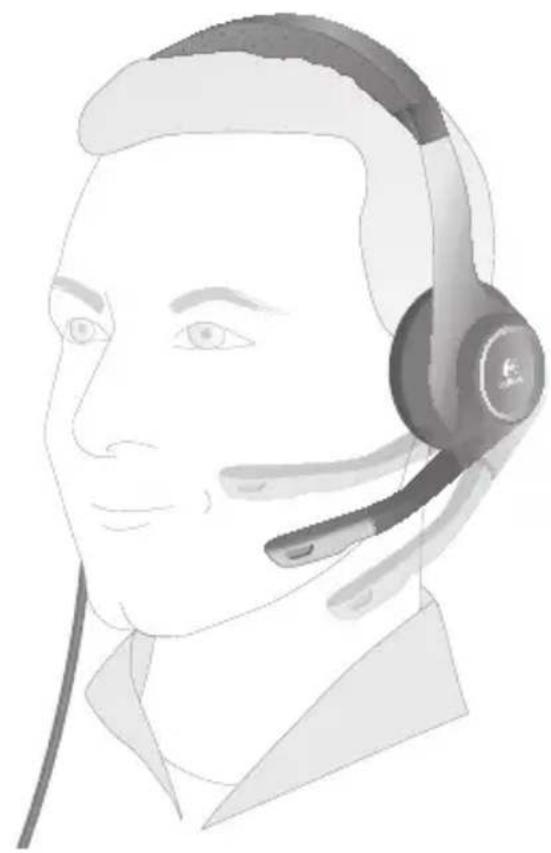
natural_image
Line drawing of a person wearing a headset (no text or symbols)3
4
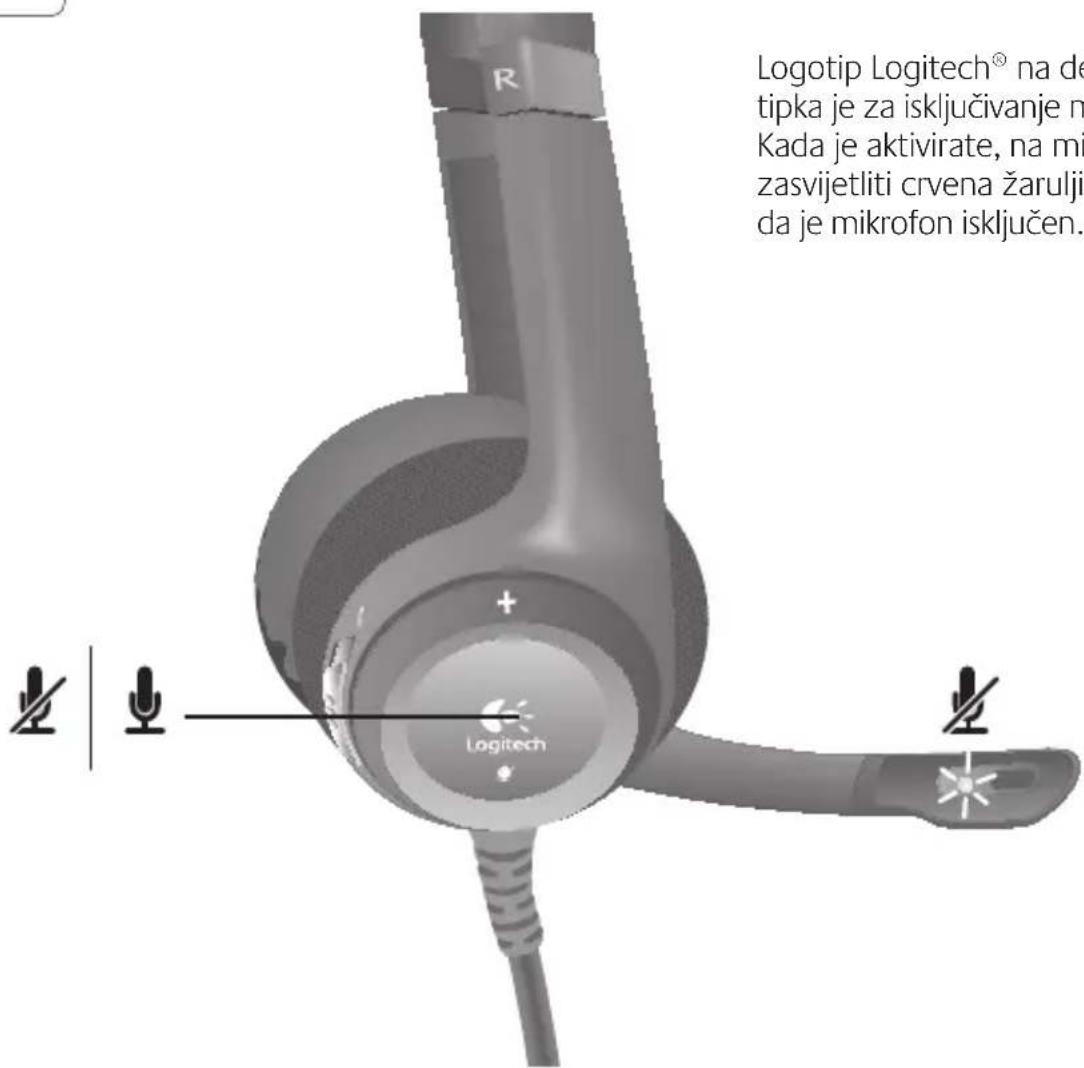
Logotip Logitech ^® na desnoj slušalici tipka je za isključivanje mikrofona. Kada je aktivirate, na mikrofonu će zasvijetliti crvena žaruljica, što pokazuje da je mikrofon isključen.
5
www.logitech.com/ithink
1
2
natural_image
Illustration of a person wearing a headset (no text or symbols present)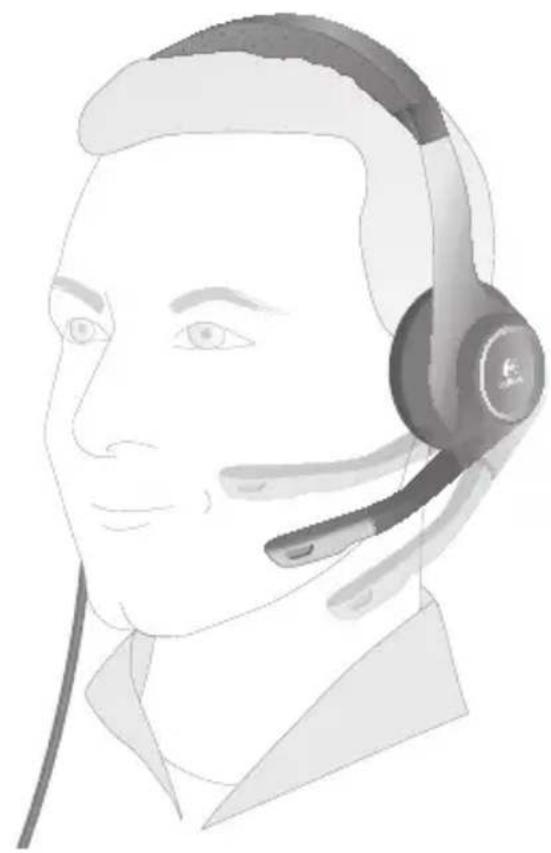
natural_image
Line drawing of a person wearing a headset (no text or symbols)3
4
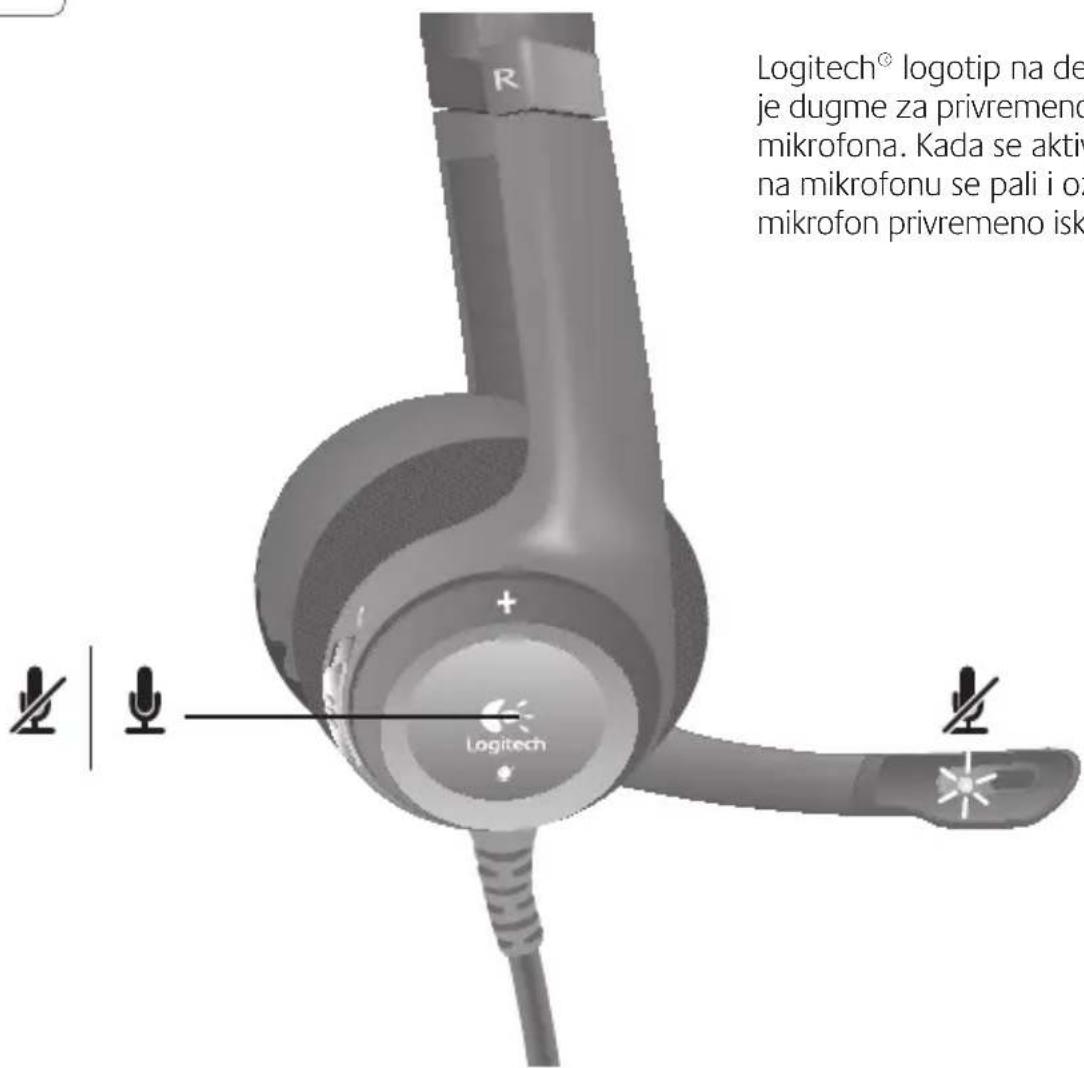
Logitech ^ logotip na desnoj slušalici je dugme za privremeno isključivanje mikrofona. Kada se aktivira, crveno svetlo na mikrofonu se pali i označava da je mikrofon privremeno isključen.
5
www.logitech.com/ithink
* Uzorak ankete korisnika prikazan ovde je na engleskom jeziku. Logitech na svojoj Veb lokaciji podržava veliki broj jezika.

1
2
natural_image
Illustration of two male headsets with headsets, one in foreground and one in profile view (no text or symbols)3
4
www.logitech.com/ithink
1
2
natural_image
Illustration of a person wearing a headset (no text or symbols present)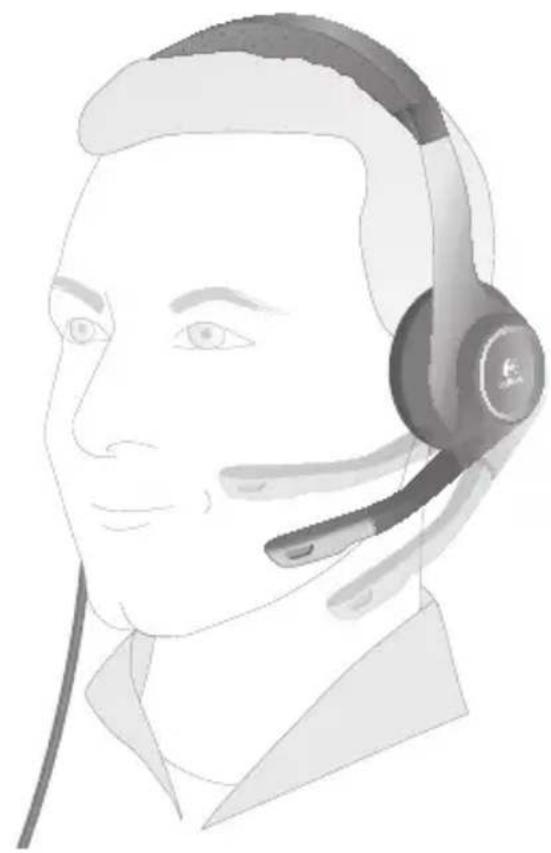
natural_image
Line drawing of a person wearing a headset (no text or symbols)3
4
www.logitech.com/ithink
1
2
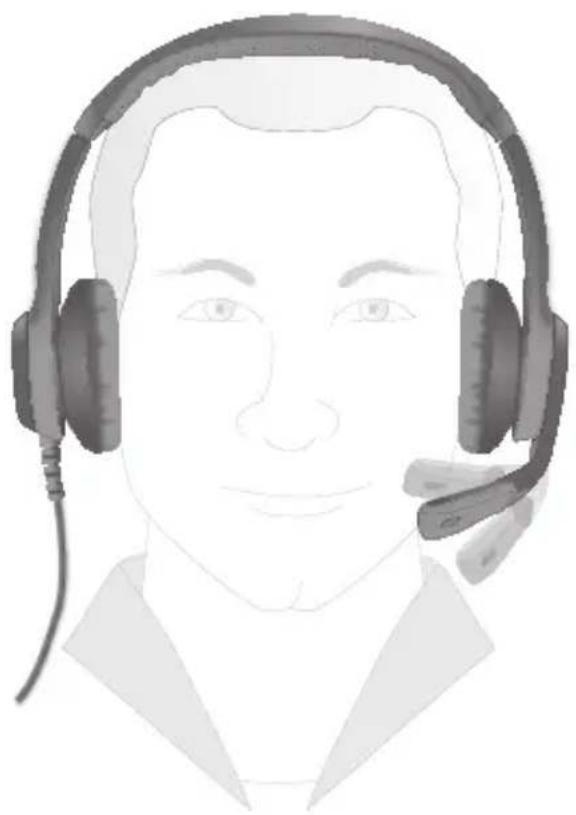
natural_image
Illustration of a person wearing a headset (no text or symbols present)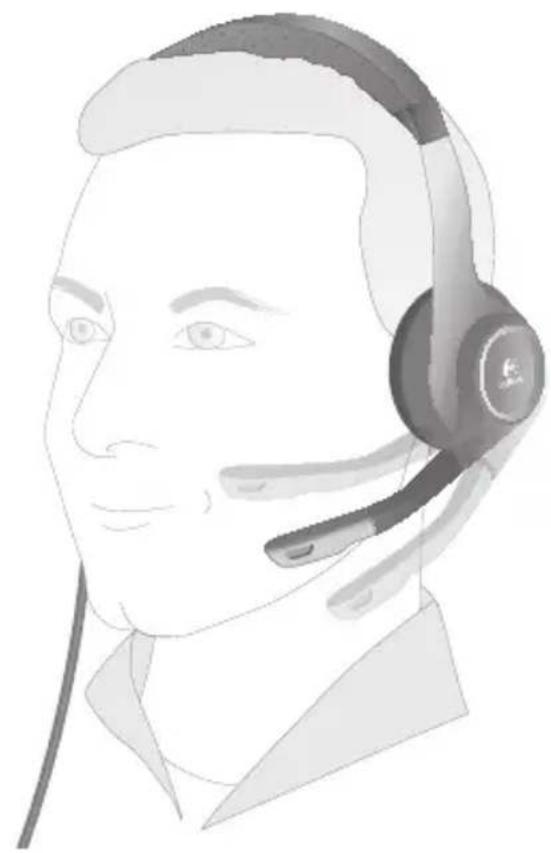
natural_image
Line drawing of a person wearing a headset (no text or symbols)3
4
www.logitech.com/ithink
1
2
natural_image
Illustration of two male headsets with earphones, one in foreground and one in profile view (no text or symbols)197 Български
3
198 Български
4
www.logitech.com/ithink
1
2
natural_image
Illustration of two male headsets with earphones, one in foreground and one in profile view (no text or symbols)3
206 Українська
4
www.logitech.com/ithink
1
212 Türkçe
2
natural_image
Illustration of a person wearing a headset (no text or symbols present)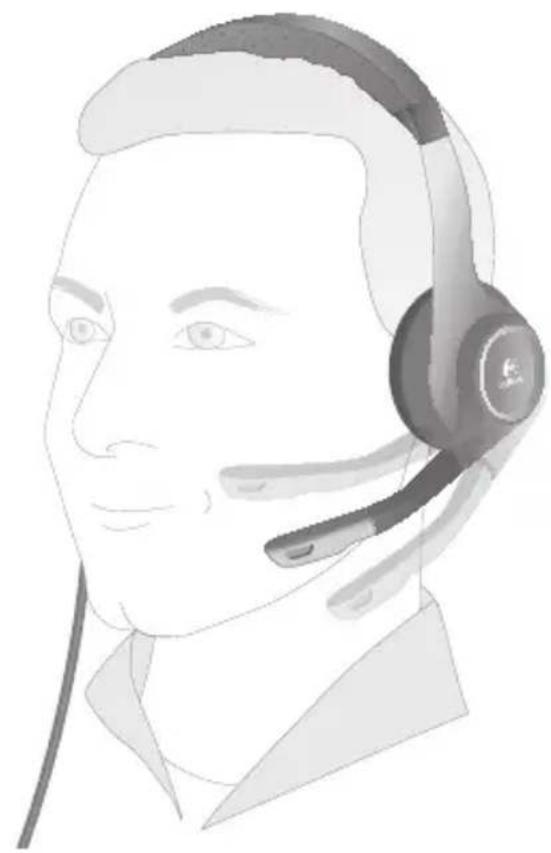
natural_image
Line drawing of a person wearing a headset (no text or symbols)213 Türkçe
3
214 Türkçe
4
www.logitech.com/ithink
Tell us what you think.
Hare's your chance. Tell us what you like and what we can improve. Be honest. What you think is directly linked to what we do.
• Location
Click to Select
* Product category
CHK 10-36KXT
• Product
Select a product family above before procedure:
You've owned your product for
Click to Select
* How likely are you to recommend this product to your friends, colleagues or family?
Not at all likely Extremely likely
0 1 2 3 4 5 6 7 8 9 10
* Includes required information

1#2
Terms of Use Private + Security Subscription
Copyright © 2009 Logitech. All rights reserved.
www.logitech.com/ithink
natural_image
Illustration of a person wearing a headset and earpiece (no text or symbols)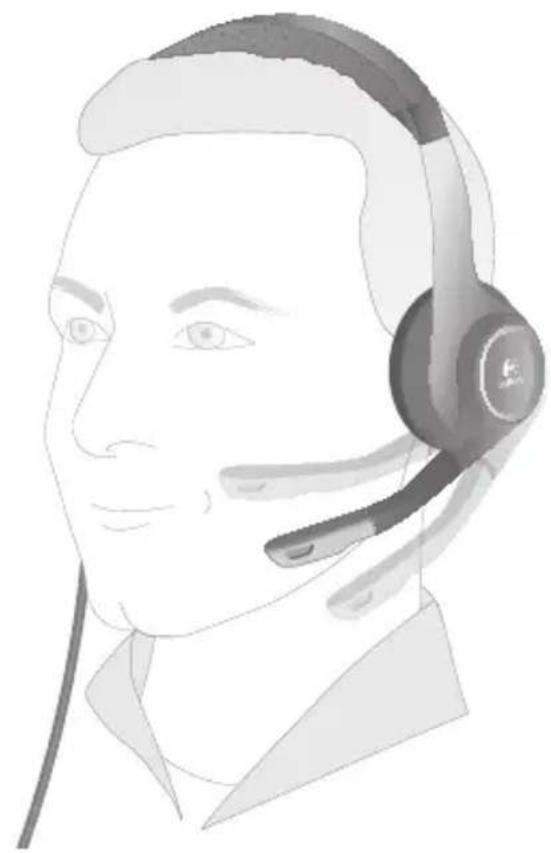
natural_image
Line drawing of a person wearing a headset (no text or symbols)1

www.logitech.com/support
| België / Belgique | Dutch: +32-(0)2 200 64 44;French: +32-(0)2 200 64 40 | Россия | +7(495) 641 34 60 |
| Česká Republika | +420 239 000 335 | Schweiz / SuisseSvizzera | D +41-(0)22 761 40 12F +41-(0)22 761 40 16I +41-(0)22 761 40 20E +41 (0)22 761 40 25 |
| Danmark | +45-38 32 31 20 | ||
| Deutschland | +49-(0)69-51 709 427 | South Africa | 0800 981 089 |
| España | +34 -91-275 45 88 | Suomi | +358-(0)9 725 191 08 |
| France | +33-(0)1-57 32 32 71 | Sverige | +46-(0)8-501 632 83 |
| Ireland | +353-(0)1 524 50 80 | Türkiye | 00800 44 882 5862 |
| Italia | +39-02-91 48 30 31 | United ArabEmirates | 8000 441-4294 |
| Magyarország | +36-177-74 853 | United Kingdom | +44-(0)203-024-81 59 |
| Nederland | +31-(0)-20-200 84 33 | European,Mid. East., &African Hq.Romanels/Morges,Switzerland | English: +41-(0)22 761 40 25Fax: +41-(0)21 863 54 02 |
| Norge | +47-(0)24 159 579 | ||
| Österreich | +43-(0)1 206 091 026 | ||
| Polska | 00800 441 17 19 | Eastern Europe | English: 41-(0)22 761 40 25 |
| Portugal | +351-21-415 90 16 |
| United States | +1 646-454-3200 | Chile | 1230 020 5484 |
| Argentina | +0800 555 3284 | Latin America | +55 11 3444 6761 |
| Brasil | +0800 891 4173 | Mexico | 001 800 578 9619 |
| Canada | +1-866-934-5644 |

Logitech.
www.logitech.com
© 2010 Logitech. All rights reserved. Logitech, the Logitech logo, and other Logitech marks are owned by Logitech and may be registered. Microsoft, Windows Vista, Windows, and the Windows logo are trademarks of the Microsoft group of companies. Mac and the Mac logo are trademarks of Apple Inc., registered in the U.S. and other countries. All other trademarks are the property of their respective owners. Logitech assumes no responsibility for any errors that may appear in this manual. Information contained herein is subject to change without notice.