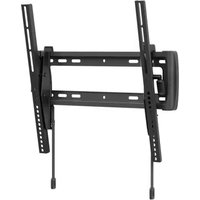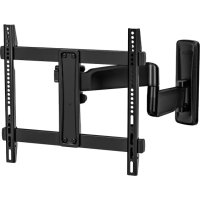
ERMMM901B - Flat screen mount ErgoAV - Free user manual and instructions
Find the device manual for free ERMMM901B ErgoAV in PDF.



User questions about ERMMM901B ErgoAV
0 question about this device. Answer the ones you know or ask your own.
Ask a new question about this device
Download the instructions for your Flat screen mount in PDF format for free! Find your manual ERMMM901B - ErgoAV and take your electronic device back in hand. On this page are published all the documents necessary for the use of your device. ERMMM901B by ErgoAV.
USER MANUAL ERMMM901B ErgoAV
Medium Motion TV Mount Instruction Manual
Rev00
Thank you for choosing ErgoAV!
At ErgoAV, our goal is to add value to your AV experience by providing the highest quality products and services in the industry. We offer a 5-year warranty. If you have any questions or concerns, please contact us.

ErgoAV

9501 Louisiana Ave N, #200, Brooklyn Park, MN 55445

(877) 419-7832 Mon-Fri 8am - 8pm (CST)

support@ergoav.com

www.ergoav.com
BEFORE GETTING STARTED, LET'S MAKE SURE THIS MOUNT IS COMPATIBLE
1
Check VESA
Pattern
Compatibility
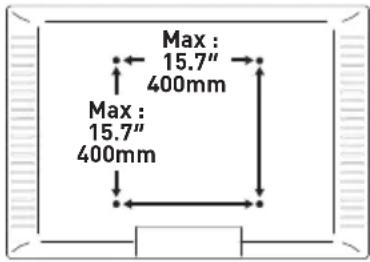
Compatible VESA Patterns:
100 × 100mm 200 × 200mm 300 × 200mm
100 × 200mm 200 × 300mm 300 × 300mm
200× 100mm 300× 150mm 300× 400mm
Maximum/Minimum:
400× 400mm [15.7x15.7"] 400× 300mm
100× 100mm (3.9× 3.9^ ) 400× 400mm
If this mount is not compatible, please contact product support.
2
Check Max Load
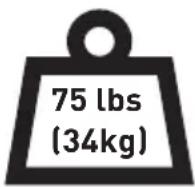
!
WARNING
DO NOT exceed the Max Load. Use with products heavier than the Max Load may result in failure of the mount and its accessories, causing possible damage and/or injury.
If your TV weighs more, this mount is NOT compatible.
3
Verify Wall Type

WARNING
DO NOT install on drywall alone.
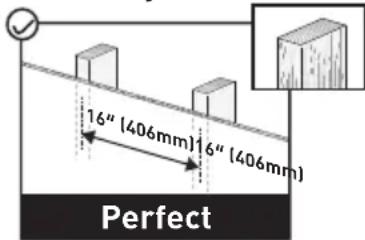
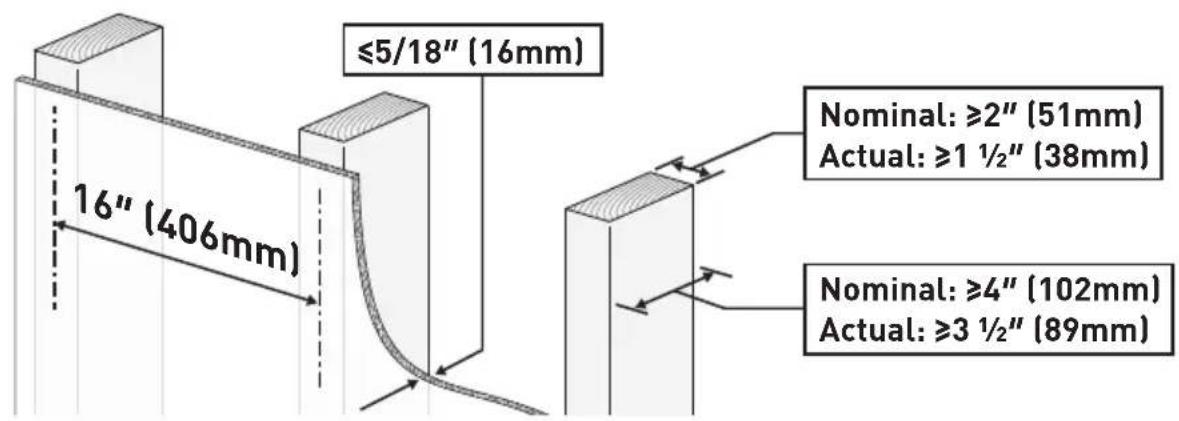
Wood Studs (with Drywall)
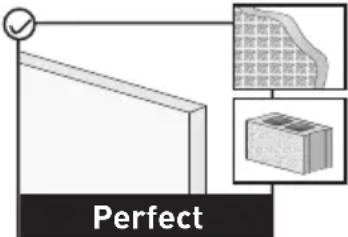
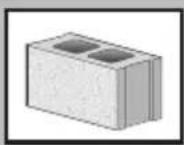
Concrete and Concrete Block Walls

Unsure?
Contact us.
4
Tools Needed (not included)
Electric Drill
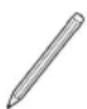
Pencil
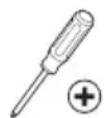
Phillips
Screwdriver
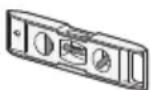
Level
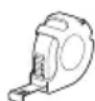
Tape Measure
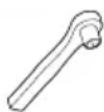
1/2" (13mm) Socket Wrench
For Wood Stud Walls
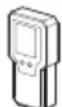
Stud Finder Awl

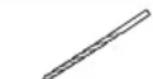
7/32" (5.5mm) Wood Drill Bit
For Concrete and Concrete Block Walls
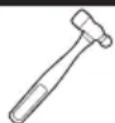
Hammer
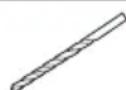
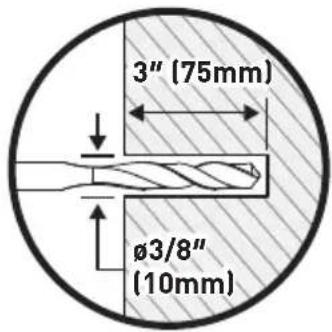
3/8" [10mm] Concrete Drill Bit
5
Important Safety Information
DANGER: Please carefully read all instructions before attempting installation. If you DO NOT understand the instructions or have any questions or concerns, please call technical support or email customer service.
CAUTION: Avoid the risk of personal injury and property damage!
WARNING: All fasteners must be firmly tightened!
-
This mount can only be installed on wood studs, concrete and concrete block walls. DO NOT install on drywall alone.
-
The wall must be capable of supporting four times the weight of the TV and mount combined.
- This product contains small parts that may pose a choking hazard.
- DO NOT use this product for any purpose that is NOT explicitly specified in this manual. DO NOT exceed the maximum weight capacity. We are not liable for damage or injury caused by incorrect assembly, improper mounting, or inappropriate use.
- Use this mounting system only for its intended purpose as described in these instructions. DO NOT use attachments not recommended by the manufacturer.
DO NOT use outdoors.
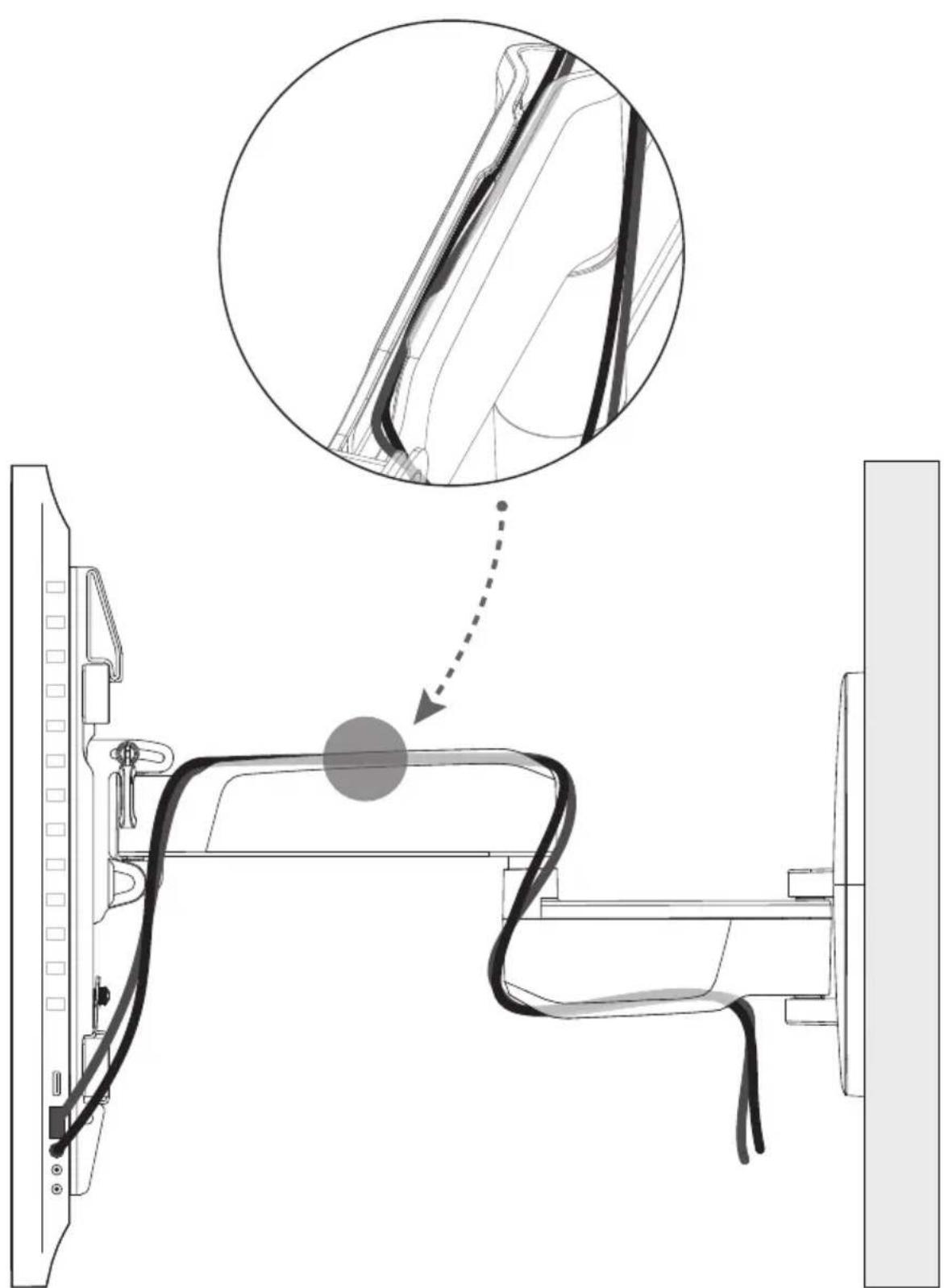
- Route cords and cables properly to avoid mechanical damage.
SAVE THESE INSTRUCTIONS
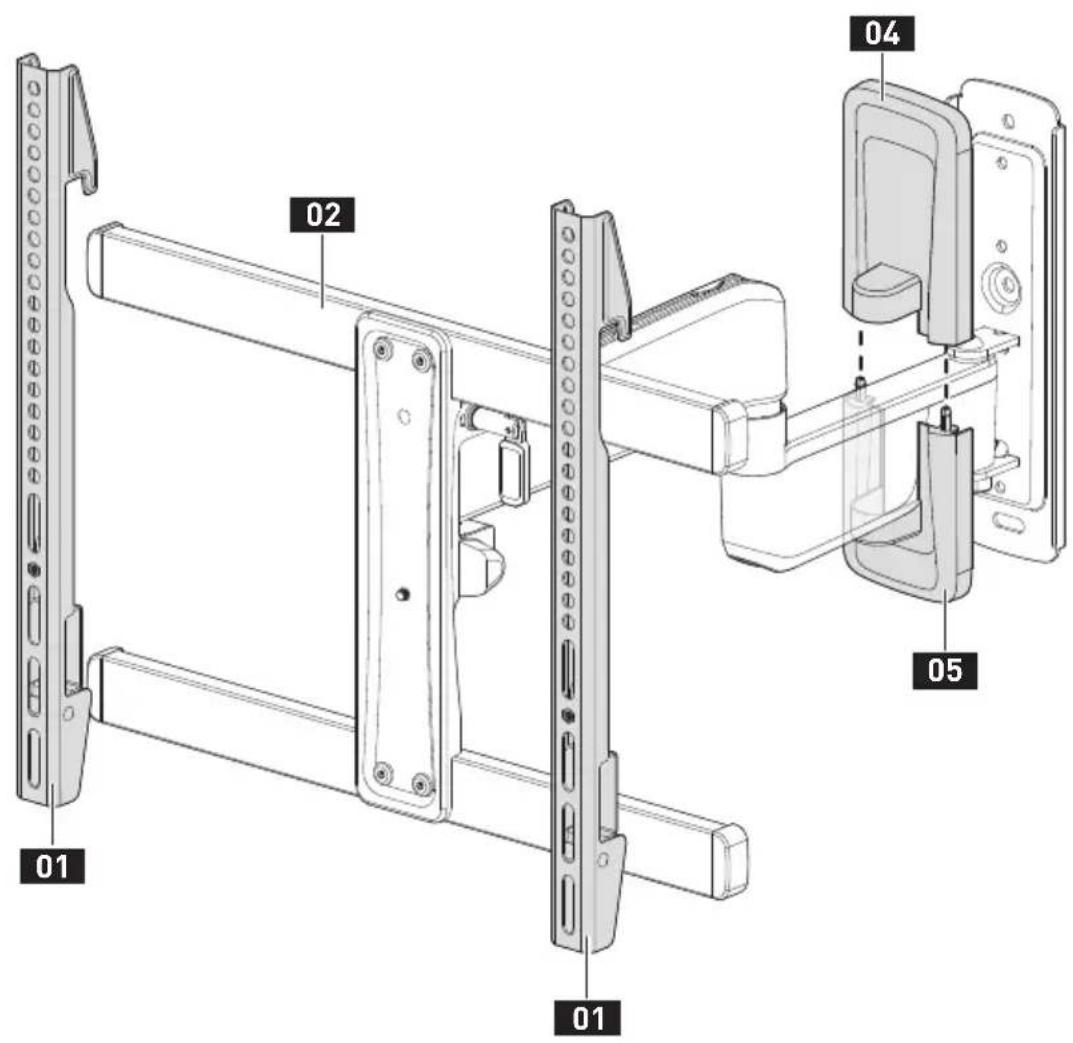
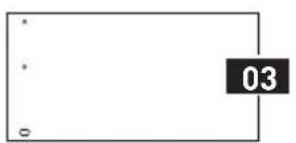
01 TV Bracket
02 Arm Assembly / Wall Plate
03 Wall Plate Template
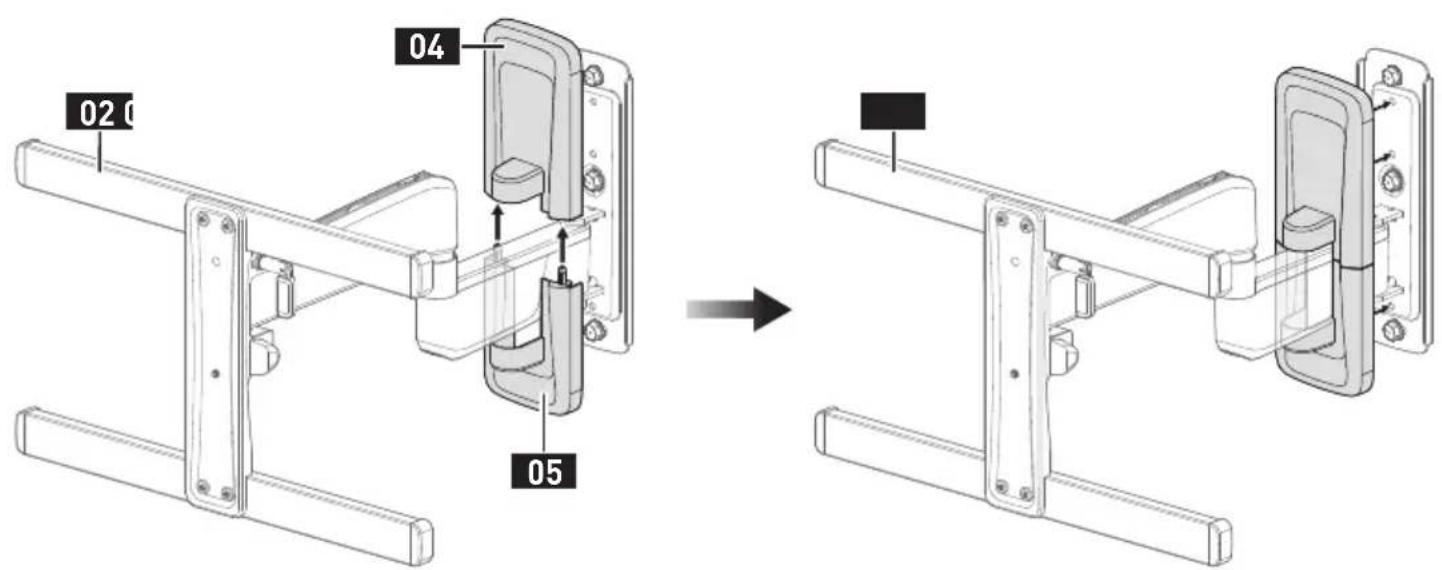
04 Upper Wall Plate Cover
Lower Wall Plate Cover
INSTALLATION
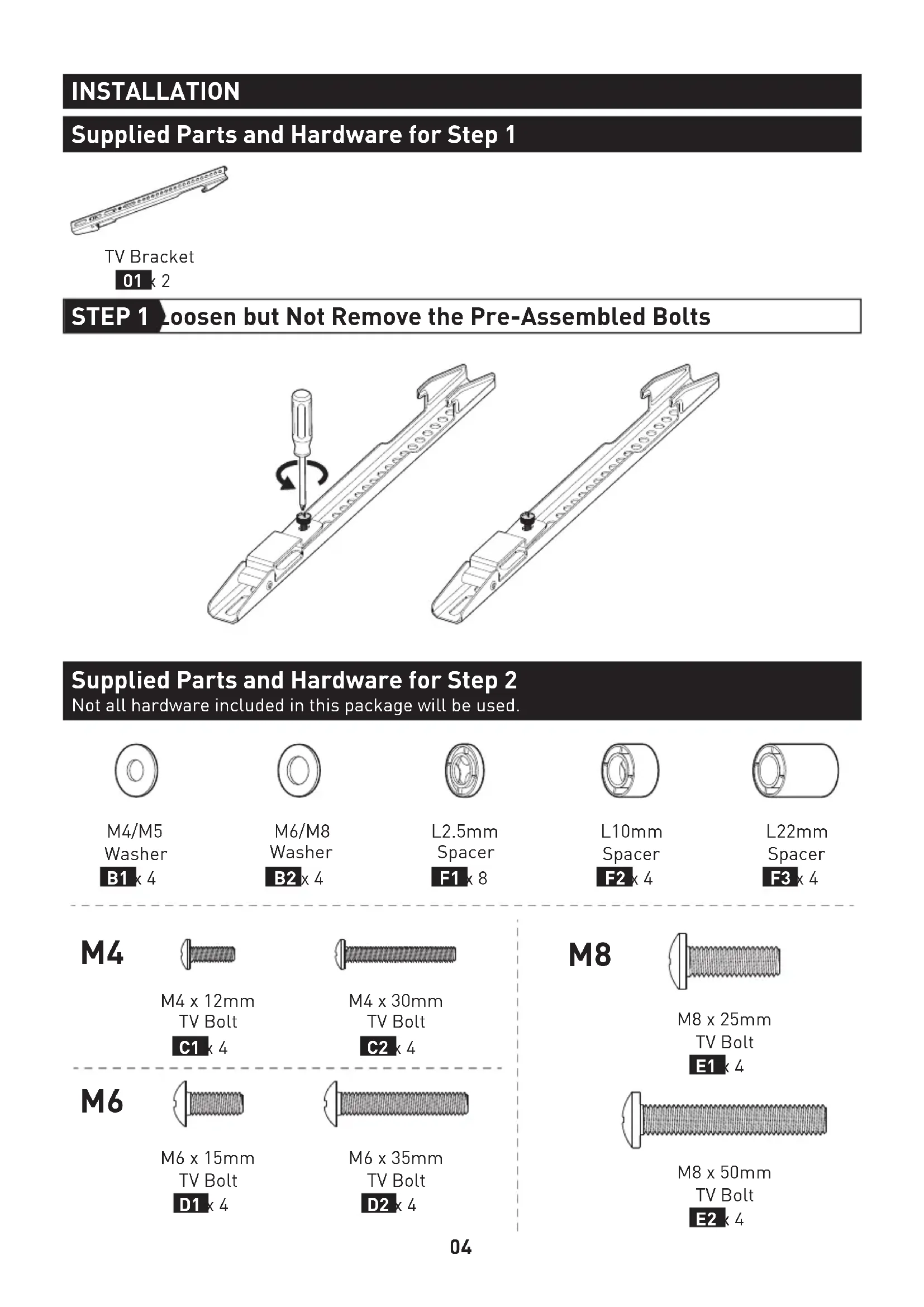
Supplied Parts and Hardware for Step 1
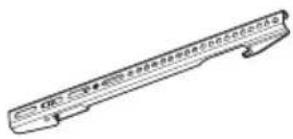
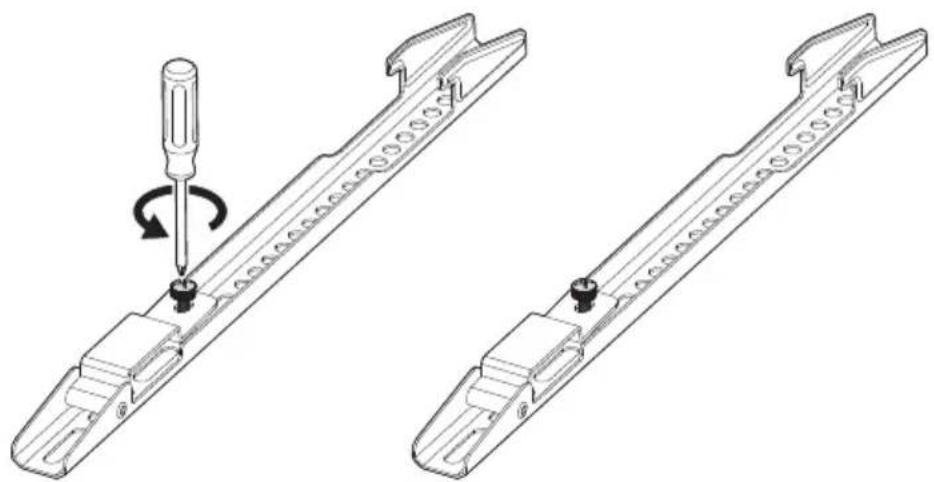
TV Bracket
012
STEP 1 Loosen but Not Remove the Pre-Assembled Bolts
Supplied Parts and Hardware for Step 2
Not all hardware included in this package will be used.
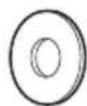
M4/M5
Washer
B1×4
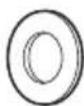
M6/M8
Washer
B2x4
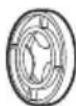
L2.5mm
Spacer
F1x8
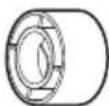
L10mm
Spacer
F2x4
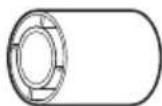
L22mm
Spacer
F3×4
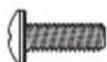
M4
M4 x 12mm
TV Bolt
C1 4

M4×30mm
TV Bolt
c2 4
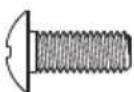
M6
M6 x 15mm
TV Bolt
D1 4
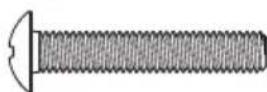
M6 x 35mm
TV Bolt
D2×4
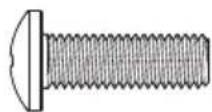
M8
M8×25mm
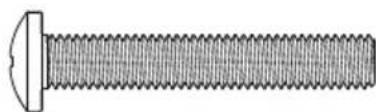
TV Bolt
E1 4
M8×50mm
TV Bolt
E2 k 4
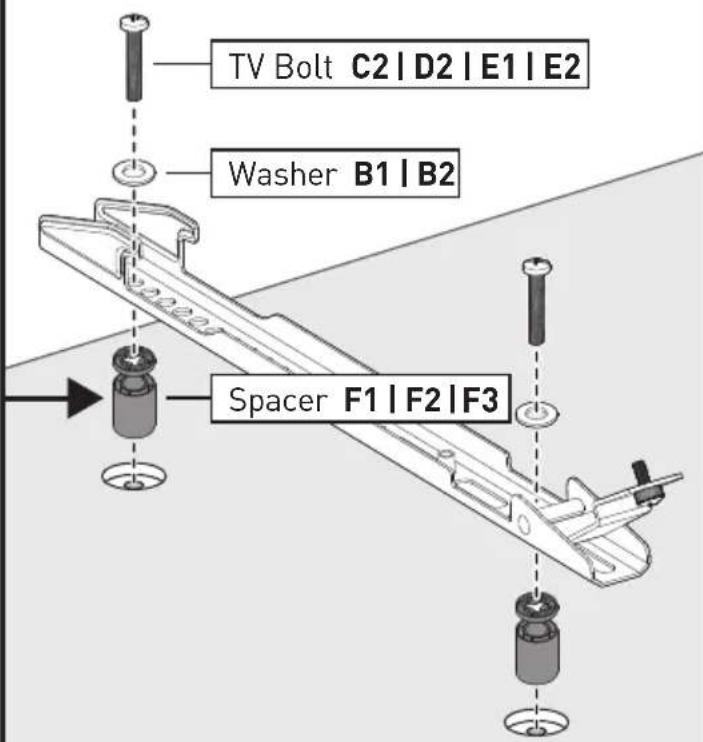
STEP 2 Attach the TV Brackets to Your TV
2-1 Select TV Bolts
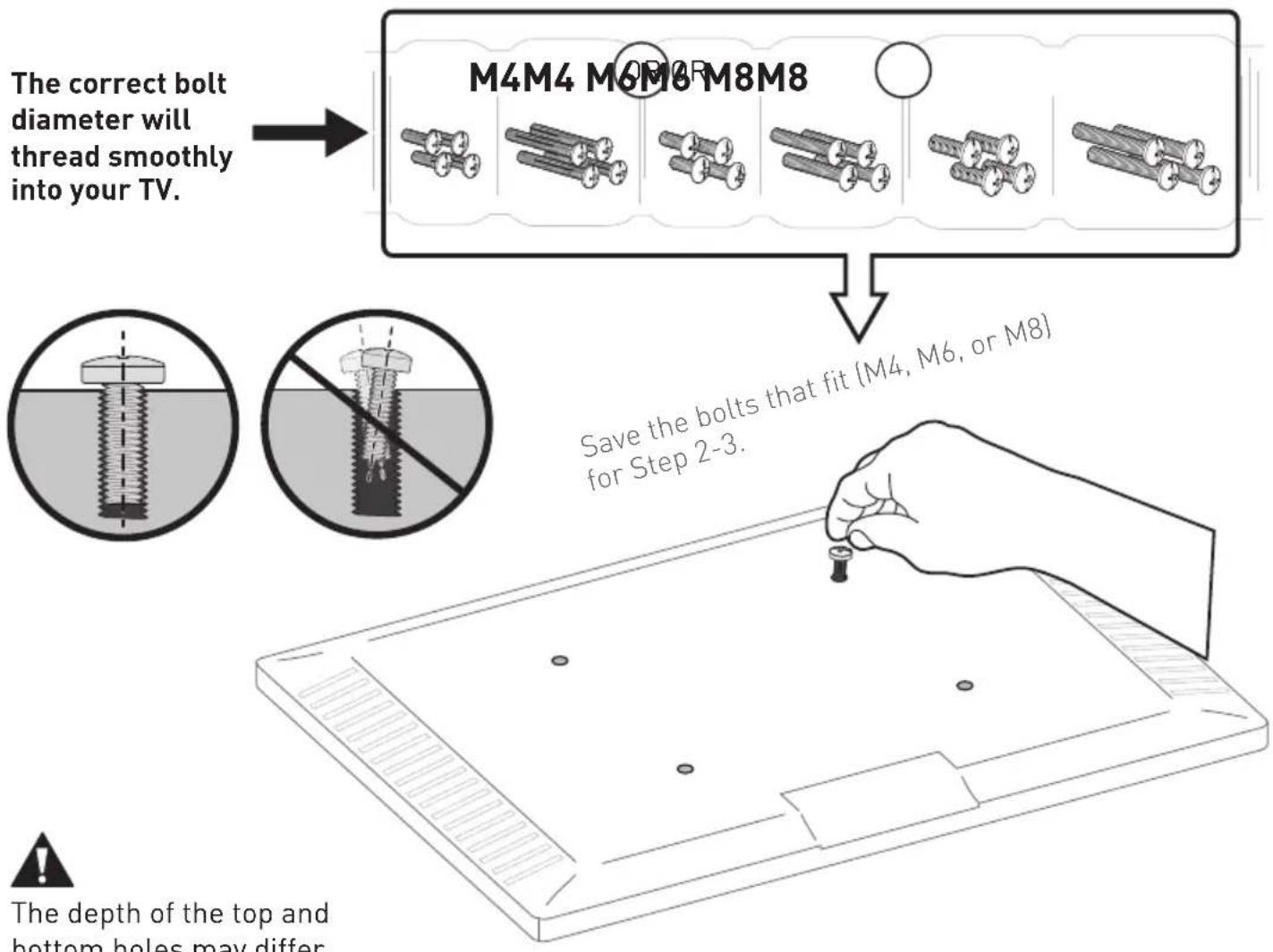
2-2 Position the TV Brackets
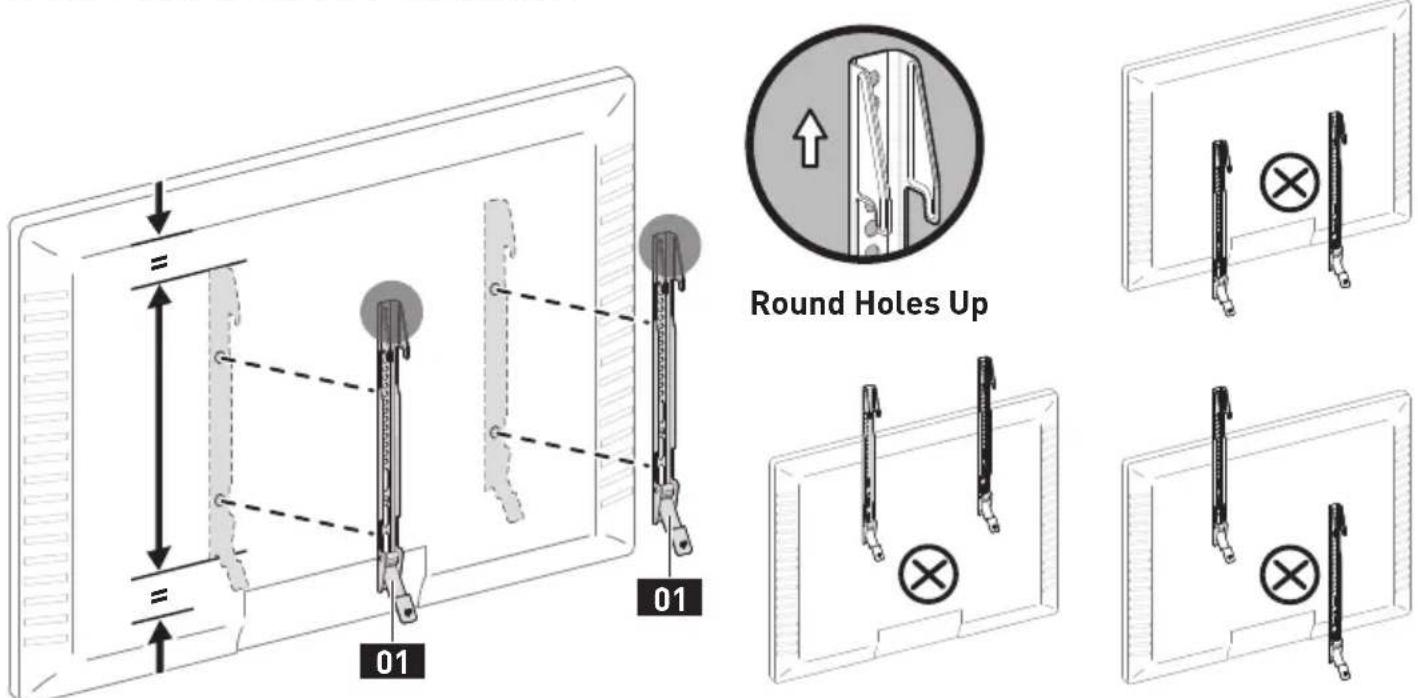
2-3 Secure the TV Brackets
For Flat-Back TV, go to Option A on this page.
For Bump, Curved TV, Recessed Holes and Cables, go to Option B on next page.

WARNING:
- DO NOT turn the bolt past the bottom of the hole.
- If the bolt is too short, it may not adequately support the TV.
- If the bolt is too long, it could damage the TV.
- At least 4-5 turns into the threading is required.
- The depth of the bottom holes may be different from the top holes.
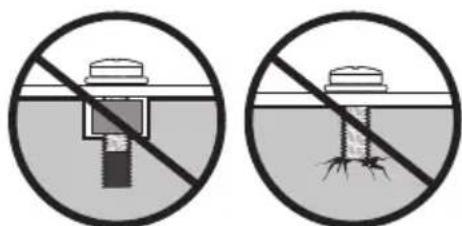
Too Short Too Long
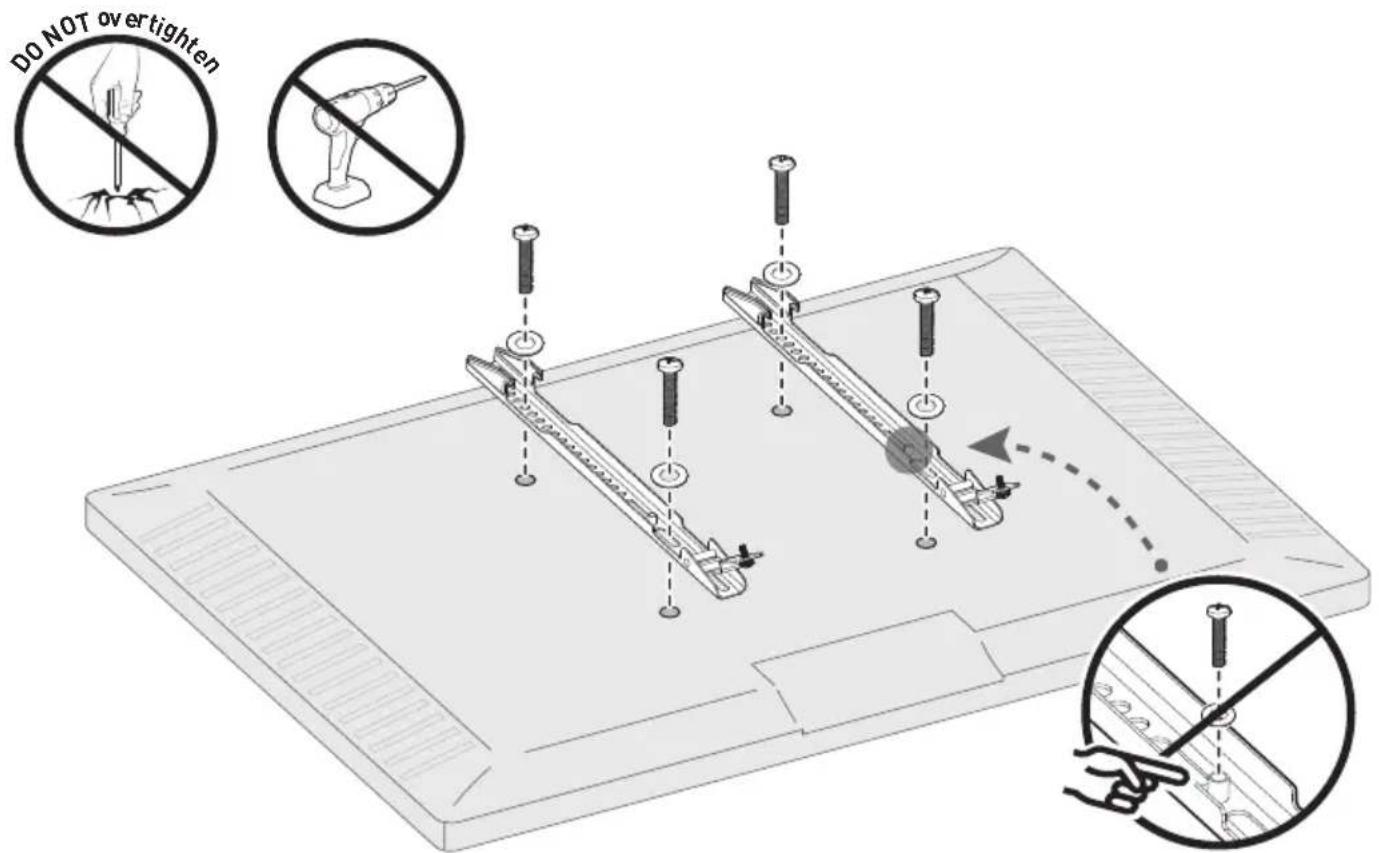
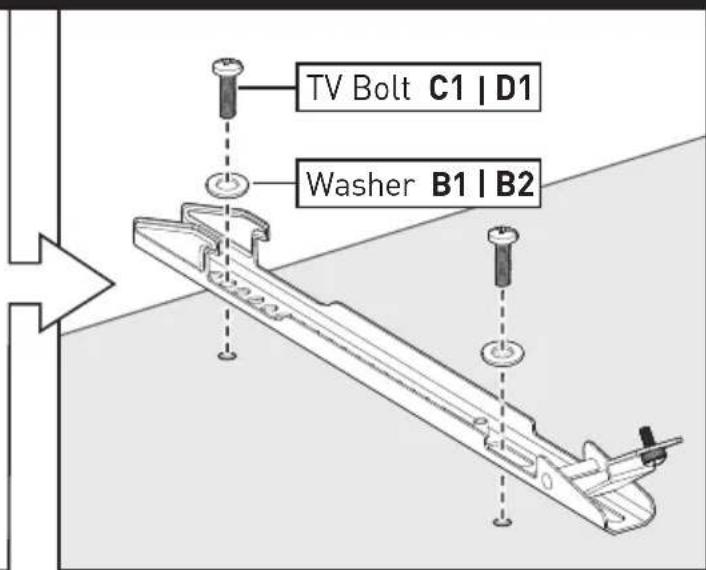
Option A
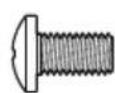
Use short TV bolts with washers.

Flat-Back TV

Option B
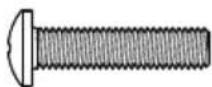
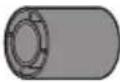
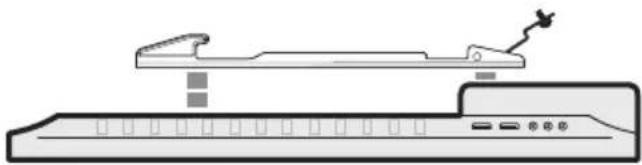
Use long TV bolts with washers and spacers to create extra space between the TV and brackets.


Bump
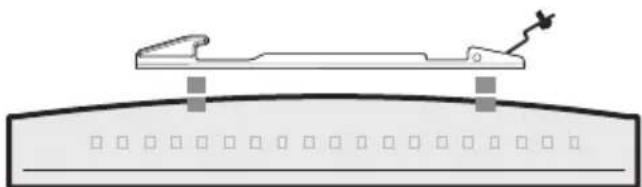
Curved TV
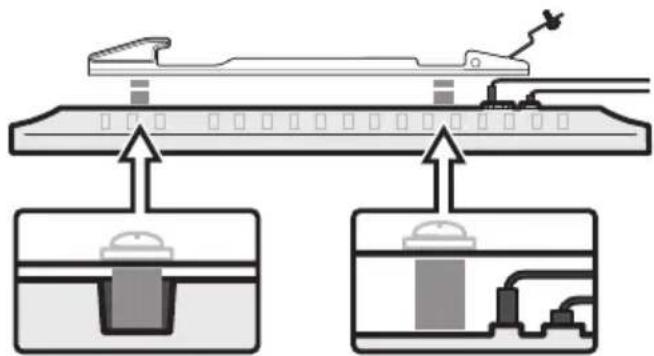
TV with Mounting Restrictions
Recessed Holes Protruding Cables
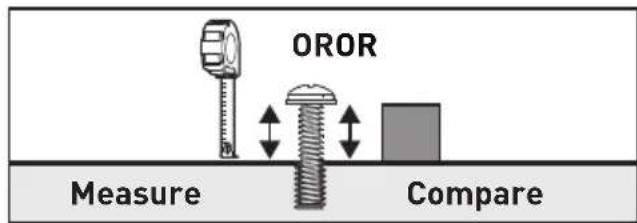
You can use a tape measure to measure the protruding bolts or hold spacers next to them to choose the right spacer combination.
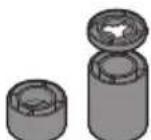

Note:
There are many possible spacer combinations that can be used.


[877] 419-7832
Mon-Fri 8am - 8pm (CST)

support@ergoav.com
Supplied Parts and Hardware for Step 3
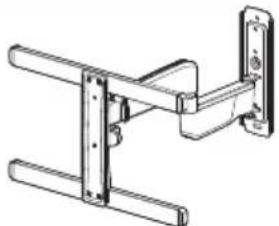
Arm Assembly / Wall Plate
02 k 1
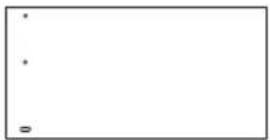
Wall Plate Template
03 k 1
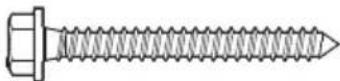
ST 5 / 16× 23 / 4^
LagScrew
A1×3
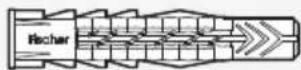
Wall Anchor
A2×3

CAUTION!
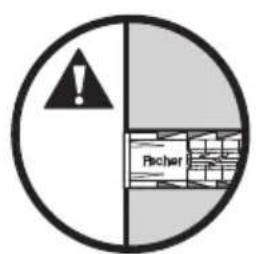
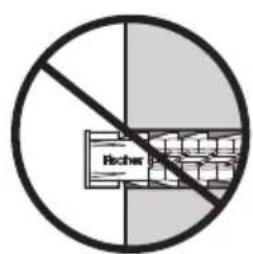
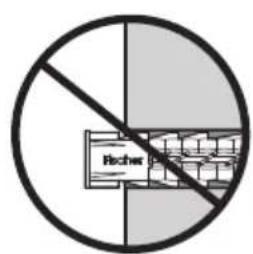
This anchor is for concrete and concrete block walls ONLY. DO NOT use them in drywall or wood studs.
STEP 3 Mount the Arm Assembly / Wall Plate on the Wall
For mounting on wood stud walls, go to Option A on page 08 to 09.
For mounting on concrete and concrete block walls, go to Option B on page 10 to 11.
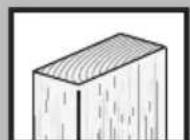
Option A
For Wood Stud Installation

Tools Needed (Not Included)
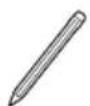
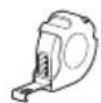
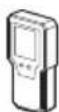
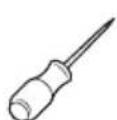
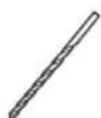
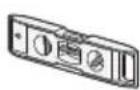
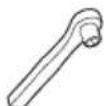
7/32" (5.5mm)
1/2" [13mm]
Wood Drill BitStuffer Fielder ASacket Wrench

WARNING:
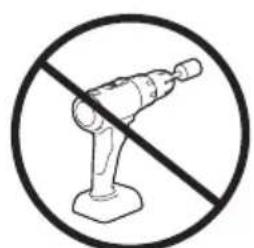
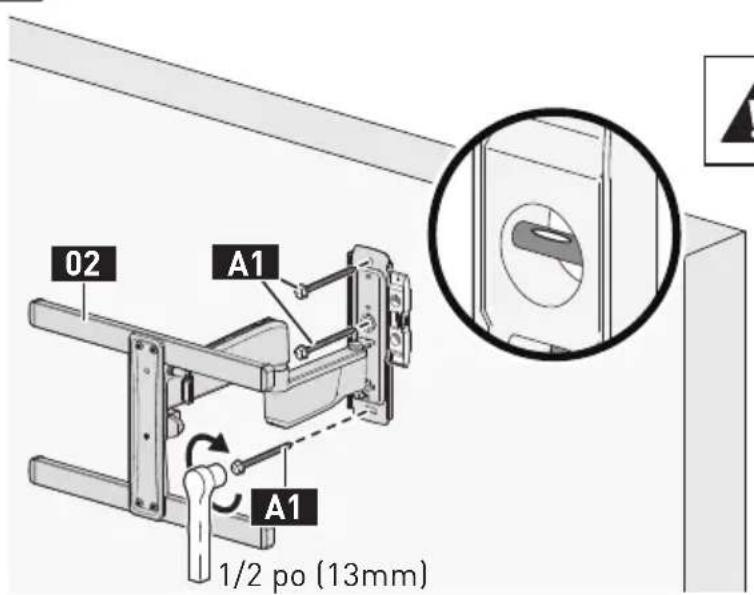
- Avoid the risk of personal injury or property damage! Tighten the lag screws A1 only until they are pulled firmly against the wall plate (DO NOT overtighten). DO NOT use a drill; only use a socket wrench.
DO NOT use wall anchors A2 for this mounting option.
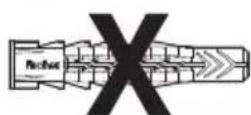

Wall Anchor
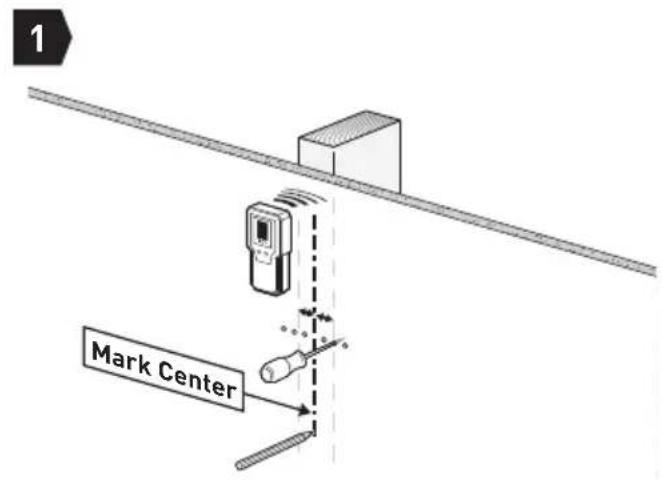
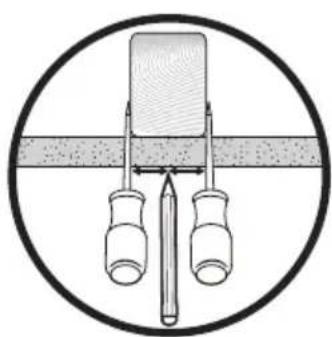
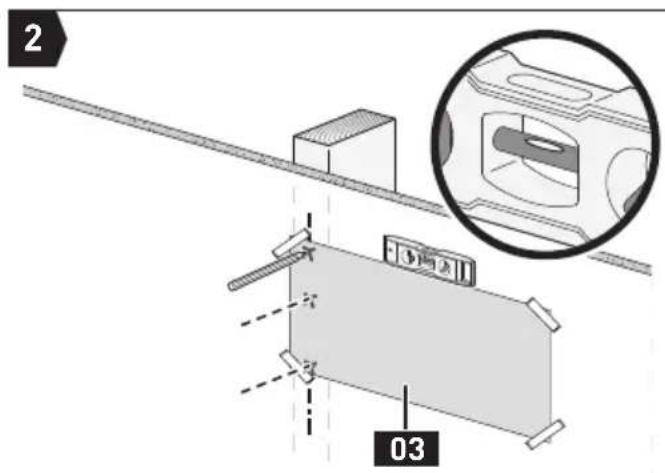
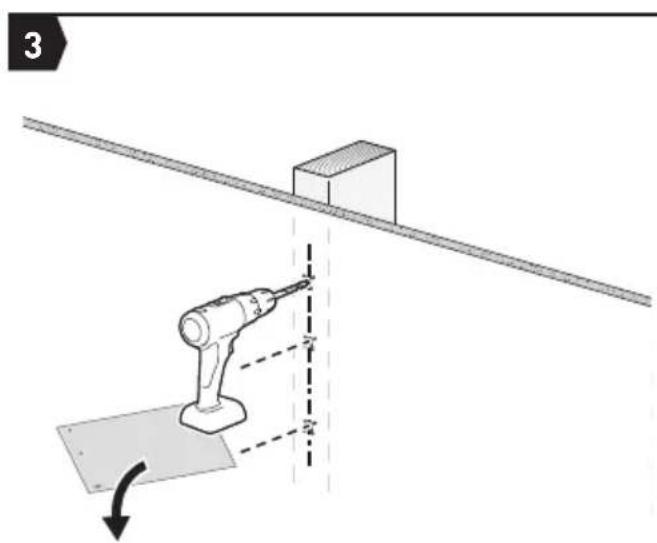
Mark 3 Hole Positions
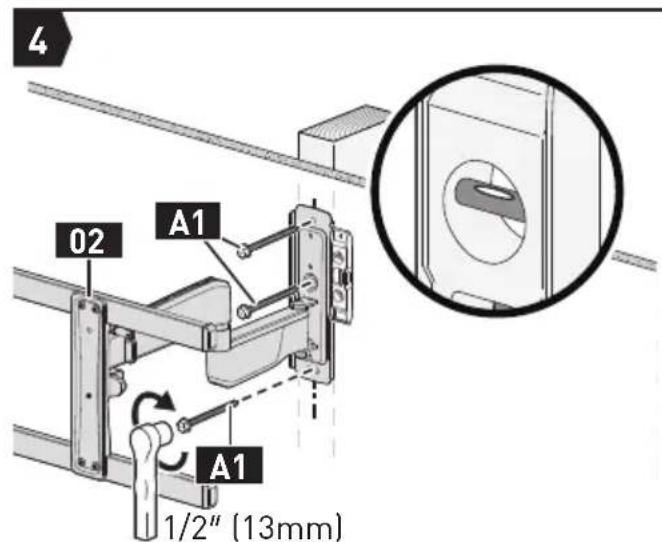

Secure the Wall Plate
Go to Step 4 on Page 12
Option B
For Concrete and Concrete Block Wall Installation

Tools Needed (Not Included)
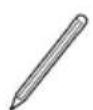
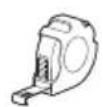
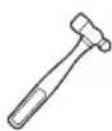
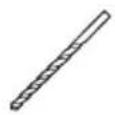
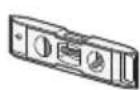
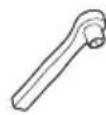
3 / 8'' [10mm]
1/2" [13mm]
Concrete Drill BitHandweetElectSocBettWPremcbTape

WARNING:
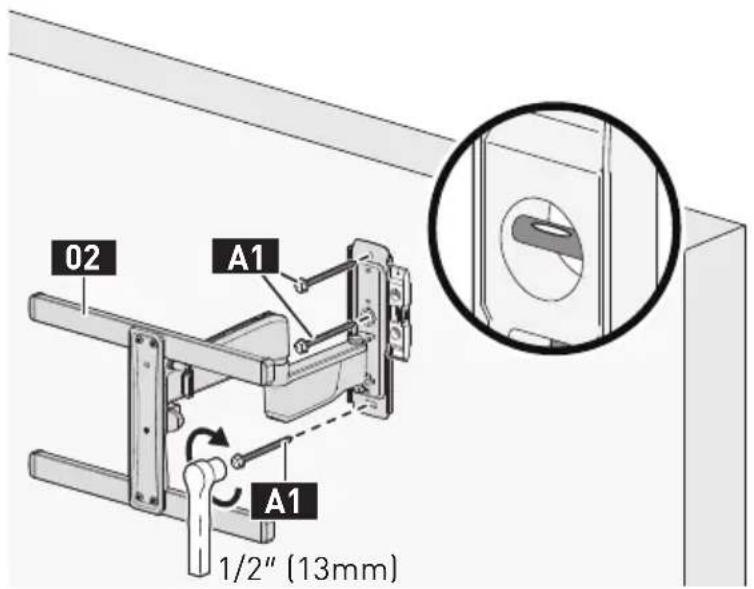
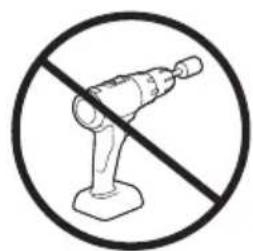
- Avoid the risk of personal injury or property damage! Tighten the lag screws A1 only until they are pulled firmly against the wall plate (DO NOT overtighten). DO NOT use a drill; only use a socket wrench.
- Use wall anchors A2 for this mounting option.
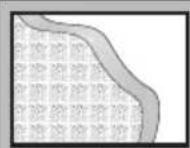
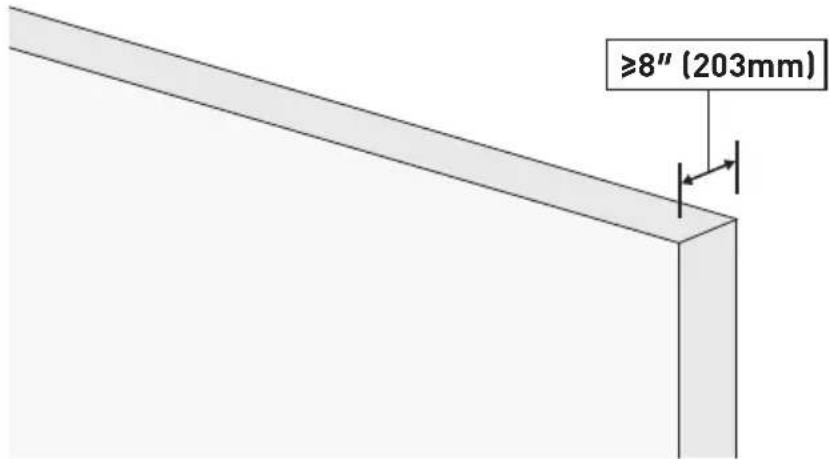
- Mount the wall plate directly on the concrete surface.
Minimum concrete block size: 8'' × 8'' × 16'' (203 × 203 × 406mm)
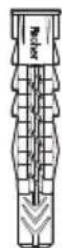
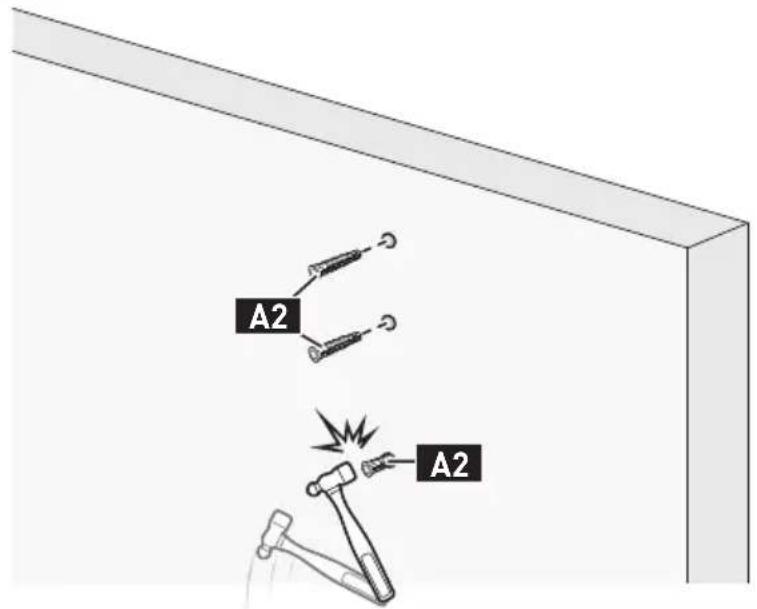
A2
Wall Anchor
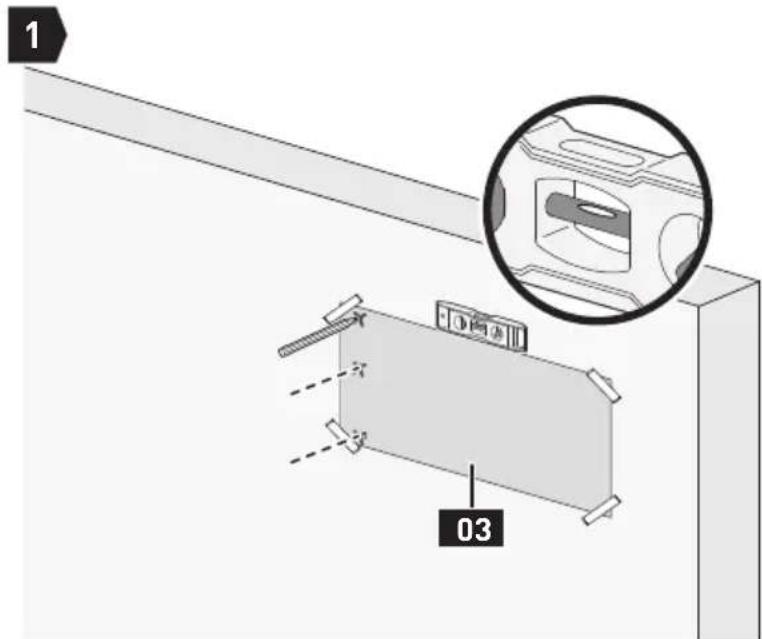
Mark 3 Hole Positions
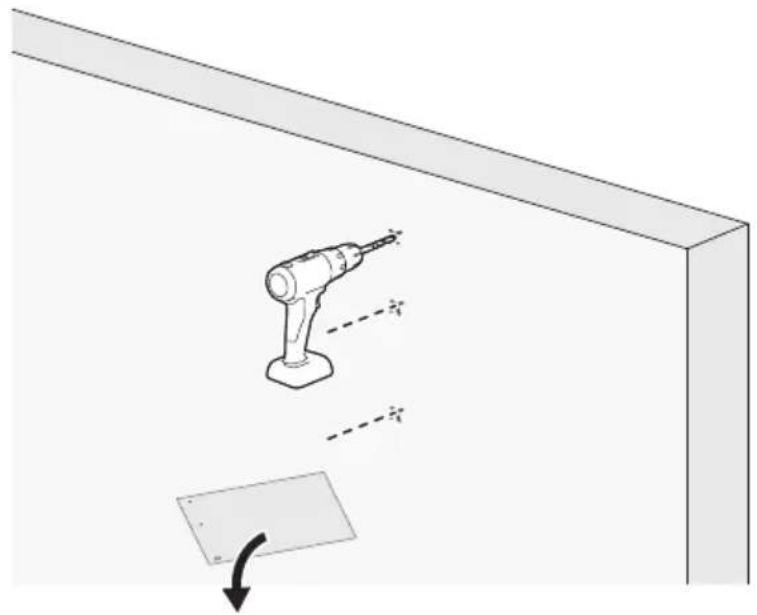
2
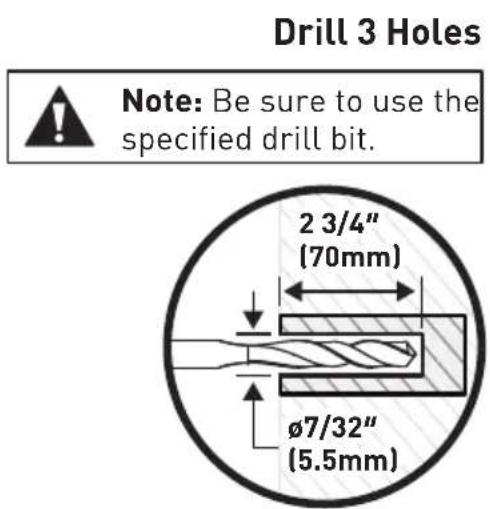
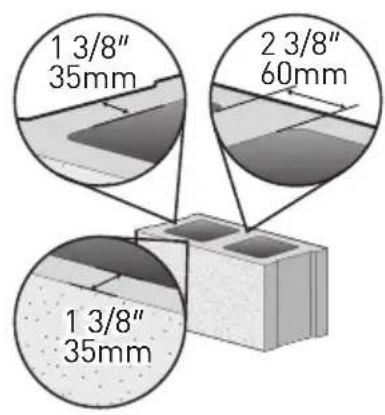
Drill 3 Holes

Note:
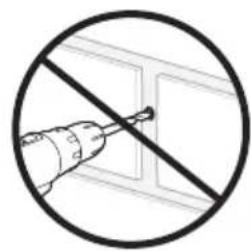
- Be sure to use the specified drill bit.
- Never drill into the mortar between blocks.
Tap Wall Anchors In
3
Secure the Wall Plate
4


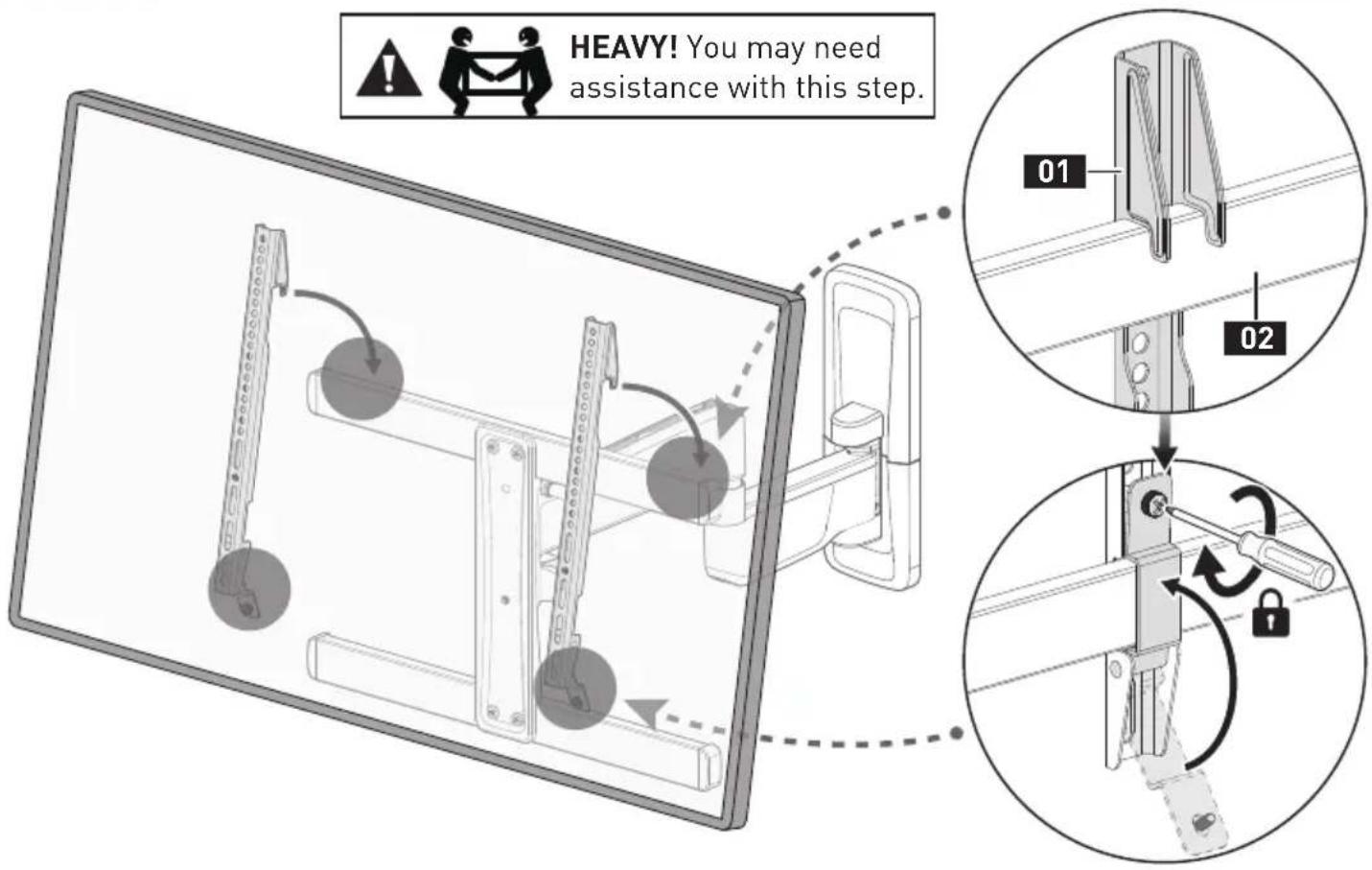
HEAVY! You may need assistance with this step.
STEP 4 Verify Wall Plate is Firmly Mounted
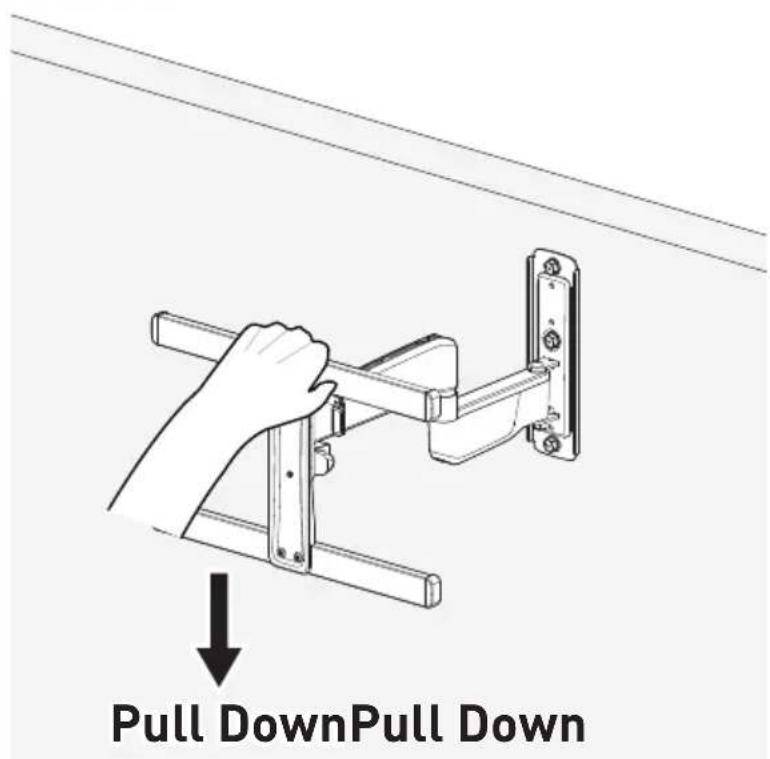
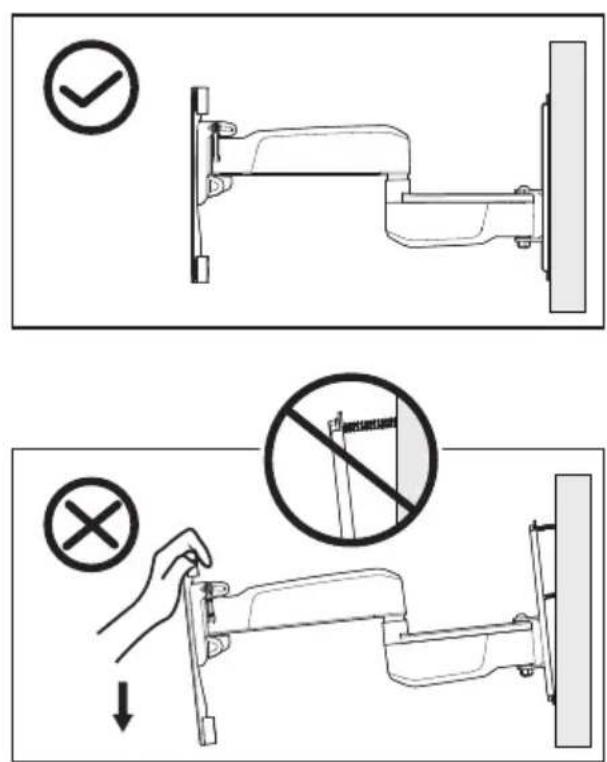
Supplied Parts and Hardware for Step 5
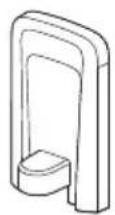
Upper Wall Plate Cover
04x1
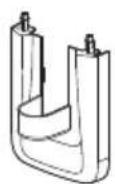
Lower Wall Plate Cover
05<1
STEP 5 Attach the Wall Plate Covers
STEP6 Hang TV on the Front Support
STEP7 Level Adjustment
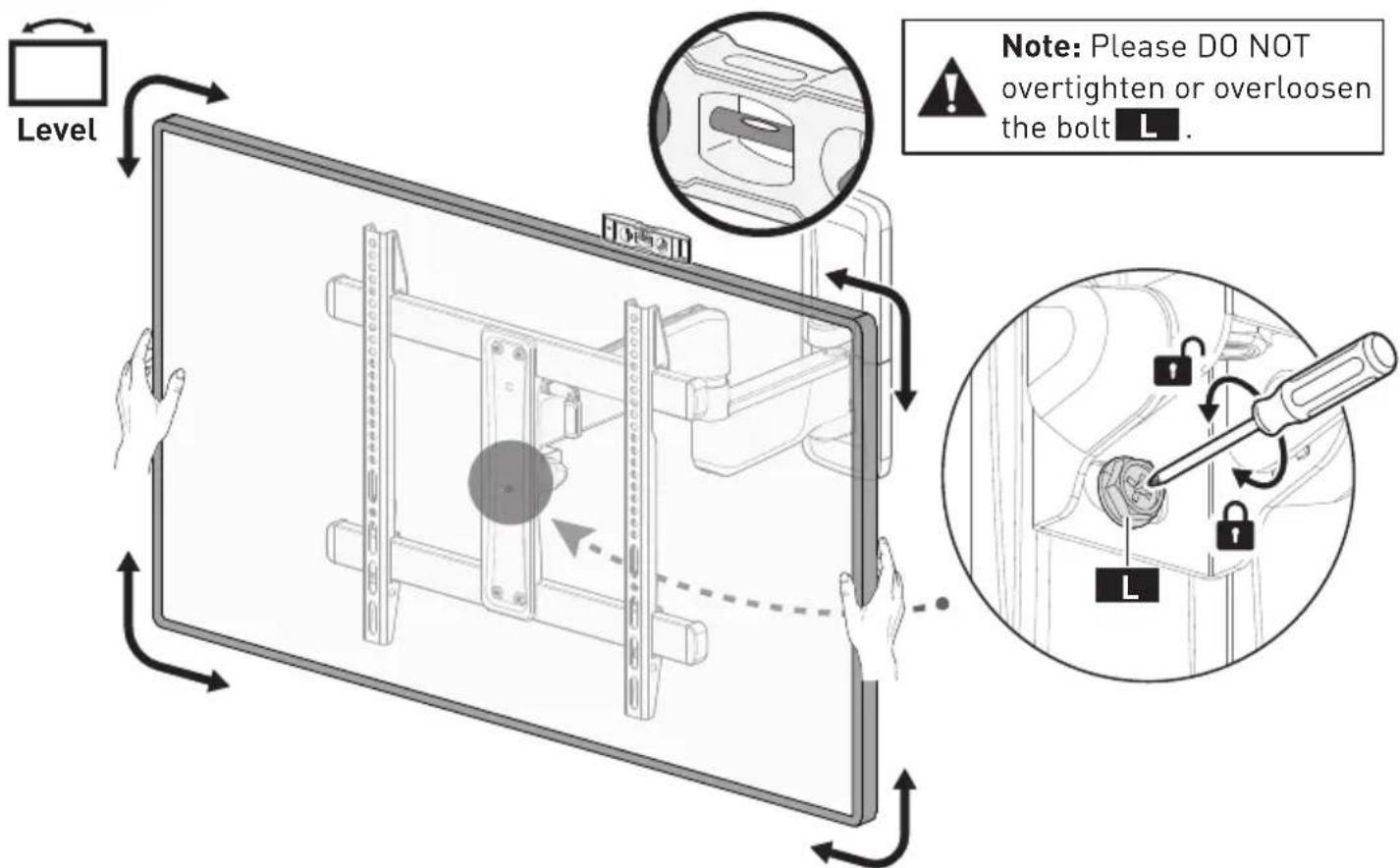
Level your TV using a level. If it is difficult to level your TV, slightly loosen the leveling bolt L, then level your TV. Retighten the leveling bolt L to hold the TV in position.
STEP 8 Filt Adjustment
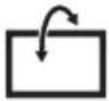
Tilt

Note: Please DO NOT overtighten or overloosen the lever T.
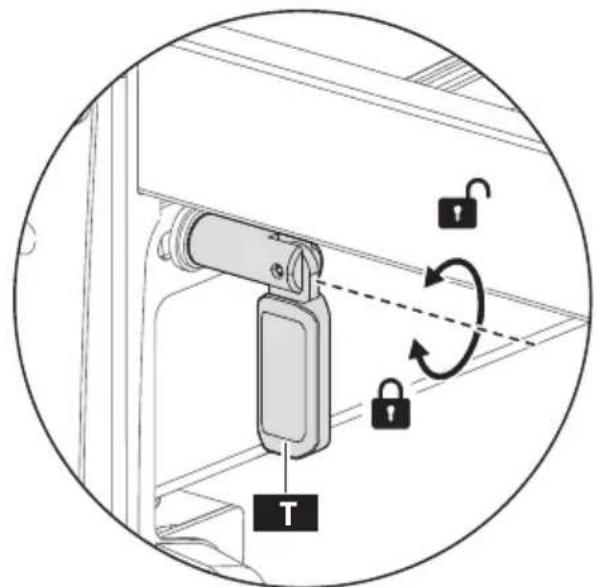
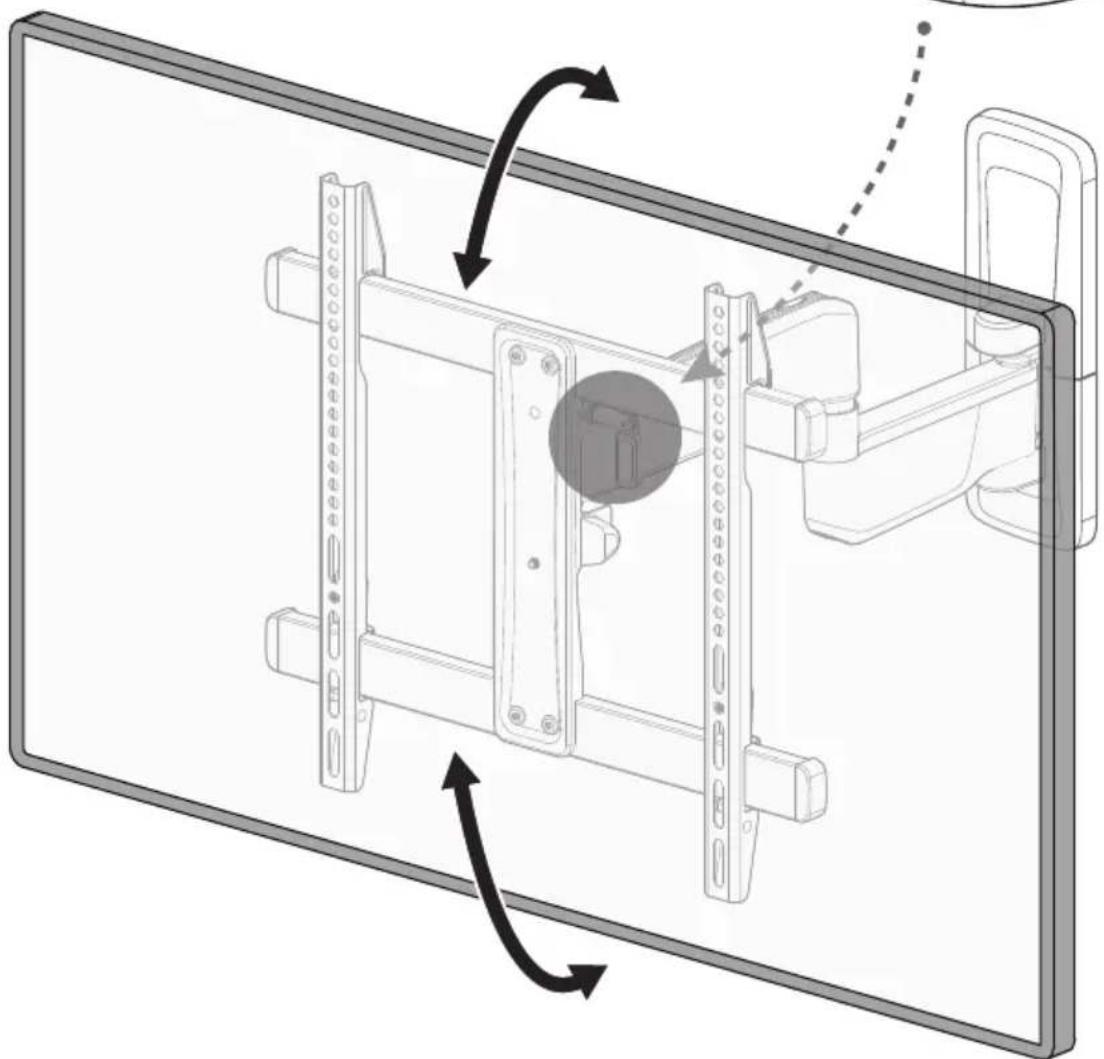
Slightly loosen the lever T. Tilt the TV to the desired angle. Retighten the lever T to hold the TV in position.
AVANT DE COMMENCER, ASSUREZ-VOUS QUE CE SUPPORT EST COMPATIBLE
1
Fixer la plaque murale
Fixer la plaque murale
4

At ErgoAV, our goal is to provide the high-quality audio video solutions and product support that you need. If you have any questions, concerns, or feedback, please let us know!
TV Mounts
Speaker Stands
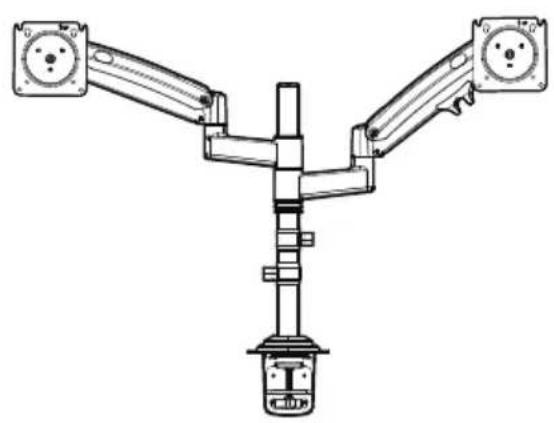
Computer Monitor Mounts
ErgoAV
9501 Louisiana Ave N, #200, Brooklyn Park, MN 55445
(877) 419-7832 Mon-Fri 8am - 8pm (CST)
support@ergoav.com
www.ergoav.com