ManualGo.com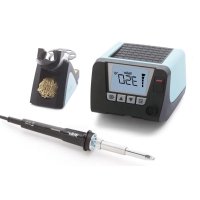
WT 1011H - Welding machine Weller - Free user manual and instructions
Find the device manual for free WT 1011H Weller in PDF.



Download the instructions for your Welding machine in PDF format for free! Find your manual WT 1011H - Weller and take your electronic device back in hand. On this page are published all the documents necessary for the use of your device. WT 1011H by Weller.
USER MANUAL WT 1011H Weller
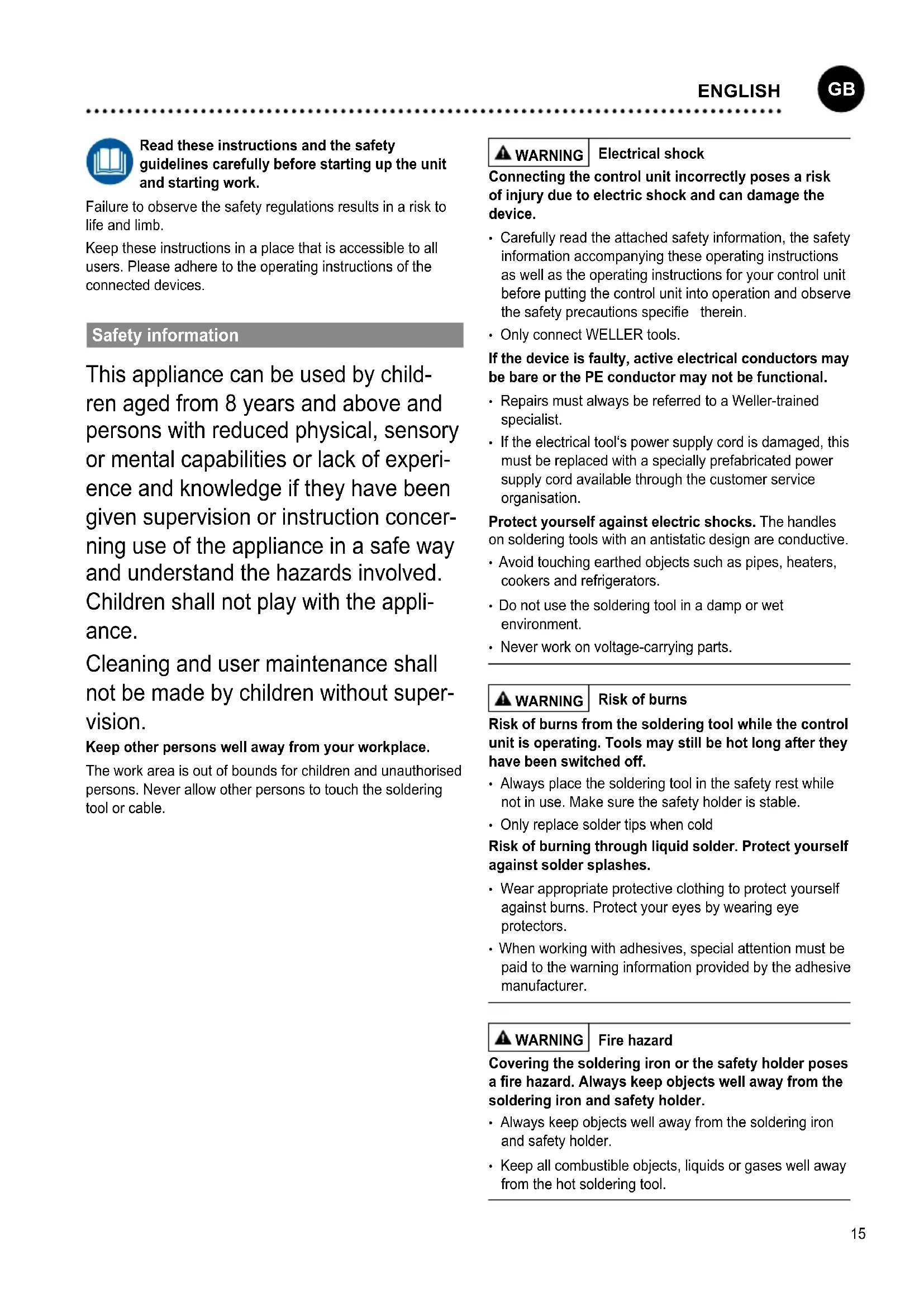
DEUTSCH15 Read these instructions and the safety guidelines carefully before starting up the unit and starting work. Failuretoobservethesafetyregulationsresultsinariskto life and limb. Keep these instructions in a place that is accessible to all users. Please adhere to the operating instructions of the connected devices. Safety information Thisappliancecanbeusedbychild- renagedfrom8yearsandaboveand personswithreducedphysical,sensory or mental capabilities or lack of experi- enceandknowledgeiftheyhavebeen given supervision or instruction concer- ninguseoftheapplianceinasafeway and understand the hazards involved. Childrenshallnotplaywiththeappli- ance. Cleaning and user maintenance shall notbemadebychildrenwithoutsuper- vision. Keep other persons well away from your workplace. The work area is out of bounds for children and unauthorised persons. Never allow other persons to touch the soldering tool or cable. WARNING Electrical shock Connecting the control unit incorrectly poses a risk of injury due to electric shock and can damage the device.
- Carefullyreadtheattachedsafetyinformation,thesafety informationaccompanyingtheseoperatinginstructions aswellastheoperatinginstructionsforyourcontrolunit before putting the control unit into operation and observe thesafetyprecautionsspecifie therein.
- OnlyconnectWELLERtools. If the device is faulty, active electrical conductors may be bare or the PE conductor may not be functional.
- RepairsmustalwaysbereferredtoaWeller-trained specialist.
- Iftheelectricaltool‘spowersupplycordisdamaged,this mustbereplacedwithaspeciallyprefabricatedpower supplycordavailablethroughthecustomerservice organisation. Protect yourself against electric shocks. The handles on soldering tools with an antistatic design are conductive.
- Avoid touching earthed objects such as pipes, heaters, cookers and refrigerators.
- Do not use the soldering tool in a damp or wet environment.
- Neverworkonvoltage-carryingparts. WARNING Risk of burns Risk of burns from the soldering tool while the control unit is operating. Tools may still be hot long after they have been switched off.
- Alwaysplacethesolderingtoolinthesafetyrestwhile notinuse.Makesurethesafetyholderisstable.
- Onlyreplacesoldertipswhencold Risk of burning through liquid solder. Protect yourself against solder splashes.
- Wearappropriateprotectiveclothingtoprotectyourself againstburns.Protectyoureyesbywearingeye protectors.
- When working with adhesives, special attention must be paidtothewarninginformationprovidedbytheadhesive manufacturer. WARNING Fire hazard Covering the soldering iron or the safety holder poses a re hazard. Always keep objects well away from the soldering iron and safety holder.
- Alwayskeepobjectswellawayfromthesolderingiron andsafetyholder.
- Keepallcombustibleobjects,liquidsorgaseswellaway from the hot soldering tool.
ENGLISH16 Store your soldering tool in a safe place. When not in use,unitsandtoolsshouldbestoredinadry,highorlocked area out of the reach of children. Make sure that unused soldering tools are free of voltage and de-pressurised. The mains cable must only be plugged into the mains socket or adapter approved for this purpose. Check to see if the mains voltage matches the ratings on the nameplate. Make sure the machine is switched off before plugging in. Do not use the cable for purposes other than those for which it is intended. Nevercarrytheunitbythecable.Do not use the cable to pull the plug out of the socket. Protect the cable against heat, oil and sharp edges. Be alert. Payattentiontowhatyouaredoing.Besmart whenusingtheunit.Donotusethesolderingtoolifyouare havingdifficult concentrating. Avoid abnormal posture. Arrangeyourworkstationinan ergonomicallycorrectway.Avoidbadposturewhenusingthe unit, as this can lead to postural problems. The soldering tool must be operated only in perfect technical working order. Safetydevicesmustnotbe deactivated. Faults and defects must be repaired immediately. Beforeusingtheunit/tool,safetydevicesmustbecarefully checkedtomakesurethattheyarefunctioningproperlyand in the manner intended. Check that moving parts are func- tioningproperlyandarenotsticking,andwhetherpartsare damaged.Allpartsmustbecorrectlyfitte andmustsatisfy alltherequirementsnecessarytoguaranteetroublefree operation of the unit. Use the correct tool. Useonlyaccessoriesorauxiliaryde- vices which are included in the list of accessories or appro- vedforusebythemanufacturer.UseWELLERaccessories orauxiliarydevicesonoriginalWELLERequipmentonly.The useofothertoolsandotheraccessoriescancauseinjury. Secure the tool.Useclampingfixture toholdthe workpiece. Use a solder fume extraction unit. If appliances for connecting solder fume extraction units are available, ensure thattheyareconnectedandusedproperly. Specied Conditions Of Use SupplyunitforWELLERsolderingtools.Usethesoldering stationonlyforthepurposeofsoldering,asspecifie inthe Operating Instructions. Thisdevicemayonlybeusedatroomtemperatureand indoors. Protect against moisture and direct sunlight. User groups Due to differing degrees of risk and potential hazards, sever- alworkstepsmayonlybeperformedbytrainedexperts. Work step User groups Default soldering para- meters Specialist personnel with technical training Replacing electrical repla- cement parts Electricians Default maintenance intervals Safetyexpert Operation Non-specialists Operation Replacing electrical repla- cement parts Technical trainees under the guidance and supervi- sion of a trained expert Care and maintenance WARNING Before doing any work on the machine, pull the plug out of the socket. Leave the unit to cool down. Check all connected cables and hoses on a regular basis. If powertoolsaredamaged,theymustbeimmediately removed from use. Repairs must always be referred to a Weller-trained specialist. Useoriginalreplacementpartsonly. Warranty Claimsbythebuyerforphysicaldefectsaretime-barred afteraperiodofoneyearfromdeliverytothebuyer.This doesnotapplytoclaimsbythebuyerforindemnificatio in accordance with §§ 478, 479 BGB (German Federal Law Gazette). Weshallonlybeliableforclaimsarisingfromawarranty furnishedbyusifthequalityordurabilitywarrantyhasbeen furnishedbyuseinwritingandusingtheterm„Warranty“. Thewarrantyshallbevoidifdamageisduetoimproperuse andifthedevicehasbeentamperedwithbyunauthorised persons. For more information please visit www.weller-tools.com.
ENGLISH17 Disposal Waste light sources have to be removed from equipment.Checkwithyourlocalauthorityor retailerforrecyclingadviceandcollectionpoint. Accordingtolocalregulationsretailersmay have an obligation to take back waste electrical and electronic equipment free of charge. Your contributiontore-useandrecyclingofwaste electrical and electronic equipment helps to reduce the demand of raw materials. Waste electrical and electronic equipment contain valu- able,recyclablematerials,whichcanadversely impact the environment and the human health, ifnotdisposedofinanenvironmentallycompa- tible manner. Delete personal data from waste equipment,ifany. Contaminatedfilter mustbetreatedasspecial waste. Dispose of replaced equipment parts, filter orolddevicesinaccordancewiththerules andregulationsapplicableinyourcountry. Technical Data Soldering station WT 1 WT 1H Dimensions L x W x H (mm) (Inch) 150 x 130 x 101