ManualGo.com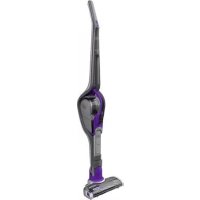
SVJ520BFSPQW - Vacuum Cleaner BLACK & DECKER - Free user manual and instructions
Find the device manual for free SVJ520BFSPQW BLACK & DECKER in PDF.



Download the instructions for your Vacuum Cleaner in PDF format for free! Find your manual SVJ520BFSPQW - BLACK & DECKER and take your electronic device back in hand. On this page are published all the documents necessary for the use of your device. SVJ520BFSPQW by BLACK & DECKER.
USER MANUAL SVJ520BFSPQW BLACK & DECKER
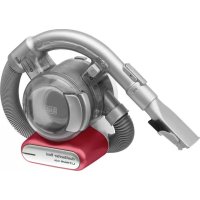
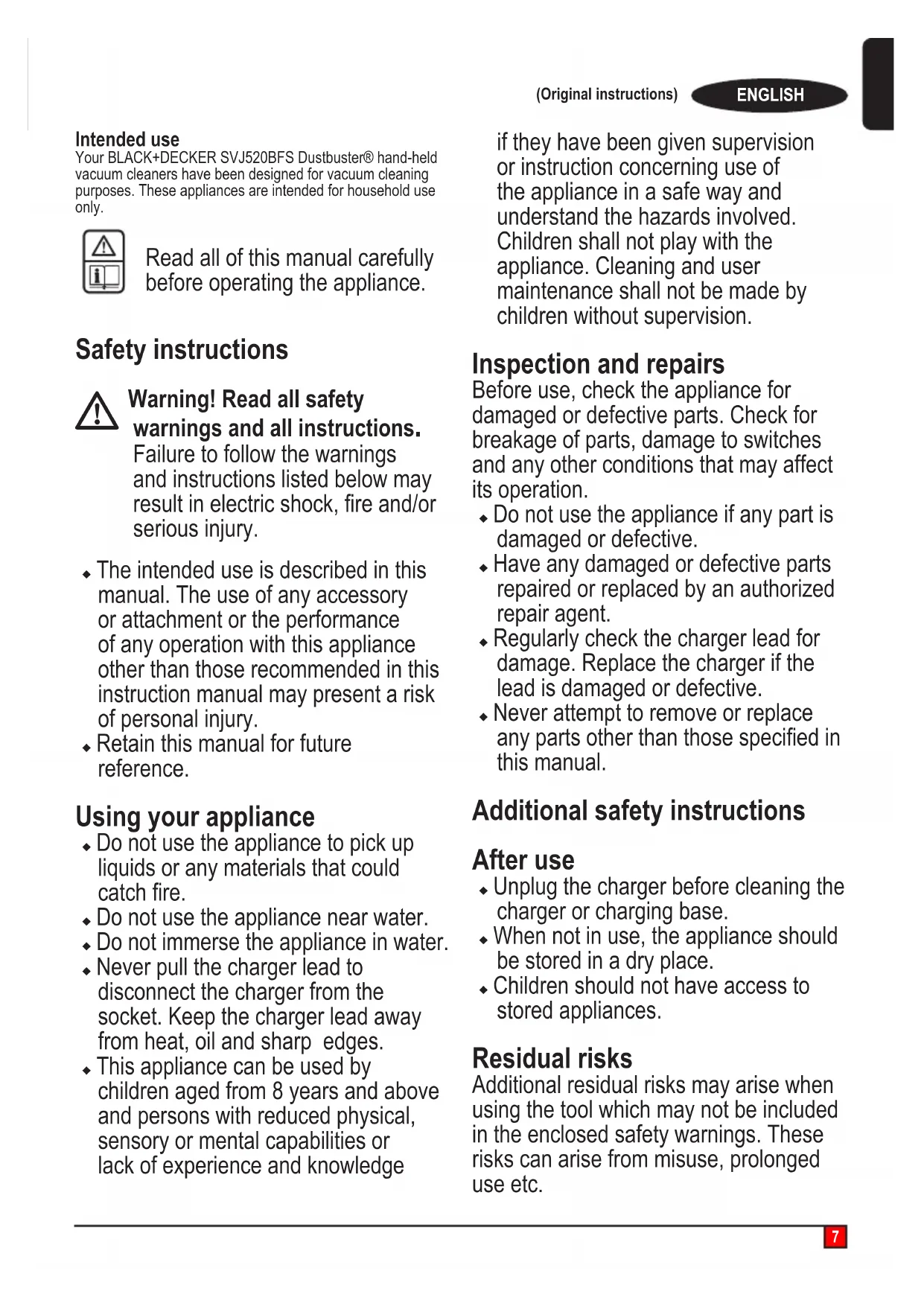
ENGLISH(Original instructions) Intended use Your BLACK+DECKER SVJ520BFS Dustbuster® hand-held vacuum cleaners have been designed for vacuum cleaning purposes. These appliances are intended for household use only. Read all of this manual carefully before operating the appliance. Safety instructions
Warning! Read all safety warnings and all instructions
Failure to follow the warnings and instructions listed below may resultinelectricshock,reand/or serious injury. u The intended use is described in this manual. The use of any accessory or attachment or the performance of any operation with this appliance other than those recommended in this instruction manual may present a risk of personal injury. u Retain this manual for future reference. Using your appliance u Do not use the appliance to pick up liquids or any materials that could catchre. u Do not use the appliance near water.u Do not immerse the appliance in water.u Never pull the charger lead to disconnect the charger from the socket. Keep the charger lead away from heat, oil and sharp edges. u This appliance can be used by children aged from 8 years and above and persons with reduced physical, sensory or mental capabilities or lack of experience and knowledge if they have been given supervision or instruction concerning use of the appliance in a safe way and understand the hazards involved. Children shall not play with the appliance. Cleaning and user maintenance shall not be made by children without supervision. Inspection and repairs Before use, check the appliance for damaged or defective parts. Check for breakage of parts, damage to switches and any other conditions that may affect its operation. u Do not use the appliance if any part is damaged or defective. u Have any damaged or defective parts repaired or replaced by an authorized repair agent. u Regularly check the charger lead for damage. Replace the charger if the lead is damaged or defective. u Never attempt to remove or replace anypartsotherthanthosespeciedin this manual. Additional safety instructions After use u Unplug the charger before cleaning the charger or charging base. u When not in use, the appliance should be stored in a dry place. u Children should not have access to stored appliances. Residual risks Additional residual risks may arise when using the tool which may not be included in the enclosed safety warnings. These risks can arise from misuse, prolonged use etc.8 ENGLISH(Original instructions) Even with the application of the relevant safety regulations and the implementa- tion of safety devices, certain residual risks can not be avoided. These include: u Injuries caused by touching any rotating/movingparts. u Injuries caused when changing any parts, blades or accessories. u Injuries caused by prolonged use of a tool. When using any tool for prolonged periods ensure you take regular breaks. u Impairment of hearing.u Health hazards caused by breathing dust developed when using your tool (example:- working with wood, especially oak, beech and MDF.) Chargers Your charger has been designed for a specicvoltage.Alwayscheckthatthe mains voltage corresponds to the voltage on the rating plate. Warning! Never attempt to replace the charger unit with a regular mains plug. u Use your BLACK+DECKER charger only to charge the battery in the appliance with which it was supplied. Other batteries could burst, causing personal injury and damage. u Never attempt to charge non- rechargeable batteries. u If the supply cord is damaged, it must be replaced by the manufacturer or an authorised BLACK+DECKER Service Centre in order to avoid a hazard. u Do not expose the charger to water.u Do not open the charger.u Do not probe the charger.u Theappliance/batterymustbe placed in a well ventilated area when charging. Electrical safety Symbols on the charger Read all of this manual carefully before using the appliance. This tool is double insulated; therefore no earth wire is required. Always check that the power supply corresponds to the voltage on the rating plate. Short circuit proof safety isolating transformer. The mains supply is electrically separated from the transformer output. The charger automatically shuts off if the ambient temperature becomes too high. As a consequence the charger will be inoperable. The charging base must be disconnected from the mains supply and taken to an authorised service centre for repair. The charging base is intended for indoor use only.Labels on applianceThe following symbols appear on this appliance along with the date code Read all of this manual carefully before using the applianceS010Q 23Only use with charger S010Q 23FeaturesThis tool includes some or all of the following features. 1. On/offpowerswitch 2. Nozzle 3. Pull out crevice tool 4. Push in brush 5. HandleOn/offpowerswitch 5A. Brush control 6. Handle 7. Charging base 8. Chassis 8a. Chassis release button Use Switching on and off (Fig. A)u Toswitchon,presstheon/offswitch(1)locatedonthehandle of the Dustbuster , or alternatively on the chassis handle (5).u Press the button again (1 or 5), and the unit goes to a BOOST mode.u Toswitchoff,presstheon/offswitch(1)or(5).9 ENGLISH (Original instructions) Using the pull out crevice tool (Fig. B,C) u Extendthecrevicetool(3)asshowningureC,until itclicksinplace.Thepushinbrush(4)canbettedif required for dusting and upholstery cleaning. u To retract the crevice tool (3) press the crevice tool release button (3a) allowing it to return to its normal position (Fig. B). Fitting the handle to the main chassis (Fig. D, E) u Slide the handle (6) into the main chassis (8) as shown in gureD. u Securewithretainingscrew(17)asshowningureE. Fitting the Dustbuster
from the chassis press the chassis release button (8a) and lift clear. u Theappliancecannowbeoperatedviatheon/offbutton (5) on the handle (6) along with the ‘BOOST’ mode as showningureH.Thisalsoallowsyoutoutilisethebeater bars via the ‘brush on’ control (5A). Removing and clearing the beater bars (Fig. I, J) u Toremovethebeaterbarunit(9)fromtheoorhead(10) Depressthereleasebutton(11)asshowningureI. u The beater bar (12) can now be removed. The end pieces are also removable allowing you to clear the brushes from any hair or other debris that may have accumulated (Fig. J). Charging (Fig. K, L) u Place the appliance into the charging base (7) as shown in gureK. u Plug the charging port (7) into an electrical outlet. u Switch the electrical outlet on. The LED charging indicator (B) will Illuminate (Fig. L). Multi LED Display A. Filter sensor WheneveralterisBlockedandneedscleaning,thered lterLED(A)inthehandlewillilluminate. Cleannedustfromlter(Seesectionon‘cleaninglters’ in this manual). B. LED Charging display Battery icon (B) will illuminate when appliance requires charging. Led display indicates state of charge (See LED pattern chart in this manual). C. BOOST mode Illuminates when the appliance is in BOOST mode allowing you to operate at higher power. LED Patterns Charging Battery Fault Charger Fault Battery Hot
C10 ENGLISH (Original instructions) Cleaning the lters (Fig. M, N, O, P, Q, R ) u Press the dust bowl release button (13) (Fig. M)u Eject the dust bowl (14) (Fig.N) u Liftthelterassembly(15)fromthedustbowl(14)(Fig.O). u Empty the dust bowl by lightly shaking over a dustbin (Fig. P). Note: The pre filter is impregnated with a fragrance allowing for a pleasing odour to be released when the appliance is in use. u Thelter(16)cannowberemovedfromtheprelter(15) Figure Q. u Empty any remaining dust from the dust bowl.u Rinse out the dust-bowl with warm soapy water.u Washthelterswithwarmsoapywater(Fig.R).u Makesuretheltersaredryu Rettheltersontotheappliance.u Close the dust-bowl. Make sure the release latch (13) clicks into place. Warning! Before performing any maintenance or cleaning on the appliance, unplug the appliance. From time to time wipe the appliance with a damp cloth. Do not use any abrasive or solvent-based cleaner. Do not immerse the appliance in water Maintenance Your BLACK+DECKER cordless appliance has been designed to operate over a long period of time with a minimum of main- tenance. Continuous satisfactory operation depends upon proper tool care and regular cleaning. Warning! Before performing any maintenance on cordless appliances: u Run the battery down completely if it is integral and then switch off. u Unplug the charger before cleaning it. Your charger does not require any maintenance apart from regular cleaning. u Regularlycleantheventilationslotsinyourappliance/ charger using a soft brush or dry cloth. u Regularly clean the motor housing using a damp cloth. Do not use any abrasive or solvent-based cleaner. Replacing the lters Theltersshouldbereplacedevery6to9monthsand wheneverwornordamaged.Replacementltersareavailable from your BLACK+DECKER dealer (cat. no: VPF20). There arealsopre-scentedltersavailabletobepurchased(cat. no:VSPF10LC).Thesetallunits.Whentheseltersreach the end of their lifespan they must be disposed of at a local recycling centre. Warning! Cotton linen fragrance.Wash face, hands and any exposed skin thoroughly after handling. Wear protective gloves/protectiveclothing/eyeprotection/face protection. If in eyes: Rinse cautiously with water for several minutes. Remove contact lenses if present and easy to do. Continue rinsing. If skin irritation occurs: Get medicaladvice/attention.Avoidreleaseintothe environment. Do not ingest.u Removetheoldltersasdescribedabove.u Fitthenewltersasdescribedabove. Protecting the environment