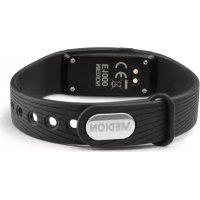
Life E1000 - Sports Watch MEDION - Free user manual and instructions
Find the device manual for free Life E1000 MEDION in PDF.



| Product Type | Sport watch / Connected activity bracelet |
| Brand | Medion |
| Model | Life E1000 |
| Dimensions | 41 × 20 × 11 mm |
| Weight | 22 g |
| Battery | Integrated lithium-ion 70 mAh |
| Battery life | Up to 14 days standby |
| Charging | Via USB cable with magnetic contacts |
| Connectivity | Bluetooth 4.0 LE |
| App | Medion Fitness (iOS and Android) |
| Main functions | Pedometer, calorie counter, distance measurement, sports activity tracking |
| Display | Touchscreen and side button |
| Protection | Dust and water splash resistant |
| Operating temperature | -10 °C to +45 °C |
| Package contents | Activity bracelet, charging cable, quick start guide, warranty documentation |
| Care and cleaning | Clean with a soft, dry cloth. Avoid prolonged contact with sweat or moisture. |
| Safety | Do not use in explosive environments. Keep out of reach of children under 8 years. Stop use if skin irritation occurs. |
| Usage | Domestic, non-medical. Not suitable for diagnosis or treatment. |
| Spare parts and repairability | Contact Medion customer service. Do not open or modify the device. |
| General information | Manufactured by Medion AG, Germany. Declarations of conformity at www.medion.com/conformity. |
Frequently Asked Questions - Life E1000 MEDION
User questions about Life E1000 MEDION
0 question about this device. Answer the ones you know or ask your own.
Ask a new question about this device
Download the instructions for your Sports Watch in PDF format for free! Find your manual Life E1000 - MEDION and take your electronic device back in hand. On this page are published all the documents necessary for the use of your device. Life E1000 by MEDION.
USER MANUAL Life E1000 MEDION
1. About these Operating
Instructions 39
EN
1.1. Key to symbols ....40
- Proper use 43
- Safety information ....ES..48
1.2. Unauthorised
persons. 48
4.Use 50
5. Package contents .52
6. Device overview 53
7. Getting started 54
3.1. Charging the device 54
3.2. Putting/switching
the device on ....55
3.3. Fitness app 56
3.4. Connecting the
device via Blue-
tooth 57
7.1. Starting activity
recording............58
3.5. Functions 60
3.6. Trademark information...63
- Technical data 64
- Declaration of Conformity 65
- Information about the frequencies used by the device 66
1. About these Operating Instructions

Read these Operating Instructions carefully and comply with the information
provided in them. This will ensure that your device works reliably and has a long service life. Always keep these Operating Instructions close to hand. Keep these Operating Instructions in good condition so they can be passed on to the new owner if you decide to sell the device or give it to someone else.
1.1. Key to symbols

DANGER!
Warning: risk of fatal injury!

WARNING!
Warning: risk of possible fatal injury and/or serious irreversible injuries!

CAUTION!
Warning: risk of minor or moderate injuries!

ATTENTION!
Comply with these notes to prevent damage to the device!

PLEASE NOTE!
More detailed information about using the device!

PLEASE NOTE!
Comply with the notes in the Operating Instructions!
WARNING!
Warning: risk of electric shock!
List item/information about potential events during use
Mandatory handling instructions
C E
Declaration of conformity (see "Declaration of conformity" section): Products that feature this symbol meet the requirements of the EC directives.
2. Proper use
Your device provides multiple options:
- Step counter
- Calorie counter
Distance measurement -
This device is designed for use in private households and similar applications, such as:
-
in kitchens, for staff in retail outlets, offices and other commercial areas
- on agricultural estates
- by customers in hotels, motels and other accommodation facilities
-
in bed-and-breakfast establishments.
-
The device is not designed for commercial or industrial use.
- The device is intended solely for private use, not for industrial/commercial use.
No liability will be accepted if the device is not used for its intended purposes:
Do not modify the device without our express agreement, and do not use any accessories that have not been supplied or approved by us.
- Do not use any replacement parts or accessories that we have not supplied or approved.
- Comply with all the
information in these Operating Instructions, especially the safety information. Any other use is improper, and might cause personal injury or damage to property.
-
Do not use the device in potentially explosive atmospheres. This includes petrol stations, fuel storage areas or areas where solvents are processed. This device must also not be used in areas with particle-laden air (for example flour or wood dust).
-
Do not use the device outdoors.
-
Do not expose the device to extreme conditions. Avoid:
-
high humidity or wet conditions
- extremely high or low temperatures
- direct sunlight
- naked fl ames
3. Safety information
DE
3.1. Unauthorised personsEN
- Keep the device and its accessories out of the reach of children.
FR
ES
These devices can be used by children aged 8 years and above, by people with reduced physical, sensory or mental capabilities, or people who lack experience or knowledge, if proper supervision is provided, and these people have been instructed in how to use the devices safely and have fully understood the possible dangers.
IT
NL
Children must not be allowed to play with the appliance.
Do not allow children to clean the device or perform maintenance tasks on it unless they are aged 8 years or older, and properly supervised.
- Keep the device out of reach of children under the age of 8.

WARNING!
Risk of choking and suffocation!
Risk of choking and suffocation through swallowing or inhaling small parts or plastic wrap.
- Keep the plastic wrap out of the reach of children.
4. Use
- This fitness tracker is designed to monitor a range of physical data (including calorie consumption). It is not to be used for medical diagnoses, for treating patients, or the treatment or
prevention of illness.
- Prolonged contact with the skin may cause skin irritation or allergic reactions in some people.
- This fitness tracker contains electrical components which may cause injury if the device is used improperly.
-
Stop wearing the fitness tracker if:
-
your hands or wrists hurt
- i t c h
-burn - or are numb or stiff, either while wearing it or afterwards.
5. Package contents
Please check your purchase to ensure that all items are included. If anything is missing, contact us within 14 days of purchase.
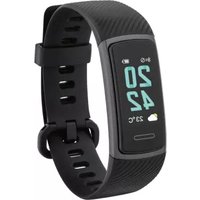
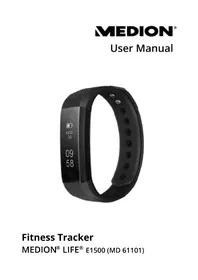
Smart fitness band
- Charging cable
- Quick start guide and warranty documents
6. Device overview
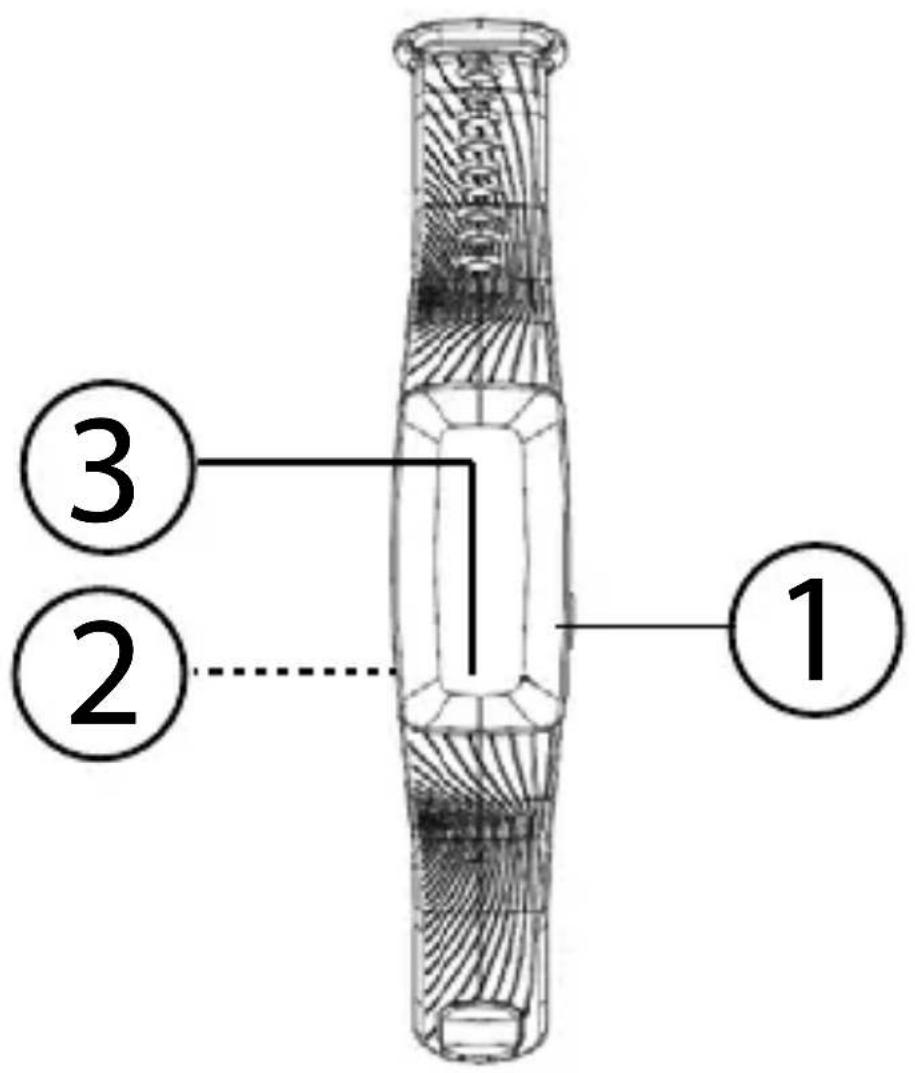
1) Start
2) Charging contacts (rear)
3) Touch field
7. Getting started
7.1. Charging the device
Before using the fitness tracker for the first time, connect it to the charging cable as illustrated.
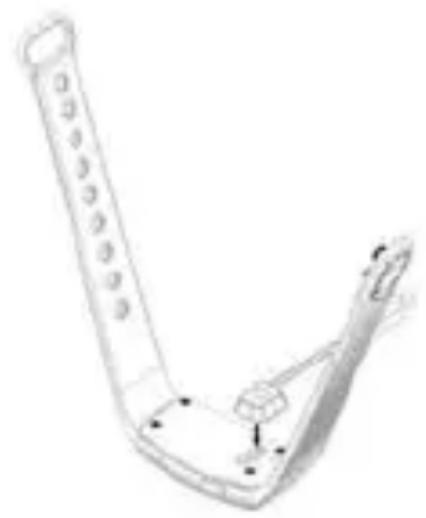
- Connect the USB plug on the charging cable to a USB power supply unit.
7.2. Putting/switching the device on
Download the associated fitness tracker app, Medion Fitness, free of charge from the Apple App Store or Google Play Store.
Place the fitness tracker around your wrist and fasten it.

PLEASE NOTE!
The fitness tracker should not be too tight or too loose for your wrist.
Press and hold the Start button until the display lights up.
Press the button to confirm the connection to the app on your smart fitness band.
7.3. Fitness app
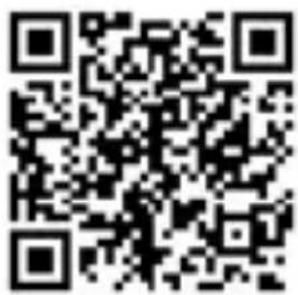
Alternatively, use the QR code printed below to download the app automatically.
Apple App Store/ Google Play Store

7.4. Connecting the device via Bluetooth®
Start the fitness app.
The app now displays a list of all the smart fitness bands in your area.
- Select your smart fitness band (E1000) from this list.
The Smartcircle is now displayed on your smart fitness band for 10 seconds.
During these 10 seconds, press on the smart fitness band's touch field to connect the devices to each other.

PLEASE NOTE!
If you don't confirm the connection on the smart fitness band within 10 seconds, you must use the app to run the connection process again.
7.5. Starting activity recording
Press the Start button for approximately 3 seconds until the smart fitness band vibrates and Sport Mode is selected.
In the selected mode, press the Start button twice in quick succession to start recording a sporting activity.
Either touch the Touch field or press the Start button to scroll through the following display options:
• Steps
- Calories
Distance
Press the Start button for approximately 3 seconds until the smart fi tness band vibrates and fi nishes recording.
7.6. Functions
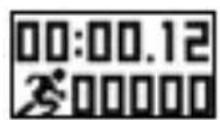
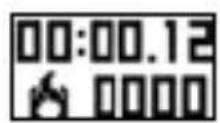
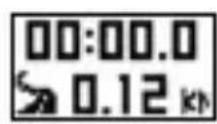
You can use the fitness tracker to record your fitness and activity levels. In "Step counter", "Distance" and "Calorie consumption" modes, you can see how many calories you've burned or how many meters you've covered on foot. Fitness tracker functions:
Step counter
Calorie consumption
Distance measurement
7.6.1. Step counter
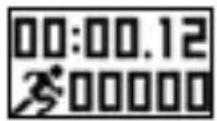
The step counter counts how many steps you've taken.
- Touch the touch field or press the Start button until you select the mode you want to use.
Press the Start button twice in quick succession to start recording a sporting activity.
7.6.2. Calorie consumption
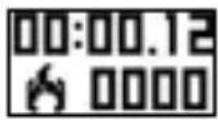
The fitness tracker calculates how many calories you've used, and displays the total.
- Touch the touch field or press the Start button until you select the calorie consumption mode you want to use.
Press the Start button twice in quick succession to start recording a sporting activity.
7.6.3. Distance measurement
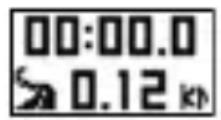
The fitness tracker shows you how far you've travelled on foot.
- Touch the touch field or press the Start button until you select the distance measurement mode you want to use.
Press the Start button twice in quick succession to start recording a sporting activity.
7.7. Trademark information
The Bluetooth® word mark and logos are registered trademarks of Bluetooth SIG, Inc. and are used by Medion AG under license.
8. Technical data
CPU
Nordic nRF51822
Rechargeable battery
Integrated Li- lon battery 70 mAh
Bluetooth
4.0 LE
Operating temperature
- 10irc C to +45irc C
Storage temperature
- 10irc C to +45irc C
Standby Up to 14 days
Protected against dust and water spray
Dimensions
41 × 20 ×
11 mm
Weight 22g
9. Declaration of Conformity
This device is supplied with the following wireless features:
- Bluetooth
Medion AG hereby declares that this device complies with the fundamental requirements and the other relevant provisions of:
RE Directive 2014/53/EU
- Ecodesign Directive 2009/125/EC
RoHS Directive 2011/65/EU.
Complete Declarations of Conformity are available at www.medion.com/ conformity.
10. Information about the frequencies used by the device
Frequency range:2.4 GHz
| Frequen-cy range/MHz | Wireless technol-ogy | Max.trans-mission range/dBm |
| 2402 to 2480 MHz | Bluetooth | 2,35 dBm |
11. Legal Notice
Copyright © 2017
All rights reserved.
These operating instructions are protected by copyright.
Mechanical, electronic and any other forms of reproduction are prohibited without the written permission of the manufacturer.
Copyright is owned by the company:
Medion AG
Am Zehnhof 77
45307 Essen
Germany
The operating instructions are available for download via the Service Portal at www.medion. com.
12. Recycling and disposal
Please contact the retailer or our Service team if you have any questions about how to dispose of your device.
Device
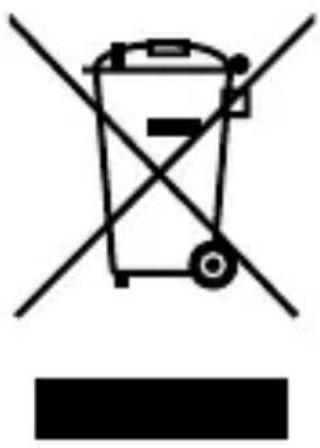
At the end of its service life, do not dispose of the device in the normal household rubbish. Instead, contact your local authority to find out how to dispose of the device in an environmentally friendly manner.
Packaging

The product has been packaged to protect it from damage in transit. The packaging is made of materials that can be recycled in an environmentally friendly manner.
Sommaire
DE
- Pas
Calories
Distance
Alternatively, could be to use the following formula for the application of the last rule.
Apple App Store / Google Play Store
- About these Operating
- Instructions 39
- EN
- About these Operating Instructions
- Key to symbols
- DANGER!
- WARNING!
- CAUTION!
- ATTENTION!
- PLEASE NOTE!
- C E
- Proper use
- Your device provides multiple options:
- Safety information
- Unauthorised personsEN
- Risk of choking and suffocation!
- Use
- Package contents
- Device overview
- Getting started
- Charging the device
- Putting/switching the device on
- Fitness app
- Connecting the device via Bluetooth®
- Starting activity recording
- Functions
- Step counter
- Calorie consumption
- Distance measurement
- Trademark information
- Technical data
- Declaration of Conformity
- Information about the frequencies used by the device
- Legal Notice
- Recycling and disposal
- Device
- Packaging
- Sommaire
Brand : MEDION
Model : Life E1000
Category : Sports Watch