CCTV Surveillance Kit - Surveillance Camera CONCEPTRONIC - Free user manual and instructions
Find the device manual for free CCTV Surveillance Kit CONCEPTRONIC in PDF.


| Product Type | CCTV Surveillance Kit |
| Brand | Conceptronic |
| Model | CCTV Surveillance Kit |
| Number of cameras | 4 |
| Camera Type | Analog (BNC) |
| BNC cable length | 18.3 meters per cable |
| DVR Recorder | 4 channels, VGA and BNC output |
| Hard drive | SATA (not provided, internal installation) |
| Power supply | AC adapter (included) |
| Network connectivity | Ethernet for remote viewing |
| Included accessories | USB mouse, power splitter cable, installation guide, software CD |
| Main functions | Continuous or motion-triggered recording, live viewing, remote access |
| Maintenance | Clean with a dry, lint-free cloth |
| Security | Default username and password (admin / blank) – change immediately |
| Available spare parts | BNC cables, power adapters, additional cameras |
| Repairability | Replaceable hard drive, standard components |
Frequently Asked Questions - CCTV Surveillance Kit CONCEPTRONIC
User questions about CCTV Surveillance Kit CONCEPTRONIC
0 question about this device. Answer the ones you know or ask your own.
Ask a new question about this device
Download the instructions for your Surveillance Camera in PDF format for free! Find your manual CCTV Surveillance Kit - CONCEPTRONIC and take your electronic device back in hand. On this page are published all the documents necessary for the use of your device. CCTV Surveillance Kit by CONCEPTRONIC.
USER MANUAL CCTV Surveillance Kit CONCEPTRONIC
natural_image
Abstract black logo design with curved lines forming a circular shape (no text or symbols)Multi Language Quick Guide
CCTV Surveillance Kit

natural_image
Stylized cityscape illustration with wind turbines and decorative floral elements, no readable text or symbolsConceptronic Surveillance Kit
1. Package contents
The following items are present in the package of the Conceptronic CCTV Surveillance Kit:
- DVR x 1
- USB Mouse x 1
- Camera x 4
• 18.3m BNC Cables x 4
• Power Splitter Cable x 1
• Power Adaptor x 1 - Multi language quick installation guide x 1
- Software CD x 1
2. Installation & usage
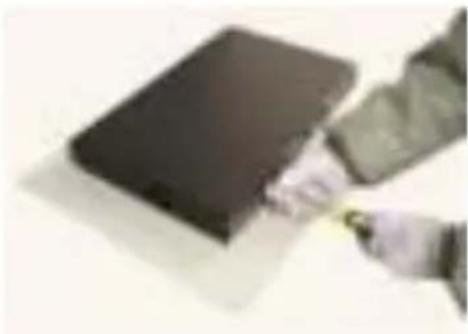
HDD Installation

natural_image
Two electronic devices on a table, one with a dark cover and the other with a black cover (no visible text or symbols)- Remove the screws from the upper cover of the DVR and remove the cover.
natural_image
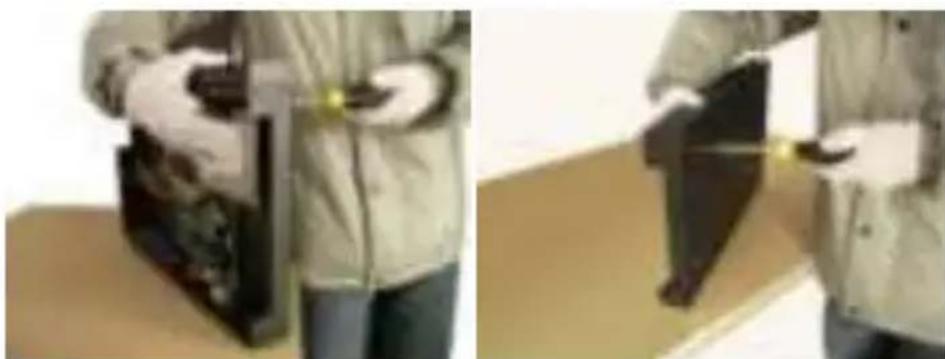
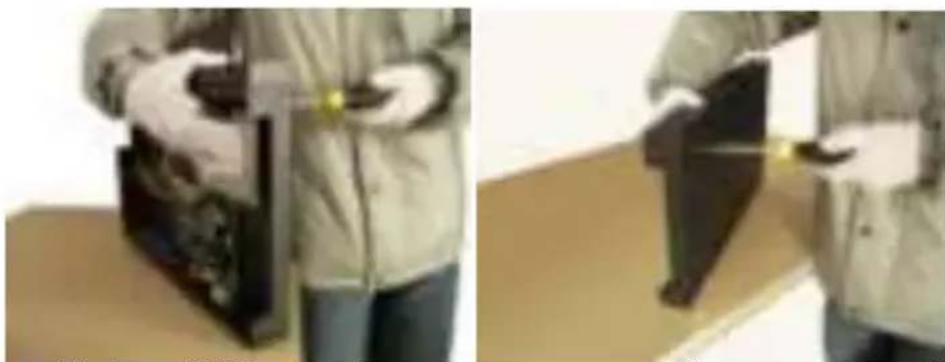
Two-panel image showing a person in protective gear handling a device, with no visible text or symbols.- Align the HDD in the case and fasten the screws from the bottom of the DVR.
English
natural_image
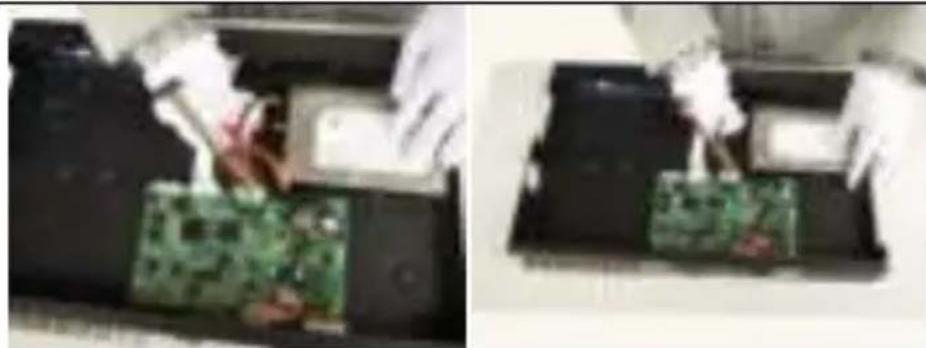
Two-panel photo showing hands operating a green circuit board in a printer (no visible text or symbols)• Install data and power cable for the hard disk.
natural_image
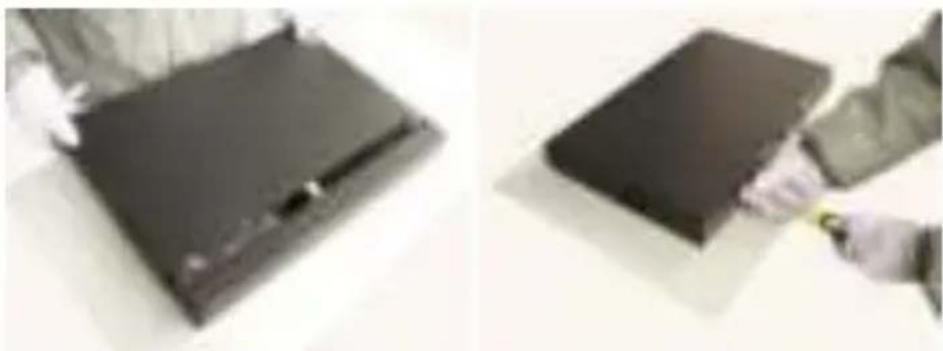
Two photos showing a person holding a dark rectangular object on a surface, with no visible text or symbols.- Close the top cover and fasten screws.
Note: SATA hard disk inside the DVR does not support hot plugging. Please properly connect wires in the hard disk prior to booting.
Cable Installation
flowchart
graph TD
    A["Computer"] --> B["Switch"]
    B --> C["Router"]
    C --> D["Wireless Cable"]
    D --> E["Switch"]
    E --> F["Bus"]
    F --> G["Wireless Cable"]
    G --> H["Switch"]
    H --> I["Bus"]
    I --> J["Wireless Cable"]
    J --> K["Switch"]
    K --> L["Bus"]
    L --> M["Wireless Cable"]
    M --> N["Switch"]
    N --> O["Bus"]
    O --> P["Wireless Cable"]
    P --> Q["Switch"]
    Q --> R["Bus"]
    R --> S["Wireless Cable"]
    S --> T["Switch"]
    T --> U["Bus"]
    U --> V["Wireless Cable"]
    V --> W["Switch"]
    W --> X["Bus"]
    X --> Y["Wireless Cable"]
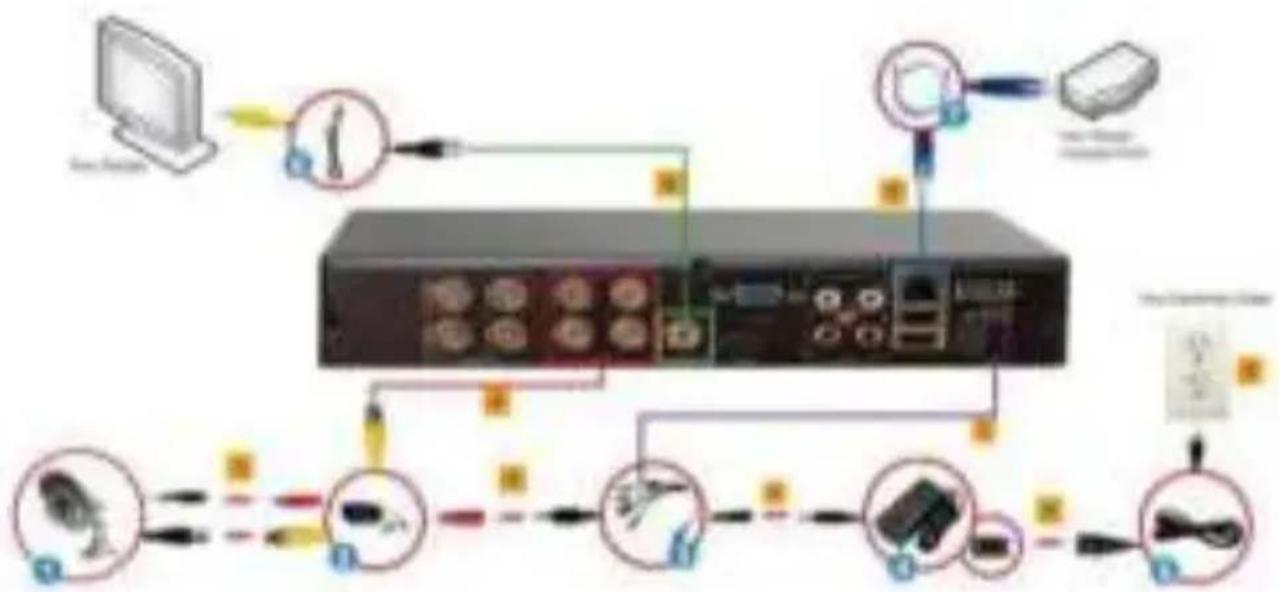
- Connect the BNC Connector and the Power Connector of the CCTV Cameras(1) with Camera Cables(2).
- Using the 9 way Splitter Cable(3), connect the male end of the Power
English
Connector to the Camera Cable's Female End of the Power Connector(indicated in RED)(2).
- Connect the single end of the 9 Way Splitter Cable(3) to the Power Connector of the Adapter(4).
- Connect one end of a Ethernet Cable(7) to the DVR and the other end to your router/access point.
- Connect one end of the BNC to RCA Cable(6) to your display and the other end to the DVR. Alternatively, you can also use VGA output (VGA cable not included).
- Given that one end of the Camera Cable(2) is already connected to the CCTV Camera, take the unconnected end of the BNC connector and connect it to the respective BNC Input connectors.
- Connect the Male End of the 9 Way Splitter Cable(3) to the DVR' DC Power Input Jack.
- Connect the Power Cable(5) to the Power Adapter(4).
- Plug the Power Cable(5) into an Electrical Outlet.
System Login:
When the system is locked, click right button→"Main Menu", or the shortcut icon on the preview screen. An user login interface will appear. Fill user name and password in the login window (default name is admin, no password). A successful login can be conducted when a user inputs a correct user name and password and presses OK for confirmation. The user then can operate the system.
Enjoy the use of your Conceptronic CCTV Surveillance Kit!
Conceptronic Surveillance Kit
1. Packungsinhalt
natural_image
Two electronic devices on a table, one with a black cover and the other with a dark cover (no visible text or symbols)natural_image
Two-panel image showing a person in protective gear handling a device, with no visible text or symbols.natural_image
Two-panel photo showing hands operating a green circuit board with a printer in operation (no visible text or symbols)natural_image
Two photos showing a person cleaning a dark rectangular object; no visible text or symbols.natural_image
Two electronic devices on a table, one with a black cover and the other with a dark body (no visible text or symbols)natural_image
Two-panel image showing a person holding a device, with no visible text or symbols.natural_image
Two-panel photo showing hands operating a green circuit board with a printer in operation (no visible text or symbols)natural_image
Two photos showing a person cleaning a dark rectangular object; no visible text or symbols.natural_image
Two electronic devices on a desk, one with a black cover and the other with a dark cover (no visible text or symbols)natural_image
Two-panel image showing a person in protective gear handling a device, with no visible text or symbols.natural_image
Close-up of hands operating a green circuit board with a white plastic component (no visible text or symbols)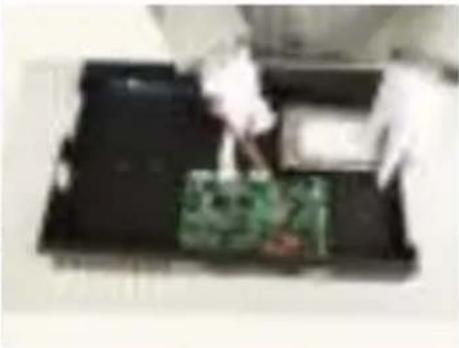
natural_image
Person handling a green circuit board on a black tray (no visible text or symbols)natural_image
Exterior view of a modern office building (no signage)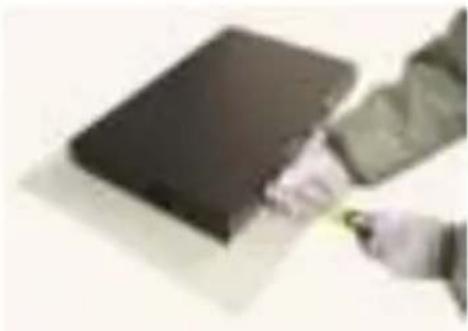
natural_image
Hand holding a small object on a flat surface, no visible text or symbolsnatural_image
Two views of a black electronic device on a desk, one with a hand holding the screen (no visible text or symbols)natural_image
Two-panel image showing a person in protective gear handling a device, with no visible text or symbols.natural_image
Two-panel photo showing hands operating a green circuit board on a device, with no visible text or symbols.natural_image
Two photos showing a person holding a dark rectangular object, possibly a device or folder, with no visible text or symbols.natural_image
Two electronic devices on a desk, one with a black cover and the other with a dark cover (no visible text or symbols)natural_image
Two-panel image showing a person in protective gear handling a device, with no visible text or symbols.natural_image
Close-up of hands operating a green circuit board with a white plastic component (no visible text or symbols)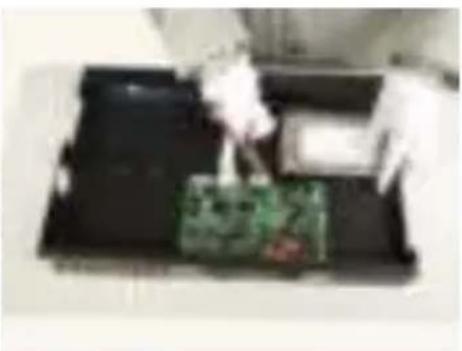
natural_image
Person handling a green circuit board on a black tray (no visible text or symbols)natural_image
Close-up of a dark rectangular electronic component with a small white mark on top (no visible text or symbols)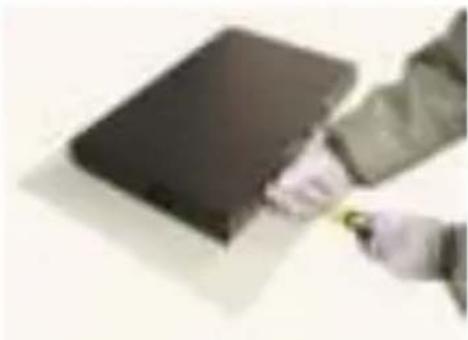
natural_image
Hand holding a dark rectangular object with a yellow-green tool, possibly part of a larger object (no visible text or symbols)natural_image
Two black electronic devices on a table, one with a small inset showing a device (no visible text or symbols)natural_image
Two-panel image showing a person in protective gear handling a device, with no visible text or symbols.natural_image
Two-panel photo showing hands operating a green circuit board on a printer, with no visible text or symbols.natural_image
Two photos showing a person holding a dark rectangular object, possibly a device or folder, with no visible text or symbols.natural_image
Two views of a black electronic device on a desk, one with a hand holding the screen (no visible text or symbols)- Desaperte os parafusos da tampa superior do DVR e retire a tampa.
natural_image
Two-panel image showing a person in lab coat handling a device, with no visible text or symbols.natural_image
Two-panel photo showing hands operating a green circuit board with a white plastic component, no visible text or symbolsnatural_image
Two photos showing a person cleaning a dark rectangular object; no visible text or symbols.natural_image
Two electronic devices on a table, one dark and one light, with no visible text or symbols.natural_image
Two-panel image showing a person in protective gear handling a device, with no visible text or symbols.natural_image
Close-up of hands operating a green circuit board with a white plastic component (no visible text or symbols)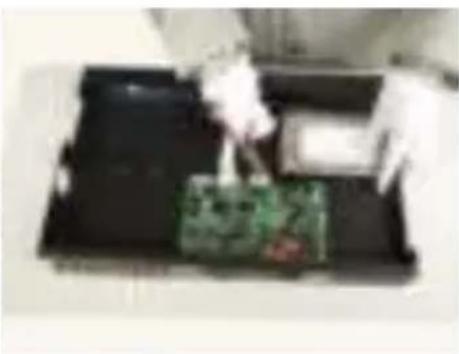
natural_image
Top-down view of a black tray with a green circuit board and a white object, no visible text or symbolsnatural_image
Close-up of a dark rectangular electronic component with a small white mark on top (no visible text or symbols)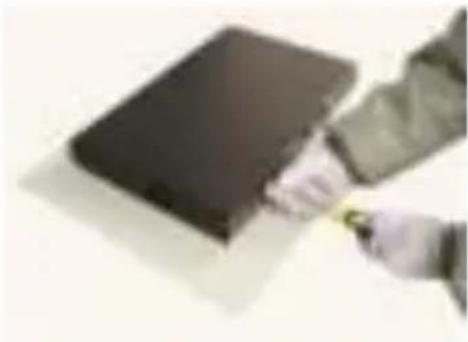
natural_image
Hand holding a dark rectangular object with a yellow tool, possibly part of a larger object (no visible text or symbols)natural_image
Two black electronic devices on a table, one with a small inset showing a device (no visible text or symbols)natural_image
Two-panel image showing a person in protective gear handling a device, with no visible text or symbols.natural_image
Close-up of hands operating a green circuit board with a white plastic component (no visible text or symbols)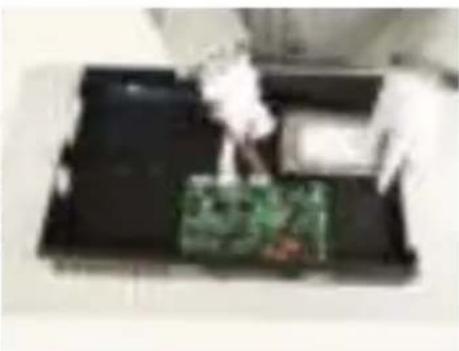
natural_image
Top-down view of a printer's tray with a green circuit board and a white plastic object (no visible text or symbols)natural_image
Close-up of a dark rectangular electronic component with a small hole, possibly a battery or cover (no visible text or symbols)