CZRL511D - Air-conditioner PANASONIC - Free user manual and instructions
Find the device manual for free CZRL511D PANASONIC in PDF.



User questions about CZRL511D PANASONIC
0 question about this device. Answer the ones you know or ask your own.
Ask a new question about this device
Download the instructions for your Air-conditioner in PDF format for free! Find your manual CZRL511D - PANASONIC and take your electronic device back in hand. On this page are published all the documents necessary for the use of your device. CZRL511D by PANASONIC.
USER MANUAL CZRL511D PANASONIC
Wireless Remote Control
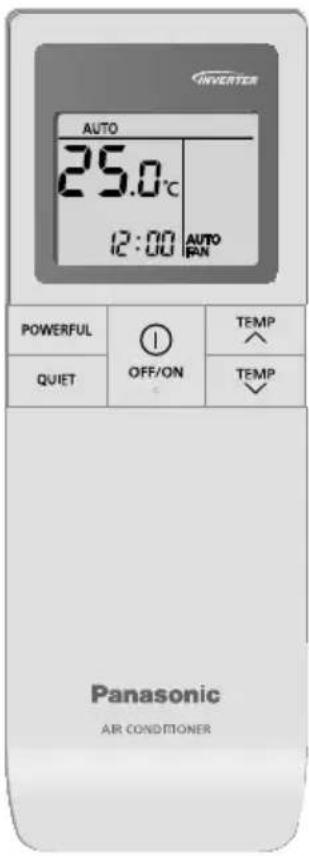
CZ-RL511D
User Manuals
Wireless Remote Control
2-5
English
Bedienungsanleitung
- Do not allow infants and small children to play with the remote control to prevent them from accidentally swallowing the batteries.
- Do not use rechargeable (Ni-Cd) batteries. It may damage the remote control.
-
To prevent malfunction or damage of the remote control:
-
Remove the batteries if the unit is not going to be used for a long period of time.
- New batteries of the same type must be inserted following the polarity stated.
Quick Guide
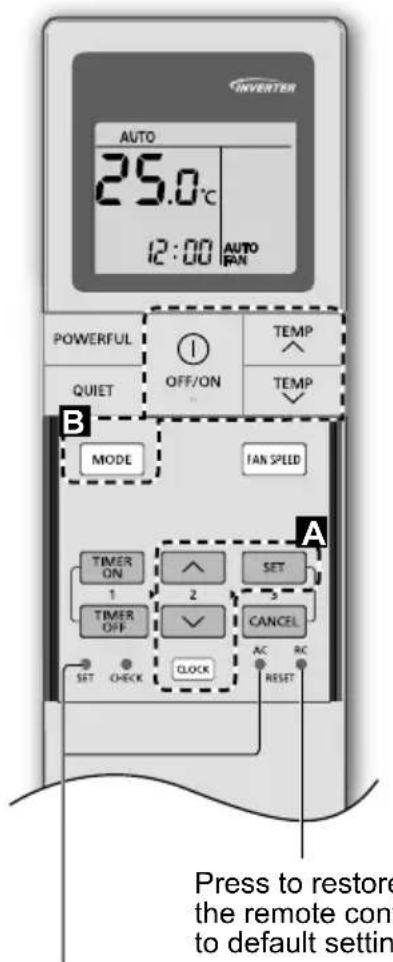
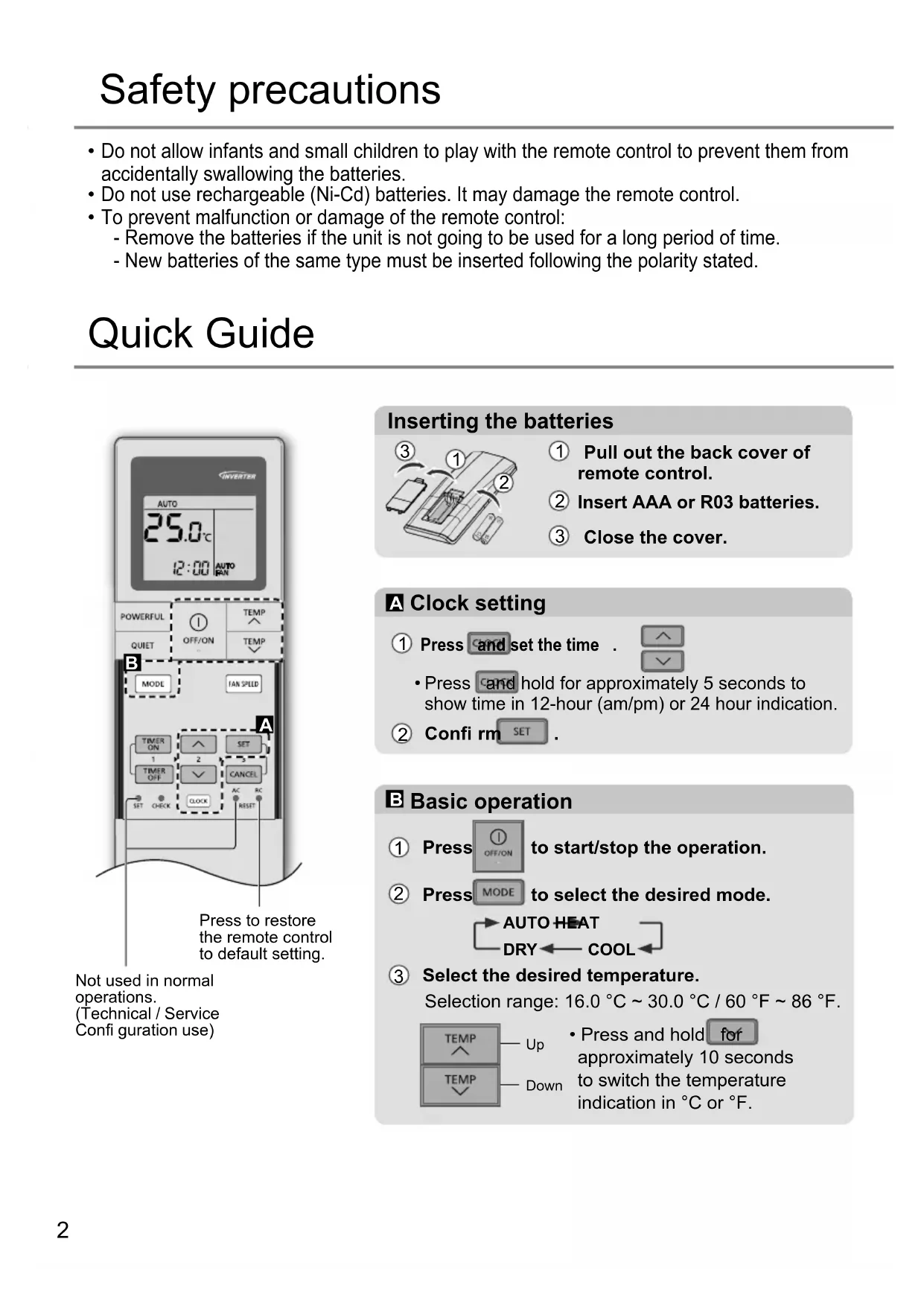
Not used in normal operations. (Technical / Service Confi guration use)
Inserting the batteries
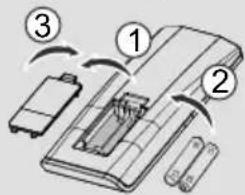
① Pull out the back cover of remote control.
② Insert AAA or R03 batteries.
③ Close the cover.
A Clock setting
① Press and set the time.

- Press and hold for approximately 5 seconds to show time in 12-hour (am/pm) or 24 hour indication.
② Confirm SET
Basic operation
① Press to start/stop the operation.
② Press MODE to select the desired mode.
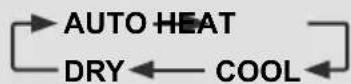
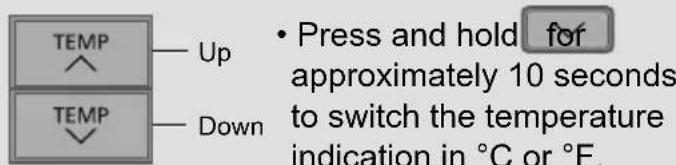
③ Select the desired temperature. Selection range: 16.0^ 30.0^ / 60^ 86^ .
To adjust fan speed

- For AUTO, the indoor fan speed is automatically adjusted according to the operation mode.
To reach temperature quickly
- This operation stops automatically after 20 minutes.
To enjoy quiet operation
- This operation reduces airflow noise.
Note
QUIET
- can be activated in all modes and can be cancelled by pressing the respective button again.
To set the timer
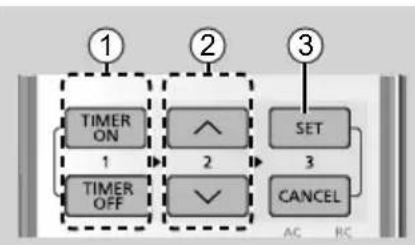
2 sets of ON and OFF timers are available to turn ON or OFF the unit at different preset time.
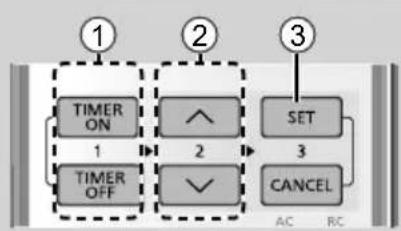
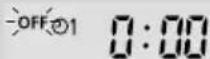
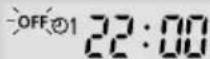
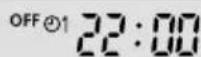
① Select ON or OFF timer Example: OFF at 22:00
Each time pressed:

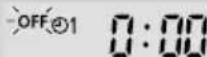
② Set the time
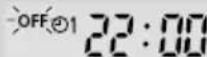
(3) Confirm

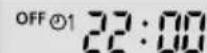
To cancel ON or OFF timer, press to select respective or then press.
- To cancel ON and OFF timer, press CANCEL.
- If timer is cancelled manually or due to power failure, you can restore the timer again by pressing TIMER ON or TOLER to select respective or otherwise press. SET
- The nearest timer setting will be displayed and will activate in sequence.
- Timer operation is based on the clock set in the remote control and repeats daily once set. For clock setting, please refer to the Quick guide.
When wired remote control is in operation, the timer setting from wireless remote control will be cancelled.
Operation mode
- It is possible to operate the indoor units individually or simultaneously. The priority of operation is placed on the first unit that turned on.
- During operation, HEAT and COOL modes cannot activate at the same time for different indoor units.
- The power indicator blinks to indicate the indoor unit is standing by for different operation mode.
AUTO : During operation, the POWER indicator will blinks at initial.
Single
- Unit selects operation mode every 10 minutes according to the setting and room temperatures.
Multi
- Unit selects operation mode every 3 hours according to setting temperature, outdoor temperature and room temperature.
HEAT : The POWER indicator blinks at the initial stage of this operation. Unit takes a while to warm up.
COOL : Provides efficient comfort cooling to suit your needs.
DRY: Unit operates at low fan speed to give a gentle cooling operation.
Energy saving temperature setting
Operating the unit within the recommended temperature range may save energy.
HEAT: 20.0^ 24.0^ / 68^ 75^ .
COOL: 26.0^ 28.0^ / 79^ 82^ .
Auto restart control
If power is resumed after a power failure, the operation will restart automatically after a period of time with previous operation mode and airflow direction.
- This control is not applicable when TIMER is set.
Check the following before calling for servicing.
| Symptom Check | |
| Remote control does not work. (Display is dim or transmission signal is weak.) | • Insert the batteries correctly. • Replace weak batteries. |
| The unit does not receive the signal from the remote control. | • Make sure the receiver is not obstructed. • Certain fluorescent lights may interfere with signal transmitter. Please consult authorised dealer. |
How to retrieve error codes
If the unit stops and the TIMER indicator blinks, use the remote control to retrieve the error code.
① Press for 5 seconds
③ Press for 5 seconds to quit checking
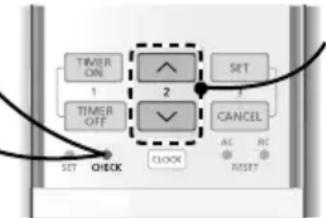
② Press until you hear beep sound, then write down the error code
④ Turn the unit off and reveal the error code to authorised dealer
- For certain errors, you may restart the unit for limited operation if there are 4 beeps when operation starts.
Information
Information for Users on Collection and Disposal of Old Equipment and Used Batteries
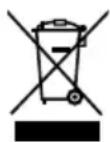
These symbols on the products, packaging, and/or accompanying documents mean that used electrical and electronic products and batteries should not be mixed with general household waste.
For proper treatment, recovery and recycling of old products and used batteries, please take them to applicable collection points in accordance with your national legislation.
By disposing of these products and batteries correctly, you will help to save valuable resources and prevent any potential negative effects on human health and the environment which could otherwise arise from inappropriate waste handling.
For more information about collection and recycling of old products and batteries, please contact your local municipality, your waste disposal service or the point of sale where you purchased the items.
Penalties may be applicable for incorrect disposal of this waste, in accordance with national legislation.
For business users in the European Union
If you wish to discard electrical and electronic equipment, please contact your dealer or supplier for further information.
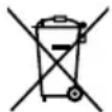
[Information on Disposal in other Countries outside the European Union]
These symbols are only valid in the European Union. If you wish to discard these items, please contact your local authorities or dealer and ask for the correct method of disposal.
Note for the battery symbol (bottom two symbol examples):
This symbol might be used in combination with a chemical symbol. In this case it complies with the requirement set by the Directive for the chemical involved.
Sicherheitshinweise
KOELEN: 26,0^ 28,0^ / 79^ 82^ .
- Pritisnite ClCK and hold for approximately 5 seconds to show time in 12-hour (am/pm) or 24 hour indication.
② Potvrdi SET
B Osnovno rukovanje
① Pritisnite kako bistePokrenuli/ zaustavili operaciju.
② Pritisnite MODE za odabir zeiljenog načina. AUTO HEAT DRY COOL
③ Odaberite Željenu temperaturu.
Raspon za odabir: 16,0^ 30,0^ / 60^ 86^ .
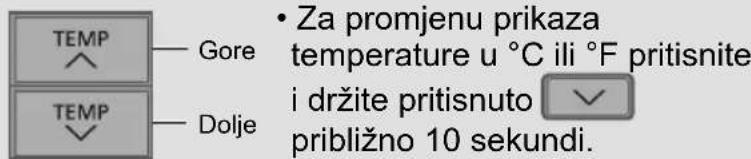
Za prilagodbu brzine ventilatora

- Za AUTO (AUTOMATSKI), brzina unutarnjeg ventiladora automatski je podešena prema načinu rada.
Za brzo dostizanje temperature
- Ovaj rad automatski se zaustavlja nakon 20 minuta.
Zaužitak tihog rada
- Ovaj postupak smanjube buku strujanja zraka.
Napomena
- Moze se aktivirati u svim naacinima rada i moze se ponišiti takdo da se ponovno pritisne odgovarajuci gumb.
Za postavljanje tajmera
Za ON (Ukljucivanje) ili OFF (Iskljucivanje) Jedinice u razlicito prethodno postavljeno vrijeme na raspolaganju su 2 postavljanja tajmera za ON (tajmer ukljucivanja) i OFF (tajmer iskljucivanja).
① Odabir ON (Uključeno) ili OFF (Isključeno) tajmera
- Svakim pritiskom:

HLADENJE:26,0°C~28,0°C/79°F~82°F.
Komanda automatskog restartiranja
Ako se napajanje nastavi i nakon nestanka struje, radnja ce se automatski restartirati nakon nekog vremena u prethodnom režimu rada i smjeru strujanja zraka.
- Ova komanda se ne besoin primjeniti kada je postavljen TIMER.
Exemplo: OFF as 22:00
② Confi gure a hora
③ Confirm
FRIO:26,0°C~28,0°C/79°F~82°F.
Accordance with the WEEE Regulation.
Disposal of Old Equipment and Batteries Only for European Union and countries with recycling systems
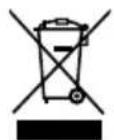
These symbols on the products, packaging, and/or accompanying documents mean that used electrical and electronic products and batteries must not be mixed with general household waste.
For proper treatment, recovery and recycling of old products and batteries, please take them to applicable collection points in accordance with your national legislation.
By disposing of them correctly, you will help to save valuable resources and prevent any potential negative effects on human health and the environment.
For more information about collection and recycling, please contact your local municipality.
Penalties may be applicable for incorrect disposal of this waste, in accordance with national legislation.
LUFTKOLING:26,0°C~28,0°C/79°F~82°F.
① Trykk pa and still inn tiden

for a starte/stoppe driften.
② Trykk pa MODE
to velg onsket modus.
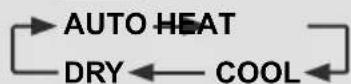
③ Velg ønsket temperatur.
Utvalgsomrade: 16,0^ 30,0^ / 60^ 86^.
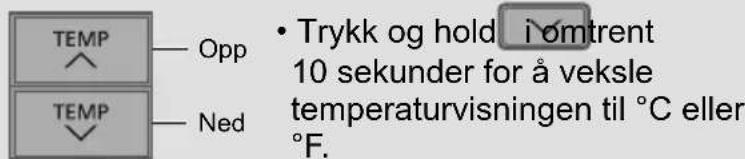
KJOLIG:26,0°C~28,0°C/79°F~82°F.
Automatisk styring av omstart
1006 Kadoma, Kadoma City,
Osaka, Japan
Website: http://www.panasonic.com
Authorised representative in EU
Panasonic Testing Centre
Panasonic Marketing Europe GmbH
Winsberging 15, 22525 Hamburg, Germany
AEEE Compliance with Turkey Regulations