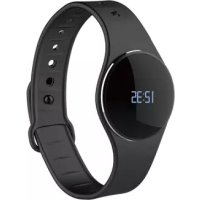
ZeCircle - Smartwatch MYKRONOZ - Free user manual and instructions
Find the device manual for free ZeCircle MYKRONOZ in PDF.



| Product type | Connected watch (smartwatch) |
| Brand | MyKronoz |
| Model | ZeCircle |
| Bracelet dimensions | 254 x 34 x 10 mm (adjustable circumference from 142 to 195 mm) |
| Weight | 20 g |
| Screen | OLED touch, 64 x 32 pixels |
| Connectivity | Bluetooth 4.0 BLE, range up to 5 m |
| Battery | 55 mAh, battery life up to 5 days, charging time 2 hours |
| Memory | 5 days of activity |
| Sensor | Accelerometer |
| Water resistance | IP67 (immersion up to 1 meter for 30 minutes) |
| Operating temperature | -20°C to +40°C |
| Warranty | 1 year international |
| Compatibility | iOS, Android 4.3+ (Bluetooth 4.0 BLE), Windows Phone 8.1 (Bluetooth 4.0 BLE) |
| Main functions | Activity tracking (steps, distance, calories), sleep, notifications, reminders, goals, anti-loss alert |
| Power supply | Magnetic charging dock with USB cable (power adapter not included) |
| Box contents | ZeCircle, bracelet, charging dock, USB cable |
| Care and cleaning | Clean with a soft, dry cloth. Do not use solvents or abrasive products. |
| Safety | Contains magnets. Consult a doctor if you wear a pacemaker or other medical device. Do not use for medical diagnosis. |
| Spare parts and repairability | Bracelet and charging dock available separately. Contact support for any repairs. |
| General information | Complies with R&TTE Directive 1999/5/EC. Manufactured by Kronoz LLC. |
Frequently Asked Questions - ZeCircle MYKRONOZ
User questions about ZeCircle MYKRONOZ
0 question about this device. Answer the ones you know or ask your own.
Ask a new question about this device
Download the instructions for your Smartwatch in PDF format for free! Find your manual ZeCircle - MYKRONOZ and take your electronic device back in hand. On this page are published all the documents necessary for the use of your device. ZeCircle by MYKRONOZ.
USER MANUAL ZeCircle MYKRONOZ
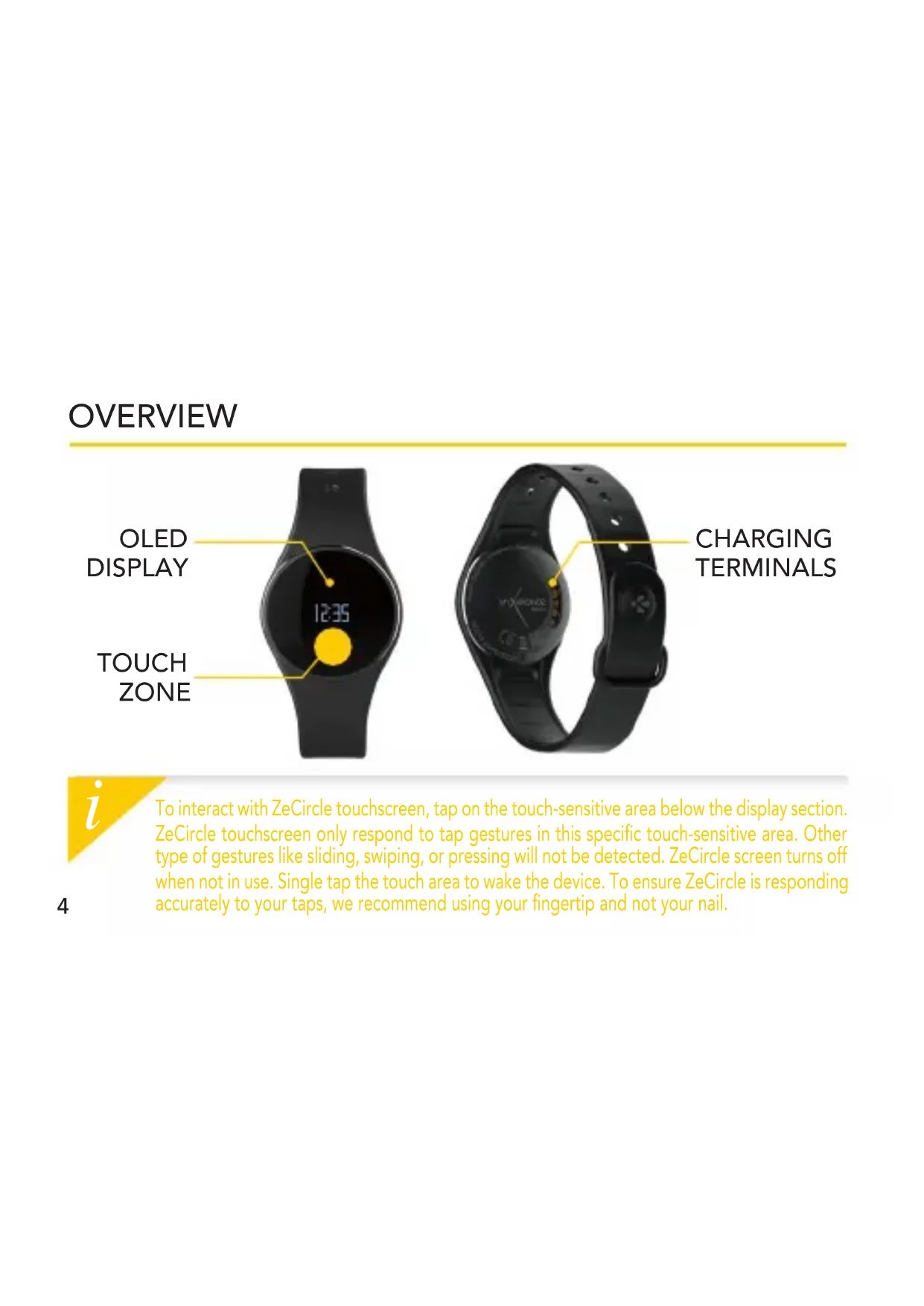
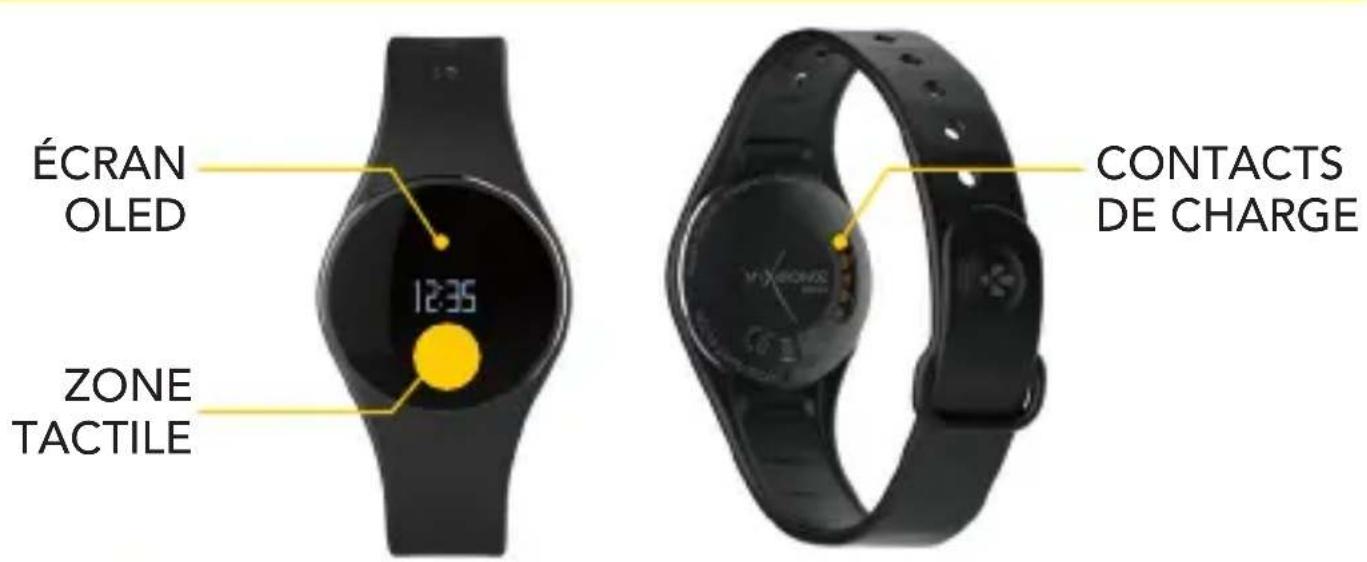
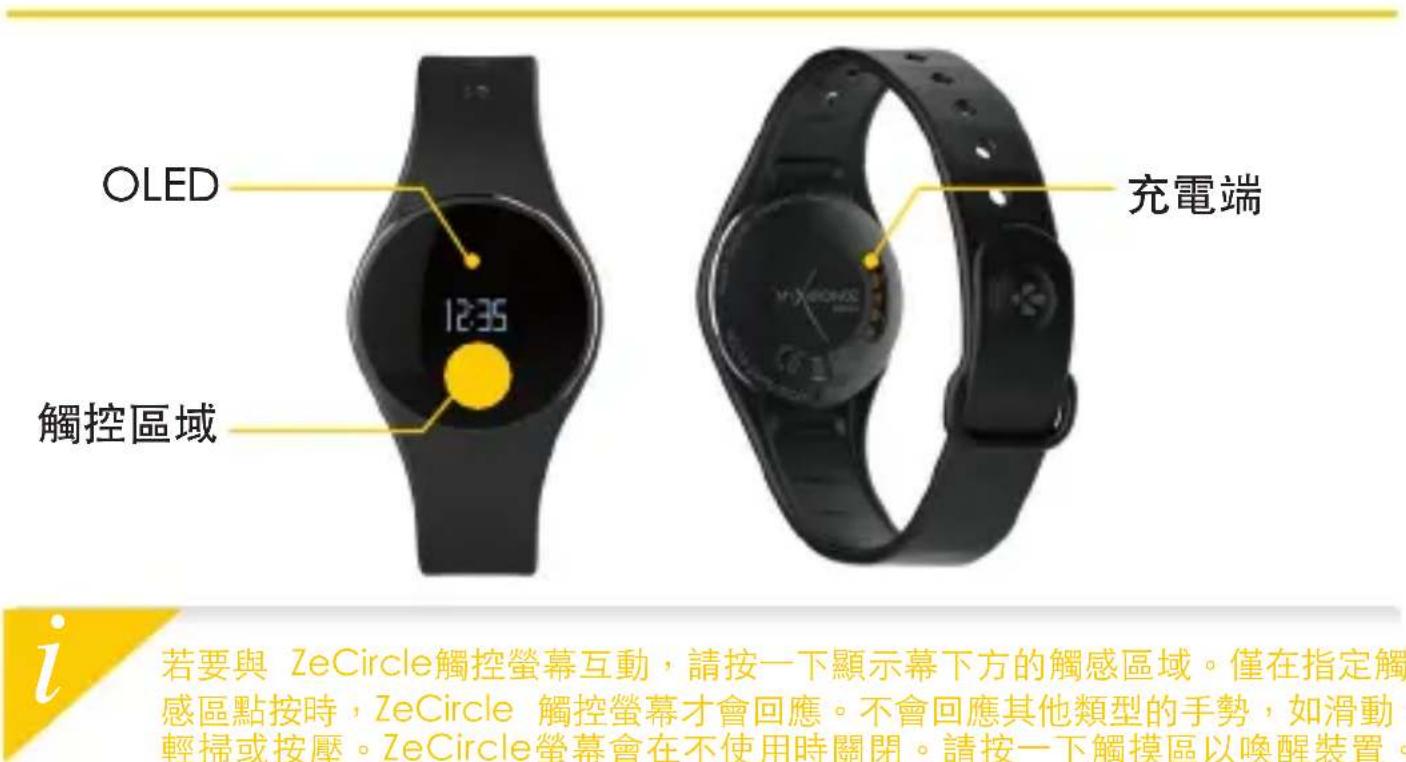
To interact with ZeCircle touchscreen, tap on the touch-sensitive area below the display section. ZeCircle touchscreen only respond to tap gestures in this specific touch-sensitive area. Other type of gestures like sliding, swiping, or pressing will not be detected. ZeCircle screen turns off when not in use. Single tap the touch area to wake the device. To ensure ZeCircle is responding accurately to your taps, we recommend using your fingertip and not your nail.
1. CHARGING
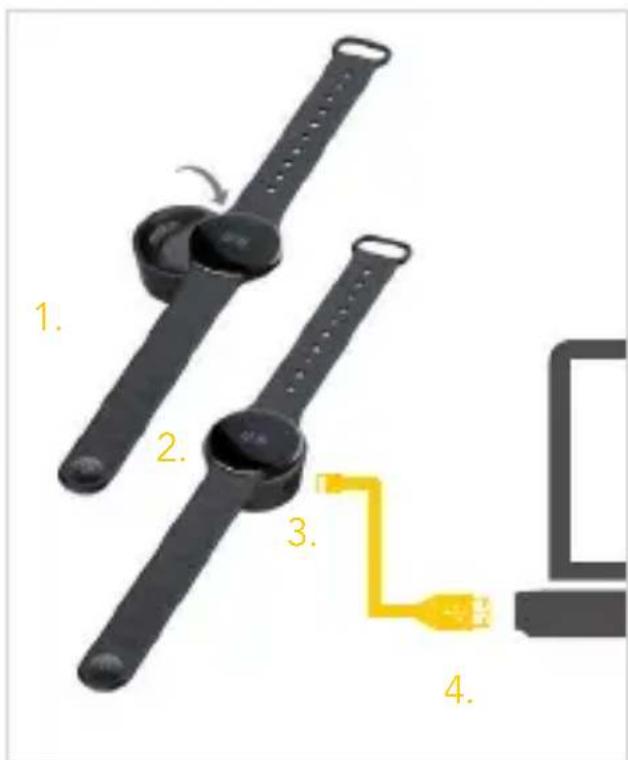
Charge ZeCircle for two hours before your first use.
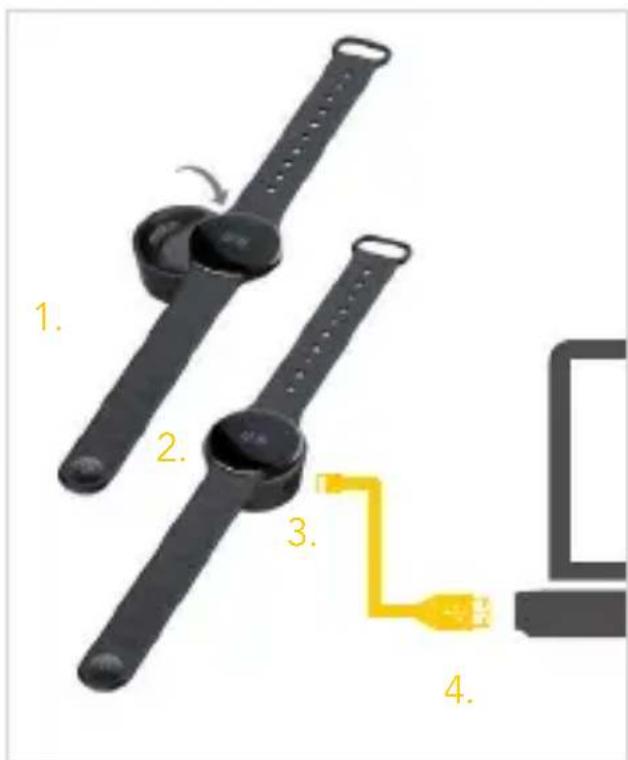
- Put ZeCircle on the magnetic charging dock
- Make sure the 5 pins on the charging dock fit correctly onto the charging terminals on the back of ZeCircle
- Plug the small end of the USB cable provided into the charging's dock USB port
- Plug the big end of the USB cable into a power source
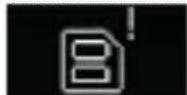
- A battery indicator will fill to indicate charging is in progress. Once ZeCircle is charged, the battery indicator will be full

A full charge takes 1:30 hour. When the battery level gets low, a battery indicator will appear.
2. PAIRING
The first time you use ZeCircle, a SET UP message will prompt you to set up your ZeCircle using a mobile device or a computer.
GET ZeCircle APP
To set up your ZeCircle using your mobile device, you first need to get ZeCircle App. Search for ZeCircle App in the App store, Google Play or Windows Phone store, download and install the App on your mobile device.
Available on the
App Store
ANDROID APPON
Google play
Windows Phone
System Requirements
iOS Android
iOS 7+ devices with Bluetooth 4.0 BLE iPhone 4s,5,5c,5s,6,6 Plus,iPad (3^rd 4^th and 5^th gen)iPad Mini,iPod touch (5^th gen)
Select Android 4.3 + devices that support Bluetooth 4.0 BLE
Windows Phone
Select Windows Phone 8.1 that support Bluetooth 4.0 BLE
Visit www.mykronoz.com to get the latest compatibility list
- Enable Bluetooth on your mobile device
- Open ZeCircle App on your mobile device. Sign up if you are a new member or Log in with your existing account. After entering your personal information, tap Set up
- Make sure ZeCircle is nearby and select ZeCircle in the list of devices
-
You will receive a pairing request on your mobile device. Press Pair to accept it
-
Then, a pairing request will appear on your ZeCircle display Tap on your ZeCircle to accept the pairing
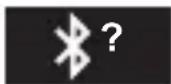
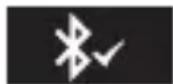
- When ZeCircle is successfully paired, you will be notified on ZeCircle and on your mobile device's screen
■ You can also set up your ZeCircle using our Mac or PC software available on MyKronoz website: http://www.mykronoz.com/support/
System requirements: Windows 7,8, XP - Mac OS X 10.7 and above

If pairing fails, repeat the same steps. Pairing is a one-time process. If you want to pair ZeCircle with another account, you first need to unpair it from the current one. Open ZeCircle App, go to Settings > Connect ZeCircle > Unpair ZeCircle. Tap Connect ZeCircle to pair a new device
3. WEARING
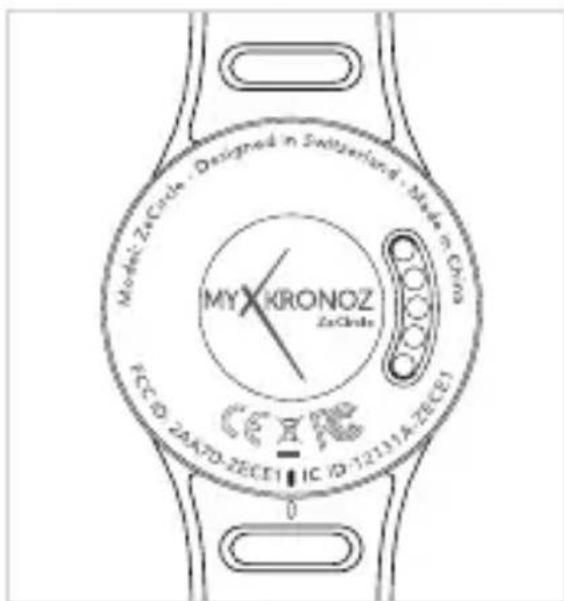
ZeCircle is adjustable to fit different wrist sizes.
- Pop ZeCircle unit into the wristband
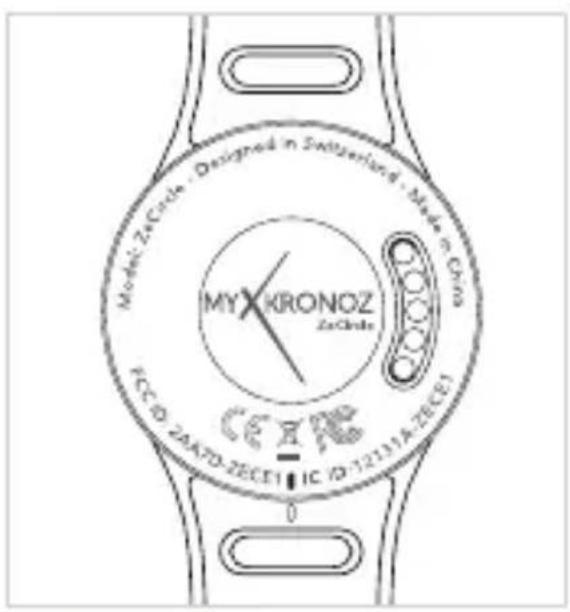
- Locate the vertical marking lines on the back of ZeCircle unit and on its wristband
- Make sure the vertical marking lines are aligned with each other
- Place ZeCircle around your wrist and put the clasp pin inside the hole
- Press a few times to ensure the pin is fully inserted and that ZeCircle is securely fastened
To get the most accurate data, we recommend wearing ZeCircle on your non-dominant hand and not too loose.
3. DISPLAYS
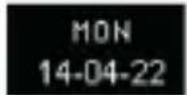
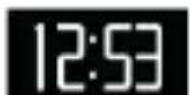
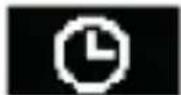
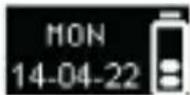
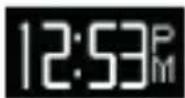
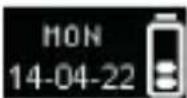
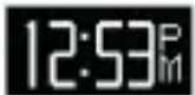
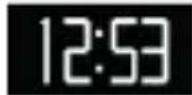
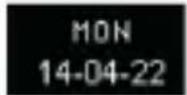
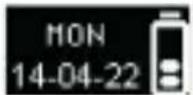
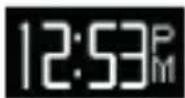
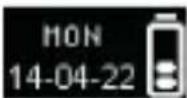
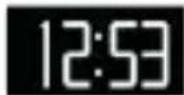
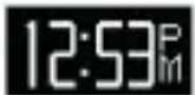
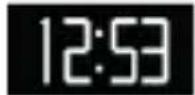
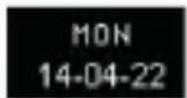
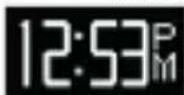
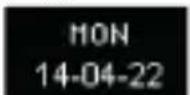
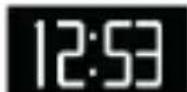
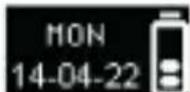
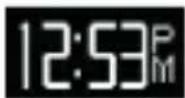
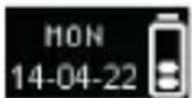
24-h 12-h 24-h Time + Date
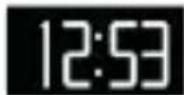
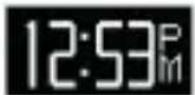
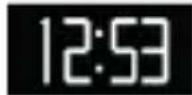
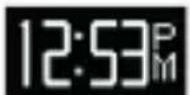
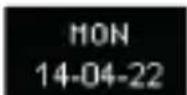
12-h Time + Date
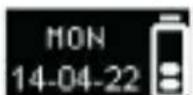
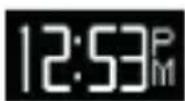
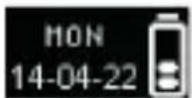
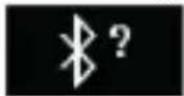
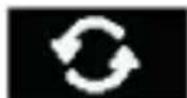
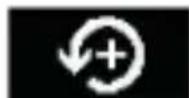
Pairing request Syncing Upsgesfug pairing
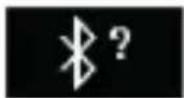
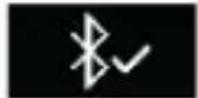
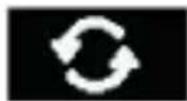
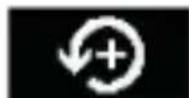
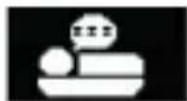
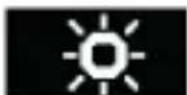
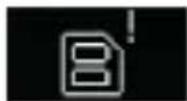
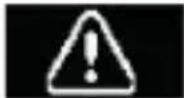
Anti-lost alertFull memoryActivity

ZeCircle will automatically sync the time and date of your paired mobile device. You can set your preferred time and date format manually in the Settings tab of ZeCircle App. Make sure you keep the device charged to avoid the time being reset
4. ACTIVITY
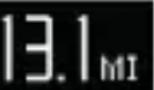
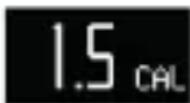
ZeCircle tracks the number of steps taken, distance travelled and calories burned throughout the day. You can view your daily activity in real-time on ZeCircle display by tapping below the display area.
STEPSDISTANCECALORIES
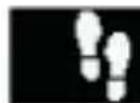
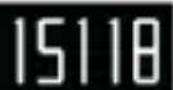
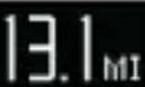
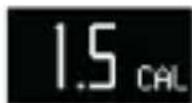
You can also monitor your activity data and history from the Activity tab of ZeCircle. On the main activity screen, you can check your performance level against your daily goals. Click on any activity bar to get a detailed graph of your daily, weekly and monthly performance.

ZeCircle shows daily data. The activity tracker resets at midnight. To upload your latest activity data, do not forget to tap the sync icon in the upper right hand corner of ZeCircle App
5. SLEEP
ZeCircle tracks the hours slept and the quality of your sleep (light sleep, deep sleep, awake times)
START/EXIT SLEEP MODE
To start sleep mode, open ZeCircle App, tap on the bottom purple sleep bar, click on Add sleep log > Start Sleep now
To end sleep mode, open ZeCircle App, tap on the bottom purple sleep bar, click on Add sleep log > Awake
PRESET SLEEP
Open ZeCircle App > Go to Settings > Advanced Settings > Click on Preset sleep to enter your desired bed and wake up times. By default, ZeCircle will track your sleep from 11pm until 7am.

To upload your latest sleep data, do not forget to tap the sync icon in the upper right hand corner of ZeCircle App. If you forgot to activate sleep mode, you can manually add sleep logs in ZeCircle App. Open ZeCircle App, click on Add sleep log > Add sleep
6. GOALS
Tap the Goals tab of ZeCircle App to set daily goals for steps taken, distance travelled, calories burned and hours slept. Click on the sync button in the upper right corner to save your goals. On the Steps screen of your ZeCircle, a progress bar will show how close you are to your daily goal.
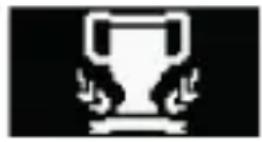
Once you hit one of your daily goal, ZeCircle will gently vibrate and display a Goal achieved icon
7. REMINDERS
Tap the Reminders tab of ZeCircle App to add daily life reminders. You can set up to 6 daily reminders, and choose the type of reminder and preferred time and day. ZeCircle will gently vibrate and display the corresponding reminder icon to alert you. A single tap on your ZeCircle can dismiss the reminder. If not dismissed, the same alert will repeat after two minutes.
8. NOTIFICATIONS
ZeCircle shows notifications of incoming and missed calls, SMS, email, social media activity, calendar events and anti-lost alert*. Open ZeCircle App, tap Settings > Notifications to select the notifications you want to receive onto your ZeCircle. If you wish to disable certain notifications, swipe the selection button to the left. A single tap on your ZeCircle can dismiss the notification. If not dismissed, the notification will reappear next time you wake up the screen.
Setting up notifications for iOS users:
Go to "Settings" of your iOS device
Tap "Notification Center"
Select which type of notifications you wish to receive on ZeCircle
Enable "Show in Notification Center" to receive the notification on ZeCircle

Caller ID supports latin character only. For more languages support, please contact support@ mykronoz.com. *Windows Phones may not support those features, please contact support@ mykronoz.com.for more information.
9. TECH SPECS
Size & Circumference 254 x 34 x 10 mm
Min:142mm
Max: 195 mm
Weight 20g
Bluetooth 4.0 BLE
Bluetooth operating range Up to 5 meters
Battery type 55 mAh
Battery life Up to 5 days
Charging time 2 hours
Memory 5 days of activity
Display Touchscreen OLED 64*32 pixels
Sensor 3-axis accelerometer
Operating temperature -20°C to +40°C
Water resistance IP67
International warranty 1 year
ZeCircle
FRANÇAIS
CHARGE 17 SOMMEIL 23
APPAIRAGE 18 OBJECTIFS 24
COMMENT 20 RAPPELS 24
LA PORTER NOTIFICATIONS 25
AFFICHAGES 21
ACTIVITÉ 22 TECHNIQUES
PRÉSENTATION
Configurations requires
iOS Android
Les appareils iOS 7+ équipés de Bluetooth 4.0
BLE - iPhone 4s, 5, 5c, 5s, 6, 6 Plus - iPad (3° eme, 4° eme and 5° eme gen.) iPad Mini - iPod touch (5° gen.)
12-h 24-h Heure + Date
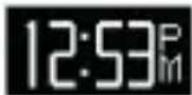
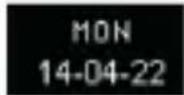
24-h Heure + Date + Batterie 12-h Heure + Date + Batterie
12-h Hora + Data 24-h
Hora + Data + Bateria 24-h Hora + Data + Bateria 12-h
POBIERZ APLIKACJE ZeCircle
Pamr3 3aIOAHeHaPeXnIM Aepoeepoeepoeepoeepoeepoeepoeepoeepoeepoeepoeepoeepoeepoeepoeepoeepoeepoeepoeepoeepoeepoeepoeepoeepoeepoeepoeepoeepoeepoeepoeepoeepoeepoeepoeepoeepoeepoe

ZeCircle abTomatueckn cnHxpoH3npyET BpeM n DaTy C BaWIM cOpJKeHHbIM MO6nAbHbIM yctpOCTBOM. XeMaembl fOpMaT DaTb N BpeMeHN MoXHO yCTaHOBNTB BpyHyIO BO BKAAdKe HAcTPOE npAloxKeHHa ZeCircle. Y6eInTEcB B Tom, yTO yCTpOHTBO 3apJKeHO, yTO6bI N36ExKaTb C6pOca BpeMeHN
4. AKTUBHOCTb.
ZeCircle oTcAeKnBaet KoAnueCTBO WaRO, npoIeHHoro pacctOraHn I COxKxeHHbIX KaIOpN B TeUeHne dHa. MoXHO oTcAeKnBaTb CBOIO dHeBHyIO aKTINBHOCTb B peXmpeaIbHoro BpemeHn Ha AnCnlee ZeCircle, kacaScb 06laactn, paCNOLOXKeHHo NOd AnCnAeem.
IAPACCTOARHE KAANPM
Bo BKlaKe AKTUBHOCTb npnloJxHn ZeCircle oTo6paXaOTc DaHHbIe 06 aKTHBHOCTn n HCTOpN aKTHBHOCTn. Ha OCHOBHOM 3KpaHe BklaAKn «AKTUBHOCTb» OTO6paXaETc yPOBeHb 3ofoEKTUBHOCTn pa6Otbl NO OTHOWeHIO K 3aDaHHbIM UeAM. HaxMnte Ha AIO6yIO POLOCY aKTHBHOCTn, YTO6bl N OALyUHTb POnpO6HbIM rpaΦNK CBOe EKeAHEBHOH, EKeHeDeAIBHOH N EKeMeCayHOH pOdyKTUBHOCTn.

ZeCircle oTo6paXaet daHbIe 3a deHb. C6poc cnCTembl cLeXeHnra 3a aKTHBHOCTbIO npOncxOAnT B NOAHOy. A4A 3aRpy3KN IocAeHNX daHHbIX O6 aKTHBHOCTN KOCHNTecb 3HaUka cINxpoHn3aunB BepxHem npabOM yIay npnaOxKeHnra ZeCircle.
5. COH.
ZeCircle OTCaexKnBaet KOAnueCTBO YacOB, KOTOpBie Bbl CnaA, IN KaueCTBO BaUeRO CHa (AerKn COH, rAy6okn COH, Bpem npo6yXdEHHa).
BKAIOUHTb/BbIKAOUHTb PEXIM CHA
Ara TOrO yTo6bI BkAnouHtB peKm CHa, KocHTecb npnpyHOJ NOoCbI Cha Bn3y n HaxMnte Aobntb KypHa cHa > OToiTu Ko cHy.
Ara TOrO yTo6bI BbIKALIOHTb peKIM cHa, KocHInTeCb npynpHOn nOLOcbi Cha BHN3y N HaxMMTe AobNTb KypHaA cHa > Ppo6yKdEHe.
9. TEXHINUeCKNE IAPAMETPbl.
Pa3Mep n OkpyxHocTb 254 x 34 x 10 MM
MNH.:142 MM
MaKc.: 195 MM
Bec 20r
Bluetooth 4.0 BLE
3OHa AeIcTBnB Bluetooth 5 MeTPOB
TnnpaKKymyATopa 55 mA·4
Cpok DeiCTBn8 6atapen Do 5 AHei
BpeMa 3apAKn 2 yaca
Pamr5dHeaKTHBHOCTN
Δnncnne cehcopnbOLED, 64 x 32 nkkceae
Cencop 3-oceBOAkceAepometp
Tempepatypa kayataun oT-20o+40°C
BoDOnepoHnuaemocTb IP67
MeJyHapOHaIraPaHTn 1 roA
ZeCircle
中文版
充電 113 睡眠 119
與手機配對 114 目標 120
配戴 116 提醒 120
顯示螢幕 117 通知 121
活動 118 產品規格 122
概述
112112
1. 充電
- La ZeCircle 1uunnnn nn
- 2
- 1
- 4
- Wwauuuaa uuuuauuauuauuuuuuuuuuuuuuuuuuuuuuuuuuuuuuuuuuuuuuuuuuuuuuuuuuuuuuuuuuuuuuuuuuuuuuuuuuuuuuuuuuuuuuuuuuuuuuuuuuuuuuuuuuuuuuuuuuuuuuuuuuuuuuuuuuuuuuuuuuuuuuuuuuuuuuuuuuuuuuuuuuuuuuuuuuuuuuuuuuuuuuuuuuuuuuuuuuuUU

mnnnnae 1:30 nww wannnnaeWwne W
2. n
ZeCircle 70000000000000000000000000000000000000000000000000000
ZeCircle APP
ZeCircle App ZeCircle App Store, Google Play Windows Phone store App

Available on the
App Store
ANDROID APP ON
Google play
Windows Phone
7
iOS Android
ios7+nnnnaa 4.0 BLE
iPhone 4s, 5, 5c, 5s, 6, 6 Plus, iPad (3', 4' Lai' 5' gen)
iPad Mini, iPod touch (5 gen)
Android 4.3 +
国
LI 4.0 BLE
Windows Phone
Windows Phone 8.1
4.0 BLE
Luuu www.mykronoz.com WwWww.
- ZeCircle App nnnnnaaannnnae nnne ne anen enanen enanen enanen enanen enanen enanen enanen enanen enanen enanen
- ZeCircle
- 1
- 5n n nn nnnnnnnn nn ZeCircle yannn
- ZeCircle ZeCircle
ZeCircle Mac PC http://www.mykronoz.com/support/Windows 7,8, XP - Mac OS X 10.7

mnnnnnne nnnnnnnnnnnnnnnnnnnnnnnnnnnnnnnnnnnnnnnnnnnnnnnnnnnnnnnnnnnnnnnnnnnnnnnnnnnnnnnnnnnnnnnnnnnnnnnnnnnnnnnnnnnnnnnnnnnnnnnnnnnnnnnnnnnnnnnnnnnnnnnnnnnnnn nn ne ZeCircle App 1111111111111111111111111111111111111111111111111
3. n
ZeCircle anwnnnnwnnnnnnnnnnnnnnnnnnnnnnnnn
- ZeCircle
- 2
- 3
4.77 ZeCircle saaayaaayaaan aaanannnnnnaa - nanaanwnaaewnnaeaaenanaanennnnae Zecire ennnn
140140
i
waiiianan anan anan anan uinane Zecire Iuunnnnnae annaun
3.
24
12 2020 24 2021
128n 12 m w+
127 24 12 12
mssaaemssn msswnnnn mssnnns

muaaannnnnnaanennnnnnnnnnnnnnnnnnnnnnnnnnnnnnnnnnnnnnnnnnnnnnnnnnnnnnnnnnnnnnnnnnnnnnnnnnnnnnnnnnnnnnnnnnnn
i
- 迷走信号的Bluetooth功能将使语音通话更加顺畅。
- トバリきにSer ZeCircle AepLRIKeIiInl. 1. AepLRIKeIiInl. 1. 1. 1. 1. 1. 1. 1. 1. 1. 1. 1. 1. 1. 1. 1. 1. 1. 1. 1. 1. 1. 1. 1. 1. 1. 1. 1. 1. 1. 1. 1. 1. 1. 1. J J J J J J J J J J J J J J J J J J J J J J J J J J J J J J J J J J J J J J J J J J J J J J J J J J J
-
- MoBarIgicwiZeCircle)
-
- 5.
Supmre MoDre to eRer ZeCire AepnIKeIeIen to selhag hnd of braak Su mre sate
■su用马三
ZeCircle 丛普利凯I伸到信行,上 皂 风 电 电 电 电 电 电 电 电 电 电 电 电 电 电 电 电 电 电 电 电 电 电 电 电 电 电 电 电 电 电 电 电 电 电 电 电 电 电 电 电 一 电 电 电 电 电 电 电 电 一 电

1 Connecting the charging cable improperly may cause serious damage to the device. Any damage caused by misuse is not covered by the warranty. Unplug the cable after ZeCircle is fully charged.
ZeCircle unit and charging dock contain strong magnets that may interfere with pacemakers, credit cards, watches and other magnet-sensitive objects. If you use a pacemaker or any other electronic medical device, please consult your physician before wearing or handling ZeCircle.
This product is not a medical device and should not be used to diagnose or treat any medical condition.
This product is in compliance with the IP rating IP67. IP67 indicates that the product is resistant again dust ingress and water ingress up to 1 meter of submersion in still tap water at room temperature, for a maximum duration of 30 minutes.
ABOUT THIS MANUAL
The features of ZeCircle and the contents of the user manual are subject to change. To get the latest instructions on how to use this product, please refer to the online user manual available on www.mykronoz.com
SUPPORT
If you have any question or require assistance regarding our product, please visit www.mykronoz.com/support/ or email us at support@mykronoz.com
ATTENTION
Before using the device, read these instructions carefully.
ZeCircle has one built-in battery. Do not disassemble the battery on your own. KRONOZ LLC is not responsible for any damage or personnel injury caused by the removal of the battery or any component.
This device is not waterproof so keep it away from all sources of heat or humidity. Do not use it near sink or other wet areas. Do not immerse the product in any liquid other than water. Do not immerse the product in salt water. Do not swim wearing this product. Do not use the product underwater.
Charge the battery in a cool, ventilated room. Excessive temperature during charging could cause heat, smoke, fire or deformation of the battery or even explosion.
Avoid excessive temperatures. Do not expose this device to excessive smoke, dust sand, or direct sunlight for an extended period of time.
Do not open, crush, bend, deform, puncture or shred secondary cells or batteries. In the event of a battery break or leak, prevent battery liquid contact with skin or eyes. If this happens, immediately flush the areas with water (do not rub the eye) or seek medical help.
- Do not short-circuit. Short-circuiting can occur when a metallic object, such as coins, causes direct connection of positive and negative terminals of the battery. Short-circuiting may damage the battery.
Do not use batteries that have been damaged or have been exhausted.
Keep the batteries out of children's reach and in a safe place to prevent danger.
Do not dispose of batteries in fire as they may cause explosion. Dispos of used batteries in accordance with your local regulations (such as recycling). Do not dispose as household waste.
Use only the USB cable supplied to charge this battery. Do not charge for more than 24 hours.
KRONOZ LLC is not responsible for any damage caused by improper use of the device.
REGULATORYNOTICES
USA

FCC STATEMENT
This device complies with Part 15 of the FCC Rules. Operation is subject to the following two conditions: (1) This device may not cause harmful interference, and (2) This device must accept any interference received, including interference that may cause undesired operation.
CAUTIONS
Changes or modifications not expressly approved by the party responsible for compliance could void the user's authority to operate this equipment.
FCC NOTICE
This equipment complies within the limits of a Class B digital device, pursuant to part 15 of the FCC Rules. These limits are designed to provide reasonable protection against radio and TV interference in residential areas. However, even during normal operation, this equipment may cause TV or radio interference. If this equipment does cause harmful interference to radio or television reception, which can be determined by turning the equipment off and on, the user is encouraged to try one or more of the following corrective measures:
Reposition the receiving antenna
Increase the distance between the equipment and receiver
Connect the equipment into an outlet on a circuit different from which the receiver is connected
Consult the dealer or an experienced radio/TV technician for help. FCC ID: 2AA7D-ZECE1
CANADA
INDUSTRY CANADA (IC) STATEMENT
This device complies with Industry Canada license-exempt RSS standards). Operation is subject to the following two conditions: this device may not cause interference, and this device must accept any interference, including interference that may cause undesired operation of the device.
Declaration of conformity with regard to the EU Directive 1999/5/EC.
Kronoz LLC hereby declares that this device is in compliance with the essential requirements and other relevant provisions of the R&TTE Directive 1999/5/EC. The complete declaration of conformity is available on request via our customer service: support@mykronoz.com
DISPOSAL AND RECYCLING INFORMATION
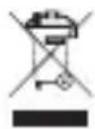
After the implementation of the European Directive 2002/96/EU in the national legal system, the following applies: Electrical and electronic devices may not be disposed of with domestic waste. Consumers are obliged by law to return electrical and electronic devices at the end of their service lives to the public collecting points set up for this purpose or point of sale. Details to this are defined by the national law of the respective country. This symbol on the product, the instruction manual or the package indicates that a product is subject to these regulations. By recycling, reusing the materials or other forms of utilizing old devices, you are making an important contribution to protecting our environment.
©2015 Kronoz LLC, all rights reserved. Kronoz LLC, Route de Valavran 96, 1294 Genthod, Suisse
All brands or product names are or may be trademarks of their respective owners.
Designed in Switzerland - Made in China
MYKRONOZ MORE THAN TIME
www.mykronoz.com