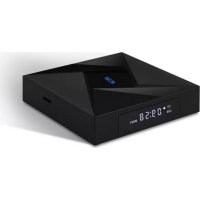
MD10PRO - Media box Billow - Free user manual and instructions
Find the device manual for free MD10PRO Billow in PDF.



Frequently Asked Questions - MD10PRO Billow
User questions about MD10PRO Billow
0 question about this device. Answer the ones you know or ask your own.
Ask a new question about this device
Download the instructions for your Media box in PDF format for free! Find your manual MD10PRO - Billow and take your electronic device back in hand. On this page are published all the documents necessary for the use of your device. MD10PRO by Billow.
USER MANUAL MD10PRO Billow
Introduction and description of the product.
Thank you for choosing the Smart Android TV Box MD10PRO.
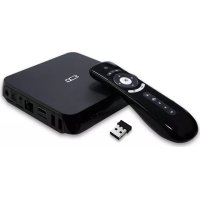
The MD10PRO is a Smart Android TV Box, designed to turn your television into a next-generation Smart TV. With its 2 Ghz Octa Core processor, its 3GB DDR memory, its 32GB of storage memory, Wi-Fi AC dual band at 2.4Ghz and 5Ghz, Bluetooth 4.1, Gigabit Ethernet and 2 USB 2.0 ports that will give your TV all the potential needed to play or do anything. Its operating system is Android 7.1, which offers unique stability.
The MD10PRO, is 4K to 60FPS, HDMI 2.0 and supports the H.265 codec by hardware, so we have guaranteed any current and future video format.
Its package of applications is the most complete on the market and will have a host of possibilities and TV on demand.
Discover the new way to enjoy your TV!
Packing content
- MD10PRO
- Quick installation guide.
HDMI cable - Power Adapter
- IR Remote Control
Make sure your packaging contains the items described above. If you find that any item is missing or damaged, please contact your dealer.
System Requirements
- Television with free HDMI port
Household electrical outlet
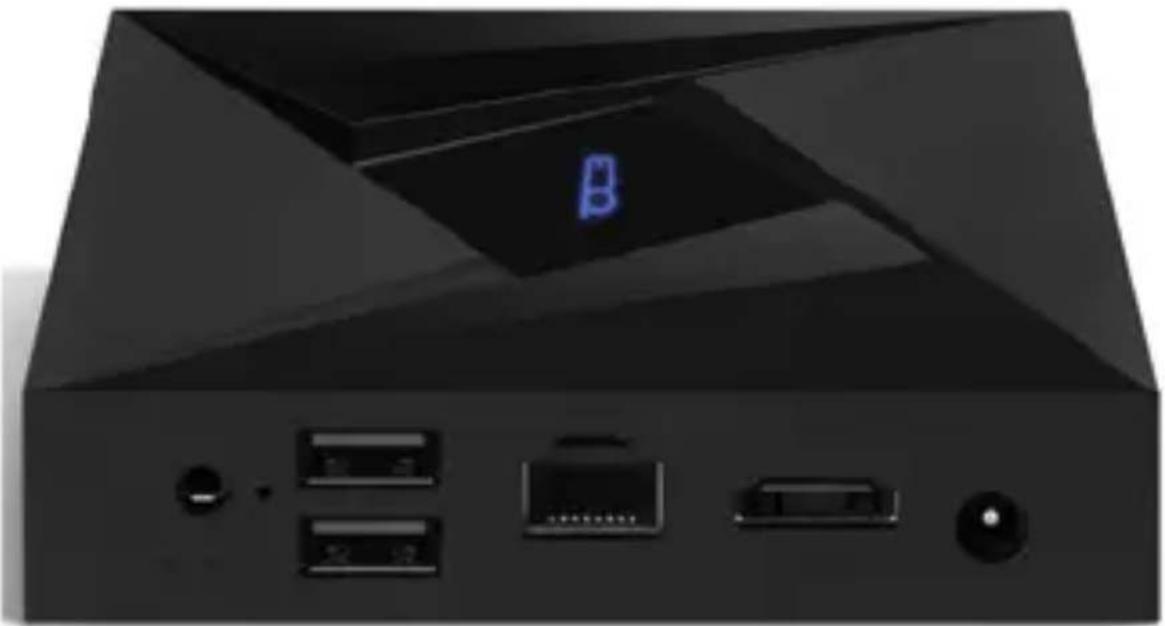
Diagram
SPDIF
USB(2)
ETHERNET
HDMI
DC
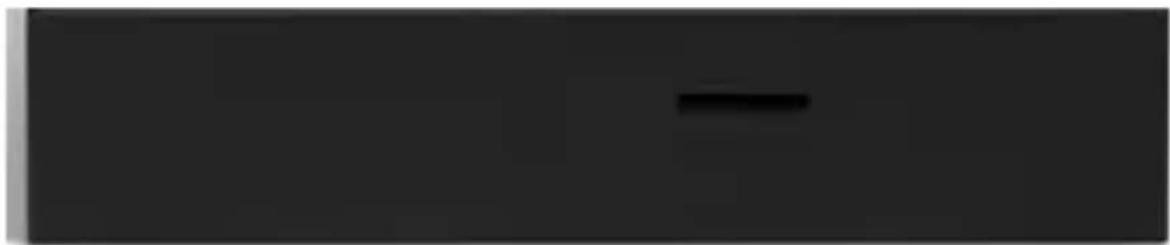
Micro SD
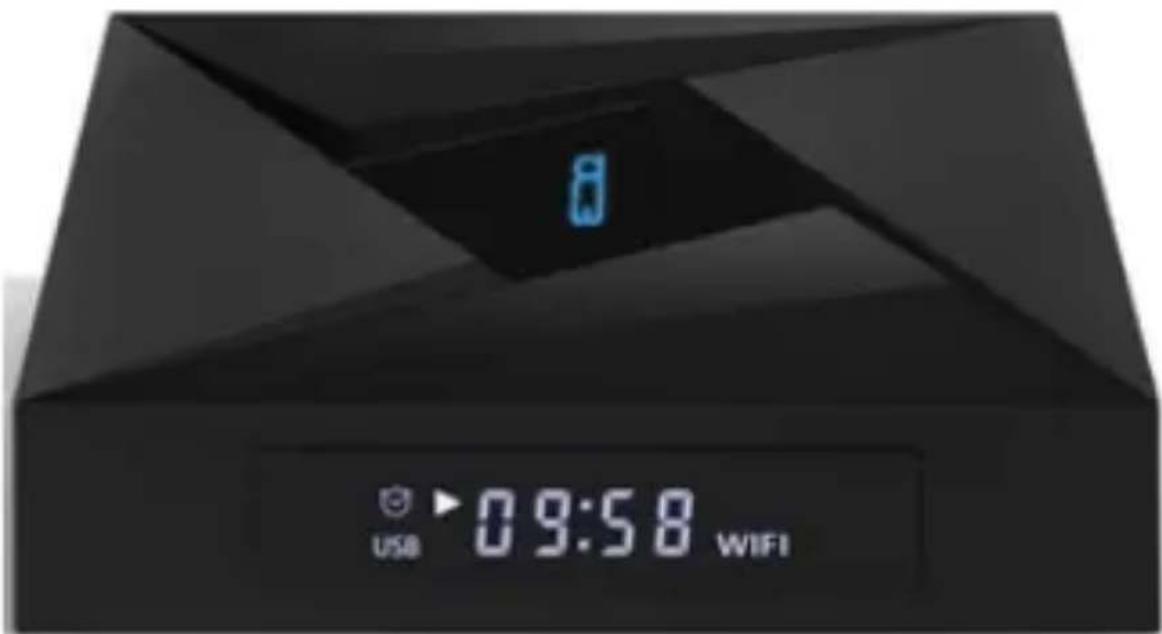
Display
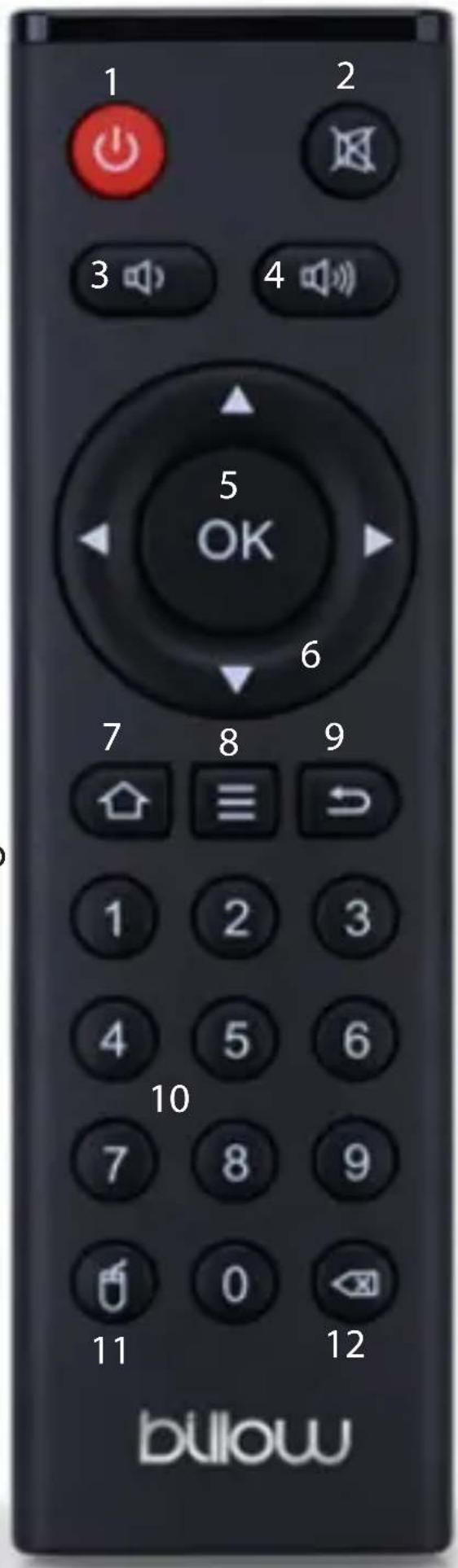
- Power ON/OFF button.
- Volume OFF button.
- Down volume button.
- Up volume button.
- OK button.
- Navigator Buttons.
- Main Home button.
- Properties button.
- Back button.
- Numerical buttons.
- Mouse button.
- Close app (only for some app
Basic Operations
Connections
- Connect the MD10PRO to a free HDMI port on the TV.
- Connect the supplied power adapter between the DC input of the MD09TV and the household electrical outlet.
- Insert two AAA batteries into the back of the IR remote control.
Turn on and turn off
- The device will turn on automatically once it has been powered by the DC Port, as described in the previous step.
- Press the On/Off button on the remote control, to turn off the device, press the button on the remote control again to turn on the device.
- You can also turn on the device once switched off by disconnecting and connecting the power adapter.
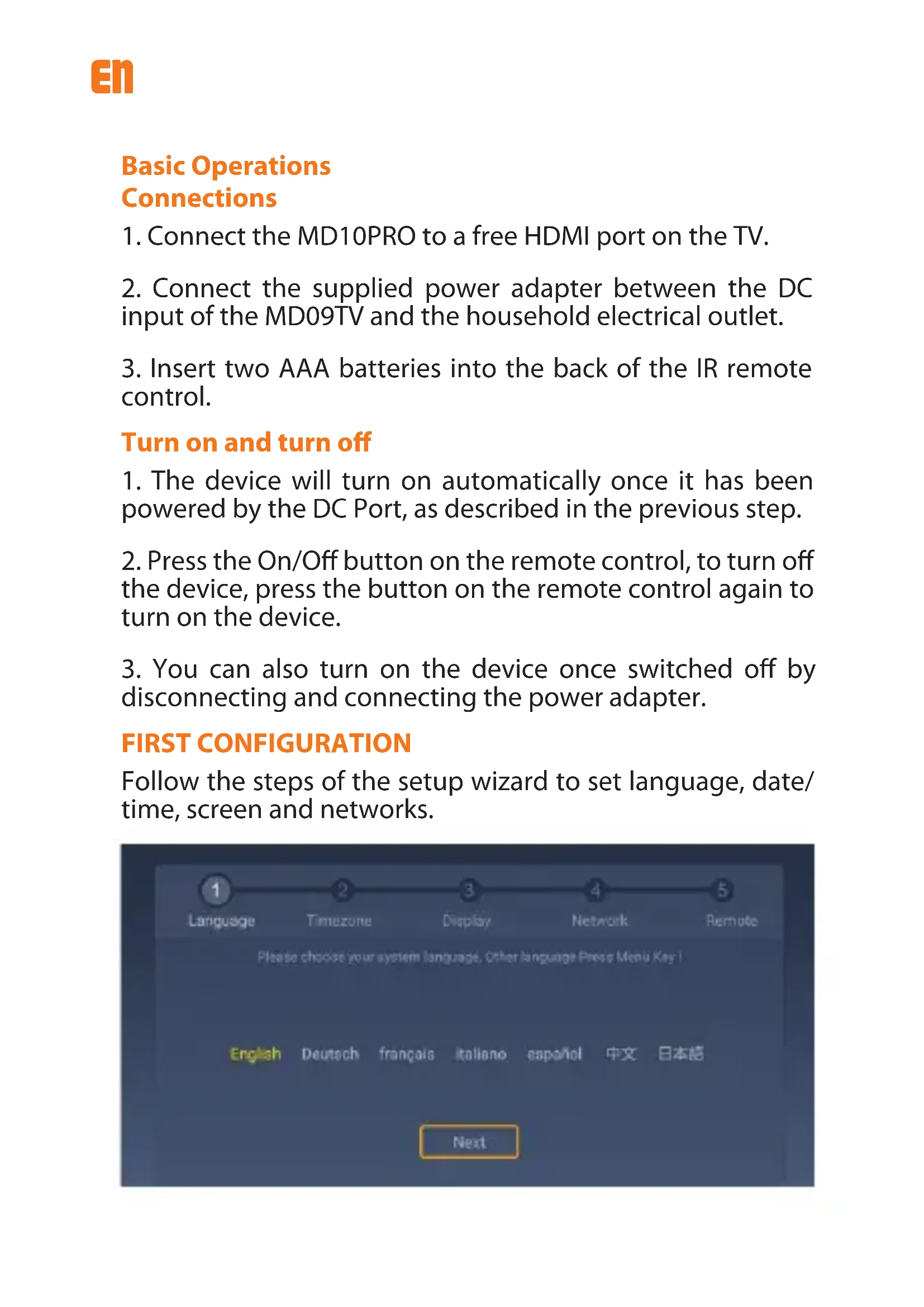
FIRST CONFIGURATION
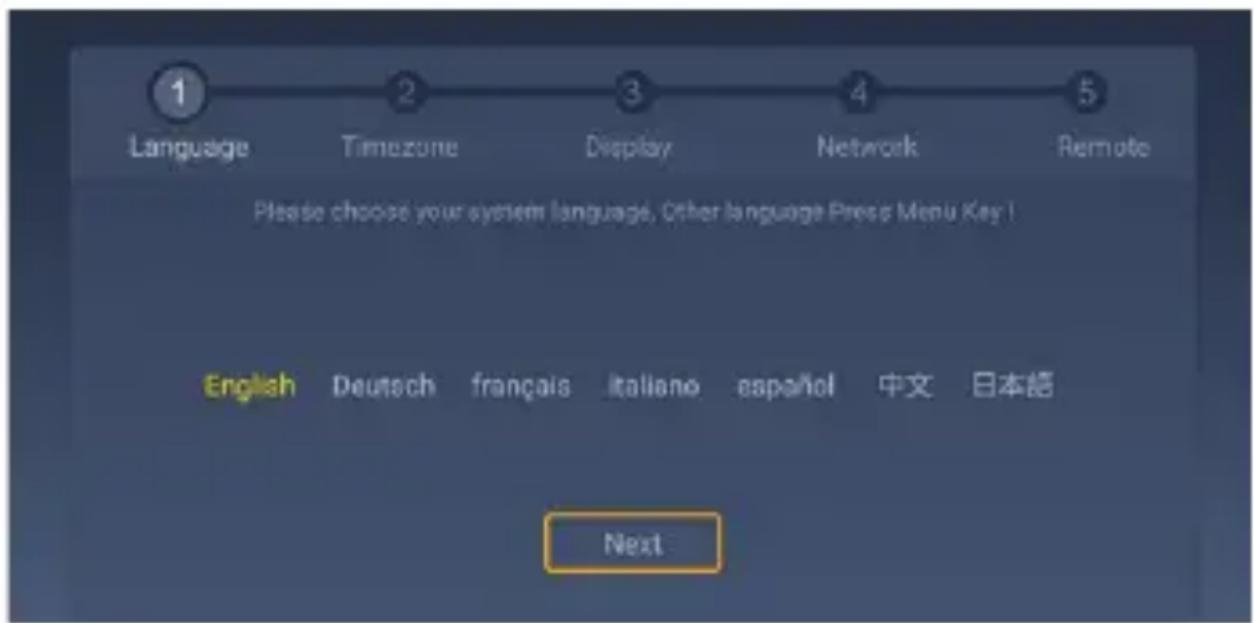
Follow the steps of the setup wizard to set language, date/time, screen and networks.
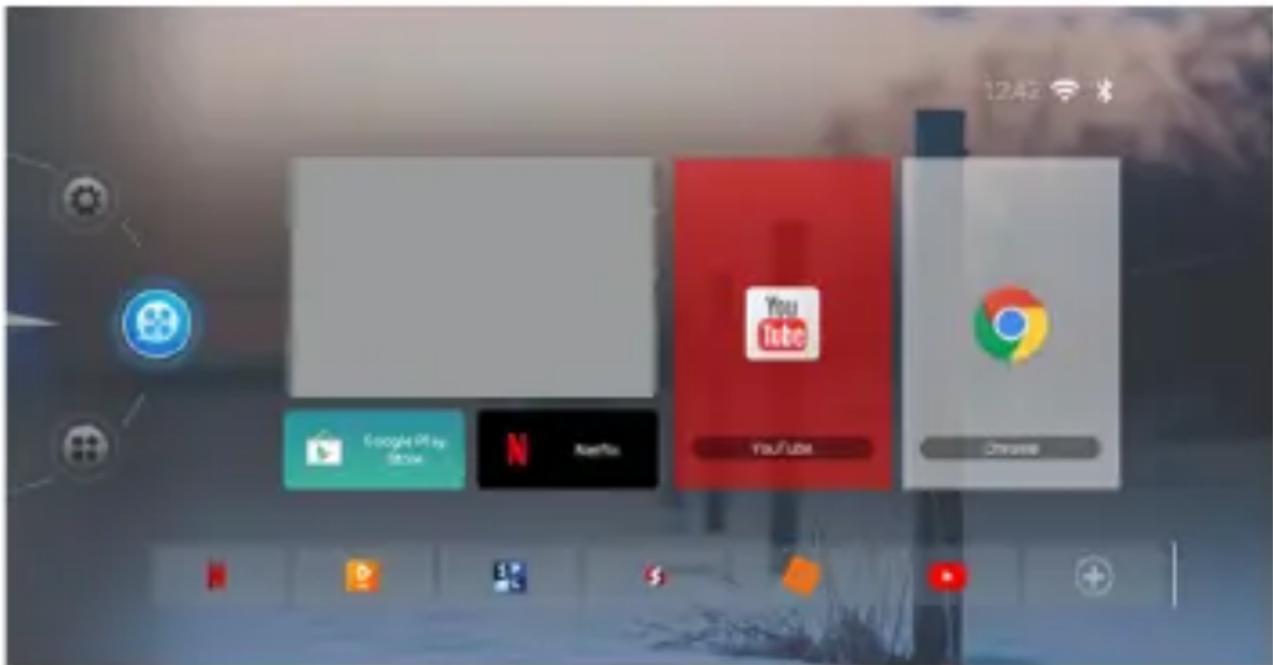
MAIN HOME
In the main Home you can select all the content of the player and configure it to your liking, to add shortcut icons press the + button located in the lower right corner, the list of applications will open and you can select applications that will be displayed in the main home.
SETTINGS
If we click on the settings icon, in the left-side panel, we access the main applications for system settings, to execute any of them we just have to click on the desired one.
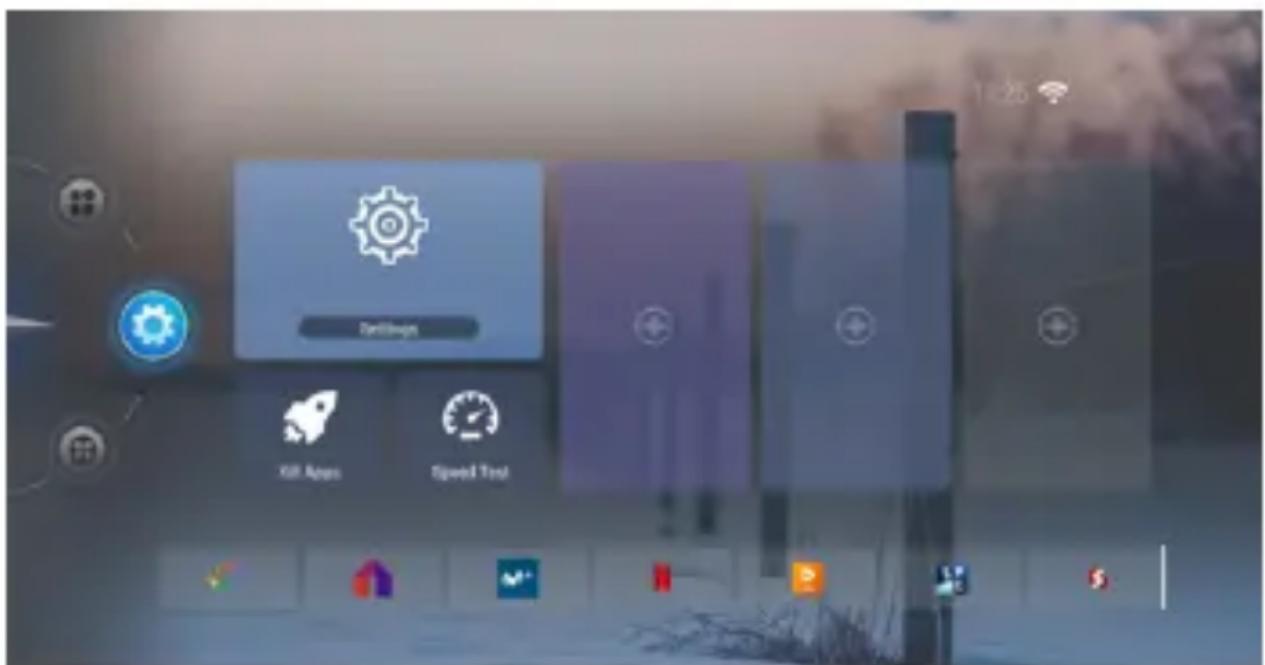
If we click on the icon settings, we access to the general system settings, to configure settings such as Wi-Fi network, Bluetooth, etc
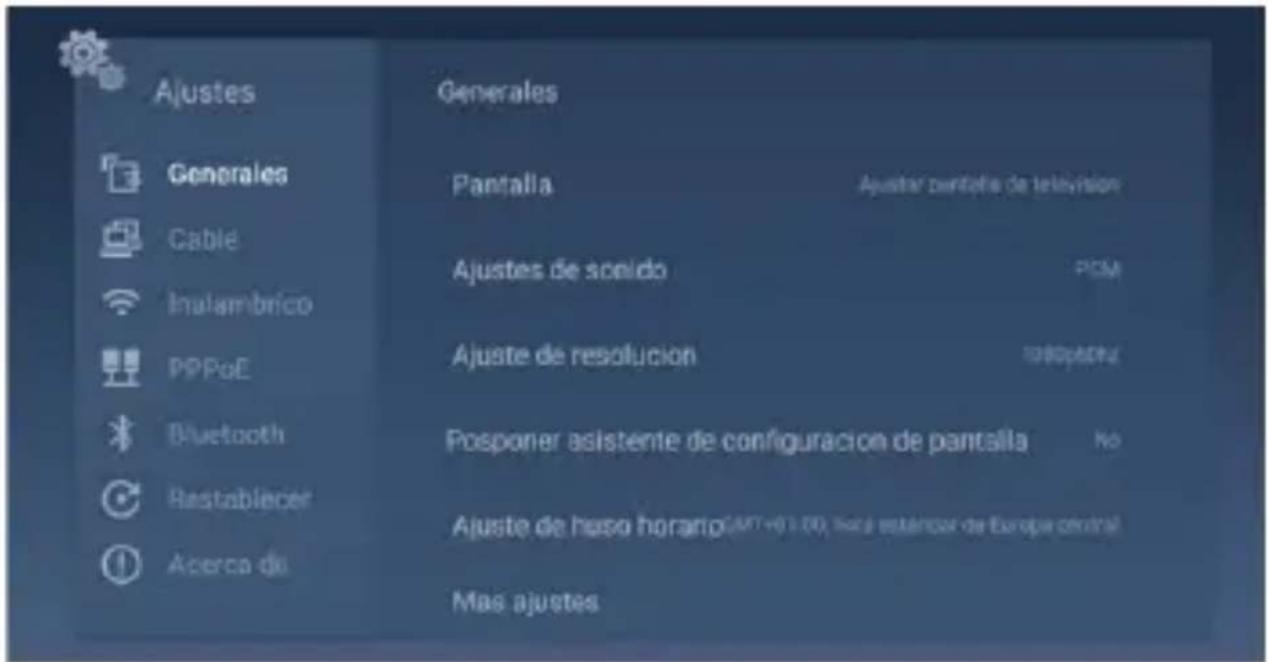
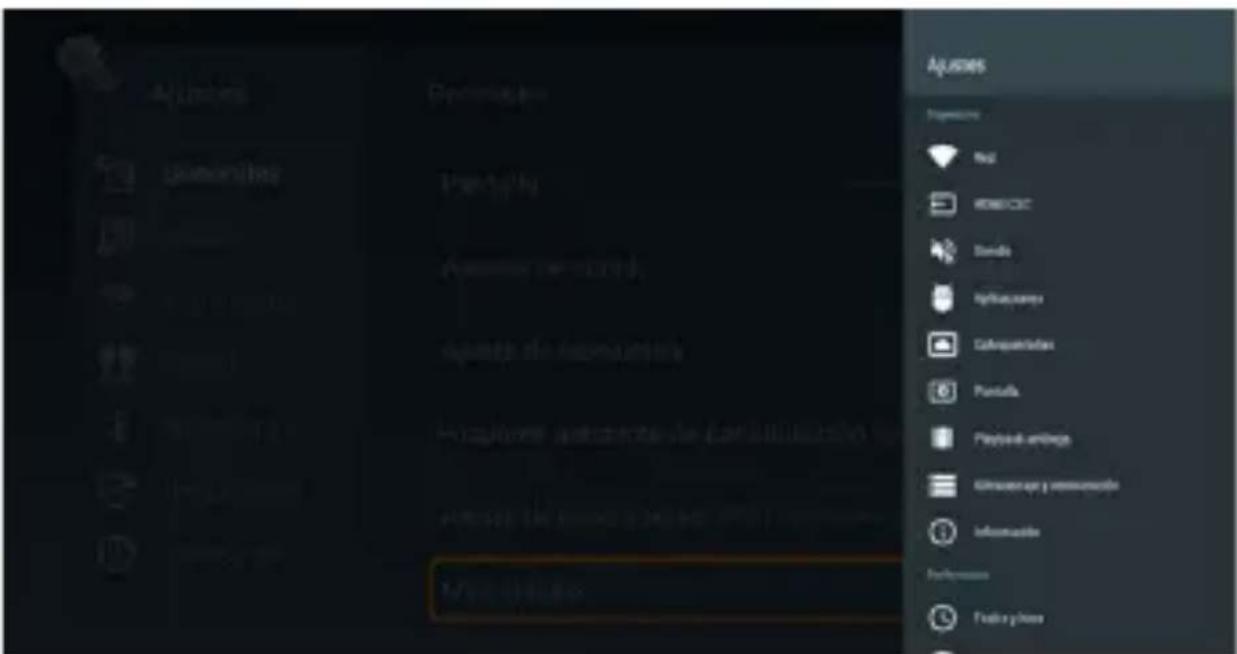
If more depth adjustments are required, click on More settings and a right-side panel will open with all system settings.
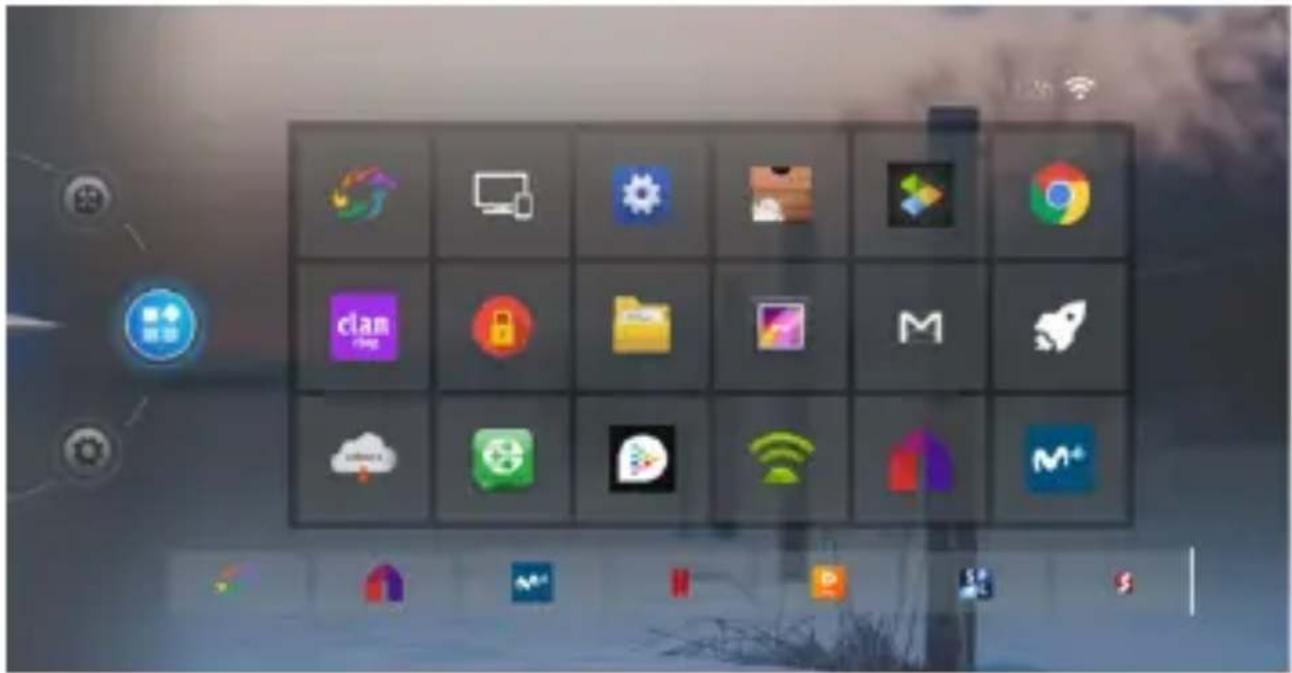
APPLICATIONS
If we click on the Applications icon, the applications installed in the system will be displayed and you can execute them.
OTHERS
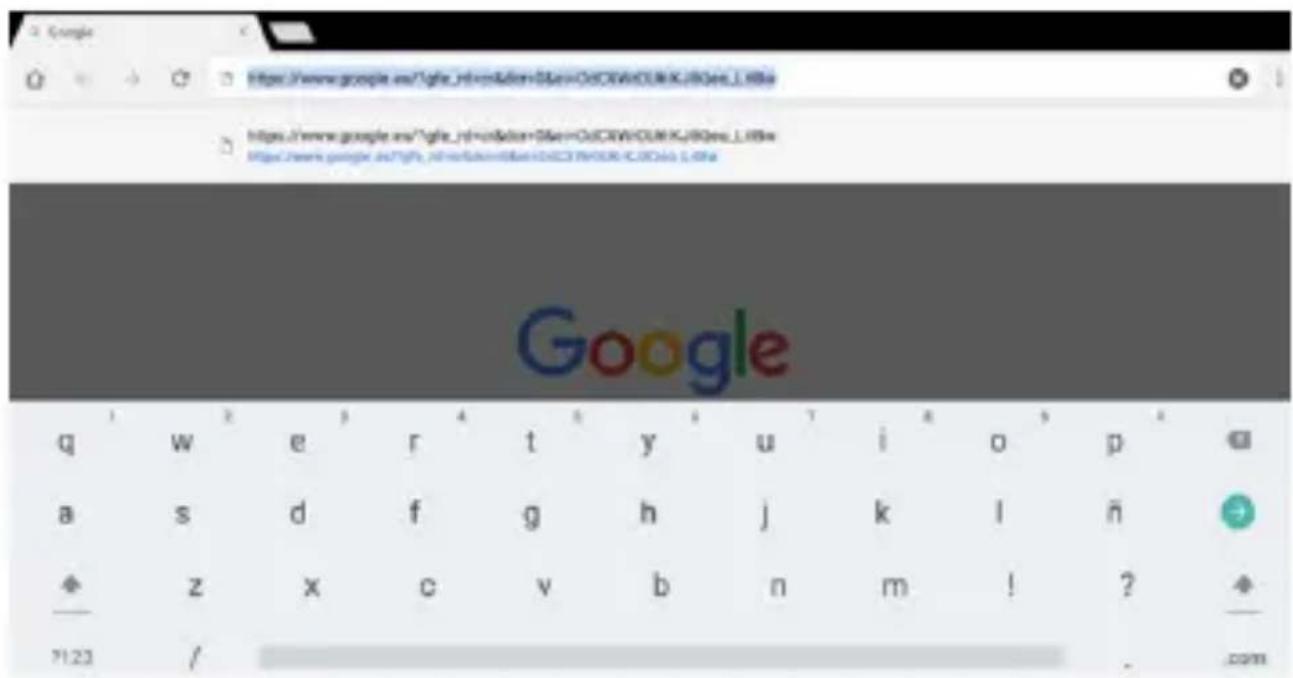
Write or enter texts
Open some application type browser, select the box where you want to write something and the virtual keyboard will open to write any text.
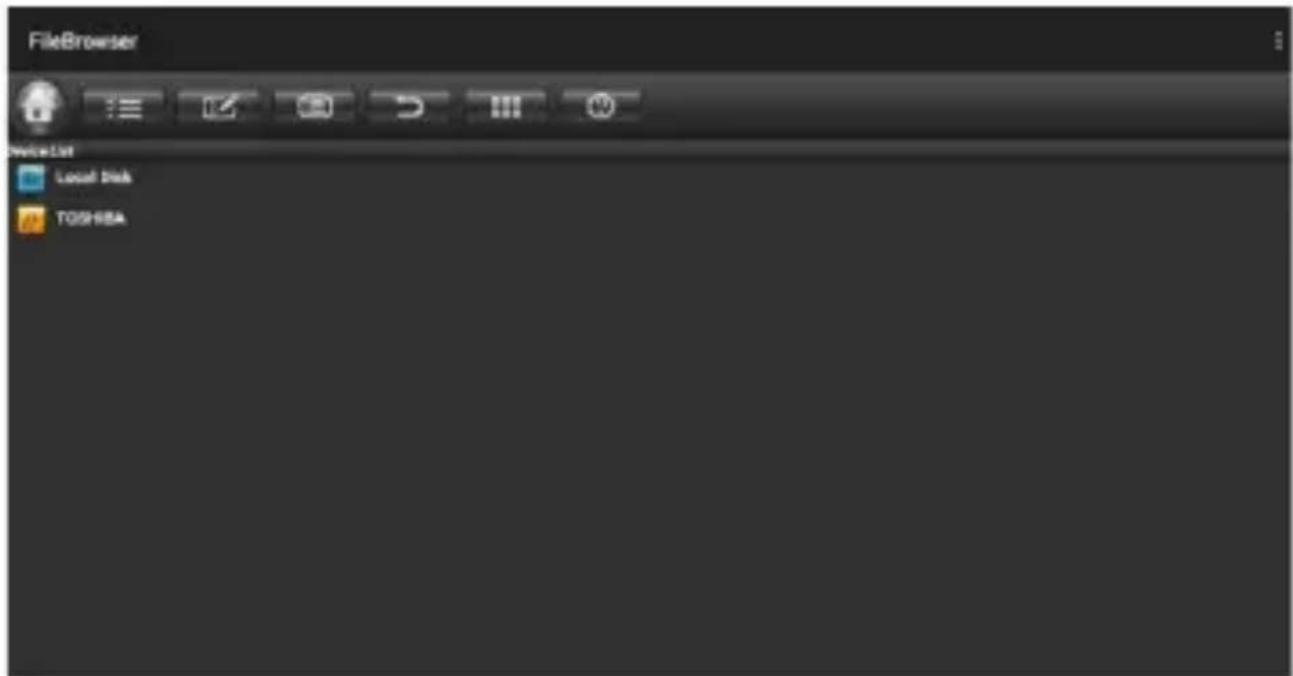
Connect and read data from external devices
Connect an external storage e.g. USB, to one of the USB ports on the MD10PRO.
Open the FileBrowser application and select the desired drive and open the desired file.
WI-FI Connection
Click on the settings icon in the main Home, click on settings again. Click on Wireless, click on the desired Wi-Fi from the list of available networks and enter the Wi-Fi password to connect correctly.

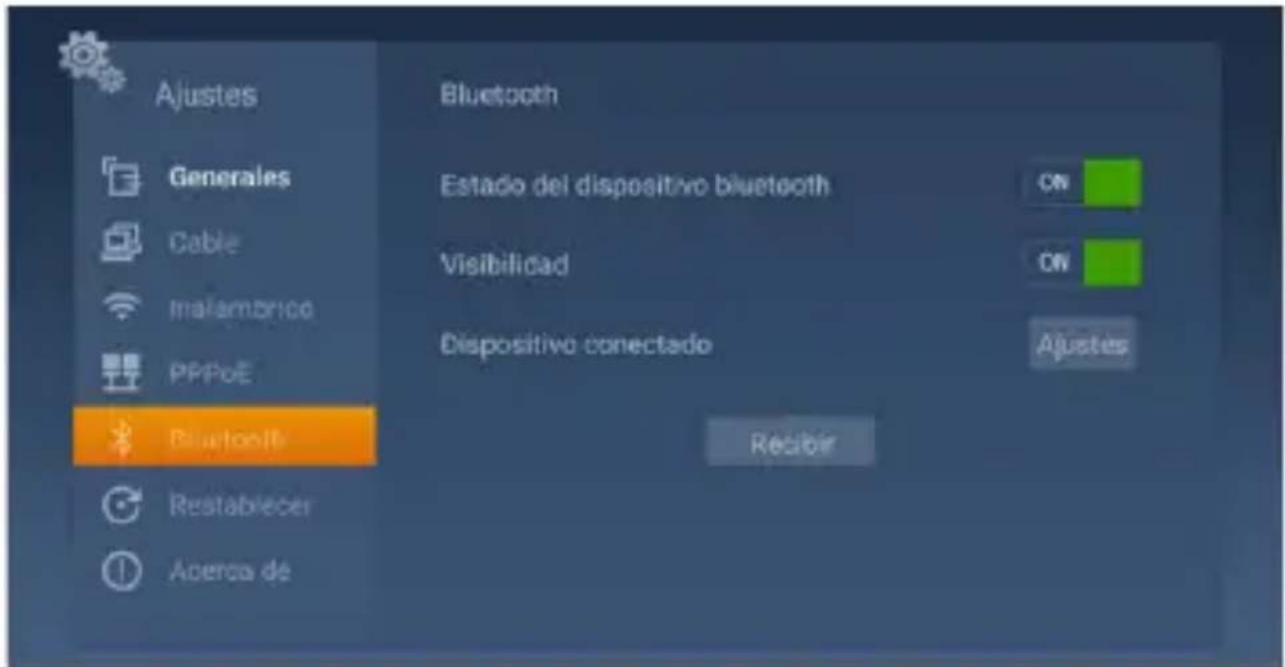
Bluetooth Connection
Click on the settings icon in the main Home, click on settings again. Click on Wireless, click on Bluetooth, enable the switches in the ON position.
Click on the Settings button and Search, select the device to be paired.
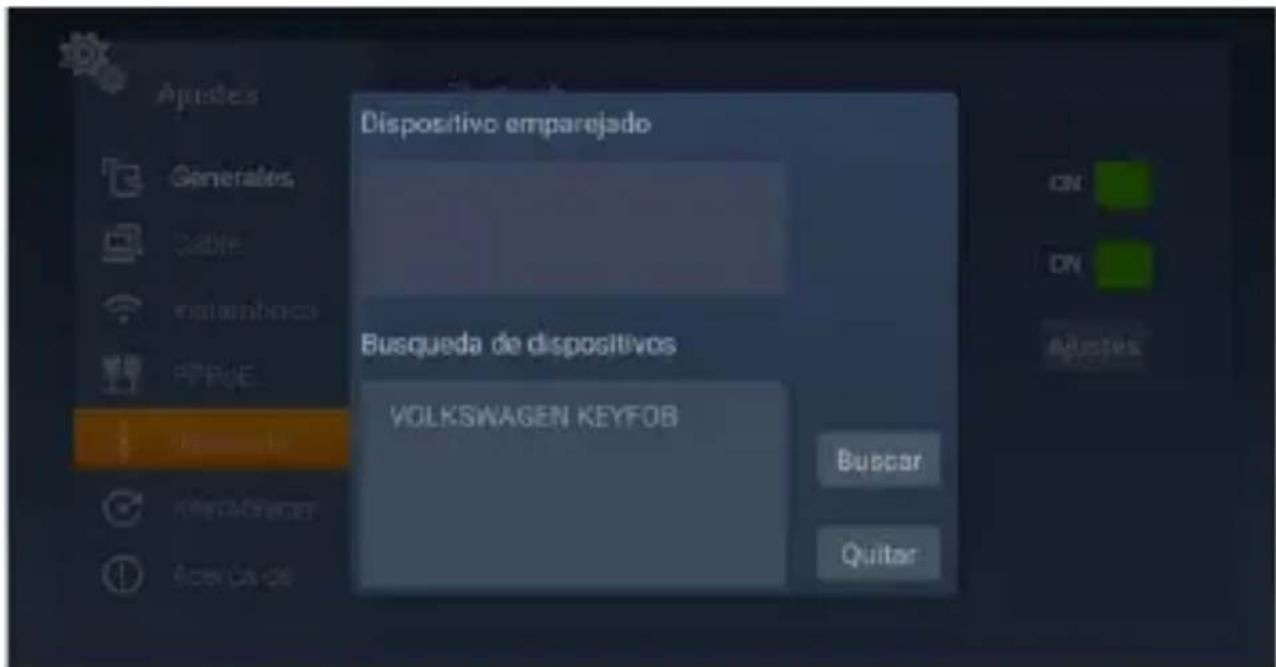
Enter the required PIN code (usually "0000" or "1234") to connect to the device if required.
Note: Billow Technology IS NOT RESPONSIBLE, neither the owner of the installed applications or their content. Therefore the maintenance of the same is of third parties that are not associated with the brand.
Recycled
AEE REI-RAEE 5548 In this manual, the container (bin) symbol indicates that the product is subject to the European directive 2002/96 / EC, electrical and electronic products, batteries, and batteries and other accessories must necessarily be subject to a selective collection.
At the end of the life of the device, make use of the recycling bins. This gesture will help reduce the health risks and preserve the environment.
Municipalities and distributors, will provide essential details on recycling your old device. This device carries an internal battery must be removed and deposited separately for proper management.
Technical Support.
For more information on installation and configuration of this product, visit our website www.billowtechnology.com
This is a class B product. In a domestic environment, this product may cause radio interference, in which case the user may be required to take adequate measures.
Information about RF exposure
This device complies with the requirements of the EU (2014/53 / EU) on the limitation of public exposure to electromagnetic fields by means of health protection.
This device has been tested and found to comply with the Exposure Guidelines.
While using the device, keep it at least 0.5cm away from your body to ensure that exposure levels
National Restrictions
This device is designed for home and office use in all EU countries
Without any limitation except for the countries listed below:
| Country Restrictions Reason | |
| Bulgaria Requires authorization for outdoor use and public service | |
| France Outdoor use limited to 10 mW Within the band 2454-2483.5 MHz | Use of Military Radiolocation. |
| Italy Implemented Public use is subject to general authorization | |
| Luxemburg General authorization required for network and service (not for spectrum) | |
| Norway Implemented This subsection does not apply to the geographical area within a radius of 20 km from the center of Ny-Alesund | |
| Russia Can only be used indoors | |
| Ukraine E.i.r.p. ≤100 mW with internal antenna with amplification factor | |
Avertissement CE
SAFETY, MAINTENANCE AND RECYCLING INSTRUCTIONS
- Caution: Never open the device, the internal parts are danger, electrical shock.
2.Do not install this unit near water, for example, in a wet basement, in an unprotected outdoor installation or in any area classified as a wet. - Always use a supplied 5VDC / 2A power adapter.
- Connect the HDMI connector correctly, otherwise the HDMI connector of your device or TV could be damaged.
5.Clean the product with a soft and dry cloth.
6.Follow local regulations for disposing of the product.
SECURITE,ENTRETIENETINSTRUCTIONSDERECYCLAGE
EU DECLARATION OF CONFORMITY SIMPLIFIED
Hereby, Billow Technology declares that the radio equipment type MD10PRO is in compliance with Directives 2014/53/EU, 2014/30/EU, 2014/35/EU and 2011/65/EU.
The full text of the EU declaration of conformity is available at the following internet address: http://billowtechnology.com/CE/ MD10PRO_DEclaration.pdf
Déclaration UE DE CONFORMITE SIMPLIFIÉE
The content of this guide is subject to typographical errors

billo
billowtechnology.com

android
smart box

abillow
TECHNOLOGY