700 - Office Ahrend - Free user manual and instructions
Find the device manual for free 700 Ahrend in PDF.



| Product type | Desk (workstation) |
| Brand | Ahrend |
| Model | 700 |
| Category | Desk |
| Table height | Fixed: 72 cm or 74 cm; Adjustable (HI/HV/HVE): 62 to 86 cm |
| Materials | Top in laminate or veneer; metal frame with lacquered finish |
| Power supply | 230 V (electric version); indirect lighting 2×55 W fluorescent |
| Main functions | Height adjustment (manual or electric), locking casters, leveling, vertical desk with storage (shelves, boxes), indirect lighting with presence detection, articulated work lamp, integrated cable management |
| Maintenance and cleaning | Clean with a damp cloth and mild soap; use denatured alcohol for stubborn stains. Do not use harsh solvents |
| Safety | Caster brakes, individual foot leveling (15 mm max), maximum load of vertical desk according to table (e.g., double 160×120 cm: 360 kg) |
| Spare parts and repairability | Service kit ref. 0160 8217; replaceable lock cylinders; fluorescent lamps 55 W and 13 W |
| Standards | Compliant with BS 6396/1995 for electrification |
| Frame types | Fixed height, HI (manually adjustable), HV (adaptable without bearing), HVE (electric) |
| Compatible accessories | Shelves, boxes (flap/door), indirect lighting, work lamp, trays, panels, organization rails |
| Electrification compatibility | Vertical desk with technical housings, cable trays, strain relief, coupling between desks |
Frequently Asked Questions - 700 Ahrend
User questions about 700 Ahrend
0 question about this device. Answer the ones you know or ask your own.
Ask a new question about this device
Download the instructions for your Office in PDF format for free! Find your manual 700 - Ahrend and take your electronic device back in hand. On this page are published all the documents necessary for the use of your device. 700 by Ahrend.
USER MANUAL 700 Ahrend
natural_image
Close-up of a simple wooden table with four legs (no text or symbols visible)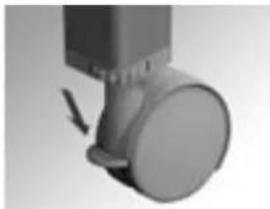
natural_image
Close-up of a mechanical component with a circular head and arrow indicator (no visible text or symbols)Stúl s kolečky
natural_image
Close-up of a mechanical component with a curved arrow indicating rotation (no text or symbols visible)natural_image
Person sitting on a surface with hands placed, showing a vertical measurement arrow (no text or symbols present)natural_image
Person sitting on a bench holding a tablet with a ruler, no visible text or symbolsnatural_image
3D rendered image of a simple table with four legs and a small square top (no text or symbols)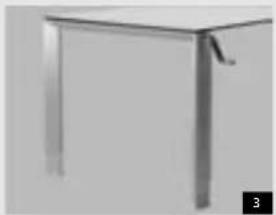
natural_image
Close-up of a metallic table with a handle and legs, no visible text or symbolsnatural_image
Close-up of a vertical panel with a black arrow pointing to the top section (no visible text or symbols)natural_image
Two mechanical components with arrows indicating motion, one showing a vertical offset and the other a close-up of a circular feature (no text or symbols)Nastavení výšky
natural_image
Close-up of a stainless steel kitchen appliance with a handle (no visible text or symbols)Úprava výšky
natural_image
Close-up of a mechanical device with a curved handle and motion arrow (no visible text or symbols)Zasuňte kliku do otvoru.
natural_image
Close-up of a black electronic device with indicator lights and a display (no visible text or symbols)natural_image
Abstract grayscale image with two dark circular dots and a vertical line, no text or symbols present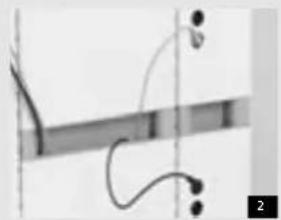
natural_image
Pure electrical circuit lines without any symbols
natural_image
Close-up of two cylindrical objects against a plain background, no visible text or symbols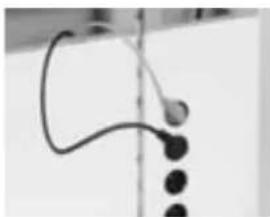
natural_image
Close-up of a curved black object with three dark circular elements, possibly a device or sensor, against a plain background (no text or symbols visible)Uloženi kabelů
natural_image
Close-up of a hand holding a small object near a vertical cylindrical object (no visible text or symbols)Kabelové svorky
natural_image
Pure mechanical component diagram without any text, numbers, or symbols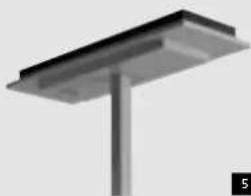
natural_image
3D rendering of a metal support structure with a vertical column and base (no text or symbols visible)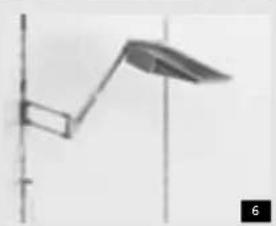
natural_image
Simple line drawing of a vertical pole with a curved arm and a leaf-like extension (no text or symbols)5
Osvětlení
Nepřimé osvětlení
natural_image
Close-up of a gray remote control device with buttons and a display (no visible text or symbols)Dálkové ovládání
natural_image
Pure mechanical diagram showing a lever and curved component without any text or symbolsPracovni osvětleni
natural_image
Hand holding a small electronic device with a screen, possibly a timer or scanner (no visible text or symbols)natural_image
3D rendered white mechanical device with a base and support structure (no visible text or symbols)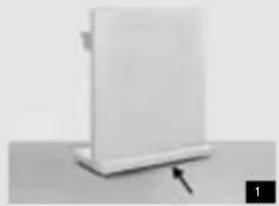
natural_image
White rectangular object with a black arrow pointing to its base, placed on a flat surface (no text or symbols visible)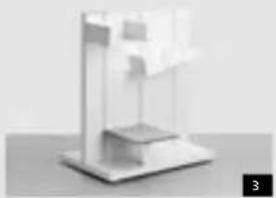
natural_image
3D rendered abstract geometric structure with layered planes and a small protrusion (no text or symbols)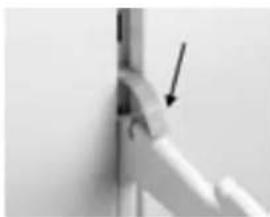
natural_image
Close-up of a mechanical joint or pipe connection with an arrow pointing to a detail (no visible text or symbols)Sejmuti držáků
natural_image
Close-up of a vertical pole with arrows indicating force direction (no text or symbols)Připevnění držáků
natural_image
Pure geometric lines forming a right triangle with a downward arrow, no text or symbols presentnatural_image
Abstract geometric composition with white panels and numbered arrows (no text or symbols)Vyjmuti poliček
natural_image
Minimalist wall-mounted shelf with grid pattern and small inset items (no visible text or symbols)Zavěšeni poliček
natural_image
Exterior view of a metal enclosure with open lid and internal compartments (no text or symbols visible)natural_image
Simple black T-shaped object with a vertical axis and an arrow pointing to its top (no text or symbols)natural_image
Close-up of a mechanical device with a lever and base, no visible text or symbolsnatural_image
Close-up of white panels with black rectangular cutouts and horizontal lines, no visible text or symbolsnatural_image
Close-up of a cylindrical object with two curved arrows indicating rotation or movement (no text or symbols)natural_image
Person holding a white rectangular box on a wall, no visible text or symbolsnatural_image
Close-up of a hand holding a small object with a curved arrow indicating rotation (no text or symbols visible)Zamykáni skřiněk
natural_image
Close-up of a white kitchen appliance with black buttons and a base (no visible text or symbols)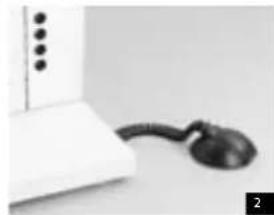
natural_image
Close-up of a white electronic device with a black cord and connector, no visible text or symbols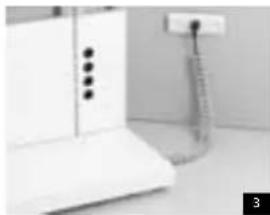
natural_image
Interior view of a kitchen appliance with a mounted electrical outlet (no visible text or symbols)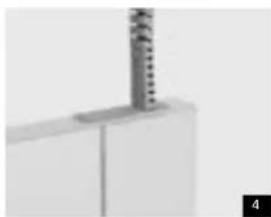
natural_image
Close-up of a white mechanical component with a vertical metallic rod inserted (no visible text or symbols)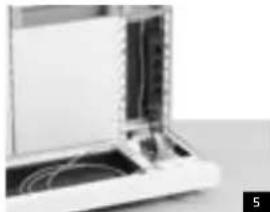
natural_image
Close-up of a white electronic device with visible internal components and wiring (no text or symbols)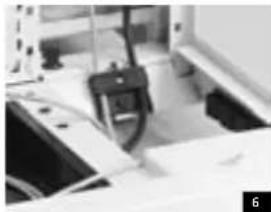
natural_image
Close-up of a mechanical device with a clamped component and a paper sheet, no visible text or symbols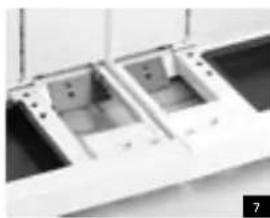
natural_image
Close-up of two rectangular electronic components with internal compartments, possibly battery or circuit board (no visible text or symbols)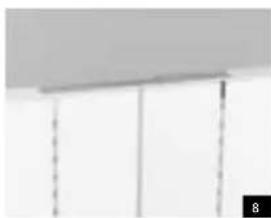
natural_image
Pure architectural detail showing vertical supports and a horizontal ceiling (no text or symbols)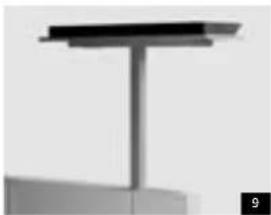
natural_image
Pure structural diagram of a vertical beam or support structure without any text, numbers, or symbols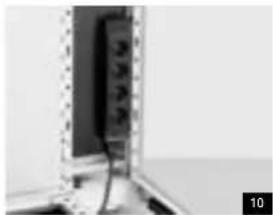
natural_image
Close-up of a wall-mounted electronic device with visible circuit lines and components (no text or symbols)Osvětlení
natural_image
Pure electrical circuit lines without any symbols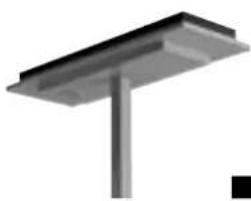
natural_image
Pure structural diagram of a metal beam supported by a vertical rod (no text or symbols)natural_image
Simple vertical line with a small wavy base, no text or symbols present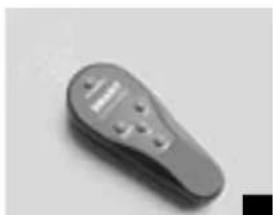
natural_image
Close-up of a gray handheld electronic device with a handle and control buttons (no visible text or symbols)natural_image
Simple line drawing of a street lamp mounted on a pole, no text or symbols presentnatural_image
Hand holding a white foam roller on a plain surface (no text or symbols visible)Čištění desek
natural_image
Close-up of a hand holding a small black object, possibly a connector or clip, against a plain background (no text or symbols visible)Zámky
natural_image
Close-up of a hand holding a small mechanical component with an arrow indicating direction (no visible text or symbols)natural_image
Close-up of a simple wooden table with four legs and a square top (no text or symbols visible)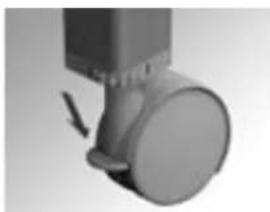
natural_image
Close-up of a mechanical component with a circular head and arrow indicator (no visible text or symbols)Tische mit Rollen
natural_image
Close-up of a metallic door with a button and directional arrow indicating rotation (no text or symbols)natural_image
Person performing a seated posture with an upward arrow indicating motion (no text or symbols visible)natural_image
Person sitting on a bench with a ruler and a pointer labeled 'C' (no visible text or symbols beyond the label)natural_image
3D rendered image of a simple table with four legs and a small square top (no text or symbols)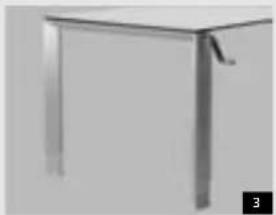
natural_image
Close-up of a metallic table with legs and a handle, no visible text or symbolsnatural_image
Close-up of a vertical panel with a black arrow pointing to the top section (no visible text or symbols)natural_image
Two mechanical components with arrows indicating motion, one showing a vertical offset and the other a circular feature (no text or symbols)natural_image
Close-up of a stainless steel kitchen appliance with a handle and ventilation slots (no visible text or symbols)Die Höhe verstellen
natural_image
Close-up of a mechanical device with a curved handle and rotating arrow (no visible text or symbols)natural_image
Close-up of a black electronic device with indicator lights and a display (no visible text or symbols)natural_image
Abstract grayscale image with two dark circular dots and a vertical line, no text or symbols present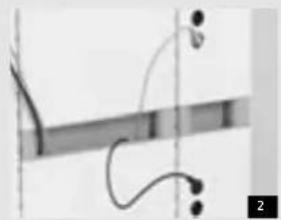
natural_image
Pure electrical circuit lines without any symbols
natural_image
Close-up of two cylindrical objects against a plain background, no visible text or symbols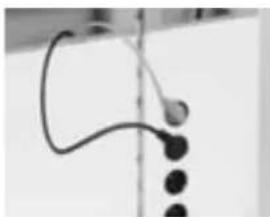
natural_image
Close-up of a curved black object with three dark circular elements, possibly a device or sensor, against a plain background (no text or symbols visible)Kabelfach
natural_image
Close-up of a hand holding a small object near a vertical cylindrical object (no visible text or symbols)Kabelclips
natural_image
Pure mechanical component diagram without any text, numbers, or symbols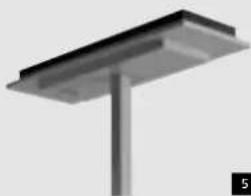
natural_image
3D rendering of a metal support structure with a vertical column and base (no text or symbols visible)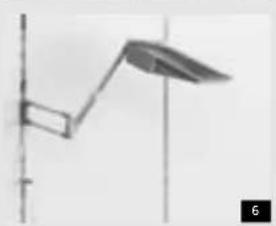
natural_image
Simple line drawing of a vertical pole with a curved arm and a leaf-like shape, no text or symbols present.5
Beleuchtung
natural_image
Close-up of a gray remote control device with buttons and display (no visible text or symbols)Fernbedienung
natural_image
Pure electrical circuit lines without any symbolsArbeitsleuchte
natural_image
Hand holding a small electronic device with a screen, possibly a timer or scanner (no visible text or symbols)Mobiler Vertical Desk
natural_image
Minimalist abstract sculpture with layered geometric forms (no text or symbols)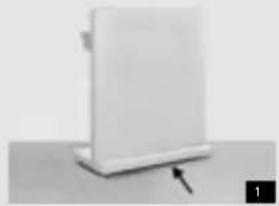
natural_image
White rectangular object with a black arrow pointing to its base, placed on a flat surface (no text or symbols visible)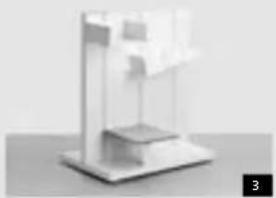
natural_image
3D rendered abstract geometric structure with layered planes and a small protrusion (no text or symbols)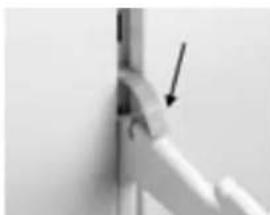
natural_image
Close-up of a mechanical joint or pipe connection with an arrow pointing to a specific part (no text or symbols visible)Stützen demontieren
natural_image
Close-up of a vertical metal rod with arrows indicating force direction (no text or symbols)Stützen anbringen
natural_image
Pure geometric lines forming a right triangle with an arrow indicating direction (no text or symbols)natural_image
Exterior view of a modern office building (no signage)Regalbretter demontieren
natural_image
Exterior view of a modern office building (no signage)Regalbretter anbringen
natural_image
Exterior view of a metal enclosure or storage unit with no visible text or symbolsnatural_image
Simple black T-shaped object with a vertical axis and an arrow pointing to its top (no text or symbols)natural_image
Close-up of a white electronic device with a black screen and an arrow pointing to it (no visible text or symbols)natural_image
Abstract geometric pattern with vertical lines and horizontal bars, no text or symbols presentnatural_image
Close-up of a cylindrical object with two curved arrows indicating rotational motion (no text or symbols)natural_image
Person holding a white rectangular box on a wall, no visible text or symbolsnatural_image
Close-up of a hand holding a small object with a curved arrow indicating rotation (no text or symbols visible)natural_image
Close-up of a white kitchen appliance with black buttons and a vertical handle (no text or symbols visible)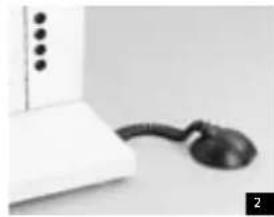
natural_image
Close-up of a white electronic device with a black cord and connector (no visible text or symbols)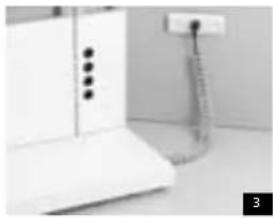
natural_image
Interior view of a kitchen appliance with a white cabinet and a hanging stand (no visible text or symbols)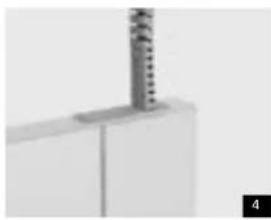
natural_image
Close-up of a white cabinet or shelf with a vertical metallic object inserted (no visible text or symbols)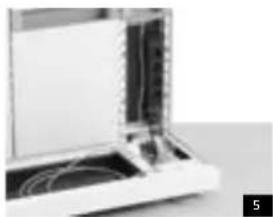
natural_image
Close-up of a laptop with visible internal components and cables (no text or symbols)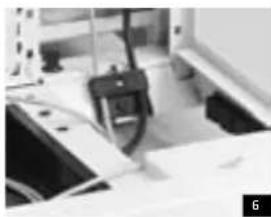
natural_image
Close-up of a mechanical device with a black clip and cable, no visible text or symbols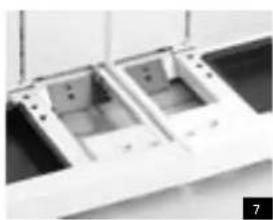
natural_image
Close-up of two plastic electronic components with mounting holes (no visible text or symbols)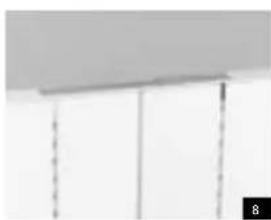
natural_image
Close-up of a ceiling-mounted panel with vertical dashed lines and a numbered marker (8) in the corner, no visible text or symbols.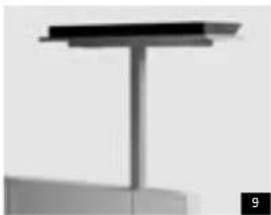
natural_image
Pure structural diagram of a vertical beam or support structure without any text, numbers, or symbols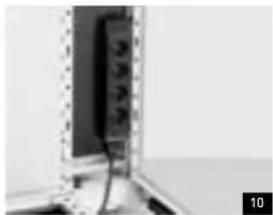
natural_image
Close-up of a wall-mounted electronic device with visible wiring and components (no text or symbols)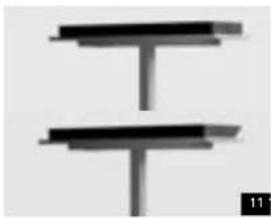
natural_image
Pure electrical circuit lines without any symbols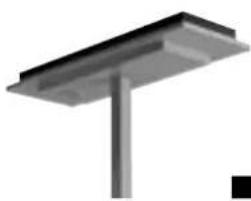
natural_image
Pure structural diagram of a metal beam supported by a vertical rod (no text or symbols)
natural_image
Simple vertical line with a small wavy base, no text or symbols present
natural_image
Close-up of a gray plastic electrical plug (no visible text or symbols)
natural_image
Simple line drawing of a street lamp mounted on a pole, no text or symbols presentBeleuchtung
natural_image
Hand resting on a white surface, possibly a cloth or sand (no text or symbols visible)natural_image
Close-up of a hand holding a small black object, possibly a connector or clip, against a plain background (no text or symbols visible)natural_image
Close-up of a hand holding a small mechanical component with an arrow indicating direction (no visible text or symbols)Instructions for use and maintenance The Ahrend 700 desking system has been designed and manufactured to ensure that you can work at it comfortably and without any adverse effects on your health. This manual tells you all about your Ahrend 700 workstation and explains how to use it safely. We hope you will enjoy using it. Keep this manual at your workstation for future reference.
The workstation As a rule Ahrend 700 tables will be free-standing. They are easy to move, especially when they are on castors. The castors can be locked to prevent the table from moving while you are working.
NB: When moving tables, make sure that nothing on the table is connected by cables to the Ahrend 700 vertical desk.
Table height
A range of leg models An Ahrend 700 table can be supplied with different types of legs, with fixed height, discontinuously adjustable height or variable height.
Fixed table height
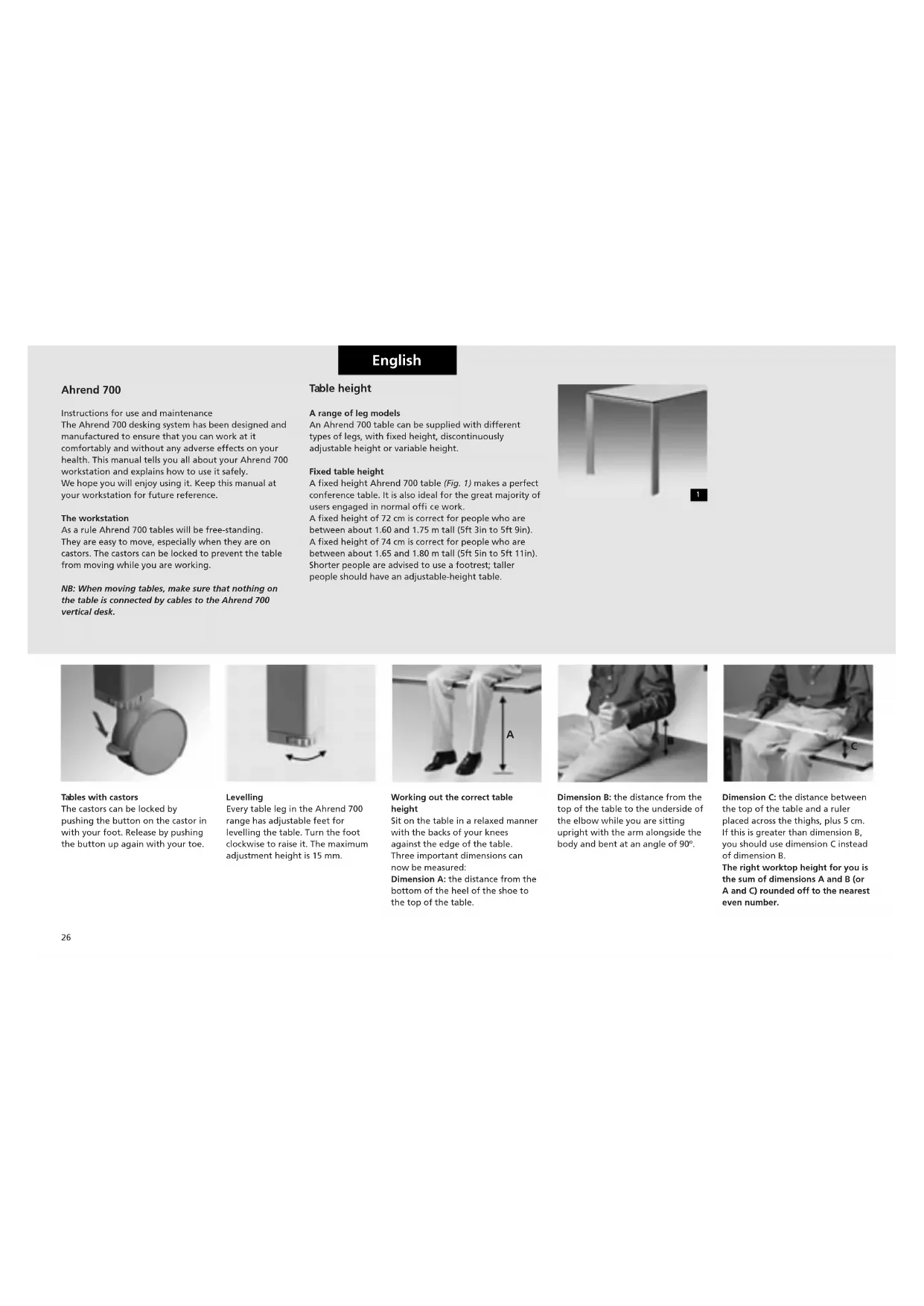
A fixed height Ahrend 700 table (Fig. 1) makes a perfect conference table. It is also ideal for the great majority of users engaged in normal offi ce work. A fixed height of 72 cm is correct for people who are between about 1.60 and 1.75 m tall (5ft 3in to 5ft 9in). A fixed height of 74 cm is correct for people who are between about 1.65 and 1.80 m tall (5ft 5in to 5ft 11in). Shorter people are advised to use a footrest; taller people should have an adjustable-height table.
natural_image
Close-up of a simple wooden table with four legs and a square top (no text or symbols visible)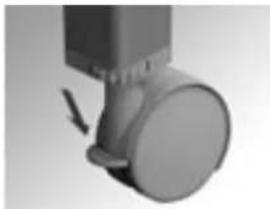
natural_image
Close-up of a mechanical component with a circular head and arrow indicator (no visible text or symbols)Tables with castors The castors can be locked by pushing the button on the castor in with your foot. Release by pushing the button up again with your toe.
natural_image
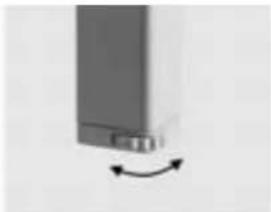
Close-up of a metallic door with a scroll wheel and directional arrow indicating rotation (no text or symbols)Levelling Every table leg in the Ahrend 700 range has adjustable feet for levelling the table. Turn the foot clockwise to raise it. The maximum adjustment height is 15 mm.
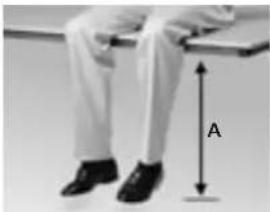
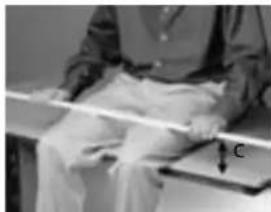
Working out the correct table height Sit on the table in a relaxed manner with the backs of your knees against the edge of the table. Three important dimensions can now be measured: Dimension A: the distance from the bottom of the heel of the shoe to the top of the table.
natural_image
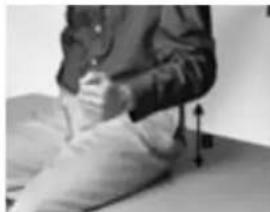
Person sitting on a bench with hands placed on the lap, showing a measurement arrow (no text or symbols present)Dimension B: the distance from the top of the table to the underside of the elbow while you are sitting upright with the arm alongside the body and bent at an angle of 90^ .
natural_image
Person sitting on a bench with a ruler and a labeled object (no visible text or symbols)Dimension C: the distance between the top of the table and a ruler placed across the thighs, plus 5 cm. If this is greater than dimension B, you should use dimension C instead of dimension B. The right worktop height for you is the sum of dimensions A and B (or A and C) rounded off to the nearest even number.
natural_image
3D rendered image of a simple table with four legs and a small square top (no text or symbols)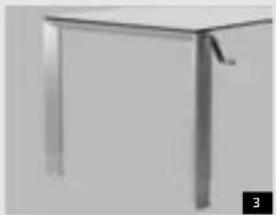
natural_image
Close-up of a metallic table with legs and a handle, no visible text or symbols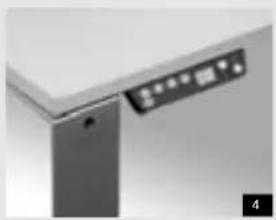
natural_image
Close-up of a metallic door or cabinet corner with a small illuminated panel and a numbered label '4' in the corner (no readable text or symbols on the main subject)English
Adjustable-height tables (HI)
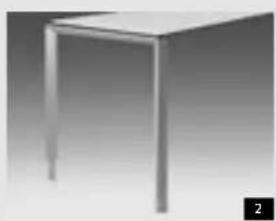
The height of these Ahrend 700 tables (Fig. 2) can be adjusted to suit your personal requirements. The adjustment range is 62 to 86 cm in 2-cm steps. As a rule it is sufficient to adjust the table height once only, when you start to use it.
Variable-height tables (HV)
These Ahrend 700 tables (Fig. 3) allow you to adjust the height of the worktop to suit your own height or posture at any time. The height can be varied to any desired value between 62 and 82cm by turning the crank. Hence, different people can work at the same table at different times in maximum comfort.
Variable-height tables with electronic drive (HVE)
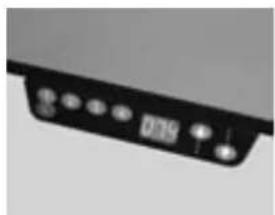
These Ahrend 700 tables (Fig. 4) allow you to adjust their height to suit your own height or posture at any time with the aid of the electronic control switch at the edge of the worktop. Hence, different people can work at the same table at different times in maximum comfort. The adjustment range is from 62 to 86 cm.
A number of preferred settings may be stored in the memory of the height control system.
The height of your chair
Adjust the height of your chair seat, measured from a point in the middle of the front edge of the seat, to your dimension A (see Working out the correct table height).
Footrest
Many people do not like to have their table too low, since this will mean that they are sitting lower than their colleagues. An ergonomically correct sitting posture can still be achieved in this case, with the aid of a footrest. The height of the table and chair should then be increased by an amount equal to the average height of the footrest.
natural_image
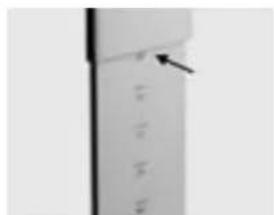
Close-up of a vertical panel with a black arrow pointing to the top section (no visible text or symbols)Reading off the preset height You can read off the preset height under the edge of the upper part of the leg.
natural_image
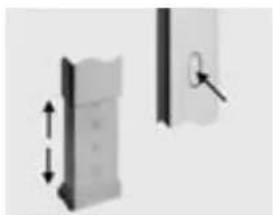
Two mechanical components with arrows indicating motion, one showing a vertical offset and the other a circular feature with a cursor (no text or symbols)Adjusting the height
(for HI tables, see Fig. 2) Press in the button halfway up the top section of each leg. Lift the leg slightly off the floor. Pull the lower part of the leg down slightly. Press the button in, while at the same time sliding the lower part of the leg in or out. Adjust each leg to the desired height in turn.
natural_image
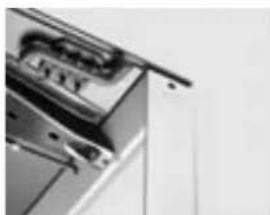
Close-up of a stainless steel kitchen appliance with a lid and front panel (no visible text or symbols)Adjusting the height
(for HV tables, see Fig. 3)
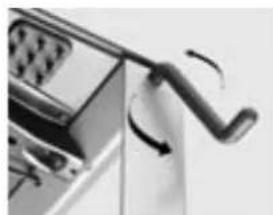
There is an opening at the top of each leg.
natural_image
Close-up of a mechanical device with a curved handle and rotating arrow (no visible text or symbols)Take the crank from the crank holder under the worktop and insert it in the opening. Turn the crank clockwise to raise the table and anti-clockwise to lower it. The internal mechanism operates all four legs simultaneously. Replace the crank after use.
natural_image
Close-up of a black electronic device with indicator lights and a display (no visible text or symbols)Adjusting the height of HVE tables Tables with electronic height controls (Fig. 4) are supplied with a separate User's Guide for these controls.
English
Electrification
Safety
Safety is the prime concern in an electrified workstation. Hence, an Ahrend 700 vertical desk must be connected to the data network and power supply by an authorised person. Unauthorised personnel may never open the base of the workstation or remove any panels from the vertical section of the vertical desk.
You are however perfectly free e.g. to plug equipment into a socket mounted on your Ahrend 700 workstation, to unplug it or to tidy up surplus lengths of cable with the aid of the available facilities. Accidents caused by tripping over cables and flexes on the floor can be avoided by concealing the cables. Concealed cables make the workstation safer, tidier and easier to clean.
Connections and cable guides
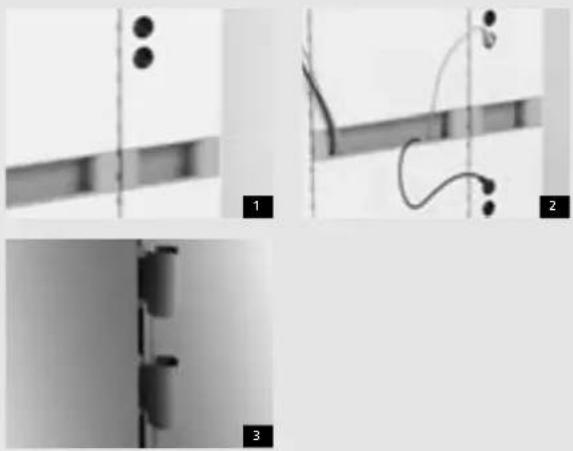
Your workstation can be supplied with a range of connection points for the power supply and computer networks. There are probably sockets in the vertical desk (Fig. 1). The workstation hardware is connected to these sockets and any excess lengths of cable can be concealed in the cable dumps (Fig. 2).
Cable clamps
Cable clamps are available to help guide cables neatly to the sockets or cable dumps (Fig. 3).
natural_image
Close-up of a curved black object with three dark circular elements, possibly a device or sensor, against a plain background (no text or symbols visible)Cable dumps
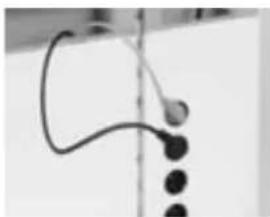
Any excess lengths of cable can be concealed in the cable dumps.
natural_image
Close-up of a hand holding a small object near a vertical cylindrical object (no visible text or symbols)Cable clamps
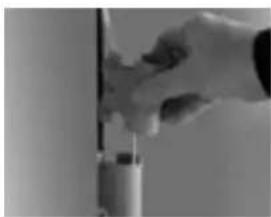
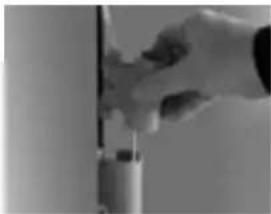
Cable clamps can be mounted in the accessory slots of the vertical desk
natural_image
Pure mechanical component diagram without any text, numbers, or symbols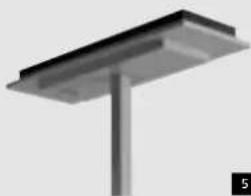
natural_image
3D rendering of a metal support structure with a vertical column and base (no text or symbols visible)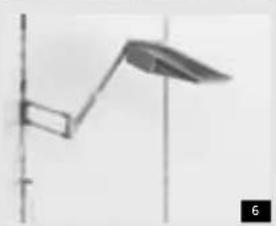
natural_image
Simple line drawing of a vertical pole with a curved arm and leaf-shaped extension (no text or symbols)English
Lighting
Indirect lighting
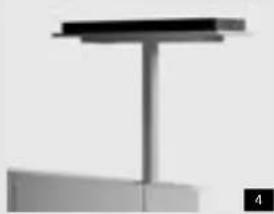
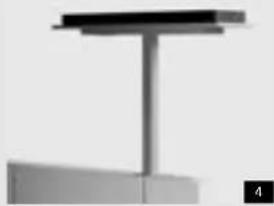
The lighting fi ttings of the Ahrend 700 deliver basic indirect lighting at an illumination level of 300 lux by ref l ection off the ceiling (Fig. 4).
Energy-saving light level control
All vertical desk fi ttings are provided with an energy-saving sensor (Fig. 5) which switches the lamp off if it does not detect any movement in the vicinity of the lamp within a preset number of minutes (adjustable between 30 seconds and 60 minutes) and dims the lamp if there is enough daylight or light from another source.
Manual remote control
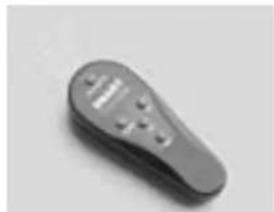
Infrared remote control is available as an option. It can be used to switch a lamp on and off manually, dim it or return it to automatic mode.
Task lighting
In addition to the indirect basic lighting, a workstation can be equipped with a task lamp (Fig. 6) to raise the lighting level at the working area on the table. This lamp is mounted on a swivel arm, allowing its height and depth to be adjusted.
Alternatively, the task lighting can be mounted on the edge of the table. This restricts the table's freedom of movement, however.
natural_image
Close-up of a gray remote control device with buttons and a display (no visible text or symbols)Remote control
Infrared remote controls:
'OFF': switches lamp off
'ON': switches lamp on
'DOWN': dims lamp
'UP': raises lighting level
'AUTOMATIC': enables automatic control.
natural_image
Pure electrical circuit lines without any symbolsTask lighting
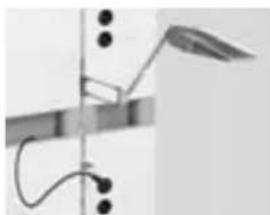
The task lamp plug is plugged into one of the sockets on the vertical desk.
natural_image
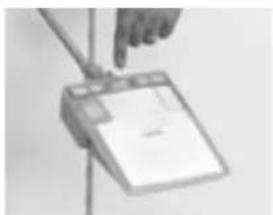
Hand holding a handheld electronic device with a blank screen (no visible text or symbols)It can be switched on and off with the aid of the toggle switch on top of it.
English
The vertical desk
You may want to change the configuration of your Ahrend 700 workstation yourself. If you do, a number of safety rules have to be observed.
Accessories
Each accessory suspended on the vertical desk is secured to its support with a plastic clip. This automatically clicks into the suspension slot in question and prevents the accessory from being dislodged accidentally. This means that a support can only be removed from the vertical desk by pushing the clip down as you remove it.
Mobile vertical desk
Mobile vertical desks have built-in castors, making them very easy to move. They can be recognised by the extended edge at the back (Fig. 1). A brake can be fitted to the front castors.
NB: Vertical desks that are connected to the data network or power supply may not be moved by users. This should be done by an authorised installation engineer.
Fixed vertical desks
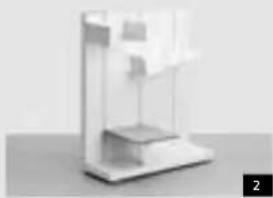
There are two types of fixed vertical desks: single-sided (Fig. 2) and double-sided (Fig. 3). They can be recognised by the shape of the base.
natural_image
Minimalist abstract 3D rendering of a white geometric structure with no visible text or symbols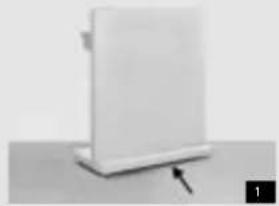
natural_image
White rectangular object with a black arrow pointing to its base, placed on a flat surface (no text or symbols visible)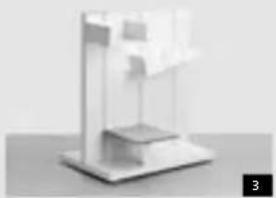
natural_image
3D rendered abstract geometric structure with layered planes and a small protrusion (no text or symbols)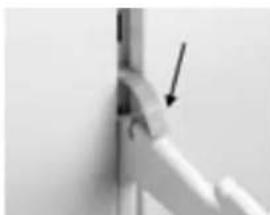
natural_image
Close-up of a mechanical joint or pipe connection with an arrow pointing to a specific part (no text or symbols visible)Removing supports
Supports are removed from the vertical desk by pressing in the plastic clip so that the support can be slid upwards and lifted out of the slot.
natural_image
Close-up of a vertical pole with arrows indicating force direction (no text or symbols)Installing supports
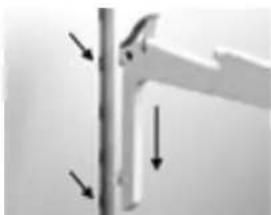
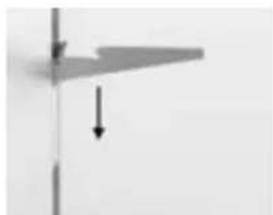
Supports are suspended from the vertical desk with the aid of plastic clips that are pushed into the slots recessed into the vertical grooves between the panels of the vertical desk. Insert the clip into the slot slightly above the desired mounting position and push it gently inwards and downwards until it clicks home.
natural_image
Pure geometric lines forming a right triangle with a downward arrow, no text or symbols presentIt is then automatically secured, so that the support cannot be dislodged accidentally.
natural_image
Exterior view of a modern office building (no signage)Removing shelves
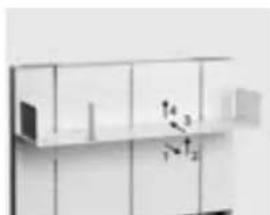
Before the supports can be lifted out of the slot (see Removing supports), the shelf itself has to be removed. Do this by pulling the shelf half a centimetre forwards (1), lifting it up at the front (2) and then pushing it back. The shelf can then be lifted up and out.
natural_image
Minimalist wall-mounted shelf with grid panels and a small white object on the right (no visible text or symbols)Installing shelves
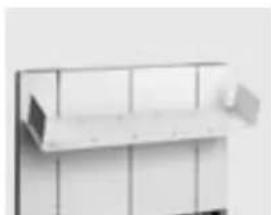
Start by suspending the shelf supports at the right height and spacing (see Installing supports). Place the shelf on the support, ensuring that the two holes on the underside are over the rear hooks on the brackets. Pull the shelf forwards, press it down and push it back half a centimetre.
English
natural_image
Exterior view of a modern office building (no signage)Tambour-door and pivot-door cabinets
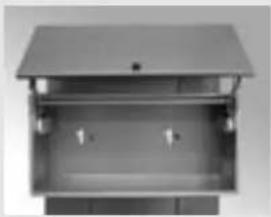
If there is a shelf in the cabinet, first remove it. Loosen the screws (1) in the centre of the back wall of the box (with Torx 20). The cabinet can then be lifted off its bracket (2).
natural_image
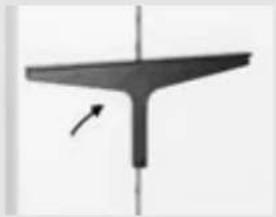
Simple black T-shaped object with a vertical axis and an arrow pointing to its top (no text or symbols)The bracket can now be pushed up and removed from the slot. Install in reverse order.
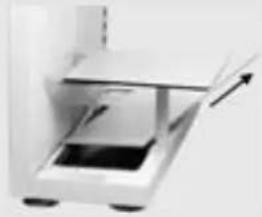
natural_image
Close-up of a white electronic device with a black screen and a light beam, no visible text or symbols.Work surface on leg
Before the work surface can be lifted out of the slot (see Removing supports), the base plate has to be removed and the leg unscrewed (with Torx 40).
Accessories
Some accessories can be moved easily (see below), some require tools (see alongside).
Loading
When using accessories, make sure that their weight and that of their contents does not exceed the maximum permissible load for the size and type of vertical desk in question. For details, see pages 32 and 33.
natural_image
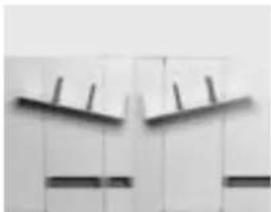
Close-up of a wall with abstract geometric shapes and dark horizontal bars (no text or symbols)Installing angled shelves
Angled shelves can be recognised by the fixed bookend at one end. They can be angled either right or left.
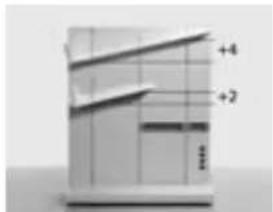
Check the correct height of the shelf brackets.
The height difference between the two shelf brackets is: 2 slot holes for 80 cm wide and 4 slot holes for 120 cm wide. Position the shelf (see Installing shelves) so that the fixed bookend is on the lower side.
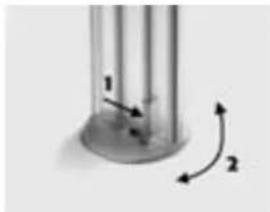
natural_image
Close-up of a cylindrical object with two curved arrows indicating rotation or movement (no text or symbols)Moving bookend
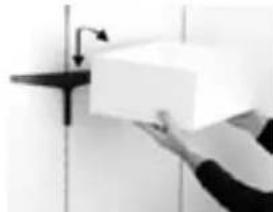
Press in the pressure strip at the bottom of the bookend (1), turn the bookend through 90° and remove (2). Now place the bookend in the desired hole and turn it through 90° until it clicks home.
natural_image
Person holding a white rectangular box on a wall-mounted shelf (no visible text or symbols)Open box
The open box can be lifted straight off its bracket. The bracket can now be pushed up and lifted out of the slot. Install in reverse order.
natural_image
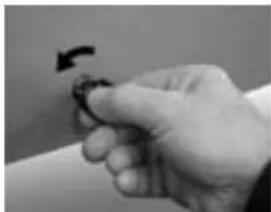
Close-up of a hand holding a small object with a curved arrow indicating rotation (no text or symbols visible)Locking cabinets
Pivot-door cabinet: Insert key in lock and turn 180° anticlockwise. Tambour-door cabinet: Insert key in lock and turn 90° anticlockwise.
English
Maximum permissible loading of vertical desks
To ensure its structural integrity and for safety reasons, the number of accessories mounted on a vertical desk must remain within certain limits as indicated in Table 1 alongside.
The loads in kg represented by the different accessories with typical contents are given in the small tables below.
NB: Single-sided and mobile vertical desks may only have accessories mounted on the front.
Table 1 Vertical desk: maximum permissible loads
| Single-sided (or mobile) | Double-sided Double-sided Mobile | ||||
| height width max. kg width | max. kg* width | max. kg* | |||
| 108 cm | 40 cm | 60 | 40 cm | 120 | 40 cm |
| 60 cm | 75 | 60 cm 150 | 60 cm 150 | ||
| 80 cm 100 | 80 cm 200 | 80 cm 200 | |||
| 120 cm 135 | 120 cm 270 | 120 cm 250 | |||
| 143 and 160 cm | 40 cm | 70 | 40 cm | 140 | 40 cm |
| 60 cm 100 | 60 cm 200 | 60 cm 260 | |||
| 80 cm 135 | 80 cm 270 | 80 cm 250 | |||
| 120 cm 180 | 120 cm 360 | 120 cm 240 | |||
| 195 cm | 40 cm | 80 | 40 cm | 160 | 40 cm |
| 60 cm 115 | 60 cm 230 | 60 cm 230 | |||
| 80 cm 170 | 80 cm 340 | 80 cm 250 | |||
| 120 cm 225 | 120 cm 450 | 120 cm 240 | |||
* distributed uniformly over both sides.
A max. #maximum load in kg represented by the accessory in question plus typical contents (e.g. books).
A nom = nominal load in kg represented by the accessory in question, including a safety margin allowing for unusually heavy contents.
The sum of the nominal loads for all accessories must not exceed the maximum permissible load for the vertical desk in question, as given in Table 1.
Shelves
| code | size | A. max. VD |
| 603902 | 60 cm | 20 23 |
| 603901 | 80 cm | 30 34 |
| 603900 | 120 cm | 40 45 |
| Shelves with bookends | ||
| 603911 | 80 cm | 30 34 |
| 603910 | 120 cm | 40 46 |
| Angled shelves | ||
| 603921 | 80 cm | 30 34 |
| 603920 | 120 cm | 40 45 |
Cabinets
| code | size | A. max. VD |
| Pivot-door cabinet | ||
| 603968 | 80 cm 25 43 | |
| 603969 | 120 cm 35 58 | |
| Tambour door cabinet | ||
| 603934 | 40 cm 15+5 31 | |
| 603935 | 80 cm 25+5 48 | |
| 603936 | 120 cm 35+5 64 | |
| Shelves in tambour door cabinet | ||
| 603937 | 40 cm 10 | |
| 603938 | 80 cm 15 | |
| 603939 | 120 cm 20 | |
Lighting
| code | size | A. max. VD |
| Task lamp | ||
| 603993 2 | ||
| Indirect lighting | ||
| 603980/1 | 108 cm 4 | |
| 603982/3 | 143 cm 4 | |
| 603984/5 | 160 cm 5 | |
| 603986/7 | 195 cm 5 | |
Organiser accessories
| code | size | A. max. VD |
| Built-in panels | ||
| 603928 60 cm 10 17 | ||
| 603929 80 cm 20 29 | ||
| 603940 120 cm 30 43 | ||
| Organiser rail | ||
| 603977 60 cm 10 12 | ||
| 603978 80 cm 20 23 | ||
| 603979 120 cm 30 34 | ||
English
Example:
A double-sided vertical desk, 160 cm high and 120 cm wide, is provided on each side with a pivot-door cabinet and two shelves with bookends.
A 120 cm pivot-door cabinet represents a nominal load of 58 kg, x 2 gives 116 kg. Each shelf has a nominal load of 46 kg, so 4 such shelves means 184 kg.
The total nominal load represented by these accessories is thus 116 + 184 = 300kg . As Table 1 shows, a vertical desk of this type has a maximum permissible load of 360kg . Since 300kg lies within this limit, these accessories may be used on this vertical desk.
If it had been desired to use the mobile version of the vertical desk, this loading would be 60 kg too high
(Table 1 shows a maximum permissible load of 240kg for this version). You could then bring the load down within the permissible limit e.g. by using 2 fewer shelves.
Cabinet tops
| code | size | A. max. VD |
| Oval | ||
| 603915 75 cm | 15 19 | |
| 603916 95 cm | 20 25 | |
| 603917 135 cm | 30 36 | |
Rectangular
| 603918 60 cm 15 19 |
| 603919 80 cm 15 20 |
| 603925 100 cm 20 26 |
| 603926 120 cm 25 32 |
| 603927 140 cm 30 38 |
Work surfaces
| code | size | A. max. VD |
| 603961 60 cm | 30 36 | |
| 603962 80 cm | 40 48 | |
| 603963 100 cm | 50 60 | |
| 603964 120 cm | 50 62 | |
| 603965 140 cm | 50 64 |
Printer support
| 603970 46x49 cm 40 45 |
| Monitor support |
| 603971 62x49 cm 40 48 |
English
Electrifi cation of the workstation by authorised installation engineer
Standards
All Ahrend 700 desking elements and accessories comply with British Standard BS 6396/1995 (Specification for electrical systems in office furniture).
Cable management
Power supply for vertical desks
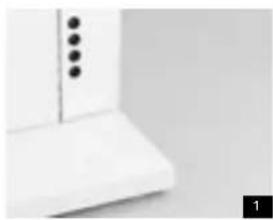
The power outlets in vertical desks (Fig. 1) may be provided with system extension cables for the power supply and with any necessary data cables. They may be connected to floor sockets (Fig. 2) or to cable ducts mounted on the wall (Fig. 3) or the ceiling (Fig. 4). All excess installation cables can be stored away neatly in fl exible cable dumps outside the vertical desk. After being introduced into the base of the vertical desk or the vertical cable ducts, the cables are led up inside the vertical desk to the power outlets.
Horizontal cable guides and cable dumps
A cable tray in which excess lengths of cable may be stored can be installed in the base of the vertical desk (Fig. 5). A cable clamp is provided in the base (Fig. 6). Vertical desks next to one another can be cabled up together through the base. They must be connected mechanically top and bottom with the aid of the coupling material supplied (Figs. 7 and 8).
Data cables
The Ahrend 700 data connection sockets must be connected directly to the data source (patch cabinet), without intermediate joints. Always consult the data cable installer fi rst. Cables must be connected to data networks by an authorised installation engineer.
natural_image
Close-up of a white kitchen appliance with three black buttons on a side panel (no text or symbols visible)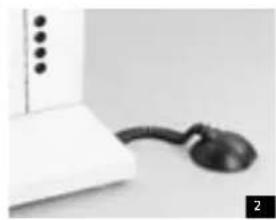
natural_image
Close-up of a white electronic device with a black cord and connector, no visible text or symbols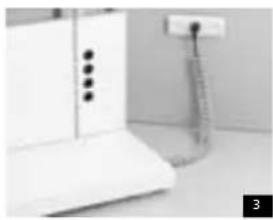
natural_image
Interior view of a kitchen appliance with white cabinet and hanging wall-mounted cable (no visible text or symbols)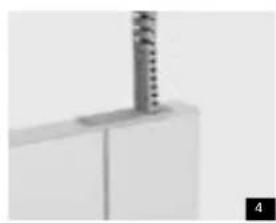
natural_image
Close-up of a metallic mechanical component with a vertical stirrer or spring, no visible text or symbols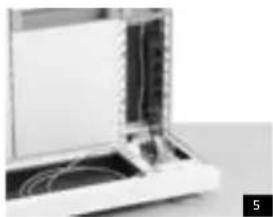
natural_image
Close-up of a laptop with visible internal components and cables (no text or symbols)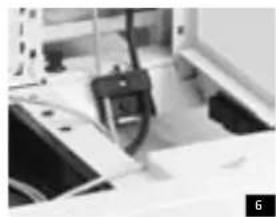
natural_image
Close-up of a mechanical device with a black clip and attached components (no visible text or symbols)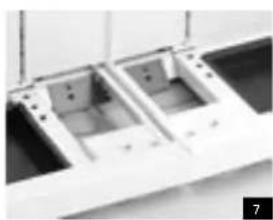
natural_image
Close-up of two white plastic electronic components with mounting holes, placed on a dark surface (no visible text or symbols)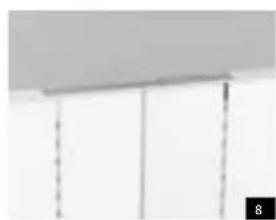
natural_image
Close-up of a ceiling panel with vertical dashed lines and a numbered label '8' in the corner (no text or symbols on the panels)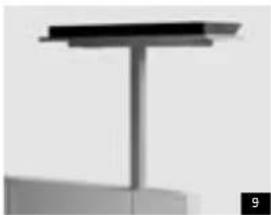
natural_image
Pure structural diagram of a vertical beam or support structure without any text, numbers, or symbols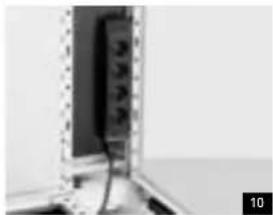
natural_image
Close-up of a wall-mounted electronic device with visible wiring and components (no text or symbols)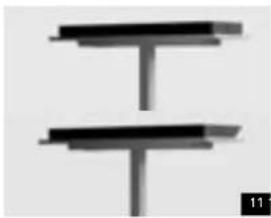
natural_image
Pure electrical circuit lines without any symbols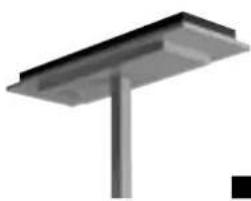
natural_image
Pure structural diagram of a metal beam supported by a vertical rod (no text or symbols)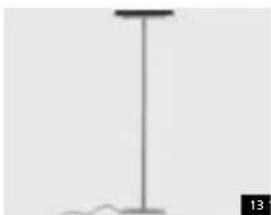
natural_image
Simple line drawing of a vertical pole with a base and a small wavy line at the base (no text or symbols)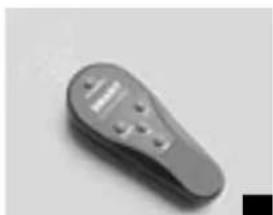
natural_image
Close-up of a gray remote control device with buttons and a handle (no visible text or symbols)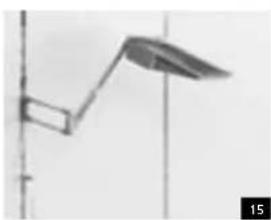
natural_image
Simple line drawing of a street lamp mounted on a pole, no text or symbols presentEnglish
Lighting
Indirect lighting on vertical desks
The lighting fi ttings of the Ahrend 700 deliver basic indirect lighting at an illumination level of 300 lux by reflection off the ceiling. They contain two 55W compact fl fluorescent lamps.
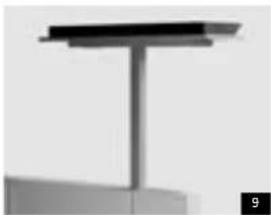
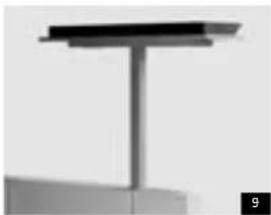
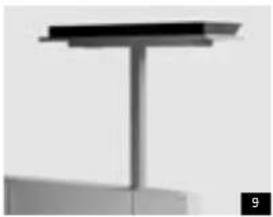
Each fi ttings is supported on a column mounted on the vertical desk (Fig. 9). The length of the column depends on the height of the vertical desk, and should be chosen so that the fi tting stands approximately 220 cm above the floor. The connection cable for the fitting can be clicked into a socket in the vertical desk (fig. 10) or be connected directly to an external power source via the vertical cable space and the base.
There are two types of indirect light fittings,
symmetrical (Fig. 11, top) and asymmetrical (Fig. 11, bottom). The latter can be recognised from the slanting side that has to face the part of the workstation on to which the light is to be reflected via the ceiling.
Energy-saving controls
All vertical desk lighting fi ttings have an energy-saving sensor (Fig. 12). This controls the presence switch (switches the lamp off if no movement is detected in the vicinity of the lamp for xx minutes) and the ambient light control (dims the lamp if there is sufficient daylight or light from another source).
A free-standing lamp (Fig. 13) is also available, with the same features as the desk-mounted model described above or with a simple on/off switch.
Manual remote control
An infrared remote control, the 'SMART controller' (Fig. 14), is available on request. It can be used to switch a lamp on and off, dim it or return it to automatic mode manually.
Manual programming
A special remote control, the 'SMART programmer', is available for advanced control of the settings of the lighting fittings, e.g. to adjust:
- t he maximum light intensity
- t he delay time on the presence switch or to
- s witch the 'Bright-out' function on or off (when 'on', this function switches the lamp off if it has been in the lowest brightness setting for more than 10 minutes).
Wall-mounted lighting fi tting
The wall model has an asymmetrical reflector and ambient light control which can be adjusted manually on the fi tting. The lighting level can also be adjusted by the dimmer switches in the building.
Task lighting
In addition to the indirect basic lighting, a workstation can be fitted with a task lamp (Fig. 15) which gives more light where it is really needed on the worktop.
This lamp is supported by a swivel arm mounted on the vertical desk. Its height and depth can be adjusted, and it takes a 13 W compact fl fluorescent lamp.
Alternatively, the task lighting can be mounted on the edge of the table. This restricts the table's freedom of movement, however.
The task lamp is connected to one of the gangs in the built-in socket on the vertical desk.
English
Maintenance
These instructions for maintenance are intended for both the professional cleaner and the user of the workstation. Never use benzine, acetone, turpentine, petrol or other aggressive substances, solvents or abrasive cleansers.
Maintenance-free parts
In normal use, the leg adjustment mechanisms of tables and work surfaces should not require any maintenance.
Service
Please contact your supplier if you are considering moving office or reconfiguring the workstation.
Tools
A service kit containing tools required for use with the Ahrend 700 can be ordered from Ahrend (order code 0160 8217).
natural_image
Hand resting on a white surface, possibly a cloth or sand (no text or symbols visible)Cleaning work surfaces
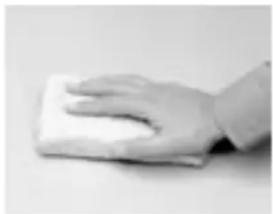
Normal stains (coffee, tea, pencil, lipstick, finger marks, grease, water-soluble glue, felt tip pen ink etc.) can be removed with a clean, damp cloth. If necessary, a little soft soap may be added to the water and a soft nylon brush may be used to treat more stubborn stains. Solvent-based lacquer, glue, nail varnish, ballpoint pen ink etc.
should be removed with an organic solvent, such as methylated spirits.
Cleaning veneered work surfaces Wipe with a clean, damp cloth if necessary. A little soft soap may be added to the water to treat more stubborn stains.
Cleaning plastic parts
All plastic parts may be cleaned with a soft cloth, damp if necessary. More stubborn stains caused by glue, felt tip pens, ballpoints etc. can be treated with lukewarm water, and a little soft soap if necessary.
Cleaning enamelled metal parts All coloured metal parts may be cleaned with a soft cloth, damp if necessary. More stubborn stains caused by glue, felt tip pens, ballpoints etc. are best treated with lukewarm water and a little soft soap. Methylated spirit may be used if necessary.
English
natural_image
Close-up of a hand holding a small black plastic clip (no text or symbols visible)Locks
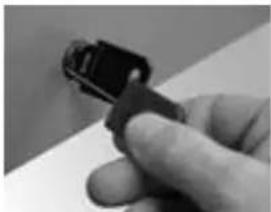
The effi cient operation of locks can be promoted by spraying an appropriate special lubricant sparingly into the cylinder.
natural_image
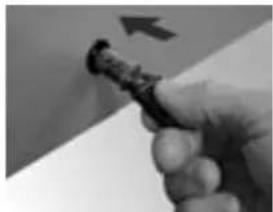
Close-up of a hand holding a small black object with an arrow pointing to it (no visible text or symbols)Changing cylinder of lock Lock the cabinet. Turn the key slightly clockwise, so that the deblocking pin can be inserted deep into the small hole at the edge of the cylinder. The cylinder, with the key and the pin, can now be removed from the lock.
A new cylinder, with the key inserted, can now be inserted into the lock. Push it down until it clicks in place.
Español
Ahrend 700
natural_image
Exterior view of a modern office building (no signage)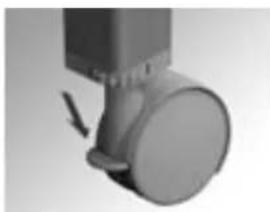
natural_image
Close-up of a mechanical component with a circular head and arrow indicator (no visible text or symbols)Mesas con ruedas
natural_image
Close-up of a metallic door with a button and directional arrow indicating rotation (no text or symbols)Nivelar
natural_image
Person performing a seated posture with an upward arrow indicating motion (no text or symbols visible)natural_image
Person sitting on a bench holding a tablet with a ruler and pointer labeled 'C' (no visible text or symbols beyond the label)natural_image
Simple 3D rendering of a simple table with four legs and a square top (no text or symbols)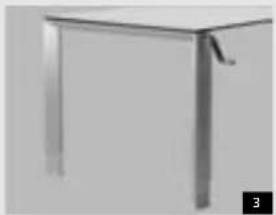
natural_image
Close-up of a metallic table with legs and a handle, no visible text or symbolsnatural_image
Close-up of a vertical panel with a black arrow pointing to the top section (no visible text or symbols)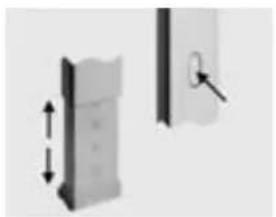
natural_image
Two mechanical components with arrows indicating vertical displacement, one with a lock icon (no text or symbols)
natural_image
Close-up of a kitchen appliance with a mounted stove (no visible text or symbols)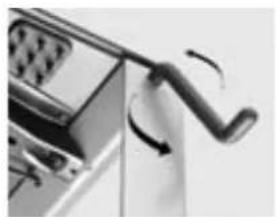
natural_image
Close-up of a mechanical lever mechanism with motion arrows (no text or symbols visible)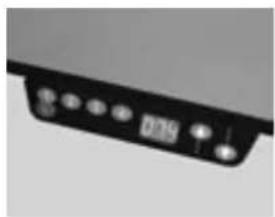
natural_image
Close-up of a black electronic device with a display and control buttons (no visible text or symbols)natural_image
Close-up of a curved black object with three dark circular elements, possibly a device or sensor, against a plain background (no text or symbols visible)natural_image
Close-up of a hand adjusting a cylindrical object with a small container (no visible text or symbols)Pinzas para cables
natural_image
Pure mechanical component diagram without any text, numbers, or symbols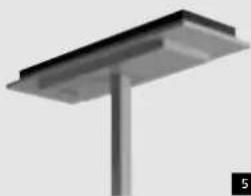
natural_image
3D rendering of a metal support structure with a vertical rod (no text or symbols visible)Iluminación
natural_image
Simple line drawing of a vertical pole with a curved arm and leaf-shaped extension (no text or symbols)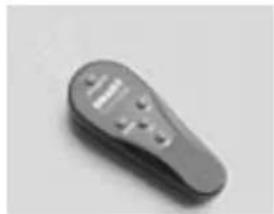
natural_image
Close-up of a gray remote control device with buttons and a handle (no visible text or symbols)Mando a distancia
natural_image
Pure mechanical diagram showing a lever and curved component without any text or symbolsIluminación directa
natural_image
Hand holding a clipboard with a paper, no visible text or symbolsnatural_image
Minimalist abstract sculpture with layered geometric forms on a plain background (no text or symbols)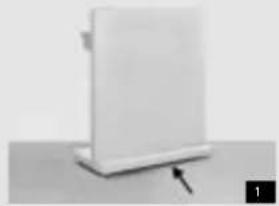
natural_image
White rectangular object with a black arrow pointing to its base, placed on a flat surface (no text or symbols visible)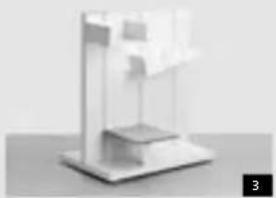
natural_image
3D rendered abstract geometric structure with layered planes and a small protrusion (no text or symbols)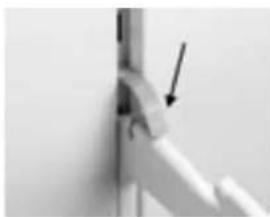
natural_image
Close-up of a white mechanical joint or bracket with an arrow pointing to a detail (no visible text or symbols)Soltar los soportes
natural_image
Close-up of a vertical pole with two arrows pointing downward, no text or symbols visibleColocar soportes
natural_image
Pure geometric lines forming a right triangle with a downward arrow, no text or symbols presentnatural_image
Modern minimalist wall-mounted cabinet with glass panels and a small inset image showing internal components (no text or symbols visible)Soltar las baldas
natural_image
Minimalist white shelf with grid panels and a small white object on the right (no text or symbols visible)Colocar baldas
natural_image
Exterior view of a metal enclosure or storage unit with no visible text or symbolsnatural_image
Simple black T-shaped object with a vertical axis and an arrow pointing to its top (no text or symbols)natural_image
Close-up of a laboratory instrument with a metallic component and an arrow indicating force (no visible text or symbols)natural_image
Abstract wall pattern with vertical lines and horizontal bars, no text or symbols presentnatural_image
Close-up of a cylindrical object with internal structure and two curved arrows indicating rotation (no text or symbols)natural_image
Person holding a white rectangular box on a wall, no visible text or symbolsOpen box
natural_image
Close-up of a hand holding a small object with a curved arrow indicating rotation (no text or symbols visible)Cerrar armarios
natural_image
Close-up of a white kitchen appliance with three black buttons on a side panel (no text or symbols visible)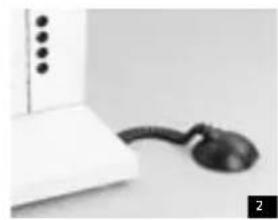
natural_image
Close-up of a white electronic device with a black plastic connector attached to its side (no visible text or symbols)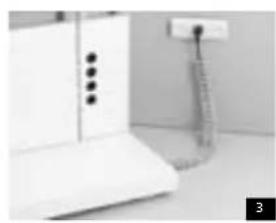
natural_image
Interior view of a kitchen appliance with a white cabinet and hanging stand (no visible text or symbols)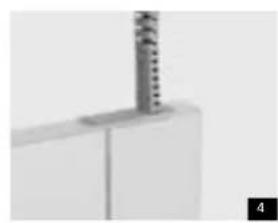
natural_image
Close-up of a white cabinet or shelf with a metallic cylindrical object inserted vertically (no visible text or symbols)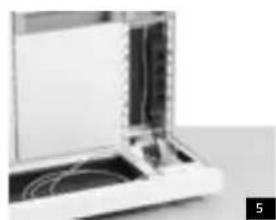
natural_image
Close-up of a laptop with visible internal components and cables (no text or symbols)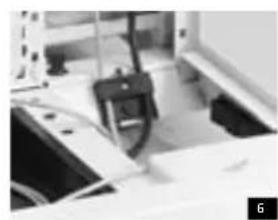
natural_image
Close-up of a mechanical device with a clamped component (no visible text or symbols)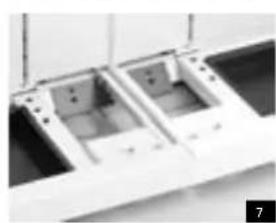
natural_image
Close-up of a mechanical assembly with two internal components, possibly a tray or bracket (no visible text or symbols)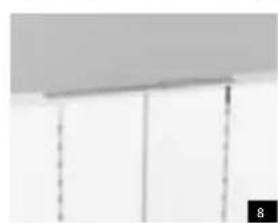
natural_image
Close-up of a ceiling-mounted panel with vertical dashed lines and a numbered marker (8) in the corner, no visible text or symbols.Español
natural_image
Pure structural diagram of a vertical beam or support structure without any text, numbers, or symbols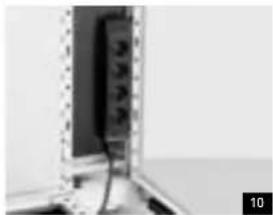
natural_image
Close-up of a wall-mounted electronic device with visible wiring and components (no text or symbols)Iluminación
natural_image
Pure electrical circuit lines without any symbols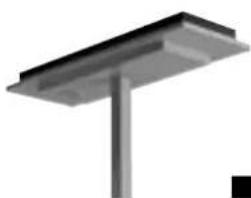
natural_image
Pure structural diagram of a metal beam supported by a vertical rod (no text or symbols)natural_image
Simple vertical line with a small wavy base, no text or symbols present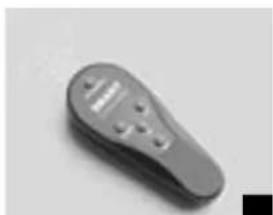
natural_image
Close-up of a gray remote control device with buttons and display (no visible text or symbols)natural_image
Simple line drawing of a street lamp mounted on a pole, no text or symbols presentEspañol
Mantenimiento
natural_image
Hand holding a white foam roller on a plain surface (no text or symbols visible)Limpiar tableros
natural_image
Close-up of a hand holding a small black object, possibly a connector or clip, against a plain background (no text or symbols visible)Cierres
natural_image
Close-up of a hand holding a small black object with an arrow pointing to it (no visible text or symbols)natural_image
Close-up of a simple wooden table with four legs and a square top (no text or symbols visible)natural_image
Close-up of a mechanical component with a circular head and arrow indicator (no visible text or symbols)natural_image
Close-up of a mechanical component with a curved arrow indicating rotation (no text or symbols visible)Mise de niveau
natural_image
Person sitting on a surface with hands placed, showing a vertical measurement arrow (no text or symbols)natural_image
Person sitting on a bench holding a tablet with a ruler, no visible text or symbolsnatural_image
Simple 3D rendering of a simple table with four legs and a small square top (no text or symbols)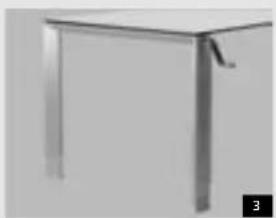
natural_image
Exterior view of a modern office building (no signage)natural_image
Close-up of a vertical panel with a black arrow pointing to the top section (no visible text or symbols)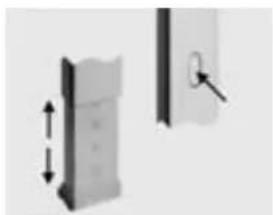
natural_image
Two mechanical components with arrows indicating motion, one showing a vertical dimension and the other a close-up of a lock mechanism (no text or symbols)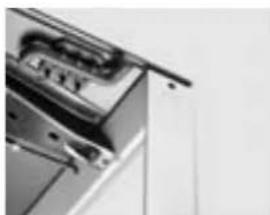
natural_image
Close-up of a stainless steel kitchen appliance with a handle and ventilation slots (no visible text or symbols)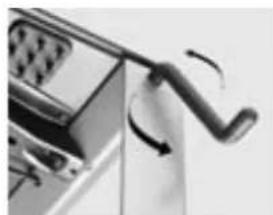
natural_image
Close-up of a mechanical device with a curved handle and rotating arrow (no visible text or symbols)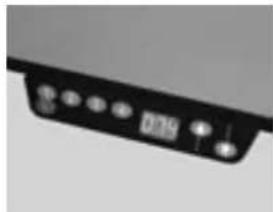
natural_image
Close-up of a black electronic device with indicator lights and a display (no visible text or symbols)natural_image
Diagram showing two labeled components (1 and 2) with abstract line and dot patterns, no readable text or symbols present.
natural_image
Close-up of two cylindrical objects against a plain background, no visible text or symbols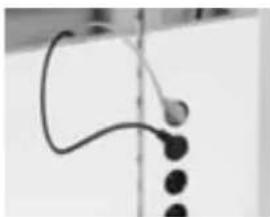
natural_image
Close-up of a curved black object with three dark circular elements, possibly a device or sensor, against a plain background (no text or symbols visible)natural_image
Close-up of a hand holding a small object near a vertical surface (no visible text or symbols)natural_image
Pure mechanical component diagram without any text, numbers, or symbols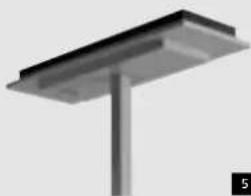
natural_image
3D rendering of a metal support structure with a vertical column and base (no text or symbols visible)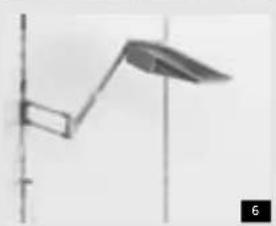
natural_image
Simple line drawing of a vertical pole with a curved arm and a leaf-like shape, no text or symbols present.5
Éclairage
Éclairage indirect
natural_image
Close-up of a gray remote control device with buttons and a display (no visible text or symbols)Télécommande
natural_image
Pure electrical circuit lines without any symbolsLampe de travail
natural_image
Hand holding a clipboard with a paper, no visible text or symbolsBureau vertical mobile
natural_image
Close-up of a mechanical joint or bracket with an arrow pointing to a detail (no visible text or symbols)natural_image
Close-up of a vertical pole with arrows indicating force direction (no text or symbols)Placer les supports
natural_image
Pure geometric lines forming a right triangle with a downward arrow, no text or symbols presentnatural_image
Exterior view of a modern office building (no signage)natural_image
Exterior view of a modern office building (no signage)Placer les étagères
natural_image
Exterior view of a modern office building (no signage)natural_image
Simple black T-shaped object with a vertical axis and an arrow pointing to its top (no text or symbols)natural_image
Close-up of a laboratory instrument with a metallic component and an arrow indicating force or movement (no visible text or symbols)natural_image
Close-up of a wall with abstract geometric shapes and dark horizontal bars (no text or symbols)natural_image
Close-up of a cylindrical object with two curved arrows indicating rotational motion (no text or symbols)natural_image
Person holding a white rectangular box on a wall-mounted shelf (no text or symbols visible)Boîte ouverte
natural_image
Close-up of a hand holding a small object with a curved arrow indicating rotation (no text or symbols visible)natural_image
Close-up of a white kitchen appliance with black buttons and a flat base (no text or symbols visible)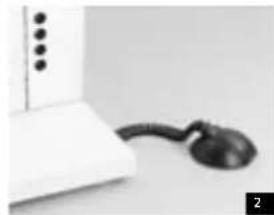
natural_image
Close-up of a white electronic device with a black cord and connector (no visible text or symbols)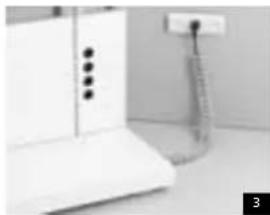
natural_image
Interior view of a kitchen appliance with a cabinet and hanging tube (no visible text or symbols)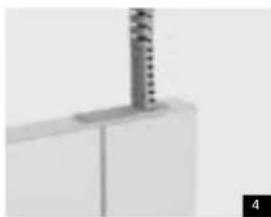
natural_image
Close-up of a white cabinet or shelf with a metallic cylindrical object inserted vertically (no visible text or symbols)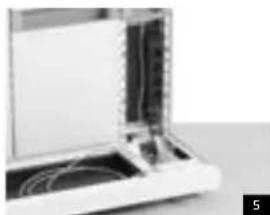
natural_image
Close-up of a laptop with visible internal components and cables (no text or symbols)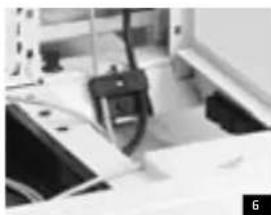
natural_image
Close-up of a mechanical device with a clamped component and paper-like components (no visible text or symbols)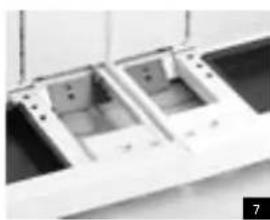
natural_image
Close-up of two white plastic or metal compartments with mounting holes, no visible text or symbols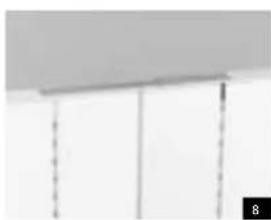
natural_image
Pure architectural detail showing vertical supports and a horizontal ceiling (no text or symbols)Français
natural_image
Pure structural diagram of a vertical beam supported by a horizontal rod, no text or symbols present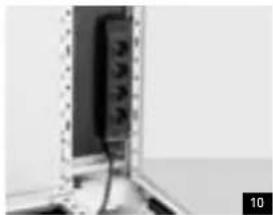
natural_image
Close-up of a wall-mounted electrical panel with wires and connectors (no visible text or symbols)Éclairage
natural_image
Pure electrical circuit lines without any symbols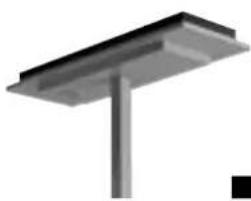
natural_image
Pure structural diagram of a metal beam supported by a vertical rod (no text or symbols)natural_image
Simple vertical line with a small wavy base, no text or symbols present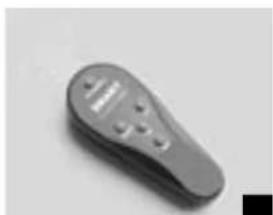
natural_image
Close-up of a gray remote control device with buttons and a handle (no visible text or symbols)natural_image
Simple line drawing of a street lamp mounted on a pole, no text or symbols presentnatural_image
Hand holding a white foam roller on a plain surface (no text or symbols visible)natural_image
Close-up of a hand holding a small black plastic clip (no text or symbols visible)Serrures
natural_image
Close-up of a hand holding a small black object with an arrow pointing to it (no visible text or symbols)natural_image
Exterior view of a simple wooden table with four legs (no text or symbols visible)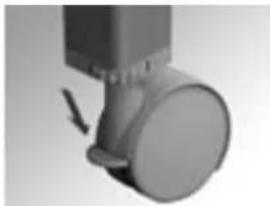
natural_image
Close-up of a mechanical component with a circular head and arrow indicator (no visible text or symbols)Tafels met wielen
natural_image
Close-up of a metallic door with a button and directional arrow indicating rotation (no text or symbols)Waterpas stellen
natural_image
Person sitting on a bench with hands resting on the lap, showing pressure measurement (no text or symbols visible)natural_image
Person sitting on a bench holding a pen, with a curved arrow labeled 'C' pointing downward (no text or symbols beyond the label)natural_image
3D rendered image of a simple table with four legs and a small protrusion, no text or symbols visible.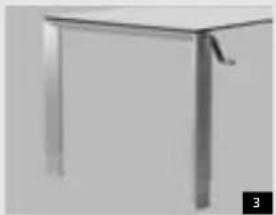
natural_image
Close-up of a metallic table with a handle and legs, no visible text or symbolsHbogte-instelbare tafels (HI)
natural_image
Close-up of a vertical panel with a black arrow pointing to the top section (no visible text or symbols)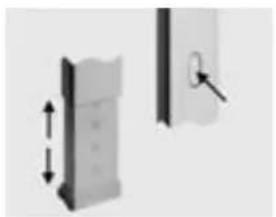
natural_image
Two mechanical components with arrows indicating vertical displacement, one with a lock icon (no text or symbols)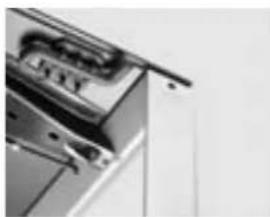
natural_image
Close-up of a kitchen appliance with a glass lid and door handle (no visible text or symbols)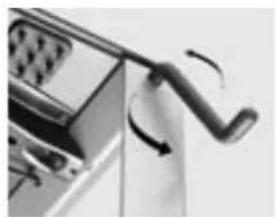
natural_image
Close-up of a mechanical lever mechanism with motion arrows (no text or symbols visible)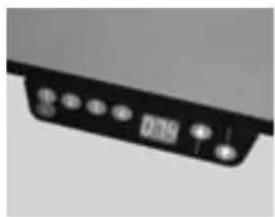
natural_image
Close-up of a black electronic device with a display and control buttons (no visible text or symbols)natural_image
Abstract grayscale geometric pattern with two vertical black dots and horizontal bands (no text or symbols)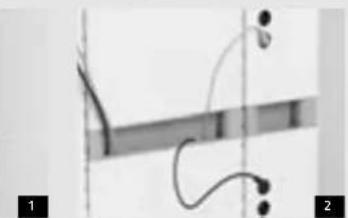
natural_image
Diagram of a medical or laboratory procedure showing a curved line with endpoints and a vertical line, labeled 1 and 2 (no text or symbols present)
natural_image
Close-up of two cylindrical objects against a plain background, no visible text or symbols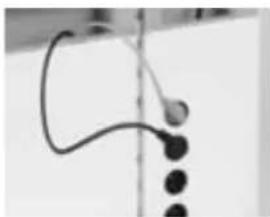
natural_image
Close-up of a curved black object with three dark circular elements, possibly a device or sensor, against a plain background (no text or symbols visible)Snoerenberging
De overtollige apparatensnoer- lengten in de snoerenberging opbergen.
natural_image
Close-up of a hand adjusting a cylindrical object with a handle (no visible text or symbols)Kabelclips
Kabelclips inklikken in de accessoiresleuven van de vertical desk.
Nederlands
natural_image
Pure mechanical component diagram without any text, numbers, or symbols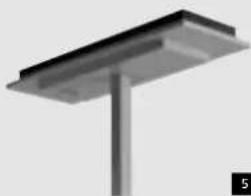
natural_image
3D rendering of a metal support structure with a vertical rod (no text or symbols visible)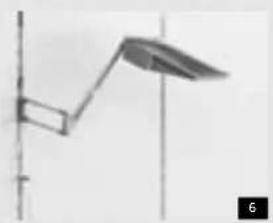
natural_image
Simple line drawing of a vertical pole with a curved arm and leaf-shaped extension (no text or symbols)5
Verlichting
Indirecte verlichting
natural_image
Close-up of a gray remote control device with buttons and a display (no visible text or symbols)Afstandbediening
natural_image
Pure electrical circuit lines without any symbolsTaakverlichting
natural_image
Hand holding a small electronic device with a screen, possibly a timer or scanner (no visible text or symbols)Vaste vertical desks
natural_image
Minimalist abstract sculpture with layered geometric forms on a plain background (no text or symbols)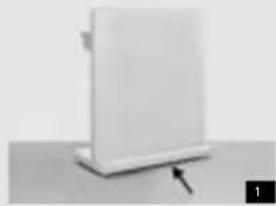
natural_image
White rectangular object with a small protrusion and an arrow pointing to its base, placed on a flat surface (no text or symbols visible)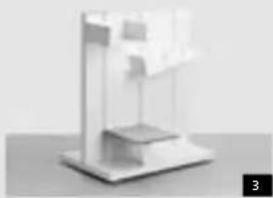
natural_image
3D rendered abstract geometric structure with layered planes and a small rectangular base (no text or symbols)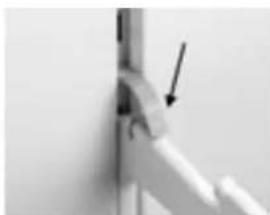
natural_image
Close-up of a mechanical joint or bracket with an arrow pointing to a detail (no visible text or symbols)Steunen losnemen
natural_image
Pure mechanical diagram showing a vertical rod with two downward arrows indicating force or motion (no text or symbols)Steuinen plaatsen
natural_image
Pure geometric lines forming a right triangle with an arrow indicating direction (no text or symbols)natural_image
Exterior view of a modern office building (no signage)Legborden losnemen
natural_image
White shelf with a small white object on top, placed on a tiled wall (no text or symbols visible)Legborden plaatsen
natural_image
Exterior view of a metal enclosure or storage unit with no visible text or symbolsnatural_image
Simple black T-shaped object with a vertical axis and an arrow pointing to its top (no text or symbols)natural_image
Close-up of a white electronic device with a black screen and an arrow pointing to it (no visible text or symbols)natural_image
Abstract geometric pattern with vertical lines and horizontal bars, no text or symbols presentnatural_image
Close-up of a cylindrical object with internal structure and two curved arrows indicating rotation (no text or symbols)natural_image
Person holding a white rectangular box on a wall, no visible text or symbolsOpen box
natural_image
Close-up of a hand holding a small object with a curved arrow indicating rotation (no text or symbols visible)Afsluiten kastjes
Klepdeurkast:
natural_image
Close-up of a white kitchen appliance with a vertical button and a base (no text or symbols visible)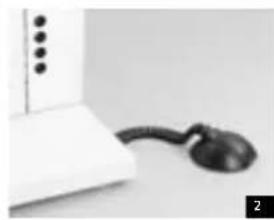
natural_image
Close-up of a white electronic device with a black cord and connector (no visible text or symbols)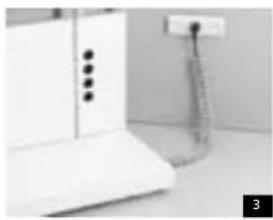
natural_image
Interior view of a kitchen appliance with white cabinet and hanging stand (no visible text or symbols)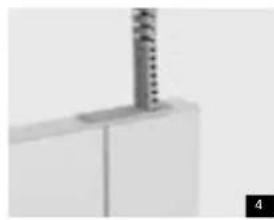
natural_image
Close-up of a white cabinet or shelf with a metallic cylindrical object inserted vertically (no visible text or symbols)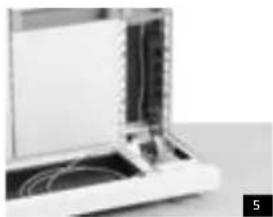
natural_image
Close-up of an open electronic device with visible internal components and wiring (no text or symbols)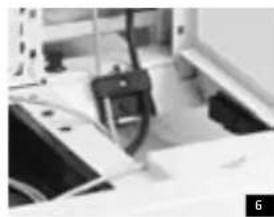
natural_image
Close-up of a mechanical device with a clamped component and a paper sheet, no visible text or symbols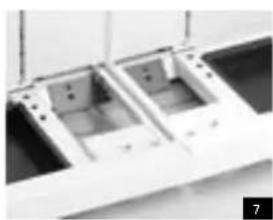
natural_image
Close-up of two open plastic or plastic housing compartments with mounting holes (no visible text or symbols)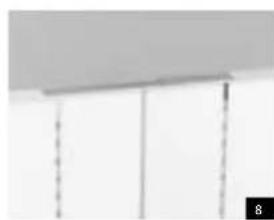
natural_image
Close-up of a ceiling-mounted panel with vertical dashed lines and a numbered label '8' in the corner (no text or symbols on panels)Nederlands
natural_image
Pure 3D rendering of a simple structure with a vertical column and rectangular base, no text or symbols visible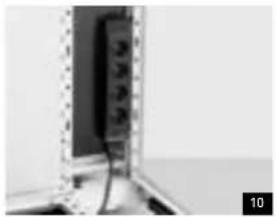
natural_image
Close-up of a wall-mounted electronic device with visible circuit lines and components (no text or symbols)Verlichting
Indirecte verlichting op vertical desks
natural_image
Pure electrical circuit lines without any symbols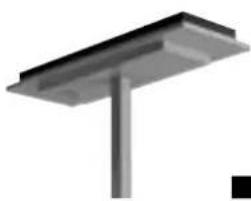
natural_image
Pure structural diagram of a metal beam supported by a vertical rod (no text or symbols)natural_image
Simple vertical line with a small wavy base, no text or symbols present
natural_image
Close-up of a gray plastic remote control knob (no text or symbols visible)natural_image
Simple line drawing of a street lamp mounted on a pole, no text or symbols present15
Nederlands
On derhoud
natural_image
Hand holding a white foam roller on a plain surface (no text or symbols visible)Bladen reinigen
natural_image
Close-up of a hand holding a small object against a dark vertical panel (no visible text or symbols)Sloten
natural_image
Close-up of a hand holding a black plastic clip (no visible text or symbols)natural_image
Close-up of a hand holding a small object with an arrow pointing upward (no visible text or symbols)Ahrend. Always ready for things to come

- Nastavení výšky
- Úprava výšky
- Zasuňte kliku do otvoru.
- Uloženi kabelů
- Kabelové svorky
- Osvětlení
- Nepřimé osvětlení
- Dálkové ovládání
- Pracovni osvětleni
- Sejmuti držáků
- Připevnění držáků
- Vyjmuti poliček
- Zavěšeni poliček
- Čištění desek
- Tische mit Rollen
- Die Höhe verstellen
- Kabelfach
- Kabelclips
- Beleuchtung
- Fernbedienung
- Arbeitsleuchte
- Mobiler Vertical Desk
- Stützen demontieren
- Stützen anbringen
- Regalbretter demontieren
- Regalbretter anbringen
- Table height
- Fixed table height
- English
- Adjustable-height tables (HI)
- Variable-height tables (HV)
- Variable-height tables with electronic drive (HVE)
- The height of your chair
- Footrest
- Adjusting the height
- Electrification
- Safety
- Connections and cable guides
- Cable clamps
- Cable dumps
- Lighting
- Indirect lighting
- Energy-saving light level control
- Manual remote control
- Task lighting
- Remote control
- The vertical desk
- Accessories
- Mobile vertical desk
- Fixed vertical desks
- Removing supports
- Installing supports
- Removing shelves
- Installing shelves
- Loading
- Maximum permissible loading of vertical desks
- Example:
- Electrifi cation of the workstation by authorised installation engineer
- Standards
- Cable management
- Power supply for vertical desks
- Horizontal cable guides and cable dumps
- Data cables
- Indirect lighting on vertical desks
- Energy-saving controls
- Manual programming
- Wall-mounted lighting fi tting
- Maintenance
- Maintenance-free parts
- Service
- Tools
- Cleaning work surfaces
- Cleaning plastic parts
- Español
- Ahrend 700
- Mesas con ruedas
- Nivelar
- Pinzas para cables
- Iluminación
- Mando a distancia
- Iluminación directa
- Soltar los soportes
- Colocar soportes
- Soltar las baldas
- Colocar baldas
- Open box
- Cerrar armarios
- Mantenimiento
- Limpiar tableros
- Mise de niveau
- Éclairage
- Éclairage indirect
- Télécommande
- Lampe de travail
- Bureau vertical mobile
- Placer les supports
- Placer les étagères
- Français
- Serrures
- Tafels met wielen
- Waterpas stellen
- Hbogte-instelbare tafels (HI)
- Snoerenberging
- Nederlands
- 5
- Verlichting
- Indirecte verlichting
- Afstandbediening
- Taakverlichting
- Vaste vertical desks
- Steunen losnemen
- Steuinen plaatsen
- Legborden losnemen
- Legborden plaatsen
- Indirecte verlichting op vertical desks
- On derhoud
- Bladen reinigen
- Sloten
Brand : Ahrend
Model : 700
Category : Office