ManualGo.com
Insisible Scart 300 - Hi-fi system MARMITEK - Free user manual and instructions
Find the device manual for free Insisible Scart 300 MARMITEK in PDF.



Download the instructions for your Hi-fi system in PDF format for free! Find your manual Insisible Scart 300 - MARMITEK and take your electronic device back in hand. On this page are published all the documents necessary for the use of your device. Insisible Scart 300 by MARMITEK.
USER MANUAL Insisible Scart 300 MARMITEK
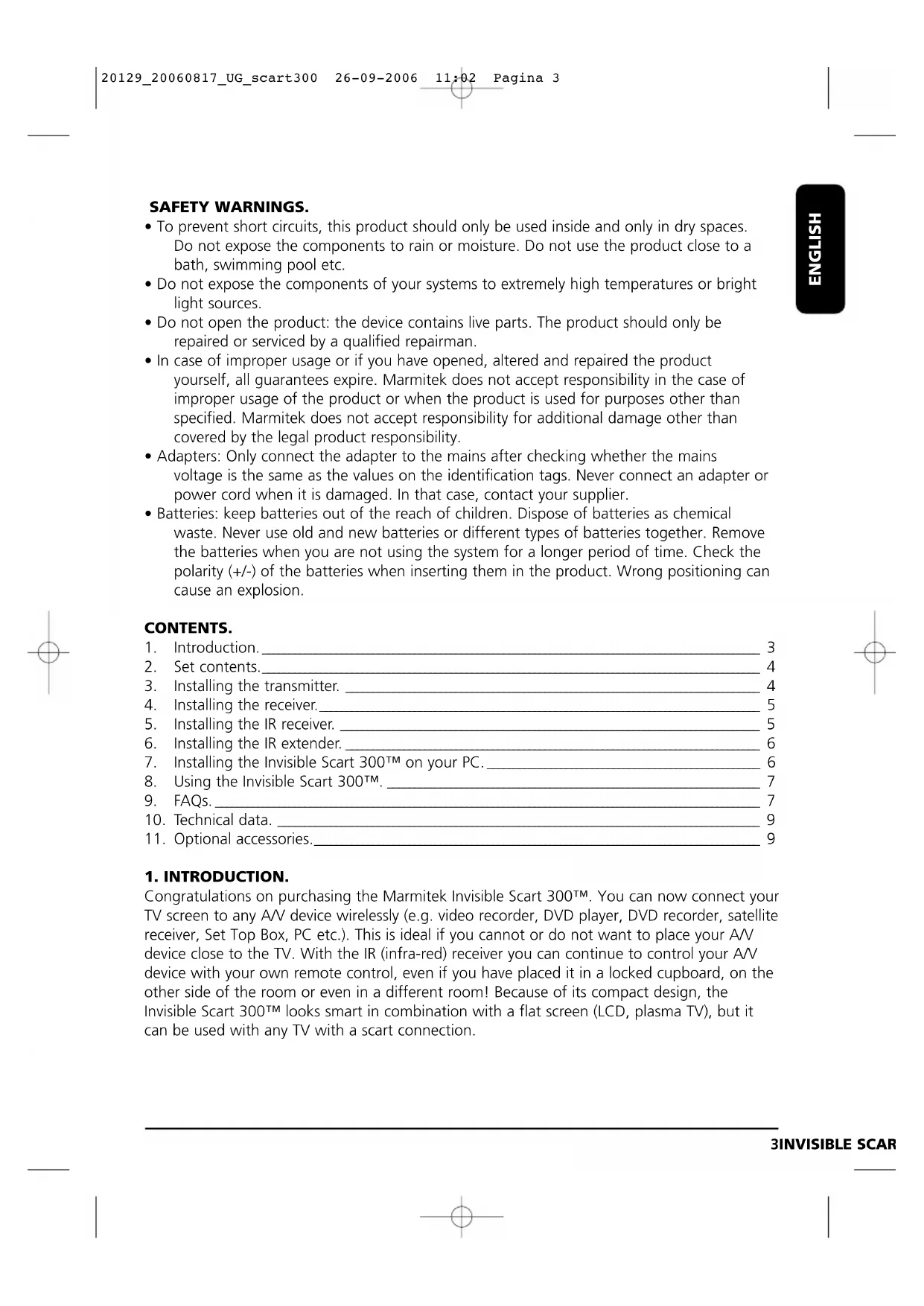
- To prevent short circuits, this product should only be used inside and only in dry spaces. Do not expose the components to rain or moisture. Do not use the product close to a bath, swimming pool etc.
- Do not expose the components of your systems to extremely high temperatures or bright light sources.
- Do not open the product: the device contains live parts. The product should only be repaired or serviced by a qualified repairman.
- In case of improper usage or if you have opened, altered and repaired the product yourself, all guarantees expire. Marmitek does not accept responsibility in the case of improper usage of the product or when the product is used for purposes other than specified. Marmitek does not accept responsibility for additional damage other than covered by the legal product responsibility.
- Adapters: Only connect the adapter to the mains after checking whether the mains voltage is the same as the values on the identification tags. Never connect an adapter or power cord when it is damaged. In that case, contact your supplier.
- Batteries: keep batteries out of the reach of children. Dispose of batteries as chemical waste. Never use old and new batteries or different types of batteries together. Remove the batteries when you are not using the system for a longer period of time. Check the polarity (+/-) of the batteries when inserting them in the product. Wrong positioning can cause an explosion. CONTENTS.
Congratulations on purchasing the Marmitek Invisible Scart 300™. You can now connect your TV screen to any A/V device wirelessly (e.g. video recorder, DVD player, DVD recorder, satellite receiver, Set Top Box, PC etc.). This is ideal if you cannot or do not want to place your A/V device close to the TV. With the IR (infra-red) receiver you can continue to control your A/V device with your own remote control, even if you have placed it in a locked cupboard, on the other side of the room or even in a different room! Because of its compact design, the Invisible Scart 300™ looks smart in combination with a flat screen (LCD, plasma TV), but it can be used with any TV with a scart connection. 3INVISIBLE SCART 300™ ENGLISH 20129_20060817_UG_scart300 26-09-2006 11:02 Pagina 32. SET CONTENTS. 1 Transmitter. 1 Receiver (scart). 1 IR receiver. 2 Power adapters. 1 IR extender with 3 LEDs. 1 3.5 mm jack plug/RCA adapter (audio). 1 RCA/RCA cable (white/red/yellow). 1 Scart/scart RCA adapter. 1 User manual.
3. INSTALLING THE TRANSMITTER.
See images 1 and 2. The transmitter can be connected to any A/V device.
1. Connect the RCA/RCA cable to the ‘A/V IN’ on the back of the transmitter [C+D]. Make
sure the colours of the plugs and the connectors correspond.
2. Connect the other side of the RCA/RCA cables to the A/V device from which you want
the signal to be transmitted. If the A/V device has a scart connection, we advise you to use it. Plug the scart/scart RCA adapter included into the scart connection of your A/V device. If another scart cable has already been connected to the ‘OUT’ connection of your A/V device, you should remove it. Plug the scart/scart RCA adapter into the scart connection of your A/V device. The cable you just removed from the A/V device can be reconnected to the back of the scart/scart RCA adapter. This ensures that the original connection is preserved. Connect the RCA/RCA cable to the yellow, red and white connections on the scart/scart RCA adapter. See image 1 for more details.
3. Switch the channel selector [A] (A-B-C-D) to A.
5. Insert the power adapter included into a wall
socket (230V-50Hz) and plug the adapter into the ‘DC IN’ [E] on the back of the transmitter. Please only use the adapter from this set!
6. Turn the ON/OFF switch [B] to ‘ON’.
7. Place the transmitter on an easily accessible
place, preferably with space all around it. Aim the flat side of the satellite dish [K] at the receiver.
8. Extend the stick antenna [J] on the side.
Connecting the Invisible Scart 300™ transmitter to multiple devices: If you have multiple A/V devices, these are proba- bly all connected to your TV in series. To be able to transmit the signals of e.g. both your video recorder and satellite receiver, you should connect the transmitter between the last A/V device and your TV.
1. Plug the receiver into the free scart IN of
your TV (e.g. ‘AV IN’ or ‘EXT 1’) you want to watch the signal on.
2. Switch the channel selector [A] on the side
3. Turn the ON/OFF switch [B] to ‘OFF’.
4. Insert the power adapter included into a
wall socket (230V-50Hz) and plug the power adapter into the DC IN [E] on the back of the transmitter. Please only use the adapter from this set!
5. Turn the ON/OFF switch [B] to ‘ON’.
1. Open the IR receiver by sliding
the battery lid on the back downwards.
2. Insert 2 AAA 1.5V batteries
(not included) in the IR recei- ver. Make sure the polarity is correct (+/-). This is indicated on the inside of the IR receiver. 5INVISIBLE SCART 300™ ENGLISH Image 2Image 3Image 5Image 4
Because of the wireless technology the IR receiver can be placed wherever you want. It is however important that it is within view and range of the remote control of the A/V device you want to control. Check different positions to check which one works best.
Connect the IR extender included to the ‘IN’ [F] on the back of the transmitter (image 2).
2. Remove the protective layer of one of the IR LEDs. Place this IR LED on the IR screen of
the A/V device you want to control. Do not yet attach it permanently. Before pushing it on, check whether the IR LED is working. Aim your original remote control at the screen on the front of the separate IR receiver and select some channels. If the A/V device does not react, it might be because the IR LED is not in the correct place. With some devices the IR LED needs to be attached to a specific spot. The second and third IR LEDs can be used to control a second and third A/V device. If you are not using these IR LEDs, don’t remove them!
7. INSTALLING THE INVISIBLE SCART 300™
TO YOUR PC. The Invisible Scart 300™ should be connec- ted to the ‘TV-out’ or ‘Video-out’ of your PC. This connection can usually be found on the graphics card. The signal you should offer is a so-called ‘composite video signal’, also called CVBS. . The connection to your graphics card can look as follows (see image 6):
- Yellow RCA connection. If your PC has such a connection, you can just plug the RCA/RCA cable into the yellow connection of your transmitter.
- DIN plug (S-VIDEO). If you have an S-VIDEO connection, you cannot directly plug the transmitter into your PC, but you need an adapter cable. This cable will turn your S-VIDEO signal into a composite video signal. The cable is usually supplied when you buy a graphics card (PC) with ‘TV-out’, but is also available via your Marmitek dealer (Art. nr. 09388). Sometimes the standard cable does not connect to the PC. In that case you should 6 MARMITEK Image 6 Graphics card Sound card Yellow Red White WhiteYellow RCA Yellow Red 20129_20060817_UG_scart300 26-09-2006 11:02 Pagina 6contact the supplier of the graphics card. For use of the ‘TV-out’ you should alter certain settings in the graphics card menu. These differ per PC and operating systems, but usually the right mode needs to be selected, in this case ‘composite’, ‘CVBS’ or ‘PAL-B/G’. Usually the manual with your PC or graphics card contains information on how to do this. As there are too many different types of graphics cards, we are unable to help you with this. To transmit sound, you can use the audio OUT on the sound card of your PC using the 3.5 mm jack plug/RCA adapter.
8. USING INVISIBLE SCART 300™.
1. Make sure your A/V device is switched on.
2. Switch the TV connected to the receiver to the correct scart IN. Usually this means pres-
sing the 0 or A/V button. You should immediately get an image. The TV should not have to search for channels with the Invisible Scart 300™.
Because of the high frequency, the signal is slightly direction sensitive. The transmitter’s antenna has been designed in such a way that it can be turned into different directions. For an optimal reception, the small dish antenna [K] should be aimed at the receiver. Sometimes reflections can occur. In that case, move the transmitter or slightly turn the receiver.
4. You can now control your A/V device with the original remote control, by aiming it at the
IR receiver included or the IR screen of your A/V device.
5. If you have connected the A/V transmitter to an A/V device with a built-in tuner (e.g. a
DVD recorder, video recorder or satellite receiver), you can, independent from TV-1, select and view channels on TV-2 (which is connected to the receiver). This is also possible if TV- 2 is in a room without an antenna connection. TV-2 should be set for the video channel. You can select the TV channel on TV-2 using the remote control for the device connected to the transmitter (e.g. the DVD recorder).
I do not receive a signal.
- Check whether the channel selector (images 1 and 2) [A] of both the receiver and trans- mitter are set to the same value.
- Check whether both units are set to ‘ON’ (images 1 and 2) [B].
- Check whether the TV is set to the right ‘A/V IN’. The signal I receive is weak.
- Try another channel (make sure both units are still set to the same channel).
- Slightly alter the position of the transmitter and/or receiver.
- You might be at the extreme end of the range. The range of the device can be influenced by local circumstances, such as a Wireless LAN network (WLAN). 7INVISIBLE SCART 300™ ENGLISH Marmitek S-VIDEO composite video adapter (artnr. 09388) S-Video - Composit Video Adapter
S-VIDEO Image 7 20129_20060817_UG_scart300 26-09-2006 11:02 Pagina 7The image and sound are perfect, but the IR return signal does not work. Check the following guidelines:
- Depending on local circumstances, the 2.4GHz A/V signal can have a larger range than the 433MHz signal of the IR receiver. Try testing shorter distances.
- Only use new (fully charged), non-rechargeable, alkaline AAA batteries for your IR recei- ver.
- Check whether the light on the IR receiver flashes red when using the remote control.
- Is the IR LED correctly connected to the transmitter?
- Is the IR LED correctly attached to the IR screen of I/V device?
- Moving the IR receiver can often solve the problem. Just moving it 30 cm to the left or right can make a big difference. I do see an image, but do not get any sound. The Invisible Scart 300™ can transmit analogue stereo signals, such as e.g. Dolby Surround. Digital systems such as Dolby 5.1 or Dolby Digital cannot be transmitted. Does the Invisible Scart 300™ cause a conflict with my wireless network (WLAN)? Both systems use the same frequency band (2.4GHz). Some interference may occur. The Invisible Scart 300™ can use different channels within the frequency band (A, B, C, D). Choose the channel that produces the least interference. Can I combine multiple receivers? Yes, the signal you receive will however be the same on all receivers. Can I combine multiple transmitters? You can use a maximum of 4 transmitters in combination with one or more receivers. You can set up 4 different channels for the transmitters (A, B, C, D). The IR return channel cannot be set to a different value, which means it works the same for the entire system. The Invisible Scart 300™ transmitters and receivers also work with the transmitters and receivers of the GigaVideo45 and the Invisible Scart 200™. Has your question not been answered? Then go to www.marmitek.com for more information. 8 MARMITEK 20129_20060817_UG_scart300 26-09-2006 11:02 Pagina 810. TECHNICAL DATA. INVISIBLE SCART 300™ TRANSMITTER. Range: Up to 100m free field, up to 30m through walls and ceilings. Power: 230VAC/50Hz, 6VDC 300mA. Frequency: Audio/Video: 2,4GHz, 4 channels (A, B, C, D). IR: 433.92 MHz. A/V input: 3x RCA (2x Audio, 1x Video). Video input: 1Vpp (typ) 75 Ω. Audio input: 1Vpp (typ) 600 Ω. Audio: Stereo. Dimensions: 92x85x140mm (with antenna extended). INVISIBLE SCART 300™ RECEIVER. Power: 230VAC/50Hz, 6VDC 300mA. Frequency: 2.4GHz, 4 channels (A, B, C, D). A/V output: Scart. Video output: 1Vpp (type) / 75 Ω. Audio output: 1Vpp (type) / 600 Ω. Audio: Stereo. Dimensions: 92x58x20mm. IR RECEIVER. Power: 2 x AAA 1.5V non-rechargeable alkaline batteries (not included). Frequency: 433.92Mhz.
11. OPTIONAL ACCESSORIES.
Marmitek Flat TV Link 4 The Flat TV Link 4 gives you the opportunity to connect all types of A/V equipment to your Scart 300™ transmitter or your TV screen, retaining signal quality. For more information go to: www.marmitek.com. Marmitek EasyControl 8™ or Marmitek EasyTouch35™ With both universal remote controls you can con- trol 8 A/V devices: TV, video, DVD, cable, satellite, audio, Marmitek X10 and digital satellite. They will always work because of the preprogrammed codes and learning mode. The remote controls work through walls and ceilings and can be combined with the Invisible Scart 300™ transmitter. The EasyTouch35™ has a useful touch-screen with light-blue backlighting. For more information go to: www.marmitek.com. 9INVISIBLE SCART 300™ ENGLISH Flat TV Link 4 EasyTouch 35EasyControl 8 20129_20060817_UG_scart300 26-09-2006 11:02 Pagina 9Environmental Information for Customers in the European Union European Directive 2002/96/EC requires that the equipment bearing this symbol on the product and/or its packaging must not be disposed of with unsorted municipal waste. The symbol indica- tes that this product should be disposed of separately from regular household waste streams. It is your responsibility to dispose of this and other electric and electronic equipment via designated collection faci- lities appointed by the government or local authorities. Correct disposal and recycling will help prevent potential negative consequences to the environment and human health. For more detailed information about the disposal of your old equipment, please contact your local authorities, waste disposal service, or the shop where you purchased the product. 10 MARMITEK 20129_20060817_UG_scart300 26-09-2006 11:02 Pagina 10SICHERHEITSHINWEISE.
MARMITEK BV - P.O. BOX 4257 - 5604 EG EINDHOVEN – NETHERLANDS Marmitek is a trademark of Marmidenko BV. | Invisible Scart 300™ is a trademark of Marmitek BVAll rights reserved. Copyright and all other proprietary rights in the content (including but not limited to model numbers, software, audio, video, text and photographs) rests with Marmitek B.V. Any use of the Content, including without limitation, distribution, reproduction, modification, display or transmission without the prior written consent of Marmitek is strictly prohibited. 51INVISIBLE SCART 300™ 20129_20060817_UG_scart300 26-09-2006 11:02 Pagina 51www.marmitek.com 20129_20060817_UG_scart300 26-09-2006 11:02 Pagina 52