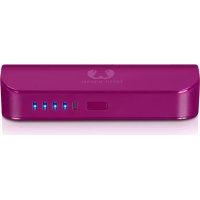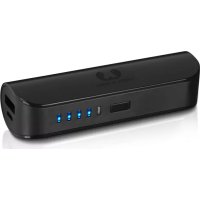
1PB100BL - Power bank FRESH N REBEL - Free user manual and instructions
Find the device manual for free 1PB100BL FRESH N REBEL in PDF.



| Product type | Portable battery (Powerbank) |
| Brand | FRESH N REBEL |
| Model | 1PB100BL |
| Battery capacity | 2600 mAh |
| Input power | 5 V / 1.5 A (max.) |
| Output power | 5 W |
| USB output | 5 V / 1 A |
| Powerbank charging time | Approximately 2 hours with a 5V/1.5A adapter |
| Dimensions | 31 x 95 x 24 mm |
| Weight | 72 g |
| Battery level indicator | 4 LED indicators (25%, 50%, 75%, 100%) |
| Charging indicator | Red LED on when charging, off when complete |
| Control button | Press to start charging or check battery status |
| Built-in protections | Overcurrent, overvoltage, overheating, overpower, short circuit |
| Operating temperature | 5°C to 35°C |
| Maintenance and cleaning | Do not open, do not expose to moisture, clean with a dry cloth |
| Warranty | 2 years (excluding accidental damage or misuse) |
| Spare parts and repairability | No user-serviceable parts, opening voids warranty |
| General information | Compliant with EN 300 328, ETSI EN 301 489 |
Frequently Asked Questions - 1PB100BL FRESH N REBEL
User questions about 1PB100BL FRESH N REBEL
0 question about this device. Answer the ones you know or ask your own.
Ask a new question about this device
Download the instructions for your Power bank in PDF format for free! Find your manual 1PB100BL - FRESH N REBEL and take your electronic device back in hand. On this page are published all the documents necessary for the use of your device. 1PB100BL by FRESH N REBEL.
USER MANUAL 1PB100BL FRESH N REBEL
natural_image
Abstract black-and-white symmetrical shape resembling a stylized letter or symbol (no text or symbols present)FRESH 'N REBEL
POWERBANK 2600mAh
manual
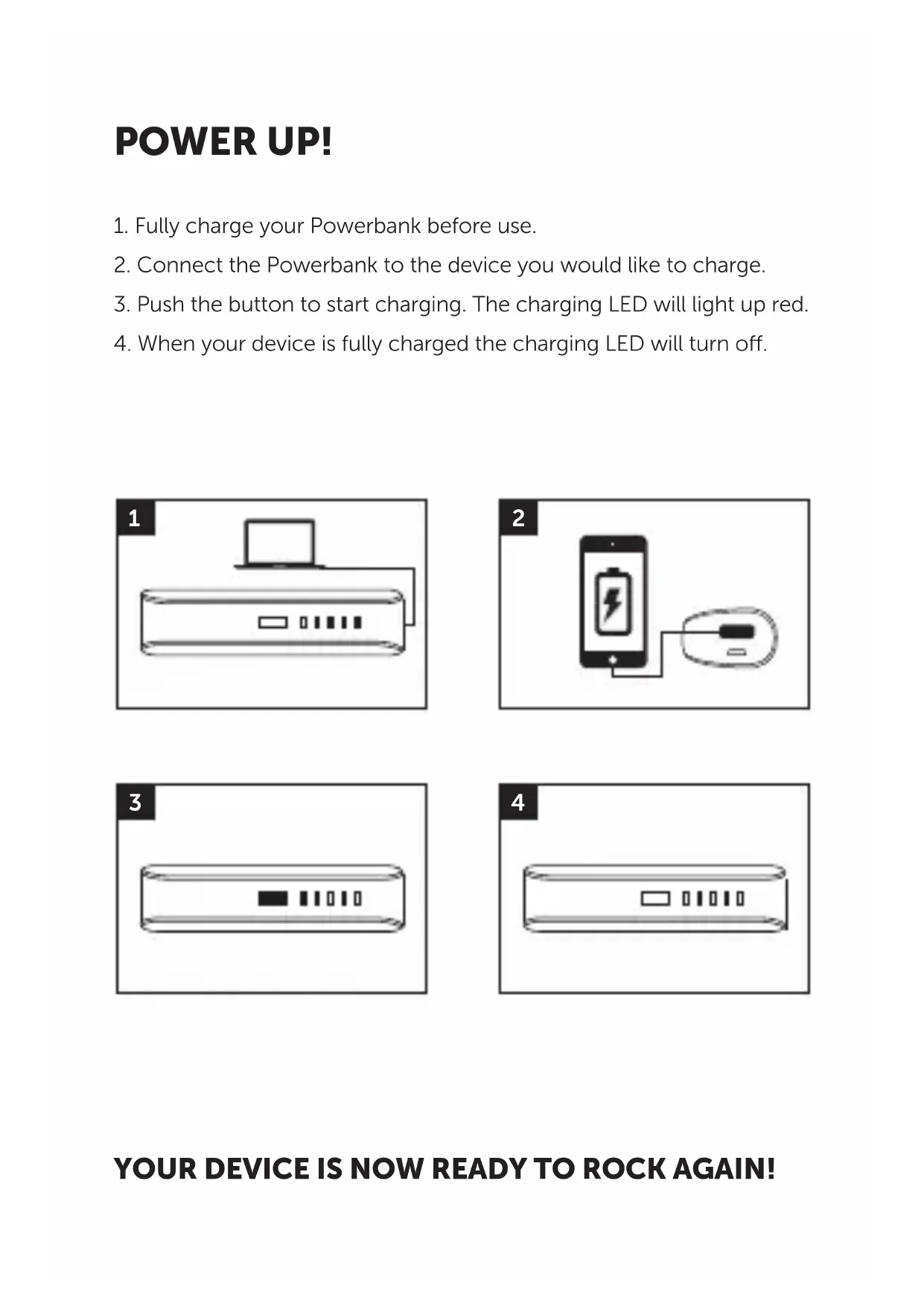
POWER UP!
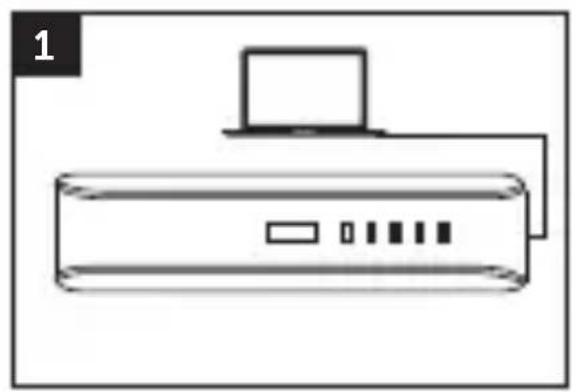
- Fully charge your Powerbank before use.
- Connect the Powerbank to the device you would like to charge.
- Push the button to start charging. The charging LED will light up red.
- When your device is fully charged the charging LED will turn off.
natural_image
Line drawing of a server with a laptop above it, no text or symbols present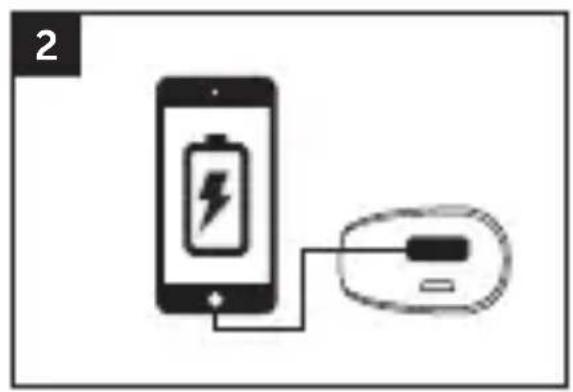
natural_image
Diagram showing a smartphone connected to a battery and a USB drive (no text or symbols)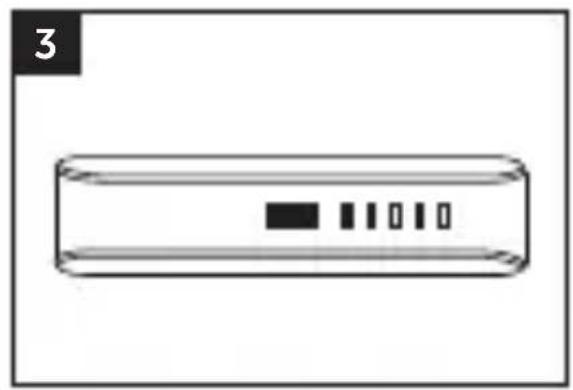
natural_image
Simple line drawing of a rectangular device with four vertical slots and a black square on the top (no text or symbols)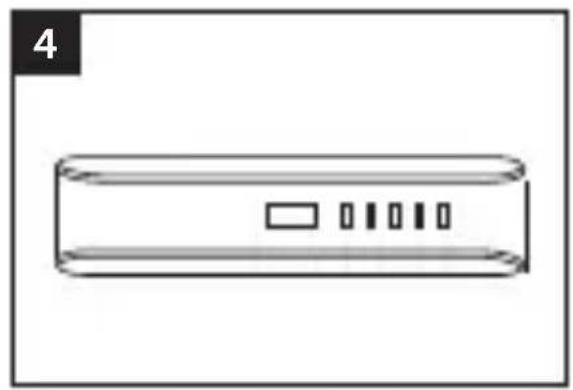
natural_image
Simple line drawing of a rectangular device with four vertical slots and a label '4' in the top-left corner (no text or symbols on the device itself)Charge your Powerbank
3. Button
Push to start charging
Push to read battery status
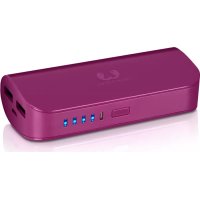
4. Charging LED
Red = charging your Powerbank
Off = Powerbank is fully charged
5. Battery indicator
1 light = 25% battery power left
2 lights = 50% battery power left
3 lights = 75% battery power left
4 lights = 100% battery power left
IMPORTANT SAFETY INSTRUCTIONS

Warning!
The safety guidelines are designed for you to get the maximum performance from your Fresh 'n Rebel products safely. To ensure reliable operation:
• Always follow all instructions and warnings closely.
- Read all instructions in the user manual carefully before operating the product
- Do not open the device; there are no serviceable parts inside and this will void your warranty.
- Do not use the product in a wet environment or conditions
- Do not operate the power adapter in or near a significant heat source, heat vent, or under direct sunlight for long durations. The product should be used between temperatures 5 °C - 35°C (41°F - 95°F).
- Do not cover the product with paper or other materials. This may obstruct with the cooling capacity of the product.
Warranty & Limitations
We warranty the product against defects in material and workmanship under normal usage for a period of 2 year from the date of purchase. During that period, defective products may be offered for repair or replacement at the store where the product was bought. The warranty does not cover accidental damage, wear and tear, incidental loss, or use beyond the instructions in the user manual.
Product Specifications
- Battery Capacity: 2600mAh
• DC Input: 5V / 1.5A (max.)
• Output Power: 5W - USB Output: 5V / 1A
• Dimensions: 31 X 95 X 24 mm
• Product Weight: 72 g
- Multiple Built-in Protection: Over Current Protection, Over Voltage Protection, Over Temperature Protection, Over Power Protection, Short Circuit Protection
POWER UP!
natural_image
Simple line drawing of a computer with monitor and ports (no text or symbols)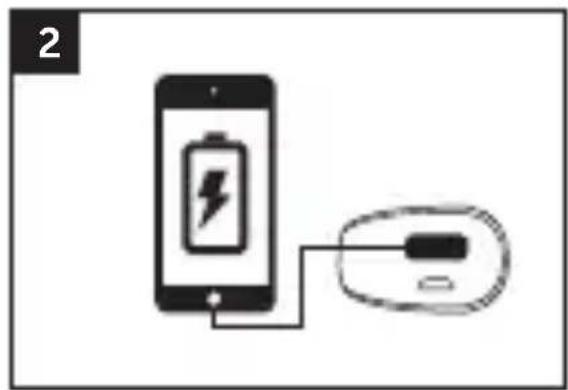
natural_image
Diagram showing a smartphone connected to a battery and a device (no text or symbols present)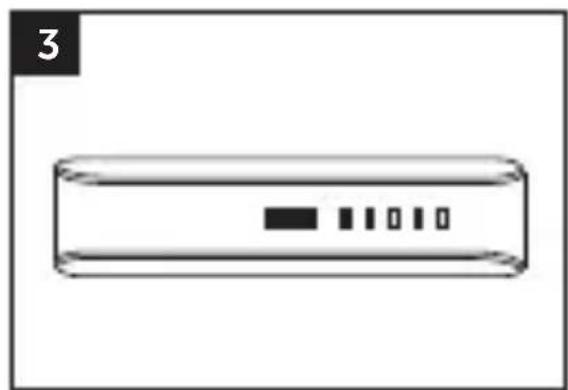
natural_image
Simple line drawing of a rectangular device with four vertical slots and a black rectangle on top (no text or symbols)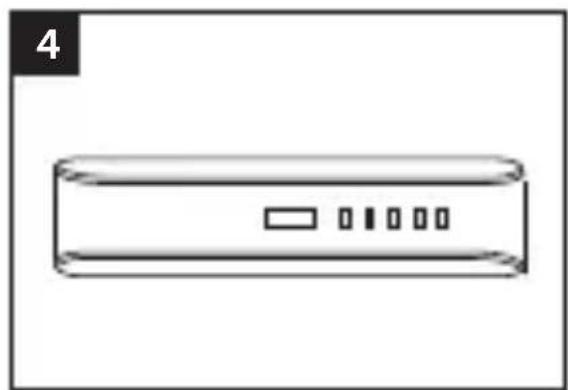
natural_image
Simple line drawing of a rectangular device with four small rectangular buttons on the side (no text or symbols)JE APPARAAT KAN ER NU WEER VOL TEGENAAN!
text_image
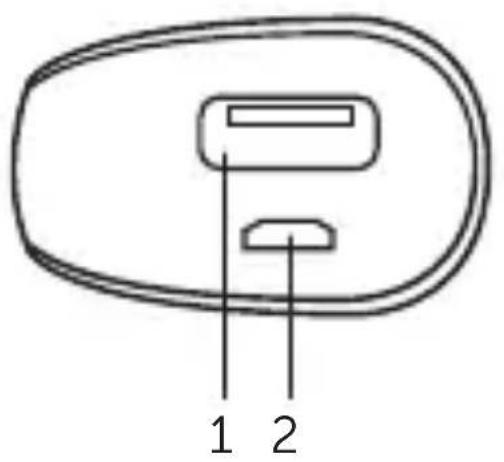
1 2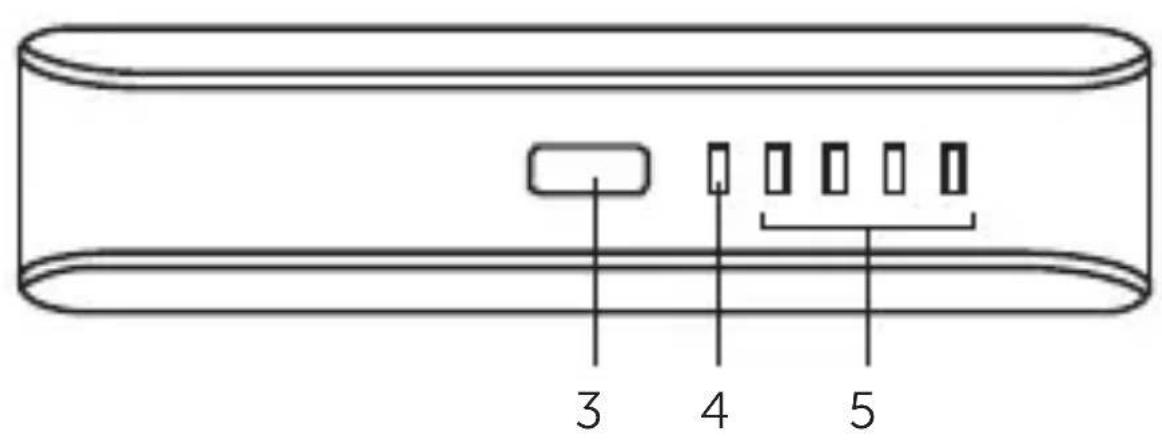
text_image
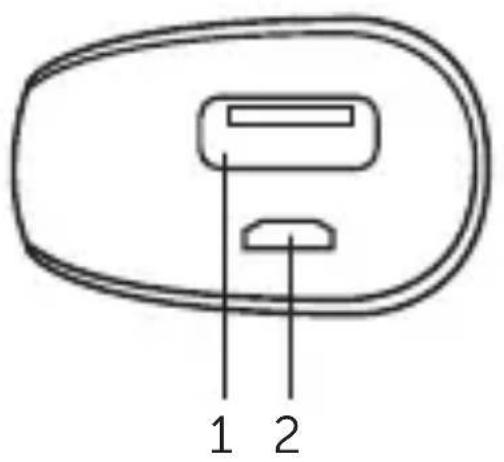
3 4 51. 1 Amp USB poort
Apparaten opladen
2. Micro-USBpoort
Je Powerbank opladen
3. Knop
Productspecifications
natural_image
Simple line drawing of a device with a laptop above it, no text or symbols present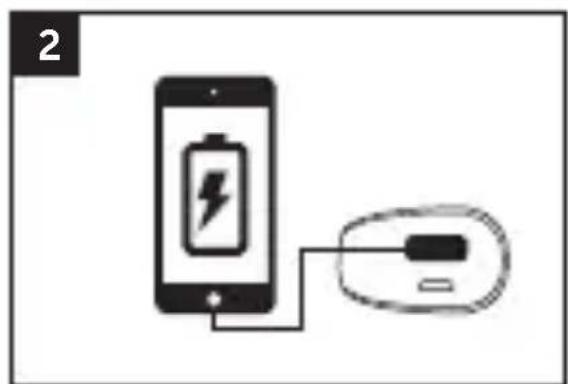
natural_image
Diagram showing a smartphone connected to a battery and a USB device (no text or symbols present)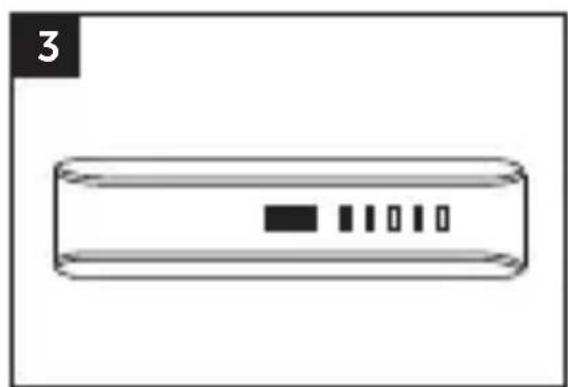
natural_image
Simple line drawing of a rectangular device with four vertical slots and a black square on the top (no text or symbols)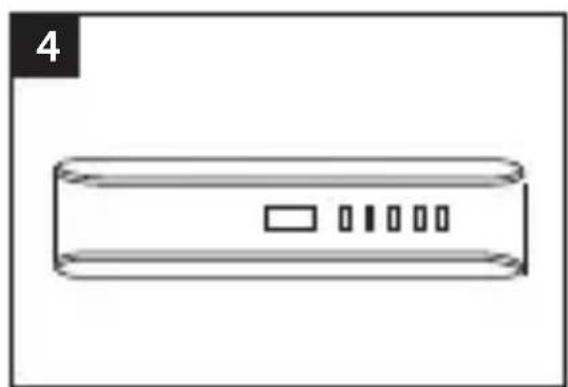
natural_image
Simple line drawing of a rectangular device with four internal slots and a label '4' in the top-left corner (no text or symbols on the device itself)natural_image
Simple line drawing of a server with a laptop and ports, no text or symbols present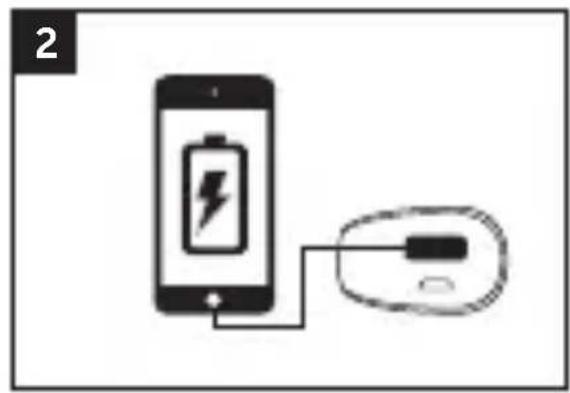
natural_image
Diagram showing a smartphone connected to a battery and an electronic device (no text or symbols present)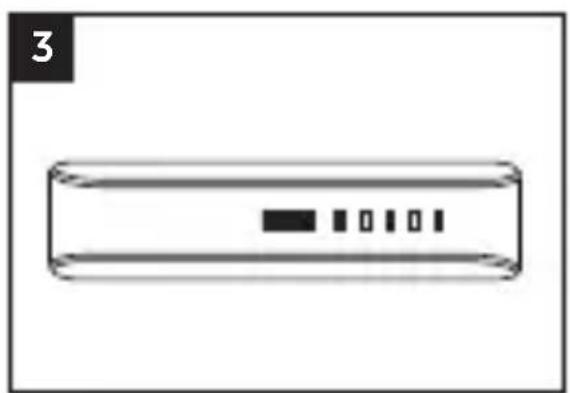
natural_image
Simple line drawing of a rectangular device with four small rectangular buttons inside, labeled '3' in the top-left corner (no text or symbols on the device itself)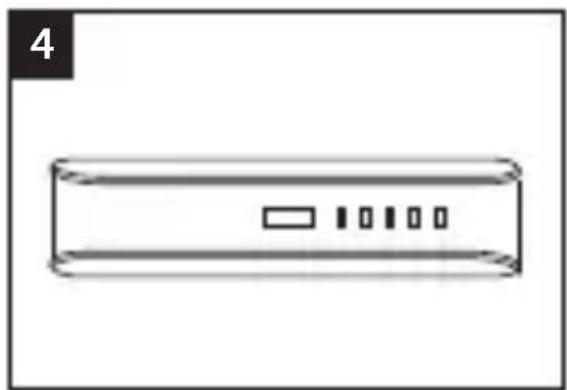
natural_image
Simple line drawing of a rectangular device with internal components and a label '4' in the top-left corner (no text or symbols on the device itself)natural_image
Simple line drawing of a printer with a laptop above it (no text or symbols)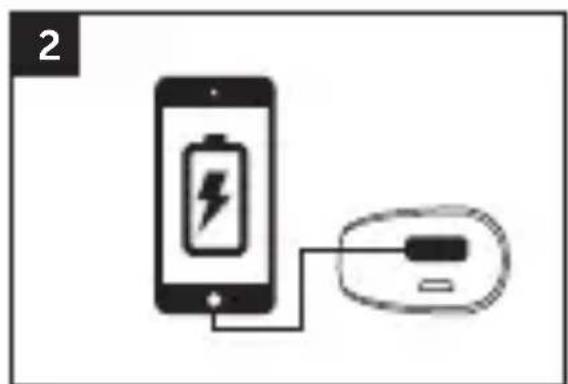
natural_image
Diagram showing a smartphone connected to a battery and a USB device (no text or symbols present)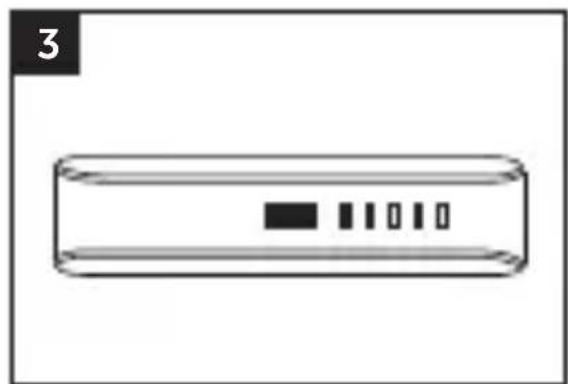
natural_image
Simple line drawing of a rectangular device with four vertical slots and a black square on the top (no text or symbols)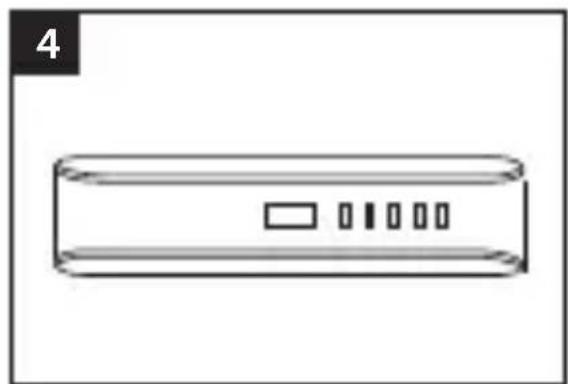
natural_image
Simple line drawing of a rectangular device with four internal slots and a label '4' in the top-left corner (no text or symbols on the device itself)natural_image
Simple line drawing of a server with a laptop above it, no text or symbols present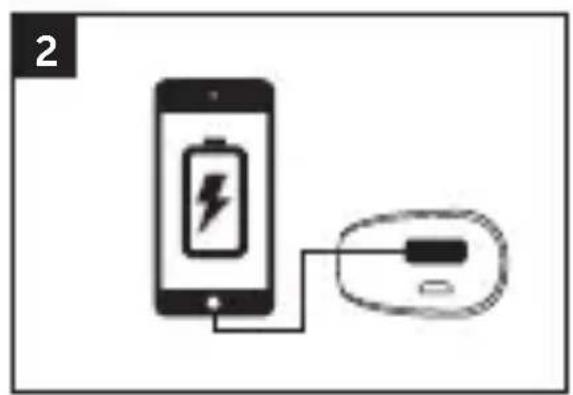
natural_image
Diagram showing a smartphone connected to a battery and an electronic device (no text or symbols present)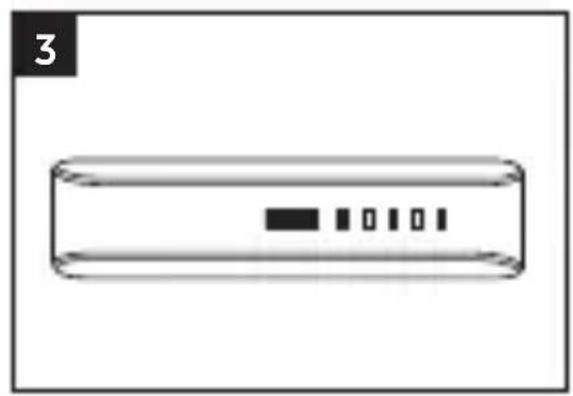
natural_image
Simple line drawing of a rectangular object with internal vertical lines and a black rectangle at the center (no text or symbols)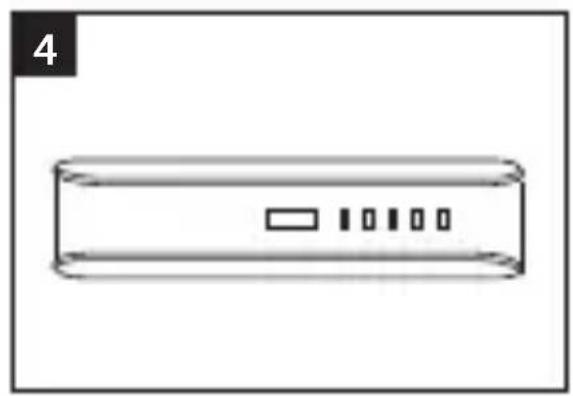
natural_image
Simple line drawing of a rectangular device with internal components and a label '4' (no text or symbols on the device itself)VOTRE APPAREIL EST ALORS PRÊT POUR LA FÊTE!
text_image
1 2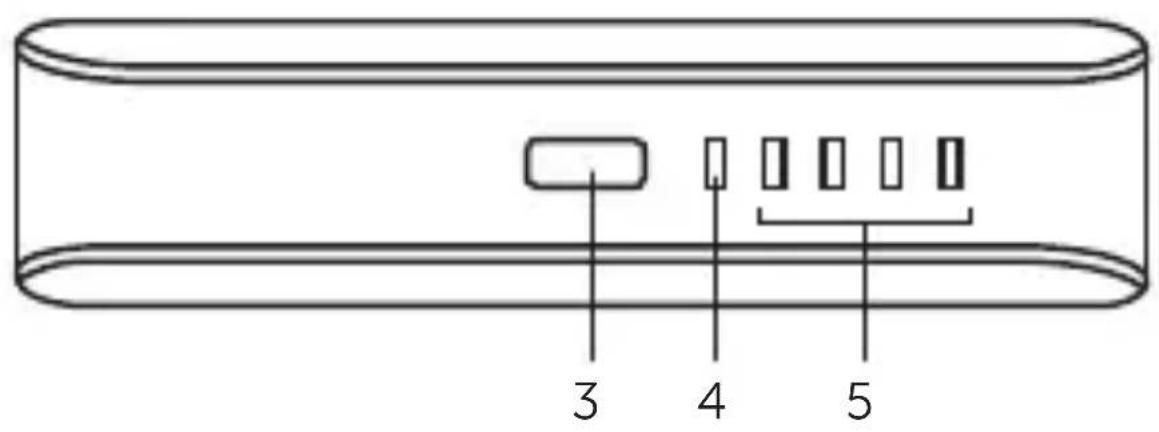
text_image
3 4 51. 1 Amp USB port
natural_image
Simple line drawing of a device with a laptop and ports (no text or symbols)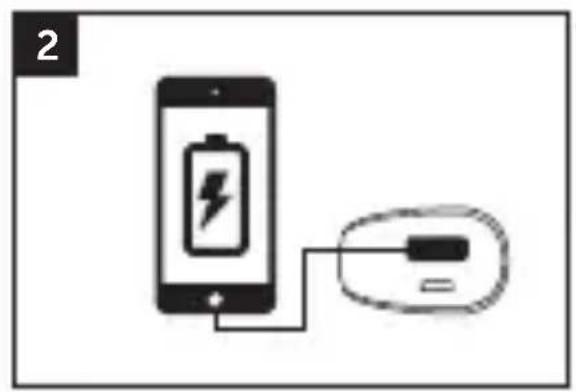
natural_image
Diagram showing a smartphone connected to a battery via a cable (no text or symbols present)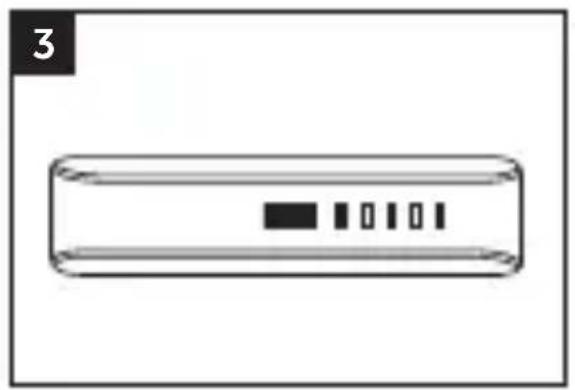
natural_image
Simple line drawing of a rectangular device with a black square and five vertical slots inside (no text or symbols)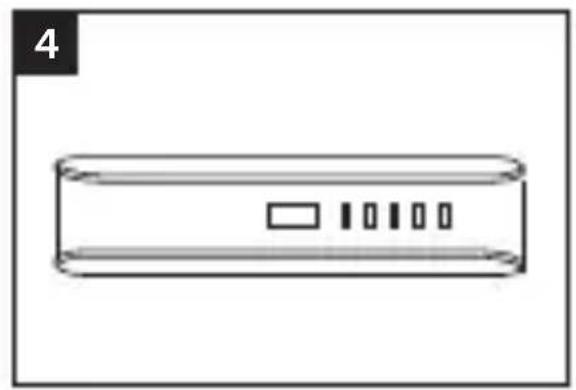
natural_image
Simple line drawing of a rectangular device with four vertical slots and a label '4' in the top-left corner (no text or symbols on the device itself)EC Declaration of Conformity
Sitecom Europe BV • Linatebaan 101 • 3045 AH • Rotterdam • The Netherlands
We declare under our sole responsibility that the following product:
Product number: 2PB100
Product description: Powerbank 2600mAh
Low Voltage Directive (LVD)
• EN 60950-1:2006
• EN 60950-1:2006/A12:2011
• EN 60950-1:2006/A1:2010
• EN 60950-1:2006/A11:2009
- UL 2919
Electromagnetic Fields (EMF)
• EN 62311:2008
Electro-Magnetic Compatibility (EMC) Directive
• ETSI EN 301 489-1 V1.9.2
Radio and Telecom Terminal Equipment Directive (R&TTE)
are fully in conformity with the essential requirements of the relevant EU Directives and other directives as listed below.
Sitecom Europe BV Rotterdam, 17-06-2013
M. Bergwerff,
Chief Operations Officer